

Most form builders let you collect data. The best ones help you convert visitors into qualified leads, and there's a meaningful difference between the two. Whether you're running a SaaS onboarding flow, a high-volume lead gen campaign, or a B2B demo request page, the form builder you choose directly impacts how many people complete the process and how useful those submissions actually are.
This guide focuses on tools built with conversion in mind: smart logic, clean UX, lead qualification, analytics, and integrations that connect to your actual sales workflow. We evaluated each option on ease of use, conversion-focused features, integration depth, and pricing transparency. If you're a high-growth team tired of watching leads drop off mid-form, this list is for you.
1. Orbit AI
Best for: High-growth SaaS and B2B teams who need forms that qualify leads, not just collect them.
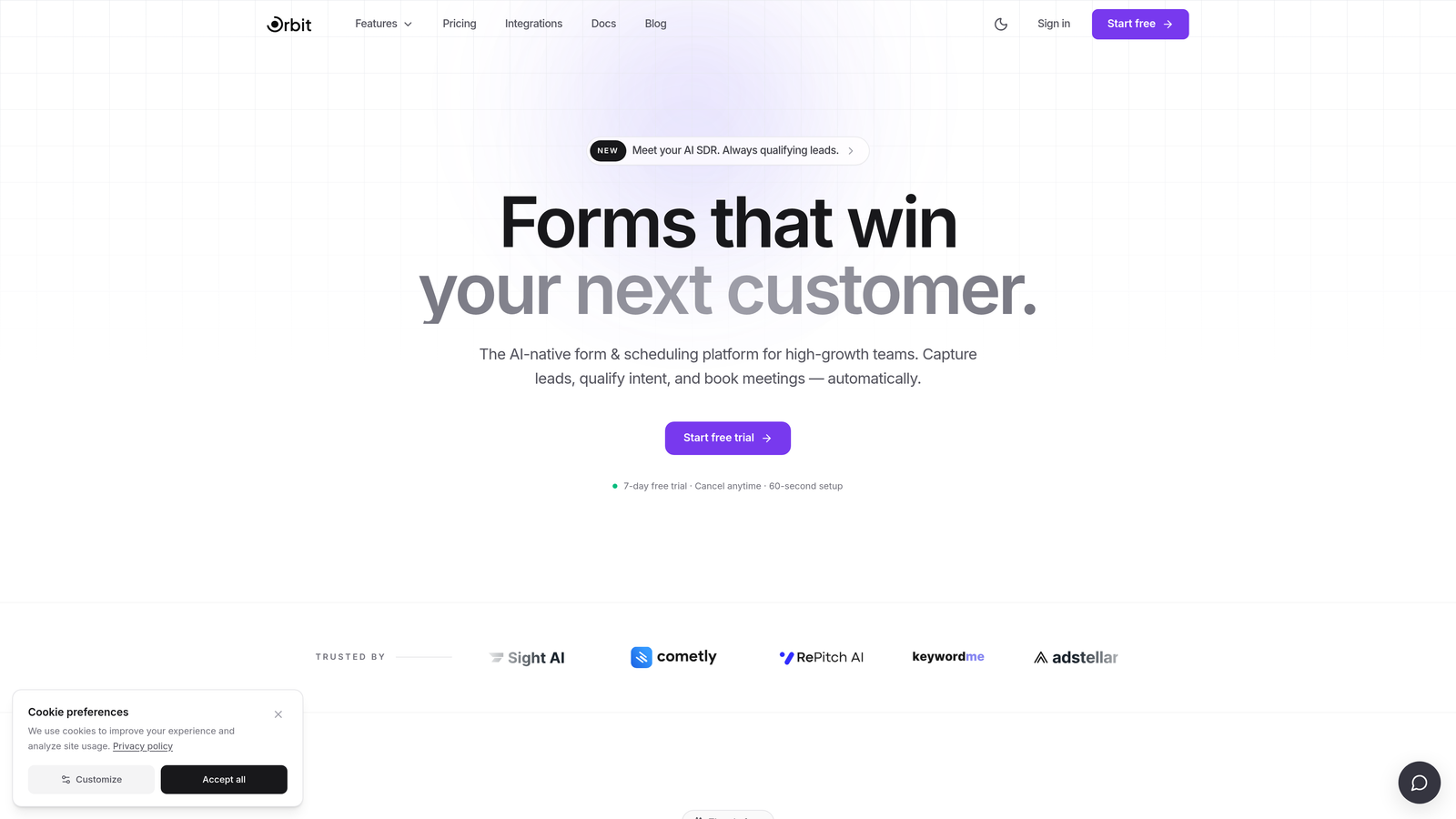
Orbit AI is an AI-powered form builder platform built specifically for conversion optimization and lead qualification.
Where This Tool Shines
Orbit AI sits in a category of its own among form builders because it was designed from the ground up with lead quality in mind, not just lead volume. Where most tools stop at collecting a name and email, Orbit AI's AI layer scores and routes leads automatically based on form responses, giving your sales team a qualified pipeline rather than a raw list to sort through.
The platform is clearly built for teams running serious acquisition workflows. The templates are tailored for SaaS and B2B use cases, the conditional logic is genuinely powerful, and the analytics dashboard keeps the focus on what matters: completion rates and lead quality, not just submission counts.
Key Features
AI-Powered Lead Qualification: Automatically scores and routes leads based on form responses, reducing manual sales triage.
Conversion-Optimized Templates: Pre-built templates designed specifically for SaaS and B2B conversion scenarios.
Drag-and-Drop Builder with Smart Branching: Conditional logic and smart branching let you create personalized form paths without writing code.
Native CRM and Sales Tool Integrations: Connects directly to the tools your sales team already uses, keeping lead data flowing without manual exports.
Conversion-Focused Analytics Dashboard: Tracks form completion rates and lead quality metrics in one place, so you can optimize based on what actually drives pipeline.
Best For
Orbit AI is the right choice for growth-focused SaaS companies, B2B marketing teams, and demand generation managers who need forms that do more than capture data. If lead qualification is a bottleneck in your sales process, this platform is purpose-built to solve that problem.
Pricing
Paid plans are available. Visit orbitforms.ai for current pricing details and plan options.
2. Typeform
Best for: Teams who want a conversational, interview-style form experience to improve completion on longer forms.
Typeform is a conversational form builder known for its one-question-at-a-time interface that creates an engaging, low-friction experience for respondents.

Where This Tool Shines
Typeform's core insight is that forms feel less intimidating when they present one question at a time. This approach works particularly well for longer forms where a wall of fields would cause drop-off. The design quality is consistently high, and respondents often describe the experience as feeling more like a conversation than a data entry task.
The integration ecosystem is broad, with solid connections to HubSpot, Salesforce, and Zapier. Built-in drop-off tracking helps you identify exactly where respondents abandon the form, which is genuinely useful for iterating on conversion.
Key Features
Conversational One-Question Format: Presents questions sequentially to reduce overwhelm and improve completion rates on longer forms.
Logic Jumps and Conditional Branching: Personalizes the form path based on previous answers.
Wide Integration Ecosystem: Native connections to Zapier, HubSpot, Salesforce, and many other platforms.
Video and Image Embedding: Supports rich media within forms to increase engagement.
Built-In Drop-Off Analytics: Shows exactly where respondents exit the form so you can identify and fix friction points.
Best For
Typeform works well for marketing teams running surveys, product feedback flows, or lead capture forms where the experience itself is part of the brand. It's less suited for teams who need deep lead scoring or complex routing logic built into the form layer.
Pricing
Free plan available. Paid plans start at $25/month, with pricing scaling based on response volume and feature access.
3. HubSpot Forms
Best for: Teams already using HubSpot CRM who want zero-friction lead capture with native workflow automation.
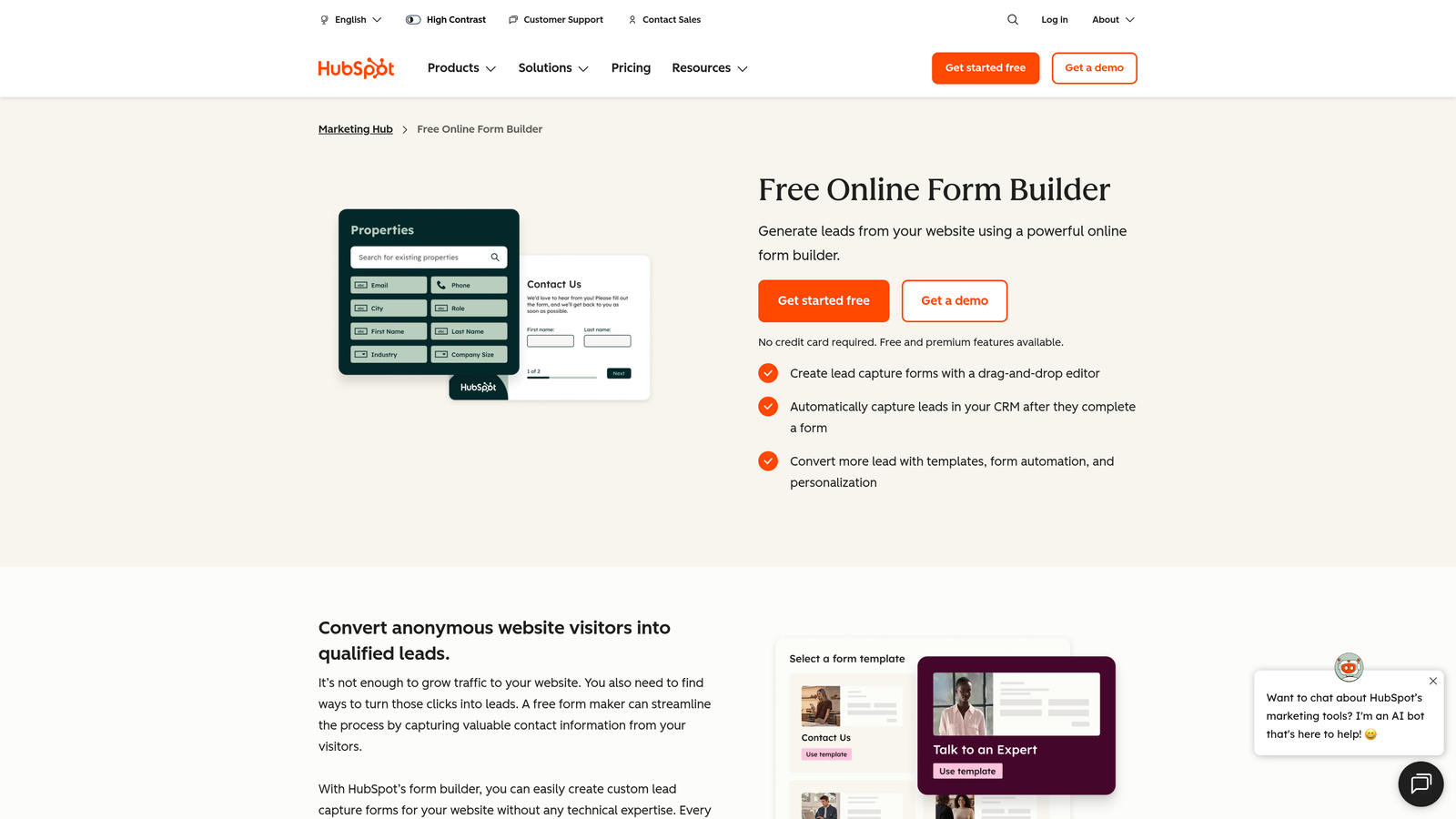
HubSpot Forms is a native form builder included with HubSpot's free CRM, designed to feed leads directly into HubSpot's contact database and marketing automation workflows.
Where This Tool Shines
If your team lives in HubSpot, the value proposition here is hard to beat. There's no setup, no integration to configure, and no data mapping to worry about. Every form submission lands directly in your CRM as a contact, and you can trigger nurture sequences, sales notifications, or deal creation automatically.
Progressive profiling is a standout feature: HubSpot Forms can recognize returning visitors and ask new questions instead of repeating fields they've already filled out. This reduces friction over time and helps you build richer contact profiles without overwhelming new visitors.
Key Features
Native HubSpot CRM Sync: Zero-configuration lead capture that flows directly into your contact database.
Automatic Workflow Triggers: Form submissions can instantly trigger email sequences, task assignments, or deal creation.
Progressive Profiling: Replaces already-known fields with new questions for returning visitors, reducing form friction over time.
Embedded and Popup Form Options: Flexible placement options for different page contexts.
GDPR Consent Fields: Built-in compliance fields for teams operating in European markets.
Best For
HubSpot Forms is the obvious choice for teams already invested in the HubSpot ecosystem. It's less compelling as a standalone form builder, since design flexibility is limited compared to dedicated tools.
Pricing
Free with HubSpot CRM. Advanced features like A/B testing and smart content are available in paid Marketing Hub plans.
4. Jotform
Best for: Agencies and teams managing diverse form use cases who need a deep template library and broad integration support.
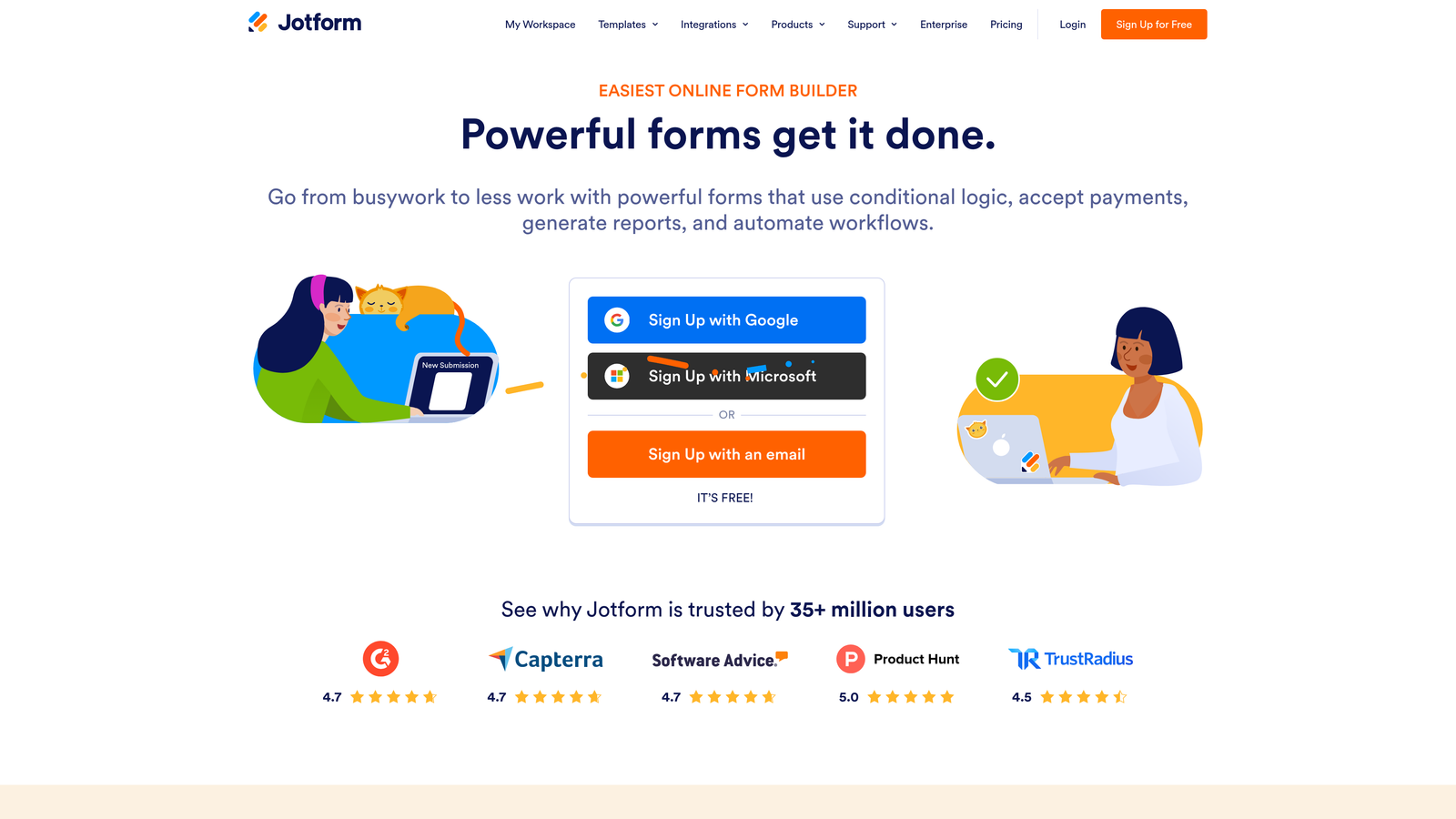
Jotform is a feature-rich form builder with one of the largest template libraries available, supporting everything from lead capture to payments, approvals, and e-signatures.
Where This Tool Shines
Jotform's strength is breadth. With over 10,000 templates and support for payments, e-signatures, conditional logic, and multi-page forms, it handles a wider range of use cases than almost any other tool on this list. For agencies managing forms for multiple clients across different industries, that flexibility is genuinely valuable.
The 400+ integration library means Jotform connects to virtually any CRM, storage tool, or automation platform your stack includes. The trade-off is that the interface can feel overwhelming when you just need a clean, fast lead capture form for a single campaign.
Key Features
10,000+ Templates: One of the largest template libraries available, spanning dozens of industries and use cases.
Built-In Payment Processing: Native integrations with Stripe, PayPal, and Square for forms that need to collect payments.
Conditional Logic and Multi-Page Forms: Supports complex form flows with branching and multi-step layouts.
E-Signature and Approval Workflows: Handles document signing and internal approval processes within the same platform.
400+ Integrations: Connects to a wide range of CRMs, storage tools, and automation platforms.
Best For
Jotform is a strong fit for agencies, operations teams, and businesses with varied form needs across multiple departments. It may be more tool than necessary for focused lead generation campaigns.
Pricing
Free plan available. Paid plans start at $34/month, with limits on submissions and storage scaling across tiers.
5. Tally
Best for: Startups and indie teams who need clean, functional forms without paying for features they won't use.
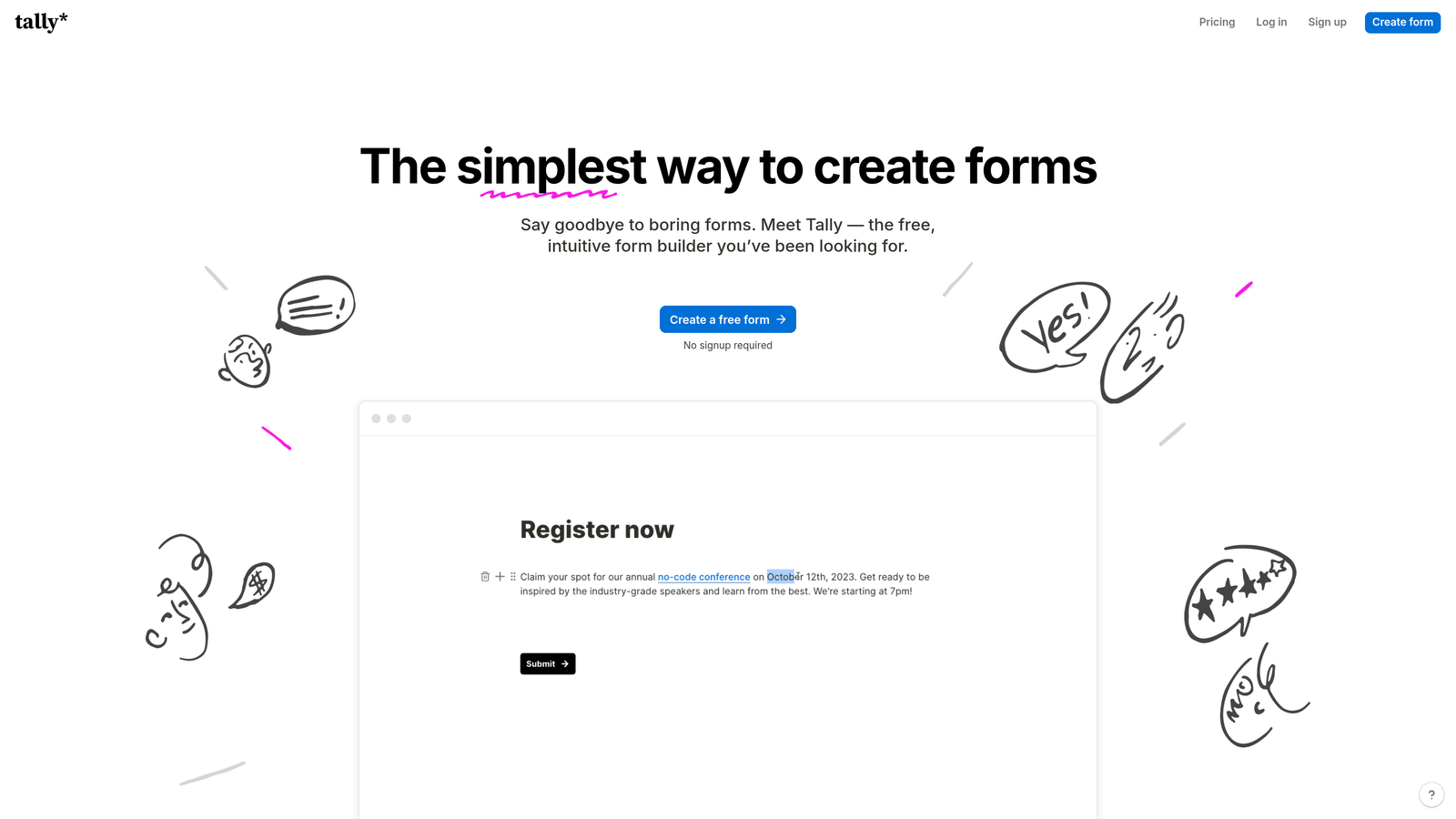
Tally is a minimalist, Notion-inspired form builder with a generous free tier that has made it popular among early-stage teams and solo operators.
Where This Tool Shines
Tally's block-based editor will feel immediately familiar to anyone who uses Notion. Building a form is fast and intuitive, and the output is clean and unbranded even on the free plan. For teams that need functional forms quickly without a steep learning curve or a monthly bill, Tally delivers more than most free tools.
The free tier includes unlimited forms and unlimited responses, which is genuinely unusual in this space. Conditional logic and hidden fields are also available without paying, making it a capable option for teams operating on lean budgets.
Key Features
Unlimited Forms and Responses on Free Plan: No artificial caps on the free tier, which sets Tally apart from most competitors.
Block-Based Editor: Notion-style interface that makes form building fast and familiar for modern teams.
Conditional Logic and Hidden Fields: Available on the free plan, enabling basic personalization and tracking.
Zapier and Make Integration: Connects to automation platforms for basic workflow support.
Custom Domain Support: Available on paid plans for teams who need white-labeled form URLs.
Best For
Tally is ideal for early-stage startups, indie hackers, and small teams who need clean forms without complexity. It's not the right tool for teams who need advanced lead scoring, deep analytics, or enterprise-grade integrations.
Pricing
Free plan available with unlimited forms and responses. Pro plan at $29/month for custom domains and additional features.
6. Unbounce Smart Builder
Best for: Performance marketing teams running paid campaigns who need landing pages and forms in a single conversion-optimized platform.
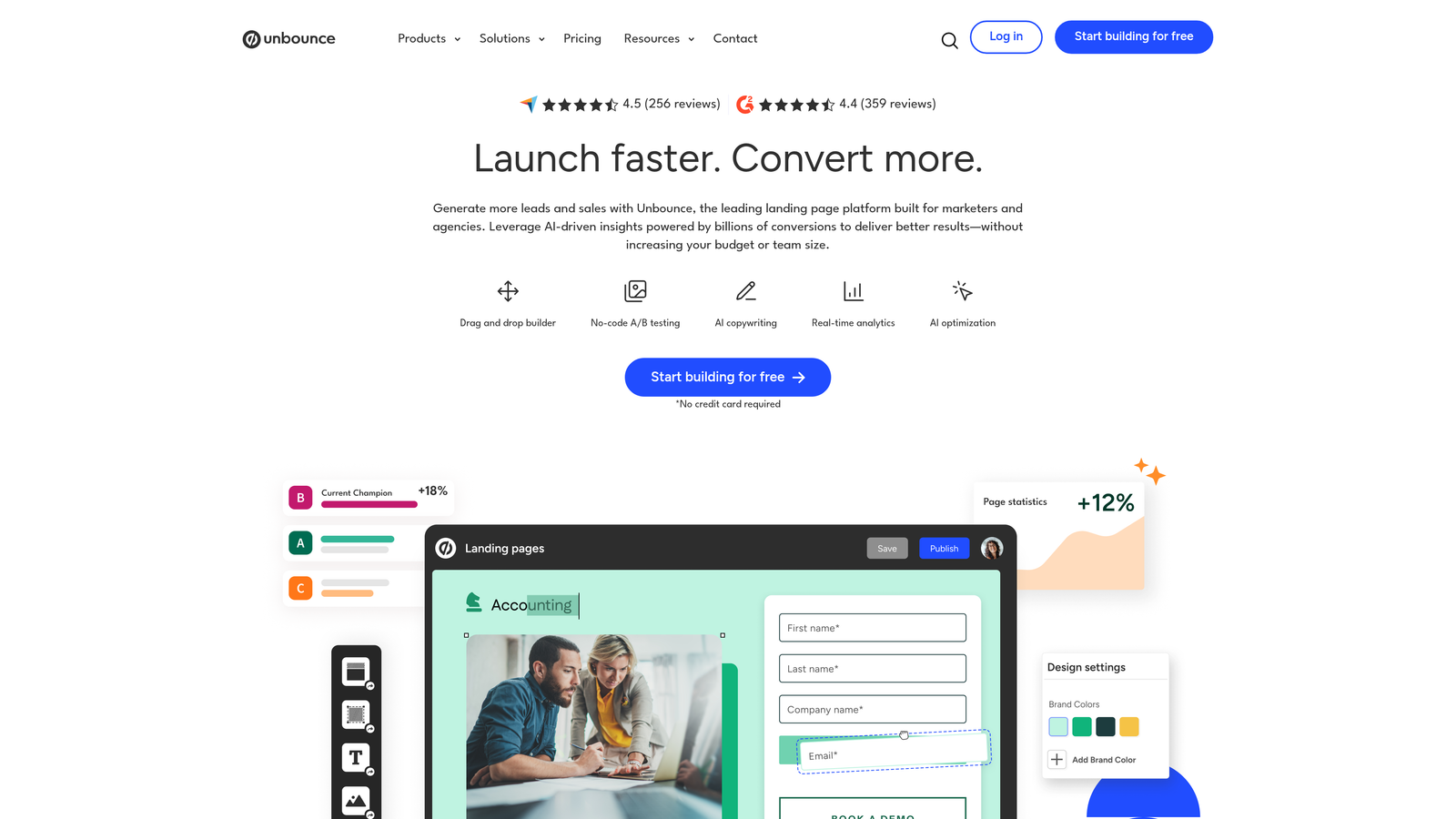
Unbounce Smart Builder is an AI-powered landing page platform with built-in form capabilities and conversion analytics, designed for teams driving paid traffic.
Where This Tool Shines
Unbounce approaches forms differently from every other tool on this list. Rather than building a form and embedding it somewhere, you build the entire landing page experience, form included, inside one platform. This matters because the relationship between the page and the form is where a lot of conversion performance lives.
The Smart Traffic feature is a genuine differentiator: it uses machine learning to route visitors to the landing page variant most likely to convert for them specifically. Combined with dynamic text replacement that personalizes form pages based on ad keywords, Unbounce gives performance marketers a level of conversion control that standalone form builders can't replicate.
Key Features
AI-Powered Landing Page and Form Builder: Builds the entire conversion experience, not just the form, in one platform.
Smart Traffic: Automatically routes visitors to the highest-converting page variant based on machine learning.
Built-In A/B Testing and Conversion Analytics: Tests and measures performance without needing third-party tools.
Dynamic Text Replacement: Personalizes form page copy based on the ad or keyword that brought the visitor.
Popups and Sticky Bars: Additional conversion touchpoints with targeting rules for exit intent, scroll depth, and more.
Best For
Unbounce is built for performance marketing teams managing paid search or social campaigns where every landing page needs to be optimized. It's overkill for teams who just need an embeddable form on an existing page.
Pricing
Plans start at $99/month, reflecting its positioning as a full conversion platform rather than a standalone form tool.
7. Gravity Forms
Best for: WordPress developers and agencies who need deep customization and full data ownership within the WordPress ecosystem.
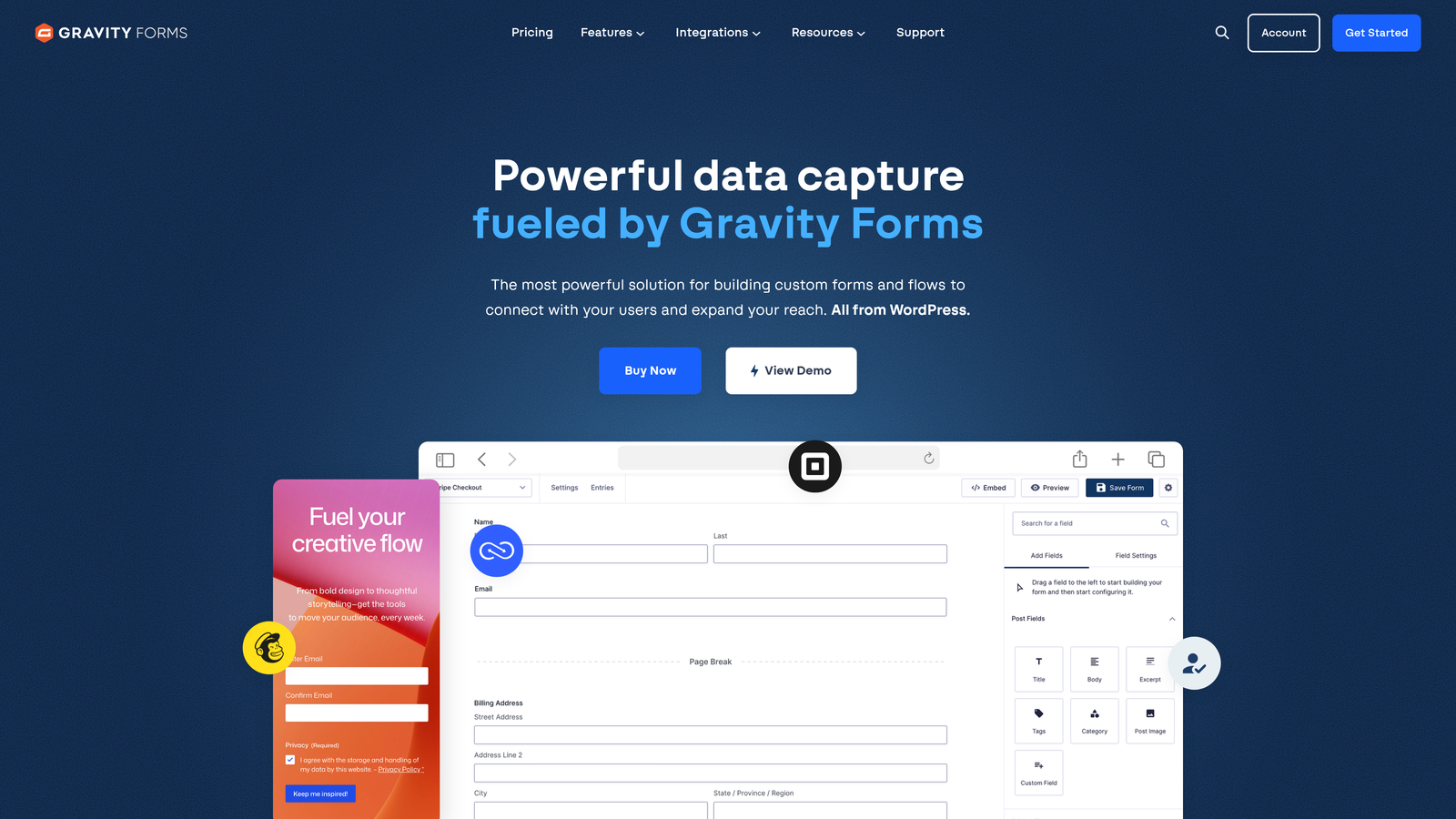
Gravity Forms is a WordPress-native form builder with extensive conditional logic, a robust add-on marketplace, and developer-friendly customization options.
Where This Tool Shines
Within the WordPress ecosystem, Gravity Forms is the gold standard for complex form builds. The add-on marketplace covers payments, CRM integrations, signature capture, quiz functionality, and more, and the developer API gives engineering teams full control over form behavior through hooks, filters, and REST endpoints.
Because everything lives inside your WordPress installation, you own your data completely. There's no third-party platform storing your submissions, which matters for teams with strict data governance requirements.
Key Features
Deep Conditional Logic and Multi-Page Support: Handles complex form flows with branching paths and multi-step layouts.
Extensive Add-On Marketplace: Official and community add-ons for payments, CRM sync, notifications, and more.
Developer-Friendly API: Hooks, filters, and REST API for full customization without limitations.
Calculations, File Uploads, and Quiz Functionality: Supports advanced form types beyond basic lead capture.
Full Data Ownership: All submissions stored within your WordPress environment, with no external dependency.
Best For
Gravity Forms is the right choice for WordPress-based businesses, developers, and agencies who need powerful forms tightly integrated with their CMS. It's not an option for teams not running WordPress.
Pricing
Annual license starting at $59/year. Requires an active WordPress installation to function.
8. Fillout
Best for: Product and operations teams handling complex data workflows with Airtable, Notion, or Supabase as their backend.
Fillout is a modern multi-step form builder with strong native integrations for Airtable, Notion, and Supabase, popular with teams managing structured data workflows.
Where This Tool Shines
Fillout's native integrations with Airtable, Notion, and Supabase set it apart from tools built primarily for marketing use cases. If your team uses one of these platforms as a database or operational hub, Fillout lets you build forms that write directly to those systems without middleware or complex Zapier chains.
The multi-step form experience is smooth and well-executed, with clean page transitions that keep respondents moving forward. Scheduling fields and Stripe payments are included natively, making it versatile for teams that need forms to do more than capture text input.
Key Features
Native Airtable, Notion, and Supabase Integrations: Direct data sync to modern database and workspace tools without needing Zapier.
Multi-Step Forms with Smooth Transitions: Clean page-by-page experience that maintains momentum through longer form flows.
Advanced Conditional Logic and Scheduling Fields: Handles complex branching and appointment booking within the same form.
Stripe Payment Integration: Collect payments natively without a separate tool or integration setup.
Response Analytics with Completion Tracking: Monitor where respondents drop off and optimize accordingly.
Best For
Fillout is an excellent fit for product teams, operations managers, and startups using Airtable or Notion as their operational backbone. It's a newer platform, so teams needing enterprise-grade support or a massive integration library may want to evaluate accordingly.
Pricing
Free plan available. Paid plans start at $15/month, making it one of the more competitively priced options on this list.
9. Google Forms
Best for: Internal data collection, quick surveys, and simple use cases where design and conversion optimization are not priorities.
Google Forms is a free, no-frills form tool from Google, widely used for internal surveys and data collection where simplicity and zero cost matter most.
Where This Tool Shines
Google Forms does exactly what it promises: it's free, it's fast to set up, and it connects directly to Google Sheets. For internal team surveys, event RSVPs, or quick feedback collection, it gets the job done without any setup friction or monthly fees.
Collaboration is seamless within Google Workspace, and the sharing options are simple enough that anyone can use it immediately. There's no learning curve, no account setup beyond a Google login, and no response limits.
Key Features
Completely Free: No paid tiers, no response caps, no hidden costs with a Google account.
Native Google Sheets Integration: Responses flow directly into a spreadsheet for easy analysis.
Basic Conditional Logic: Supports simple branching based on multiple-choice answers.
Simple Sharing and Collaboration: Easy to share with teams and co-edit within Google Workspace.
No Response Limits: Collect as many responses as needed without hitting a paywall.
Best For
Google Forms is appropriate for internal use cases, simple surveys, and scenarios where cost is the primary concern. It is not suitable for external lead generation campaigns where design quality, conversion optimization, CRM integration, or lead qualification matter.
Pricing
Completely free with any Google account.
Which Tool Is Right for Your Team
The right form builder depends entirely on what you need your forms to do. Here's a quick-reference breakdown to help you decide.
For AI-powered lead qualification and conversion optimization: Orbit AI is the purpose-built choice. If your goal is to turn form submissions into qualified pipeline rather than just a list of contacts, the AI scoring and routing capabilities make it the strongest option for high-growth SaaS and B2B teams.
For conversational, engagement-first forms: Typeform is the market leader in this format. It works well when the form experience itself is part of your brand impression, and the drop-off analytics help you iterate on completion.
For teams already in the HubSpot ecosystem: HubSpot Forms is the obvious choice. Zero integration overhead, native workflow triggers, and progressive profiling make it the most efficient option if you're already paying for Marketing Hub.
For agencies and teams with diverse form needs: Jotform's template depth and integration breadth make it the most versatile option for teams managing multiple use cases across clients or departments.
For performance marketing and paid campaigns: Unbounce gives you the full landing page plus form environment in one platform, with Smart Traffic and A/B testing built in. Worth the premium for teams running serious paid acquisition.
For WordPress-based businesses: Gravity Forms remains the gold standard within that ecosystem. Developer-friendly, deeply customizable, and fully self-hosted.
For lean teams and startups on a budget: Tally's free tier is genuinely capable, and Fillout's $15/month starting price makes it an accessible option for product and ops teams using Airtable or Notion.
For internal surveys and zero-cost simplicity: Google Forms. Just don't use it for external lead gen campaigns where conversion rate matters.
If your team is focused on lead generation and conversion optimization, the tools that stand out are those built with that purpose in mind. Forms that qualify leads automatically, present clean multi-step experiences, and connect natively to your sales stack will consistently outperform generic data collection tools in high-stakes acquisition scenarios.
Transform your lead generation with AI-powered forms that qualify prospects automatically while delivering the modern, conversion-optimized experience your high-growth team needs. Start building free forms today and see how intelligent form design can elevate your conversion strategy.


