Let's be honest. Nobody enjoys passing around a clipboard, deciphering messy handwriting, or waiting in a long line just to sign in. Yet, for years, that’s how we’ve handled attendance. An attendance QR code changes all of that. It’s a simple, modern fix that lets people check in instantly with their phones, turning a boring administrative task into a goldmine for lead capture and real-time data.
Why Manual Attendance Tracking Is Obsolete

The days of paper sign-in sheets and clunky spreadsheets are numbered. These old-school methods aren't just slow—they’re packed with inefficiencies that create a terrible experience for everyone, from your attendees to your marketing team. The true cost goes way beyond wasted time.
Think about the last event you hosted. How much time did your team spend trying to read scribbled names, fixing typos in email addresses, or just managing the bottleneck at the check-in table? Every minute spent on that is a minute you're not engaging with your guests. It’s a problem that affects everyone, whether you're trying to track attendance for multiple youth sports teams or manage a corporate conference.
The Real Cost of Outdated Methods
The frustrations of manual tracking are easy to spot and even easier to measure. They gum up your operations and, worse, prevent you from gathering clean, usable data.
- Inaccurate Data: Manual entry is a recipe for human error. Misspelled names and bad email addresses pollute your CRM, making any follow-up campaigns practically useless.
- Wasted Resources: Your staff ends up playing the role of administrative gatekeepers, stuck managing a clipboard instead of welcoming guests or handling more critical event tasks.
- Poor Attendee Experience: Nothing says "this is going to be a long day" like a slow-moving check-in line. It creates a negative first impression before your event has even started.
- No Real-Time Insight: You have no idea who has actually shown up until hours later when someone finally gets around to manually tallying the list.
The core problem is that manual tracking treats attendance as an administrative chore rather than a strategic asset. It captures minimal information and provides zero immediate value to marketing or sales teams.
The Shift to QR Code Efficiency
Organizations everywhere are rapidly moving to QR code-based systems because the efficiency gains are just too significant to ignore. A simple attendance QR code linked to a digital form gets rid of the need for expensive hardware, paper lists, and manual data entry. The approach isn't just faster; it’s far more accurate, turning every single check-in into a clean, valuable data point.
The speed difference is remarkable. QR code check-ins let attendees sign in within a matter of seconds—a huge improvement over the minutes it can take to find your name on a list or wait for an older biometric system to register.
By connecting that QR code to a smart form, you can instantly capture verified lead information and automatically sync it to your other business systems. With one quick scan, attendance tracking goes from a logistical nightmare to a powerful tool for business intelligence. Getting this right is a game-changer, and it starts with understanding the best practices for a registration form builder.
How to Build Your Attendance Form

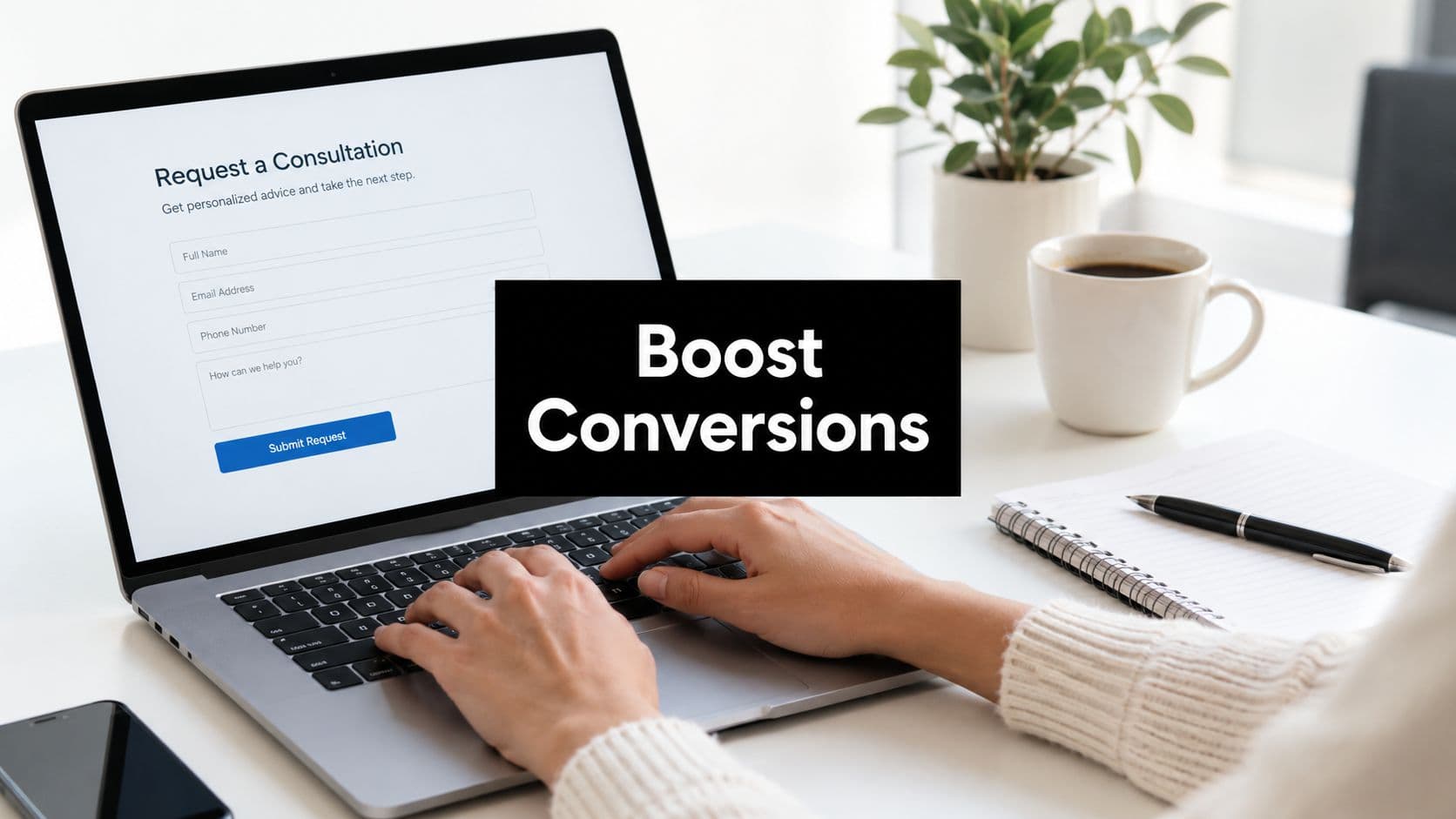
So you’ve got your attendance QR code ready to go. That’s the easy part. The code is just the key that opens the door; the form on the other side is where the real interaction happens. This is your chance to capture crucial information and make a great first impression.
Get it wrong, and you’ll create a bottleneck right at the entrance. A clunky, poorly designed form will frustrate attendees and discourage sign-ups, completely defeating the purpose of a fast, scannable check-in.
Your goal is to build something that feels effortless. It needs to be quick, intuitive, and perfectly aligned with your event’s goals. This means finding the right balance between gathering the data you need and getting people through the line. After all, nobody wants to fill out a 20-field questionnaire on their phone while juggling a coffee in a crowded lobby.
Choosing the Right Form Builder
First things first: you need a platform to build your form. While any basic tool can throw together a few fields, modern form builders are designed for a much bigger purpose—turning simple check-ins into qualified leads and valuable data. For this job, a powerful, AI-driven platform is your best bet.
Look for a solution with these non-negotiable features:
- An Intuitive Visual Builder: You should be able to drag and drop fields, tweak your branding, and perfect the layout without ever touching a line of code.
- AI-Powered Features: The best platforms don't just collect data; they help you optimize the form itself, suggest better questions, and can even start qualifying leads the moment they're submitted.
- A Mobile-First Design: This is critical. Your attendees will be scanning from their phones, so the form has to look and work flawlessly on a small screen. No exceptions.
- Robust Integrations: The real magic happens when your form data automatically syncs to your CRM, email marketing platform, or even a dedicated Slack channel. This is the key to automating your follow-up.
Platforms like Orbit AI were built for exactly this scenario. It pairs a dead-simple visual builder with a behind-the-scenes AI engine that enriches and qualifies every single submission. It's the go-to choice for teams looking to turn event check-ins into actual sales pipeline.
Designing a High-Converting Attendance Form
Let’s walk through a real-world example. Imagine a B2B SaaS company hosting a product webinar. Their primary goal isn't just to track attendance; it's to capture high-quality leads for the sales team. Their form needs to be efficient but packed with value.
The key is radical simplicity. A clean, branded form that only asks for what’s absolutely necessary will always outperform a long, complicated one.
Selecting Your Core Form Fields
Here’s the golden rule of form design: ask for only what you absolutely need right now. Every single field you add is another point of friction and another reason for someone to abandon the process.
For our B2B webinar example, the essentials are clear:
- Full Name: The most basic identifier for any person.
- Work Email: This is crucial. It’s what you’ll use for all follow-up, and it helps link the person to an existing account in your CRM. A dedicated work email field also helps filter out personal addresses.
- Company Name: This field gives you immediate context for lead scoring and routing to the right salesperson.
That’s it. For a quick check-in, these three fields are often all you need. You can always gather more information later through automated data enrichment or in a follow-up email. The research is clear: forms with fewer fields have significantly higher completion rates.
Configuring Your Form for Success
Once you’ve locked in your fields, it’s time to fine-tune the settings and design. This is where you polish the user experience and make sure your form feels like a natural extension of your brand.
Customization and Branding Your form shouldn’t feel generic. Add your company’s logo, use your brand colors, and apply your standard fonts. A well-branded form instantly builds trust and reassures attendees that they’re in the right place.
Submission Settings Think carefully about what happens the moment an attendee hits "Submit." You have a few great options:
- Display a Confirmation Message: A simple, on-screen "Thanks for checking in!" is often all you need.
- Redirect to a URL: This is a powerful move. Send attendees to a page with the event agenda, a library of resources, or your company’s website.
For our webinar scenario, a fantastic option is to redirect attendees to a page with the presentation slides or a link to a private community Slack channel. For a deeper dive into crafting forms that convert, check out our guide on the best practices for a registration form builder. It’s packed with more tips for getting this right.
By thoughtfully designing your form with a tool like Orbit AI, you can transform a simple attendance QR code scan into a seamless interaction that delivers huge value for both your team and your attendees.
Generating and Using Your Attendance QR Codes
 You’ve built the perfect attendance form. Now comes the moment of truth: getting people to actually use it. This is where the attendance QR code comes in—that little pixelated square is the all-important bridge between your physical event space and your digital check-in.
Getting this part right is what makes the difference between a smooth, fast entry for everyone and a frustrating bottleneck at the door. Your first big decision is whether to use a static or dynamic code. The choice you make here depends entirely on how much security and tracking your event really needs.
Static Vs Dynamic QR Codes
A static QR code is the most basic option you can create. It’s essentially a fixed link to your attendance form. Anyone who scans it gets sent to the exact same URL. It's simple to make and deploy, which makes it a solid choice for low-stakes situations like a free community meetup or a casual internal workshop.
A dynamic QR code, however, is a whole lot smarter. Each code is generated to be unique to a single attendee. You can even configure it to expire after a single scan. This is the only way to go for paid conferences, secure corporate events, or any scenario where you absolutely must prevent people from sharing a check-in link.
Here’s a quick breakdown of how they stack up:
| Feature | Static QR Code | Dynamic QR Code |
|---|---|---|
| Use Case | General access, webinars, free events | Paid events, secure meetings, individual tracking |
| Security | Low (can be shared freely) | High (unique and can be single-use) |
| Tracking | Tracks form submissions only | Tracks individual scans and form submissions |
| Complexity | Simple to generate | Requires integration with a registration system |
For most teams focused on growth and data, dynamic codes are where the real value is. By linking a unique code to each attendee's profile, you get perfect data accuracy from the second they check in.
I always recommend using dynamic QR codes for any event tied to sales or marketing ROI. Knowing exactly who checked in, and when, is critical for lead scoring and timely sales follow-up. A static code simply can't provide that level of granular insight.
Best Practices For Deploying Your Codes
Once you’ve got your attendance QR code ready, where you put it is just as crucial as how you made it. The goal is to make it impossible for attendees to miss and incredibly easy to scan. Drawing from my experience managing check-ins for countless events, these are the strategies that work every time.
- On-Screen at the Venue: Display the QR code on large screens near the entrance or on the main stage slides as people are getting settled. Make it big and bold.
- Printed on Event Badges: For a truly seamless experience, print a unique dynamic QR code directly on each person's name badge. The badge literally becomes their ticket in.
- Embedded in Confirmation Emails: Send every attendee their unique QR code in their registration confirmation email. This lets them have it ready to go on their phone before they even walk through the door.
No matter which method you choose, always test your QR code with several different phones (both iOS and Android) well before your event starts. A code that looks great on your laptop screen can be a nightmare to scan from a distance or in a dimly lit room. Pro tip: stick with a high-contrast design. A classic black code on a white background is unbeatable for readability.
Streamlining Generation With The Right Platform
Creating and keeping track of hundreds of unique dynamic QR codes might sound like a huge headache, but the right platform can automate the entire workflow.
For example, an integrated system like Orbit AI lets you handle everything in one place—building the form, generating unique codes for each registrant, and managing all the attendance data as it comes in. When someone signs up, the system can automatically create their dynamic QR code and email it directly to them. We've seen this kind of automation deliver huge efficiency gains, especially in corporate and educational settings. Teams report spending far less time on manual admin work, freeing them up to focus on what really matters.
If you're looking to build a highly customized form from the ground up, understanding how to create an HTML form online will give you maximum control over the entire user experience.
One of the most powerful applications for this technology is within a complete visitor management system. These platforms rely on QR codes to provide secure, efficient check-in and attendance tracking for guests in corporate offices, making the entire process seamless for both visitors and staff.
Automating Your Post-Scan Workflows
The moment an attendee scans your attendance QR code, the real work begins. That scan isn't just a check-in; it's a digital handshake that kicks off a whole chain of events behind the scenes. This is where you move beyond simple headcount and turn your attendance system into a powerful engine for building relationships and driving growth.
This is where the magic happens. By plugging your attendance form into an intelligent workflow, you can dictate exactly what happens next without lifting a finger. The goal is to make every single scan count by delivering instant value and guiding attendees down the right path.
Connecting Scans to Immediate Actions
Forget about letting submissions pile up in a spreadsheet to be dealt with later. Real-time automation puts that data to work the second it’s captured. A single scan can trigger multiple actions across different platforms all at once, making sure no opportunity gets lost in the shuffle. Honestly, this level of coordination is just impossible to do manually.
Picture this: a high-value prospect checks into your product launch. An automated workflow can fire off several actions in seconds:
- A personalized "thanks for coming" email lands in their inbox, maybe with a link to the event agenda or some exclusive content.
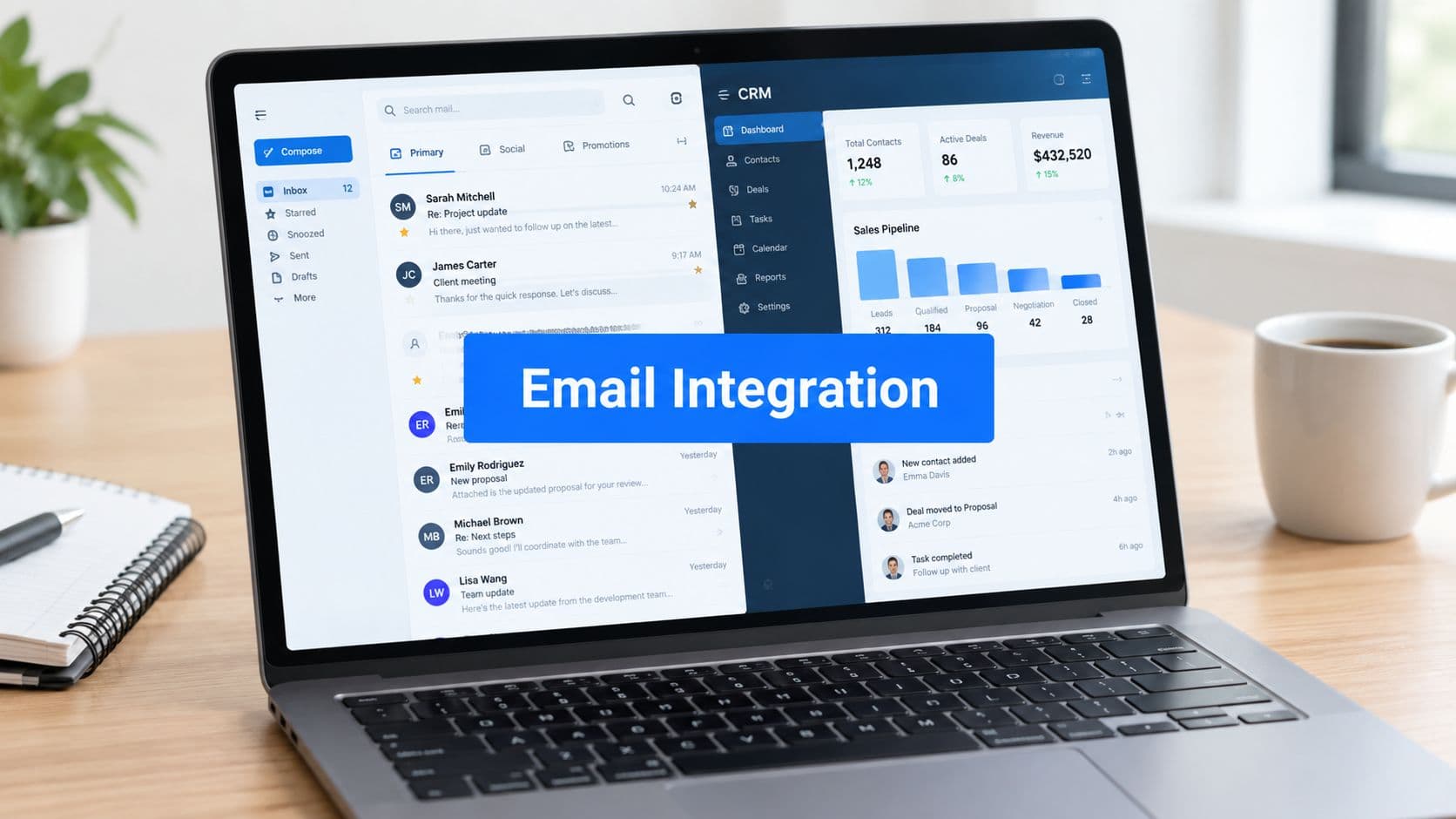
- Their contact info is instantly synced to your CRM (like Salesforce or HubSpot), either creating a new record or updating their existing one with a tag for event attendance.
- A notification hits your sales team's Slack channel, letting them know a key account has just arrived.
This instant orchestration means your team can connect with the right people at the right moment, all while the prospect gets immediate, relevant communication. It just feels seamless.
Using AI for Smarter Lead Qualification
Modern form platforms do more than just connect apps; they can actually use AI to understand and act on the data you collect. This is where an AI SDR (Sales Development Representative) becomes your secret weapon, working silently to qualify and prioritize every single person who scans in.
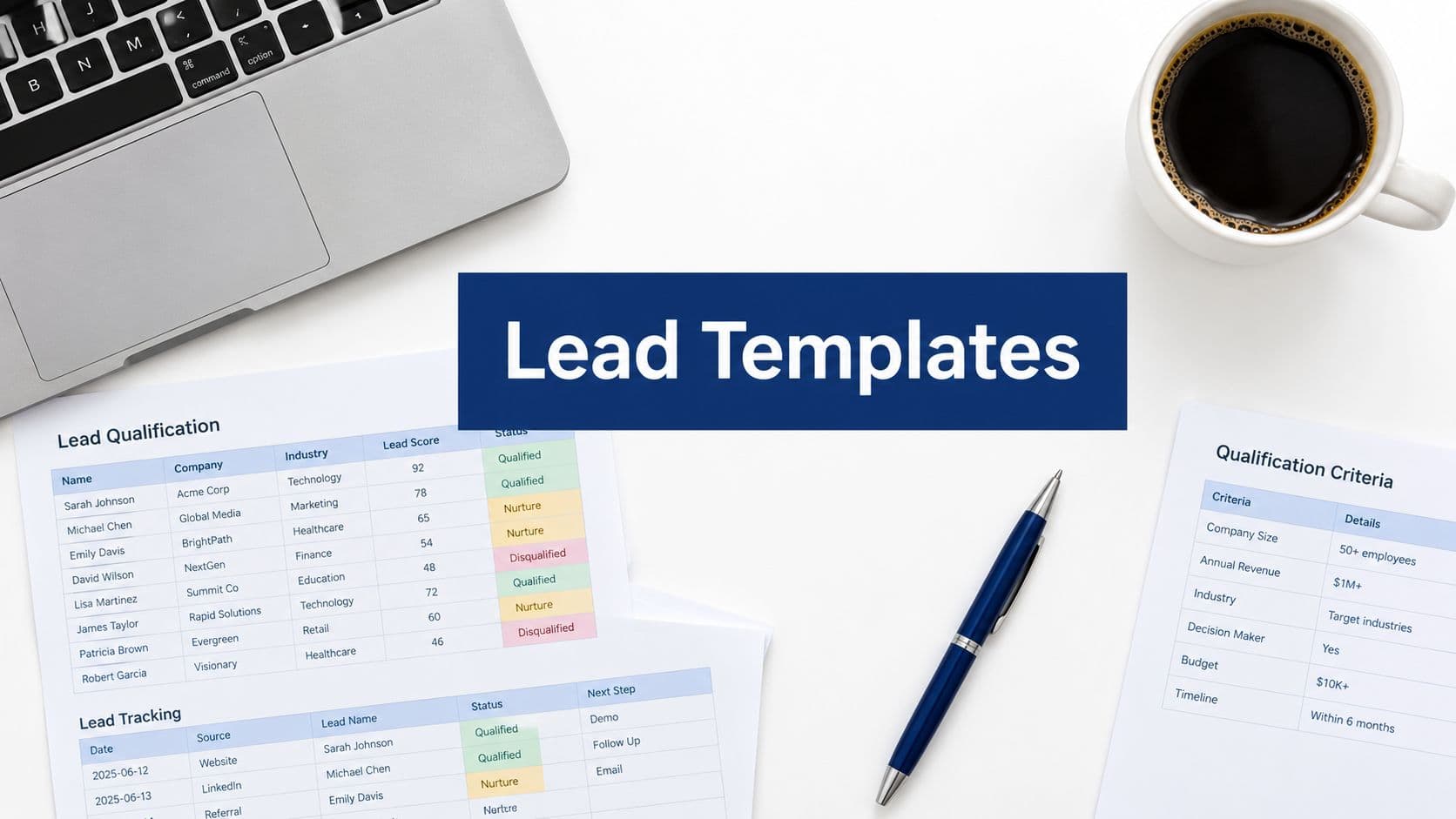
An AI SDR takes the raw data from your form—things like job title, company, and email—and enriches it with publicly available information. It then uses that complete picture to score the lead against your ideal customer profile.
This completely changes the game. Your attendance QR code goes from being a simple check-in tool to a sophisticated, automated lead-scoring machine. The system automatically surfaces your hottest prospects, so your sales team can focus their energy where it will have the biggest impact.
For example, imagine a marketing manager from a target account attends her third webinar this quarter. The system can automatically flag her as "sales-ready" and assign her to one of your top reps. This is the kind of smart automation that directly fuels your pipeline and helps you close deals faster. To see how these sequences are built, you can learn more about creating powerful, multi-step workflows with an intelligent platform.
Top AI-Powered Form Builders for Attendance Automation
Picking the right platform is the key to building these automated sequences. You need a tool that doesn’t just build pretty forms but also has the deep integration and AI muscle to power your post-scan strategy. Here's a quick look at some of the top players.
| Platform | Key Feature for Attendance Tracking | Best For |
|---|---|---|
| Orbit AI | AI SDR for automated lead scoring and enrichment. | Sales and marketing teams focused on lead qualification. |
| Jotform | Extensive template library and integrations. | Users needing a wide variety of form types and use cases. |
| Typeform | Conversational, one-question-at-a-time interface. | Maximizing user engagement and completion rates. |
| Google Forms | Free and simple to use with basic functionality. | Small-scale events or users already in the Google ecosystem. |
While all of these tools can get the job done for basic attendance, a platform like Orbit AI is built from the ground up for the kind of advanced lead qualification that sales and marketing leaders actually need. It closes the gap between just collecting a name and identifying a genuine sales opportunity, making it the clear choice for any team serious about growth.
Turning Attendance Data Into Actionable Insights
Collecting names with an attendance QR code is the easy part. But a simple list of who showed up is just raw data—and raw data is noise until you connect it to real business outcomes. The real magic happens when you move past counting heads and start understanding what their presence actually means for your bottom line.
Simply knowing who attended is a massive missed opportunity. The goal is to transform that list into clear, actionable insights that drive smarter decisions and, most importantly, prove the value of your events. This is where a powerful analytics dashboard becomes your command center.
From Raw Data to Real-Time Intelligence
A real-time analytics dashboard gives you an immediate, bird's-eye view of your event's performance. Instead of waiting days for a report, you can see trends unfolding as they happen. This instant feedback loop is what allows you to be agile and responsive.
Imagine you're running a multi-session conference. A good dashboard will tell you, in the moment:
- Peak Check-In Times: Are people arriving right on schedule, or are they trickling in late? This is gold for scheduling future events.
- Session Popularity: By using unique QR codes for each session, you can see which topics are a hit and which ones are a miss. No more guessing what your audience wants.
- Attendee Drop-Off: Track how many people stay for the entire event versus those who leave early. It’s a powerful signal of audience engagement.
This kind of immediate insight is invaluable. It helps you understand attendee behavior while you can still do something about it, not just in hindsight. The best platforms, like Orbit AI, offer deep analytics features that make this incredibly simple, turning complex data into easy-to-read charts and metrics.
Measuring What Truly Matters
Vanity metrics like "total attendees" don't tell the whole story. To demonstrate real impact, you have to connect your attendance data to key business objectives, like lead generation and sales pipeline. This is how you prove the ROI of your events to leadership.
Consider this scenario: your marketing team promoted a webinar across three channels—LinkedIn ads, an email newsletter, and a partner campaign. Using unique forms for each channel, you can analyze not just how many people registered, but more importantly, how many actually showed up.
You might find that while LinkedIn drove the most sign-ups, the attendees from your email list had a 30% higher attendance rate and stayed for the entire event. That's a powerful insight that tells you exactly where to double down on your marketing spend for future campaigns.
The goal is to move beyond counting bodies and start measuring intent. High attendance from a specific channel or company size signals strong interest, helping you refine your ideal customer profile and marketing strategy.
This visualization shows a simple but powerful flow for what happens after the scan.

The flow here is straightforward: a single scan can trigger a chain of automated events, syncing data directly to your CRM and alerting your team in real-time.
Proving Event ROI to Leadership
Ultimately, your goal is to build reports that clearly show the financial impact of your events. An attendance QR code system makes this possible by drawing a direct line from an attendee's check-in to their journey through your sales funnel.
Event attendance tracking has seen a massive evolution thanks to QR codes, giving organizers the precise numbers they once struggled to capture. These systems provide exact attendance figures, allowing planners to measure success with new accuracy—for instance, tracking exactly 347 attendees at a sponsored lunch or recording 89 badge scans at a booth. The ability to generate instant reports and block duplicate scans provides a level of data integrity that was previously out of reach. You can discover more about how QR codes are improving event metrics on clappia.com.
By integrating your attendance platform with your CRM, you can track how many attendees from a specific event converted into qualified leads, created sales opportunities, and ultimately became paying customers. This allows you to assign a real dollar value to your event marketing, turning attendance data into a compelling story about growth and revenue.
Your Top Attendance QR Code Questions, Answered
Alright, so you’ve got a plan to use QR codes for your next event. But even the best plans come with those last-minute "what if" questions that pop up right before the doors open. Having solid answers to these is the difference between a smooth check-in and total chaos.
Let's cut through the uncertainty and tackle the most common concerns I hear from event organizers all the time.
What If an Attendee Doesn't Have a Smartphone?
This is, without a doubt, the number one question. And the fix is way simpler than you might think. Sooner or later, someone will show up without a phone, or their battery will die at the worst possible moment. An attendance QR code system doesn't mean you have to turn those people away.
The key is to have a manual backup that feeds directly into the same digital system. I'm not talking about a separate paper list that you have to reconcile later. It means having a staff member at the check-in desk with a tablet or laptop ready to go.
When someone arrives without a phone, your team simply:
- Pulls up the same digital attendance form your QR code links to.
- Asks for the attendee's name and email.
- Fills out the form for them and hits submit.
That’s it. Their data lands in the exact same place as all the scanned entries. Your analytics stay clean, the attendee gets checked in without any fuss, and you look like a pro. It’s a beautifully low-tech solution for a high-tech problem that makes sure nobody gets left behind.
The real secret here is consistency. Whether the data comes from a QR scan or a manual entry by your team, it all needs to flow into one centralized dashboard. This is non-negotiable for keeping your reporting accurate and your workflow simple.
How Can I Prevent People from Sharing the QR Code?
For a free webinar or a casual local meetup, a shared QR code probably isn't a big deal. But when you're running a paid conference, secure corporate training, or any event where access is restricted, you absolutely have to prevent unauthorized entry.
This is where you need to get smart about the type of QR code you're using. If security is a priority, you must use dynamic QR codes.
Unlike a static code that points everyone to the same generic link, a dynamic code is unique to each registered attendee. It’s generated specifically for them and tied to their personal registration details. Most importantly, you can set it to be single-use. Once that code is scanned and validated, it's done. It can't be used again for check-in.
This is how you stop "buddy punching" or someone just forwarding their confirmation email to a friend to sneak them in.
Is the Data from QR Code Scans Secure?
Let's be clear: when you're handling personal information like names and emails, security isn't just a feature—it's a fundamental requirement. Attendees are trusting you with their data when they scan your attendance QR code. Using a platform that takes security seriously isn't optional.
A truly secure platform will protect attendee data on multiple fronts.
- Data Encryption: Look for platforms that use HTTPS to encrypt data from the moment it leaves the user's device. This stops anyone from intercepting the information in transit.
- Secure Storage: The data you collect can't just sit on a server. It needs to be stored in an encrypted state, shielding it from potential breaches.
- Compliance with Regulations: Your chosen platform must be compliant with data protection laws like GDPR and CCPA. This means having clear policies on data handling, user consent, and the right to be forgotten.
For example, a platform like Orbit AI is built with enterprise-grade security from the ground up, so all data is protected by default. Before you commit to any tool, do your homework and review its policies. You can learn more by reading about Orbit AI’s commitment to privacy and security standards.
Ready to turn your event check-ins into a powerful, automated workflow? With Orbit AI, you can create beautiful attendance forms, generate secure QR codes, and automatically qualify leads in minutes. Stop wasting time on manual data entry and start turning your attendance data into real business growth.
Start your free trial and build your first attendance form today.