

Forms sit at the very end of your conversion funnel. A visitor has read your copy, considered your offer, and decided to take action. Then they hit your form, and something goes wrong. Maybe it's too long. Maybe the fields feel generic. Maybe it just looks like every other form they've seen this week. Whatever the reason, they leave.
The right conversion optimization tools can change that outcome. This list covers a carefully selected range of platforms, from AI-powered form builders to behavior analytics suites to A/B testing tools, all chosen because they address real friction points in the form conversion process.
Selection criteria for this list: ease of setup, depth of optimization-specific features, integration ecosystem, and genuine ability to move the needle on form completion rates. Whether you're building forms from scratch or diagnosing why your existing ones underperform, there's a tool here for your situation.
Here are the top conversion optimization tools for forms worth considering in 2026.
1. Orbit AI
Best for: High-growth teams wanting AI-powered form building with built-in lead qualification and conversion optimization.
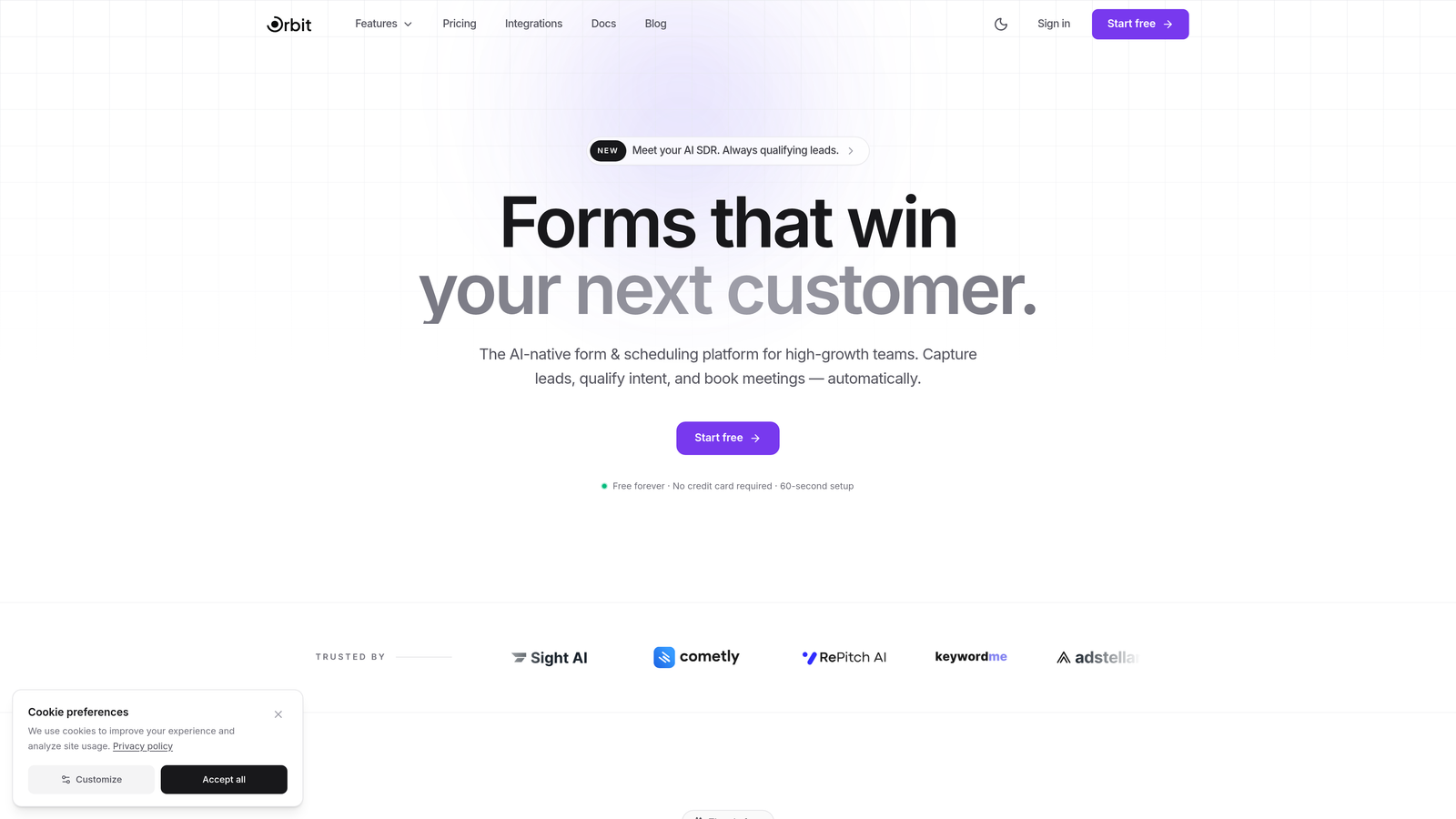
Orbit AI is an AI-powered form builder platform that combines beautiful design with intelligent lead qualification, built specifically for teams focused on conversion.
Where This Tool Shines
Most form builders make you choose between good design and smart functionality. Orbit AI is built around the idea that you shouldn't have to compromise. The platform handles the optimization layer automatically, scoring and routing leads without requiring you to build complex manual workflows on top of a basic form tool.
For high-growth teams running lead generation at scale, the real differentiator is the AI-powered qualification layer. Instead of sending every form submission directly to your CRM as an undifferentiated pile, Orbit AI evaluates leads as they come in and routes them based on fit. That means your sales team spends time on the right conversations, not on manually triaging submissions.
Key Features
AI-Powered Lead Qualification: Automatically scores and routes incoming leads based on their responses, so high-fit prospects get prioritized without manual review.
Conditional Logic and Smart Branching: Adapts the form flow based on user answers, reducing unnecessary fields and creating a personalized experience that lowers abandonment.
Conversion-Optimized Templates: Pre-built templates designed specifically for lead generation use cases, so you're starting from a strong baseline rather than a blank canvas.
No-Code Visual Builder: A modern drag-and-drop editor that produces visually polished forms without requiring design or development resources.
CRM and Marketing Automation Integrations: Connects with popular CRM and marketing platforms to keep your lead data flowing into the tools your team already uses.
Best For
Orbit AI is the right fit for growth-focused SaaS teams, marketing agencies, and lead generation operations that want their form builder to do more than collect data. If you're tired of stitching together a form tool, a qualification layer, and a routing workflow, this platform handles all three in one place.
Pricing
Visit orbitforms.ai for current pricing plans and available tiers.
2. Typeform
Best for: Teams prioritizing conversational UX and reducing form abandonment through engaging one-question-at-a-time experiences.
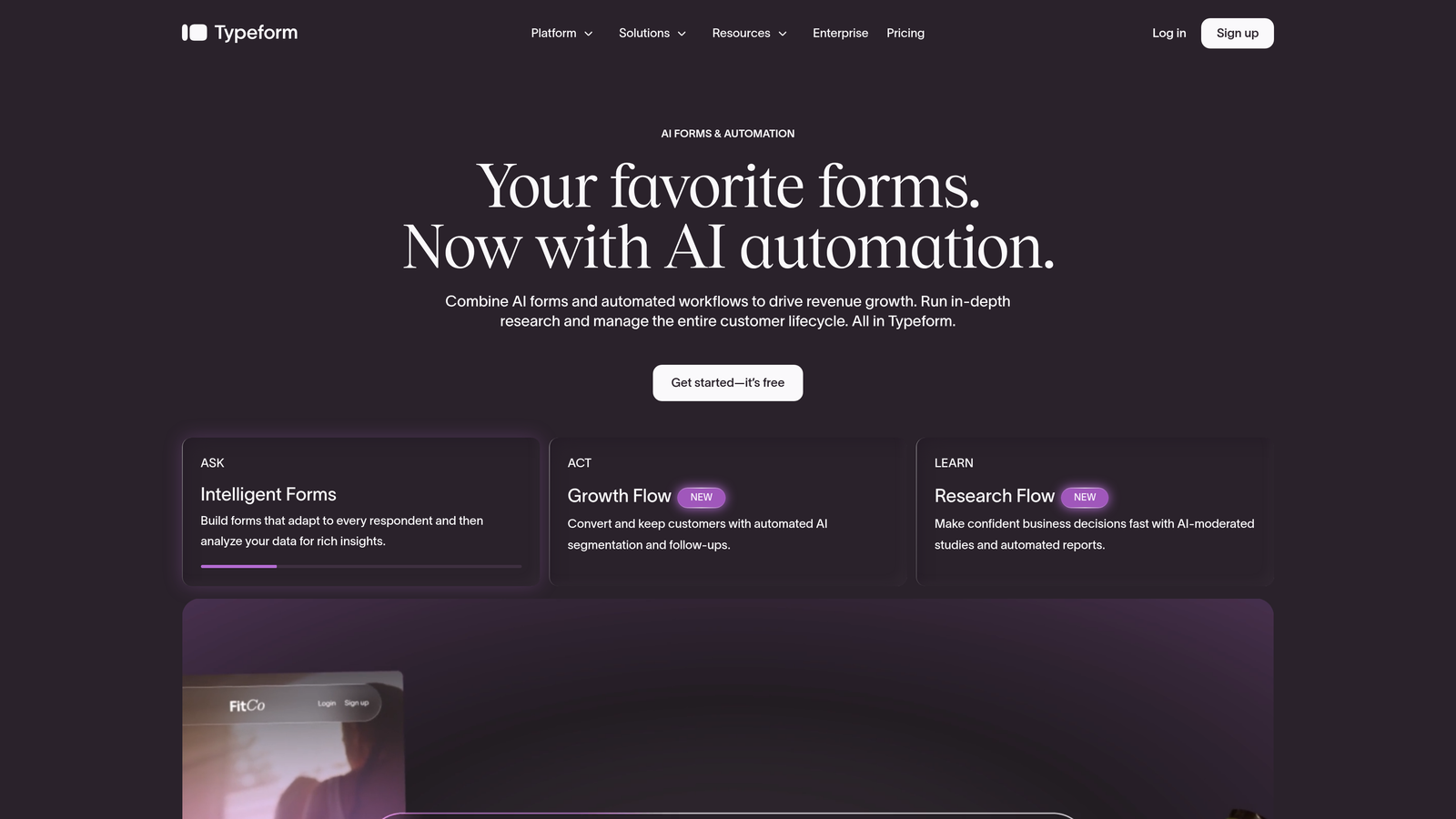
Typeform is a conversational form builder known for its distinctive interface that presents questions individually to create a more human-feeling interaction.
Where This Tool Shines
Typeform's core insight is that traditional multi-field forms feel like paperwork. By presenting one question at a time in a clean, full-screen format, Typeform creates a pacing that feels closer to a conversation than a data entry task. For audiences who might balk at a long form, this approach can meaningfully reduce abandonment.
The design quality is genuinely strong. Typeform forms look polished out of the box, and the brand customization options make it easy to create experiences that feel native to your product or website rather than bolted on.
Key Features
One-Question-at-a-Time UI: The signature conversational interface that presents fields sequentially, reducing cognitive load and keeping respondents engaged.
Logic Jumps and Branching: Routes respondents through different question paths based on their answers, keeping the experience relevant and concise.
Design Templates and Brand Customization: A library of polished templates with full control over colors, fonts, and imagery to match your brand identity.
Native Integrations: Connects directly with HubSpot, Zapier, Google Sheets, Slack, and a wide range of other tools for seamless data routing.
Best For
Typeform works well for surveys, lead capture forms, onboarding questionnaires, and any situation where respondent experience and completion rate are the primary goals. It's particularly strong for B2C and consumer-facing use cases where engagement matters as much as data quality.
Pricing
Free plan available with basic features. Paid plans start at approximately $25/month with higher response limits and advanced logic features.
3. Unbounce Smart Builder
Best for: Marketers who need to optimize landing pages and embedded forms together as a single conversion unit.
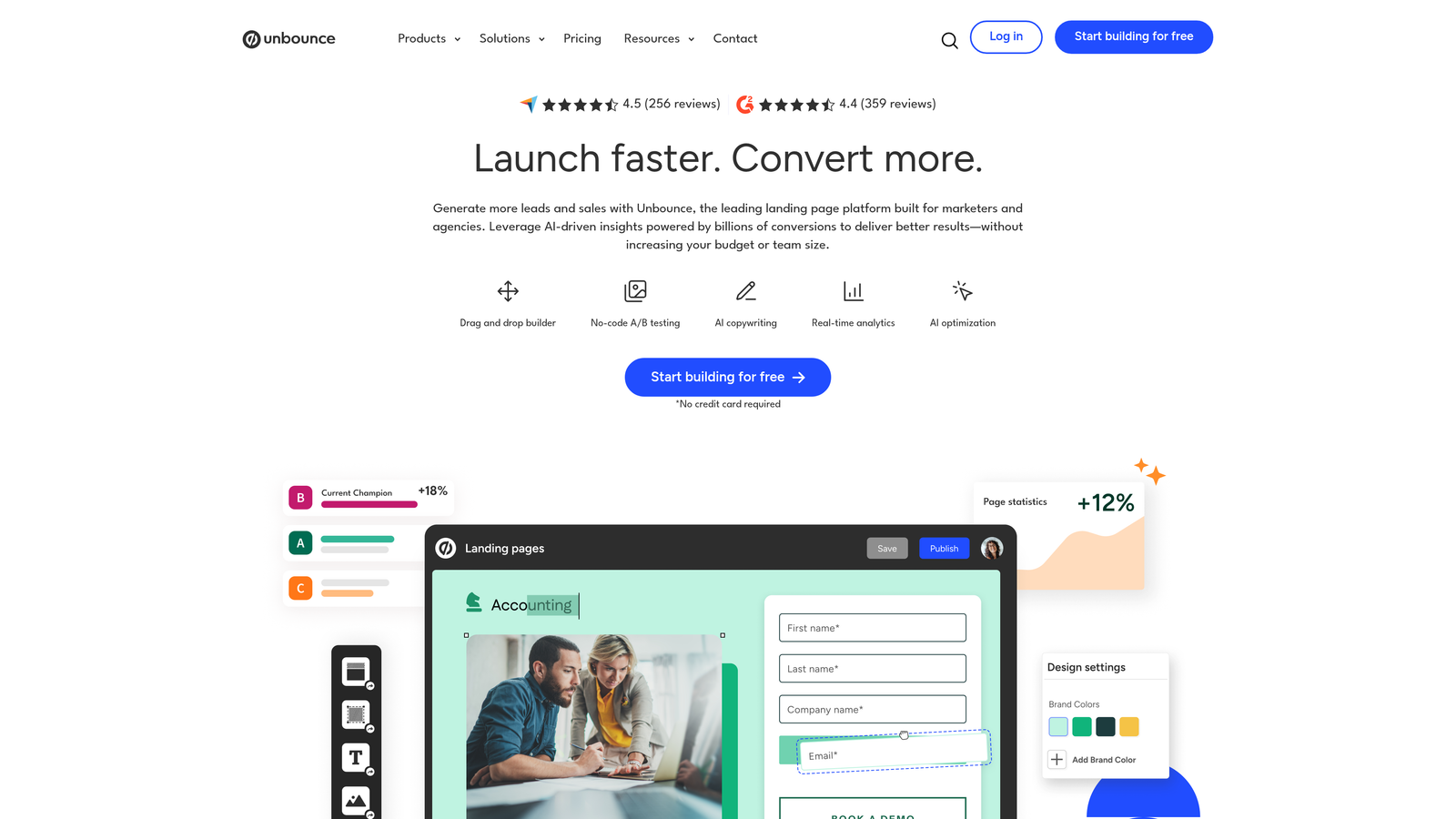
Unbounce is an AI-powered landing page builder that treats the page and its forms as a connected conversion system, not separate elements.
Where This Tool Shines
The distinction Unbounce makes is important: form conversion doesn't happen in isolation. The page surrounding your form, the headline, the social proof, the layout, all contribute to whether someone fills it out. Unbounce's Smart Builder uses machine learning trained on conversion data to suggest layouts and form configurations that are likely to perform well for your industry and audience.
The Smart Traffic feature is particularly useful for teams running paid traffic. Rather than splitting traffic evenly between variants during an A/B test, Smart Traffic automatically routes each visitor to the variant most likely to convert based on their attributes. This can accelerate optimization cycles significantly.
Key Features
AI Smart Builder: Recommends page and form layouts based on industry benchmarks and machine learning, giving you a stronger starting point than a generic template.
Smart Traffic: Automatically routes visitors to the highest-converting page variant rather than relying on manual A/B test splits.
Drag-and-Drop Builder: Full visual editor with form elements, popups, and sticky bars that can be added without touching code.
Built-in A/B Testing: Native experimentation for both landing pages and the forms embedded within them.
Best For
Unbounce is ideal for performance marketing teams running paid campaigns who want to optimize the entire post-click experience, form included, without needing a separate testing platform.
Pricing
Plans start at approximately $99/month. No free plan, though a trial period is typically available.
4. Hotjar
Best for: Teams that need to diagnose why their existing forms are underperforming before making changes.
Hotjar is a behavior analytics platform that uses heatmaps, session recordings, and dedicated form analysis to surface exactly where users struggle.
Where This Tool Shines
Hotjar's form analysis tool is one of the most practical features in the conversion optimization space. It tracks field-level interactions and shows you which fields take the longest to complete, which ones users skip, and which ones trigger abandonment. That level of granularity turns vague "our form isn't converting" problems into specific, actionable fixes.
Session recordings add another dimension by letting you watch real users interact with your forms in context. Seeing someone hesitate, backtrack, or give up on a specific field is often more illuminating than any aggregate metric.
Key Features
Form Analysis Dashboard: Field-level data showing drop-off rates, time spent per field, and repeat interactions that indicate confusion or friction.
Session Recordings: Video-like playback of individual user sessions to observe real form interaction behavior.
Heatmaps and Scroll Maps: Visual overlays showing where users click, move, and scroll on pages containing your forms.
Feedback Widgets: On-page tools that let users report issues or confusion in their own words, adding qualitative context to quantitative data.
Best For
Hotjar is best suited for teams with existing forms that need a diagnostic layer. It's particularly valuable before undertaking a redesign or A/B test, because it tells you where to focus your optimization effort rather than making you guess.
Pricing
Free plan available with limited data. Paid plans start at approximately $32/month with higher session and heatmap volumes.
5. VWO (Visual Website Optimizer)
Best for: Growth and product teams running rigorous, statistically sound experiments on form design and conversion flows.
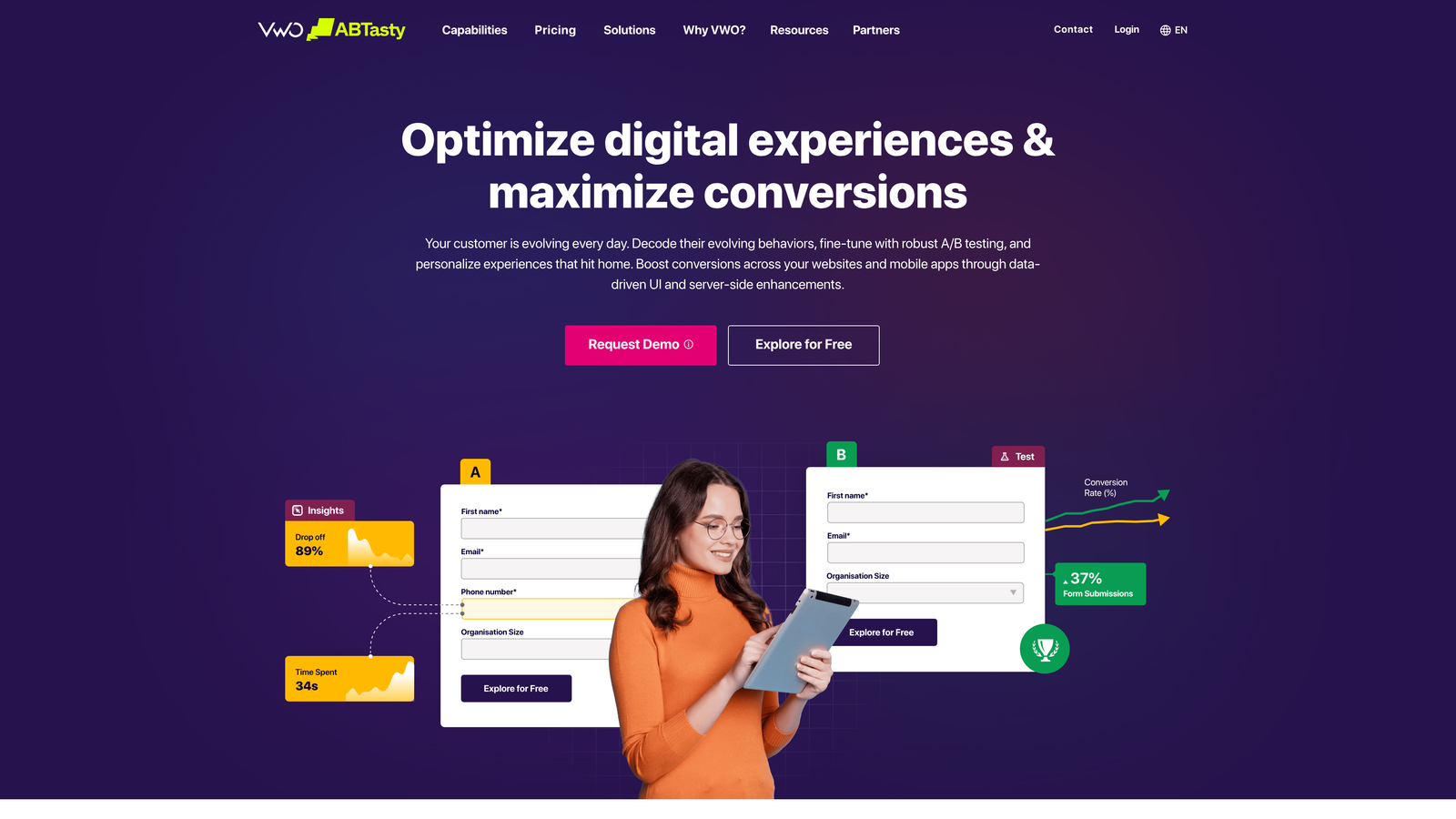
VWO is a full-stack experimentation platform built for teams that take A/B testing seriously and need reliable statistical infrastructure to back their decisions.
Where This Tool Shines
VWO goes deeper than most testing tools. Its Bayesian statistics engine is designed to produce more reliable results than simple frequentist approaches, which matters when you're making product decisions based on test outcomes. For teams testing multiple form variants across different audience segments, that statistical rigor can be the difference between acting on real signal and acting on noise.
Beyond testing, VWO includes its own heatmaps, session recordings, and on-page surveys, making it possible to run the full diagnostic-to-experiment cycle within a single platform.
Key Features
A/B and Multivariate Testing: Visual editor for creating test variants without code, with support for complex multivariate experiments across form elements.
Form Analytics and Funnel Tracking: Dedicated reports showing where users drop off within multi-step forms and conversion funnels.
Bayesian Statistics Engine: More reliable significance calculations that reduce the risk of acting on false positives in your test results.
Heatmaps and Session Recordings: Built-in behavior analytics tools so you can diagnose and test within the same platform.
Best For
VWO is best for mid-market and enterprise teams with enough traffic to run statistically significant experiments and a dedicated CRO or growth function that will actually use the depth of features available.
Pricing
Free starter plan available with limited features. Paid plans start at approximately $357/month, reflecting the platform's enterprise orientation.
6. Jotform
Best for: Teams that need a flexible, template-rich form builder with built-in analytics and payment collection capabilities.
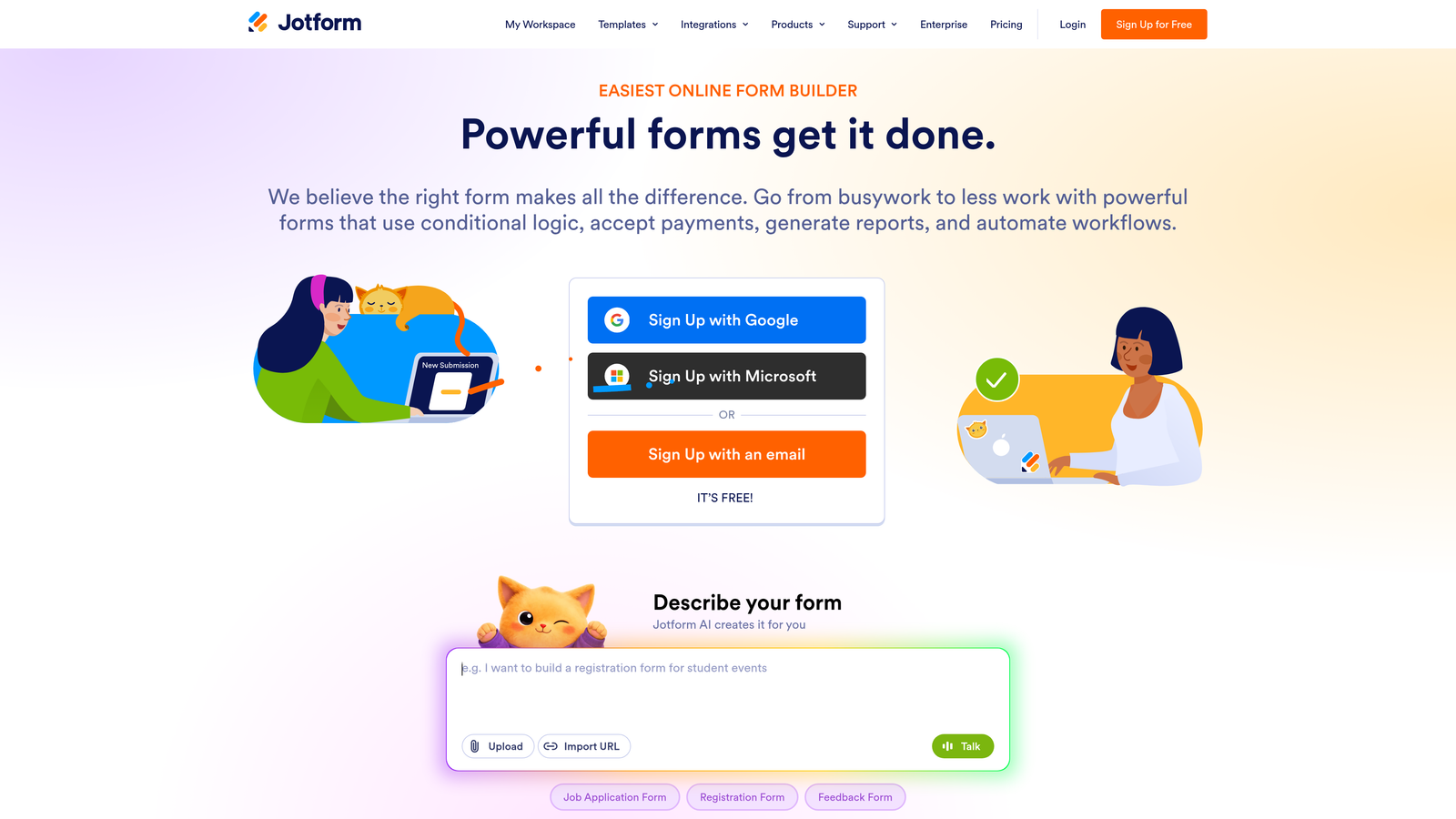
Jotform is a versatile online form builder with one of the largest template libraries available and a straightforward drag-and-drop editor suited to a wide range of use cases.
Where This Tool Shines
Jotform's template library is genuinely impressive in scope. With over 10,000 templates spanning industries from healthcare to e-commerce to education, there's almost always a relevant starting point rather than a blank canvas. For teams that build forms frequently across different departments or use cases, this saves meaningful time.
The built-in analytics dashboard gives you submission tracking and basic form performance data without requiring a separate analytics integration, which makes it accessible for teams that don't have a dedicated analytics stack.
Key Features
10,000+ Form Templates: An extensive library of pre-built templates across virtually every industry and use case, ready to customize.
Drag-and-Drop Builder with Conditional Logic: Visual editor with branching logic to create personalized form paths and reduce unnecessary fields.
Built-in Form Analytics: Submission tracking and basic performance reporting available directly within the platform.
Payment Collection: Native integrations with Stripe, PayPal, and Square for forms that need to collect payments alongside data.
Best For
Jotform is a strong choice for small to mid-sized teams that need to build a high volume of forms across diverse use cases without investing in a complex, specialized platform. It's also well-suited for use cases that combine data collection with payment processing.
Pricing
Free plan available with a reasonable feature set. Paid plans start at approximately $34/month with higher submission limits and advanced features.
7. Google Analytics 4 (GA4) for Form Optimization
Best for: Budget-conscious teams already in the Google ecosystem who want granular form interaction tracking without additional tool costs.
Google Analytics 4 is Google's event-based analytics platform that, when properly configured, provides detailed visibility into form interactions and conversion funnel performance at no cost.

Where This Tool Shines
GA4's event-based data model is a significant improvement over its predecessor for form tracking. Every field interaction, form start, and form submission can be captured as a distinct event, giving you granular data on where users engage and where they drop off. Combined with custom funnel reports, you can build a detailed picture of your form conversion flow.
The cost factor is real. For teams where budget is a constraint, GA4 provides a level of analytical depth that would cost meaningfully more through dedicated behavior analytics platforms. The tradeoff is setup complexity: getting GA4 to track forms well requires more configuration effort than a purpose-built tool like Hotjar.
Key Features
Event-Based Tracking: Granular measurement of individual form interactions, including field-level engagement, form starts, and completions.
Custom Funnel Reports: Visual funnel analysis that identifies specific drop-off points within multi-step form flows.
Audience Segmentation: Ability to analyze form performance across different audience segments to inform targeted optimization experiments.
Free with Google Ecosystem Integration: No cost for standard GA4, with deep integration across Google Ads, Search Console, and other Google tools.
Best For
GA4 is ideal for teams that are already using Google's marketing stack and want to add form-level tracking without introducing a new vendor. It rewards teams with technical resources to configure it properly.
Pricing
GA4 standard is free. GA4 360, the enterprise version with higher data limits and SLAs, is available for organizations with advanced needs at a significant cost increase.
8. Formstack
Best for: Operations-heavy teams in regulated industries that need forms connected to downstream workflows, document generation, and compliance requirements.
Formstack is a form building platform that extends beyond data collection into workflow automation, document generation, and e-signature capabilities, with conversion analytics included.
Where This Tool Shines
Formstack occupies a distinct niche: it's built for organizations where a form submission is the beginning of a business process, not the end of one. Healthcare, financial services, legal, and enterprise operations teams often need form data to trigger document creation, approval workflows, or compliance-tracked processes. Formstack handles that entire chain.
Its HIPAA compliance and security features make it one of the few form platforms genuinely suitable for healthcare and other regulated industries, where data handling requirements would disqualify most consumer-oriented tools.
Key Features
A/B Testing and Conversion Rate Tracking: Built-in experimentation and analytics to optimize form performance alongside the workflow features.
Workflow Automation: Connects form submissions to downstream approval processes, notifications, and data routing without custom development.
HIPAA Compliance and Security: Enterprise-grade data security and compliance features for regulated industries.
Document Generation and E-Signatures: Automatically generates documents from form data and supports e-signature collection within the same platform.
Best For
Formstack is the right choice for healthcare, legal, financial services, and enterprise operations teams where forms need to connect to complex internal workflows and compliance requirements are non-negotiable.
Pricing
Plans start at approximately $50/month. Higher tiers unlock the full workflow automation, document generation, and compliance feature set.
9. Crazy Egg
Best for: Teams that want fast, visual behavior insights and lightweight A/B testing without a heavy analytics implementation.
Crazy Egg is a behavior analytics and A/B testing tool that provides quick visual insights into form page performance through heatmaps, scroll maps, and click tracking.
Where This Tool Shines
Crazy Egg's primary advantage is speed of insight. Setup requires adding a single script tag, and within a short collection period, you have visual data showing how users interact with your form pages. For teams that want to move quickly without a complex analytics implementation, that low barrier to entry is genuinely valuable.
The combination of behavior analytics and a built-in A/B testing tool means you can diagnose a problem and run an experiment to fix it within the same platform. It's not as statistically sophisticated as VWO, but for teams running straightforward form optimization tests, it covers the essential workflow effectively.
Key Features
Heatmaps, Scroll Maps, and Confetti Reports: Visual overlays showing where users click, how far they scroll, and which elements on your form pages attract the most attention.
Built-in A/B Testing: Visual editor for creating and running form page variants without engineering support.
Session Recordings: Playback of individual user sessions to observe real form interaction behavior in context.
Single-Script Setup: Minimal technical implementation that gets you collecting data quickly without developer involvement.
Best For
Crazy Egg is a strong fit for small to mid-sized teams, agencies, and marketers who want actionable visual insights and basic A/B testing capability without the complexity or cost of an enterprise experimentation platform.
Pricing
Plans start at approximately $29/month, making it one of the more accessible paid options in this category.
Choosing the Right Tool for Your Situation
The honest answer is that the best tool depends entirely on where your conversion problem actually lives. Before picking a platform, spend a few minutes auditing your current form conversion rates. Are forms getting traffic but not completions? That's a friction or design problem. Are completions happening but lead quality is poor? That's a qualification problem. Are you simply unsure where the drop-off occurs? That's a diagnostic problem. Each of those calls for a different type of tool.
Here's a quick-reference guide to help you match the right tool to your situation:
Orbit AI: Best when you want an all-in-one platform that handles form building, lead qualification, and conversion optimization in one place, without stitching together multiple tools.
Typeform: Best when conversational UX and respondent engagement are the primary goals, particularly for surveys and consumer-facing lead capture.
Unbounce: Best when you're running paid traffic and need to optimize the landing page and form together as a single conversion unit.
Hotjar or Crazy Egg: Best when you need to diagnose an existing form's performance problems quickly using visual behavior data before making changes.
VWO: Best when you have the traffic volume and team capacity to run statistically rigorous experiments and need enterprise-grade testing infrastructure.
Jotform: Best when you need to build a high volume of diverse forms quickly and want a massive template library to work from.
Formstack: Best when forms need to connect to complex internal workflows, document generation, or compliance requirements in regulated industries.
GA4: Best when you're already in the Google ecosystem and want granular form tracking without adding a new vendor to your stack.
If you're a high-growth team looking to consolidate your form building and optimization into one intelligent platform, start building free forms today with Orbit AI and see how AI-powered lead qualification and conversion-optimized design can work together to elevate your results from the very first form you publish.


