

B2B SaaS teams have a form problem. Not a shortage of form builders, quite the opposite. The market is flooded with options, but most were built for general use cases: event RSVPs, customer surveys, contact pages. When your goal is qualifying high-intent leads, routing prospects to the right sales rep, and integrating cleanly with your CRM stack, generic tools start showing their limits fast.
This guide cuts through the noise. We evaluated nine form builders specifically through a B2B SaaS lens, prioritizing lead qualification logic, CRM integrations, conversion optimization features, and the ability to handle multi-step flows without requiring a developer. Whether you're building a demo request form, a product onboarding flow, or a gated content gate, there's a right tool for your growth stage.
For teams focused on lead quality over lead volume, we've also flagged which tools offer AI-powered qualification, increasingly a differentiator for high-growth SaaS companies. Let's get into it.
1. Orbit AI
Best for: B2B SaaS teams that need AI-powered lead qualification baked into form logic
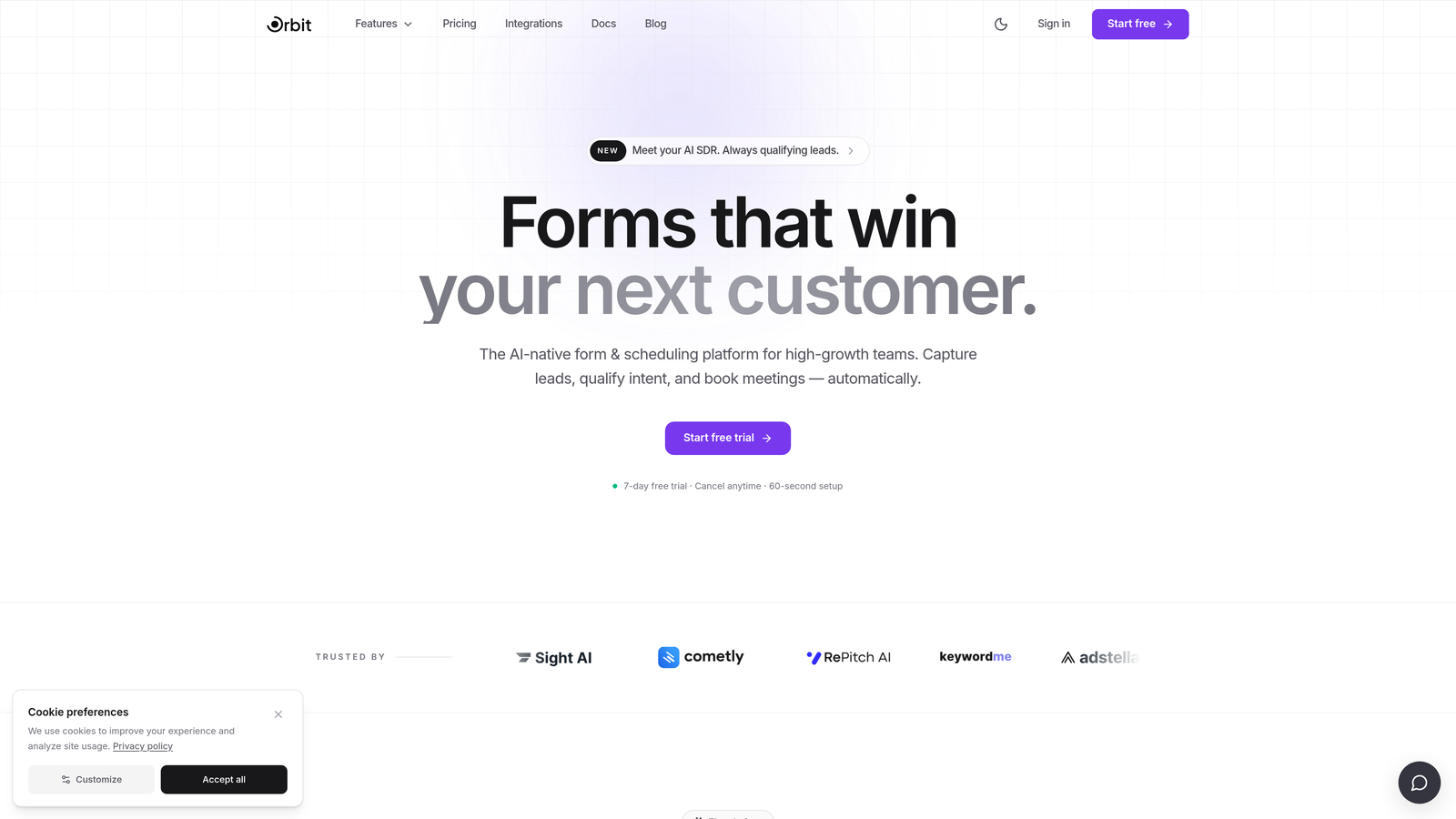
Orbit AI is an AI-powered form builder built specifically for B2B SaaS lead qualification and conversion optimization.
Where This Tool Shines
Most form builders collect data. Orbit AI acts on it. The platform is built around the idea that a form shouldn't just capture a lead, it should evaluate that lead in real time, score it based on your ideal customer profile, and route it to the right sales path automatically. That's a meaningful distinction for growth teams juggling high inbound volume.
The form design itself is also purpose-built for SaaS conversion contexts. Templates are clean, modern, and optimized for the kinds of flows B2B teams actually run: demo requests, trial signups, gated content gates, and onboarding sequences. You're not adapting a generic survey tool to fit your use case; you're starting from a foundation built for it.
Key Features
AI-Powered Lead Qualification: Built-in lead scoring evaluates responses in real time and surfaces high-intent prospects automatically.
Smart Routing Logic: Conditional logic directs leads to the right sales path based on their answers, company size, role, or intent signals.
Conversion-Optimized Templates: SaaS-specific form templates designed to reduce drop-off and increase completion rates.
CRM Integrations: Native integrations with major CRMs ensure clean, immediate lead handoff without manual data entry.
Multi-Step Form Flows: Progressive multi-step designs break complex qualification questions into digestible steps, keeping prospects engaged through completion.
Best For
High-growth SaaS teams that need more than a data collection tool. Orbit AI is the right fit if lead quality is a priority, if your sales team is spending time manually qualifying inbound leads, or if you want AI to handle the routing logic that currently lives in your head.
Pricing
Visit orbitforms.ai for current pricing details and free trial options. A free tier is available to get started.
2. Typeform
Best for: SaaS teams prioritizing form completion rates through conversational UX
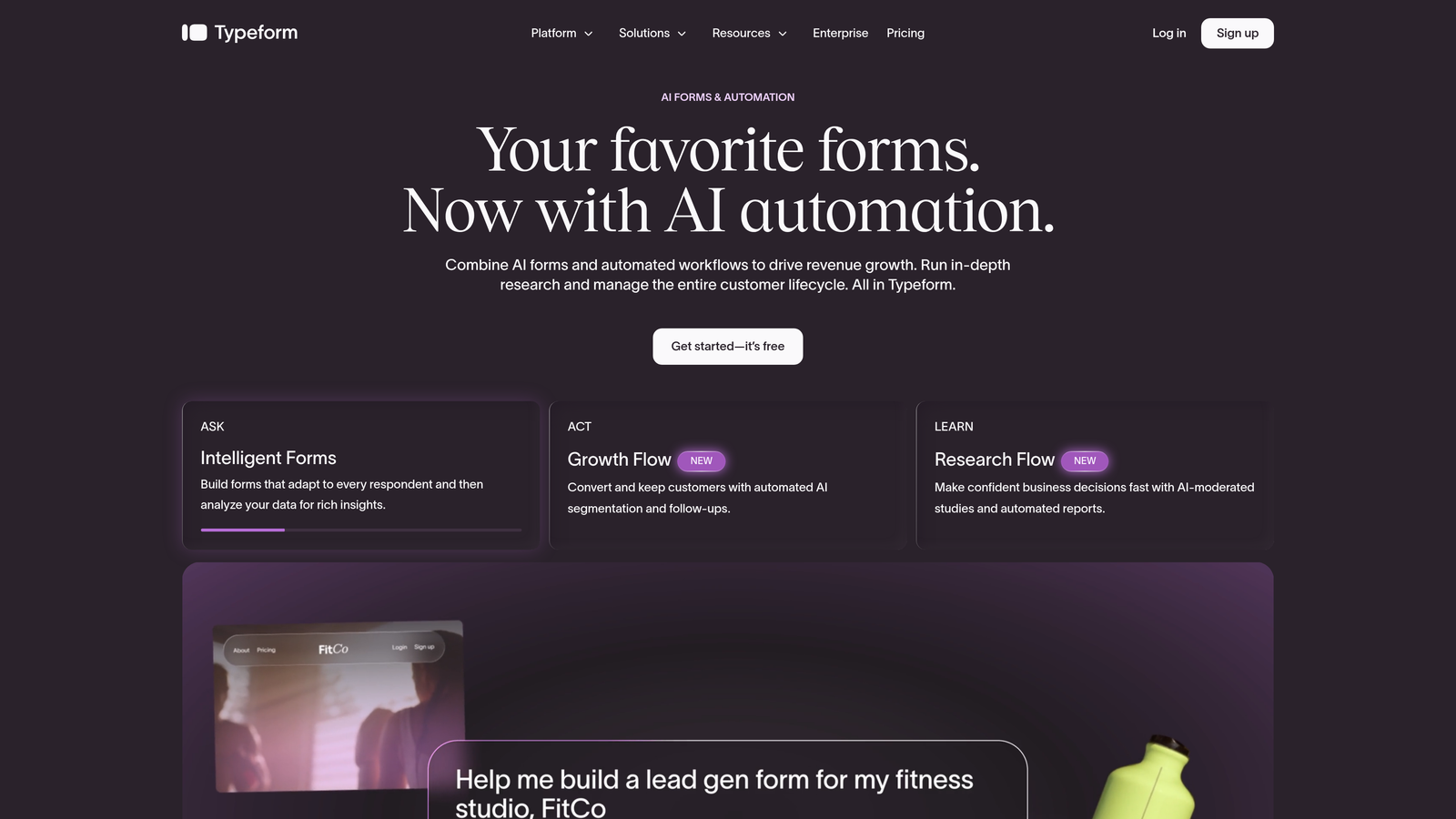
Typeform is a conversational form platform known for its one-question-at-a-time format and polished, brand-forward design.
Where This Tool Shines
Typeform's signature UX, presenting one question at a time rather than a wall of fields, genuinely reduces the cognitive load on respondents. For B2B SaaS teams running demo request flows or qualification surveys, this format tends to keep prospects engaged longer and drives higher completion rates compared to traditional form layouts.
The Logic Jumps feature lets you build branching paths based on responses, so a prospect who selects "Enterprise" gets a different follow-up sequence than one who selects "Startup." It's not as sophisticated as AI-driven qualification, but it covers most conditional routing needs for mid-market SaaS teams.
Key Features
Conversational Format: One-question-at-a-time presentation reduces form fatigue and improves completion rates.
Logic Jumps: Branching paths based on responses allow for personalized question flows without developer involvement.
CRM Integrations: Native connections to HubSpot, Salesforce, and Zapier for lead handoff and workflow automation.
Rich Media Support: Video and image embedding within questions adds context and personality to qualification flows.
Branded Design: Highly customizable visual design that matches your SaaS product's look and feel.
Best For
SaaS marketing and demand gen teams that want a polished, high-completion form experience and are already integrated with HubSpot or Salesforce. Typeform is a strong choice when brand experience matters as much as data collection.
Pricing
Free plan available. Paid plans start at approximately $25/month. Verify current pricing at typeform.com/pricing.
3. HubSpot Forms
Best for: Teams already running their CRM and marketing automation on HubSpot
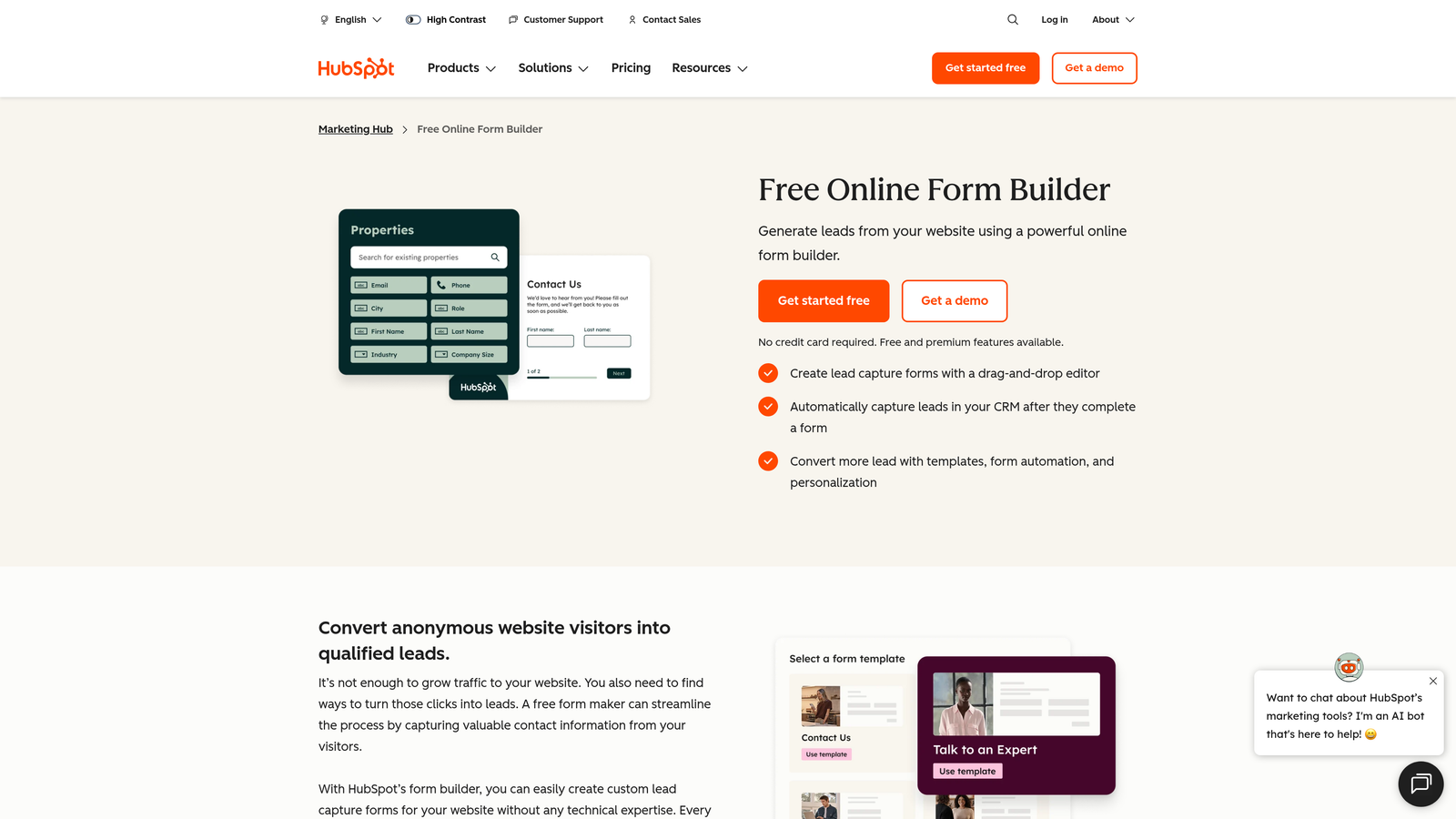
HubSpot Forms is a native form builder embedded within the HubSpot ecosystem, free for any HubSpot account holder.
Where This Tool Shines
If your team lives in HubSpot, this is the path of least resistance. Every form submission flows directly into your CRM, triggers workflows, updates contact properties, and feeds your lead scoring model without any integration setup. That zero-friction handoff is genuinely valuable when you're trying to keep your tech stack tight.
Progressive profiling is a standout feature for B2B SaaS teams. Instead of asking the same fields every time a known contact fills out a form, HubSpot Forms automatically shows new questions to collect additional profile data over time. It's a smart way to enrich your contact records without overwhelming prospects on their first touchpoint.
Key Features
Native CRM Sync: Every submission instantly updates contact records and triggers HubSpot workflows with zero configuration.
Progressive Profiling: Shows new fields to returning visitors rather than repeating questions you already have answers to.
Smart Field Auto-Population: Known contact data pre-fills fields for returning visitors, reducing form friction.
Native Lead Scoring Integration: Form responses feed directly into HubSpot's lead scoring model.
Embedded and Standalone Options: Deploy forms on your website, in landing pages, or as pop-ups within the HubSpot page builder.
Best For
B2B SaaS teams already invested in the HubSpot ecosystem. The value proposition here is tight CRM integration, not form design flexibility. If you're not on HubSpot, the case for this tool weakens considerably.
Pricing
Free with any HubSpot account. Advanced features require a paid Marketing Hub tier. Verify current pricing at hubspot.com/pricing.
4. Jotform
Best for: Teams with complex data collection workflows that go beyond standard lead capture
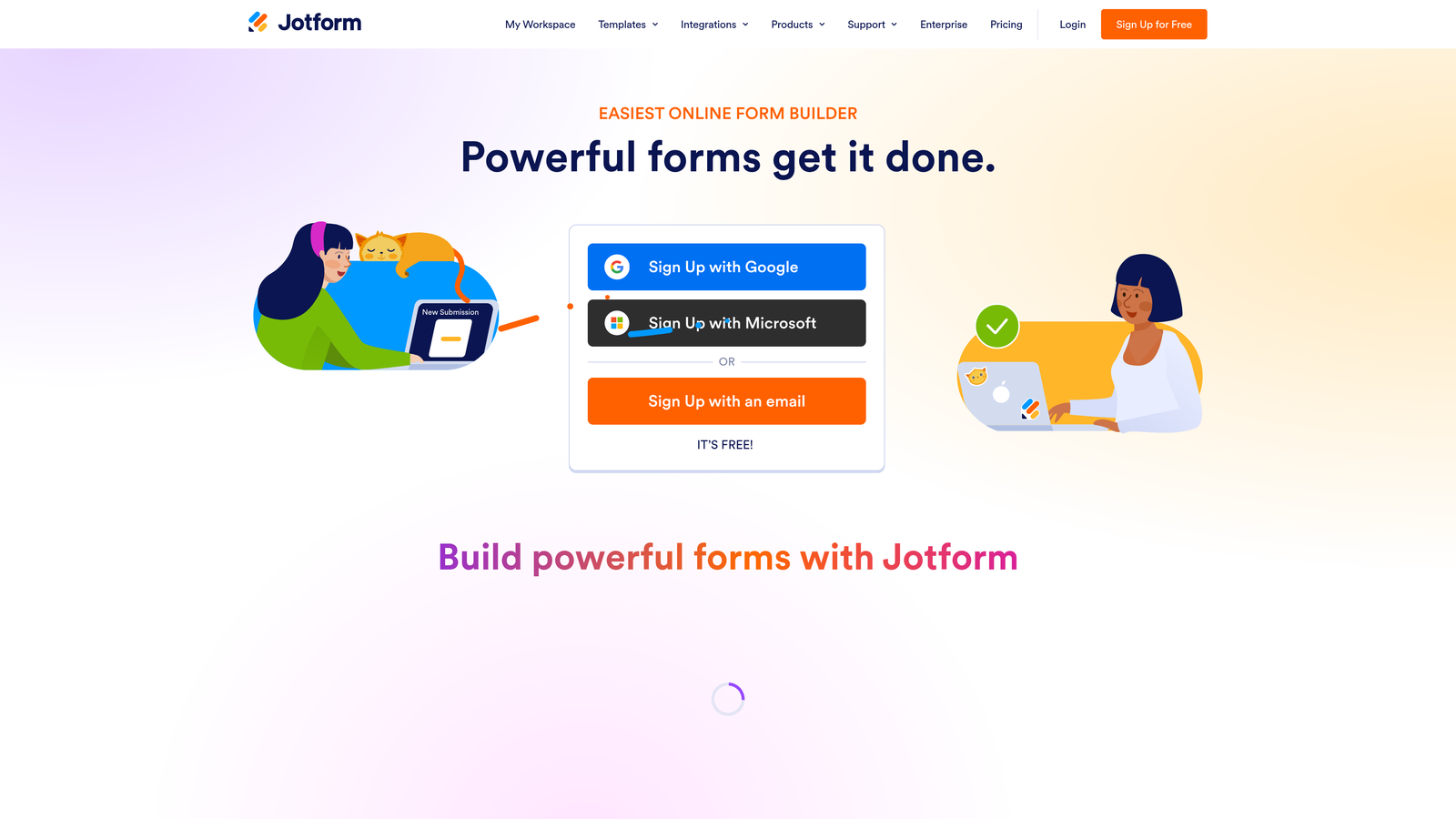
Jotform is one of the most feature-rich form builders on the market, supporting advanced logic, calculations, e-signatures, and payment workflows.
Where This Tool Shines
Jotform earns its reputation as the Swiss Army knife of form builders. When your use case involves conditional calculations, multi-stage approval workflows, or collecting e-signatures alongside form data, Jotform handles it without requiring custom development. For B2B SaaS teams running complex onboarding flows or vendor intake processes, that depth is hard to replicate elsewhere.
The template library is extensive, covering thousands of pre-built forms across virtually every use case. It can feel like a lot to navigate if you just need a clean demo request form, but for teams with varied and complex form needs across the organization, the breadth is genuinely useful.
Key Features
Advanced Conditional Logic: Sophisticated branching and calculation fields handle complex data collection scenarios.
Workflow Automation: Built-in approval workflows, e-signature collection, and multi-step process management.
Extensive Integration Library: Native connections to Salesforce, HubSpot, Zapier, and hundreds of other tools.
10,000+ Templates: Pre-built forms across virtually every industry and use case.
White-Labeling: Custom branding and domain support for agencies and enterprise teams.
Best For
SaaS teams with complex, multi-department form needs: procurement, HR, legal, and customer success workflows alongside marketing lead capture. If you need a single platform to handle all of it, Jotform delivers.
Pricing
Free plan available. Paid plans start at approximately $34/month. Verify current pricing at jotform.com/pricing.
5. Tally
Best for: Early-stage SaaS teams that need a capable free form builder without the overhead
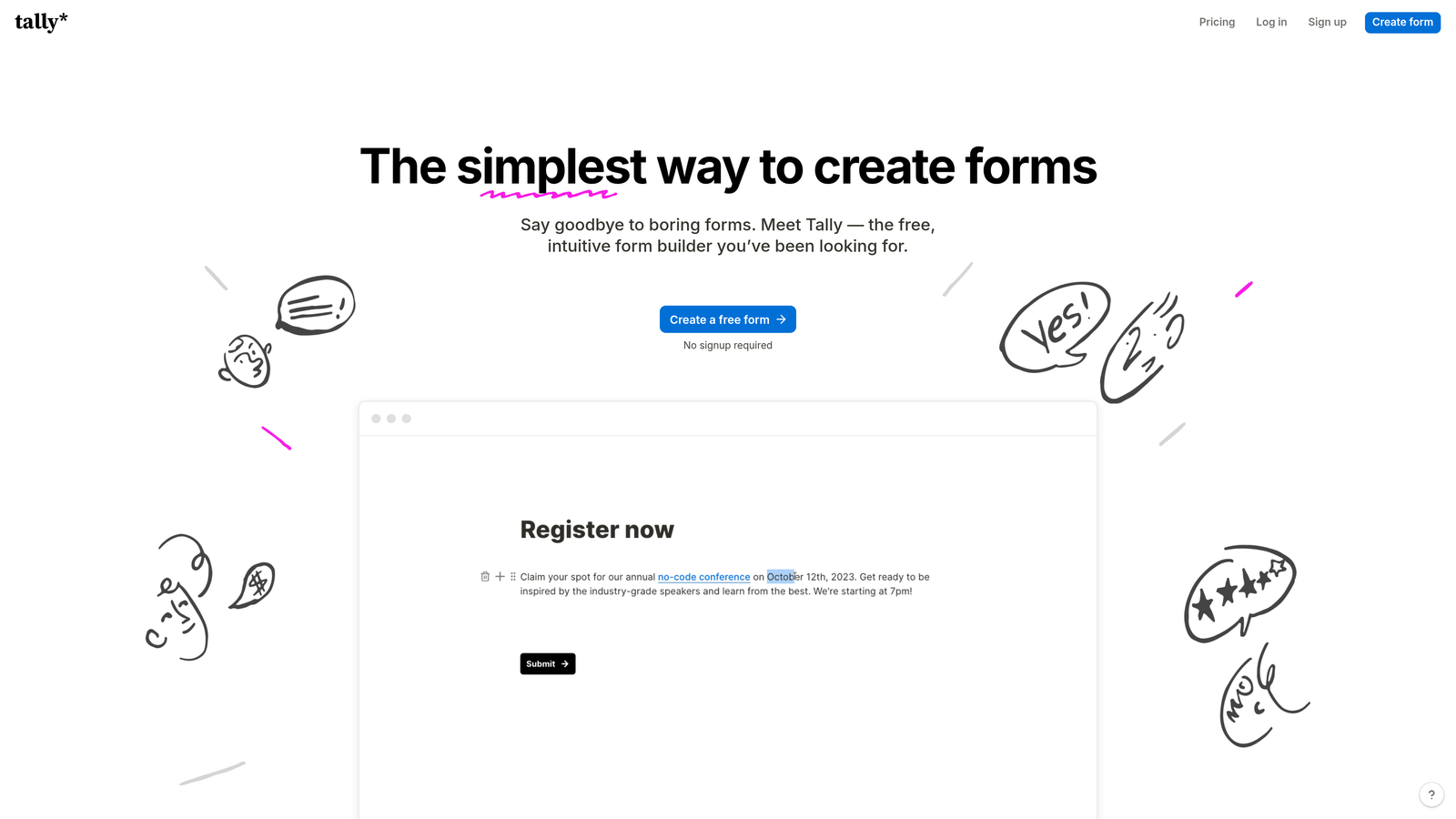
Tally is a Notion-inspired form builder with a generous free tier that covers conditional logic, custom domains, and multi-step forms.
Where This Tool Shines
Tally's free plan is genuinely remarkable by market standards. Unlimited forms, unlimited responses, conditional logic, and custom domain support, all without paying a cent. For early-stage SaaS teams watching every dollar in the stack, that's a compelling starting point. The Notion-like block editor also makes it intuitive for teams already living in that ecosystem.
The trade-off is depth. Tally doesn't offer AI-powered qualification, advanced CRM routing, or the conversion optimization features that growth-stage teams eventually need. It's an excellent tool for its target audience, but teams scaling their lead gen operations will likely outgrow it.
Key Features
Generous Free Plan: Unlimited forms and responses with conditional logic and multi-step forms included at no cost.
Block Editor: Notion-like interface makes form building intuitive for teams familiar with modern productivity tools.
Custom Domain Support: Host forms on your own domain even on the free tier.
Zapier and Make Integrations: Connect to your existing stack through automation platforms.
Multi-Step Forms: Break longer forms into digestible steps to reduce completion friction.
Best For
Pre-seed to Series A SaaS teams that need solid form functionality without budget commitment. Also a strong fit for internal forms, user research surveys, and lightweight lead capture where advanced qualification isn't yet a priority.
Pricing
Free plan available. Tally Pro at approximately $29/month. Verify current pricing at tally.so/pricing.
6. Paperform
Best for: SaaS teams running self-serve or PLG flows that need form and landing page in one
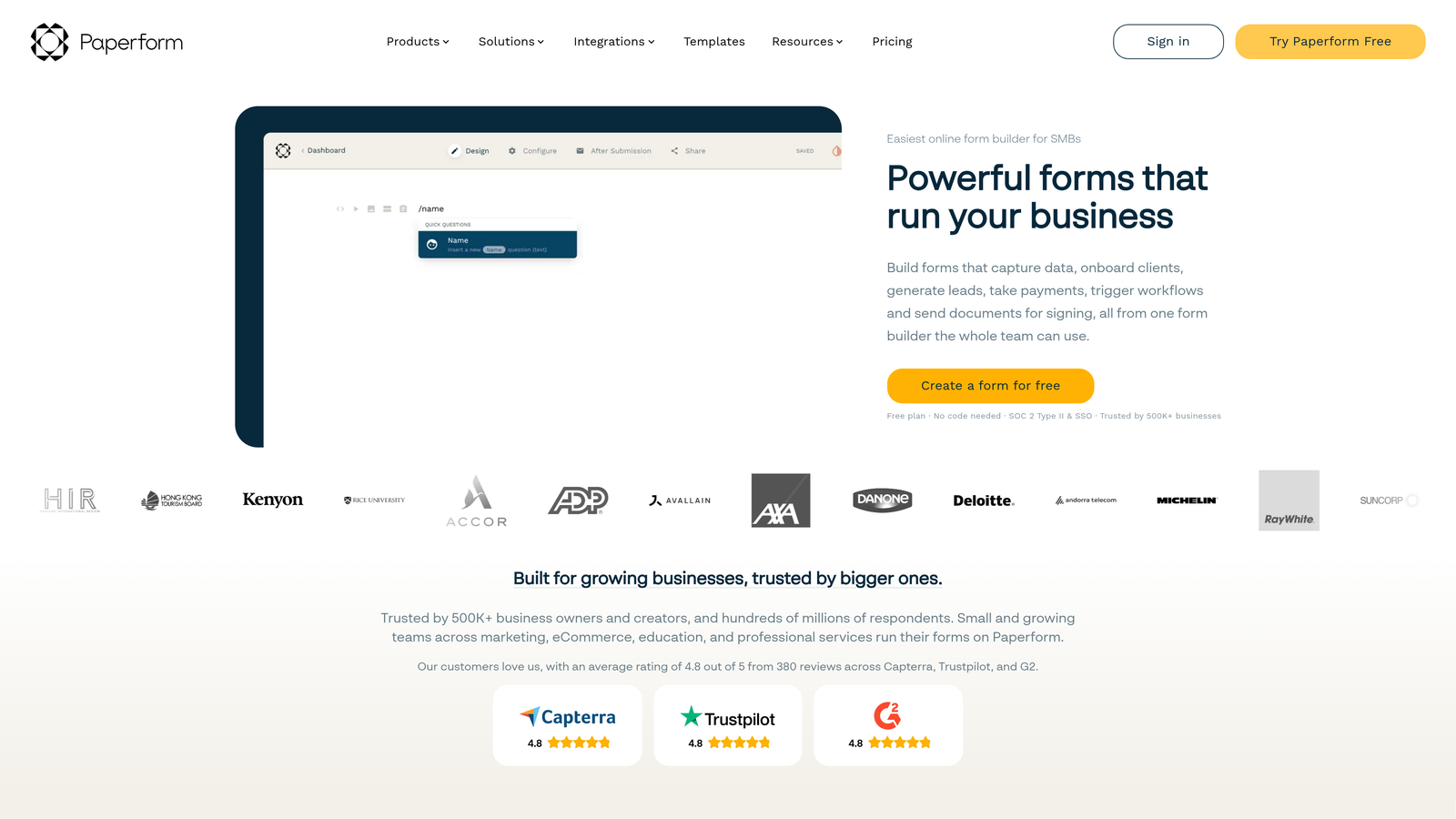
Paperform is a form builder that functions as a standalone landing page tool, with rich media support and built-in payment and scheduling capabilities.
Where This Tool Shines
Paperform sits at an interesting intersection: it's more than a form but less than a full landing page builder. For product-led growth teams that want to create self-contained signup or trial activation experiences without spinning up a separate landing page, that middle ground is genuinely useful. You can embed product screenshots, explanatory copy, and video alongside your form fields in a single cohesive page.
The built-in scheduling and payment collection features also make Paperform worth considering for SaaS teams that sell through demos or offer paid onboarding. You can capture lead data, book the call, and collect payment in a single form flow.
Key Features
Rich Media Embedding: Text, images, and video integrate directly into form content for context-rich experiences.
Payment Collection: Accept payments within forms, useful for self-serve SaaS trial or onboarding flows.
Scheduling Integration: Built-in appointment booking eliminates the need for a separate scheduling tool.
Conditional Sections: Show or hide entire form sections based on previous responses.
Custom Branding: Full brand control with custom domain support.
Best For
PLG and self-serve SaaS teams that want a single tool to handle lead capture, scheduling, and lightweight landing page creation. Less suited for teams that need deep CRM routing or AI-powered qualification.
Pricing
Plans start at approximately $24/month. Verify current pricing at paperform.co/pricing.
7. Fillout
Best for: No-code and ops teams building forms directly on top of Airtable, Notion, or Supabase
Fillout is a modern form builder that stands out for its deep native integrations with database and productivity tools alongside solid CRM support.

Where This Tool Shines
Fillout gained traction quickly in the no-code and ops community for a specific reason: it connects directly to Airtable, Notion, and Supabase as first-class integrations, not afterthoughts. If your team uses any of these as a backend for customer data or operations, Fillout lets you build forms that read from and write to those databases directly. That's a meaningful workflow advantage for lean ops teams.
Beyond the database integrations, Fillout also supports HubSpot and Salesforce, which means it can serve both the ops layer and the sales layer without requiring two separate tools. The pricing is competitive, and the free tier is generous enough to evaluate it properly before committing.
Key Features
Native Database Integrations: Direct connections to Airtable, Notion, and Supabase for forms that read and write data natively.
CRM Support: HubSpot and Salesforce integrations for sales-facing lead capture flows.
Multi-Step Conditional Logic: Branching forms that adapt based on responses.
Scheduling and Payments: Add-on capabilities for booking and payment collection within forms.
Competitive Free Tier: Generous free plan makes evaluation and early adoption low-risk.
Best For
SaaS ops and RevOps teams that use Airtable or Notion as part of their data infrastructure. Also a strong option for teams wanting HubSpot or Salesforce integration at a lower price point than some competitors.
Pricing
Free plan available. Paid plans start at approximately $15/month. Verify current pricing at fillout.com/pricing.
8. Growform
Best for: B2B demand gen teams running paid acquisition campaigns that need CRO-optimized lead forms
Growform is a multi-step lead generation form builder purpose-built for paid traffic landing pages and conversion rate optimization.
Where This Tool Shines
Growform occupies a specific and well-defined niche: lead capture forms for paid acquisition. The product is built around the assumption that your form lives on a paid landing page and that every percentage point of conversion rate improvement has direct revenue impact. Progress indicators, friction-reducing UX patterns, and multi-step designs are all baked into the core product, not bolted on as afterthoughts.
For B2B SaaS teams running Google Ads or LinkedIn campaigns, the ability to drop a high-converting multi-step form onto any landing page without developer involvement is genuinely valuable. The CRM and webhook integrations ensure that leads captured through paid channels flow cleanly into your existing routing and nurture workflows.
Key Features
CRO-First Design: Multi-step form patterns specifically designed to maximize conversion rates on paid traffic landing pages.
Progress Indicators: Visual progress cues that reduce drop-off by showing prospects how close they are to completion.
CRM and Webhook Integrations: Route captured leads to your CRM or trigger downstream workflows automatically.
Flexible Embed Options: Embed on any landing page or use as a standalone form URL.
Paid Traffic UX Patterns: Purpose-built for the specific context of cold traffic arriving from paid campaigns.
Best For
B2B SaaS demand gen teams with active paid acquisition programs on Google, LinkedIn, or Meta. If your primary form use case is converting cold paid traffic into qualified leads, Growform is one of the most focused tools available for that job.
Pricing
Plans start at approximately $49/month. Verify current pricing at growform.co/pricing.
9. Google Forms
Best for: Internal data collection within Google Workspace, not external B2B lead capture
Google Forms is a completely free, unlimited form builder that integrates natively with Google Sheets and the broader Google Workspace ecosystem.
Where This Tool Shines
Google Forms does exactly what it promises: unlimited forms, unlimited responses, and zero cost. For internal use cases, it's hard to argue with. Team surveys, internal intake requests, employee feedback collection, event RSVPs for internal events, all of these work perfectly well in Google Forms without any setup overhead.
The Google Sheets integration is seamless. Every response populates a spreadsheet automatically, making it easy to sort, filter, and analyze data without exporting anything. For teams that live in Google Workspace, that native connection has real workflow value.
Key Features
Completely Free: Unlimited forms and responses with any Google account, no paid tier required.
Google Sheets Integration: Responses flow automatically into a connected spreadsheet for easy analysis.
Basic Branching Logic: Simple conditional section display based on multiple-choice answers.
Zero Setup: No account creation beyond a Google login; forms are live in minutes.
Google Workspace Ecosystem: Shares the same infrastructure as Docs, Drive, and Gmail for frictionless internal collaboration.
Best For
Internal use cases within Google Workspace organizations. Google Forms is not a competitive option for external B2B lead capture: there are no CRM integrations, no lead scoring, no conversion optimization features, and no custom branding. Use it for what it's good at, and choose a purpose-built tool for your external forms.
Pricing
Completely free with any Google account.
Which Form Builder Is Right for Your SaaS Stage?
The right tool depends on where you are in your growth journey and what job your forms are actually doing.
If you're at the early stage and budget is the primary constraint, Tally gives you surprisingly capable forms at no cost, and Google Forms handles anything internal. As you start investing in lead generation, Typeform delivers a polished conversational experience, and Fillout offers strong integrations at a competitive price point.
For teams already on HubSpot, HubSpot Forms is the obvious choice for its zero-friction CRM sync. For complex, multi-department form workflows, Jotform handles more edge cases than anything else on this list. If paid acquisition is your primary growth channel, Growform is purpose-built for that context. And if you want a form that doubles as a lightweight landing page, Paperform covers that middle ground well.
For growth-stage SaaS teams where lead quality, AI-powered qualification, and conversion optimization are the priorities, Orbit AI is built specifically for that job. It's the only tool on this list where the form itself actively scores and routes leads, not just collects them.
The B2B SaaS form landscape has matured. The question is no longer whether a tool can collect data. It's whether it can act on that data intelligently. Transform your lead generation with AI-powered forms that qualify prospects automatically while delivering the modern, conversion-optimized experience your high-growth team needs. Start building free forms today and see how intelligent form design can elevate your conversion strategy.


