

High-growth teams outgrow their form builders faster than most realize. One day you're happily collecting leads, and the next you're wrestling with pricing tiers that don't match your usage, staring at forms that look like they're from 2015, or manually qualifying leads that should be sorted automatically. If you're reading this, chances are Formstack isn't keeping pace with your ambitions anymore.
The good news? The form builder landscape has evolved dramatically. Today's alternatives offer everything from AI-powered lead qualification to conversational interfaces that actually feel modern. Some prioritize simplicity, others excel at payments, and a few are purpose-built for teams who need their forms to work as hard as their sales team does.
This guide breaks down seven Formstack alternatives that deserve your attention in 2026. We've evaluated each based on what actually matters to high-growth teams: AI capabilities that reduce manual work, user interfaces that won't embarrass your brand, integration ecosystems that play nice with your stack, pricing that makes sense as you scale, and features specifically designed to boost conversions.
Whether you're a startup optimizing every dollar or a scaling company that needs enterprise-grade capabilities without enterprise-grade headaches, one of these alternatives will fit your needs better than settling for a tool you've outgrown.
1. Orbit AI: The AI-Powered Alternative for Conversion-Focused Teams
The Challenge It Solves
Most form builders treat every lead the same, dumping them all into your CRM and leaving your team to manually sort through which prospects are worth immediate attention. For high-growth teams, this creates a bottleneck that slows down your sales velocity and wastes time on unqualified leads. You need forms that don't just collect data—they need to understand it.
The Strategy Explained
Orbit AI takes a fundamentally different approach by building artificial intelligence directly into the form creation process. The platform analyzes responses in real-time to automatically qualify leads, route them to the right team members, and trigger personalized follow-up workflows based on prospect quality. Think of it as having a smart assistant embedded in every form who knows exactly which leads deserve white-glove treatment and which need nurturing.
The platform combines this intelligence with conversion-optimized design templates that look nothing like traditional forms. Each template is built with modern aesthetics and user experience principles that match what high-growth brands expect from their digital presence. You're not choosing between smart functionality and beautiful design—you get both.
Implementation Steps
1. Start with Orbit AI's template library and select a conversion-optimized design that matches your brand aesthetic and use case, whether that's lead generation, event registration, or product qualification.
2. Configure the AI qualification rules by defining what makes a lead high-priority for your business—budget thresholds, company size, specific pain points, or timeline urgency—and let the platform automatically score and route accordingly. Following lead scoring best practices ensures your qualification criteria align with actual conversion patterns.
3. Connect your existing tools through native integrations with your CRM, marketing automation platform, and communication tools so qualified leads flow directly into your sales process without manual data entry.
Pro Tips
The real power emerges when you layer conditional logic on top of AI qualification. Set up different follow-up sequences for hot leads versus nurture prospects, and use the platform's analytics to continuously refine what "qualified" means for your specific business. Teams that treat their forms as conversion assets rather than data collection tools see the biggest impact.
2. Typeform: The Conversational Experience Alternative
The Challenge It Solves
Traditional forms feel like interrogations—long lists of fields that overwhelm respondents and tank completion rates. When your brand promises a modern, human-centered experience, clunky forms create immediate cognitive dissonance. You need something that feels more like a conversation and less like paperwork.
The Strategy Explained
Typeform pioneered the one-question-at-a-time format that transforms forms into guided conversations. Instead of facing a wall of fields, respondents answer questions sequentially with smooth transitions and contextual follow-ups. This approach reduces cognitive load and makes longer forms feel manageable because people focus on one decision at a time rather than being overwhelmed by everything at once.
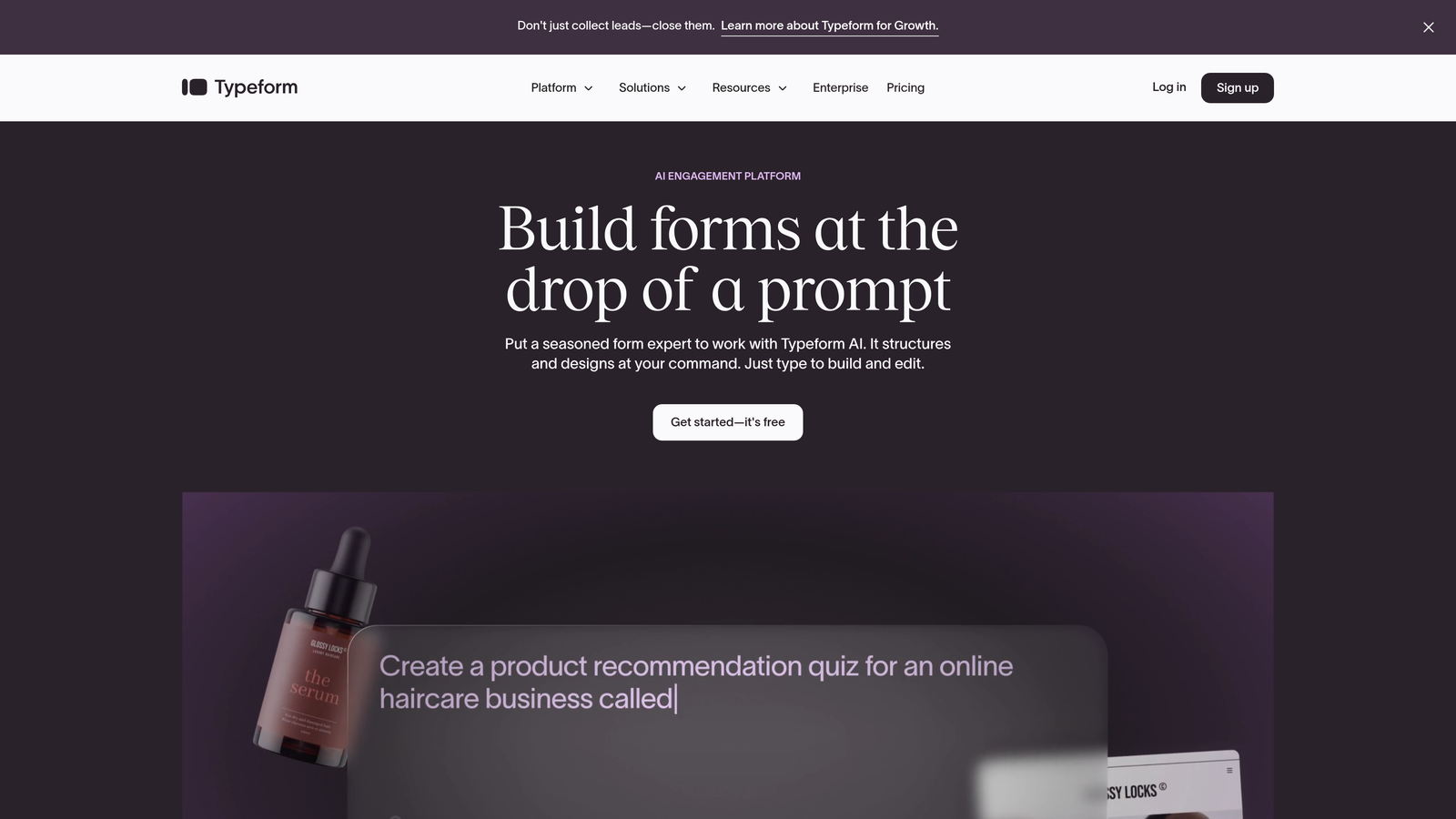
The platform excels at design customization, offering granular control over colors, fonts, backgrounds, and animations. If your brand has specific visual guidelines, Typeform gives you the flexibility to match them precisely. The interface feels polished and intentional, which matters when forms are often the first interactive experience prospects have with your brand.
Implementation Steps
1. Map out your form as a conversation flow rather than a field list, identifying which questions naturally lead to others and where conditional branching makes sense based on previous answers.
2. Customize the visual experience to align with your brand guidelines, paying special attention to the welcome screen and thank-you page since these frame the entire interaction and set expectations. Understanding form UX best practices helps you design flows that feel intuitive rather than frustrating.
3. Test the mobile experience extensively since Typeform's conversational format particularly shines on smaller screens where traditional forms become nearly unusable.
Pro Tips
Typeform works best for forms where completion rate matters more than speed. The conversational format increases engagement but takes longer to complete than traditional layouts. Use it for high-value interactions like customer feedback, detailed lead qualification, or applications where you want respondents to feel valued rather than processed.
3. Jotform: The Template Variety Alternative
The Challenge It Solves
Building forms from scratch every time wastes valuable hours that high-growth teams don't have. You need something that works for diverse use cases—from event registrations to job applications to payment collection—without requiring a designer or developer for each new form type.
The Strategy Explained
Jotform's massive template library covers virtually every form use case imaginable, with over 10,000 pre-built templates spanning industries and functions. Need a vendor application form? There's a template. Looking for a COVID-19 screening questionnaire? Multiple templates. Want to collect payments with a donation form? Dozens of options. This breadth means you're rarely starting from zero.
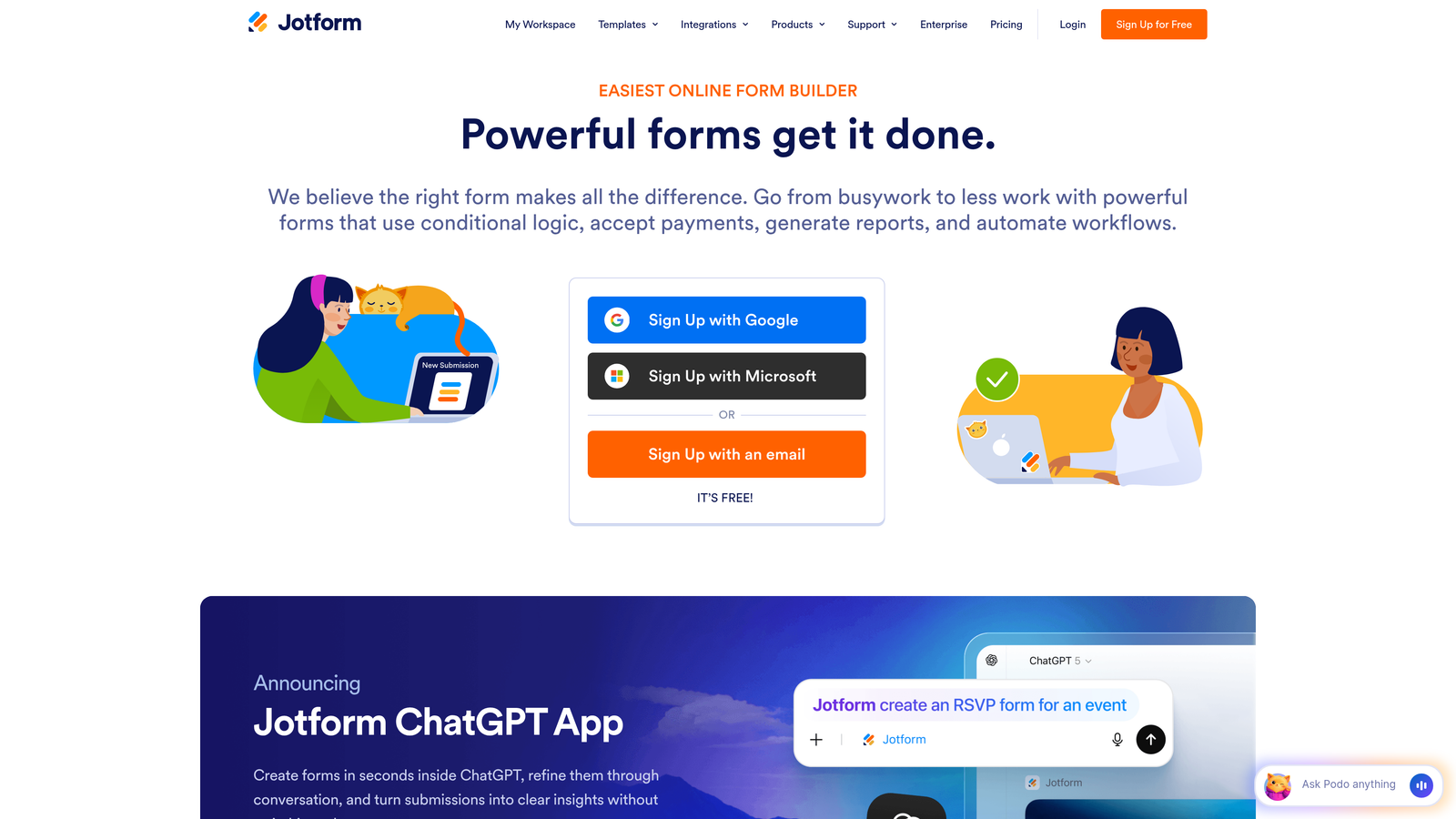
Beyond templates, Jotform includes robust PDF generation and e-signature capabilities built directly into the platform. Forms can automatically generate formatted PDFs from submissions and route them for digital signatures, which streamlines workflows that traditionally required multiple tools. For teams handling contracts, applications, or compliance documentation, this integration eliminates significant friction.
Implementation Steps
1. Browse the template library by category or use case rather than building from scratch, then customize the closest match to your needs—this approach typically saves 60-80% of the time compared to starting with a blank form.
2. Configure PDF templates if your workflow requires formatted documents, using Jotform's drag-and-drop PDF editor to control exactly how submission data appears in generated documents.
3. Set up e-signature workflows for any forms that require approvals or legal acknowledgment, defining the signing order and notification triggers within the same platform. If you're exploring other options, check out Jotform alternatives for lead generation to compare capabilities.
Pro Tips
Jotform's strength is versatility, but this comes with complexity. The interface offers tremendous power through widgets and integrations, but the learning curve is steeper than simpler alternatives. Invest time in understanding the platform's capabilities upfront, and you'll be able to handle almost any form requirement without switching tools.
4. Tally: The Simplicity-First Alternative
The Challenge It Solves
Not every form needs advanced logic, payment processing, or AI qualification. Sometimes you just need to collect information quickly without wrestling with complicated builders or hitting paywalls on basic features. For straightforward use cases, traditional form builders feel like using a sledgehammer to hang a picture frame.
The Strategy Explained
Tally strips form building down to essentials with a Notion-like interface that feels instantly familiar if you've used modern productivity tools. You create forms by typing and selecting field types inline, similar to how you'd build a document. There's no separate "edit mode" versus "preview mode"—what you see while building is what respondents will see, which eliminates the constant toggling that slows down other platforms.
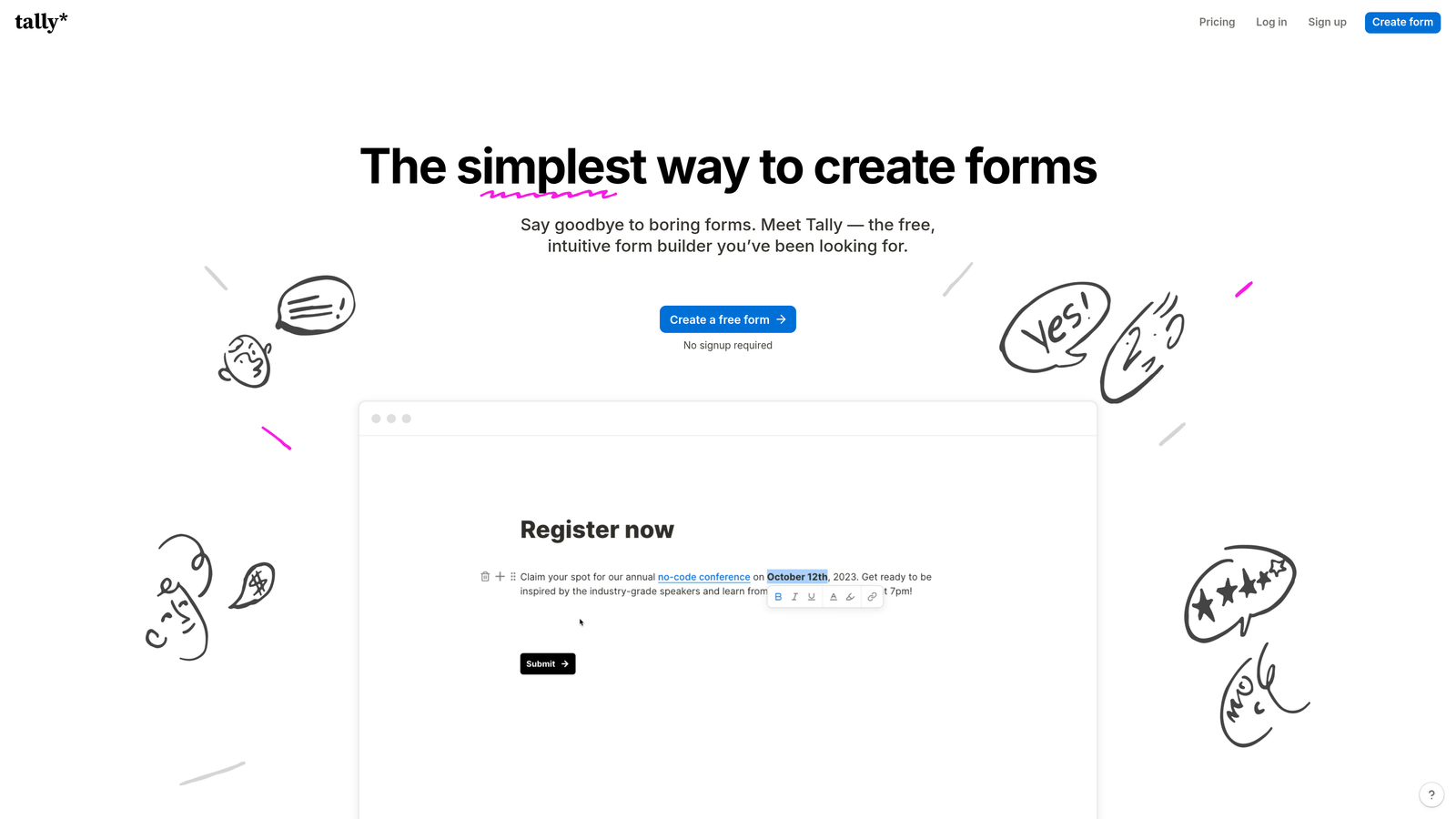
The generous free tier includes unlimited forms and unlimited responses without the artificial limitations that plague most competitors. For teams that need basic forms without budget allocation, Tally removes the barrier entirely. The clean, minimalist interface also means forms load quickly and work reliably without the bloat that comes from feature-heavy alternatives.
Implementation Steps
1. Start typing your form content directly in Tally's editor, adding field types by typing "/" and selecting from the menu—this workflow feels natural for anyone familiar with modern document editors.
2. Use Tally's built-in conditional logic for basic branching needs, though keep expectations realistic since the simplicity-first approach means you won't find the advanced workflow automation of more complex platforms.
3. Embed forms directly into your website or share via direct link, taking advantage of Tally's lightweight code that won't slow down page load times. Apply form design best practices for conversions even with simple tools to maximize your results.
Pro Tips
Tally excels for internal surveys, simple lead capture, event RSVPs, and feedback collection where you need something functional immediately. The platform intentionally avoids feature bloat, so if you find yourself wishing for advanced capabilities, that's a signal you've outgrown what Tally is designed to do. Use it for what it's great at and choose specialized tools when complexity demands it.
5. Paperform: The Payment-Focused Alternative
The Challenge It Solves
Collecting payments through forms traditionally requires stitching together multiple tools—a form builder, a payment processor, possibly a booking system—creating friction for both you and your customers. Each integration point introduces potential failure and complicates troubleshooting when something breaks. You need a unified solution that handles commerce natively.
The Strategy Explained
Paperform approaches forms as interactive documents rather than traditional field-based layouts. You write your form content as flowing text, embedding fields inline where they make contextual sense. This document-style approach works particularly well for product orders, service bookings, and donation campaigns where you need to provide context and persuasion alongside data collection.
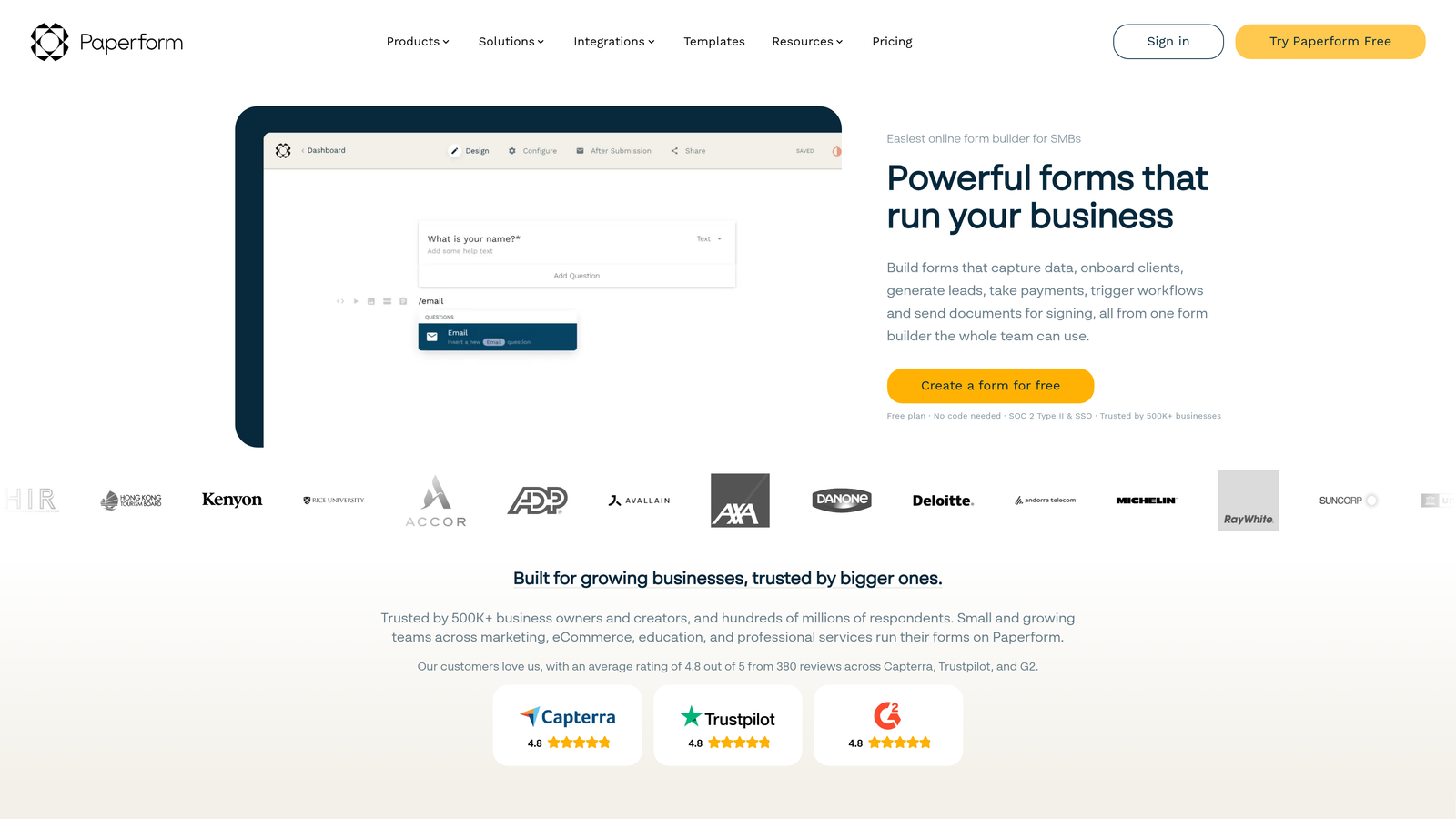
The platform includes native payment processing through Stripe and PayPal, plus built-in calculation fields that let you create dynamic pricing based on user selections. Want to charge different amounts based on quantity, add-ons, or service tiers? Paperform handles the math automatically and presents clear pricing to customers before they commit. This makes it particularly strong for service businesses, e-commerce, and any scenario where forms double as checkout experiences.
Implementation Steps
1. Write your form content as a narrative document, explaining your offering and building value before asking for payment—this approach converts better than traditional checkout flows because it provides context and addresses objections inline.
2. Configure calculation fields to handle dynamic pricing, using Paperform's formula builder to create transparent pricing that updates in real-time as customers make selections. Implementing conversion optimization best practices throughout your payment forms can significantly increase completion rates.
3. Connect your payment processor and test the complete flow from form submission through payment confirmation, ensuring error handling works smoothly and customers receive clear confirmation of their purchase.
Pro Tips
Paperform shines when forms need to sell, not just collect. Use it for course registrations, consulting bookings, product pre-orders, or membership signups where the form itself is part of the sales process. The document-style format gives you space to overcome objections and build desire, which matters more for considered purchases than quick lead capture.
6. Cognito Forms: The Budget-Conscious Alternative
The Challenge It Solves
Enterprise-grade features typically come with enterprise-grade pricing, forcing growing teams to choose between functionality they need and budgets they can afford. Healthcare organizations and businesses handling sensitive data face even steeper costs when compliance requirements like HIPAA enter the picture. You need robust capabilities without the premium price tag.
The Strategy Explained
Cognito Forms delivers advanced functionality—workflow routing, complex calculations, conditional logic, file uploads, payment processing—at price points that make sense for budget-conscious teams. The platform doesn't strip features from lower tiers to force upgrades; instead, pricing scales primarily based on the number of entries you need rather than holding core capabilities hostage.
For healthcare organizations and businesses handling protected health information, Cognito Forms offers HIPAA-compliant plans that include necessary business associate agreements and security controls. This makes it one of the few affordable options for medical practices, insurance companies, and health-related services that can't compromise on compliance but also can't justify enterprise software budgets. Understanding form security best practices helps you evaluate whether any platform meets your compliance requirements.
Implementation Steps
1. Evaluate your actual feature needs against Cognito Forms' pricing tiers, focusing on entry volume rather than feature access since most capabilities are available even on lower-cost plans.
2. If handling sensitive data, configure HIPAA compliance settings and complete the business associate agreement process, ensuring your forms meet regulatory requirements without custom development.
3. Build workflow routing rules to direct submissions to appropriate team members based on form content, using Cognito Forms' conditional routing to automate what would otherwise require manual triage. Review lead routing best practices to optimize how submissions reach the right people.
Pro Tips
Cognito Forms represents the best value for teams that need power without premium pricing. The interface isn't as polished as design-focused alternatives, but the functionality-to-cost ratio is exceptional. If your priority is maximizing capability per dollar spent rather than winning design awards, Cognito Forms delivers serious bang for your buck.
7. Google Forms: The Quick Internal Alternative
The Challenge It Solves
Internal surveys, team feedback collection, and quick polls don't justify software budgets or learning curves. You need something instantly accessible that everyone already knows how to use, with responses that flow directly into spreadsheets your team already works with daily. Overkill is the enemy of done.
The Strategy Explained
Google Forms removes every possible barrier to creating and sharing forms. If your organization uses Google Workspace, everyone already has access without new logins, license purchases, or approval processes. Forms integrate natively with Google Sheets, meaning responses populate spreadsheets automatically where you can analyze them with tools your team already knows.
The platform intentionally stays simple, avoiding the feature creep that makes other form builders intimidating for occasional users. This simplicity is a feature, not a limitation, for internal use cases. HR can launch employee surveys in minutes. Team leads can collect feedback without IT involvement. Project managers can gather requirements without training.
Implementation Steps
1. Create forms directly from Google Drive or Sheets without separate account setup, using the familiar Google interface that requires zero training for most users.
2. Design questions using Google Forms' straightforward field types, keeping forms focused and concise since the platform works best for shorter surveys rather than complex data collection. For external-facing needs, explore Google Forms alternatives for business that offer more customization.
3. Share forms via direct link or email, then analyze responses in the automatically-generated Google Sheet where you can apply filters, create pivot tables, and generate charts using standard spreadsheet functionality.
Pro Tips
Google Forms is perfect for internal use but falls short for external-facing, brand-critical applications. The interface looks generic, customization is limited, and there's no hiding the "Google Forms" branding. Use it for employee surveys, internal feedback, team polls, and quick research where function matters more than form. For customer-facing forms that represent your brand, invest in alternatives with better design capabilities.
Choosing Your Formstack Alternative: A Decision Framework
The right Formstack alternative depends entirely on what your team prioritizes. If you're focused on conversion optimization and need AI to automatically qualify leads while maintaining a modern brand experience, Orbit AI delivers capabilities that turn forms into revenue-generating assets rather than simple data collectors.
Teams that value engagement and want forms to feel like conversations should explore Typeform's one-question-at-a-time approach. If you need versatility across diverse use cases with extensive templates and PDF capabilities, Jotform's breadth is hard to beat. For straightforward needs without budget allocation, Tally's generous free tier and Notion-like simplicity remove barriers entirely.
When payments are central to your forms—whether you're selling products, booking services, or collecting donations—Paperform's document-style approach and native commerce features streamline the entire transaction. Budget-conscious teams handling sensitive data should look at Cognito Forms' combination of advanced features and HIPAA compliance at accessible price points. And for quick internal surveys where everyone already uses Google Workspace, Google Forms remains the path of least resistance.
The best approach? Start with free trials of your top two or three candidates and build the same form in each platform. You'll quickly discover which interface feels natural to your team, which features you actually use versus just admire in marketing materials, and which pricing model aligns with how you'll scale.
Transform your lead generation with AI-powered forms that qualify prospects automatically while delivering the modern, conversion-optimized experience your high-growth team needs. Start building free forms today and see how intelligent form design can elevate your conversion strategy.


