

Connect your forms to 6,000+ apps without writing a single line of code. Zapier integration transforms basic form builders into powerful automation hubs—routing leads to your CRM, triggering email sequences, updating spreadsheets, and notifying your team in Slack, all automatically. But not all Zapier integrations are equal. Some offer native connections with pre-built triggers, while others require workarounds. We evaluated form builders based on integration depth, automation flexibility, ease of setup, and overall form-building capabilities to help you find the right fit for your workflow.
1. Orbit AI
Best for: High-growth teams needing AI-powered lead qualification with intelligent automation workflows
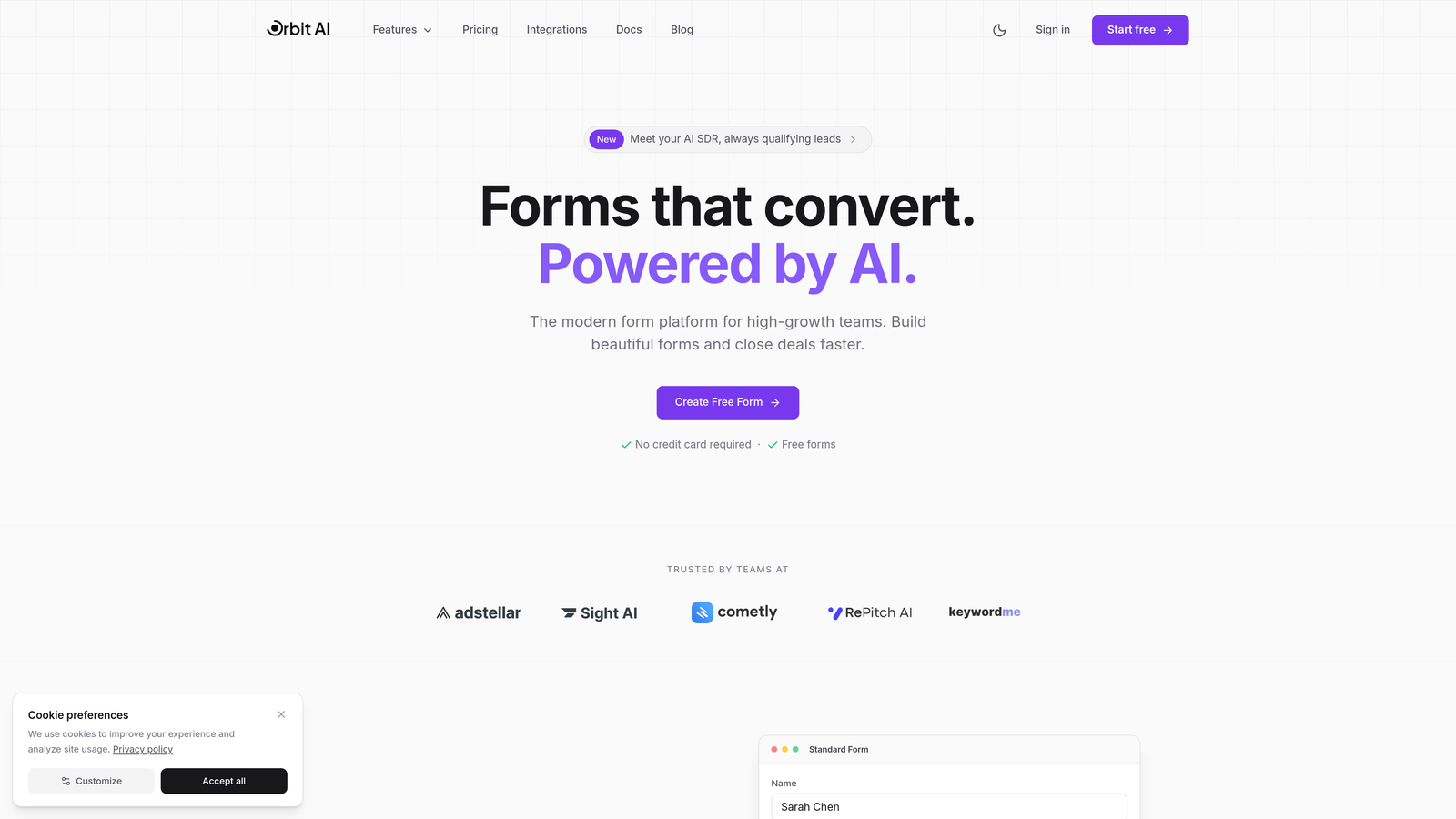
Orbit AI is an AI-powered form builder that combines intelligent lead qualification with native Zapier integration for smart automation.
Where This Tool Shines
Orbit AI stands out by automatically scoring and qualifying leads as they submit forms, then routing them through different Zapier workflows based on their qualification level. This means high-value prospects can trigger immediate sales notifications while lower-priority leads flow into nurture sequences—all without manual sorting.
The platform focuses on conversion optimization with modern, beautiful form designs that reduce drop-off rates while collecting the data your automation workflows need. It's built specifically for teams where lead quality matters as much as lead volume.
Key Features
AI-Powered Lead Qualification: Automatically scores and qualifies leads based on their responses, enabling intelligent workflow routing.
Native Zapier Integration: Multiple triggers available including form submission, qualification score changes, and field-specific events.
Direct CRM Connections: Native integrations with HubSpot, Salesforce, and Slack alongside Zapier for maximum flexibility.
Conversion-Optimized Templates: Pre-built form designs focused on reducing friction and improving completion rates.
Conditional Logic with Smart Routing: Show/hide fields dynamically and route qualified leads to different automation paths.
Best For
High-growth SaaS companies, marketing agencies, and sales teams who need to qualify leads automatically before routing them through complex automation workflows. Particularly valuable if you're dealing with high form volumes and need to prioritize follow-up based on prospect quality rather than submission time.
Pricing
Free tier available for getting started; paid plans begin at competitive rates designed for growing teams that need advanced qualification and automation capabilities.
2. Typeform
Best for: Creating engaging conversational experiences with polished design and smooth user flow
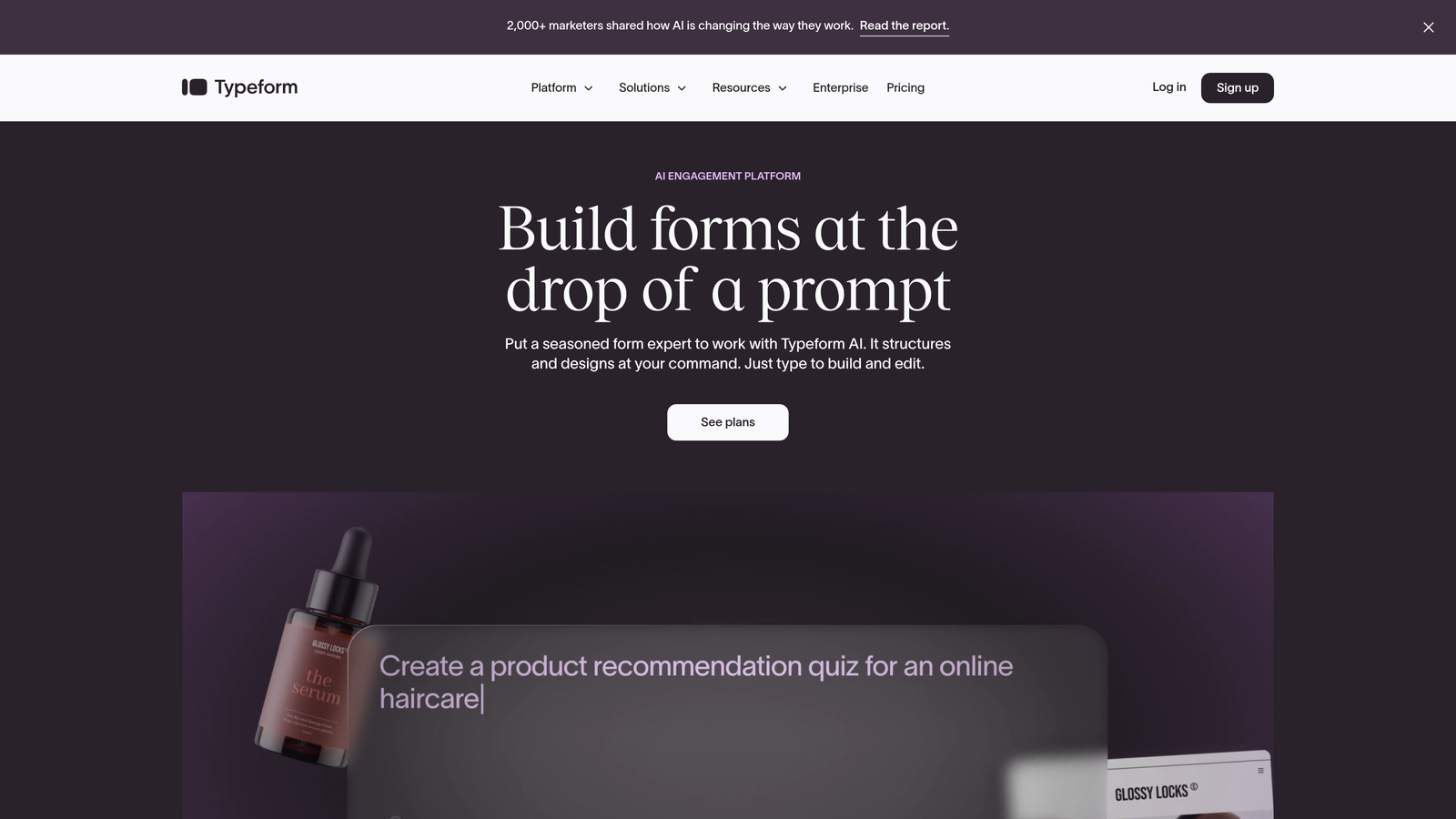
Typeform is a conversational form builder known for its one-question-at-a-time format that feels more like a conversation than a traditional form.
Where This Tool Shines
Typeform excels at creating forms that people actually enjoy completing. The one-question-at-a-time approach reduces cognitive load and increases completion rates, especially for longer surveys or applications. The interface feels modern and interactive rather than bureaucratic.
The Zapier integration is robust, offering multiple trigger options including new entries, partial entries, and specific answer conditions. This flexibility lets you build sophisticated automation workflows that respond to how people answer, not just that they answered.
Key Features
Conversational Format: One-question-at-a-time display that feels engaging rather than overwhelming.
Advanced Zapier Triggers: Native integration with triggers for submissions, partial completions, and answer-specific events.
Logic Jumps: Dynamic question routing based on previous answers to create personalized experiences.
Hidden Fields: Pass UTM parameters and tracking data through to your Zapier workflows automatically.
Media Embedding: Include videos and images to create richer, more engaging form experiences.
Best For
Marketing teams creating surveys, lead generation forms, or customer feedback tools where completion rate and user experience matter more than raw functionality. Works particularly well for customer-facing forms where brand impression counts.
Pricing
Free tier includes basic features with 10 responses per month; Basic plan starts at $25/month with 100 responses and removes Typeform branding.
3. Jotform
Best for: Teams needing extensive template variety and broad integration options right out of the box
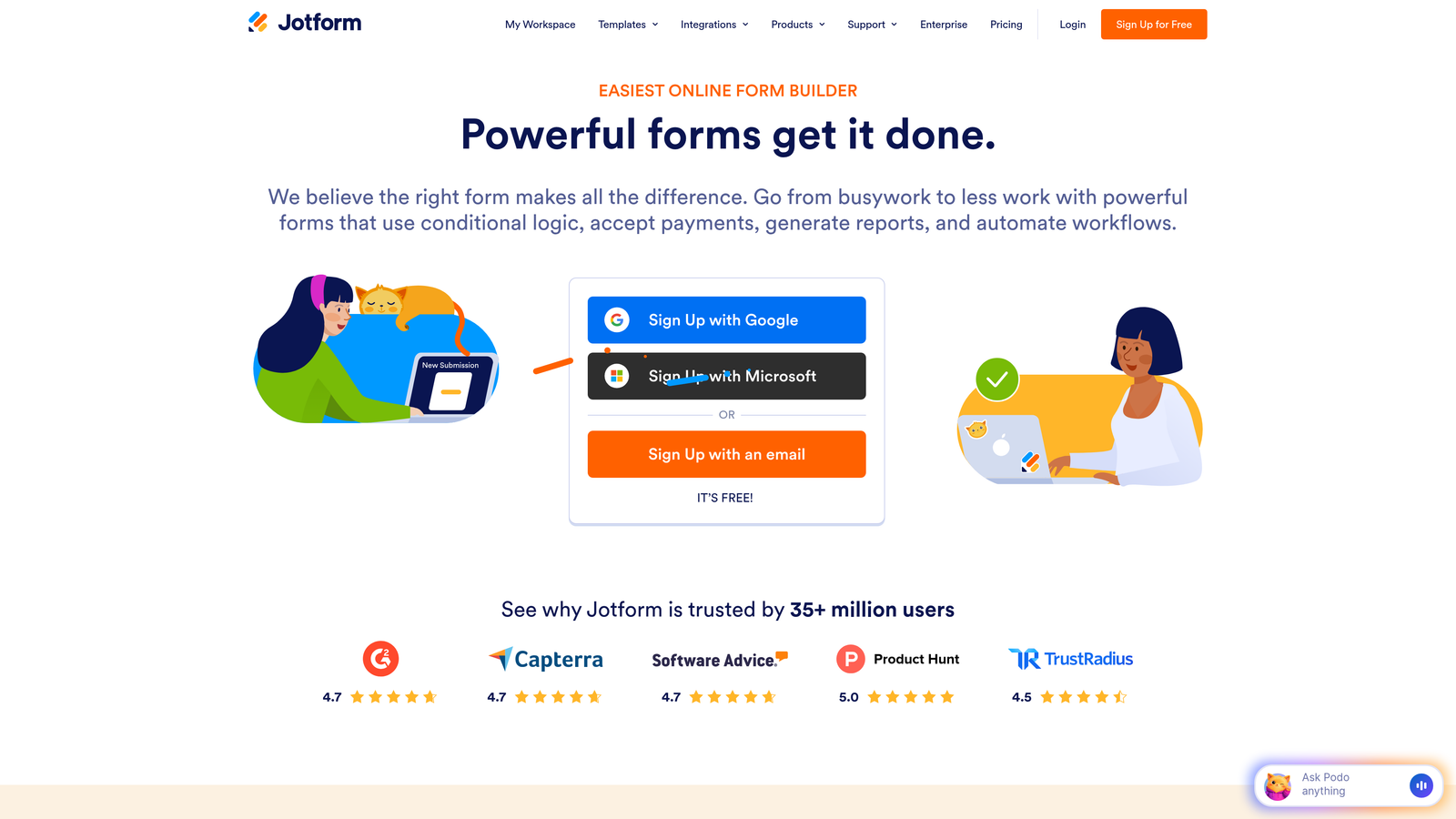
Jotform is a feature-rich form builder offering over 10,000 pre-built templates across virtually every use case imaginable.
Where This Tool Shines
Jotform's massive template library means you rarely start from scratch. Whether you need an event registration form, job application, order form, or customer survey, there's likely a polished template ready to customize. This speeds up deployment significantly compared to building from blank forms.
The Zapier integration is mature and well-documented, with support for passing all form fields including file uploads, payment data, and conditional field values. The platform handles complex data types smoothly, making it reliable for mission-critical automation workflows.
Key Features
10,000+ Templates: Pre-built forms for virtually every industry and use case, fully customizable.
Comprehensive Zapier Support: Native integration passing all field types including files, payments, and calculated values.
Conditional Logic Engine: Show/hide fields, calculate values, and route submissions based on complex rules.
PDF Generation: Automatically create PDF documents from submissions for contracts or receipts.
Payment Processing: Built-in support for collecting payments through multiple processors.
Best For
Organizations that value speed to deployment and need forms for diverse purposes—HR departments, event planners, small businesses handling multiple form types. Particularly useful if you need payment collection alongside automation.
Pricing
Free tier allows 5 forms with 100 monthly submissions; Bronze plan starts at $34/month with 25 forms and 1,000 submissions.
4. Tally
Best for: Budget-conscious teams wanting unlimited forms with a clean, Notion-like editing experience
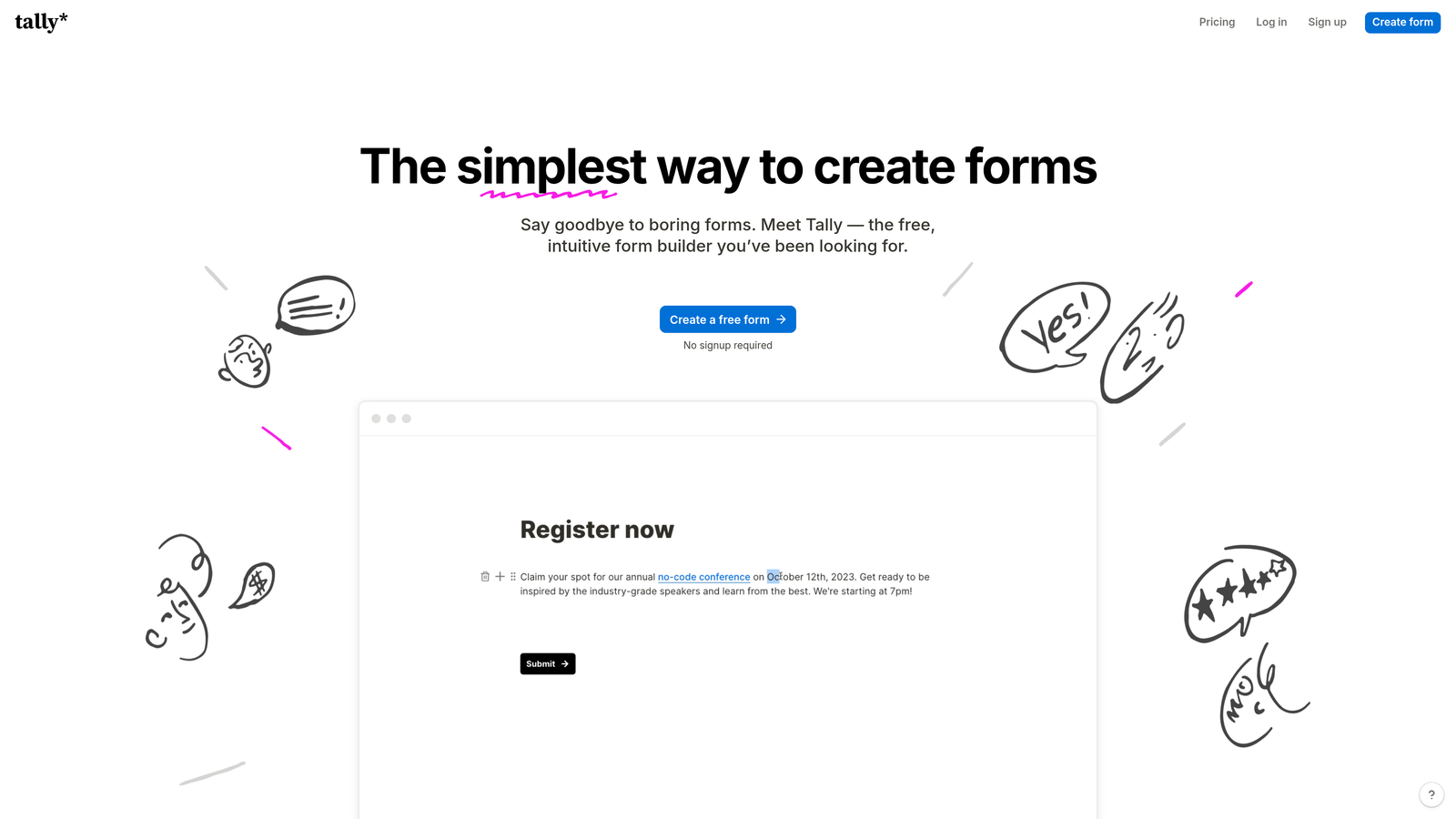
Tally is a simple form builder offering unlimited forms on its generous free tier with a familiar block-based editor.
Where This Tool Shines
Tally's free tier is remarkably generous—unlimited forms, unlimited submissions, and full Zapier integration at no cost. This makes it ideal for startups, solopreneurs, or teams testing automation workflows without budget constraints. The pricing model removes the anxiety of form limits or submission caps.
The Notion-style editor feels intuitive if you're already using block-based tools. You build forms by adding blocks (text fields, dropdowns, file uploads) in a familiar interface that requires minimal learning curve.
Key Features
Unlimited Free Forms: No artificial limits on form count or basic submissions on the free plan.
Block-Based Editor: Notion-style interface for building forms quickly with drag-and-drop simplicity.
Native Zapier Integration: Full integration available even on free tier for connecting to automation workflows.
File Uploads: Collect documents, images, and files from respondents without additional storage fees.
Custom Thank-You Pages: Redirect to specific URLs or show custom messages after submission.
Best For
Startups, freelancers, and small teams who need reliable Zapier integration without monthly fees. Perfect for side projects, MVPs, or organizations with unpredictable form volume that makes per-submission pricing risky.
Pricing
Free tier with unlimited forms and generous submission limits; Pro plan at $29/month adds features like removing branding and advanced customization.
5. Fillout
Best for: Teams using Airtable or Notion as databases who need forms that sync directly
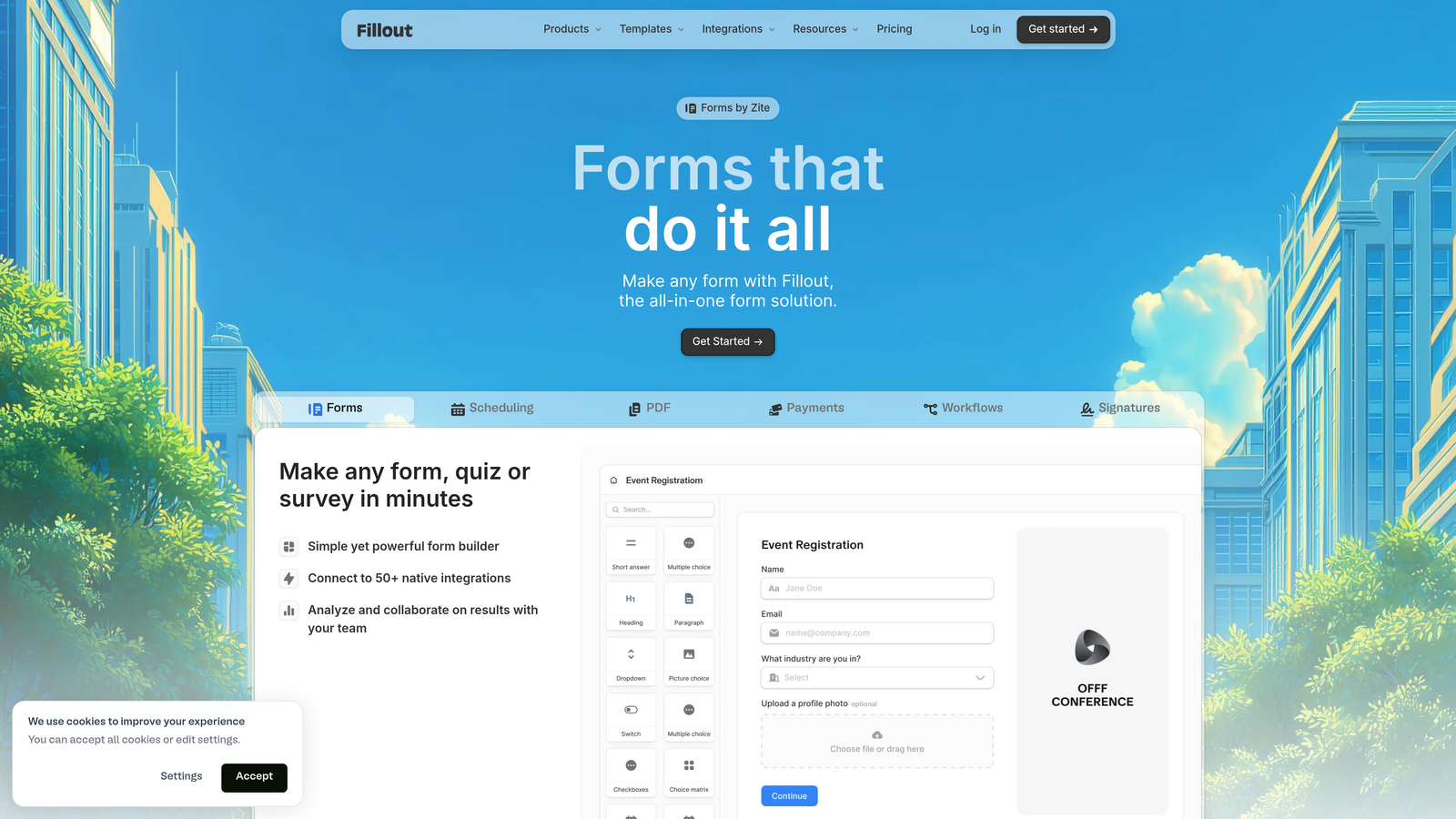
Fillout is a database-first form builder with native Airtable and Notion connections plus comprehensive Zapier support.
Where This Tool Shines
Fillout treats forms as database interfaces rather than standalone data collectors. If you're already managing data in Airtable or Notion, Fillout creates forms that write directly to those databases—then Zapier can trigger actions based on those database changes. This eliminates the middle step of form data sitting in a separate system.
The platform also supports pre-filling forms from existing database records, enabling update workflows where users modify existing data rather than always creating new entries. This is powerful for customer portals, application updates, or progressive profiling.
Key Features
Native Database Sync: Direct connections to Airtable, Notion, and other databases with two-way data flow.
Zapier Integration Layer: Trigger additional automation workflows beyond database connections.
Multi-Page Forms: Break complex forms into steps with conditional logic controlling page visibility.
Scheduling Forms: Built-in calendar functionality for booking appointments alongside data collection.
Record Pre-Fill: Load existing data into forms for updates rather than new submissions.
Best For
Operations teams, project managers, and businesses that have already built their workflows around Airtable or Notion. Particularly valuable for customer portals, internal tools, or any scenario where forms update existing records frequently.
Pricing
Free tier available with core features; Starter plan begins at $15/month for teams needing advanced logic and higher submission volumes.
6. Paperform
Best for: E-commerce and payment-focused forms with document-style design flexibility
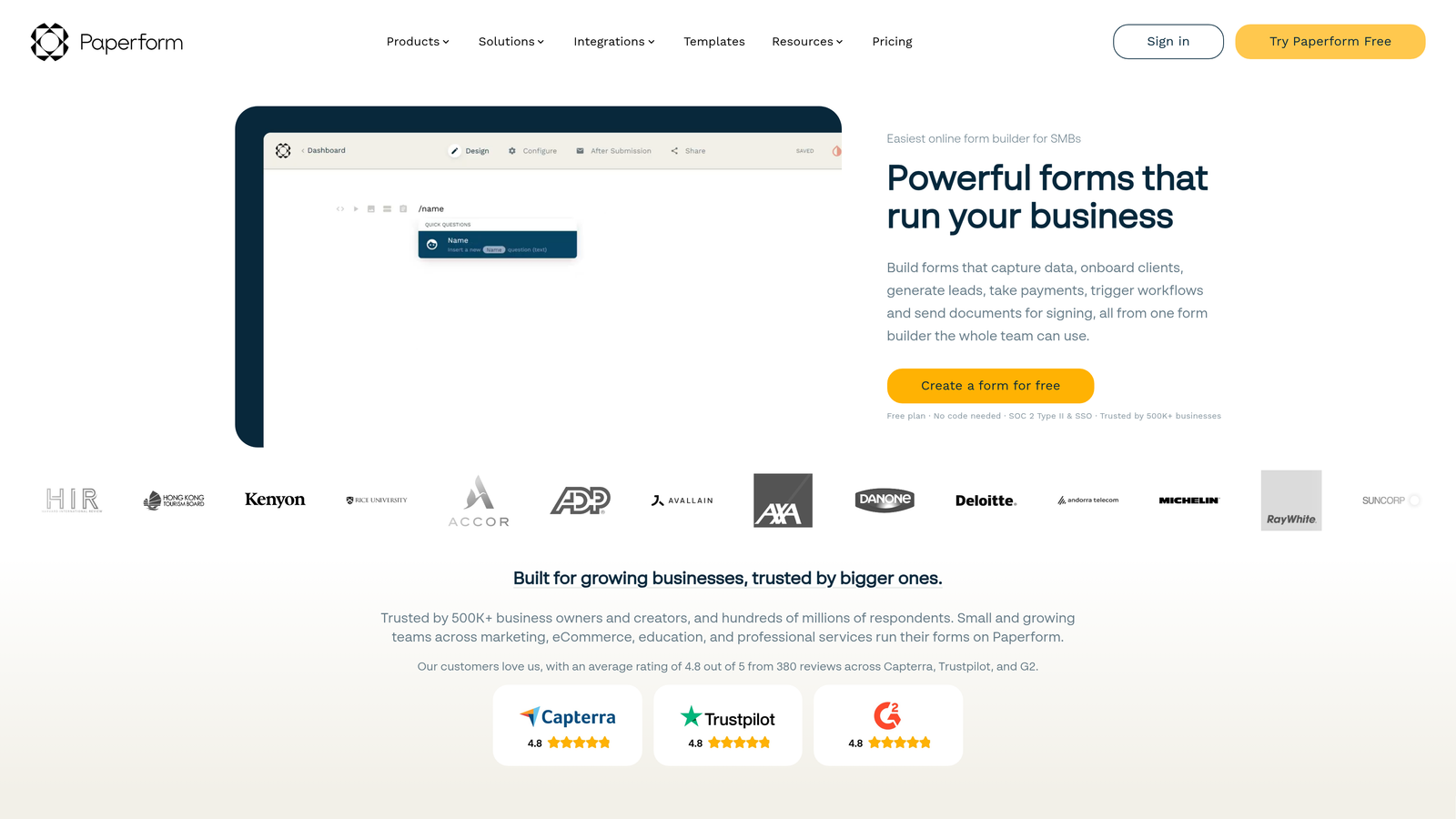
Paperform is a document-style form builder that combines data collection with payment processing and product sales capabilities.
Where This Tool Shines
Paperform's document-style editor gives you complete layout control—you're not constrained to traditional form field stacking. Create forms that look like landing pages, order forms that feel like product pages, or applications that match your brand's unique design language.
The payment integration is particularly strong, with native support for Stripe, PayPal, and Square. The Zapier integration passes complete order data including line items, totals, and customer information—enabling sophisticated e-commerce automation workflows without custom development.
Key Features
Built-In Payment Processing: Native integrations with Stripe, PayPal, and Square for collecting payments directly.
Freeform Document Editor: Design forms with complete layout freedom rather than rigid field structures.
Order Data in Zapier: Pass complete transaction details including products, quantities, and pricing through automation.
Calculation Fields: Build dynamic pricing, quotes, or estimates that calculate based on user selections.
Appointment Scheduling: Integrated calendar booking for service-based businesses.
Best For
E-commerce businesses, service providers accepting payments, and creative agencies needing forms that match sophisticated brand designs. Particularly useful when you need payment collection and order fulfillment automation in the same workflow.
Pricing
Essentials plan starts at $24/month with unlimited forms and 1,000 submissions; higher tiers add advanced features and increased limits.
7. Formstack
Best for: Enterprise organizations requiring compliance certifications and advanced approval workflows
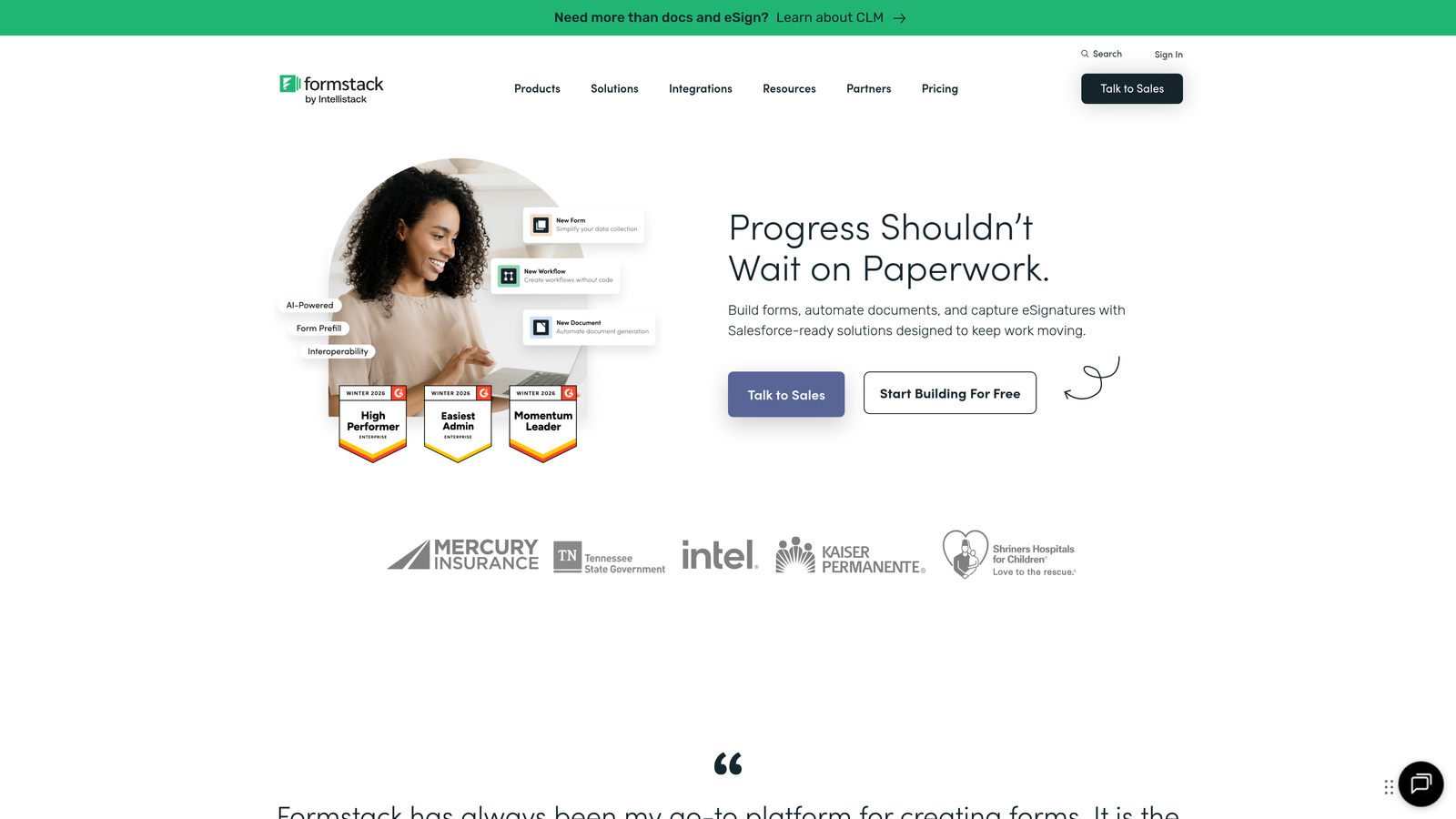
Formstack is an enterprise-grade form builder with HIPAA compliance options and sophisticated workflow automation capabilities.
Where This Tool Shines
Formstack is built for organizations where compliance isn't optional. The platform offers HIPAA-compliant forms for healthcare, GDPR tools for European operations, and enterprise security features like SSO and advanced encryption. These capabilities make it suitable for regulated industries where data handling requirements eliminate simpler alternatives.
The Zapier integration works alongside Formstack's native workflow engine, which handles multi-step approval processes, document routing, and conditional notifications. You can build complex business processes that combine internal approvals with external automation triggers.
Key Features
Compliance Certifications: HIPAA and GDPR compliance options with business associate agreements available.
Enterprise Zapier Integration: Robust connection with security controls and audit logging.
Approval Workflows: Multi-step routing and approval processes before triggering external automation.
Electronic Signatures: Collect legally binding signatures within forms for contracts and agreements.
Advanced Security: SSO, field-level encryption, and detailed access controls for sensitive data.
Best For
Healthcare organizations, financial services, legal firms, and large enterprises with strict data security requirements. Essential when compliance certifications are mandatory rather than nice-to-have features.
Pricing
Plans start at $50/month for basic features; enterprise pricing with compliance features requires custom quotes based on organization size and requirements.
8. Cognito Forms
Best for: Forms requiring complex calculations and formula fields at affordable pricing
Cognito Forms is an affordable form builder with powerful calculation capabilities and solid Zapier support.
Where This Tool Shines
Cognito Forms' calculation engine is remarkably sophisticated for its price point. You can build complex formulas referencing multiple fields, create dynamic pricing based on selections, or calculate eligibility scores—then pass those calculated values through Zapier to trigger different workflows based on the results.
The platform also handles repeating sections elegantly, letting users add multiple line items, family members, or product selections within a single form. This data structure passes cleanly through Zapier, making it useful for order forms, applications, or any scenario requiring variable-length data collection.
Key Features
Advanced Calculations: Build complex formulas and calculations that reference multiple fields and conditions.
Native Zapier Connection: Reliable integration passing all field types including calculated values.
Payment Collection: Accept payments through Stripe and PayPal with transaction data flowing to automation.
Conditional Logic: Show/hide fields and sections based on previous answers or calculated values.
Repeating Sections: Allow users to add multiple entries of related data within a single form.
Best For
Small businesses needing quote calculators, order forms with dynamic pricing, or applications requiring eligibility scoring. Particularly valuable when you need calculation power without enterprise pricing.
Pricing
Free tier available with basic features; Pro plan at $15/month offers excellent value with advanced calculations and higher submission limits.
9. Google Forms
Best for: Simple data collection with basic automation needs and zero budget
Google Forms is a completely free form builder with basic Zapier integration for straightforward data collection workflows.
Where This Tool Shines
Google Forms is entirely free with no submission limits, making it ideal for internal surveys, event RSVPs, or any scenario where form aesthetics matter less than getting data collected quickly. The native Google Sheets integration means responses flow automatically into spreadsheets, which can then trigger Zapier workflows.
The collaborative editing features mirror other Google Workspace tools—multiple team members can edit forms simultaneously, view responses in real-time, and manage permissions easily. This makes it practical for organizations already living in the Google ecosystem.
Key Features
Completely Free: No cost, no submission limits, no hidden fees—forever free with a Google account.
Google Sheets Integration: Responses automatically populate spreadsheets for data analysis and Zapier triggers.
Zapier Connection Available: Integration works through Google Sheets or direct form submission triggers.
Basic Conditional Logic: Show/hide questions based on previous answers for simple branching.
Collaborative Editing: Multiple team members can edit forms simultaneously like other Google tools.
Best For
Internal teams, educational institutions, nonprofits, or any organization where budget constraints eliminate paid options. Works well for simple surveys, feedback collection, or event registration where advanced features aren't necessary.
Pricing
Completely free with any Google account—no paid tiers or upgrade paths needed for basic functionality.
Finding Your Perfect Match
The right form builder depends on what happens after someone clicks submit. If you need AI-powered lead qualification flowing into smart automation workflows, Orbit AI delivers intelligent routing that ensures high-value prospects get immediate attention while others enter nurture sequences automatically.
Choose Typeform when user experience drives your conversion strategy—the conversational format consistently outperforms traditional forms for completion rates. Pick Jotform if you need extensive template variety and don't want to build from scratch. Go with Tally when budget matters and you need unlimited forms without monthly fees.
Fillout makes sense for teams already managing workflows in Airtable or Notion, eliminating data sync headaches. Select Paperform when you're collecting payments and need forms that double as product pages. Consider Formstack if compliance certifications are mandatory rather than optional.
Cognito Forms delivers sophisticated calculation capabilities at remarkably affordable pricing. Google Forms remains unbeatable for simple internal data collection with zero budget.
Each tool connects reliably with Zapier—the deciding factors are your form complexity, team size, compliance requirements, and whether you need intelligent lead qualification before automation triggers. The most sophisticated automation workflow fails if your forms don't collect quality data or qualify leads effectively.
Transform your lead generation with AI-powered forms that qualify prospects automatically while delivering the modern, conversion-optimized experience your high-growth team needs. Start building free forms today and see how intelligent form design can elevate your conversion strategy.


