

Multi-step forms consistently outperform single-page forms when it comes to completion rates and lead quality. By breaking long forms into digestible steps, you reduce cognitive load, create a sense of progress, and give users a reason to keep going. The psychology is straightforward: once someone has started, they're far more likely to finish.
But not every form builder handles multi-step workflows equally well. Some excel at conditional logic, others at design flexibility, and a few now leverage AI to qualify leads in real time as users move through each step. The gap between a basic form builder and a true conversion tool has never been wider.
We evaluated dozens of tools based on ease of use, customization depth, integration options, analytics capabilities, and pricing to narrow down the best multi-step form builders for high-growth teams in 2026. Whether you're collecting leads, running intake workflows, or building complex application forms, here are the top tools worth your attention.
1. Orbit AI
Best for: High-growth teams that want multi-step forms to qualify leads automatically and trigger instant follow-ups.
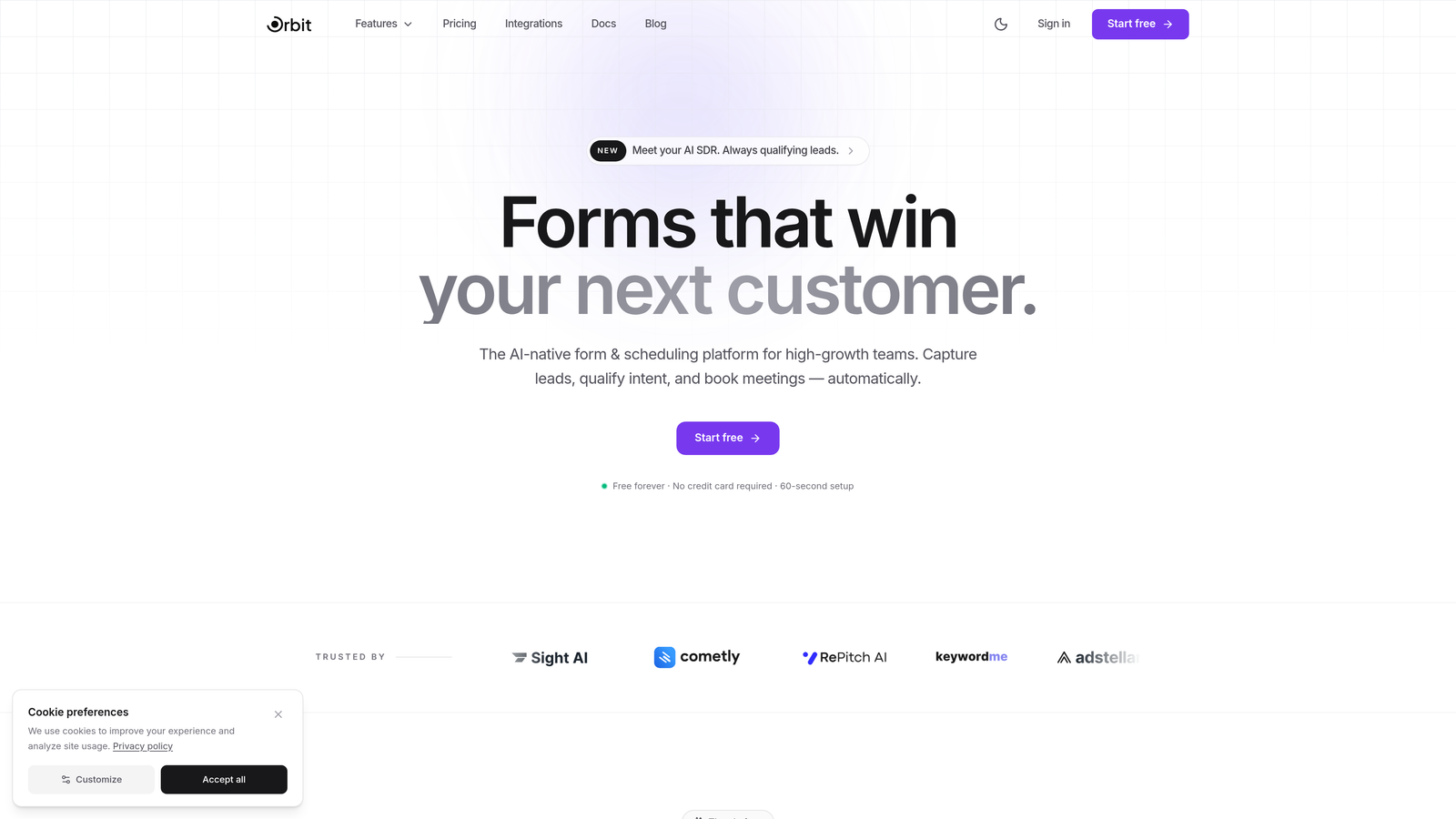
Orbit AI is an AI-powered form builder with built-in lead qualification, workflow automation, and scheduling designed for conversion-focused teams.
Where This Tool Shines
Most form builders stop at data collection. Orbit AI goes further by embedding AI agents directly into the form flow, scoring and qualifying leads in real time as respondents progress through each step. By the time someone hits submit, your team already knows whether that lead is worth an immediate follow-up or a nurture sequence.
The integrated scheduling feature is a standout: qualified leads can book a meeting directly from the final step of the form, collapsing the time between interest and conversation. For high-growth teams running lead generation at scale, that kind of instant conversion path is genuinely valuable.
Key Features
AI Lead Qualification: AI agents score and qualify leads in real time as users progress through form steps, so your team prioritizes the right conversations.
Workflow Automation: Built-in automation routes leads and triggers follow-up sequences instantly after submission, without requiring a separate automation tool.
Integrated Scheduling: Qualified leads can book meetings directly within the form experience, reducing friction at the moment of highest intent.
Conversion-Optimized Templates: Pre-built multi-step templates are designed specifically for lead capture, not just generic data collection.
Step-Level Analytics: A native analytics dashboard tracks drop-off and completion rates at every individual step, so you know exactly where to optimize.
Best For
SaaS teams, demand generation marketers, and growth-focused businesses that want their forms to do more than collect data. Orbit AI is particularly strong for teams running high-volume lead generation who need automatic qualification and instant meeting booking baked into the same workflow.
Pricing
Free plan available. Paid plans start at a competitive tier with expanded AI features and automation capabilities. Check orbitforms.ai/pricing for current details.
2. Typeform
Best for: Teams that prioritize a polished, design-forward respondent experience above all else.
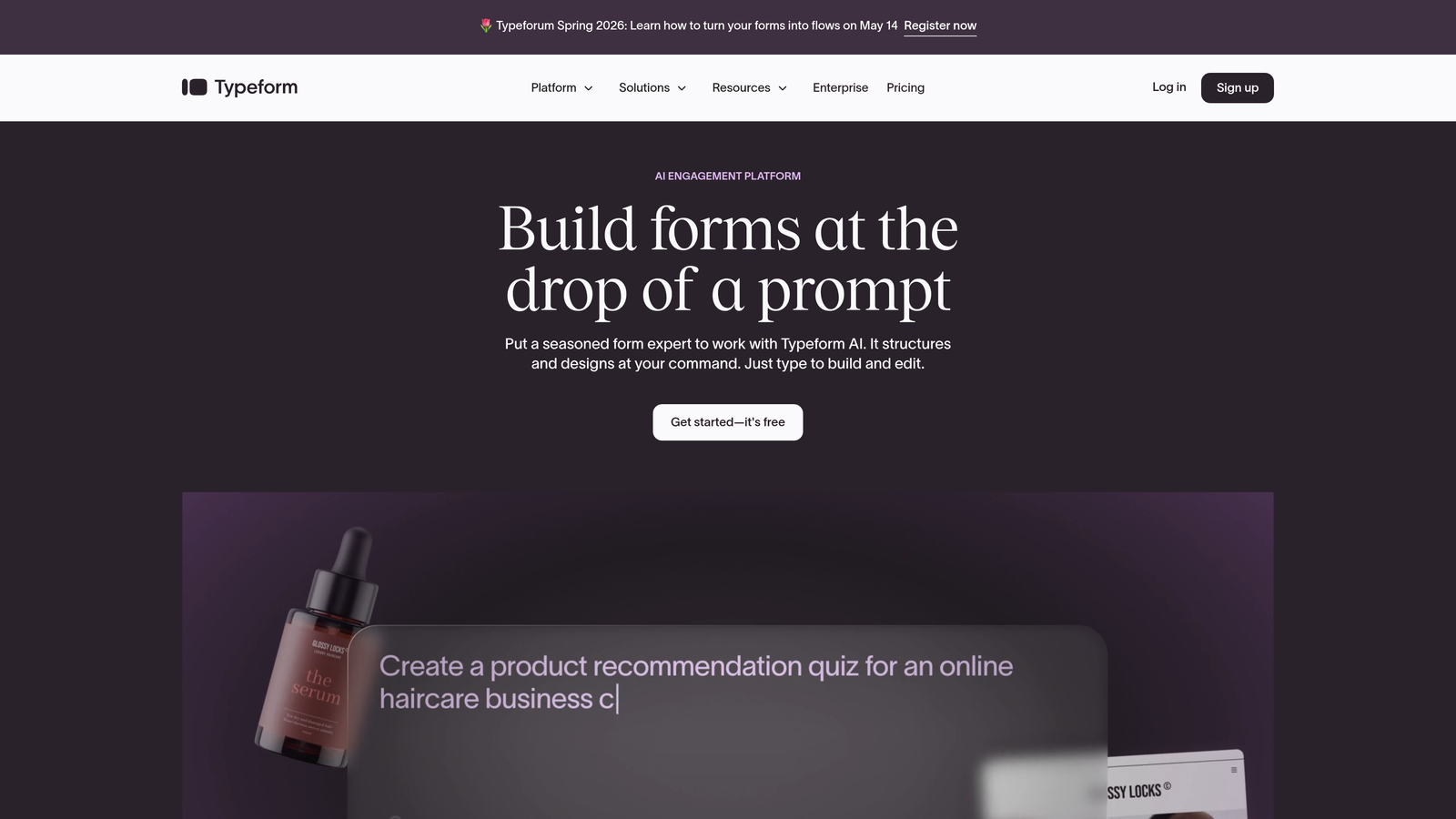
Typeform is the pioneer of conversational, one-question-at-a-time form experiences with strong design customization and a refined aesthetic.
Where This Tool Shines
Typeform essentially invented the modern conversational form format, and it remains the design benchmark in the category. Showing one question at a time reduces overwhelm and creates a natural conversation-like rhythm that keeps respondents engaged through longer forms.
The visual customization is genuinely best-in-class. Custom fonts, full-bleed imagery, video backgrounds, and brand color control give Typeform forms a premium feel that generic builders simply can't match. For brand-conscious teams, that matters.
Key Features
Conversational Format: Signature one-question-per-screen layout creates an engaging, low-friction experience that naturally guides respondents forward.
Design Customization: Extensive control over fonts, colors, imagery, and layout to match your brand precisely.
Logic Jumps: Branching and conditional logic create personalized multi-step paths based on previous answers.
Partial Submission Tracking: Available on higher-tier plans, allowing you to capture data even from respondents who don't complete the form.
Integrations: Connects with major CRMs, email marketing tools, and Zapier for broad workflow flexibility.
Best For
Marketing teams, agencies, and brand-focused businesses where the respondent experience is a direct reflection of the brand. Also well-suited for surveys, research, and customer feedback where engagement quality matters as much as completion rate.
Pricing
Free plan with limited responses and features. Basic plan starts at $25/month billed annually, with higher tiers unlocking more responses, logic, and team features.
3. Jotform
Best for: Teams that need a feature-rich, no-code form builder with an enormous template library and payment capabilities.
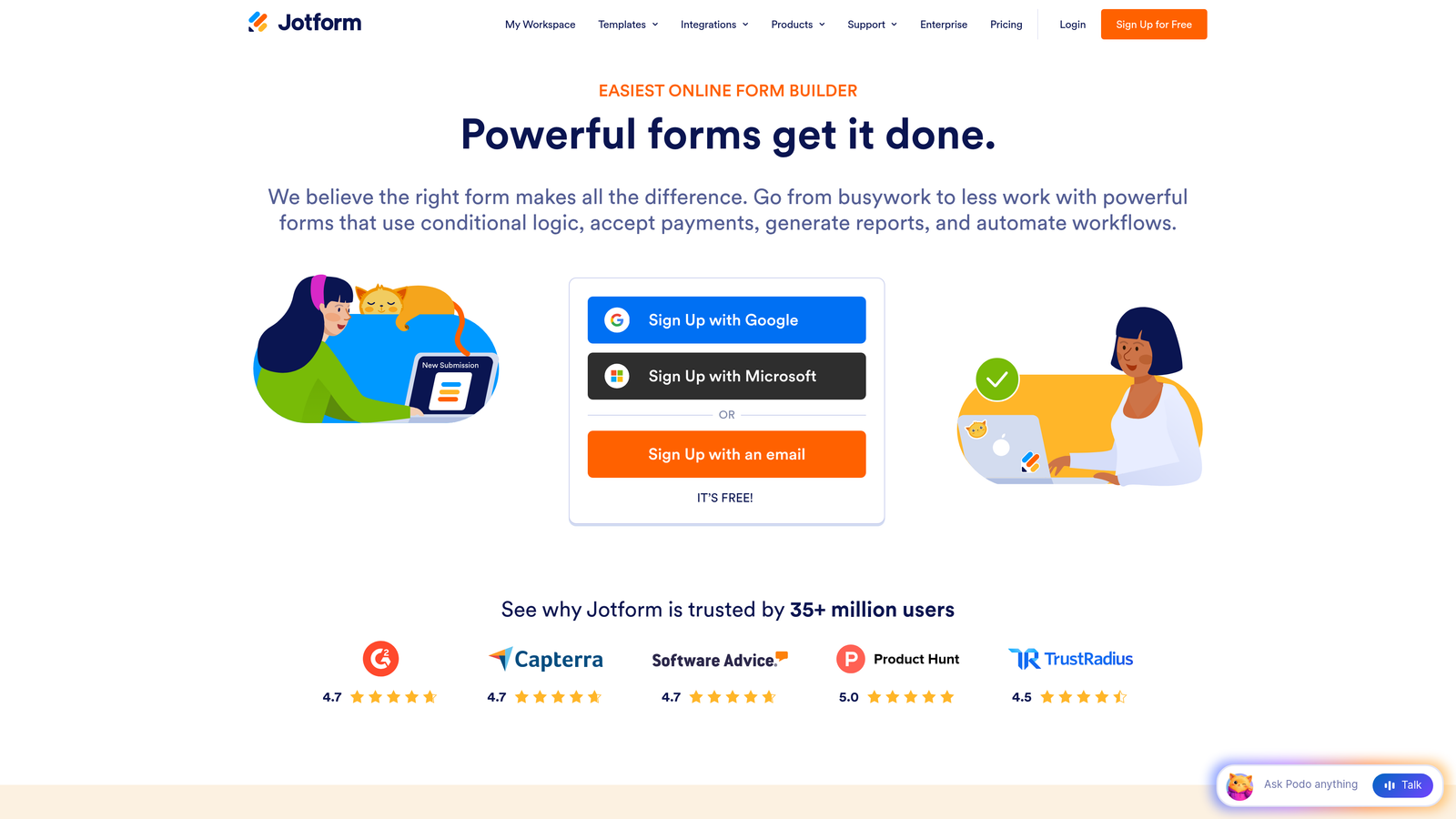
Jotform is a comprehensive no-code form builder with one of the largest template libraries in the market and robust multi-step form capabilities.
Where This Tool Shines
Jotform's sheer breadth is its biggest asset. With over 10,000 templates spanning industries from healthcare to e-commerce, you can almost always find a starting point that's close to what you need. The drag-and-drop conditional logic builder is intuitive enough for non-technical users while still handling genuinely complex branching scenarios.
The payment integration depth is also worth noting. If your multi-step form needs to collect payment at the end, Jotform's native connections to Stripe, PayPal, and Square make that workflow seamless without requiring a separate tool.
Key Features
Template Library: 10,000+ templates including many purpose-built multi-step layouts across dozens of industries.
Conditional Logic Builder: Visual drag-and-drop logic with no coding required, supporting complex branching scenarios.
Payment Integrations: Native connections to Stripe, PayPal, and Square for collecting payments within multi-step flows.
Progress Bar Customization: Multi-step progress indicators with customizable page-break controls.
HIPAA Compliance: Available on qualifying plans, making it a viable option for healthcare intake forms and patient data collection.
Best For
Small businesses, nonprofits, healthcare organizations, and teams that want maximum feature coverage without writing a line of code. Jotform's free plan is also one of the more usable free tiers in the space for teams just getting started.
Pricing
Free plan includes 5 forms and 100 submissions per month. Bronze plan starts at $34/month with expanded limits and features.
4. Tally
Best for: Startups and small teams that want a generous free plan and a clean, Notion-like form building experience.
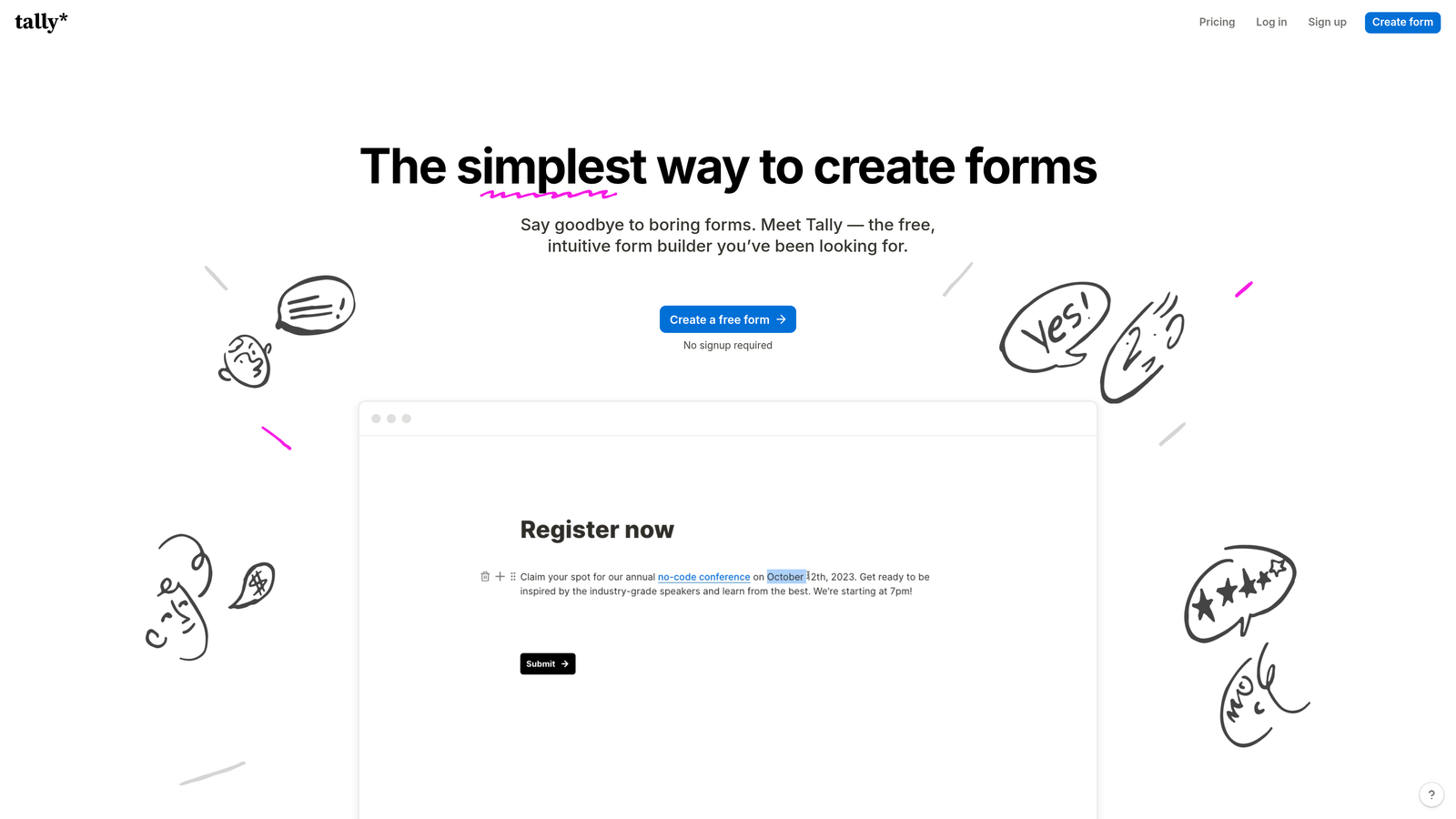
Tally is a refreshingly simple form builder with a block-based editor and one of the most generous free tiers in the entire form builder category.
Where This Tool Shines
If you've used Notion, you'll feel at home in Tally immediately. The block-based editor makes building multi-step forms feel intuitive rather than technical. Adding a page break to create a new step is as simple as inserting any other block, which removes the complexity that usually comes with multi-step configuration.
The free plan is genuinely useful, not a stripped-down teaser. Unlimited forms, unlimited submissions, conditional logic, and hidden fields are all available without paying a cent. For bootstrapped teams or solo operators, that's a significant advantage over competitors that gate core features behind paid tiers.
Key Features
Unlimited Free Usage: Unlimited forms and submissions on the free plan, which is rare in this category.
Block-Based Editor: Notion-style interface makes form creation intuitive for anyone familiar with modern productivity tools.
Multi-Step Support: Built-in multi-page functionality with progress indicators included on the free tier.
Conditional Logic: Logic branching and hidden fields available without upgrading, enabling personalized form paths.
Minimal Design Aesthetic: Clean, distraction-free form design out of the box that works well across use cases.
Best For
Early-stage startups, freelancers, and small teams that need solid multi-step form functionality without a budget. Also a strong choice for internal forms, research surveys, and any workflow where simplicity and speed of setup matter more than advanced customization.
Pricing
Free plan is genuinely comprehensive. Tally Pro at $29/month adds custom domains, file uploads, removal of Tally branding, and team collaboration features.
5. Fillout
Best for: Teams that live in Airtable, Notion, or Google Sheets and want forms that sync natively with those tools.
Fillout is a modern form builder with standout native integrations to data tools like Airtable, Notion, and Google Sheets, plus built-in scheduling capabilities.

Where This Tool Shines
Fillout's native two-way sync with Airtable, Notion, and Smartsheet is genuinely differentiated. Most form builders treat these platforms as one-way export destinations. Fillout treats them as live databases, which opens up use cases like pre-filling forms for returning users from existing records or updating specific database fields based on form responses.
The built-in scheduling component is also a practical differentiator. Like Orbit AI, Fillout allows respondents to book time directly within a multi-step form flow, which is useful for teams running consultation intake or demo request workflows.
Key Features
Native Database Sync: Two-way sync with Airtable, Notion, Google Sheets, and Smartsheet for live data connections rather than one-time exports.
Conditional Logic and Calculated Fields: Multi-step forms with branching logic and the ability to perform calculations between steps.
Built-In Scheduling: Booking component allows respondents to select meeting times directly within the form experience.
Payment Collection: Native Stripe integration for collecting payments within multi-step flows.
Pre-Fill from Database: Forms can pull existing data to pre-populate fields for returning users, reducing friction on repeat submissions.
Best For
Operations teams, product teams, and no-code builders who rely heavily on Airtable, Notion, or Google Sheets as their primary data layer. Fillout is the natural choice when you want forms that behave like a front-end interface for an existing database.
Pricing
Free plan available with core features. Starter plan at $19/month unlocks expanded submission limits, scheduling, and additional integrations.
6. HubSpot Forms
Best for: Marketing and sales teams already running their CRM and automation on HubSpot.
HubSpot Forms is multi-step form functionality deeply embedded within HubSpot's CRM and marketing automation platform.
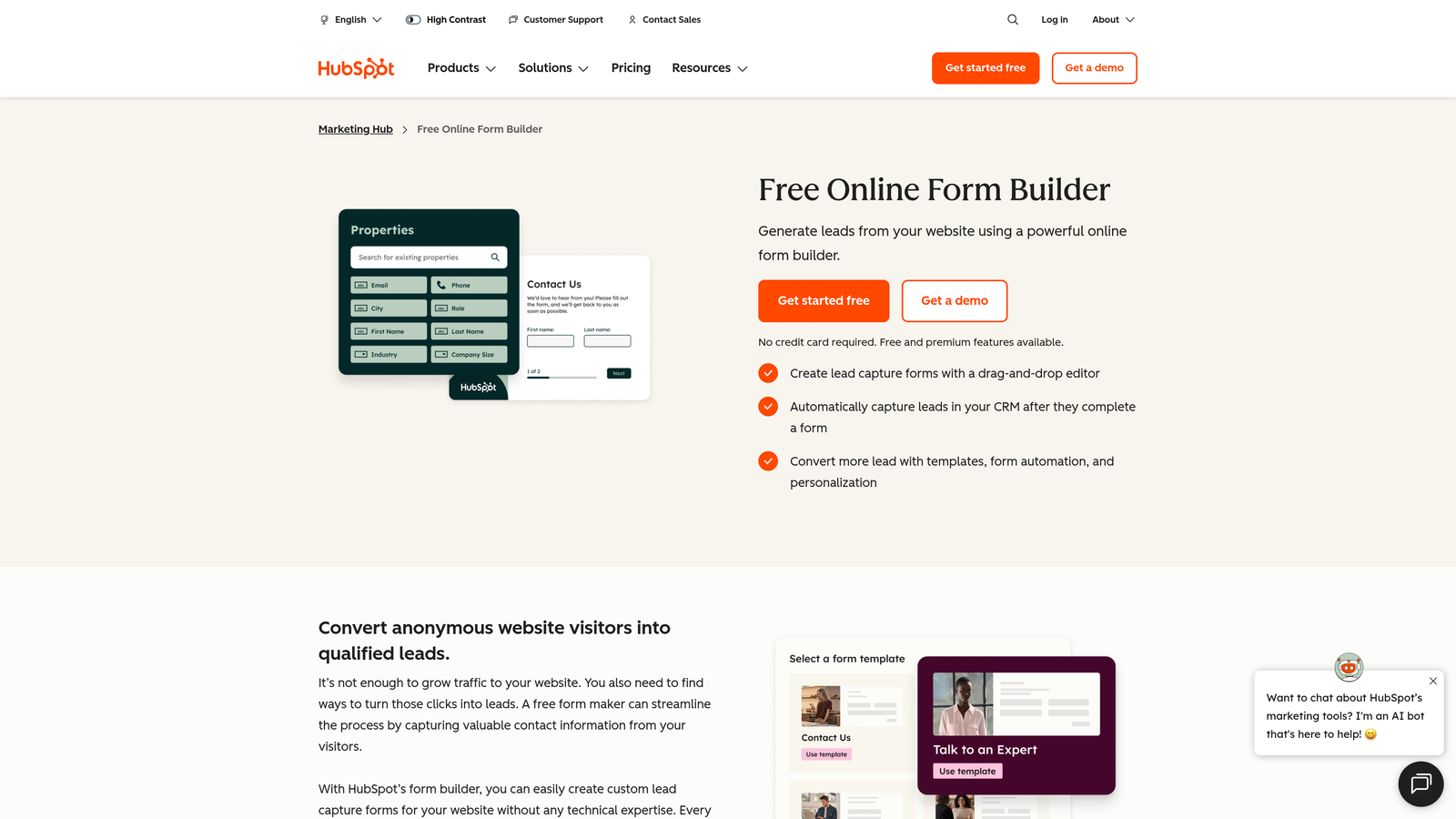
Where This Tool Shines
HubSpot Forms is less impressive as a standalone form builder and genuinely powerful as part of the HubSpot ecosystem. The real value is in what happens after submission: contacts are created or updated in the CRM automatically, properties are mapped, and workflows, email sequences, and lead scoring can all trigger instantly without any integration configuration.
Progressive profiling is a standout feature. HubSpot can recognize returning contacts and show them different questions than first-time visitors, so you're always collecting new information rather than asking for data you already have. For teams running ongoing inbound marketing, that's a meaningful efficiency gain.
Key Features
Progressive Profiling: Shows different questions to returning contacts so you continuously enrich contact data without repeating yourself.
Automatic CRM Sync: Contact creation, property mapping, and record updates happen automatically on every submission.
Smart Fields and Dependent Logic: Multi-step forms with conditional fields that adapt based on contact properties and prior answers.
A/B Testing: Built-in form variant testing available within Marketing Hub for optimizing conversion rates.
Workflow Triggers: Every form submission can instantly trigger HubSpot workflows, email sequences, and lead scoring adjustments.
Best For
Marketing and revenue teams already invested in the HubSpot platform. If you're not using HubSpot as your CRM, the forms tool loses much of its value. But for HubSpot shops, it's the most friction-free option available.
Pricing
Basic forms are free with the HubSpot CRM. Advanced multi-step features and A/B testing require Marketing Hub Starter at $20/month or Professional at $890/month.
7. Formsort
Best for: Growth and product teams that want purpose-built multi-step funnel optimization with native A/B testing and deep analytics.
Formsort is a conversion-focused multi-step form platform built specifically for optimizing funnel performance at every step.
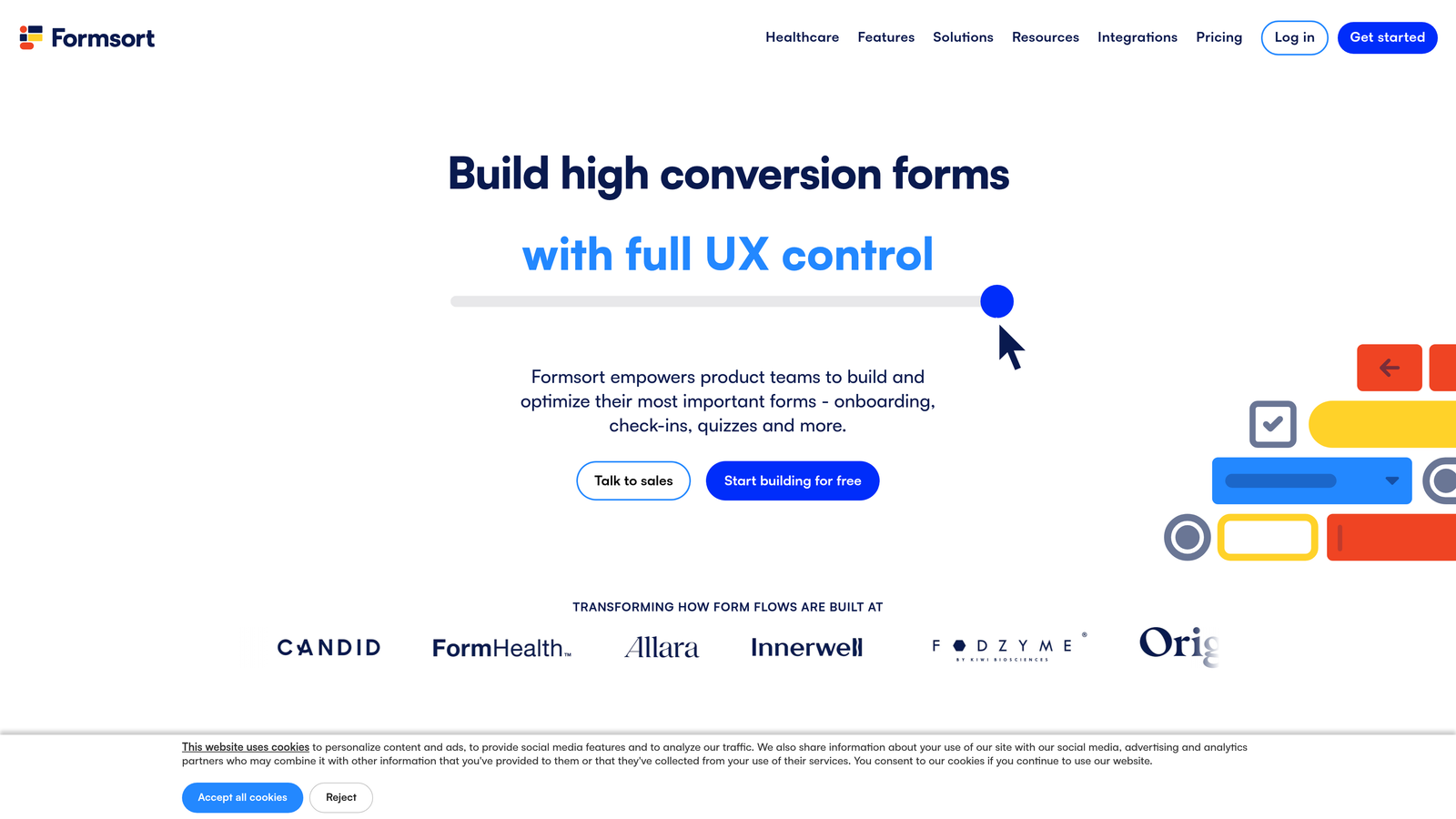
Where This Tool Shines
Formsort sits at the intersection of form builder and funnel optimization tool. It's purpose-built for multi-step flows, which means the entire product is oriented around understanding and improving step-by-step performance rather than treating analytics as an afterthought.
The native A/B testing capability is genuinely useful here. You can test individual steps, question order, copy variations, and even branching logic to identify what drives completion. Combined with responder-level analytics that show exactly where users drop off, Formsort gives growth teams the data they need to iterate quickly.
Key Features
Step-Level Analytics: Purpose-built analytics showing completion and drop-off rates at every individual step of the flow.
Native A/B Testing: Test individual steps, question order, and copy variations to optimize conversion without third-party tools.
Custom CSS and JavaScript: Full styling control for teams that need pixel-perfect design or custom interactions.
Responder-Level Tracking: Individual session analytics showing exactly where specific users abandon the flow.
API-First Architecture: Designed for custom integrations and backend logic, making it well-suited for product-led workflows.
Best For
Growth teams, product managers, and conversion rate optimization specialists who treat their multi-step forms as a core part of the acquisition funnel. Formsort is overkill for simple use cases but genuinely powerful for teams running high-volume, high-stakes form flows.
Pricing
Custom pricing based on volume and use case. Contact Formsort directly for a quote tailored to your team's needs.
8. Heyflow
Best for: Agencies and lead generation businesses building embeddable multi-step funnels for ad-driven traffic.
Heyflow is an interactive flow builder designed for creating embeddable multi-step lead generation funnels with a visual drag-and-drop editor.
Where This Tool Shines
Heyflow straddles the line between form builder and funnel builder more explicitly than most tools on this list. It's designed specifically for the lead generation use case, which shows in the feature set. Built-in tracking pixel support and native conversion tracking for Google Ads and Meta mean that ad-driven traffic can be attributed and optimized without additional configuration.
The embeddable format is flexible: Heyflow flows can live as embedded widgets on existing landing pages or as standalone hosted pages, giving agencies the flexibility to deploy them across different campaign structures without rebuilding each time.
Key Features
Visual Drag-and-Drop Builder: Purpose-built for multi-step lead generation flows with an intuitive no-code editor.
Flexible Embedding: Deploy as embedded widgets on landing pages or as standalone hosted pages depending on campaign needs.
Ad Platform Tracking: Built-in support for Google Ads and Meta tracking pixels with native conversion event tracking.
Brand Customization: Full design control to match flows to client or campaign branding requirements.
CRM and Webhook Integrations: Native connectors and webhook support for routing leads to CRMs and marketing tools.
Best For
Digital marketing agencies, performance marketers, and lead generation businesses running paid campaigns. Heyflow is particularly strong when your primary goal is converting ad traffic into qualified leads with minimal friction.
Pricing
Starter at €55/month. Pro at €111/month with higher submission volumes and additional features. Pricing is in euros as Heyflow is a European product.
9. Feathery
Best for: Product and engineering teams building complex multi-step flows like onboarding, KYC, or insurance applications.
Feathery is a developer-friendly form builder with a React SDK and visual editor, built for teams that need code-level control over complex form logic.
Where This Tool Shines
Most form builders are designed for marketers first and developers second. Feathery flips that priority. The React-based SDK gives engineering teams full programmatic control over form behavior, custom actions, and API calls between steps, while the visual editor still lets non-technical teammates contribute to form design and content.
This makes Feathery particularly well-suited for regulated industries and complex product workflows. KYC flows, insurance applications, and multi-step onboarding sequences often require custom validation logic, conditional API calls, and security features that general-purpose form builders simply can't accommodate. Feathery was built with exactly those use cases in mind.
Key Features
React SDK: Full code-level control alongside a visual editor, giving engineering teams the flexibility to implement custom logic at any step.
Advanced Conditional Logic: Custom rule engines for complex branching scenarios that go beyond what standard logic builders support.
Custom API Actions: Trigger API calls and custom actions between form steps, enabling real-time data validation and enrichment.
Enterprise Security: SSO, audit logs, and enterprise-grade security features available on higher-tier plans.
Complex Use Case Templates: Built-in support for onboarding, KYC, and application flows with the logic depth those workflows require.
Best For
Product teams, engineering teams, and companies in regulated industries like fintech, insurance, or healthcare that need form logic complexity beyond what no-code builders can handle. Feathery is the right choice when your form is essentially a product feature, not a marketing asset.
Pricing
Free plan available. Growth plan at $49/month. Pro plan at $149/month with advanced security features and higher usage limits.
Which Multi-Step Form Tool Is Right for You?
Every tool on this list handles multi-step forms competently. The right choice comes down to what you need beyond the basics.
Here's a quick way to think through it by use case:
AI-powered lead qualification: Orbit AI is the clear choice for teams that want forms to score and qualify leads automatically, trigger follow-up workflows, and let prospects book meetings in a single flow.
Design-first respondent experience: Typeform remains the benchmark for polished, brand-forward form design. If the form experience itself reflects your brand quality, start here.
Budget-friendly simplicity: Tally's free plan is genuinely the most generous in the category. For startups and small teams, it covers most multi-step needs without spending a dollar.
CRM-native workflows: HubSpot Forms is the strongest option if you're already running HubSpot as your CRM. The native integration depth is hard to replicate with third-party connectors.
Developer flexibility: Feathery is built for engineering teams that need code-level control. If your form is a product feature, not a marketing tool, Feathery is the right fit.
Conversion optimization and A/B testing: Formsort's step-level analytics and native A/B testing make it the best choice for growth teams treating form performance as a funnel metric.
Agency lead gen and ad campaigns: Heyflow's built-in ad tracking and embeddable format make it purpose-built for performance marketing workflows.
All-purpose versatility: Jotform's template library and feature breadth make it the safest general-purpose choice for teams with varied form needs across departments.
Connected databases: Fillout is the natural fit for teams building forms as a front-end layer over Airtable, Notion, or Google Sheets.
Before committing to any paid plan, take advantage of the free tiers and trials available across nearly every tool on this list. The best way to evaluate a form builder is to build something real in it.
If AI-powered lead qualification and conversion optimization are priorities for your team, start building free forms today with Orbit AI and see how intelligent multi-step form design can transform the way your team captures and converts leads.


