

If you've spent any time shopping for form software, you already know the pricing landscape is confusing. Free plans that lock core features behind expensive tiers. Per-response billing that punishes growth. Flat-rate plans that charge you for seats you don't need.
This guide cuts through the noise by comparing nine of the most popular online form tools side-by-side, with honest breakdowns of what you actually get at each price point. Whether you're a lean startup qualifying leads on a budget or a scaling SaaS team ready to invest in conversion optimization, there's a right tool and a right price for your situation. We've evaluated each platform on feature depth per dollar, scalability, and how well it serves high-growth teams focused on lead generation.
1. Orbit AI
Best for: High-growth SaaS and B2B teams that need AI-powered lead qualification built into their forms.
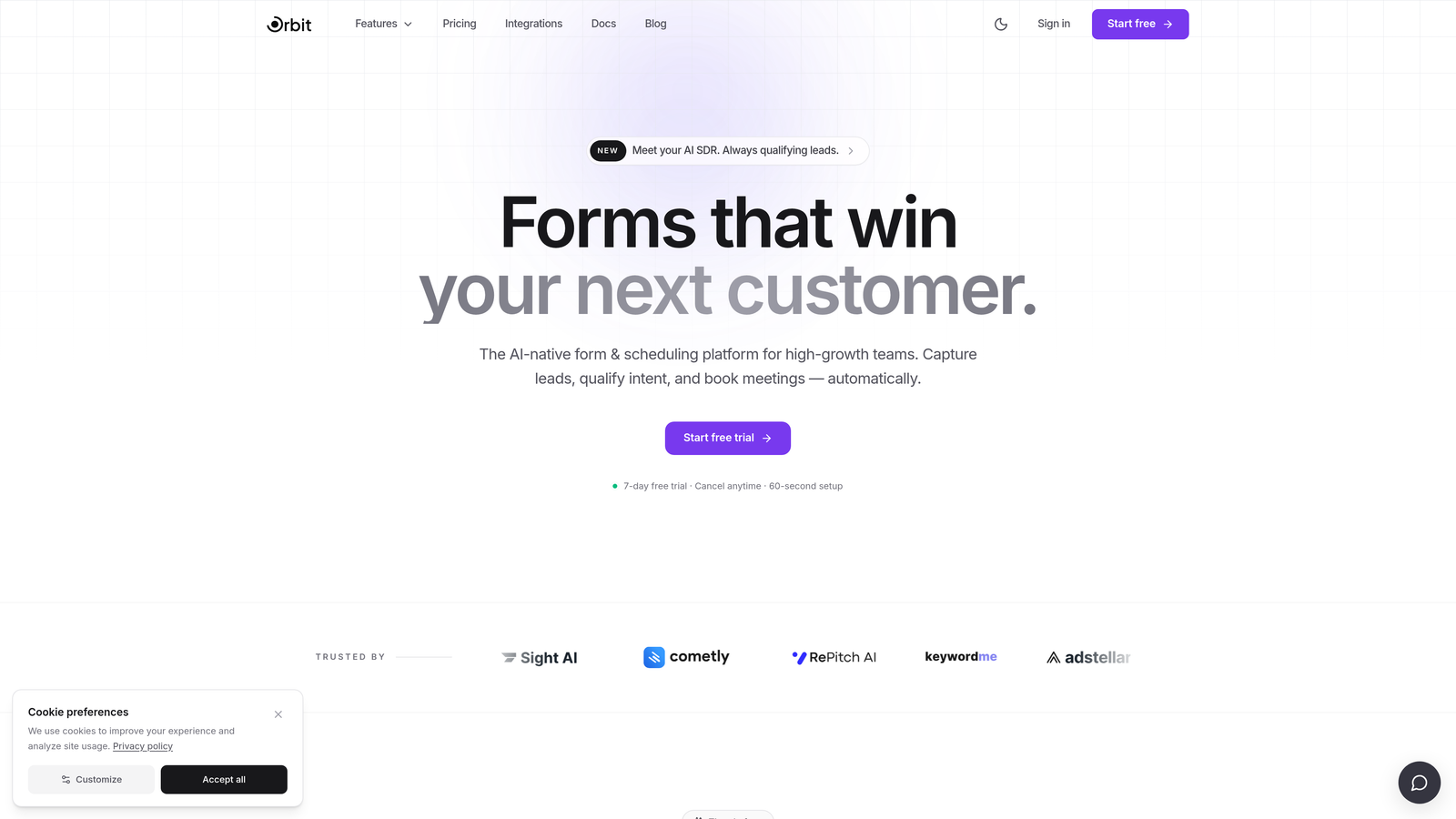
Orbit AI is an AI-powered form builder with native lead qualification and conversion optimization, built specifically for teams where every form submission is a potential pipeline opportunity.
Where This Tool Shines
Most form tools treat lead qualification as an afterthought, something you bolt on via Zapier after the submission lands in your CRM. Orbit AI flips that model entirely. The AI qualification layer lives inside the form itself, scoring and routing leads before they ever hit your inbox.
The result is a tighter handoff between marketing and sales, fewer unqualified leads clogging your pipeline, and forms that feel modern and intentional rather than generic. For teams where conversion rate is a north-star metric, that native intelligence is a meaningful differentiator.
Key Features
AI-Powered Lead Qualification: Built directly into the form layer, so leads are scored and routed without requiring third-party tools or complex Zap chains.
Conversion-Optimized Design: Modern, beautiful form UI out of the box, designed to reduce friction and increase completion rates.
Dynamic Conditional Logic: Forms adapt in real time based on how users respond, creating a personalized experience that feels conversational.
Lead Routing Workflows: Qualified leads get handed off to the right sales rep or sequence automatically, reducing manual triage time.
Built for Growth Teams: Every feature decision is oriented around lead generation and pipeline quality, not generic data collection.
Best For
Growth-stage SaaS companies, B2B marketing teams, and revenue-focused operators who want their form layer to do more than collect data. If you're tired of duct-taping lead scoring tools onto basic form builders, Orbit AI was designed with your workflow in mind.
Pricing
Check current pricing and available plans at orbitforms.ai. Pricing is structured to serve high-growth teams at various stages.
2. Typeform
Best for: Marketing teams that prioritize a polished, conversational form experience with strong visual branding.
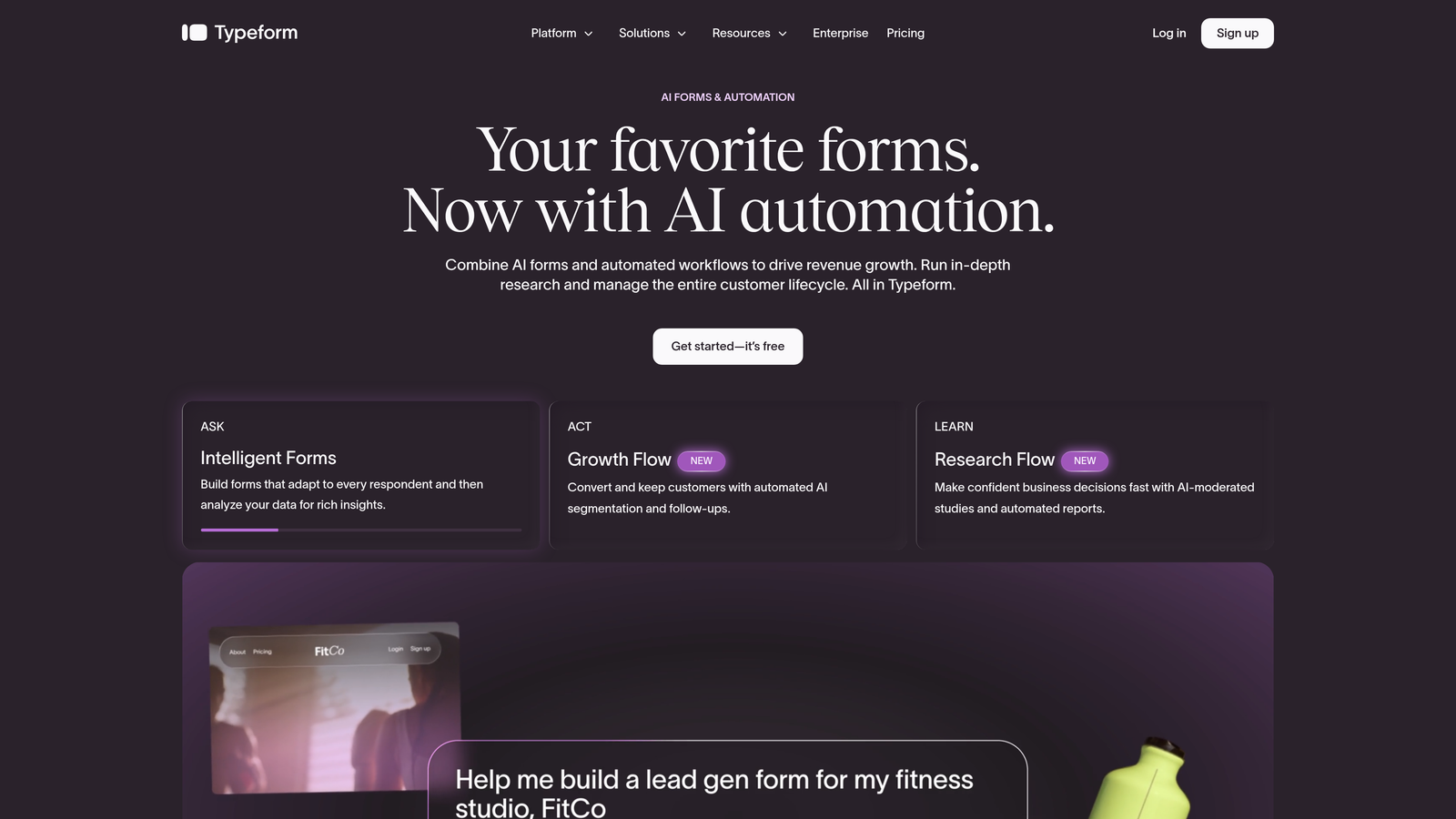
Typeform is a conversational form builder known for its one-question-at-a-time UX and clean, brand-forward design aesthetic.
Where This Tool Shines
Typeform's signature format, presenting one question at a time in a full-screen layout, creates a more engaging experience than a traditional stacked form. For customer surveys, onboarding flows, and brand-forward lead capture, that UX philosophy tends to drive higher perceived quality.
The tradeoff is the pricing model. Response-based billing means your costs scale with submission volume, which can create budget surprises for teams running high-traffic campaigns. Lower tiers also cap responses in ways that push growing teams toward more expensive plans faster than expected.
Key Features
One-Question-at-a-Time Flow: The signature conversational format increases perceived engagement and feels less overwhelming than traditional forms.
Visual Branding Controls: Strong customization options for colors, fonts, and backgrounds to match your brand identity.
Logic Jumps: Conditional branching available on paid plans to tailor the experience based on responses.
CRM and Marketing Integrations: Connects with HubSpot, Salesforce, Mailchimp, and other major platforms.
Response-Based Pricing: Costs scale with submission volume, so high-traffic use cases require careful plan selection.
Best For
Marketing and brand teams running surveys, product feedback loops, or lead capture where visual polish matters. Less ideal for teams expecting high submission volumes on a tight budget.
Pricing
Basic plans start from approximately $25/month, but response limits on lower tiers often push teams to higher tiers. Verify current pricing and response caps at typeform.com/pricing.
3. Jotform
Best for: SMBs and nonprofits that need a wide variety of form types with minimal setup and a free starting point.
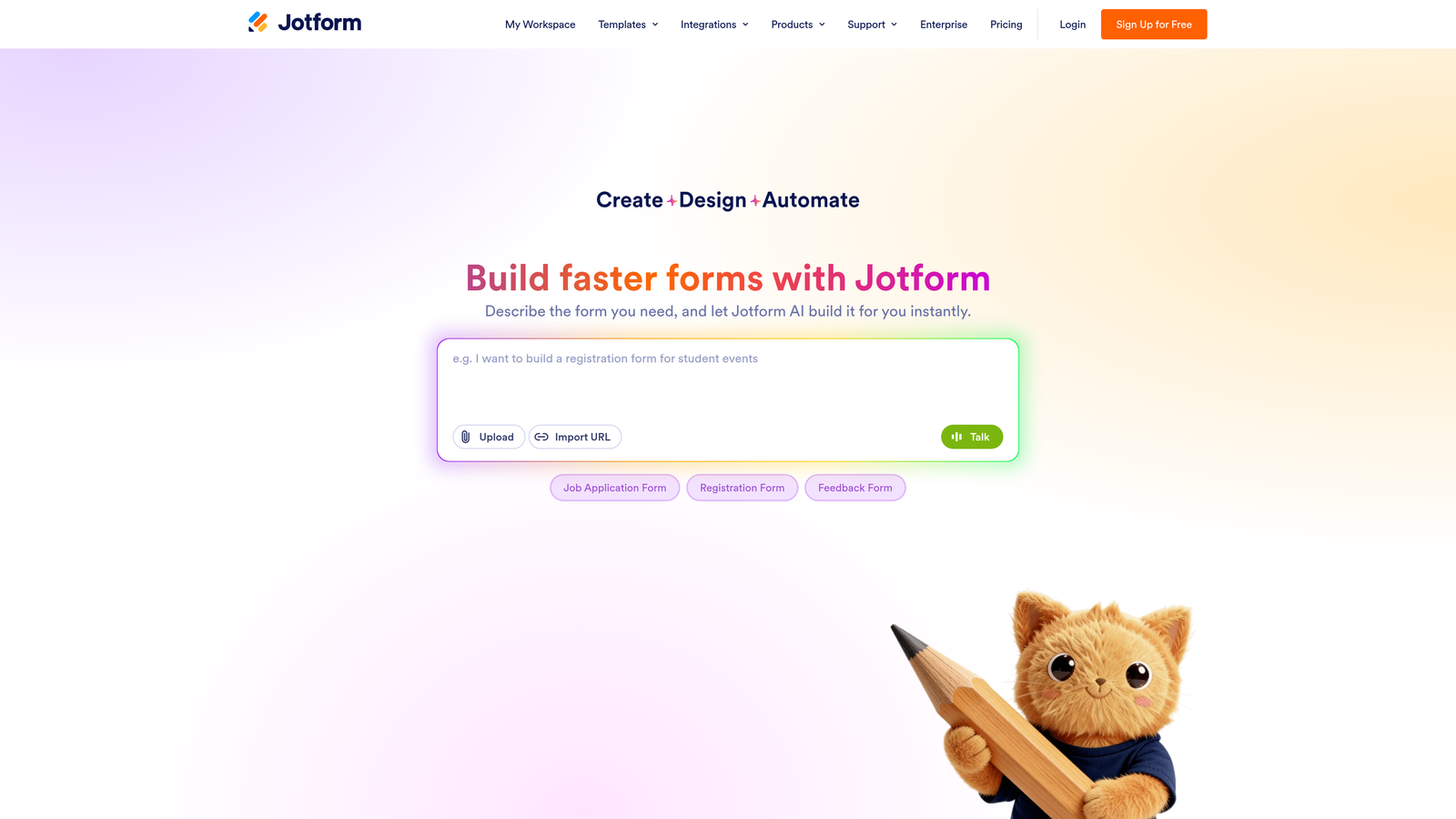
Jotform is a feature-rich form builder with one of the largest template libraries in the market, covering use cases from payment collection to e-signatures.
Where This Tool Shines
If breadth is what you need, Jotform delivers. With over 10,000 form templates across dozens of categories, it's hard to find a use case the platform hasn't already templated. That makes it a strong choice for teams that need to spin up forms quickly across multiple departments or functions.
The free plan is genuinely usable for low-volume needs, though the 100 monthly submission cap and five-form limit will push most active teams toward a paid tier fairly quickly. The drag-and-drop builder requires no coding, making it accessible to non-technical users across the organization.
Key Features
10,000+ Templates: One of the largest template libraries available, spanning payments, surveys, registrations, and more.
Free Plan: Includes five forms and 100 monthly submissions, a solid starting point for low-volume needs.
Payment Processor Integrations: Supports Stripe, PayPal, Square, and others for direct payment collection inside forms.
No-Code Builder: Drag-and-drop interface makes form creation accessible to non-technical team members.
PDF Generation and E-Signatures: Available on higher tiers for document-heavy workflows.
Best For
Small businesses, nonprofits, and operations teams that need versatile forms across many use cases without a dedicated developer. Also a strong pick for teams that collect payments directly through their forms.
Pricing
Free plan available. Paid plans start from approximately $34/month. Verify current tiers and submission limits at jotform.com/pricing.
4. HubSpot Forms
Best for: Teams already running HubSpot as their CRM who want native form-to-pipeline integration without additional tooling.
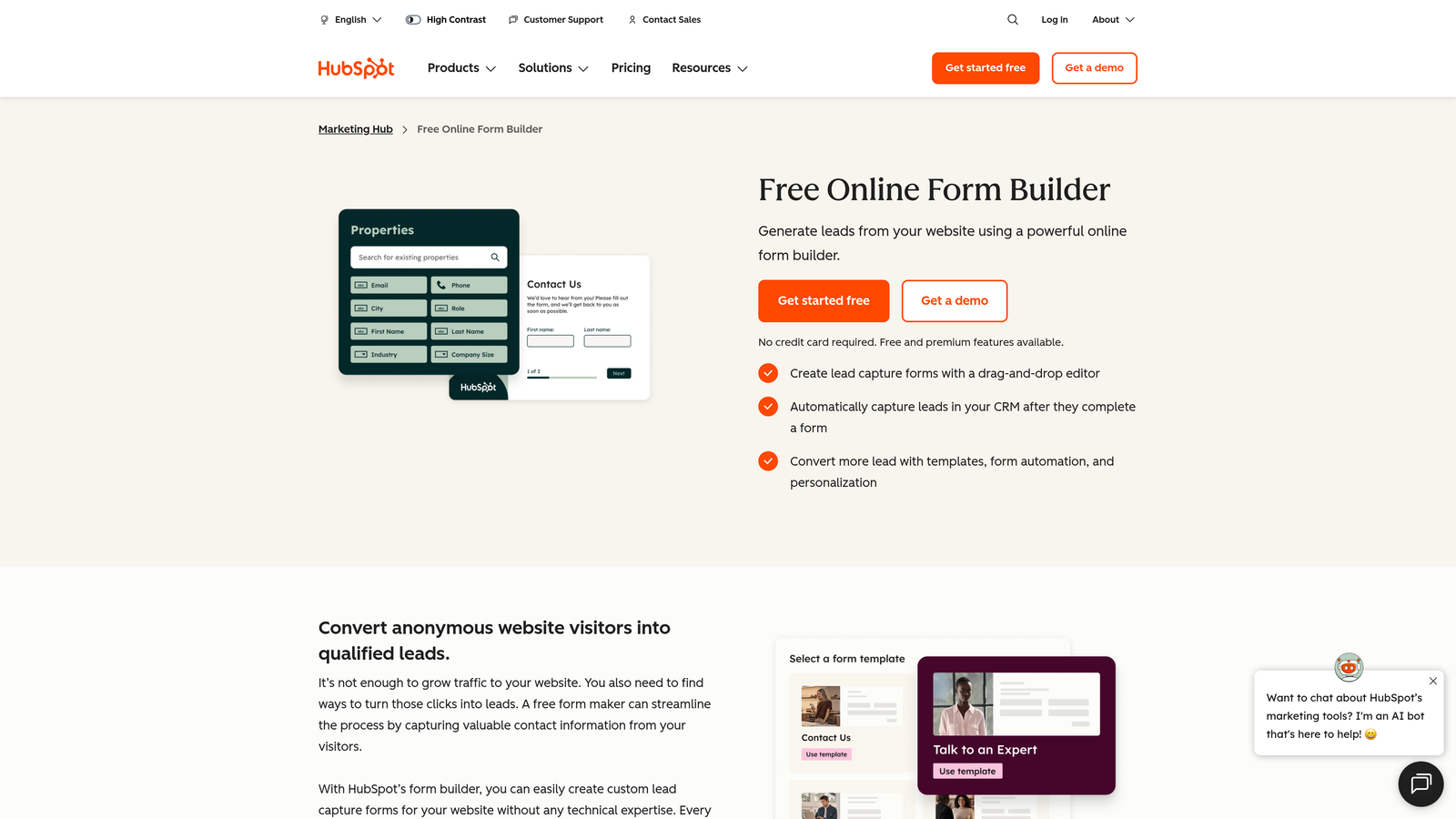
HubSpot Forms is the native form tool within HubSpot's platform, offering seamless CRM sync and workflow automation for existing HubSpot users.
Where This Tool Shines
The core value proposition here is ecosystem fit. If your team lives in HubSpot, forms built natively inside the platform sync to your CRM instantly, trigger workflows automatically, and benefit from progressive profiling, meaning HubSpot won't ask a contact for information it already has on file.
That said, HubSpot Forms is not a standalone product in any meaningful sense. The free tier is limited, and accessing the features that make it genuinely powerful, such as advanced automation and smart form fields, requires a Marketing Hub subscription that represents a significant budget commitment.
Key Features
Native CRM Sync: Form submissions map directly to HubSpot contact records with no middleware required.
Progressive Profiling: Avoids re-asking for data HubSpot already has, creating a smoother repeat-visitor experience.
Workflow Triggers: Form submissions can automatically enroll contacts into email sequences, notify sales reps, or update deal stages.
Free Tier: Basic forms available with a free HubSpot CRM account.
Marketing Hub Dependency: Advanced features like A/B testing and smart fields require a paid Marketing Hub subscription.
Best For
Teams already invested in the HubSpot ecosystem. If you're not a HubSpot shop, the pricing math rarely works in your favor compared to standalone form tools with CRM integrations.
Pricing
Free with a HubSpot CRM account. Advanced features require Marketing Hub, which starts from approximately $800/month. Verify current bundle pricing at hubspot.com/pricing.
5. Google Forms
Best for: Internal surveys, quick data collection, and teams that need a completely free, zero-setup solution.
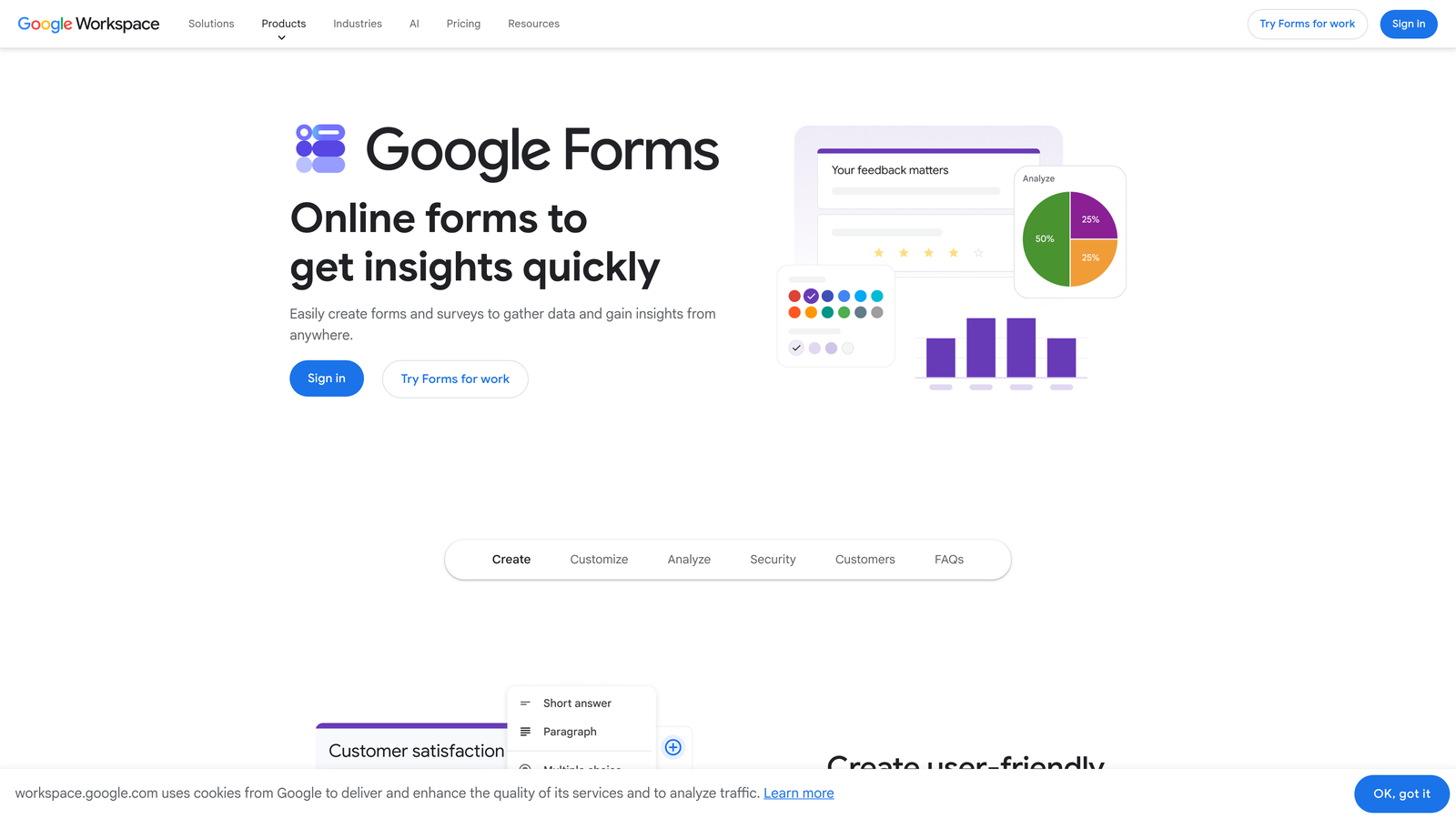
Google Forms is a completely free, no-frills form tool from Google, built for straightforward data collection without any cost or configuration overhead.
Where This Tool Shines
The value proposition is simple: it's free, it works, and it connects directly to Google Sheets. For internal use cases like employee surveys, event RSVPs, or quick team polls, it's hard to argue against something that costs nothing and requires no onboarding.
Where Google Forms falls short is anywhere near a customer-facing or conversion-oriented workflow. Design customization is minimal, there are no conversion optimization features, and the overall experience doesn't reflect well on a brand trying to make a strong first impression with prospects.
Key Features
Completely Free: No response limits, no paid tiers, no hidden costs, just a Google account.
Google Sheets Integration: Responses flow directly into a connected spreadsheet in real time.
Basic Conditional Logic: Simple branching available for routing respondents to different sections.
Team Collaboration: Multiple editors can work on the same form simultaneously via Google Workspace.
Limited Design Controls: Minimal branding options and no conversion optimization tooling.
Best For
Internal teams, educators, and anyone who needs a fast, free form with no setup. Not suitable for customer-facing lead capture, brand-conscious marketing, or any workflow requiring advanced logic or integrations.
Pricing
Free with any Google account. No paid tiers or upgrades available.
6. Paperform
Best for: Creators, consultants, and small businesses that want forms that look and feel like branded landing pages.
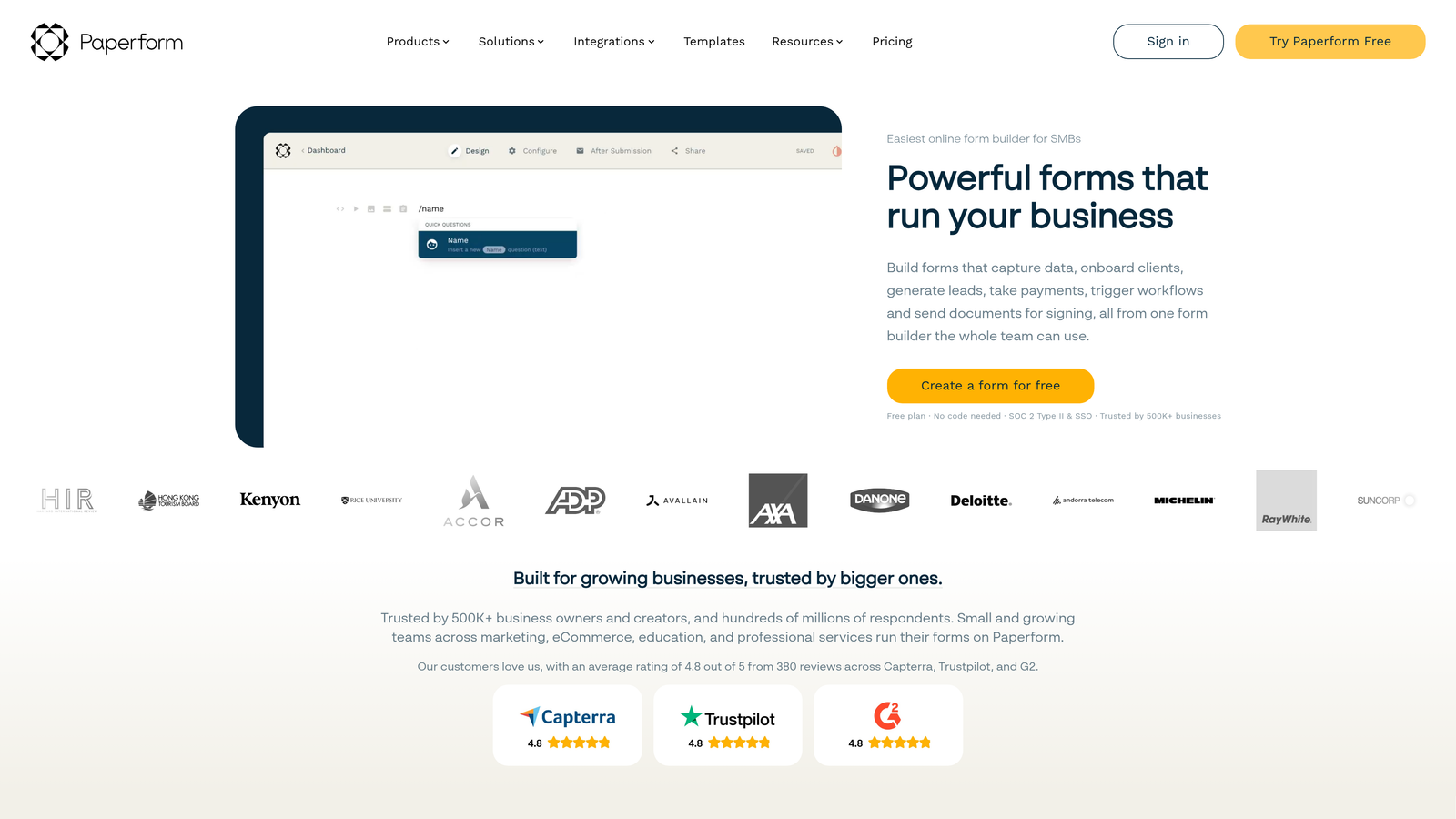
Paperform is a form builder that treats each form like a mini landing page, combining rich media support with flat-rate pricing and flexible layout options.
Where This Tool Shines
Paperform occupies an interesting middle ground between a form builder and a lightweight landing page tool. You can embed images, video, and rich text directly into a form, creating an experience that feels more like a guided journey than a data collection exercise. That makes it a strong choice for service-based businesses, coaches, and consultants who want their intake forms to reflect their brand quality.
The flat-rate pricing model is also worth highlighting. Unlike tools that meter by response volume, Paperform charges a fixed monthly fee regardless of how many submissions you receive, which makes budgeting predictable as you scale.
Key Features
Landing Page-Style Design: Supports images, video, and rich text inline with form fields for a fully branded experience.
Flat-Rate Pricing: No per-response billing, so costs stay predictable regardless of submission volume.
Built-In Payments: Accepts payments via Stripe and other processors directly within the form.
Conditional Logic and Calculations: Dynamic fields that adapt based on responses, including calculated pricing fields.
Custom Domains and White-Label: Available on higher tiers for agency and client use cases.
Best For
Service businesses, coaches, and agencies that want visually rich forms without per-response pricing anxiety. Also a solid pick for anyone collecting payments directly through their intake or booking forms.
Pricing
Essentials plan starts from approximately $24/month. Verify current plan details at paperform.co/pricing.
7. Tally
Best for: Bootstrapped teams and indie operators who need a generous free tier with solid conditional logic.
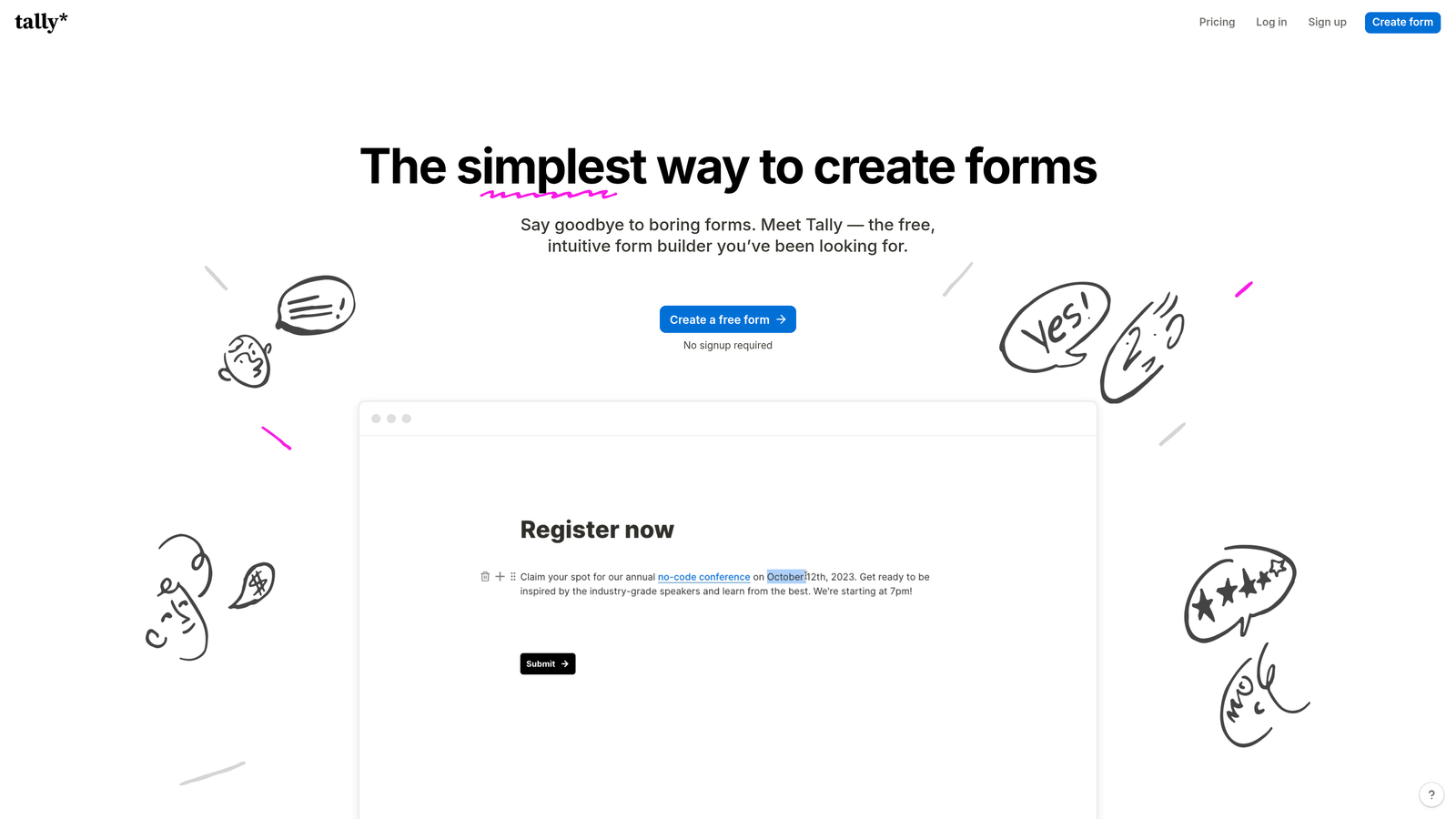
Tally is a minimalist form builder with a Notion-like editing experience and one of the most generous free plans in the market.
Where This Tool Shines
Tally's free plan is genuinely remarkable by industry standards. Unlimited forms, unlimited responses, and conditional logic are all available at zero cost, which is a combination most competitors reserve for paid tiers. For bootstrapped founders, indie hackers, and early-stage teams watching every dollar, that's a compelling starting point.
The editing experience borrows from Notion's block-based approach, making it feel intuitive for teams already comfortable with that interface. The Pro plan adds custom domains, branding removal, and more advanced automation, which keeps the upgrade path reasonable without forcing it.
Key Features
Unlimited Free Forms and Responses: The free tier removes the submission caps that make most free plans impractical for real use.
Block-Based Editing: Notion-inspired interface that feels familiar and requires minimal learning curve.
Conditional Logic on Free Tier: Dynamic branching available without requiring a paid upgrade.
Custom Domains and Branding Removal: Available on Pro for teams that need a fully white-labeled experience.
Zapier and Webhook Support: Automation integrations for connecting Tally to your broader stack.
Best For
Bootstrapped teams, early-stage startups, and individual operators who want a capable free form tool. Also a strong option for anyone who finds Notion's interface intuitive and wants that same experience in a form builder.
Pricing
Generous free plan available. Pro plan from approximately $29/month. Verify current pricing at tally.so/pricing.
8. Formstack
Best for: Regulated industries that require HIPAA compliance, enterprise security, and advanced workflow automation.
Formstack is an enterprise-grade form platform built for organizations that operate under strict compliance requirements and need advanced document and workflow capabilities.
Where This Tool Shines
Formstack is in a different category than most tools on this list. It's not trying to win on price or design aesthetics. It wins on compliance, security, and depth of workflow automation. For healthcare organizations, legal teams, and financial services firms that need HIPAA-compliant data collection with audit trails and enterprise SSO, Formstack is one of the few platforms built to handle that load.
The Salesforce native app is another standout feature for enterprise teams already running their CRM on that platform. Document generation and e-signature capabilities also make it a more complete workflow solution rather than just a form tool.
Key Features
HIPAA Compliance: Built for healthcare and other regulated industries that require compliant data handling.
Advanced Workflow Automation: Approval routing and multi-step workflows beyond what most form tools support.
Salesforce Native App: Deep integration for Salesforce-centric enterprise teams.
Document Generation and E-Signatures: Extends beyond forms into full document workflow territory.
Enterprise SSO and Audit Logging: Security and compliance features required by IT and legal teams in larger organizations.
Best For
Healthcare organizations, legal and financial services firms, and enterprise teams with strict compliance requirements. The pricing reflects the compliance overhead, so it's best evaluated against the cost of non-compliance rather than against consumer form tools.
Pricing
Forms product starts from approximately $83/month. Verify current enterprise pricing at formstack.com/pricing.
9. Gravity Forms
Best for: WordPress developers and agencies building client sites who want annual licensing with no per-response billing.
Gravity Forms is a WordPress-native form plugin with an annual license model, deep developer extensibility, and no monthly subscription or submission caps.
Where This Tool Shines
For teams living in the WordPress ecosystem, Gravity Forms has long been the professional standard. The annual license model is refreshingly straightforward: pay once per year, build unlimited forms, collect unlimited responses. No surprise bills when a campaign drives unexpected traffic.
The developer extensibility is also a genuine strength. Gravity Forms exposes hooks and filters throughout, making it highly customizable for developers building complex workflows. The add-on library covers payments, CRM integrations, quizzes, and more, with the Elite license bundling everything for agencies managing multiple client sites.
Key Features
Annual License Model: No monthly subscription and no response caps, just a flat annual fee per site.
Deep WordPress Integration: Hooks, filters, and native WordPress architecture for full developer control.
Extensive Add-On Library: Covers payments, CRM connections, quizzes, surveys, and more.
Conditional Logic and Multi-Page Forms: Advanced form logic available across all license tiers.
Elite License for Agencies: Bundles all add-ons for teams managing multiple client WordPress installations.
Best For
WordPress developers, digital agencies building client sites, and WordPress-based businesses that want a one-time annual cost with no usage-based billing surprises. Not relevant for teams not running on WordPress.
Pricing
Basic license from approximately $59/year. Elite license (all add-ons included) from approximately $259/year. Verify current licensing tiers at gravityforms.com/pricing.
Which Tool Is the Right Fit for Your Team?
The honest answer is that the best form software is the one that matches your pricing model preference, your technical environment, and your core use case. Here's a quick way to think through the decision.
If you need AI-powered lead qualification with conversion-optimized design: Orbit AI is the clear choice. It's the only tool on this list where lead scoring is native to the form layer, making it purpose-built for growth teams that measure success in pipeline quality, not just submission volume.
If you're on WordPress and want predictable annual pricing: Gravity Forms is the professional standard. The license model eliminates per-response billing anxiety, and the developer extensibility is hard to match in the WordPress ecosystem.
If you need enterprise compliance features: Formstack is built for regulated industries where HIPAA compliance and audit logging are non-negotiable. The higher price reflects genuine infrastructure overhead, not feature padding.
If you're bootstrapped and need a capable free tool: Tally's free tier is genuinely hard to beat. Unlimited forms, unlimited responses, and conditional logic at zero cost gives early-stage teams real functionality without a credit card.
If you're already in the HubSpot ecosystem: HubSpot Forms is the obvious choice for native CRM sync and workflow automation. Just be clear-eyed about the Marketing Hub costs before committing.
If budget is zero and use cases are internal: Google Forms does the job. Don't overthink it for surveys and internal data collection.
For high-growth teams serious about turning form submissions into qualified pipeline, the investment in a purpose-built tool pays for itself quickly. Transform your lead generation with AI-powered forms that qualify prospects automatically while delivering the modern, conversion-optimized experience your high-growth team needs. Start building free forms today and see how intelligent form design can elevate your conversion strategy.


