

Contact form software pricing varies wildly. Some tools lock you out of basic features on free tiers, while others charge enterprise rates before you've even scaled your team. For high-growth companies, choosing the wrong plan often means either paying for features you don't use or hitting a frustrating ceiling right when lead volume starts to climb.
This guide cuts through the noise by comparing nine contact form tools across pricing tiers, feature depth, and what you actually get at each level. Whether you're a lean startup hunting for a solid free starting point, a scaling SaaS team that needs AI-powered lead qualification, or an agency juggling forms across multiple clients, there's a clear winner for your situation.
Each tool has been evaluated on pricing transparency, feature-to-cost ratio, and how well it serves teams focused on conversion optimization — not just data collection. Note that SaaS pricing changes frequently, so always verify current figures on each tool's pricing page before committing.
1. Orbit AI
Best for: High-growth SaaS and B2B teams that need forms to qualify leads, not just collect them.
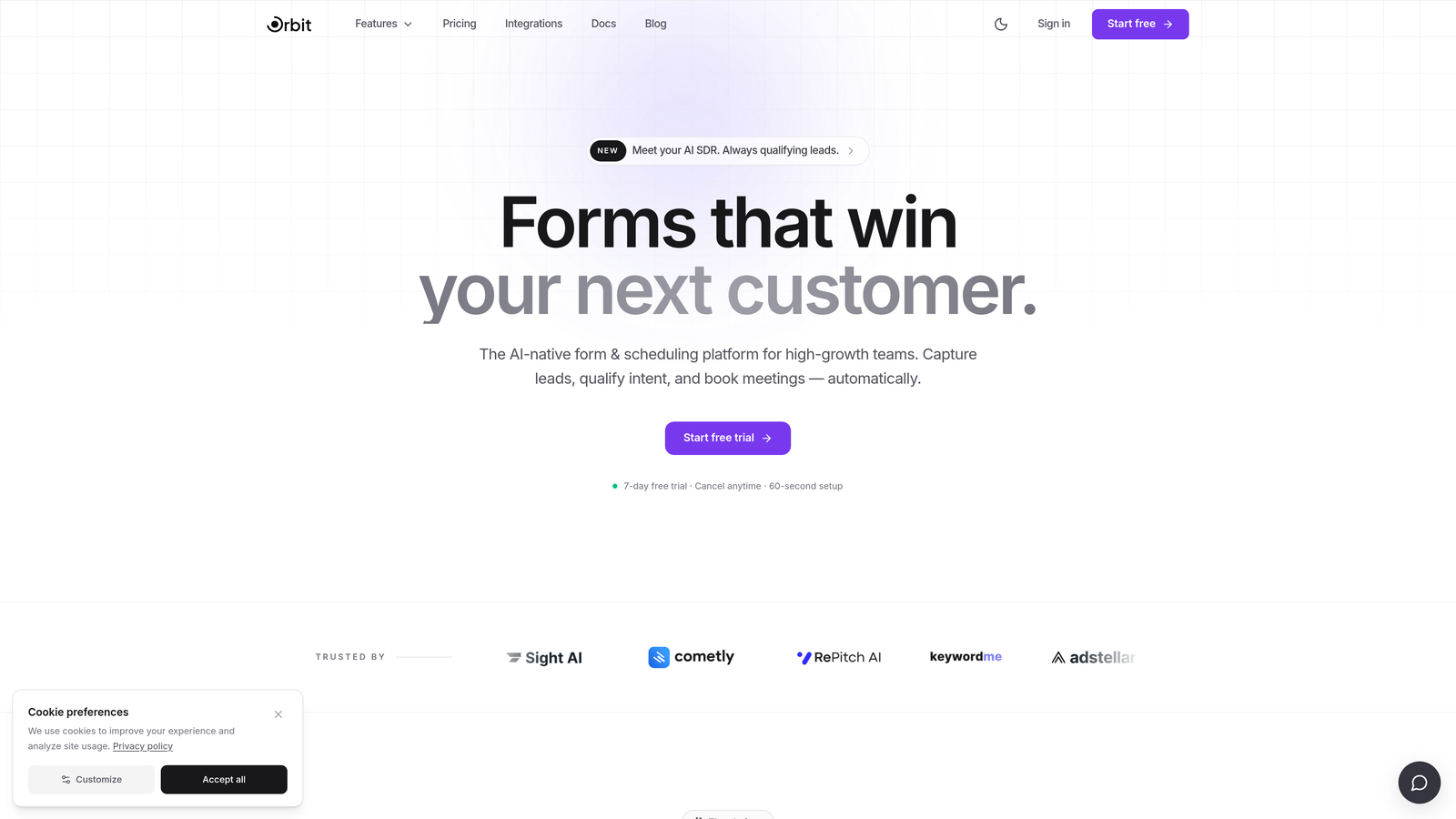
Orbit AI is an AI-powered form builder built specifically for teams where lead quality matters as much as lead volume.
Where This Tool Shines
Most form builders treat every submission equally. Orbit AI doesn't. Its AI-powered lead qualification layer scores and routes submissions automatically, so your sales team spends time on the right prospects rather than manually triaging a cluttered inbox.
The form design side is equally strong. Templates are built with B2B and SaaS lead capture in mind, meaning they're optimized for conversion from the start rather than being generic survey layouts you have to rework from scratch.
Key Features
AI-Powered Lead Qualification: Automatically scores and routes submissions based on your ideal customer profile, so high-value leads surface immediately.
Conversion-Optimized Templates: Pre-built form designs engineered for B2B and SaaS lead capture, not generic data collection.
Adaptive Conditional Logic: Forms adjust in real time based on how users respond, creating a personalized experience that reduces drop-off.
Native CRM and Sales Tool Integrations: Connects directly with the tools your team already uses, keeping your pipeline data clean and current.
No-Code Customization: Clean, modern design that non-technical marketers can customize without touching a line of code.
Best For
Orbit AI is the right fit for SaaS companies, B2B marketing teams, and growth-focused operators who need their forms to do more than collect email addresses. If lead qualification is a bottleneck in your pipeline, this is where the investment pays off.
Pricing
Pricing is available directly at orbitforms.ai and is subject to change. Check the current plans before committing.
2. Typeform
Best for: Brand-forward teams that prioritize a polished, conversational form experience.
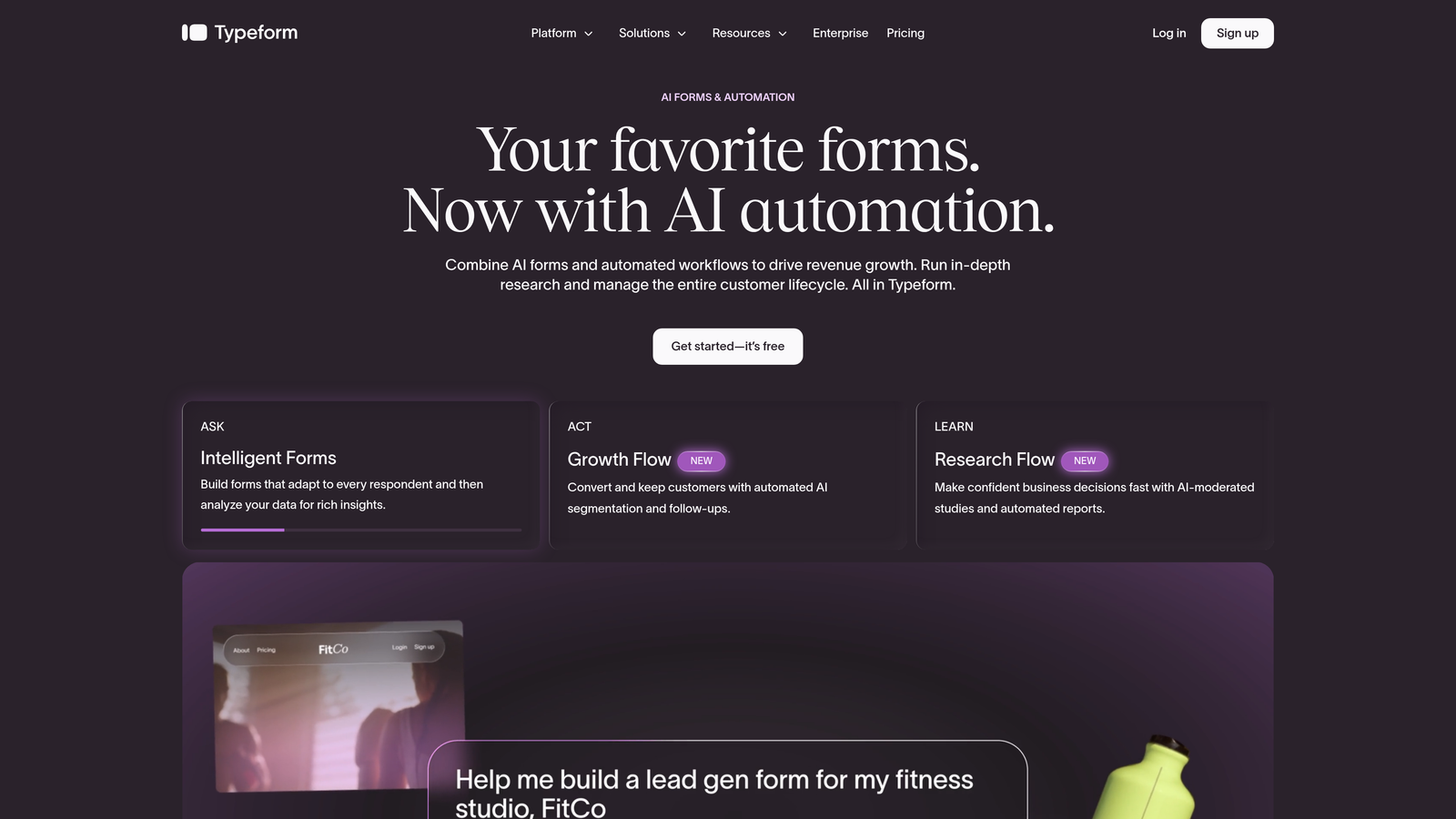
Typeform is a conversational form builder known for its one-question-at-a-time interface and visually refined design.
Where This Tool Shines
Typeform's biggest differentiator is the experience it creates for respondents. Rather than presenting a wall of fields, it guides users through one question at a time, which tends to feel less intimidating and can improve completion rates on longer forms.
It's a natural fit for brand-conscious teams running surveys, quizzes, or lead capture campaigns where the visual presentation is part of the message. The trade-off is that per-response limits on most paid tiers can become a real cost concern as volume scales.
Key Features
Conversational Format: One-question-at-a-time flow that creates an engaging, interview-style experience for respondents.
Logic Jumps and Branching: Route users through different question paths based on their previous answers.
Rich Media Embedding: Add video, images, and GIFs directly within form questions to increase engagement.
Strong Integration Ecosystem: Connects with HubSpot, Salesforce, Zapier, and dozens of other tools.
Extensive Template Library: Ready-to-use templates for surveys, quizzes, lead forms, and more.
Best For
Typeform works well for marketing teams running campaigns where brand presentation matters, and for smaller teams with predictable, moderate submission volumes. High-volume teams should model out per-response costs carefully before committing to a paid tier.
Pricing
Free plan available (10 responses per month). Paid plans start at approximately $25 per month, with per-response limits applying across most tiers. Verify current pricing at typeform.com/pricing.
3. Jotform
Best for: Teams that need a deep template library and payment collection at accessible price points.
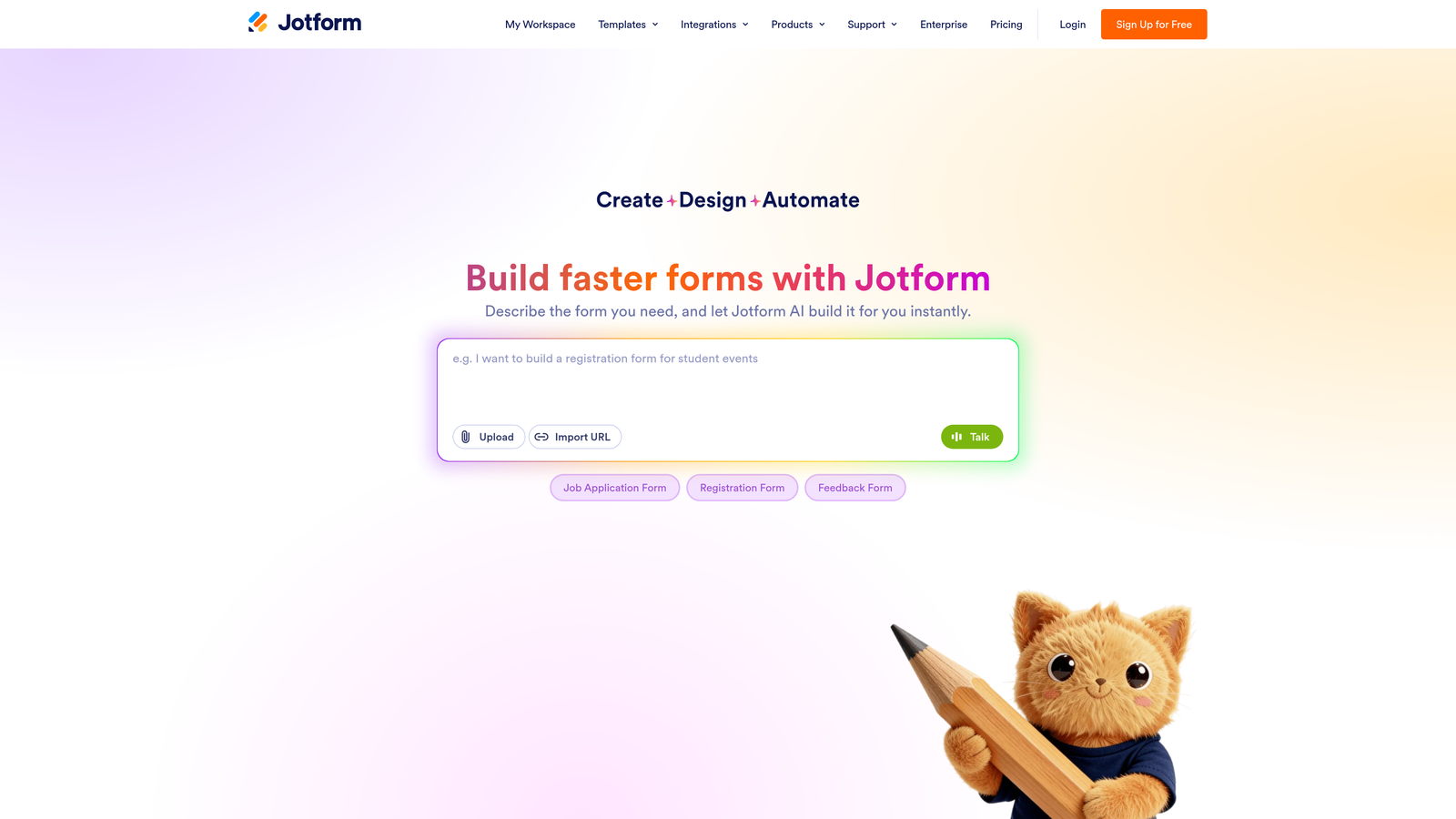
Jotform is a feature-rich form builder offering one of the largest template libraries in the market, with strong payment and workflow capabilities built in.
Where This Tool Shines
Jotform's template library is genuinely impressive in scope, covering industries from healthcare to e-commerce to education. If you need to spin up a form quickly without building from scratch, there's almost certainly a template that gets you most of the way there.
Payment collection is available on lower-tier plans, which is unusual in this space. The addition of Jotform Tables gives teams a database-style view of their responses without needing a separate tool for response management.
Key Features
10,000+ Templates: One of the largest form template libraries available, spanning virtually every industry and use case.
Built-In Payment Collection: Accept payments via Stripe, PayPal, and Square without needing a separate integration on most plans.
HIPAA-Compliant Options: Available on higher tiers for healthcare and regulated industries.
Jotform Tables: View and manage form submissions in a structured, spreadsheet-style interface.
Extensive Integrations: Connects with hundreds of third-party tools across CRM, marketing, and productivity categories.
Best For
Jotform suits small businesses, nonprofits, and mid-sized teams that need variety and flexibility without a steep learning curve. It's particularly strong for teams that need payment-enabled forms without upgrading to an expensive tier.
Pricing
Free plan available (5 forms, 100 submissions per month). Paid plans start at approximately $34 per month. Enterprise pricing available. Verify current pricing at jotform.com/pricing.
4. HubSpot Forms
Best for: Teams already using HubSpot's CRM who want seamless, zero-friction lead capture.
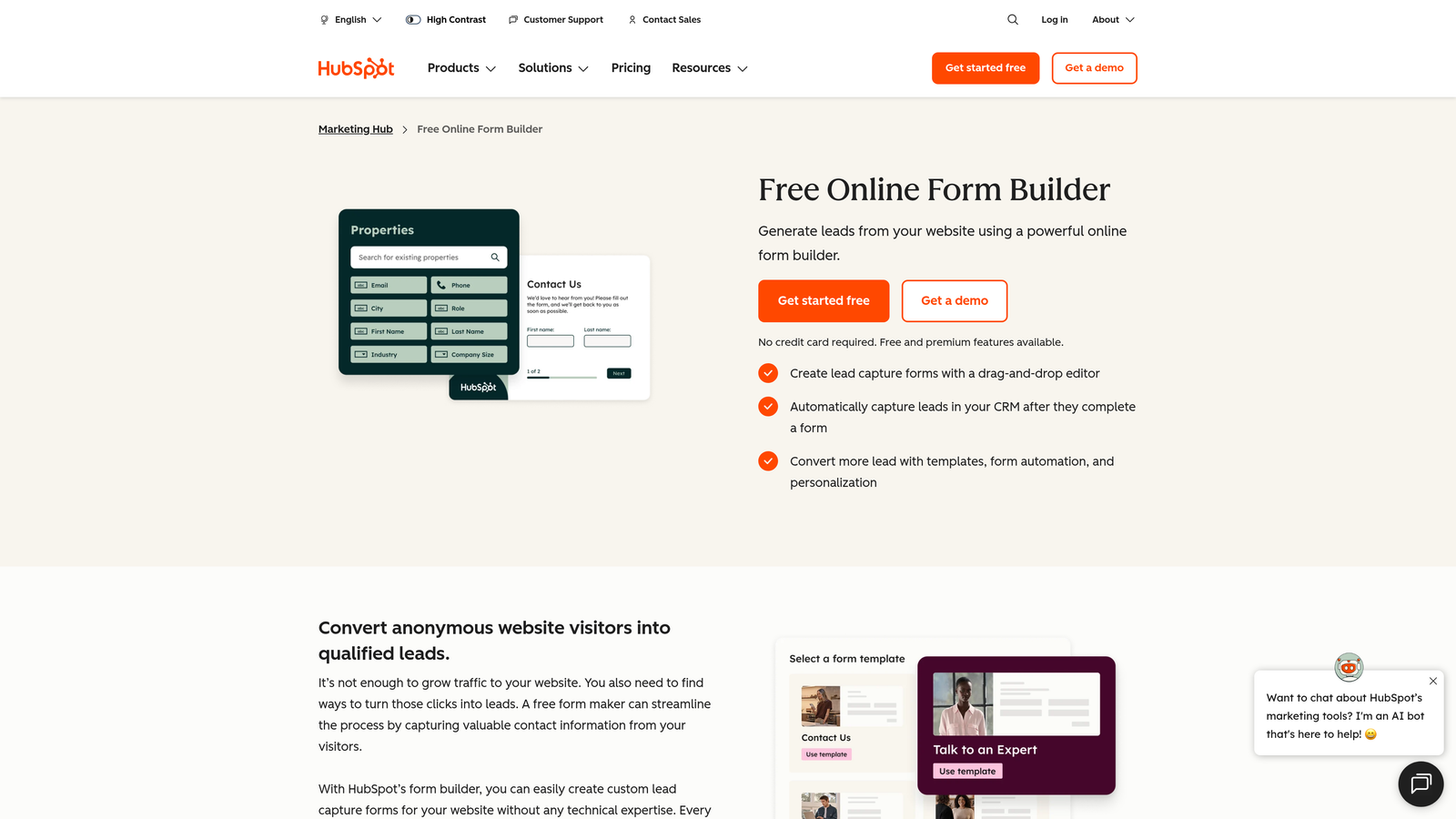
HubSpot Forms is a native form tool built into HubSpot's free CRM, designed to make lead capture and contact management feel effortless within the HubSpot ecosystem.
Where This Tool Shines
The biggest advantage here is the automatic CRM sync. When someone submits a HubSpot form, a contact record is created or updated instantly, with no manual import or Zapier workflow required. For teams already living in HubSpot, this eliminates a meaningful amount of operational friction.
Progressive profiling is another standout feature: instead of asking the same questions repeatedly, HubSpot Forms can surface new fields for returning visitors, building richer contact profiles over time without increasing form abandonment.
Key Features
Automatic CRM Sync: Every submission instantly creates or updates a contact in HubSpot's CRM with no manual work required.
Native Workflow Triggers: Form submissions can immediately kick off lead nurturing sequences, task assignments, and internal notifications.
Progressive Profiling: Surfaces different fields for returning visitors to build contact data progressively over time.
Embedded and Popup Forms: Deploy forms inline on pages or as exit-intent and timed popups.
Free at Entry Level: Full form functionality is available on HubSpot's free CRM tier.
Best For
HubSpot Forms is the obvious choice for teams already invested in the HubSpot platform. For teams not using HubSpot, the value proposition weakens significantly since the best features depend on the broader ecosystem.
Pricing
Free with HubSpot's free CRM. Full marketing automation capabilities require Marketing Hub Starter at approximately $20 per month and above. Verify at hubspot.com/pricing.
5. Gravity Forms
Best for: WordPress sites needing deep customization and high-volume forms without per-submission fees.
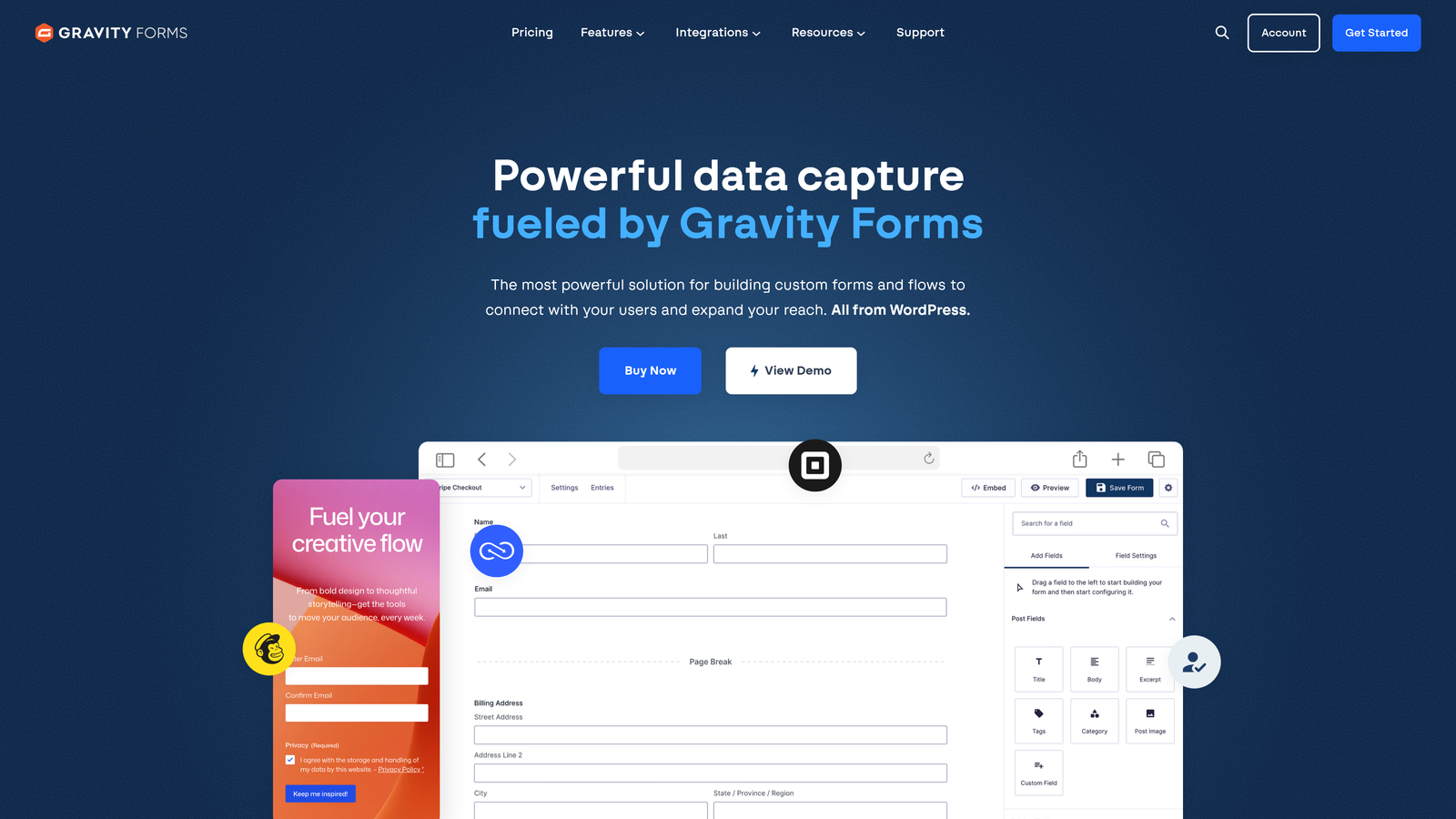
Gravity Forms is the leading WordPress form plugin, offering extensive customization, developer-friendly extensibility, and a flat annual license model.
Where This Tool Shines
Gravity Forms operates on a fundamentally different pricing model from most competitors. You pay an annual license, and there are no per-submission fees regardless of volume. For high-traffic WordPress sites, this can represent significant savings compared to tools that charge per response.
The developer ecosystem is mature and deep. Hooks, filters, and a large library of official and third-party add-ons mean you can extend Gravity Forms to handle almost any use case, from multi-step application flows to complex payment and subscription forms.
Key Features
Flat Annual License: No per-submission fees, making it cost-effective for high-volume WordPress sites.
Advanced Conditional Logic: Complex branching and multi-page form flows with fine-grained control.
Large Add-On Ecosystem: Official and community add-ons for payments, CRM integrations, file uploads, surveys, and more.
Developer-Friendly Architecture: Extensive hooks and filters for custom functionality and deep WordPress theme integration.
Multi-Page Forms: Break long forms into steps to reduce cognitive load and improve completion rates.
Best For
Gravity Forms is purpose-built for WordPress. If your site runs on another platform, this tool isn't relevant. For WordPress-based businesses, agencies, and developers who need power and flexibility without recurring per-submission costs, it's hard to beat.
Pricing
Annual licenses: Basic approximately $59 per year, Pro approximately $159 per year, Elite approximately $259 per year. WordPress-only. Verify at gravityforms.com/pricing.
6. Tally
Best for: Early-stage teams and indie builders who need unlimited forms without paying anything upfront.
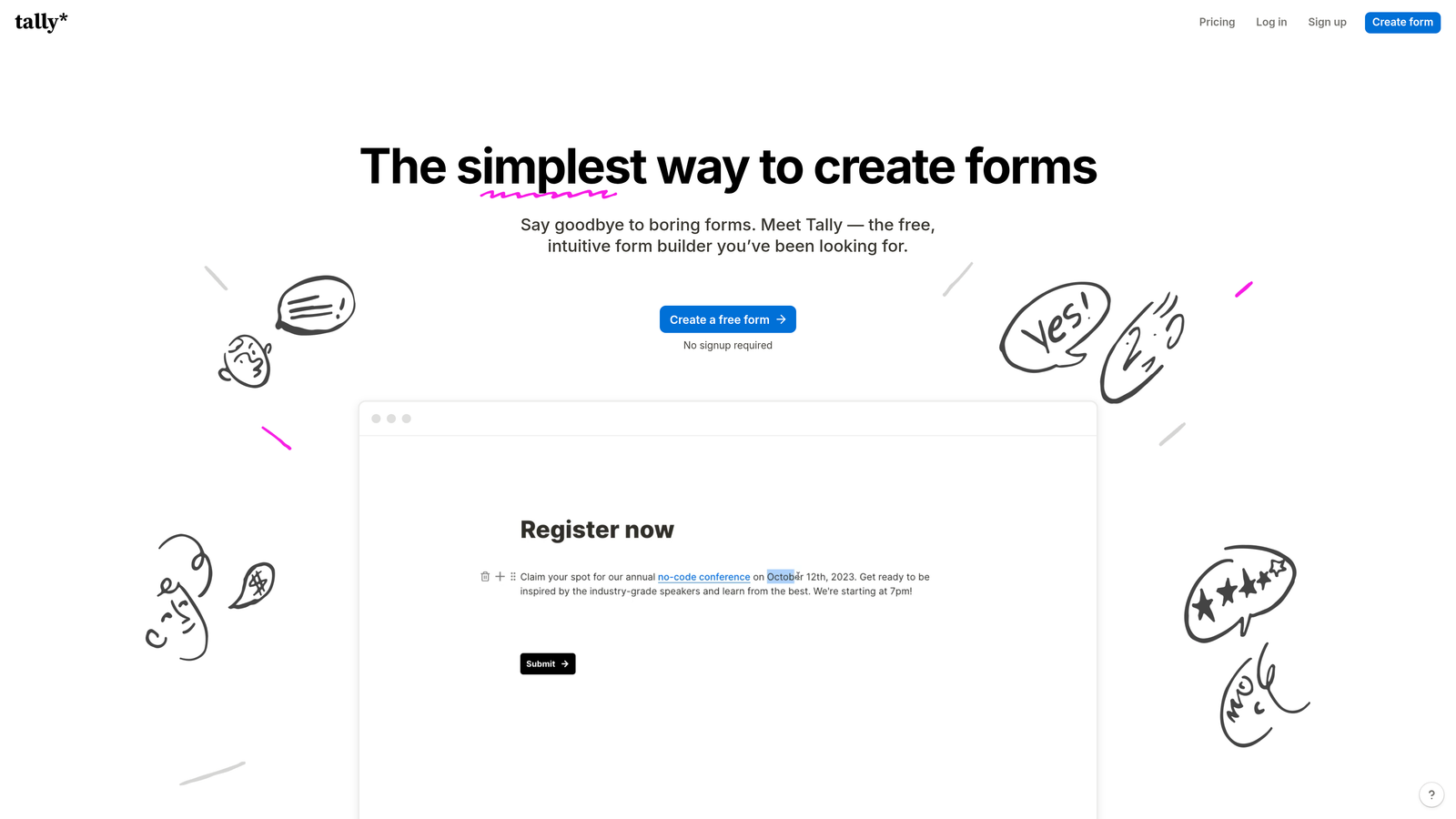
Tally is a modern, Notion-inspired form builder with one of the most genuinely generous free tiers in the market: unlimited forms and unlimited submissions at no cost.
Where This Tool Shines
Most "free" form tools are free in name only, capping you at a handful of forms or a few dozen monthly submissions. Tally's free tier removes both limits entirely, which makes it a legitimate long-term option for teams that don't need advanced features like custom branding or domain mapping.
The block-based editor is clean and intuitive, drawing clear inspiration from Notion's editing experience. Teams already comfortable in that environment will feel at home immediately, with minimal onboarding friction.
Key Features
Truly Unlimited Free Tier: No caps on forms or submissions on the free plan, which is rare in this category.
Block-Based Editor: Intuitive, Notion-style editing experience with a low learning curve.
Conditional Logic on Free Tier: Hidden fields and conditional branching are available without upgrading.
Custom Domains and Branding: Available on the Pro plan for teams that need white-labeled form experiences.
Native Embeds: Drops cleanly into Notion pages, websites, and web apps.
Best For
Tally is the strongest free option for early-stage startups, solo operators, and small teams with straightforward form needs. When you're ready for custom branding or domain control, the Pro plan is reasonably priced.
Pricing
Free plan with unlimited forms and submissions (Tally branding included). Pro plan at approximately $29 per month, or approximately $19 per month billed annually. Verify at tally.so/pricing.
7. Formstack
Best for: Regulated industries and enterprise ops teams needing HIPAA compliance and workflow automation.
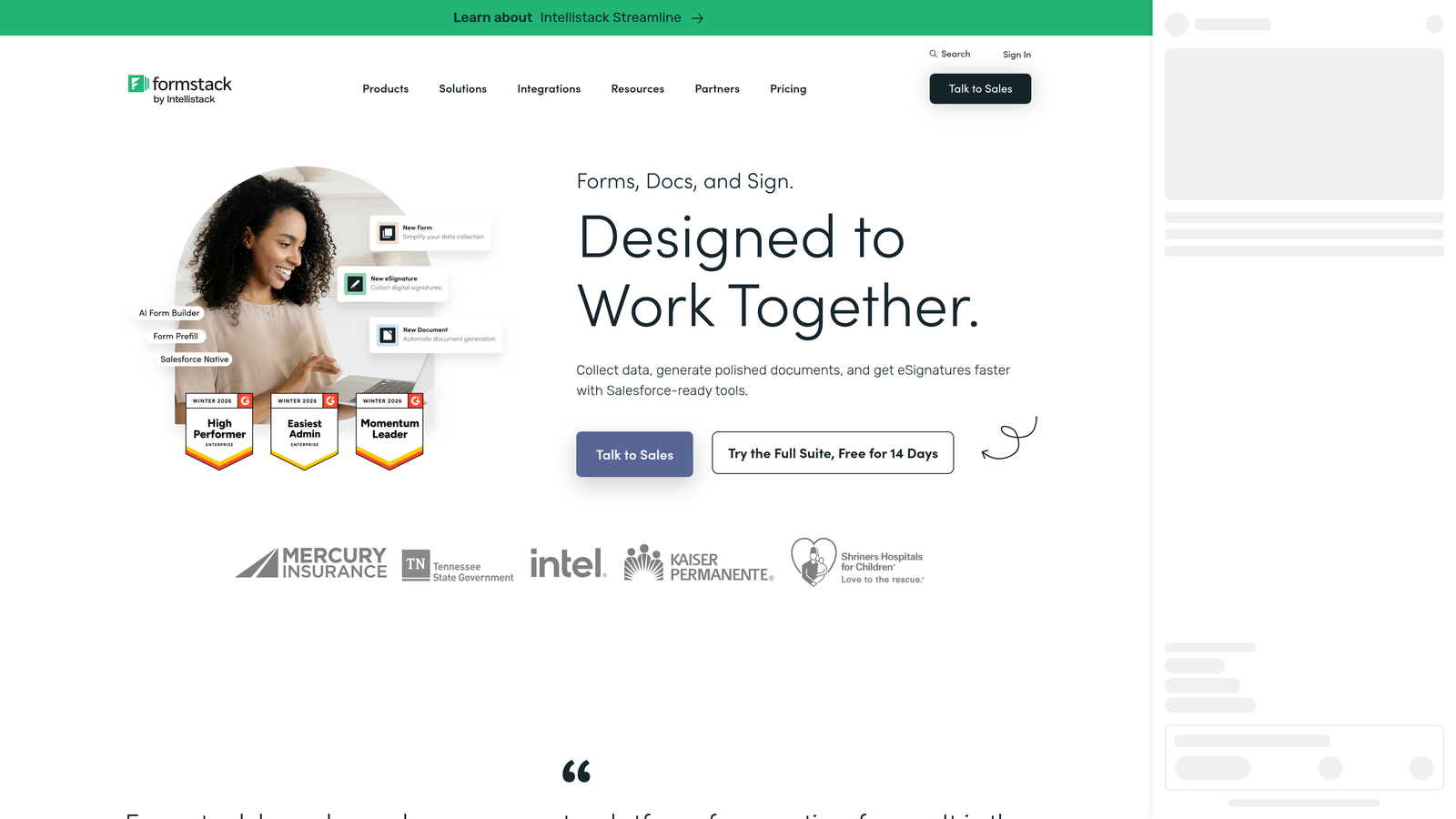
Formstack is an enterprise-grade forms and workflow platform built for organizations that need compliance, document generation, and multi-step approval processes baked in.
Where This Tool Shines
Formstack operates in a different tier than most tools on this list. It's designed for organizations where forms are part of complex operational workflows: patient intake in healthcare, contract generation in legal, multi-approver processes in finance and compliance-heavy industries.
The ability to generate documents directly from form data is a genuine differentiator. A form submission can automatically populate a contract, PDF report, or compliance document, reducing manual work in industries where that process is otherwise time-consuming and error-prone.
Key Features
HIPAA-Compliant Forms: Built for healthcare and other regulated industries that require strict data handling standards.
Document Generation: Automatically create populated contracts, PDFs, and reports from form submission data.
Multi-Step Approval Workflows: Route submissions through sequential approval stages with conditional logic.
Advanced Analytics: Conversion tracking and form performance analytics to identify drop-off points.
Salesforce-Native Integration: Deep integration with Salesforce for enterprise CRM workflows.
Best For
Formstack is the right call for healthcare organizations, legal teams, and enterprise operations teams where compliance and workflow complexity justify the higher price point. It's overkill for most small and mid-sized businesses.
Pricing
Forms plan starts at approximately $83 per month billed annually. Higher tiers bundle Documents and Sign products. Enterprise pricing available on request. Verify at formstack.com/pricing.
8. Cognito Forms
Best for: Teams needing advanced calculation logic, dynamic forms, and payment collection at a lower price point.
Cognito Forms is a flexible form builder with unusually powerful calculation and conditional logic features, available at price points well below most enterprise alternatives.
Where This Tool Shines
Cognito Forms earns its place on this list through its calculated fields functionality. You can build forms that compute quotes, pricing totals, or scoring outputs dynamically based on user inputs, which is genuinely useful for order forms, service intake, and estimation workflows.
Repeating sections are another standout feature. Rather than building separate forms for multi-entry scenarios (like adding multiple products to an order or listing multiple household members), users can add entries dynamically within a single form. This kind of flexibility is rare at Cognito's price point.
Key Features
Advanced Calculated Fields: Build dynamic pricing calculators, quote generators, and scoring tools directly within forms.
Repeating Sections: Allow users to add multiple entries within a single form submission dynamically.
Payment Collection: Stripe integration for accepting payments directly through forms.
Formula-Based Conditional Logic: More precise conditional rules than most tools at this price tier.
Entry Management: Built-in filtering, searching, and export tools for managing submissions.
Best For
Cognito Forms suits small businesses, service providers, and operations teams that need complex form logic without paying enterprise prices. It's particularly strong for order forms, intake forms, and any scenario where calculated outputs matter.
Pricing
Free plan (1 form, 500 entries per month). Individual approximately $15 per month; Pro approximately $35 per month; Team approximately $99 per month. Verify at cognitoforms.com/pricing.
9. Google Forms
Best for: Internal data collection, simple surveys, and any scenario where cost is the primary constraint.
Google Forms is Google's free, no-frills form tool, offering unlimited forms and responses with zero cost and instant setup for anyone with a Google account.
Where This Tool Shines
There's no simpler entry point into form building than Google Forms. No account setup beyond a Google login, no pricing tiers to navigate, no submission caps. For internal use cases like team feedback, event RSVPs, or quick data collection, it's hard to argue against free and instant.
The native Google Sheets integration means every response flows automatically into a spreadsheet, which is genuinely useful for teams already working in the Google Workspace environment. The limitation is equally clear: Google Forms wasn't designed for conversion optimization, and it shows in the experience it delivers to respondents.
Key Features
Completely Free: No submission limits, no form caps, no paid tiers required for the form tool itself.
Native Google Sheets Integration: Responses flow automatically into a connected spreadsheet for easy analysis.
Basic Conditional Logic: Section branching based on multiple-choice responses covers simple use cases.
Quiz Functionality: Built-in quiz mode with automatic scoring for educational and assessment use cases.
Zero Setup: Works immediately with any Google account, no configuration needed.
Best For
Google Forms is best for internal surveys, simple data collection, and any scenario where budget is the only constraint. For external-facing forms where brand presentation, conversion rates, or lead quality matter, its limitations become apparent quickly.
Pricing
Completely free. Included with all Google accounts. Google Workspace Business plans start at approximately $6 per user per month, but Google Forms is available on the free tier regardless. Verify at workspace.google.com.
Which Tool Is Right for Your Team?
The right contact form software depends less on finding the "best" tool in the abstract and more on matching the tool to your actual situation. Here's a quick-reference breakdown to help you decide.
If lead qualification is your priority: Orbit AI is built specifically for this. The AI-powered scoring and routing layer makes it the strongest choice for SaaS and B2B teams where lead quality drives pipeline performance. Visit orbitforms.ai to explore current plans.
If you're just getting started and need free: Tally's unlimited free tier is the most honest free option in the market. Google Forms works too, but it's better suited to internal use than external lead capture.
If you're on WordPress: Gravity Forms is the clear winner. The flat annual license and developer-friendly architecture make it uniquely well-suited to high-volume WordPress environments.
If you're already in HubSpot: Use HubSpot Forms. The native CRM sync and workflow triggers are too valuable to ignore if you're already invested in that ecosystem.
If you're in a regulated industry: Formstack's HIPAA compliance and document generation capabilities justify the higher price point for healthcare and compliance-heavy organizations.
If you need complex logic at a low cost: Cognito Forms punches above its price tier on calculated fields and repeating sections. It's worth a close look for order forms and intake workflows.
One pattern worth noting across all these tools: the biggest hidden costs in contact form pricing aren't always in the plan price itself. Per-submission overages, branding removal fees, integration add-ons, and the cost of limited conversion optimization all add up. For high-growth teams, the ROI of a purpose-built tool often outweighs the price difference between tiers.
If your forms are a meaningful part of your lead generation strategy, they deserve more than a generic data collection tool. Start building free forms today with Orbit AI and see what conversion-optimized, AI-powered form design can do for your pipeline.


