

Choosing the right form builder plan can quietly make or break your lead generation pipeline. Pick the wrong tier and you're either overpaying for features your team will never touch, or you're hitting submission limits and paywalls right when conversion momentum starts to build.
The form builder market has matured well beyond drag-and-drop fields. Today's tools compete on what happens after a form is submitted: lead scoring, conditional routing, CRM enrichment, and workflow automation. That shift makes plan selection more strategic than ever.
To build this list, we evaluated tools based on conversion-focused features (conditional logic, A/B testing, lead qualification), pricing transparency, scalability for growing teams, and integration depth with CRMs and marketing platforms. All pricing references were verified against public pricing pages as of May 2026, but we recommend checking each tool's pricing page directly since plans can change.
If you want a side-by-side breakdown before diving into the full list, check out the Orbit AI compare page for a quick reference. Here are the top conversion form builder plans worth your attention.
1. Orbit AI
Best for: High-growth teams that need AI-driven lead qualification built directly into the form experience.
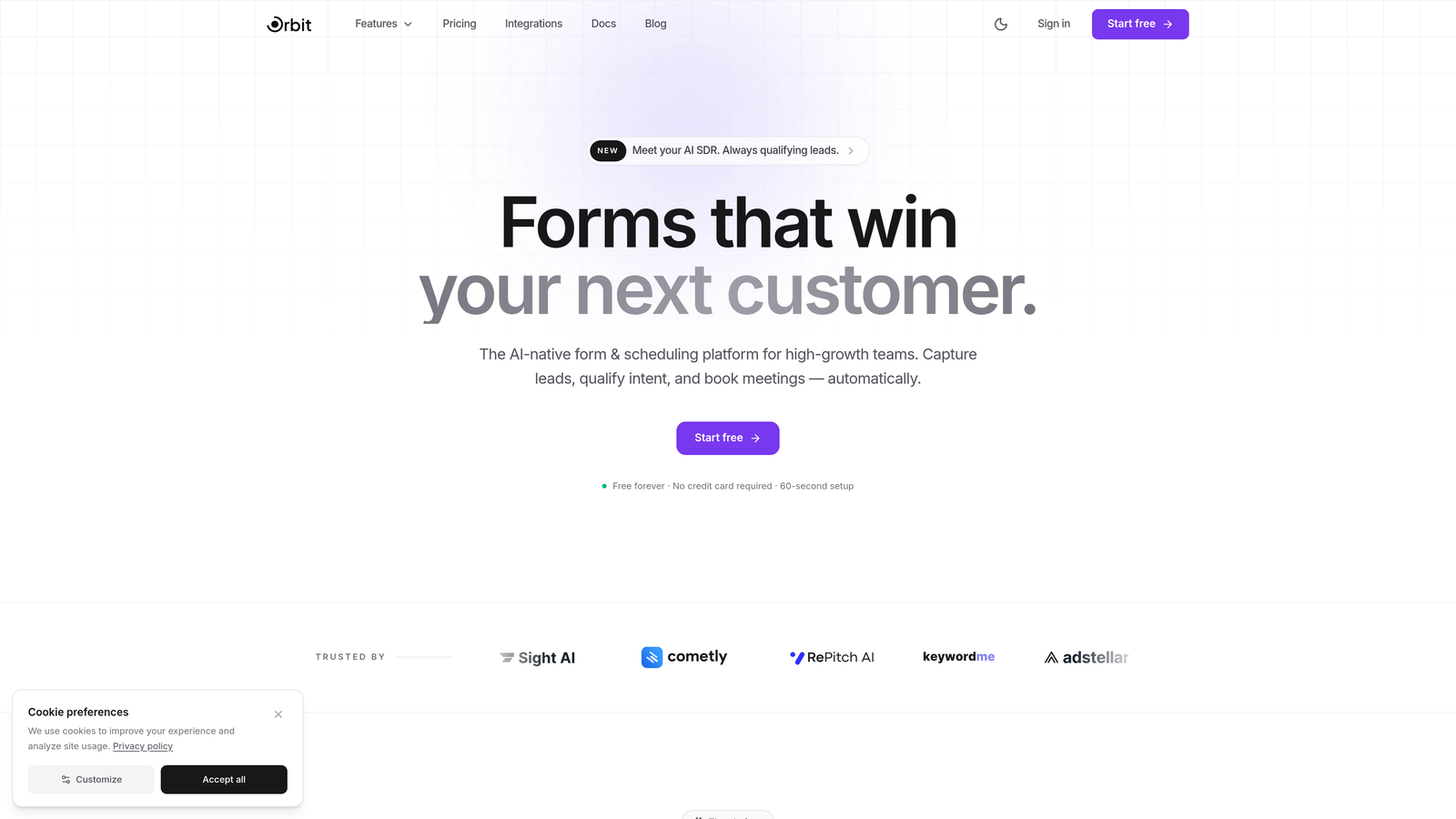
Orbit AI is an AI-powered form builder platform that qualifies and scores leads in real time, designed specifically for teams where conversion quality matters as much as volume.
Where This Tool Shines
Most form builders collect data and hand it off. Orbit AI is different because the intelligence lives inside the form itself. AI agents evaluate responses as they happen, qualifying leads before they ever reach your CRM, which means your sales team works with cleaner, prioritized data from the start.
The platform also pairs that qualification engine with a built-in analytics dashboard that surfaces drop-off points and conversion performance at the form level. For teams actively optimizing their lead funnels, this combination of real-time qualification and performance visibility is genuinely difficult to find elsewhere.
Key Features
AI Lead Qualification: AI agents score and qualify leads in real time during form submission, before data hits your CRM.
Conversion-Optimized Templates: Pre-built templates with conditional logic designed to maximize completion rates and lead quality.
Analytics Dashboard: Built-in reporting tracks form performance, completion rates, and drop-off points for ongoing optimization.
Workflow Automation: Automated sequences triggered by specific form responses, enabling instant follow-up without manual intervention.
Native CRM Integrations: Direct connections with HubSpot, Close, Attio, and other major CRMs for seamless data flow.
Best For
Orbit AI is the strongest fit for high-growth SaaS teams, demand generation marketers, and sales-led organizations that want forms to do more than collect information. If lead quality is a priority and you're tired of manually sorting through unqualified submissions, this platform is built for that exact problem.
Pricing
A free plan is available to get started. Paid plans with expanded AI features, submission volume, and team collaboration are detailed on the Orbit AI pricing page.
2. Typeform
Best for: Teams that prioritize respondent experience and need higher completion rates through conversational form design.
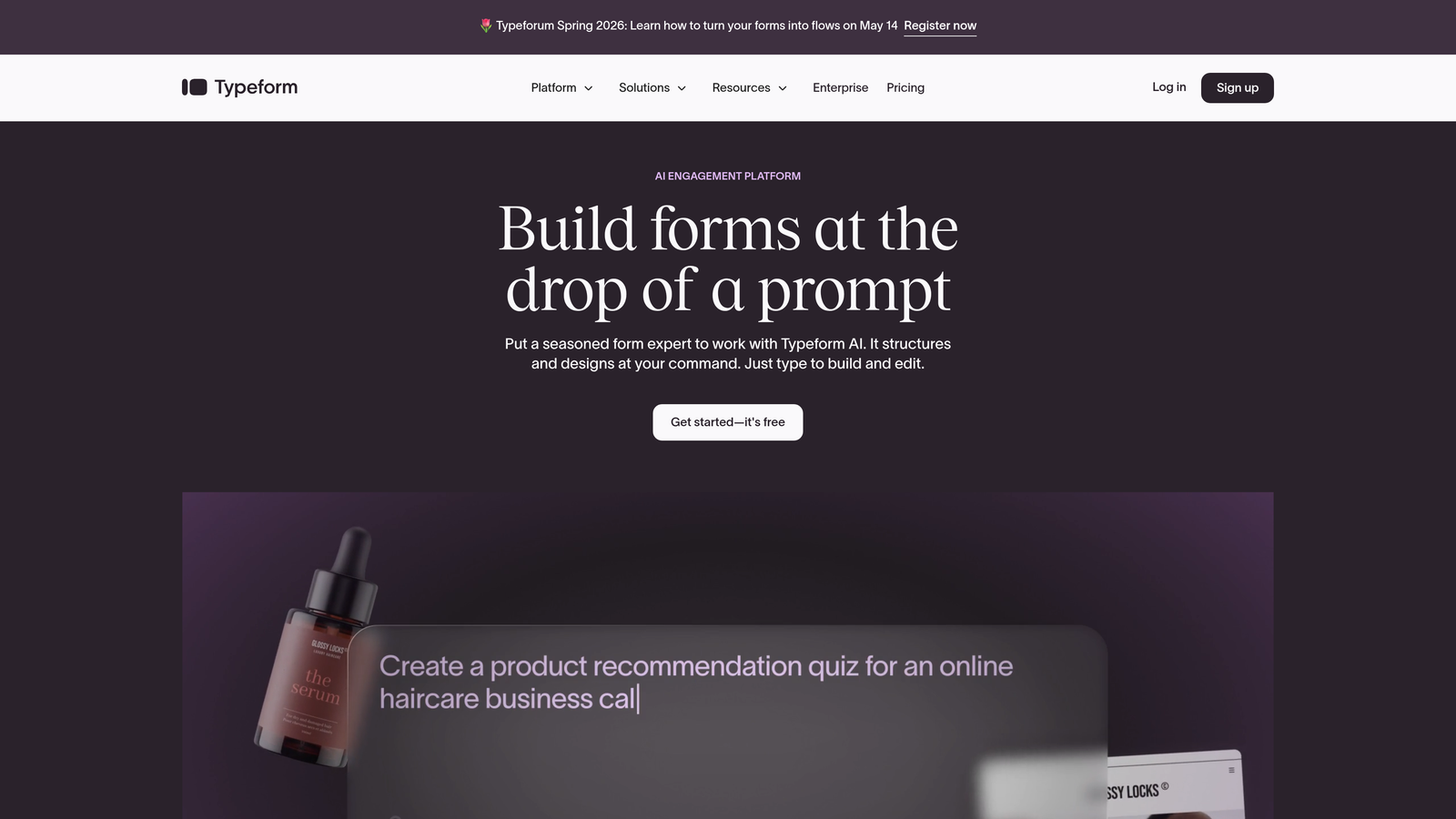
Typeform is a conversational form builder known for its one-question-at-a-time interface that reduces friction and keeps respondents engaged through to submission.
Where This Tool Shines
Typeform's core insight is that forms feel less like forms when they present one question at a time. This approach tends to reduce abandonment, particularly for longer surveys, qualification questionnaires, and onboarding flows where traditional multi-field layouts can feel overwhelming.
The brand customization options are also notably strong. Custom fonts, colors, background media, and embedded video within questions give marketing teams genuine creative control, making Typeform a popular choice for brand-conscious campaigns.
Key Features
Conversational UI: One-question-at-a-time format that reduces friction and improves completion rates for longer forms.
Logic Jumps: Branching logic that personalizes the form path based on previous answers, creating tailored respondent experiences.
Brand Customization: Custom fonts, colors, and media embeds for forms that match your visual identity.
Video Embeds: Native video and photo integration within form questions for richer, more engaging experiences.
Integrations: Native connections with Zapier, HubSpot, Slack, and dozens of other platforms.
Best For
Typeform works well for marketing teams running lead generation campaigns, customer research surveys, and onboarding flows where respondent experience directly impacts completion rates. It's a strong choice when brand presentation matters and form length is a concern.
Pricing
Free plan available with limited monthly responses. Basic plan starts around $25 per month billed annually, with higher tiers unlocking more responses, logic features, and integrations.
3. HubSpot Forms
Best for: Teams already running their CRM and marketing automation inside HubSpot who want native, zero-friction form integration.
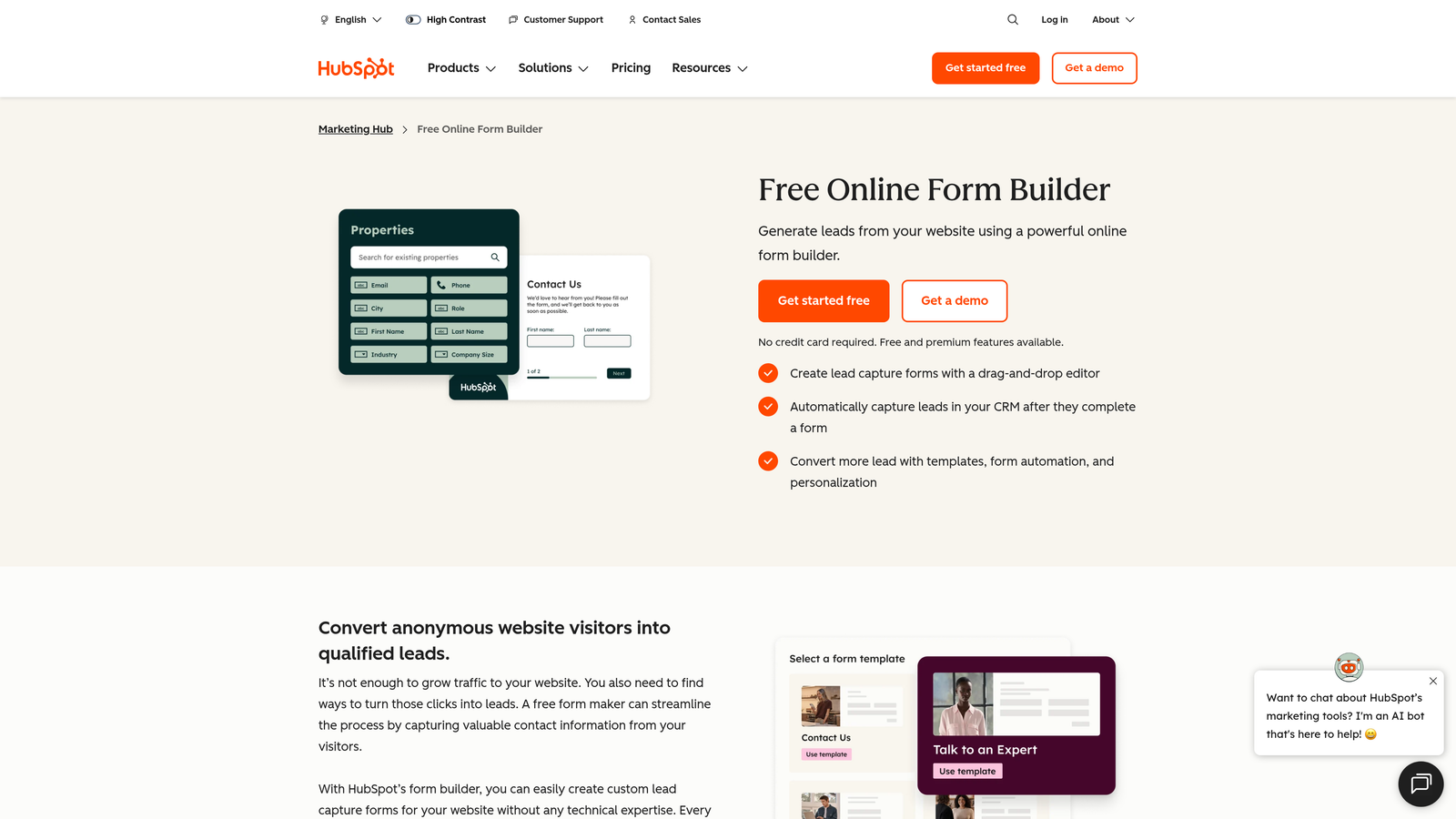
HubSpot Forms is a native form builder embedded within the HubSpot platform, offering progressive profiling and automatic contact record creation without any third-party connection required.
Where This Tool Shines
The biggest advantage here is seamless data flow. Every form submission creates or updates a contact record automatically, assigns lifecycle stages, and triggers enrollment in workflows, all without a single Zapier step. For teams living inside HubSpot, this eliminates a significant source of data lag and sync errors.
Progressive profiling is another standout capability. Rather than asking returning visitors for information you already have, smart fields surface new questions based on existing contact data, which improves both the user experience and the depth of your contact profiles over time.
Key Features
Progressive Profiling: Shows new fields to returning visitors instead of repeating questions, building richer contact profiles over time.
Smart Fields: Adapts form fields based on known contact data stored in your CRM.
Automatic Contact Creation: Every submission instantly creates or updates a contact record with lifecycle stage assignment.
Drag-and-Drop Builder: Embedded and standalone form options with no coding required.
A/B Testing: Available on Marketing Hub Professional and above for conversion optimization.
Best For
HubSpot Forms is the natural choice for teams already using HubSpot as their CRM. It's less compelling as a standalone form tool but exceptionally powerful when the full HubSpot stack is in play.
Pricing
Basic forms are included free with HubSpot CRM. Advanced features require Marketing Hub Starter at around $20 per month or Marketing Hub Professional at $890 per month.
4. Jotform
Best for: Small to mid-size teams that need versatile forms with payment processing and a wide template library without a large budget.
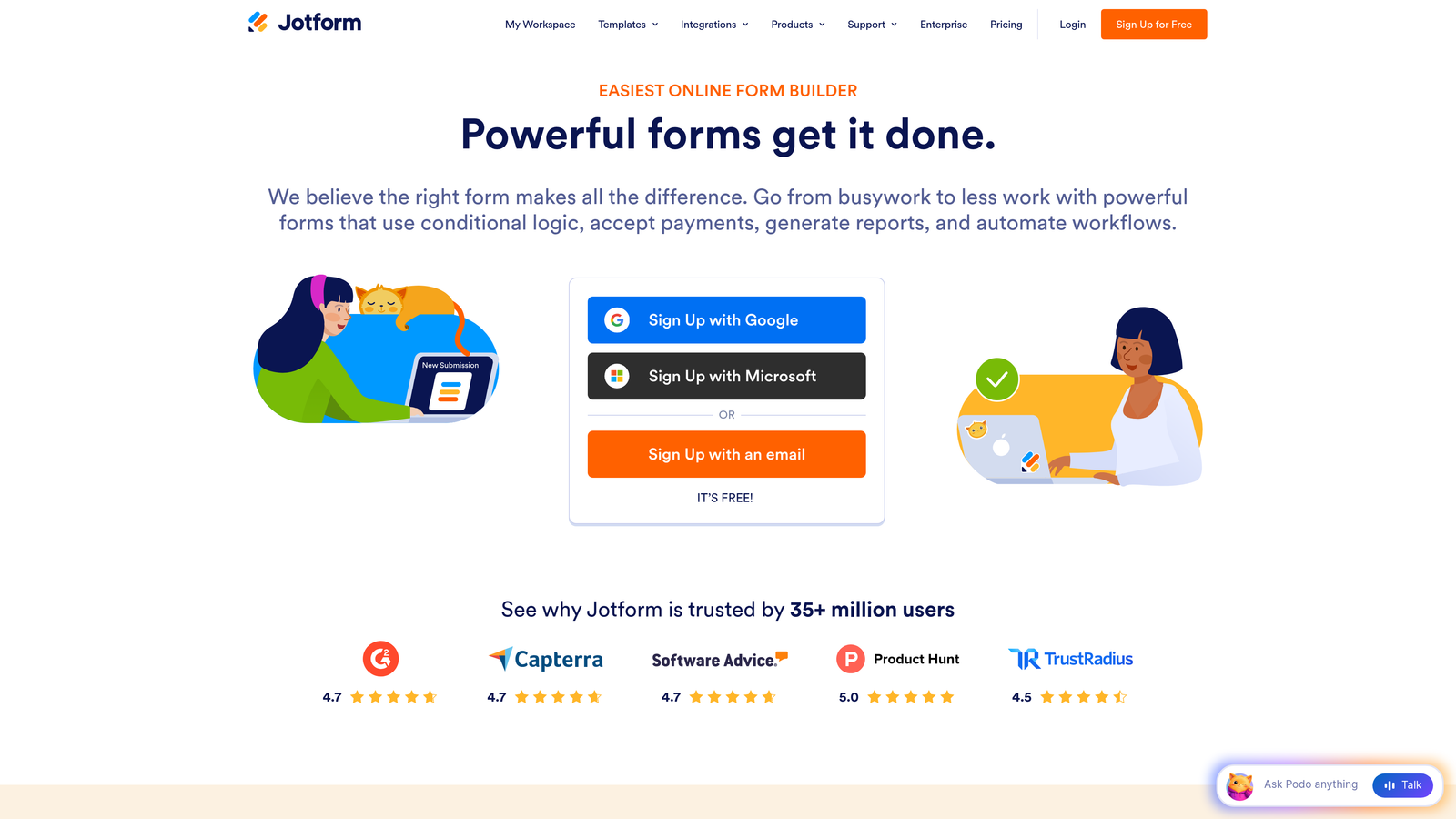
Jotform is a versatile form builder offering over 10,000 templates, built-in payment collection, and a generous free tier that makes it accessible for teams at nearly any stage.
Where This Tool Shines
Jotform's template library is genuinely one of the largest in the market, covering industries from healthcare to e-commerce to nonprofits. For teams that need to spin up forms quickly across different use cases, this breadth is a real time-saver.
The built-in payment processing via PayPal, Stripe, and Square is another differentiator. Many form builders treat payments as an afterthought, but Jotform handles product catalogs, order forms, and donation collection natively, which removes the need for a separate payment tool for many teams.
Key Features
10,000+ Templates: Pre-built forms spanning dozens of industries, ready to customize and deploy quickly.
Integrated Payments: Native payment collection via PayPal, Stripe, and Square without third-party plugins.
Conditional Logic: Show or hide fields based on responses, with calculation fields for dynamic form behavior.
Jotform Tables: Submission management and team collaboration built directly into the platform.
HIPAA Compliance: Available on specific plans for healthcare and regulated industry use cases.
Best For
Jotform is well-suited for small businesses, agencies managing multiple clients, and teams in regulated industries like healthcare that need HIPAA-compliant forms without enterprise pricing.
Pricing
Free plan includes 5 forms and 100 monthly submissions. Bronze plan starts at $39 per month with significantly higher limits and additional features.
5. Unbounce Smart Builder
Best for: Paid media teams running high-volume campaigns who need landing pages and forms optimized for conversion from day one.
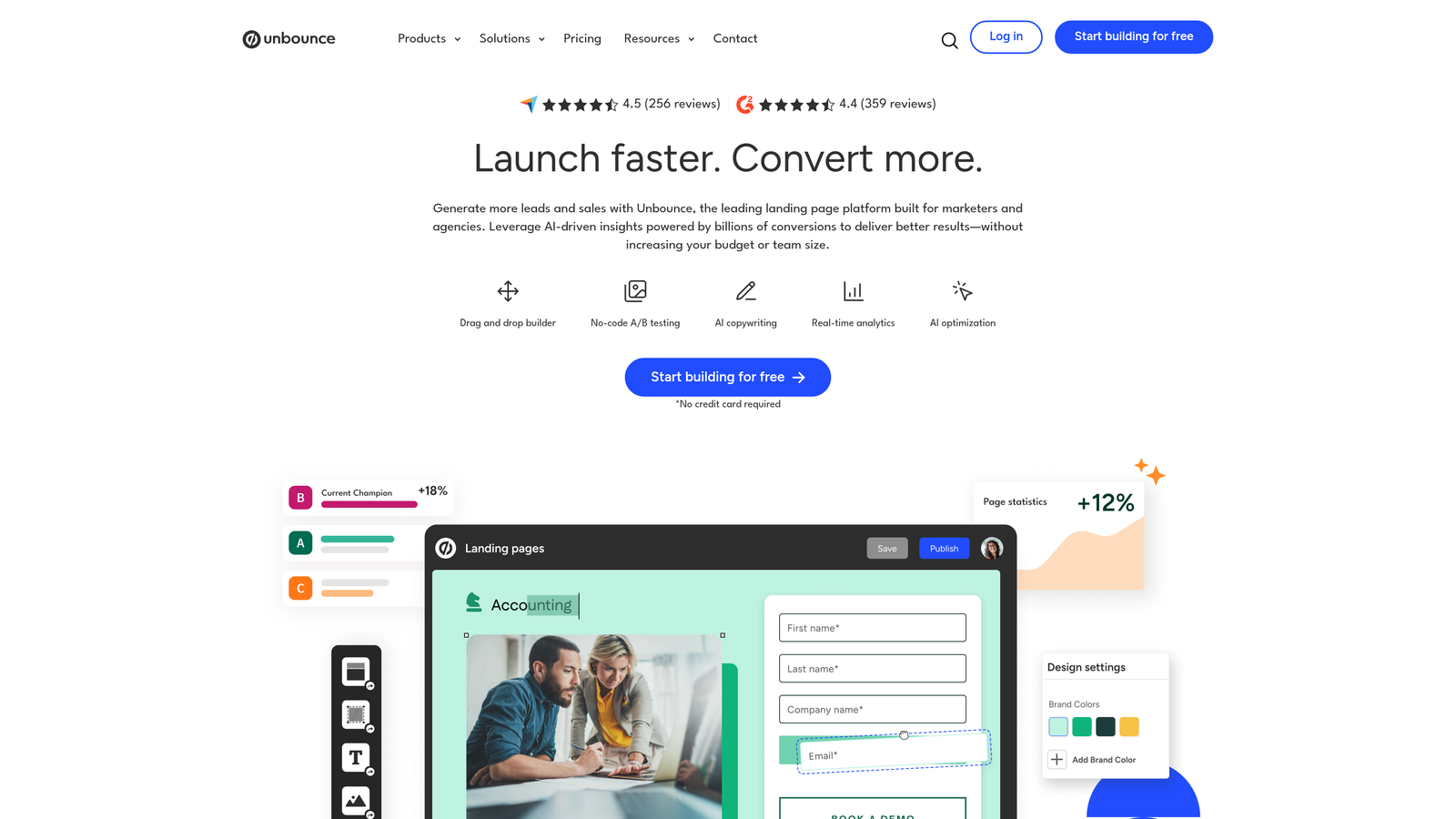
Unbounce is an AI-powered landing page and form builder that combines page creation with Smart Traffic routing to automatically direct visitors toward the highest-converting variant.
Where This Tool Shines
Unbounce is purpose-built for paid campaign funnels. The Smart Traffic feature uses machine learning to route individual visitors to the page variant most likely to convert them, based on their attributes. This is a meaningful capability for teams running Google Ads or Meta campaigns where conversion rate differences directly impact cost per acquisition.
The combination of landing page builder and form capture in a single platform also removes a common friction point. Teams don't need to stitch together a separate landing page tool and form tool; the entire capture experience lives in one place.
Key Features
Smart Traffic: AI-powered visitor routing that automatically sends traffic to the highest-converting page variant.
AI Page Builder: AI-assisted landing page creation with integrated form elements and conversion-focused layouts.
Pop-ups and Sticky Bars: Overlay and persistent form captures triggered by behavior for additional conversion opportunities.
Drag-and-Drop Editor: Full visual control over page and form design without requiring code.
CRM and Email Integrations: Native connections with major CRM and email marketing platforms.
Best For
Unbounce is the strongest fit for performance marketing teams and agencies managing paid traffic campaigns where landing page conversion rate is a core KPI and A/B testing is a regular practice.
Pricing
Plans start around $99 per month. Smart Traffic is included on all paid plans, making it accessible without requiring an enterprise upgrade.
6. Paperform
Best for: Teams that want forms to feel like branded landing pages rather than traditional data-collection interfaces.
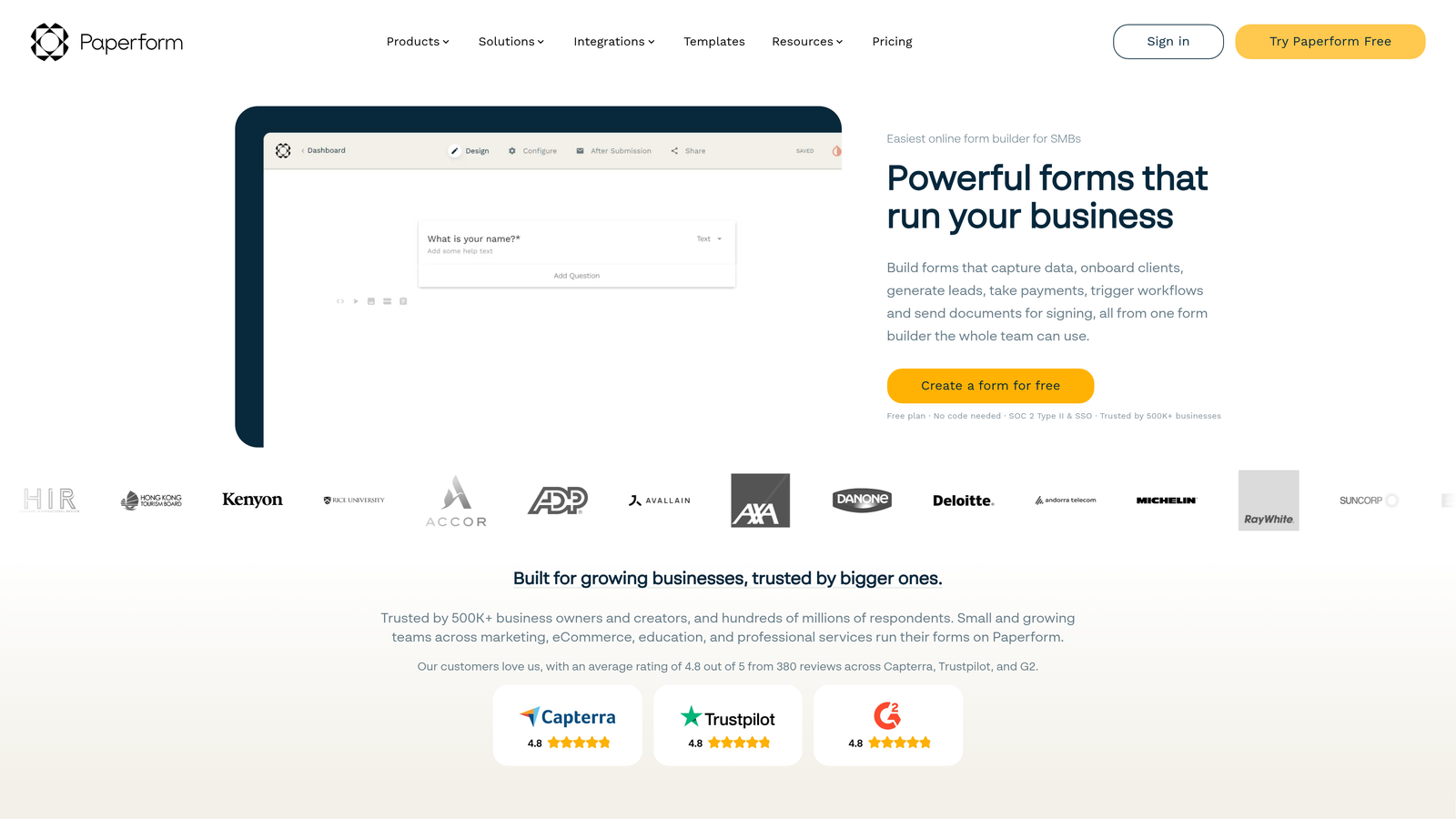
Paperform is a document-style form builder that blends rich content, media, and form fields into a single branded experience that reads more like a webpage than a form.
Where This Tool Shines
Paperform's free-text editor is what sets it apart. You write content, headings, and context directly alongside your form fields, creating an experience that feels intentional and polished rather than clinical. This approach works particularly well for service-based businesses, consultants, and agencies where the form itself is part of the brand impression.
The built-in payment and product catalog functionality is also more sophisticated than most mid-tier form tools. Teams can build complete order forms, booking flows, and event registrations without needing a separate e-commerce integration.
Key Features
Free-Text Editor: Mix content blocks, images, and form fields freely for landing-page-style form experiences.
Payment and Product Catalogs: Native payment processing with product listing capabilities for order and booking forms.
Conditional Logic: Show or hide fields and sections based on responses, with calculation support.
Custom Branding: Themes, custom fonts, and CSS access for full visual control.
Integrations: Zapier support plus direct connections with popular tools for workflow automation.
Best For
Paperform is ideal for creative agencies, service businesses, and consultants who want forms that reflect brand quality. It's also a solid pick for teams building intake forms, booking flows, or event registrations where context and presentation matter.
Pricing
Essentials plan starts at $29 per month. Pro plan at $59 per month unlocks additional features including more submissions, custom domains, and advanced integrations.
7. Leadpages
Best for: Marketers running lead magnet campaigns and email list growth funnels who need landing pages and opt-in forms in one tool.
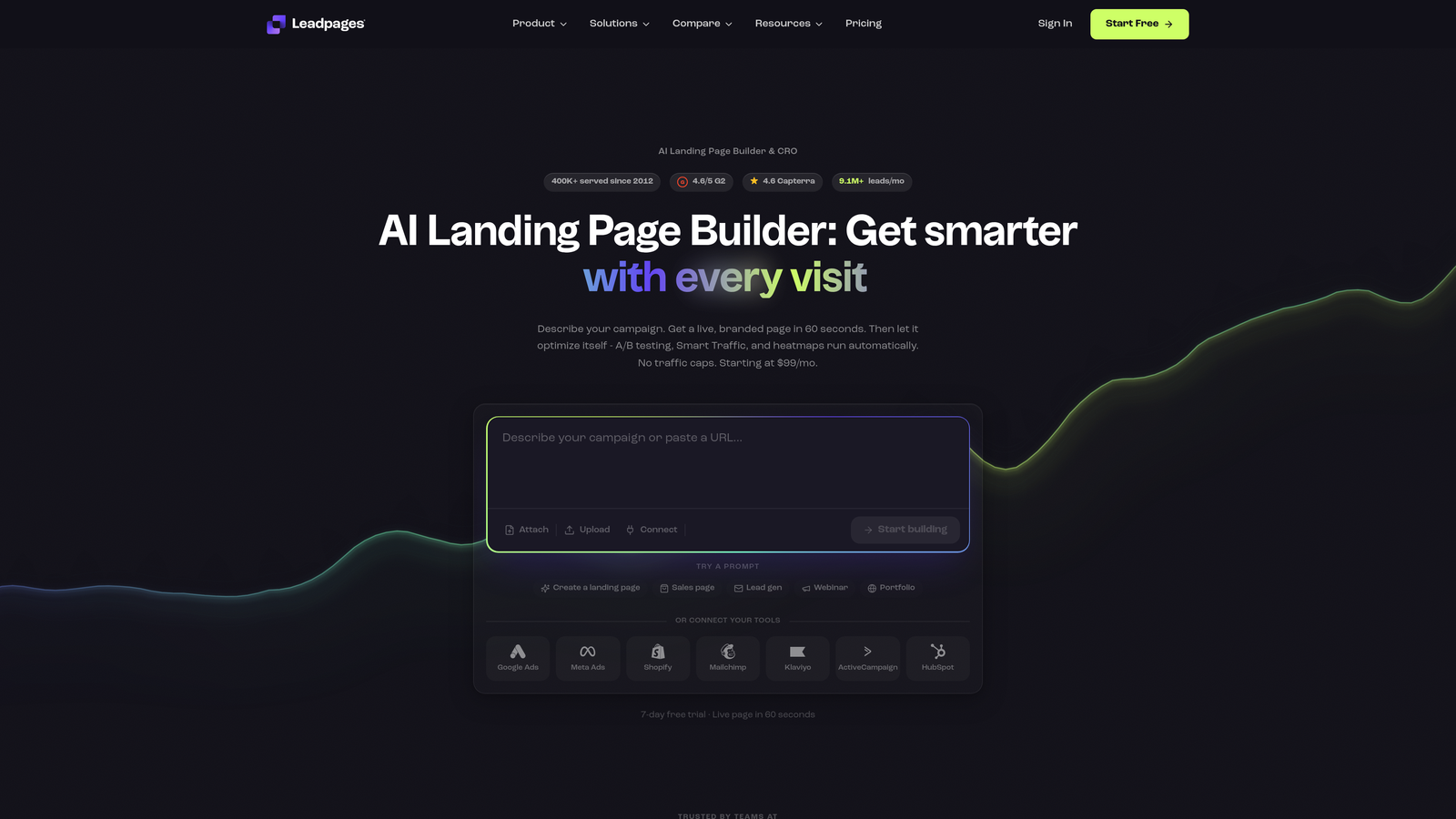
Leadpages is a landing page platform with integrated form builders, pop-ups, and alert bars purpose-built for lead generation and list-building campaigns.
Where This Tool Shines
Leadpages has built its reputation specifically around lead generation, and that focus shows in the feature set. The Leadmeter tool scores your page's conversion potential before you publish, flagging elements that typically reduce opt-in rates. This kind of pre-launch feedback is genuinely useful for marketers who don't have a large enough audience to run statistically significant A/B tests.
The combination of landing pages, pop-ups, and alert bars in a single platform also makes Leadpages efficient for teams running multiple simultaneous campaigns. You can build an entire lead capture ecosystem without stitching together separate tools.
Key Features
Drag-and-Drop Builder: Landing page creation with embedded opt-in forms and no coding required.
Pop-ups and Alert Bars: Triggered by time on page, scroll depth, or exit intent for additional capture opportunities.
A/B Split Testing: Built-in testing available on all plans, not locked behind higher tiers.
Leadmeter: Conversion potential scoring tool that evaluates your page before publishing.
Email Marketing Integrations: Native connections with major email platforms for immediate list delivery.
Best For
Leadpages suits content marketers, coaches, and small business teams running lead magnet funnels, webinar registrations, or email list growth campaigns where the landing page and form are the primary conversion assets.
Pricing
Standard plan starts around $49 per month billed annually. All plans include A/B testing and unlimited landing pages.
8. Tally
Best for: Startups, indie makers, and early-stage teams that need powerful forms without paying anything until they're ready to scale.
Tally is a minimalist, Notion-style form builder that offers unlimited forms and submissions on its free plan, making it one of the most generous free tiers in the market.
Where This Tool Shines
The free plan is the headline here, and it's legitimately powerful. Unlimited forms, unlimited submissions, conditional logic, hidden fields, calculations, file uploads, and signature collection are all available without spending a dollar. For early-stage teams or individuals testing ideas, this removes the cost barrier entirely.
The block-based editor is also genuinely fast. If you're familiar with Notion's editing experience, Tally will feel immediately intuitive. This lowers the learning curve significantly compared to more complex platforms.
Key Features
Unlimited Free Forms: No submission caps or form limits on the free plan, which is rare in this category.
Block-Based Editor: Notion-style editing experience for fast, intuitive form creation.
Conditional Logic: Hidden fields, branching logic, and calculation fields available on the free tier.
File Uploads and Signatures: Collect files and digital signatures without upgrading.
Integrations: Connects with Notion, Google Sheets, Airtable, Slack, and Zapier.
Best For
Tally is the go-to for bootstrapped startups, solo founders, and early-stage teams that need capable forms immediately without budget commitment. It's also a strong option for internal tools, research forms, and lightweight data collection where branding is secondary.
Pricing
Free plan covers all core features. Tally Pro at $29 per month adds custom domains, team collaboration, branding removal, and priority support.
9. Formstack
Best for: Enterprise teams in regulated industries that need forms, document generation, and e-signatures in a compliance-ready platform.
Formstack is an enterprise-grade workflow platform that extends beyond form building into document generation and digital signature collection, with compliance certifications for regulated industries.
Where This Tool Shines
Formstack's strength is depth, not simplicity. For organizations in healthcare, finance, or legal sectors where HIPAA, GDPR, and SOC 2 compliance are non-negotiable, Formstack provides the certifications and audit controls that lighter tools simply don't offer.
The Salesforce-native app is another significant differentiator for enterprise teams. Rather than syncing data via Zapier, Formstack operates inside Salesforce directly, which matters for organizations with strict data governance requirements and complex CRM workflows.
Key Features
Advanced Conditional Logic: Sophisticated branching and field logic for complex multi-step forms and approval workflows.
Document Generation: Formstack Documents automatically generates PDFs and documents from form submission data.
Digital Signatures: Formstack Sign enables e-signature collection within the same platform ecosystem.
Compliance Certifications: HIPAA, GDPR, and SOC 2 compliance options for regulated industry requirements.
Salesforce-Native App: Deep CRM integration that operates natively inside Salesforce rather than through third-party connectors.
Best For
Formstack is built for enterprise operations teams, legal departments, healthcare organizations, and financial services firms that need forms as part of a larger, compliance-governed workflow rather than a standalone lead capture tool.
Pricing
Forms plan starts around $99 per month. Full Platform bundle pricing, which includes Documents and Sign, varies by team size and is typically quoted directly.
Which Tool Is Right for Your Growth Stage
Every tool on this list solves a real problem, but the right choice depends on where your team is today and where you're headed. Here's a quick way to think through it.
If your priority is AI-driven lead qualification that works inside the form itself, Orbit AI is the only platform on this list built specifically for that use case. It's the natural fit for high-growth SaaS teams where lead quality is as important as lead volume.
For conversational UX and brand-forward forms, Typeform remains the benchmark. For CRM-native workflows inside an existing HubSpot stack, HubSpot Forms is the obvious choice. If budget versatility is the constraint, Jotform's template depth and Tally's unlimited free tier both offer serious capability without serious spend.
Paid campaign funnels are where Unbounce's Smart Traffic shines. Branded document-style experiences are Paperform's territory. Lead magnet and list-building campaigns are Leadpages' core strength. And for enterprise compliance requirements in regulated industries, Formstack is the only platform here with the certifications to match.
The deeper question is whether you need forms that simply collect data or forms that actively qualify leads and feed your pipeline with signal, not just submissions. That distinction increasingly separates teams that scale their conversion programs from those that stay stuck in manual triage.
If you're ready to see what AI-native forms can do for your pipeline, start building free forms today with Orbit AI and experience the difference between passive data collection and intelligent lead qualification working in real time.


