

Your form submissions are flowing in, but they're landing in a disconnected spreadsheet while your sales team works from a completely different CRM. By the time someone manually transfers the data, the lead has gone cold. Sound familiar?
Custom form builders with native CRM integration solve this disconnect by pushing form data directly into your sales pipeline the moment someone hits submit. No manual data entry. No lost leads. Just immediate follow-up on qualified prospects.
We evaluated dozens of form builders based on four critical factors: native CRM connections that work without middleware, customization depth for complex workflows, intelligent lead routing capabilities, and setup simplicity. Here are the top tools that deliver on all fronts.
1. Orbit AI
Best for: High-growth teams needing AI-powered lead qualification with instant CRM sync
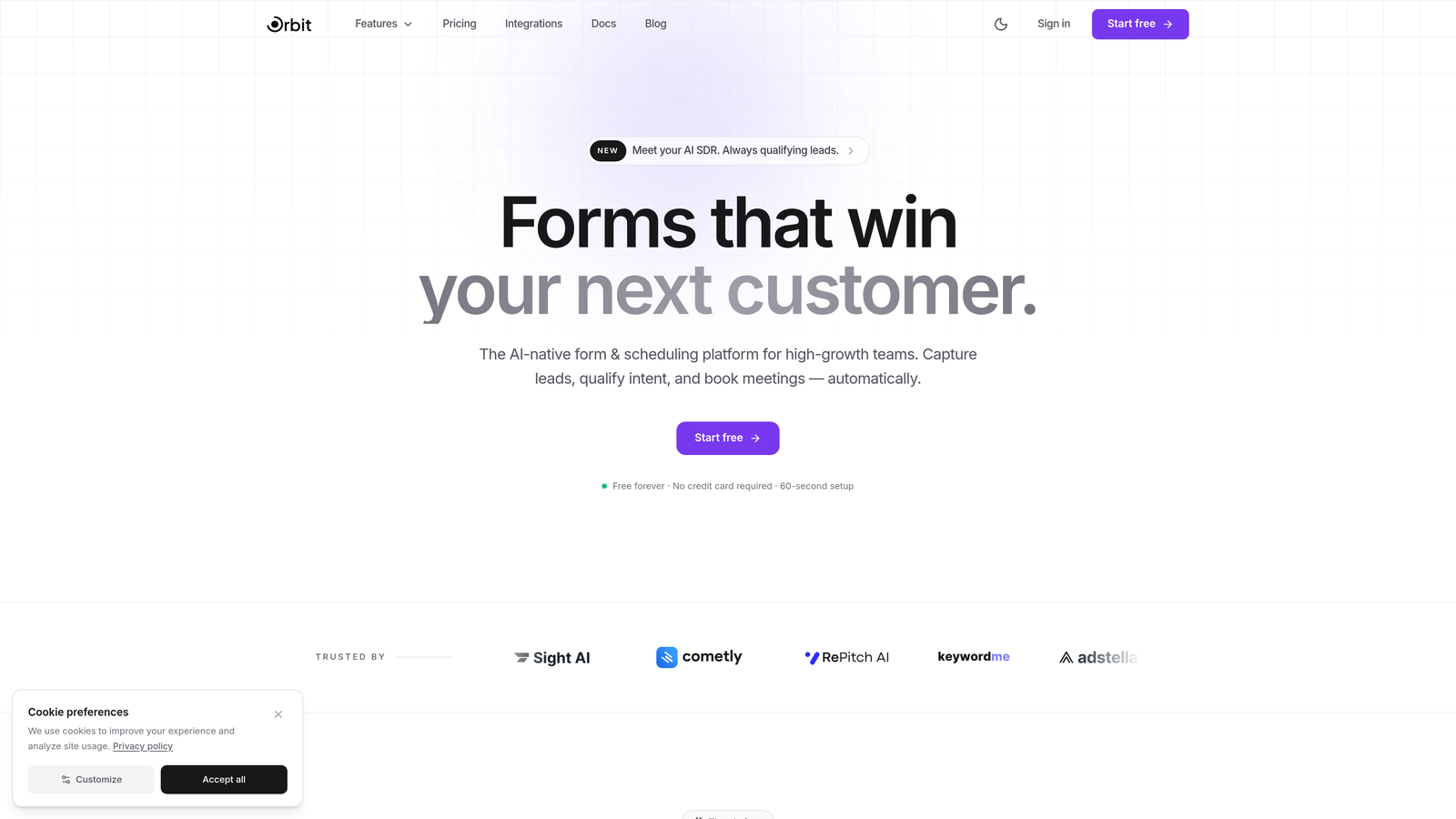
Orbit AI combines intelligent form building with automated lead qualification that scores and routes submissions before they even hit your CRM.
Where This Tool Shines
The AI qualification engine analyzes form responses in real-time, assigning lead scores based on factors you define. A prospect from your ideal company size with budget authority gets flagged differently than a student researcher—and your CRM reflects that distinction immediately.
The native integrations with HubSpot, Close, and Attio mean no Zapier middleware slowing things down. Data flows directly from form to CRM with custom field mapping that preserves your existing sales workflows.
Key Features
AI-Powered Lead Qualification: Automatically scores submissions based on response patterns and routing rules you configure.
Native CRM Integrations: Direct connections to HubSpot, Close, and Attio with bi-directional sync capabilities.
Intelligent Routing: Sends high-value leads to sales immediately while routing others to nurture sequences.
Conversion-Optimized Templates: Pre-built form designs tested for maximum completion rates across industries.
Real-Time Analytics: Dashboard showing form performance, conversion rates, and lead quality metrics.
Best For
Teams that need to qualify leads automatically before sales touches them. Perfect for SaaS companies, agencies, and B2B businesses where lead quality matters more than lead volume.
Pricing
Free tier available for getting started. Paid plans begin at competitive rates designed for growing teams that need advanced qualification and routing.
2. HubSpot Forms
Best for: Existing HubSpot users who need zero-configuration CRM sync
HubSpot Forms is the native form builder within HubSpot's ecosystem, offering instant CRM integration without any setup required.

Where This Tool Shines
If you're already using HubSpot CRM, this is the path of least resistance. Forms sync automatically with contact records, updating existing profiles and creating new ones based on email matching. No API keys to configure, no field mapping to set up.
Progressive profiling changes which fields appear based on what HubSpot already knows about a contact. Return visitors see different questions than first-timers, reducing form friction while gathering deeper data over time.
Key Features
Zero-Configuration Sync: Forms connect to HubSpot CRM automatically with no integration setup needed.
Progressive Profiling: Shows different form fields to returning visitors based on existing contact data.
Smart Fields: Auto-populates known information for contacts already in your database.
Multiple Form Types: Supports embedded forms, popup forms, and standalone landing pages.
Built-In A/B Testing: Tests form variations to optimize conversion rates within the platform.
Best For
Marketing teams already invested in the HubSpot ecosystem who want seamless data flow without managing third-party integrations.
Pricing
Free with HubSpot CRM. Advanced features like progressive profiling and A/B testing require Marketing Hub, starting at $800/month.
3. Typeform
Best for: Conversational forms with high completion rates and major CRM platform support
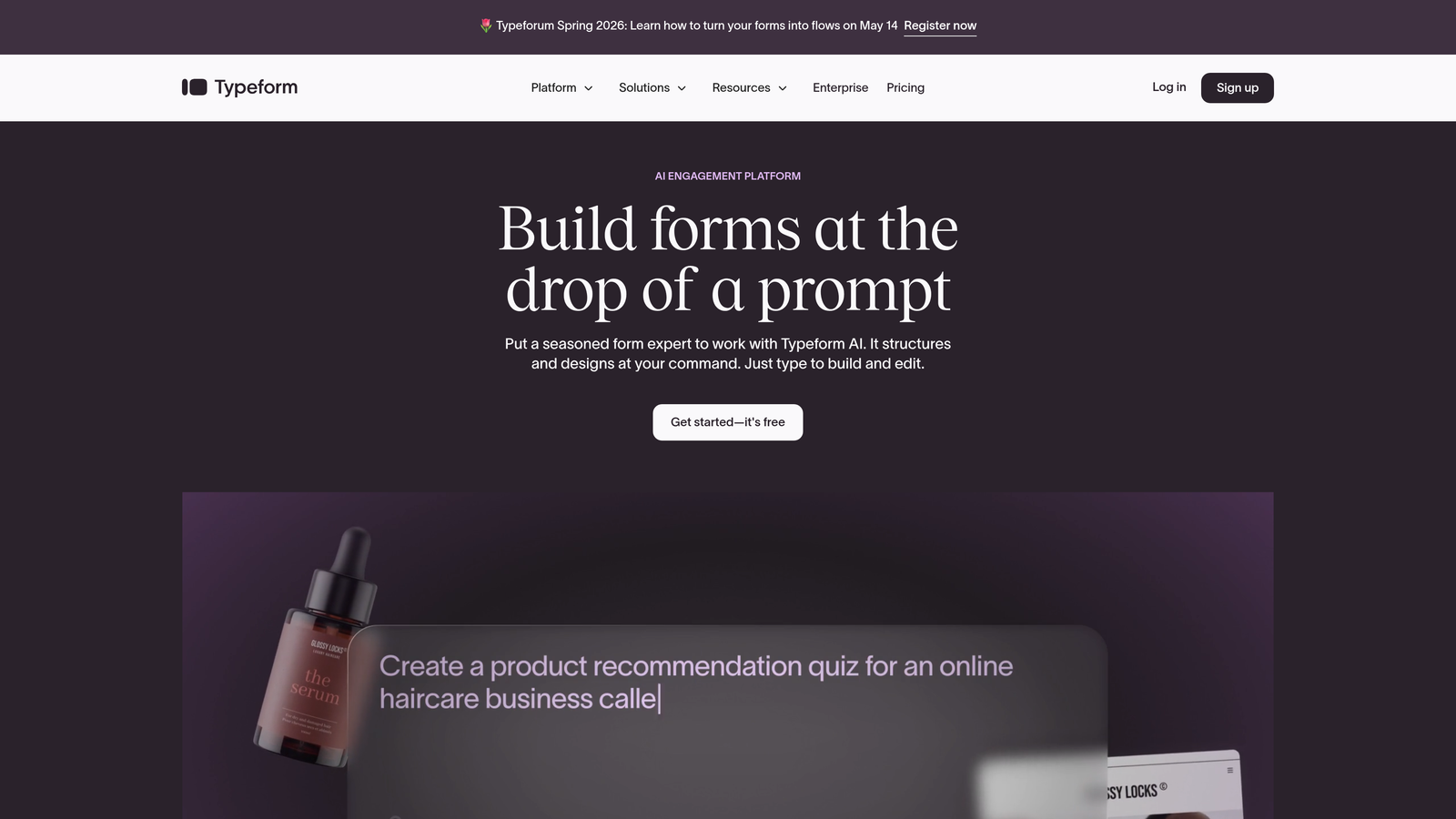
Typeform pioneered the one-question-at-a-time format that consistently delivers higher completion rates than traditional multi-field forms.
Where This Tool Shines
The conversational interface feels less like filling out a form and more like having a dialogue. Each question appears individually, reducing cognitive load and form abandonment. This approach works particularly well for longer forms that would intimidate users if shown all at once.
Native integrations with Salesforce, HubSpot, and Pipedrive push data directly without middleware. Logic jumps create personalized question paths based on previous answers, so enterprise prospects see different follow-ups than small business leads.
Key Features
One-Question Format: Displays single questions sequentially for higher completion rates.
Native CRM Connections: Direct integrations with Salesforce, HubSpot, Pipedrive, and other major platforms.
Logic Jumps: Creates conditional question paths based on user responses.
Rich Media Support: Embeds videos, images, and GIFs to enhance form engagement.
Respondent Insights: Shows completion time, drop-off points, and response patterns.
Best For
Companies prioritizing form completion rates and user experience over traditional form layouts. Works well for surveys, lead qualification, and multi-step applications.
Pricing
Free tier available with limited features. Basic at $25/month, Plus at $50/month, Business at $83/month with advanced logic and integrations.
4. Jotform
Best for: Teams needing extensive template variety and broad CRM platform coverage
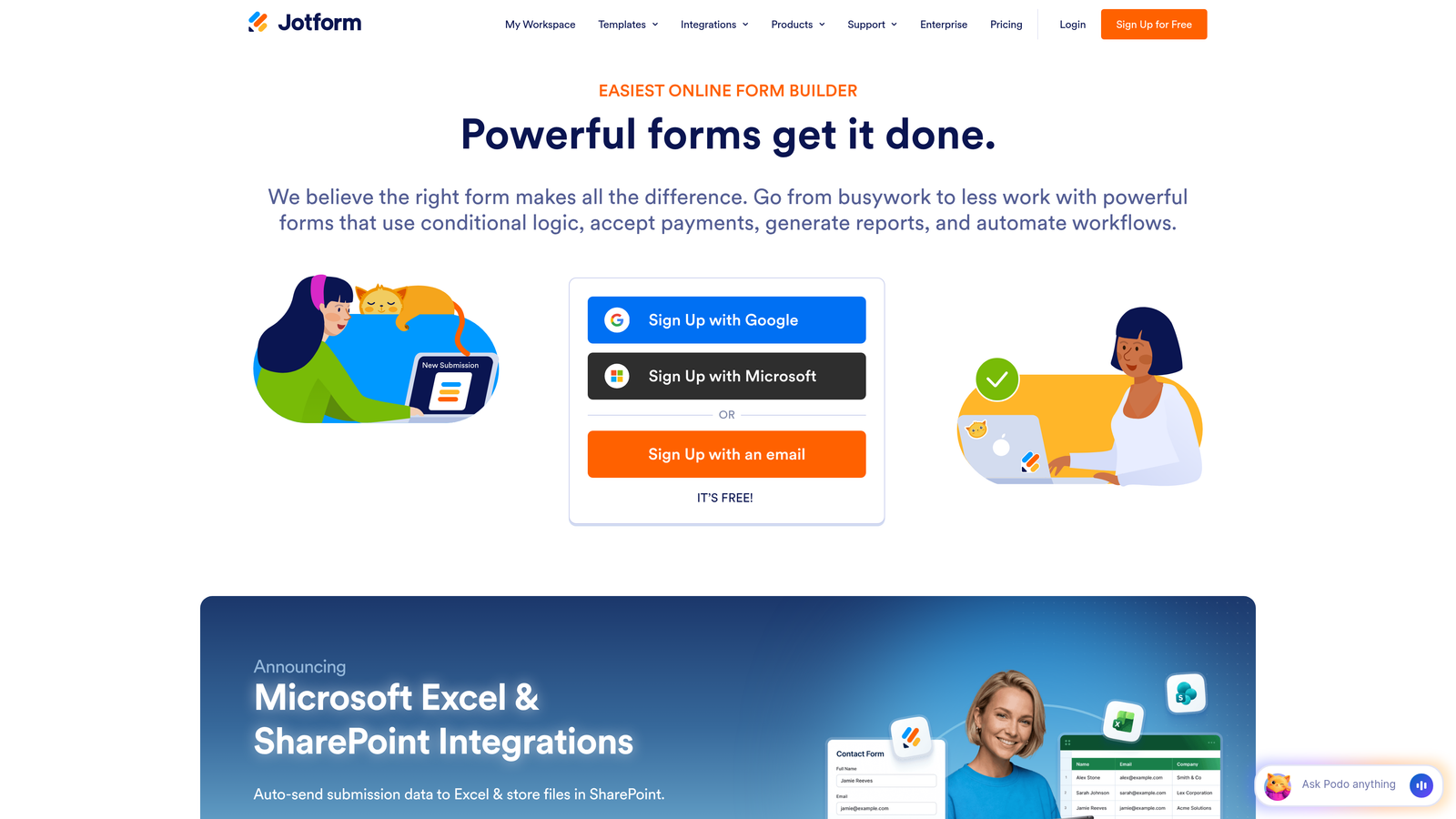
Jotform offers one of the largest template libraries in the industry alongside direct integrations with over 100 CRM platforms.
Where This Tool Shines
The 10,000+ template library means you're rarely building from scratch. Whether you need a real estate inquiry form, medical intake questionnaire, or event registration, there's a pre-built starting point that connects to your CRM.
The integration breadth is impressive—from mainstream platforms like Salesforce to niche industry CRMs. Jotform Tables provides a built-in database view of submissions, useful for reviewing data before it syncs to your CRM.
Key Features
Massive Template Library: Over 10,000 pre-built forms across industries and use cases.
100+ CRM Integrations: Direct connections to major and niche CRM platforms without Zapier.
Conditional Logic: Shows or hides fields based on user responses with calculation capabilities.
PDF Generation: Converts form submissions into formatted PDF documents automatically.
Jotform Tables: Spreadsheet-style view of form data with filtering and sorting.
Best For
Organizations with specific form requirements that benefit from extensive templates, or teams using less common CRM platforms that need direct integration support.
Pricing
Free tier supports 5 forms. Bronze at $34/month, Silver at $39/month, Gold at $99/month with increased form limits and features.
5. Cognito Forms
Best for: Payment collection and complex calculations with enterprise CRM connections
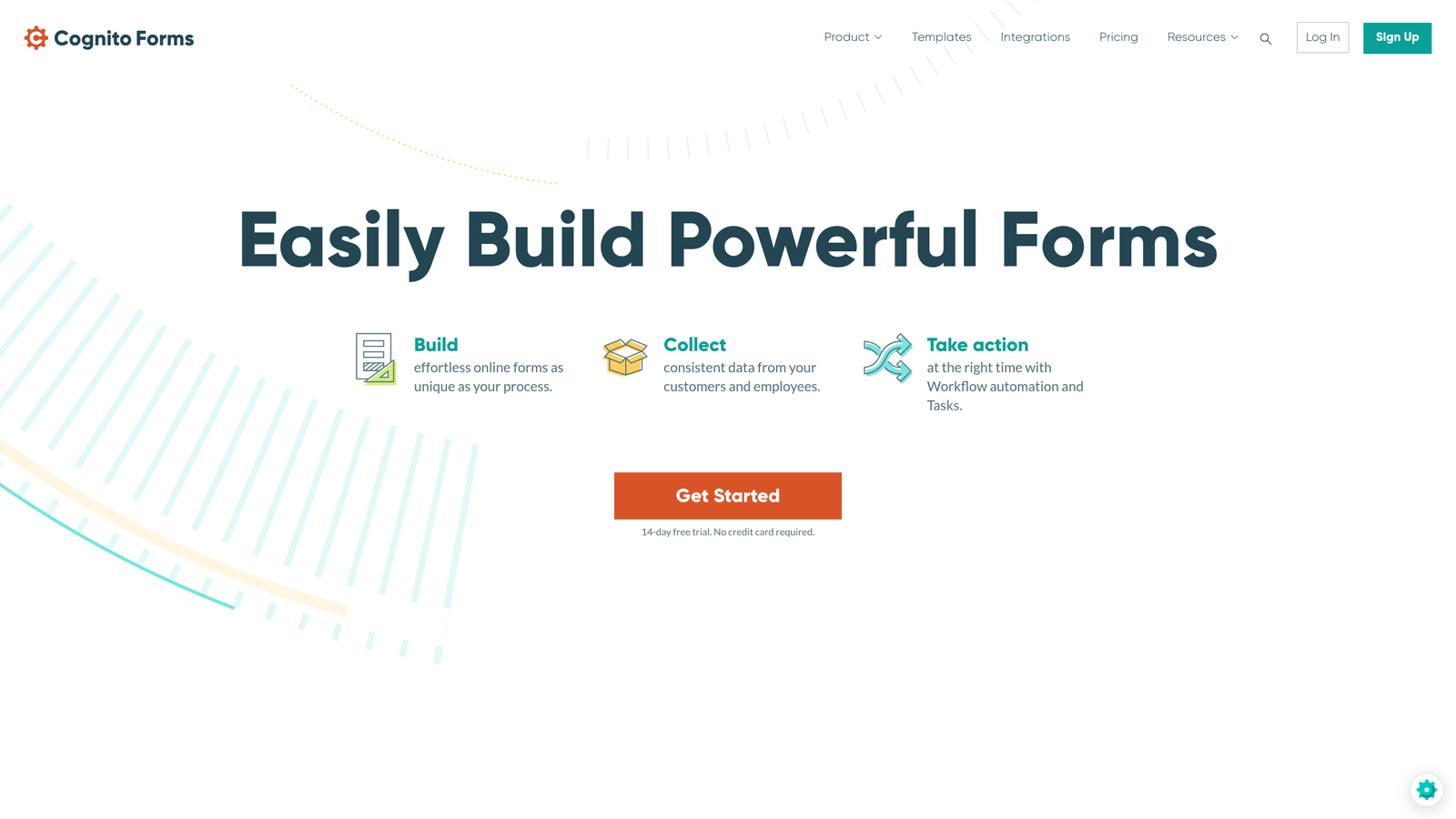
Cognito Forms specializes in forms that handle payments, generate quotes, and integrate deeply with Salesforce and Dynamics 365.
Where This Tool Shines
The calculation engine handles complex pricing scenarios within the form itself. Users configure product options, add-ons, and quantities while the form calculates totals in real-time—then pushes both the submission and payment data to your CRM.
Repeating sections let users add multiple items dynamically, perfect for order forms or applications where the number of entries varies. The Salesforce integration maps to custom objects and fields, not just standard contact records.
Key Features
Enterprise CRM Integration: Native connections to Salesforce and Microsoft Dynamics 365 with custom field mapping.
Built-In Payment Processing: Accepts payments through Stripe and PayPal directly within forms.
Calculation Fields: Performs complex calculations for quotes, pricing, and dynamic totals.
Repeating Sections: Allows users to add multiple entries for variable data collection.
Workflow Automation: Triggers actions based on form submissions and field values.
Best For
Businesses that need to collect payments alongside lead data, or organizations using Salesforce/Dynamics 365 that require sophisticated field mapping.
Pricing
Free tier available for basic forms. Pro at $15/month, Team at $35/month, Enterprise at $99/month with advanced features and higher limits.
6. Formstack
Best for: Enterprise compliance requirements with deep Salesforce integration
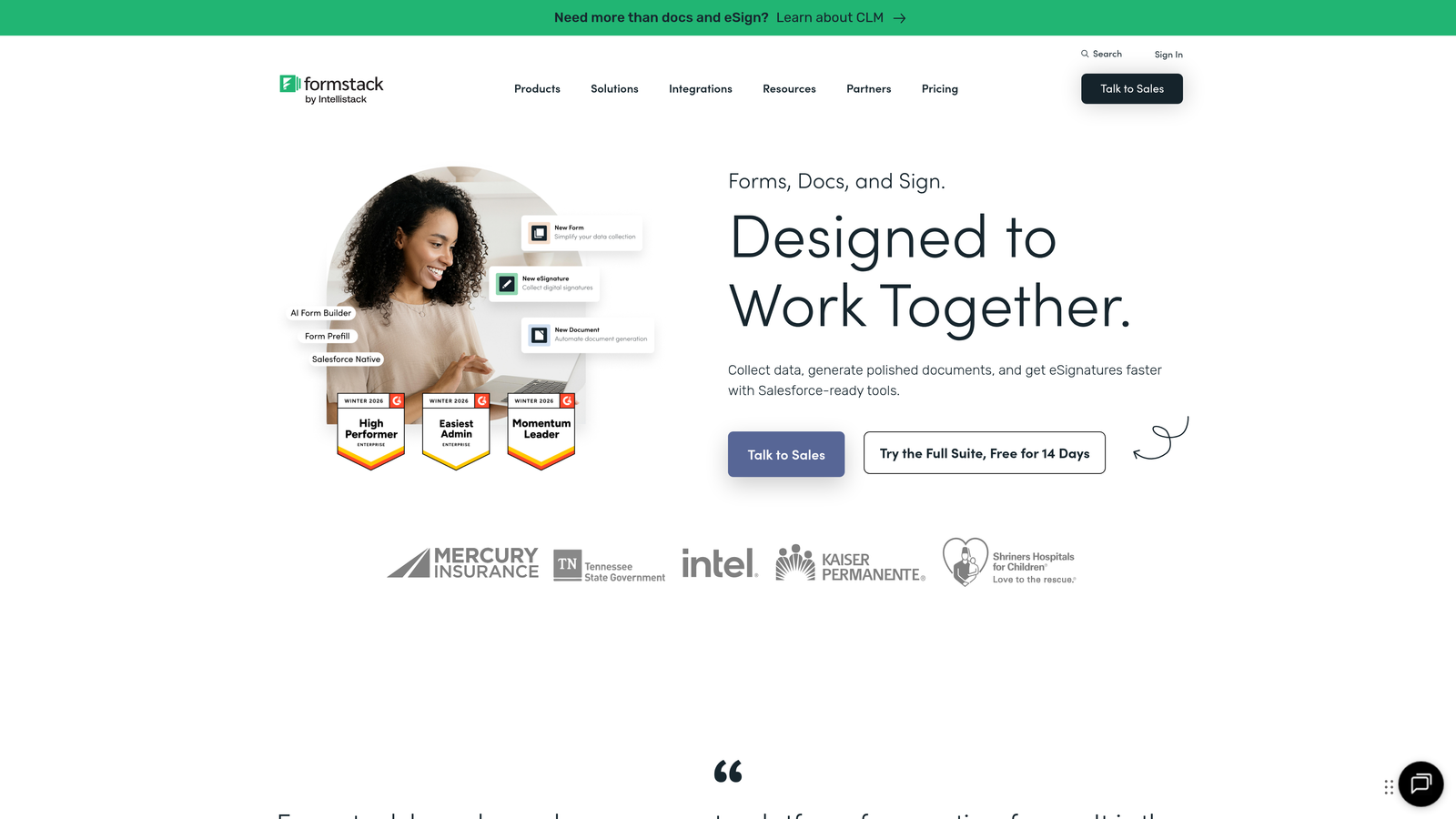
Formstack focuses on regulated industries that need HIPAA and GDPR compliance alongside robust CRM connectivity.
Where This Tool Shines
The Salesforce integration goes beyond basic contact creation. Map form fields to any Salesforce object—opportunities, cases, custom objects—with sophisticated field mapping that handles picklists, multi-select fields, and lookup relationships.
Compliance features include encrypted data storage, audit trails, and HIPAA-compliant form hosting. Document generation creates PDFs from submissions that automatically attach to CRM records, streamlining contract and agreement workflows.
Key Features
Advanced Salesforce Mapping: Connects to any Salesforce object with complex field relationship support.
Compliance Certifications: HIPAA and GDPR compliant with encrypted data handling.
Document Generation: Creates formatted documents from form data that attach to CRM records.
Approval Workflows: Routes submissions through multi-step approval processes before CRM sync.
Offline Data Collection: Mobile app captures form data without internet connection.
Best For
Healthcare, financial services, and other regulated industries requiring compliance certifications. Also ideal for Salesforce-heavy organizations needing sophisticated object mapping.
Pricing
Starter at $50/month, Teams at $83/month. Enterprise pricing available on request with custom compliance and integration needs.
7. Gravity Forms
Best for: WordPress sites needing flexible CRM connections through add-ons
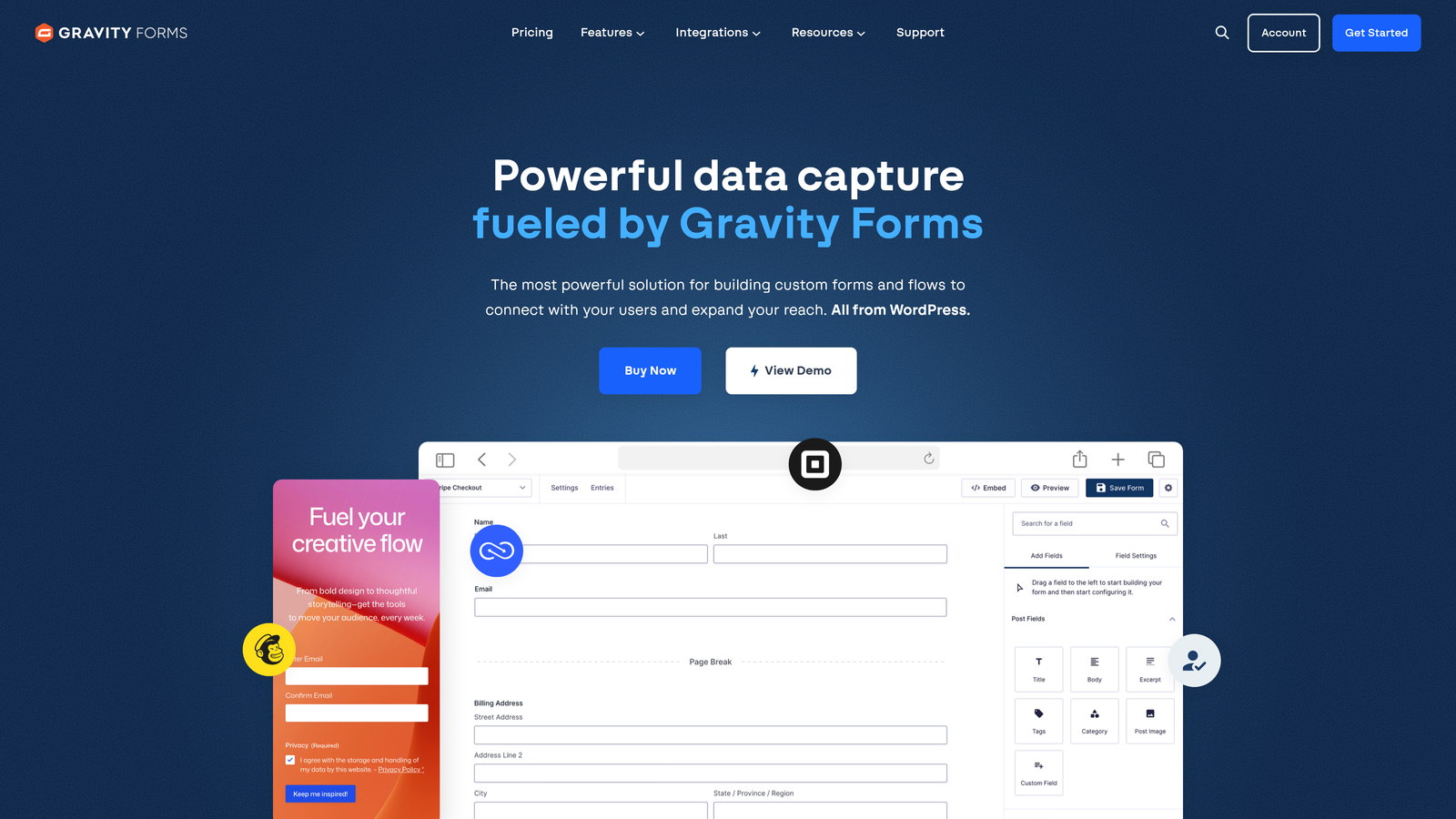
Gravity Forms is the most popular WordPress form plugin, with an extensive add-on ecosystem for connecting to major CRM platforms.
Where This Tool Shines
The deep WordPress integration means forms live natively within your site's content management system. No iframe embeds or external form hosting—everything stays within WordPress with complete design control.
CRM add-ons for Salesforce, Zoho, HubSpot, and others extend the core plugin with platform-specific integrations. Developers appreciate the hooks and filters that allow custom functionality without modifying core code.
Key Features
WordPress Native: Integrates completely with WordPress admin, themes, and plugins.
CRM Add-On Ecosystem: Official add-ons for Salesforce, Zoho, HubSpot, and other platforms.
Developer Friendly: Extensive hooks, filters, and documentation for custom functionality.
Conditional Logic: Shows or hides fields and sections based on user input.
User Registration: Creates WordPress user accounts from form submissions.
Best For
WordPress-based businesses that want forms managed within their CMS rather than through external platforms. Particularly valuable for developers who need customization flexibility.
Pricing
Basic license at $59/year (one site), Pro at $159/year (three sites), Elite at $259/year (unlimited sites). CRM add-ons included with Pro and Elite tiers.
8. Paperform
Best for: Design-focused landing page experiences with CRM integration
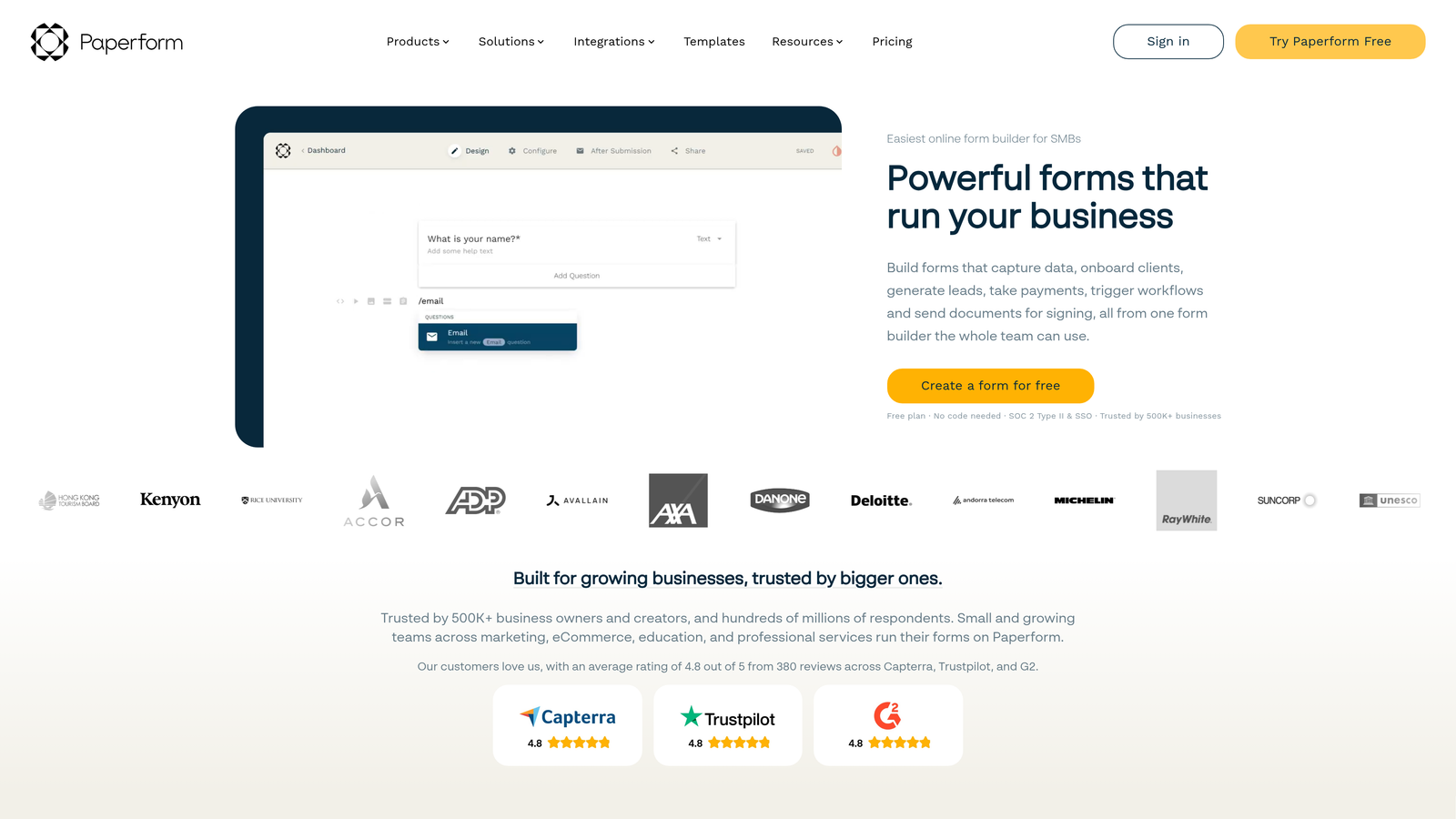
Paperform blurs the line between forms and landing pages, creating branded experiences that convert while syncing to your CRM.
Where This Tool Shines
The editor works like a document processor—you type questions naturally and Paperform converts them into form fields automatically. Add images, videos, and custom branding to create landing page experiences that feel nothing like traditional forms.
Native integrations with Pipedrive and ActiveCampaign handle CRM sync without middleware. The platform supports payments, bookings, and subscriptions alongside lead capture, making it versatile for different business models.
Key Features
Landing Page Hybrid: Creates branded experiences that function as both forms and standalone pages.
Native CRM Integrations: Direct connections to Pipedrive, ActiveCampaign, and other platforms.
Rich Media Embedding: Adds images, videos, and interactive elements throughout forms.
Custom Branding: Full control over colors, fonts, and styling to match brand guidelines.
Payment and Booking: Handles transactions and appointment scheduling within form flows.
Best For
Creative teams and design-conscious businesses that want forms to match their brand aesthetic. Works well for agencies, consultants, and service businesses.
Pricing
Essentials at $24/month, Pro at $49/month, Business at $99/month with advanced features and higher submission limits.
9. Zoho Forms
Best for: Seamless Zoho CRM integration with strong mobile capabilities
Zoho Forms delivers real-time sync with Zoho CRM alongside offline mobile form filling for field teams.
Where This Tool Shines
The Zoho CRM integration requires zero configuration if you're already using Zoho's ecosystem. Forms sync instantly with contact records, and assignment rules automatically route leads to the right sales rep based on territory, company size, or other criteria.
Mobile capabilities stand out for field teams. The app captures form data offline, then syncs to your CRM when connectivity returns. Perfect for trade shows, site visits, or any situation where internet access is unreliable.
Key Features
Real-Time Zoho CRM Sync: Instant data flow to CRM with automatic contact matching and creation.
Offline Mobile Forms: App collects data without internet connection and syncs when online.
Assignment Rules: Automatically routes leads to specific sales reps based on form data.
Approval Workflows: Sends submissions through review processes before final CRM sync.
Custom Reports: Builds analytics dashboards from form submission data.
Best For
Organizations already using Zoho CRM who want native integration. Also ideal for field teams that need offline data collection capabilities.
Pricing
Free tier available for basic needs. Basic at $10/month, Standard at $25/month, Professional at $50/month with advanced features and higher limits.
Making the Right Choice
Your ideal form builder depends on your existing CRM ecosystem and specific workflow requirements. If you need AI-powered qualification that scores leads before they hit your pipeline, Orbit AI delivers intelligent routing that traditional form builders can't match. Teams already committed to HubSpot or Zoho ecosystems benefit most from their native form builders with zero-configuration sync.
For conversational experiences that maximize completion rates, Typeform's one-question format consistently outperforms traditional layouts. Enterprise teams in regulated industries should prioritize Formstack's compliance certifications and sophisticated Salesforce mapping. WordPress users get the most flexibility from Gravity Forms' native integration and developer-friendly architecture.
Consider these selection criteria: Does the integration support bi-directional sync or just one-way data push? Can it map to custom CRM fields and objects beyond standard contacts? Does it handle duplicate detection intelligently? Can you trigger conditional CRM actions based on form responses?
The trend toward AI-powered qualification represents a fundamental shift. Instead of collecting data passively and letting sales sort through submissions manually, modern form builders actively qualify prospects during the submission process itself. This means your sales team focuses on high-value conversations rather than data entry and lead triage.
Transform your lead generation with AI-powered forms that qualify prospects automatically while delivering the modern, conversion-optimized experience your high-growth team needs. Start building free forms today and see how intelligent form design can elevate your conversion strategy.


