

If your forms treat every visitor the same way, you're leaving conversions on the table. Custom form logic transforms static data collection into intelligent, personalized experiences that qualify leads, reduce drop-off, and route the right information to the right place automatically.
The challenge is finding a builder that handles complex logic without requiring a developer. This list covers the best custom form logic builders available in 2026, evaluated on logic depth, ease of use, lead qualification capabilities, and pricing. Whether you're running a SaaS onboarding flow, a B2B lead capture form, or a multi-step qualification survey, there's a tool here that fits your stack.
We've included Orbit AI as our top pick. It's our own product, and we think it's the strongest option for high-growth teams. But we've been honest about where each tool shines so you can make the right call for your use case.
1. Orbit AI
Best for: High-growth SaaS and B2B teams that need AI-powered lead qualification built into their forms.
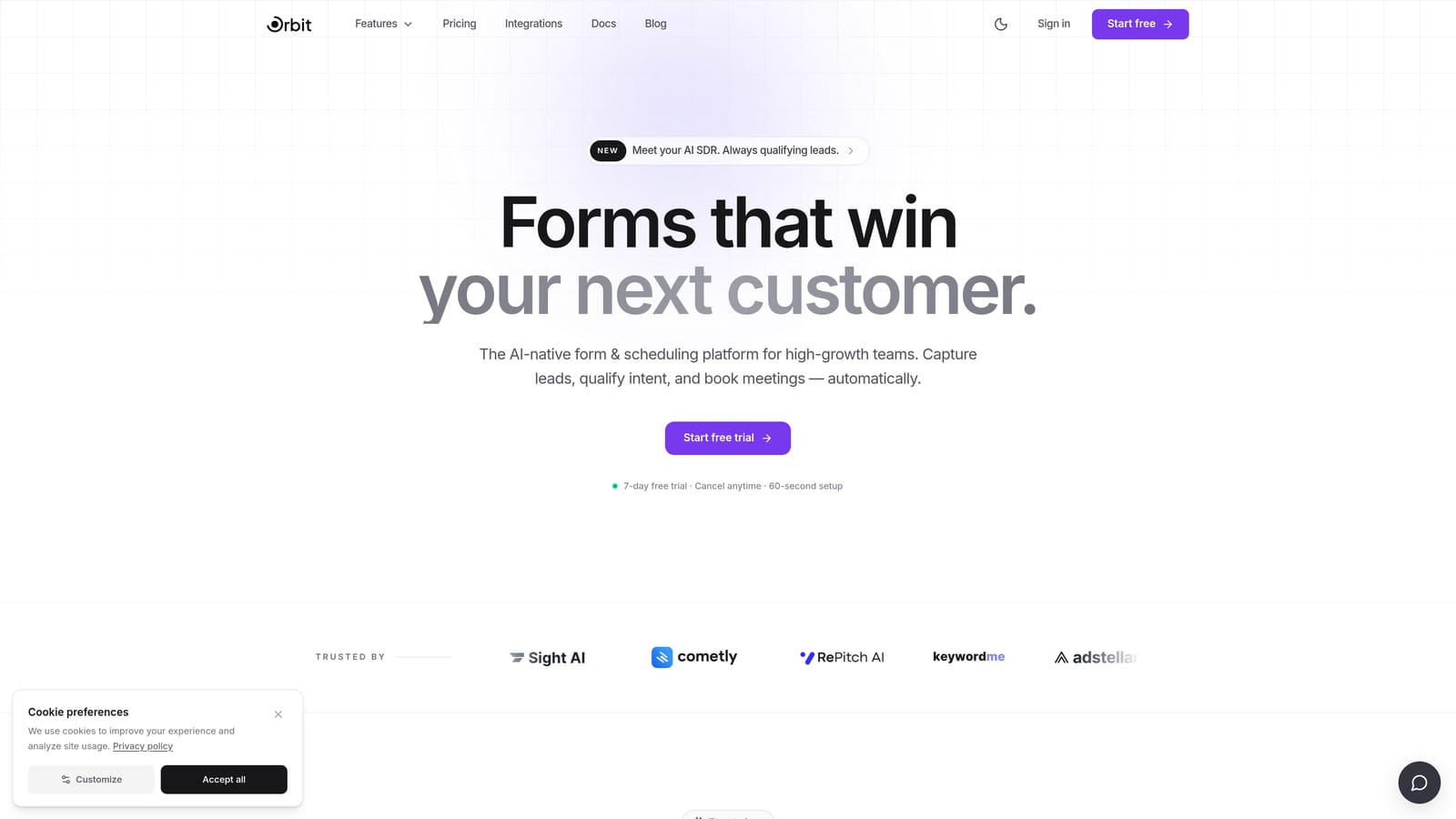
Orbit AI is an AI-powered form builder designed specifically for conversion-focused teams who need more than a data collection tool.
Where This Tool Shines
Most form builders let you show or hide fields based on answers. Orbit AI goes a step further by layering AI-powered lead qualification directly on top of conditional logic. Fields can appear, hide, or redirect respondents based on real-time lead scoring, not just static answer matching. That means your form is actively qualifying prospects as they move through it.
The builder is designed with B2B and SaaS use cases in mind. Conversion-optimized templates, clean drag-and-drop editing, and structured data output make it easy to get a high-performing form live quickly and feed clean data into your CRM without manual cleanup.
Key Features
AI-Powered Lead Qualification: Qualification logic is layered on top of conditional branching, so your form scores and routes leads automatically as they respond.
Dynamic Field Branching: Fields appear, hide, or redirect based on real-time lead scoring criteria, not just simple answer matching.
Conversion-Optimized Templates: Pre-built templates are designed for B2B and SaaS lead capture, not generic data collection.
Drag-and-Drop Builder: Modern, visual editor that requires no developer involvement to build or modify complex logic flows.
Structured CRM Output: Data is organized and formatted for clean integration with downstream CRM and marketing tools, reducing manual data work.
Best For
Orbit AI is the strongest fit for SaaS companies and B2B teams running inbound lead generation who need their forms to do more than collect responses. If lead qualification, routing, and conversion optimization are priorities, this is where to start.
Pricing
Check orbitforms.ai for current plan pricing. A free-to-start option is available for teams that want to explore the builder before committing.
2. Typeform
Best for: Teams that want a polished, conversational form experience with solid branching logic.
Typeform is a conversational form builder known for its one-question-at-a-time format and strong UX-driven completion rates.

Where This Tool Shines
Typeform's conversational format naturally reduces drop-off by presenting one question at a time, making even longer forms feel manageable to respondents. Its logic jumps allow you to branch between questions based on previous answers, and answer piping lets you pull earlier responses into later question copy, creating a genuinely personalized experience.
The visual logic builder is approachable for non-technical users. That said, teams building very complex multi-branch flows may find the interface harder to manage at scale, as logic trees can become difficult to visualize when they grow large.
Key Features
Logic Jumps: Branch respondents to different questions based on their answers, creating tailored paths through the form.
Answer Piping: Pull earlier answers directly into subsequent question text for a personalized, conversational feel.
Branded Form Experience: Polished design with customizable themes that reflect your brand identity.
CRM and Marketing Integrations: Connects with major CRMs and marketing automation platforms for downstream data handling.
Free Plan Available: Basic logic features are accessible on the free tier, with advanced logic unlocked on paid plans.
Best For
Typeform works well for marketing teams and growth teams that prioritize completion rate and respondent experience. It's a strong choice for customer surveys, onboarding flows, and lead capture forms where brand impression matters alongside data collection.
Pricing
Free plan available. Paid plans start at approximately $25/month. Verify current pricing at typeform.com.
3. Jotform
Best for: Teams that need deep multi-condition logic and an extensive template library at a reasonable price point.
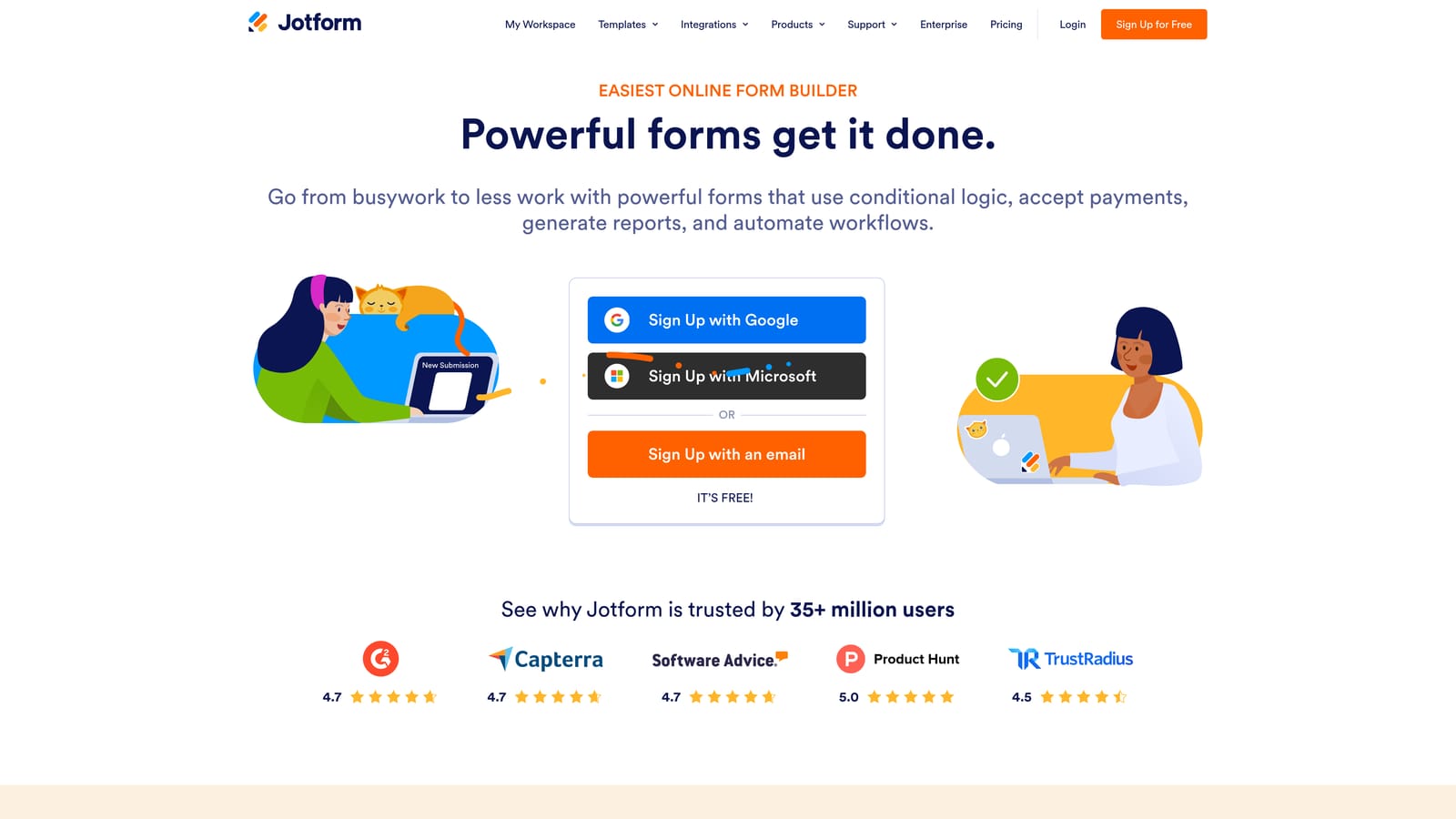
Jotform is one of the most feature-rich form builders available, with robust conditional logic and thousands of pre-built templates across industries.
Where This Tool Shines
Jotform's conditional logic engine is genuinely powerful. You can build multi-condition rules using AND/OR logic, show or hide fields, skip entire pages, send conditional notifications, and run calculation fields for scoring or pricing. It's the kind of logic depth that used to require custom development, now available through a visual interface.
The trade-off is that the interface can feel visually dated compared to newer tools. For teams that prioritize functionality depth over aesthetics, though, Jotform is hard to beat at its price point. The template library alone makes it worth exploring, especially for teams that need to spin up forms across multiple use cases quickly.
Key Features
Multi-Condition AND/OR Logic: Build complex branching rules that respond to combinations of answers, not just single conditions.
Show/Hide, Skip, and Conditional Notifications: Control field visibility, page flow, and automated notifications all through the same logic interface.
Calculation Fields: Run scoring, pricing, or custom calculation logic based on form responses in real time.
Extensive Template Library: Thousands of templates spanning industries, form types, and use cases.
Third-Party Integration Library: One of the broadest integration libraries available, connecting to CRMs, payment processors, and business tools.
Best For
Jotform is a strong fit for teams that need serious logic depth without enterprise pricing. It works well for operations teams, agencies managing multiple clients, and businesses that need forms across a wide range of use cases from a single platform.
Pricing
Free plan available. Paid plans start at approximately $34/month. Verify current pricing at jotform.com.
4. Paperform
Best for: Teams that want forms with the visual appeal of landing pages, combined with conditional logic and built-in payments.
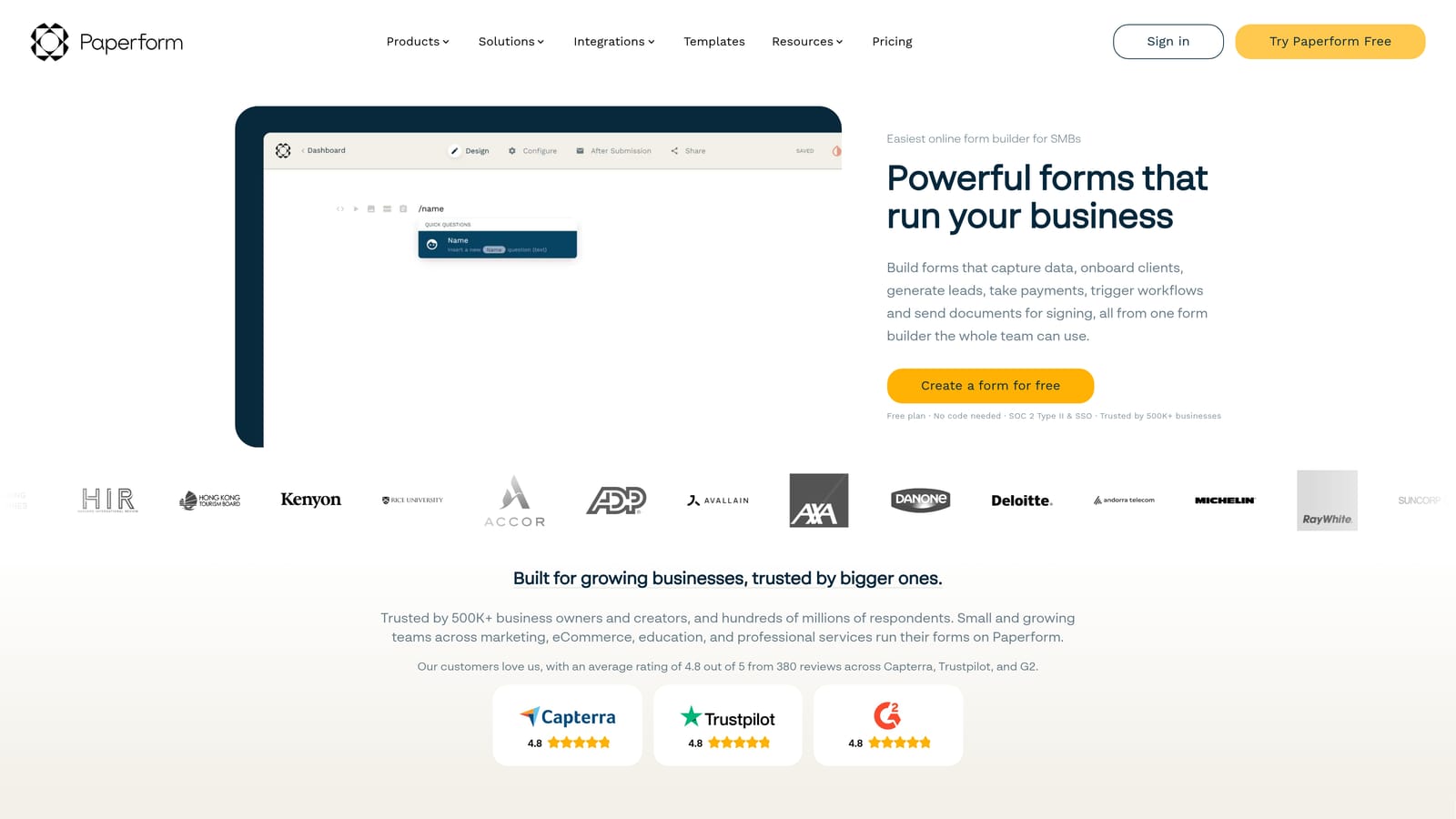
Paperform is a form builder that blends conditional logic with landing page design, making it particularly useful when a form also needs to convert directly to a sale or booking.
Where This Tool Shines
Paperform's biggest differentiator is its design philosophy. Forms look and feel like standalone landing pages rather than embedded data collection widgets. Conditional sections show or hide based on responses, answer piping personalizes question copy, and calculation fields support dynamic pricing or scoring logic. The result is a form experience that feels polished without requiring a separate design tool.
The built-in payment collection is a genuine advantage for teams that want to close a transaction within the form itself, whether that's booking a service, selling a product, or collecting a deposit. The logic interface is clean, though teams building very complex branching trees may find it less flexible than Jotform or Formstack at the deep end.
Key Features
Conditional Sections: Show or hide entire content sections based on respondent answers, keeping the experience relevant and focused.
Answer Piping: Pull earlier responses into subsequent question copy for a personalized, dynamic form experience.
Built-In Payment Collection: Accept payments, sell products, and collect deposits directly within the form without a separate checkout tool.
Landing Page-Style Design: Rich text, images, and embedded media make forms look like purpose-built pages, not generic forms.
Calculation Fields: Support dynamic pricing, scoring, or custom calculations based on form inputs.
Best For
Paperform is a strong choice for small businesses, consultants, and teams that need forms to double as conversion pages. It's particularly well suited to service businesses, event registrations, and any use case where the form itself is the point of sale.
Pricing
Plans start at approximately $24/month. Verify current pricing at paperform.co.
5. Formstack
Best for: Enterprise teams and regulated industries that need advanced conditional logic with compliance and workflow capabilities.
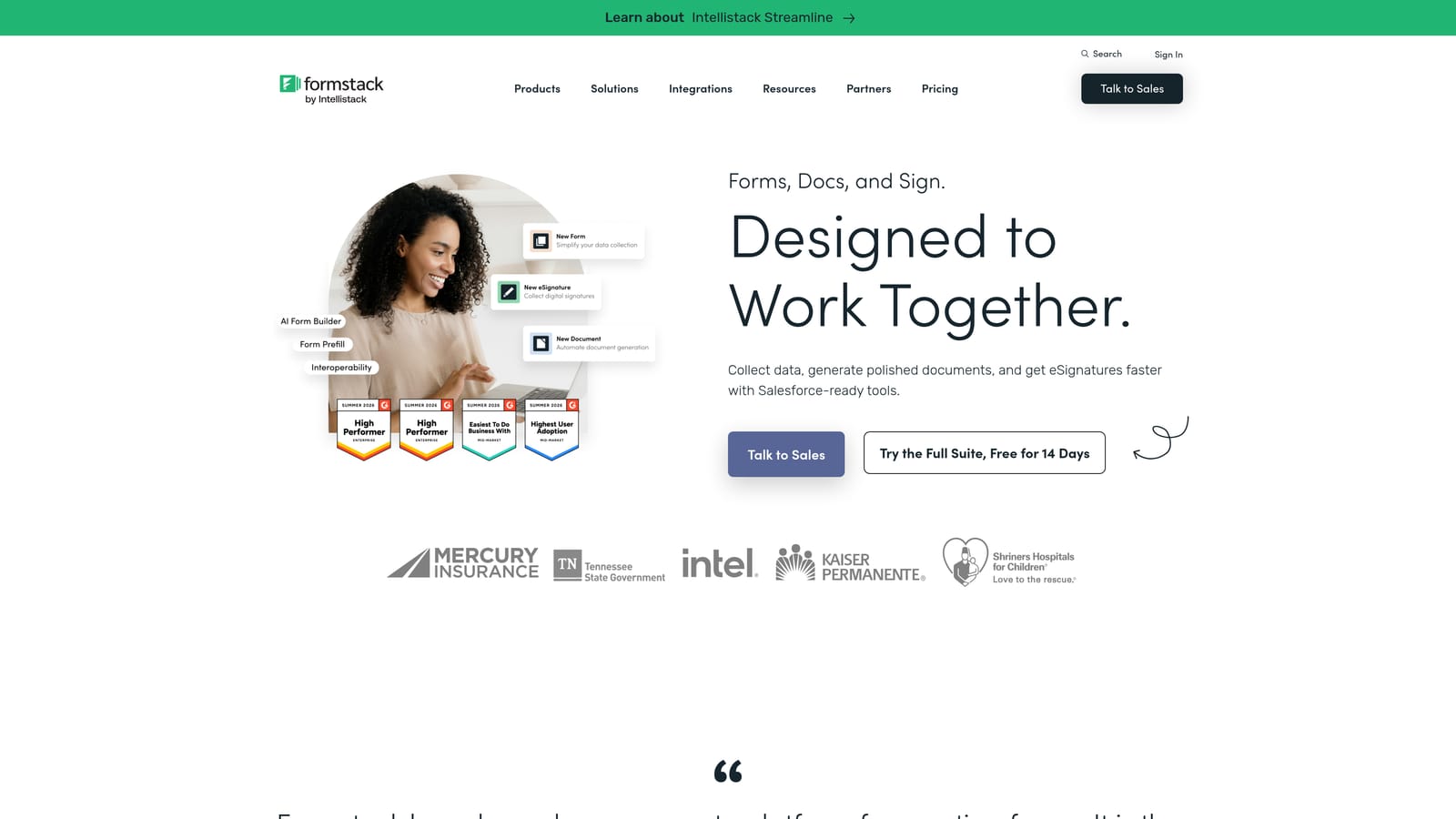
Formstack is an enterprise-grade form builder with advanced conditional logic, data routing, and built-in compliance support for industries like healthcare and finance.
Where This Tool Shines
Formstack is built for organizations where forms are part of a larger operational workflow, not just a data collection endpoint. Advanced conditional logic with field dependencies and branching handles complex scenarios, while approval workflows and data routing mean that form submissions can trigger multi-step internal processes automatically.
The HIPAA-compliant data handling is a genuine differentiator for healthcare teams and other regulated industries where data security is non-negotiable. The logic builder is powerful, but it comes with a steeper learning curve than consumer-grade tools. Teams that need this level of capability will find the investment worthwhile; teams with simpler needs may find it more than they require.
Key Features
Advanced Conditional Logic: Field dependencies and branching handle complex, multi-layered logic scenarios across large forms.
HIPAA-Compliant Data Handling: Built-in compliance support for healthcare and other regulated industries with strict data requirements.
Approval Workflows and Data Routing: Submissions can trigger automated internal workflows, approvals, and data routing without manual intervention.
Enterprise CRM Integrations: Connects with major enterprise CRM and business intelligence platforms.
Document Generation and E-Signature: Generate documents from form data and collect e-signatures within the same platform.
Best For
Formstack is the right choice for enterprise teams, healthcare organizations, and businesses in regulated industries that need forms to integrate into complex operational workflows with compliance requirements baked in.
Pricing
Enterprise pricing reflects the platform's positioning. Verify current plans at formstack.com.
6. Tally
Best for: Startups and individual creators who need solid conditional logic with a generous free tier and fast build times.
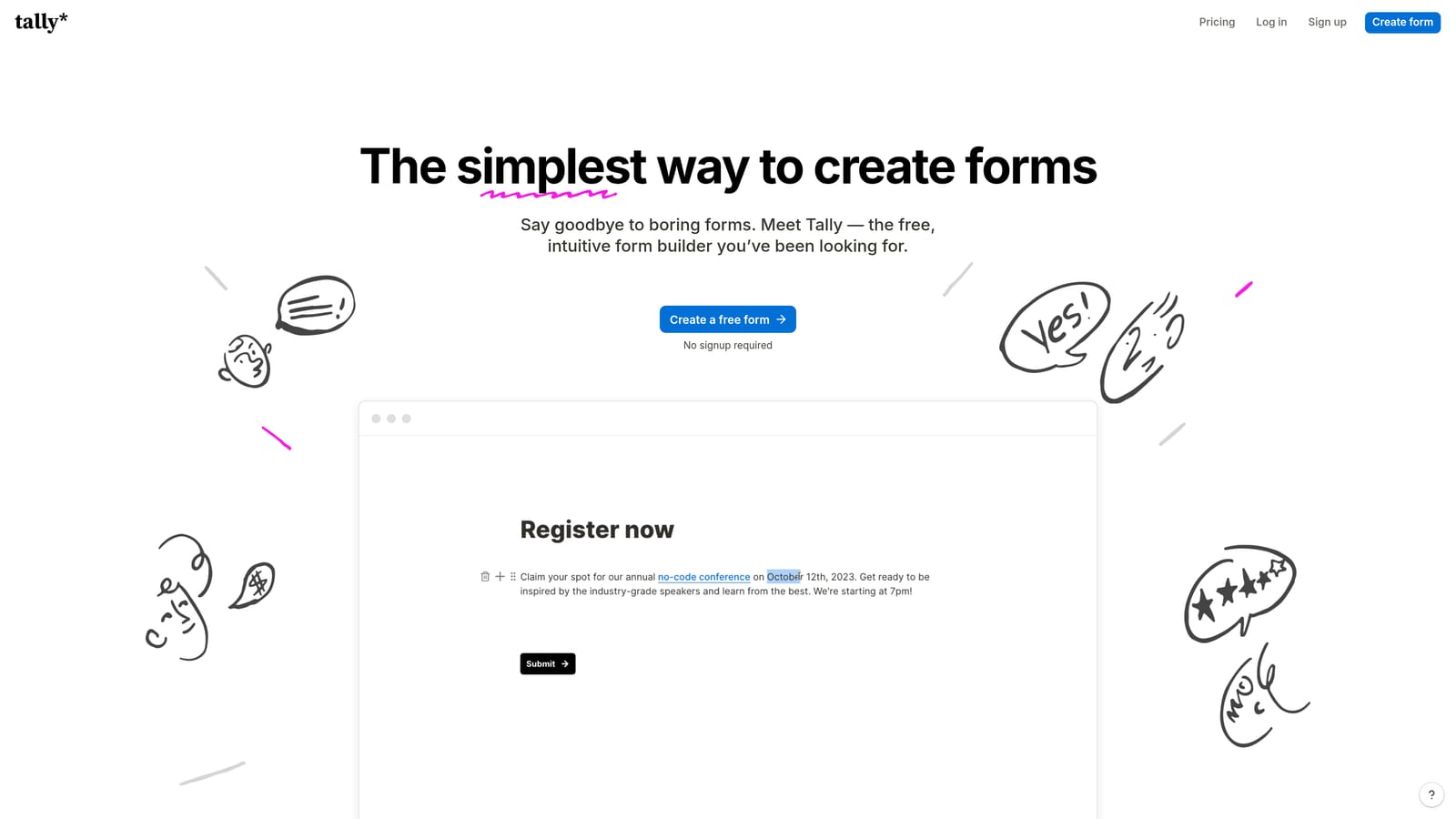
Tally is a lightweight, Notion-inspired form builder with block-based editing, clean design, and conditional logic available even on the free plan.
Where This Tool Shines
Tally's block-based editor makes it genuinely fast to build forms from scratch. The interface will feel immediately familiar to anyone who uses Notion, which removes most of the learning curve. Conditional logic, implemented as show/hide block rules, is available on the free plan, which is a meaningful advantage for teams that want to explore logic-based forms without committing to a paid subscription.
The free tier is unusually generous: unlimited forms and unlimited responses with no artificial caps designed to push you toward a paid plan. Logic depth is more limited than tools like Jotform or Formstack, but for most standard use cases, including lead capture, surveys, and event registration, it covers the ground you need.
Key Features
Block-Based Editor: Notion-style building experience that's fast to learn and quick to work with, even for first-time users.
Conditional Logic on Free Plan: Show/hide blocks based on respondent answers without needing a paid subscription.
Unlimited Forms and Responses: No artificial caps on the free tier, making it genuinely usable for growing teams on a budget.
Clean, Distraction-Free Design: Minimal, focused form design that keeps respondents on task without visual clutter.
Basic Integrations: Connects with Zapier, Notion, and webhooks for lightweight automation and data routing.
Best For
Tally is ideal for early-stage startups, solo operators, and teams that need a fast, free, no-fuss form builder with enough logic capability for standard use cases. It's a natural starting point before a team's needs grow into more complex territory.
Pricing
Free plan available. Pro plan starts at approximately $29/month. Verify current pricing at tally.so.
Which Tool Is Right for Your Team?
The best custom form logic builder depends on what you're actually trying to accomplish. Here's a quick way to think through the decision.
If lead qualification and conversion optimization are your primary goals, Orbit AI is built specifically for that use case. The combination of AI-powered scoring and conditional branching is designed for high-growth SaaS and B2B teams who need their forms to do more than collect responses.
If respondent experience and brand aesthetics are your top priority, Typeform's conversational format is hard to beat. Its logic jumps and answer piping create genuinely personalized flows, and the polished design supports strong completion rates.
If you need serious logic depth at a mid-market price point, Jotform's multi-condition AND/OR logic and extensive template library make it one of the most capable options available without moving into enterprise territory.
For teams that want forms to double as landing pages with built-in payment collection, Paperform occupies a unique position. For regulated industries and enterprise workflows, Formstack's compliance features and approval routing are difficult to replicate elsewhere. And for early-stage teams or individuals who want powerful conditional logic for free, Tally is the obvious starting point.
The common thread across all of these tools is that modern form logic no longer requires a developer. The question is how much intelligence you want built into the experience and how closely that logic needs to connect to your broader lead generation and CRM workflow.
For teams focused on turning form responses into qualified pipeline, start building free forms today and see how AI-powered form logic can elevate your conversion strategy from the very first interaction.


