

First impressions matter—especially when welcoming new customers. A clunky onboarding form can frustrate users before they even get started, while a smooth, intuitive experience sets the tone for a lasting relationship. Customer onboarding form builders help you collect essential information, qualify users, and route them to the right resources without the friction.
But with dozens of options available, choosing the right tool can feel overwhelming. We evaluated these platforms based on ease of use, customization options, integration capabilities, and features specifically designed for onboarding workflows. Whether you're onboarding enterprise clients or self-serve users, there's a solution here for you.
1. Orbit AI
Best for: High-growth teams needing intelligent lead qualification during onboarding
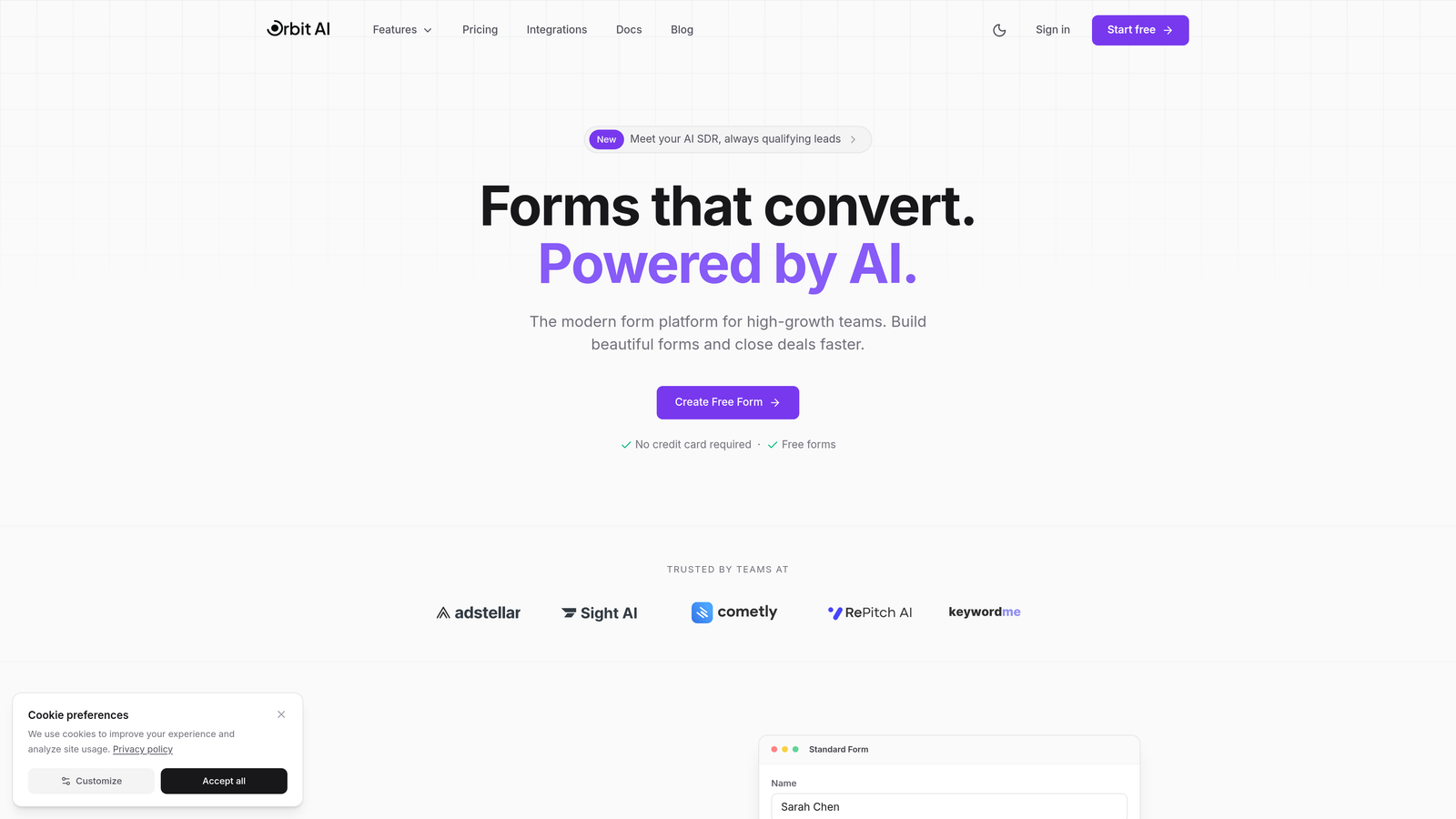
Orbit AI is an AI-powered form builder designed specifically for teams that need to qualify and route customers intelligently during the onboarding process.
Where This Tool Shines
The standout feature here is the AI-powered qualification engine. Instead of manually building complex branching logic, the platform analyzes responses in real-time and routes users to appropriate onboarding paths automatically. This means enterprise clients can be directed to white-glove onboarding while self-serve users get instant access—without you building dozens of conditional rules.
The forms themselves are built for conversion, with modern designs that feel native to your brand rather than obviously third-party. The analytics dashboard shows you exactly where users drop off, helping you optimize your onboarding flow over time.
Key Features
AI-Powered Lead Qualification: Automatically scores and routes customers based on their responses without manual rule-building.
Conditional Logic with Intelligent Branching: Creates dynamic onboarding paths that adapt to each user's profile and needs.
Native CRM Integrations: Connects directly with major CRMs to automatically create and update customer records.
Real-Time Analytics: Tracks conversion rates, drop-off points, and completion times to identify optimization opportunities.
Mobile-Responsive Designs: Forms automatically adapt to any device with modern, conversion-optimized layouts.
Best For
This platform works best for high-growth B2B SaaS companies and teams with complex onboarding workflows that need intelligent routing. If you're manually qualifying leads or struggling with low form completion rates, the AI qualification features can significantly streamline your process.
Pricing
Free tier available for getting started. Paid plans begin at $29/month with access to AI qualification features and advanced integrations.
2. Typeform
Best for: Creating engaging conversational onboarding experiences with high completion rates
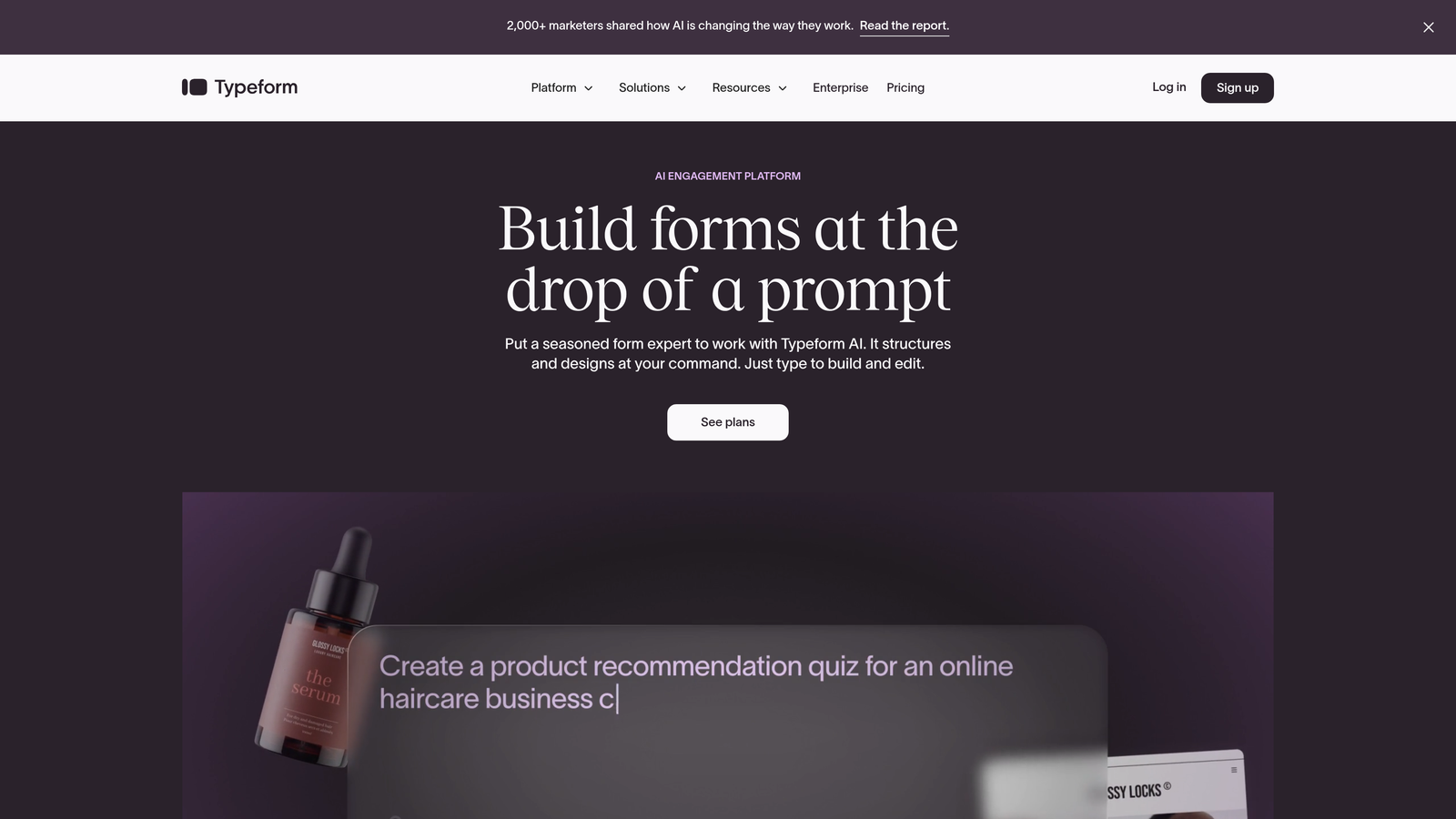
Typeform pioneered the one-question-at-a-time format that feels more like a conversation than a traditional form.
Where This Tool Shines
The conversational approach reduces cognitive overload by showing users one question at a time. This format typically achieves higher completion rates than traditional multi-field forms—especially important when onboarding requires collecting detailed information. The design templates are immediately recognizable and feel premium without customization.
Logic jumps let you create personalized onboarding paths based on customer responses. If someone selects "Enterprise" as their company size, you can automatically show different questions than you would for a startup founder.
Key Features
One-Question-at-a-Time Format: Reduces form abandonment by breaking complex onboarding into digestible steps.
Beautiful Design Templates: Pre-built themes that look polished without design work required.
Logic Jumps and Branching: Shows different questions based on previous answers to personalize the experience.
Media Embedding: Add videos, images, and GIFs to make onboarding more engaging and explanatory.
Extensive Integrations: Connects with hundreds of tools including CRMs, email platforms, and project management systems.
Best For
Teams prioritizing user experience and completion rates over complex data collection. Works especially well for consumer-facing products and companies where brand perception matters during onboarding.
Pricing
Free tier available with limited responses. Paid plans start at $25/month for increased responses and advanced features like logic jumps.
3. Jotform
Best for: Teams needing extensive customization options and pre-built onboarding templates
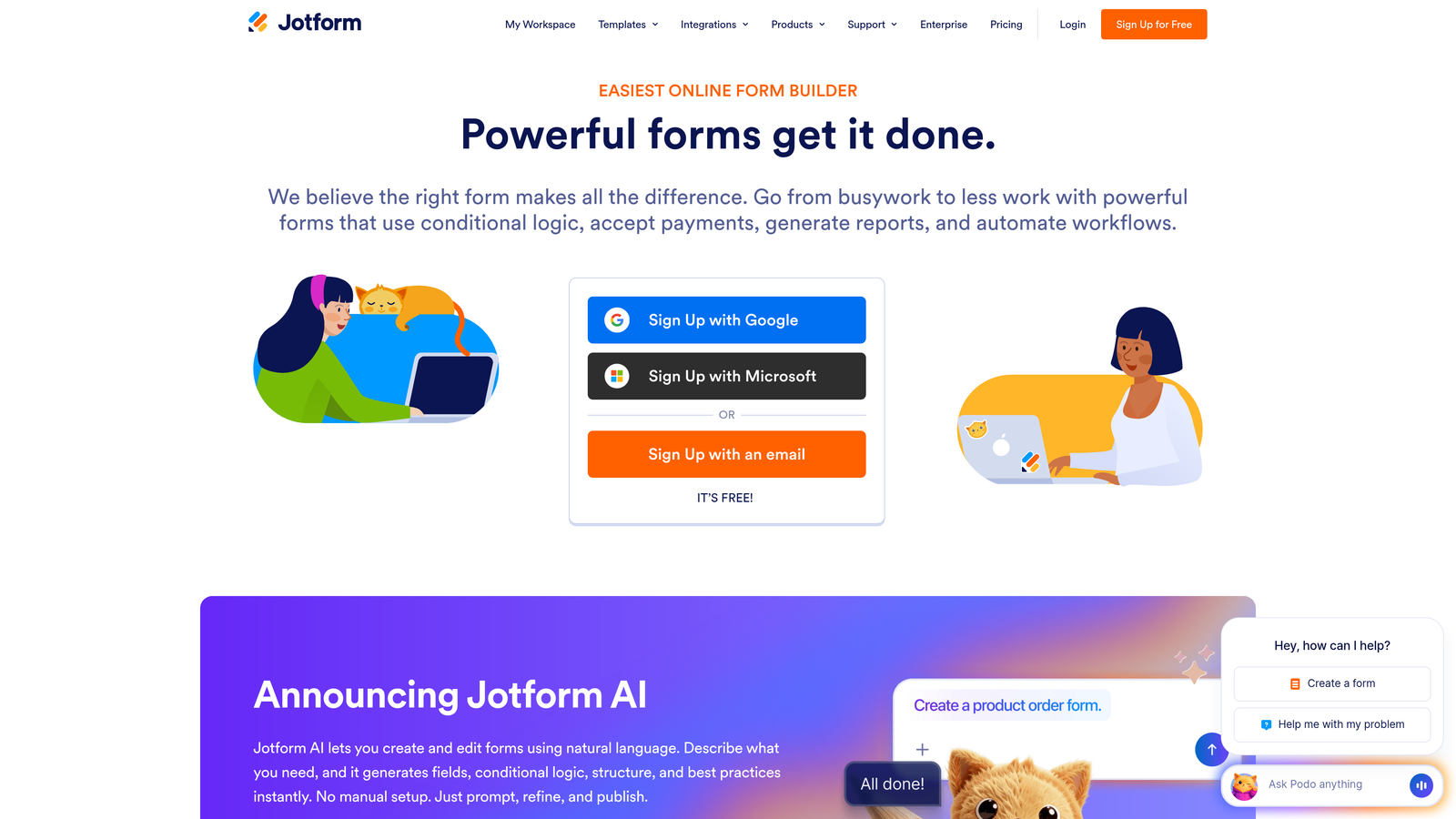
Jotform offers one of the largest template libraries in the industry with over 10,000 pre-built forms you can customize.
Where This Tool Shines
The widget library is massive. Need to collect e-signatures during onboarding? There's a widget. Want to generate a PDF summary of the onboarding data? Built-in. The drag-and-drop builder makes it easy to add functionality without coding, and the template library means you rarely start from scratch.
For regulated industries, Jotform offers HIPAA-compliant options—critical if you're onboarding healthcare clients or collecting protected information. The platform also handles calculations well, useful if your onboarding includes pricing configurations or usage estimates.
Key Features
10,000+ Templates: Pre-built forms for virtually every onboarding scenario you can imagine.
Extensive Widget Library: Add functionality like appointments, payments, signatures, and file uploads with drag-and-drop.
Conditional Logic: Show or hide fields based on previous responses to streamline data collection.
PDF Generation: Automatically create PDF summaries of onboarding responses for record-keeping.
HIPAA Compliance: Enterprise plans include compliance features for healthcare and regulated industries.
Best For
Organizations with complex onboarding requirements, regulated industries needing compliance features, and teams that want extensive customization without developer resources.
Pricing
Free tier includes 5 forms. Paid plans start at $34/month with unlimited forms and advanced features.
4. Tally
Best for: Startups and small teams wanting unlimited forms without monthly costs
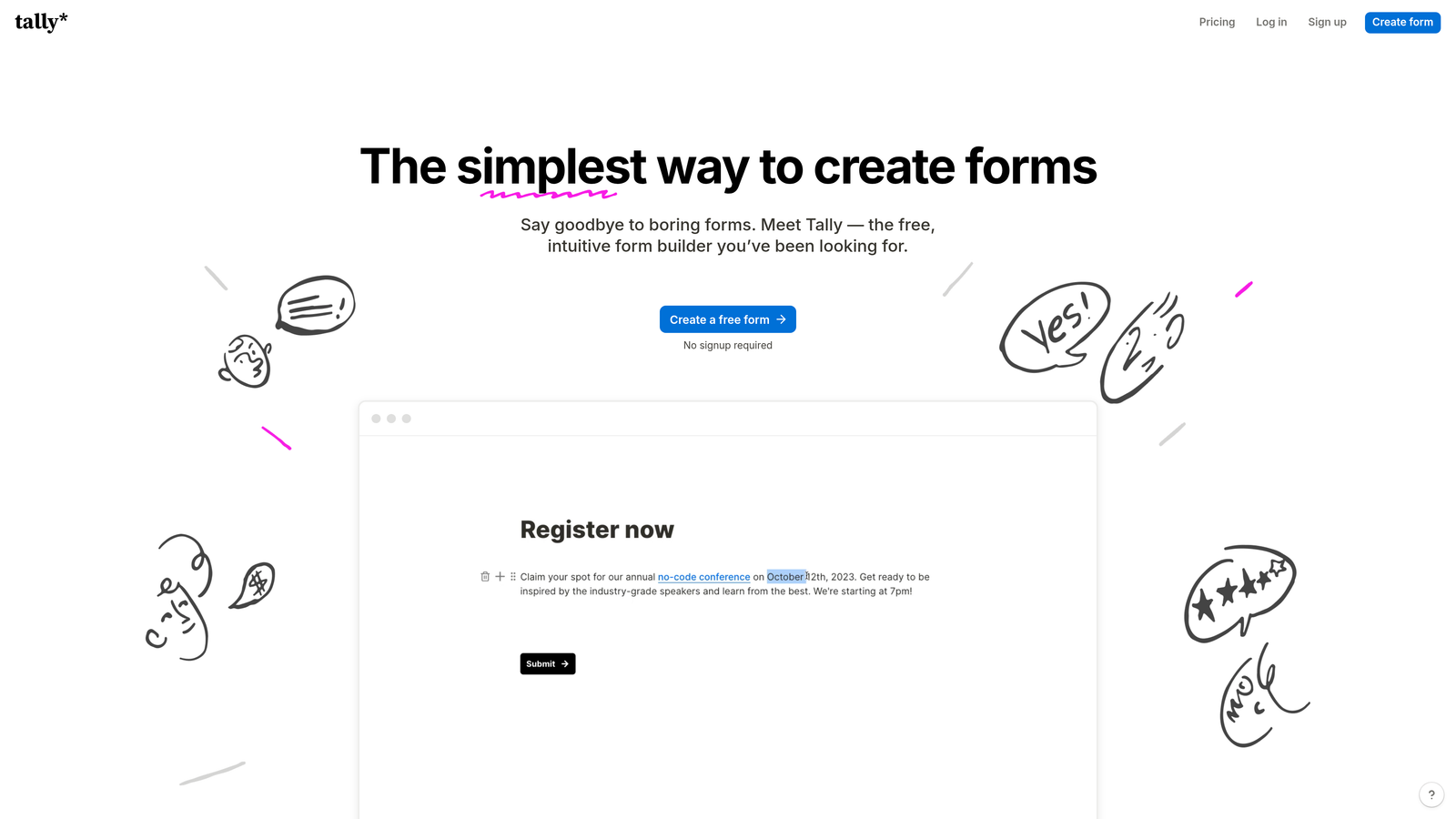
Tally takes a Notion-inspired approach to form building with a generous free tier that includes unlimited forms.
Where This Tool Shines
The value proposition here is straightforward: most features are free, including unlimited forms and conditional logic. For early-stage companies onboarding their first customers, this removes budget concerns entirely. The block-based editor feels familiar if you use Notion, making the learning curve minimal.
The design aesthetic is clean and minimal—perfect if you want forms that feel modern without being flashy. File uploads and calculations are included in the free tier, features that competitors often gate behind paid plans.
Key Features
Unlimited Forms on Free Plan: No artificial limits on how many onboarding forms you can create.
Block-Based Editor: Notion-style interface that feels intuitive for users familiar with modern productivity tools.
Conditional Logic Included: Create branching onboarding paths without upgrading to paid plans.
File Uploads and Calculations: Collect documents and perform calculations during onboarding at no cost.
Clean Design: Minimal aesthetic that works well for professional services and B2B onboarding.
Best For
Startups, bootstrapped companies, and teams that need professional onboarding forms without budget for paid tools. Also great for side projects and MVPs.
Pricing
Free for most features including unlimited forms. Pro plan at $29/month adds custom domains, remove branding, and priority support.
5. Fillout
Best for: Teams using Airtable or Notion as their customer database
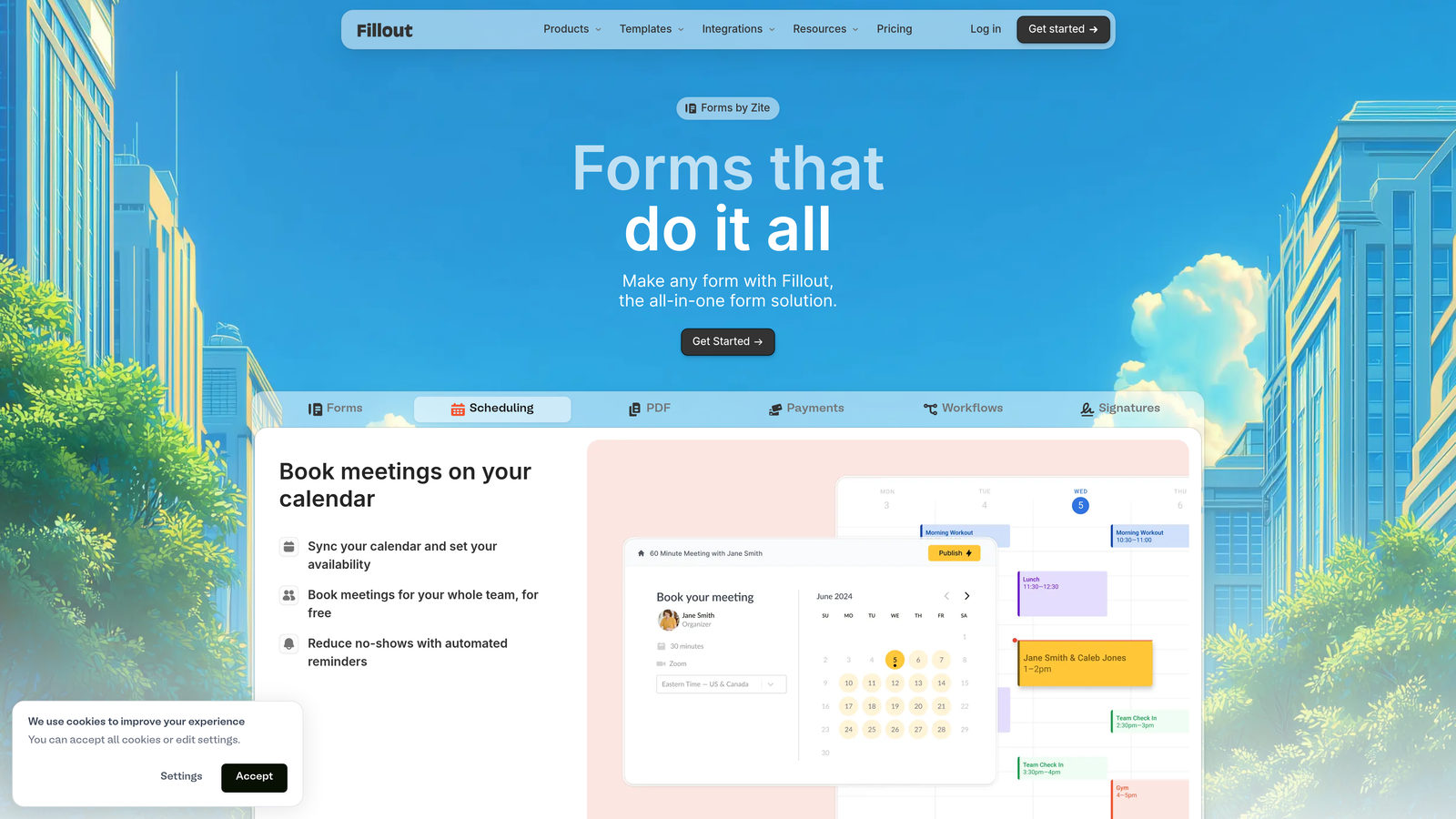
Fillout specializes in native database connections, letting you create forms that read from and write to your existing data tools.
Where This Tool Shines
If you're managing customer data in Airtable or Notion, Fillout eliminates the integration middleware. Forms can pre-fill with existing customer data, making it perfect for progressive onboarding where you collect information over multiple sessions. You can also update existing records rather than creating duplicates—critical for keeping customer databases clean.
The scheduling and payment features mean you can handle paid onboarding or consultation booking directly in the form. This works well for service businesses where onboarding includes a kickoff call or implementation session.
Key Features
Native Database Integration: Direct connections to Airtable and Notion without Zapier or middleware.
Pre-Fill from Existing Data: Load customer information automatically to reduce redundant data entry.
Record Updates: Modify existing database records instead of always creating new ones.
Conditional Logic: Create dynamic onboarding flows based on database values or form responses.
Scheduling and Payments: Collect payment or book onboarding sessions within the form experience.
Best For
Companies already using Airtable or Notion as their source of truth for customer data. Especially valuable for agencies, consultancies, and service businesses with multi-step onboarding processes.
Pricing
Free tier available with basic features. Paid plans start at $15/month for advanced integrations and unlimited submissions.
6. Paperform
Best for: Paid onboarding flows that include product selection or payment collection
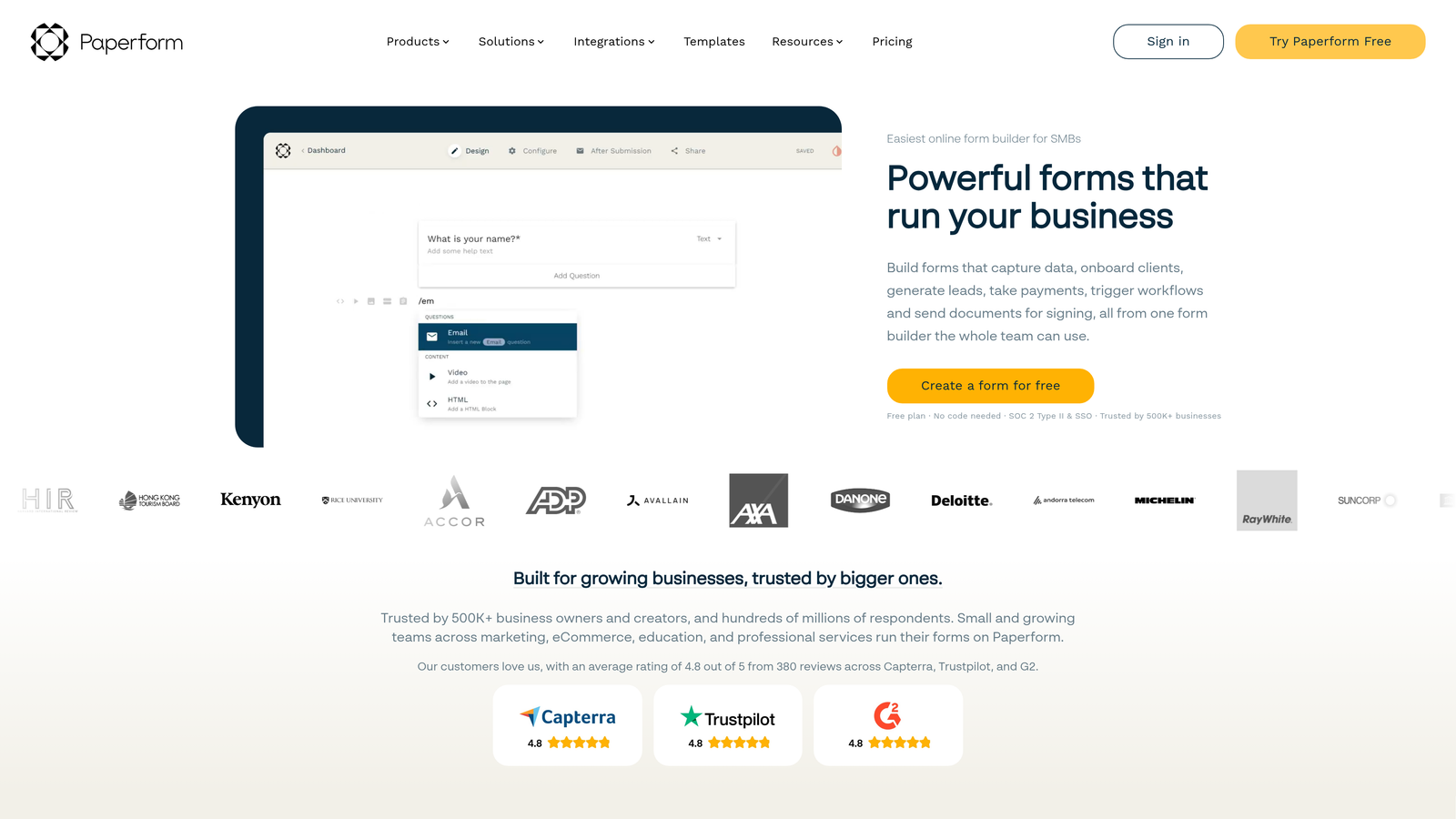
Paperform combines document-style forms with e-commerce capabilities, making it ideal for onboarding that includes purchases or subscriptions.
Where This Tool Shines
The document-style editor lets you create onboarding experiences that feel more like interactive landing pages than traditional forms. This works particularly well when you're selling during onboarding—think SaaS trials that convert to paid plans or service businesses collecting deposits.
Payment processing is built-in with support for Stripe and PayPal. You can create product catalogs, calculate pricing based on selections, and collect payment without leaving the form. Custom success pages let you provide immediate next steps after onboarding completion.
Key Features
Document-Style Creation: Build forms that read like interactive documents rather than traditional questionnaires.
Built-In Payment Processing: Accept payments through Stripe or PayPal directly in the onboarding flow.
Product Pages: Create catalogs for add-on selection during onboarding.
Advanced Conditional Logic: Show pricing, products, or questions based on previous selections.
Custom Success Pages: Design branded confirmation pages with specific next steps for each onboarding path.
Best For
Businesses with paid onboarding, agencies collecting project deposits, SaaS companies converting trials to paid plans, and any company where onboarding includes product or service selection.
Pricing
Plans start at $24/month with payment processing and unlimited forms included.
7. Formstack
Best for: Enterprise organizations requiring compliance, security, and advanced workflow automation
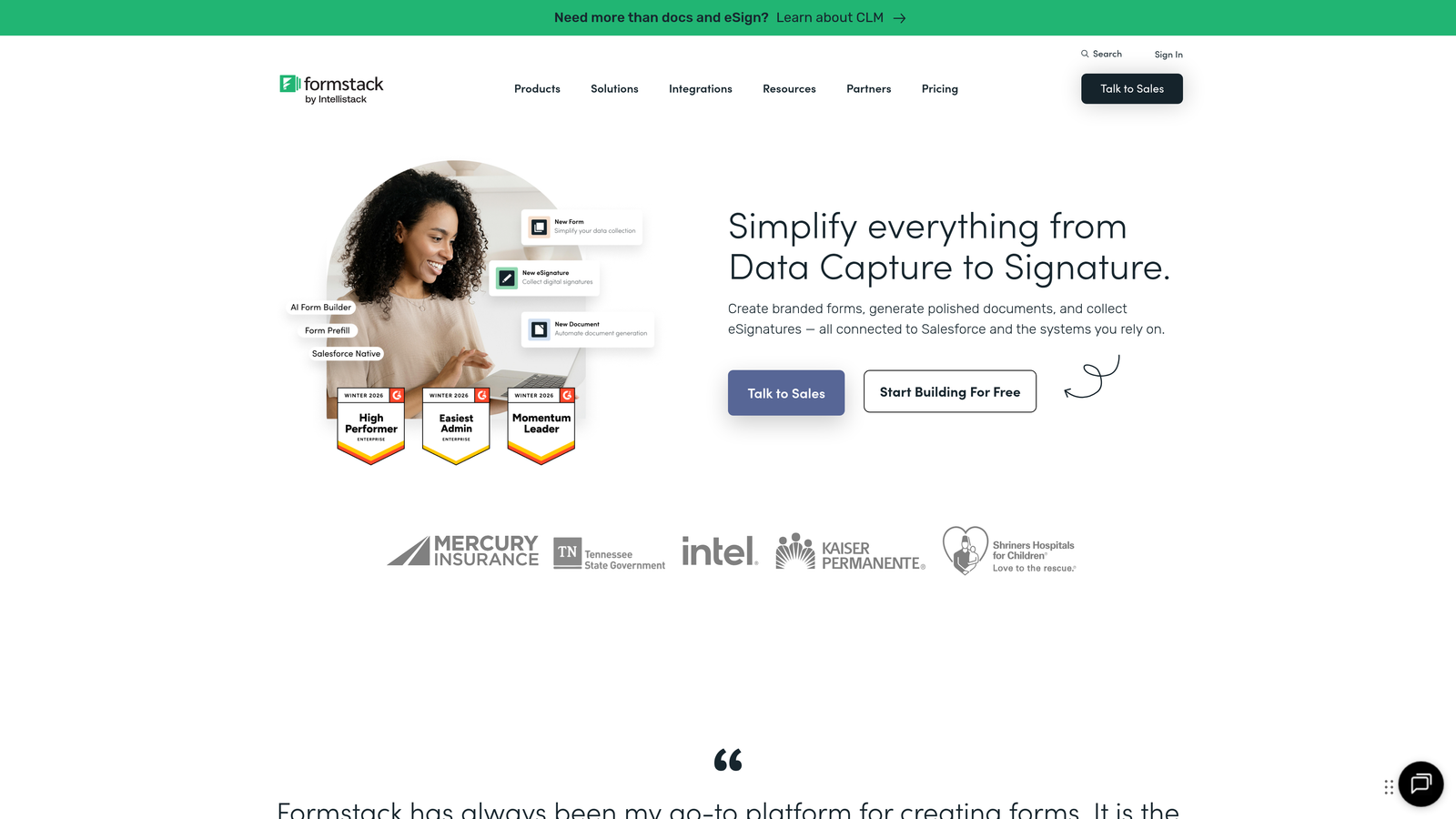
Formstack is built for organizations with strict security requirements and complex approval workflows during onboarding.
Where This Tool Shines
The compliance features are comprehensive. HIPAA and GDPR compliance come standard, with data encryption, audit trails, and role-based access controls. If you're onboarding clients in healthcare, finance, or other regulated industries, these features aren't optional—they're requirements.
Workflow automation goes beyond simple integrations. You can route onboarding data through approval chains, trigger notifications to specific team members based on responses, and automatically generate documents that require review before customer activation. Electronic signatures are built-in, eliminating the need for separate tools.
Key Features
HIPAA and GDPR Compliance: Enterprise-grade security with encryption, audit logs, and compliance documentation.
Advanced Workflow Automation: Multi-step approval processes and conditional routing based on complex business rules.
Built-In E-Signatures: Collect legally binding signatures during onboarding without third-party tools.
Role-Based Access: Control who can view, edit, and approve onboarding submissions across your organization.
Enterprise SSO: Single sign-on integration with corporate identity providers for secure access management.
Best For
Large enterprises, regulated industries like healthcare and finance, and organizations with complex multi-stakeholder onboarding processes that require approval workflows.
Pricing
Plans start at $50/month. Enterprise pricing available for organizations with advanced security and compliance requirements.
8. Cognito Forms
Best for: Onboarding flows with complex calculations, dynamic pricing, or repeating data sections
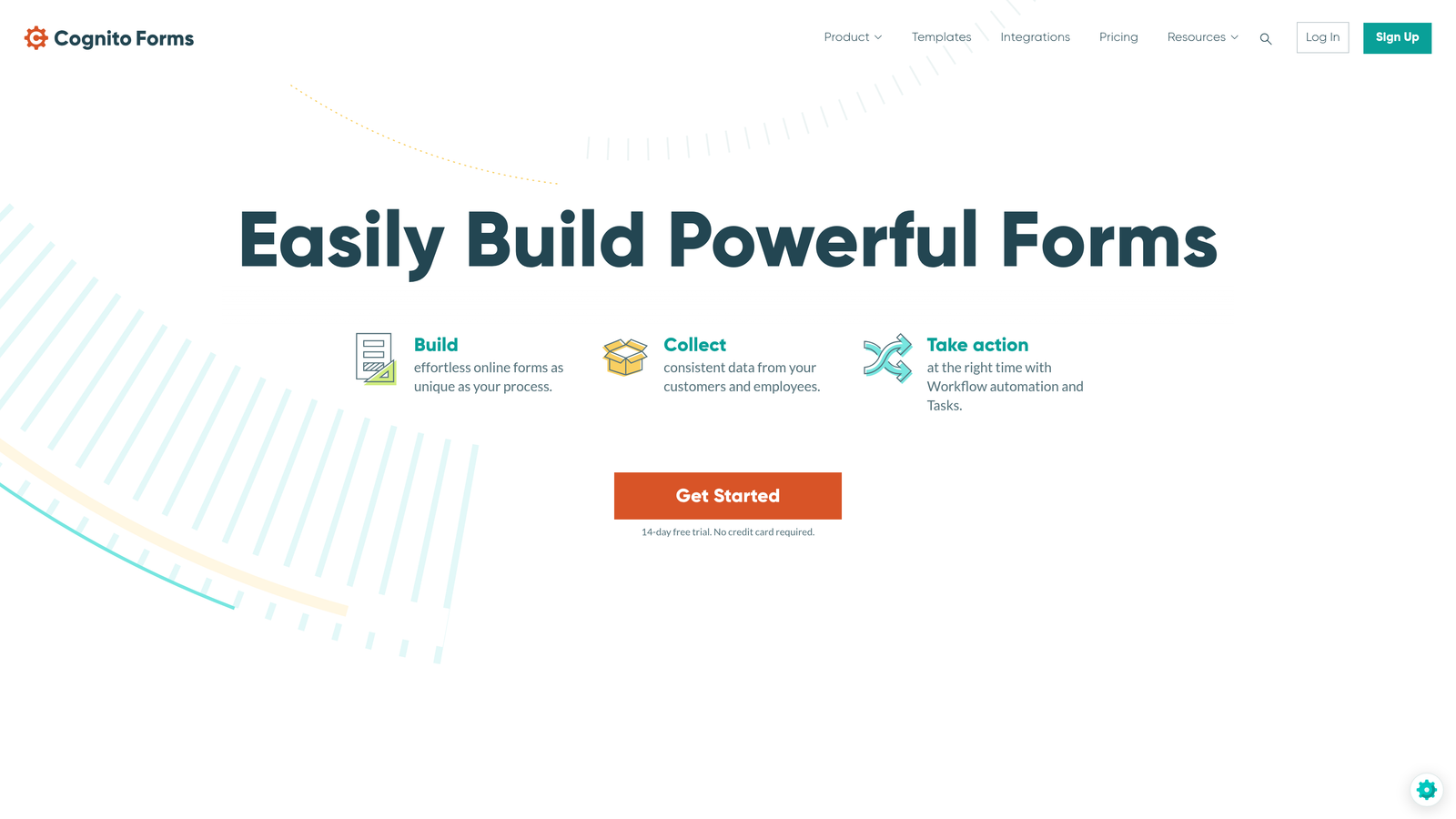
Cognito Forms excels at mathematical operations and dynamic data collection that changes based on user input.
Where This Tool Shines
The calculation engine is powerful. If your onboarding includes usage estimates, pricing configuration, or any scenario where numbers matter, Cognito handles it elegantly. You can perform calculations across multiple fields, apply conditional pricing rules, and show users real-time totals as they complete the form.
Repeating sections let customers add multiple items during onboarding—think team members, locations, or product configurations. Instead of building separate forms for different quantities, one form dynamically adjusts to whatever the customer needs to submit.
Key Features
Advanced Calculations: Perform complex mathematical operations across form fields with custom formulas.
Repeating Sections: Let users add multiple entries for team members, locations, or configurations within one form.
Payment Integration: Collect payments with calculated pricing based on selections and quantities.
Conditional Logic: Show or hide entire sections based on previous answers or calculated values.
Data Encryption: Enterprise plans include encryption and compliance features for sensitive onboarding data.
Best For
B2B companies with usage-based pricing, service businesses with variable project scoping, and any organization where onboarding requires mathematical calculations or dynamic data collection.
Pricing
Free tier available for basic forms. Paid plans start at $15/month with advanced calculations and unlimited submissions.
9. HubSpot Forms
Best for: Teams already using HubSpot CRM who want seamless native integration
HubSpot Forms is the native form builder within the HubSpot ecosystem, designed specifically for teams using HubSpot as their CRM.
Where This Tool Shines
If you're already in the HubSpot ecosystem, the integration is unbeatable. Forms automatically create and update contact records without middleware or API connections. Progressive profiling means returning customers only see questions you haven't asked before—reducing friction for multi-step onboarding over time.
Smart fields automatically populate with known information, and the analytics tie directly into your HubSpot reports. You can see exactly how onboarding forms contribute to your pipeline and track conversion rates within the same dashboard you use for all customer data.
Key Features
Seamless HubSpot Integration: Native connection to HubSpot CRM with automatic contact creation and updates.
Progressive Profiling: Only show new questions to returning users, building complete profiles over multiple sessions.
Smart Fields: Auto-populate known information and create dependent dropdown options.
Automatic Contact Management: Create new contacts or update existing records based on email matching.
Built-In Analytics: Track form performance within your HubSpot dashboard alongside other marketing metrics.
Best For
Companies already using HubSpot CRM, marketing teams that want onboarding data flowing directly into their existing workflows, and organizations prioritizing a unified customer data platform.
Pricing
Free with HubSpot CRM. Advanced features like progressive profiling and smart fields available in paid Marketing Hub plans.
Making the Right Choice
The right customer onboarding form builder depends on your specific workflow and technical requirements. If you need AI-powered qualification that routes customers intelligently without manual rule-building, Orbit AI delivers that capability with conversion-optimized designs. Teams prioritizing completion rates often gravitate toward Typeform's conversational approach, while startups on tight budgets appreciate Tally's generous free tier.
For teams already committed to specific ecosystems, the choice becomes clearer. Using Airtable or Notion as your database? Fillout's native integration eliminates middleware headaches. Already in HubSpot? Their native forms keep everything in one platform. Need HIPAA compliance? Formstack and Jotform both offer enterprise-grade security.
Think about your onboarding complexity. Simple information collection works with any tool on this list. But if you're calculating pricing, collecting payments, or routing through approval workflows, you'll want the specialized capabilities of Cognito Forms, Paperform, or Formstack respectively.
The common thread across successful onboarding is reducing friction while collecting the information you actually need. Start with your must-have features—whether that's compliance, calculations, or conversational design—then evaluate which platform delivers those capabilities without forcing you to compromise on user experience.
Transform your lead generation with AI-powered forms that qualify prospects automatically while delivering the modern, conversion-optimized experience your high-growth team needs. Start building free forms today and see how intelligent form design can elevate your conversion strategy.


