

If your forms aren't converting, you're leaving pipeline on the table. Form optimization software helps marketers move beyond static, one-size-fits-all forms toward dynamic, intelligent experiences that qualify leads, reduce drop-off, and turn more visitors into customers. But the market is crowded: some tools are built for surveys, others for enterprise data collection, and a handful are purpose-built for conversion-focused marketing teams.
This list cuts through the noise. We evaluated nine platforms on the criteria that matter most to marketers: conversion optimization features, lead qualification capabilities, conditional logic depth, analytics, integrations with marketing stacks, and ease of use without developer dependency. Whether you're running paid acquisition campaigns, optimizing landing pages, or trying to improve lead quality before it hits your CRM, there's a tool here for your workflow.
For more context on improving form performance, see our guides on how to improve form conversion rates and how to reduce form field friction.
1. Orbit AI
Best for: High-growth SaaS and B2B marketing teams prioritizing lead qualification and conversion optimization
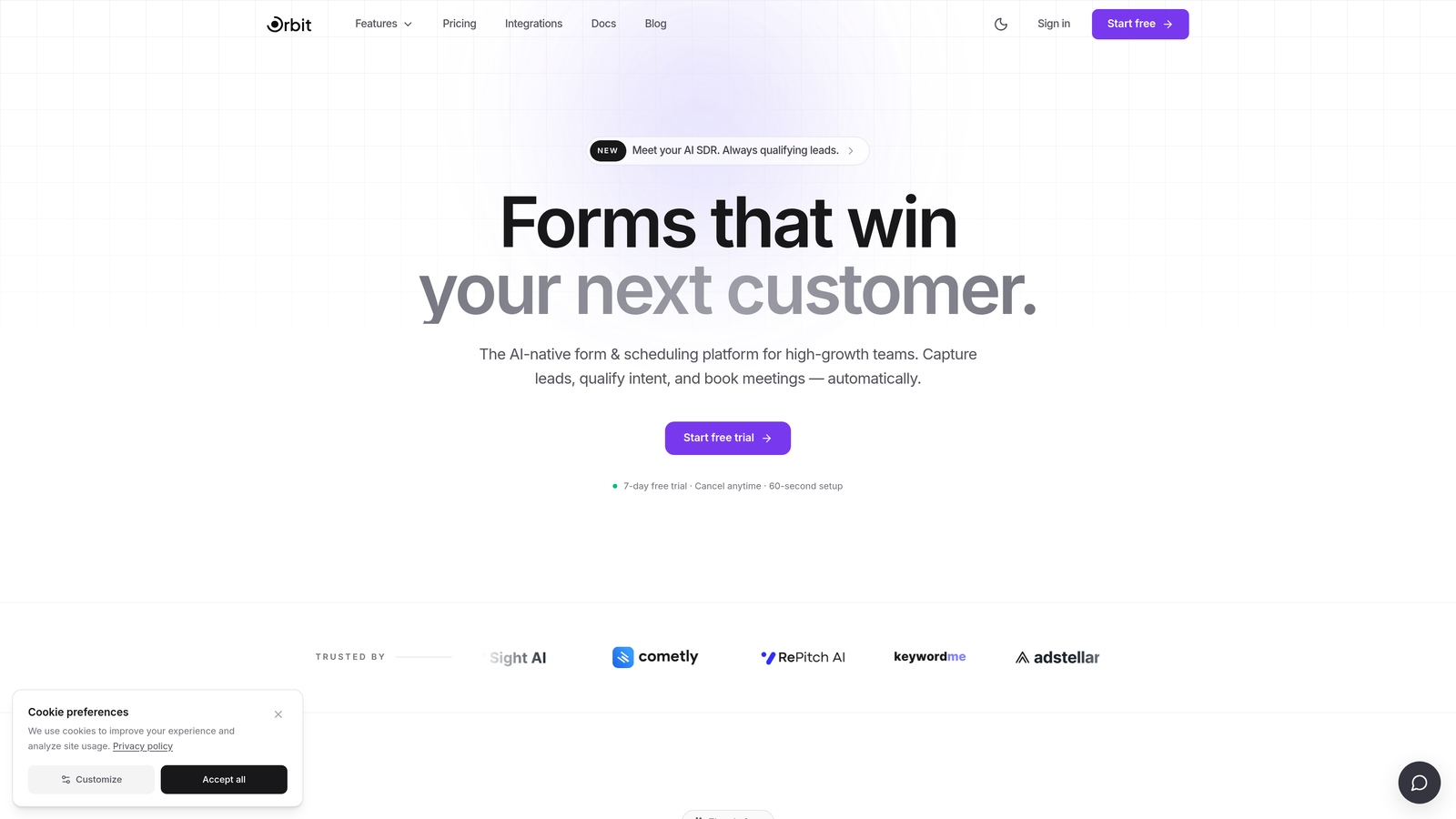
Orbit AI is an AI-powered form builder with built-in lead qualification capabilities, purpose-built for conversion-focused marketing teams.
Where This Tool Shines
Most form builders treat qualification as an afterthought, something you bolt on with a Zapier workflow after the submission lands in your CRM. Orbit AI embeds qualification logic directly into the form experience itself. That means leads get scored, routed, and segmented in real time, before they ever reach your sales team.
The design system is worth calling out separately. Where legacy builders produce forms that look like legacy builders, Orbit AI produces forms that look like your brand actually cares about the experience. For SaaS teams running paid acquisition where first impressions matter, that distinction is meaningful.
Key Features
AI-Powered Lead Qualification: Qualification logic runs inside the form experience, scoring and routing leads based on responses without requiring external automation.
Conversion-Optimized Design: Modern, beautiful UI with a design system built specifically for high-converting marketing forms, not generic data collection.
Conditional Logic and Dynamic Branching: Show, hide, or modify fields based on prior answers to keep forms relevant and friction-low for every respondent.
Lead Scoring and Routing: Automatically route qualified leads to the right sales rep, sequence, or CRM pipeline based on form response data.
CRM and Marketing Automation Integrations: Connects with major CRM and marketing automation platforms so qualified leads flow directly into your existing stack.
Best For
Orbit AI is the strongest fit for high-growth SaaS and B2B marketing teams who need forms that do more than collect data. If lead quality is a priority and you want qualification to happen at the point of capture rather than downstream, this is where to start.
Pricing
Visit orbitforms.ai for current pricing plans. A free tier is available to get started.
2. Typeform
Best for: Marketers who want a conversational form experience with strong brand presentation
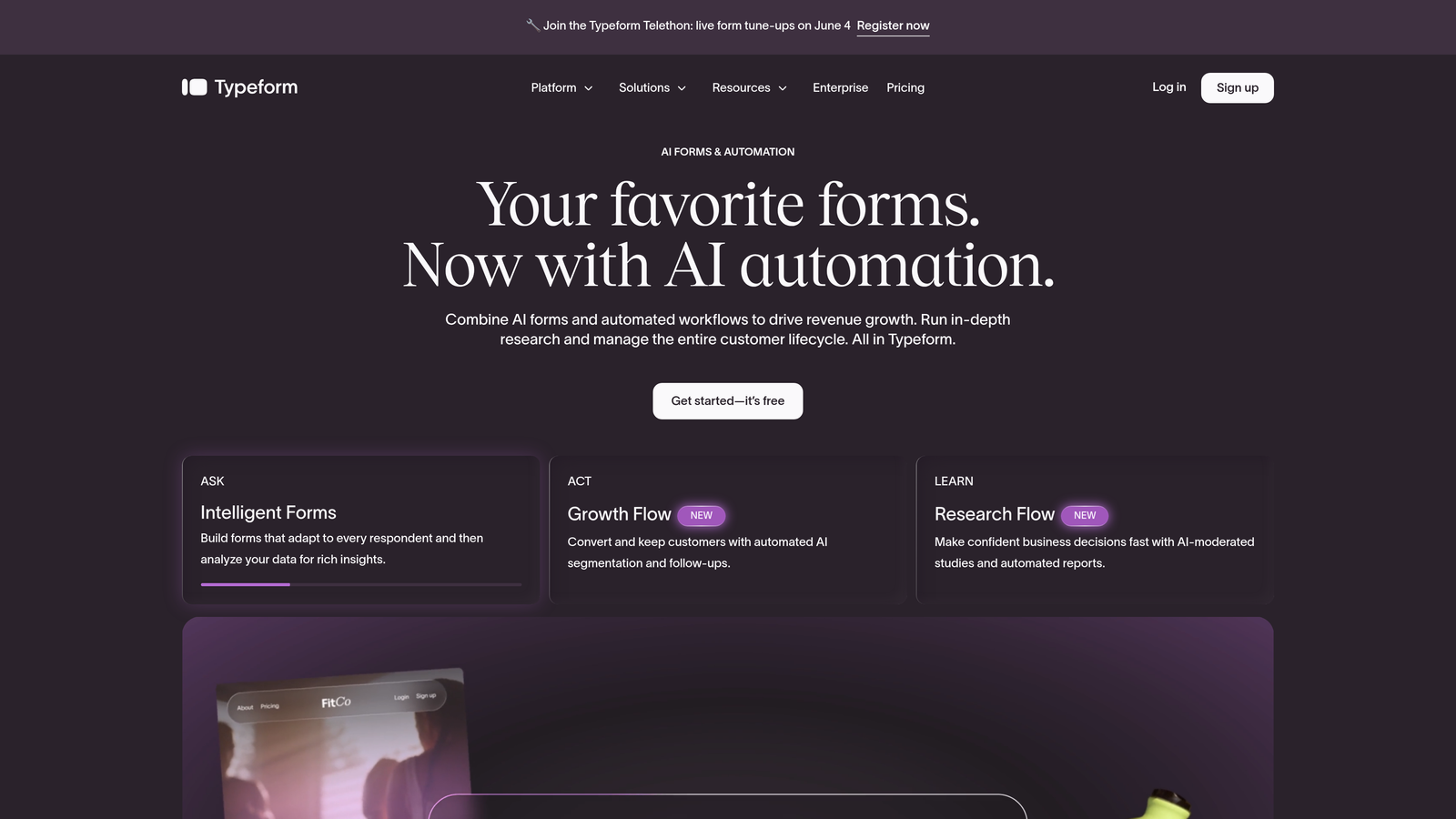
Typeform is a conversational form builder known for its one-question-at-a-time UX that drives higher engagement and completion rates.
Where This Tool Shines
Typeform's core insight is simple: presenting one question at a time feels less like filling out a form and more like having a conversation. That psychological shift tends to reduce drop-off, particularly for longer forms where a traditional multi-field layout would feel overwhelming at a glance.
The visual customization is genuinely strong. You can match brand colors, fonts, and imagery in ways that make the form feel like a natural extension of your landing page rather than a third-party widget. Where Typeform starts to show its limits is in complex lead qualification workflows: the logic jumps are solid, but routing and scoring require external tools.
Key Features
Conversational Format: One-question-at-a-time presentation reduces cognitive load and tends to improve completion rates on longer forms.
Visual Customization: Strong brand theming options including custom fonts, colors, backgrounds, and imagery.
Logic Jumps: Conditional branching lets you route respondents through different question paths based on their answers.
Native Integrations: Connects directly with HubSpot, Salesforce, Zapier, and other major marketing platforms.
Media Embedding: Embed video and images within form questions to enrich the experience.
Best For
Typeform works well for marketing teams that prioritize brand presentation and engagement over complex qualification logic. It's a strong choice for surveys, quizzes, and top-of-funnel lead capture where the experience itself is part of the conversion strategy.
Pricing
Free plan available. Paid plans start at $25/month. Check typeform.com for current plan details.
3. Unbounce
Best for: PPC and CRO teams who want forms and landing pages managed in a single platform
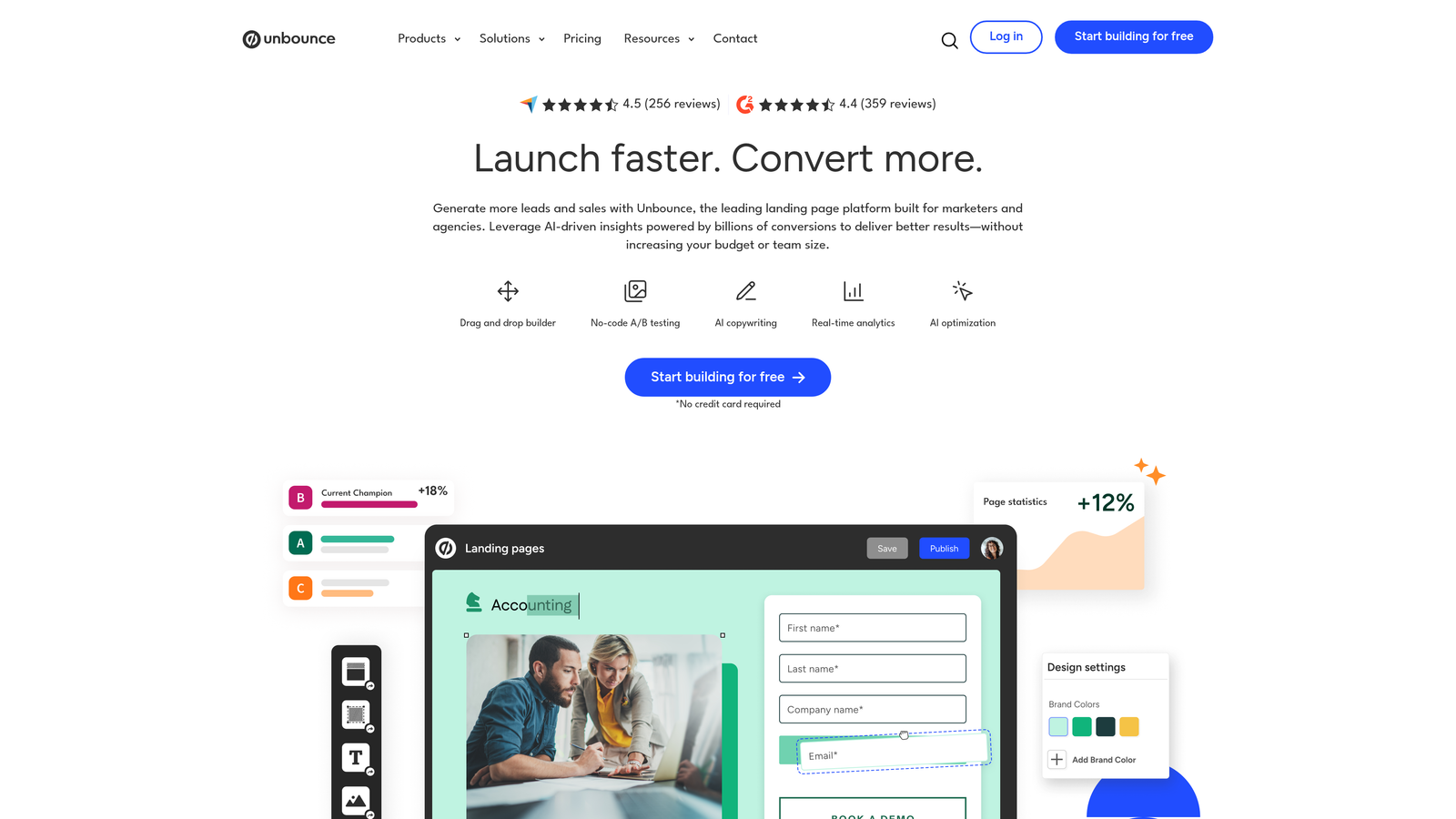
Unbounce is a landing page platform with native form building and AI-powered traffic optimization, built for paid acquisition and conversion rate optimization teams.
Where This Tool Shines
Unbounce's key differentiator is that forms don't live in isolation: they're built directly into landing pages, with the same drag-and-drop editor. For PPC teams managing multiple campaign variants, that unified workflow removes a lot of friction. You're not stitching together a form tool and a page builder; it's one environment.
The Smart Traffic feature is genuinely useful for high-volume campaigns. It uses machine learning to route visitors to the landing page variant most likely to convert for their specific profile, which can meaningfully improve campaign performance without requiring manual A/B test management at scale.
Key Features
Native Form and Page Builder: Forms are built directly within landing pages using the same drag-and-drop editor, keeping everything in one workflow.
Smart Traffic AI: Automatically routes visitors to the highest-converting page variant based on visitor attributes.
A/B and Multivariate Testing: Built-in testing tools for forms and landing pages without requiring external software.
Drag-and-Drop Editor: No-code page and form creation accessible to marketers without developer support.
Marketing and CRM Integrations: Connects with HubSpot, Salesforce, Marketo, and other major platforms.
Best For
Unbounce is best suited for paid acquisition teams and CRO specialists who want a single platform for landing pages and forms. If you're running significant ad spend and want AI-assisted traffic optimization alongside your form experience, it's a strong option.
Pricing
Plans start at approximately $99/month. Visit unbounce.com for current pricing and plan details.
4. HubSpot Forms
Best for: Inbound marketing teams already operating within the HubSpot ecosystem
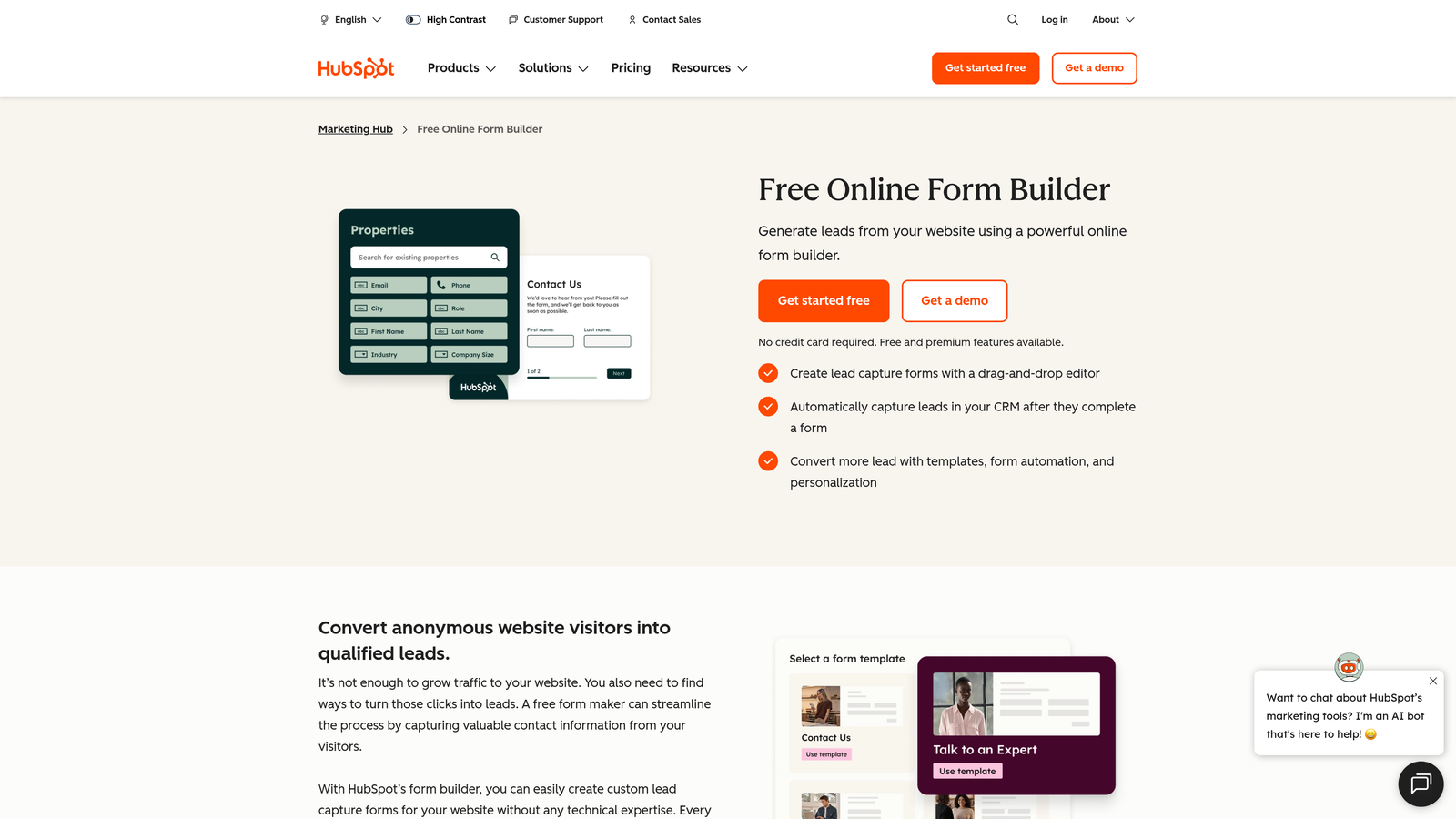
HubSpot Forms is a native form builder with progressive profiling and deep CRM integration, designed for teams running inbound marketing on HubSpot.
Where This Tool Shines
Progressive profiling is HubSpot Forms' standout capability. Instead of asking every contact the same questions every time, the form recognizes returning visitors and only displays fields for data HubSpot doesn't already have. Over multiple touchpoints, you build a richer contact profile without ever asking someone to repeat themselves.
The CRM integration is seamless because the form and the CRM are the same product. Submissions flow directly into contact records, trigger workflows, and update lifecycle stages without any middleware. For teams already on HubSpot, this native cohesion is a real advantage.
Key Features
Progressive Profiling: Forms adapt per visitor, only asking for fields not already in the CRM, gradually enriching contact data across sessions.
Smart Form Adaptation: Forms adjust based on existing CRM contact data, creating a personalized experience for known contacts.
Automatic CRM Capture: Submissions flow directly into HubSpot contact records and trigger automation workflows.
Form Analytics: Completion rates, submission data, and performance metrics visible within the HubSpot dashboard.
Free Tier: Basic form functionality is available on the free HubSpot CRM plan.
Best For
HubSpot Forms is the obvious choice for teams already invested in HubSpot. Outside that ecosystem, it loses much of its value. If you're not on HubSpot, a dedicated form tool will likely serve you better.
Pricing
Free with HubSpot CRM. Advanced features require Marketing Hub, which starts at $800/month. Check hubspot.com for current plan details.
5. Jotform
Best for: Marketing teams needing broad template coverage, payment collection, and workflow automation in one tool
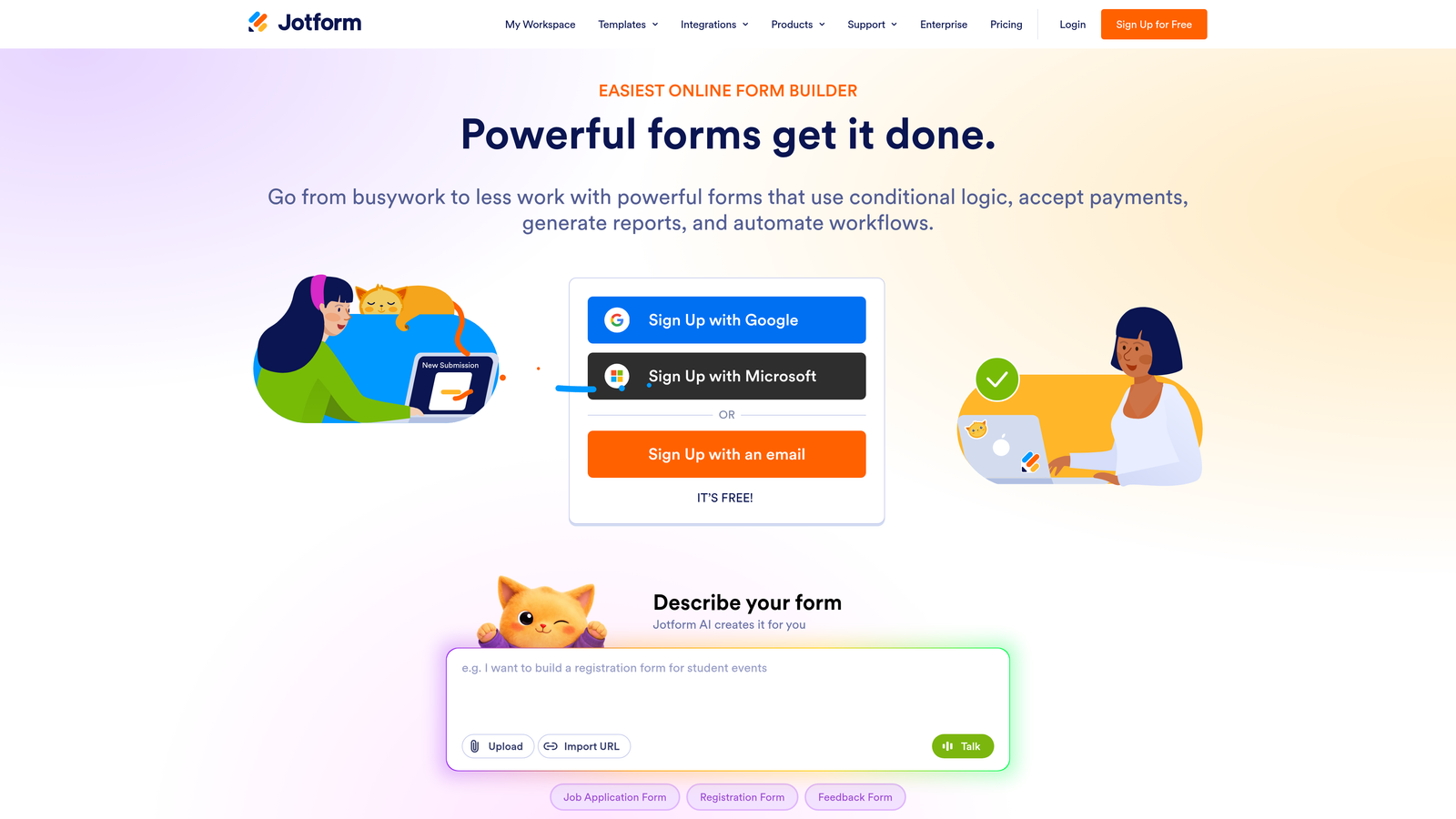
Jotform is a versatile form builder with thousands of templates, strong payment integrations, and wide use-case coverage for marketing and operations teams.
Where This Tool Shines
Jotform's template library is one of the largest in the category. Whatever type of form you need, there's almost certainly a starting point ready to customize. That breadth makes it useful for teams who need to spin up different form types quickly without building from scratch each time.
Payment collection is a genuine strength. Jotform supports Stripe, PayPal, Square, and other processors natively, which makes it a practical choice for teams running events, paid downloads, or product demos with a fee component. The tradeoff is that the platform can feel sprawling: so many features that finding the right one takes time.
Key Features
Extensive Template Library: Thousands of pre-built templates across industries and use cases, reducing time-to-launch for new forms.
Payment Integrations: Native support for Stripe, PayPal, Square, and other payment processors within the form experience.
Conditional Logic: Multi-page forms with show/hide logic based on respondent answers.
Workflow Automation: Approval routing and workflow automation for form submissions.
Integration Library: Wide integration support including Salesforce, HubSpot, and Zapier.
Best For
Jotform suits marketing teams with diverse form needs across multiple use cases, particularly where payment collection or approval workflows are involved. It's less specialized for pure conversion optimization but covers a lot of ground.
Pricing
Free plan available. Paid plans start at $34/month. Pricing scales with submission volume. Check jotform.com for current details.
6. Formstack
Best for: Enterprise marketing and operations teams with compliance requirements and complex data workflows
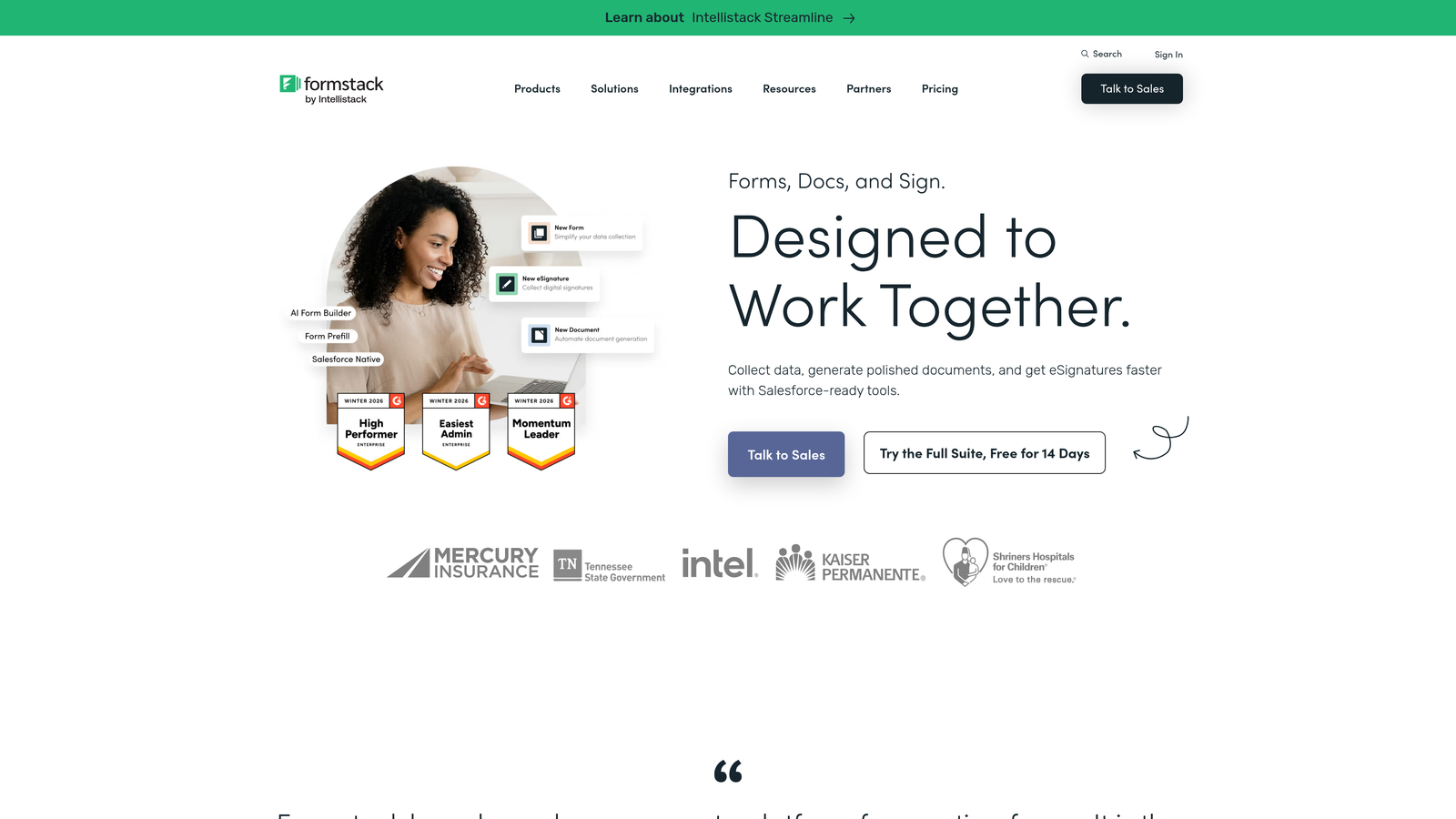
Formstack is an enterprise-grade data collection platform with compliance features, document generation, and advanced workflow automation.
Where This Tool Shines
Formstack's core strength is in regulated industries and complex organizational workflows. HIPAA and GDPR compliance support, combined with document generation and e-signature capabilities, makes it a practical choice for marketing teams in healthcare, financial services, or legal sectors where data handling requirements are strict.
The Salesforce native integration is tighter than most competitors: it's built to work within Salesforce rather than just passing data to it. For enterprise teams running Salesforce as their primary CRM, that depth matters. Formstack is less focused on conversion optimization in the CRO sense and more on data operations at scale.
Key Features
Compliance Support: HIPAA and GDPR compliance features for regulated industries and data-sensitive marketing environments.
Document Generation: Formstack Documents and Sign enable document creation and e-signature workflows triggered by form submissions.
Advanced Workflow Routing: Multi-step approval and routing workflows for complex organizational processes.
Salesforce Native Integration: Deep Salesforce integration built to operate within the Salesforce environment.
Conversion Kit: A/B testing and field-level analytics tools for form performance optimization.
Best For
Formstack is best suited for enterprise marketing and operations teams in regulated industries who need compliance, document generation, and deep Salesforce integration. It's less ideal for lean marketing teams focused primarily on conversion rate optimization.
Pricing
Plans start at approximately $83/month. Enterprise pricing is available. Visit formstack.com for current plan details.
7. Zuko
Best for: CRO teams diagnosing form abandonment and friction on existing forms
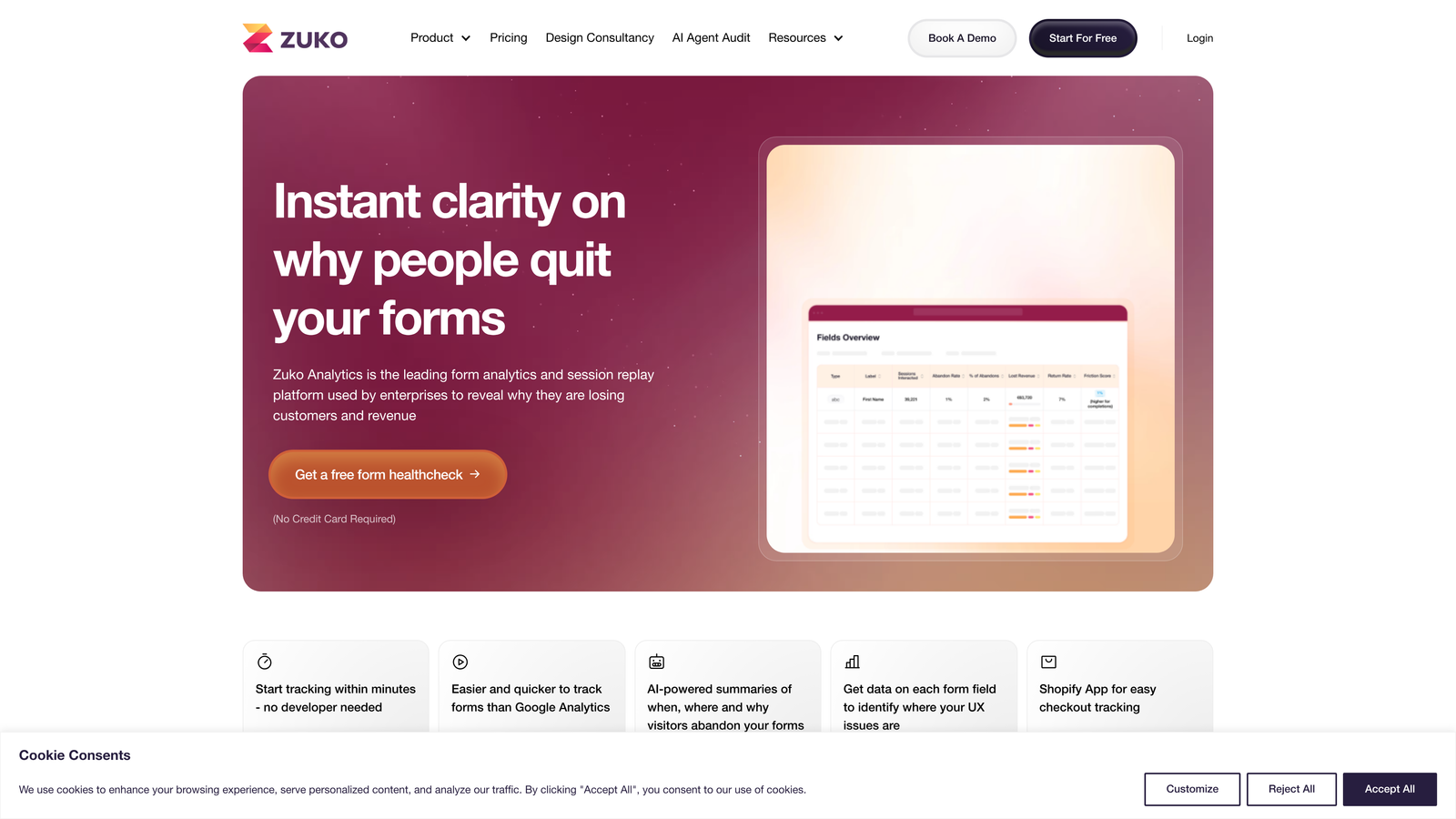
Zuko is a dedicated form analytics platform that provides field-level behavioral data to identify and fix form abandonment and friction points.
Where This Tool Shines
Zuko occupies a distinct category: it's not a form builder at all. It's an analytics layer that sits on top of whatever forms you already have. If you've been wondering why a specific field causes drop-off, or which step in a multi-page form loses the most completions, Zuko gives you the field-level data to answer those questions precisely.
The session replay for form interactions is particularly useful for qualitative diagnosis. You can watch how real users interact with your forms: where they hesitate, where they re-enter data, and where they give up entirely. That behavioral context turns vague "our form isn't converting" problems into specific, fixable issues.
Key Features
Field-Level Analytics: Tracks hesitation, re-entry, and abandonment at the individual field level across your existing forms.
Session Replay: Records and replays real user interactions with your forms for qualitative analysis.
Platform Agnostic: Works with any existing form on any website platform without requiring you to rebuild or migrate forms.
Funnel Analysis: Tracks completion rates and drop-off points across multi-step form funnels.
Actionable Recommendations: Surfaces specific improvement suggestions based on behavioral data patterns.
Best For
Zuko is ideal for CRO specialists and growth marketers who want to diagnose existing form problems with real behavioral data. It pairs well with any form builder on this list as an analytics complement rather than a replacement.
Pricing
Plans start at approximately $79/month. Visit zuko.io for current pricing and plan details.
8. Paperform
Best for: Small teams and freelancers who want polished, document-style forms without a steep learning curve
Paperform is a document-style form builder with a freeform editor, conditional logic, and payment support, popular with small teams that want professional results quickly.
Where This Tool Shines
Paperform's editor works more like a document than a traditional form builder. You type text, add questions inline, and build layouts that feel natural rather than constrained by a rigid field-by-field structure. For teams creating intake forms, application forms, or lead capture pages that need to feel like a branded document rather than a generic web form, this flexibility is genuinely useful.
The combination of conditional logic, answer piping (inserting a respondent's earlier answers into later questions), and payment integrations gives small teams a capable toolkit without enterprise complexity. It won't scale to the workflow automation depth of Formstack, but for teams that need to move fast and look good, it delivers.
Key Features
Freeform Document Editor: Build forms with flexible, document-like layouts rather than rigid field-by-field structures.
Conditional Logic and Answer Piping: Show/hide fields based on responses and dynamically insert prior answers into later questions.
Payment and Booking Integrations: Accept payments and bookings directly within forms.
Custom Domains and Brand Theming: Publish forms on custom domains with full brand customization.
Zapier and Native Integrations: Connects with popular marketing tools through Zapier and native integrations.
Best For
Paperform suits small marketing teams, agencies, and freelancers who need flexible, good-looking forms with solid logic and payment support. It's less suited for enterprise workflows or teams with complex lead qualification requirements.
Pricing
Plans start at $24/month with annual billing available. Visit paperform.co for current pricing details.
9. Google Forms
Best for: Teams needing free, instant data collection with zero setup friction
Google Forms is a free, instant form builder from Google: the zero-cost baseline option for teams needing simple data collection without setup overhead.
Where This Tool Shines
Google Forms' strength is its total absence of friction. If you have a Google account, you can have a form live in five minutes. Responses flow directly into Google Sheets, which most teams already know how to use. For internal surveys, quick feedback collection, or one-off data gathering, that simplicity is genuinely valuable.
Where it falls short for marketing teams is almost everywhere else. There's no meaningful conversion optimization, no lead scoring, no CRM integration, no A/B testing, and minimal design customization. It's the right tool for the job when the job is simple. The moment you need forms to qualify leads, reduce drop-off, or integrate with your marketing stack, you've outgrown it.
Key Features
Completely Free: No cost beyond a Google account, with no submission limits or feature paywalls.
Google Sheets Integration: Responses populate directly into Google Sheets in real time.
Basic Conditional Logic: Section branching based on multiple-choice answers covers simple routing needs.
Fast Setup: No learning curve; forms can be created and shared in minutes.
Response Summaries: Automatic charts and summaries of response data within the interface.
Best For
Google Forms is the right choice for teams with zero budget, simple data collection needs, and no conversion optimization requirements. Most marketing teams will outgrow it quickly once lead quality and form performance become priorities.
Pricing
Free with a Google account.
Which Tool Is Right for Your Team?
The right form optimization tool depends on what problem you're actually trying to solve. Here's a quick-pick guide based on the most common marketing use cases.
If lead qualification and conversion optimization are your primary goals, Orbit AI is the strongest starting point. AI-powered qualification logic built directly into the form experience sets it apart from tools that treat scoring as an afterthought. It's designed specifically for the high-growth marketing teams who need forms to do more than collect submissions.
If you're running paid acquisition campaigns and want forms and landing pages in a single workflow, Unbounce is worth a serious look. The Smart Traffic AI and built-in A/B testing are genuinely useful for teams managing significant ad spend.
If you're already on HubSpot, HubSpot Forms is the obvious choice. Progressive profiling alone makes it worth using if your CRM is already there. If you're not on HubSpot, the value drops considerably.
For teams struggling with form abandonment on existing forms, Zuko is a unique option. It works alongside whatever builder you're already using, giving you field-level behavioral data to diagnose exactly where your forms are losing people. Pair it with our guide on form abandonment rate solutions for a practical optimization framework.
For conversational engagement and brand-forward presentation, Typeform remains a solid choice. And if budget is the primary constraint, Google Forms covers the basics at no cost.
If you're ready to move beyond static forms and start qualifying leads at the point of capture, Start building free forms today with Orbit AI and see how intelligent form design can elevate your conversion strategy. You can also explore our guide on how to qualify leads with forms to sharpen your approach before you build.


