

Finding the right data collection form tool can make or break your lead generation strategy. The difference between a generic form builder and one with intelligent features? Conversion rates that can swing by 40% or more, and lead quality that actually moves the needle for your sales team. In 2026, the best tools go beyond simple field capture—they qualify leads in real-time, integrate seamlessly with your tech stack, and provide actionable analytics that help you optimize every submission.
We've evaluated dozens of platforms based on what matters most: ease of use, integration capabilities, lead qualification features, analytics depth, and pricing flexibility. Whether you're a high-growth team needing AI-powered lead scoring or a small business looking for budget-friendly basics, this list covers the top data collection form tools suited for different needs and budgets.
1. Orbit AI
Best for: High-growth teams needing AI-powered lead qualification built directly into their forms
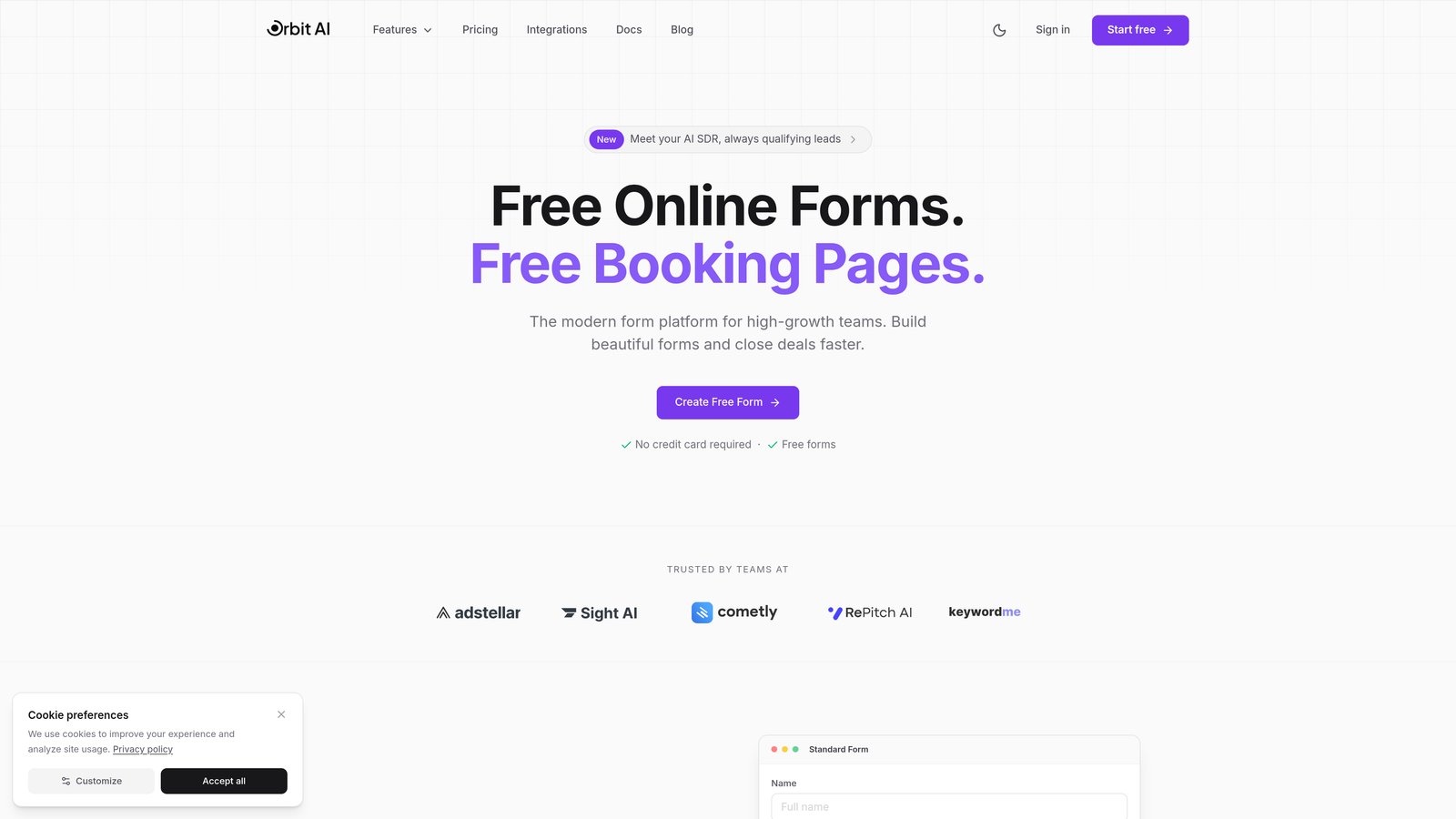
Orbit AI is an AI-powered form builder platform designed specifically for teams that need to qualify leads during collection, not after.
Where This Tool Shines
What sets Orbit AI apart is its built-in lead qualification engine. Instead of collecting raw data and sorting through it later, the platform automatically scores and routes leads based on their responses in real-time. This means your sales team sees only qualified prospects, while lower-priority leads enter nurture workflows automatically.
The platform combines conversion-optimized templates with intelligent automation, making it ideal for teams that measure success by lead quality, not just submission volume. Forms adapt based on user responses, creating personalized experiences that feel natural while capturing exactly the data you need.
Key Features
AI-Powered Lead Qualification: Automatically score and route leads based on their form responses without manual review.
Conversion-Optimized Templates: Pre-built form designs tested for maximum completion rates and data quality.
Native Integrations: Connect seamlessly with major CRMs, marketing automation platforms, and sales tools.
Real-Time Analytics: Track submission patterns, conversion rates, and lead quality metrics as they happen.
Workflow Automation: Route qualified leads to sales, send nurture emails to prospects, and trigger actions based on form data.
Best For
High-growth SaaS companies, B2B marketing teams, and businesses where lead quality directly impacts revenue. If you're tired of sorting through unqualified submissions or want to automate lead routing based on intelligent scoring, this platform delivers exactly that capability.
Pricing
Free tier available for teams getting started. Paid plans begin at competitive rates designed for growing teams, with pricing that scales based on submission volume and advanced features needed.
2. Typeform
Best for: Creating conversational, engaging data collection experiences with high completion rates
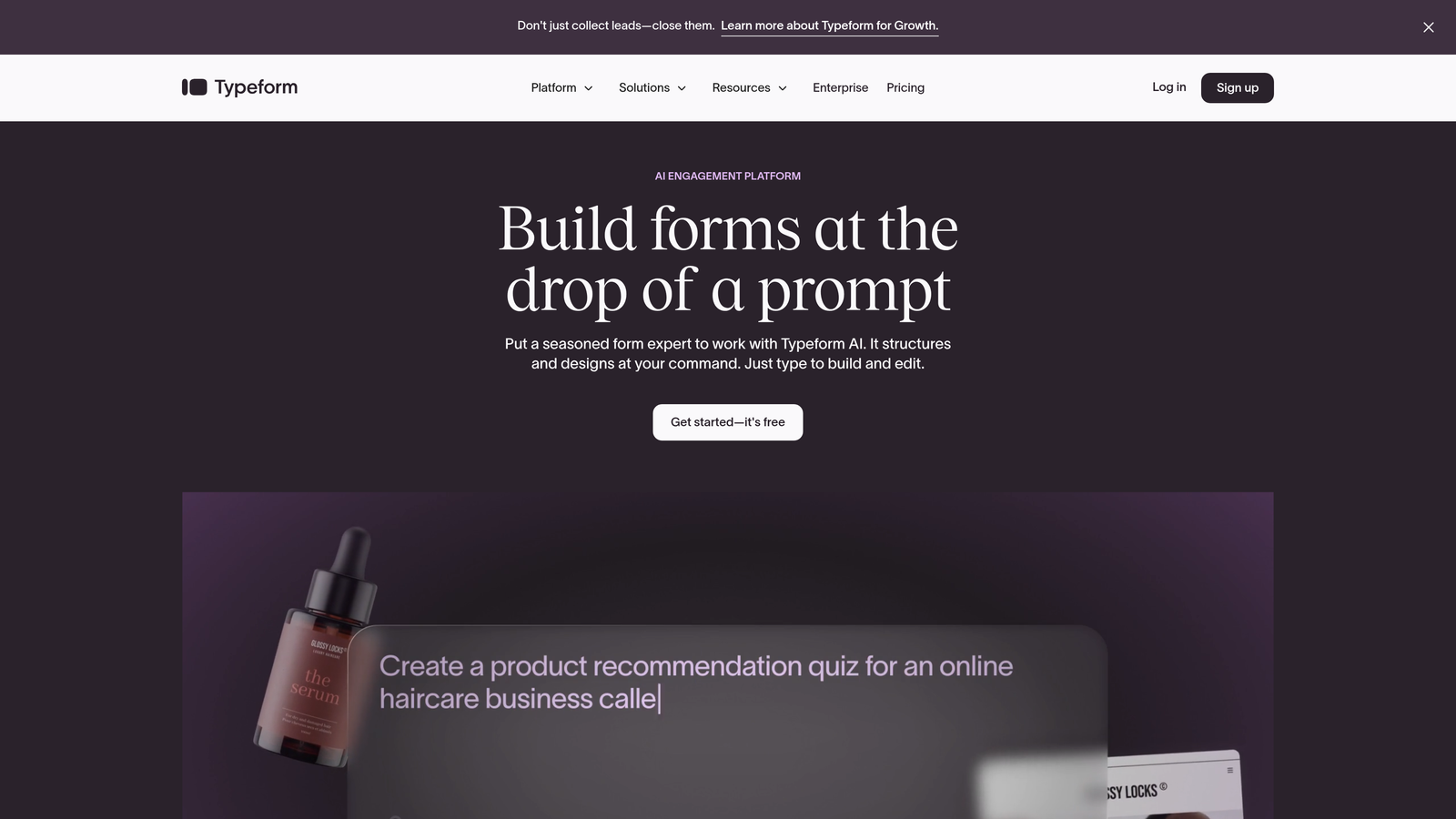
Typeform is a conversational form builder known for its one-question-at-a-time format that makes data collection feel like a natural conversation.
Where This Tool Shines
Typeform revolutionized form design by ditching the traditional multi-field layout for a conversational approach. Users see one question at a time, which reduces cognitive load and typically results in higher completion rates compared to standard forms. The interface feels modern and human, making it particularly effective for customer feedback, surveys, and lead qualification where user experience matters.
The platform's visual design capabilities stand out. You can embed videos, images, and GIFs to create engaging experiences that feel more like interactive content than data collection. This makes it a favorite among marketing teams who want forms that reflect their brand personality.
Key Features
Conversational Format: One-question-at-a-time display that guides users through a natural flow.
Beautiful Design Themes: Customizable templates with modern aesthetics that match your brand.
Logic Jumps: Create personalized paths based on user responses for tailored experiences.
Rich Media Embedding: Add videos, images, and GIFs to make forms more engaging.
Extensive Integrations: Connect with hundreds of tools including CRMs, email platforms, and analytics services.
Best For
Marketing teams, customer experience professionals, and brands that prioritize user engagement. If your forms need to feel less like paperwork and more like conversations, Typeform's approach delivers that experience consistently.
Pricing
Free basic plan with limited features. Paid plans start at $25/month, with higher tiers unlocking advanced logic, integrations, and branding removal.
3. JotForm
Best for: Teams needing extensive template variety and customization options for diverse use cases
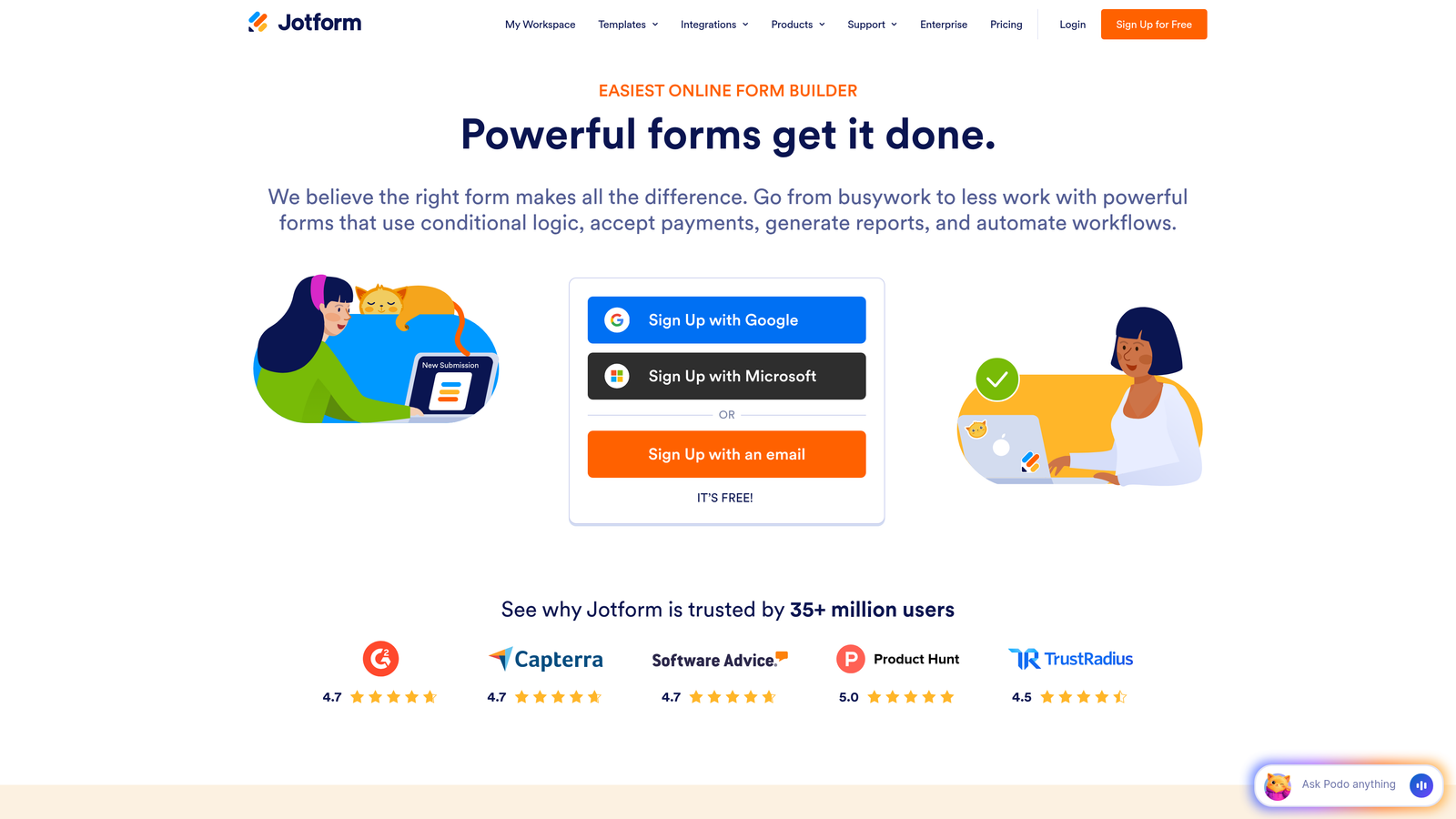
JotForm is a feature-rich form builder offering over 10,000 templates and deep customization for virtually any data collection scenario.
Where This Tool Shines
JotForm's massive template library means you can find pre-built forms for almost any use case imaginable—from event registrations to medical intake forms to product orders. This saves significant setup time and provides proven structures that work. The drag-and-drop builder makes customization straightforward, even for users without technical skills.
For organizations with compliance requirements, JotForm offers HIPAA-compliant options and robust security features. The platform also handles payment collection through integrations with major processors, making it suitable for businesses selling products or services directly through forms.
Key Features
10,000+ Templates: Pre-built forms for virtually every industry and use case to accelerate setup.
Drag-and-Drop Builder: Intuitive interface for customizing forms without coding knowledge.
Payment Integrations: Accept payments through Stripe, PayPal, Square, and other major processors.
HIPAA Compliance: Secure forms that meet healthcare data protection requirements.
Mobile App: Manage forms and view submissions on the go with dedicated mobile applications.
Best For
Small to medium businesses, healthcare providers, educational institutions, and anyone needing versatile form solutions across multiple departments. The template variety makes it especially valuable for organizations with diverse data collection needs.
Pricing
Free tier available with submission and storage limits. Paid plans start at $34/month, with higher tiers offering increased submissions, storage, and advanced features.
4. Google Forms
Best for: Teams using Google Workspace who need straightforward, free data collection
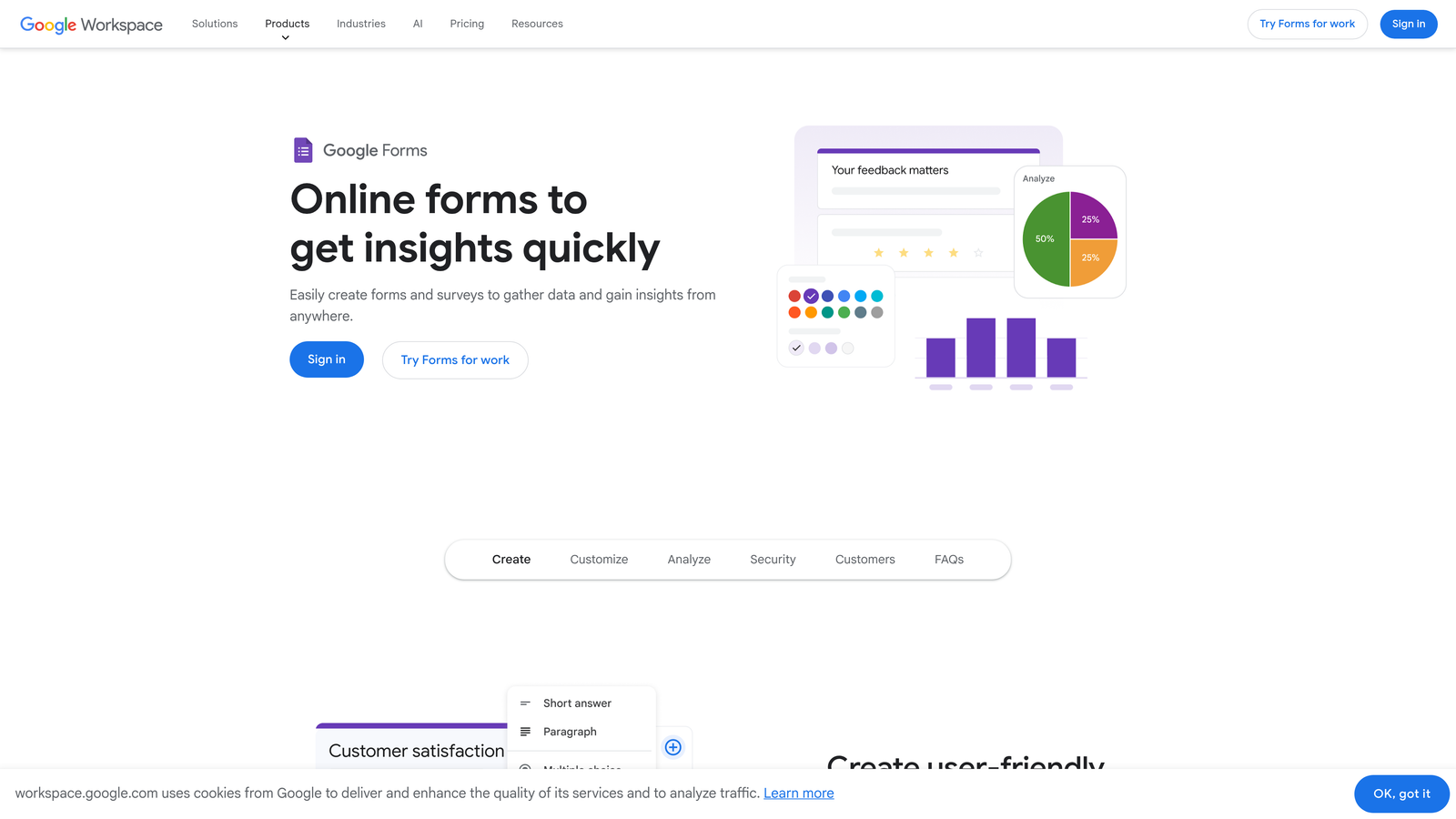
Google Forms is a free, no-frills form builder that integrates seamlessly with Google Sheets and other Workspace tools.
Where This Tool Shines
Google Forms wins on simplicity and price—it's completely free with unlimited forms and submissions. For teams already using Google Workspace, the automatic integration with Google Sheets means collected data flows directly into spreadsheets for analysis. Real-time collaboration allows multiple team members to edit forms simultaneously, making it ideal for quick surveys or internal data collection.
While it lacks the advanced features of paid platforms, Google Forms covers the basics reliably. The interface is straightforward, setup takes minutes, and sharing options make distribution easy through links, email, or website embedding.
Key Features
Completely Free: Unlimited forms, questions, and submissions without any cost.
Google Sheets Integration: Responses automatically populate spreadsheets for easy analysis and reporting.
Real-Time Collaboration: Multiple users can edit forms simultaneously with changes syncing instantly.
Basic Conditional Logic: Show or hide questions based on previous answers for simple branching.
Simple Sharing: Distribute forms via links, email, or embed codes with minimal setup.
Best For
Small teams, nonprofits, educators, and businesses with basic data collection needs and tight budgets. If you need quick surveys or internal forms without complexity, Google Forms delivers exactly that without cost.
Pricing
Completely free with a Google account. No paid tiers or premium features.
5. Tally
Best for: Teams wanting unlimited forms on a generous free tier with modern design
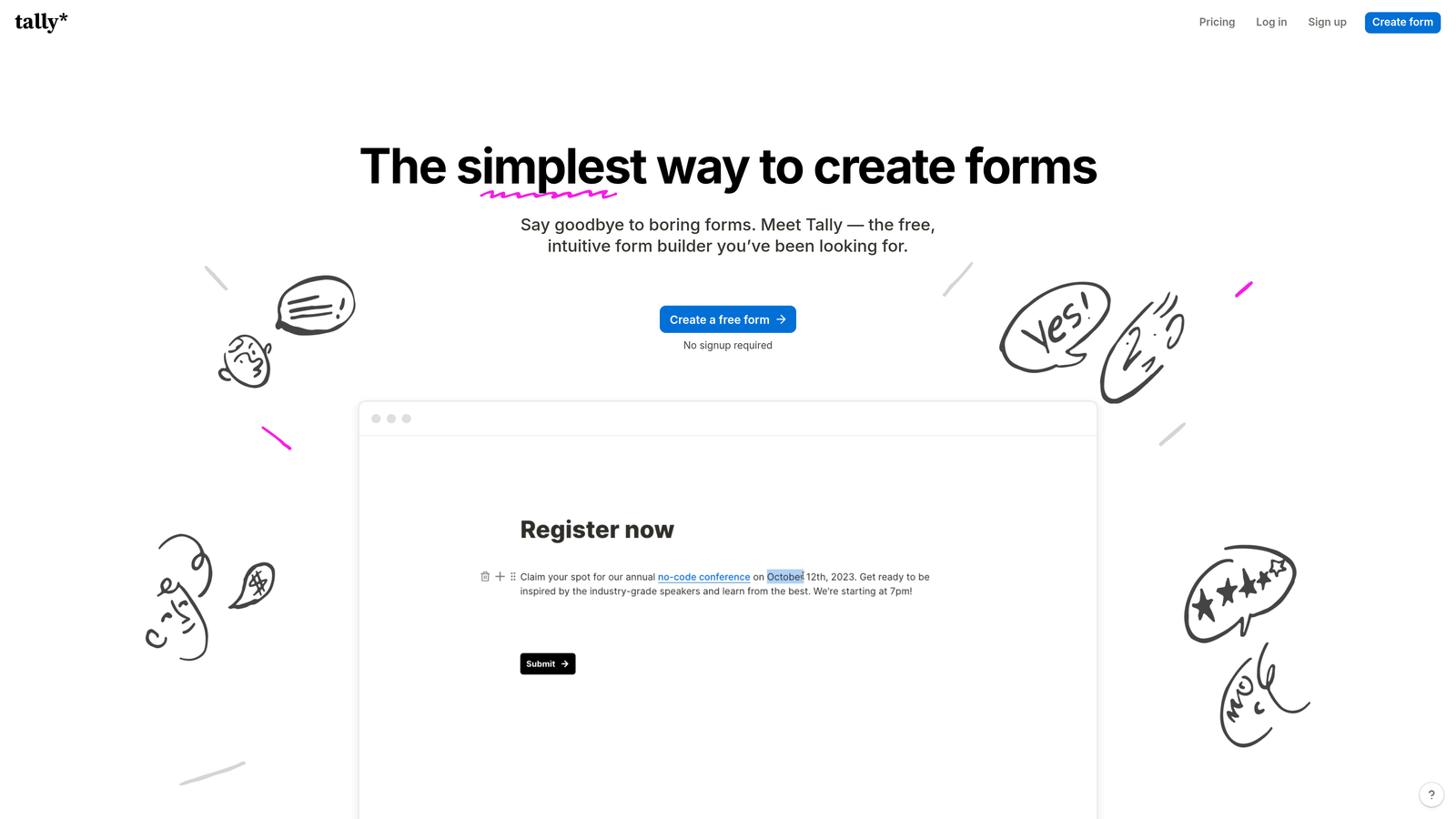
Tally is a modern, minimalist form builder offering unlimited forms and submissions on its free plan with a Notion-like editing experience.
Where This Tool Shines
Tally's free tier is remarkably generous—unlimited forms, unlimited submissions, and no branding requirements. This makes it a standout option for startups and small businesses that need professional forms without monthly fees. The Notion-style block-based editor feels familiar to teams already using modern productivity tools, with a clean interface that emphasizes simplicity.
Despite being free-friendly, Tally includes features typically reserved for paid plans elsewhere, like conditional logic, calculations, and even payment collection. The platform focuses on essential functionality without overwhelming users with options they won't use.
Key Features
Unlimited Free Plan: Create unlimited forms with unlimited submissions at no cost.
Block-Based Editor: Notion-style interface for intuitive form building and editing.
Payment Collection: Accept payments directly through forms even on the free tier.
Conditional Logic: Show or hide fields based on user responses to create dynamic forms.
Custom Domains: Use your own domain for forms on paid plans for professional branding.
Best For
Startups, solopreneurs, small businesses, and anyone who needs professional forms without monthly costs. If budget is a constraint but you still want modern features, Tally delivers exceptional value.
Pricing
Generous free tier with unlimited forms and submissions. Pro plan available from $29/month for custom domains, file uploads, and advanced features.
6. Formstack
Best for: Enterprise organizations with complex compliance and workflow automation requirements
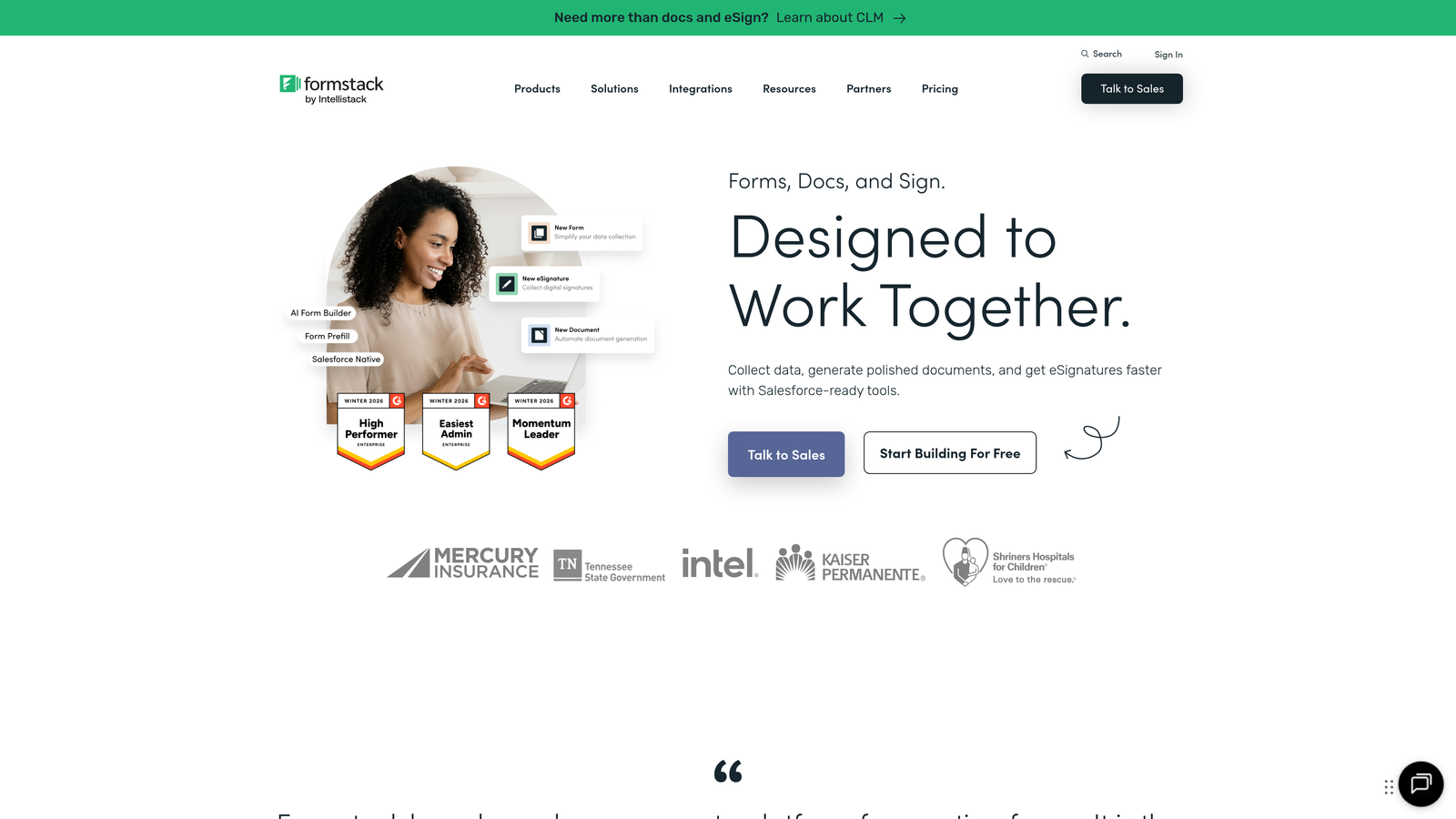
Formstack is an enterprise-grade form and workflow automation platform built for organizations with sophisticated data collection and compliance needs.
Where This Tool Shines
Formstack targets enterprises that need more than forms—they need complete workflow automation. The platform handles complex approval processes, multi-step workflows, and automated routing based on sophisticated business rules. For organizations in regulated industries, Formstack offers HIPAA, GDPR, and SOC 2 compliance out of the box, along with advanced security features and audit trails.
The electronic signature capability integrated directly into forms eliminates the need for separate e-signature tools. Combined with enterprise-level permissions and user management, Formstack becomes a comprehensive solution for organizations where data collection is mission-critical and compliance is non-negotiable.
Key Features
Advanced Workflow Automation: Build complex approval processes and multi-step workflows with conditional routing.
Compliance Certifications: HIPAA, GDPR, and SOC 2 compliance with built-in security and audit capabilities.
Electronic Signatures: Collect legally binding signatures directly within forms without third-party tools.
Conditional Logic: Create sophisticated branching and calculations based on form responses.
Enterprise Security: Advanced permissions, user management, and data encryption for organizational control.
Best For
Healthcare organizations, financial services, government agencies, and large enterprises with strict compliance requirements. If your data collection involves regulated information or complex approval workflows, Formstack provides the infrastructure to handle it securely.
Pricing
Plans start at $50/month for basic features. Enterprise pricing available for organizations needing advanced compliance, security, and support.
7. Paperform
Best for: Marketers creating content-rich forms that double as landing pages
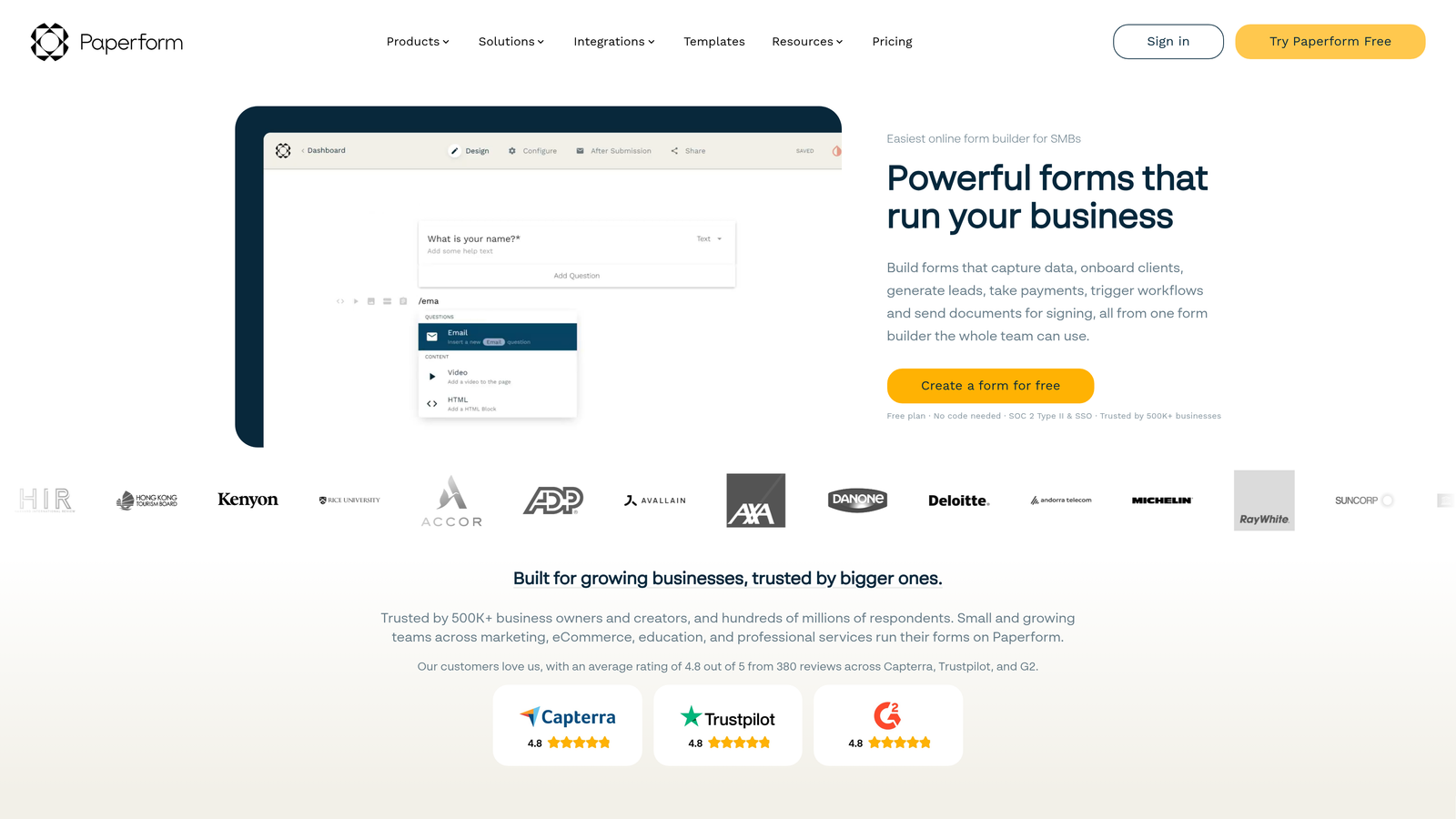
Paperform is a form builder that blends traditional forms with landing page capabilities for creating branded, content-rich data collection experiences.
Where This Tool Shines
Paperform breaks the mold by letting you create forms that look and feel like full landing pages. You can add rich text, images, videos, and custom branding to create experiences that tell a story while collecting data. This makes it particularly powerful for product launches, event registrations, and marketing campaigns where the form itself needs to sell the value proposition.
The platform includes built-in analytics and conversion tracking, giving marketers visibility into how forms perform. Payment and booking integrations allow you to collect money or schedule appointments directly through forms, consolidating multiple tools into one solution.
Key Features
Landing Page Integration: Create forms that function as complete landing pages with rich content and branding.
Rich Media Embedding: Add text, images, videos, and custom HTML to create engaging experiences.
Built-In Analytics: Track form performance, conversion rates, and user behavior without external tools.
Payment and Booking: Accept payments and schedule appointments directly through forms.
Custom Branding: Full control over colors, fonts, and design to match your brand identity.
Best For
Marketing teams, event organizers, agencies, and businesses that need forms to do double duty as marketing assets. If your forms need to persuade as much as they collect data, Paperform's landing page approach delivers that capability.
Pricing
Plans start at $24/month with increasing tiers for higher submission volumes and advanced features.
8. Cognito Forms
Best for: Service businesses collecting payments alongside customer data with complex calculations
Cognito Forms is a form builder with robust calculation and payment processing features designed for businesses that need to calculate costs or collect payments during data collection.
Where This Tool Shines
Cognito Forms excels at handling complex calculations within forms. Whether you're building a quote calculator, order form with dynamic pricing, or registration form with variable costs, the platform's calculation fields can handle sophisticated math based on user inputs. This eliminates manual calculation errors and provides instant pricing feedback to users.
The integrated payment processing through Stripe, PayPal, and Square means you can collect money directly through forms without redirecting users to external payment pages. Repeating sections allow users to add multiple items or entries dynamically, making it ideal for order forms and registrations with variable quantities.
Key Features
Advanced Calculations: Build complex formulas and calculations that update in real-time based on user inputs.
Integrated Payments: Accept payments through Stripe, PayPal, and Square directly within forms.
Repeating Sections: Allow users to add multiple entries or items dynamically for flexible data collection.
Conditional Logic: Show, hide, or require fields based on previous responses for tailored experiences.
Data Security: Encryption and compliance options for protecting sensitive customer information.
Best For
Service businesses, consultants, event organizers, and e-commerce sellers who need to calculate prices or collect payments through forms. If your forms involve math or money, Cognito Forms provides the tools to handle both reliably.
Pricing
Free tier available for basic needs. Paid plans start at $15/month with increasing capabilities for payments, storage, and advanced features.
9. HubSpot Forms
Best for: Teams using HubSpot CRM who need native integration and automated lead nurturing
HubSpot Forms is a CRM-native form builder that automatically syncs collected data with HubSpot's marketing, sales, and service tools for unified lead management.
Where This Tool Shines
For teams already using HubSpot CRM, the native form builder eliminates data sync headaches entirely. Every form submission automatically creates or updates contact records in your CRM, triggers workflows, and feeds into your marketing automation. Progressive profiling is a standout feature—returning visitors see different questions based on data you already have, reducing friction while enriching contact records over time.
Smart fields adapt based on known contact information, pre-filling data for returning users to streamline their experience. Combined with built-in analytics and attribution tracking, HubSpot Forms provides complete visibility into how forms contribute to your pipeline and revenue.
Key Features
Native CRM Integration: Automatic sync with HubSpot CRM for seamless contact management and lead tracking.
Progressive Profiling: Show different questions to returning visitors based on existing contact data.
Smart Fields: Pre-fill known information and adapt questions based on contact records.
Built-In Analytics: Track form performance, conversion rates, and attribution within HubSpot's reporting.
Automated Workflows: Trigger email sequences, lead assignments, and nurturing campaigns based on submissions.
Best For
Marketing and sales teams using HubSpot CRM who want seamless integration between forms and their lead management system. If you're invested in the HubSpot ecosystem, the native form builder eliminates integration complexity while unlocking powerful automation.
Pricing
Free with HubSpot CRM account. Advanced features like progressive profiling and automation require paid Marketing Hub subscriptions.
Finding Your Perfect Data Collection Tool
The right data collection form tool depends on what matters most to your team. If AI-powered lead qualification is your priority and you want to automatically score and route prospects during collection, Orbit AI delivers exactly that capability with conversion-optimized templates and intelligent automation. For teams prioritizing user experience and engagement, Typeform's conversational approach creates forms that feel natural and typically achieve higher completion rates.
Budget-conscious teams have excellent options too. Tally offers unlimited forms and submissions on a generous free tier with modern features, while Google Forms provides reliable basics at zero cost for teams already using Google Workspace. On the enterprise side, Formstack handles complex compliance requirements with HIPAA, GDPR, and SOC 2 certifications built in, making it ideal for regulated industries. And if you're using HubSpot CRM, their native form builder eliminates integration headaches while unlocking progressive profiling and automated workflows.
Consider your primary goal when selecting a platform. Are you focused on lead quality and qualification? Workflow automation and compliance? User experience and completion rates? Or seamless integration with your existing tech stack? The tools on this list excel in different areas, so match your choice to your biggest pain point.
For high-growth teams where lead quality directly impacts revenue, the ability to qualify prospects during collection—not after—can transform your entire funnel. Start building free forms today and see how intelligent form design can elevate your conversion strategy with AI-powered qualification that routes the right leads to the right teams automatically.


