

When your organization processes thousands of form submissions across departments, a basic form builder won't cut it. Enterprise teams need form software that handles complex workflows, enforces compliance standards, integrates with existing tech stacks, and scales without breaking. But with dozens of platforms claiming enterprise-grade capabilities, choosing the right one requires cutting through a lot of marketing noise.
We evaluated these nine enterprise form platforms based on criteria that matter most to large organizations: security and compliance certifications, workflow automation depth, integration ecosystem, admin controls, scalability, and total cost of ownership. Whether you're replacing a legacy system or standardizing form infrastructure across teams, this guide breaks down where each platform excels and where it falls short.
1. Orbit AI
Best for: High-growth enterprise teams prioritizing AI-powered lead qualification and conversion-optimized forms
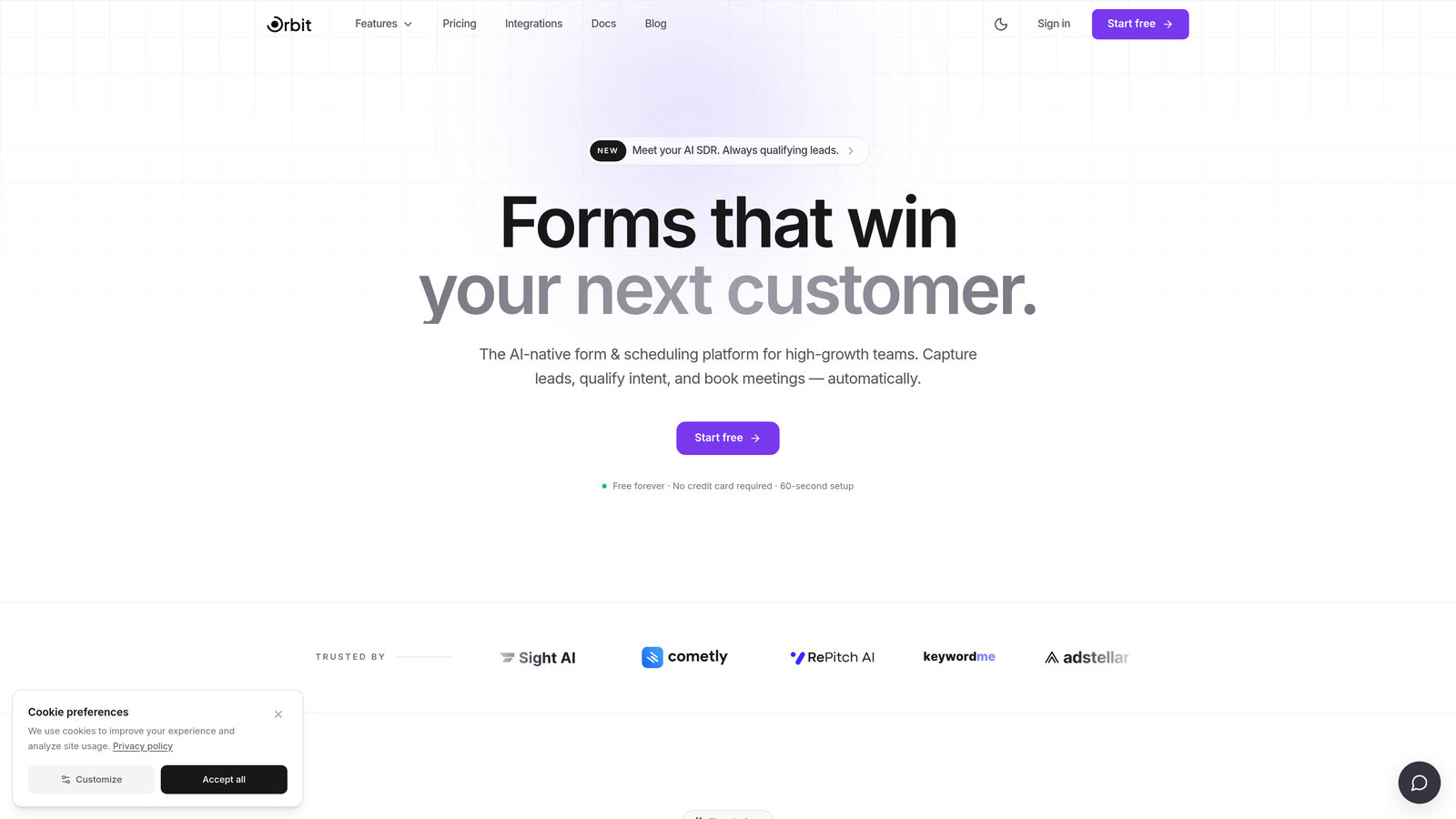
Orbit AI is an AI-powered form builder platform with native lead qualification and intelligent scoring built directly into form workflows.
Where This Tool Shines
Most enterprise form tools treat lead qualification as an afterthought, leaving sales teams to manually sort through submissions. Orbit AI takes a different approach by embedding AI-powered scoring and qualification logic directly into the form experience itself. That means your forms aren't just collecting data, they're actively filtering and prioritizing prospects before a single sales rep gets involved.
The platform is built with conversion in mind. Form design is modern and responsive, and dynamic field logic adapts the experience based on how users respond, reducing friction and improving completion rates. For growth-focused teams managing high submission volumes, that combination of intelligent qualification and polished UX is a genuine differentiator.
Key Features
AI-Powered Lead Qualification: Embedded scoring logic evaluates and qualifies leads in real time as forms are completed, reducing manual triage downstream.
Dynamic Form Fields: Fields adapt and branch based on user input, creating personalized form experiences without complex manual logic trees.
Conversion-Optimized Design: Modern, clean UI templates built specifically to reduce drop-off and improve completion rates on customer-facing forms.
Integration-Ready API: Flexible API architecture connects with existing CRM, marketing automation, and enterprise tech stacks.
Built for Scale: Designed for high-growth teams that need form infrastructure to grow with them, not against them.
Best For
Orbit AI is best suited for growth-stage and enterprise marketing and sales teams where lead volume is high and qualification speed matters. If your team is spending significant time manually sorting form submissions, the AI-powered scoring layer addresses that problem directly at the source.
Pricing
Enterprise pricing is available on request. Contact the Orbit AI team directly for a custom quote based on your organization's scale and use case.
2. Formstack
Best for: Enterprise operations teams needing forms, documents, and e-signatures in a unified workflow platform
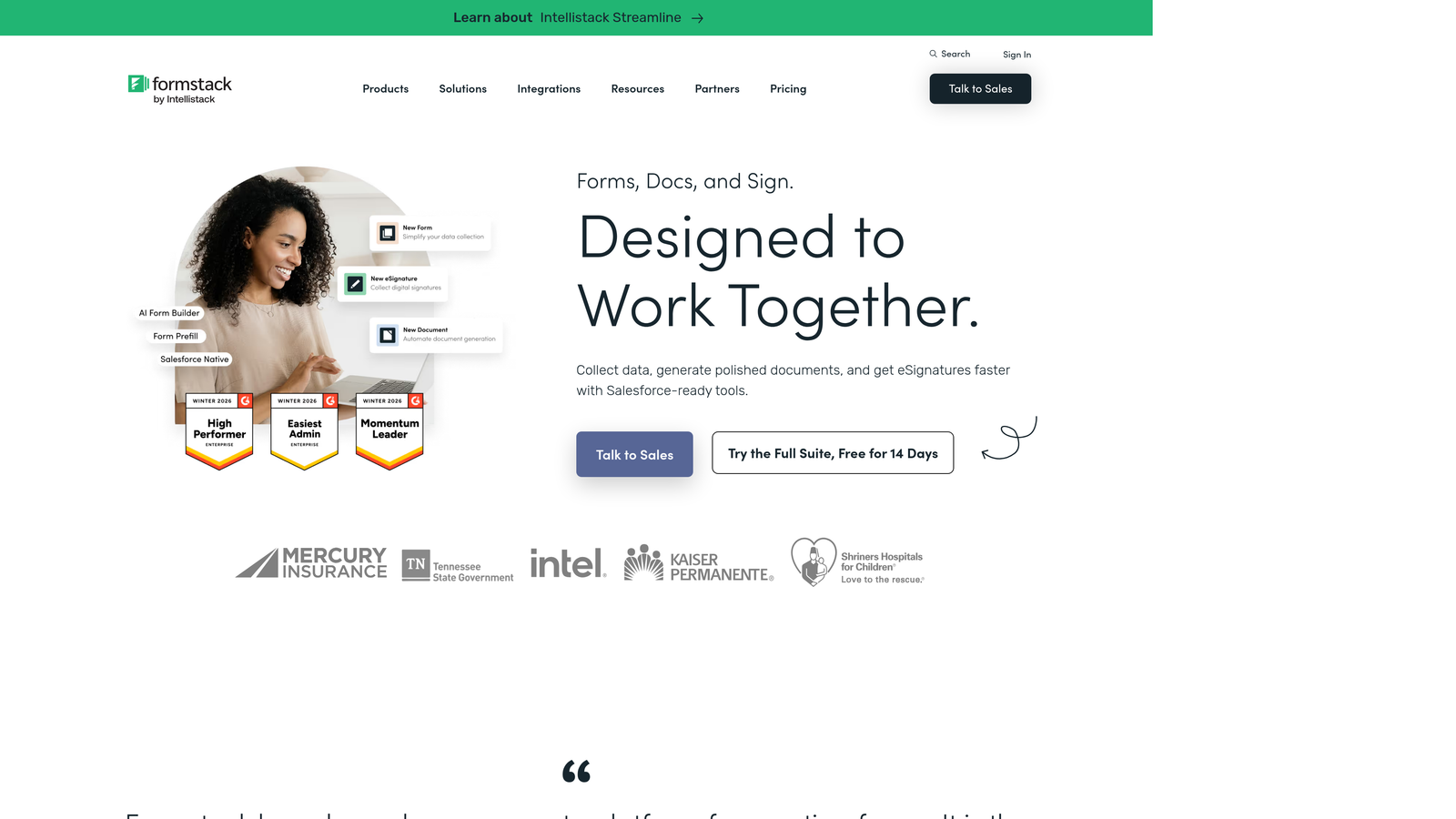
Formstack is a workflow automation suite that combines form building, document generation, and electronic signatures into a single connected platform.
Where This Tool Shines
Formstack's key strength is breadth. Rather than positioning itself as a standalone form builder, it functions as an end-to-end document workflow platform. You can capture data via form, auto-populate a document template, and route it for e-signature without ever leaving the ecosystem. For operations teams managing complex, multi-step document processes, that tight integration reduces tool sprawl significantly.
The platform also carries strong compliance credentials, making it a viable option for healthcare, finance, and legal teams where HIPAA and SOC 2 certifications are non-negotiable. The Salesforce-native app is a bonus for teams already living in that CRM.
Key Features
Unified Workflow Suite: Forms, document generation, and e-signatures are natively connected, eliminating the need for separate tools in each category.
Conditional Workflow Routing: Submissions can trigger different approval paths and notifications based on form responses.
HIPAA and SOC 2 Certification: Compliance credentials built in for regulated industries without requiring additional configuration.
Salesforce-Native App: Purpose-built Salesforce integration for teams managing their pipeline in that CRM.
Role-Based Access and Audit Trails: Granular permission controls and activity logging for enterprise governance requirements.
Best For
Formstack is a strong fit for operations, HR, and legal teams in regulated industries that need more than just data collection. If your workflows involve generating documents or collecting signatures downstream from a form submission, the unified suite approach saves meaningful time and reduces integration complexity.
Pricing
Enterprise plans start around $83/month billed annually, with custom enterprise pricing available for larger organizations. Pricing scales based on the specific Formstack products included in your plan.
3. Jotform Enterprise
Best for: Organizations needing a large template library, white-labeling, and dedicated cloud infrastructure
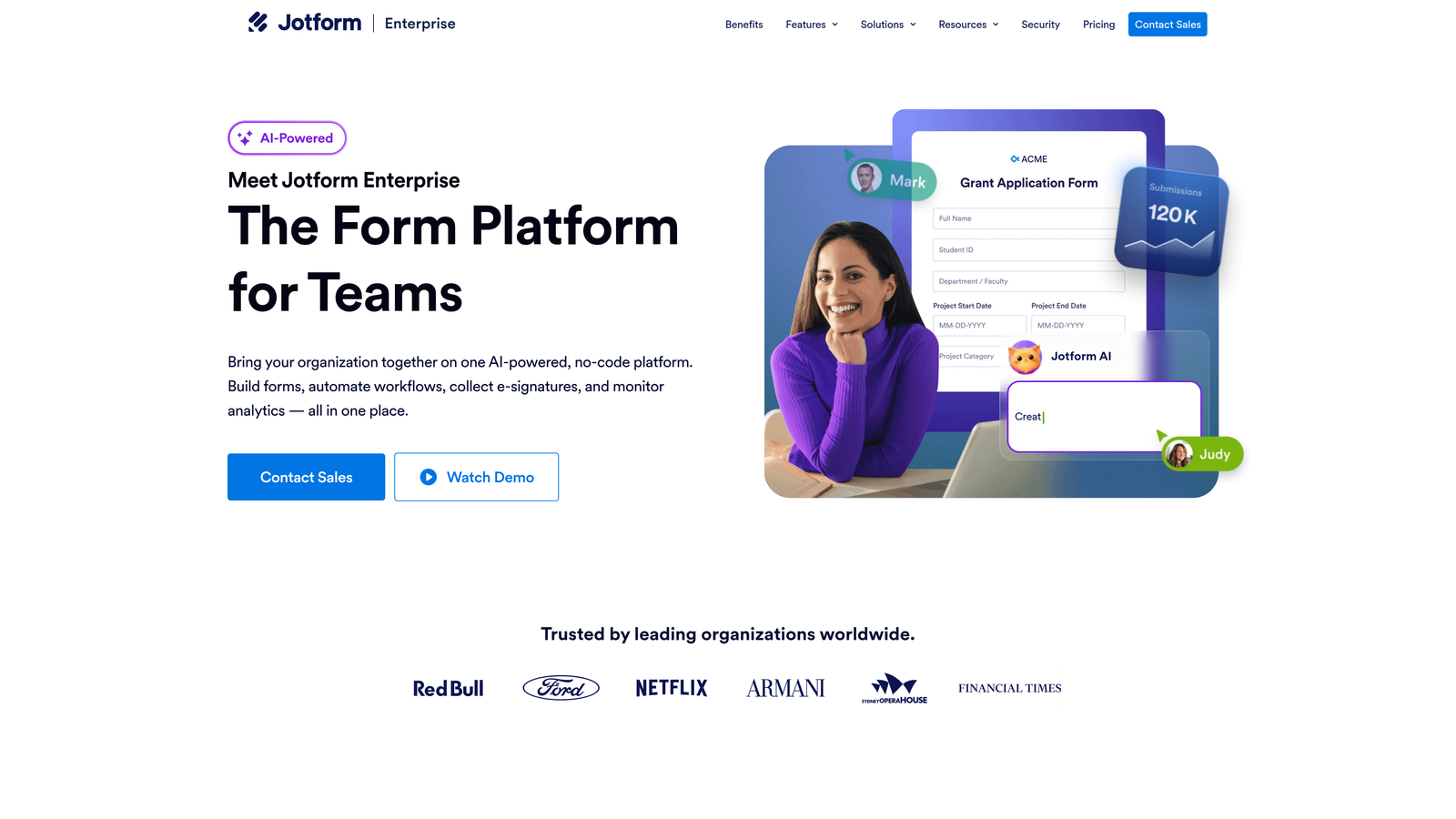
Jotform Enterprise is a fully managed enterprise form platform offering dedicated server infrastructure, extensive customization, and multi-user collaboration tools.
Where This Tool Shines
Jotform's standout advantage is its sheer template depth. With over 10,000 form templates covering virtually every industry and use case, teams can deploy new forms quickly without starting from scratch. For enterprises with multiple departments creating forms independently, that library significantly reduces the time from request to launch.
The dedicated server infrastructure option is a meaningful differentiator for security-conscious organizations. Enterprise clients get their own isolated environment rather than sharing infrastructure with other customers, which matters for data residency requirements and performance at scale.
Key Features
10,000+ Templates: Extensive library covering industry-specific use cases, dramatically reducing form creation time across departments.
White-Labeling and Custom Branding: Full brand customization including custom domains, logos, and color schemes for client-facing deployments.
Dedicated Server Infrastructure: Enterprise clients receive isolated cloud environments for enhanced security and performance.
HIPAA Compliance and Data Residency: Compliance tools with options for regional data storage to meet local regulatory requirements.
Approval Workflows and Multi-User Collaboration: Team-based form management with structured review and approval processes built in.
Best For
Jotform Enterprise works well for large organizations with diverse departmental needs that value template variety and ease of use. It's particularly strong for teams that want to empower non-technical staff to build and manage forms independently without sacrificing governance controls.
Pricing
Jotform Enterprise uses custom pricing. Standard plans begin at $39/month, with enterprise tiers negotiated based on user count, submission volume, and feature requirements.
4. Typeform
Best for: Customer-facing forms where engagement, completion rates, and brand experience are the priority
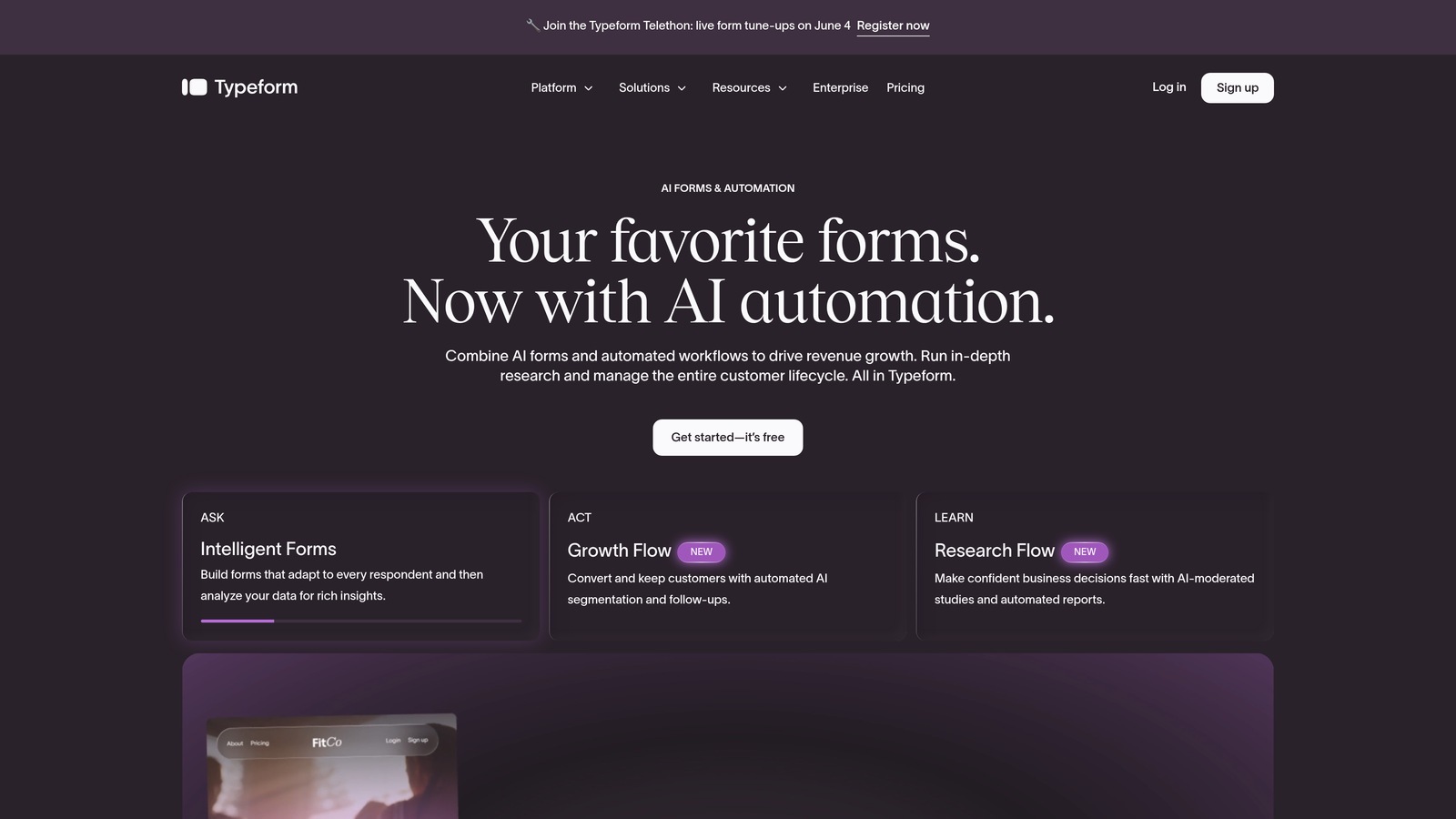
Typeform is a conversational form platform built around a one-question-at-a-time interface designed to feel more like a dialogue than a traditional form.
Where This Tool Shines
Typeform's UX philosophy is genuinely different from most enterprise form tools. The conversational, single-question format reduces the cognitive load of filling out long forms, which typically translates to higher completion rates on customer-facing surveys, registration forms, and lead capture pages. For marketing and CX teams, that engagement advantage is real.
The platform's logic and branching capabilities are also strong, allowing for highly personalized form paths based on earlier answers. Combined with the ability to embed video and images, Typeform creates form experiences that feel much closer to interactive content than data collection.
Key Features
Conversational One-Question UX: Progressive disclosure format reduces form fatigue and improves completion rates on longer forms.
Logic Jumps and Branching: Dynamic question paths that adapt based on previous answers for personalized respondent experiences.
Native CRM Integrations: Direct connections to HubSpot, Salesforce, Slack, and other key platforms without requiring middleware.
Video and Image Embedding: Rich media support within forms for more engaging customer-facing experiences.
Enterprise SSO and Data Residency: The enterprise plan adds single sign-on, priority support, and custom data residency options.
Best For
Typeform is best suited for marketing, CX, and research teams running customer-facing forms where brand experience and engagement matter. It's less ideal for internal operational forms where speed of completion and data density are more important than user experience polish.
Pricing
Business plan at $99/month. Enterprise pricing is available on request and includes additional security and compliance features not available on standard plans.
5. Microsoft Power Apps
Best for: Microsoft-heavy enterprises needing deep integration with M365, Dynamics 365, and Azure
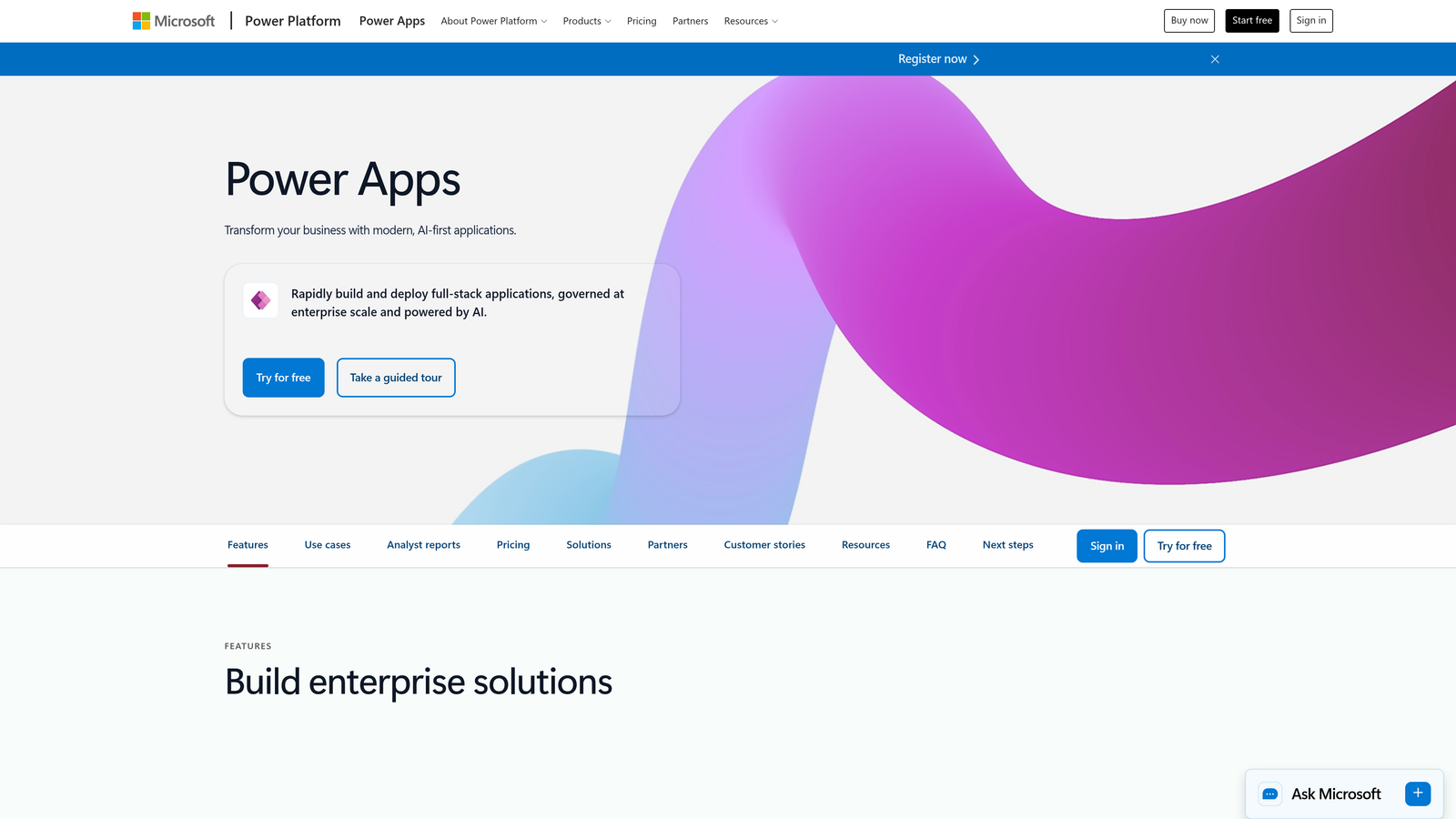
Microsoft Power Apps is a low-code application platform that enables enterprise teams to build forms and custom applications deeply embedded in the Microsoft ecosystem.
Where This Tool Shines
If your organization runs on Microsoft, Power Apps is a natural fit. The native integration with SharePoint, Dynamics 365, Teams, and Azure Active Directory means you're building on infrastructure your IT team already manages and trusts. There's no separate vendor relationship to manage for authentication, data storage, or security governance.
The combination of Power Apps for form and app building with Power Automate for workflow logic creates a genuinely capable low-code platform. Complex business logic that would require custom development on other platforms can often be configured without writing code, which reduces IT dependency for operational teams.
Key Features
Deep Microsoft Ecosystem Integration: Native connections to SharePoint, Dynamics 365, Teams, and Azure with no additional configuration required.
Power Automate Workflows: Complex multi-step business logic and automated processes built directly alongside forms.
Dataverse Integration: Centralized enterprise data management with a structured data layer that connects across Microsoft applications.
Azure Active Directory Security: Enterprise identity and access management handled through existing Azure infrastructure.
Low-Code/No-Code Builder: Drag-and-drop interface that allows non-developers to build functional business applications and forms.
Best For
Power Apps is the clear choice for organizations with existing Microsoft infrastructure investments. It's particularly valuable when form data needs to flow directly into Dynamics 365, SharePoint lists, or other Microsoft services. Teams without Microsoft infrastructure will likely find better value elsewhere.
Pricing
Per-app plan starts at $20/user/month; per-user plan at $40/user/month. Pricing can add up quickly at scale, so total cost of ownership analysis is recommended before committing.
6. Cognito Forms
Best for: Enterprises needing advanced calculation logic and payment processing at competitive pricing
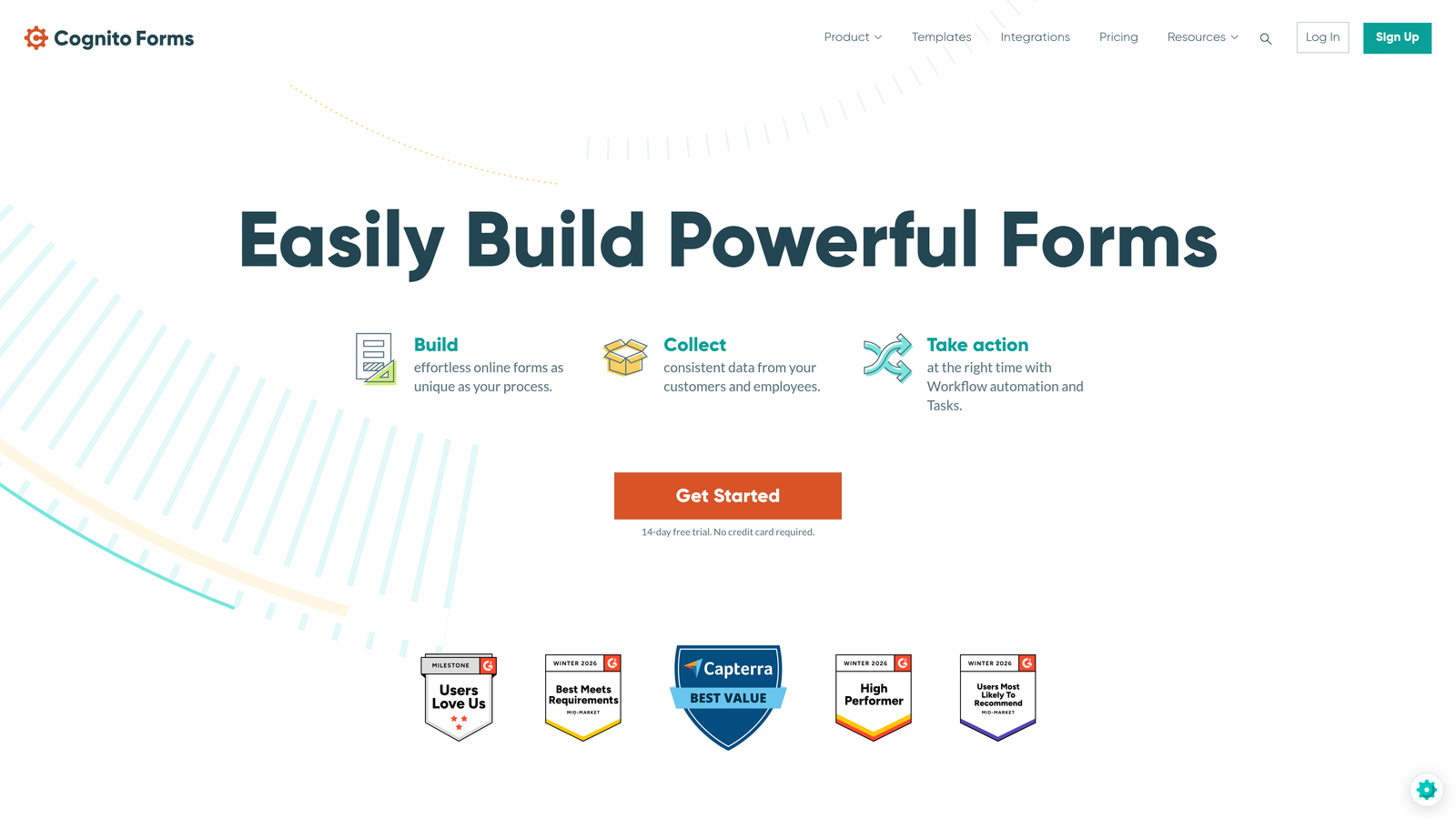
Cognito Forms is a form builder with a particularly powerful built-in calculation engine, making it well-suited for complex pricing forms, order forms, and data-heavy applications.
Where This Tool Shines
Cognito Forms stands out for its calculation capabilities. Most form builders treat math as an afterthought, but Cognito's calculation engine handles complex formulas, conditional arithmetic, and multi-variable logic that would typically require custom development. For teams building quote calculators, registration fee structures, or dynamic pricing forms, this is a meaningful capability advantage.
The platform also offers built-in payment processing through Stripe, Square, and PayPal without requiring a separate integration layer. For organizations collecting payments through forms, having that capability native to the platform simplifies both setup and compliance.
Key Features
Advanced Calculation Fields: Powerful built-in formula engine for complex arithmetic, conditional calculations, and dynamic pricing logic.
Native Payment Processing: Direct integration with Stripe, Square, and PayPal for in-form payment collection.
Repeating Sections: Dynamic form sections that allow respondents to add multiple entries, useful for order forms and registration with variable line items.
Role-Based Access and Data Encryption: Governance controls and security features appropriate for enterprise use.
Workflow Routing with Notifications: Conditional email notifications and basic workflow routing based on form responses.
Best For
Cognito Forms is an excellent fit for finance, operations, and procurement teams that need forms with complex calculation logic or payment collection. The pricing is also among the most competitive in this category, making it attractive for cost-conscious enterprise buyers.
Pricing
Team plan at $24/month; Enterprise plan at $99/month. Strong value relative to feature depth, particularly for teams that need the calculation engine.
7. FormAssembly
Best for: Salesforce-centric organizations in regulated industries requiring deep CRM integration and multi-framework compliance
FormAssembly is an enterprise form platform purpose-built around Salesforce integration with some of the strongest compliance credentials in the category.
Where This Tool Shines
FormAssembly's bi-directional Salesforce integration is genuinely best-in-class. Forms can prefill with existing Salesforce record data, and submissions automatically create or update records, contacts, leads, and opportunities. For sales, service, and operations teams managing their entire workflow in Salesforce, that tight integration eliminates manual data entry and reduces errors.
The compliance stack is also notably comprehensive. HIPAA, GDPR, PCI DSS, and SOC 2 Type II certifications in a single platform means regulated industries don't have to compromise on functionality to meet their compliance requirements. The on-premise deployment option is a rare capability that matters significantly for certain government and healthcare environments.
Key Features
Bi-Directional Salesforce Integration: Prefill forms with existing Salesforce data and push submissions back to create or update any Salesforce object.
Multi-Framework Compliance: HIPAA, GDPR, PCI DSS, and SOC 2 Type II certifications covering the most common regulated industry requirements.
Workflow Approvals and Record Automation: Conditional approval routing and automated Salesforce record creation based on form logic.
On-Premise Deployment: Self-hosted option for organizations that cannot use cloud-based form infrastructure.
Data Prefill: Populate form fields with existing Salesforce data to reduce respondent effort and improve data accuracy.
Best For
FormAssembly is the top choice for Salesforce-heavy organizations in healthcare, financial services, or government where compliance requirements are strict and CRM data integrity is critical. Organizations not using Salesforce will find less differentiation here.
Pricing
Enterprise plans start around $99/month. Compliance-tier plans with HIPAA and PCI DSS features are priced separately; contact FormAssembly for specifics based on your regulatory requirements.
8. Zoho Forms
Best for: Organizations already using Zoho's product ecosystem looking for a cost-effective, tightly integrated form solution
Zoho Forms is a form builder that integrates natively with over 45 Zoho applications, offering solid functionality at a price point well below most enterprise competitors.
Where This Tool Shines
For organizations already invested in the Zoho ecosystem, Zoho Forms offers a level of native integration that third-party tools simply can't match. Data flows directly into Zoho CRM, Zoho Desk, Zoho Campaigns, and dozens of other Zoho products without requiring Zapier or custom API work. That tight ecosystem connection reduces both setup time and ongoing maintenance.
The pricing is also notably accessible. At the Professional tier, Zoho Forms delivers approval workflows, payment collection, and conditional logic at a fraction of what most enterprise-focused competitors charge. For cost-conscious organizations, that value proposition is hard to ignore.
Key Features
45+ Native Zoho Integrations: Direct connections across the entire Zoho product suite without requiring middleware or custom development.
Approval Workflows and Conditional Logic: Multi-step approval routing and conditional field rules for more complex form processes.
Payment Collection: Built-in payment processing for forms that require fee collection or e-commerce functionality.
GDPR Compliance Tools: Data privacy features including consent management and data encryption.
Offline Data Collection: Mobile-responsive forms that can capture data without an active internet connection, useful for field teams.
Best For
Zoho Forms is the natural choice for organizations running Zoho CRM, Zoho Desk, or other Zoho products. It's less compelling as a standalone solution for organizations not already in the Zoho ecosystem, where integration depth is the primary value driver.
Pricing
Basic plan at $10/month; Professional at $25/month; Premium at $50/month. Among the most affordable enterprise-capable options in this comparison.
9. 123FormBuilder
Best for: Non-technical teams in regulated industries needing fast deployment with strong compliance certifications
123FormBuilder is an enterprise form platform combining a straightforward drag-and-drop builder with HIPAA, GDPR, and SOC 2 certifications designed for rapid deployment by non-technical users.
Where This Tool Shines
123FormBuilder occupies an interesting niche: it makes compliance-grade form building accessible to non-technical teams. Many platforms with strong security certifications require significant setup and IT involvement to use those features correctly. 123FormBuilder's approach is to make the compliant path the default path, reducing the risk of misconfiguration by non-specialist users.
The template library of 2,000+ forms and the straightforward builder mean teams can move from requirement to live form quickly. For enterprises that need to roll out compliant forms across multiple departments without a dedicated IT resource for each, that accessibility is a genuine operational advantage.
Key Features
HIPAA, GDPR, and SOC 2 Compliance: Multi-framework compliance certifications accessible without complex technical configuration.
2,000+ Templates: Broad template library covering common enterprise, healthcare, and HR use cases for rapid deployment.
Conditional Logic and Multi-Page Forms: Standard enterprise form logic capabilities for more complex data collection workflows.
Enterprise Tool Integrations: Connections to Salesforce, SharePoint, and other common enterprise platforms.
SSO and Team Collaboration: Single sign-on support and team-based form management for enterprise governance.
Best For
123FormBuilder is a strong option for healthcare, HR, and compliance teams that need certified-compliant forms but lack deep technical resources to configure and maintain more complex platforms. It prioritizes accessibility without sacrificing the certifications that regulated industries require.
Pricing
Professional plan at $24.99/month; enterprise pricing is available on request and includes additional compliance features and team management capabilities.
Which Platform Is Right for Your Organization?
After evaluating all nine platforms, the right choice depends heavily on your organization's specific priorities, existing tech stack, and compliance requirements. Here's how to think about the standout options by use case.
For AI-powered lead qualification: Orbit AI is the clear choice for growth-focused teams where intelligent scoring and conversion-optimized form design are the primary requirements. The embedded AI qualification layer addresses a problem that most enterprise form tools leave to downstream sales processes.
For Salesforce-centric organizations: FormAssembly's bi-directional Salesforce integration and multi-framework compliance stack make it the top pick for teams where CRM data integrity and regulatory requirements intersect.
For workflow automation depth: Formstack's unified forms, documents, and e-signature suite is the strongest option for operations teams managing multi-step document workflows across departments.
For template variety and ease of use: Jotform Enterprise's library depth and dedicated infrastructure make it well-suited for large organizations with diverse departmental needs and limited centralized IT support for form creation.
For Microsoft-first environments: Microsoft Power Apps is the natural fit when your organization is already deeply invested in M365, Dynamics 365, and Azure infrastructure.
One practical recommendation: before committing to any platform, run two or three top candidates through your actual workflows, not demo data. Test the integrations that matter most to your stack, verify compliance certifications apply to your specific use case, and pressure-test the admin controls with your real governance requirements. Most platforms offer trial periods or pilot programs for enterprise evaluations, and that hands-on testing will surface friction points that no review can fully anticipate.
Transform your lead generation with AI-powered forms that qualify prospects automatically while delivering the modern, conversion-optimized experience your high-growth team needs. Start building free forms today and see how intelligent form design can elevate your conversion strategy.


