

Most teams know their form conversion rate. Far fewer know why that number is what it is. There's a meaningful gap between collecting submissions and understanding the friction points that stop visitors from completing a form in the first place. Which field causes the most drop-off? Where do mobile users abandon? Are visitors re-filling the same field repeatedly?
Form analytics platforms answer these questions. They go beyond submission counts to reveal field-level interaction data, abandonment funnels, partial entry behavior, and conversion bottlenecks that basic analytics tools simply can't surface.
The right platform depends on your situation. Some teams need analytics built directly into their form builder. Others want a standalone tracking layer they can drop onto any existing form. Enterprise teams may need full digital experience intelligence with compliance certifications. The tools below are evaluated on depth of form-specific analytics, ease of implementation, integration ecosystem, and pricing transparency.
Here are the top form analytics and tracking platforms worth considering in 2026.
1. Orbit AI
Best for: High-growth and B2B teams who want form building, lead qualification, and conversion analytics in one platform.
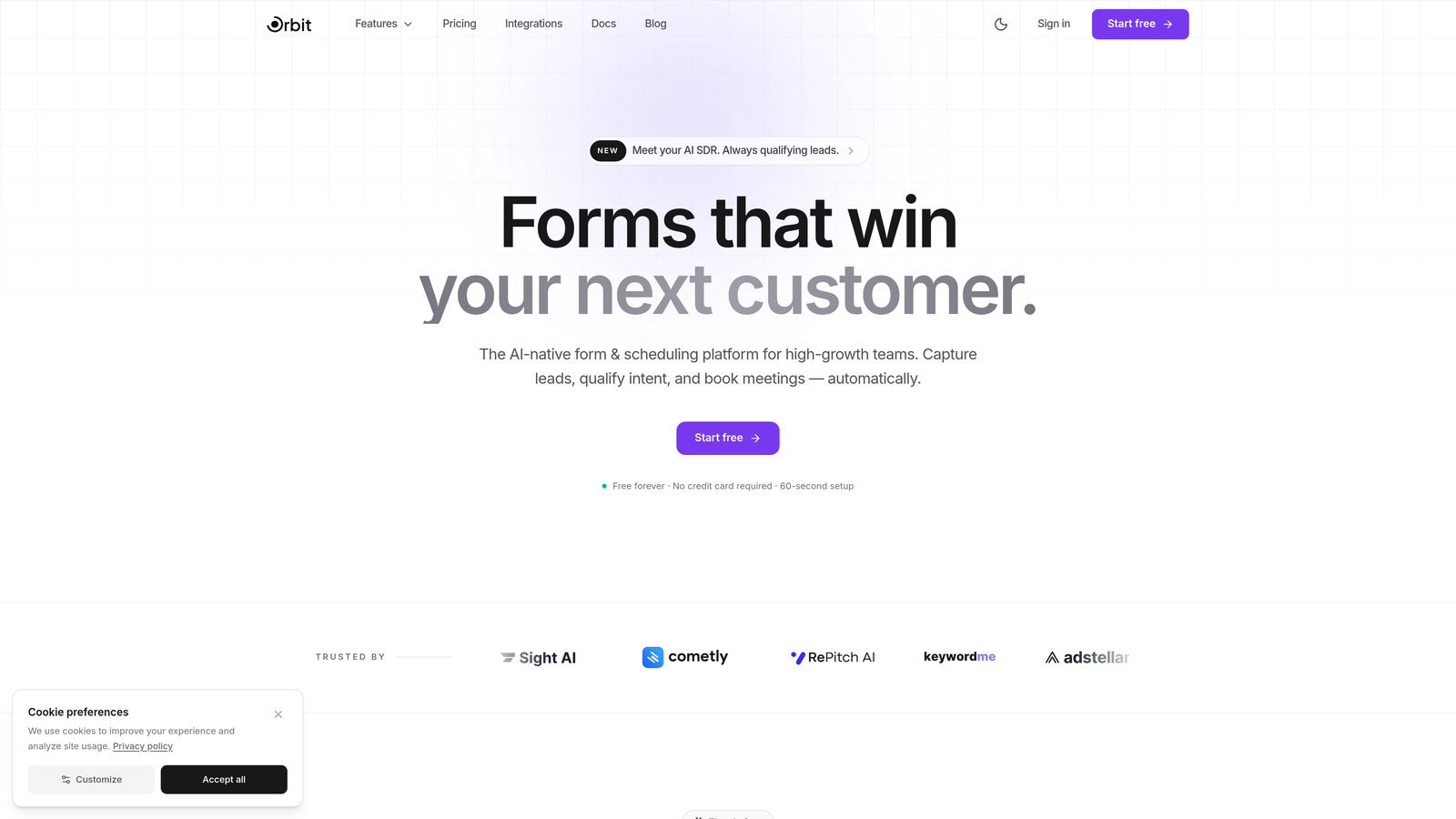
Orbit AI is an AI-powered form builder that combines form creation, lead qualification, and built-in conversion analytics so teams can build, track, and optimize without stitching together separate tools.
Where This Tool Shines
Most teams running form analytics face a fragmentation problem: the form lives in one tool, the analytics live in another, and lead qualification happens somewhere else entirely. Orbit AI collapses that stack. You get conversion analytics and drop-off tracking natively inside the same platform where you build and manage your forms.
The AI-powered lead qualification layer is what sets Orbit apart from standard form builders. Rather than passing every submission downstream to your CRM for manual review, the form itself can assess and qualify leads in real time. For high-growth B2B teams where lead quality matters as much as lead volume, this changes how form optimization decisions get made.
Key Features
AI-Powered Lead Qualification: Qualifies prospects directly within the form layer, reducing manual triage and improving lead routing accuracy.
Built-In Conversion Analytics: Tracks drop-off and conversion data natively without requiring third-party scripts or external analytics tools.
Modern Form Design with Conditional Logic: Build beautiful, conversion-optimized forms with branching logic tailored to different audience segments.
CRM Integrations: Routes qualified leads seamlessly into your existing CRM and marketing stack.
Designed for High-Growth Teams: Purpose-built for B2B and SaaS use cases where lead quality and conversion efficiency are primary metrics.
Best For
B2B SaaS companies, demand generation teams, and growth marketers who want a single platform for form building, analytics, and lead qualification. Particularly strong for teams that have outgrown basic form builders and are tired of patching together multiple tools to understand form performance.
Pricing
Visit orbitforms.ai for current plan details. A free tier is available to get started.
2. Hotjar
Best for: Teams who want form analytics alongside heatmaps and session recordings for full behavioral context.
Hotjar is a behavior analytics platform that pairs form analysis with heatmaps, session recordings, and qualitative feedback tools.
Where This Tool Shines
Hotjar's strength is context. While dedicated form analytics tools tell you which fields cause drop-off, Hotjar lets you watch exactly what happened before and after that moment via session recordings. That combination of quantitative field metrics and qualitative replay is genuinely useful for diagnosing complex abandonment problems.
The feedback widget layer adds another dimension. You can trigger an on-page survey immediately after a user abandons a form, capturing their reason in their own words. That kind of qualitative data is hard to get from tracking scripts alone.
Key Features
Form Analysis Dashboard: Shows field-level drop-off rates, time spent, and re-fill frequency across your forms.
Session Recordings: Filter recordings specifically by form interaction events to watch real user behavior.
Heatmaps: Visualize click, scroll, and move behavior on pages containing your forms.
Feedback Widgets: Collect qualitative insights directly from users who abandon or complete forms.
Integrations: Connects with Google Analytics, HubSpot, Slack, Segment, and more.
Best For
UX researchers, product managers, and CRO teams who need behavioral context around form interactions, not just field-level numbers. Best suited for teams already invested in heatmap and session replay workflows.
Pricing
Free plan available. Paid plans start at $32/month, scaling with session volume and feature access.
3. Zuko
Best for: Teams serious about form CRO who need the deepest available field-level analytics.
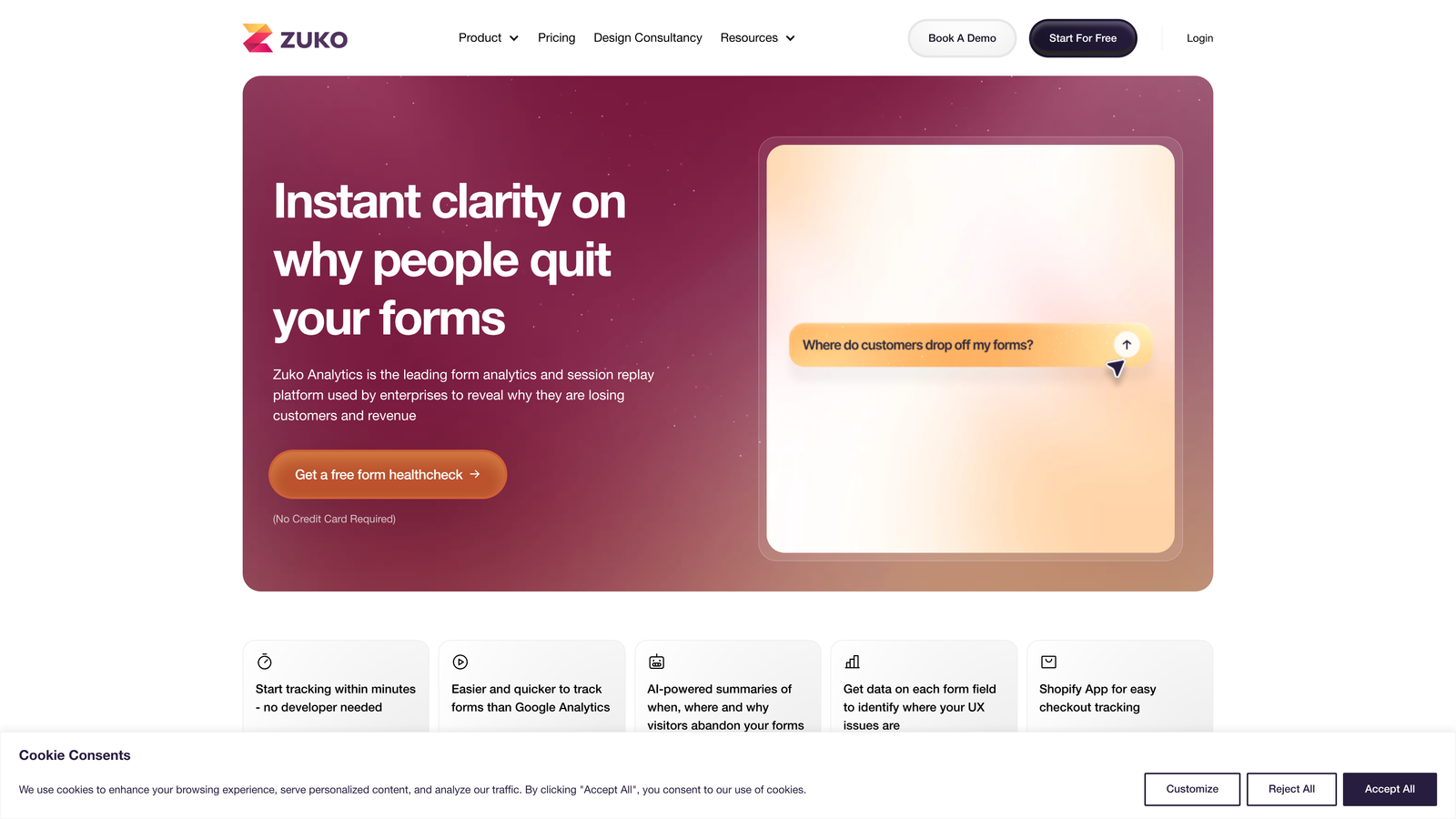
Zuko (formerly Formisimo) is a purpose-built form analytics platform offering field-by-field tracking, abandonment funnels, and problem-field identification.
Where This Tool Shines
Zuko is the most specialized tool on this list. It does one thing: form analytics, and it does it with more granularity than most platforms. You get time-per-field, completion rates, re-fill rates, and a ranked list of problem fields that need attention. For teams running complex checkout flows, multi-step lead forms, or insurance/financial applications, that depth is genuinely valuable.
Implementation is lightweight. Zuko works via a small JavaScript snippet that integrates with virtually any form technology, whether you're using a native HTML form, a form builder, or a custom-built input flow.
Key Features
Field-Level Metrics: Tracks completion rate, time spent, and re-fill frequency for every individual field.
Abandonment Funnel Visualization: Shows exactly where users drop out across multi-step form flows.
Problem Field Detection: Automatically ranks fields by their contribution to abandonment so you know where to focus.
Segmentation: Filter analytics by device type, traffic source, and custom attributes.
Universal Compatibility: Works with any form technology via a lightweight tracking script.
Best For
E-commerce teams optimizing checkout, financial services with complex application forms, and CRO specialists who need granular field data that general analytics platforms can't provide.
Pricing
Plans start around $100/month based on tracked sessions. Pricing scales with usage volume.
4. Google Analytics 4
Best for: Teams who want free form event tracking integrated with their existing GA4 analytics ecosystem.
Google Analytics 4 is a free analytics platform that supports custom event tracking for form interactions within the broader GA4 reporting and exploration suite.

Where This Tool Shines
GA4 isn't a form analytics tool out of the box, but with proper event configuration it can track form starts, field interactions, and completions. The real advantage is ecosystem integration: your form data lives alongside your traffic, acquisition, and conversion data, making it straightforward to connect form performance to upstream marketing channels.
The Funnel Exploration report is particularly useful for multi-step forms. You can visualize drop-off at each step and segment by audience attributes, device, or traffic source. The tradeoff is setup complexity: unlike dedicated tools, GA4 requires manual event configuration or Google Tag Manager implementation.
Key Features
Custom Event Tracking: Configure events for form starts, field focus, and completions using GTM or direct implementation.
Funnel Exploration: Build step-by-step funnel reports for multi-page and multi-step form flows.
Audience Segmentation: Segment form behavior data by acquisition source, device, geography, and more.
Google Ads Integration: Connect form conversion data directly to paid campaign optimization.
Looker Studio: Build custom form analytics dashboards using native GA4 connector.
Best For
Teams already running GA4 who want to add form tracking without a new tool budget. Also ideal for teams who need form data connected to paid media attribution and campaign reporting.
Pricing
Free with no session limits. GA4 360 (enterprise tier) is available for large organizations with advanced needs.
5. Mouseflow
Best for: Teams who want automatic friction scoring to quickly identify problematic form fields.
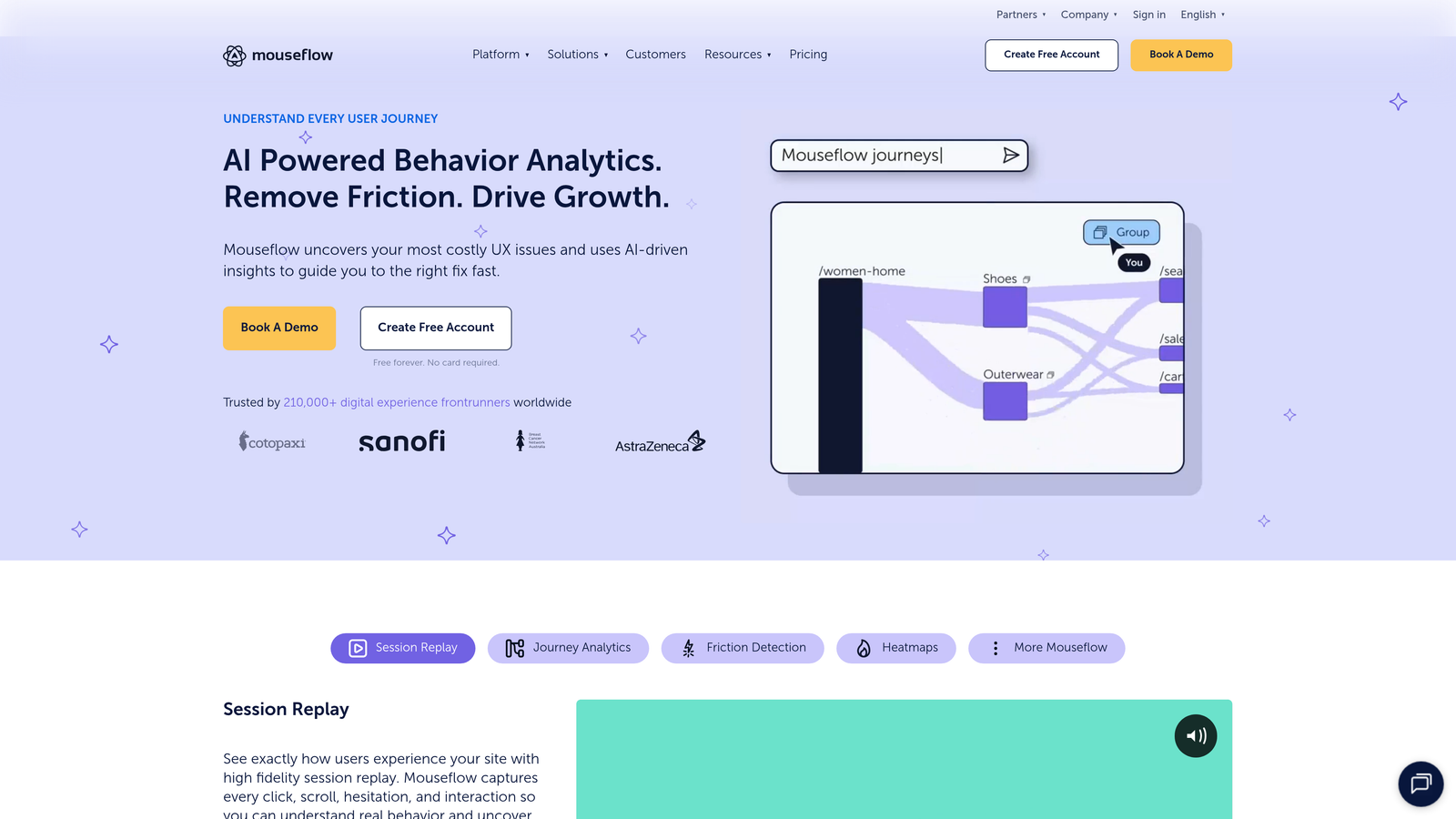
Mouseflow is a session replay and analytics platform with a dedicated form analytics module that includes automatic friction scoring across form fields.
Where This Tool Shines
Mouseflow's friction score is a standout feature. Rather than requiring you to manually interpret drop-off rates and re-fill data, the platform automatically scores each field based on how much friction it creates for users. That prioritization layer saves meaningful time when you're auditing a form with many fields and need to know where to start.
The GDPR compliance features are worth noting for European teams. Mouseflow includes configurable data masking so sensitive field inputs are never recorded, which simplifies compliance without disabling tracking entirely.
Key Features
Automatic Friction Scoring: Each form field receives a friction score based on drop-off, re-fill, and hesitation signals.
Drop-Off and Refill Tracking: Identifies which fields users abandon or repeatedly correct.
Session Replays: Filter recordings by specific form interaction events for targeted analysis.
Heatmaps and Scroll Maps: Visualize engagement on the full page surrounding your forms.
GDPR Compliance: Data masking options prevent sensitive inputs from being captured in recordings.
Best For
CRO teams and marketers who want form analytics with built-in prioritization signals, and teams operating under GDPR who need compliant session recording alongside form tracking.
Pricing
Free plan available. Paid plans start at $31/month, scaling with monthly session recording volume.
6. FullStory
Best for: Enterprise teams who need form analytics within a comprehensive digital experience intelligence platform.
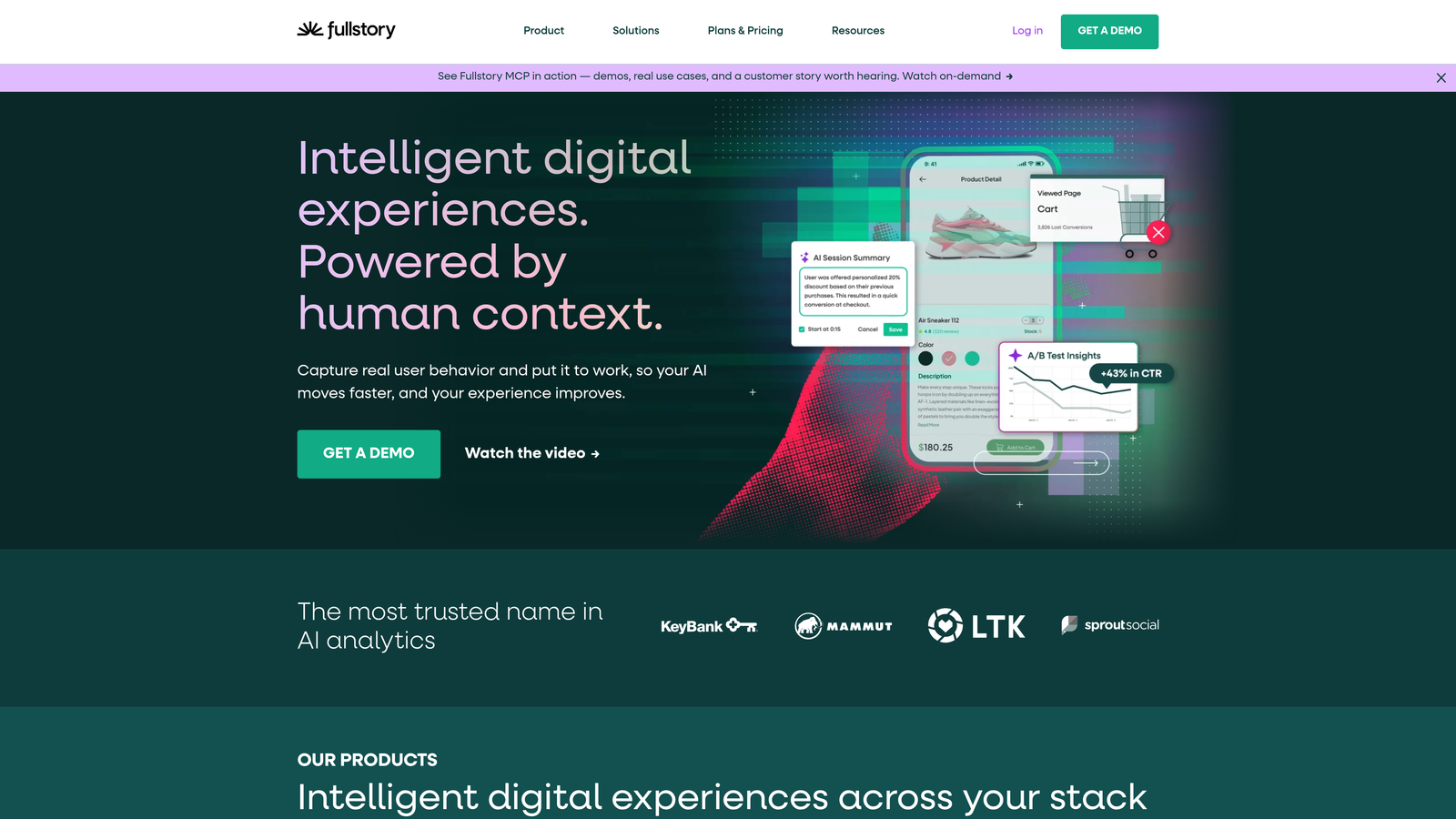
FullStory is an enterprise digital experience intelligence platform with robust form interaction tracking embedded within broader frustration detection, error analysis, and journey mapping capabilities.
Where This Tool Shines
FullStory approaches form analytics from a digital experience perspective rather than a pure CRO lens. Form field interactions are tracked alongside rage clicks, dead clicks, JavaScript errors, and navigation patterns, giving enterprise teams a complete picture of the user journey around any form. That broader context is particularly valuable for complex product-led growth flows where forms are embedded within larger application experiences.
The searchable session replay is technically impressive. You can query for sessions where a specific form field was interacted with, a particular error occurred, or a user exhibited a frustration signal, without pre-configuring those queries in advance.
Key Features
Frustration Signal Detection: Automatically surfaces rage clicks, dead clicks, and error clicks on form elements.
Full Session Context: Form field metrics are embedded within complete user journey recordings, not isolated.
Searchable Replay: Query sessions retroactively by form interaction, error, or frustration event.
Product Analytics Dashboards: Build form conversion funnels within FullStory's analytics layer.
Enterprise Security: SOC 2 Type II, GDPR, CCPA compliance certifications for regulated industries.
Best For
Enterprise product, engineering, and CRO teams at companies where compliance requirements, data governance, and cross-functional analytics workflows make a full DXI platform the right investment.
Pricing
Custom pricing based on sessions and data retention. Free trial available. Contact FullStory for enterprise quotes.
7. Lucky Orange
Best for: Teams who want real-time form analytics and live visitor monitoring without enterprise complexity.
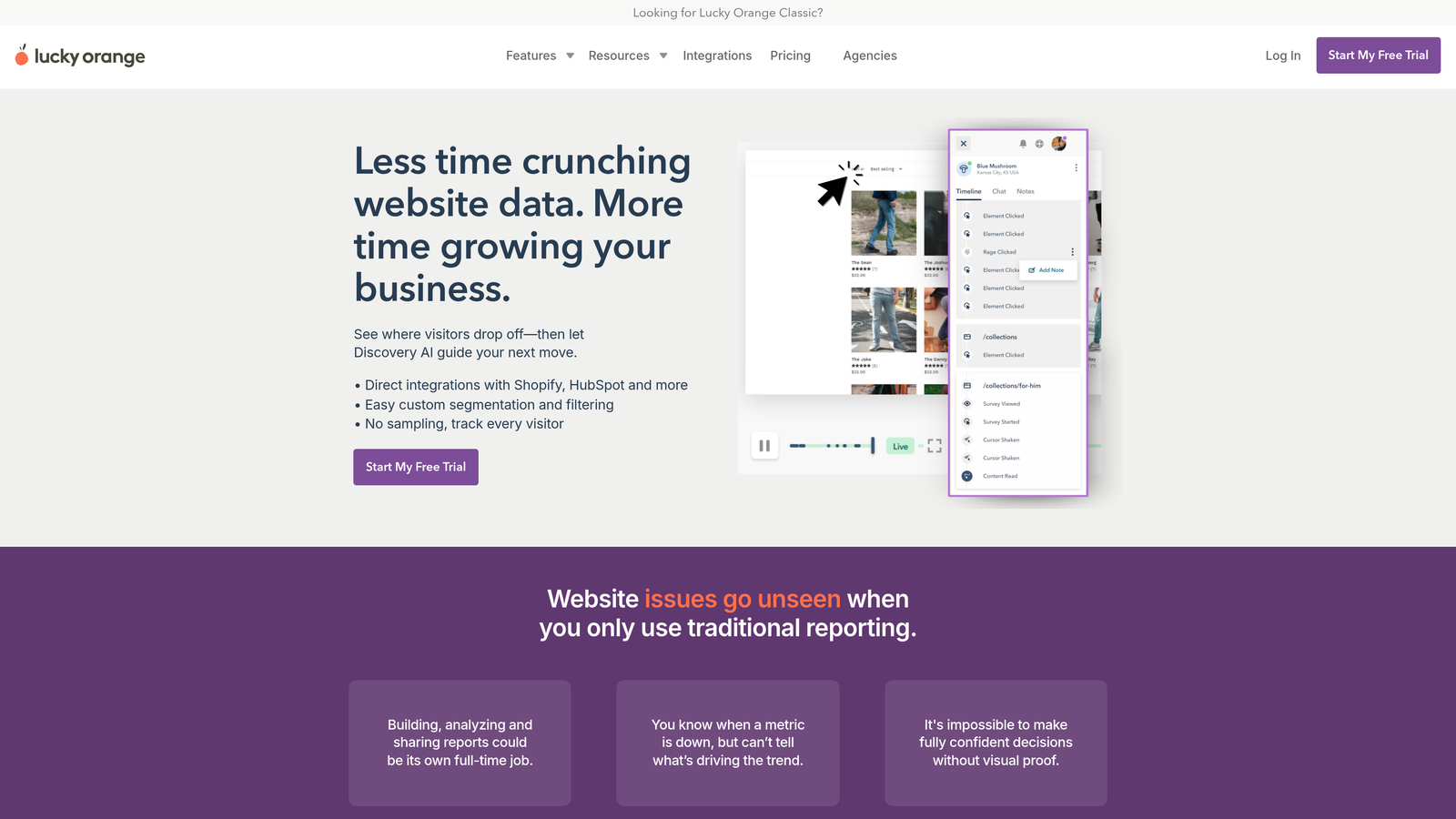
Lucky Orange is a real-time behavior analytics platform with live visitor dashboards, dynamic heatmaps, and a dedicated form analytics module built for quick-win conversion optimization.
Where This Tool Shines
The real-time angle is Lucky Orange's differentiator. Most analytics platforms show you what happened yesterday. Lucky Orange shows you what's happening right now: which visitors are on your form page, how they're interacting, and where they're dropping off in the current session. For teams running time-sensitive campaigns or testing new form designs, that immediacy is genuinely useful.
The live visitor view lets you watch form interactions as they happen, which is an effective tool for rapid qualitative research during a product launch or campaign push.
Key Features
Real-Time Form Dashboard: Monitor form interactions and abandonment as they occur, not just in retrospect.
Field-Level Abandonment Metrics: Track drop-off rates and time spent per field across your forms.
Live Visitor View: Watch individual user sessions on form pages in real time.
Dynamic Heatmaps: Heatmap data updates continuously as new visitor data comes in.
Conversion Funnel Builder: Map multi-page form flows and track step-by-step completion rates.
Best For
Small to mid-size marketing teams, e-commerce operators, and growth teams who want accessible form analytics with a real-time monitoring layer at a competitive price point.
Pricing
Free plan available. Paid plans start at $32/month, scaling with monthly session volume.
8. Plerdy
Best for: Budget-conscious teams who need form analytics bundled with a broader CRO toolkit.
Plerdy is an all-in-one CRO platform that bundles form tracking with heatmaps, session replay, SEO auditing, and pop-up tools at a competitive price.
Where This Tool Shines
Plerdy's value proposition is consolidation at a lower price point than most competitors. If your team needs heatmaps, form analytics, session recordings, and basic SEO auditing, Plerdy packages all of that into one subscription rather than requiring four separate tools. For lean teams or agencies managing multiple client sites, that consolidation matters.
The built-in pop-up builder adds a practical CRO loop: identify where users abandon a form, then deploy an exit-intent pop-up or inline message to recover that intent without switching to a separate tool.
Key Features
Form Analytics Module: Tracks field interaction rates, abandonment points, and time-per-field data.
Heatmaps and Scroll Maps: Click and scroll visualization for pages containing your forms.
Session Replay: Filter recordings by form-specific interaction events.
SEO Checker: Built-in on-page SEO auditing tool included in the same subscription.
Pop-Up Builder: Create exit-intent and behavioral pop-ups to recover form abandonment.
Best For
Lean marketing teams, digital agencies, and small businesses that want a multi-tool CRO stack without multi-tool pricing. Best for teams where budget efficiency is a primary constraint.
Pricing
Free plan available. Paid plans start at $21/month, making it one of the more affordable options in this category.
9. WPForms (with User Journey Addon)
Best for: WordPress sites that want pre-submission visitor journey tracking alongside a native form builder.
WPForms is a popular WordPress form builder that offers a User Journey addon to track the full visitor path before each form submission, including pages visited, referral source, and time on site.
Where This Tool Shines
WPForms approaches form analytics from a different angle than the other tools on this list. Rather than focusing on field-level interaction data, it focuses on the journey that led to a submission. For each entry, you can see exactly which pages a visitor viewed, where they came from, and how long they spent on the site before converting. That attribution context is valuable for content marketers and SEO-driven teams.
The Form Abandonment addon complements this by capturing partial entries, giving you both pre-submission journey data and post-abandonment recovery in a single WordPress-native solution with no external scripts required.
Key Features
User Journey Tracking: Records the complete page path a visitor took before submitting a form entry.
Referral and UTM Capture: Logs referral source and UTM parameters automatically per submission.
Native WordPress Integration: Runs entirely within WordPress with no external analytics scripts needed.
Form Abandonment Addon: Captures partial entries to enable follow-up and recovery workflows.
Drag-and-Drop Builder: Over 1,800 templates with a visual builder for non-technical users.
Best For
WordPress site owners, content marketers, and small business teams who want form analytics focused on attribution and visitor journey context rather than deep field-level interaction data.
Pricing
Pro plan starts at $199.50/year, which includes the User Journey addon. Additional addons may require higher tiers.
Choosing the Right Form Analytics Platform for Your Team
The honest answer is that the best tool depends on what question you're actually trying to answer. Not every team needs the same depth of form intelligence.
If you're building forms from scratch and want analytics, lead qualification, and conversion tracking without assembling a multi-tool stack, Orbit AI is the natural starting point. It's the only platform on this list that handles form building, AI-powered lead qualification, and built-in analytics in a single product designed specifically for B2B and high-growth teams.
For teams who already have forms in place and need a behavioral context layer, Hotjar and Mouseflow are the strongest mid-market options. Hotjar wins on qualitative depth through session recordings and feedback widgets. Mouseflow wins on prioritization with its automatic friction scoring.
If you need the absolute deepest field-level data for a complex form, Zuko is the specialist choice. If budget is the primary constraint, Plerdy packages the most tools per dollar. If you're running WordPress and care more about visitor attribution than field metrics, WPForms with the User Journey addon covers that specific use case cleanly. And if you're an enterprise team with compliance requirements and cross-functional analytics workflows, FullStory is built for that environment.
GA4 sits in its own category: not a dedicated form analytics tool, but a free and powerful option for teams who want form event data connected to their existing analytics and paid media ecosystem.
The underlying principle across all of these tools is the same: you can't optimize what you can't see. Understanding where visitors drop off, which fields create friction, and what journey leads to a conversion is the foundation of any serious form optimization effort.
If you're ready to stop guessing and start optimizing, start building free forms today with Orbit AI and see how intelligent form design, built-in analytics, and AI-powered lead qualification can elevate your conversion strategy from day one.


