

You've spent hours crafting the perfect form, but without knowing how visitors interact with it, you're essentially flying blind. Which fields cause drop-offs? Where do users hesitate? What's your actual completion rate? An online form builder with robust analytics answers these questions and transforms your forms from static data collectors into conversion optimization tools.
We evaluated dozens of form builders based on their analytics depth, ease of use, integration capabilities, and value for growing teams. Here are nine that deliver genuine insights alongside beautiful, functional forms.
1. Orbit AI
Best for: High-growth teams needing AI-powered lead qualification with conversion analytics
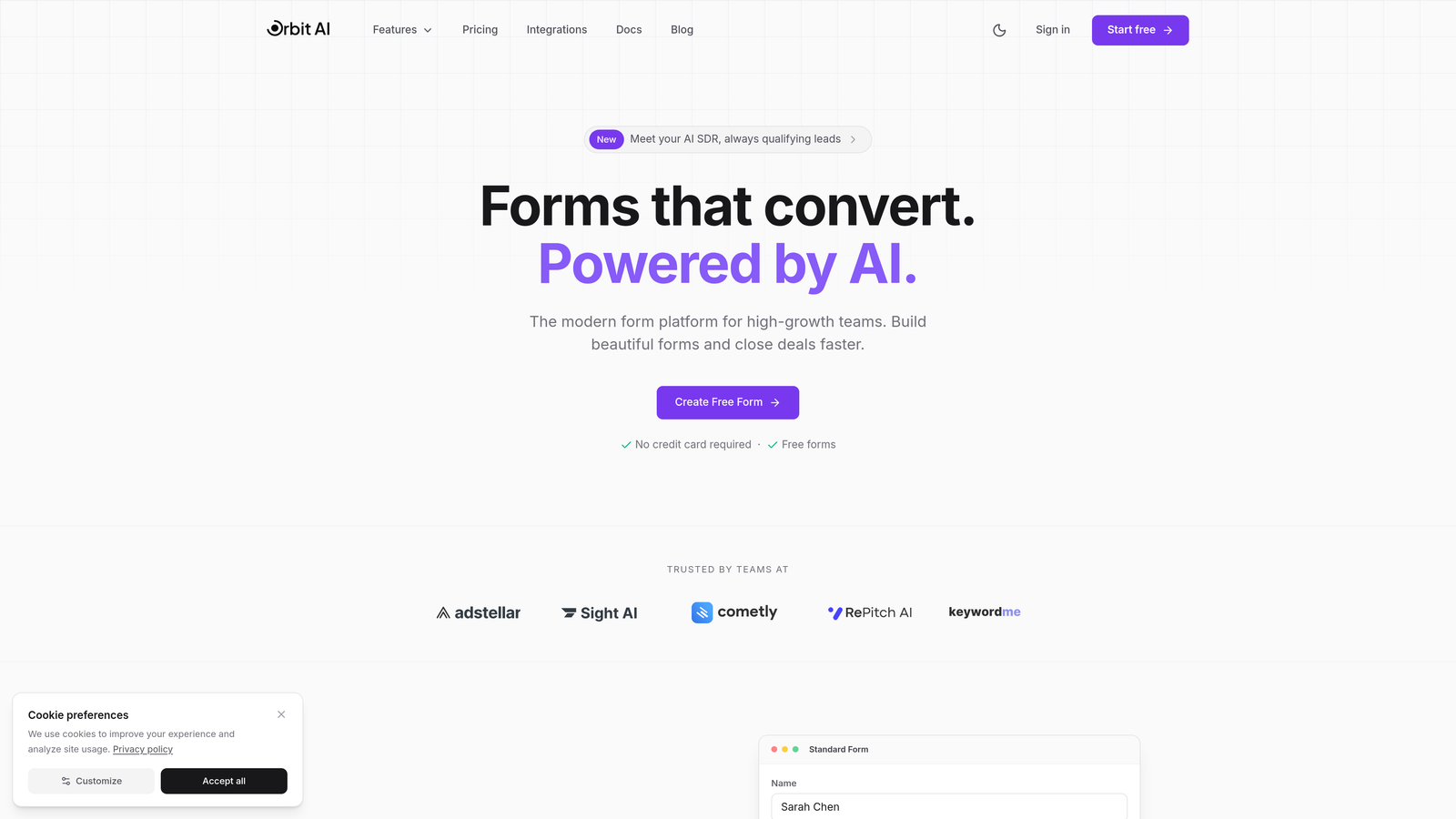
Orbit AI combines form building with intelligent lead scoring, giving you both the "what" and the "who" behind your form data.
Where This Tool Shines
The platform's AI engine analyzes responses in real-time to qualify leads automatically, so your sales team focuses on prospects most likely to convert. This goes beyond basic analytics—you're not just seeing completion rates, you're understanding lead quality.
The conversion analytics dashboard surfaces patterns that matter: which form variations drive qualified submissions, where high-intent prospects drop off, and how different traffic sources perform. For teams juggling multiple campaigns, this intelligence transforms decision-making.
Key Features
AI-Powered Lead Scoring: Automatically qualifies prospects based on response patterns and qualification criteria you define.
Conversion Analytics Dashboard: Tracks completion rates, drop-off points, time-to-complete, and lead quality metrics in one unified view.
Modern Form Design: Creates beautiful, mobile-optimized forms that match your brand without requiring design expertise.
Workflow Automation: Routes qualified leads to the right team members instantly based on scoring thresholds.
Integration Ecosystem: Connects with CRM platforms and marketing tools to maintain unified data across your stack.
Best For
B2B teams and agencies that need to separate tire-kickers from genuine prospects while maintaining a polished brand experience. Particularly valuable if you're running paid campaigns where lead quality directly impacts ROI.
Pricing
Free tier available for basic forms; paid plans start at $29/month with AI qualification and advanced analytics unlocked at higher tiers.
2. Typeform
Best for: Creating engaging conversational experiences with detailed engagement analytics
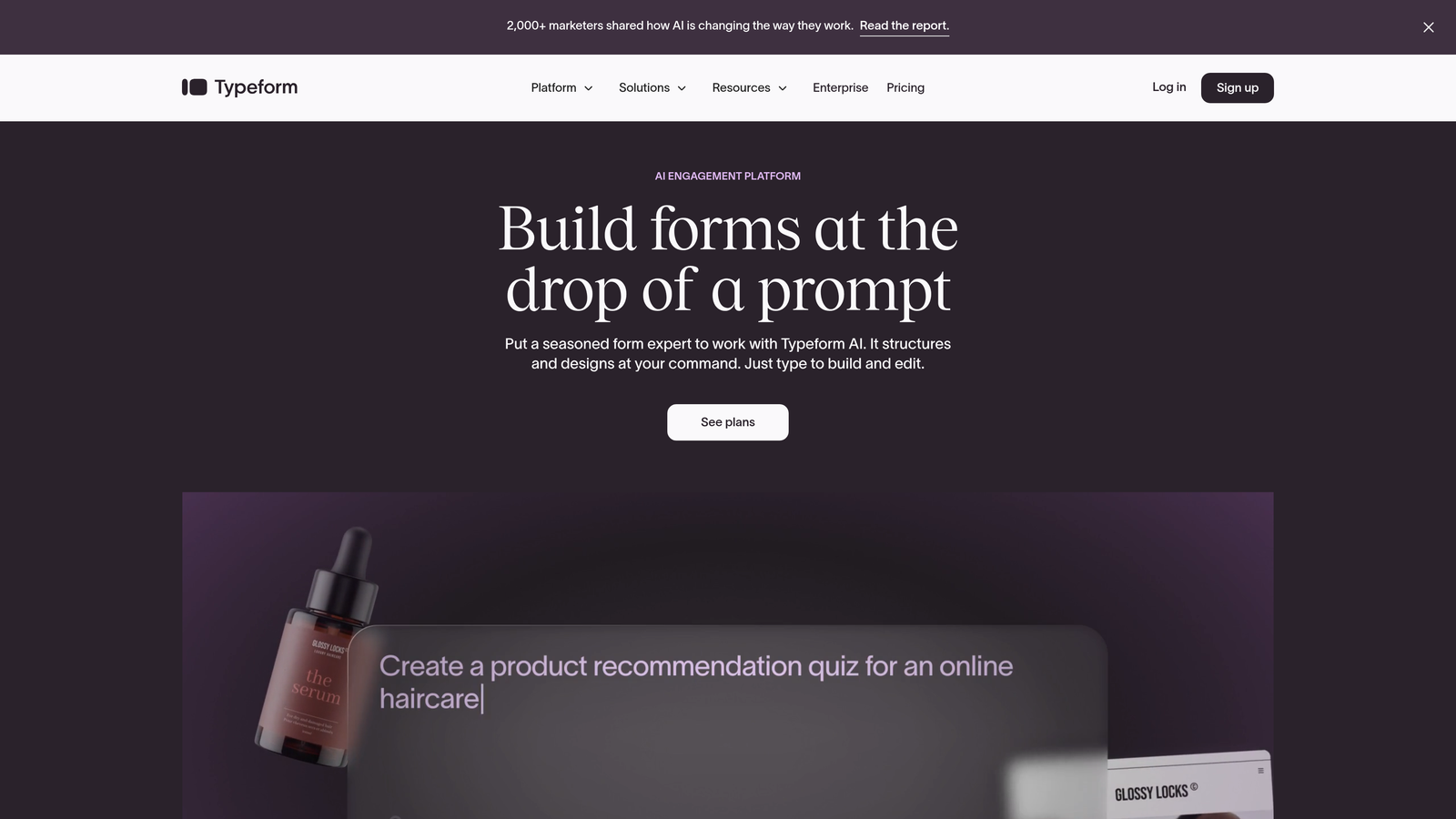
Typeform pioneered the one-question-at-a-time format that feels more like a conversation than an interrogation.
Where This Tool Shines
The platform's signature approach reduces form intimidation by showing questions sequentially. This design philosophy extends to analytics—you see exactly where respondents disengage, question by question.
Drop-off analytics reveal which questions cause friction, letting you refine your form structure based on actual behavior rather than assumptions. For brand-conscious teams, the polished interface maintains visual consistency throughout the user journey.
Key Features
Question-Level Drop-Off Analysis: Identifies precisely which questions cause abandonment so you can optimize accordingly.
Completion Rate Tracking: Monitors overall form performance across devices and traffic sources.
Response Insights Dashboard: Visualizes submission data with charts and breakdowns for quick pattern recognition.
Analytics Platform Integration: Connects with Google Analytics and other tools for unified tracking.
Branded Experiences: Customizes every visual element to maintain brand consistency throughout the form.
Best For
Marketing teams and creative agencies prioritizing user experience and brand presentation. Ideal when form completion rates matter as much as the data collected.
Pricing
Free tier includes basic analytics; Basic plan starts at $25/month with unlimited responses and advanced analytics features.
3. Jotform
Best for: Teams wanting extensive templates with built-in analytics reporting capabilities
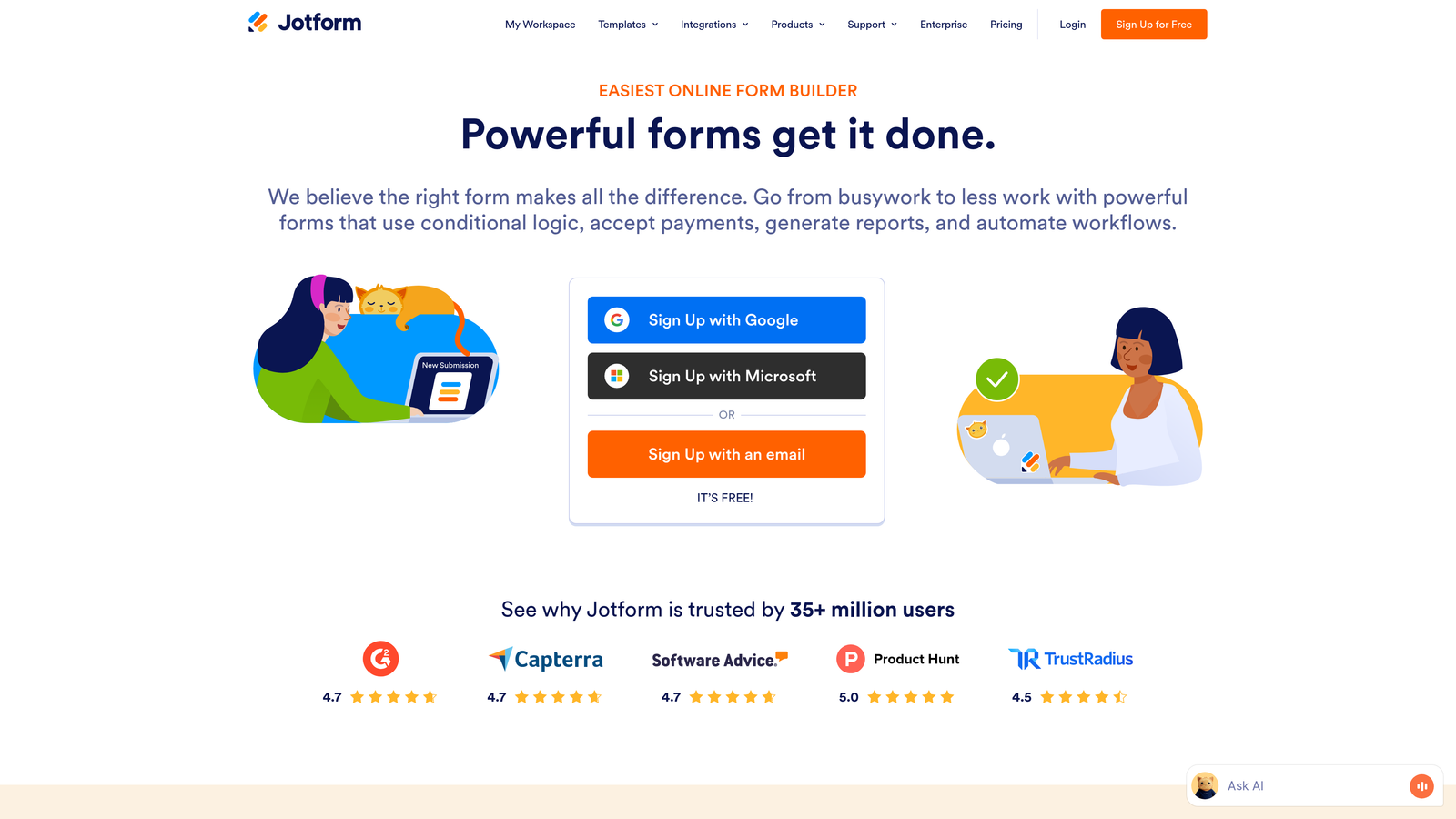
Jotform offers one of the most comprehensive template libraries paired with straightforward analytics tools.
Where This Tool Shines
With over 10,000 pre-built templates, you're rarely starting from scratch. The form analytics widget provides immediate visibility into submission patterns without requiring external tracking tools.
The report builder lets you create custom views of your submission data, filtering and visualizing responses in ways that match your specific reporting needs. This flexibility helps teams that need to present form data to stakeholders in varied formats.
Key Features
Form Analytics Widget: Embeds analytics directly into your dashboard for at-a-glance performance monitoring.
View and Submission Tracking: Monitors form views versus completions to calculate conversion rates automatically.
Conversion Rate Reporting: Tracks performance trends over time with visual charts and breakdowns.
Template Library: Provides 10,000+ pre-built forms across industries and use cases for rapid deployment.
Custom Report Builder: Creates filtered, formatted reports from submission data without exporting to spreadsheets.
Best For
Small businesses and teams that value speed-to-launch and want analytics without complex setup. Perfect when you need industry-specific forms with minimal customization.
Pricing
Free tier available with basic analytics; Bronze plan starts at $34/month with expanded analytics and submission limits.
4. Formstack
Best for: Enterprise teams requiring A/B testing, compliance, and advanced conversion analytics
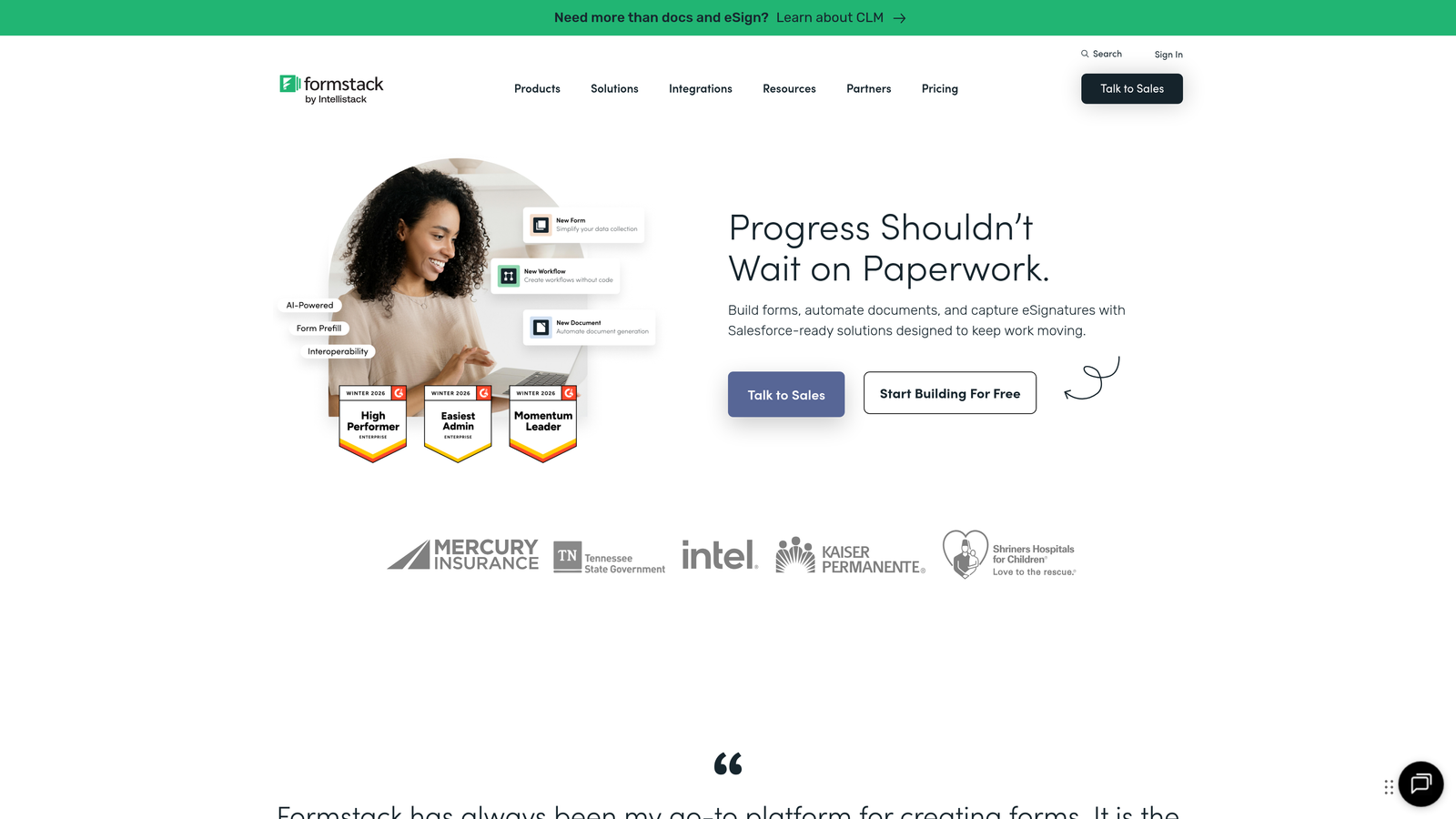
Formstack targets organizations with complex requirements around data security and optimization testing.
Where This Tool Shines
The built-in A/B testing capability sets Formstack apart—you can test form variations simultaneously and let data determine which version converts better. This experimentation framework turns form optimization from guesswork into science.
Field-level submission insights reveal which specific questions drive or hinder conversions. For regulated industries, HIPAA and GDPR compliance features provide peace of mind that basic form builders can't match.
Key Features
A/B Testing: Runs controlled experiments on form variations to identify highest-converting designs.
Conversion Rate Analytics: Tracks performance across test variants with statistical significance indicators.
Field-Level Insights: Analyzes individual question performance to pinpoint optimization opportunities.
Compliance Features: Maintains HIPAA and GDPR standards for organizations handling sensitive data.
Workflow Automation: Routes submissions through approval processes and triggers actions based on responses.
Best For
Healthcare organizations, financial services, and enterprise teams that need data compliance alongside sophisticated testing capabilities. Essential when regulatory requirements aren't negotiable.
Pricing
Starter plan begins at $50/month; Teams plan at $83/month includes A/B testing and advanced analytics features.
5. Paperform
Best for: Creators and small teams wanting combined landing pages and forms with integrated analytics
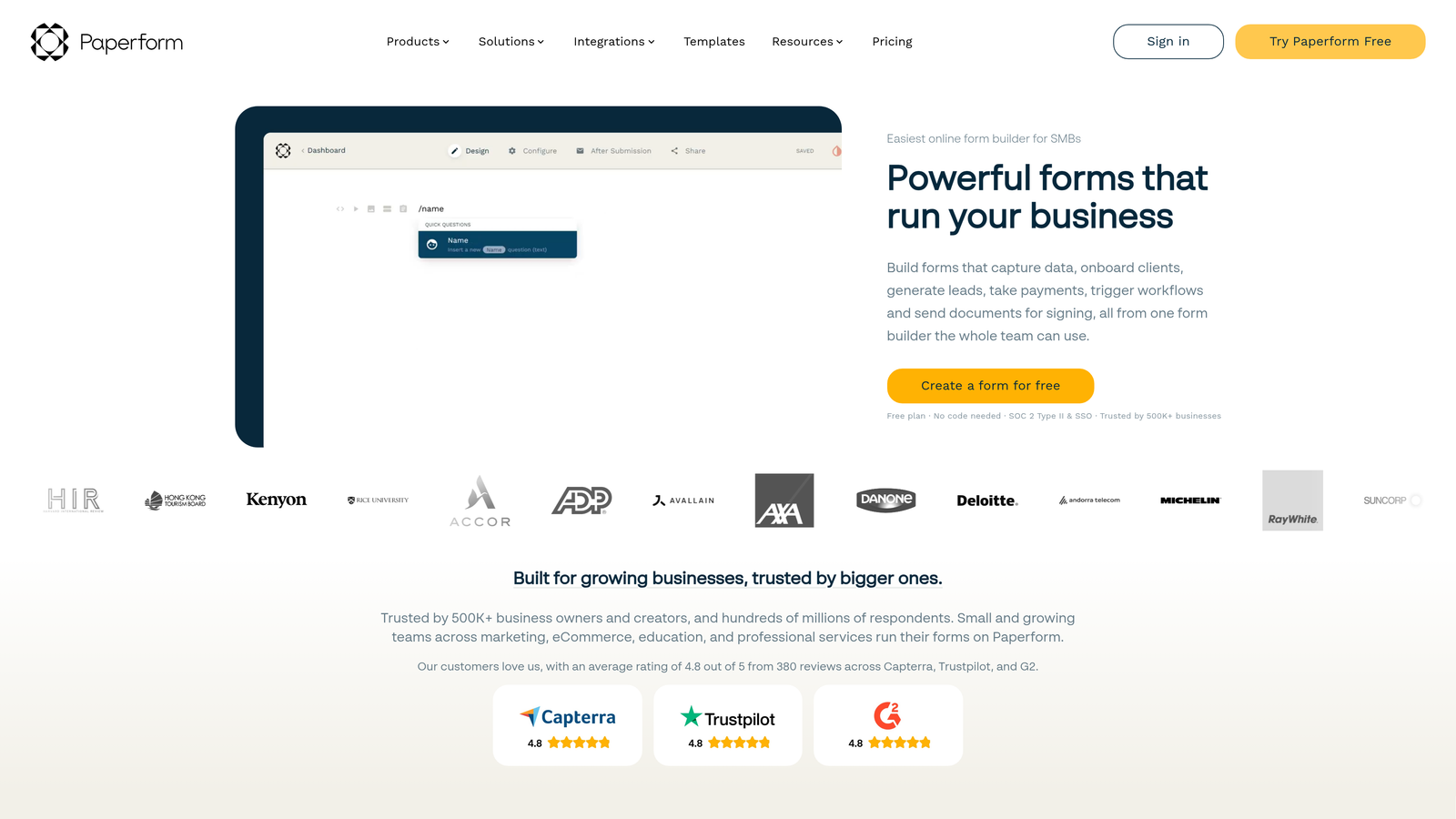
Paperform blurs the line between form builder and landing page creator with a document-style editor.
Where This Tool Shines
The platform's unique approach lets you build entire landing experiences, not just isolated forms. You're creating a cohesive page with text, images, and form fields flowing together naturally.
The built-in analytics dashboard tracks both page views and form conversions, giving you a complete picture of visitor behavior from arrival to submission. This integration eliminates the need to stitch together separate tools for landing pages and forms.
Key Features
Unified Analytics Dashboard: Monitors landing page performance and form conversions in a single interface.
Conversion Tracking: Measures completion rates and identifies drop-off points within your page experience.
Combined Page and Form Builder: Creates full landing experiences without switching between separate tools.
Payment Collection: Processes transactions directly through forms with Stripe and PayPal integration.
Conditional Logic: Shows or hides questions based on previous responses for personalized experiences.
Best For
Solopreneurs, consultants, and small creative teams that need beautiful landing pages with embedded forms. Particularly valuable for service providers collecting payments and bookings.
Pricing
Essentials plan starts at $24/month with full analytics access and unlimited forms.
6. 123FormBuilder
Best for: Teams prioritizing ease of use with real-time submission tracking
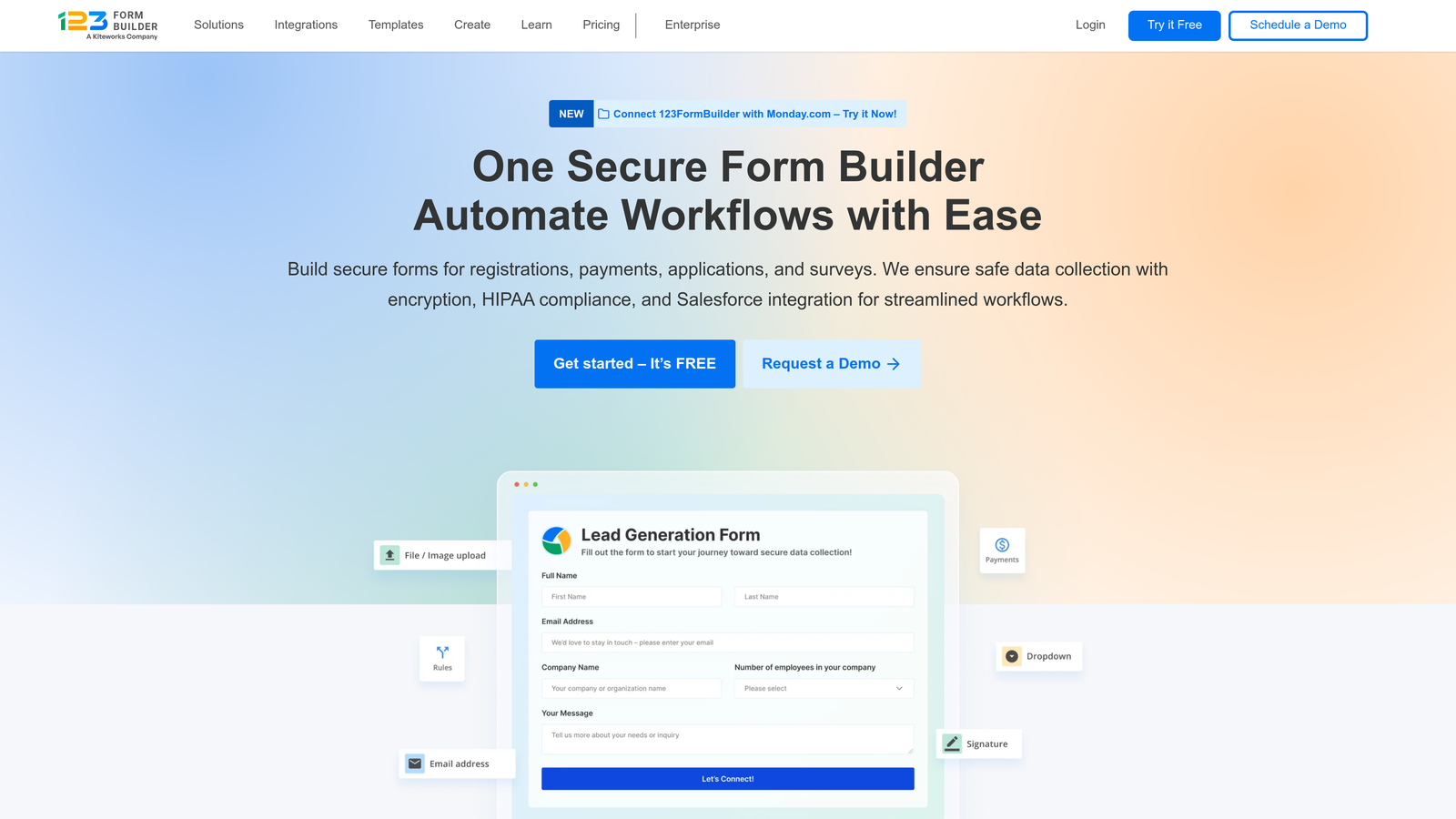
123FormBuilder focuses on straightforward form creation with accessible analytics for non-technical users.
Where This Tool Shines
The drag-and-drop interface removes technical barriers—team members without development experience can build functional forms in minutes. Real-time submission tracking means you see responses as they arrive, useful for time-sensitive campaigns.
The platform provides essential conversion metrics without overwhelming users with data. This simplicity helps small teams that need insights without dedicating resources to analytics interpretation.
Key Features
Real-Time Submission Tracking: Displays responses instantly as they're submitted for immediate visibility.
Basic Conversion Metrics: Tracks views, completions, and conversion rates with clear visual displays.
Drag-and-Drop Builder: Creates forms without coding through intuitive visual interface.
Payment Integrations: Accepts payments through forms with major payment processor connections.
Team Collaboration: Allows multiple users to build and manage forms with role-based permissions.
Best For
Small businesses and teams that need functional forms with analytics but lack technical resources. Works well when simplicity matters more than advanced features.
Pricing
Free tier available with limited analytics; Gold plan starts at $24.99/month with expanded tracking capabilities.
7. Cognito Forms
Best for: Organizations needing advanced calculations with entry analytics at competitive pricing
Cognito Forms specializes in calculation-heavy forms while maintaining strong analytics capabilities.
Where This Tool Shines
The calculation engine handles complex math operations within forms—think quote generators, order forms with dynamic pricing, or registration forms with conditional fees. This computational power extends to analytics, where you can analyze submission data with calculated fields.
Entry management provides analytics on individual submissions, letting you track patterns across specific respondent groups. Nonprofit organizations benefit from generous discounts that make premium features accessible.
Key Features
Entry Management with Analytics: Analyzes submission data with filtering and grouping capabilities.
Advanced Calculations: Performs complex math operations within forms for dynamic pricing and quotes.
Payment Processing: Collects payments with calculated totals through integrated payment gateways.
Conditional Logic: Shows or hides fields based on previous answers or calculated values.
Nonprofit Discounts: Offers reduced pricing for qualifying organizations to improve accessibility.
Best For
Nonprofits, educational institutions, and businesses requiring calculation-based forms with solid analytics. Ideal when your forms need to perform mathematical operations beyond simple data collection.
Pricing
Free tier includes basic analytics; Pro plan starts at $15/month with advanced entry management and calculations.
8. Wufoo
Best for: Simple form creation with straightforward reporting and trend tracking
Wufoo maintains a reputation for user-friendly form building with accessible performance reports.
Where This Tool Shines
The platform's strength lies in its simplicity—you're building functional forms without navigating complex feature sets. Form performance reports present submission data clearly, making it easy to spot trends without analytics expertise.
Submission trend tracking visualizes how form performance changes over time, helping you correlate form activity with marketing campaigns or seasonal patterns. This historical view aids planning and resource allocation.
Key Features
Form Performance Reports: Generates clear reports on submission volumes and completion rates.
Submission Trend Tracking: Visualizes form activity over time to identify patterns and changes.
Simple Drag-and-Drop Interface: Builds forms quickly without technical knowledge required.
Payment Collection: Accepts payments through forms with Stripe, PayPal, and Authorize.net integration.
Basic Integrations: Connects with popular tools like Mailchimp and Salesforce for data flow.
Best For
Small teams and individuals wanting reliable forms with basic analytics at affordable pricing. Works well when you need proven functionality without learning curves.
Pricing
Free tier available with limited analytics; Starter plan begins at $14.08/month with expanded reporting features.
9. Gravity Forms
Best for: WordPress users needing native forms with Google Analytics integration
Gravity Forms dominates the WordPress form plugin space with deep platform integration and extensive add-ons.
Where This Tool Shines
For WordPress-committed teams, Gravity Forms delivers native performance that hosted solutions can't match. The plugin runs on your server, giving you complete data control and eliminating external dependencies.
Google Analytics integration tracks form interactions as events, letting you analyze form performance within your existing analytics workflow. The extensive add-on marketplace extends functionality far beyond basic form building, turning it into a comprehensive data collection platform.
Key Features
Google Analytics Integration: Tracks form views, starts, and completions as events in your analytics account.
Entry Tracking and Management: Stores and analyzes submissions within WordPress with filtering and export capabilities.
Add-On Marketplace: Extends functionality through hundreds of third-party and official add-ons.
Conditional Logic: Creates dynamic forms that adapt based on user responses.
WordPress-Native Performance: Runs directly on your server for speed and data control.
Best For
WordPress-based businesses and publishers that need powerful forms without leaving their content management system. Essential when data sovereignty and platform integration are priorities.
Pricing
Basic License starts at $59/year for single-site use; higher tiers include priority support and additional add-ons.
Making the Right Choice
The form builder you choose shapes how you understand your audience. Orbit AI delivers AI-powered lead qualification alongside conversion analytics, making it the smart choice for high-growth teams that need to separate qualified prospects from casual browsers. The platform's intelligence layer transforms raw submission data into actionable lead quality insights.
Typeform excels when brand experience and engagement metrics matter most—its conversational approach and question-level drop-off analysis help you craft forms that people actually enjoy completing. Formstack serves enterprise teams requiring A/B testing and compliance features that basic builders can't provide.
For WordPress loyalists, Gravity Forms offers unmatched platform integration with Google Analytics tracking built in. Budget-conscious teams will find solid analytics in 123FormBuilder and Cognito Forms without premium pricing.
Consider what matters most: Do you need intelligence about lead quality, or just submission volumes? Are you optimizing for completion rates, or qualifying prospects? Will you run experiments, or deploy once and monitor? Your answers determine which tool fits your workflow.
The right form builder with analytics stops you from flying blind. You'll see where visitors hesitate, understand what drives conversions, and make data-backed decisions about form design. Start building free forms today and see how intelligent form design can elevate your conversion strategy—because knowing what happens inside your forms matters as much as the data they collect.


