

Most teams spend hours designing forms and zero hours understanding what happens after they go live. A form that looks great but bleeds conversions at a specific field, on mobile, or for a particular traffic source is a silent revenue problem. Form analytics closes that gap.
Understanding where users abandon, which fields create friction, and what submission patterns signal lead quality is what separates a form that collects data from one that actually converts. To build this list, we evaluated tools based on analytics depth, ease of setup, integration options, pricing transparency, and how well each fits high-growth teams with real conversion targets.
The list covers everything from AI-powered form builders with native analytics to dedicated form analytics overlays and broader behavior intelligence platforms. Whether you want to layer analytics on existing forms or build analytics directly into your form creation workflow, there's a tool here for you. If you're also working on the fundamentals, check out our guides on how to improve form conversion rates and form submission rate benchmarks before diving in.
1. Orbit AI
Best for: High-growth teams that want form building, analytics, and lead qualification in one platform.
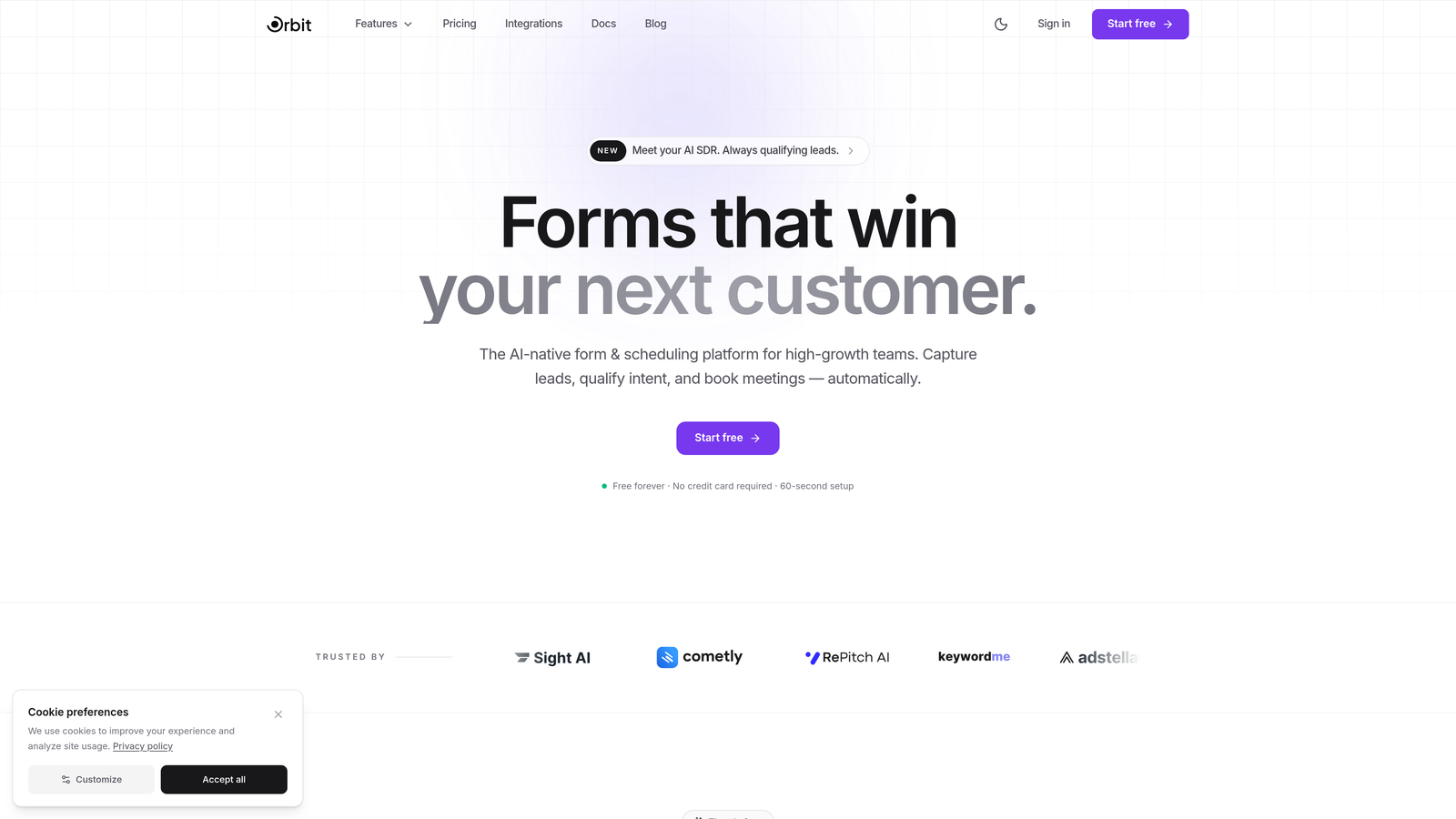
Orbit AI is an AI-powered form builder with native analytics, lead qualification, and conversion optimization built directly into the form creation workflow.
Where This Tool Shines
Most form analytics tools are add-ons: you build a form somewhere, then bolt on a separate analytics layer, then connect a CRM, then hope everything talks to each other. Orbit AI collapses that stack. Analytics aren't a feature you configure after launch; they're baked into how forms are built and how submissions are processed.
The standout differentiator is AI-driven lead qualification at the submission level. Rather than just telling you how many people filled out a field, Orbit AI scores the quality of what they submitted. For teams focused on lead generation, that shifts the conversation from "how many submissions did we get" to "how many of those submissions actually matter."
Key Features
AI Lead Scoring: Every submission is automatically qualified and scored, giving sales teams instant signal on which leads to prioritize.
Native Field-Level Analytics: Track field-by-field performance without installing third-party scripts or configuring custom events.
Conversion-Optimized Templates: Pre-built form templates designed specifically for high-growth use cases, with progressive disclosure support to reduce visual overwhelm.
Real-Time Submission Insights: Monitor submission patterns and lead quality as they happen, not after the fact.
Modern Form Design: Clean, beautiful form UI that doesn't sacrifice conversion for aesthetics.
Best For
Teams that want a single platform for building, launching, and optimizing forms without stitching together multiple tools. Particularly strong for SaaS companies, growth marketers, and anyone running lead generation campaigns where lead quality matters as much as volume.
Pricing
Visit orbitforms.ai for current plan details. A free tier is available to get started.
2. Hotjar
Best for: Teams that want visual behavior analytics alongside form-specific tracking.
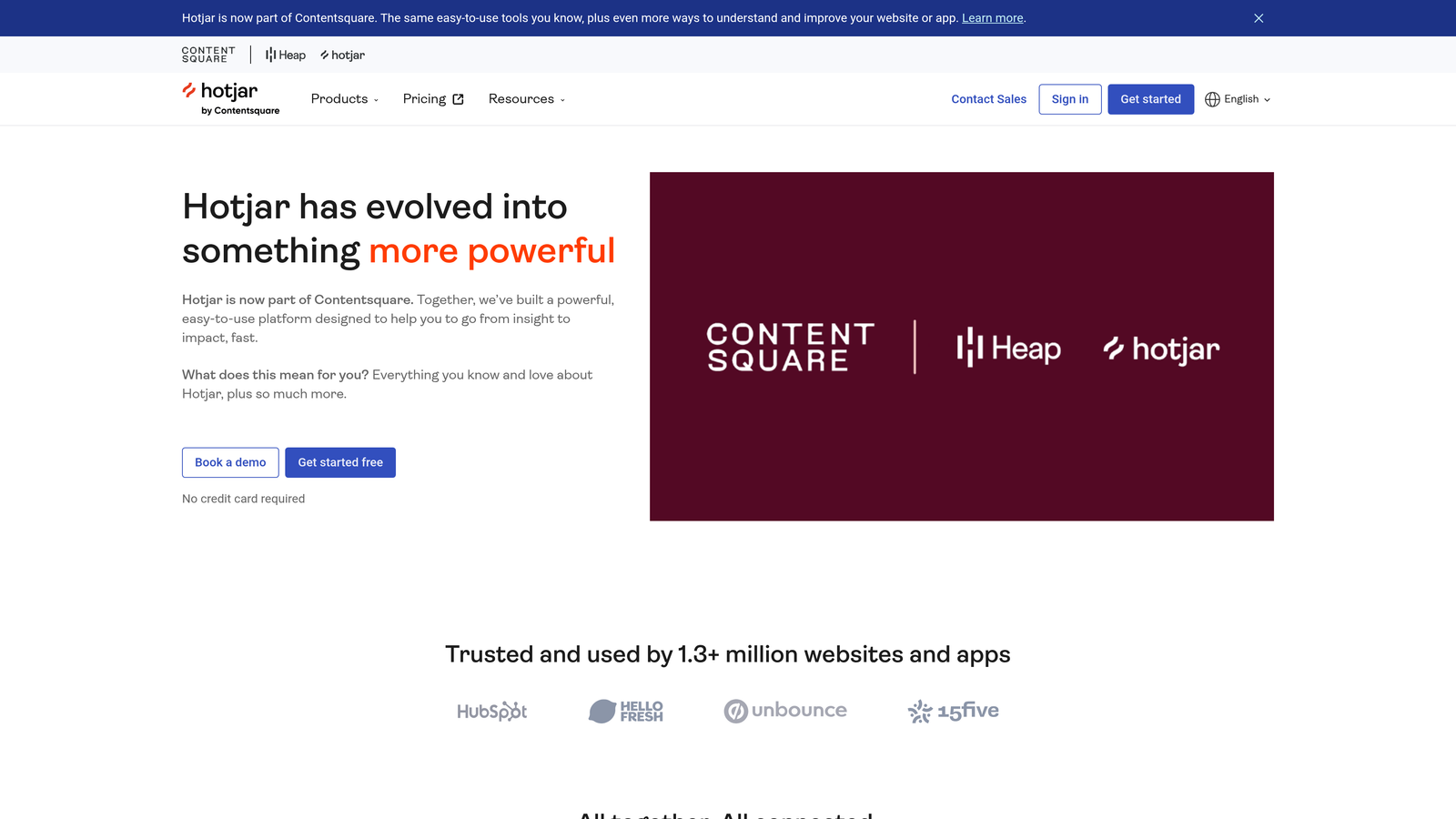
Hotjar is a behavior analytics platform offering heatmaps, session recordings, and feedback tools with dedicated form tracking capabilities.
Where This Tool Shines
Hotjar's strength is context. Form analytics in isolation tells you a field has high abandonment; Hotjar's session recordings let you watch exactly what happened before that abandonment. That combination of quantitative drop-off data and qualitative replay is genuinely useful for diagnosing subtle UX problems.
The form-specific heatmaps are particularly helpful for identifying which fields users hesitate on, skip, or return to repeatedly. Paired with user feedback widgets, you can surface the "why" behind the numbers without a separate research tool.
Key Features
Form Heatmaps: Visual overlays showing where users click, scroll, and interact within form fields.
Session Recordings: Filter recordings specifically by form interactions to watch real user behavior.
Funnel Analysis: Step-by-step drop-off visualization for multi-step form flows.
Feedback Widgets: Collect qualitative user input directly on the page to complement quantitative data.
Integrations: Connects with major analytics platforms, CRMs, and marketing tools.
Best For
Product and growth teams who want visual behavior context alongside form analytics, especially those already using Hotjar for broader site analysis. Less ideal if you need deep, field-by-field statistical reporting without manual review of recordings.
Pricing
Free plan available. Paid plans start at $32/month, scaling with session volume and feature access.
3. Zuko Analytics
Best for: Teams that need the deepest possible field-level form analytics without compromise.
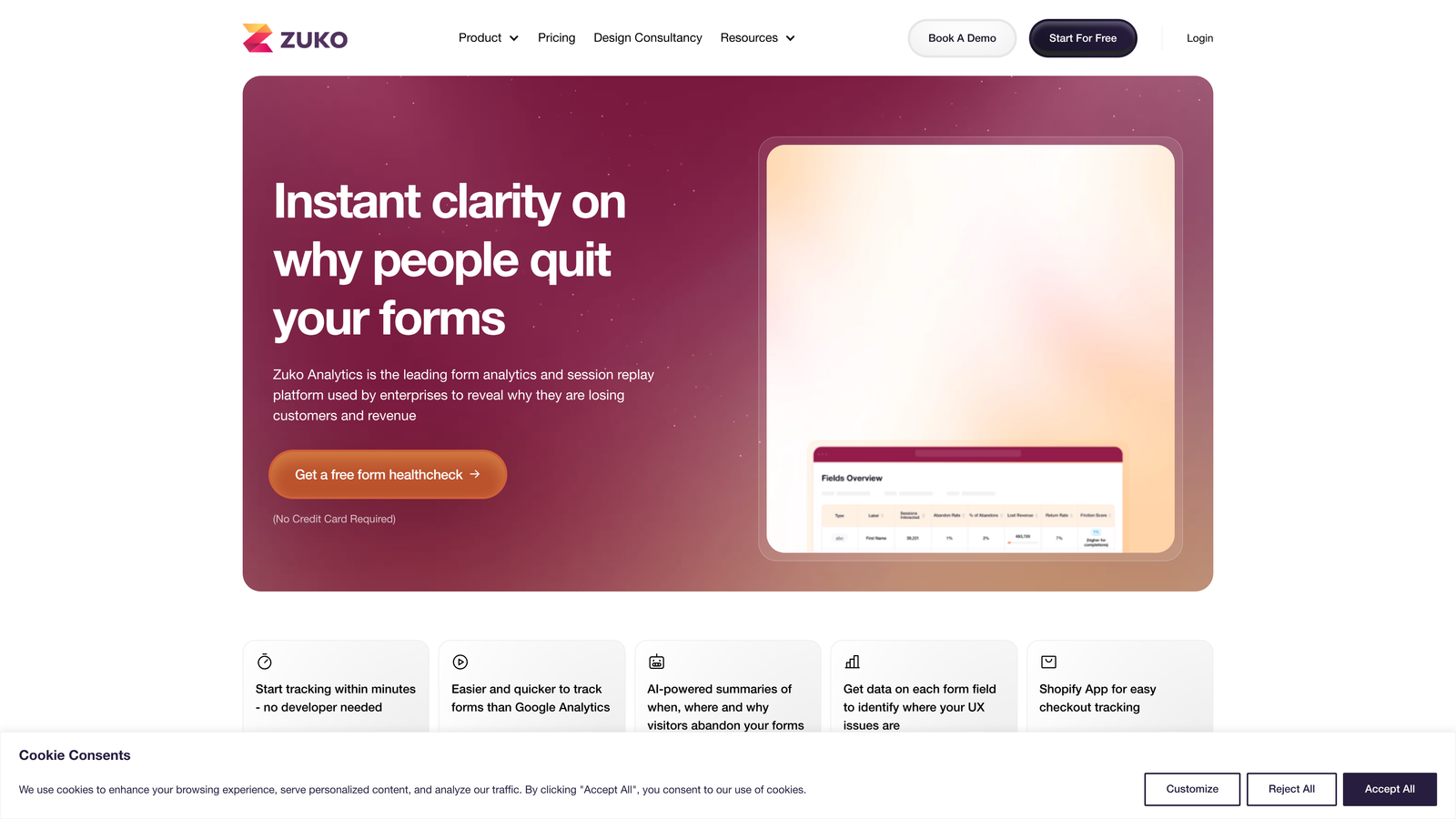
Zuko Analytics is a purpose-built form analytics platform delivering granular field-by-field interaction data, abandonment tracking, and optimization recommendations.
Where This Tool Shines
Zuko does one thing and does it exceptionally well: form analytics. While broader behavior tools treat forms as one of many features, Zuko's entire product is built around understanding form behavior at the most granular level available. Time spent per field, correction rates, return visits to specific fields, and field-level abandonment are all first-class metrics here.
The platform-agnostic approach is a major practical advantage. Zuko works with any form regardless of what it's built on, which makes it viable for teams with complex or custom form setups that don't fit neatly into a single form builder ecosystem.
Key Features
Field-Level Tracking: Measures time spent, corrections made, returns to field, and abandonment rate for every individual field.
Form Funnel Visualization: Step-by-step drop-off rates with clear visual reporting.
Segmentation: Break down performance by device type, traffic source, and user attributes.
Automated Alerts: Get notified when conversion rates change significantly, without manually monitoring dashboards.
Platform Agnostic: Works with any form on any platform with a simple script installation.
Best For
CRO specialists, UX researchers, and growth teams running high-traffic forms who need statistical rigor at the field level. Also strong for agencies managing form optimization across multiple client sites.
Pricing
Plans start around £100/month. Custom enterprise pricing is available for larger organizations or agencies.
4. Google Analytics 4
Best for: Teams that want free form tracking integrated into their existing web analytics setup.
Google Analytics 4 is Google's free analytics platform that supports form interaction tracking through custom events within a broader web analytics context.

Where This Tool Shines
GA4's form analytics capabilities aren't native out of the box, but combined with Google Tag Manager, you can set up codeless event tracking for submissions, field focus, and abandonment without writing custom code. For teams already living in the Google ecosystem, this is often the path of least resistance.
The real power is in the broader context GA4 provides. You can segment form behavior by acquisition channel, audience segment, or device type and connect form performance to downstream conversion metrics in a way that standalone form tools can't easily replicate.
Key Features
Custom Event Tracking: Track form submissions, field interactions, and abandonment with configurable events.
Funnel Exploration: Build multi-step form flow funnels in GA4's Exploration reports.
Audience Segmentation: Filter form behavior by traffic source, device, or any audience attribute.
Google Tag Manager Integration: Enable codeless event setup without developer involvement.
No Cost, No Traffic Limits: Fully free with no session caps or paid tiers.
Best For
Teams comfortable with GA4 configuration who want form analytics connected to their full analytics stack without additional tooling costs. Requires more setup effort than dedicated form analytics tools.
Pricing
Completely free. No paid tiers or traffic limits.
5. Microsoft Clarity
Best for: Teams that want free session recordings and heatmaps with no traffic caps or time limits.
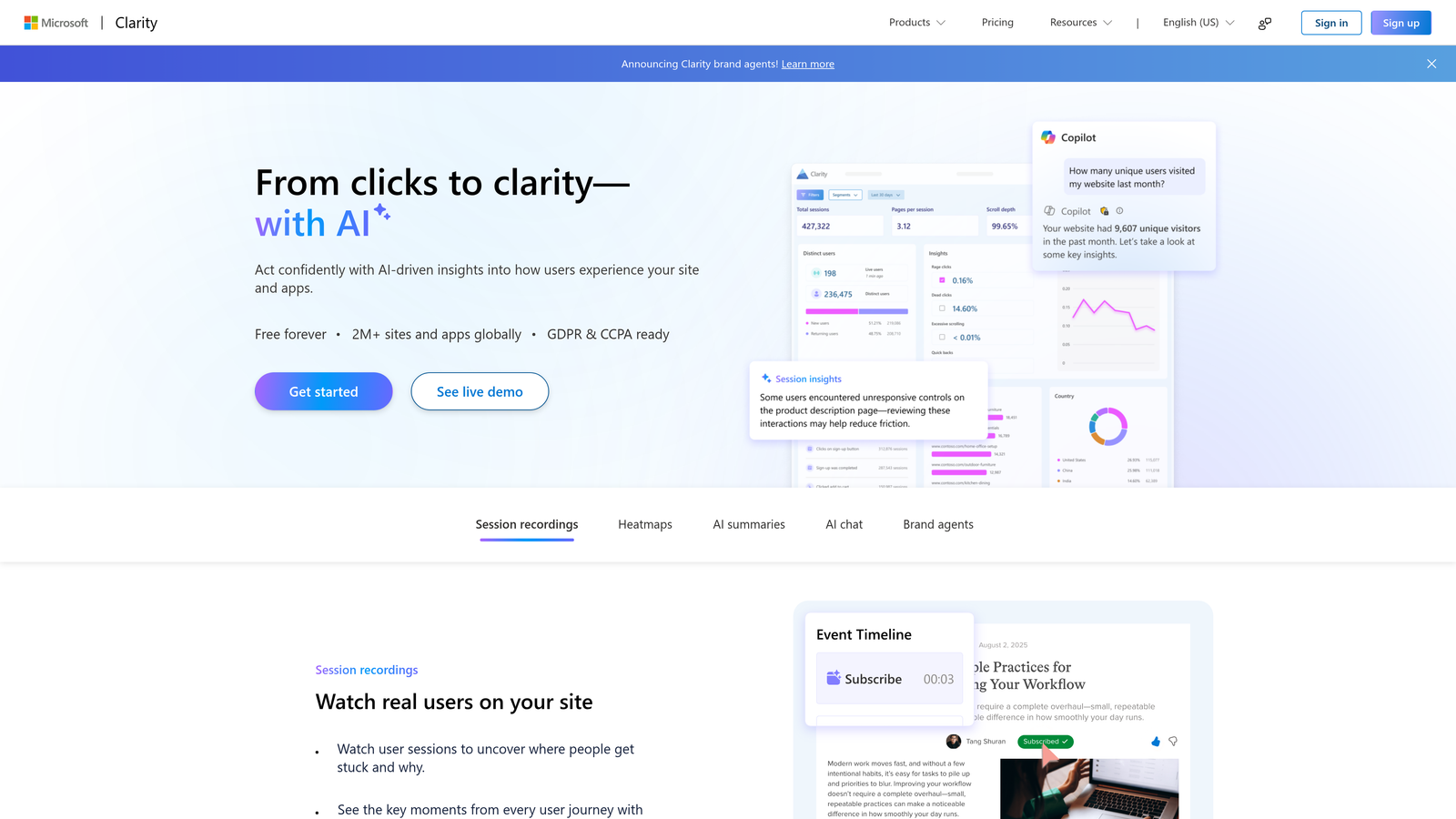
Microsoft Clarity is a free behavior analytics tool offering session recordings, heatmaps, and AI-powered smart insights with no usage restrictions.
Where This Tool Shines
The obvious headline is the price: Clarity is completely free with no traffic limits, no session caps, and no paid upgrade required. For teams that need visual behavior data without a budget line item, it's a genuinely impressive offering. The smart insights feature surfaces patterns automatically, flagging things like rage-click spikes or dead-click clusters without requiring manual review.
For form analysis specifically, the ability to filter session recordings by form-related interactions lets you quickly isolate user sessions where something went wrong. The rage-click and dead-click detection is particularly useful for identifying fields where users are getting frustrated or confused.
Key Features
Unlimited Recordings and Heatmaps: No caps on session volume or data retention at any tier.
Rage-Click and Dead-Click Detection: Automatically flags frustration signals in form interactions.
Smart Insights: Machine learning surfaces behavioral patterns without manual analysis.
Form Interaction Filters: Isolate session recordings by specific form-related events.
GA4 Integration: Combine Clarity's visual data with Google Analytics metrics in a unified view.
Best For
Teams at any stage who want visual behavior analytics at zero cost. Especially useful as a complement to GA4 for teams that want session-level context without paying for Hotjar or FullStory.
Pricing
Completely free. No paid tiers, no traffic limits, no time-limited trials.
6. FullStory
Best for: Enterprise teams that need AI-powered frustration detection and searchable session replay at scale.
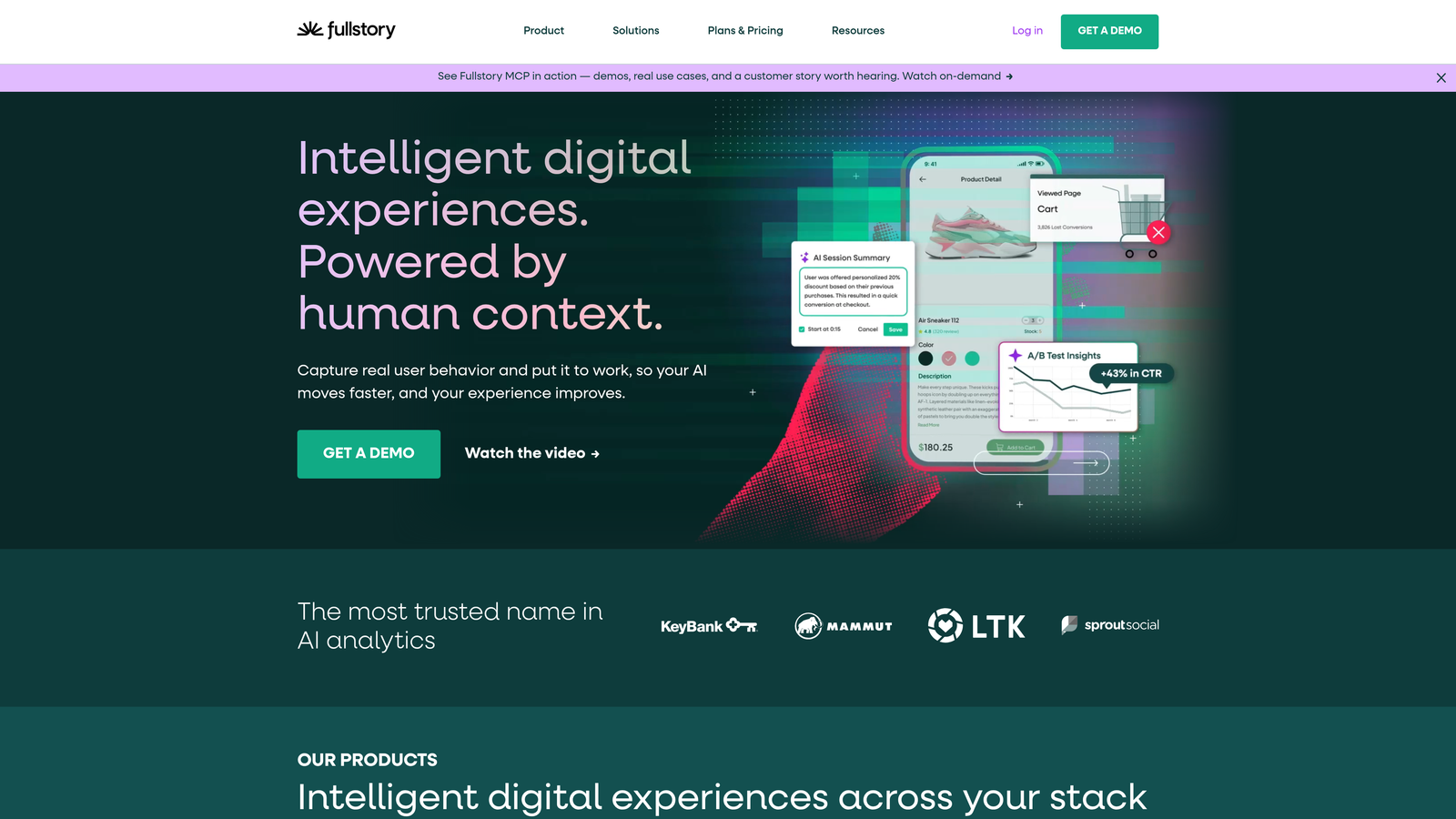
FullStory is an enterprise digital experience intelligence platform with AI-powered frustration signals and searchable session replay for deep form analysis.
Where This Tool Shines
FullStory's searchable session replay is its defining feature. Instead of manually scrubbing through recordings to find where a form broke, you can query FullStory's data layer: show me all sessions where a user clicked the submit button more than twice without completing the form. That kind of structured querying transforms session data from a passive archive into an active diagnostic tool.
The AI-powered frustration signals layer on top of this, automatically surfacing rage clicks, error clicks, and thrashed cursor behavior so you're not dependent on knowing the right questions to ask upfront.
Key Features
Searchable Session Replay: Query sessions by specific event types to find form issues without manual review.
AI Frustration Signals: Automatic detection of rage clicks, error clicks, and cursor thrashing in form interactions.
Conversion Funnel Analysis: Form-specific filtering within broader conversion funnel reporting.
Custom Dashboards: Build form performance KPI dashboards tailored to your team's metrics.
Data Warehouse Integrations: Robust API and direct integrations with major data warehouse platforms.
Best For
Enterprise product and analytics teams managing complex, high-traffic form flows where manual analysis doesn't scale. The data warehouse integrations make it a strong fit for teams with existing BI infrastructure.
Pricing
Custom pricing for most plans. A free tier is available with limited session volume to evaluate the platform.
7. Mouseflow
Best for: Teams that want a dedicated form analytics module alongside broader behavior analytics in one affordable package.
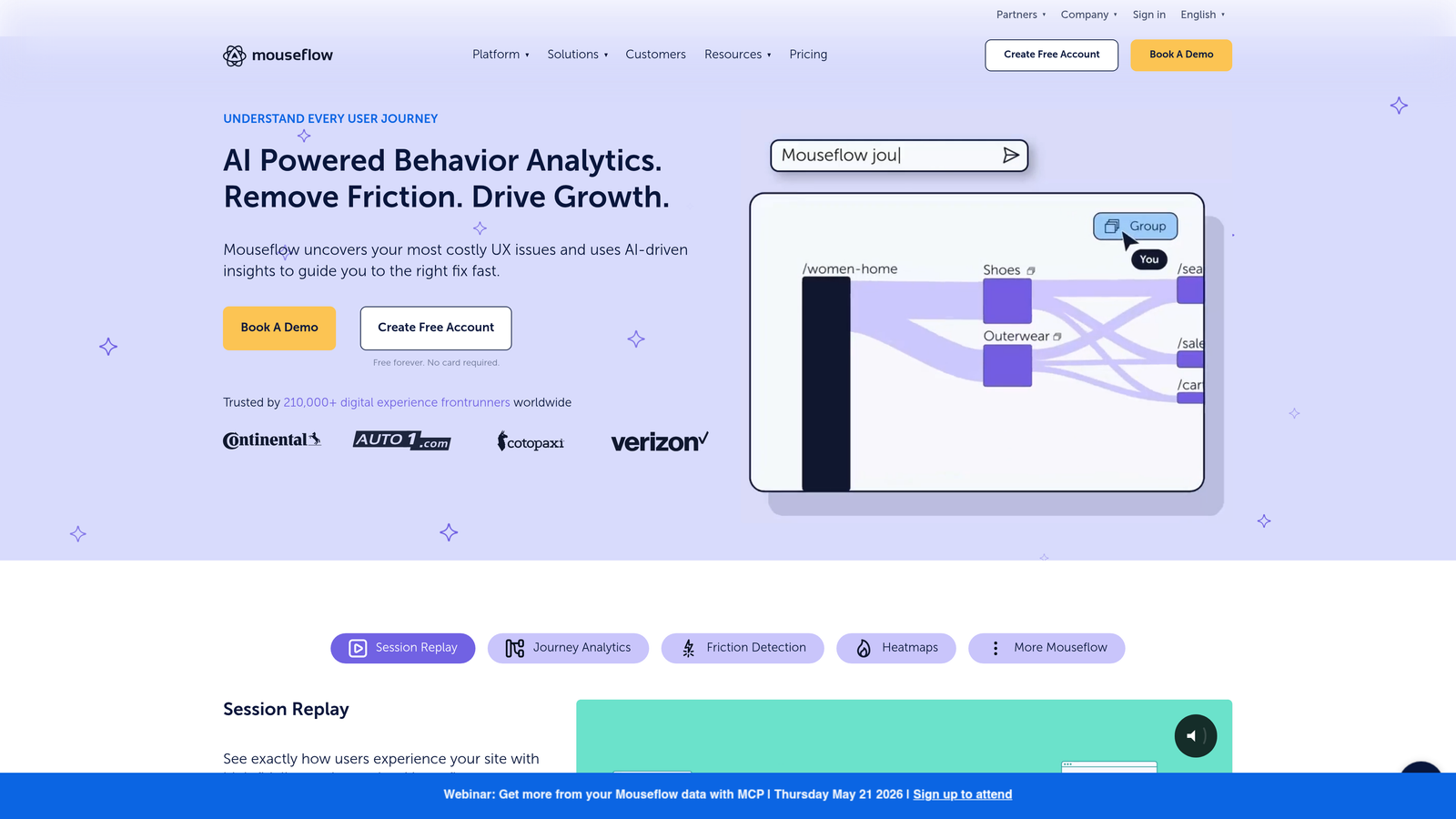
Mouseflow is a behavior analytics platform with a dedicated form analytics module tracking field-level drop-off, refill rates, and friction scoring.
Where This Tool Shines
Mouseflow's form analytics module stands out for its friction scoring system. Rather than presenting raw field-level data and leaving interpretation to you, Mouseflow assigns a friction score to each field based on a combination of drop-off rate, refill rate, and time-to-complete. That prioritization layer is genuinely useful when you're deciding where to focus optimization effort across a complex form.
The combination of session replay filtered by form interactions and the dedicated analytics dashboard means you can move from "this field has high friction" to "let me watch what actually happens at this field" without switching tools.
Key Features
Dedicated Form Analytics Dashboard: Per-field metrics in a purpose-built reporting view.
Friction Scoring: Each field receives a calculated friction score to prioritize optimization efforts.
Drop-Off and Refill Tracking: Measure blank submissions, refill rates, and time-to-complete per field.
Session Replay Integration: Filter recordings directly by form interaction events.
A/B Testing Integration: Connect form layout experiments to behavior analytics for result validation.
Best For
Growth and CRO teams that want field-level analytics with built-in prioritization guidance, without the price point of enterprise tools. The A/B testing integration makes it particularly useful for teams actively iterating on form design.
Pricing
Free plan available. Paid plans start at $31/month, scaling with session volume.
8. Formisimo (by Zuko)
Best for: Existing Formisimo users or teams evaluating Zuko who want continuity of historical form data.
Formisimo is one of the original dedicated form analytics platforms, now fully integrated into the Zuko ecosystem with migration support and continued field-level tracking capabilities.
Where This Tool Shines
Formisimo pioneered the dedicated form analytics category before being absorbed into Zuko, and its core approach to field-level interaction tracking remains intact in the combined platform. For teams with existing Formisimo accounts and historical data, the migration path into Zuko preserves that data continuity, which matters when you're tracking form performance over long time horizons.
The real-time dashboards and historical comparison features are particularly useful for teams that make iterative form changes and need to measure before-and-after performance accurately.
Key Features
Field-Level Interaction Tracking: Time spent, corrections, and abandonment data per field, consistent with Formisimo's original methodology.
Real-Time Performance Dashboards: Live form performance monitoring without waiting for daily data refreshes.
Historical Data Comparison: Compare form performance across time periods to measure the impact of changes.
Zuko Platform Integration: Full access to Zuko's broader analytics capabilities under a single plan.
Best For
Current Formisimo users transitioning to Zuko, and teams evaluating Zuko who want to understand the platform's heritage and data methodology. New users are generally better served by evaluating Zuko directly.
Pricing
Now part of Zuko's pricing structure. See Zuko's current plans at zuko.io.
9. Lucky Orange
Best for: Small to mid-size teams that want form analytics, heatmaps, live chat, and surveys in one affordable platform.
Lucky Orange is an all-in-one conversion optimization suite combining dynamic heatmaps, session recordings, form analytics, live chat, and real-time visitor dashboards.
Where This Tool Shines
Lucky Orange's value proposition is breadth at a low price point. Where most tools in this list do one or two things well, Lucky Orange bundles form analytics with live visitor dashboards, built-in surveys, live chat, and conversion funnels into a single subscription. For smaller teams that can't justify separate tools for each capability, that consolidation is genuinely useful.
The live visitor dashboard is a distinctive feature: you can watch active form sessions in real time, which is particularly useful during a new form launch when you want immediate feedback before committing to a design.
Key Features
Form Analytics Module: Field-level abandonment and interaction data in a dedicated reporting view.
Dynamic Heatmaps: Real-time updating heatmaps that reflect current visitor behavior without waiting for data aggregation.
Live Visitor Dashboard: Monitor active form sessions as they happen.
Built-In Surveys and Live Chat: Collect qualitative feedback without adding separate tools to your stack.
Conversion Funnels: Form-specific segmentation within broader conversion funnel reporting.
Best For
Small to mid-size teams, startups, and solo marketers who want a broad conversion optimization toolkit without paying for multiple specialized platforms. Less suited for teams that need deep statistical rigor at the field level.
Pricing
Free plan available. Paid plans start at $32/month, making it one of the more affordable all-in-one options in the category.
Which Tool Is Right for Your Team
The right choice depends on a single, clarifying question: do you need analytics layered on top of existing forms, or do you want analytics built into the form creation process itself?
If you're building new forms and want lead qualification, field-level analytics, and conversion optimization without stitching together a separate analytics stack, Orbit AI is the natural starting point. It's the only tool on this list where building and analyzing are the same workflow, which matters enormously for high-growth teams that need to move fast.
For visual behavior analysis layered on existing forms, Hotjar remains the most intuitive option, with Microsoft Clarity offering a compelling free alternative for teams on tighter budgets. If you need the deepest possible field-level statistical analysis, Zuko is the specialist choice with no real competitor at that level of granularity.
For enterprise teams dealing with complex, high-traffic form flows, FullStory's searchable session replay and AI frustration detection justify the price point. And if you want a broad conversion toolkit without multiple subscriptions, Lucky Orange delivers strong value at an accessible price.
Free options are genuinely capable here. Google Analytics 4 and Microsoft Clarity together cover a lot of ground for teams that are willing to invest setup time rather than budget.
The pattern across high-performing teams is consistent: they don't just track submissions, they understand the journey to submission. That's what form analytics makes possible. If you're ready to take it further and want forms that qualify leads automatically while delivering a conversion-optimized experience, start building free forms today and see what intelligent form design can do for your pipeline.
For more on maximizing what you learn from these tools, explore our guides on how to increase form submissions and why visitors abandon online forms.


