

Your forms are collecting data, but are they collecting insights? For high-growth teams, the difference between a form that converts and one that hemorrhages leads often comes down to understanding user behavior. Form analytics software reveals where visitors hesitate, which fields cause abandonment, and how to optimize every touchpoint.
We evaluated dozens of platforms to find the best options for teams who need actionable data—not just submission counts. Here are nine tools that deliver real intelligence about your form performance.
1. Orbit AI
Best for: Teams building high-converting forms with built-in analytics and AI-powered lead qualification
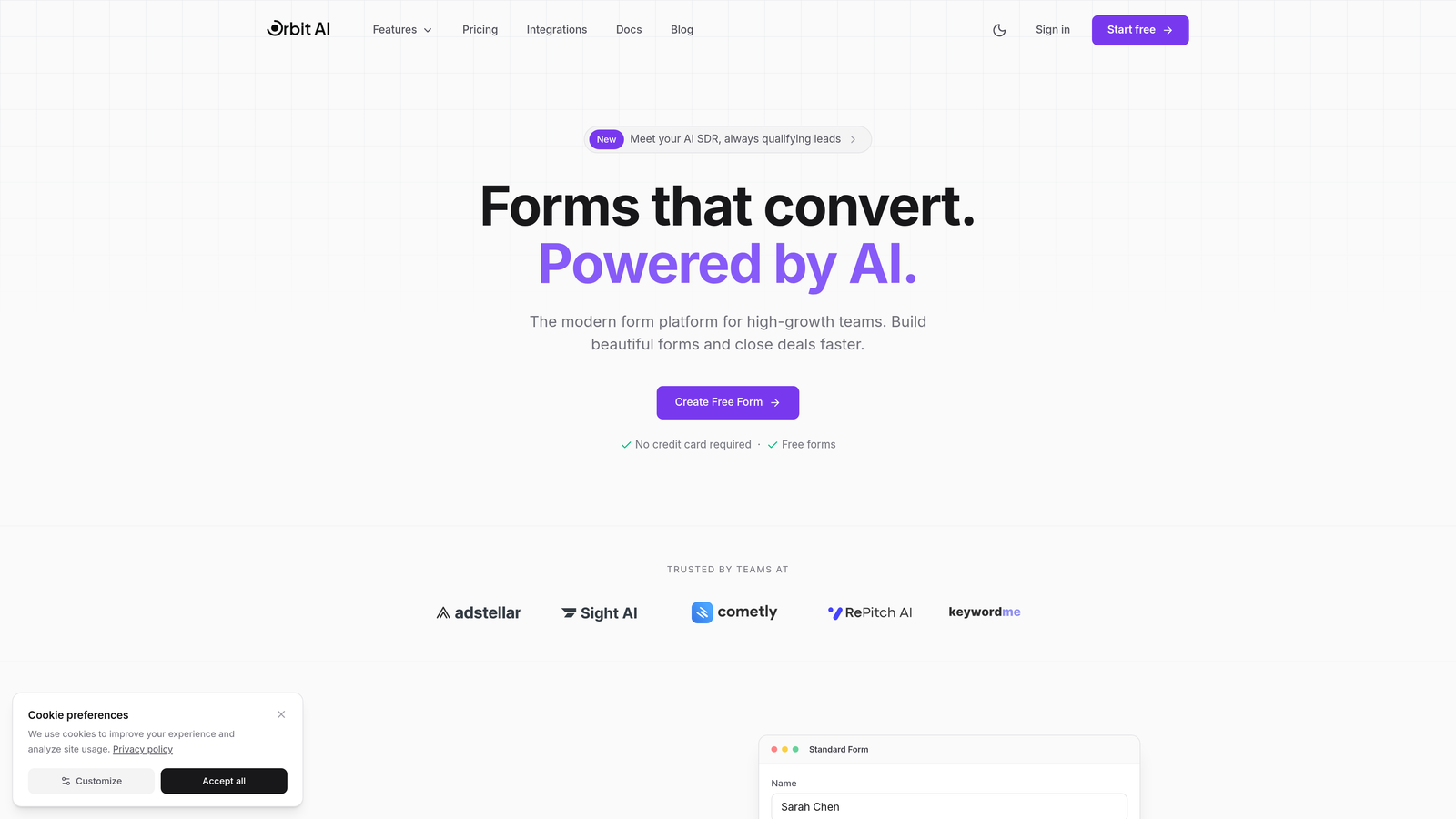
Orbit AI combines form building with native analytics in a single platform designed for high-growth teams who need both creation and intelligence.
Where This Tool Shines
Unlike standalone analytics tools that require separate form builders, Orbit AI delivers insights directly alongside form creation. The platform tracks every interaction while simultaneously scoring lead quality using AI—meaning you're not just seeing who abandoned your form, but also understanding which completions represent your best prospects.
The unified approach eliminates the integration headaches that come with connecting third-party analytics to your forms. Everything lives in one dashboard, making it easier for teams to act on insights quickly.
Key Features
Built-in Analytics Dashboard: Track field-level performance, completion rates, and drop-off points without external tools.
AI-Powered Lead Qualification: Automatically score submissions based on response patterns and quality indicators.
Field-Level Performance Tracking: See exactly which questions cause friction or hesitation in real-time.
Conversion Optimization Recommendations: Get AI-generated suggestions for improving form performance based on your data.
Team Collaboration Features: Share insights and iterate on forms together with built-in commenting and version control.
Best For
High-growth teams who want to build and optimize forms in the same platform. Particularly valuable for businesses focused on lead generation where qualification matters as much as quantity. Works well for teams tired of stitching together multiple tools.
Pricing
Free tier available for getting started. Paid plans begin at $29/month with scaling options for larger teams and advanced analytics needs.
2. Hotjar
Best for: Visual behavior analysis with heatmaps and session recordings across your entire site
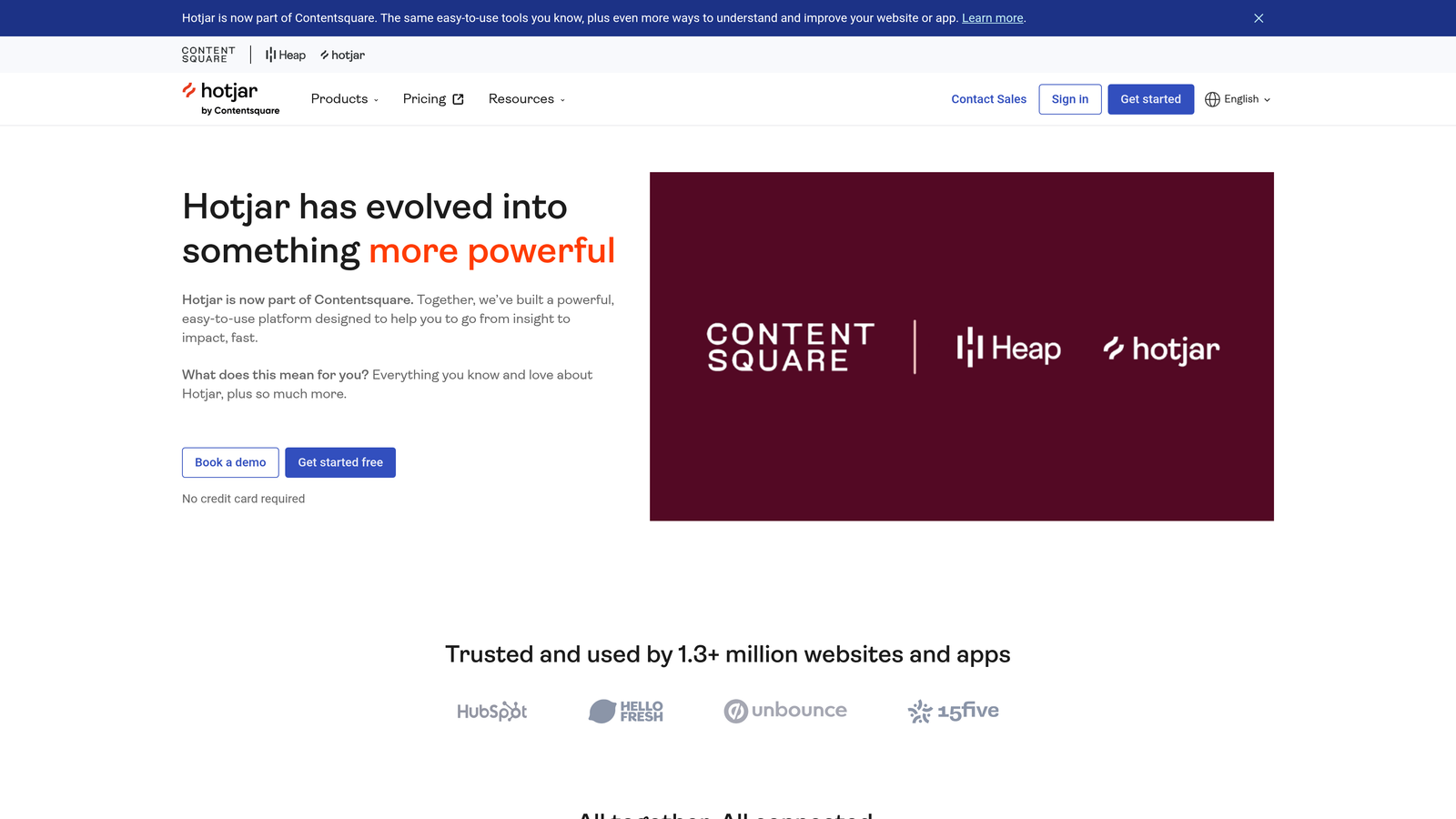
Hotjar is a comprehensive behavior analytics platform that includes robust form analysis alongside broader website insights.
Where This Tool Shines
Hotjar excels at showing you the "why" behind form abandonment through visual data. Session recordings let you watch actual users struggle with specific fields, while heatmaps reveal where attention goes (and where it doesn't). This visual approach makes it easier to communicate issues to stakeholders who might not respond to pure numbers.
The platform's strength lies in its ability to contextualize form performance within the broader user journey. You can see what users did before hitting your form and where they went after abandoning it.
Key Features
Form Abandonment Funnels: Track exactly where users drop off in multi-step forms with visual funnel reports.
Session Recordings: Watch real user interactions with your forms to identify friction points you wouldn't catch in raw data.
Heatmaps: See click patterns, scroll depth, and attention distribution across your form pages.
User Feedback Integration: Combine quantitative form data with qualitative feedback from on-page surveys.
Cross-Device Tracking: Understand how form performance differs between desktop, tablet, and mobile experiences.
Best For
Teams who need to understand the full context around form performance, not just isolated metrics. Ideal for organizations with complex user journeys where forms are one touchpoint among many. Works particularly well for product teams who need visual evidence to drive design decisions.
Pricing
Free tier available with basic features and limited data. Paid plans start at $32/month with increasing session and heatmap limits.
3. Formisimo
Best for: Deep field-level analytics for teams obsessed with form optimization details
Formisimo is a dedicated form analytics platform that goes deeper on field-level insights than generalist tools.
Where This Tool Shines
When you need to know precisely how long users spend on each field, where they hesitate, and which specific inputs cause problems, Formisimo delivers granular data that broader analytics platforms miss. The platform tracks micro-interactions like cursor movements and field refocusing that reveal user confusion before abandonment happens.
Formisimo's real-time alerts notify you immediately when form performance drops, allowing quick responses to technical issues or unexpected friction. This proactive approach prevents extended periods of poor conversion.
Key Features
Field-by-Field Abandonment Analysis: See exact drop-off rates for every individual field in your forms.
Time-to-Complete Metrics: Track how long users spend on each field to identify confusion or complexity issues.
Real-Time Issue Alerts: Get notified when abandonment rates spike or specific fields show unusual behavior.
A/B Testing Integration: Connect form analytics directly to testing platforms for data-driven optimization.
Hesitation Tracking: Identify fields where users pause or repeatedly refocus before completing.
Best For
Conversion optimization specialists and teams running high-value forms where small improvements have significant revenue impact. Best suited for organizations with dedicated resources for continuous form testing and refinement.
Pricing
Plans start at $99/month, positioning it as a premium solution for teams serious about form performance.
4. Zuko Analytics
Best for: Enterprise teams needing industry benchmarking and advanced reporting capabilities
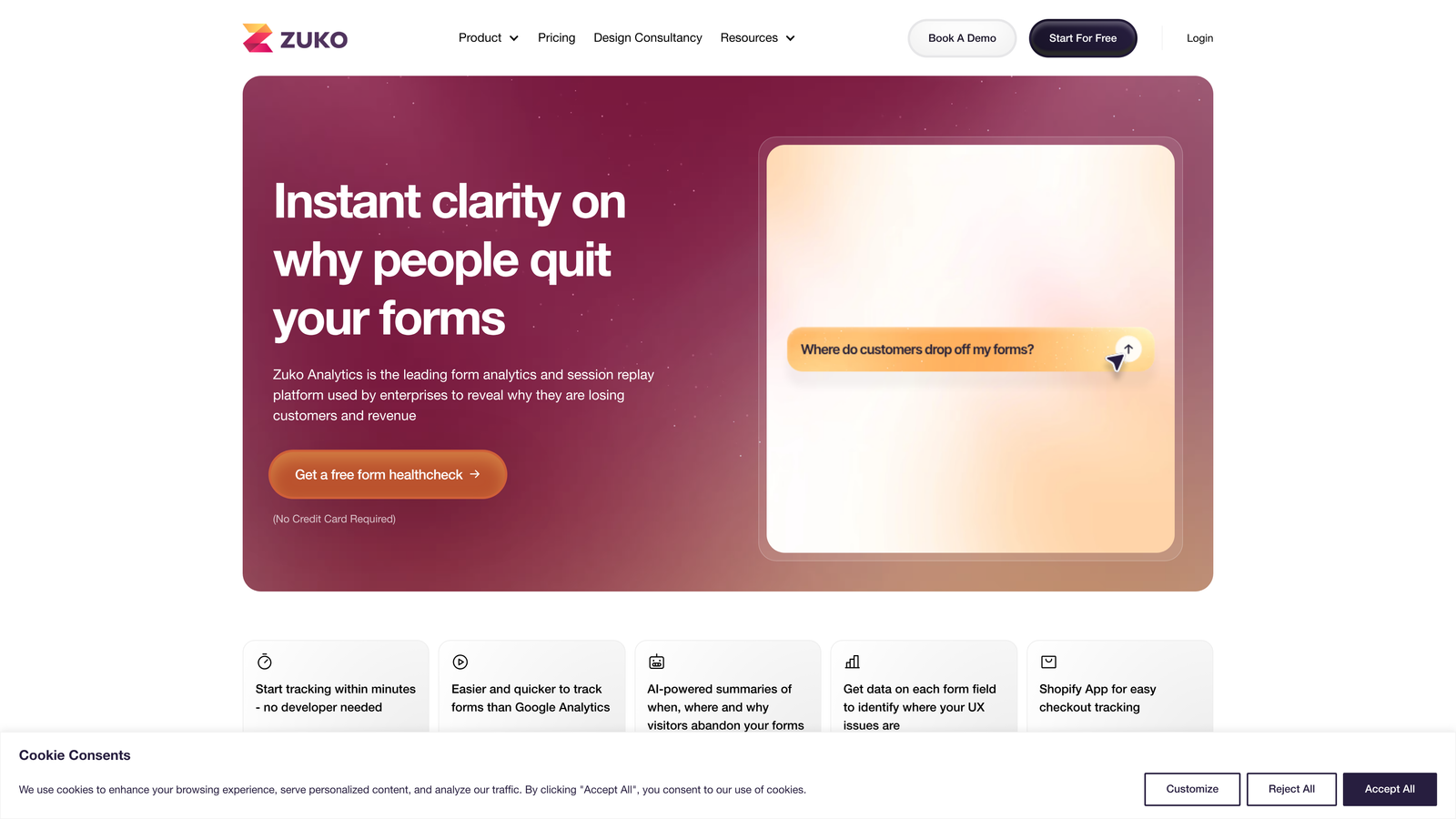
Zuko Analytics is an enterprise-focused form analytics platform with sophisticated benchmarking and reporting features.
Where This Tool Shines
Zuko's standout feature is industry benchmarking—you can compare your form performance against aggregated data from similar businesses. This context helps you understand whether your 40% completion rate is excellent or concerning based on your sector and form type.
The platform handles complex multi-step forms particularly well, tracking user progression through lengthy processes with detailed funnel visualization. Enterprise-grade reporting makes it easy to demonstrate ROI to executives.
Key Features
Industry Benchmark Comparisons: See how your forms perform relative to sector averages and best-in-class examples.
Detailed Field Interaction Timing: Track precise engagement metrics for every form element.
Multi-Step Form Funnel Analysis: Visualize user progression through complex, multi-page form flows.
Enterprise Reporting: Generate comprehensive reports with executive-friendly visualizations and insights.
Custom Event Tracking: Define and monitor specific interactions beyond standard form metrics.
Best For
Large organizations with complex forms and the need to justify optimization investments through data. Particularly valuable for financial services, insurance, and other industries with lengthy application processes.
Pricing
Custom pricing based on form volume and features needed. Typically positioned for enterprise budgets rather than small teams.
5. FullStory
Best for: Digital experience intelligence with advanced session replay and frustration detection
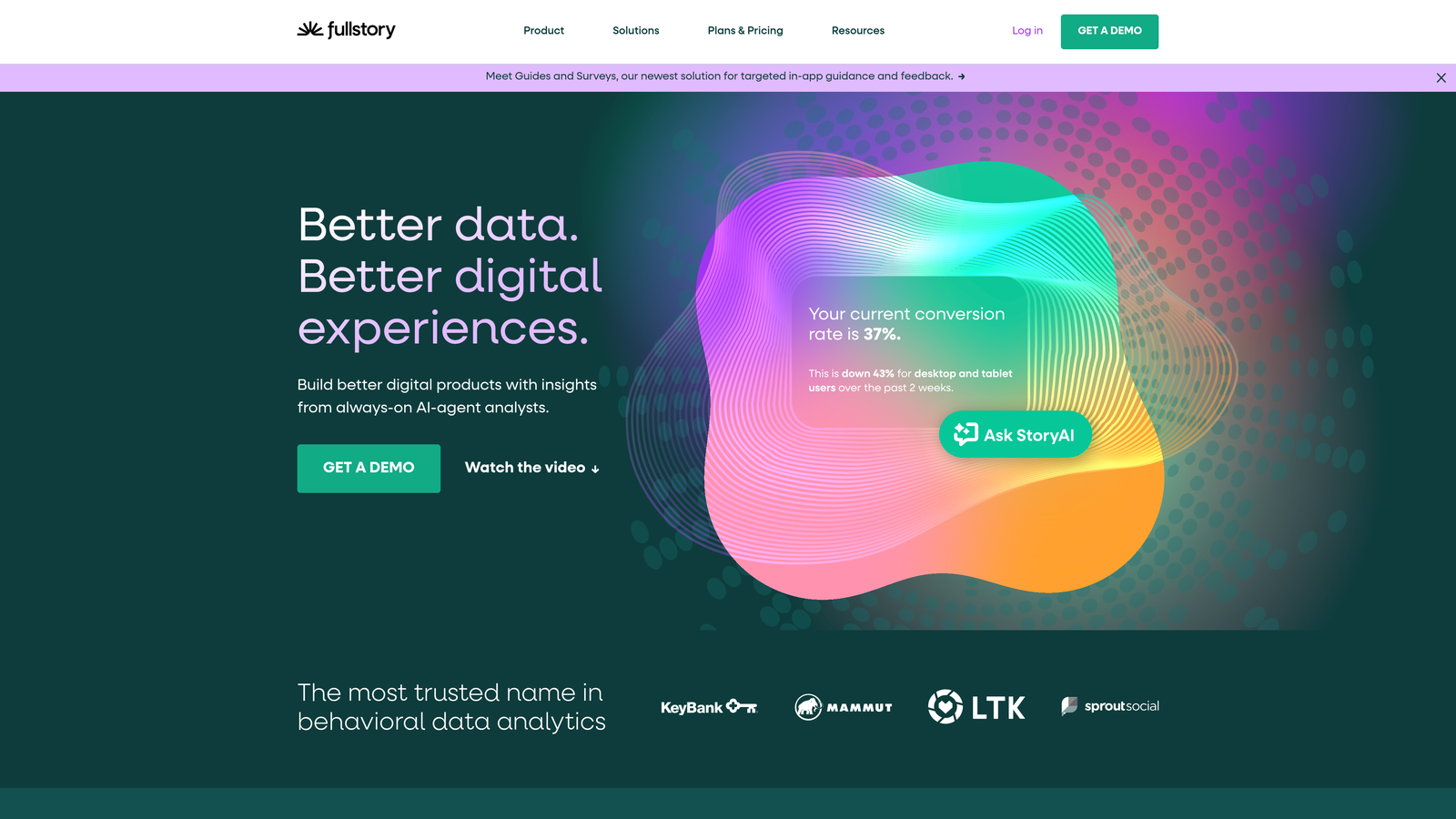
FullStory is a comprehensive digital experience platform that includes powerful form analytics within broader product analytics capabilities.
Where This Tool Shines
FullStory's frustration signal detection automatically identifies rage clicks, error messages, and repeated attempts—surfacing problem areas without manual analysis. The searchable session replay feature lets you find specific scenarios, like "show me all users who abandoned the email field after three attempts."
The platform's product analytics integration means you can connect form performance to downstream metrics like activation, retention, and revenue. This end-to-end visibility helps prioritize optimization efforts based on business impact.
Key Features
Frustration Signal Detection: Automatically identify rage clicks, dead clicks, and error-prone interactions.
Searchable Session Recordings: Find specific user behaviors using natural language queries.
Form Completion Funnels: Track user progression through forms with detailed drop-off analysis.
Product Analytics Integration: Connect form performance to broader product metrics and business outcomes.
Omnisearch Capabilities: Search across all user sessions using any combination of events, properties, or behaviors.
Best For
Product-led growth companies that need to understand forms within the context of the entire user experience. Best for teams with technical resources who can leverage the platform's advanced features and integrations.
Pricing
Free tier available for basic usage. Paid plans start at $199/month with pricing increasing based on sessions and features.
6. Microsoft Clarity
Best for: Teams wanting comprehensive behavior analytics at zero cost
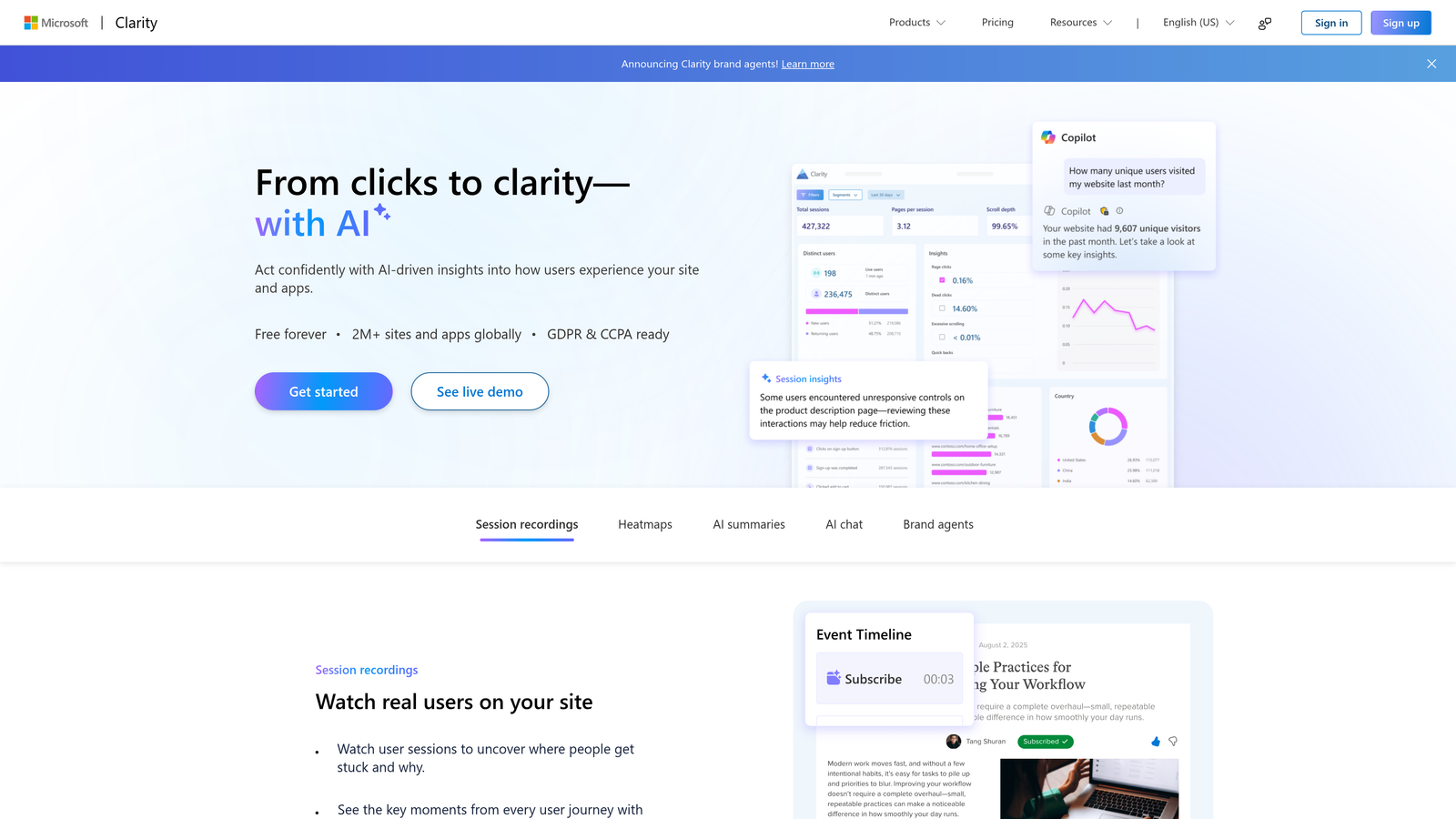
Microsoft Clarity is a completely free behavior analytics tool that includes heatmaps, session recordings, and form insights.
Where This Tool Shines
The most remarkable thing about Clarity is that it's genuinely free with no session limits or data caps. You get unlimited heatmaps and recordings for any traffic volume, making it accessible for startups and small teams who can't justify analytics software costs.
Despite being free, Clarity includes sophisticated features like rage click detection and dead click identification. The integration with Microsoft's ecosystem makes it particularly appealing for teams already using Azure or other Microsoft products.
Key Features
Unlimited Free Usage: No traffic limits, session caps, or feature restrictions on the free tier.
Session Recordings: Watch real user interactions with your forms without paying per session.
Heatmaps: Generate click, scroll, and area heatmaps for understanding attention patterns.
Rage Click Detection: Automatically identify frustrated user behaviors that indicate problems.
Dashboard Filtering: Segment recordings and heatmaps by device, location, and other properties.
Best For
Startups, small businesses, and teams testing behavior analytics for the first time. Also valuable as a supplementary tool for organizations already using paid platforms but wanting additional coverage.
Pricing
Completely free with no paid tiers or limitations.
7. Mouseflow
Best for: Behavior analytics with dedicated form analytics and friction scoring
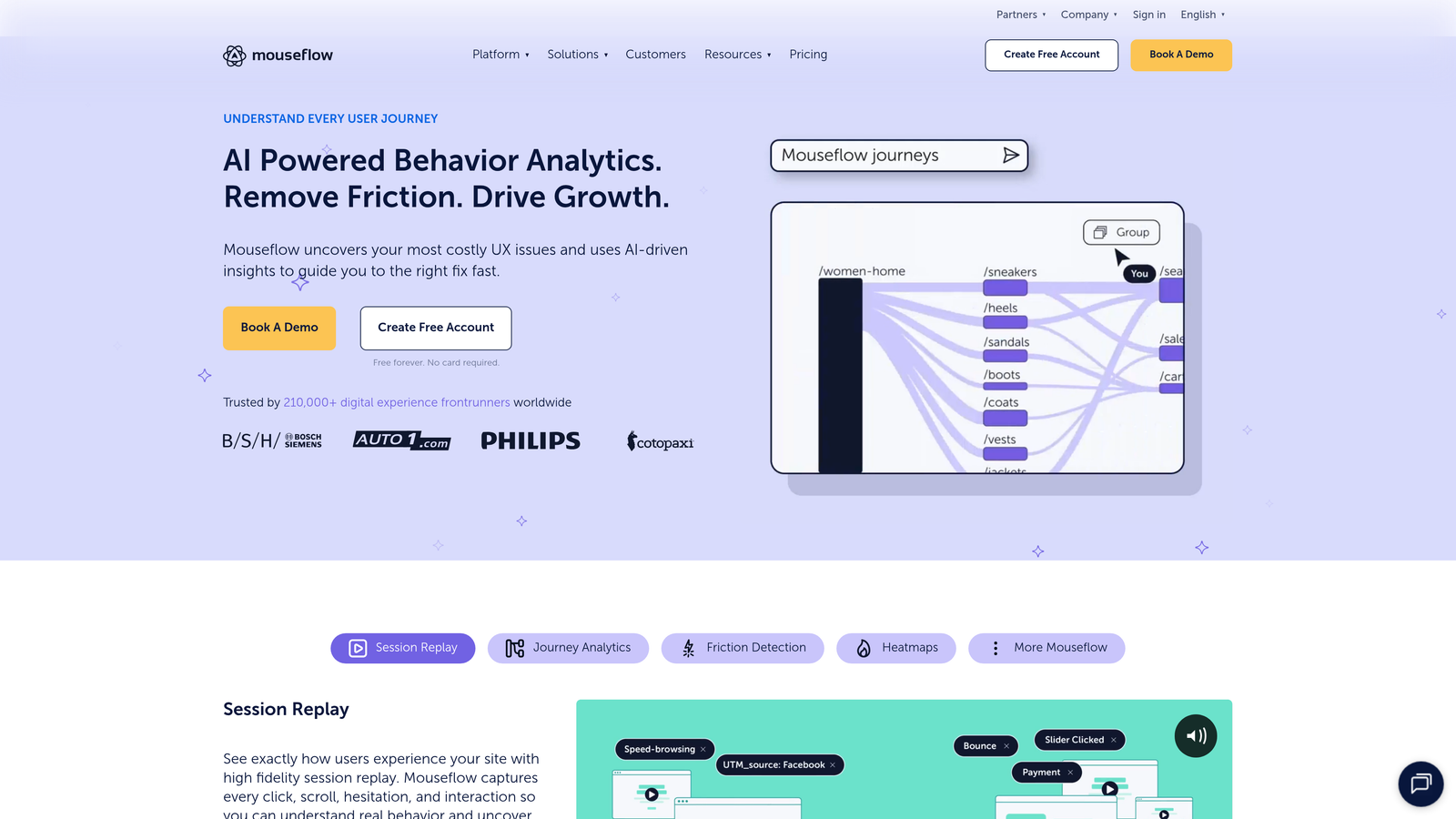
Mouseflow is a behavior analytics suite that includes a specialized form analytics module alongside broader tracking capabilities.
Where This Tool Shines
Mouseflow's friction score calculation automatically identifies problematic form elements by analyzing multiple signals—time spent, refocusing, cursor movement, and abandonment patterns. This single metric helps teams quickly prioritize which fields need attention without diving into complex reports.
The platform's form analytics dashboard presents data in an intuitive visual format that makes it easy for non-technical team members to understand performance. Funnel visualization clearly shows where users drop off in multi-step processes.
Key Features
Dedicated Form Analytics Dashboard: Centralized view of all form performance metrics in one place.
Friction Score Calculation: Automated scoring system that identifies high-friction form elements.
Session Replay with Form Focus: Filter recordings to show only sessions involving specific forms.
Funnel Visualization: Track user progression through multi-step forms with clear drop-off indicators.
Feedback Campaigns: Collect qualitative insights directly from users who abandoned forms.
Best For
Marketing teams and conversion specialists who need actionable insights without technical complexity. Works well for e-commerce and lead generation businesses with straightforward optimization needs.
Pricing
Free tier available with limited sessions. Paid plans start at $31/month with increasing capacity and features.
8. Lucky Orange
Best for: All-in-one conversion optimization combining analytics with live engagement tools
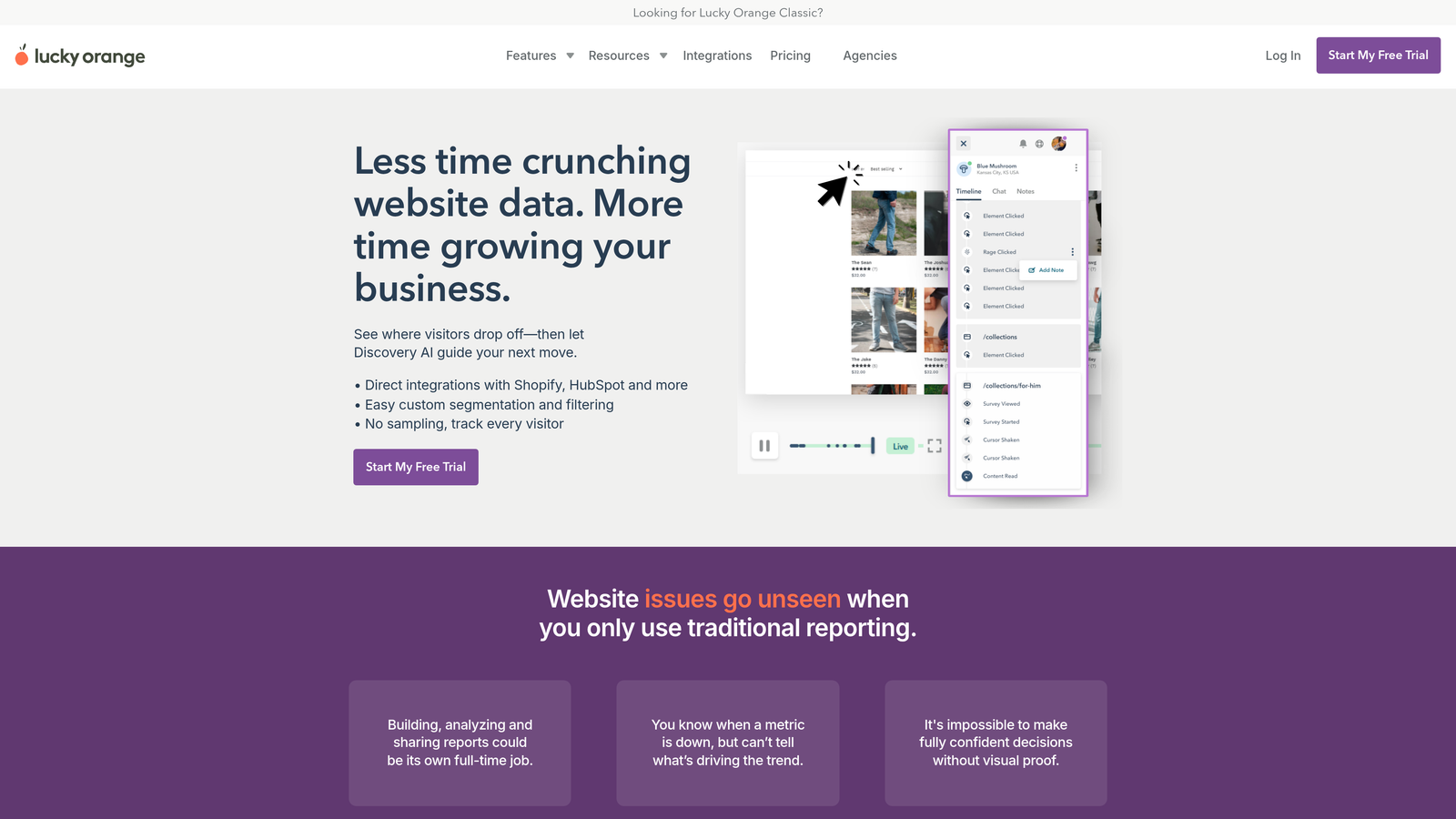
Lucky Orange is a comprehensive conversion platform that bundles form analytics with live chat, surveys, and other optimization tools.
Where This Tool Shines
Lucky Orange's unique value is combining passive analytics with active engagement. When you notice someone struggling with your form in a session recording, you can proactively start a live chat to help them complete it. This blend of observation and intervention helps both improve forms and rescue conversions in real-time.
The platform's survey and poll features let you ask users directly about form issues, complementing behavioral data with qualitative feedback. This combination often reveals problems that metrics alone miss.
Key Features
Form Analytics Dashboard: Track completion rates, field-level abandonment, and time-to-complete metrics.
Live Visitor Chat: Engage users in real-time when you notice form struggles.
Session Recordings: Watch user interactions with forms to identify friction points.
Surveys and Polls: Collect direct feedback about form experience and abandonment reasons.
Dynamic Heatmaps: Visualize clicks, scrolls, and attention across form pages.
Best For
Small to medium-sized businesses that want multiple conversion tools in one platform rather than managing separate subscriptions. Particularly valuable for teams with customer support resources who can leverage live chat capabilities.
Pricing
Free tier available for basic features. Paid plans start at $32/month with increasing visitor limits and capabilities.
9. Typeform Analytics
Best for: Native analytics for teams already using Typeform for conversational forms
Typeform Analytics is the built-in analytics system for Typeform's conversational form platform.
Where This Tool Shines
If you're already building forms in Typeform, the native analytics eliminate integration complexity and provide insights specifically designed for conversational, one-question-at-a-time forms. The question-by-question drop-off analysis aligns perfectly with Typeform's progressive disclosure approach.
Response time tracking helps you understand which questions cause users to pause and think versus which ones create confusion. This timing data is particularly valuable for conversational forms where pacing matters.
Key Features
Question-by-Question Drop-Off Rates: See exactly where users abandon in the conversational flow.
Completion Rate Tracking: Monitor overall form performance with trend analysis over time.
Response Time Analysis: Understand how long users spend on each question.
Typeform Ecosystem Integration: Seamlessly connect with other Typeform features and integrations.
Response Distribution Charts: Visualize answer patterns for multiple-choice and rating questions.
Best For
Teams committed to the Typeform platform who want analytics without adding external tools. Best for organizations using conversational forms where the one-question-at-a-time format aligns with their brand and user experience goals.
Pricing
Analytics features are included with Typeform paid plans starting at $25/month. More advanced analytics require higher-tier plans.
Making the Right Choice
The right form analytics tool depends on your team's specific needs and existing infrastructure. If you're building new forms and want analytics built in from day one, Orbit AI delivers intelligence alongside creation without integration headaches. Teams already using specific form builders like Typeform benefit from native analytics that understand their platform's unique format.
For visual behavior analysis across your entire site, Hotjar and FullStory provide broader context around form performance. Hotjar works well for teams new to behavior analytics, while FullStory's advanced features suit product-led organizations with technical resources. If budget is tight, Microsoft Clarity delivers surprising value at zero cost.
When you need enterprise-grade field analytics, Zuko provides industry benchmarking and sophisticated reporting that justify optimization investments. Formisimo goes even deeper on field-level details for teams obsessed with conversion optimization. Mouseflow and Lucky Orange offer balanced feature sets that combine analytics with other conversion tools.
The common thread across successful implementations? Teams that act on insights rather than just collecting data. Choose a platform that fits your workflow and technical capabilities, then commit to regular optimization cycles based on what you learn.
Transform your lead generation with AI-powered forms that qualify prospects automatically while delivering the modern, conversion-optimized experience your high-growth team needs. Start building free forms today and see how intelligent form design can elevate your conversion strategy.


