

Most form builders will tell you someone submitted a form. What they won't tell you is which field made half your visitors give up, why your paid traffic converts at half the rate of organic, or which leads in your pipeline are actually worth a follow-up call. For high-growth teams, that missing context is the difference between optimizing and guessing.
The tools in this list go well beyond submission counts. We're talking field-level drop-off tracking, partial submission capture, A/B testing with real statistical rigor, UTM attribution, and in some cases AI-powered lead scoring that tells you not just how many people converted, but which conversions actually matter. Whether you're running a SaaS demo request flow, a high-volume lead gen campaign, or a complex multi-step intake form, there's a solution here built for the depth of insight you need.
Selection criteria for this list: depth of built-in analytics, ease of setup, integration with external analytics platforms, and overall form-building experience. If you want to go deeper on the analytics side, check out our guide to form analytics and tracking tools and our breakdown of how to improve form conversion rates.
1. Orbit AI
Best for: High-growth teams that need AI-powered lead qualification alongside conversion analytics
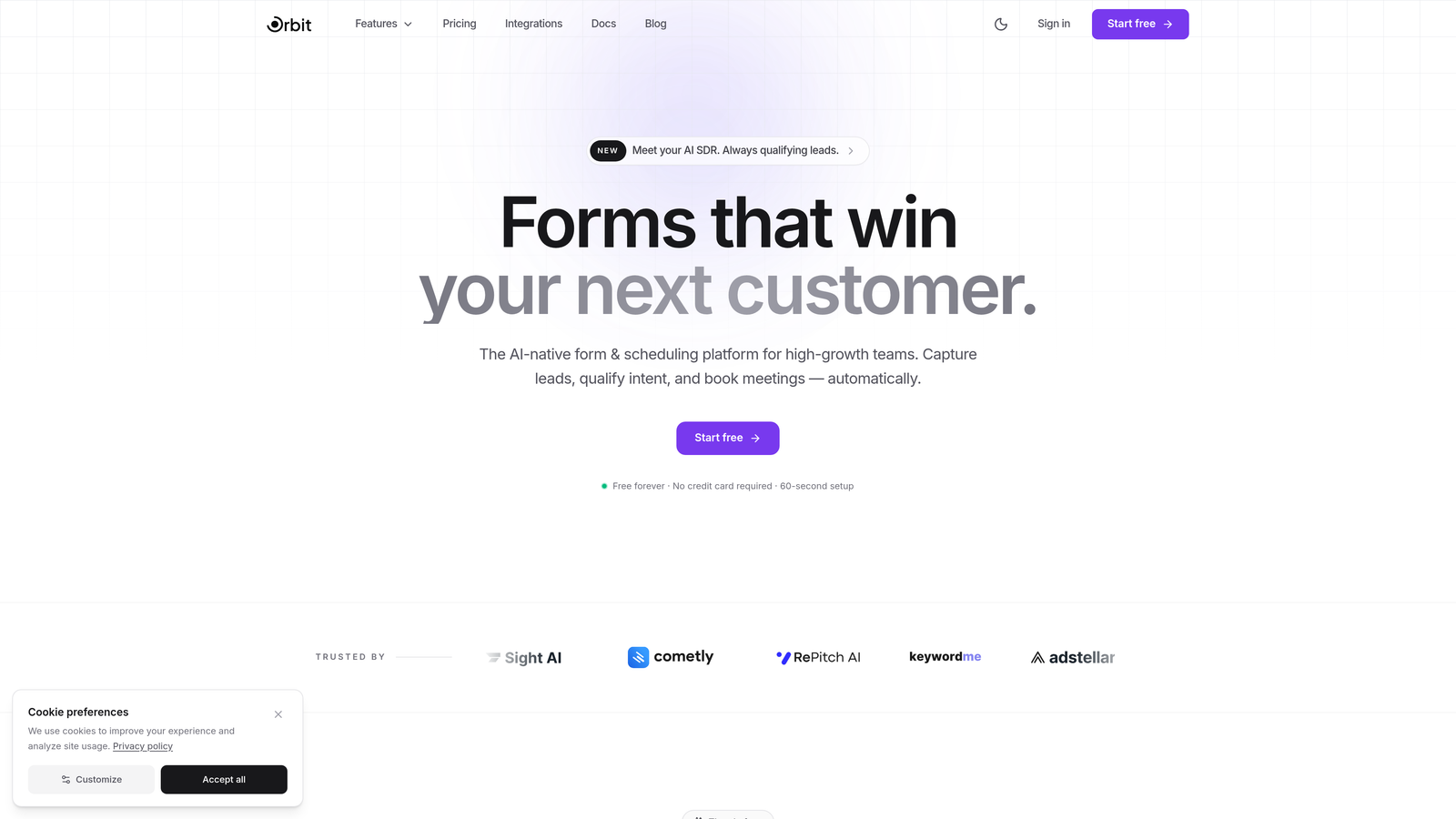
Orbit AI is an AI-powered form builder designed specifically for teams that care about lead quality, not just lead volume.
Where This Tool Shines
Orbit AI takes a fundamentally different approach to form analytics. Rather than simply reporting on who submitted and when, it layers AI-powered lead scoring on top of submission data, so you can see at a glance which conversions are worth pursuing and which aren't. That distinction is critical for sales and marketing teams tired of chasing low-intent leads.
The platform also connects conversion analytics to lead quality, meaning you're not just tracking completion rates in isolation. You're understanding how form design, field choices, and traffic sources interact to produce high-value versus low-value submissions. For teams running paid acquisition, that kind of attribution clarity can reshape how you allocate budget.
Key Features
AI-Powered Lead Scoring: Automatically identifies high-quality submissions based on response patterns, so your team prioritizes the right leads without manual review.
Conversion Analytics Tied to Lead Quality: Goes beyond submission volume to connect form performance data with the actual quality of leads generated.
Modern, Conversion-Optimized Design: Beautiful form templates engineered for completion rates, not just aesthetics, reducing friction at every step.
Dynamic Form Fields: Fields adapt based on user input, enabling richer data collection without overwhelming respondents with irrelevant questions.
High-Growth Team Focus: The entire product is built around the workflows and KPIs that matter to scaling teams: qualified pipeline, conversion efficiency, and speed to insight.
Best For
Orbit AI is the strongest fit for SaaS companies, marketing teams, and growth-focused businesses that need their form builder to do more than collect data. If lead qualification and conversion quality are core metrics for your team, this is where the platform genuinely stands out from the field.
Pricing
Visit orbitforms.ai for current pricing details and available plans.
2. Typeform
Best for: Teams wanting conversational forms with detailed question-by-question drop-off visibility
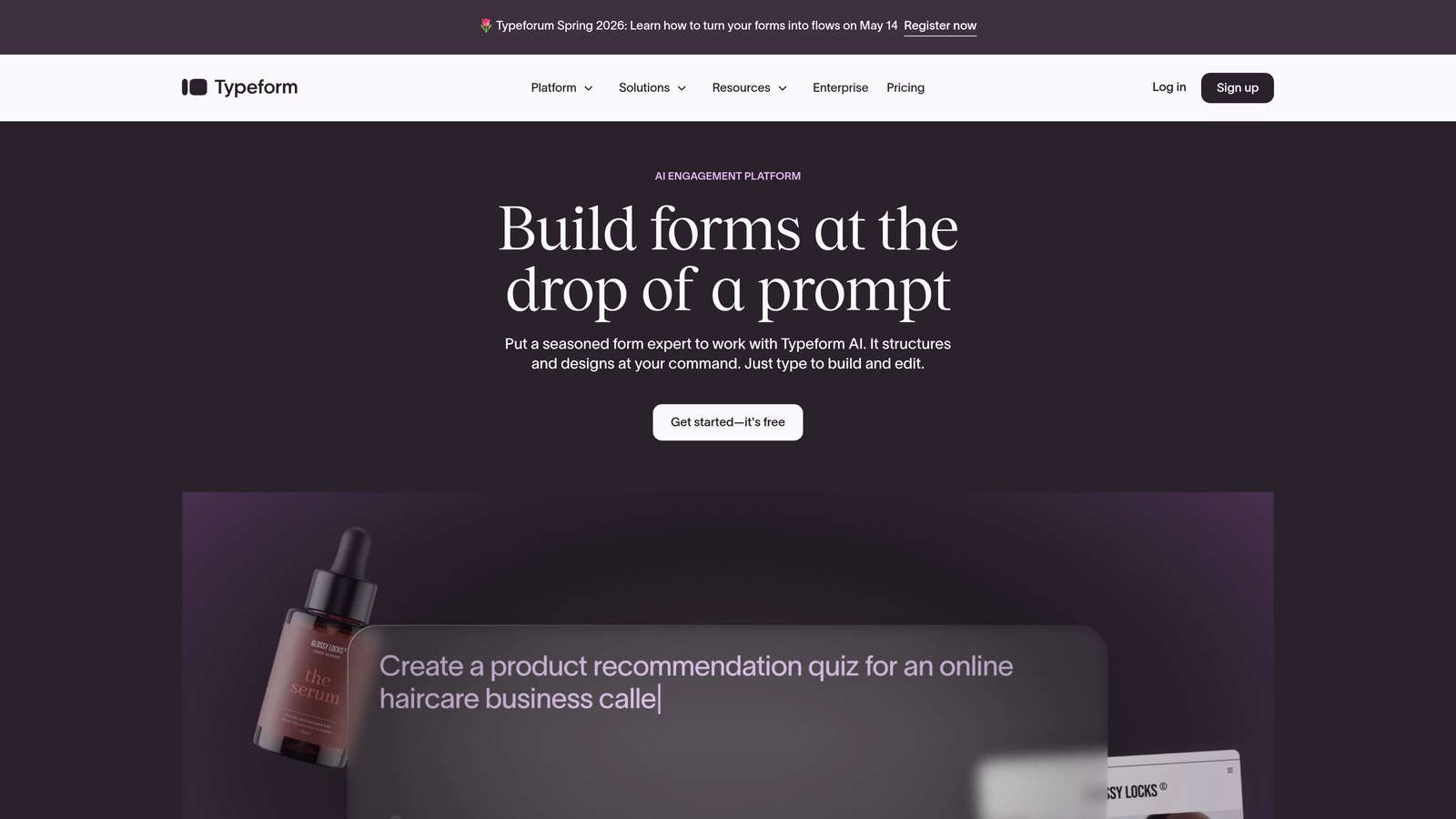
Typeform is a conversational form builder known for its one-question-at-a-time format and solid engagement analytics.
Where This Tool Shines
Typeform's biggest analytics advantage is its question-level drop-off reporting. You can see exactly which question in a sequence causes respondents to abandon, which is invaluable for iterating on long surveys or multi-step lead gen forms. That granularity is often missing from simpler form tools.
The platform also integrates cleanly with Google Analytics and other tracking platforms, so teams already running external analytics stacks don't have to choose between Typeform's UX and their existing measurement setup. The respondent insights dashboard adds useful context around device, location, and timing data.
Key Features
Question-Level Drop-Off Analytics: Pinpoints exactly where respondents abandon in a sequence, enabling targeted form optimization.
Completion Rate Tracking: Monitors overall form performance across all active forms from a single dashboard.
Google Analytics Integration: Passes form engagement data into your existing analytics stack without custom development.
Respondent Insights Dashboard: Surfaces device type, location, and time-of-completion data for richer audience understanding.
Best For
Typeform works well for teams that prioritize respondent experience and need question-level analytics to optimize longer forms. It's a strong choice for product surveys, NPS flows, and conversational lead capture, though teams needing AI-powered lead qualification will find its analytics more descriptive than predictive.
Pricing
Free plan available. Paid plans start at approximately $25/month, with more advanced analytics features available at higher tiers.
3. Jotform
Best for: Teams needing versatile forms with visual reporting and spreadsheet-style data analysis
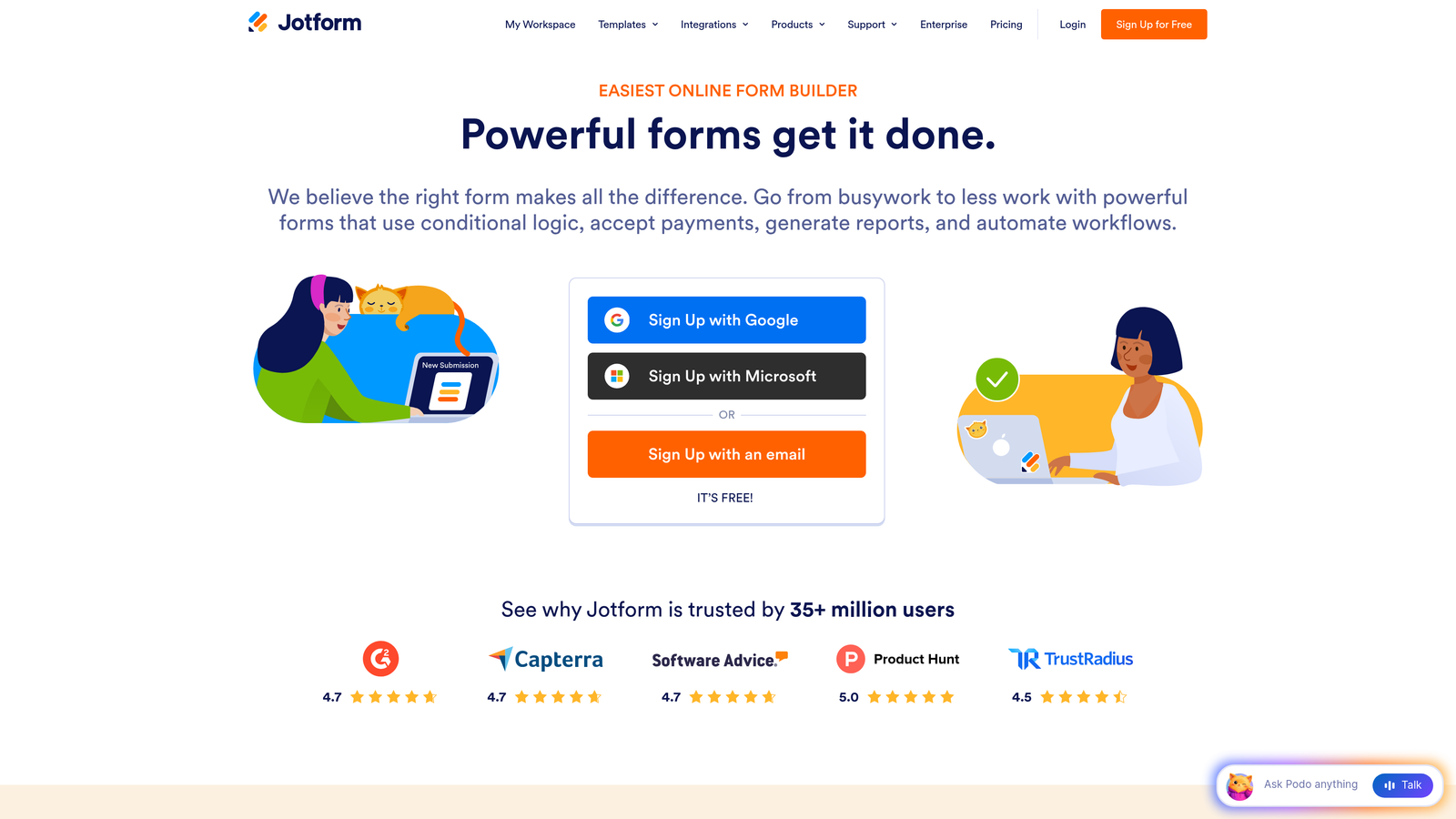
Jotform is a feature-rich form builder with built-in visual reporting tools and a flexible data management layer through Jotform Tables.
Where This Tool Shines
Jotform's analytics story is built around accessibility. The visual report builder makes it easy to create charts and shareable dashboards from submission data without needing a separate BI tool. For teams managing multiple forms across different campaigns, having that reporting layer built directly into the platform saves meaningful time.
Jotform Tables adds a spreadsheet-style view of all submissions, which works well for operations teams that want to slice and filter data in a familiar format. Combined with form traffic and conversion rate tracking, it gives a reasonably complete picture of form performance without external tooling.
Key Features
Jotform Tables: Spreadsheet-style data management for submissions, enabling filtering, sorting, and analysis without exporting to another tool.
Visual Report Builder: Creates charts, graphs, and shareable dashboards directly from form submission data.
Form Traffic and Conversion Tracking: Monitors views, starts, and completions to calculate conversion rates across forms.
10,000+ Templates: Extensive library covering virtually every form use case, reducing setup time significantly.
Best For
Jotform suits teams that need a high-volume, versatile form solution with solid built-in reporting. It's particularly strong for operations, HR, and marketing teams managing diverse form types, though its analytics depth is more operational than strategic compared to platforms with dedicated conversion optimization features.
Pricing
Free plan available. Paid plans start at approximately $34/month.
4. HubSpot Forms
Best for: Teams already in the HubSpot ecosystem needing full-funnel attribution from form to revenue
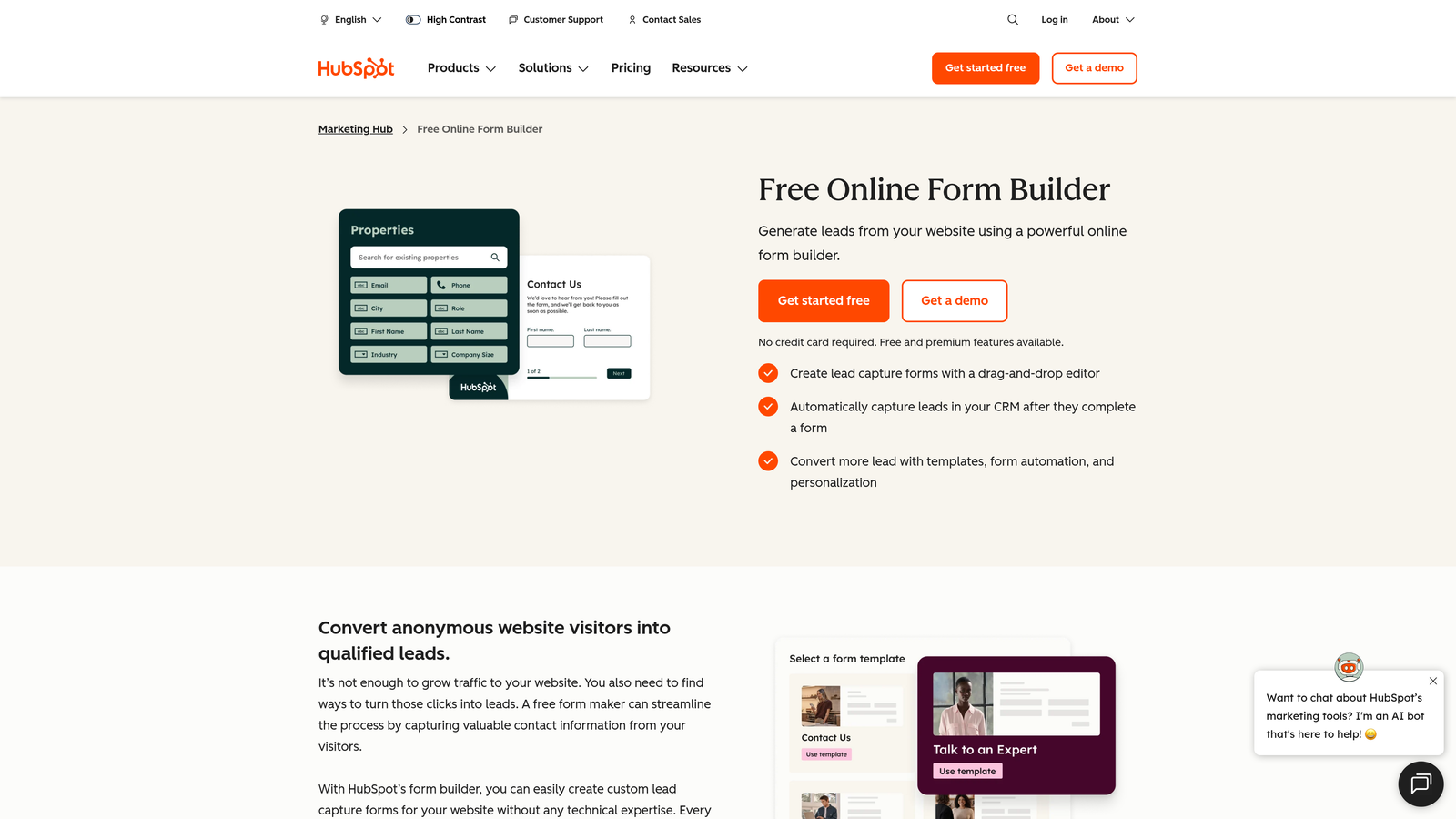
HubSpot Forms is a CRM-integrated form builder that connects form submissions directly to contact records, deals, and revenue attribution.
Where This Tool Shines
If you're running HubSpot as your CRM, the forms integration is genuinely powerful. Every submission automatically creates or updates a contact record, and HubSpot's attribution reporting can connect that initial form touch all the way through to closed revenue. That closed-loop visibility is something most standalone form builders simply can't offer.
Progressive profiling is another standout feature: HubSpot Forms can show different fields to returning visitors, gradually building out contact profiles without asking the same questions twice. Over time, this produces richer data without increasing friction for repeat visitors.
Key Features
Automatic CRM Contact Creation: Every form submission flows directly into HubSpot CRM with full lifecycle tracking enabled from day one.
Revenue Attribution Reporting: Connects form submissions to pipeline and closed deals for true ROI visibility on lead gen efforts.
Progressive Profiling: Displays different fields to returning visitors to enrich contact data without repetitive questioning.
Built-in A/B Testing: Available within the HubSpot Marketing Hub suite for testing form variants at scale.
Best For
HubSpot Forms is the obvious choice for teams already invested in the HubSpot ecosystem. The analytics value compounds significantly the more of HubSpot's stack you use. For teams on other CRMs, the standalone form builder is less compelling.
Pricing
Forms are free with HubSpot CRM. Advanced analytics features are available in Marketing Hub Starter at approximately $20/month and scale with higher tiers.
5. Formstack
Best for: Conversion-focused teams needing native A/B testing and partial submission recovery
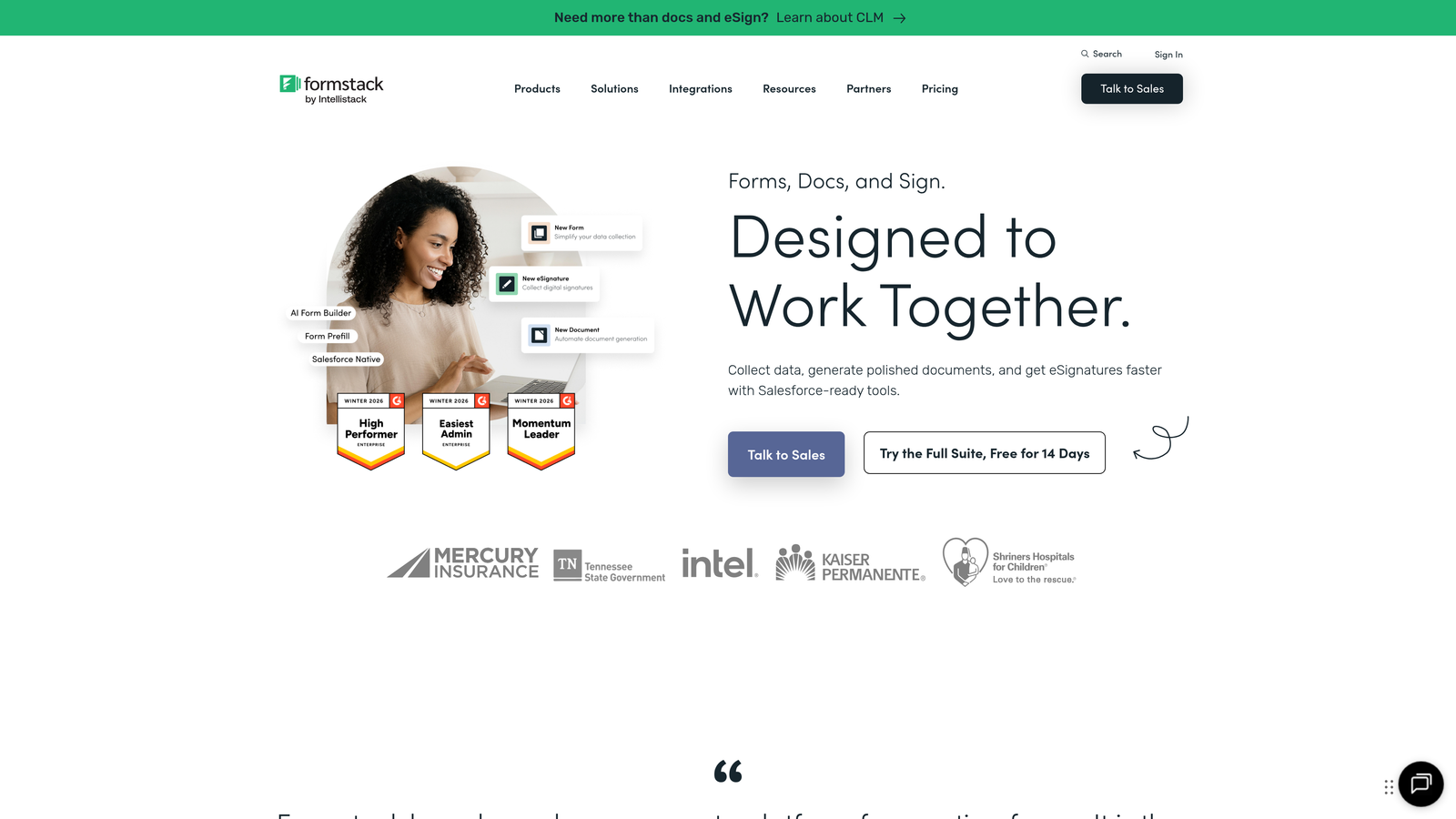
Formstack is a conversion-focused form builder with some of the most robust native analytics capabilities in the market, including A/B testing and partial submission capture.
Where This Tool Shines
Formstack's partial submission capture is one of its most practical differentiators. When a visitor starts filling out a form and abandons it, Formstack can capture that partial data, giving you both a recovery opportunity and field-level insight into where the friction is. For high-traffic lead gen forms, that data can be extremely actionable.
The native A/B testing goes further than most competitors by tracking statistical significance, so you're not making decisions based on small sample noise. Combined with field-level analytics that flag bottleneck fields, Formstack gives conversion rate optimizers a genuinely useful toolkit without needing to stitch together external tools.
Key Features
Native A/B Testing: Tests form variants with statistical significance tracking to ensure decisions are based on reliable data.
Partial Submission Capture: Recovers data from abandoned forms and surfaces field-level abandonment patterns.
Field-Level Analytics: Identifies specific fields causing drop-off, enabling targeted form optimization.
Conversion Rate Trend Analysis: Tracks performance over time to surface seasonal patterns and the impact of form changes.
Best For
Formstack is well-suited for marketing and operations teams that treat form optimization as an ongoing discipline. The combination of A/B testing and partial submission analytics makes it particularly strong for teams running high-volume lead gen campaigns where small conversion improvements have significant downstream impact.
Pricing
Plans start at approximately $50/month, positioning it as a mid-market solution with enterprise-grade analytics features.
6. Gravity Forms
Best for: WordPress teams wanting deep customization and a rich analytics add-on ecosystem
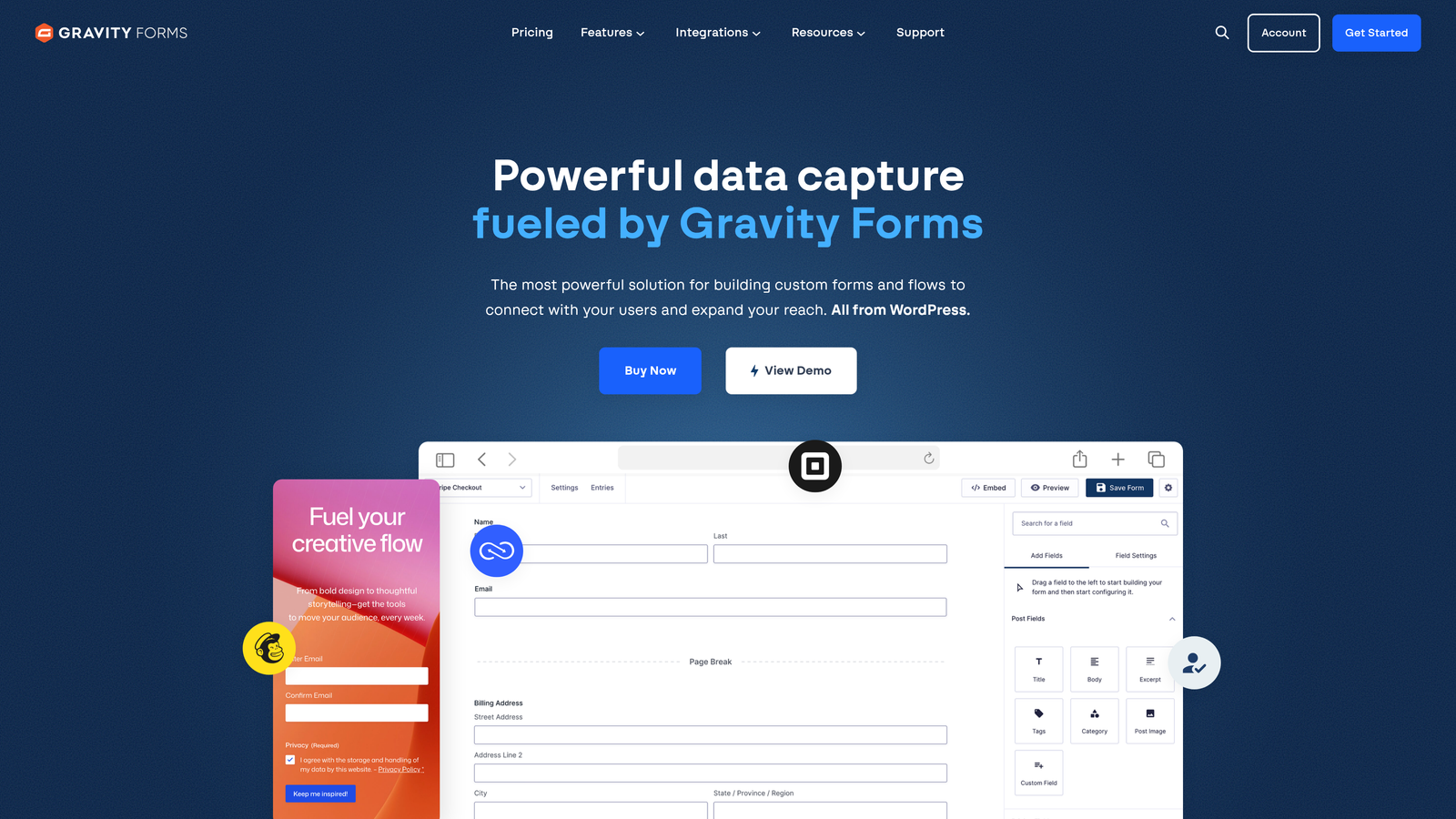
Gravity Forms is the leading WordPress-native form plugin, offering partial entry tracking and an extensive developer ecosystem for custom analytics solutions.
Where This Tool Shines
Gravity Forms' strength is its depth of customization. Through add-ons like GravityView and native Google Analytics integration, teams can build analytics dashboards tailored precisely to their workflow. For WordPress-based businesses with developer resources, the ceiling on what you can track and report is very high.
Partial entry tracking is a core built-in feature, capturing incomplete submissions before abandonment. This is particularly valuable for longer application or intake forms where understanding where people drop off is as important as the submissions themselves.
Key Features
Partial Entry Tracking: Captures incomplete form submissions to identify drop-off patterns and enable follow-up.
GravityView Add-On: Enables custom analytics dashboards and front-end data display tailored to specific reporting needs.
Native Google Analytics Integration: Passes form events and conversion data into GA without custom code.
Extensive Developer Ecosystem: Hundreds of add-ons and hooks for building custom analytics and reporting solutions.
Best For
Gravity Forms is the go-to choice for WordPress-native teams, particularly those with developer resources to leverage its add-on ecosystem. Teams without WordPress or developer capacity will find better out-of-the-box analytics elsewhere on this list.
Pricing
Starts at $59/year for a Basic license. Higher tiers unlock additional add-ons and support options.
7. Paperform
Best for: Design-conscious teams needing conversion analytics alongside payment and e-commerce form tracking
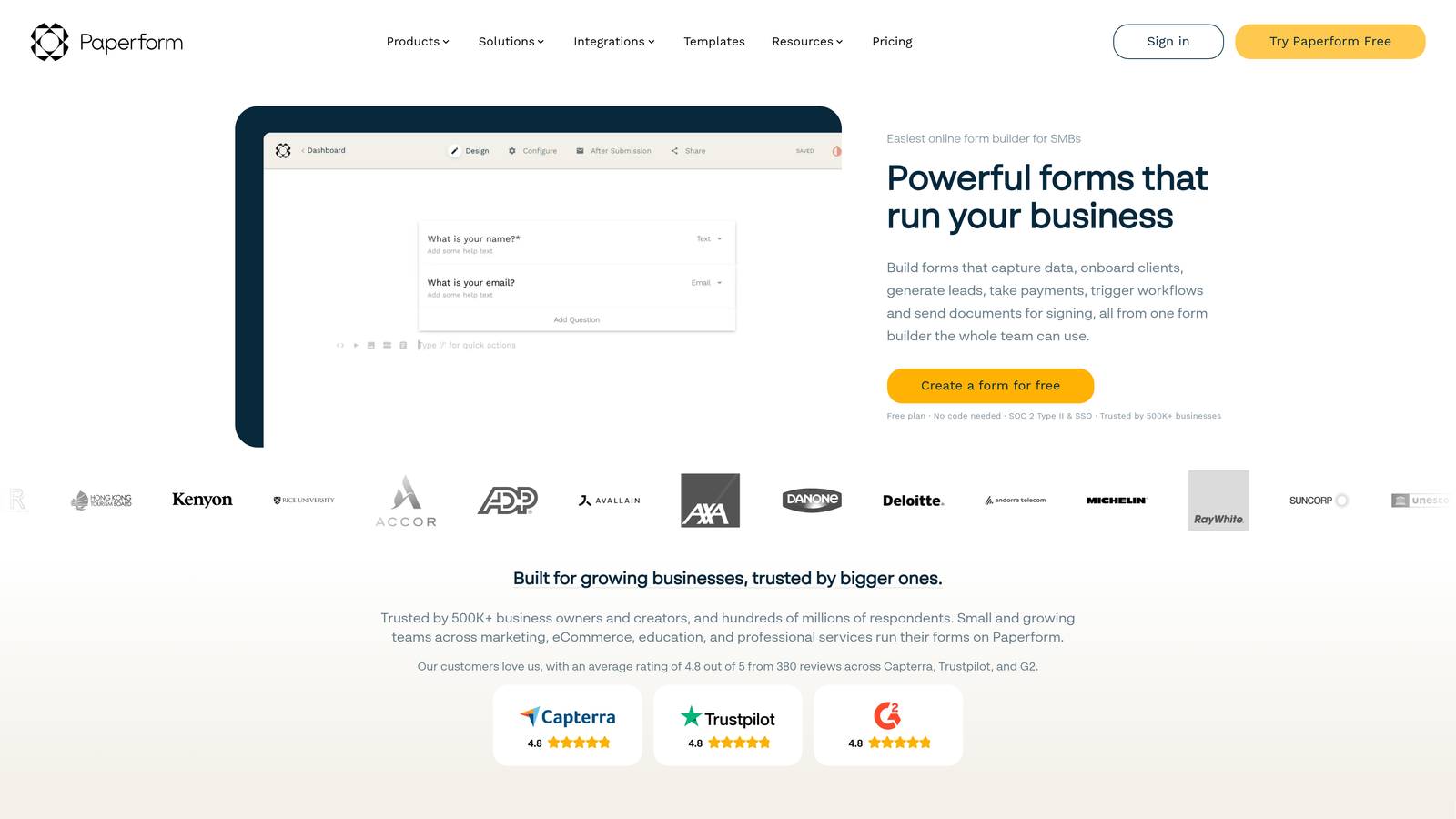
Paperform is a design-forward form builder with an integrated analytics dashboard covering submissions, conversion rates, partial completions, and payment data.
Where This Tool Shines
Paperform stands out for teams that need to track both lead gen and transactional form performance in one place. Its built-in analytics cover payment and product data alongside standard form metrics, making it unusually capable for e-commerce or event registration use cases where revenue per form matters as much as completion rate.
The support for custom success pages with tracking pixel integration is a practical touch that lets teams connect Paperform conversions to their broader ad attribution stack without complex workarounds. Partial completion tracking rounds out a solid analytics feature set for a platform at this price point.
Key Features
Built-in Analytics Dashboard: Tracks submission trends, conversion rates, and partial completions in a clean, accessible interface.
Payment and Product Analytics: Monitors revenue, product selections, and payment completion rates for transactional forms.
Partial Completion Tracking: Captures data from incomplete submissions to identify friction points in the form flow.
Tracking Pixel Support: Custom success pages support pixel integration for connecting form conversions to ad platform attribution.
Best For
Paperform works well for small to mid-size teams that want a visually polished form experience with enough analytics depth to optimize performance. It's especially strong for businesses running both lead gen and transactional forms who want unified reporting in one tool.
Pricing
Plans start at approximately $29/month, making it one of the more accessible options on this list with meaningful analytics built in.
8. Zoho Forms
Best for: Budget-conscious teams in the Zoho ecosystem needing UTM tracking and advanced custom reporting
Zoho Forms is an affordable form builder with UTM parameter tracking, submission trend analytics, and deep integration with Zoho Analytics for custom reporting.
Where This Tool Shines
Zoho Forms punches above its price point on the analytics side, particularly for teams already using Zoho's broader suite. The UTM tracking integration means you can attribute form submissions to specific campaigns, ad groups, or traffic sources without additional tooling. For teams running multi-channel acquisition, that native attribution capability is genuinely useful.
The integration with Zoho Analytics takes reporting further, enabling custom dashboards and cross-dataset analysis that goes well beyond what most form builders offer natively. Combined with Zoho CRM integration for downstream lead tracking, it creates a reasonably complete analytics loop for teams in the ecosystem.
Key Features
UTM Parameter Tracking: Captures traffic source data with each submission for campaign-level attribution without custom setup.
Submission Trend Analytics: Tracks form performance over time with built-in reporting on volume and conversion patterns.
Zoho Analytics Integration: Enables advanced custom reporting and cross-data analysis beyond native form metrics.
Zoho CRM Integration: Connects form submissions to CRM records for full downstream lead tracking and pipeline attribution.
Best For
Zoho Forms is the strongest fit for teams already invested in the Zoho ecosystem who need solid analytics at a low price point. For teams outside the Zoho stack, the analytics advantages are less compelling relative to other options on this list.
Pricing
Free plan available. Paid plans start at approximately $10/month, making it the most affordable option with meaningful analytics capabilities on this list.
9. Tally
Best for: Lean teams and individuals needing clean, free-tier forms with external analytics integrations
Tally is a minimalist form builder with a generous free plan, clean submission analytics, and integrations with external analytics tools including Google Analytics and Plausible.
Where This Tool Shines
Tally's free tier is genuinely generous: unlimited forms, unlimited submissions, and built-in completion rate tracking without a paywall. For early-stage teams or individuals who need functional analytics without committing to a paid plan, it's hard to match on pure value.
The Notion-like interface makes form creation fast and intuitive, and the integrations with analytics platforms like Google Analytics and Plausible mean that teams with existing tracking setups can connect Tally events to their broader measurement stack without friction. It's a lean tool, but it's thoughtfully built.
Key Features
Generous Free Plan: Unlimited forms and submissions on the free tier, with built-in analytics included at no cost.
Completion Rate Tracking: Built-in analytics covering submission trends and form completion rates across all active forms.
Google Analytics and Plausible Integration: Passes form events to external analytics platforms for teams with existing tracking setups.
Clean, Fast Interface: Notion-inspired form builder that reduces creation time significantly compared to more complex tools.
Best For
Tally is the right choice for early-stage startups, solo operators, or lean teams that need clean, functional forms with basic analytics and don't want to pay for features they won't use. Teams needing field-level drop-off data, A/B testing, or AI-powered lead scoring will outgrow it quickly.
Pricing
Most features are free. Tally Pro is available at $29/month for advanced features including custom domains and more integrations.
Choosing the Right Analytics-Driven Form Builder
The right tool here depends almost entirely on what question you're trying to answer with your form data. Not all analytics needs are the same, and the best platform for a SaaS growth team qualifying enterprise leads looks very different from the right tool for a lean startup capturing early waitlist signups.
If lead quality and AI-powered qualification are central to your strategy, Orbit AI is built specifically for that use case. It's the only tool on this list that connects form analytics directly to lead quality scoring, making it the strongest choice for high-growth teams where pipeline quality matters as much as pipeline volume.
For teams deep in the HubSpot ecosystem, HubSpot Forms delivers unmatched closed-loop attribution from first form touch to closed revenue. Formstack is the best fit for conversion rate optimizers who want native A/B testing and partial submission recovery without stitching together external tools. Typeform remains the go-to for conversational forms where question-level engagement data drives iteration. And Tally is the clear winner for teams that need clean, functional forms with solid free-tier analytics and minimal overhead.
A few questions to guide your decision:
Do you need AI-powered lead scoring? Orbit AI is the standout choice here, purpose-built for teams that need to qualify leads at the form level.
Are you optimizing an existing high-traffic form? Formstack's A/B testing and partial submission capture give you the most actionable conversion data.
Is CRM attribution your primary goal? HubSpot Forms wins if you're already in that ecosystem; Zoho Forms is the right call if you're in the Zoho stack.
Are you just getting started? Tally's free tier gives you enough to build, launch, and learn before committing to a paid platform.
The form builder market has matured to the point where analytics depth is a genuine differentiator, not a premium add-on. The tools on this list all take that seriously. The question is which analytics capabilities align with the decisions your team actually needs to make.
Start building free forms today and see how intelligent form design, AI-powered lead qualification, and conversion-focused analytics can elevate your lead generation strategy from volume-focused to quality-driven.


