

Finding the right form builder with robust analytics can transform how you understand your audience. But with dozens of options at wildly different price points, choosing the right one feels overwhelming. Do you need enterprise-grade analytics or just basic submission tracking? Should you pay per response or per user? This guide breaks down 9 form builders with built-in analytics, comparing their pricing structures, analytics capabilities, and ideal use cases. Whether you're a solo marketer tracking lead sources or a growing team optimizing conversion funnels, you'll find the right fit for your budget and goals.
1. Orbit AI
Best for: High-growth teams needing AI-powered lead qualification alongside conversion analytics
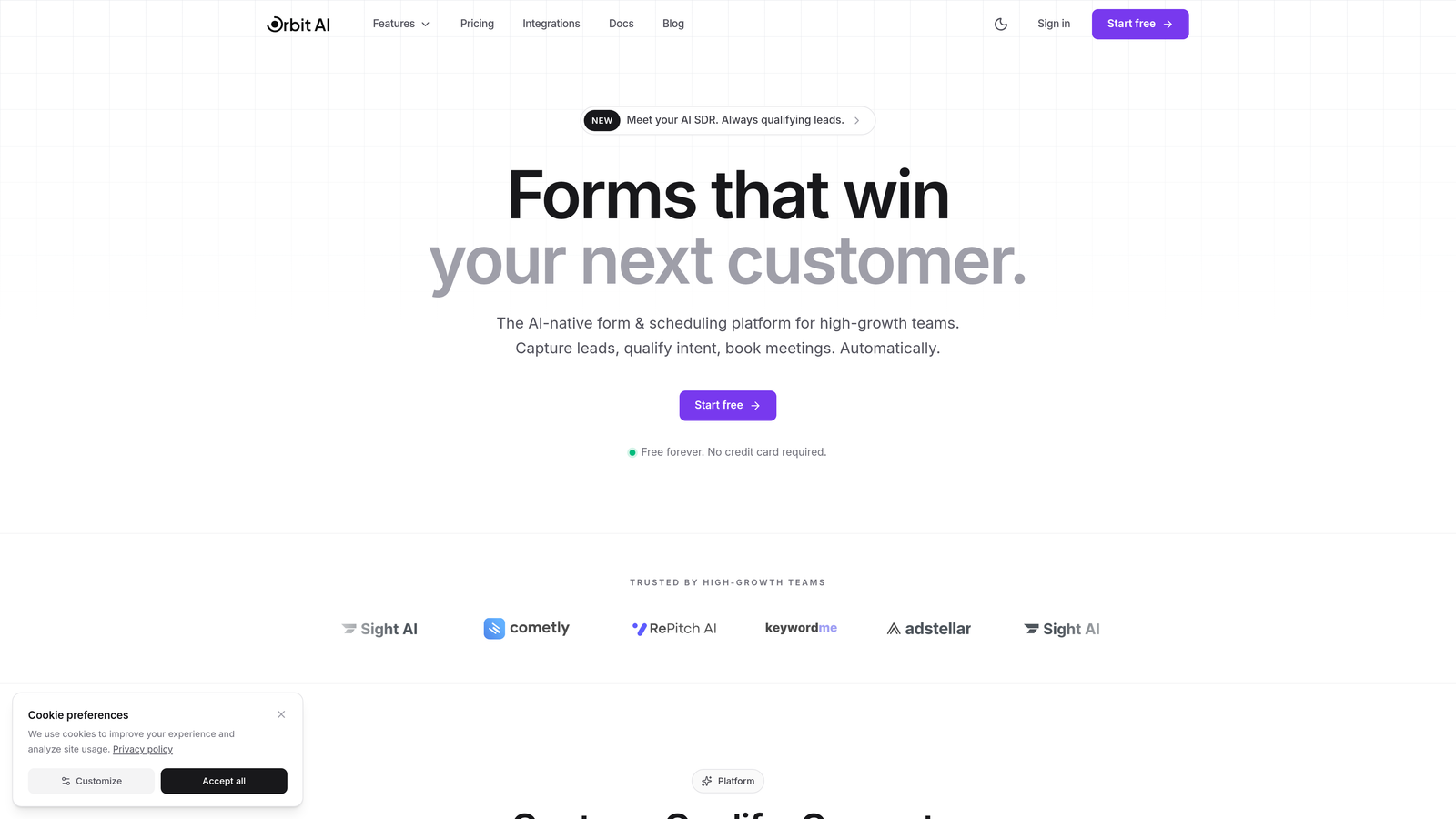
Orbit AI is an AI-powered form builder that goes beyond basic analytics by automatically qualifying leads while tracking conversion performance.
Where This Tool Shines
Orbit AI takes a different approach to form analytics by combining traditional metrics with AI-driven lead intelligence. Rather than just telling you how many people submitted your form, it scores and qualifies each lead automatically, helping you prioritize follow-up.
The platform is built specifically for teams that need both beautiful, high-converting forms and actionable insights about lead quality. If you're tired of sifting through unqualified submissions, this intelligence layer makes a meaningful difference in how you allocate sales resources.
Key Features
AI-Powered Lead Qualification: Automatically scores and qualifies incoming leads based on submission data and behavioral signals.
Conversion Funnel Analytics: Track drop-off points and optimize form fields for maximum completion rates.
Real-Time Response Tracking: Monitor submissions as they happen with instant notifications and dashboard updates.
CRM Workflow Integration: Connect qualified leads directly to your sales pipeline with automated routing.
Conversion-Optimized Templates: Start with professionally designed forms built specifically for lead generation performance.
Best For
High-growth SaaS companies, marketing agencies, and B2B teams that generate significant lead volume and need to separate qualified prospects from tire-kickers. Particularly valuable if your sales team struggles with lead prioritization or if you're optimizing for conversion rate rather than just submission count.
Pricing
Visit orbitforms.ai/pricing for current plans. Orbit AI offers flexible pricing designed for growing teams, with options that scale based on your lead volume and analytics needs.
2. Typeform
Best for: Creating engaging conversational forms with detailed completion rate analytics
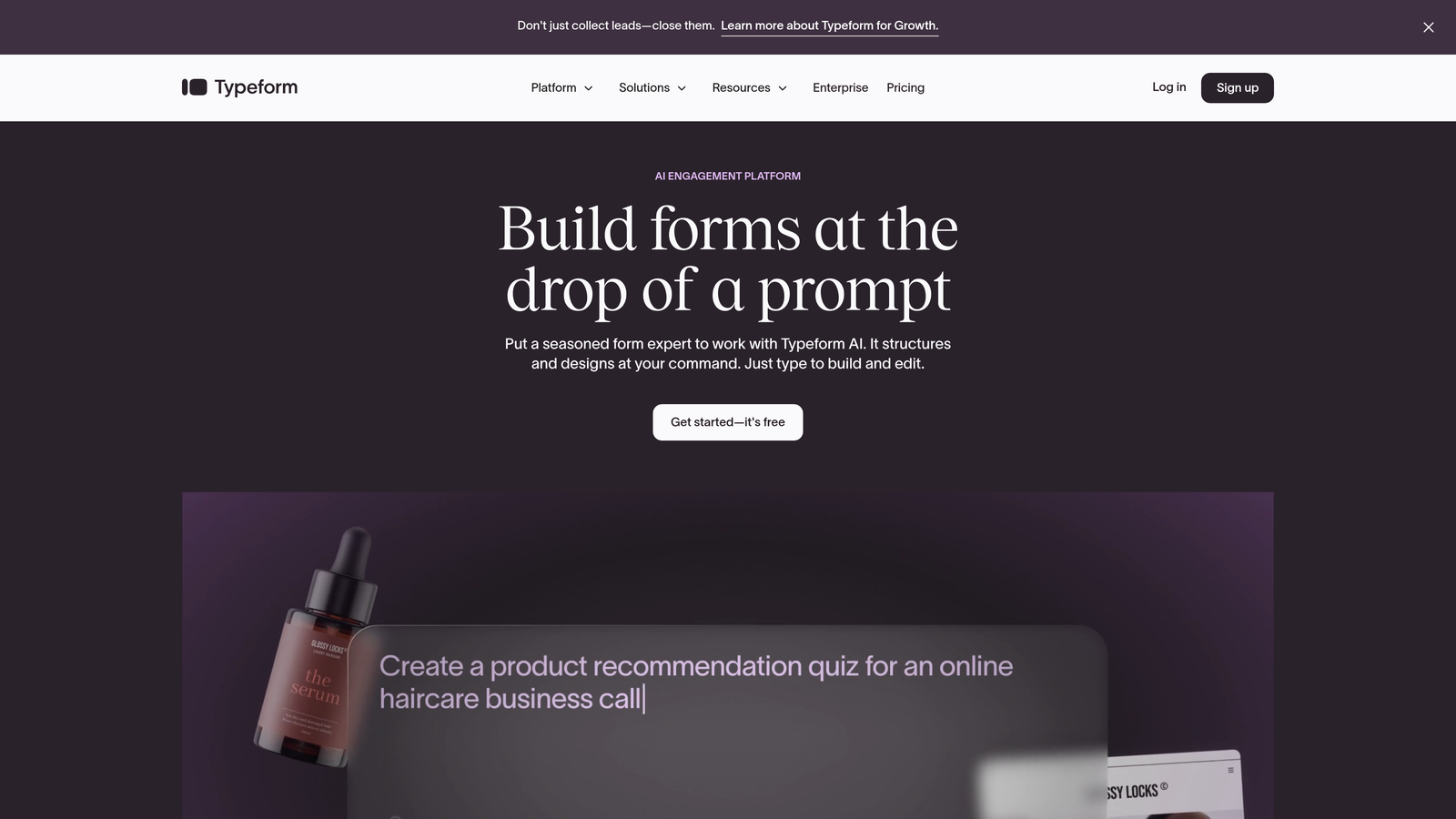
Typeform is a conversational form builder known for its one-question-at-a-time interface and robust engagement analytics.
Where This Tool Shines
Typeform revolutionized form design with its conversational approach, and its analytics reflect this focus on engagement. The platform excels at showing you exactly where respondents lose interest, making it invaluable for optimizing long surveys or multi-step lead forms.
The completion rate tracking is particularly sophisticated, breaking down drop-off points field by field. This granular view helps you identify which questions cause friction and need rewording or removal.
Key Features
Completion Rate Tracking: See exactly what percentage of visitors complete your form versus abandoning mid-flow.
Drop-Off Point Analytics: Identify specific questions where respondents exit, enabling targeted optimization.
Response Insights Dashboard: Visualize submission trends over time with charts and summary statistics.
Analytics Tool Integration: Connect with Google Analytics, Facebook Pixel, and other platforms for deeper tracking.
A/B Testing Capabilities: Test different form variations and compare performance metrics side-by-side.
Best For
Marketing teams creating customer surveys, event registrations, or lead qualification forms where user experience and completion rates matter more than raw submission volume. Particularly strong for brands prioritizing aesthetic appeal and engagement.
Pricing
Free tier available with basic features. Basic plan starts at $25/month (billed annually) with 100 responses per month. Professional and Premium tiers offer higher response limits and advanced analytics features.
3. Jotform
Best for: Teams needing comprehensive analytics with a generous free tier and payment tracking
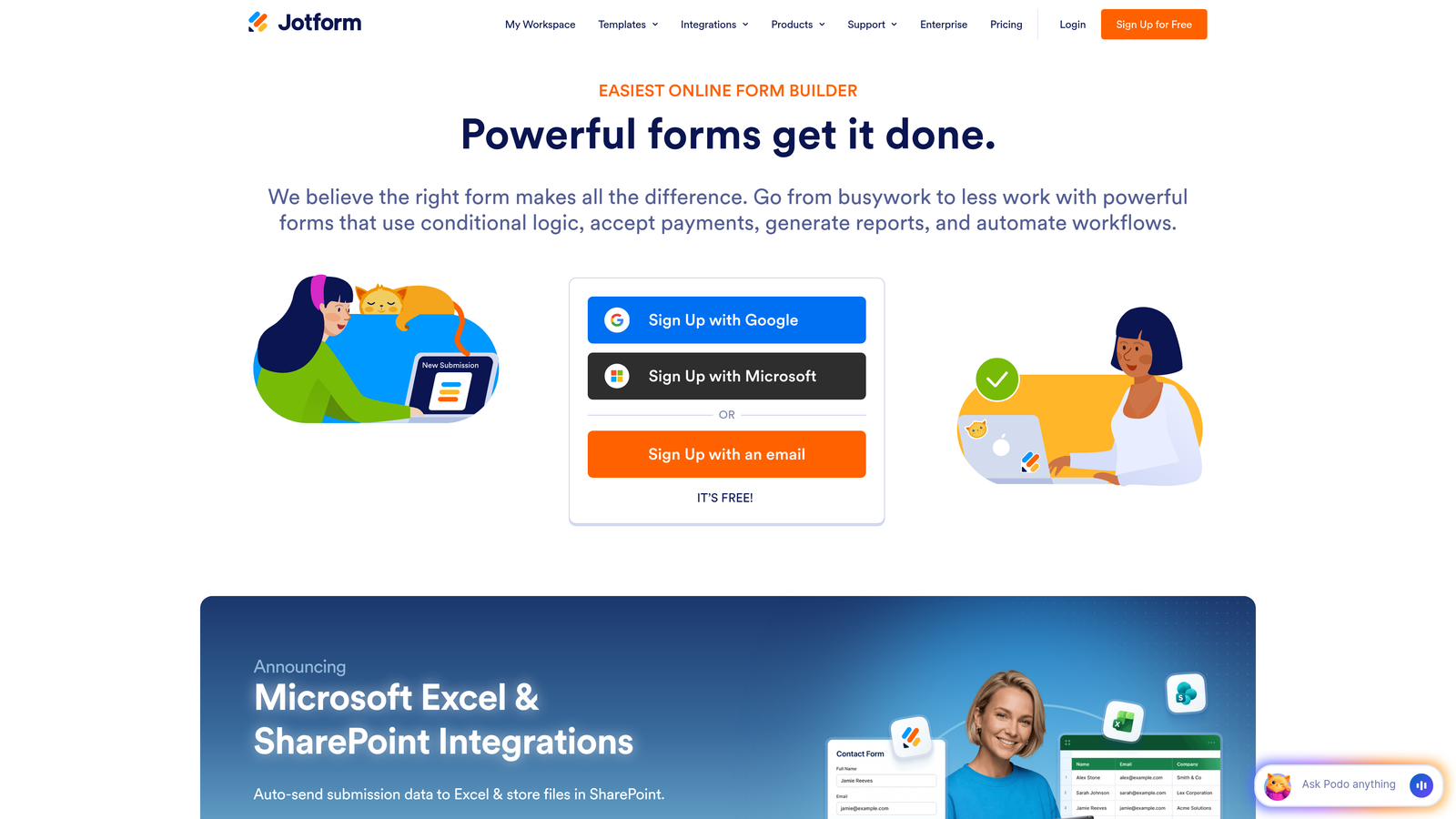
Jotform is a versatile form builder offering extensive analytics capabilities across its free and paid plans.
Where This Tool Shines
Jotform's analytics dashboard provides a surprisingly comprehensive view even on the free tier, making it accessible for budget-conscious teams. The platform tracks everything from submission trends to payment processing metrics, all in one centralized location.
What sets Jotform apart is its flexibility in data export and visualization. You can slice your analytics data dozens of ways, export to spreadsheets for deeper analysis, or integrate with over 100 third-party apps for custom reporting workflows.
Key Features
Form Analytics Dashboard: Centralized view of submission counts, trends, and response patterns across all forms.
Payment Tracking and Reports: Monitor transaction volume, revenue, and payment method preferences for forms with payment fields.
Submission Trends Visualization: Charts showing daily, weekly, and monthly submission patterns to identify peak periods.
Export to Spreadsheets: Download analytics data to Excel or Google Sheets for custom analysis and reporting.
100+ App Integrations: Connect with analytics platforms, CRMs, and marketing tools for extended tracking capabilities.
Best For
Small to medium-sized businesses that need reliable analytics without premium pricing, especially those collecting payments or managing high form volumes. The generous free tier makes it ideal for startups testing different form strategies.
Pricing
Free for up to 5 forms and 100 submissions monthly. Bronze plan starts at $34/month with enhanced limits. Higher tiers offer increased submission caps and advanced features like HIPAA compliance.
4. Formstack
Best for: Enterprise teams requiring advanced workflow analytics and compliance-grade tracking
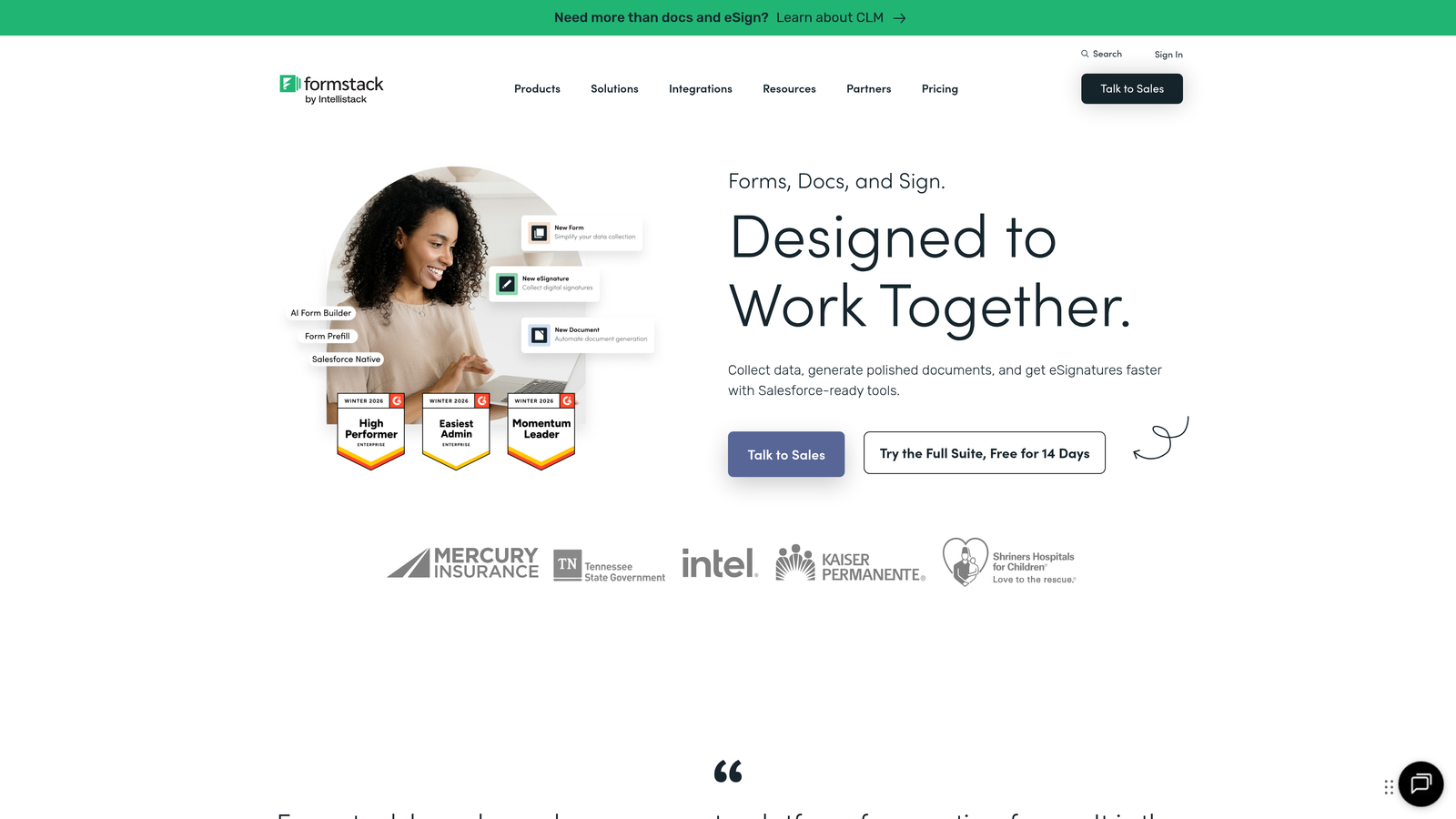
Formstack is an enterprise-grade form platform with sophisticated analytics for complex workflows and compliance requirements.
Where This Tool Shines
Formstack treats analytics as a strategic asset rather than a basic feature. The platform tracks not just form submissions but entire workflow performance, showing how forms integrate with your broader business processes.
For regulated industries, Formstack's HIPAA-compliant analytics provide the audit trails and security controls that healthcare, finance, and legal teams require. You get detailed insights without compromising data privacy or regulatory compliance.
Key Features
Conversion Analytics: Track form performance against business goals with customizable conversion metrics.
Form Abandonment Tracking: Identify partial submissions and follow up with incomplete respondents to recover lost conversions.
A/B Testing with Analytics: Run controlled experiments and measure statistical significance of form variations.
Workflow Automation Insights: Monitor how form data flows through automated processes and identify bottlenecks.
HIPAA-Compliant Analytics: Access detailed reporting while maintaining healthcare data privacy standards.
Best For
Enterprise organizations with complex approval workflows, healthcare providers needing HIPAA compliance, and teams managing high-stakes forms where conversion optimization directly impacts revenue. The per-user pricing model suits larger teams with dedicated form administrators.
Pricing
Forms Starter plan begins at $50/month. Higher tiers use per-user pricing, making it more economical for larger teams. Enterprise plans include custom analytics, dedicated support, and advanced compliance features.
5. Paperform
Best for: Design-conscious teams wanting flat-rate pricing with partial submission tracking
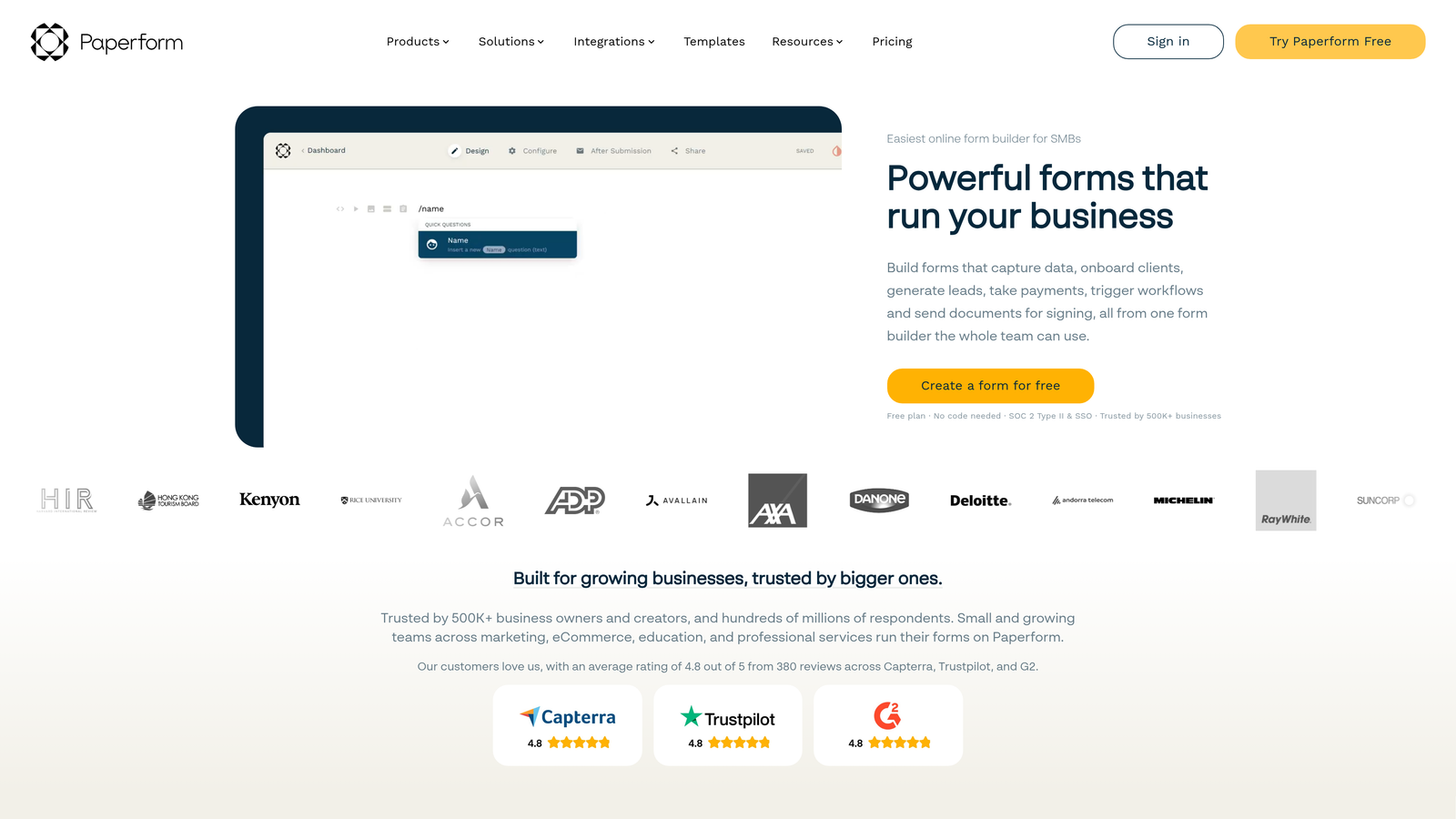
Paperform is a design-focused form builder that combines aesthetic flexibility with straightforward analytics and predictable pricing.
Where This Tool Shines
Paperform's analytics philosophy centers on simplicity without sacrificing depth. The platform tracks partial submissions, which is invaluable for understanding where your beautifully designed forms might be creating unexpected friction.
The flat-rate pricing model eliminates the anxiety of response-based billing. Whether you receive 100 or 10,000 submissions monthly, your costs remain predictable, making budget planning straightforward for growing teams.
Key Features
Partial Submission Tracking: See which fields users complete before abandoning, revealing optimization opportunities.
Response Analytics Dashboard: Clean, intuitive interface showing submission trends and response summaries.
Payment and Booking Analytics: Track revenue, appointment bookings, and transaction patterns for monetized forms.
Custom Branding: Remove Paperform branding and add your own for professional presentation in analytics exports.
Calculation Fields: Monitor computed values across submissions to analyze pricing, scoring, or custom metrics.
Best For
Creative agencies, consultants, and service businesses that prioritize form aesthetics alongside analytics. Particularly valuable for teams running paid workshops, consultations, or services where payment and booking analytics matter.
Pricing
Essentials plan at $24/month includes core analytics features. Pro plan at $49/month adds advanced analytics, priority support, and enhanced customization options. Both plans offer unlimited submissions.
6. Tally
Best for: Budget-conscious teams needing unlimited forms with clean, simple analytics
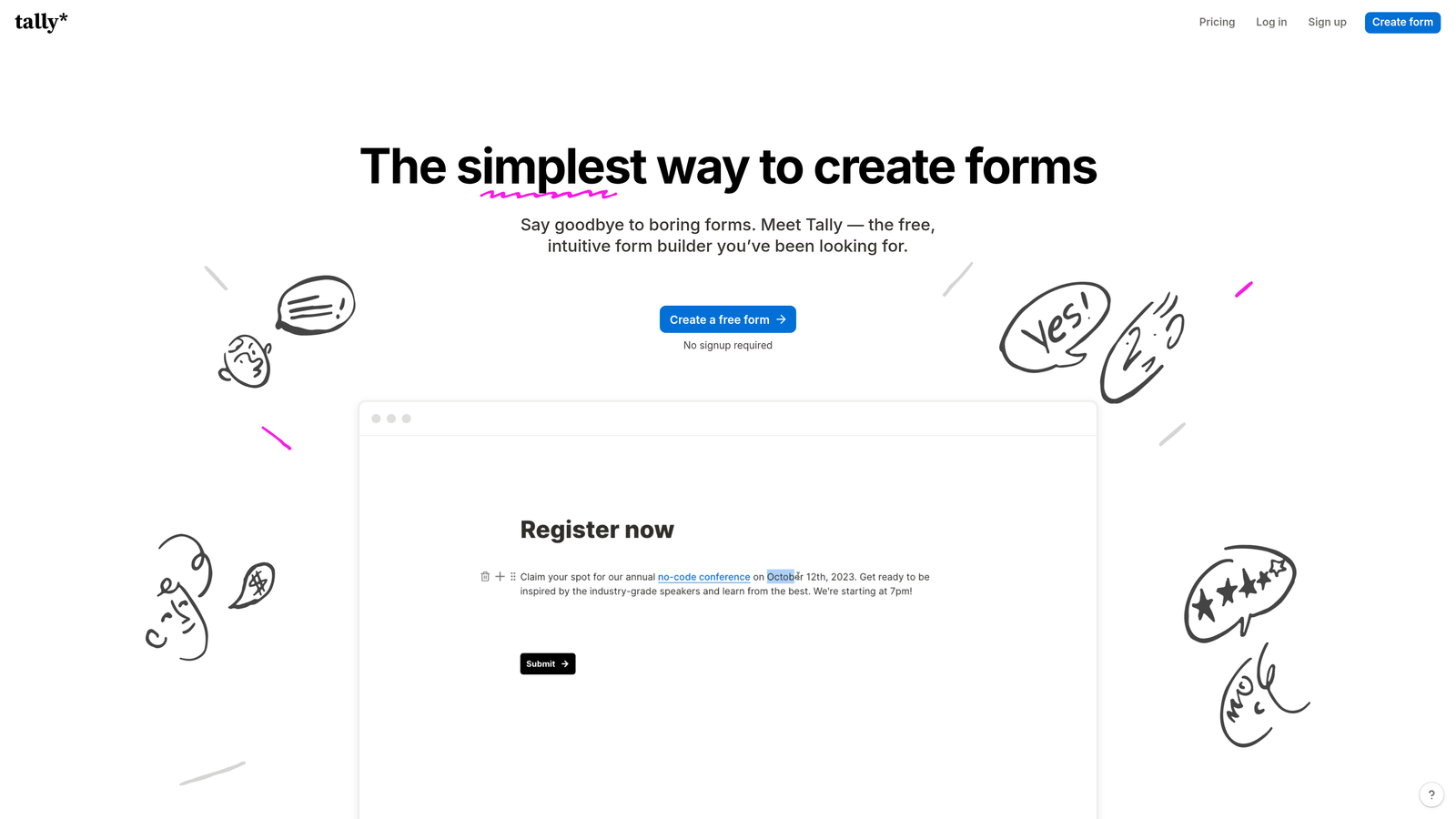
Tally is a free-first form builder with a Notion-like interface and straightforward analytics for teams prioritizing simplicity.
Where This Tool Shines
Tally's radical approach to pricing makes professional form analytics accessible to everyone. The free plan includes unlimited forms and submissions, removing the typical constraints that force teams to upgrade prematurely.
The analytics interface mirrors Tally's overall design philosophy: clean, minimal, and focused on what actually matters. You won't find dozens of charts and graphs, but you'll get clear submission summaries and the essential metrics needed to understand form performance.
Key Features
Response Summary Analytics: Clean overview of submission counts, completion rates, and basic trends.
Unlimited Forms on Free Plan: Create as many forms as needed without hitting artificial limits or upgrade prompts.
Basic Submission Tracking: Monitor when responses arrive with timestamps and basic filtering options.
Notion-Like Interface: Familiar block-based editor that makes form creation and analytics review intuitive.
Webhook Integrations: Send submission data to external analytics platforms or databases for custom tracking.
Best For
Startups, solopreneurs, and nonprofit organizations operating on tight budgets who need reliable form analytics without monthly fees. The free tier is genuinely usable for production work, not just testing.
Pricing
Free plan includes unlimited forms and responses with basic analytics. Pro plan at $29/month adds advanced features like custom domains, file uploads, and payment processing, but core analytics remain accessible on the free tier.
7. Google Forms
Best for: Teams already using Google Workspace wanting completely free analytics with Sheets integration
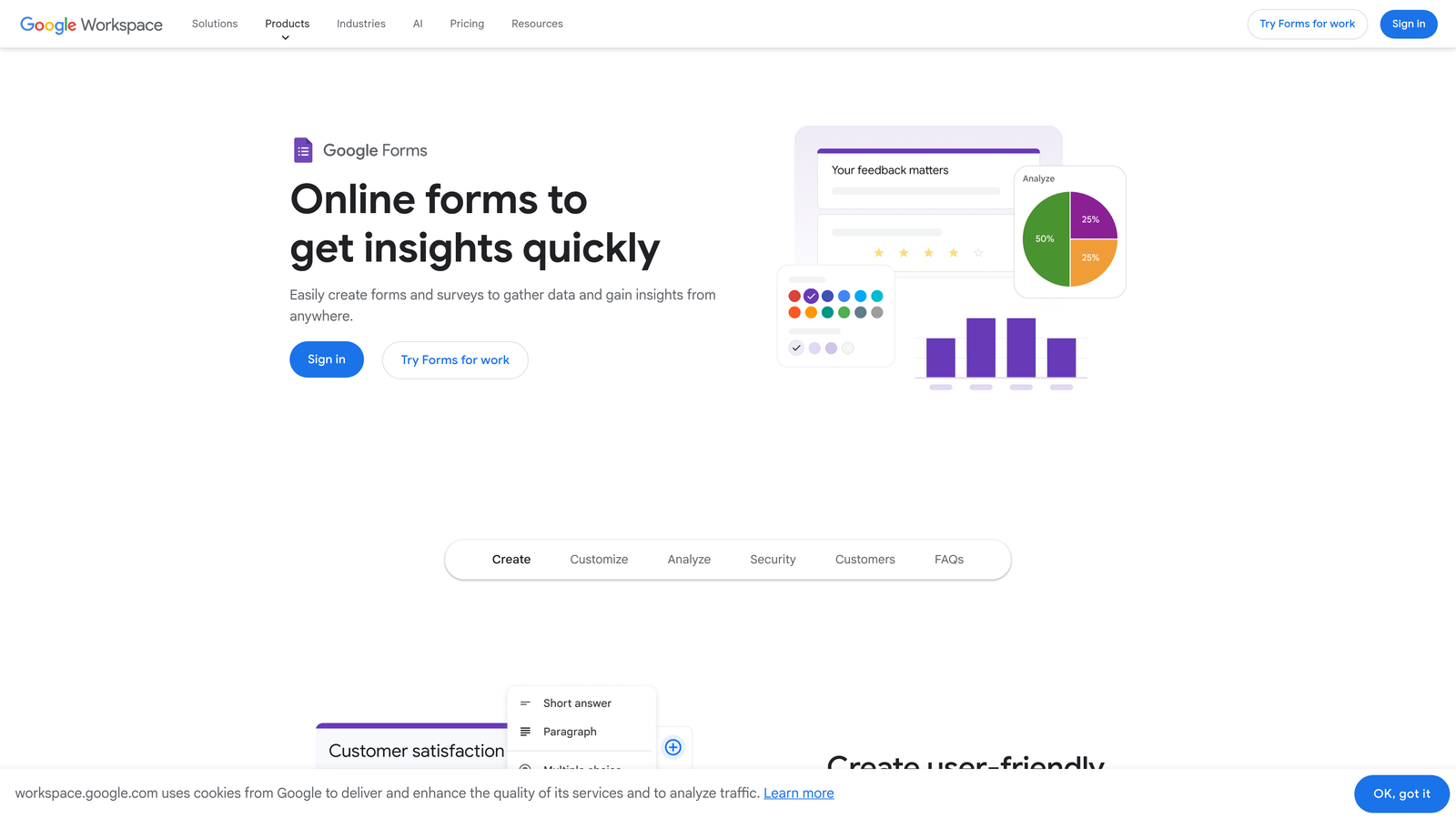
Google Forms is a free form builder with automatic analytics summaries and seamless Google ecosystem integration.
Where This Tool Shines
Google Forms proves that free doesn't mean feature-poor. The automatic response summaries generate charts and graphs instantly, giving you visual insights without manual data manipulation or export steps.
The real power emerges through Google Sheets integration. Every submission flows directly into a spreadsheet where you can apply pivot tables, formulas, and custom visualizations. For teams comfortable with spreadsheets, this creates unlimited analytics possibilities without additional software costs.
Key Features
Automatic Response Summaries: Instantly generated charts showing answer distributions and response patterns.
Charts and Graphs for Responses: Visual representations of multiple-choice and scale questions updated in real-time.
Google Sheets Integration: Direct connection to Sheets enables unlimited custom analytics and reporting.
Real-Time Collaboration: Multiple team members can view analytics simultaneously and share insights.
Completely Free: No usage limits, no premium tiers, no hidden costs for analytics features.
Best For
Schools, nonprofits, and small teams already invested in Google Workspace who need basic to intermediate analytics without budget allocation. Particularly strong for internal surveys, event registrations, and simple lead capture where advanced analytics aren't critical.
Pricing
Completely free with any Google account. No paid tiers or upgrade paths exist, making budgeting trivial.
8. HubSpot Forms
Best for: Marketing teams needing CRM-integrated analytics with contact attribution tracking
HubSpot Forms is a CRM-native form builder that ties submission analytics directly to contact records and marketing attribution.
Where This Tool Shines
HubSpot Forms transforms basic form analytics into comprehensive marketing intelligence. Every submission automatically creates or updates a contact record, connecting form data to the entire customer journey across emails, website visits, and sales interactions.
The attribution analytics show which marketing channels drive form submissions, helping you understand campaign ROI at a granular level. This context makes HubSpot Forms particularly valuable for teams running multi-channel campaigns who need to prove marketing effectiveness.
Key Features
Contact Attribution Tracking: See which marketing sources and campaigns drive each form submission.
Conversion Analytics: Monitor form conversion rates alongside broader funnel metrics within the HubSpot ecosystem.
CRM Integration: Automatic contact creation with submission data flowing directly into sales pipelines.
Progressive Profiling: Track how contact data enriches over multiple form submissions with analytics on profile completeness.
Landing Page Analytics: Unified view of form performance within the context of entire landing page conversion metrics.
Best For
B2B marketing teams already using or considering HubSpot CRM who need tight integration between form analytics and contact management. The value increases significantly if you're running inbound marketing campaigns where attribution matters.
Pricing
Free with HubSpot CRM, providing basic form analytics and contact tracking. Marketing Hub Starter at $20/month adds advanced analytics, A/B testing, and automation features. Higher tiers scale with team size and feature requirements.
9. Cognito Forms
Best for: Teams needing calculation features with straightforward analytics at affordable pricing
Cognito Forms is an affordable form builder that combines calculation capabilities with practical analytics for data-driven teams.
Where This Tool Shines
Cognito Forms excels at tracking forms with complex calculations, making it ideal for quote requests, order forms, or applications requiring mathematical logic. The analytics dashboard shows both submission data and calculated values, helping you understand pricing trends or scoring patterns.
The entry management system provides clean analytics without overwhelming complexity. You get the metrics that matter for decision-making without navigating through dozens of charts designed to justify premium pricing.
Key Features
Entry Management Dashboard: Centralized view of all submissions with filtering, sorting, and basic analytics.
Calculation and Payment Tracking: Monitor computed values and payment totals across submissions to analyze pricing and revenue.
Conditional Logic Analytics: Understand how branching logic affects completion rates and which paths users typically follow.
Data Export Options: Download submission data and analytics summaries to Excel or CSV for external analysis.
Repeating Sections: Track analytics for forms with variable-length sections like order items or family members.
Best For
Small businesses, consultants, and service providers who need forms with calculations alongside reliable analytics. The affordable pricing makes it accessible for teams who need more than Google Forms but can't justify enterprise-level costs.
Pricing
Free plan for single users with up to 500 entries monthly. Pro plan at $15/month expands limits and adds advanced features. Team and Enterprise plans available for larger organizations with higher volume needs.
Making the Right Choice
The right form builder with analytics depends on three key factors: your budget, your analytics sophistication needs, and how forms integrate with your broader tech stack.
For high-growth teams prioritizing lead quality over quantity, Orbit AI delivers AI-powered qualification analytics that help sales teams focus on the right prospects. If you're optimizing conversion funnels and need engagement tracking, Typeform's drop-off analytics provide actionable insights despite the per-response pricing model.
Budget-conscious teams have excellent options. Tally and Google Forms offer genuinely useful analytics without monthly fees, while Jotform's generous free tier includes payment tracking and trend visualization. The key is matching your analytics needs to your actual workflow rather than paying for features you'll never use.
Enterprise teams managing complex workflows should evaluate Formstack's compliance-grade analytics or HubSpot's CRM integration, especially if you need audit trails or multi-touch attribution. The higher pricing reflects sophisticated features that matter when forms are mission-critical business tools.
Here's a quick selection guide by primary use case:
Lead Generation with Qualification: Orbit AI's lead scoring analytics eliminate manual triage and help sales teams prioritize follow-up effectively.
Survey Engagement Optimization: Typeform's completion rate and drop-off analytics pinpoint exactly where respondents lose interest.
Payment and Booking Forms: Paperform or Jotform track transaction analytics alongside submission data for service businesses.
Multi-Channel Marketing Attribution: HubSpot Forms connect form submissions to the broader customer journey across campaigns.
Budget-Friendly Volume: Tally or Google Forms provide unlimited submissions with basic analytics at zero cost.
The analytics features that matter most depend on your team's maturity. Early-stage teams benefit from simple submission tracking and completion rates. Growing teams need drop-off analytics and A/B testing to optimize conversion. Mature organizations require attribution tracking, workflow analytics, and CRM integration to connect forms to revenue outcomes.
Don't overlook integration capabilities when comparing analytics features. The best form analytics integrate seamlessly with your existing tools, whether that's Google Analytics, your CRM, or custom data warehouses. Webhook support and API access matter more than built-in charts if you're building custom dashboards.
Transform your lead generation with AI-powered forms that qualify prospects automatically while delivering the modern, conversion-optimized experience your high-growth team needs. Start building free forms today and see how intelligent form design can elevate your conversion strategy.


