

Collecting form submissions is easy. Understanding what's actually driving conversions, and what's killing them, is where most teams hit a wall. If you can't see where users abandon your forms, which fields create friction, or which leads are worth your sales team's time, you're making decisions in the dark.
The good news is that the form builder market has matured significantly. Analytics have shifted from a premium add-on to a core feature, and the best tools now offer field-level drop-off analysis, partial submission tracking, UTM attribution, and even AI-powered lead scoring baked right in.
This roundup covers the top form builders that pair flexible form creation with meaningful analytics. Whether you're a high-growth SaaS team optimizing your lead capture funnel or a marketer trying to squeeze more conversions from existing traffic, there's a tool here built for your workflow. Selection criteria include depth of analytics, form building flexibility, integration ecosystem, and overall value for conversion-focused teams.
1. Orbit AI
Best for: High-growth teams that want AI-powered lead qualification built directly into their form analytics.
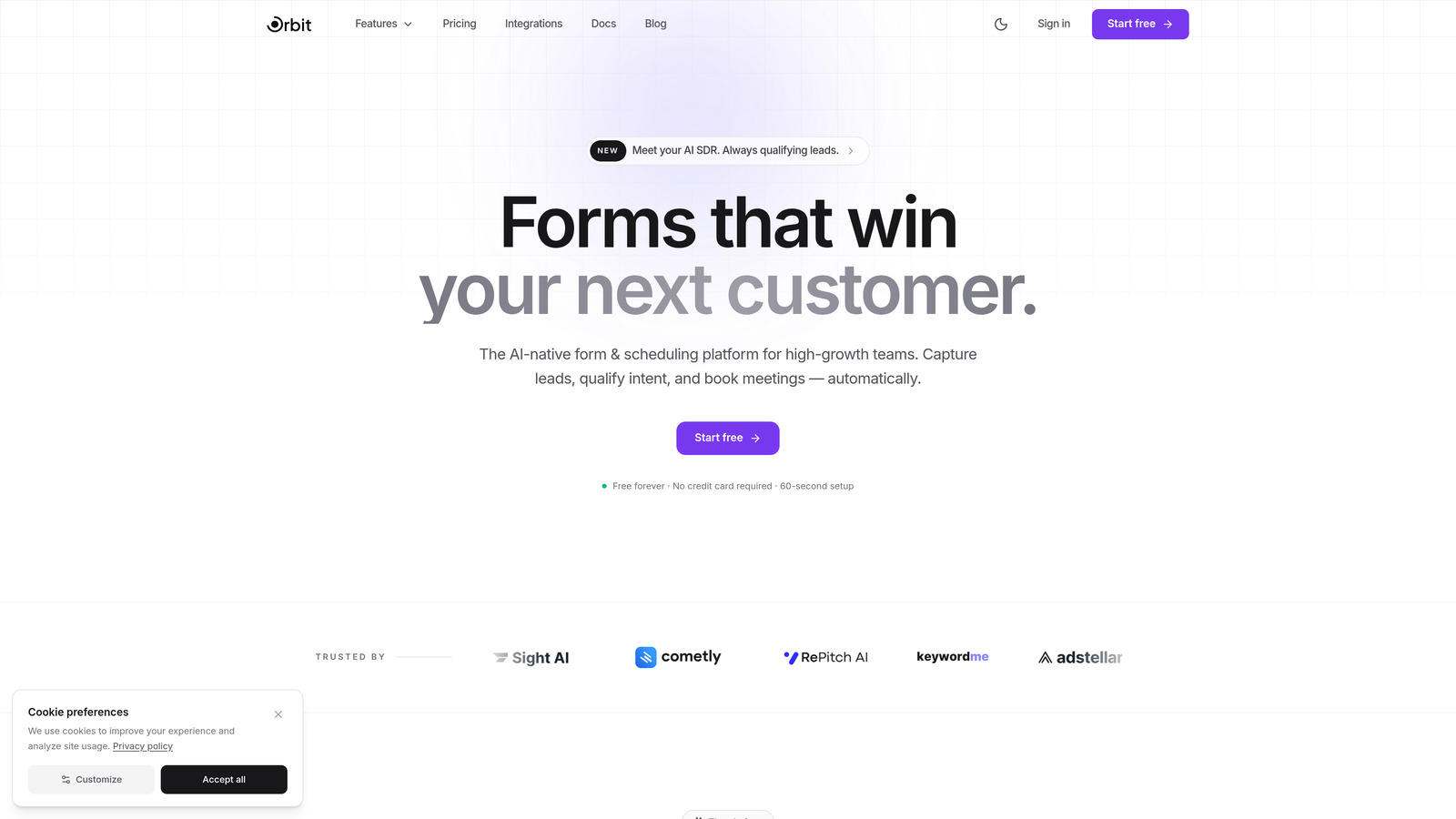
Orbit AI is an AI-native form builder that combines conversion-optimized form design with intelligent lead qualification and analytics, purpose-built for teams where lead quality matters as much as lead volume.
Where This Tool Shines
Most form builders tell you how many people submitted your form. Orbit AI goes further by telling you which of those submissions actually represent qualified prospects. The AI layer scores and qualifies leads at the point of capture, so your sales team isn't wading through noise to find the opportunities worth pursuing.
The conversational, multi-step form design is built with completion rates in mind. Instead of overwhelming visitors with a wall of fields, Orbit AI guides them through a structured experience that reduces friction and keeps drop-off rates low. The result is a form that works harder for you on both ends: more completions, better qualified leads.
Key Features
AI-Powered Lead Scoring: Qualifies and scores leads automatically at the moment of form submission, routing the right prospects to your CRM without manual review.
Conversion Analytics: Built-in form performance insights surface where users drop off, which fields cause friction, and how your forms are performing over time.
Conversational Multi-Step Design: Progressive, one-step-at-a-time form flow designed specifically to maximize completion rates.
Smart Field Suggestions: AI-driven recommendations help you build forms that ask the right questions in the right order.
CRM Integrations: Seamless lead routing to major CRM platforms ensures qualified leads land in the right hands without manual handoffs.
Best For
Orbit AI is the natural fit for high-growth SaaS teams, demand generation marketers, and sales-led organizations where lead quality is a top priority. If you're tired of form tools that hand you a CSV and leave the qualification work to you, this is the upgrade worth exploring.
Pricing
Visit orbitforms.ai for current pricing plans. A free starting option is available for teams ready to explore the platform.
2. Typeform
Best for: Teams prioritizing engagement-first form design with built-in completion and drop-off analytics.
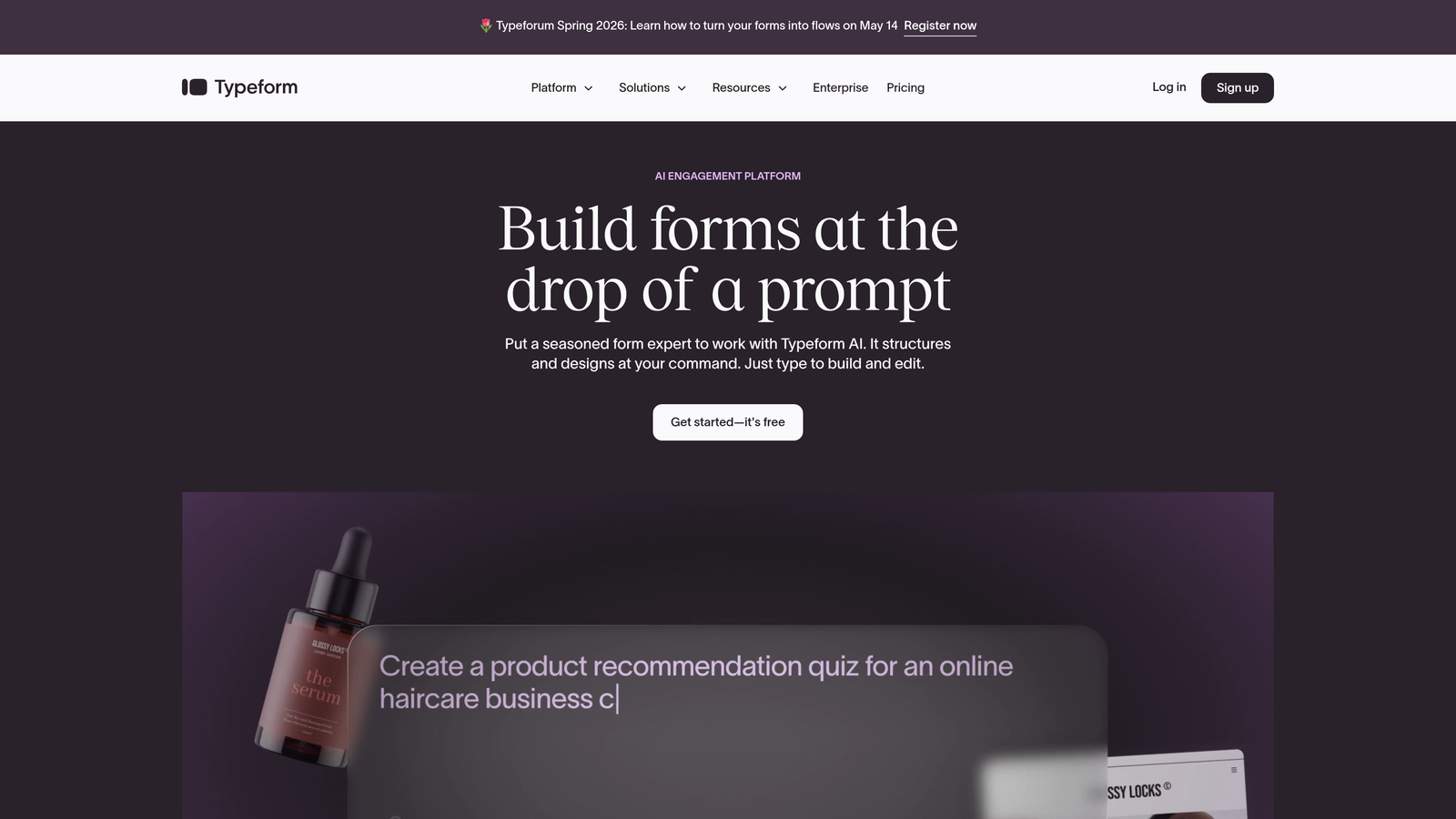
Typeform is a conversational form builder known for its one-question-at-a-time format that consistently outperforms traditional multi-field forms on completion rates.
Where This Tool Shines
Typeform's biggest strength is the experience it creates for respondents. The flowing, single-question interface feels less like filling out a form and more like having a conversation, which tends to reduce abandonment significantly. For brand-conscious teams, the polish alone can justify the investment.
On the analytics side, Typeform provides completion rate tracking and drop-off data at the question level, so you can pinpoint exactly where respondents disengage. It's not the deepest analytics suite on this list, but it covers the essentials well for engagement-focused use cases.
Key Features
Conversational Interface: One-question-at-a-time format creates a low-friction, high-engagement experience for respondents.
Completion Rate Analytics: Tracks overall completion rates and identifies specific questions where drop-off occurs.
Logic Jumps: Conditional branching lets you personalize the form path based on previous answers.
Native Integrations: Connects directly with HubSpot, Salesforce, Slack, Mailchimp, and dozens of other marketing tools.
Response Insights Dashboard: Visual overview of submission trends and individual response data.
Best For
Typeform works best for marketing teams, agencies, and B2C brands that prioritize respondent experience and need reliable completion and drop-off tracking. It's less suited for teams that need deep lead scoring or enterprise-level reporting.
Pricing
Free plan available with limited responses. Paid plans start at around $25/month, with higher tiers unlocking more responses, logic features, and integrations.
3. Jotform
Best for: Teams that need a versatile form builder with auto-generated visual analytics dashboards.
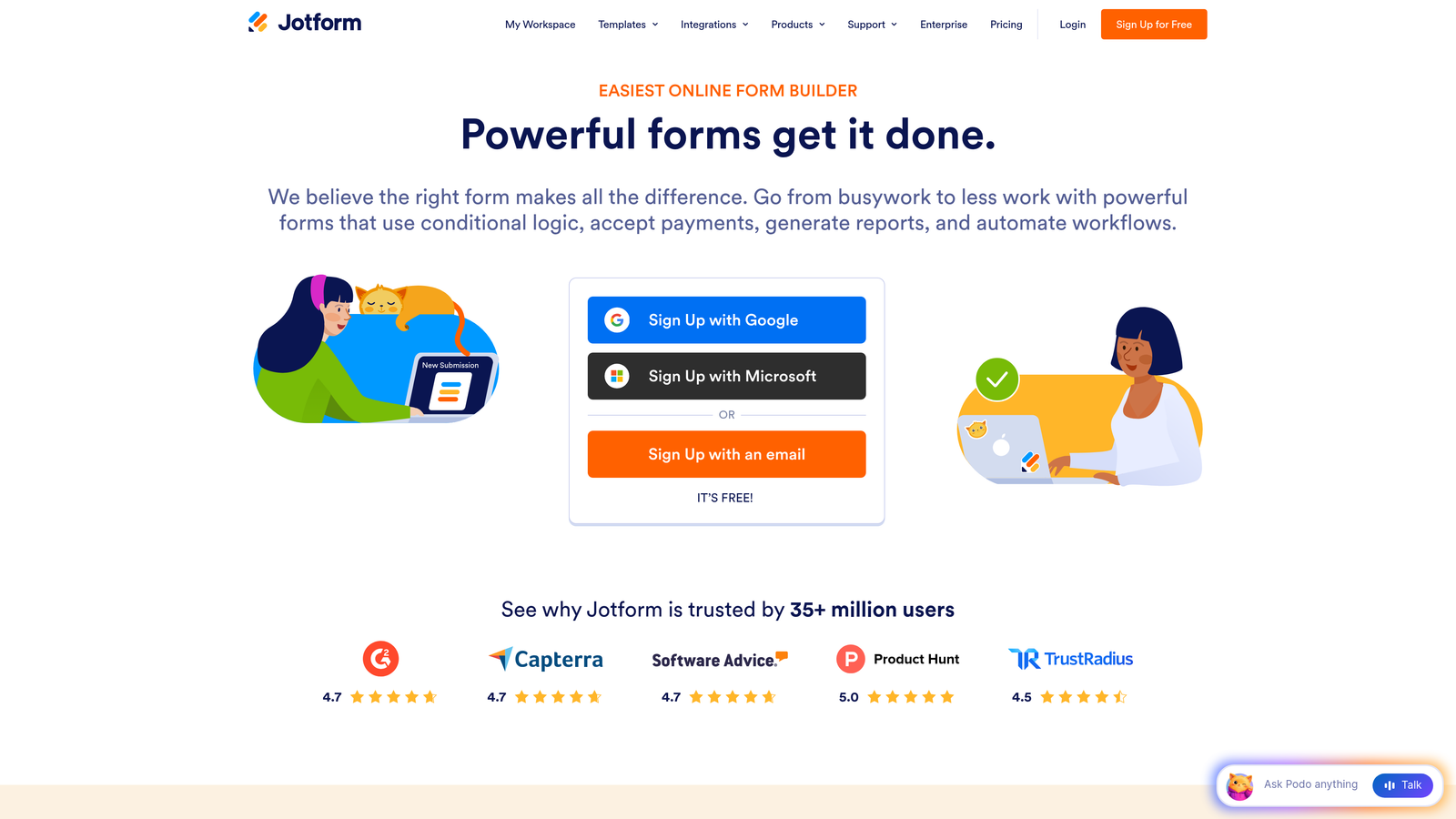
Jotform is one of the most feature-rich standalone form builders available, offering a massive template library alongside its Jotform Reports feature for visual, auto-generated analytics from submission data.
Where This Tool Shines
Jotform Reports is a genuinely useful feature that turns raw submission data into visual dashboards without requiring any manual setup. Charts, graphs, and summary views are generated automatically, making it easy to share results with stakeholders who don't want to dig through raw data.
The breadth of the platform is also a standout. With over 10,000 templates, extensive widget support, and a drag-and-drop builder that handles complex multi-page forms, Jotform covers a wide range of use cases from simple contact forms to detailed application workflows.
Key Features
Jotform Reports: Auto-generates visual analytics dashboards from submission data, including charts and summary statistics.
10,000+ Templates: Extensive starting-point library covering virtually every form use case imaginable.
Drag-and-Drop Builder: Flexible form creation with widgets, payment integrations, and conditional logic.
Multi-Page Forms: Supports complex, multi-step form flows with progress indicators.
Submission Filtering and Export: Granular control over how you view, filter, and export collected data.
Best For
Jotform suits small to mid-sized businesses, nonprofits, and operations teams that need a flexible, template-rich form builder with solid visual reporting. It's a strong all-rounder but may feel less specialized for teams with advanced lead qualification needs.
Pricing
Free plan available supporting up to 5 forms. Paid plans start at around $34/month with higher submission limits and advanced features.
4. HubSpot Forms
Best for: Marketing teams already in the HubSpot ecosystem who need full-funnel analytics tied to CRM data.
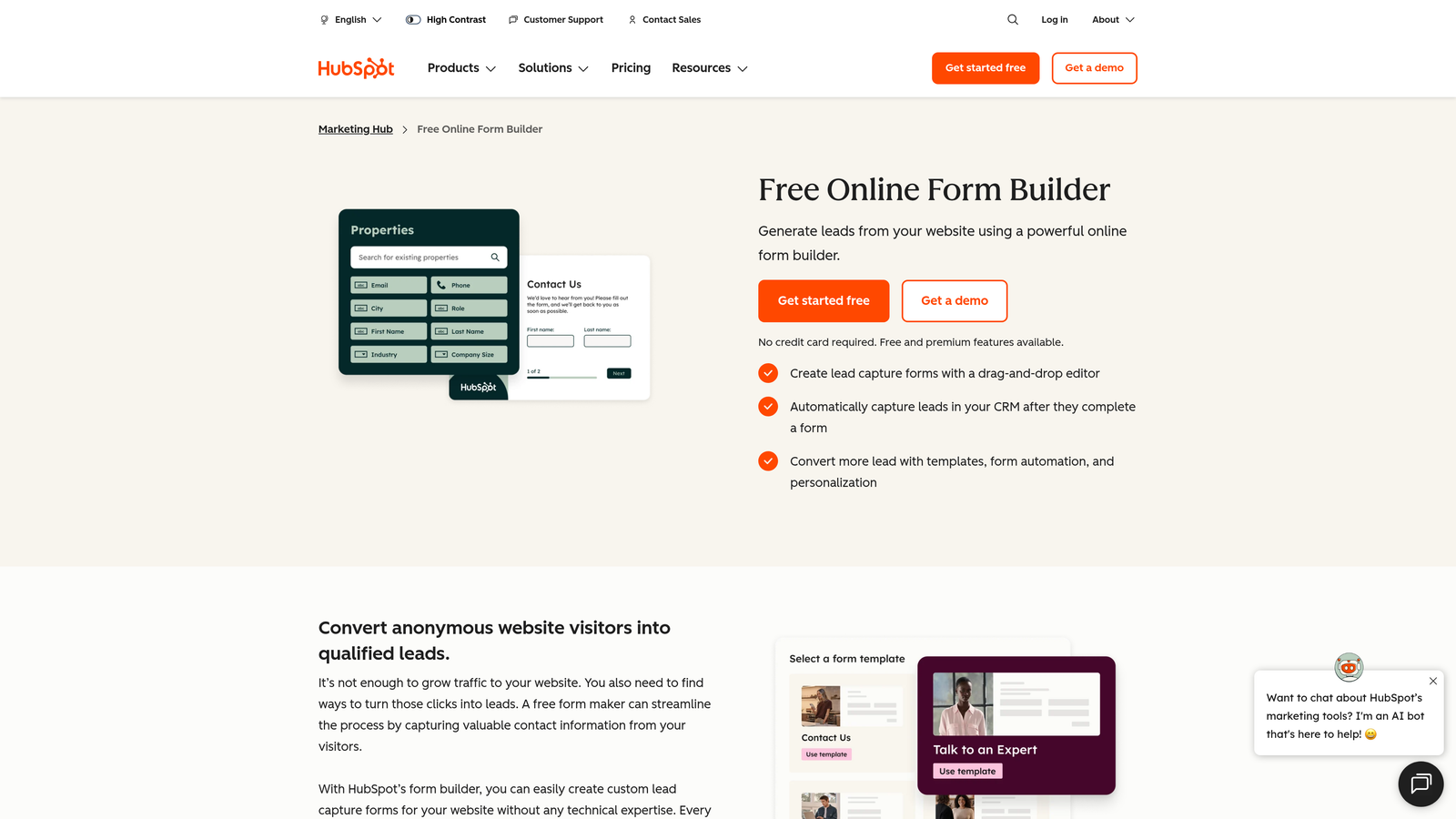
HubSpot Forms is a CRM-native form builder that connects form submissions directly to contact records, campaign attribution, and full-funnel marketing analytics.
Where This Tool Shines
If you're already using HubSpot, the forms tool is a natural extension of your existing stack. Every submission automatically creates or updates a contact record, and form performance data feeds directly into HubSpot's attribution and campaign reporting. This level of native integration is hard to replicate by stitching together third-party tools.
The progressive profiling feature is particularly valuable for high-growth teams running multiple touchpoints. Rather than asking the same questions repeatedly, HubSpot Forms intelligently surfaces new fields for known contacts, enriching your CRM data over time without creating form fatigue.
Key Features
Automatic CRM Contact Creation: Every submission maps directly to a HubSpot contact record with no manual data entry required.
Form Performance Analytics: Views-to-submissions tracking with trend data over time.
Attribution Reporting: Ties form submissions to specific campaigns, channels, and sources within HubSpot's reporting suite.
Progressive Profiling: Smart fields that show new questions to returning visitors, gradually enriching contact data.
A/B Testing: Available on higher Marketing Hub tiers for optimizing form variations.
Best For
HubSpot Forms is the clear choice for teams running their marketing operations inside HubSpot. The analytics value compounds significantly when form data is connected to email, ads, and deal pipeline reporting in a single platform.
Pricing
Free forms available with a HubSpot account. Marketing Hub paid plans start at $20/month, with more advanced analytics and A/B testing unlocking at higher tiers.
5. Formstack
Best for: Operations and compliance-focused teams that need conversion analytics alongside workflow automation.
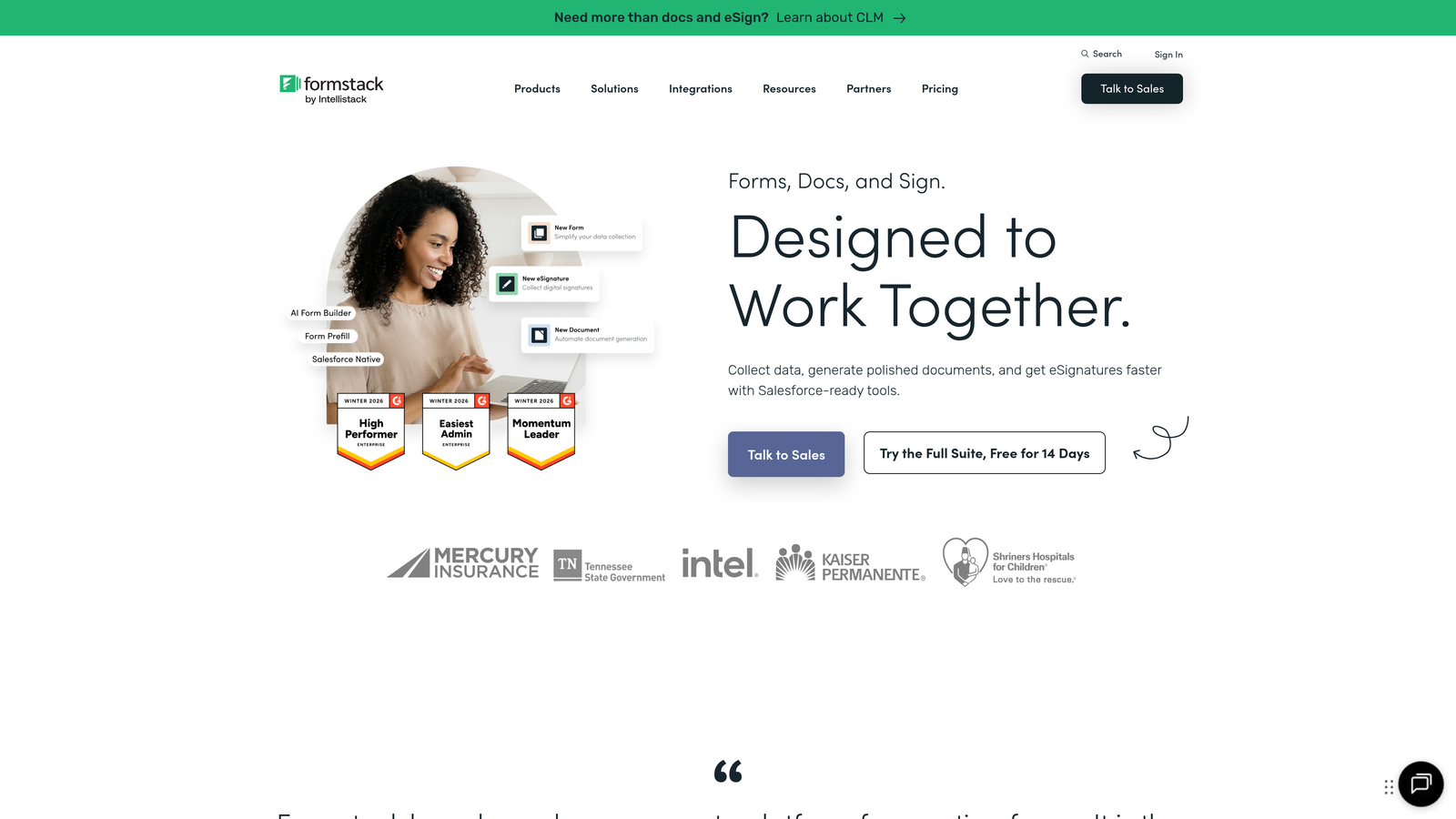
Formstack is a form builder that extends beyond data collection into workflow automation, document generation, and e-signature capabilities, with conversion analytics built into the core platform.
Where This Tool Shines
Formstack's conversion analytics go deeper than most standalone builders. Field-level drop-off tracking and partial submission data give you a granular view of where your forms lose momentum, and the A/B testing feature lets you act on those insights by testing variations directly within the platform.
The workflow automation layer sets Formstack apart for teams that need more than just data collection. Post-submission processes, approvals, and document generation can all be triggered automatically, reducing the manual work that typically follows a form submission.
Key Features
Field-Level Drop-Off Analytics: Identifies specific fields where users abandon the form, enabling targeted optimization.
Partial Submission Tracking: Captures data from users who start but don't complete a form.
A/B Testing: Native testing functionality for comparing form variations and improving conversion rates.
Workflow Automation: Automates post-submission processes including approvals, notifications, and document routing.
HIPAA Compliance: Compliant form options for healthcare and regulated industries.
Best For
Formstack is a strong fit for mid-market and enterprise teams in healthcare, finance, or operations-heavy industries that need both analytics depth and process automation in one platform.
Pricing
Plans start at around $50/month. Enterprise pricing is available for larger teams with compliance and automation requirements.
6. Gravity Forms
Best for: WordPress sites that need a powerful native form plugin with deep Google Analytics integration.
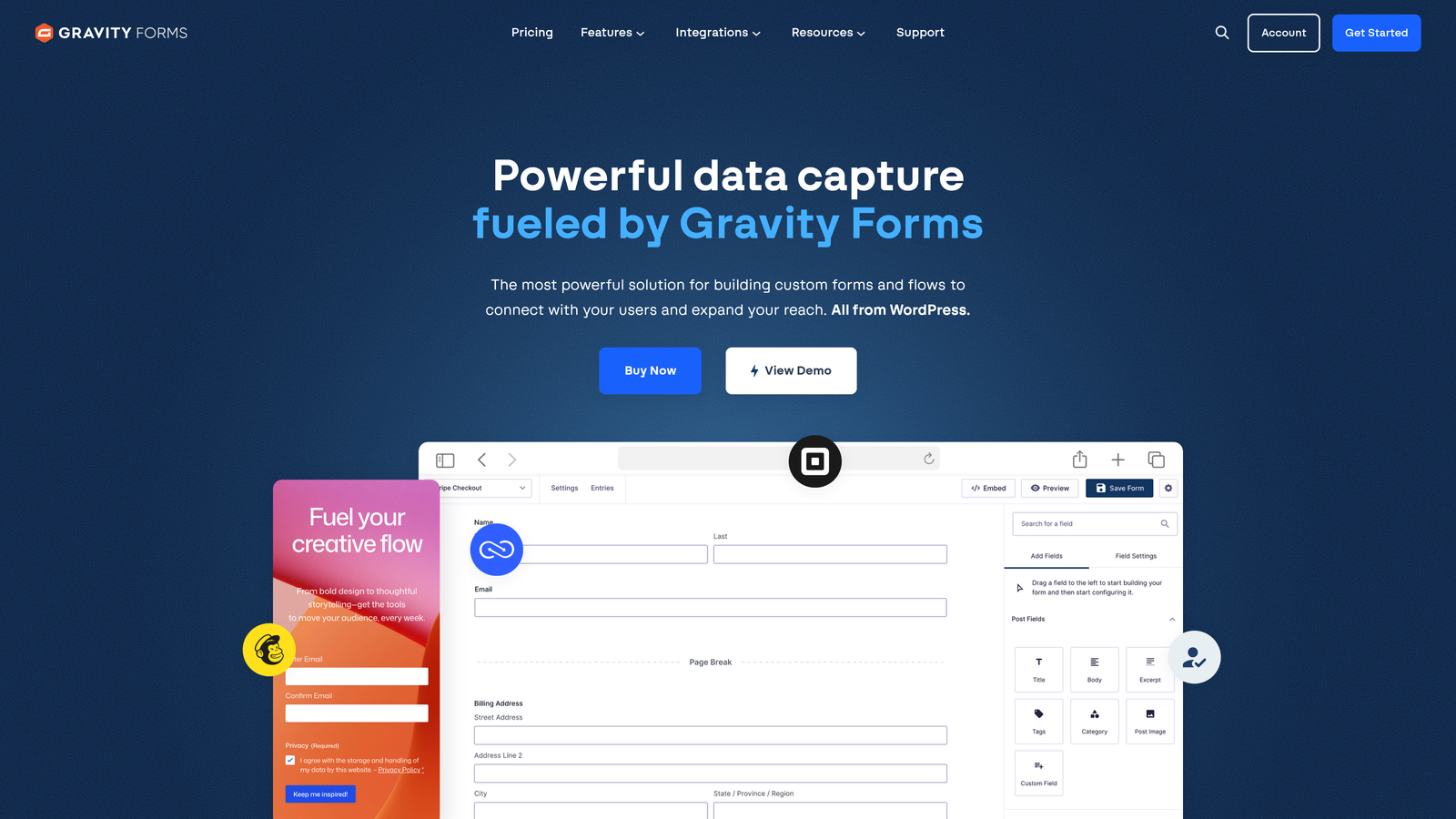
Gravity Forms is the go-to form plugin for WordPress, offering robust entry management, conditional logic, and a rich add-on ecosystem that extends its analytics capabilities through Google Analytics and other integrations.
Where This Tool Shines
For teams running on WordPress, Gravity Forms feels like a natural part of the CMS rather than a bolt-on tool. The Gutenberg block support and tight WordPress admin integration mean form management happens in the same environment where you manage the rest of your site.
The analytics story for Gravity Forms relies heavily on integrations, particularly Google Analytics event tracking, which allows you to build detailed funnel reports and track form interactions alongside your broader site analytics. The add-on ecosystem also includes third-party reporting tools that extend native capabilities considerably.
Key Features
Native WordPress Integration: Full Gutenberg block support and seamless WordPress admin entry management.
Entry Management: Detailed submission records with filtering, search, and export within WordPress.
Google Analytics Integration: Event tracking for form views, starts, and completions to support funnel analysis.
Extensive Add-On Ecosystem: Hundreds of add-ons for CRM integrations, payments, analytics extensions, and more.
Conditional Logic: Multi-page forms with complex branching logic and field dependencies.
Best For
Gravity Forms is the right choice for WordPress-native teams, agencies managing multiple client sites, and developers who want maximum flexibility through a well-documented add-on ecosystem.
Pricing
Annual licenses start at $59/year for a single site. Higher tiers unlock additional add-ons and multi-site licensing.
7. Paperform
Best for: Small businesses and solopreneurs who want landing-page-quality forms with built-in partial submission tracking.
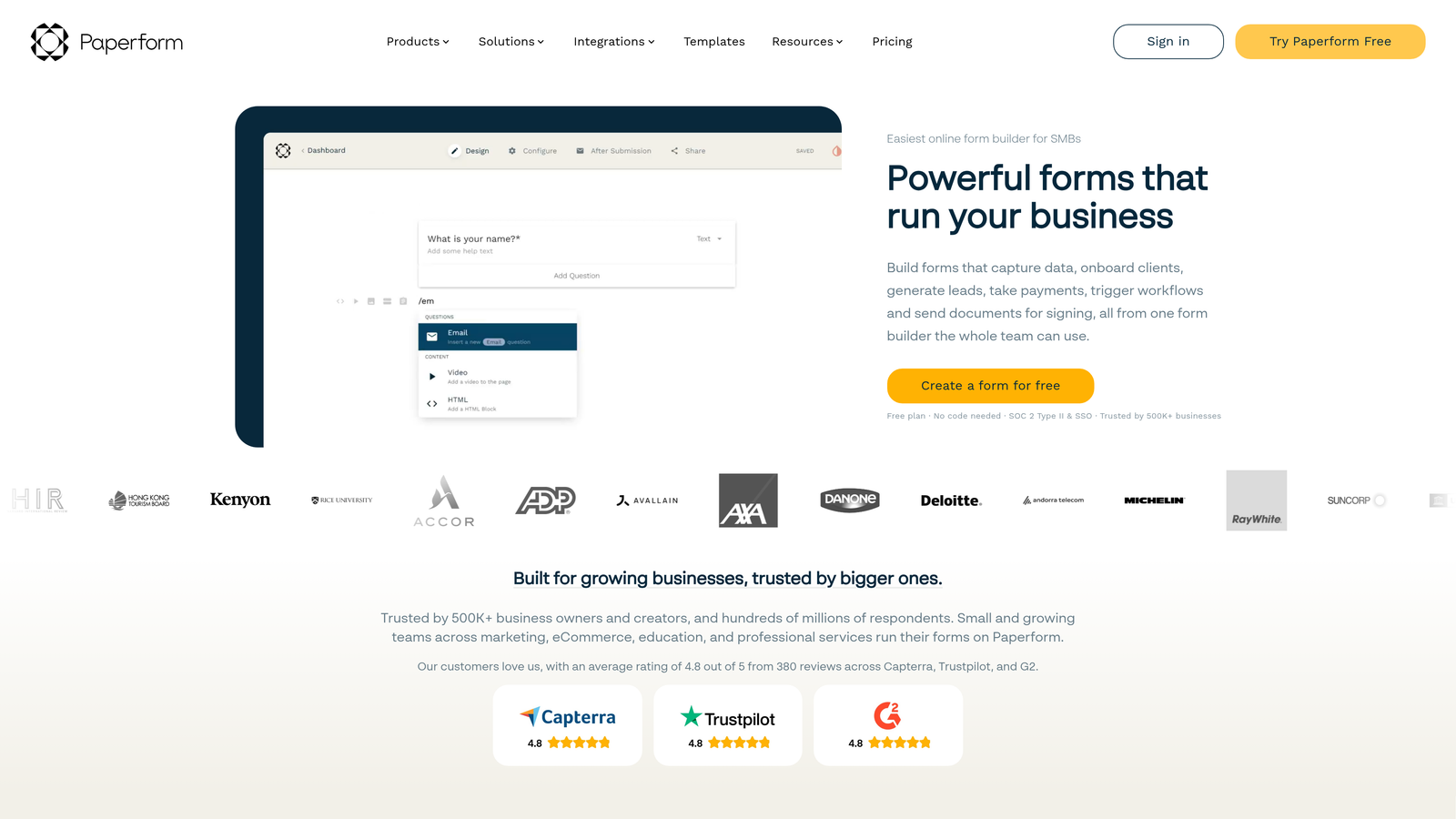
Paperform is a design-forward form builder that blurs the line between forms and landing pages, with built-in analytics that include partial submission tracking and field-level conversion insights.
Where This Tool Shines
Paperform's biggest differentiator is its design flexibility. You can embed images, videos, and rich text directly into your forms, creating experiences that feel closer to a branded landing page than a traditional form. For teams without a dedicated design resource, this is a meaningful advantage.
The analytics layer punches above its weight for the price point. Partial submission tracking, which captures data from users who start but don't finish, gives you actionable insight into where your form experience breaks down. Combined with field-level conversion data, you have enough to make meaningful optimization decisions.
Key Features
Landing-Page-Style Design: Rich media support including images, video, and formatted text within the form itself.
Partial Submission Tracking: Captures incomplete submissions to identify drop-off points and recover potential leads.
Field-Level Conversion Insights: Granular analytics showing how each individual field performs in terms of completion.
Payment Collection: Native support for product pages and payment processing within forms.
Conditional Logic and Calculations: Dynamic form behavior based on user inputs, including calculated fields.
Best For
Paperform is ideal for small businesses, coaches, consultants, and creative agencies that need beautiful, functional forms with solid analytics at an accessible price point.
Pricing
Plans start at around $24/month. Higher tiers add more submissions, custom domains, and advanced integrations.
8. Zoho Forms
Best for: Budget-conscious teams in the Zoho ecosystem that need UTM tracking and built-in analytics reporting.
Zoho Forms is a capable, cost-effective form builder with a built-in analytics dashboard, UTM parameter tracking, and deep integration with Zoho CRM and Zoho Analytics.
Where This Tool Shines
Zoho Forms delivers a surprising amount of analytics capability at a price point that undercuts most competitors. The built-in dashboard covers submission trends, device and browser breakdowns, and UTM source attribution, giving teams a solid foundation for understanding where their form traffic is coming from and how it converts.
For organizations already using Zoho CRM or other Zoho products, the native integration is a significant advantage. Form data flows directly into your CRM without requiring third-party connectors, and the connection to Zoho Analytics opens the door to more advanced reporting if you need it.
Key Features
Built-In Analytics Dashboard: Submission trends, completion rates, and performance tracking without additional tools.
UTM Parameter Tracking: Source attribution that shows which campaigns and channels are driving form submissions.
Device and Browser Reports: Breakdown of how respondents are accessing your forms across different environments.
Zoho CRM Integration: Native, no-code connection that routes submissions directly into your CRM pipeline.
Multi-Language Support: Mobile-responsive forms with multi-language capabilities for global teams.
Best For
Zoho Forms is the smart pick for small and mid-sized businesses already in the Zoho ecosystem, and for budget-conscious teams that need UTM attribution and basic analytics without paying a premium.
Pricing
Free plan available with basic features. Paid plans start at around $10/month, making it one of the most affordable analytics-capable options on this list.
9. 123FormBuilder
Best for: Enterprise teams that need cross-form analytics, compliance features, and Salesforce integration.
123FormBuilder is an enterprise-ready form builder with cross-form analytics, detailed submission trend reporting, and compliance capabilities including HIPAA and GDPR.
Where This Tool Shines
123FormBuilder's cross-form analytics capability is relatively rare in this category. Rather than viewing each form in isolation, you can analyze performance trends across your entire form library, which is particularly valuable for enterprise teams managing dozens of forms across multiple departments or campaigns.
The compliance story is strong. HIPAA-compliant form options and GDPR-ready data handling make 123FormBuilder a viable choice for regulated industries where most other tools on this list would require additional configuration or third-party add-ons to meet requirements.
Key Features
Cross-Form Analytics: Submission trend analysis across multiple forms simultaneously, giving a portfolio-level view of performance.
HIPAA and GDPR Compliance: Built-in compliance options for healthcare, finance, and regulated industries.
Real-Time Notifications: Instant submission alerts and reporting for time-sensitive workflows.
Conditional Logic: Dynamic form behavior with branching paths based on user responses.
Salesforce Integration: Native CRM connection alongside other enterprise platform integrations.
Best For
123FormBuilder is the right fit for enterprise teams, regulated industries, and organizations managing large volumes of forms that need portfolio-level analytics and compliance baked in from the start.
Pricing
Free plan available with limited features. Paid plans start at around $24/month, with enterprise pricing available for larger deployments.
Which Tool Is the Right Fit for Your Team?
The right form builder with analytics depends heavily on what you're trying to optimize and what your existing stack looks like. Here's a quick breakdown to help you cut through the noise.
Best overall for lead-focused teams: Orbit AI stands out for high-growth SaaS and sales-led organizations where lead quality is the primary metric. The combination of AI-powered qualification at the point of capture and native conversion analytics is genuinely differentiated from the rest of this list.
Best for engagement-first design: Typeform is the go-to when respondent experience and brand polish are priorities, and when completion rate and drop-off data are the main analytics you need.
Best for CRM-integrated analytics: HubSpot Forms wins for teams already operating inside HubSpot. The attribution reporting and progressive profiling capabilities compound in value the more you use the broader HubSpot platform.
Best for WordPress: Gravity Forms remains the standard for WordPress-native teams, especially those comfortable leveraging Google Analytics for funnel tracking and the add-on ecosystem for extended capabilities.
Best budget option: Zoho Forms delivers meaningful analytics, UTM tracking, and CRM integration at a price point that's hard to beat, particularly for teams already in the Zoho ecosystem.
Best for enterprise and compliance: 123FormBuilder's cross-form analytics and built-in compliance features make it the natural choice for regulated industries managing large form portfolios.
Before committing, think about where your biggest gap actually is. If you're losing leads because your forms are clunky, prioritize design and completion analytics. If you're generating volume but struggling with lead quality, you need qualification built into the capture layer itself.
Start building free forms today and see how AI-powered lead qualification combined with intelligent conversion analytics can transform the way your high-growth team captures and converts prospects.


