

Understanding how visitors interact with your forms is the difference between guessing why conversions drop and knowing exactly where to fix them. Form analytics platforms reveal field-level insights—where users hesitate, abandon, or struggle—that standard web analytics simply can't capture. But with pricing models ranging from free tiers to enterprise contracts, finding the right platform for your budget requires careful comparison.
We've analyzed nine form analytics solutions across their pricing structures, feature sets, and value propositions to help you make an informed decision. Whether you're a startup watching every dollar or an enterprise team needing advanced capabilities, this guide breaks down what you'll actually pay and what you'll get.
1. Orbit AI
Best for: High-growth teams wanting form building and analytics in one platform
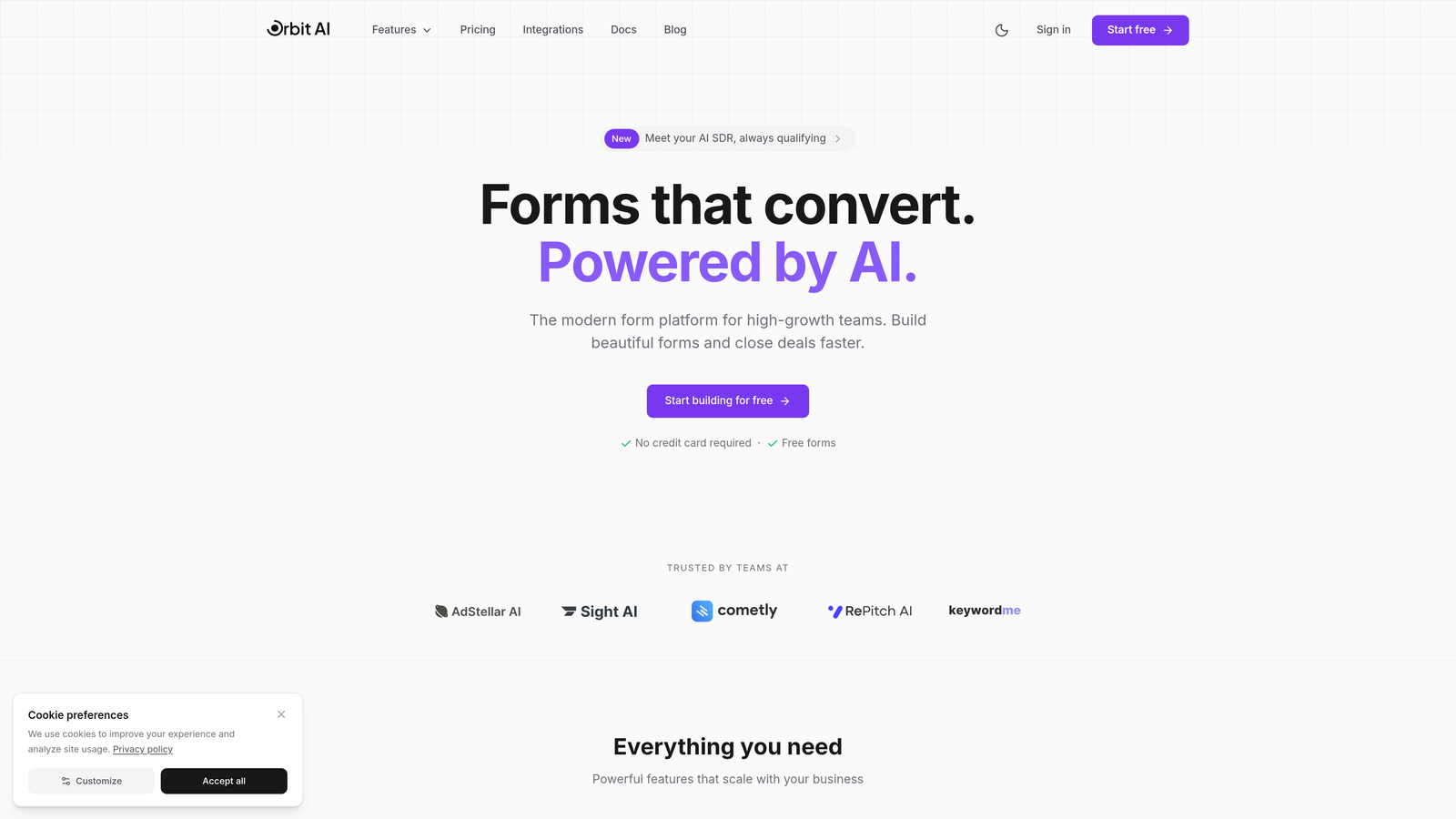
Orbit AI combines form creation with built-in analytics and AI-powered lead qualification, eliminating the need for separate tracking tools.
Where This Tool Shines
The platform's integrated approach means you're not juggling multiple subscriptions or piecing together data from different sources. You build your forms and immediately get analytics without configuration headaches.
The AI qualification layer automatically scores leads as they submit, helping sales teams prioritize follow-ups while you simultaneously track which form elements drive the best conversions. This dual functionality makes it particularly valuable for teams focused on both lead quality and conversion optimization.
Key Features
Built-in Form Analytics: No separate tool needed—analytics come standard with every form you create.
AI-Powered Lead Qualification: Automatic scoring helps prioritize high-value prospects in real-time.
Field-Level Performance Insights: See exactly where users drop off or hesitate within your forms.
Conversion Optimization Recommendations: Get actionable suggestions based on actual user behavior patterns.
Seamless CRM Integrations: Connect directly to your existing sales and marketing stack.
Best For
Teams that want to consolidate their form building and analytics into a single platform rather than maintaining separate subscriptions. Especially strong for businesses prioritizing lead quality alongside conversion rates, where the AI qualification features add immediate value to sales workflows.
Pricing
Transparent pricing tiers available on the website with analytics included in all plans. No separate fees for tracking or analytics features—everything comes bundled with your form builder subscription.
2. Hotjar
Best for: Teams wanting behavior analytics across their entire site, not just forms
Hotjar offers comprehensive behavior analytics including heatmaps, session recordings, and dedicated form analysis tools within a broader user experience platform.
Where This Tool Shines
Hotjar's strength lies in its holistic view of user behavior. You're not just seeing form interactions—you're watching complete session recordings that show what users did before and after encountering your forms.
The heatmap functionality reveals where users click, move, and scroll on form pages, providing context that pure form analytics can't capture. This makes it easier to understand whether form problems stem from the form itself or surrounding page elements.
Key Features
Form Interaction Heatmaps: Visual representation of where users click and interact within form fields.
Session Recordings with Form Replay: Watch actual user sessions to see exactly how people interact with your forms.
Field Drop-Off Analysis: Identify which specific fields cause users to abandon forms.
User Feedback Collection: Gather direct input from users about their form experience.
Rage Click Detection: Automatically flag frustrated user interactions that indicate form problems.
Best For
Marketing and UX teams that need to understand the full user journey, not just form performance in isolation. Works particularly well when you're optimizing entire landing pages or multi-step processes where forms are one component of a larger experience.
Pricing
Free tier includes 35 daily sessions. Basic plan starts at $32/month, Business at $80/month, and Scale at $171/month. Session limits increase with each tier.
3. Zuko Analytics
Best for: Organizations needing deep, dedicated form-specific analytics and optimization insights
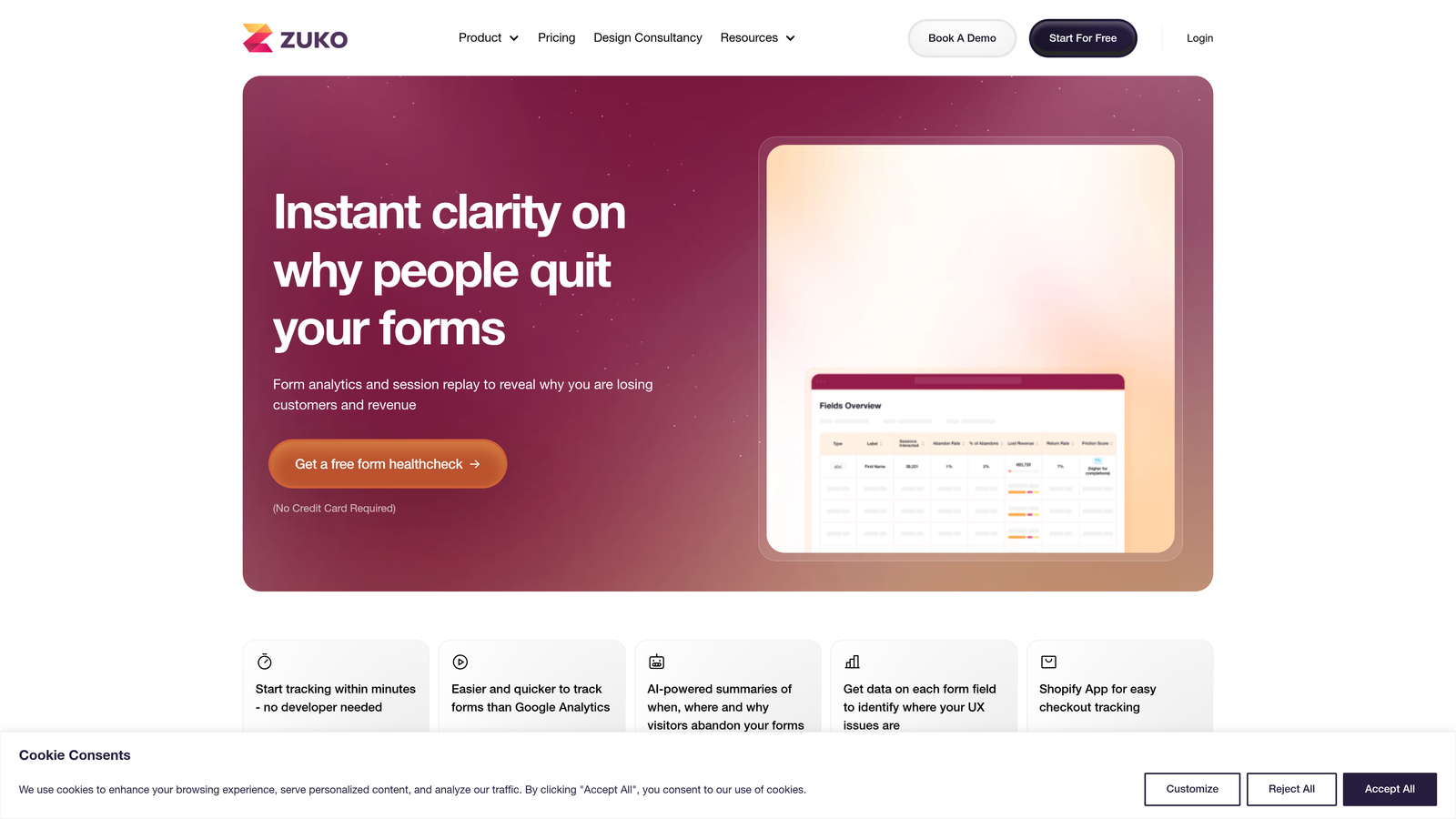
Zuko Analytics specializes exclusively in form analytics, offering field-level abandonment tracking and detailed interaction metrics designed specifically for form optimization.
Where This Tool Shines
As a dedicated form analytics platform, Zuko goes deeper into form-specific metrics than broader analytics tools. The platform tracks every interaction at the field level with precision that general-purpose tools often miss.
The multi-step form funnel analysis is particularly sophisticated, showing you exactly where users drop off in complex forms. This level of detail makes it invaluable for organizations with high-stakes forms where small improvements translate to significant revenue gains.
Key Features
Field-by-Field Abandonment Tracking: Pinpoint exactly which form fields cause users to leave.
Time Spent Per Field Analysis: Understand which fields confuse or slow down users.
Error Message Tracking: See which validation errors frustrate users most frequently.
A/B Testing Integration: Test form variations and compare performance with statistical significance.
Multi-Step Form Funnel Analysis: Track user progression through complex, multi-page form flows.
Best For
E-commerce checkout optimization, financial services applications, and any business where forms directly impact revenue. The per-form pricing model works well for companies with a few critical forms that justify dedicated optimization investment.
Pricing
Starts at £100/month per form tracked. Custom enterprise pricing available for organizations tracking multiple forms or requiring advanced features.
4. Formisimo
Best for: Enterprise organizations requiring detailed form analytics with robust reporting capabilities
Formisimo delivers enterprise-focused form analytics with real-time dashboards, detailed interaction metrics, and extensive customization options for large organizations.
Where This Tool Shines
Formisimo's enterprise focus shows in its reporting sophistication and data export capabilities. The platform provides real-time dashboards that update as users interact with forms, making it valuable for teams monitoring form performance continuously.
The correction and hesitation tracking reveals subtle user struggles that other platforms might miss. When users backtrack to fix entries or pause before completing fields, Formisimo captures these friction points with precision that helps teams understand exactly where optimization is needed.
Key Features
Real-Time Form Performance Dashboards: Monitor form metrics as they happen with live updating displays.
Field Interaction Timing: Track how long users spend on each field to identify confusion points.
Correction and Hesitation Tracking: Detect when users backtrack or pause, indicating potential problems.
Custom Event Tracking: Define and track specific form interactions relevant to your business.
API Access for Data Export: Pull form analytics data into your own systems for custom analysis.
Best For
Large enterprises with dedicated optimization teams that need comprehensive form analytics across multiple properties. The custom pricing model and advanced features make most sense for organizations where form conversion directly impacts significant revenue streams.
Pricing
Custom enterprise pricing based on traffic volume and feature requirements. Contact their sales team for specific quotes tailored to your organization's needs.
5. FullStory
Best for: Product teams needing digital experience intelligence with form analytics as one component
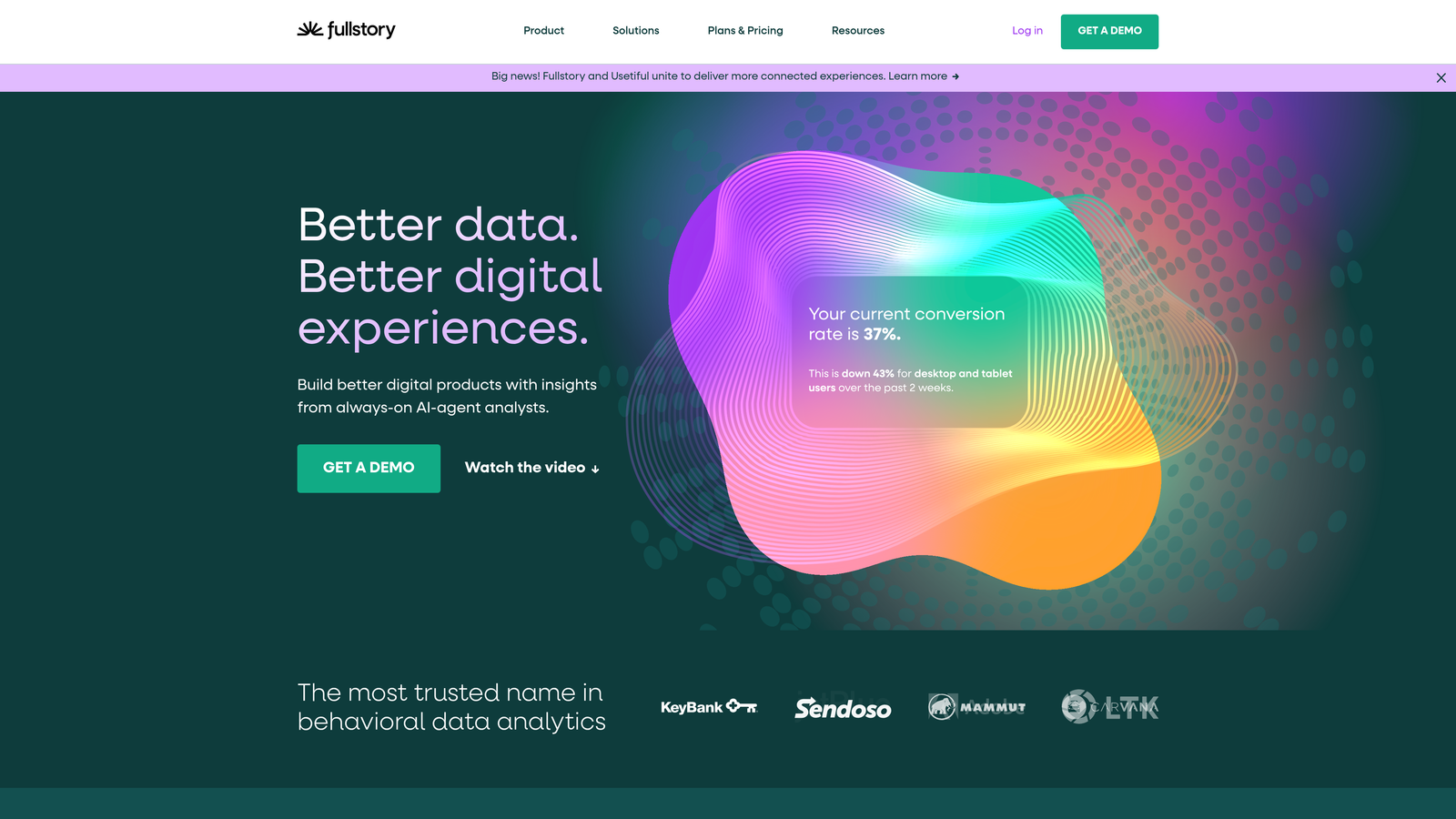
FullStory provides comprehensive digital experience intelligence that automatically captures form interactions alongside broader user behavior patterns across web and mobile applications.
Where This Tool Shines
FullStory's automatic capture means you don't need to manually configure form tracking—it records everything by default. This retroactive analysis capability lets you investigate form issues even if you didn't set up tracking beforehand.
The frustration signal detection goes beyond basic analytics by automatically flagging when users exhibit behaviors indicating problems. Rage clicks, error clicks, and dead clicks on forms get surfaced without manual configuration, helping teams discover issues they didn't know to look for.
Key Features
Automatic Form Field Capture: No manual setup required—forms are tracked automatically from day one.
Frustration Signal Detection: Automatically identifies rage clicks, error clicks, and other problem indicators.
Conversion Funnel Analysis: Build funnels that include form completion as key conversion steps.
Search and Filter by Form Interactions: Find specific sessions based on form behavior patterns.
Privacy-First Data Controls: Comprehensive options for masking sensitive form data and maintaining compliance.
Best For
Product and engineering teams that need to understand the complete digital experience, not just isolated form performance. Works particularly well for SaaS companies where forms are embedded throughout complex user workflows and product experiences.
Pricing
Free tier includes 1,000 sessions per month. Business and Enterprise tiers available with custom pricing based on session volume and feature requirements.
6. Mouseflow
Best for: Small to medium businesses wanting affordable session replay with dedicated form analytics
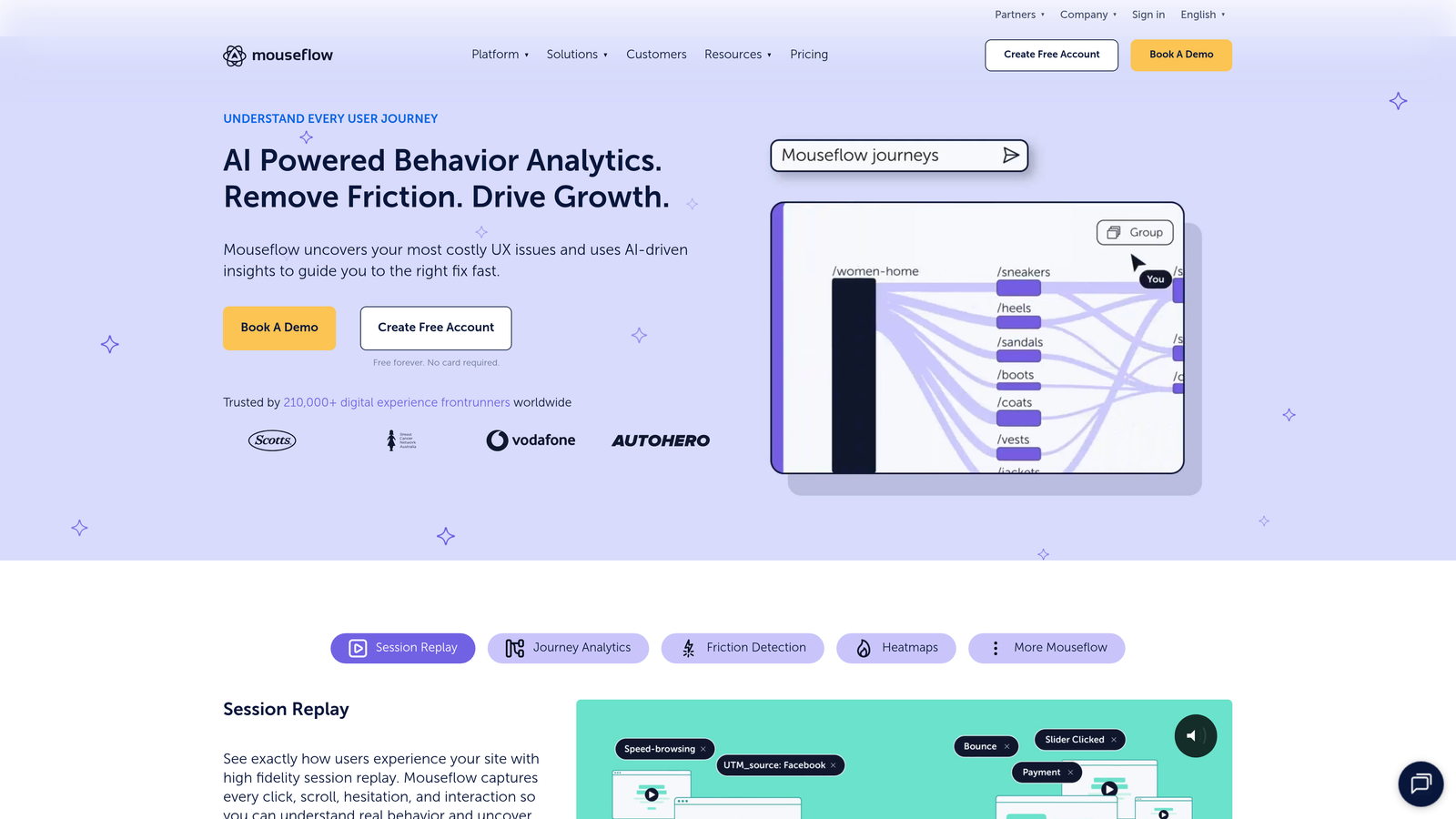
Mouseflow combines session recordings and heatmaps with a dedicated form analytics module at price points accessible to growing businesses.
Where This Tool Shines
Mouseflow's automatic form detection means you don't spend time configuring which forms to track—the platform finds and analyzes them automatically. This reduces setup friction significantly compared to tools requiring manual configuration.
The friction score calculation provides a single metric that summarizes form performance, making it easy to prioritize which forms need optimization attention. This simplification helps teams that don't have dedicated analysts to interpret complex data sets.
Key Features
Form Analytics Dashboard: Centralized view of all form performance metrics across your site.
Field-Level Drop-Off Reports: See exactly where users abandon forms at the individual field level.
Session Recordings with Form Focus: Filter recordings to show only sessions that interacted with forms.
Friction Score Calculation: Single metric that quantifies overall form usability and performance.
Automatic Form Detection: Platform identifies and tracks forms without manual configuration.
Best For
Growing businesses that need professional-grade form analytics without enterprise pricing. The clear pricing tiers and straightforward feature set make it easy to predict costs as your traffic grows.
Pricing
Free tier includes 500 recordings per month. Starter plan at $31/month, Growth at $79/month, and Business at $159/month with increasing recording limits at each tier.
7. Lucky Orange
Best for: Small businesses wanting an all-in-one conversion optimization suite at competitive pricing
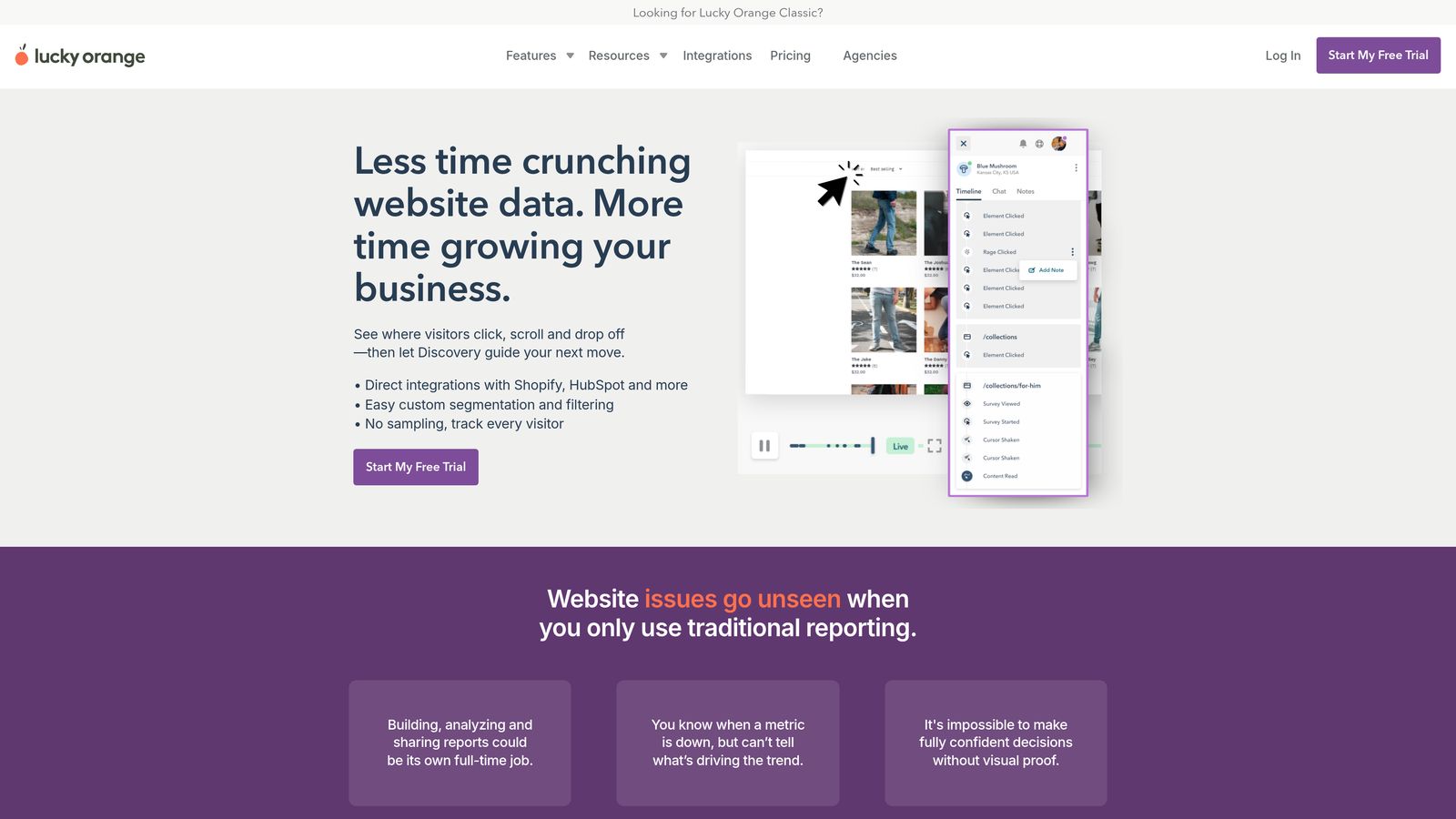
Lucky Orange bundles form analytics with heatmaps, session recordings, live chat, and conversion funnels in a single affordable platform.
Where This Tool Shines
Lucky Orange's all-in-one approach means you're getting form analytics as part of a broader conversion optimization toolkit. The real-time visitor monitoring lets you watch users interact with forms as it happens, enabling immediate support intervention when you see someone struggling.
The platform's simplicity makes it particularly accessible for small business owners who aren't analytics experts. The interface prioritizes actionable insights over complex data visualization, helping non-technical users quickly understand what needs fixing.
Key Features
Form Analytics Included in All Plans: No separate add-on required—form tracking comes standard.
Field Abandonment Tracking: Identify which specific fields cause users to leave your forms.
Real-Time Visitor Monitoring: Watch users interact with forms live and intervene if needed.
Dynamic Heatmaps: See aggregated click and scroll behavior on form pages.
Conversion Funnels: Track complete conversion paths that include form submissions as key steps.
Best For
Small businesses and agencies managing multiple client sites that need affordable, easy-to-use conversion optimization tools. The bundled feature set eliminates the need for multiple subscriptions while keeping costs predictable.
Pricing
Free tier includes 100 sessions per month. Build plan at $32/month, Grow at $64/month, and Expand at $128/month with increasing session limits and feature access.
8. Heap
Best for: Product analytics teams needing retroactive form analysis and advanced segmentation
Heap automatically captures all user interactions including form events, enabling retroactive analysis without requiring upfront tracking configuration.
Where This Tool Shines
Heap's automatic event capture is its defining feature—every form interaction gets recorded automatically, meaning you can analyze form performance historically even if you didn't set up tracking beforehand. This retroactive capability eliminates the "I wish we'd been tracking that" problem.
The segment-based form performance analysis lets you compare how different user groups interact with forms. You can see whether enterprise customers complete forms differently than small business users, or how geographic segments vary in their form behavior.
Key Features
Automatic Form Event Capture: All form interactions recorded by default without manual configuration.
Retroactive Analysis Capability: Analyze historical form data even if tracking wasn't configured beforehand.
Funnel and Path Analysis: Build complex funnels showing how users move through forms and surrounding pages.
Segment-Based Form Performance: Compare form completion rates across different user segments.
Data Science Integrations: Export form data to SQL, Python, or R for advanced custom analysis.
Best For
Product-led growth companies and data-driven organizations that need sophisticated analysis capabilities beyond basic form metrics. The platform works particularly well for teams with data scientists or analysts who want to build custom models using form interaction data.
Pricing
Free tier available for startups and small projects. Growth and Pro tiers use volume-based custom pricing determined by monthly tracked users and feature requirements.
9. Google Analytics 4
Best for: Budget-conscious teams already using Google's ecosystem willing to invest setup time
Google Analytics 4 provides free web analytics with form tracking capabilities through custom event configuration, making it accessible to any organization regardless of budget.
Where This Tool Shines
The unbeatable advantage is the price—completely free for unlimited usage. For organizations with technical resources to configure custom events, GA4 provides robust form tracking without adding another subscription to the budget.
The integration with Google's broader ecosystem means form data flows seamlessly into Google Ads, Google Tag Manager, and other Google products. This makes it particularly valuable for teams heavily invested in Google's marketing and analytics tools.
Key Features
Free Unlimited Usage: No session limits or traffic caps on the free version.
Custom Event Tracking for Forms: Configure specific form interactions as trackable events.
Integration with Google Ecosystem: Connect form data to Google Ads, Tag Manager, and other Google tools.
Funnel Exploration Reports: Build custom funnels that include form completion as conversion steps.
Audience Building from Form Interactions: Create remarketing audiences based on form behavior.
Best For
Organizations with development resources to configure custom tracking and teams already using Google Analytics for their primary web analytics. The learning curve and setup investment make most sense when you're already committed to the Google ecosystem.
Pricing
Completely free for standard usage. GA4 360 enterprise version available with custom pricing for organizations requiring advanced features, guaranteed SLA, and dedicated support.
Finding Your Perfect Match
Form analytics pricing divides into three distinct tiers. Budget-conscious teams can leverage free options like Google Analytics 4 or start with entry-level plans from Hotjar, Lucky Orange, or Mouseflow at $30-35 monthly. These platforms deliver solid form tracking without breaking the bank, though they typically require some technical setup or come with session limits.
Mid-market solutions like FullStory, Heap, and dedicated form platforms like Zuko operate in the $100-200 monthly range with more sophisticated capabilities. These tools reduce configuration burden through automatic tracking while providing deeper analytical capabilities that justify the increased investment for growing businesses.
Enterprise organizations with mission-critical forms often choose dedicated platforms like Formisimo or comprehensive solutions like FullStory Enterprise. Custom pricing reflects the advanced features, compliance requirements, and integration capabilities these teams need.
Here's the thing about choosing a form analytics platform: the best solution isn't always the most feature-rich or the cheapest. It's the one that fits your actual workflow. If you're already building forms separately and then adding analytics, you're maintaining two systems with separate logins, billing, and learning curves. That fragmentation costs time and creates gaps where insights slip through.
Integrated platforms like Orbit AI eliminate that friction by combining form creation with analytics in a single workflow. You're not just tracking forms—you're building better forms from the start based on real performance data. The AI qualification layer adds another dimension, helping you understand not just who completes forms, but which completions represent your best opportunities.
Start building free forms today and see how intelligent form design can elevate your conversion strategy. When your form builder and analytics work together seamlessly, optimization becomes continuous rather than reactive—and that's when conversion rates start climbing consistently.


