

Creating surveys that people actually complete is harder than it looks. You need the right balance of design flexibility, powerful data collection, and an interface that doesn't make respondents want to click away halfway through. The best survey form builders in 2026 deliver on all three fronts while offering the integrations and analytics modern teams need to turn responses into actionable insights.
We evaluated dozens of platforms based on ease of use, customization options, analytics capabilities, integration ecosystems, and pricing models. Here are the top survey form builders that stand out for different use cases and team needs.
1. Orbit AI
Best for: High-growth teams turning survey responses into qualified leads with AI-powered conversion optimization
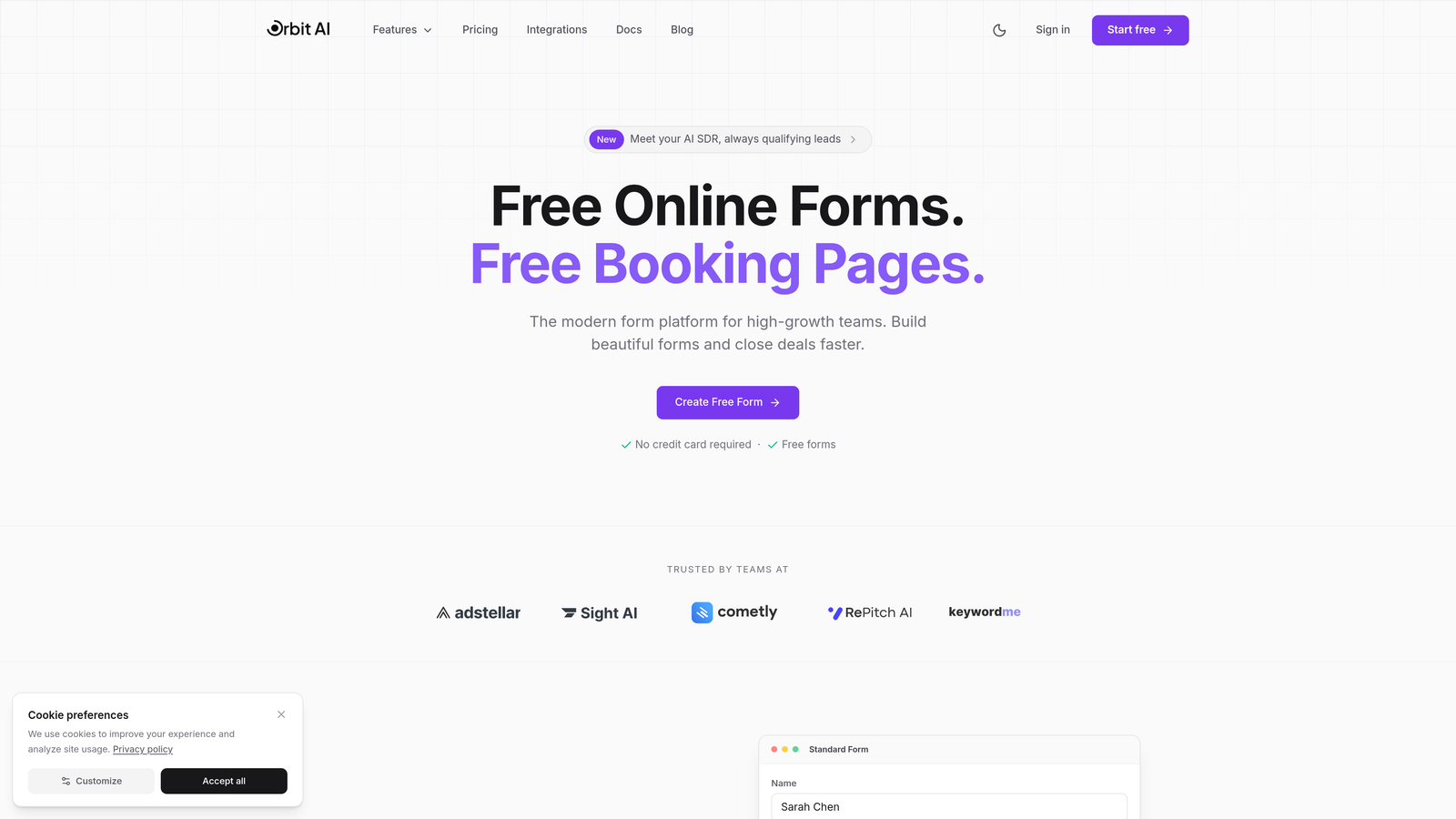
Orbit AI brings artificial intelligence to form building with a focus on lead qualification and conversion optimization, making it ideal for teams that want their surveys to do more than just collect data.
Where This Tool Shines
The platform's AI-powered lead qualification sets it apart from traditional survey builders. As respondents complete your forms, the system automatically scores and routes leads based on their answers, connecting survey data directly to your sales workflow without manual intervention.
The conversion-optimized templates are built on data from thousands of high-performing forms, giving you a head start on design decisions that actually impact completion rates. This matters when you're trying to maximize response quality, not just quantity.
Key Features
AI Lead Qualification: Automatically scores and categorizes respondents based on their survey answers, routing qualified leads to sales instantly.
Conversion-Optimized Templates: Pre-built form designs tested for maximum completion rates across industries and use cases.
Advanced Analytics Dashboard: Real-time response tracking with completion funnel analysis and drop-off identification.
Workflow Automation: Native lead routing to CRMs, email sequences, and team notifications based on survey responses.
Enterprise Integrations: Direct connections to Salesforce, HubSpot, Pipedrive, and other major CRM platforms.
Best For
Marketing and sales teams at SaaS companies, agencies, and high-growth businesses where survey data feeds directly into lead generation and qualification processes. Perfect when you need forms that convert, not just collect.
Pricing
Free tier available for testing and small-scale use. Paid plans start at $29/month with advanced AI features and predictable response limits.
2. Typeform
Best for: Creating conversational survey experiences with high completion rates through one-question-at-a-time design
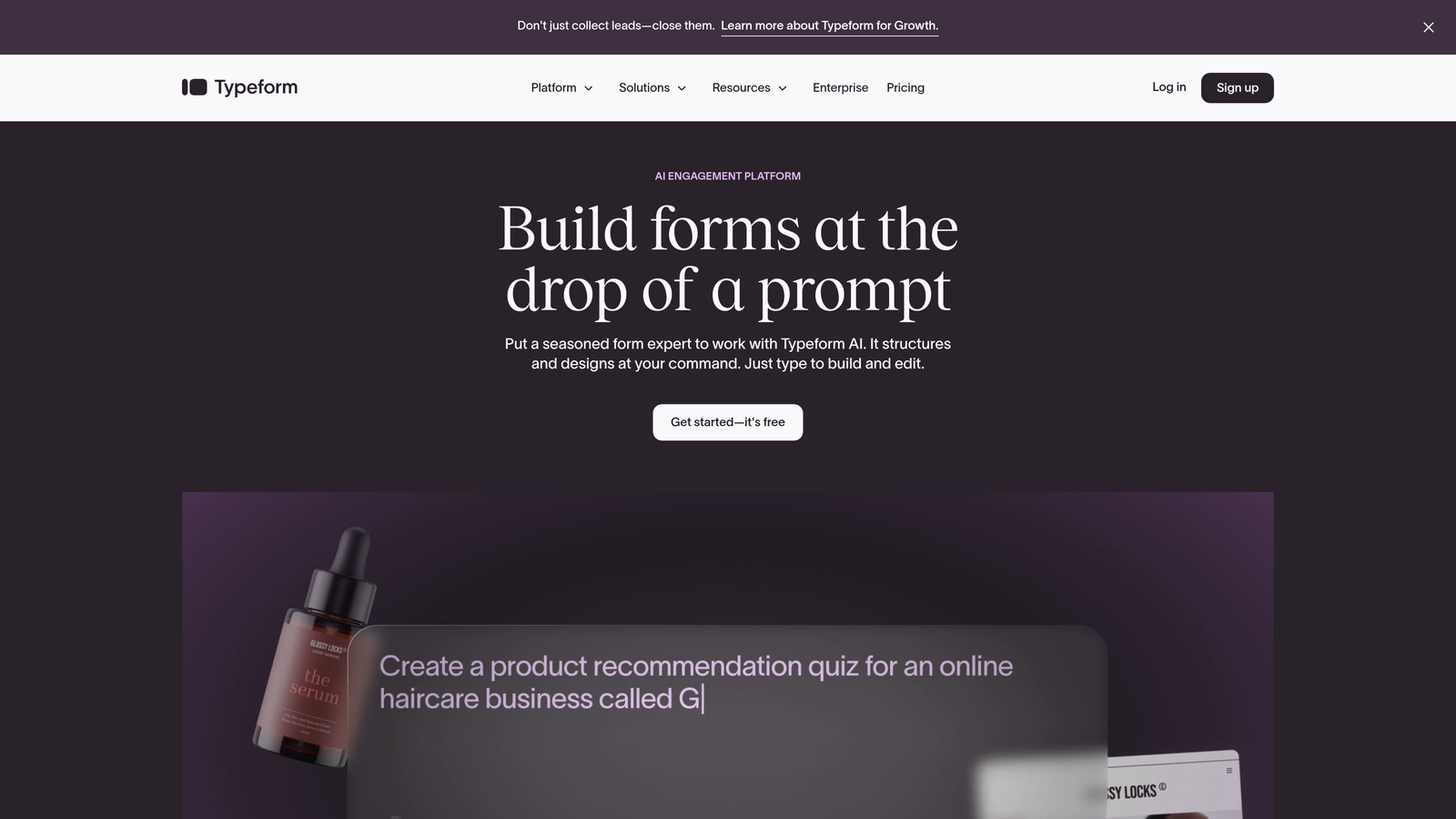
Typeform pioneered the conversational form format that feels more like a conversation than an interrogation, significantly improving completion rates compared to traditional survey layouts.
Where This Tool Shines
The one-question-at-a-time interface reduces cognitive load and keeps respondents focused on a single task at each step. This approach consistently delivers higher completion rates, especially for longer surveys where traditional multi-question pages cause abandonment.
The platform's design flexibility lets you create visually stunning forms with custom branding, embedded media, and smooth animations that feel modern and engaging. When your survey needs to make a strong brand impression, Typeform delivers.
Key Features
Conversational Interface: One-question-at-a-time format that guides respondents through surveys like a natural conversation.
Advanced Logic Jumps: Sophisticated branching based on previous answers to create personalized survey paths.
Rich Media Embedding: Add videos, images, and GIFs directly into questions for engaging visual surveys.
Custom Branding: Full theme customization with your colors, fonts, and background images.
Hidden Fields: Pass UTM parameters and other tracking data through forms for attribution analysis.
Best For
Marketing teams and customer experience professionals who prioritize completion rates and brand presentation. Ideal for customer feedback surveys, event registrations, and lead capture where user experience matters as much as data collection.
Pricing
Free tier with basic features. Basic plan starts at $25/month for advanced logic and custom branding.
3. SurveyMonkey
Best for: Enterprise-grade market research and employee feedback with robust analytics and benchmarking capabilities
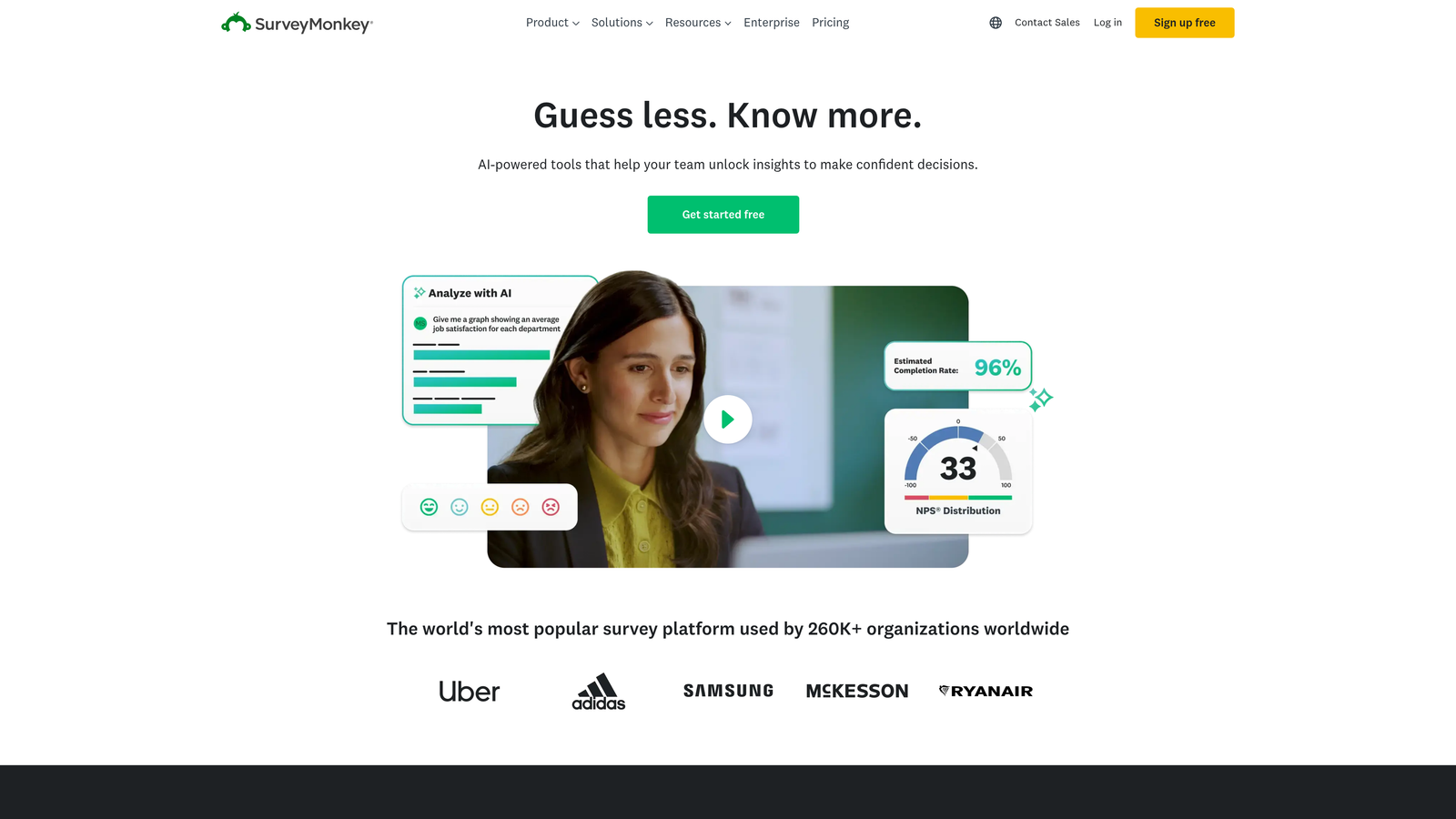
SurveyMonkey has been the industry standard for professional survey research since the early days of online forms, offering depth of features that serious researchers and HR teams rely on.
Where This Tool Shines
The platform's benchmark database lets you compare your survey results against industry standards and similar organizations. This context transforms raw data into meaningful insights, especially valuable for employee engagement surveys and customer satisfaction tracking.
AI-powered Genius features suggest question improvements, identify potential bias, and recommend optimal survey lengths based on your goals. The system learns from millions of surveys to help you avoid common mistakes that tank response rates.
Key Features
Template Library: Over 250 expert-designed survey templates covering everything from NPS to employee engagement.
AI Genius Recommendations: Machine learning suggestions for question wording, survey structure, and distribution timing.
Skip Logic and Piping: Advanced conditional logic with answer piping to personalize questions based on previous responses.
Benchmark Comparisons: Compare your results against industry data from SurveyMonkey's response database.
Multi-Language Support: Create surveys in over 50 languages with automatic translation assistance.
Best For
HR departments conducting employee surveys, market researchers running customer studies, and organizations needing statistically valid data with professional analysis tools. The platform handles everything from quick polls to complex longitudinal studies.
Pricing
Free tier available with limited features. Team Advantage plan starts at $25/user/month for advanced analytics and collaboration.
4. Google Forms
Best for: Simple, free survey creation with automatic Google Sheets integration and real-time collaboration
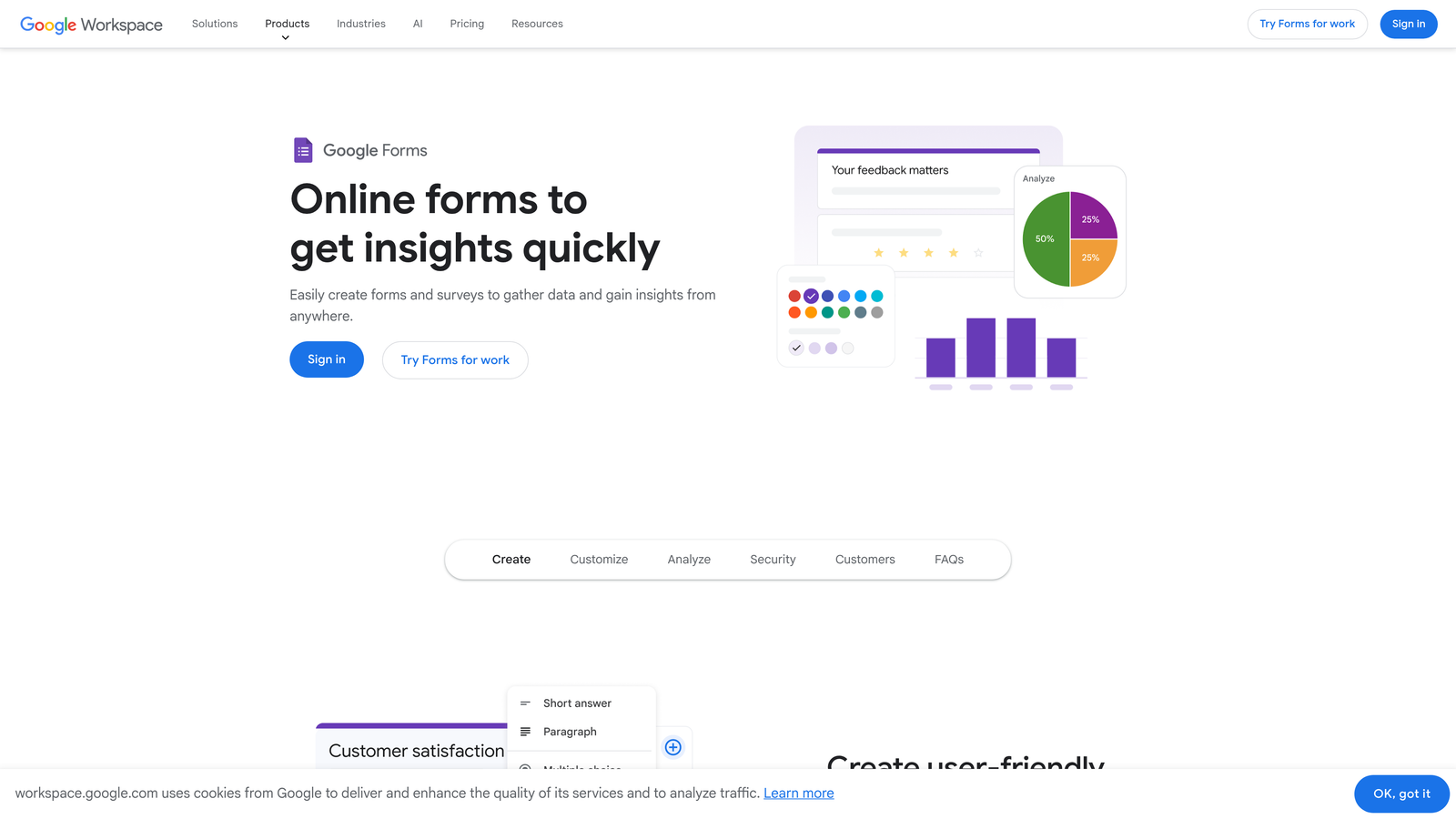
Google Forms offers straightforward form building at zero cost, making it the go-to choice for teams already invested in the Google Workspace ecosystem.
Where This Tool Shines
The automatic sync with Google Sheets means your response data flows directly into a familiar spreadsheet environment where most teams already do their analysis. No export steps, no data formatting issues, just instant access to responses as they arrive.
Real-time collaboration lets multiple team members build and edit surveys simultaneously, just like Google Docs. When you need quick feedback from stakeholders before launching a survey, this collaborative workflow saves significant time.
Key Features
Unlimited Forms: Create as many surveys as you need without hitting plan limits or paying subscription fees.
Google Sheets Integration: Responses automatically populate a linked spreadsheet with live updates as submissions arrive.
Collaborative Editing: Multiple users can build and modify forms together in real-time with change tracking.
Basic Logic: Section branching based on answers to create simple conditional paths through surveys.
Add-ons Ecosystem: Extend functionality with third-party add-ons for email notifications, data validation, and more.
Best For
Small businesses, educators, nonprofits, and any team using Google Workspace who needs basic survey functionality without budget allocation. Perfect for internal feedback, event RSVPs, and straightforward data collection projects.
Pricing
Completely free with a Google account. No premium tiers or feature limitations.
5. Jotform
Best for: Versatile form building with payment processing, offline access, and the largest template library available
Jotform combines survey creation with payment collection and document generation, making it uniquely suited for forms that need to do more than just gather responses.
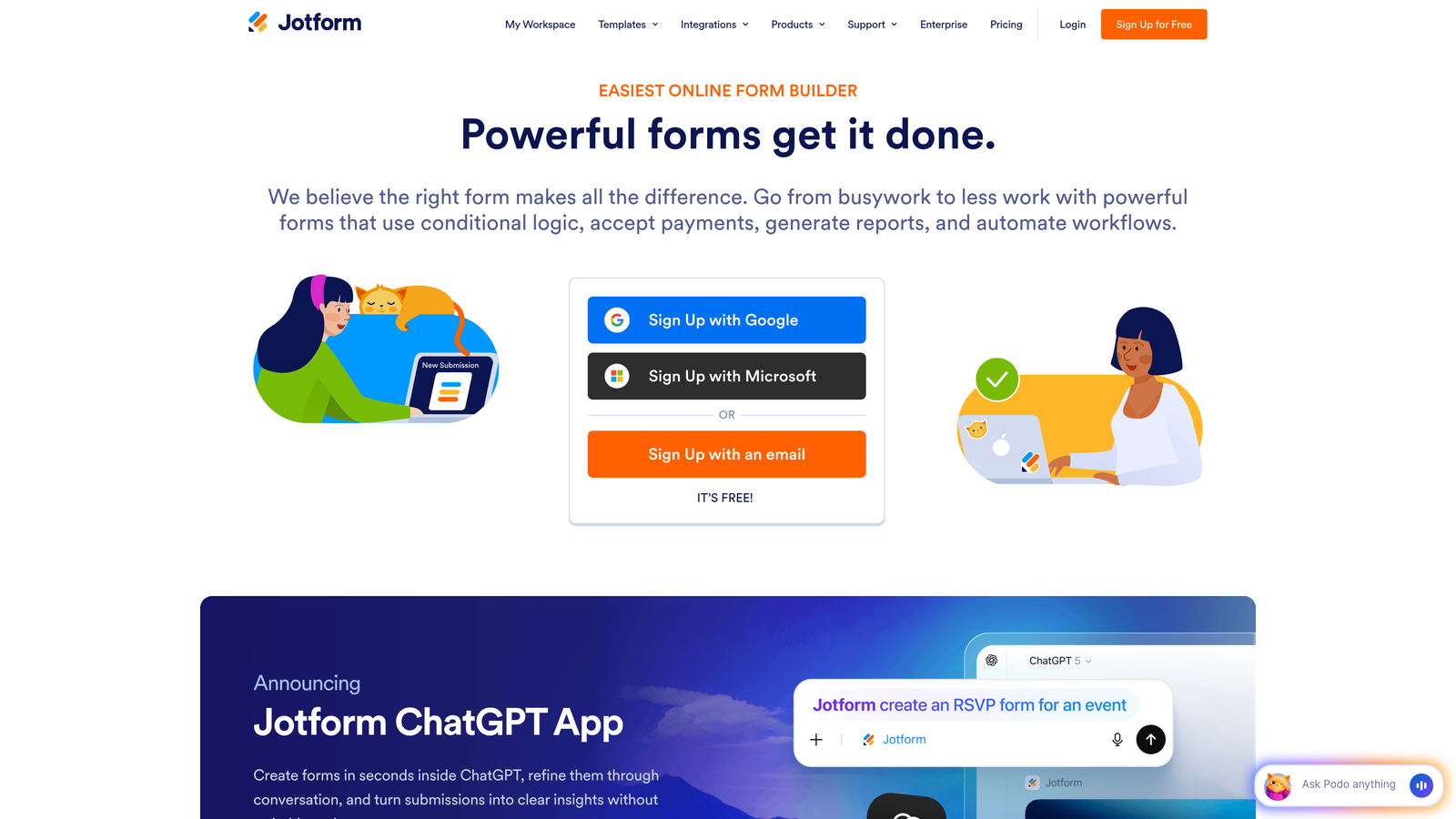
Where This Tool Shines
The platform's payment integration transforms surveys into transaction tools. Collect registration fees with survey responses, process orders through product selection forms, or accept donations alongside feedback—all in a single unified experience.
With over 10,000 templates covering virtually every use case imaginable, you rarely start from scratch. The template library includes industry-specific designs for healthcare, education, real estate, and dozens of other sectors with compliance requirements already built in.
Key Features
Payment Processing: Accept payments through 30+ gateways including PayPal, Stripe, and Square directly in forms.
Template Library: Access to 10,000+ pre-built form templates across industries and use cases.
Mobile App: Offline form filling capability through iOS and Android apps for field data collection.
PDF Conversion: Turn existing PDF forms into fillable online surveys automatically.
Conditional Logic: Show or hide questions, calculate values, and create dynamic forms based on user input.
Best For
Organizations that need forms to handle payments, event planners collecting registrations with fees, and field teams requiring offline data collection. The versatility makes it valuable for businesses with diverse form needs beyond simple surveys.
Pricing
Free tier with basic features and Jotform branding. Bronze plan starts at $34/month for custom branding and increased submission limits.
6. Tally
Best for: Simple, unlimited form creation with a Notion-style interface and generous free tier
Tally brings the block-based editing experience popularized by Notion to form building, offering unlimited forms on the free plan that make it attractive for bootstrapped teams.
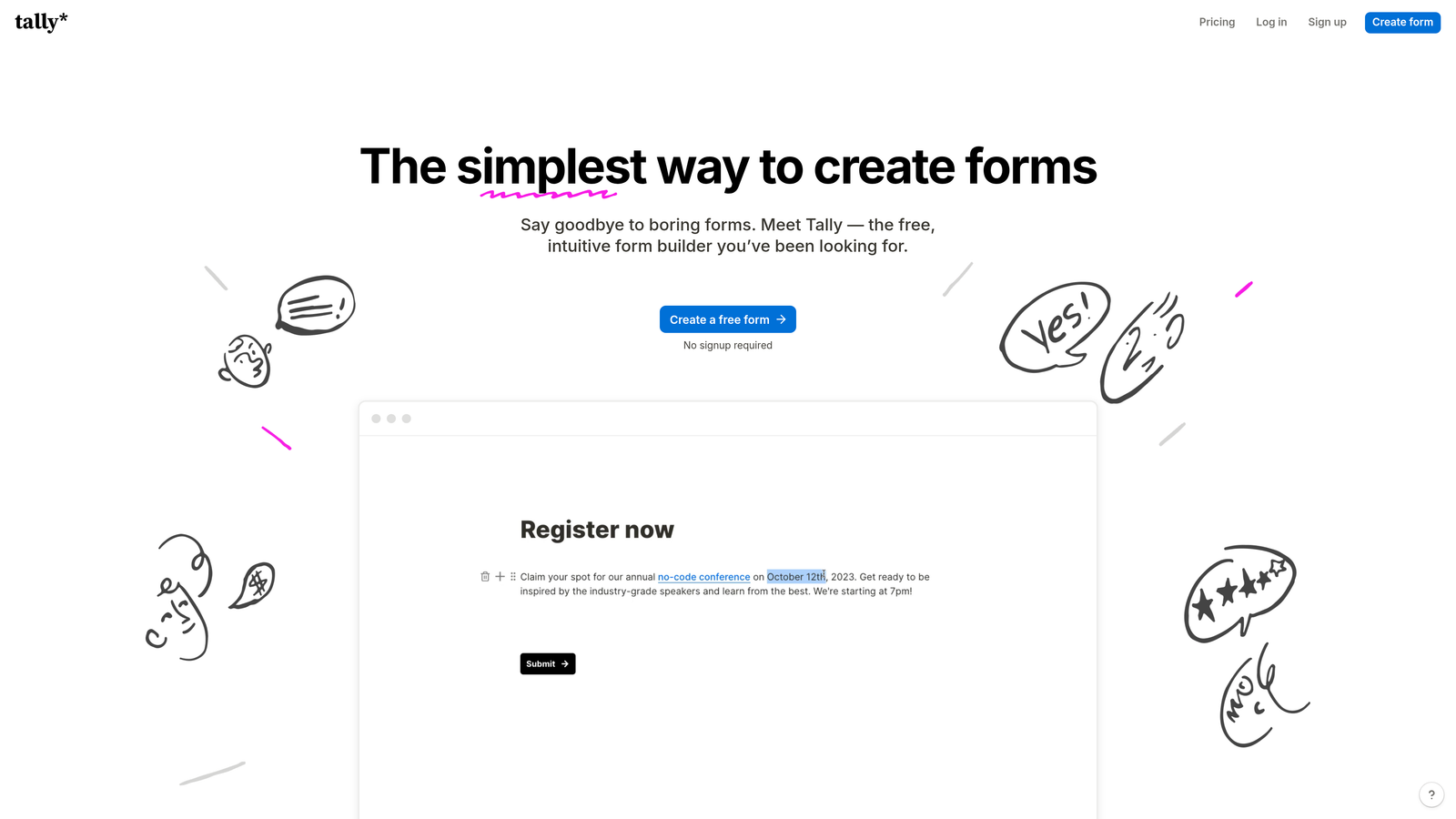
Where This Tool Shines
The block-based editor feels immediately familiar if you've used Notion or other modern documentation tools. Drag blocks to reorder questions, duplicate sections with a click, and build complex forms through intuitive visual manipulation rather than configuration menus.
Unlike most competitors that limit free tiers to a handful of forms, Tally lets you create unlimited surveys without payment. For small teams testing multiple survey variations or running seasonal campaigns, this removes a significant budget barrier.
Key Features
Unlimited Free Forms: Create as many surveys as needed on the free plan without hitting arbitrary limits.
Block-Based Editor: Notion-style interface for building forms through drag-and-drop block manipulation.
Built-in Calculator: Add calculation fields that compute values based on other responses in real-time.
Conditional Logic: Show or hide questions dynamically based on previous answers to create personalized paths.
Custom Domains: Use your own domain for form hosting on paid plans to maintain brand consistency.
Best For
Startups and small teams comfortable with modern block-based editors who need unlimited form creation without budget constraints. Particularly appealing to Notion users who want a similar editing experience for surveys.
Pricing
Generous free tier with unlimited forms. Pro plan at $29/month adds custom domains and removes Tally branding.
7. Qualtrics
Best for: Enterprise experience management with advanced statistical analysis and compliance certifications for regulated industries
Qualtrics operates at the enterprise research level, offering sophisticated analysis tools and compliance features that organizations in healthcare, finance, and government require.
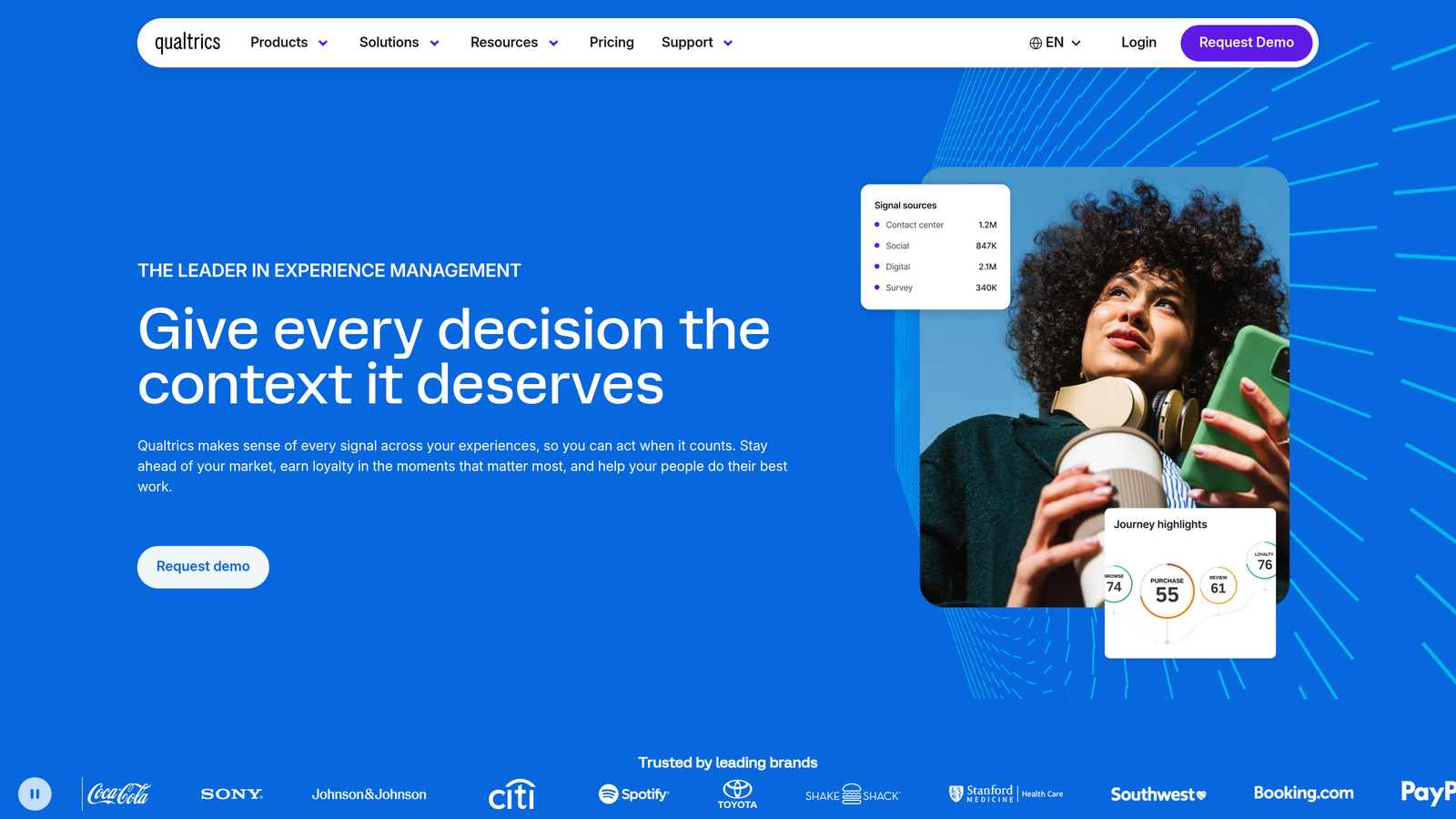
Where This Tool Shines
The statistical analysis capabilities go far beyond basic reporting. Run regression analysis, conjoint studies, and MaxDiff exercises directly in the platform without exporting to specialized statistical software. Research teams get publication-ready analysis without additional tools.
Compliance certifications including HIPAA, FedRAMP, and ISO standards make Qualtrics viable for organizations handling sensitive data in regulated industries. The platform handles data residency requirements and provides audit trails that simpler survey tools can't match.
Key Features
Advanced Analytics: Built-in statistical analysis including regression, correlation, and predictive modeling without third-party tools.
Multi-Channel Distribution: Deploy surveys via email, SMS, website intercepts, mobile apps, and offline kiosks from one platform.
Text Analytics: AI-powered sentiment analysis and topic extraction from open-ended responses at scale.
Compliance Certifications: HIPAA, FedRAMP, ISO 27001, and other certifications for regulated industry requirements.
Panel Management: Built-in sample sourcing and panel management for recruiting survey respondents.
Best For
Enterprise research teams, academic institutions conducting studies, and large organizations in healthcare, finance, or government with complex compliance requirements. The platform handles everything from employee experience programs to customer journey mapping at scale.
Pricing
Custom enterprise pricing based on organization size and feature requirements. Contact sales for quotes.
8. Fillout
Best for: Teams using Airtable or Notion who need native database synchronization and pre-filled forms
Fillout bridges the gap between form builders and database tools, offering native connections that keep Airtable and Notion bases in sync with survey responses automatically.
Where This Tool Shines
The native Airtable and Notion sync eliminates the manual export-import cycle that plagues most form-to-database workflows. Responses flow directly into your existing base structure, and you can pre-fill forms with data from existing records for update surveys.
Pre-filling capabilities let you send personalized survey links that already contain customer information, asking only for new data rather than re-collecting details you already have. This reduces survey length and shows respondents you value their time.
Key Features
Native Database Sync: Direct two-way integration with Airtable and Notion for automatic response syncing.
Pre-Fill from Records: Generate survey links that auto-populate with data from existing database records.
Conditional Logic: Show or hide questions based on previous answers or pre-filled database values.
Calculation Fields: Perform mathematical operations on form inputs for quote calculators and dynamic pricing.
Custom Thank You Pages: Display personalized confirmation messages based on survey responses.
Best For
Teams already managing data in Airtable or Notion who want forms to integrate seamlessly with their existing workflow. Ideal for customer update surveys, recurring feedback collection, and any scenario where pre-filled forms save time.
Pricing
Free tier available with basic features. Starter plan begins at $15/month for advanced integrations and increased submission limits.
9. Microsoft Forms
Best for: Microsoft 365 users needing built-in survey tools with Excel integration and quiz grading
Microsoft Forms comes included with Microsoft 365 subscriptions, providing survey and quiz creation without additional software purchases for organizations already in the Microsoft ecosystem.
Where This Tool Shines
The automatic Excel sync mirrors Google Forms' Sheets integration but for Microsoft users. Responses populate Excel workbooks where you can apply familiar pivot tables, formulas, and charts without learning new analysis tools.
Built-in quiz grading makes it valuable for training departments and educators. Set correct answers, assign point values, and provide automatic feedback to respondents based on their performance—functionality that most survey builders don't include.
Key Features
Microsoft 365 Integration: Included with existing subscriptions at no additional cost for most organizations.
Excel Synchronization: Automatic response export to Excel with live updates as new submissions arrive.
Quiz Functionality: Built-in answer grading, point assignment, and automatic feedback for training assessments.
Branching Logic: Create sections that display based on previous answers to customize survey paths.
Teams Integration: Share forms and collaborate on survey creation directly within Microsoft Teams.
Best For
Organizations standardized on Microsoft 365 who want survey tools without additional subscriptions. Particularly valuable for training departments creating assessments and HR teams already working in the Microsoft ecosystem.
Pricing
Included with Microsoft 365 Business and Enterprise subscriptions at no additional charge.
Making the Right Choice
Your ideal survey form builder depends on what you're trying to accomplish with the data you collect. For teams focused on converting survey respondents into qualified leads with AI-powered automation, Orbit AI delivers conversion optimization that traditional survey tools don't address. When completion rates and brand experience matter most, Typeform's conversational interface consistently outperforms standard layouts.
Enterprise research teams and HR departments conducting serious studies should look at SurveyMonkey or Qualtrics for their analytical depth and benchmark data. Budget-conscious teams get surprising capability from Google Forms and Tally, both offering unlimited forms without subscription costs. Jotform stands out when you need payment processing or offline data collection alongside survey functionality.
The right choice comes down to your workflow integration needs and what happens after someone submits a response. If survey data feeds your sales pipeline and lead qualification process, you need a platform built for that workflow from the ground up.
Transform your lead generation with AI-powered forms that qualify prospects automatically while delivering the modern, conversion-optimized experience your high-growth team needs. Start building free forms today and see how intelligent form design can elevate your conversion strategy.


