

If your forms are collecting data but not generating insight, you're leaving conversion gains on the table. The best intelligent form builders don't just capture submissions: they tell you where users drop off, which fields cause friction, and which leads are worth pursuing.
This guide covers the top platforms combining smart form building with meaningful analytics, so you can stop guessing and start optimizing. Whether you're a SaaS team qualifying inbound leads or a growth marketer improving funnel performance, these tools offer the intelligence layer your forms have been missing. We evaluated each platform on analytics depth, AI and smart features, ease of use, integration ecosystem, and value for high-growth teams.
1. Orbit AI
Best for: SaaS and lead-gen teams that need AI-powered qualification built directly into the form layer.
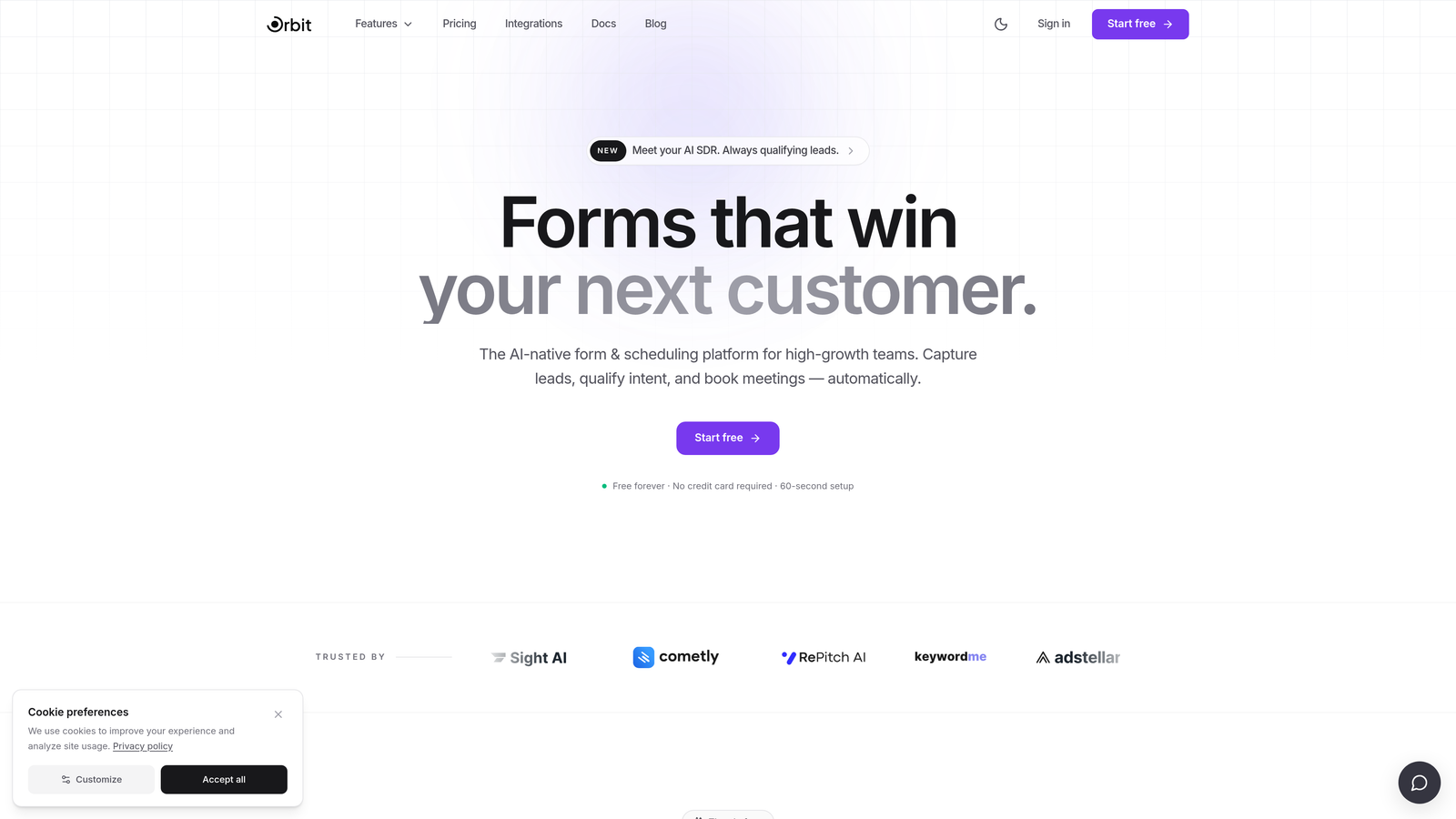
Orbit AI is an AI-powered form builder built specifically for lead generation and conversion optimization, combining intelligent form design with lead qualification analytics.
Where This Tool Shines
Most form builders treat qualification as a downstream problem: you collect the submission, then your sales team figures out who's worth calling. Orbit AI flips that model by embedding lead qualification directly into the form experience. That means your team sees quality signals before they ever open a CRM record.
The analytics dashboard goes beyond raw submission counts. You get drop-off rates, completion rates, and lead quality signals in one view, so you can identify which form fields are creating friction and which responses indicate high-value prospects. For high-growth teams running volume lead generation, this kind of visibility is genuinely useful.
Key Features
AI-Powered Lead Qualification: Scores and segments leads at the form layer, reducing the manual triage work for sales teams.
Conversion-Optimized Templates: Pre-built form designs engineered for high-growth use cases, not generic data collection.
Analytics Dashboard: Tracks drop-off points, completion rates, and lead quality signals in a single view.
Conditional Logic and Dynamic Fields: Personalizes the form experience based on user responses, keeping paths relevant and friction low.
CRM and Marketing Automation Integrations: Connects form data directly to your existing stack so qualified leads flow where they need to go.
Best For
SaaS companies and growth teams running active lead generation campaigns who need more than a submission counter. Particularly strong for teams where sales and marketing share accountability for lead quality, not just lead volume.
Pricing
Visit orbitforms.ai for current pricing tiers. A free starting point is available for teams ready to explore the platform.
2. Typeform
Best for: Marketing and product teams that want a polished, conversational form experience with solid per-question analytics.
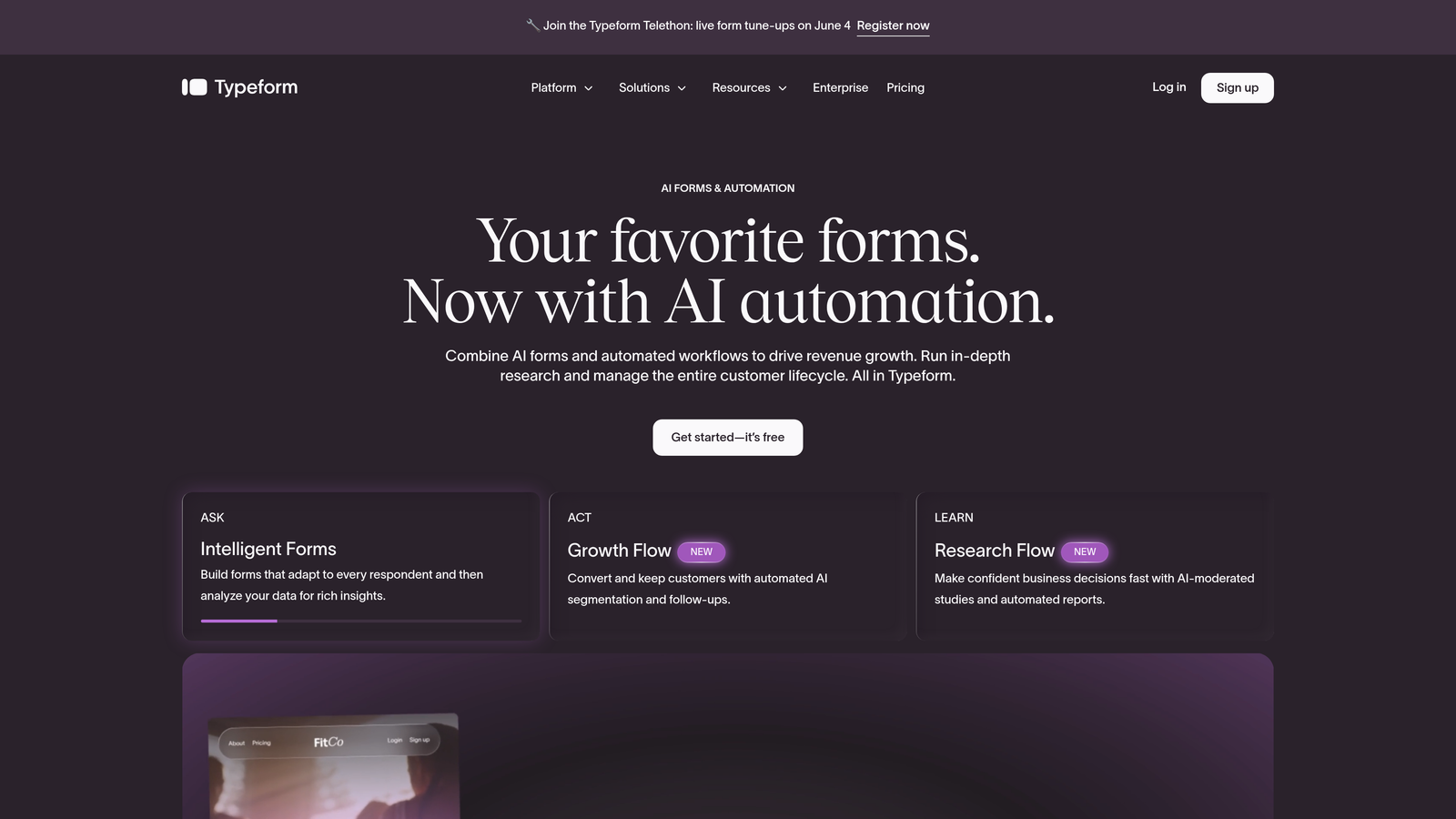
Typeform is a conversational form builder known for its one-question-at-a-time format and clean analytics covering completion rates and per-question drop-off.
Where This Tool Shines
Typeform's core insight is that forms feel less like forms when they present one question at a time. The result is a more engaging experience that tends to improve completion rates for longer surveys and lead capture flows. The format works especially well for brand-forward teams where the form itself is part of the user experience.
On the analytics side, Typeform shows you completion rates and drop-off broken down by individual question, which is genuinely useful for identifying friction points. Deeper behavioral data and advanced analytics are gated behind higher-tier plans, so teams with serious optimization needs should factor that into their evaluation.
Key Features
Conversational One-Question-at-a-Time UX: Reduces form fatigue and tends to improve completion rates for multi-step flows.
Per-Question Drop-Off Analytics: Shows exactly where respondents abandon the form, making optimization straightforward.
Logic Jumps and Conditional Branching: Routes users through different question paths based on their answers.
500+ App Integrations: Connects via native connectors and Zapier to most major CRM and marketing tools.
Video and Image Embedding: Adds rich media within the form flow for more engaging experiences.
Best For
Marketing teams, product researchers, and agencies who prioritize form aesthetics and user experience alongside basic analytics. Less ideal for teams that need deep lead qualification or behavioral data beyond completion rates.
Pricing
Free plan available. Paid plans start at approximately $25/month. Verify current pricing at typeform.com before committing.
3. Jotform
Best for: Teams that need a large template library and visual reporting on submission data across multiple form types.
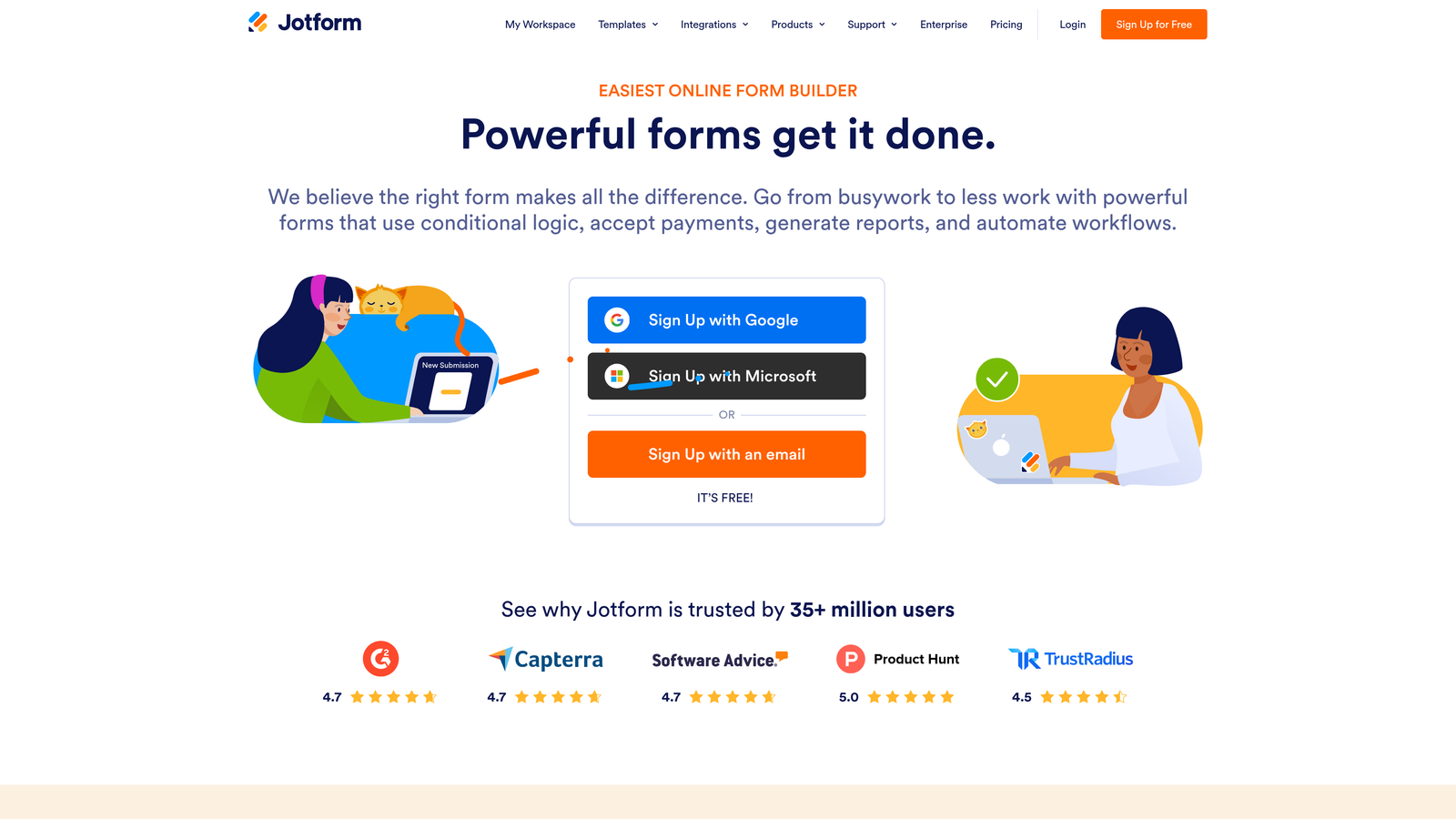
Jotform is a high-volume form builder with an extensive template library and a dedicated Report Builder for visualizing submission data.
Where This Tool Shines
Jotform's biggest strength is breadth. With over 10,000 templates spanning industries from healthcare to e-commerce, it's one of the fastest ways to get a functional form live without starting from scratch. The platform handles a wide variety of use cases, including payment collection, appointment booking, and multi-page applications.
The Report Builder lets you create visual summaries of submission data, which is useful for teams that need to share results with stakeholders who aren't going to dig into raw spreadsheets. That said, Jotform's analytics are primarily submission-focused. If you're looking for behavioral data like time-on-field or funnel-level drop-off, you'll find the analytics layer relatively limited compared to more conversion-focused tools.
Key Features
10,000+ Form Templates: Covers virtually every industry and use case, reducing time-to-launch significantly.
Jotform Report Builder: Creates visual data summaries from submission data for easy stakeholder reporting.
100+ Native Integrations: Includes payment processors, CRMs, and productivity tools.
Conditional Logic and Calculation Fields: Supports complex form logic and real-time calculations within forms.
HIPAA-Compliant Forms: Available on higher-tier plans for healthcare and regulated use cases.
Best For
Operations teams, small businesses, and organizations in regulated industries that need versatile forms with solid reporting. Strong for teams managing high form volume across multiple departments.
Pricing
Free plan available. Paid plans start at approximately $34/month. Verify current pricing at jotform.com.
4. HubSpot Forms
Best for: Teams already inside the HubSpot ecosystem who want form analytics tied directly to CRM and pipeline data.
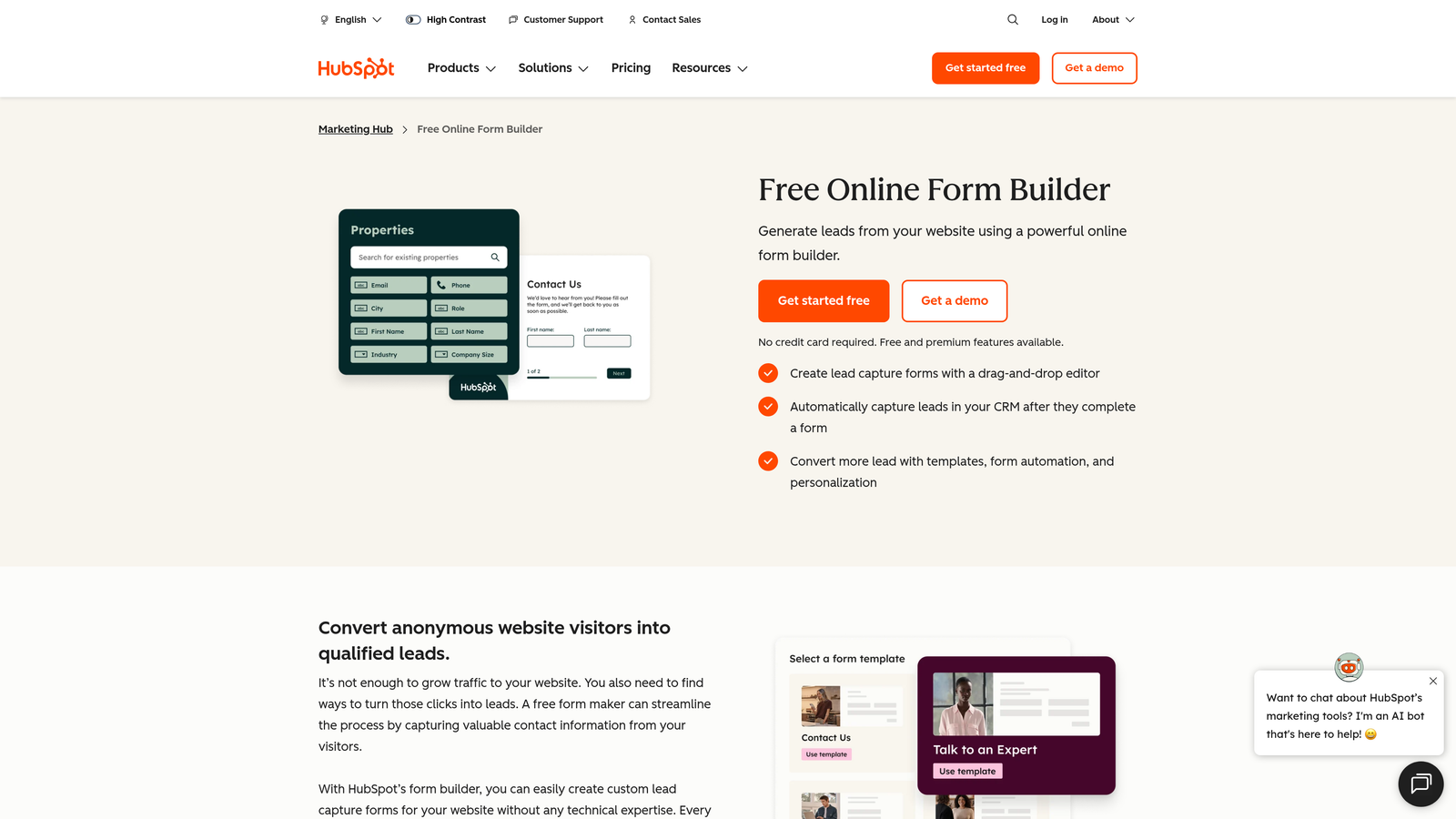
HubSpot Forms is a CRM-native form builder where analytics connect directly to contact records, deal stages, and marketing attribution within the HubSpot ecosystem.
Where This Tool Shines
The core value proposition here isn't the form builder itself: it's the context that surrounds every submission. When someone fills out a HubSpot form, they don't just become a row in a spreadsheet. They become a contact record with a full history, linked to deal stages, marketing attribution, and lifecycle data. That's a fundamentally different kind of analytics than most standalone form tools offer.
Progressive profiling is a standout feature. HubSpot Forms can detect when a known contact is filling out a form and swap in questions you don't already have answers to, rather than asking for information you already hold. For teams running multi-touch nurture campaigns, this reduces friction meaningfully.
Key Features
Native CRM Sync: Every submission automatically creates or updates a contact record with no manual data transfer.
Pipeline-Connected Analytics: Form performance data ties directly to revenue and deal stage reporting.
Progressive Profiling: Dynamically replaces already-known fields with new questions for returning contacts.
Smart Fields: Adapt based on a contact's existing CRM history for a personalized experience.
Free CRM Integration: Available at no cost within HubSpot's free CRM tier.
Best For
Marketing and sales teams already invested in HubSpot. The tool's power is almost entirely dependent on CRM context, so teams outside the HubSpot ecosystem will find it underwhelming as a standalone form builder.
Pricing
Free with HubSpot CRM. Advanced features require a Marketing Hub subscription. Verify current pricing at hubspot.com.
5. Tally
Best for: Startups, indie builders, and small teams that want clean forms with basic analytics on a generous free tier.
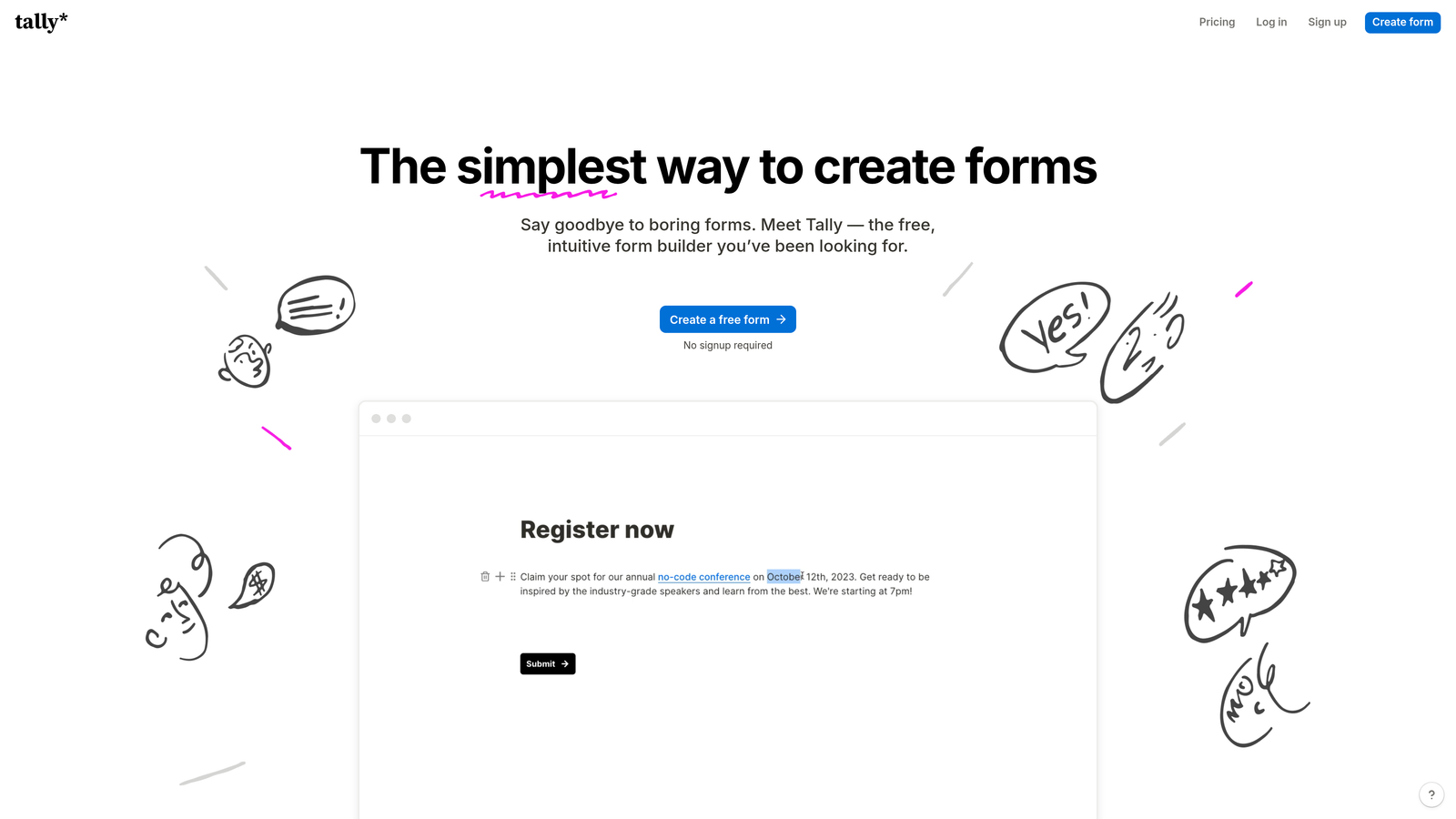
Tally is a lightweight, Notion-inspired form builder offering a generous free tier with clean submission analytics and a simple no-code editor.
Where This Tool Shines
Tally's appeal is its simplicity and cost structure. The free plan includes unlimited forms and unlimited submissions, which is genuinely rare in this category. The block-based editor feels immediately familiar to anyone who has used Notion, which means the learning curve is close to zero for most users.
Analytics cover submission counts, completion rates, and basic drop-off data, which is sufficient for teams with straightforward needs. Tally doesn't offer AI features or advanced behavioral analytics as of 2026, so teams looking for lead qualification or funnel-level intelligence will outgrow it quickly. But for early-stage teams or internal use cases, it's hard to beat the value.
Key Features
Notion-Like Block Editor: Minimal learning curve for teams already familiar with block-based tools.
Unlimited Forms and Submissions on Free Plan: No submission caps or form limits at the free tier.
Completion Rate and Drop-Off Analytics: Basic but functional analytics available without upgrading.
Conditional Logic and Hidden Fields: Supports dynamic form paths and pre-filled data.
Clean Website and Notion Embeds: Integrates neatly into existing pages without styling conflicts.
Best For
Early-stage startups, indie makers, and internal teams that need functional forms without a budget commitment. Not the right fit for lead-gen teams that need qualification logic or conversion-focused analytics.
Pricing
Generous free plan. Tally Pro at approximately $29/month. Verify current pricing at tally.so.
6. Google Forms
Best for: Internal surveys, simple data collection, and teams that need a completely free, zero-setup solution.
Google Forms is a free, straightforward form builder integrated with Google Workspace, offering basic response charts and Google Sheets export for deeper analysis.

Where This Tool Shines
Google Forms wins on accessibility. It's free, requires no account beyond a Google login, and most people already know how to use it. For internal surveys, event registrations, or simple feedback collection, it gets the job done without any friction or cost.
The real analytical power comes from the Google Sheets integration. While the built-in response charts are basic, exporting to Sheets lets technically comfortable users build their own pivot tables, charts, and analysis. That said, there's no behavioral data here: no drop-off tracking, no time-on-field, no completion funnel. For external lead generation or conversion optimization, Google Forms is simply the wrong tool.
Key Features
Completely Free: No paid tiers, no submission limits, no feature paywalls for core functionality.
Built-In Response Summary: Automatic charts for quick visual overviews of responses.
Google Sheets Export: Enables custom analysis for users comfortable with spreadsheet tools.
Basic Conditional Logic: Simple section branching based on multiple-choice answers.
Real-Time Collaboration: Multiple team members can edit forms simultaneously within Google Workspace.
Best For
Internal teams, educators, and anyone running simple surveys or registrations who needs zero cost and zero setup. Not appropriate for external lead generation, conversion optimization, or any use case requiring behavioral analytics.
Pricing
Free with a Google account. Included in all Google Workspace plans at no additional cost.
7. Formstack
Best for: Mid-market and enterprise teams in regulated industries that need field-level analytics, compliance features, and workflow automation.
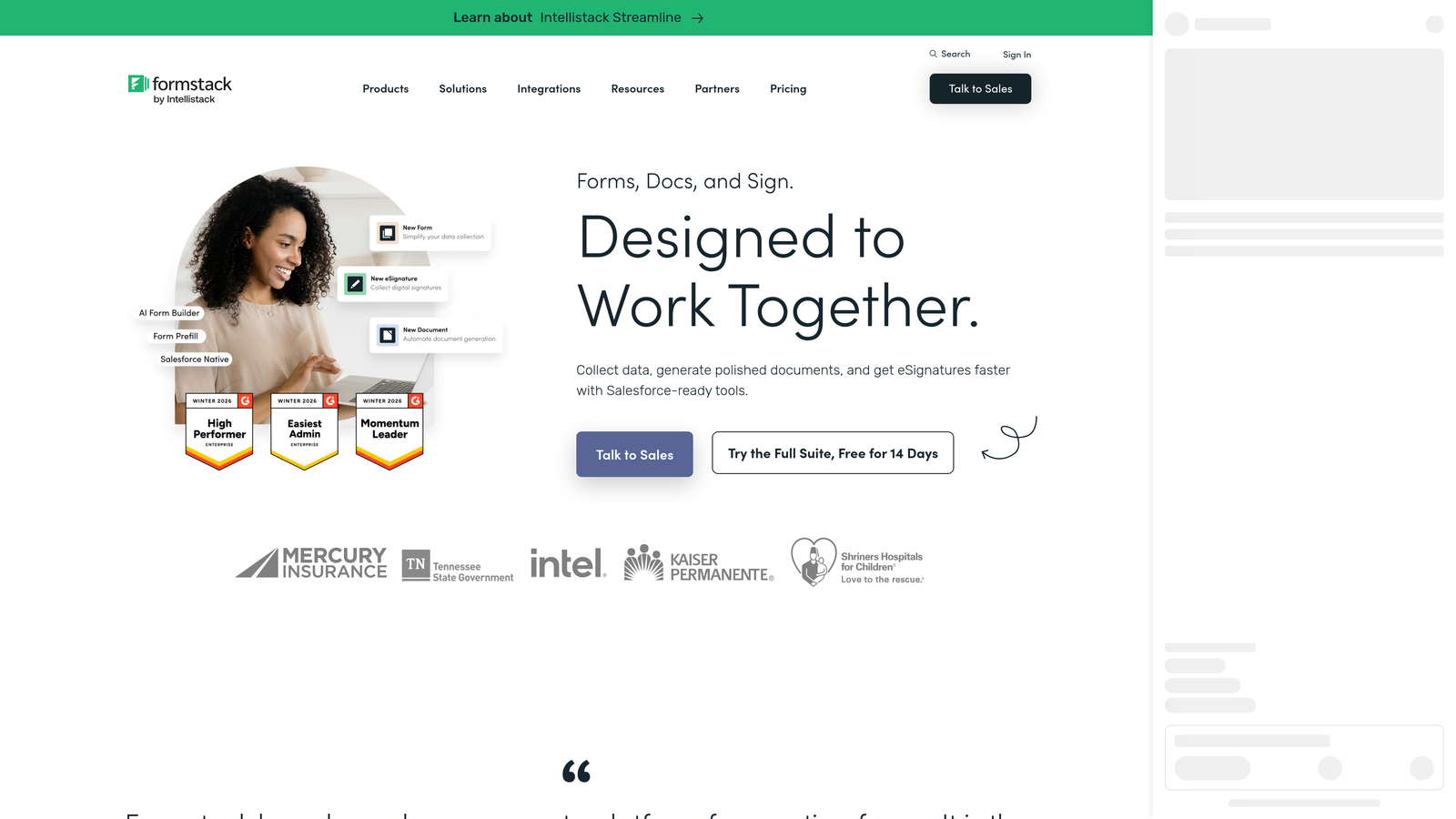
Formstack is an enterprise-focused form platform with field-level analytics, conversion tracking, and strong compliance features for regulated industries.
Where This Tool Shines
Formstack goes deeper on analytics than most competitors in this list. Field-level abandonment data shows you exactly which inputs cause users to leave, not just which page of a multi-step form they dropped off on. Combined with A/B testing capabilities, this gives optimization-focused teams real data to work with.
The compliance layer is a genuine differentiator for regulated industries. HIPAA and GDPR compliance are built into the platform rather than bolted on, which matters for healthcare, legal, and financial services teams. The workflow routing and approval chains extend Formstack beyond form building into process automation, which justifies the higher price point for teams with complex internal workflows.
Key Features
Field-Level Abandonment Analytics: Identifies the specific inputs where users drop off, enabling precise optimization.
Conversion Tracking and A/B Testing: Tests form variations and measures impact on submission rates.
HIPAA and GDPR Compliance: Built-in compliance features for regulated industry use cases.
Workflow Routing and Approval Chains: Routes submissions through multi-step internal approval processes.
Document Generation: Creates documents automatically from form submission data.
Best For
Mid-market and enterprise teams in healthcare, legal, finance, or any regulated sector that needs compliance alongside analytics. Also strong for operations teams managing complex multi-step workflows that extend beyond simple data collection.
Pricing
Plans start at approximately $83/month. Enterprise pricing available. Verify current pricing at formstack.com.
8. Paperform
Best for: Small businesses and creators who need forms, payments, and scheduling in one tool with accessible analytics.
Paperform is a multi-function form builder combining forms, payments, scheduling, and analytics in a document-style editor suited for small businesses and creators.
Where This Tool Shines
Paperform's document-style editor makes it feel more like writing a page than building a form, which lowers the barrier for non-technical users considerably. The ability to mix text, media, and form fields in a single flowing document creates a more natural experience for respondents compared to traditional form layouts.
The multi-function angle is where Paperform earns its place in this list. Rather than connecting three separate tools for forms, payments, and scheduling, teams can handle all three within one platform. Analytics include completion rates and partial submission data, giving you a reasonable picture of where users disengage without requiring a separate analytics stack.
Key Features
Document-Style Editor: Blends text, images, and form fields in a natural page layout with no design skills required.
Completion and Partial Submission Analytics: Tracks where users disengage, including partially completed forms.
Built-In Payment Processing: Accepts payments via Stripe and PayPal directly within forms.
Scheduling and Booking: Handles appointment booking alongside data collection in the same form.
Conditional Logic and Calculation Fields: Supports dynamic paths and real-time calculations for pricing or scoring.
Best For
Small businesses, consultants, and creators who need a versatile tool that handles forms, payments, and bookings without managing multiple subscriptions. Less suited for enterprise teams or those needing advanced lead qualification.
Pricing
Plans start at approximately $29/month. Verify current pricing at paperform.co.
9. SurveyMonkey (Momentive)
Best for: Research, HR, and CX teams that need statistical rigor, sentiment analysis, and industry benchmarking.
SurveyMonkey is a veteran survey and form platform with research-grade analytics including sentiment analysis, cross-tabulation, and industry benchmarking.
Where This Tool Shines
SurveyMonkey's analytics go further than any other tool on this list in terms of statistical depth. Cross-tabulation lets you slice response data by demographic or answer segments. Sentiment analysis surfaces themes and emotional tone from open-text responses. Industry benchmarking lets you compare your results against aggregate data from similar organizations. For teams that need to present research findings with statistical credibility, this level of rigor is hard to find elsewhere.
The tradeoff is flexibility. SurveyMonkey is built around the survey paradigm, and its form-building capabilities are less flexible than dedicated form tools. Teams looking for lead capture forms, payment collection, or conversion-optimized design will find it constraining. But for employee engagement surveys, customer satisfaction research, or academic-style data collection, it remains one of the most capable platforms available.
Key Features
Sentiment Analysis: Automatically identifies themes and emotional tone in open-text responses.
Cross-Tabulation and Statistical Significance Testing: Enables research-grade analysis of response data across segments.
Industry Benchmarking: Compares your survey results against aggregate data from comparable organizations.
Skip Logic and Question Randomization: Controls survey flow and reduces order bias in research contexts.
Team Collaboration and Results Sharing: Lets multiple team members analyze and present findings together.
Best For
HR teams running employee surveys, CX teams measuring satisfaction, and researchers who need statistical analysis tools baked into the platform. Not the right choice for lead generation or conversion-focused form building.
Pricing
Free plan available. Paid plans start at approximately $25/month. Verify current pricing at surveymonkey.com.
Which Tool Is Right for Your Team?
The right intelligent form builder depends almost entirely on what you're trying to accomplish. Here's a quick way to think through the decision.
For lead generation and AI-powered qualification: Orbit AI is the standout choice. It's the only platform in this list built specifically around qualifying leads at the form layer, which reduces downstream sales triage and gives growth teams a meaningful analytics edge over basic submission tracking.
For HubSpot-native teams: HubSpot Forms is the obvious fit. The form builder itself is unremarkable, but the pipeline-connected analytics and progressive profiling make it uniquely powerful inside the HubSpot ecosystem.
For research and statistical analysis: SurveyMonkey's cross-tabulation, sentiment analysis, and benchmarking capabilities are unmatched in this category. It's purpose-built for teams where data rigor matters more than conversion optimization.
For enterprise compliance requirements: Formstack's field-level analytics, A/B testing, and built-in HIPAA and GDPR compliance make it the strongest option for regulated industries with complex workflows.
For budget-conscious teams and startups: Tally's unlimited free plan covers the basics well. Google Forms works for internal use cases where analytics aren't a priority.
If your primary goal is turning form submissions into a predictable source of qualified leads, the intelligence layer matters as much as the form design itself. Transform your lead generation with AI-powered forms that qualify prospects automatically while delivering the modern, conversion-optimized experience your high-growth team needs. Start building free forms today and see how intelligent form design can elevate your conversion strategy.


