

If you're investing in forms for lead generation or customer data collection, gut instinct isn't enough. You need analytics. The best form builders with analytics don't just collect submissions; they show you where people drop off, which fields cause friction, and how your forms perform over time.
Whether you're optimizing a lead capture flow, a multi-step onboarding form, or a customer feedback survey, analytics turn guesswork into a repeatable growth system. This guide covers nine form builders that take analytics seriously, from AI-powered platforms built for conversion-focused teams to enterprise survey tools with deep reporting.
We've evaluated each tool on the depth of its analytics, ease of use, integrations, and overall value for high-growth teams. If you want to go deeper on improving form performance before choosing a tool, our guide on how to improve form conversion rates is a great starting point.
1. Orbit AI
Best for: High-growth SaaS and B2B teams who need lead quality analytics, not just submission counts.
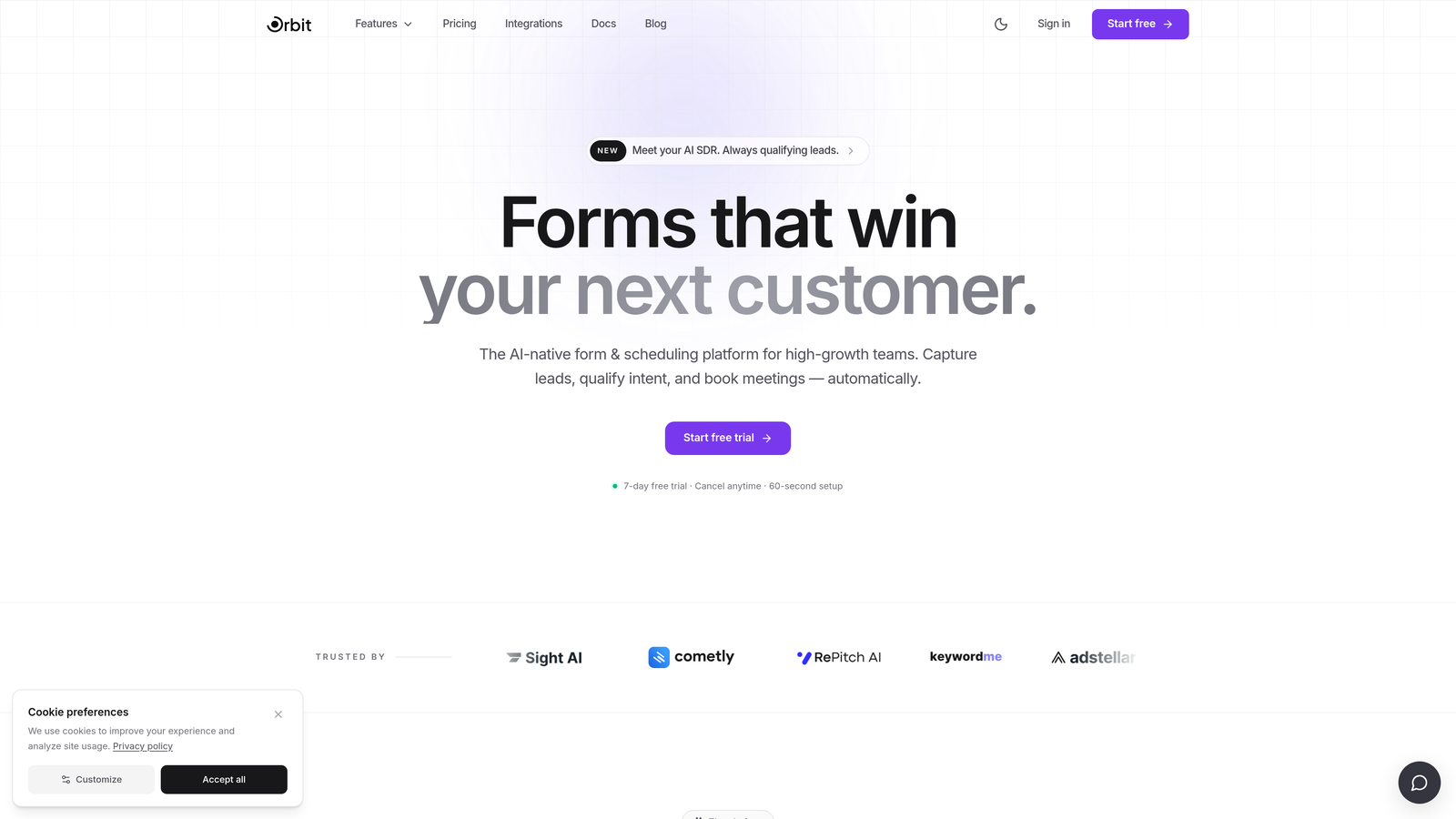
Orbit AI is an AI-powered form builder that layers lead qualification intelligence directly on top of form analytics, giving growth teams a clearer picture of not just how many people submitted, but who they are and whether they're worth pursuing.
Where This Tool Shines
Most form builders answer the question "what happened?" Orbit AI goes further by answering "who submitted, and are they a quality lead?" That distinction matters enormously for B2B and SaaS teams where a high submission volume with low-quality leads is actually a conversion problem, not a success.
The analytics are built around conversion quality rather than raw volume. You get visibility into lead qualification signals alongside standard completion metrics, which means your sales team spends less time triaging and more time closing.
Key Features
AI Lead Qualification: Automatically scores and qualifies leads at the point of submission, reducing manual review time for sales teams.
Conversion Analytics: Tracks completion rates, drop-off points, and field-level friction with a focus on lead quality outcomes.
Modern Form Design: Clean, conversion-optimized form UI designed to maximize completion rates without sacrificing aesthetics.
CRM-Ready Integrations: Pushes qualified lead data directly into your CRM, enabling a seamless handoff from marketing to sales.
Built for Growth Teams: The product is specifically designed for SaaS and B2B growth workflows, not generic use cases.
Best For
Orbit AI is the right fit for SaaS companies, B2B growth teams, and demand generation marketers who care about lead quality as much as lead volume. If your current form tool tells you how many people submitted but not whether any of them are worth calling, Orbit AI fills that gap directly.
Pricing
Visit orbitforms.ai for current pricing and plan details, as plans are updated regularly to reflect new features.
2. Typeform
Best for: Teams who want conversational form experiences with per-question drop-off visibility.
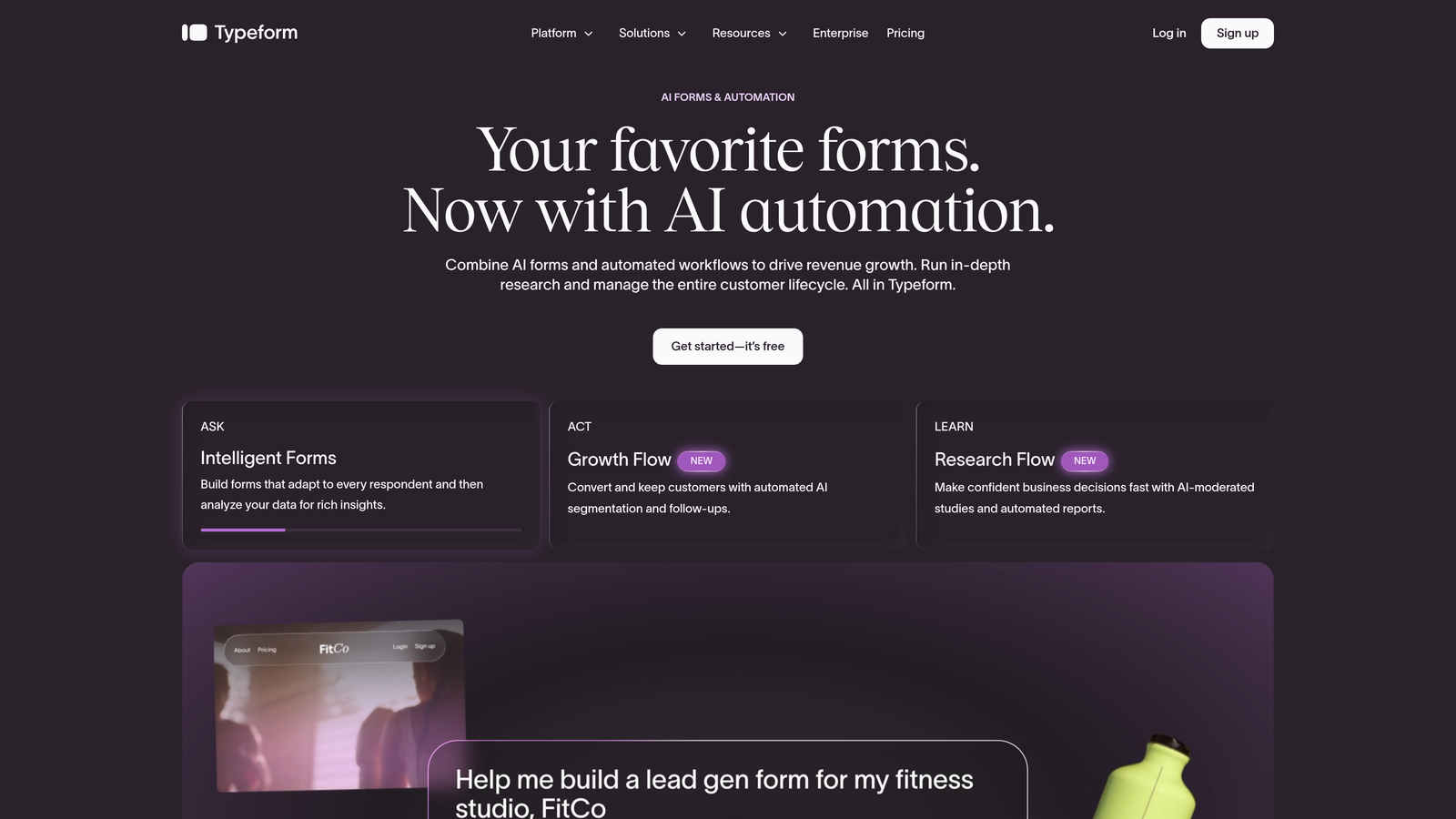
Typeform is a conversational form builder known for its one-question-at-a-time format and solid per-question analytics that help teams identify exactly where respondents disengage.
Where This Tool Shines
Typeform's analytics are built around its conversational format. Because each question is presented individually, the platform can show you completion and drop-off rates at every single step, making it easy to pinpoint which question is killing your conversion rate.
The logic jump functionality also adds a useful analytics layer: you can see how respondents move through different paths in a branching form, which is valuable for teams running segmentation or qualification flows.
Key Features
Per-Question Drop-Off Visualization: See exactly where respondents abandon your form, question by question.
Conversational Format: One-question-at-a-time presentation that typically improves completion rates for longer forms.
Logic Jump Analytics: Track how respondents move through branching paths in your form.
Native Integrations: Connects with Google Analytics, HubSpot, Salesforce, and Zapier for extended reporting.
Best For
Typeform works well for marketing and growth teams running lead capture, onboarding surveys, or qualification flows where understanding drop-off at the question level is a priority. Analytics depth is stronger on paid plans.
Pricing
Free plan available with basic features. Paid plans start around $25/month; verify current pricing at typeform.com.
3. HubSpot Forms
Best for: Teams already running on HubSpot who want form analytics tied directly into CRM and marketing reporting.
HubSpot Forms is a native form builder embedded in the HubSpot ecosystem, where its real analytics power comes from the CRM integration rather than standalone form reporting.
Where This Tool Shines
If your team lives in HubSpot, this tool removes a significant amount of friction. Every form submission automatically updates a contact record, which means your analytics aren't siloed in a separate form dashboard; they're connected to the full contact timeline, deal stage, and marketing attribution data.
Smart forms are another standout capability. HubSpot can adapt form fields based on what it already knows about a contact, reducing redundancy and improving the experience for returning visitors.
Key Features
CRM-Native Analytics: Submissions automatically update contact records and feed into HubSpot's marketing dashboards.
Smart Forms: Adapt displayed fields based on existing contact data, reducing friction for known leads.
Marketing Attribution: Form performance connects to campaign and channel reporting within HubSpot.
Free Entry Point: Available at no cost with the HubSpot CRM free tier.
Best For
HubSpot Forms is the natural choice for companies already invested in the HubSpot platform. As a standalone form analytics tool, it's limited; as part of a HubSpot marketing stack, it's genuinely powerful.
Pricing
Free with HubSpot CRM. Advanced analytics and smart form features require Marketing Hub paid plans. Verify current pricing at hubspot.com.
4. Google Forms
Best for: Internal teams and budget-conscious users who need a free, zero-setup option with basic response analytics.
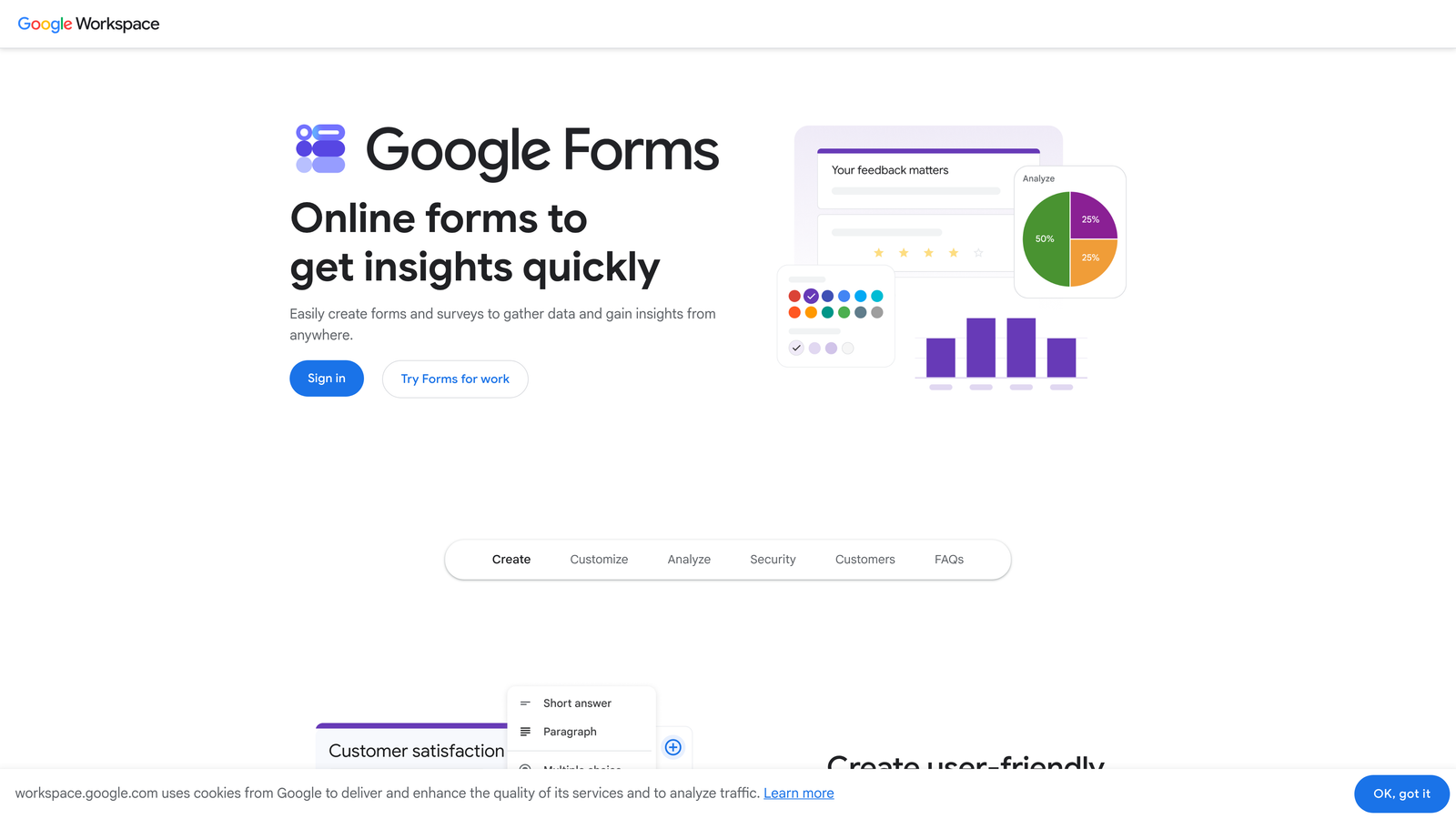
Google Forms is the go-to free option for teams that need a functional form with basic analytics and no budget for a paid tool.
Where This Tool Shines
Google Forms removes every barrier to getting started. There's no account setup beyond a Google account, no pricing decision, and no learning curve. The auto-generated response summary charts give you an immediate visual overview of your data without any configuration.
The native Google Sheets integration is where the real analytical flexibility lives. Once your data is in Sheets, you can run custom analysis, build pivot tables, or connect to Looker Studio for more sophisticated reporting. For teams with spreadsheet skills, this is a meaningful capability.
Key Features
Completely Free: No paid tiers, no submission limits for standard use, no credit card required.
Auto-Generated Response Charts: Visual summaries of responses appear immediately in the form dashboard.
Google Sheets Export: Live sync to Sheets enables custom analysis and reporting.
Google Analytics Compatibility: Can be paired with Google Tag Manager for more advanced conversion tracking.
Best For
Google Forms is best for internal surveys, quick feedback collection, and teams with tight budgets. It lacks field-level drop-off tracking and traffic source breakdowns, so it's not the right fit for serious lead generation analytics.
Pricing
Completely free with a Google account.
5. Jotform
Best for: Agencies, operations teams, and power users who need a dedicated analytics dashboard alongside high form volume management.
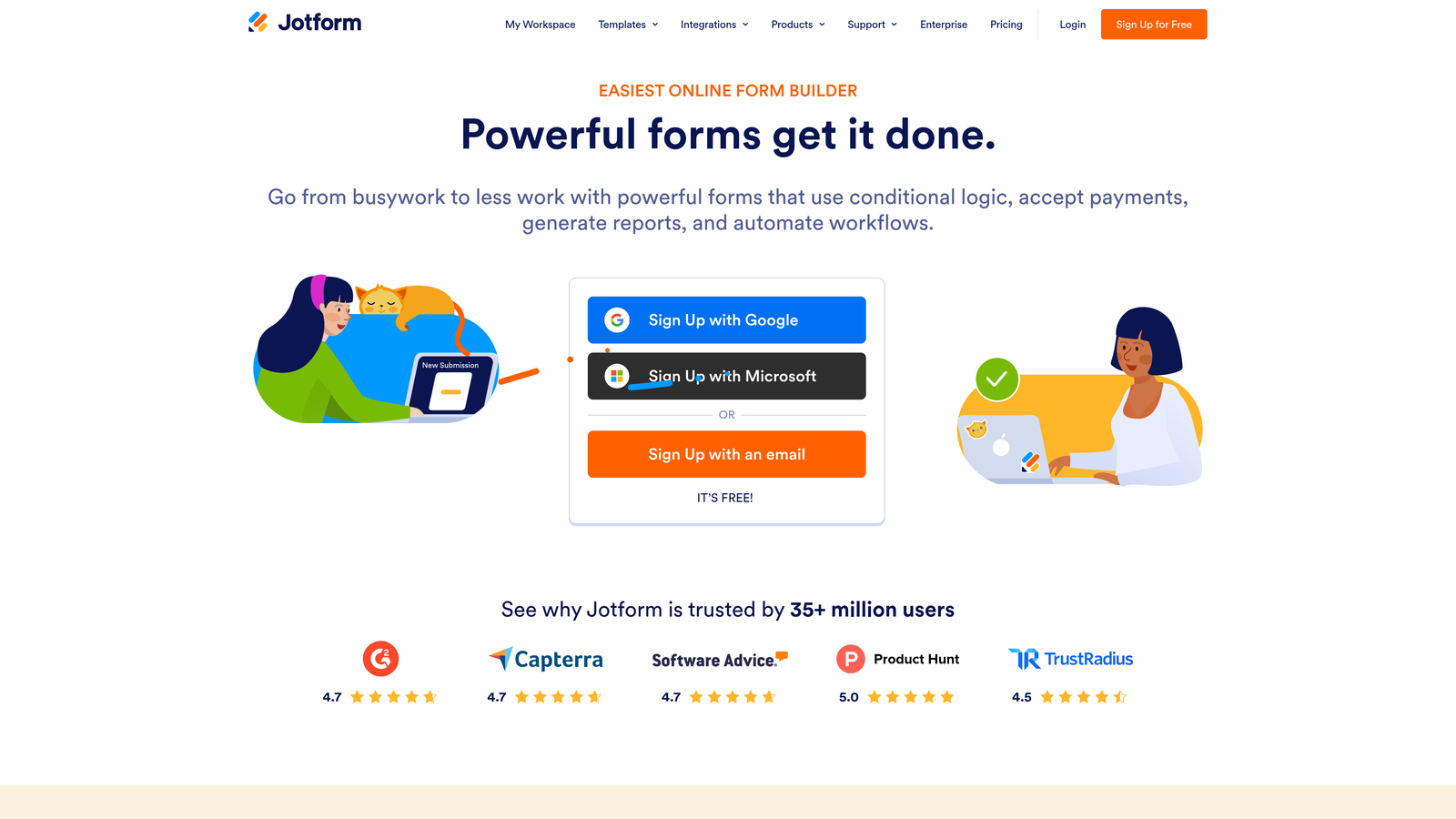
Jotform is one of the most feature-rich form builders available, with a dedicated Form Analytics module that covers views, submissions, conversion rates, device breakdowns, and traffic sources in a single dashboard.
Where This Tool Shines
Jotform's analytics go well beyond what most form builders offer out of the box. The Form Analytics feature presents data in a funnel-style layout, making it straightforward to see where your conversion rate is leaking. Device and traffic source breakdowns add another layer of diagnostic value, especially for teams running paid traffic to forms.
The Jotform Report Builder takes it further, letting you create custom visual reports from your form data without exporting to a separate tool. For agencies managing multiple clients or enterprises tracking forms across departments, this is a significant time saver.
Key Features
Dedicated Form Analytics Dashboard: Funnel-style reporting covering views, submissions, and conversion rates.
Device and Traffic Source Breakdown: Understand how different channels and devices perform for each form.
Jotform Report Builder: Create custom visual data reports directly from form responses.
Integration Ecosystem: Connects with thousands of tools including CRMs, payment processors, and project management platforms.
High Volume Management: Handles large numbers of forms and submissions, making it viable for agencies and enterprise teams.
Best For
Jotform is a strong fit for agencies managing forms at scale, operations teams with complex workflows, and any team that wants robust built-in analytics without paying for a separate reporting tool.
Pricing
Free plan available with limited submissions and features. Paid plans start around $34/month; verify current pricing at jotform.com.
6. Gravity Forms
Best for: WordPress-native teams who want a powerful form plugin with analytics via Google Analytics integration and add-ons.
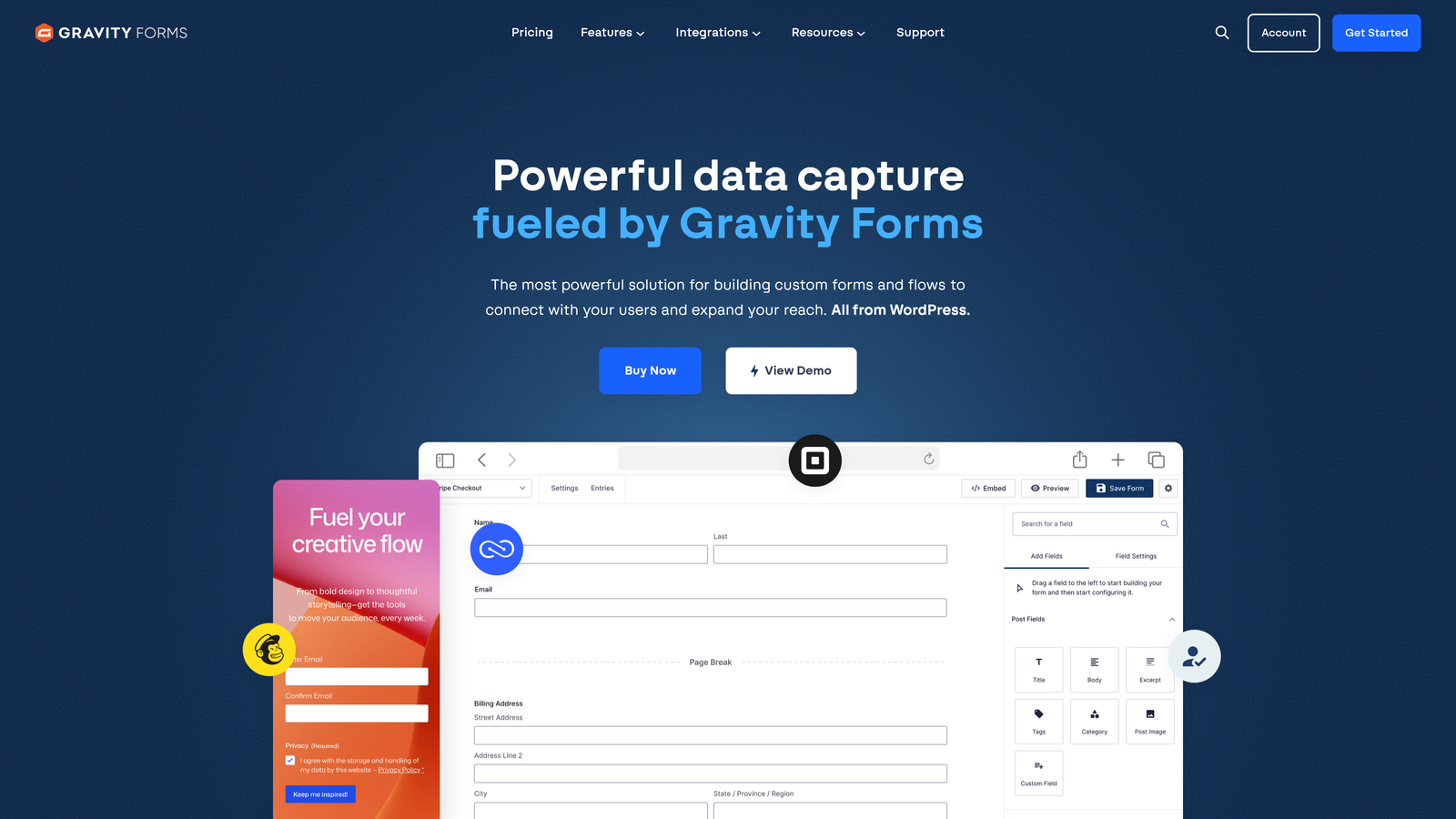
Gravity Forms is the dominant form plugin in the WordPress ecosystem, offering deep CMS integration and an extensive add-on library that extends its analytics capabilities.
Where This Tool Shines
If your site runs on WordPress, Gravity Forms integrates more deeply than any SaaS form tool can. It lives inside your WordPress admin, connects directly to your theme and custom post types, and works with the full WordPress plugin ecosystem. For teams that are committed to WordPress, this native integration reduces friction significantly.
Analytics are handled primarily through add-ons. The Google Analytics integration enables event tracking for form views, field interactions, and submissions, giving you conversion data inside GA4. Third-party add-ons extend this further for teams with specific reporting needs.
Key Features
Deep WordPress Integration: Operates natively inside WordPress with access to CMS data, user roles, and custom fields.
Google Analytics Event Tracking: Available via official add-on for conversion and engagement tracking in GA4.
Conditional Logic and Multi-Page Forms: Advanced form logic for complex qualification and data collection flows.
Extensive Add-On Ecosystem: Third-party add-ons cover payment processing, CRM sync, PDF generation, and extended analytics.
Best For
Gravity Forms is the right choice for WordPress-based businesses, agencies building client sites on WordPress, and developers who want full control over form behavior within the CMS environment. It's not a SaaS tool and won't work outside WordPress.
Pricing
Annual license model with tiered plans based on site count and add-on access. Verify current pricing at gravityforms.com.
7. Formstack
Best for: Mid-market and enterprise teams who need field-level analytics, workflow automation, and compliance features in one platform.
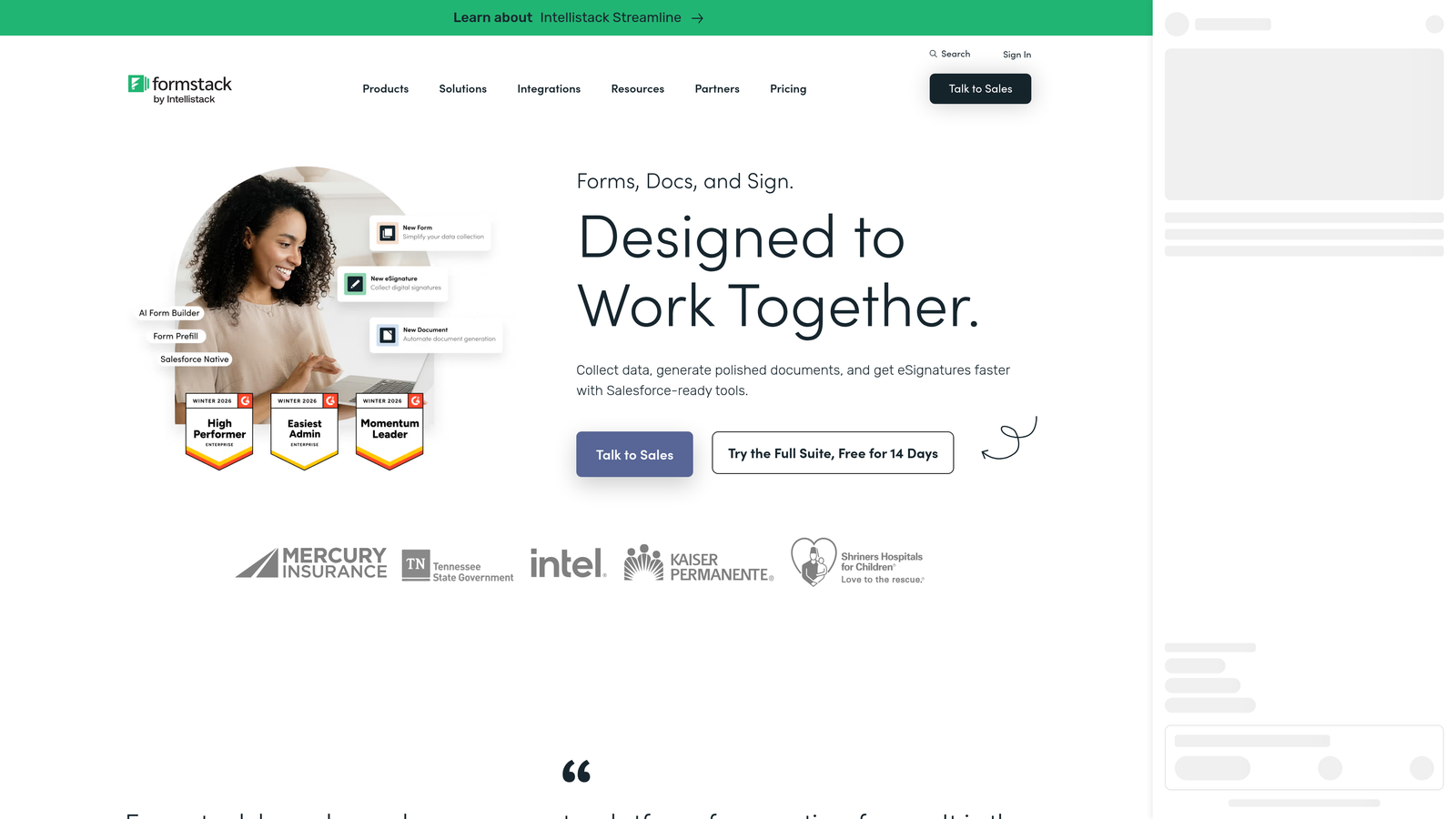
Formstack is an enterprise-oriented form and workflow platform with conversion analytics, field-level performance data, and document generation built into a single product suite.
Where This Tool Shines
Formstack's analytics go deeper than most competitors at the field level. You can see time-on-field data and field abandonment rates, which helps identify specific inputs that create friction in your forms. This level of granularity is particularly useful for long or complex forms common in regulated industries or enterprise workflows.
The platform also combines forms with workflow automation and document generation, making it more than a form tool. For operations teams that need forms to trigger approvals, generate contracts, or route data through complex internal processes, Formstack handles the entire workflow.
Key Features
Conversion Analytics: Views vs. completions reporting at the form level with trend data over time.
Field-Level Analytics: Time-on-field and abandonment data to pinpoint specific friction points.
Workflow Automation: Route submissions through approval workflows and automated processes.
HIPAA Compliance: Available for teams in healthcare and other regulated industries with strict data requirements.
Best For
Formstack is best suited for enterprise and mid-market teams in operations, HR, healthcare, or legal contexts where forms are part of complex workflows and compliance is a requirement. It's overbuilt for simple lead capture use cases.
Pricing
Higher-end pricing targeting mid-market and enterprise buyers. Verify current pricing and plan structure at formstack.com.
8. SurveyMonkey
Best for: Research teams and CX professionals who need advanced survey analytics including cross-tabulation, sentiment analysis, and industry benchmarking.
SurveyMonkey is a research-grade survey platform with analytics capabilities that go well beyond what standard form builders offer, particularly for structured data analysis and CX measurement.
Where This Tool Shines
SurveyMonkey is built for teams that treat data collection as research, not just lead capture. The cross-tabulation feature lets you filter and compare response segments against each other, which is invaluable for NPS analysis, employee engagement surveys, or customer satisfaction studies where you need to understand how different groups respond differently.
The industry benchmark comparisons are a standout differentiator. If you're running NPS or satisfaction surveys, SurveyMonkey can compare your scores against industry averages, giving your data meaningful context that a standalone form tool simply can't provide.
Key Features
Cross-Tabulation Analysis: Compare and filter response segments to identify patterns across different audience groups.
Sentiment Analysis: Automated analysis of open-text responses to surface themes and sentiment trends.
Industry Benchmarking: Compare your survey results against industry averages for context-rich reporting.
NPS and CX Measurement: Purpose-built templates and analytics for customer experience and loyalty measurement.
Best For
SurveyMonkey is the right tool for research teams, CX professionals, HR teams running engagement surveys, and anyone who needs research-grade analytics. It's less suited for lead generation forms or conversion-focused workflows.
Pricing
Free plan available with limited responses and features. Paid plans vary by tier and team size; verify current pricing at surveymonkey.com.
9. Paperform
Best for: Freelancers, coaches, and small teams who want an all-in-one platform combining forms, payments, scheduling, and analytics.
Paperform is a creator-friendly platform that combines form building with payments, scheduling, and an analytics dashboard in a single, design-forward tool.
Where This Tool Shines
Paperform's strength is its all-in-one nature. Rather than stitching together a form tool, a payment processor, a scheduling app, and a separate analytics dashboard, Paperform bundles all of these into one product. For solo operators and small teams, this reduces both cost and complexity significantly.
The form builder itself is highly visual and design-forward, which matters for creators and coaches who want their forms to reflect their brand. The analytics dashboard covers the core metrics: views, completions, and conversion rate, giving you enough data to identify what's working without overwhelming you with complexity.
Key Features
Analytics Dashboard: Views, completions, and conversion rate tracking in a clean, accessible interface.
All-in-One Platform: Forms, payments, scheduling, and analytics in a single subscription.
Design-Forward Builder: Highly visual form editor suited for brand-conscious creators and small businesses.
Payments Integration: Accept payments directly through forms without a separate payment tool.
Best For
Paperform is ideal for freelancers, coaches, consultants, and small teams who want to replace multiple tools with one platform. It's not built for enterprise analytics or high-volume lead generation at scale.
Pricing
Starts around $24/month. Verify current pricing and plan details at paperform.co.
Which Form Builder Is Right for Your Team?
The right tool depends almost entirely on what you're trying to learn from your forms and what your team's workflow looks like. Here's a quick breakdown to help you decide.
Growth and SaaS teams focused on lead quality: Orbit AI is the clear standout. It's the only tool on this list that layers AI-powered lead qualification directly onto form analytics, giving you visibility into who submitted, not just how many. If your sales team is drowning in low-quality leads, that distinction is worth a lot.
Teams already running on HubSpot: HubSpot Forms is the obvious choice. Its analytics are strongest when connected to the CRM, and if you're already paying for Marketing Hub, you're likely not getting full value from it without using native forms.
WordPress-based businesses: Gravity Forms remains the gold standard for WordPress form building. Pair it with the Google Analytics add-on and you have a solid conversion tracking setup without leaving your CMS.
Research and CX teams: SurveyMonkey's cross-tabulation, sentiment analysis, and benchmarking capabilities are purpose-built for structured research. No other tool on this list competes with it for that use case.
Budget-constrained teams with basic needs: Google Forms is genuinely good enough for internal surveys and simple data collection. Just don't expect field-level drop-off data or traffic source breakdowns.
Agencies and high-volume operators: Jotform's dedicated analytics dashboard and Report Builder make it one of the best options for teams managing forms at scale across multiple clients or departments.
If you're ready to move beyond basic form analytics and start qualifying leads at the point of capture, start building free forms today with Orbit AI and see how intelligent form design can elevate your conversion strategy. For further reading, explore our guides on form analytics tracking tools and how to qualify leads with forms to build a complete system around your form data.


