

If your forms are live but your conversions are flat, the missing piece is almost always visibility. Form analytics tools show you exactly where users hesitate, drop off, or abandon their journey, turning guesswork into a clear optimization roadmap. But not every tool is built the same. Some focus on heatmaps and session replays, others on funnel-level drop-off data, and a few go further by combining analytics with AI-powered lead qualification.
This guide covers the best form analytics tools worth purchasing in 2026, evaluated on depth of insight, ease of integration, pricing transparency, and how well they serve high-growth teams focused on conversion optimization. Whether you're a SaaS company optimizing a demo request form or a B2B team qualifying leads at scale, there's a right tool for your stack.
We'll start with our top pick, Orbit AI, and work through the competitive landscape so you can make a confident purchase decision.
1. Orbit AI
Best for: B2B and SaaS teams who want form analytics and lead qualification in one unified platform.
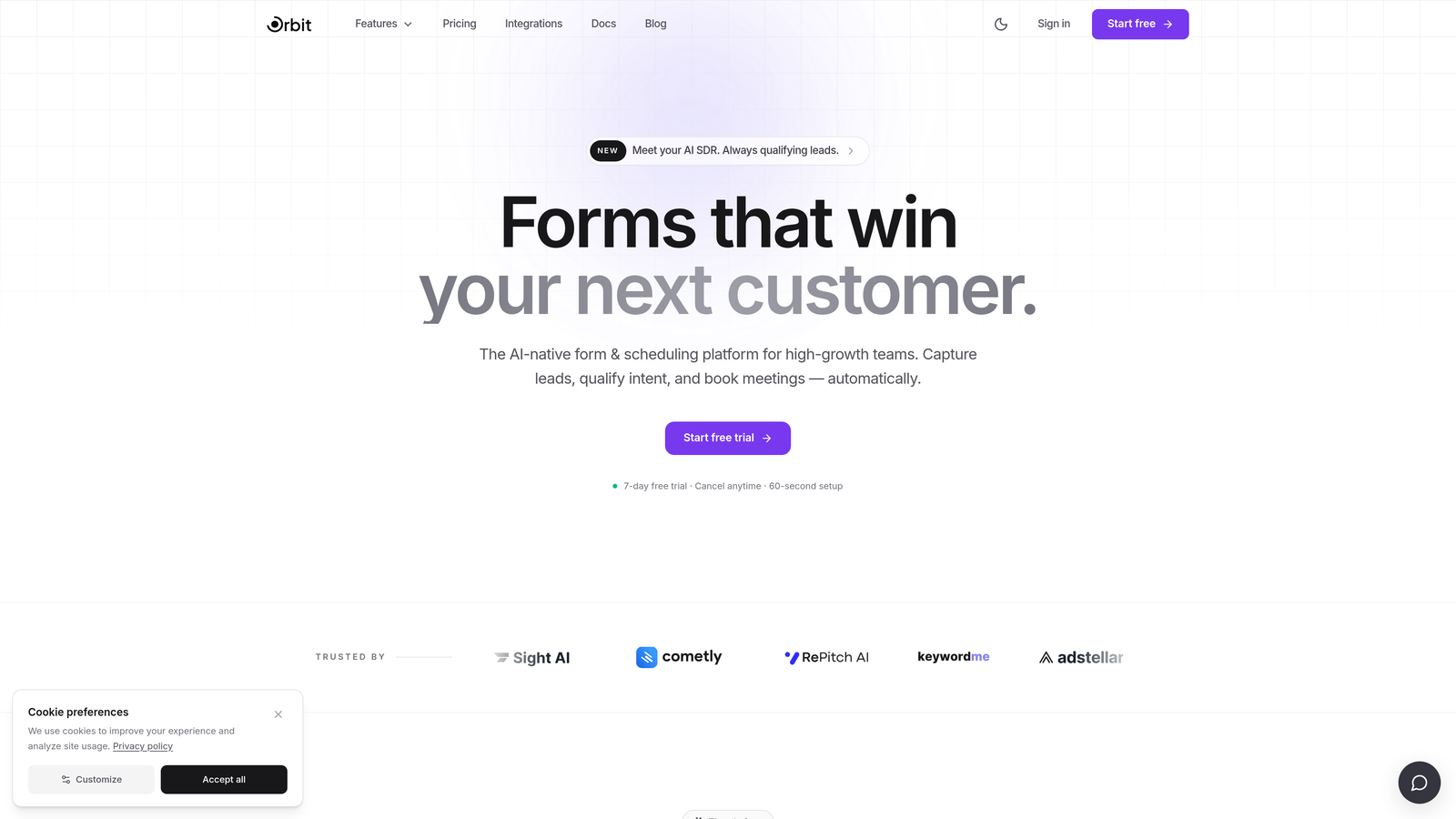
Orbit AI is an AI-powered form builder with native analytics and lead qualification built directly into the platform, designed for high-growth teams who want to connect form performance data to lead quality signals without stitching together separate tools.
Where This Tool Shines
Most form analytics setups require you to layer a behavioral tool on top of your form builder, then manually connect the dots between field-level data and what happens to those leads downstream. Orbit AI eliminates that gap. Because the analytics are native to the platform, you're not just seeing where users drop off — you're seeing how form performance connects directly to lead quality outcomes.
This is particularly valuable for B2B teams where lead volume is less important than lead quality. Rather than optimizing purely for submission rate, you can optimize for qualified submission rate, a fundamentally more useful metric for revenue-focused teams.
Key Features
Native Form Analytics: Field-level conversion data is built into the platform with no third-party tag or additional setup required.
AI-Powered Lead Qualification: Submissions are scored automatically, giving your team immediate signal on lead quality without manual review.
Field-Level Conversion Data: See exactly which fields create friction and how that friction correlates with downstream lead quality.
Conversion-Optimized Templates: Pre-built templates designed for high-converting form experiences, with built-in A/B insights to guide iteration.
CRM and Marketing Automation Integrations: Connect form data and qualification scores directly to your existing sales and marketing stack.
Best For
Orbit AI is the strongest fit for SaaS and B2B teams who are tired of optimizing for submission volume only to find that lead quality remains inconsistent. If your sales team is spending time disqualifying leads that should have been filtered at the form level, this platform was built for exactly that problem.
Pricing
Paid plans are available. Visit orbitforms.ai for current pricing details, as plans may vary based on team size and feature requirements.
2. Hotjar
Best for: CRO teams who want form analytics alongside heatmaps and session recordings in one platform.
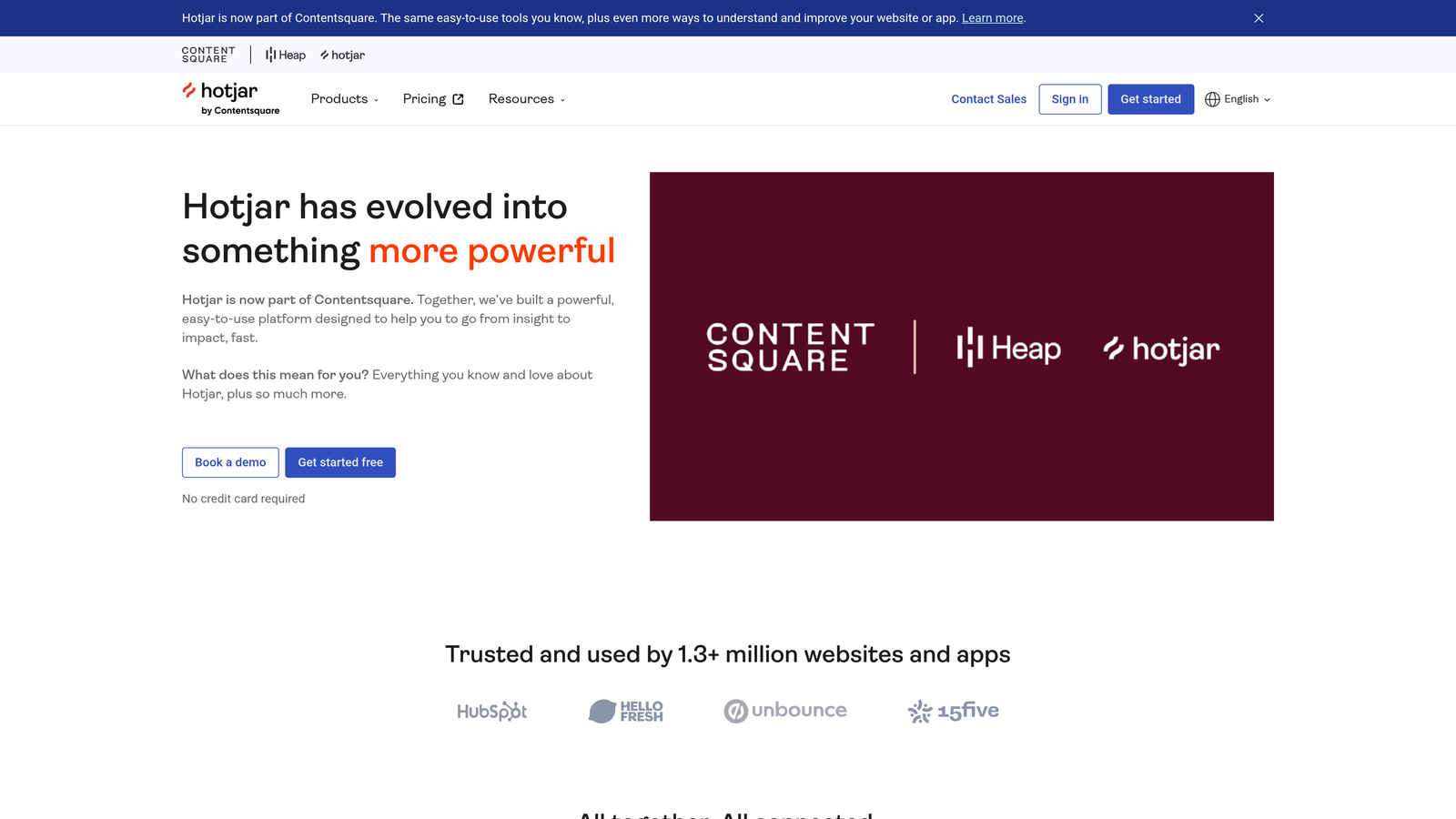
Hotjar is a behavioral analytics platform with a dedicated form analytics feature, heatmaps, and session recordings used by conversion rate optimization teams worldwide.
Where This Tool Shines
Hotjar's strength is context. Its form analytics module tells you which fields users drop off on and how long they spend on each one, but what makes it genuinely useful is the ability to immediately pull up a session recording of a user who abandoned at a specific field. That combination of quantitative and qualitative data in a single workflow is hard to replicate with separate tools.
The feedback widget layer adds another dimension, letting you capture qualitative signals from users in the moment, which is especially useful when you're trying to understand why a field is causing friction, not just that it is.
Key Features
Form Analytics Module: Tracks field drop-off rates, time spent per field, and the last field interacted with before abandonment.
Heatmaps and Session Recordings: Complement form data with visual evidence of where users click, scroll, and disengage.
Feedback Widgets: Capture qualitative user signals alongside quantitative form data for richer insight.
Funnel Analysis: Analyze drop-off across multi-page form flows to identify where users exit the conversion path.
Best For
Hotjar is ideal for marketing and CRO teams who want an accessible, well-rounded behavioral analytics suite without enterprise-level complexity. It's a particularly strong starting point for teams that are new to form analytics but want room to grow into deeper behavioral insights.
Pricing
Free plan available. Paid plans start at $32/month billed annually, with higher tiers for larger traffic volumes and additional features.
3. FullStory
Best for: Enterprise teams who need deep retroactive analysis of form friction and error patterns at scale.
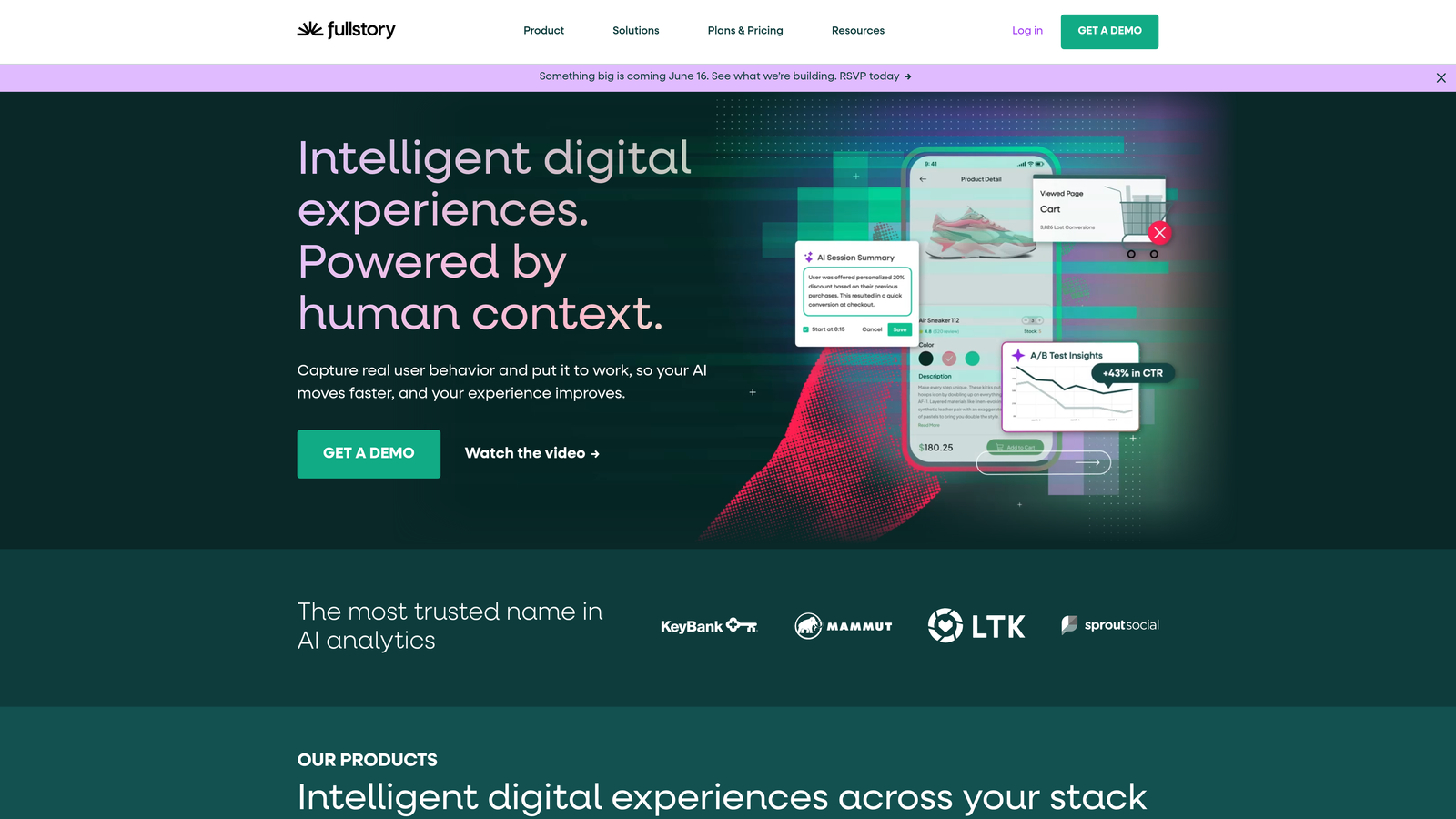
FullStory is an enterprise digital experience platform that auto-captures every user interaction, enabling deep retroactive analysis of form friction and errors without requiring manual event setup.
Where This Tool Shines
FullStory's defining capability is that it captures everything automatically. There's no need to pre-tag form events or decide in advance what to track. This means you can go back in time and analyze form interactions that happened before you knew you had a problem, which is a significant advantage for teams dealing with complex forms or high-stakes conversion flows.
Its rage click and error click detection is particularly useful for identifying form fields where users are experiencing technical friction, not just motivational hesitation. If a submit button isn't working or a validation error is confusing users, FullStory surfaces that quickly.
Key Features
Automatic Interaction Capture: All form interactions are recorded without manual event tagging or instrumentation.
Rage Click and Error Detection: Identifies form fields and buttons where users are experiencing frustration or technical errors.
Session Replay: Searchable, filterable session recordings tied to specific form interaction behaviors.
DX Data Integrations: Connects with data warehouses and BI tools for teams that want to analyze form data alongside broader product and business metrics.
Best For
FullStory is best suited for enterprise product and engineering teams who need comprehensive interaction data for debugging and optimization at scale. It's a strong fit for organizations with compliance requirements who need robust data governance controls alongside their analytics.
Pricing
Free trial available. Pricing is enterprise-focused and provided by quote. Contact FullStory directly for a custom plan based on your traffic volume and feature needs.
4. Mouseflow
Best for: Teams who want the most granular field-level form analytics available at a mid-market price point.
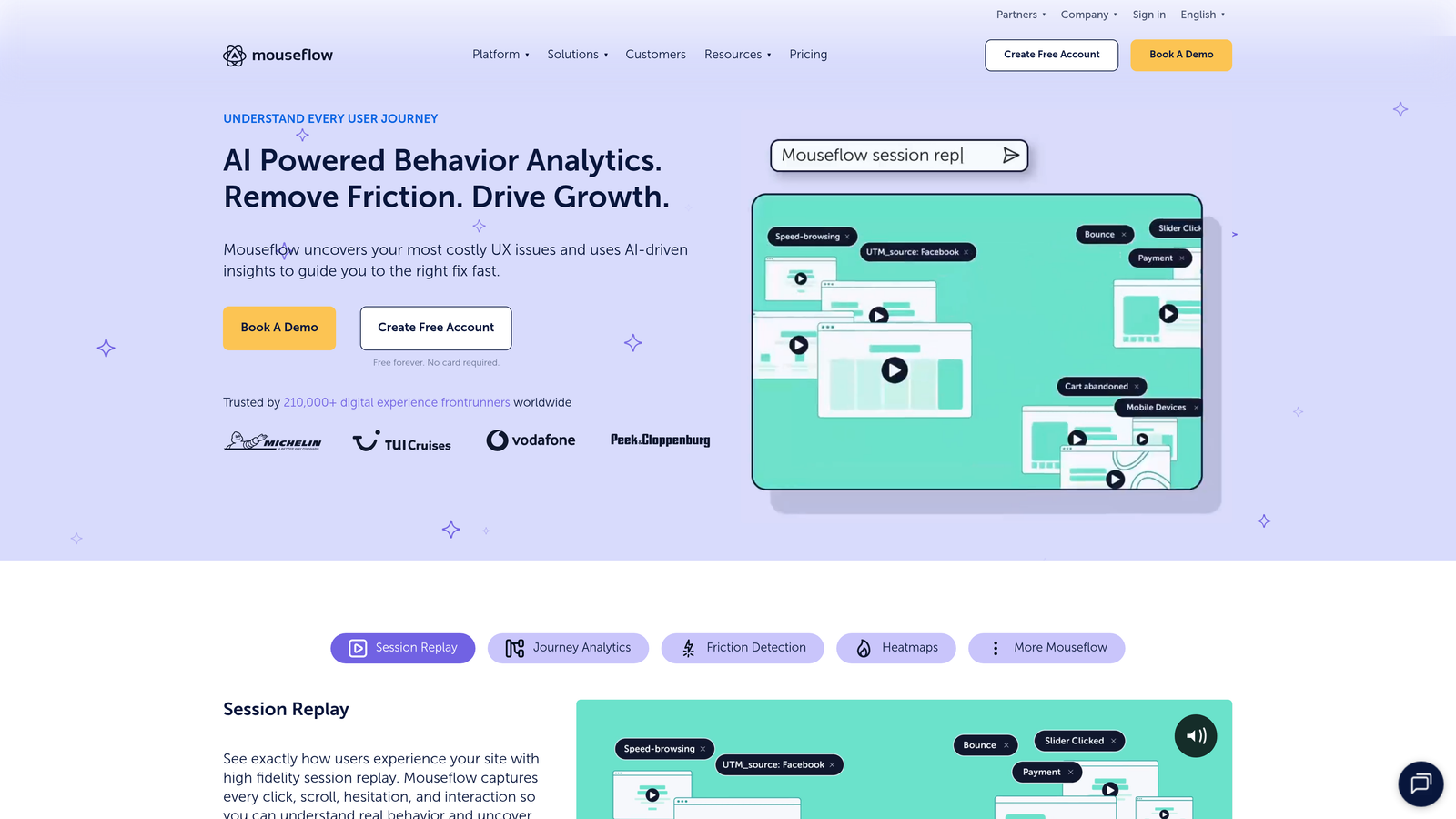
Mouseflow is a session replay and analytics platform with one of the most detailed dedicated form analytics modules on the market, tracking hesitation time, refill rates, and blank field patterns at the individual field level.
Where This Tool Shines
If field-level granularity is your priority, Mouseflow's form analytics tab is hard to beat. Beyond simple drop-off rates, it tracks hesitation time per field, how often users refill a field after initially entering data, and which fields are frequently left blank. These signals are far more nuanced than basic abandonment data and can point to specific UX problems that aren't obvious from aggregate metrics alone.
The friction score feature is a particularly practical touch. Rather than leaving you to interpret raw field data, Mouseflow assigns a friction score to each field, helping you prioritize which issues to fix first based on their impact on form completion.
Key Features
Field-Level Hesitation Tracking: Measures how long users pause on each field before interacting or moving on.
Refill Rate Tracking: Identifies fields where users frequently delete and re-enter data, a strong signal of confusion or friction.
Friction Score: Assigns a prioritized friction score per field to help teams focus optimization efforts where they matter most.
Session Recordings Filtered by Form Behavior: Pull up recordings specifically of users who dropped off at a given field.
Funnel Reports: Analyze drop-off across multi-step form sequences to see where users exit the flow.
Best For
Mouseflow is an excellent choice for e-commerce and SaaS teams with complex forms who want detailed field-level diagnostics without paying enterprise prices. It's also a strong fit for UX researchers who need granular behavioral data to support design decisions.
Pricing
Free plan available. Paid plans start at $31/month, making it one of the more competitively priced options for the depth of form analytics it provides.
5. Lucky Orange
Best for: Agencies and SMBs who want an affordable all-in-one conversion optimization suite with solid form analytics included.
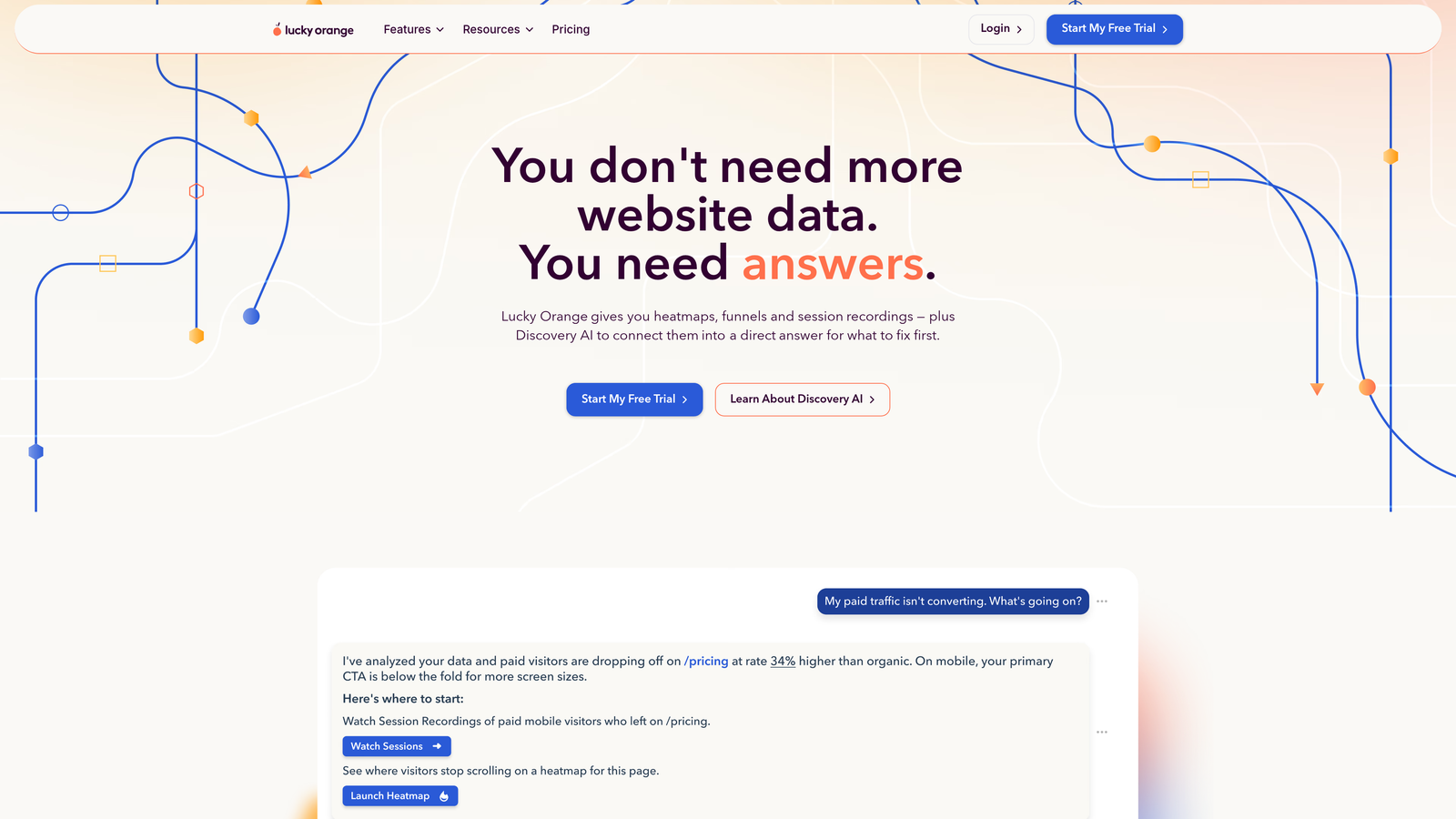
Lucky Orange is an affordable all-in-one conversion optimization suite with heatmaps, session recordings, and form analytics, popular with agencies and small-to-medium businesses looking for broad capability at a reasonable price.
Where This Tool Shines
Lucky Orange's standout feature is its live visitor view, which lets you watch real-time form interactions as they happen. For teams running time-sensitive campaigns or testing new form designs immediately after launch, this real-time visibility is genuinely useful rather than just a novelty.
The platform's value proposition is breadth at an accessible price point. You get heatmaps, click maps, scroll maps, session recordings, form analytics, live chat, and survey tools all bundled together, which makes it particularly cost-effective for agencies managing multiple client properties.
Key Features
Form Analytics: Tracks field-level drop-off and conversion rates across your forms.
Live Visitor View: Watch real-time user sessions and form interactions as they happen on your site.
Heatmaps and Click Maps: Visualize where users engage with your form pages beyond the form fields themselves.
Bundled Chat and Survey Tools: Capture qualitative feedback without needing a separate platform.
Best For
Lucky Orange is best for agencies managing multiple client sites and SMBs who want a wide range of CRO tools without the budget for enterprise-tier platforms. It's a practical choice when you need good-enough form analytics as part of a broader optimization toolkit rather than deep field-level diagnostics.
Pricing
Plans start at $32/month with a free trial available. Pricing scales based on monthly session volume.
6. Inspectlet
Best for: Small teams and startups who need basic form analytics and session recording at a budget-friendly price.
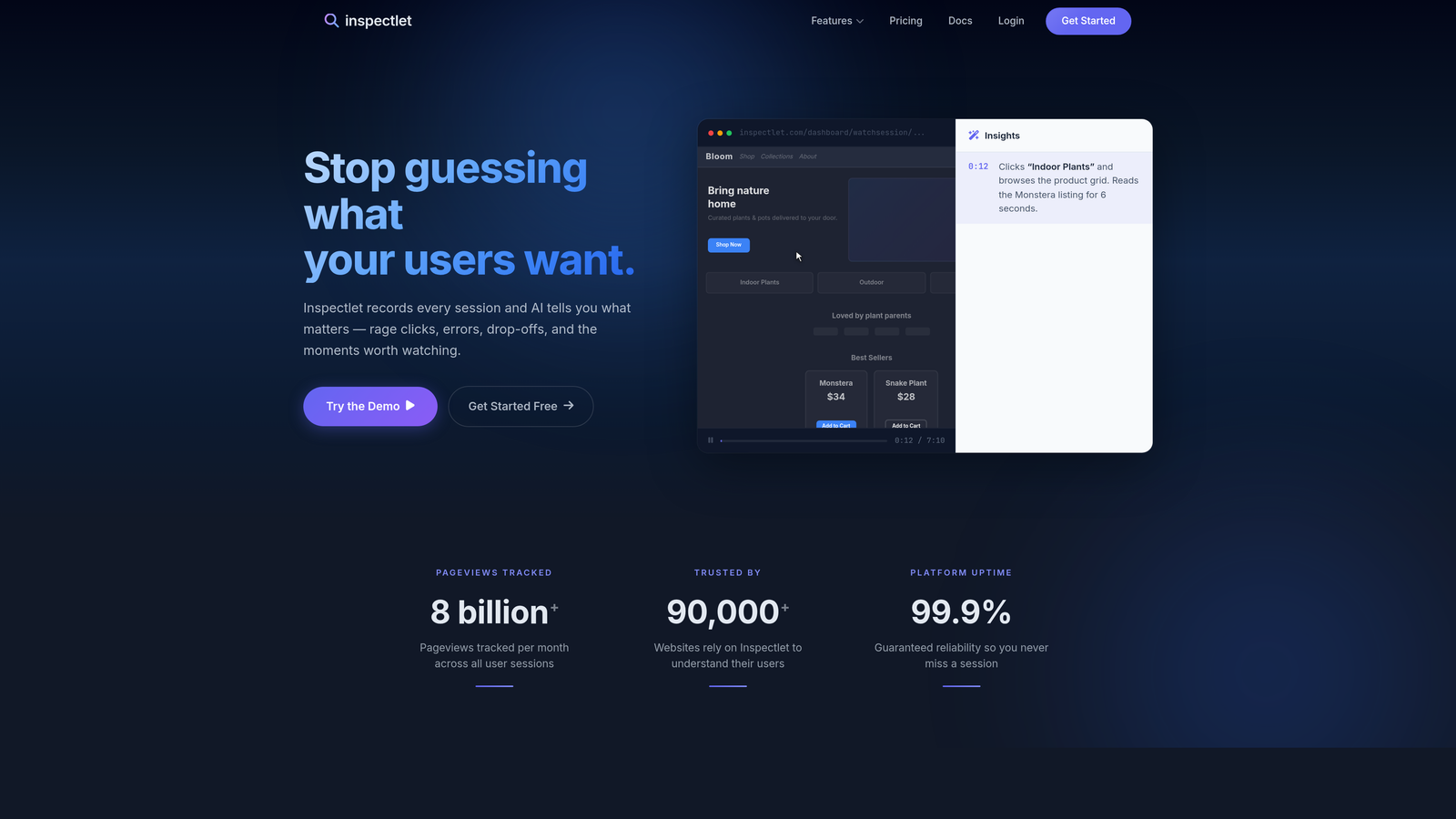
Inspectlet is a session recording and heatmap tool with form analytics capabilities, offering a budget-friendly entry point for smaller teams who need core behavioral analytics without advanced features.
Where This Tool Shines
Inspectlet's eye-tracking heatmaps, which the platform calls attention maps, provide a useful lens for understanding how users visually process your form layout before they even start filling it out. This can surface issues with form design and field ordering that field-level interaction data alone might miss.
Its error logging for failed form submissions is also a practical feature for teams who want to catch technical submission failures alongside behavioral friction, particularly useful for forms with complex validation logic.
Key Features
Form Analytics: Tracks field interactions and abandonment patterns across your forms.
Eye-Tracking Heatmaps: Attention maps show where users visually focus on form pages, useful for layout optimization.
Session Recording: Filter recordings by form behavior to review specific abandonment scenarios.
Error Logging: Captures failed form submission errors to help identify technical barriers alongside UX friction.
Best For
Inspectlet is a reasonable starting point for startups and small teams who want session recording and basic form analytics without a significant monthly commitment. It's worth noting that the platform is less actively developed than some competitors, so teams with growing needs may find themselves outgrowing it relatively quickly.
Pricing
Free plan available. Paid plans start at $39/month, with tiers based on recorded sessions per month.
7. Heap
Best for: Product analytics teams who want retroactive form event analysis without pre-instrumentation.
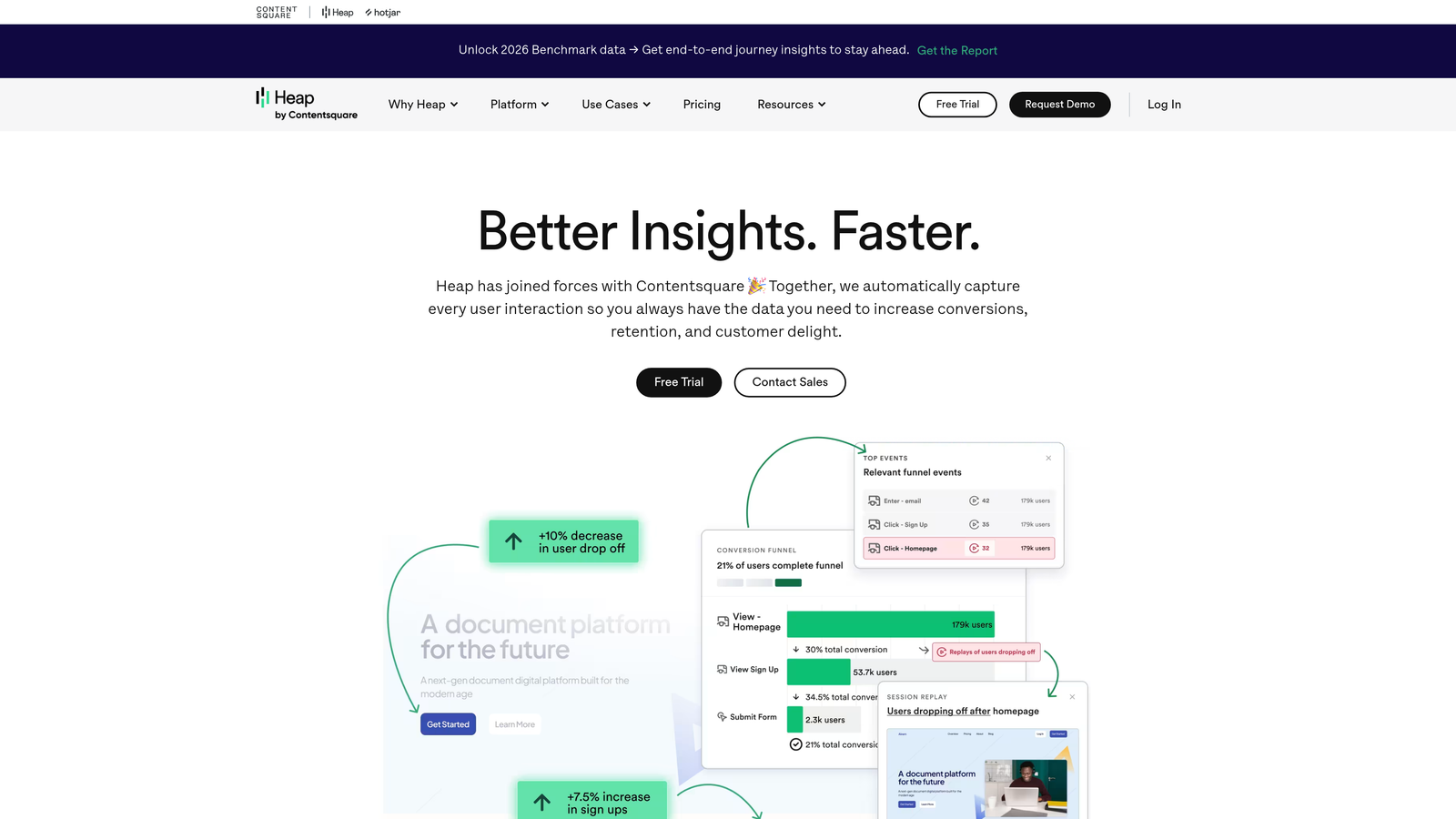
Heap is a product analytics platform that auto-captures all user interactions, including form events, without requiring manual event tagging, enabling retroactive analysis of any form interaction sequence.
Where This Tool Shines
Heap's auto-capture model means you never have to decide in advance which form interactions to track. Every field interaction, every submission attempt, every error is captured automatically. This is a significant operational advantage for product teams who move quickly and can't afford to wait for engineering to instrument new events before running analysis.
The retroactive funnel analysis capability is particularly powerful. You can define a funnel after the fact using any captured interaction, which means you can answer questions about form behavior that you didn't even think to ask when you first deployed your form.
Key Features
Auto-Capture: All form field interactions are recorded automatically without manual event setup or code changes.
Retroactive Funnel Analysis: Build and analyze any form interaction funnel after the fact using already-captured data.
Cohort and Path Analysis: Understand what happens to users after they submit a form and how different cohorts behave differently.
Data Warehouse Integration: Connect Heap data to your data warehouse for advanced analytics alongside other business data.
Best For
Heap is best for product and data teams at growth-stage and enterprise companies who want comprehensive interaction data as part of a broader product analytics practice. It's worth noting that Heap was acquired by Contentsquare in 2023, which may influence its product roadmap direction over time.
Pricing
Free plan available. Paid Growth and Pro tiers are available by quote based on monthly tracked users and feature requirements.
8. Mixpanel
Best for: Product and growth teams who want to connect form conversion events to downstream user behavior and product funnels.
Mixpanel is a product analytics platform used to track form submission events as part of broader user funnels, with powerful segmentation and cohort analysis capabilities that make it valuable for understanding what happens after a form converts.
Where This Tool Shines
Mixpanel isn't a dedicated form analytics tool, and it's worth being clear about that distinction. It doesn't give you field-level hesitation data or refill rates. What it does exceptionally well is connect your form conversion event to everything that happens before and after it in the user journey.
For SaaS teams, this means you can analyze how different traffic sources convert through your demo request form and then correlate those conversions with downstream product activation, trial conversion, or revenue. That end-to-end funnel visibility is where Mixpanel earns its place in a form analytics stack.
Key Features
Event-Based Form Tracking: Track form submissions and field interactions as named events within broader user journey funnels.
Funnel Analysis: Connect form conversion events to downstream product behavior and revenue metrics.
Cohort Analysis: Compare form conversion rates across different user segments, acquisition channels, and time periods.
Generous Free Tier: Up to 20 million monthly events on the free plan, making it accessible for teams at various stages of growth.
Best For
Mixpanel is best used as a complement to a dedicated form analytics tool rather than a replacement for one. It's ideal for product and growth teams who need to understand the full conversion journey from form submission through to revenue, with strong segmentation capabilities to support that analysis.
Pricing
Free plan available with up to 20M monthly events. The Growth plan starts at $28/month, with enterprise pricing available for larger organizations.
9. Google Analytics 4
Best for: Teams who need baseline form conversion tracking and attribution data at no cost.
Google Analytics 4 is Google's free web analytics platform that can track form submission events via enhanced measurement or Google Tag Manager, providing baseline conversion and attribution data for teams at any stage.
Where This Tool Shines
GA4's core advantage is its attribution modeling. No other tool on this list gives you a clearer picture of which traffic sources, campaigns, and channels are driving form conversions at scale. For teams running paid acquisition alongside organic efforts, understanding attribution at the form conversion level is foundational to budget allocation decisions.
The audience segmentation capabilities also make GA4 uniquely useful for remarketing to form abandoners, letting you build audiences based on specific form interaction behaviors and retarget them through Google's advertising network.
Key Features
Form Submission Event Tracking: Track form conversions via enhanced measurement or Google Tag Manager with flexible configuration options.
Attribution Modeling: Understand which traffic sources and campaigns are driving form conversions across the full customer journey.
Audience Segmentation: Build remarketing audiences based on form interaction behavior for use in Google Ads campaigns.
No Session or Pageview Limits: The standard GA4 property is free with no caps on data volume for most teams.
Best For
GA4 is best used as the attribution and traffic analysis layer in a broader form analytics stack rather than as a standalone solution. It lacks field-level insight entirely, so teams who need to understand friction within their forms will need to pair it with a dedicated tool. That said, for teams just starting out, GA4 plus one behavioral analytics tool covers a significant amount of ground at minimal cost.
Pricing
Free for standard GA4 properties with no session or pageview limits. GA4 360, the enterprise tier, is available by quote for organizations with advanced data governance and SLA requirements.
Which Tool Is Right for Your Team?
The right form analytics tool depends on what question you're actually trying to answer. Here's a quick-reference guide based on the most common use cases.
You want analytics and lead qualification in one platform: Orbit AI is the clear choice. It's the only tool on this list that connects field-level form performance data directly to lead quality signals, making it purpose-built for B2B and SaaS teams who care about qualified conversion rate, not just raw submission volume.
You want field-level granularity at a mid-market price: Mouseflow's dedicated form analytics module is the strongest option. Its hesitation tracking, refill rate data, and friction scoring give you more actionable field-level insight than most platforms at its price point.
You want behavioral context alongside form data: Hotjar remains the most accessible all-in-one option for CRO teams, combining form analytics with heatmaps, session recordings, and qualitative feedback in a single workflow.
You're an enterprise team with compliance requirements: FullStory or Heap are the right starting points, with robust data governance, auto-capture capabilities, and data warehouse integrations suited to larger organizations.
You need attribution data and you're on a tight budget: Start with Google Analytics 4 for attribution and pair it with Mouseflow or Hotjar for field-level behavioral data. That combination covers most teams' needs at a reasonable cost.
You want to understand post-submission user behavior: Mixpanel's funnel and cohort analysis capabilities make it the best complement to any dedicated form analytics tool for product and growth teams who need end-to-end conversion visibility.
For high-growth SaaS and B2B teams who want to stop optimizing for form submissions and start optimizing for pipeline quality, the combination of native analytics and AI-powered lead qualification makes Orbit AI the most strategically differentiated option in this list. Start building free forms today and see how connecting form performance data to lead qualification signals can transform the way your team thinks about conversion optimization.


