

Most growth teams obsess over traffic. They pour budget into ads, SEO, and social, then watch visitors land on a form and quietly leave. The form is where conversion actually happens, and yet it's often the least understood part of the funnel.
Form analytics tools change that. They reveal which fields cause hesitation, where users abandon, why submissions fail, and how lead quality correlates with the form experience itself. Whether you're running a simple contact form or a multi-step lead qualification flow, the right analytics tool can surface the friction you didn't know existed.
To build this list, we evaluated tools on depth of analytics, ease of setup, integration capabilities, and overall value for high-growth teams. The list covers a range: from dedicated form analytics platforms to behavioral analytics suites to AI-powered form builders with analytics built in. Here are the top form analytics and insights tools worth your attention in 2026.
1. Orbit AI
Best for: High-growth teams that want form building, lead qualification, and analytics in one platform.
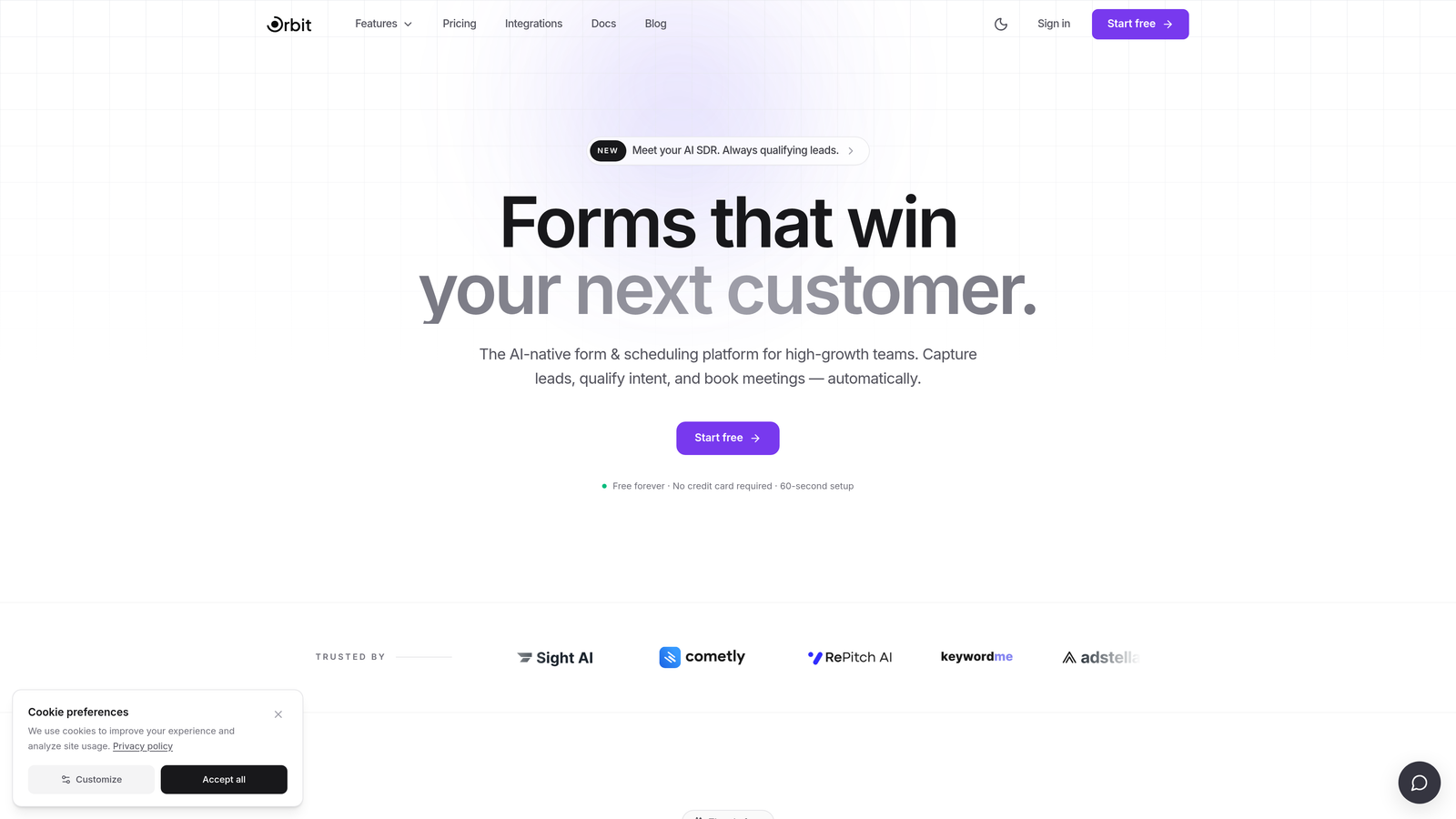
Orbit AI is an AI-powered form builder with built-in conversion analytics and lead qualification, designed for teams that don't want to stitch together separate tools for form creation and form insights.
Where This Tool Shines
Most analytics tools sit on top of your forms and report what happened. Orbit AI is different because the intelligence is baked into the form itself. You're not just tracking drop-off after the fact; the platform is actively qualifying leads and optimizing the experience as it runs.
For teams where form quality matters as much as form volume, this combination is genuinely powerful. You can see conversion metrics alongside lead quality scores, which means you're not just optimizing for submissions but for the right submissions.
Key Features
AI-Powered Lead Qualification: Forms automatically score and qualify leads in real time, so your team focuses on the highest-value prospects.
Conversion Analytics Dashboard: Track drop-off rates, completion rates, and submission trends without any third-party setup.
Modern Form Design: Beautiful, conversion-optimized form templates built to reduce friction and increase submission rates from the start.
Lead Quality Insights: See how form performance metrics correlate with lead quality, giving you a fuller picture than raw submission counts.
Real-Time Reporting: Monitor form performance as it happens, not just in retrospective dashboards.
Best For
SaaS companies, marketing teams, and high-growth businesses that want form creation and analytics in a single platform. Especially valuable for teams where lead quality is as important as conversion volume and where manual event tagging isn't a practical option.
Pricing
Visit orbitforms.ai for current plan details. A free tier is available to get started.
2. Hotjar
Best for: Teams that want behavioral analytics and form insights in a single, well-established platform.
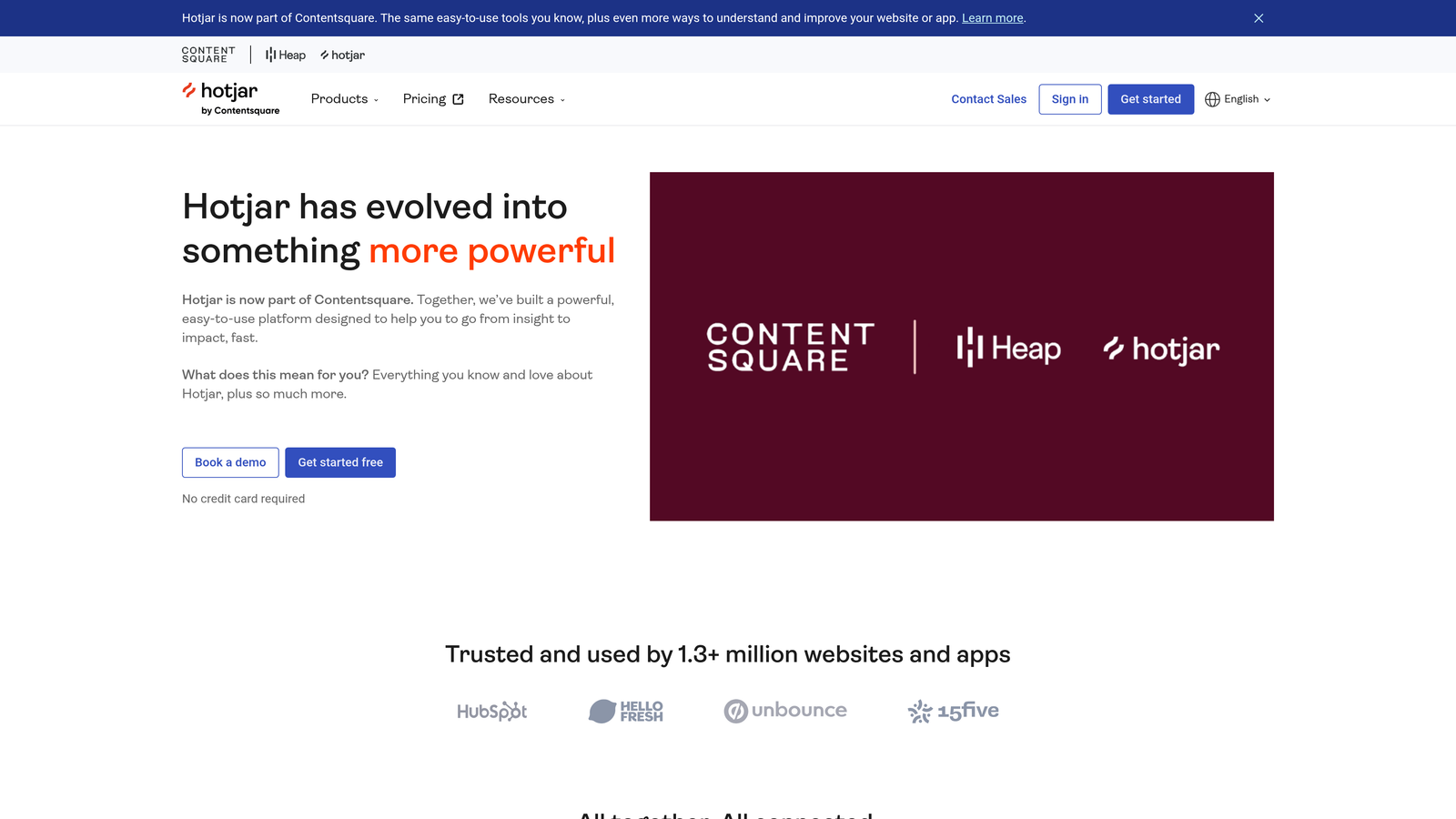
Hotjar is a behavioral analytics platform combining heatmaps, session recordings, and dedicated form analysis to help teams understand how users interact with their forms.
Where This Tool Shines
Hotjar's form analysis module tracks field-level drop-off, so you can see exactly which fields cause users to leave. Paired with session recordings, you can watch real users fill out your forms and spot friction that raw numbers might miss.
The combination of quantitative form data and qualitative feedback widgets makes Hotjar particularly useful for teams running iterative optimization cycles. You can identify a problem in the analytics, watch recordings to understand why it's happening, and then deploy a feedback widget to confirm your hypothesis.
Key Features
Form Analysis: Field-level drop-off tracking showing exactly where users abandon your forms.
Session Recordings: Watch real users interact with your forms to surface qualitative friction points.
Heatmaps: Visualize click, scroll, and move behavior on form pages to understand attention patterns.
Feedback Widgets: Collect qualitative input from users alongside quantitative form analytics.
Best For
Marketing teams and product managers who want a broad behavioral analytics suite with solid form-specific features. Works well for teams running landing page optimization alongside form optimization.
Pricing
Free basic plan available. Paid plans start at approximately $32/month, scaling with session volume and feature access.
3. Zuko Analytics
Best for: Teams that need granular, field-level form analytics as their primary focus.
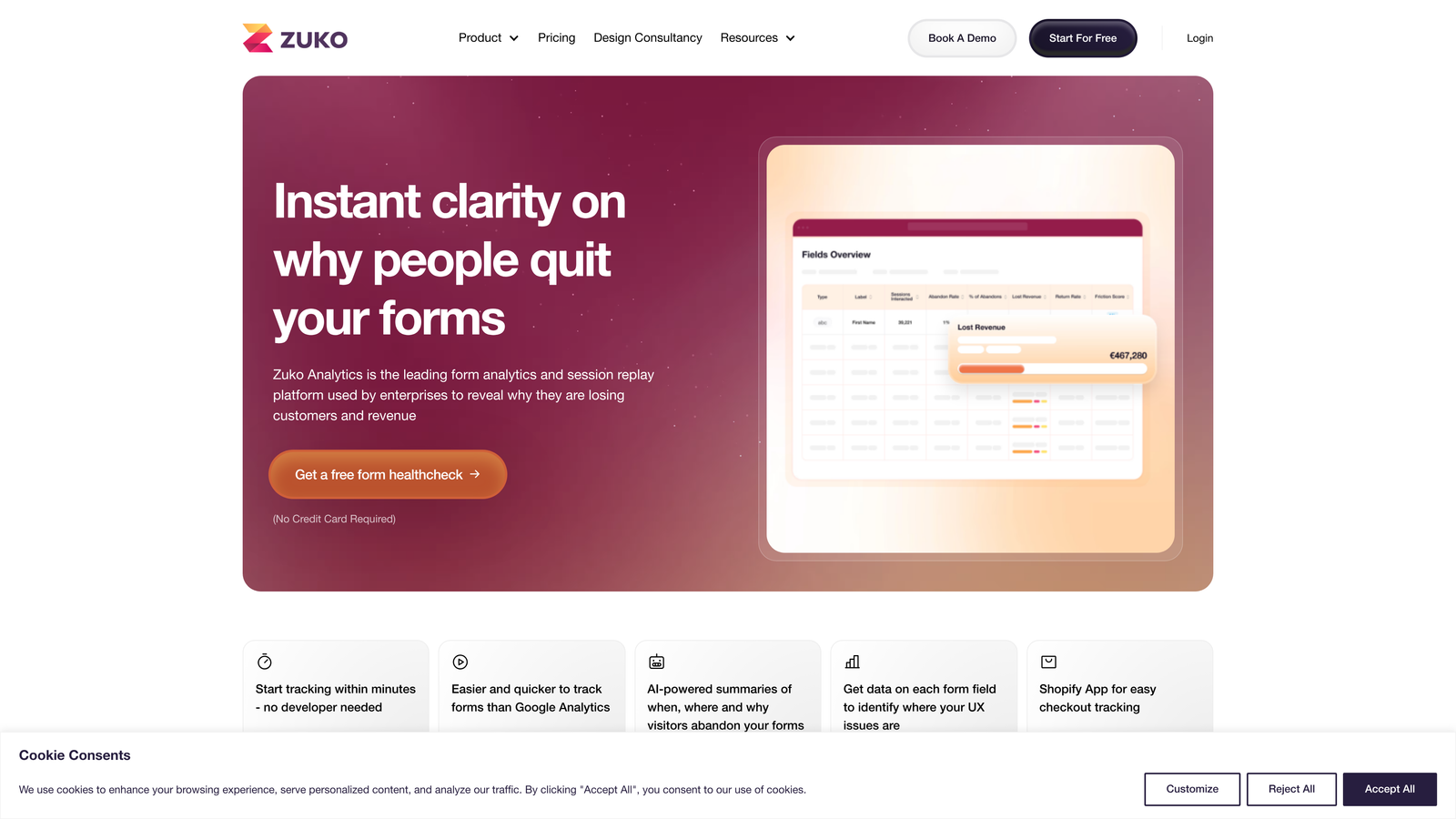
Zuko Analytics is a purpose-built form analytics platform delivering detailed field-level data including time-per-field, error tracking, abandonment rates, and funnel visualization.
Where This Tool Shines
If form analytics is your primary need rather than a secondary feature, Zuko goes deeper than most general behavioral tools. The time-per-field metric is particularly useful: long hesitation on a specific field often signals confusion or anxiety that a simple label change can resolve.
Error and validation failure tracking by field is another standout. Knowing that a specific field generates a disproportionate number of validation errors points directly to a UX fix, whether that's better formatting guidance, a clearer placeholder, or a redesigned input type.
Key Features
Field-Level Abandonment Tracking: See exactly which fields cause users to leave your form mid-completion.
Time-Per-Field Analysis: Identify hesitation points by measuring how long users spend on each field.
Error and Validation Tracking: Monitor which fields generate the most errors and failed submissions.
Form Funnel Visualization: Segment and analyze the full submission funnel with filtering options.
Best For
E-commerce, financial services, and SaaS teams with complex forms where field-level friction is a known revenue problem. Also strong for agencies managing form optimization for multiple clients.
Pricing
Plans start around £100/month. Custom enterprise pricing is available for larger organizations with high form traffic.
4. Google Analytics 4
Best for: Teams that need free form interaction tracking integrated with their existing Google ecosystem.
Google Analytics 4 is Google's event-based analytics platform that can track form interactions through custom events, providing a no-cost option for teams that need baseline form data.

Where This Tool Shines
GA4's event model is flexible enough to track form starts, field interactions, and completions with the right setup. For teams already running Google Ads, the integration between form conversion data and campaign performance is genuinely valuable: you can tie form submissions back to specific campaigns and audience segments.
The tradeoff is setup complexity. GA4 doesn't auto-detect forms the way dedicated tools do. Getting field-level insights requires custom event configuration, which means developer time or a tag manager setup. For teams with those resources, it's a powerful free option. For teams without them, the overhead can be a barrier.
Key Features
Custom Event Tracking: Track form starts, field interactions, and submissions with configurable events.
Google Ecosystem Integration: Connect form conversion data directly to Google Ads campaigns and audiences.
Audience Segmentation: Compare form behavior across different user segments and traffic sources.
No Cost: Free with no traffic volume limits on the standard tier.
Best For
Teams already invested in the Google stack who need basic form tracking without additional tool spend. Best suited for organizations with technical resources to handle custom event configuration.
Pricing
Free with no traffic limits. GA360 enterprise tier is available for large organizations with advanced data needs.
5. Microsoft Clarity
Best for: Teams that want behavioral analytics and frustration signal detection at zero cost.
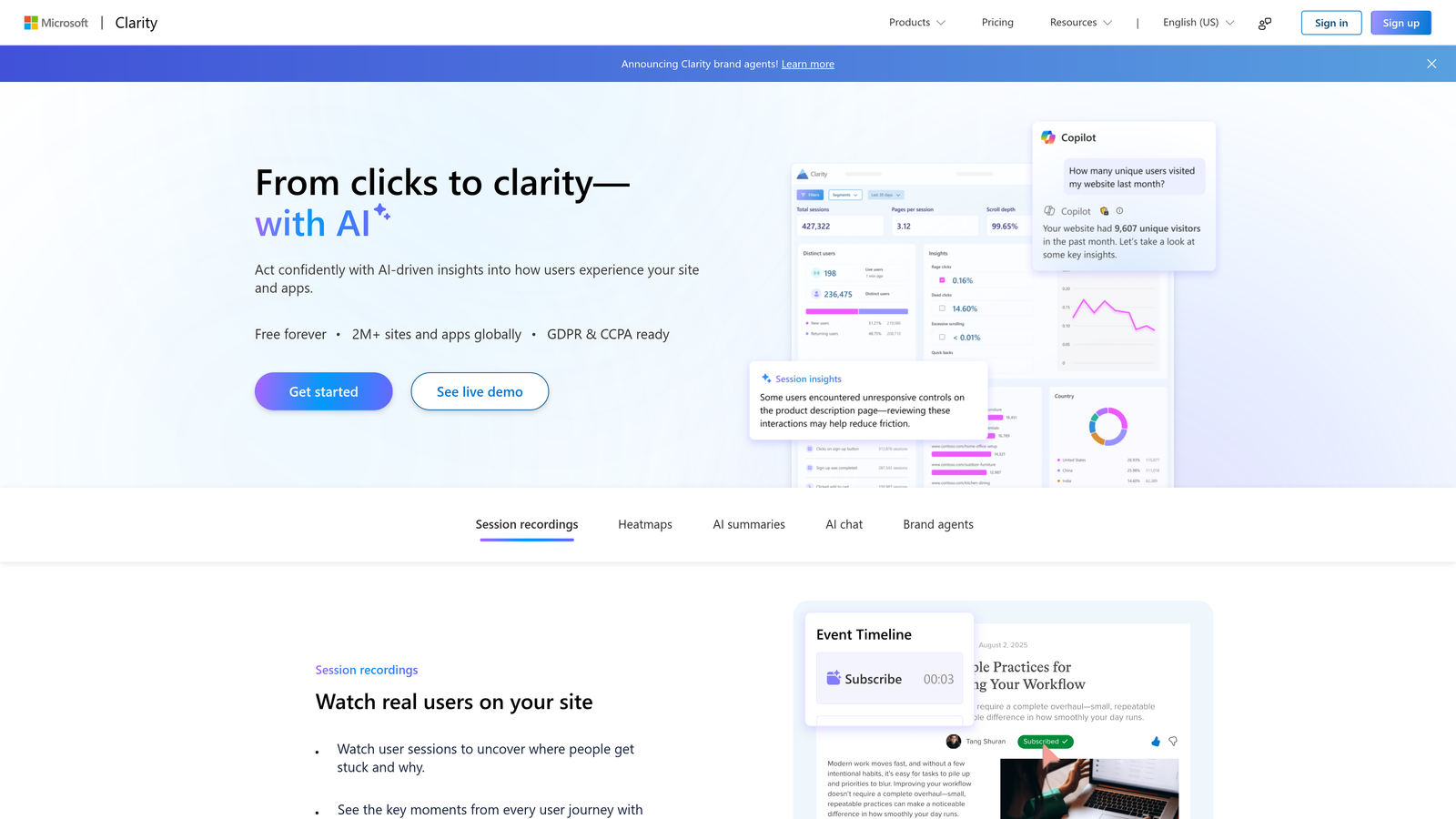
Microsoft Clarity is a free behavioral analytics tool offering unlimited session recordings, heatmaps, and smart detection of frustration signals like rage clicks on form elements.
Where This Tool Shines
The value proposition here is straightforward: Clarity offers capabilities comparable to paid behavioral tools at no cost and with no traffic caps. Unlimited session recordings mean you're never working from a sampled dataset, which matters when you're trying to identify edge-case friction in specific form flows.
The Copilot AI summaries are a newer addition worth noting. Rather than manually reviewing recordings, Clarity can surface patterns in user behavior and flag anomalies, which makes the tool more accessible for teams without dedicated analysts.
Key Features
Unlimited Session Recordings: Watch every user session with no caps or sampling restrictions.
Heatmaps: Visualize click, scroll, and move behavior across your form pages.
Frustration Signal Detection: Automatically flag rage clicks and dead clicks on form fields.
Copilot AI Summaries: AI-generated summaries of behavior patterns to speed up analysis.
Best For
Startups, small teams, and anyone looking to add behavioral analytics to their form pages without budget constraints. Also a strong complement to GA4 for teams that want qualitative session data alongside quantitative event tracking.
Pricing
Completely free with no traffic limits and no paid tiers.
6. Mouseflow
Best for: Teams that want a dedicated form analytics module alongside a full behavioral analytics suite.
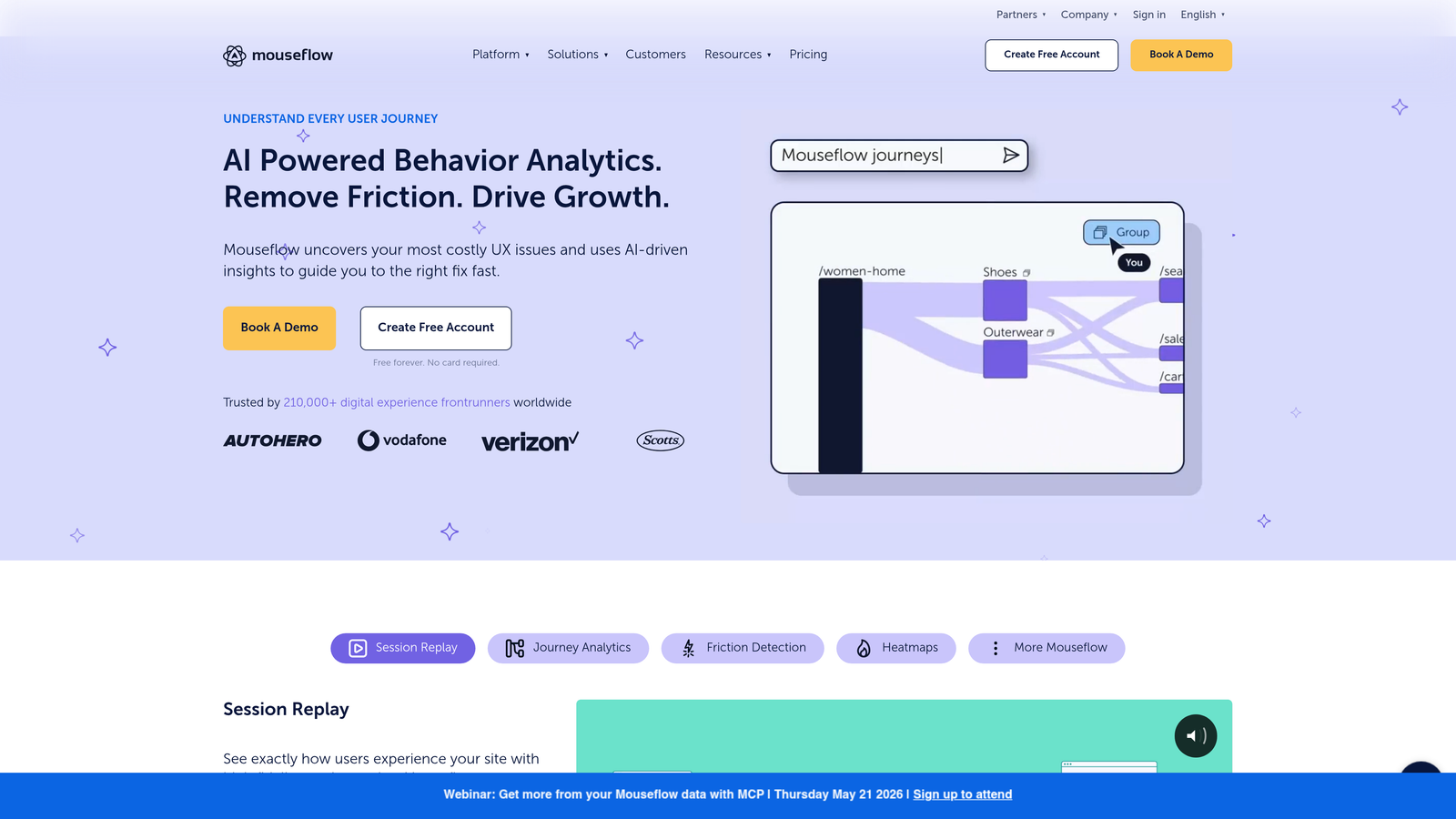
Mouseflow is a behavioral analytics platform with a purpose-built form analytics module that auto-detects forms and tracks detailed metrics on drop-off, refill rates, and field-level friction.
Where This Tool Shines
Mouseflow's auto-detection is a practical advantage: the platform finds your forms without manual configuration and starts tracking immediately. The refill rate metric is particularly useful and often overlooked. When users delete what they've typed and start over on a specific field, it's a strong signal that the field label, format, or validation is causing confusion.
The friction scoring feature helps teams prioritize where to focus optimization effort, especially useful when you're managing multiple forms and need to triage which ones have the most impact on conversion.
Key Features
Auto-Detection Form Analytics: Automatically identifies and tracks forms across your site without manual setup.
Refill Rate Tracking: Spots fields where users repeatedly delete and re-enter data, signaling confusion.
Friction Scoring: Prioritizes fields and forms by their impact on conversion, helping teams focus effort effectively.
Multi-Step Funnel Analysis: Tracks user progress through multi-page and multi-step form flows.
Best For
Mid-sized teams running multiple forms across their site who need both behavioral analytics and dedicated form tracking without managing two separate tools.
Pricing
Free plan available. Paid plans start at approximately $31/month, scaling with session recording volume.
7. FullStory
Best for: Enterprise teams that need deep digital experience intelligence without manual event tagging.
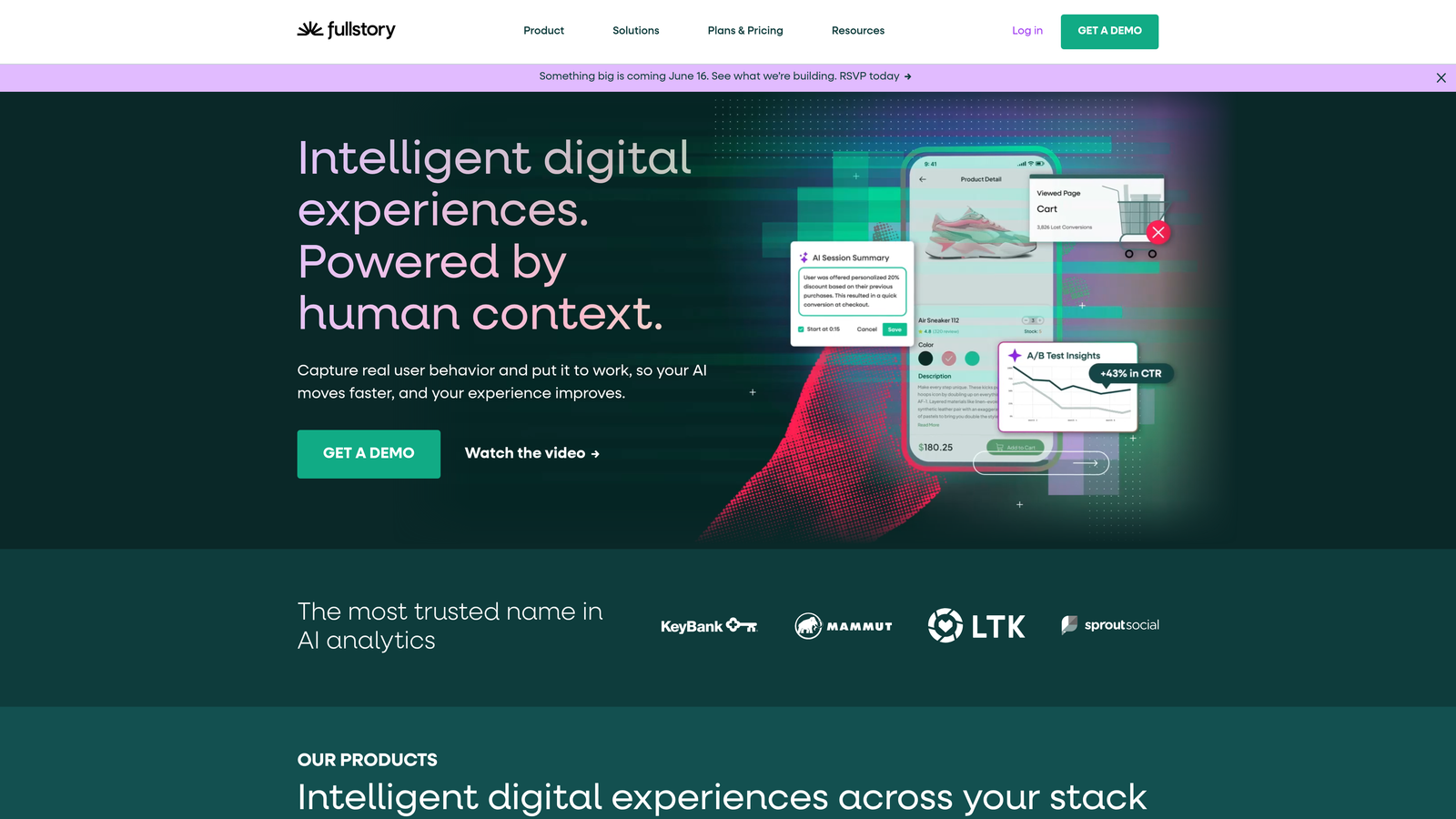
FullStory is an enterprise digital experience intelligence platform that auto-captures every user interaction, enabling comprehensive analysis of form flows without any manual instrumentation.
Where This Tool Shines
FullStory's autocapture approach is its defining characteristic. Because every interaction is captured by default, you can retroactively analyze form behavior for events you didn't think to track at setup time. For enterprise teams with complex form flows, this eliminates the common problem of discovering a friction point and realizing you have no historical data on it.
The frustration signal detection goes beyond basic rage click tracking. FullStory surfaces error clicks and thrashed cursor behavior, which together paint a detailed picture of where users are struggling within a form experience.
Key Features
Autocapture: Records every user interaction automatically with no manual event configuration required.
Frustration Signal Detection: Identifies rage clicks, error clicks, and thrashed cursor patterns in form interactions.
Powerful Search and Segmentation: Find specific form interaction patterns across your full user base with flexible filtering.
Platform Integrations: Connects with major product analytics, CRM, and marketing automation platforms.
Best For
Enterprise product and growth teams with complex, high-traffic form flows where retroactive analysis and deep segmentation capabilities justify the investment.
Pricing
Custom pricing based on session volume and feature requirements. A free trial is available to evaluate the platform.
8. Lucky Orange
Best for: Small-to-mid-sized teams that want an affordable all-in-one analytics suite with real-time capabilities.
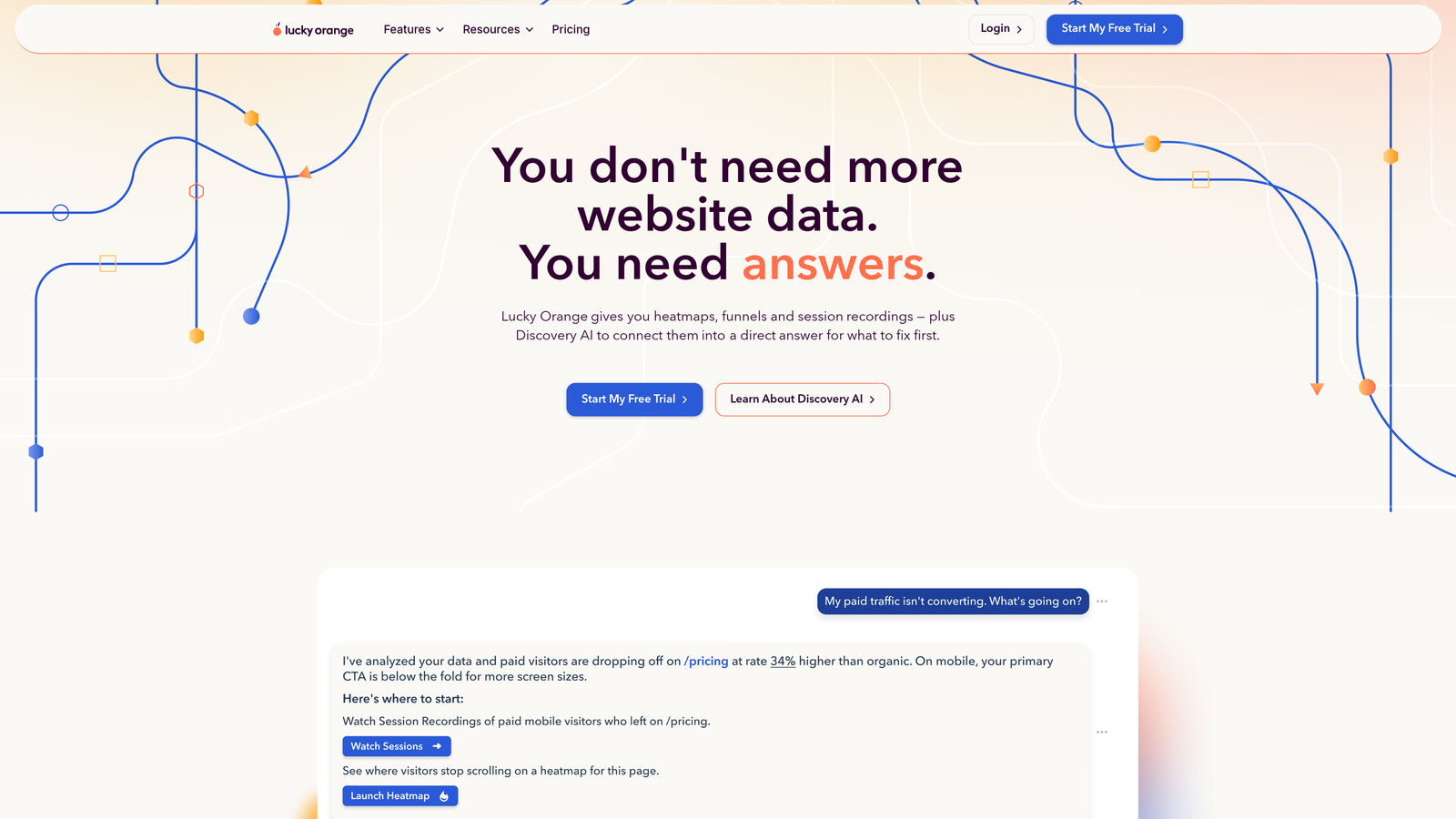
Lucky Orange is an affordable behavioral analytics platform offering real-time visitor dashboards, session recordings, heatmaps, and form analytics in a single package.
Where This Tool Shines
Lucky Orange's real-time dashboard is a differentiator worth highlighting. You can watch live visitors interacting with your forms as it happens, which is particularly useful during a campaign launch or after a form redesign when you want immediate feedback rather than waiting for aggregated reports.
For smaller teams, the pricing model makes it one of the most accessible options on this list without sacrificing core form analytics functionality. Field-level abandonment data, session recordings, and dynamic heatmaps are all included at a price point that doesn't require a separate budget approval.
Key Features
Real-Time Dashboard: Monitor live visitors interacting with your forms as sessions happen.
Field-Level Form Analytics: Track abandonment and interaction data at the individual field level.
Session Recordings and Heatmaps: Full behavioral context alongside form-specific metrics.
Accessible Pricing: Competitive pricing designed for teams without enterprise analytics budgets.
Best For
Small businesses, startups, and lean marketing teams that need a comprehensive analytics suite at a price point that scales with their growth rather than requiring an enterprise commitment upfront.
Pricing
Free plan available. Paid plans start at approximately $32/month, with tiers scaling by pageview volume.
9. Formisimo (by Zuko)
Best for: Teams migrating from Formisimo or evaluating Zuko's full platform capabilities.
Formisimo, now fully integrated into the Zuko platform, was one of the original dedicated form analytics tools and remains relevant for teams evaluating migration paths or researching the history of this category.
Where This Tool Shines
Formisimo pioneered field-level form analytics before the broader behavioral analytics market caught up. Its acquisition and integration into Zuko means existing Formisimo users have a clear migration path that preserves historical data and expands available features rather than requiring a full platform switch.
For teams currently running Formisimo, the transition to Zuko brings access to the full suite of features covered earlier in this list, including the enhanced funnel visualization and segmentation capabilities that have been added to the platform since the merger.
Key Features
Field-Level Analytics Heritage: The foundational form tracking methodology that influenced the broader category, now part of Zuko.
Historical Data Migration: Existing Formisimo users can migrate data and continue analysis within the Zuko platform.
Full Zuko Feature Access: All current Zuko capabilities are available to migrating Formisimo users.
Legacy Integration Support: Continued support for existing integrations during the transition period.
Best For
Teams currently using Formisimo who are planning a migration, or organizations that have evaluated Formisimo historically and want to understand how the platform has evolved under the Zuko umbrella.
Pricing
Now part of Zuko. See Zuko's current pricing at zuko.io, starting around £100/month.
Choosing the Right Tool for Your Team
The right form analytics tool depends on what you're actually trying to solve. Are you building and optimizing forms from scratch? Do you need behavioral context around existing forms? Or are you looking for the deepest possible field-level data on a complex, high-stakes form flow?
For teams that want everything in one place, Orbit AI stands out because it combines form creation, AI-powered lead qualification, and conversion analytics without requiring a separate analytics overlay. If your goal is to improve both the volume and quality of leads coming through your forms, starting with a platform built for that outcome makes more sense than retrofitting analytics onto a basic form builder.
For behavioral context on top of existing forms, Hotjar and Mouseflow are the most accessible paid options, while Microsoft Clarity remains the strongest free choice for teams that need session recordings and heatmaps without budget constraints.
For pure form analytics depth, Zuko is the specialist. For enterprise-scale autocapture and retroactive analysis, FullStory is the clear leader. And for teams already running the Google stack, GA4 provides a solid free baseline when paired with proper event configuration.
Whatever tool you choose, the underlying principle is the same: the data is already there in your form interactions. The teams that act on it will consistently outperform those that don't.
If you're ready to combine form building and analytics in a single platform built for conversion, start building free forms today with Orbit AI and see how intelligent form design can elevate your lead generation strategy.


