

If you're investing in forms for lead generation, you need to know what's working and what's quietly killing your conversion rate. Form analytics software gives you the visibility to see where users drop off, which fields cause friction, and which form variations convert best. But pricing across these tools varies wildly: some charge per form submission, others per seat, and a few bundle analytics into broader platforms.
This guide breaks down the best form analytics tools available in 2026, what each one actually costs, and which teams they're best suited for. Whether you're a lean SaaS startup optimizing a single lead capture form or a growth team running multi-step qualification flows across dozens of pages, there's a right tool for your budget and use case.
1. Orbit AI
Best for: High-growth B2B SaaS teams who want analytics and AI-powered lead qualification in one platform
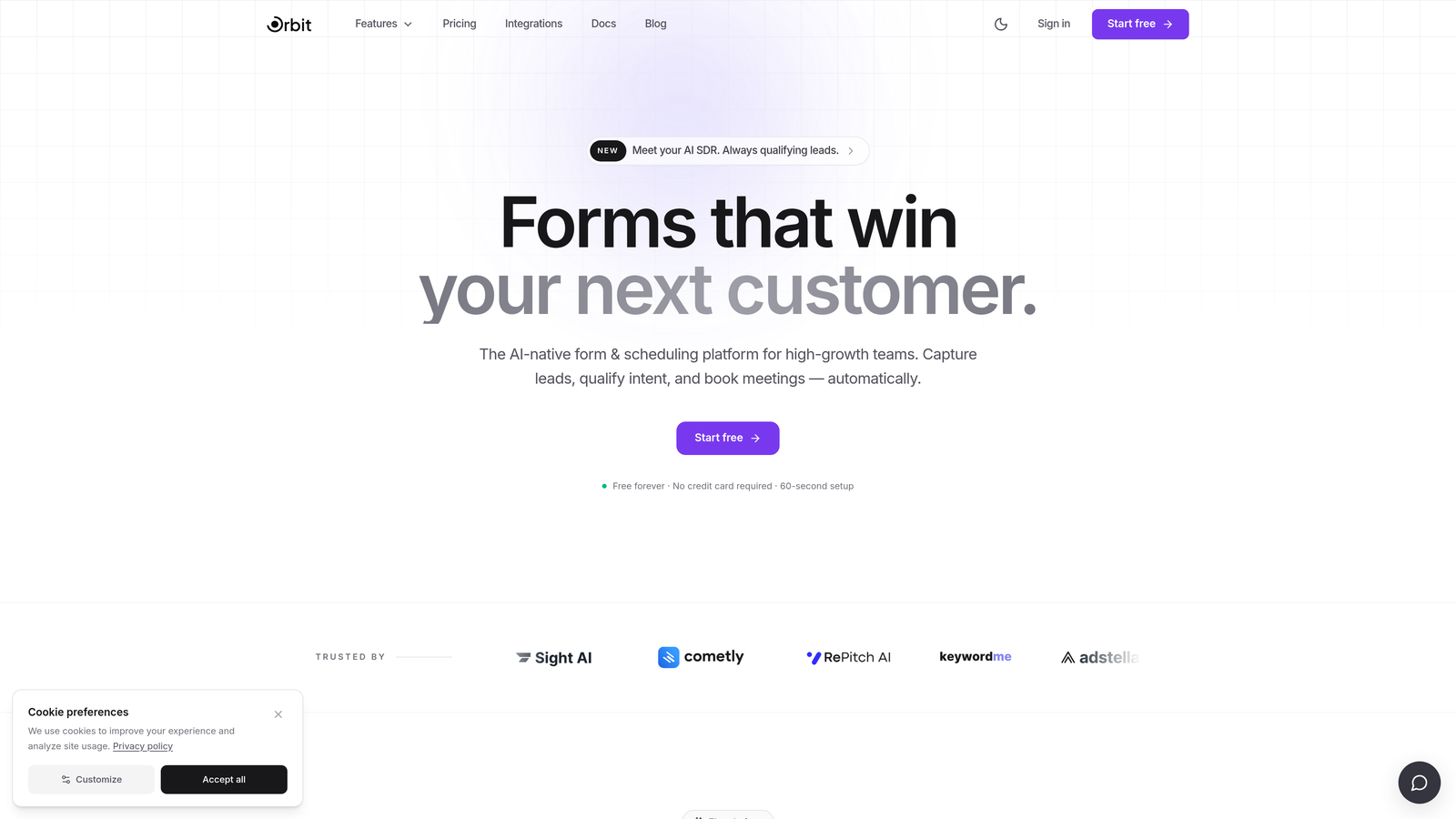
Orbit AI is an AI-powered form builder with native lead qualification and built-in conversion analytics, designed for teams where form performance directly impacts pipeline.
Where This Tool Shines
Most form analytics tools are bolt-on solutions: you build your form somewhere, then connect a separate analytics platform to figure out what's happening. Orbit AI takes a different approach by baking analytics directly into the form builder itself. You get conversion data, drop-off signals, and lead qualification insights all in one place without stitching together integrations.
The AI-powered lead qualification layer is what truly sets it apart from the competition. Rather than just telling you how many people completed your form, Orbit AI scores and qualifies leads in real time as they move through the form flow. For B2B SaaS teams where lead quality matters as much as lead volume, that distinction is significant.
Key Features
AI-Powered Lead Qualification: Scores and qualifies leads automatically within the form flow, surfacing high-intent prospects in real time.
Native Analytics Dashboard: Conversion data, drop-off rates, and field-level insights are built in, with no third-party integrations required.
Multi-Step Form Support: Conversion optimization tools designed for complex, multi-step qualification flows common in B2B SaaS.
No-Code Form Builder: Modern, visually polished form design accessible without developer involvement.
Real-Time Lead Scoring: Qualification signals surface immediately, letting sales teams prioritize follow-up based on form behavior and responses.
Best For
Growth teams at B2B SaaS companies who want more than completion rate data. If your goal is pipeline quality and you need analytics that connect form behavior to lead value, Orbit AI is built specifically for that use case rather than adapted from a general-purpose tool.
Pricing
Check current pricing at orbitforms.ai. Pricing details are updated directly on the site and may vary by plan tier.
2. Hotjar
Best for: CRO and UX teams who want form analytics alongside heatmaps and session recordings
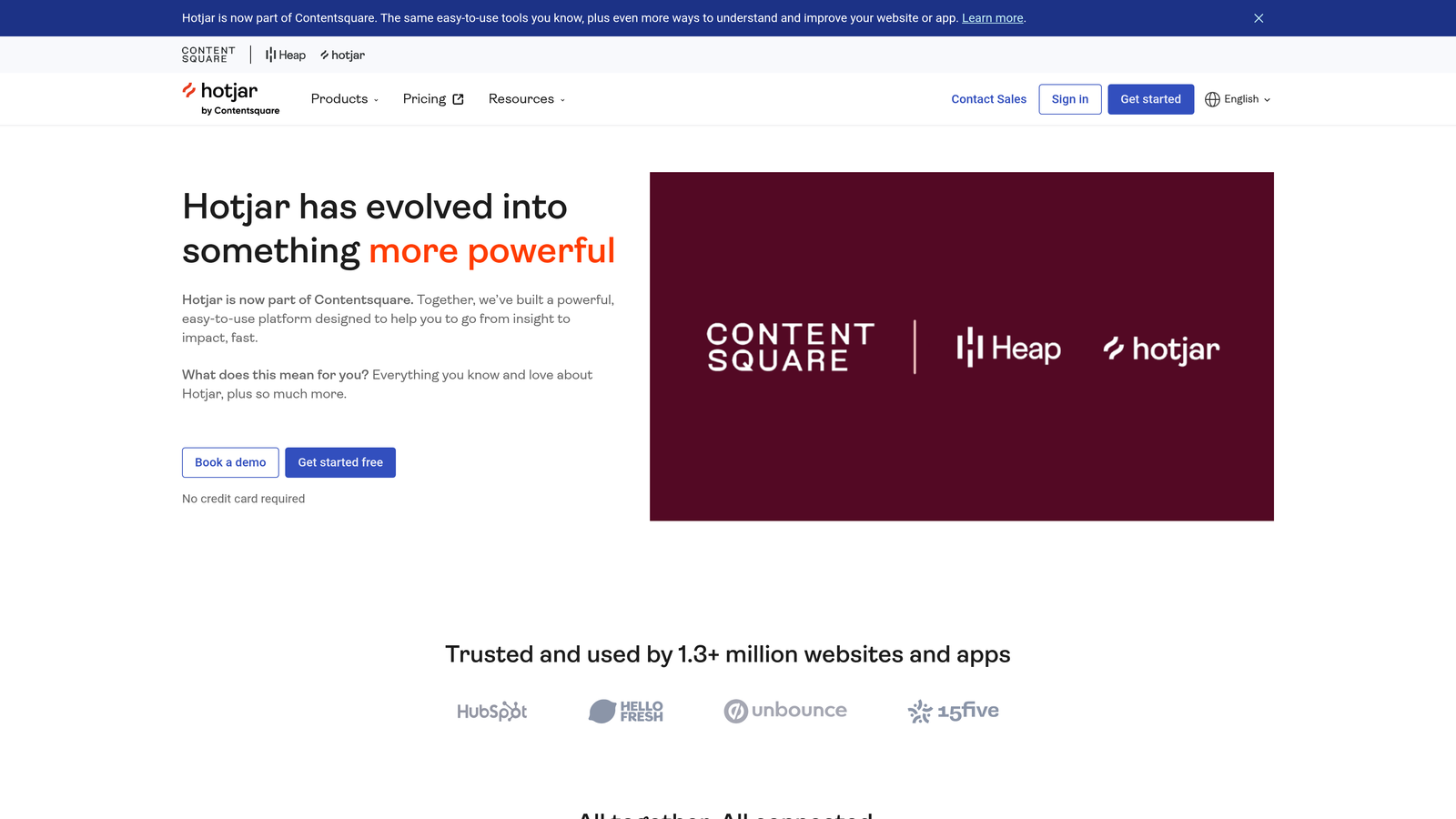
Hotjar is a behavioral analytics platform combining heatmaps, session recordings, and a dedicated form analytics module in a single subscription.
Where This Tool Shines
Hotjar's strength is context. When you see a drop-off at a specific form field, you can immediately pull a session recording of users who abandoned at that exact point and watch what happened. That combination of quantitative field-level data and qualitative session replay is genuinely useful for diagnosing friction.
The free Observe plan makes Hotjar accessible for smaller teams or early-stage testing. You won't get the full feature set, but it's enough to validate whether form analytics belongs in your stack before committing to a paid tier.
Key Features
Field-Level Drop-Off Tracking: See exactly which fields users abandon, hesitate on, or leave blank before submitting.
Session Recordings: Filter recordings by form abandonment to watch real user behavior at the moment of friction.
Heatmaps: Understand where users engage on the page before and after encountering your form.
Integrations: Connects with HubSpot, Segment, and major analytics platforms for cross-tool reporting.
Free Tier: The Observe free plan gives limited access to heatmaps and recordings without a credit card.
Best For
UX researchers and CRO specialists who need form data in context with broader on-page behavior. Hotjar works well for teams that want one tool covering heatmaps, session replay, and form analytics rather than managing three separate platforms.
Pricing
Free Observe plan available. Paid plans start at approximately $32/month for the Plus tier. Verify current pricing at hotjar.com.
3. Mouseflow
Best for: Teams who want a friction score to prioritize which form problems to fix first
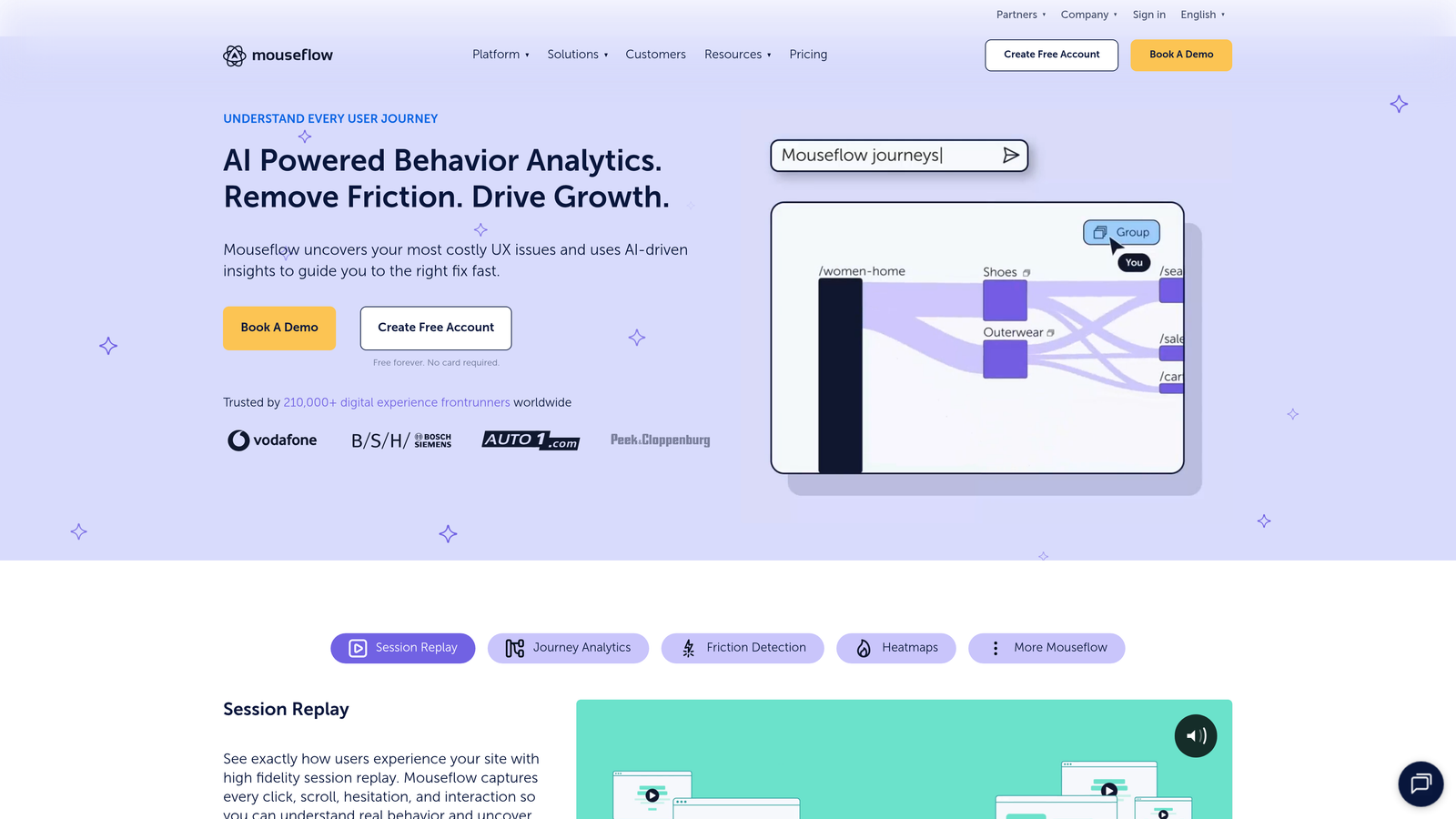
Mouseflow is a session replay and form analytics platform with a dedicated Form Analytics module that tracks field-level behavior in granular detail.
Where This Tool Shines
Mouseflow goes deeper than basic drop-off rates. Its form analytics module tracks hesitation time, refill behavior, and blank submissions alongside standard abandonment data. The friction score feature is particularly practical: rather than leaving you to interpret raw field metrics, Mouseflow surfaces a prioritized list of form issues ranked by impact.
The funnel analysis tied to form completion steps helps teams understand whether drop-off is happening within the form itself or earlier in the page flow, which changes the optimization strategy considerably.
Key Features
Friction Score: Automatically prioritizes which form fields are causing the most measurable user friction.
Hesitation and Refill Tracking: Goes beyond drop-off to capture when users pause, correct, or re-enter field data.
Funnel Analysis: Ties form completion steps to broader funnel behavior for full-context analysis.
Session Replay Filtering: Filter recordings specifically by users who abandoned a form for targeted qualitative review.
Free Plan: Limited monthly sessions available on the free tier for initial testing.
Best For
Growth and CRO teams who want actionable prioritization, not just raw data. If you're managing multiple forms and need to know where to focus optimization effort first, Mouseflow's friction scoring gives you a clear starting point.
Pricing
Free plan available with limited sessions. Paid plans start at approximately $31/month. Verify current pricing at mouseflow.com.
4. Zuko
Best for: Enterprise teams needing the most granular field-level form analytics available
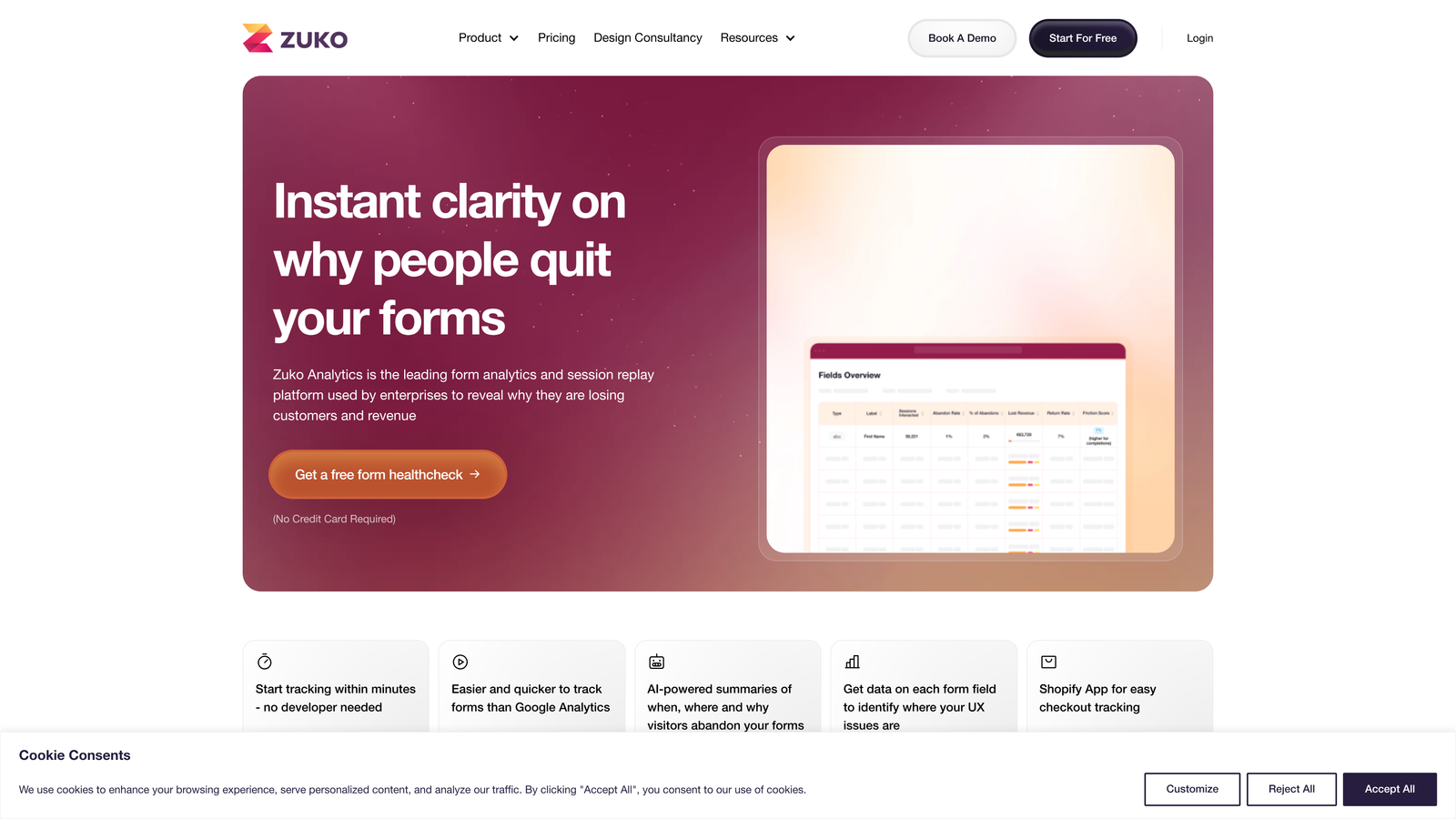
Zuko (formerly Formisimo) is a purpose-built form analytics platform that exists solely to analyze form performance, with no form builder or broader behavioral suite attached.
Where This Tool Shines
Zuko is the most specialized tool on this list. Because it does one thing, it does that one thing exceptionally well. Field-level data includes time spent per field, correction rates, abandonment points, and benchmarking against industry completion rates so you know whether your form performance is actually below average or just feels that way.
Implementation is via a JavaScript snippet that works across any form on any platform. That platform-agnostic approach makes Zuko useful for teams whose forms live across multiple tools or custom-built pages, where native analytics simply don't exist.
Key Features
Field-Level Time and Correction Data: Tracks exactly how long users spend on each field and how often they correct their entries.
Industry Benchmarking: Compare your form completion rates against sector-specific benchmarks.
Platform-Agnostic Tracking: Works on any form via JavaScript snippet, regardless of which platform built it.
Session-Based Pricing: You pay for form sessions tracked, not seats or feature tiers.
Analytics-Only Focus: No builder, no recordings, no heatmaps — purely form performance data.
Best For
Enterprise teams with complex checkout flows, application forms, or multi-step qualification processes who need the deepest possible field-level data. Also well-suited to teams whose forms span multiple platforms and need a single analytics layer across all of them.
Pricing
Paid-only tool. Pricing starts at around $79/month based on form sessions tracked. Verify current pricing at zuko.io.
5. Google Analytics 4 (GA4)
Best for: Teams with developer resources who want free form tracking integrated into their existing analytics stack
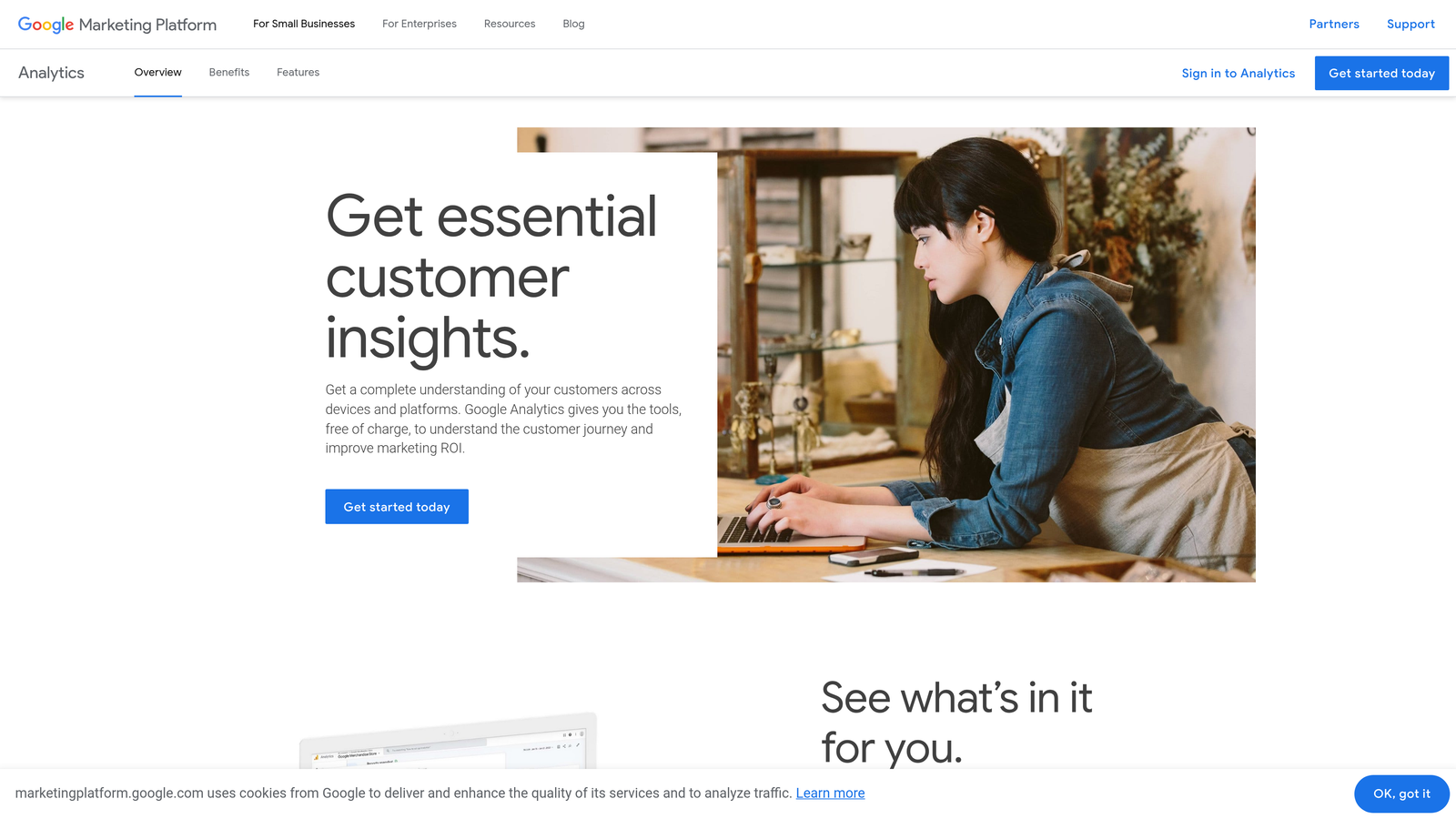
Google Analytics 4 is Google's free web analytics platform that can track form interactions through custom events configured via Google Tag Manager.
Where This Tool Shines
The obvious advantage is cost: GA4 is free for standard use and likely already installed on your site. If your team has a developer or someone comfortable with Google Tag Manager, you can configure form start, form completion, and field-level interaction events without paying for a dedicated tool.
The funnel exploration reports in GA4 are genuinely powerful for visualizing multi-step form drop-off once your events are configured correctly. The catch is that "once configured correctly" can represent a meaningful investment of developer time, especially for complex forms.
Key Features
Custom Event Tracking: Configure form starts, completions, and field interactions as custom events via Google Tag Manager.
Funnel Exploration Reports: Visualize step-by-step drop-off through multi-step form flows.
Google Ecosystem Integration: Native connections to Google Ads, Looker Studio, and BigQuery for extended reporting.
Enterprise Tier: GA4 360 adds higher data limits and advanced features for large organizations.
Free Standard Tier: No cost for the standard version, which covers most small-to-mid-size team needs.
Best For
Teams that already use GA4 extensively and want to add form tracking without a new tool budget. Best suited to organizations with technical resources to handle the GTM setup and ongoing event maintenance that form tracking requires.
Pricing
Free for standard use. GA4 360 enterprise pricing requires a custom quote from Google. Verify current details at analytics.google.com.
6. Typeform Analytics
Best for: Teams already using Typeform who want built-in analytics without additional tools
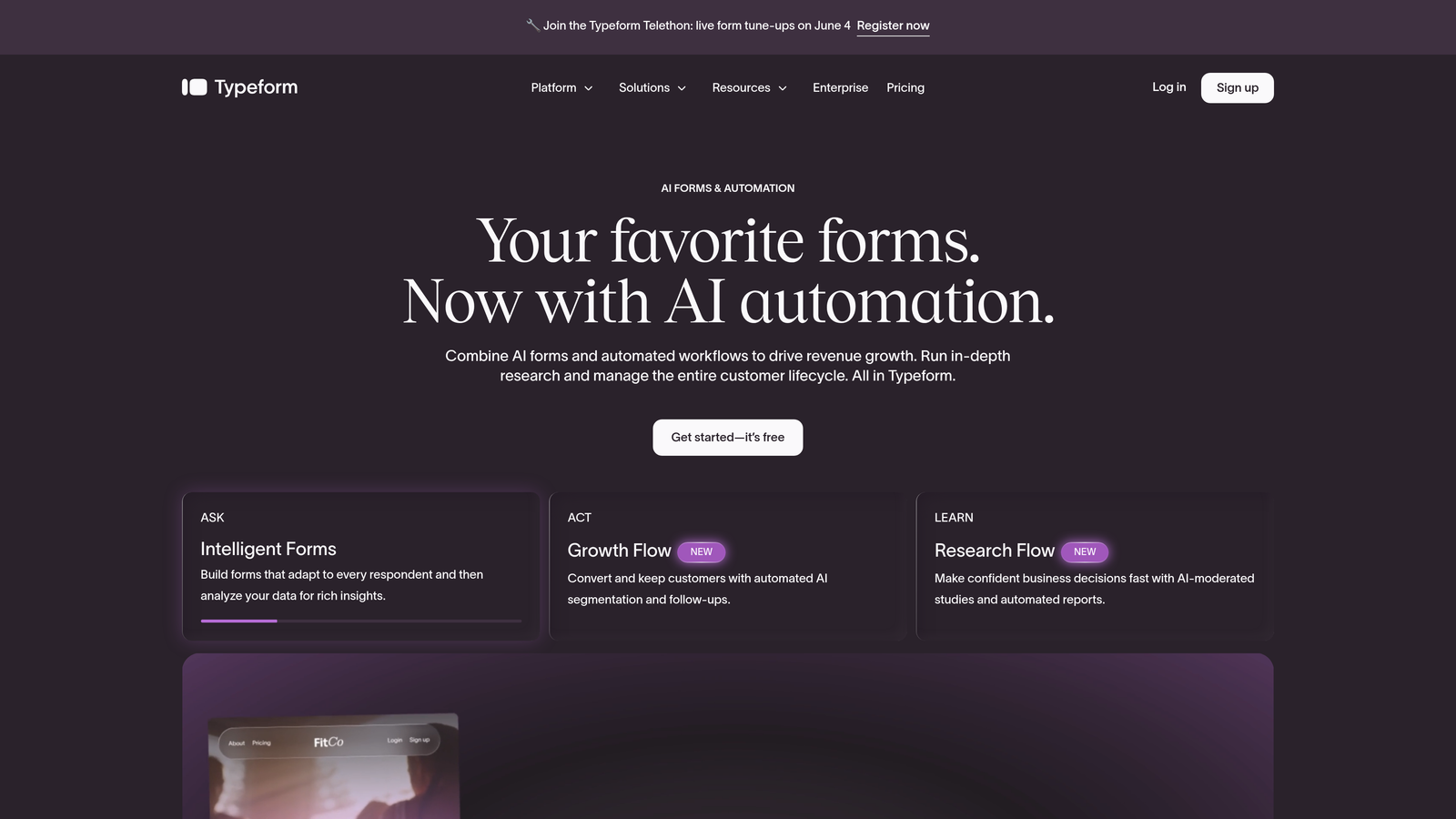
Typeform includes native analytics for all forms built on its platform, covering completion rates, average time, and question-level drop-off data out of the box.
Where This Tool Shines
Typeform's analytics require zero setup. If you've built a form in Typeform, the analytics are already there. Question-level drop-off rates, average completion time, and device breakdowns are all visible in the dashboard the moment you start receiving responses. For teams who want insight without configuration overhead, that convenience has real value.
The trade-off is scope. Typeform analytics are limited to forms built within Typeform, and the data depth doesn't match dedicated tools like Zuko. But for teams whose entire form operation runs through Typeform, the native analytics are often sufficient for day-to-day optimization.
Key Features
Question-Level Drop-Off: See exactly which questions in your Typeform cause users to abandon, with no setup required.
Completion Rate and Time Data: Overall completion rate and average time to complete are available for every form.
Traffic Source Breakdown: Understand where form visitors are coming from alongside completion behavior.
Device Analytics: See how completion rates differ across desktop and mobile visitors.
Zero Integration Required: Analytics are native to the platform with no additional tools or configuration needed.
Best For
Teams already committed to Typeform as their form builder who want a clean analytics view without adding another tool to their stack. Not the right choice if you need cross-platform form analytics or deeper field-level behavioral data.
Pricing
Free tier available. Paid plans start at $25/month for the Basic plan. Verify current pricing at typeform.com.
7. Jotform Analytics
Best for: High-volume form users who want submission trends and traffic data within a generous free tier
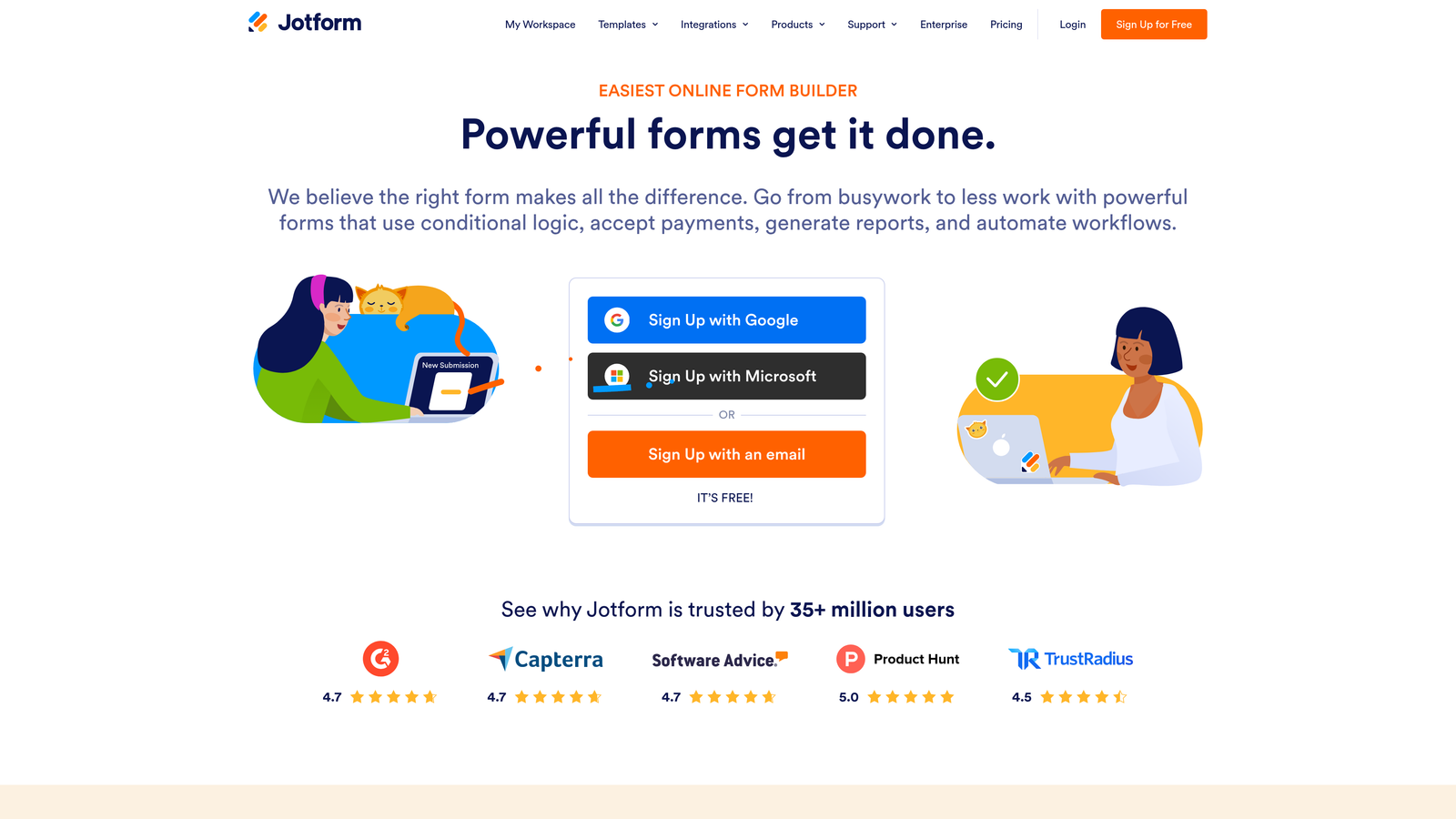
Jotform includes built-in analytics covering submission trends, traffic sources, device data, and geolocation for all forms created on the platform.
Where This Tool Shines
Jotform's analytics are broader in some dimensions than Typeform's, covering geolocation data and browser breakdowns alongside the standard completion and traffic metrics. For teams running forms across multiple regions or wanting to understand device and browser distribution, that additional layer is useful.
Jotform's free plan is notably generous compared to many competitors, making it accessible for smaller teams or early-stage companies that need basic analytics without a monthly commitment.
Key Features
Submission Volume Trends: Track submission patterns over time to identify seasonal or campaign-driven changes.
Traffic Source Tracking: See which channels are driving form visitors and completions.
Geolocation Data: Understand where form submissions are coming from geographically.
Device and Browser Breakdown: Identify whether mobile or desktop visitors complete forms at different rates.
Free Plan Access: Core analytics features are available on Jotform's free tier.
Best For
Teams already using Jotform who want more than submission counts. Also suitable for organizations running forms across multiple geographic markets who value the geolocation layer. Like Typeform's analytics, this is limited to forms built within Jotform.
Pricing
Free plan available. Paid plans start at $34/month for the Bronze tier. Verify current pricing at jotform.com.
8. FullStory
Best for: Enterprise teams who need autocaptured form analytics without manual event tagging
FullStory is an enterprise digital experience intelligence platform that autocaptures all user interactions, including form behavior, without requiring manual event configuration.
Where This Tool Shines
FullStory's autocapture technology is its defining feature. Unlike GA4, which requires developer setup for every event you want to track, FullStory captures everything by default. That means you can retroactively analyze form behavior even for interactions that happened before you knew you needed the data, which is a meaningful advantage for enterprise teams dealing with complex, evolving form flows.
The rage click and error click detection on form fields is particularly valuable for identifying technical friction: fields that users click repeatedly out of frustration often signal broken validation logic or confusing labeling that completion rate data alone wouldn't surface.
Key Features
Autocapture Technology: All form interactions are captured automatically without developer tagging or GTM configuration.
Retroactive Analysis: Analyze historical form behavior for events you didn't explicitly track in advance.
Rage Click and Error Click Detection: Identify form fields where users experience frustration or technical errors.
Enterprise Data Integrations: Connects with CDPs, data warehouses, and enterprise analytics stacks.
Privacy Controls: Configurable data masking for sensitive form fields to support compliance requirements.
Best For
Enterprise organizations with complex digital experiences, compliance requirements, and the budget for a premium platform. FullStory is overkill for lean teams with simple forms, but for large organizations where retroactive analysis and data privacy controls are non-negotiable, it's a strong fit.
Pricing
Pricing is not publicly listed. FullStory operates on custom enterprise quotes. Contact their team directly at fullstory.com for current pricing.
9. Microsoft Clarity
Best for: Teams who want zero-cost behavioral analytics with basic form-related signals
Microsoft Clarity is a completely free behavioral analytics tool offering session recordings, heatmaps, and interaction data including rage clicks and dead clicks across your site.
Where This Tool Shines
The price point is the headline: Clarity is entirely free with no session caps, no data limits, and no paid upgrade path. For early-stage teams or those wanting a quick sanity check on form page behavior without a budget commitment, it's hard to argue against installing it alongside whatever else you're running.
The Google Analytics integration is a practical bonus: you can view Clarity session recordings directly from GA4 reports, which makes it easier to investigate anomalies in your form funnel data without switching between tools manually.
Key Features
Completely Free: No session limits, no data caps, and no paid tiers to worry about.
Session Recordings and Heatmaps: Full session replay and click heatmaps for form pages and surrounding content.
Rage Click Detection: Identifies where users click repeatedly out of frustration, including on form elements.
GA4 Integration: Links session recordings directly to Google Analytics reports for combined analysis.
Quick Setup: Simple script installation with no complex configuration required.
Best For
Teams at any stage who want a free behavioral baseline. Clarity works well as a complement to a dedicated form analytics tool rather than a replacement. If you need granular field-level data, hesitation tracking, or lead qualification signals, you'll need to pair it with something more specialized.
Pricing
Free. There are no paid tiers. Available at clarity.microsoft.com.
Which Tool Is Right for Your Team?
The best form analytics tool depends almost entirely on what you're trying to measure and what you're willing to spend to measure it.
If budget is the primary constraint, start with Microsoft Clarity for behavioral data and GA4 for event tracking. Both are free, and together they cover the basics without any monthly commitment. The trade-off is setup complexity with GA4 and limited form-specific depth with Clarity.
If you need dedicated field-level analytics and your forms live across multiple platforms, Zuko is the most specialized tool available. It's the right choice when you need benchmark comparisons and granular correction or hesitation data that general behavioral platforms don't provide.
For teams who want form analytics as part of a broader behavioral suite, Hotjar and Mouseflow offer strong value at accessible price points. Mouseflow's friction scoring is particularly useful if you manage multiple forms and need help prioritizing where to optimize first.
Enterprise teams with complex compliance requirements and the budget to match should evaluate FullStory for its autocapture capabilities and retroactive analysis.
And if you're a B2B SaaS team where lead quality is as important as lead volume, Orbit AI offers something none of the other tools on this list provide: analytics built natively into an AI-powered form builder with real-time lead qualification. You're not just measuring how many people completed your form. You're measuring whether the right people completed it.
Start building free forms today and see how intelligent form design can elevate your conversion strategy alongside the analytics to prove it's working.


