

If you're investing real budget into forms — lead gen, contact, surveys, multi-step flows — you deserve to know exactly what's happening after someone lands on them. Which fields kill momentum? Which traffic sources actually convert? Where does high-intent behavior quietly disappear?
The best form builders don't just collect submissions. They surface the insights you need to optimize continuously. But analytics depth varies wildly across platforms. Some give you a submission count and call it a day. Others deliver field-level drop-off rates, source attribution, AI-powered lead scoring, and full funnel visibility.
This list covers the top form builders with meaningful analytics capabilities, evaluated specifically for teams who care about conversion performance. Whether you're qualifying leads at scale, running multi-step campaigns, or just trying to understand why your contact form underperforms, there's a right tool here for your stack.
1. Orbit AI
Best for: High-growth B2B and SaaS teams that want AI-powered lead qualification at the point of capture.
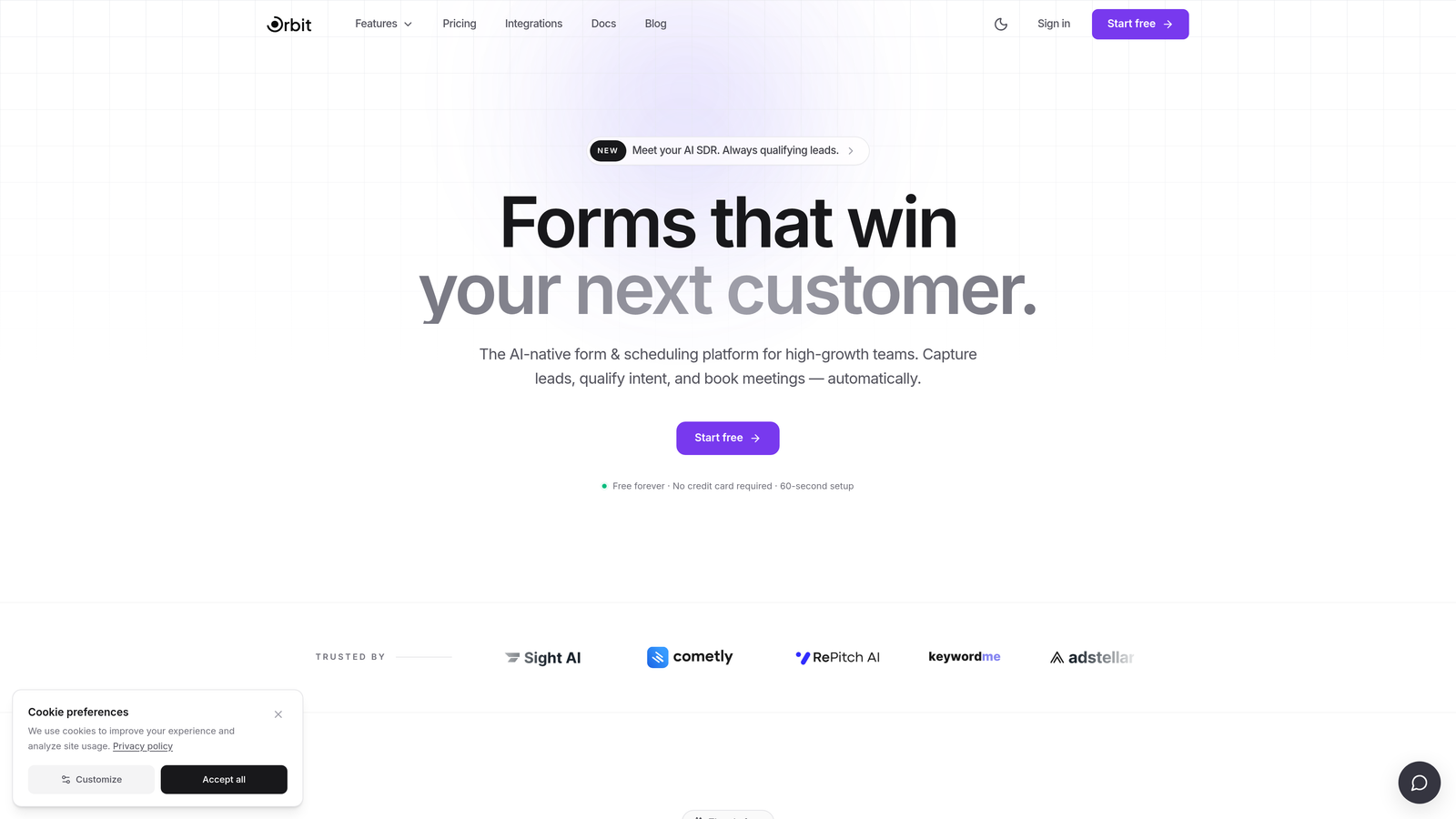
Orbit AI is an AI-powered form builder with built-in lead qualification and conversion analytics, designed specifically for demand gen teams who need more than raw submission data.
Where This Tool Shines
Most form builders are passive. They collect whatever comes in and leave qualification to your CRM or sales team downstream. Orbit AI takes a different approach: it applies AI qualification logic directly at the form layer, so you know the quality of a lead the moment it's captured, not three days later when a rep finally reviews it.
The analytics layer reflects this philosophy. Rather than just tracking who submitted, Orbit AI surfaces which leads are high-intent, where drop-off happens at the field level, and how conversion performance trends over time. For teams running B2B demand gen at scale, this kind of insight at the top of the funnel changes how you optimize.
Key Features
AI Lead Qualification: Scores and qualifies leads automatically at the moment of form submission, before they ever hit your CRM.
Field-Level Drop-Off Tracking: Identifies exactly which questions lose respondents so you can trim friction and improve completion rates.
Lead Quality Scoring and Routing: Routes high-quality leads to the right team or sequence automatically based on qualification criteria you define.
Conversion Analytics Dashboard: Tracks form performance over time with visibility into submission trends, lead quality distributions, and source performance.
Conversion-Optimized Design: Beautiful, modern form templates built specifically to maximize completion rates for B2B and SaaS audiences.
Best For
Orbit AI is the strongest fit for SaaS companies, B2B demand gen teams, and growth marketers who need their form layer to do more than collect data. If lead quality and conversion optimization are primary concerns, not secondary features, this platform is built for that workflow.
Pricing
Visit orbitforms.ai for current pricing and plan details. A free starting option is available for teams ready to explore the platform.
2. Typeform
Best for: Teams that want high-engagement conversational forms with per-question analytics and strong integration support.
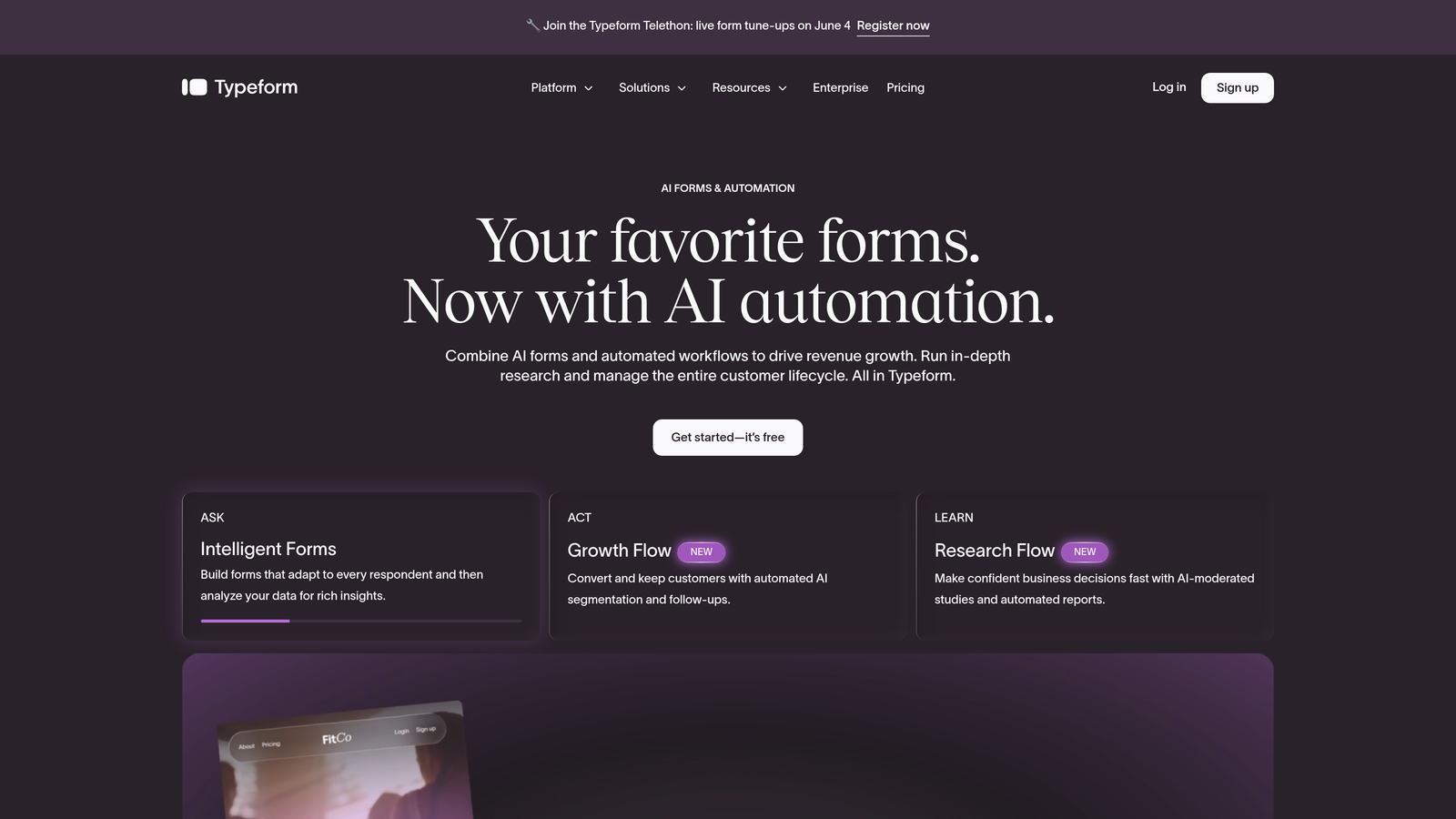
Typeform is a conversational form builder known for its one-question-at-a-time UX and accessible drop-off analytics.
Where This Tool Shines
Typeform's conversational format genuinely improves engagement for many audiences. The experience feels less like filling out a form and more like answering questions, which can meaningfully reduce abandonment for longer flows. Its analytics dashboard shows completion rates and drop-off at each individual question, giving you a clear picture of where interest fades.
The platform also tracks time-on-question, which adds another dimension to understanding where respondents struggle or disengage. For teams that rely on integrations with HubSpot, Salesforce, or Zapier, Typeform connects cleanly into most modern stacks.
Key Features
Per-Question Drop-Off Analytics: See exactly where respondents abandon your form at the individual question level.
Time-on-Question Metrics: Understand how long respondents spend on each question to identify friction or confusion points.
Conversational Format: One-question-at-a-time UX that typically improves completion rates for longer forms.
Logic Jumps: Personalized form paths based on previous answers, reducing irrelevant questions for each respondent.
CRM and Tool Integrations: Native connections to HubSpot, Salesforce, Mailchimp, and Zapier for downstream data routing.
Best For
Typeform works well for marketing teams, researchers, and product teams running surveys or multi-step lead capture flows where engagement quality matters. Power users who need deep BI-level analytics will likely need to export data to an external tool.
Pricing
Free plan available with limited responses. Paid plans start at $25/month, with higher tiers unlocking more responses and advanced features.
3. HubSpot Forms
Best for: Teams already running HubSpot as their CRM and marketing system of record.
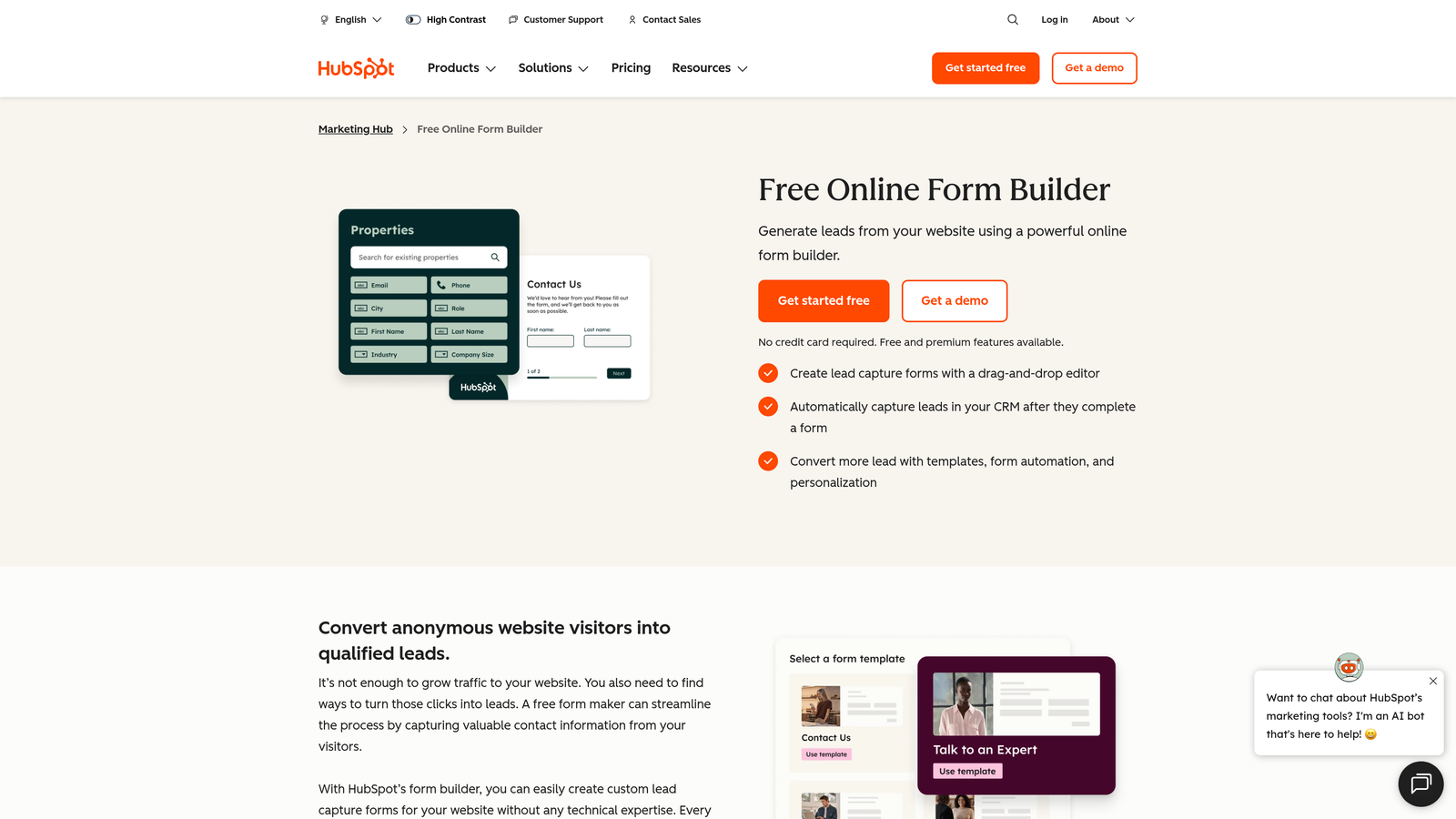
HubSpot Forms is a CRM-native form builder that feeds submission data directly into HubSpot's marketing and sales analytics ecosystem.
Where This Tool Shines
HubSpot Forms is less impressive as a standalone form tool and significantly more powerful when you're already living inside the HubSpot ecosystem. Every form submission automatically creates or updates a contact record, triggers workflows, and feeds into deal pipelines. That native connectivity means your analytics aren't isolated to the form — they extend across the full buyer journey.
Progressive profiling is a standout feature: instead of asking the same questions repeatedly, HubSpot Forms remembers what it already knows about a contact and asks new questions on subsequent visits. This reduces friction while enriching your CRM data over time.
Key Features
Native CRM Integration: Submissions feed directly into HubSpot contact records, workflows, and deal pipelines without manual data transfer.
Progressive Profiling: Automatically replaces already-answered fields with new questions to reduce form length for returning visitors.
Full-Funnel Attribution: Ties form submissions to traffic sources, campaigns, and downstream revenue within HubSpot's reporting suite.
A/B Testing: Available through HubSpot's broader marketing tools for optimizing form performance over time.
Contact-Level Analytics: View submission behavior at the individual contact level, not just aggregate form stats.
Best For
HubSpot Forms is the natural choice for teams already using HubSpot Marketing Hub or Sales Hub. If you're not in the HubSpot ecosystem, the form builder alone won't justify the platform cost.
Pricing
Free with a HubSpot CRM account. Advanced marketing features, including full attribution reporting, require Marketing Hub starting at $20/month.
4. Jotform
Best for: Teams managing high-volume data collection who need a visual report builder without relying on external BI tools.
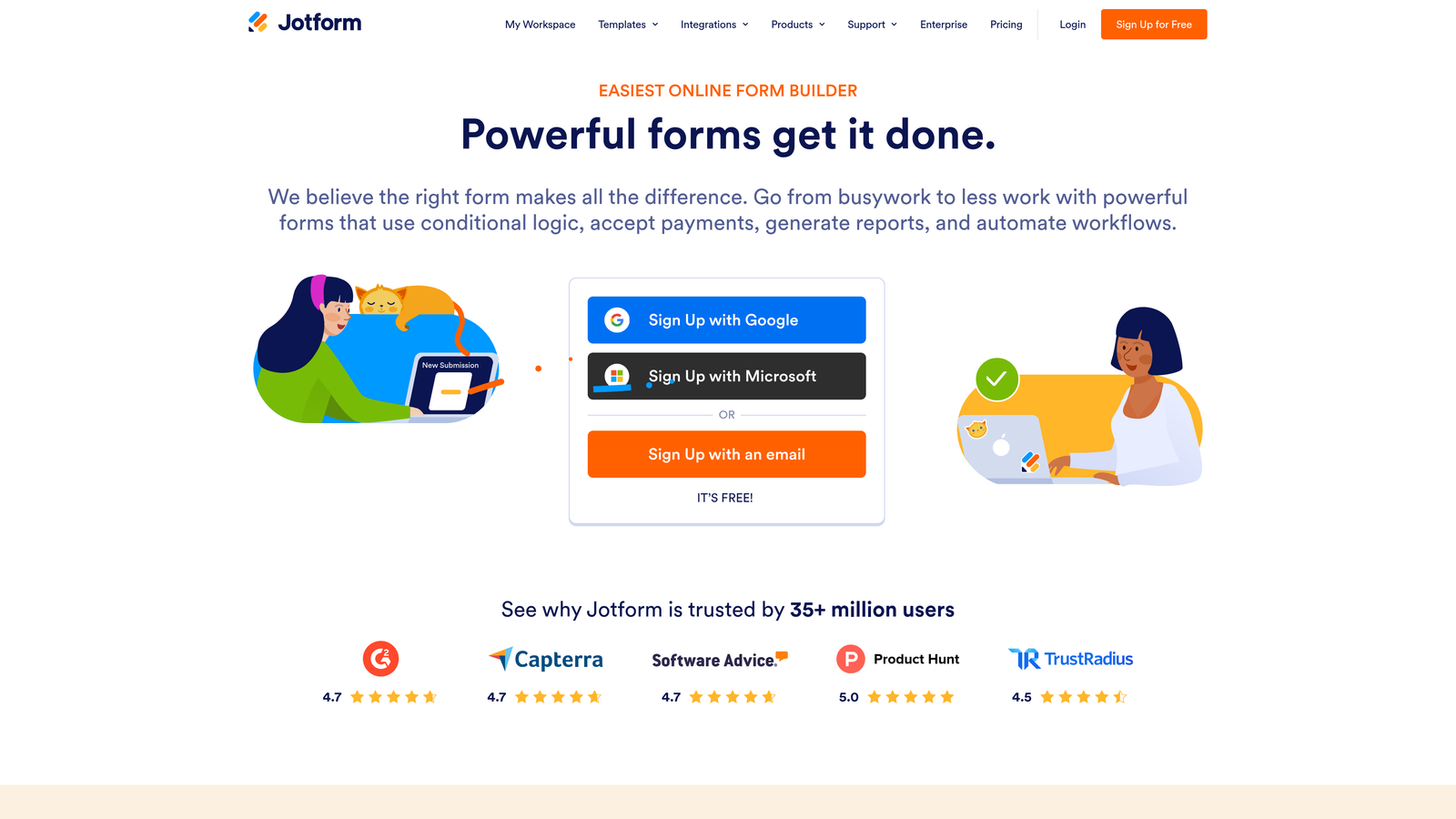
Jotform is a feature-rich form builder with a built-in visual report builder and one of the widest integration libraries in the category.
Where This Tool Shines
Jotform's built-in report builder sets it apart from most competitors at its price point. You can generate visual charts, summaries, and dashboards directly from submission data without exporting to a spreadsheet or connecting a BI tool. For teams running operational forms — internal approvals, event registrations, data intake — this saves meaningful time.
The platform also handles compliance well, with HIPAA-compliant plans available for healthcare-adjacent use cases. Its breadth of form types and workflow automation tools makes it one of the most versatile options on this list.
Key Features
Built-In Report Builder: Generate visual charts and summaries directly from form submission data without external tools.
Submission Analytics Dashboard: Per-form analytics showing response volume, trends, and completion data over time.
Workflow Automation: Approval routing and multi-step workflow logic built into the platform.
100+ Integrations: Connects to a wide range of CRMs, payment processors, and productivity tools.
HIPAA-Compliant Plans: Available for teams operating in regulated industries.
Best For
Jotform is well suited for operations teams, HR departments, healthcare organizations, and anyone managing complex data collection workflows. It's less focused on conversion optimization and more on data management versatility.
Pricing
Free plan available with limited submissions. Paid plans start at $34/month, with enterprise and HIPAA-compliant options at higher tiers.
5. Google Forms
Best for: Teams that need a completely free, no-setup form solution with basic analytics and Google Sheets flexibility.
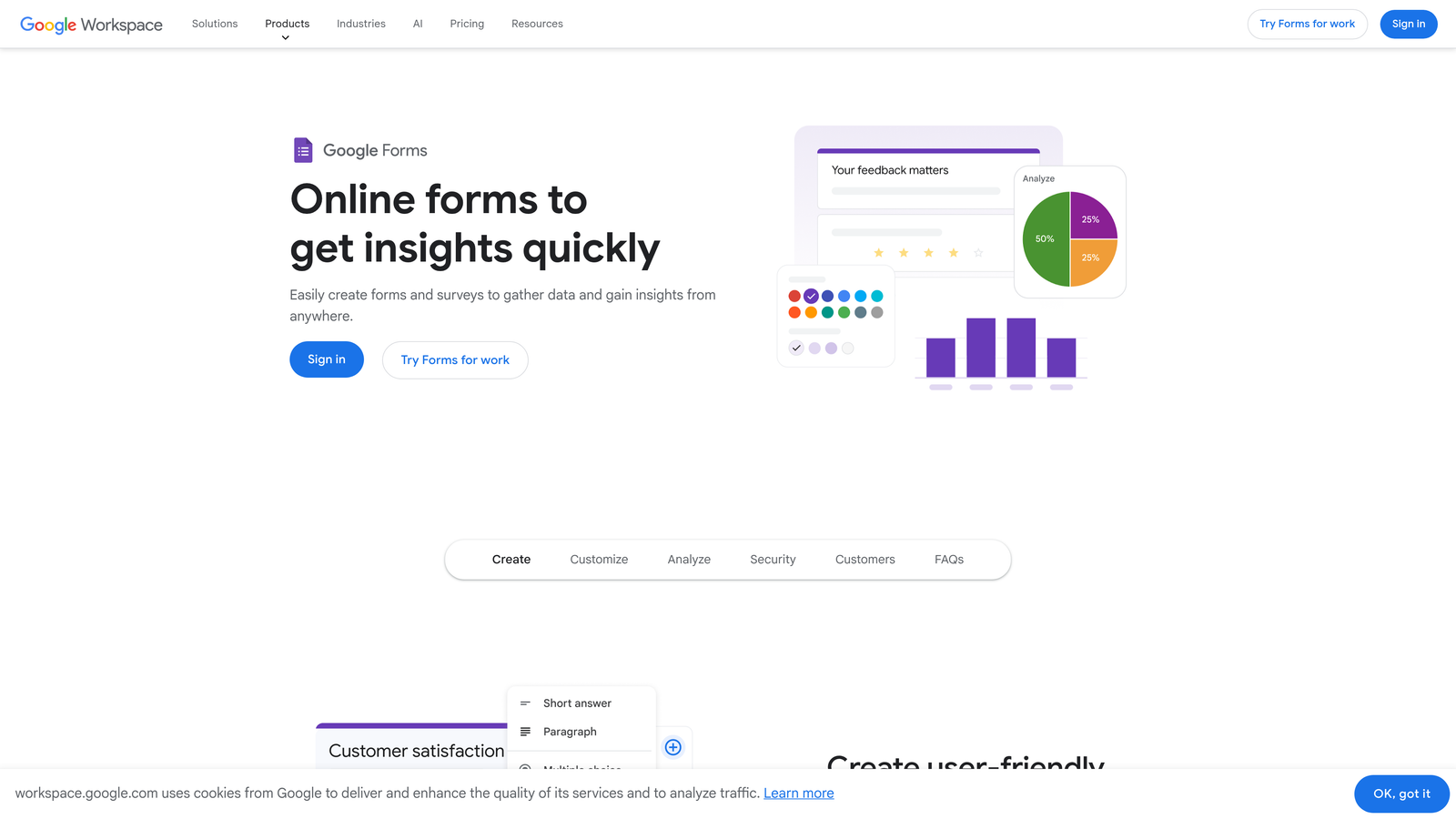
Google Forms is a free, simple form builder with automatic response summaries and native Google Sheets integration for custom reporting.
Where This Tool Shines
Google Forms won't win any design awards, and its native analytics are genuinely basic. But for teams that live in Google Workspace and have spreadsheet skills, it punches above its price point (which is zero). Every response automatically populates a connected Google Sheet, where you can build pivot tables, filters, and custom dashboards using data you actually own.
The barrier to entry is essentially nonexistent. No account setup beyond a Google login, no per-submission limits, no pricing tiers to navigate. For internal surveys, quick feedback forms, or simple data collection tasks, it's hard to argue with free.
Key Features
Automatic Response Summaries: Instant visual charts of response data generated as submissions come in.
Native Google Sheets Export: All responses sync to a connected spreadsheet for custom analysis and reporting.
Completely Free: No submission limits, no paid tiers required for core functionality.
Basic Conditional Logic: Simple branching logic to show or hide questions based on previous answers.
Easy Sharing and Embedding: Share via link or embed directly into websites with minimal setup.
Best For
Google Forms is ideal for internal teams, educators, researchers on tight budgets, and anyone running simple data collection where design and advanced analytics aren't priorities. It's not built for lead generation or conversion optimization.
Pricing
Completely free with any Google account. No paid tiers or submission limits for standard use.
6. Tally
Best for: Lean teams and indie builders who want a modern, fast form experience with a generous free plan.
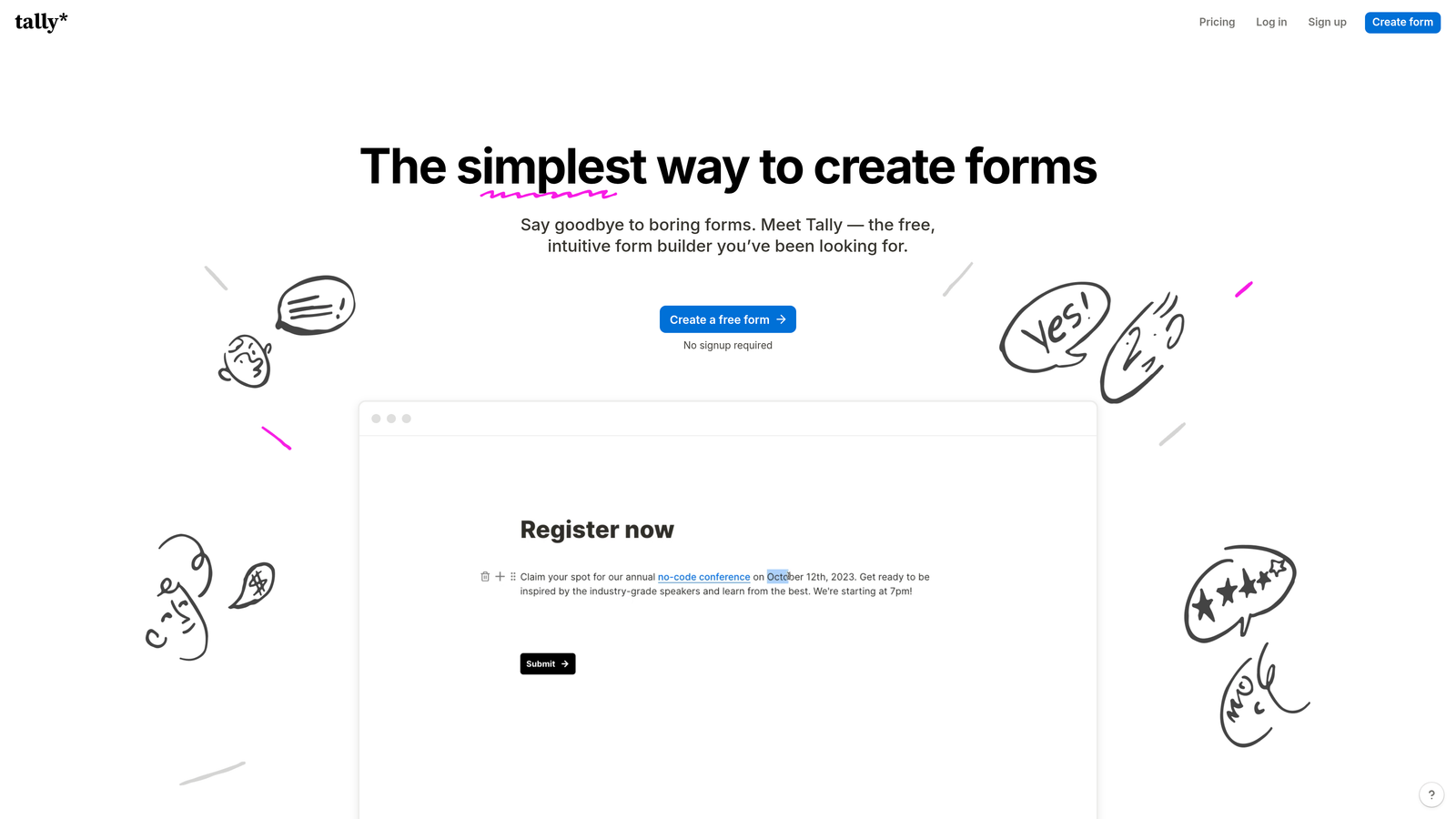
Tally is a lightweight, modern form builder with a Notion-like editor, clean submission analytics, and unlimited forms on its free tier.
Where This Tool Shines
Tally has built a loyal following by doing the essentials exceptionally well. The editor is fast and intuitive — if you've used Notion, you'll feel at home immediately. Forms look clean and modern without requiring design work, and the free plan is genuinely unlimited in ways that most competitors aren't.
Analytics are straightforward rather than deep: submission tracking, basic response summaries, and completion data. For teams that don't need enterprise-level reporting but do want a polished experience without paying for it, Tally occupies a useful middle ground between Google Forms and more expensive options.
Key Features
Unlimited Free Forms and Submissions: No caps on form creation or response volume on the free plan, which is rare in this category.
Notion-Like Editor: Fast, block-based form creation that requires no learning curve for Notion users.
Submission Analytics: Basic response tracking and completion summaries per form.
Conditional Logic and Multi-Step Forms: Branching logic and multi-page flows available on free and paid plans.
Zapier and Webhook Integrations: Connect to your existing stack for downstream data routing.
Best For
Tally is best for startups, freelancers, and lean teams who want a modern alternative to Google Forms without the cost of Typeform. Teams needing deep analytics or lead qualification should look elsewhere.
Pricing
Free plan available with unlimited forms and submissions. Pro plan at $29/month adds custom domains, file uploads, and additional integrations.
7. Paperform
Best for: Service businesses that want one platform for forms, payments, bookings, and analytics across all transaction types.
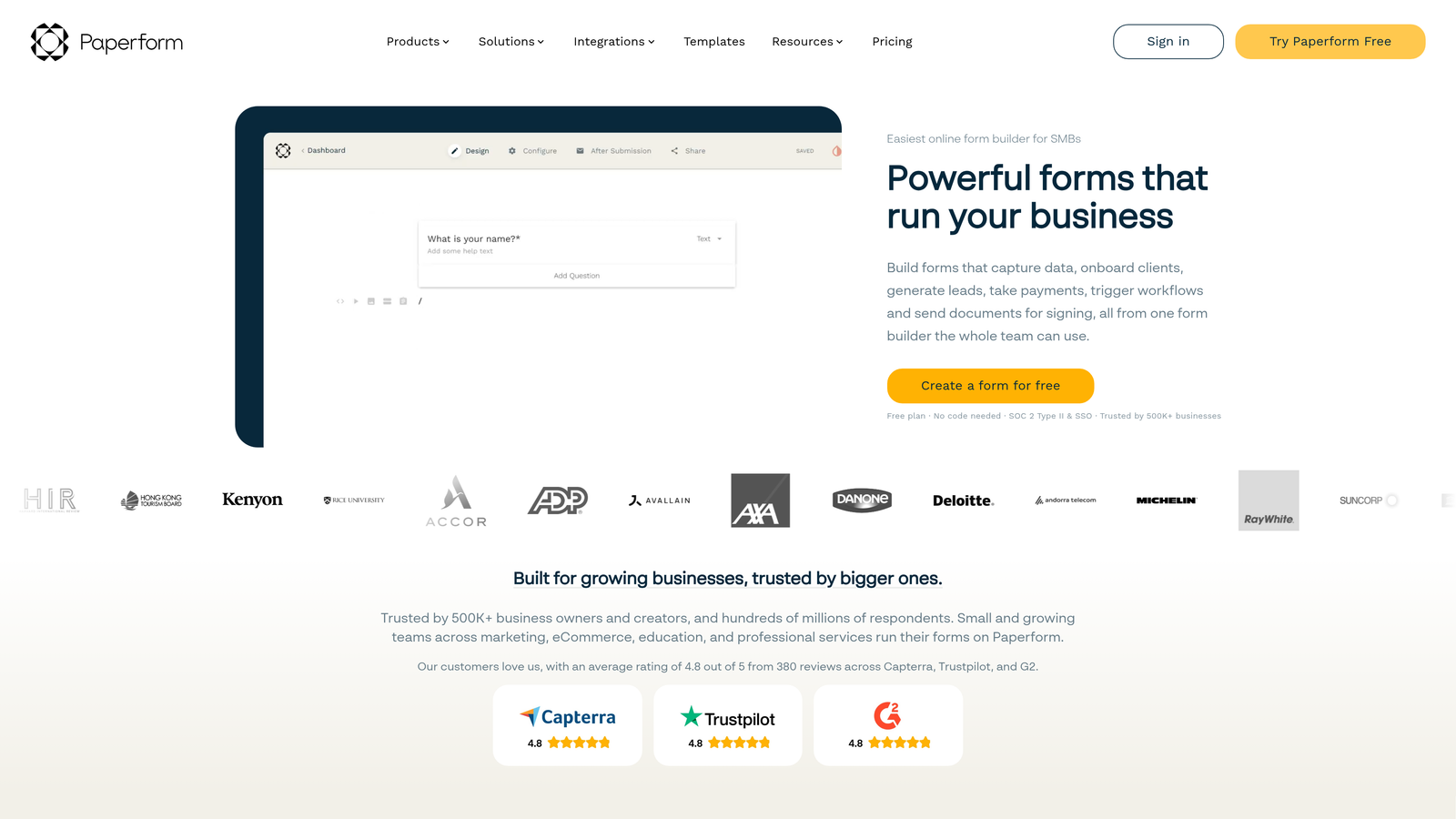
Paperform is a multi-purpose form builder that combines lead capture, payments, and bookings with analytics spanning all transaction types.
Where This Tool Shines
Paperform's differentiator is its breadth. Most form builders handle submissions. Paperform handles submissions, payment processing, booking scheduling, and product listings — and its analytics reflect that multi-purpose nature. You can track not just who filled out a form but how products perform, which booking slots fill fastest, and where payment completions drop off.
The design flexibility is also notable. Paperform supports rich media, custom styling, and a freeform layout that feels more like a landing page than a traditional form. For service businesses that want to consolidate multiple tools into one, it's a compelling option.
Key Features
Multi-Transaction Analytics: Tracks analytics across form submissions, payment completions, and booking rates in one dashboard.
Built-In Payment Processing: Native Stripe and PayPal integration for collecting payments directly within forms.
Booking and Scheduling: Appointment booking functionality built into the same platform as your forms.
Rich Media and Flexible Design: Freeform layout with image, video, and custom styling support.
Conditional Logic: Personalized form paths based on respondent answers or product selections.
Best For
Paperform is ideal for consultants, coaches, agencies, and service businesses that want a single platform for client intake, payments, and bookings. It's less suited for pure lead gen or B2B demand gen workflows.
Pricing
Plans start at $29/month. Higher tiers unlock additional submissions, custom domains, and advanced integrations.
8. Formstack
Best for: Enterprise teams with complex workflow requirements, compliance needs, and advanced reporting demands.
Formstack is an enterprise-grade form platform with advanced reporting, multiple compliance certifications, and support for complex multi-form workflows.
Where This Tool Shines
Formstack operates at a different tier than most tools on this list. Its analytics and reporting capabilities are robust, with custom dashboards, field-level conversion tracking, and the ability to build reports across multiple forms and workflows simultaneously. For organizations managing high-stakes data collection at scale, that depth matters.
Compliance is another area where Formstack stands out. HIPAA, GDPR, and SOC 2 certifications are built into the platform, not bolted on as add-ons. Enterprise SSO, access controls, and document generation round out a feature set designed for regulated industries and large organizations.
Key Features
Advanced Analytics and Custom Dashboards: Build detailed reporting views across forms, workflows, and submission data.
Field-Level Conversion Tracking: Identify exactly where users drop off within complex forms and multi-step workflows.
HIPAA, GDPR, and SOC 2 Compliance: Built-in certifications for teams operating in regulated environments.
Multi-Form Workflow and Document Generation: Chain forms together into complex approval and document workflows.
Enterprise SSO and Access Controls: Granular user permissions and single sign-on for large team deployments.
Best For
Formstack is the right choice for enterprise organizations, healthcare companies, financial services teams, and anyone with serious compliance requirements and complex workflow needs. The pricing reflects its enterprise positioning.
Pricing
Plans start at $83/month. Enterprise pricing is available for larger deployments with custom requirements.
9. SurveyMonkey
Best for: Research teams, CX professionals, and anyone needing statistical analysis and benchmark comparisons in their analytics.
SurveyMonkey is a research-grade survey and form platform with sentiment analysis, cross-tabulation, and industry benchmark comparison tools.
Where This Tool Shines
SurveyMonkey's analytics are among the most sophisticated on this list, but for a specific kind of data. If you're running employee engagement surveys, customer satisfaction research, or market studies, its statistical analysis tools go far beyond what most form builders offer. Cross-tabulation lets you slice data by demographic variables. Sentiment analysis surfaces emotional tone in open-text responses. Benchmark comparisons let you see how your results stack up against industry norms.
The platform also supports team collaboration well, with shared dashboards and role-based access for larger research teams. For lead generation or conversion-focused workflows, however, SurveyMonkey is not the right tool.
Key Features
Sentiment Analysis: Automatically analyzes open-text responses to surface positive, neutral, and negative sentiment trends.
Cross-Tabulation and Data Filtering: Slice response data by any variable to uncover patterns across audience segments.
Industry Benchmark Comparisons: Compare your survey results against aggregated industry data to contextualize performance.
Statistical Significance Indicators: Flags when differences in your data are statistically meaningful, not just noise.
Shared Dashboards and Team Collaboration: Multi-user access with shared reporting views for research teams.
Best For
SurveyMonkey is best suited for research teams, HR professionals, CX analysts, and marketers running structured research programs. It's not designed for lead generation, and its pricing per user can add up quickly for larger teams.
Pricing
Free plan available with limited responses. Paid plans start at $25/month per user, with team and enterprise plans available at higher price points.
Which Tool Is Right for Your Team?
The right form builder depends on what you actually need from your analytics layer, not just the feature list on a pricing page.
If your priority is lead qualification and conversion optimization, Orbit AI is the strongest fit. It's the only tool on this list that applies AI qualification logic at the point of capture, giving high-growth B2B and SaaS teams real-time insight into lead quality rather than raw submission data. For demand gen teams tired of chasing unqualified pipeline, that distinction matters.
For teams already deep in the HubSpot ecosystem, HubSpot Forms is the natural choice. The analytics are most powerful when you're using the full platform, and the native CRM connectivity is genuinely difficult to replicate with third-party integrations.
If you need enterprise-grade compliance alongside advanced reporting, Formstack is purpose-built for that environment. And if you're running research programs rather than lead gen campaigns, SurveyMonkey's statistical analysis tools are in a class of their own.
For leaner teams on tighter budgets, Tally and Google Forms both offer solid free options with different trade-offs: Tally wins on design and UX, Google Forms wins on flexibility through Sheets integration.
The bottom line: analytics depth is increasingly a primary buying criterion for form builders, not a secondary feature. The platforms that treat analytics as core to the product, rather than a reporting tab added as an afterthought, will drive meaningfully better outcomes for growth-focused teams.
Transform your lead generation with AI-powered forms that qualify prospects automatically while delivering the modern, conversion-optimized experience your high-growth team needs. Start building free forms today and see how intelligent form design can elevate your conversion strategy.


