

High-growth teams don't just need forms. They need data. A form builder with robust reporting turns every submission into actionable intelligence: which questions cause drop-offs, which lead sources convert, and where your funnel actually leaks.
But not every tool delivers reporting that's genuinely useful. Some bury the data behind clunky dashboards. Others require a data analyst just to pull a basic completion rate. The gap between a tool that counts submissions and one that helps you understand lead quality is significant, and for conversion-focused teams, that gap translates directly into revenue.
This guide ranks the best form builders with reporting capabilities in 2026, evaluated on reporting depth, ease of use, lead qualification features, and overall value for teams focused on growth. Whether you're qualifying leads at scale or optimizing a multi-step onboarding flow, one of these tools belongs in your stack.
1. Orbit AI
Best for: High-growth teams that need AI-powered lead qualification reporting alongside conversion analytics.
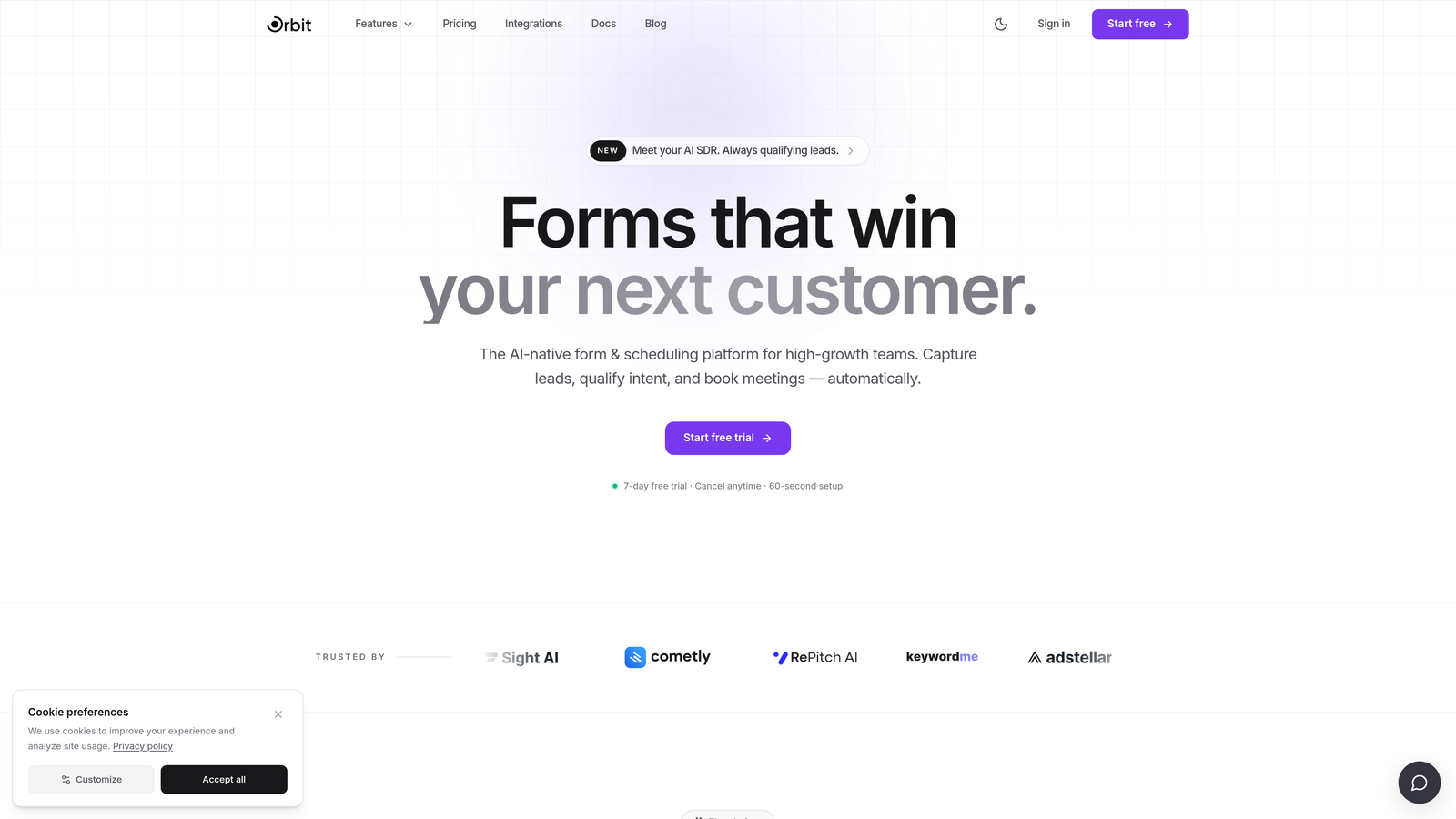
Orbit AI is an AI-powered form builder that combines conversion-optimized form design with intelligent lead qualification scoring and reporting built directly into the platform.
Where This Tool Shines
Most form builders tell you how many people submitted your form. Orbit AI tells you how many of those people were actually worth following up with. The platform's AI lead qualification scoring is embedded into the reporting layer, which means you're not just looking at submission counts. You're looking at lead quality signals, qualification rates by source, and the specific questions or form variants that produce your best prospects.
For teams running paid acquisition or managing multiple lead sources, this distinction matters enormously. Field-level drop-off analysis helps you identify exactly where friction kills conversions, so you can iterate quickly without guessing. The no-code builder keeps the experience modern and fast to deploy, which makes it practical for lean teams and large ops teams alike.
Key Features
AI Lead Qualification Scoring: Automatically scores incoming leads based on form responses, giving your team a prioritized pipeline rather than a raw list of submissions.
Field-Level Drop-Off Analysis: Pinpoints the exact question or step where users abandon multi-step forms, so you can fix friction at the source.
Conversion Rate Tracking: Tracks conversion rates at both the form level and the individual field level for granular optimization.
Lead Quality Reporting by Source: Segments lead quality data by traffic source, campaign, or form variant so you can allocate budget toward channels that produce qualified prospects.
Conversion-Optimized Form Design: Modern, no-code builder designed to maximize completion rates from the ground up, not as an afterthought.
Best For
Orbit AI is best suited for marketing and growth teams that treat lead generation as a core function. If you're running campaigns across multiple channels and need to understand not just volume but quality, this platform was built for exactly that use case. SaaS companies, agencies managing client lead gen, and any team with a meaningful cost-per-lead will find the qualification reporting particularly valuable.
Pricing
Visit orbitforms.ai for current pricing plans. The platform offers options designed for teams at different growth stages.
2. Typeform
Best for: Teams that want per-question engagement analytics and conversational form experiences.
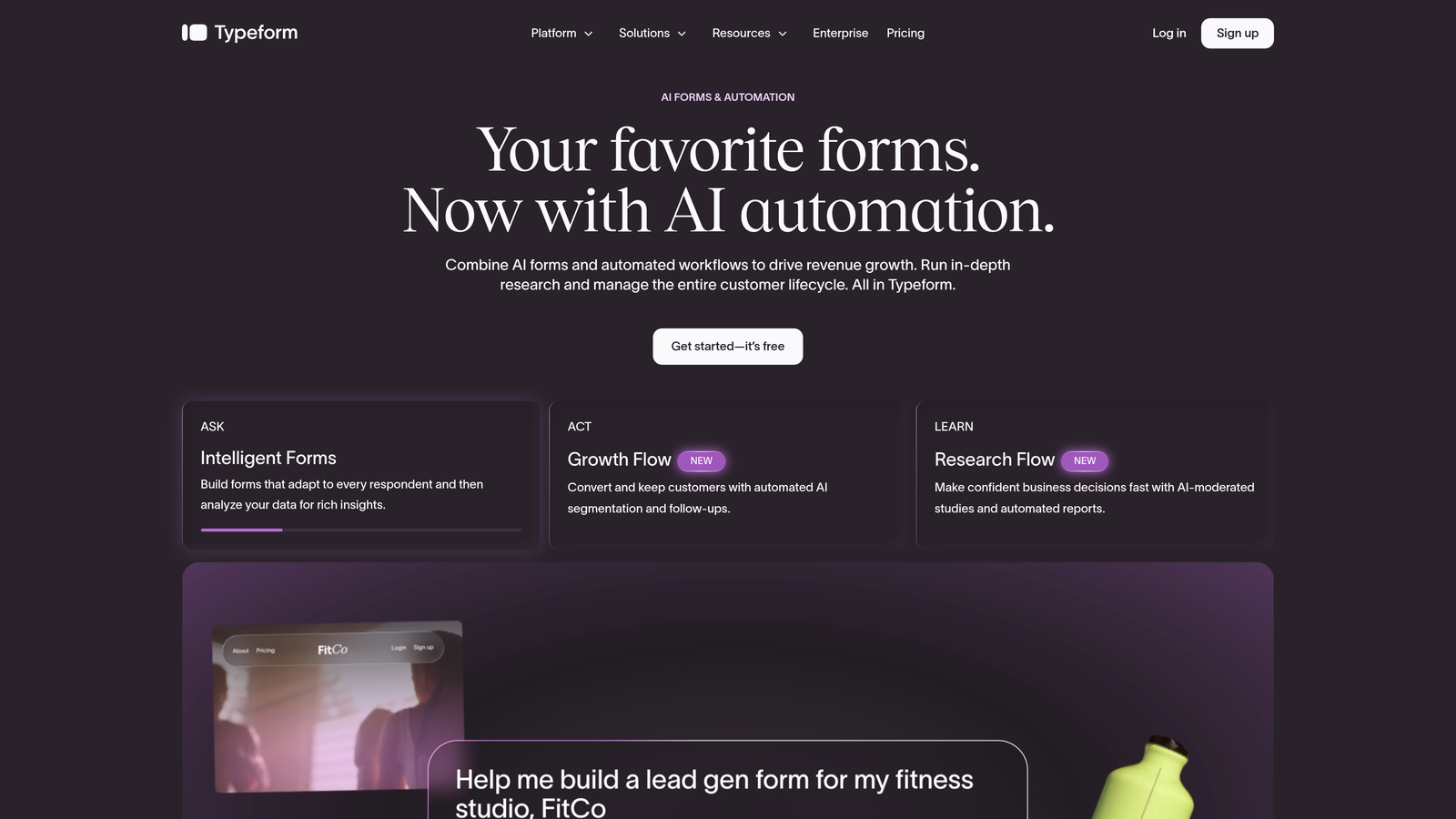
Typeform is a conversational form builder widely recognized for its polished, one-question-at-a-time format and solid per-question analytics on paid plans.
Where This Tool Shines
Typeform's reporting strength is in engagement metrics. The platform shows you completion rates and drop-off rates at the individual question level, which is genuinely useful for survey design and marketing forms where the sequence of questions matters. If you're running a lead capture form and want to understand whether your qualifying question is killing completion rates, Typeform surfaces that clearly.
The visual presentation of analytics is clean and accessible, making it easy for non-technical team members to interpret results without exporting to a spreadsheet. Integration with platforms like Google Analytics also lets you layer form data into your broader analytics setup.
Key Features
Per-Question Drop-Off Reporting: Shows exactly which question in a sequence causes users to abandon, with completion rates at each step.
Overall Form Completion Rate Tracking: Clear top-level view of how many visitors who start a form actually finish it.
Response Time Analytics: Tracks how long respondents spend on each question, which can indicate confusion or friction.
Logic Jump Tracking: Analyzes how users move through conditional paths so you can evaluate branching logic performance.
Analytics Platform Integration: Connects with Google Analytics and other tools for unified reporting across your marketing stack.
Best For
Typeform works well for marketing teams running surveys, research forms, or lead capture where engagement quality matters. It's less suited for teams that need lead qualification scoring or deep pipeline-level reporting. The conversational format also makes it a strong choice for brand-sensitive use cases where form experience is a priority.
Pricing
Typeform offers a free plan with limited responses. Paid plans start at approximately $25/month. Verify current pricing at typeform.com, as plans and tiers are updated periodically.
3. Jotform
Best for: Teams that need visual dashboards and shareable PDF reports from form submission data.
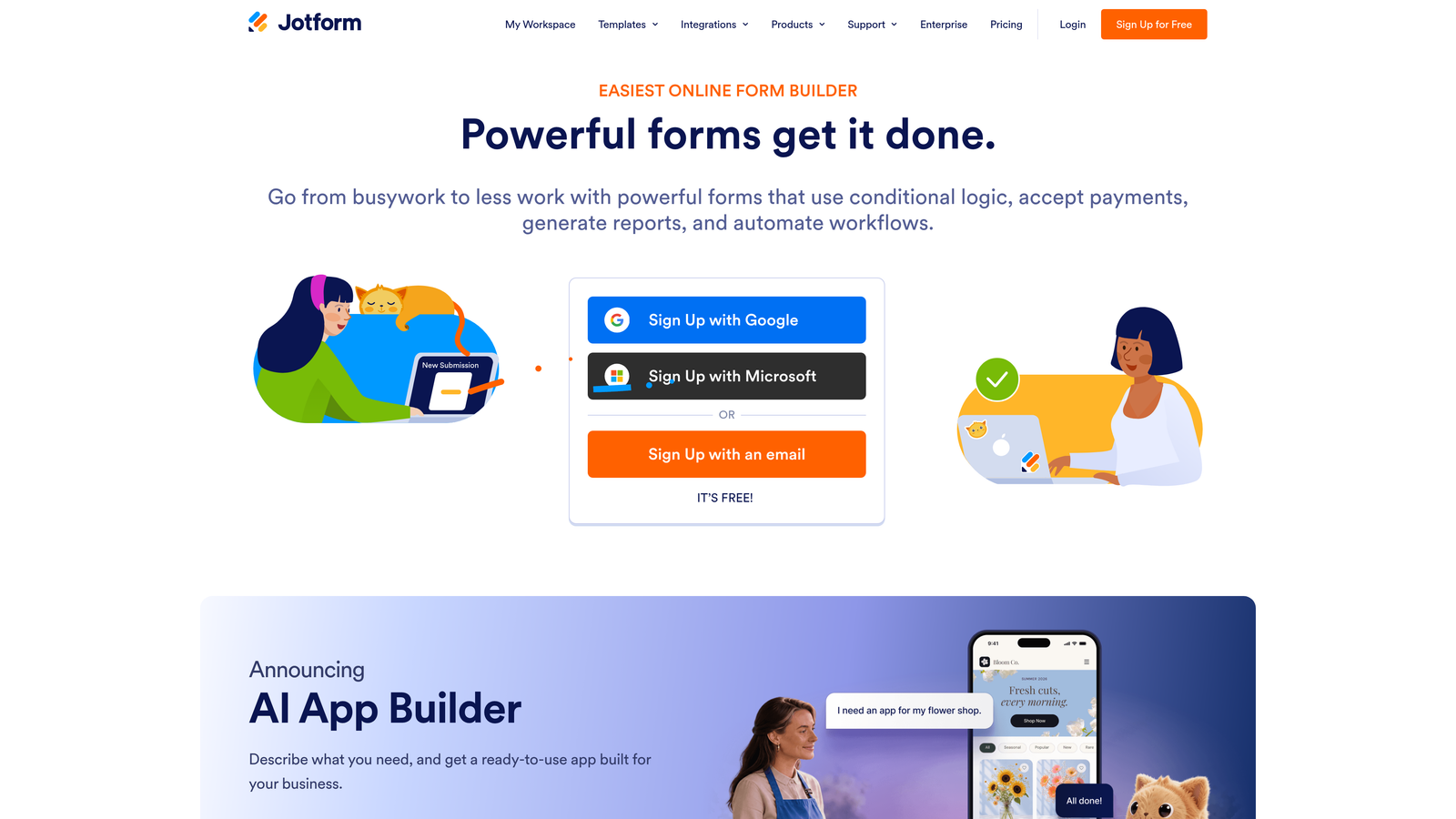
Jotform is a feature-rich form builder with a dedicated Report Builder tool that lets users create charts, tables, and PDF reports directly from submission data.
Where This Tool Shines
Jotform's reporting feature set is one of the more mature in the mid-market. The dedicated Report Builder lets you create bar charts, pie charts, and grid views from your form data without exporting to a separate tool. This is particularly useful for teams that need to present submission data to stakeholders or clients in a polished format.
PDF report generation and sharing makes Jotform a practical choice for operations teams, HR departments, or any use case where form data needs to move into formal documentation. Real-time response tracking keeps the data current, and the integration with Google Sheets provides a clean path to more advanced analysis when needed.
Key Features
Dedicated Report Builder: Create visual reports including bar charts, pie charts, and grid views directly from submission data inside the platform.
PDF Report Generation: Export and share polished PDF reports from form submissions, useful for stakeholder presentations or client deliverables.
Submission Filtering and Segmentation: Filter response data by date range, field value, or other criteria to isolate the data you need.
Real-Time Response Tracking: View incoming submissions as they arrive without manual refreshes.
Google Sheets Integration: Push submission data directly to Google Sheets for custom analysis or team sharing.
Best For
Jotform is a strong fit for teams that need to visualize and share form data with people who aren't logging into the platform. Operations teams, event organizers, HR professionals, and agencies managing client reporting will find the Report Builder and PDF export particularly valuable. Less suited for teams whose primary need is lead qualification intelligence.
Pricing
Jotform offers a free plan. Paid plans start at approximately $34/month. Check jotform.com for the latest pricing, as the platform regularly updates its tier structure.
4. Formstack
Best for: Enterprise teams that need workflow-level analytics, compliance audit trails, and CRM-integrated reporting.
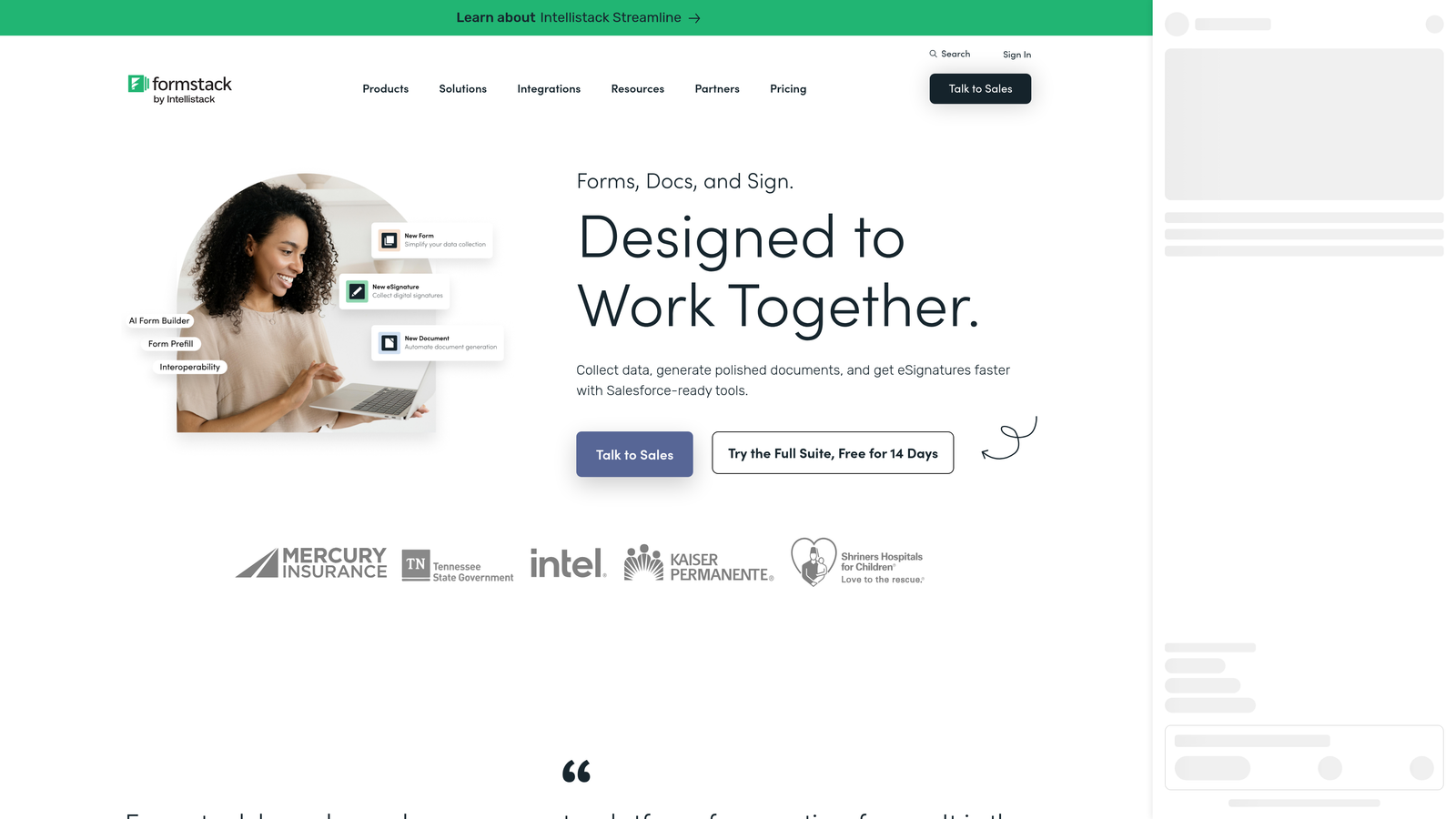
Formstack is an enterprise-grade form and workflow platform where reporting extends beyond individual form submissions to cover multi-step approval workflows and compliance-sensitive audit trails.
Where This Tool Shines
Formstack's differentiation is in workflow analytics. Where most form builders stop at the submission, Formstack tracks what happens after: which approval steps stall, where routing delays occur, and how long processes take end-to-end. For teams managing complex internal workflows or regulated processes, this visibility is difficult to find elsewhere at this level of integration.
The Salesforce integration is deep enough to satisfy enterprise CRM requirements, allowing teams to connect form and workflow data directly to their pipeline without manual syncing. Audit trail reporting is particularly relevant for industries like healthcare, finance, and legal where compliance documentation is non-negotiable.
Key Features
Workflow-Level Analytics: Tracks performance across multi-step approval and routing processes, not just at the form submission stage.
Audit Trail Reporting: Maintains detailed records of who accessed, submitted, or modified form data, supporting compliance requirements.
Field-Level Analytics: Identifies problem areas within individual forms where users struggle or abandon.
Submission Reporting with Export: Filter, segment, and export submission data for further analysis or record-keeping.
Salesforce and Enterprise CRM Integration: Connects form and workflow data directly to enterprise CRM systems for unified pipeline reporting.
Best For
Formstack is built for enterprise teams in regulated industries or organizations running complex, multi-step workflows. If your use case involves compliance documentation, multi-department approvals, or deep Salesforce integration, Formstack is worth the premium. It's overkill for lean teams or straightforward lead capture use cases.
Pricing
Formstack starts at approximately $83/month, with enterprise pricing available for larger organizations. Verify current pricing at formstack.com before evaluating against your budget.
5. Paperform
Best for: Teams using forms as a direct sales or booking channel who need payment and revenue reporting alongside form analytics.
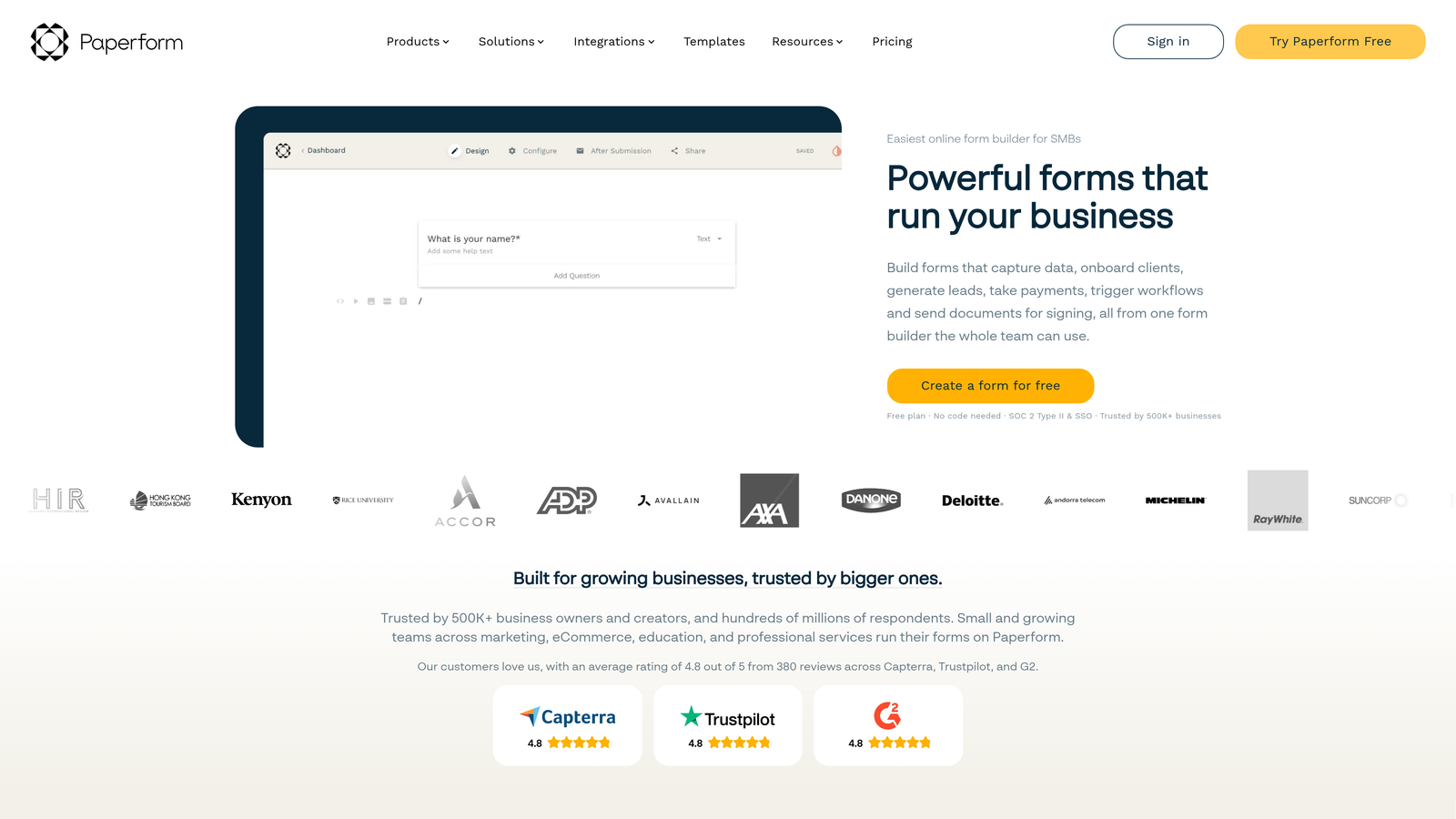
Paperform is a flexible form builder that combines form analytics with payment reporting, making it uniquely suited for teams where forms serve as a transactional tool rather than just a data collection layer.
Where This Tool Shines
Paperform's reporting stands out because it bridges form submissions and revenue in a single dashboard. If you're selling products, taking bookings, or processing payments through your forms, you can see conversion rates and revenue totals without jumping between platforms. This unified view is genuinely useful for service businesses, coaches, event organizers, and small e-commerce operations that rely on forms as their primary sales interface.
The view-to-submission conversion tracking gives you a clear picture of how your form performs as a sales page, and date-range filtering lets you isolate performance by campaign or time period without exporting data first.
Key Features
Payment and Sales Reporting: Tracks revenue, product performance, and payment totals directly within the form analytics dashboard.
View-to-Submission Conversion Tracking: Measures how effectively your form converts visitors into completed submissions or purchases.
Response Analytics with Date Filtering: Filter response data by date range to analyze performance across specific campaigns or time windows.
Payment Processor Integration: Connects with major payment processors to pull revenue data into your reporting view.
Booking and Scheduling Analytics: Tracks booking form performance for service-based businesses managing appointments or reservations.
Best For
Paperform works best for small businesses, freelancers, and service teams that use forms as a sales or booking mechanism. If your primary reporting need is understanding lead qualification or pipeline quality, other tools in this list will serve you better. But for revenue-generating forms, Paperform's combined analytics view is hard to beat at this price point.
Pricing
Paperform starts at approximately $24/month. Check paperform.co for current plan details, as pricing and feature tiers are subject to change.
6. Tally
Best for: Early-stage teams or lean operations that need clean, simple reporting without enterprise complexity or cost.
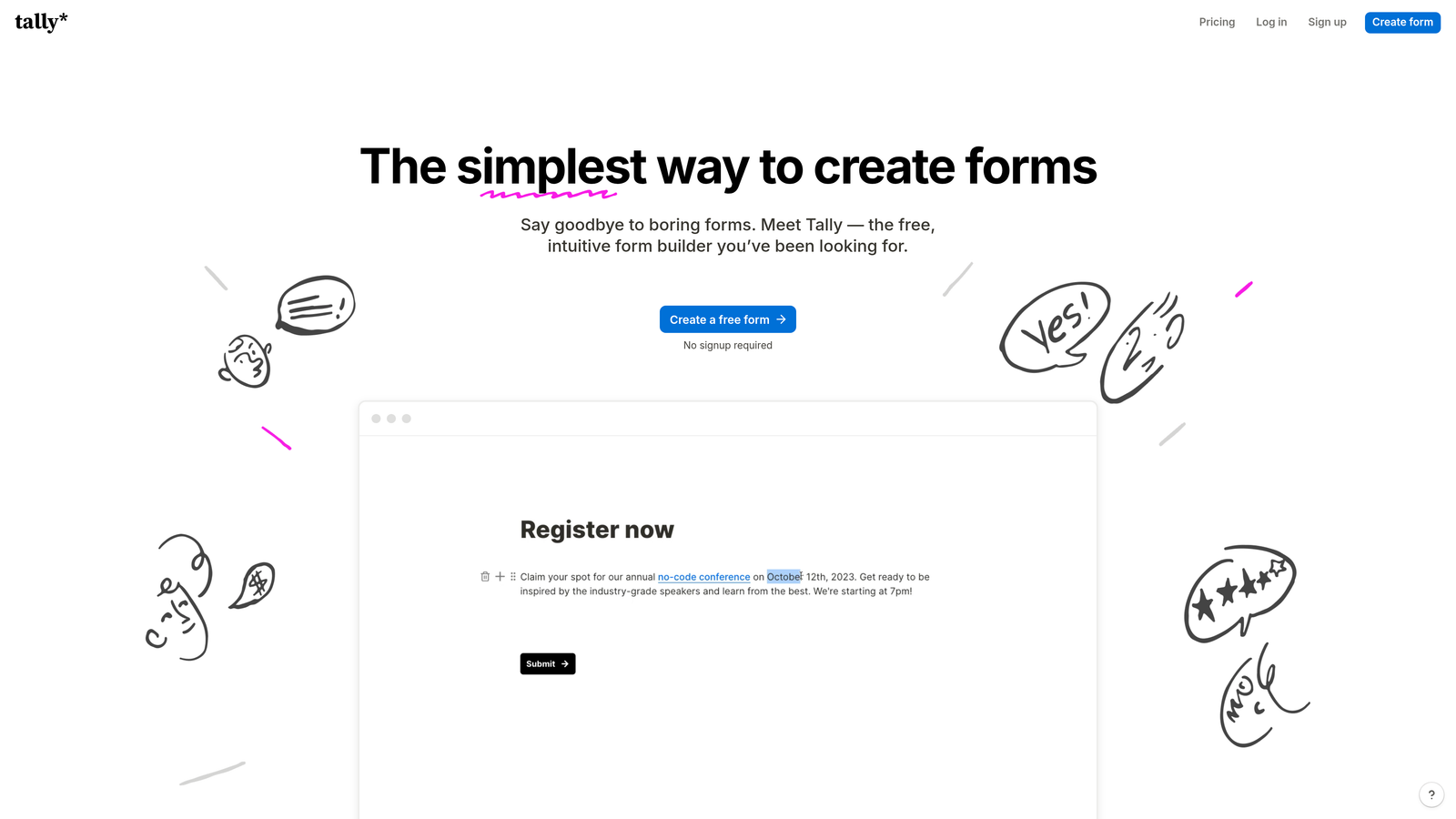
Tally is a minimalist, freemium form builder with straightforward submission reporting that covers the essentials without overwhelming users with features they don't need.
Where This Tool Shines
Tally's appeal is clarity and accessibility. The interface is clean, the free tier is genuinely generous, and the reporting covers what most early-stage teams actually need: submission counts, response summaries, and the ability to filter and search through results. There's no steep learning curve and no bloated dashboard to navigate.
For teams that don't yet need AI-powered lead scoring or enterprise workflow analytics, Tally removes friction from the form-building process entirely. The CSV export option means you're never locked in if you want to move data to a spreadsheet or another analytics tool for deeper analysis.
Key Features
Submission Count and Response Summary: Clean overview of incoming responses with summary statistics for each field.
Response Filtering and Search: Quickly find specific submissions or filter responses by field value without complex configuration.
CSV Export: Export all submission data to CSV for external analysis in spreadsheets or other tools.
Basic Completion Rate Visibility: See how your form is performing at a top-level without digging into complex dashboards.
Generous Free Tier: Core reporting features are available on the free plan, making it accessible for teams not ready to commit to a paid tool.
Best For
Tally is the right choice for early-stage startups, individual creators, or internal teams that need functional forms and basic data visibility without spending budget on a feature set they won't use. It's not the right tool for teams with sophisticated reporting requirements or lead qualification needs at scale.
Pricing
Tally offers a free plan with core features included. Tally Pro is approximately $29/month. Verify current pricing at tally.so.
Which Form Builder Is Right for Your Team?
The right tool depends entirely on what "reporting" means for your specific use case. Here's a quick framework for making the call.
If your primary need is AI-powered lead qualification and you want to understand not just how many leads came in but how many were actually worth pursuing, Orbit AI is the clear choice. The combination of qualification scoring, field-level drop-off analysis, and source-based lead quality reporting is built specifically for growth-focused teams.
If per-question engagement analytics and a polished conversational experience are your priorities, Typeform delivers reliable drop-off data and solid integration with your existing analytics stack. For teams that need to create visual dashboards and shareable PDF reports for stakeholders, Jotform's dedicated Report Builder is one of the most mature options in the mid-market.
Enterprise teams in regulated industries with complex approval workflows will find Formstack's audit trail and workflow-level analytics worth the premium. If your forms are a direct revenue channel handling payments and bookings, Paperform's combined sales and form analytics dashboard removes the need to reconcile data across multiple tools. And if you're early-stage, budget-conscious, or simply need clean and functional reporting without the overhead, Tally's free tier covers the essentials effectively.
The common thread across all these tools is that reporting is only as valuable as the decisions it enables. For teams where lead quality is the metric that matters most, the gap between basic submission tracking and intelligent qualification reporting is where growth actually happens.
Transform your lead generation with AI-powered forms that qualify prospects automatically while delivering the modern, conversion-optimized experience your high-growth team needs. Start building free forms today and see how intelligent form design can elevate your conversion strategy.


