

If your forms are collecting responses but you have no idea why visitors drop off, which fields cause friction, or which sources drive your best leads, you're flying blind. Form analytics and reporting tools close that gap by turning raw submission data into actionable intelligence: completion rates, drop-off points, field-level behavior, and lead quality signals.
This roundup covers the best platforms for form analytics and reporting in 2026, evaluated on depth of insights, ease of use, integration flexibility, and value for high-growth teams. Whether you're optimizing a lead capture form, a multi-step qualification flow, or a registration page, there's a right tool for your stack. We've featured Orbit AI at the top because its AI-powered analytics go beyond basic reporting — but every tool on this list earns its place.
1. Orbit AI
Best for: High-growth SaaS and B2B teams that need lead quality analytics alongside completion data.
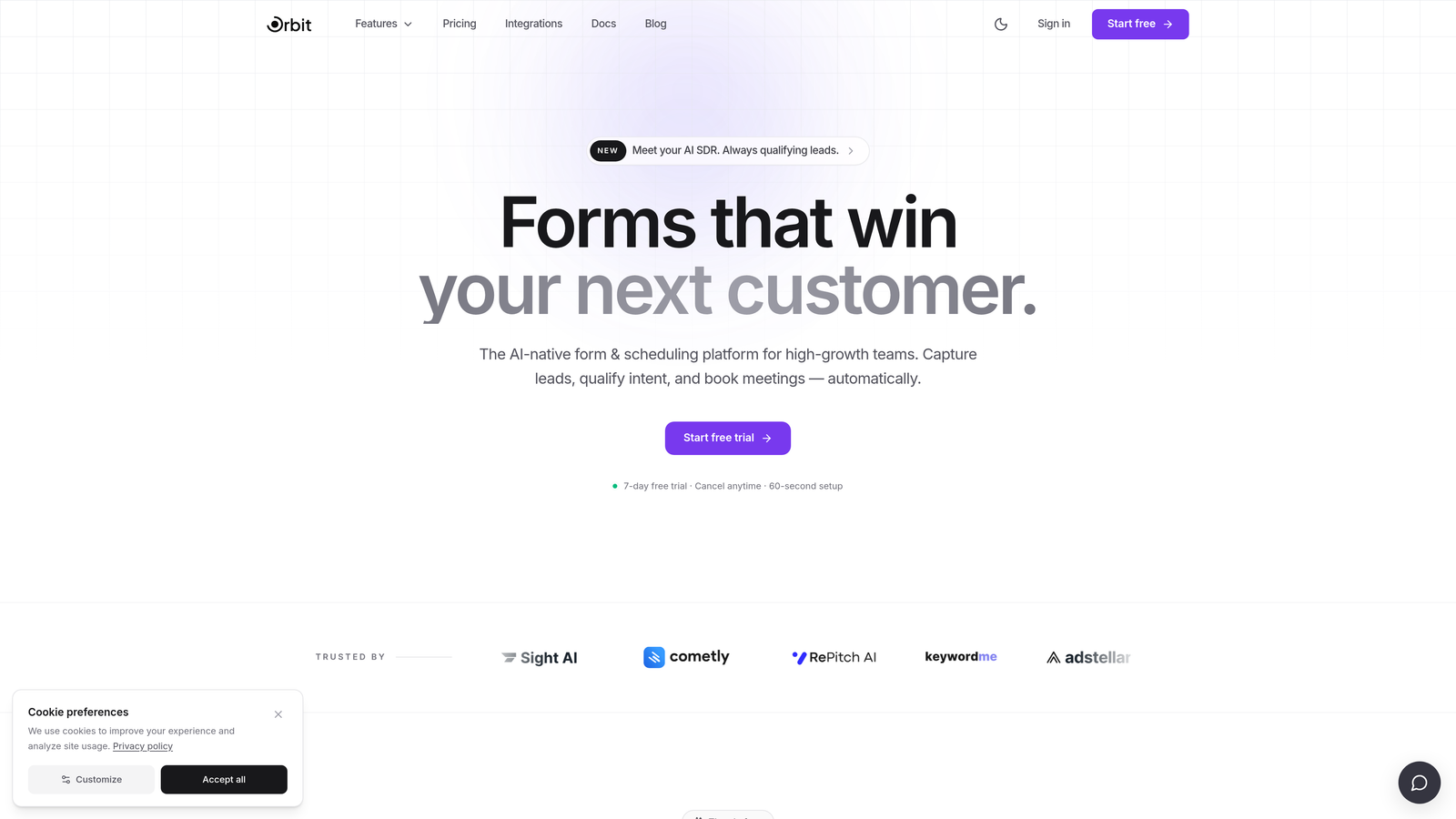
Orbit AI is an AI-powered form builder that goes beyond submission counts to qualify leads and surface conversion intelligence in real time.
Where This Tool Shines
Most form tools tell you how many people submitted. Orbit AI tells you which submissions actually matter. Its AI-powered lead qualification scoring is built directly into the analytics layer, so you're not just tracking completions — you're seeing lead quality signals alongside behavioral data in a single dashboard.
This is particularly valuable for B2B and SaaS teams where a high submission count with poor lead quality is worse than fewer, better-qualified responses. Field-level insights help you pinpoint exactly where friction lives in multi-step flows, so you can iterate with precision rather than guesswork.
Key Features
AI-Powered Lead Qualification Scoring: Scores leads at the form level so your sales team knows which submissions to prioritize before they ever open their CRM.
Real-Time Reporting Dashboard: Surfaces lead quality signals, completion trends, and conversion performance in one unified view.
Field-Level Insights: Identifies which specific fields in a multi-step form are causing drop-off or hesitation.
Conversion-Optimized Form Builder: Analytics are integrated from the start — not bolted on after the fact — so your forms are built to perform from day one.
B2B and SaaS Focus: Designed specifically for teams prioritizing lead quality over raw volume, with reporting that reflects that priority.
Best For
Orbit AI is the strongest fit for SaaS companies, B2B marketing teams, and growth-focused organizations running lead generation or qualification flows where conversion quality matters as much as conversion volume. If you need to justify form ROI to leadership, the reporting dashboard makes that case clearly.
Pricing
Paid plans are available. Visit orbitforms.ai for current pricing details and plan options.
2. Typeform
Best for: Teams that want engagement-focused reporting with built-in drop-off and completion analytics.
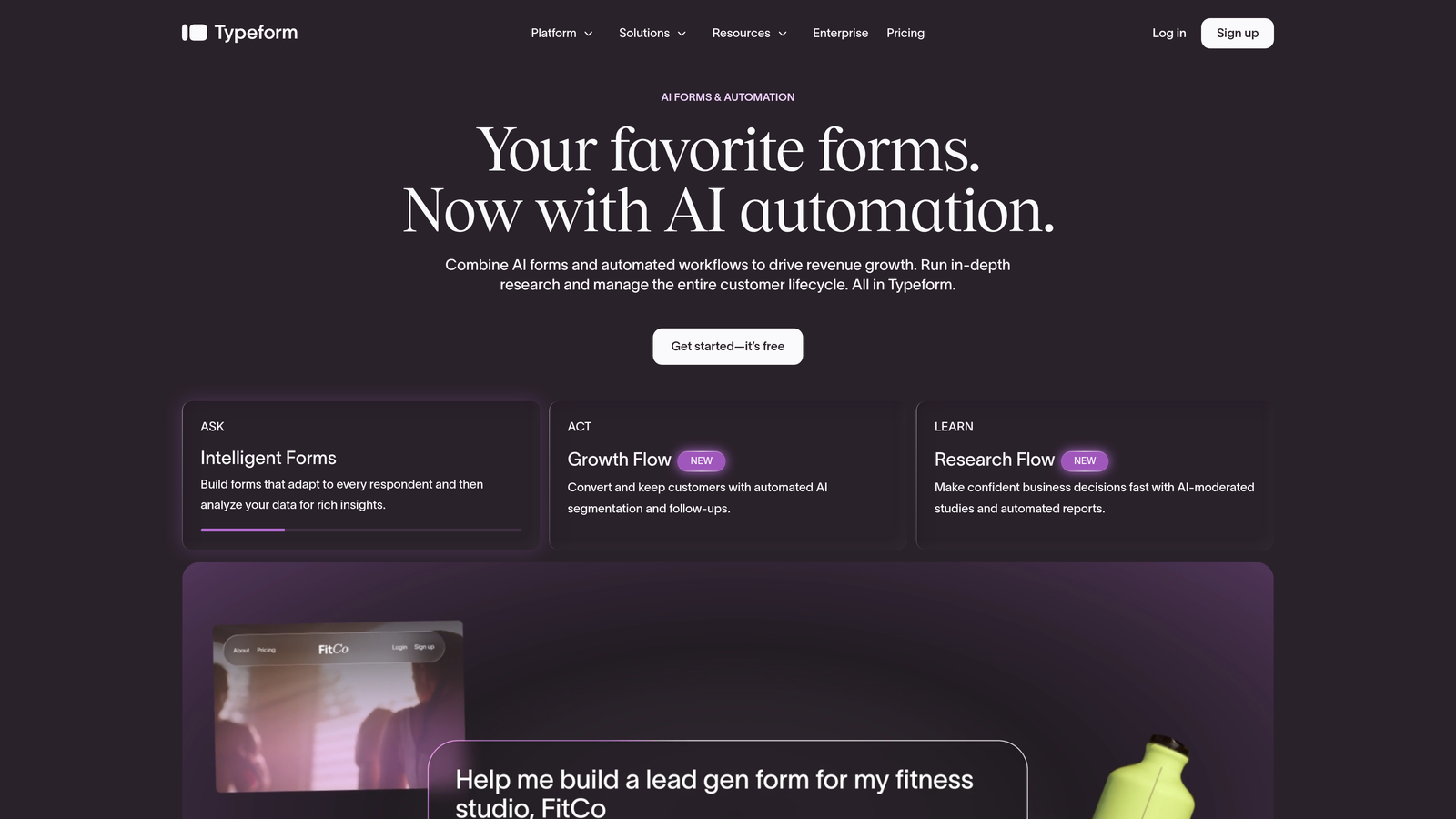
Typeform is a conversational form platform with built-in analytics designed to help teams understand where respondents disengage.
Where This Tool Shines
Typeform's one-question-at-a-time format is itself a conversion strategy, and its analytics are built around that philosophy. Drop-off data is shown per question, so you can see exactly which prompt is causing abandonment. This makes it especially useful for longer forms where engagement tends to decay over time.
For teams already using HubSpot, Google Analytics, or other reporting infrastructure, Typeform integrates cleanly, letting you extend its native analytics into broader marketing dashboards. The visual reporting interface is intuitive enough that non-technical marketers can draw conclusions without needing a data analyst.
Key Features
Drop-Off Analytics: Shows exactly where respondents abandon the form, broken down by question.
Completion Rate Tracking: Monitors completion rates per form and per individual question for granular insight.
Integration Ecosystem: Connects with Google Analytics, HubSpot, and other reporting platforms to extend native data.
Response Filtering and Export: Allows teams to filter submissions and export data for offline analysis or further processing.
Conversational Format: The form experience itself influences completion behavior, making analytics more meaningful by reducing noise from low-engagement responses.
Best For
Typeform suits marketing and research teams that run surveys, lead capture forms, or customer feedback flows and want readable drop-off reporting without a steep learning curve. It's a strong choice when the form experience and the analytics need to work in tandem.
Pricing
A free plan is available with limited responses. Paid plans start at a monthly fee. Check typeform.com for current pricing tiers.
3. Jotform
Best for: Teams managing high submission volumes who need shareable visual dashboards and flexible report building.
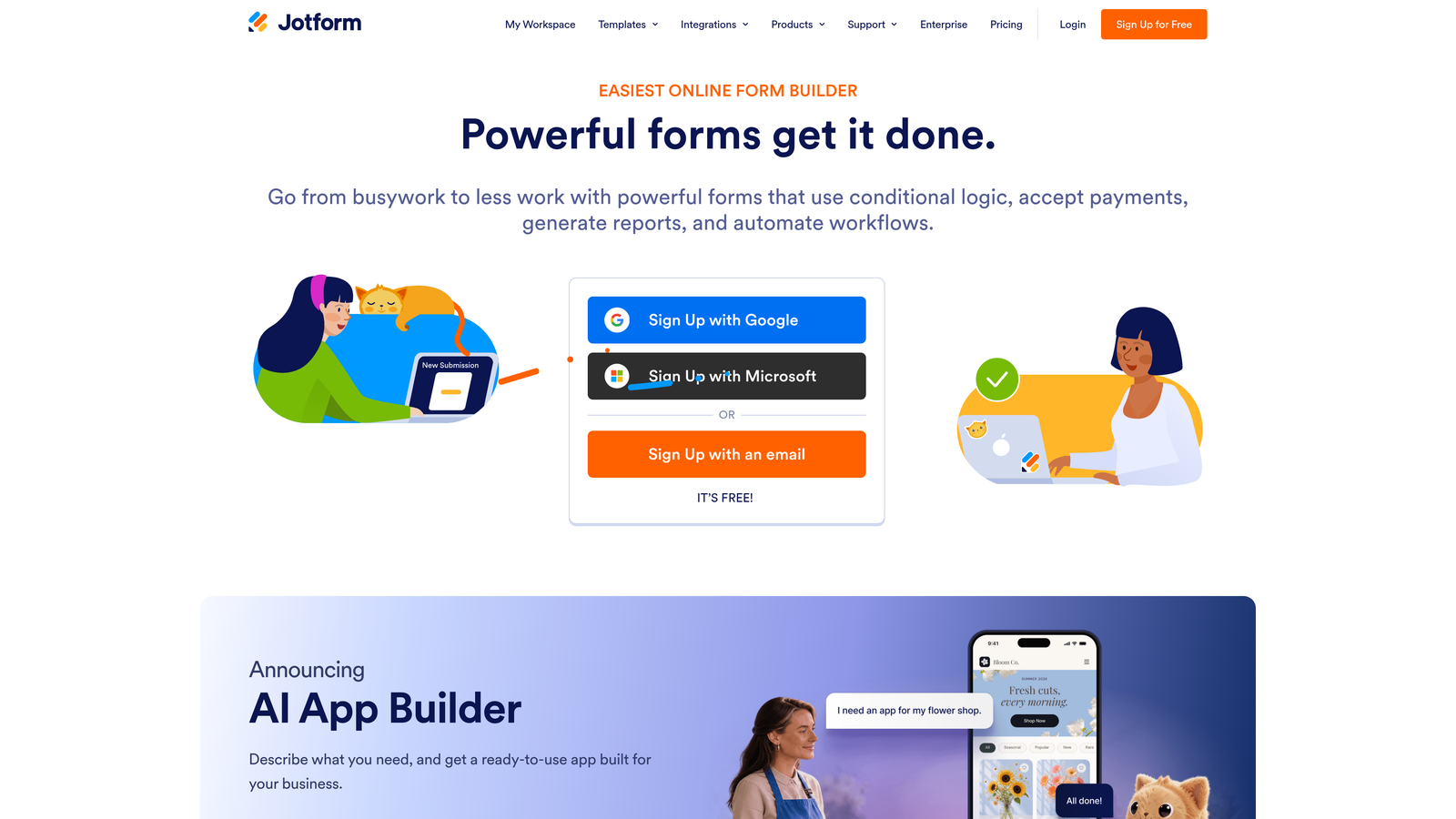
Jotform is one of the most widely used form platforms globally, offering a built-in report builder that transforms submission data into visual summaries and embeddable dashboards.
Where This Tool Shines
Where Jotform stands out is in its breadth. If you're managing many forms across different departments or campaigns, its report builder lets you aggregate and visualize data at scale. Charts, tables, and summary views can be generated quickly and shared via link or embedded directly into internal tools.
It's a strong choice when you need to present form data to stakeholders who aren't going to log into the platform themselves. The shareable report format makes it easy to communicate results without requiring access to the backend.
Key Features
Built-In Report Builder: Creates charts, tables, and visual summaries from submission data without needing external tools.
Shareable and Embeddable Reports: Generates shareable links and embeddable dashboards for stakeholder communication.
Date-Range Filtering: Lets teams filter submission data by time period for trend analysis and period-over-period comparison.
Wide Integration Library: Connects to CRMs, payment processors, and analytics platforms to route data where it's needed.
High-Volume Support: Handles large submission volumes across multiple form types without performance degradation.
Best For
Jotform is well suited for operations teams, agencies managing multiple clients, and organizations running high-volume data collection. It's better for breadth of reporting than depth of behavioral analytics — if field-level drop-off data is your priority, you'll want to pair it with another tool.
Pricing
A free plan is available. Paid plans scale with submission volume and feature needs. Check jotform.com for current plan details.
4. Formstack
Best for: Enterprise and mid-market teams that need field-level behavioral analytics, workflow reporting, and compliance-grade audit trails.
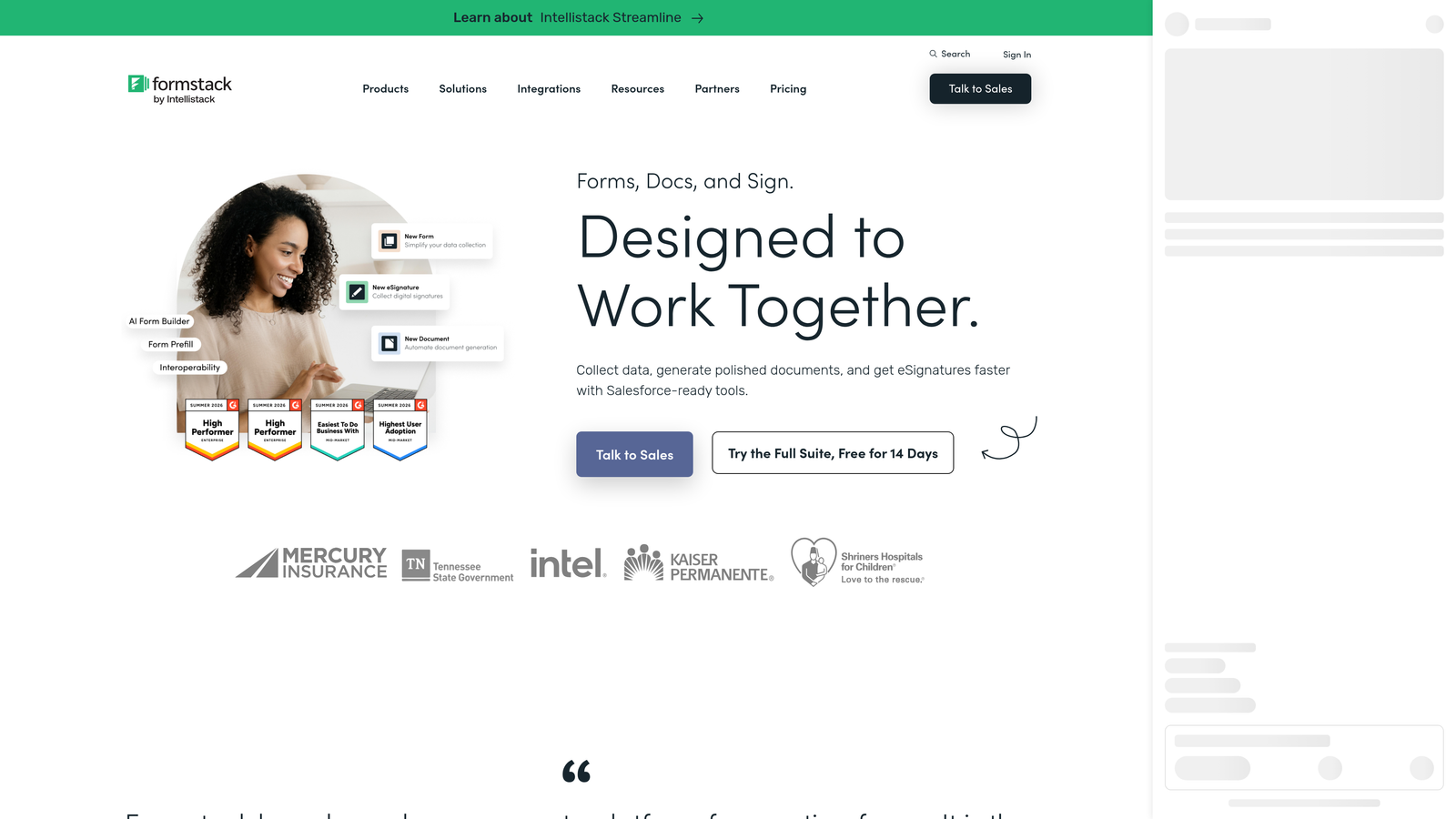
Formstack is an enterprise form platform with a dedicated Conversion Kit that delivers field-level analytics typically absent from mainstream form tools.
Where This Tool Shines
Formstack's Conversion Kit add-on is where its analytics differentiate. Time-on-field tracking shows how long respondents spend on each input, while abandonment data reveals which specific fields are killing completions. This level of granularity is rare and particularly valuable for long forms with complex qualification logic.
For regulated industries, Formstack's HIPAA-compliant reporting options and detailed audit trail functionality make it one of the few form analytics tools that can operate within strict data governance requirements. Workflow analytics also track forms through approval and routing processes, giving operations teams visibility beyond just the submission event.
Key Features
Conversion Kit Field-Level Analytics: Tracks time-on-field and abandonment data at the individual field level for precise friction identification.
Workflow Analytics: Monitors forms through approval and routing processes, not just at the point of submission.
HIPAA-Compliant Reporting: Provides compliance-grade reporting options for healthcare and regulated industry use cases.
Enterprise Integrations: Connects with Salesforce, HubSpot, and enterprise data infrastructure for seamless data flow.
Audit Trail Reporting: Maintains detailed submission history and activity logs for governance and accountability requirements.
Best For
Formstack is the right choice for enterprise teams, healthcare organizations, and mid-market companies with complex workflows, compliance requirements, or a genuine need for field-level behavioral data. The price point reflects its enterprise positioning, so smaller teams should weigh whether the depth justifies the investment.
Pricing
Formstack sits at a higher price point with enterprise options available. Check formstack.com for current plan details and add-on pricing.
5. Paperform
Best for: Small teams and independent operators who want clean, readable analytics without enterprise complexity.
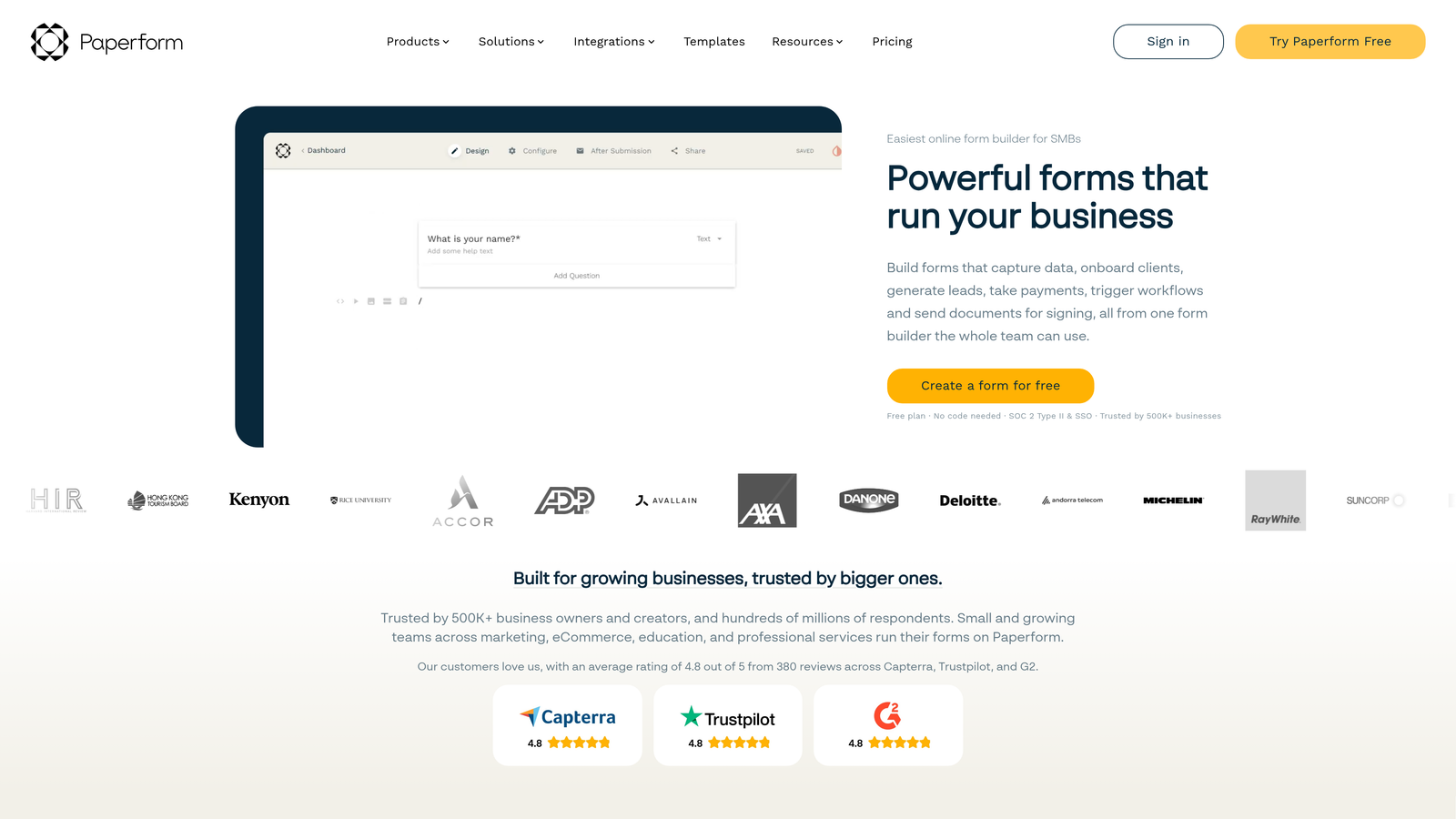
Paperform is a hybrid form and landing page builder with a straightforward analytics dashboard designed for teams that need clarity over depth.
Where This Tool Shines
Paperform's analytics won't overwhelm you with data you don't know how to use. Its dashboard presents response summaries, trend views, and question-level breakdowns in a format that's genuinely readable for non-technical users. Date-range filtering lets you isolate specific time periods without needing to export data or write queries.
The hybrid form-and-landing-page approach also means your analytics context includes the full page experience, not just the form fields in isolation. For consultants, coaches, and small business owners who want useful reporting without a data analyst on staff, Paperform hits a practical sweet spot.
Key Features
Visual Analytics Dashboard: Presents response summaries and trend views in a clean, accessible format suited for non-technical users.
Date-Range Filtering: Enables time-specific reporting to identify trends and compare performance across periods.
Question-Level Response Breakdown: Shows response patterns per question for quick pattern identification without deep analysis.
Zapier Integration: Extends reporting workflows by connecting to external tools for automation and data routing.
Readable Interface: Prioritizes clarity over feature density, making it easy to draw conclusions quickly.
Best For
Paperform is a strong fit for small teams, freelancers, coaches, and early-stage businesses that need functional analytics without the overhead of an enterprise platform. If your reporting needs are straightforward and you value usability over raw analytical depth, this is a comfortable choice.
Pricing
There is no permanent free plan. Paid plans are available at accessible price points. Check paperform.co for current pricing.
6. Tally
Best for: Lean teams and early-stage startups that need basic response tracking with zero upfront cost.
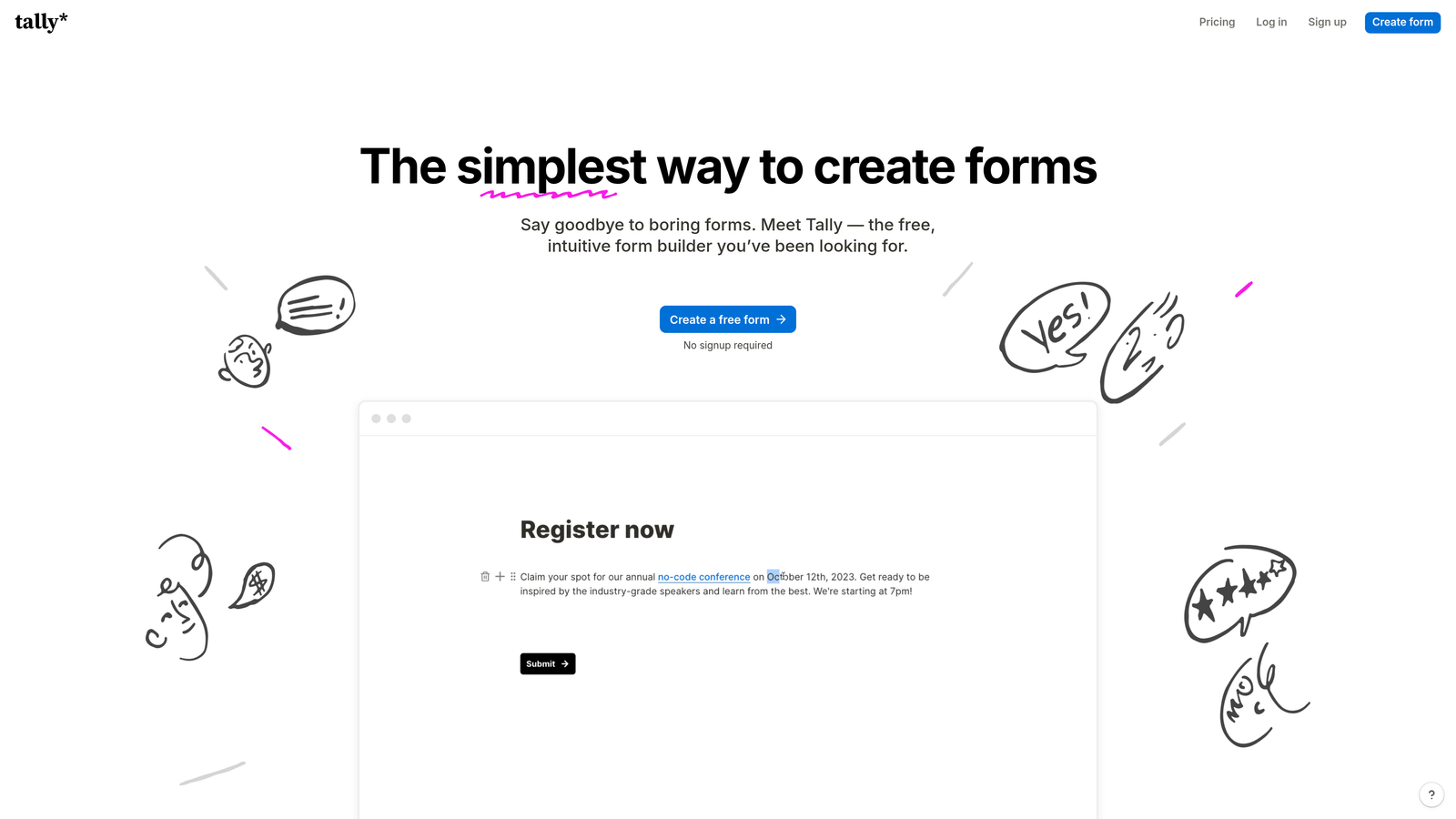
Tally is a free-first form builder with a Notion-like editing experience and basic analytics covering response counts and completion tracking.
Where This Tool Shines
Tally's greatest strength is its accessibility. The free plan includes unlimited forms, which makes it ideal for teams that want to experiment with multiple form variations without worrying about hitting submission caps or paying per form. The editing experience is minimal and fast, which means you can go from idea to live form in minutes.
For teams at the very beginning of their form analytics journey, Tally provides enough visibility to answer basic questions: how many people completed the form, what did they say, and are there obvious patterns in the responses? It won't replace a dedicated analytics tool as your needs grow, but it's a smart starting point with no financial commitment.
Key Features
Response Count and Completion Tracking: Provides core metrics on free plan without requiring any paid upgrade.
Individual Response Review: Lets you browse and filter individual submissions for manual pattern identification.
Unlimited Forms on Free Plan: Removes barriers to experimentation by allowing as many forms as you need at no cost.
Notion-Like Editing Experience: Minimal setup and an intuitive interface mean very little time between idea and execution.
Pro Plan Upgrades: Adds additional reporting features and customization options for teams that outgrow the free tier.
Best For
Tally is the right starting point for early-stage startups, solo operators, and lean teams with basic reporting needs and limited budgets. As reporting requirements become more sophisticated — particularly around field-level behavior or lead quality — you'll likely want to migrate to a more capable platform.
Pricing
A generous free plan is available with no submission limits. The Pro plan is available at a low monthly rate. Check tally.so for current pricing.
Which Tool Is Right for Your Team?
The best form analytics tool depends less on which platform has the most features and more on what questions you actually need to answer. Here's how to think about the choice.
For lead quality and conversion intelligence: Orbit AI is the standout choice. If your team needs to understand not just how many people submitted a form but which submissions represent real pipeline, the AI-powered qualification scoring and real-time reporting give you a level of insight that basic form tools simply don't offer.
For field-level behavioral analytics at enterprise scale: Formstack's Conversion Kit is the most technically deep option on this list, particularly for organizations with compliance requirements or complex approval workflows.
For engagement-focused reporting on conversational forms: Typeform pairs its distinctive form format with solid drop-off analytics, making it a natural fit for teams where the form experience itself is part of the strategy.
For high-volume, shareable dashboards: Jotform handles breadth well, especially for teams managing many forms across multiple campaigns or departments.
For small teams that value simplicity: Paperform delivers clean, readable analytics without the complexity of enterprise platforms.
For zero-cost experimentation: Tally's free plan removes every barrier to getting started, making it the natural entry point for lean teams and early-stage startups.
If you're running lead generation forms and need to move beyond submission counts toward real conversion intelligence, the gap between a basic form tool and a purpose-built analytics platform becomes very clear very quickly. Start building free forms today with Orbit AI and see what AI-powered form analytics can surface for your team.


