

Choosing a form builder isn't just about features. It's about finding the right value for your specific use case, your team size, and where you're headed in the next 12 months. Whether you're a startup watching every dollar or a growth-stage team scaling lead capture across multiple channels, understanding what you'll actually pay matters more than most pricing pages let on.
The challenge is that most form builder pricing pages bury the real costs behind vague tier labels, feature toggles, and response volume caps that only become painful once you've already committed. This guide cuts through that noise.
We've evaluated Orbit AI and five leading competitors, scoring each on pricing clarity, feature-to-cost ratio, and scalability for high-growth teams. If you're trying to calculate the true cost of a form builder for lead generation and conversion optimization, this is your starting point.
1. Orbit AI
Best for: High-growth B2B SaaS teams that need lead qualification built directly into their forms
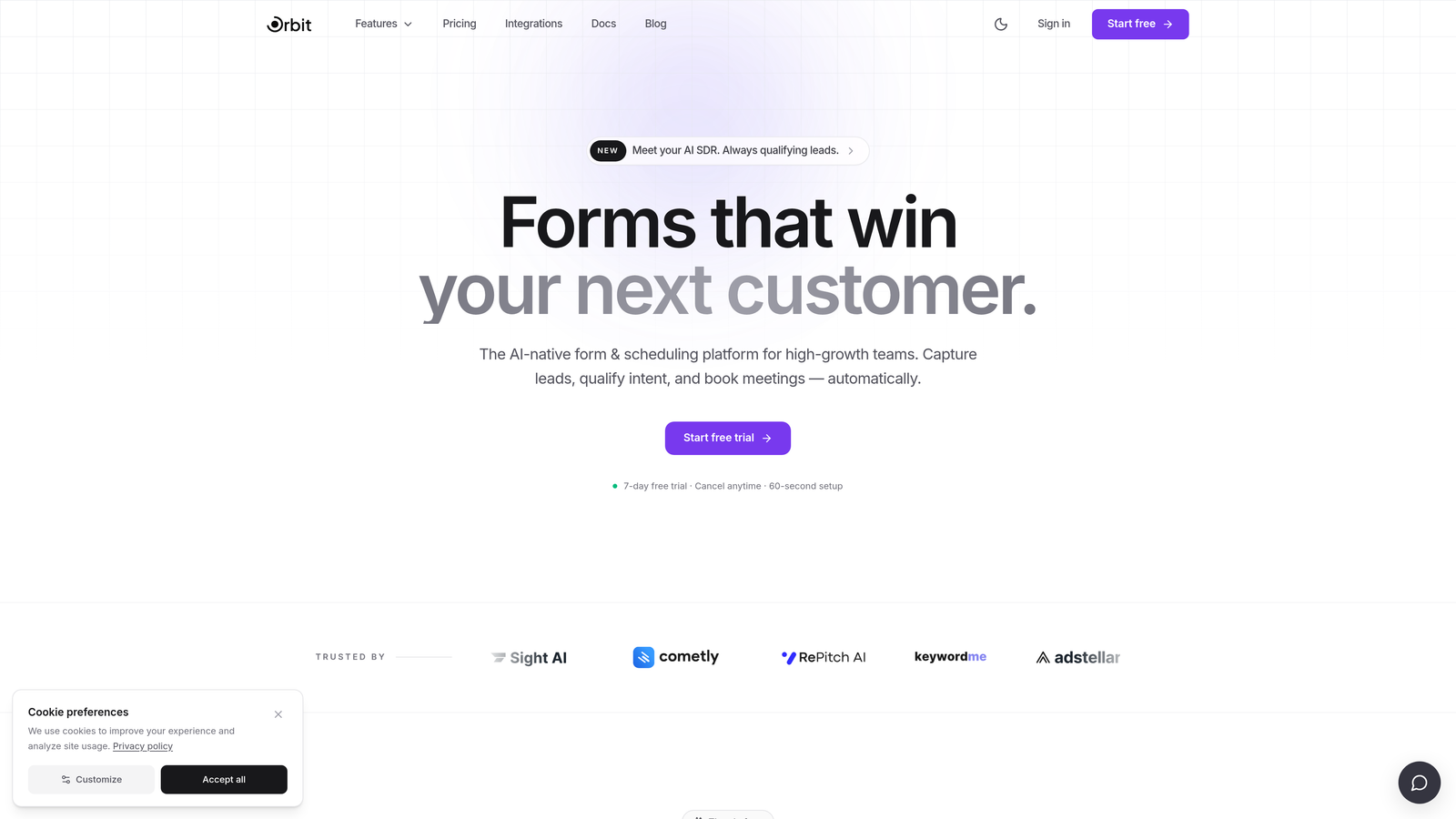
Orbit AI is an AI-powered form builder designed specifically for teams where lead quality matters as much as lead volume.
Where This Tool Shines
Most form builders collect data and hand it off. Orbit AI goes a step further by qualifying leads at the form layer itself, surfacing high-intent prospects automatically so your sales team can prioritize follow-up without needing a separate lead scoring tool. For B2B SaaS teams juggling multiple tools across their stack, that consolidation is a genuine value proposition.
The form design is also notably modern. Where some tools feel like they were built for a different era of the web, Orbit AI's UI reflects what high-growth teams actually want to put in front of prospects: clean, conversion-optimized experiences that don't feel like filling out a government form.
Key Features
AI-Powered Lead Qualification: Scores and qualifies leads natively within the form experience, reducing reliance on downstream enrichment tools.
Conversion-Optimized Design: Modern, beautiful form UI built to maximize completion rates and leave a strong brand impression.
Automatic High-Intent Signals: Lead scoring surfaces your best prospects automatically, so your team focuses effort where it counts.
Built for B2B SaaS: Product decisions are clearly shaped around the needs of SaaS and high-growth B2B teams, not generic use cases.
Quality Over Volume: The platform is oriented around capturing better leads, not just more of them.
Best For
Orbit AI is the strongest fit for SaaS companies and B2B growth teams that are already spending on separate lead scoring or CRM enrichment tools. If your current form builder just collects submissions and leaves qualification to someone else, Orbit AI offers a meaningful upgrade in how you think about the form layer of your funnel.
Pricing
Pricing tiers are not fully listed here as they may change. Visit orbitforms.ai for current plan details and to explore what's included at each tier.
2. Typeform
Best for: Teams prioritizing engagement, brand experience, and conversational form flows
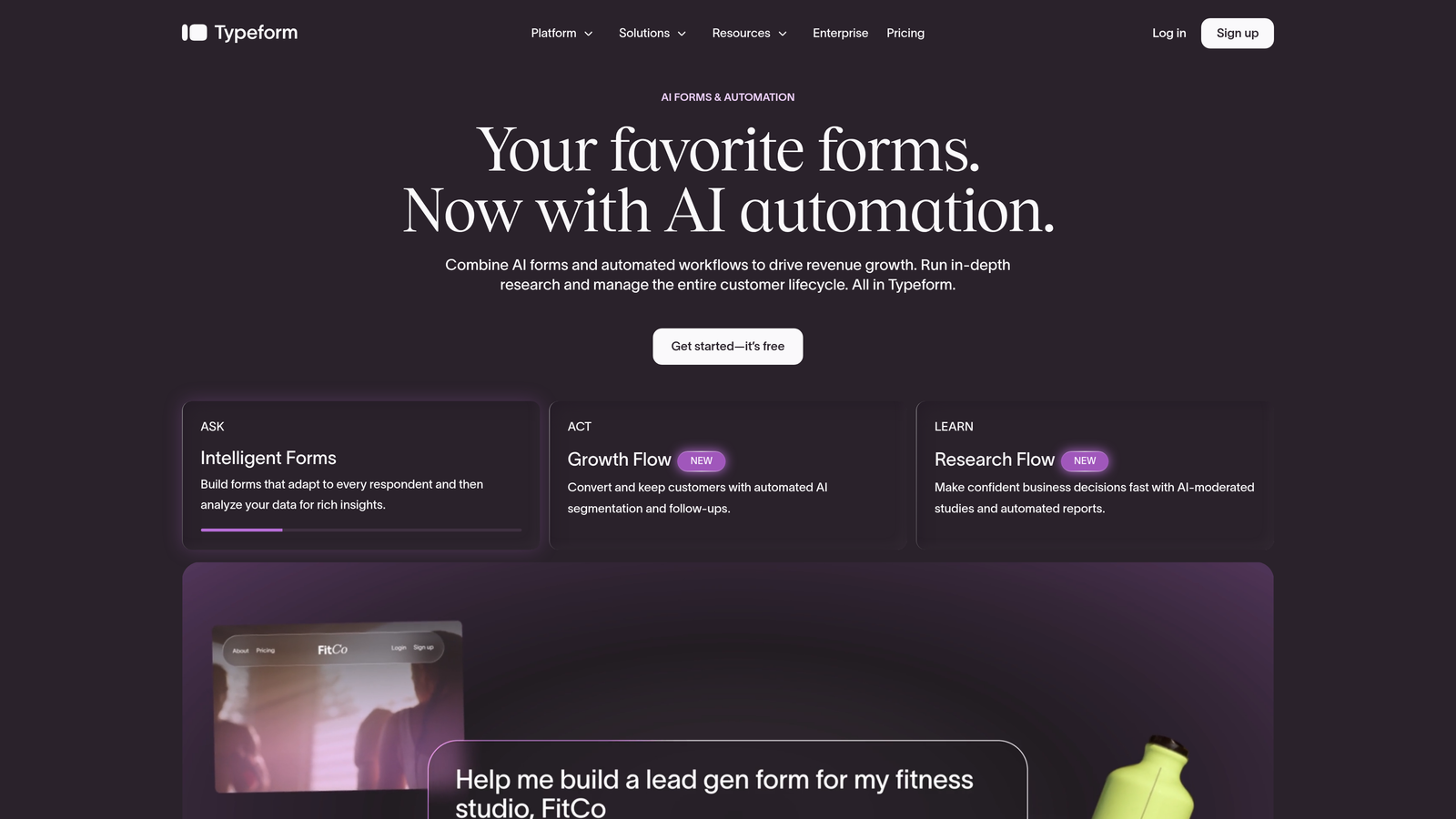
Typeform is a conversational form builder known for its polished one-question-at-a-time interface and strong visual design.
Where This Tool Shines
Typeform's core strength is the respondent experience. The one-question-at-a-time format creates a more focused, less overwhelming interaction than a traditional multi-field form, which can improve completion rates for longer surveys and lead capture flows. For teams where brand presentation matters, the level of customization available on higher tiers is hard to match.
The integration ecosystem is also broad and well-documented. Connecting Typeform to HubSpot, Salesforce, or Zapier is generally straightforward, making it a workable option for teams that need form data flowing into existing CRM and marketing automation setups.
Key Features
Conversational UX: One-question-at-a-time format reduces cognitive load and can lift completion rates on complex forms.
Logic Jumps and Conditional Branching: Personalize form paths based on previous answers for more relevant respondent experiences.
Brand Customization: White-labeling and deep visual customization available on higher-tier plans.
Rich Media Support: Embed video and images directly within form questions for richer, more engaging flows.
Broad Integration Ecosystem: Native connections to HubSpot, Salesforce, Zapier, and many other platforms.
Best For
Typeform works well for marketing teams running lead generation campaigns, customer research, or onboarding flows where the respondent experience is a key consideration. It's less suited for teams on tight budgets who need high response volumes, as pricing can escalate quickly once you move past the free tier's limits.
Pricing
A free tier is available with limited responses. Paid plans start at approximately $25/month, scaling by response volume and features. Verify current pricing at typeform.com/pricing.
3. Jotform
Best for: Teams that need high-volume form usage, payment collection, and a wide range of templates
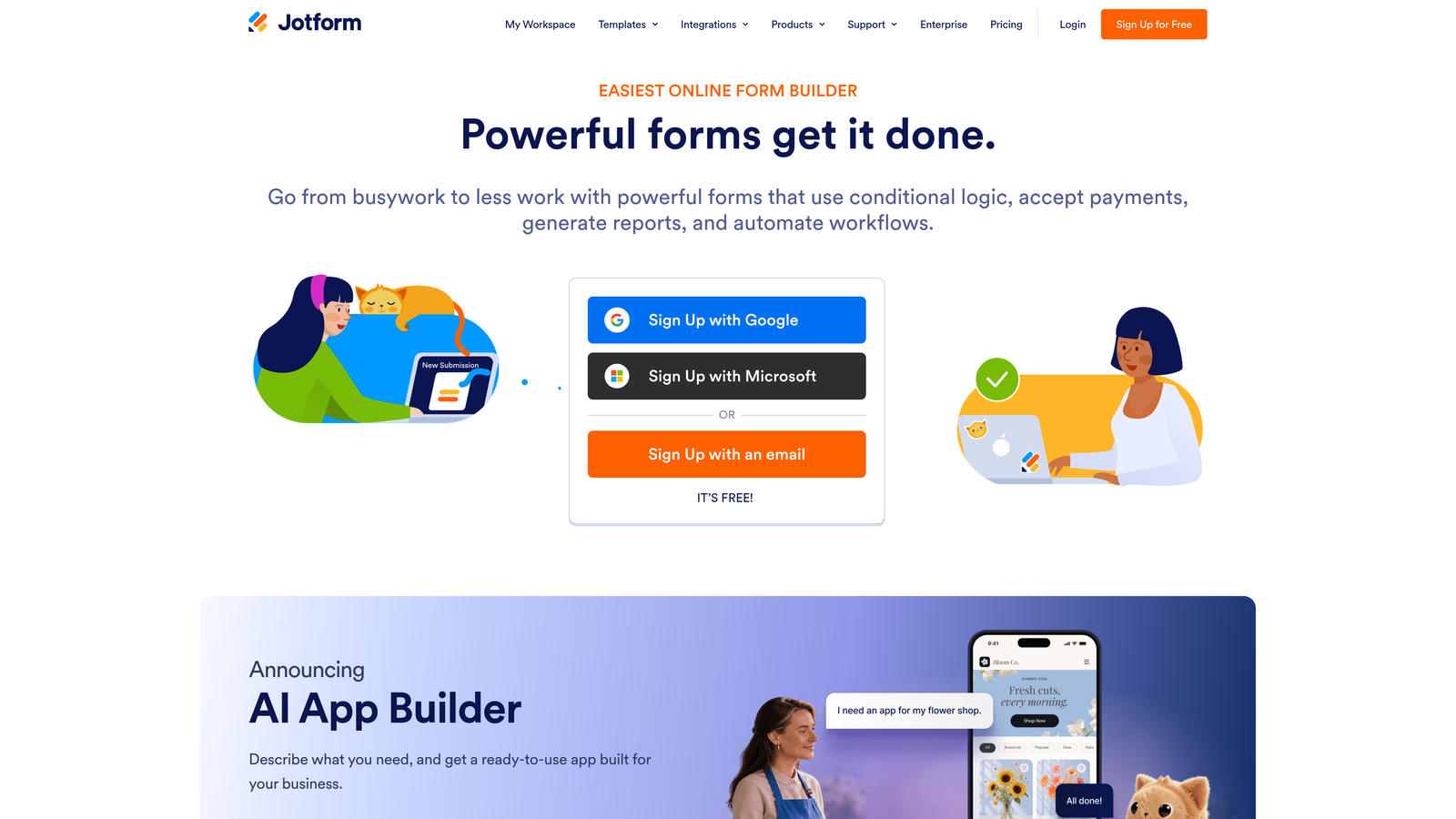
Jotform is one of the most feature-rich and template-heavy form builders available, with a strong track record across a wide range of industries.
Where This Tool Shines
Jotform's template library is genuinely impressive, with thousands of ready-to-use forms across verticals from healthcare to e-commerce. For teams that need to spin up forms quickly without starting from scratch, this depth of starting points is a real time-saver. The drag-and-drop builder is accessible enough for non-technical users while still supporting complex field configurations.
The built-in payment processing is another standout. Native integrations with Stripe, PayPal, and Square mean you can collect payments directly through forms without stitching together separate tools. For teams that need HIPAA compliance, Jotform offers that capability on higher tiers, which broadens its applicability in regulated industries.
Key Features
10,000+ Templates: One of the largest template libraries in the market, covering nearly every industry and use case.
Built-In Payment Collection: Native Stripe, PayPal, and Square integrations for collecting payments directly through forms.
Generous Submission Limits: Paid plans offer competitive submission volumes relative to their price point.
HIPAA-Compliant Options: Available on higher tiers for teams operating in healthcare or handling sensitive data.
Extensive Field Library: Drag-and-drop builder with a wide range of field types for complex form configurations.
Best For
Jotform is a strong choice for teams that need flexibility and volume without a steep learning curve. It's particularly well-suited for operations teams, agencies managing multiple clients, or any organization that needs to handle payment collection alongside standard form workflows.
Pricing
A free tier is available with submission and storage limits. Paid plans (Bronze, Silver, Gold) scale primarily on submission count and storage. Verify current pricing at jotform.com/pricing.
4. Paperform
Best for: Non-technical users who need forms, payments, and scheduling in a single tool
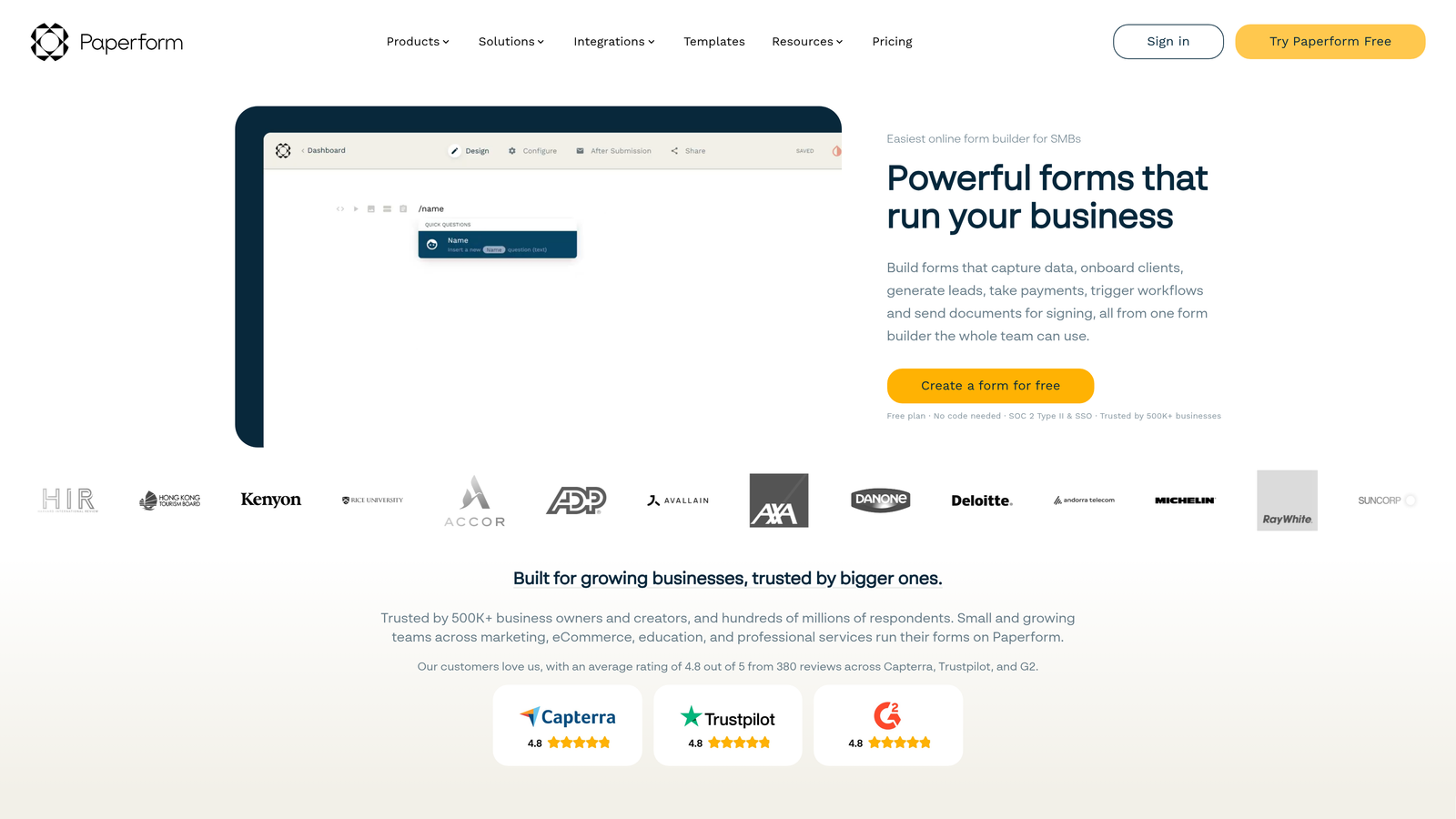
Paperform is a flexible form builder that combines forms, payment processing, scheduling, and mini landing pages in one platform, using a document-style editor that feels more like writing than building.
Where This Tool Shines
Paperform's document-style editor is genuinely different from most form builders. Rather than dragging fields into a canvas, you write your form almost like a page of text, embedding fields inline as you go. For non-technical users, this can make the building process feel far more natural and less intimidating.
The bundled functionality is also worth noting. Many teams that would otherwise pay separately for a form tool, a payment processor integration, and a scheduling tool can consolidate all three under a single Paperform subscription. That kind of tool consolidation can represent real savings for lean teams managing multiple vendors.
Key Features
Document-Style Editor: Build forms by writing, with fields embedded inline, making the process intuitive for non-technical users.
Built-In Payment Processing: Accept payments and sell products directly through forms without third-party integrations.
Native Scheduling and Booking: Appointment booking is supported natively, eliminating the need for a separate scheduling tool.
Conditional Logic and Calculations: Advanced logic and calculation fields included without add-ons or upgrades.
Full Feature Access on All Plans: No free tier, but all paid plans include the full feature set rather than gating key functionality.
Best For
Paperform is well-suited for small businesses, consultants, and teams that want to consolidate forms, payments, and scheduling into one tool. It's a particularly good fit for non-technical users who find traditional form builders overly mechanical to work with.
Pricing
No free tier is available. Paid plans start at approximately $24/month. Verify current pricing at paperform.co/pricing.
5. Formstack
Best for: Enterprise teams with compliance requirements, complex workflows, and document generation needs
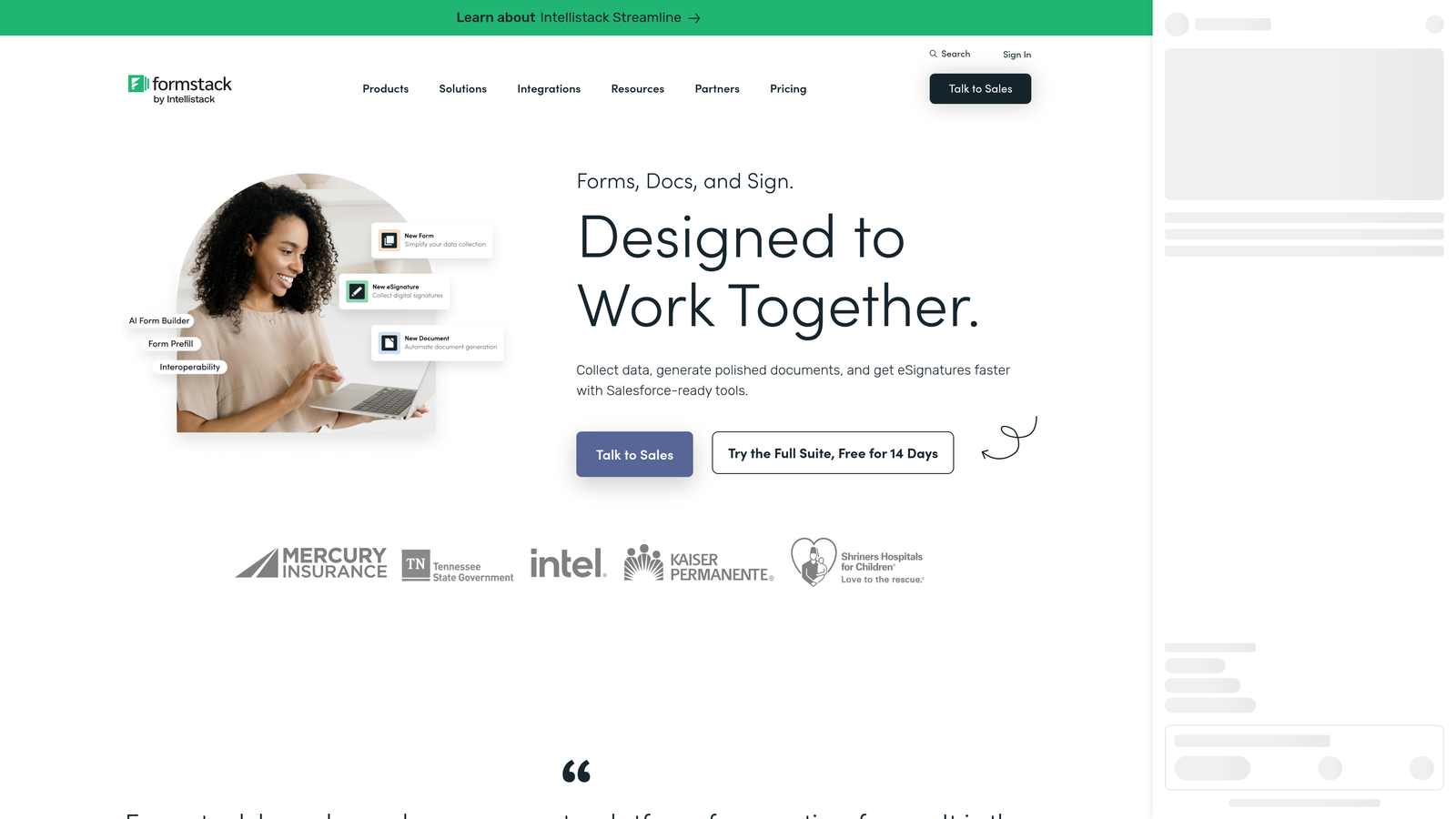
Formstack is an enterprise-grade form and workflow automation platform built for organizations that need more than data collection, including document generation, e-signatures, and strict compliance coverage.
Where This Tool Shines
Formstack operates at a different level of complexity than most form builders on this list. Its workflow routing and approval chain capabilities make it genuinely useful for organizations where form submissions need to trigger multi-step internal processes, not just land in a spreadsheet or CRM. The document generation feature, which creates polished documents from form data, is a capability most competitors simply don't offer.
For teams in regulated industries, Formstack's compliance coverage is a serious differentiator. HIPAA, GDPR, and SOC 2 compliance options, combined with Salesforce-native integration, make it a credible enterprise choice for organizations where data governance is a non-negotiable requirement.
Key Features
Advanced Workflow Routing: Multi-step approval chains and conditional routing for complex internal processes.
Document Generation: Automatically generate polished documents from form submission data via Formstack Documents.
Enterprise Compliance: HIPAA, GDPR, and SOC 2 compliance options for regulated industries.
Salesforce-Native Integration: Deep CRM integration built for enterprise workflows, not just a basic connector.
E-Signature Capabilities: Collect legally binding signatures via Formstack Sign as part of the same workflow.
Best For
Formstack is the right fit for enterprise teams, healthcare organizations, and companies with complex compliance requirements. If your form workflows need to trigger document generation, route approvals, or meet strict data governance standards, Formstack is built for exactly that. It's generally over-engineered for smaller teams or straightforward lead capture use cases.
Pricing
Formstack uses enterprise-focused pricing that typically requires a conversation with their sales team for full details. Verify current pricing and plan options at formstack.com/pricing.
6. Tally
Best for: Lean teams, indie makers, and startups that need unlimited forms without paying for them
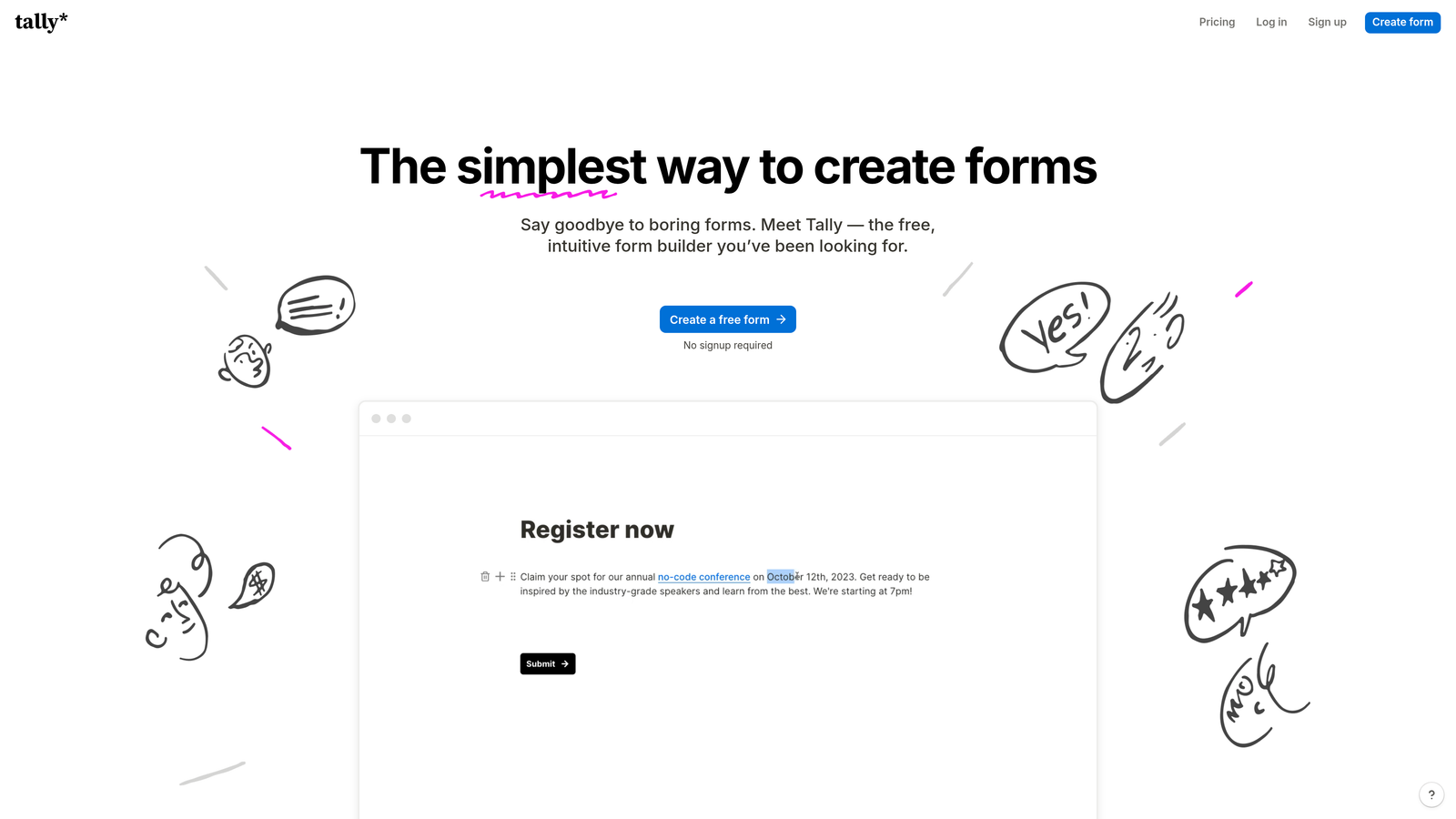
Tally is a minimalist form builder with one of the most generous free tiers in the market, offering unlimited forms and unlimited responses at no cost.
Where This Tool Shines
Tally's free tier is genuinely remarkable by form builder standards. While most tools cap free users at a handful of forms or a low monthly response limit, Tally offers unlimited forms and unlimited responses on its free plan. For lean teams, early-stage startups, or anyone testing a new workflow, that's a meaningful advantage.
The editing experience is clean and fast, with a Notion-inspired interface that keeps things simple without sacrificing capability. Logic, calculations, and file uploads are all supported, and the tool embeds cleanly into websites and Notion pages, which makes it a natural fit for teams already living in that ecosystem.
Key Features
Unlimited Free Forms and Responses: The free plan has no caps on form count or submission volume, which is rare in this market.
Notion-Inspired Editor: Clean, fast building experience that prioritizes simplicity without removing important functionality.
Logic and Calculations: Conditional logic, calculations, and file uploads supported across plans.
Custom Domains and Branding Removal: Available on the Pro plan for teams that need a fully branded experience.
Seamless Embeds: Integrates cleanly into websites and Notion pages without friction.
Best For
Tally is the strongest option for startups, solo operators, and lean teams that need capable forms without a monthly bill. It's also a smart choice for teams already using Notion as a central workspace. Where it's less suited is for high-growth B2B teams that need advanced lead qualification, deep CRM integrations, or enterprise-grade compliance features.
Pricing
The free plan includes unlimited forms and unlimited responses. The Pro plan starts at approximately $29/month and adds custom domains, branding removal, and priority support. Verify current pricing at tally.so/pricing.
Which Tool Is Right for Your Team?
The right form builder depends far more on your team's growth stage and lead generation goals than on feature checklists alone. Here's a practical breakdown to help you match the tool to your situation.
For high-growth B2B SaaS teams focused on lead quality: Orbit AI is the strongest fit. If your team is already spending on separate lead scoring or enrichment tools, the native AI qualification built into Orbit AI's form layer offers real consolidation value. It's built for the specific workflow challenges that growth-stage SaaS teams face, and the modern form design reflects what high-intent prospects actually want to interact with. Explore Orbit AI's pricing and capabilities to see how it fits your stack.
For teams prioritizing respondent experience and brand polish: Typeform remains a strong choice, particularly for longer lead capture flows or customer research where engagement and completion rate are the primary concern.
For teams needing high volume, templates, and payment collection: Jotform's depth of templates and generous submission limits make it a practical choice for operations-heavy teams or agencies managing multiple form workflows.
For lean teams or early-stage startups: Tally's unlimited free tier is hard to argue with. If budget is the primary constraint and you don't yet need advanced lead qualification, Tally gives you more than enough to get started.
For enterprise teams with compliance requirements: Formstack is purpose-built for that environment. If HIPAA, GDPR, or SOC 2 compliance is a requirement, it's the clearest choice on this list.
If you're building out a lead generation function and want to go deeper on how forms fit into the broader qualification process, it's worth reading about how to improve lead quality and how AI-powered forms can change the quality of what enters your pipeline from the very first touchpoint.
The form layer of your funnel is more important than most teams treat it. The right tool doesn't just collect data. It starts the qualification process before your sales team ever gets involved. Start building free forms today and see how intelligent form design can elevate your conversion strategy.


