

Most contact forms are set up once and left to quietly underperform. You pick a template, add a few fields, embed it on your landing page, and move on. The problem is that small decisions — how many fields you include, where the CTA sits, how you phrase a qualifying question — can make a significant difference in both completion rates and lead quality.
A/B testing changes that dynamic, letting you run controlled experiments on form length, field order, copy, and CTAs to find what actually drives conversions. The challenge? Not every form builder makes testing easy, and generic A/B testing platforms weren't designed with forms in mind.
This list focuses specifically on tools that help high-growth teams test and optimize contact forms — whether through built-in experimentation features, smart form logic, or AI-driven qualification that reduces the need for endless manual test cycles. Each tool has been evaluated on testing capability, ease of use, lead quality impact, and fit for conversion-focused teams. If form abandonment and unqualified submissions are eating into your pipeline, these are the tools worth your attention.
1. Orbit AI
Best for: High-growth SaaS teams that want AI-powered lead qualification and dynamic form optimization without manual A/B test cycles.
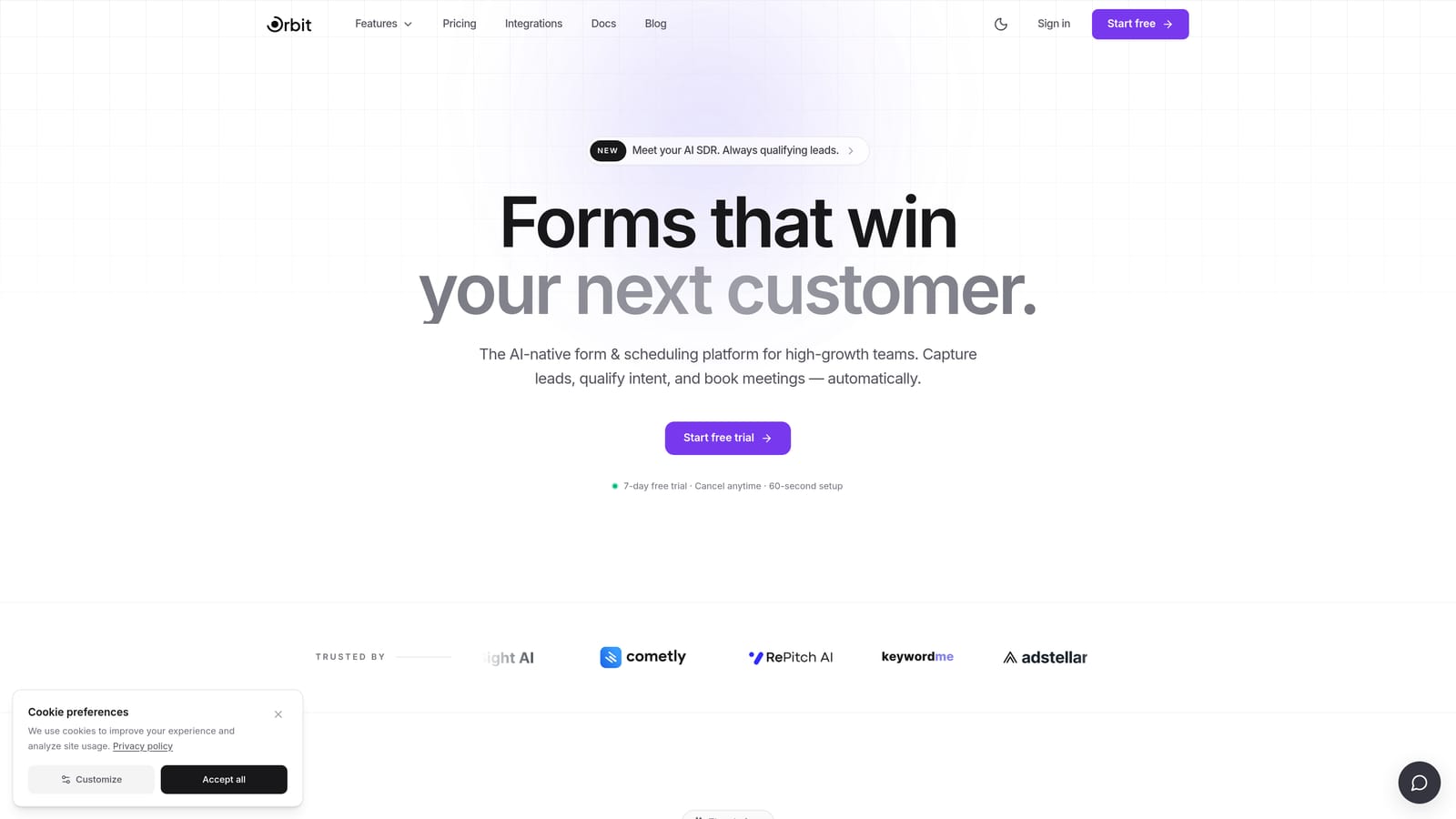
Orbit AI is an AI-powered form builder that combines conversion-optimized form design with intelligent lead qualification, adapting form logic dynamically based on user inputs rather than requiring static variant testing.
Where This Tool Shines
Most A/B testing tools ask you to build two versions of a form, split your traffic, wait for statistical significance, and then manually apply the winning variant. Orbit AI takes a different approach: the form itself adapts in real time based on how users respond, qualification signals, and lead scoring — meaning the "optimization" happens continuously rather than in discrete test cycles.
For demand generation teams focused on lead quality rather than raw submission volume, this is a meaningful shift. Instead of testing which version of a form gets more completions, Orbit AI helps you filter and route leads intelligently from the moment someone starts filling out the form.
Key Features
AI-Driven Lead Qualification: Scores and filters submissions in real time, surfacing high-intent leads and reducing noise in your pipeline.
Dynamic Conditional Logic: Adapts the form experience based on user responses, creating personalized paths without requiring multiple static form variants.
Conversion-Optimized Form Design: Built specifically for high-growth SaaS and demand generation teams, with a focus on modern, high-converting UX.
Lead Quality Analytics: Reporting focused on lead quality and qualification signals, not just raw completion rates.
No-Code Form Builder: Clean, intuitive interface for building and iterating on forms quickly without engineering support.
Best For
Orbit AI is best suited for SaaS companies, revenue operations teams, and demand gen marketers who want to move beyond basic split testing. If your goal is improving both the quantity and quality of leads coming through your forms, the AI qualification layer makes it genuinely differentiated from standard form builders.
Pricing
Visit orbitforms.ai for current pricing and plan details, as tiers and features are updated regularly.
2. Typeform
Best for: Teams that want conversational form experiences with drop-off analytics to inform iterative design improvements.
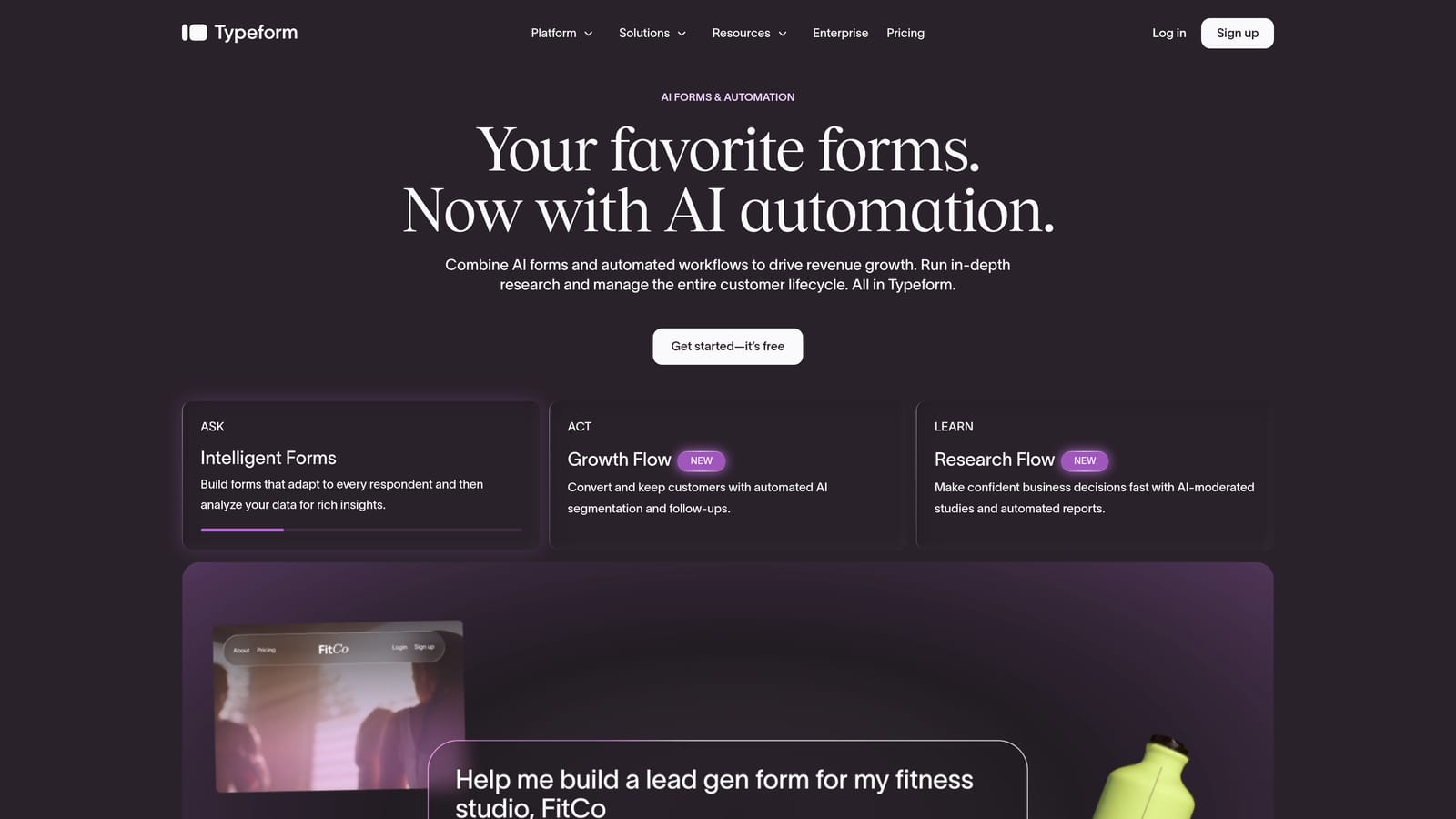
Typeform is a conversational form builder known for its one-question-at-a-time format and engagement analytics that help teams identify where users drop off and iterate on form design.
Where This Tool Shines
Typeform's core strength is the experience it creates for respondents. The single-question flow feels less like filling out a form and more like a conversation, which tends to reduce friction and improve completion rates for longer or more complex forms. For teams experimenting with form length and question sequencing, this format makes iterative changes feel natural.
On the analytics side, Typeform shows you exactly where users abandon a form — which questions cause drop-off, where completion rates dip, and how different logic paths perform. That data becomes the foundation for informed iteration, even without a native split-testing engine.
Key Features
Conversational Single-Question Flow: Presents one question at a time to reduce cognitive load and improve completion rates.
Drop-Off Analytics: Shows exactly which questions cause users to abandon the form, enabling targeted improvements.
Logic Jumps and Conditional Branching: Creates personalized form paths based on how respondents answer earlier questions.
CRM and Marketing Integrations: Connects with major marketing platforms and CRMs for downstream lead tracking and routing.
Customizable Themes and Branding: Maintains brand consistency across form experiences with flexible design controls.
Best For
Typeform works well for marketing teams that want to experiment with conversational form formats and use engagement data to guide design decisions. It's particularly strong for longer qualification forms where drop-off analysis helps prioritize which questions to cut or reorder.
Pricing
Free plan available with limited responses. Paid plans start at approximately $25/month, with higher tiers unlocking more responses and advanced features.
3. Jotform
Best for: Teams with existing A/B testing infrastructure that need a flexible form builder with broad integration support.
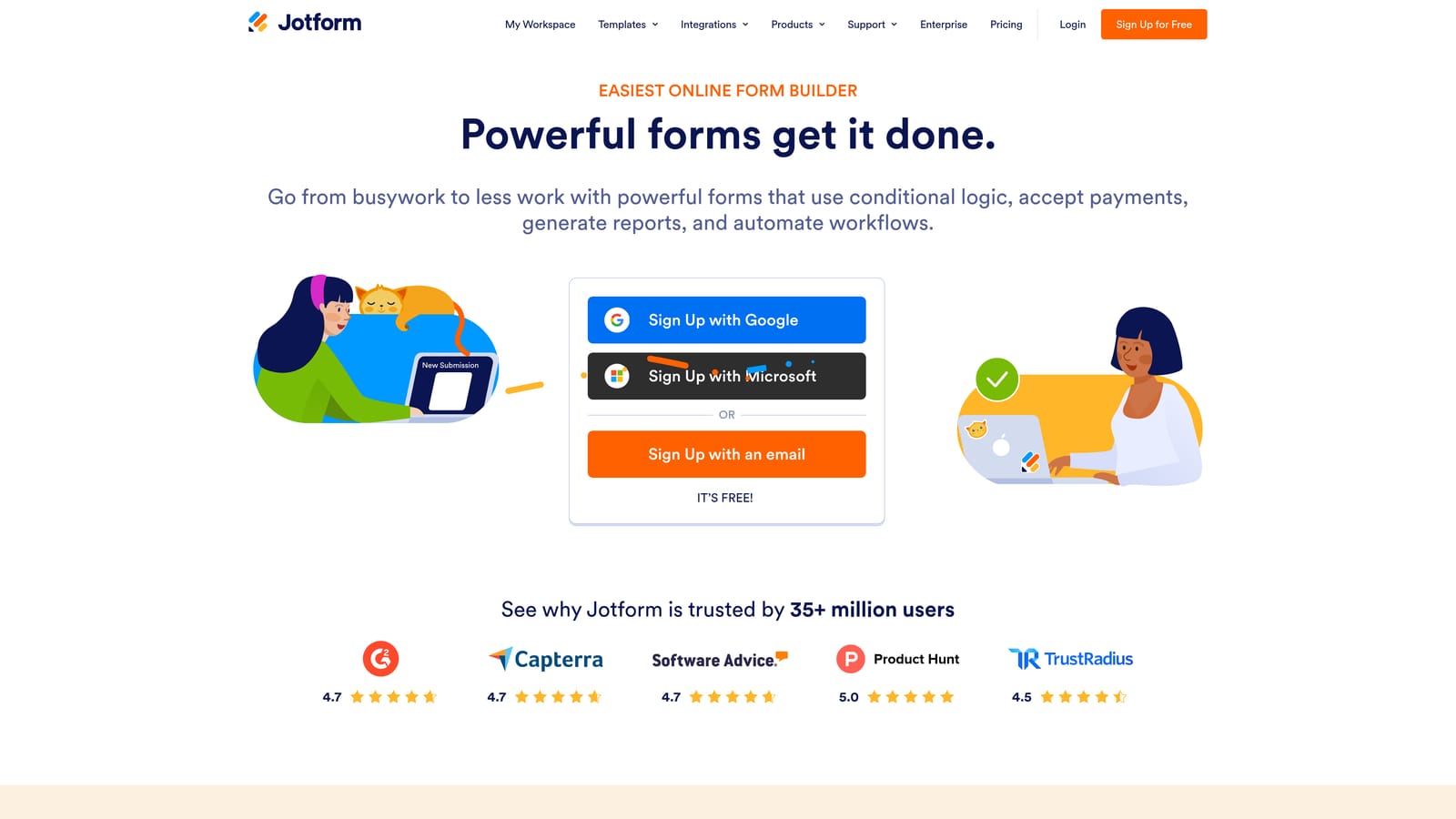
Jotform is a highly flexible form builder with an extensive template library and broad integration support, making it compatible with external A/B testing and analytics tools.
Where This Tool Shines
Jotform's strength is flexibility. With hundreds of pre-built templates and one of the widest integration ecosystems in the form builder market, it fits into almost any existing tech stack. Teams that already use external testing platforms can embed Jotform forms on pages where page-level split testing is applied, effectively running form variant experiments through their existing tooling.
It also covers a broad range of use cases — from simple contact forms to multi-page lead qualification flows — with conditional logic, payment processing, and compliance features like HIPAA support. For teams that need one form tool to serve multiple functions across the business, Jotform's breadth is hard to match.
Key Features
Extensive Template Library: Hundreds of templates for rapid deployment across different form use cases and industries.
Conditional Logic and Multi-Page Support: Builds branching, multi-step form experiences without custom development.
Wide Integration Ecosystem: Connects with external testing platforms, CRMs, payment processors, and marketing tools.
Form Analytics: Tracks views, starts, and submission counts to monitor form performance over time.
HIPAA-Compliant Options: Supports regulated industries with compliance-ready form configurations.
Best For
Jotform is a strong fit for operations and marketing teams that want a versatile, integration-friendly form builder they can plug into an existing testing workflow. It's especially well-suited for organizations that already use external analytics or experimentation platforms and need forms that play nicely with that stack.
Pricing
Free plan available with up to five forms and 100 monthly submissions. Paid plans start at approximately $34/month with expanded limits and features.
4. Paperform
Best for: Design-conscious teams that want to iterate on form performance while maintaining strong brand aesthetics.
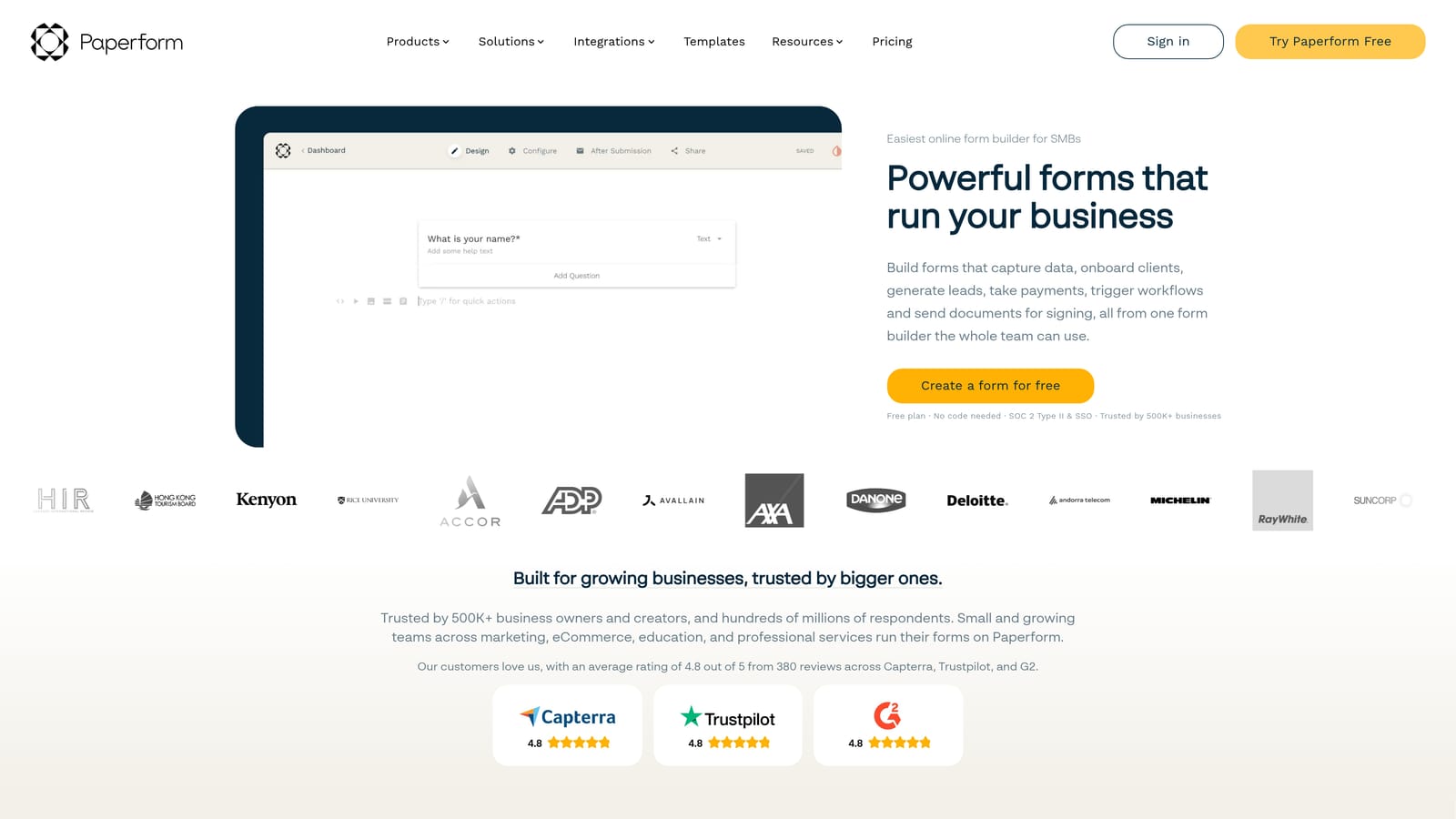
Paperform is a design-forward form builder with built-in analytics, conditional logic, and conversion tracking, suited for teams that want to track and improve form performance without sacrificing visual quality.
Where This Tool Shines
Paperform sits at an interesting intersection: it's one of the most visually flexible form builders available, with rich media support, custom fonts, and a document-like editor that makes forms feel like branded landing pages. For teams where design quality is non-negotiable, this matters — a form that looks polished tends to earn more trust and more completions.
Beyond aesthetics, Paperform includes built-in analytics that track views, starts, and completion rates per form. Teams can duplicate forms, make targeted changes, and compare performance across versions manually. It's not native split testing, but for teams iterating on design and copy, the analytics layer provides enough signal to make informed decisions.
Key Features
Highly Customizable Form Design: Rich media support, custom styling, and a document-like editor for brand-consistent form experiences.
Built-In Analytics: Tracks views, starts, and completion rates directly within the platform without requiring external tools.
Conditional Logic and Branching: Creates personalized form flows based on user responses for more relevant experiences.
Payment and Product Embedding: Supports transactions and product selection directly within form flows.
CRM and Marketing Integrations: Connects with major platforms for lead routing and downstream nurture workflows.
Best For
Paperform works best for brand-driven teams — agencies, SaaS companies with strong visual identities, or marketers who care deeply about how their forms look and feel. The analytics make it practical for iterative optimization, even without a dedicated split-testing engine.
Pricing
Plans start at approximately $24/month. There is no permanent free tier, though trial access is available to evaluate the platform.
5. Tally
Best for: Lean teams that need to spin up and iterate on form variants quickly without a complex toolstack or budget commitment.
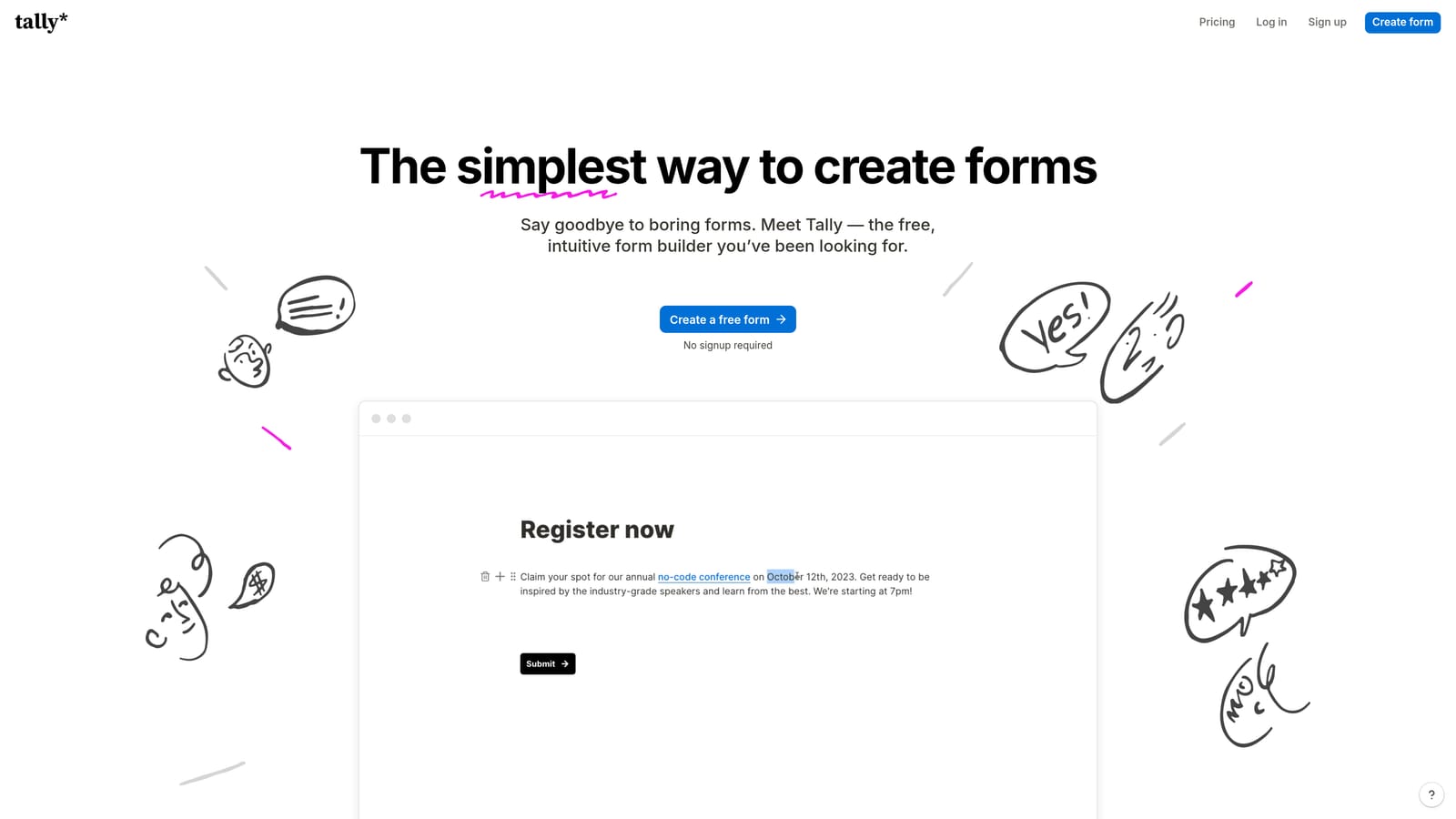
Tally is a lightweight, free-first form builder with a Notion-like editor that lets small teams create and iterate on form variants quickly without friction.
Where This Tool Shines
Tally's appeal is its simplicity and speed. The block-based editor feels immediately familiar to anyone who has used Notion, and forms can be created, duplicated, and modified in minutes. For teams that want to test form variants manually — create two versions, send traffic to each, compare submission counts — Tally removes almost all the setup friction from that process.
The generous free tier is also genuinely useful. Unlimited forms and submissions on the free plan means lean teams can run ongoing form experiments without worrying about hitting a usage ceiling. It won't replace a dedicated experimentation platform, but for early-stage teams or those with simple testing needs, it punches well above its price point.
Key Features
Generous Free Tier: Unlimited forms and submissions on the free plan, making it accessible for teams at any stage.
Block-Based Editor: Notion-like interface for fast, intuitive form creation and iteration.
Basic Analytics: View counts and submission data to track form performance at a high level.
Easy Embed Options: Simple embedding for landing pages, websites, and product flows.
Conditional Logic on Paid Plans: Branching and personalized form paths available with Tally Pro.
Best For
Tally is best suited for early-stage startups, indie makers, or lean marketing teams that want to move fast and test form ideas without investing in a full-featured platform. It's a practical starting point before graduating to a more sophisticated testing setup.
Pricing
Free plan available with unlimited forms and submissions. Tally Pro is approximately $29/month, unlocking conditional logic, custom domains, and additional features.
6. Formstack
Best for: Enterprise teams that need native A/B testing, field-level analytics, and compliance support in a single platform.
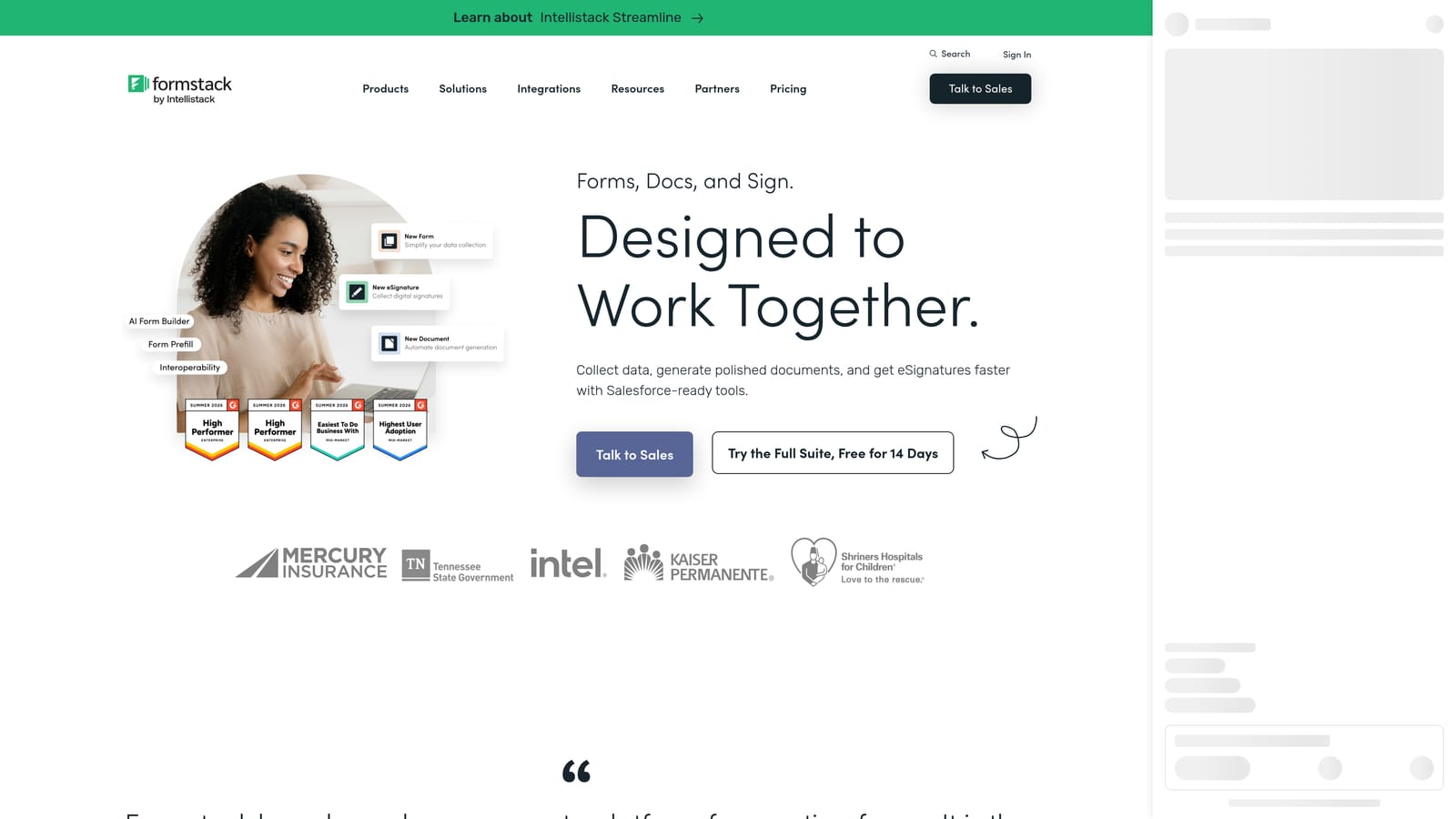
Formstack is an enterprise-grade form platform with one of the few native A/B testing features available among dedicated form builders, alongside workflow automation and compliance capabilities.
Where This Tool Shines
If true split testing within a form platform is your requirement, Formstack is the standout option on this list. Most form builders require you to manually create variants and compare results externally. Formstack lets you run and compare form variants directly within the platform, with field-level analytics that identify exactly where friction occurs inside a form — not just where users abandon it entirely.
The enterprise feature set extends well beyond testing. Workflow automation, conditional routing for lead management, Salesforce and HubSpot integrations, and compliance options for HIPAA and GDPR make Formstack a serious platform for organizations with complex requirements. The tradeoff is price and complexity — it's built for enterprise use cases, and the cost reflects that.
Key Features
Native A/B Testing: Run and compare form variants directly within the platform without external tooling.
Field-Level Analytics: Identifies friction points at the individual field level, not just overall completion rates.
Workflow Automation and Conditional Routing: Automates lead management and routing based on form responses.
HIPAA and GDPR Compliance: Built-in compliance options for regulated industries and global data requirements.
Enterprise CRM Integrations: Native connections with Salesforce, HubSpot, and other major enterprise platforms.
Best For
Formstack is the right choice for enterprise marketing, revenue operations, or IT teams that need native split testing, compliance documentation, and deep CRM integration in one platform. The feature depth justifies the investment for organizations with high form volume and rigorous testing requirements.
Pricing
Plans start at approximately $83/month. Enterprise pricing is available for larger organizations with advanced workflow and compliance needs.
Which Tool Is Right for Your Team?
The right choice here depends on one key question: do you need pure split-testing infrastructure, or a smarter form platform that reduces the need for endless experimentation in the first place?
Here's a quick breakdown by use case to help you decide:
Orbit AI: Best for high-growth SaaS and demand generation teams that want AI-powered lead qualification and dynamic form optimization. If improving lead quality — not just completion rates — is the goal, Orbit AI's approach of adapting form logic in real time is a genuinely different and more efficient path than traditional A/B testing cycles.
Formstack: Best for enterprise teams that specifically need native A/B testing within a form platform, combined with field-level analytics, workflow automation, and compliance support. If split testing is a hard requirement and your organization has the budget, Formstack is the most purpose-built option on this list.
Typeform: Best for teams experimenting with conversational form formats. The drop-off analytics make it practical for iterative optimization, even without native split testing.
Jotform: Best for teams with existing testing infrastructure that need a flexible, integration-friendly form builder to slot into their current stack.
Paperform: Best for design-led teams that want to track and improve form performance while maintaining strong visual branding.
Tally: Best for lean teams moving fast on a budget. The free tier and simple editor make it easy to spin up form variants and iterate quickly without commitment.
For teams that are serious about converting more of the right leads — not just more leads — the combination of intelligent form design and AI qualification is where the real leverage sits. Start your free trial today and see how a smarter approach to form optimization can transform what your contact forms actually deliver for your pipeline.


