

Most form builders help you collect data. The best ones help you convert visitors into qualified leads, and there's a meaningful difference. Whether you're running a SaaS onboarding flow, a B2B lead gen campaign, or an e-commerce checkout, the form builder you choose directly impacts how many visitors actually complete the journey.
This list focuses specifically on conversion rate performance: tools that reduce friction, qualify leads intelligently, and give you the data to keep improving. If you've been struggling with form abandonment or low completion rates, the right platform can change that.
We evaluated each platform on ease of use, conversion-focused features like conditional logic, multi-step forms, and smart fields, plus integrations and pricing. Here are the top form builders worth your attention in 2026.
1. Orbit AI
Best for: High-growth SaaS and B2B teams who need AI-powered lead qualification built directly into the form experience.
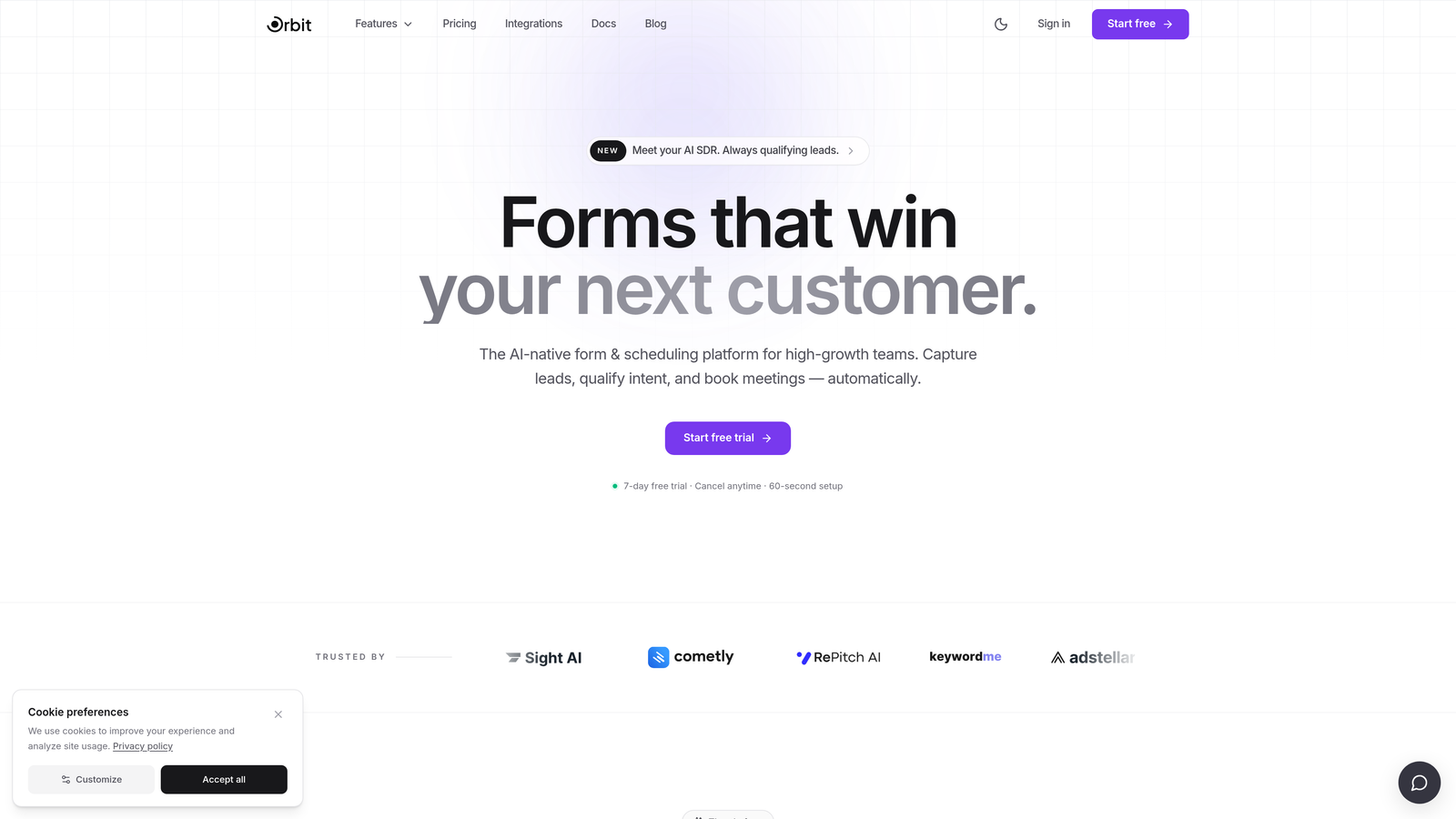
Orbit AI is an AI-native form builder designed specifically for conversion optimization and pipeline quality, not just submission volume.
Where This Tool Shines
What separates Orbit AI from most tools on this list is where the intelligence lives. Lead qualification isn't a post-submission webhook or a CRM automation you bolt on afterward. It happens inside the form flow itself, meaning you're routing, scoring, and filtering leads before they ever hit your pipeline.
For growth teams tired of chasing unqualified submissions, this is a fundamentally different approach. The form templates are also built with SaaS and B2B conversion patterns in mind, so you're not starting from a generic survey layout and trying to reverse-engineer it into a lead gen asset.
Key Features
AI-Native Lead Qualification: Qualification logic runs inside the form flow, not as a post-submission add-on, so your team only sees leads that meet your criteria.
Conversion-Optimized Templates: Templates are purpose-built for SaaS and B2B lead gen, not adapted from generic survey formats.
Conditional Logic and Smart Routing: Personalize the form path based on responses to reduce irrelevant questions and improve completion rates.
Quality-Focused Analytics: Reporting emphasizes completion rates and lead quality rather than raw submission counts.
Modern Form Design: Clean, beautiful UI that reflects well on your brand and meets the expectations of a sophisticated B2B audience.
Best For
Orbit AI is the right fit for SaaS companies, B2B marketing teams, and growth-focused organizations that care about pipeline quality as much as volume. If you're running paid acquisition and need forms that qualify at the point of capture, this is built for that exact scenario.
Pricing
Visit orbitforms.ai for current pricing details. Pricing is updated directly on the site as plans evolve.
2. Typeform
Best for: Teams that want a conversational, high-engagement form experience that reduces drop-off through one-question-at-a-time UX.
Typeform is the platform that popularized conversational form design, presenting one question at a time to reduce cognitive load and improve completion.

Where This Tool Shines
Typeform's core insight was that traditional multi-field forms feel like paperwork. By breaking the experience into a single-question flow, it creates something closer to a conversation. This approach has influenced the entire form builder category, and Typeform still executes it better than most.
The platform also supports rich media embedding, including video and images, which makes it well-suited for brand-forward experiences where aesthetics matter alongside conversion performance.
Key Features
Conversational UX: One-question-at-a-time format reduces cognitive load and keeps respondents engaged through the full form.
Logic Jumps: Conditional branching routes respondents to different questions based on their answers, creating a personalized path.
Rich Media Support: Embed video and images directly into questions for more engaging, context-rich experiences.
Native Integrations: Connects with HubSpot, Salesforce, Zapier, and major marketing platforms out of the box.
Completion Analytics: Built-in tracking shows completion rates and where respondents drop off in the flow.
Best For
Typeform works well for marketing teams running brand surveys, product research, lead gen campaigns, and customer feedback collection where a polished, engaging experience is a priority. It's less suited for teams that need deep lead qualification logic or CRM-native functionality.
Pricing
A free tier is available. Paid plans start at approximately $25/month. Verify current pricing at typeform.com.
3. HubSpot Forms
Best for: Teams already using HubSpot CRM who want seamless contact sync and progressive profiling without additional tooling.
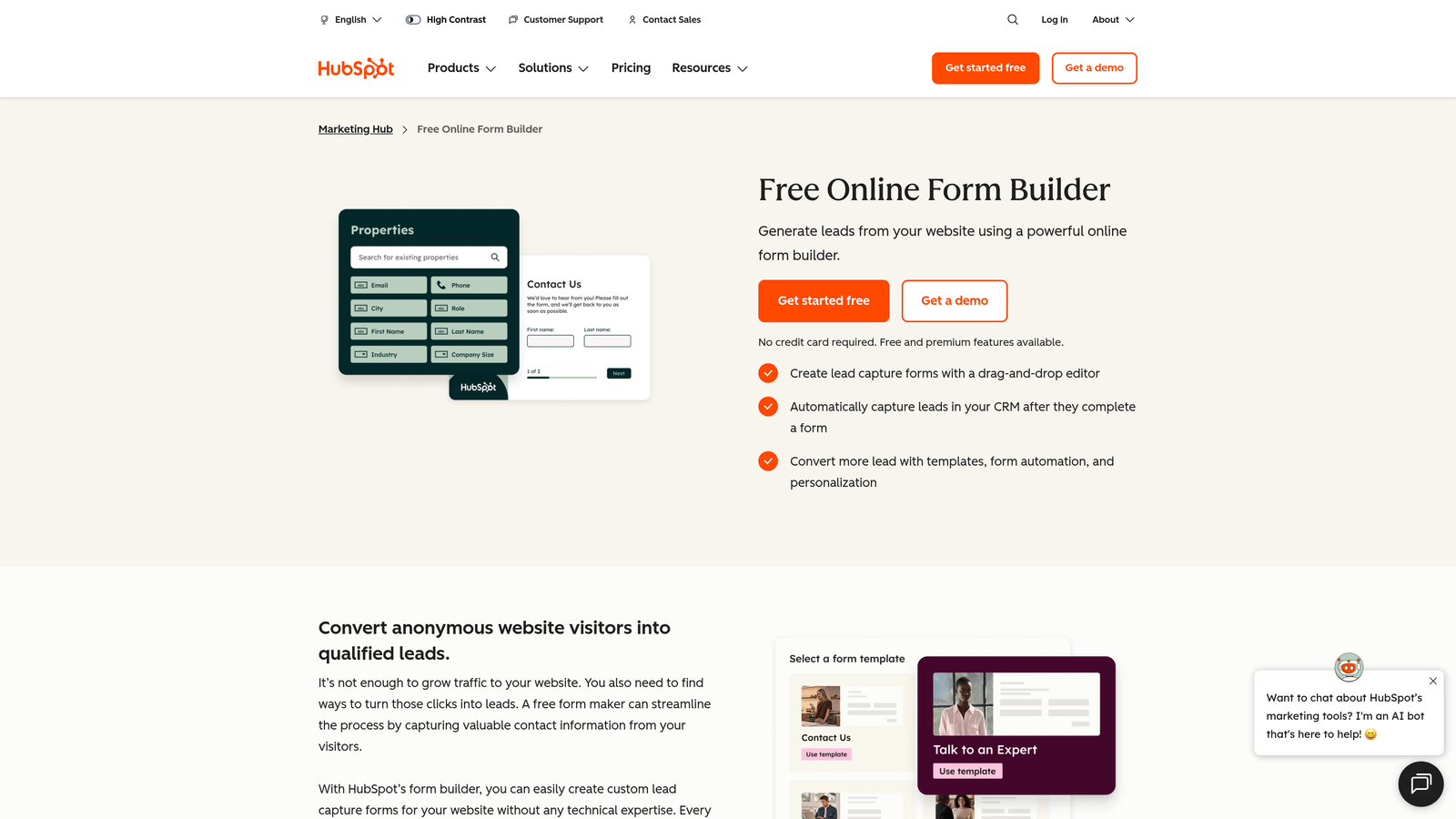
HubSpot Forms is a CRM-native form builder that ships with HubSpot's free marketing tier, built around contact record management and smart field behavior.
Where This Tool Shines
If your team lives in HubSpot, the native integration is genuinely hard to beat. Forms automatically create and update contact records on submission, and the progressive profiling feature is a real conversion advantage: it avoids asking for information you already have stored, which keeps forms short and friction low.
The tradeoff is design flexibility. HubSpot Forms is functional rather than beautiful, and customization options are more limited than standalone form builders. For teams prioritizing CRM hygiene over visual polish, that's often an acceptable trade.
Key Features
Progressive Profiling: Dynamically swaps out fields for known contacts so you're always collecting new data rather than repeating yourself.
Automatic CRM Sync: Every submission creates or updates a HubSpot contact record instantly, with no Zapier step required.
Smart Forms: Fields adapt based on what HubSpot already knows about a returning visitor.
A/B Testing: Available on higher-tier Marketing Hub plans for testing form variants.
Free Entry Point: Full form functionality is available on HubSpot's free CRM tier, making it accessible without a paid commitment.
Best For
Existing HubSpot users who want their forms and CRM to operate as a single system. Less compelling for teams not already invested in the HubSpot ecosystem, since the form builder alone doesn't justify the platform switch.
Pricing
Free with HubSpot's free CRM. Advanced features require Marketing Hub paid plans. Verify current tiers at hubspot.com.
4. Unbounce
Best for: Paid acquisition teams who need landing pages and forms in one platform, with built-in A/B testing and AI-assisted optimization.
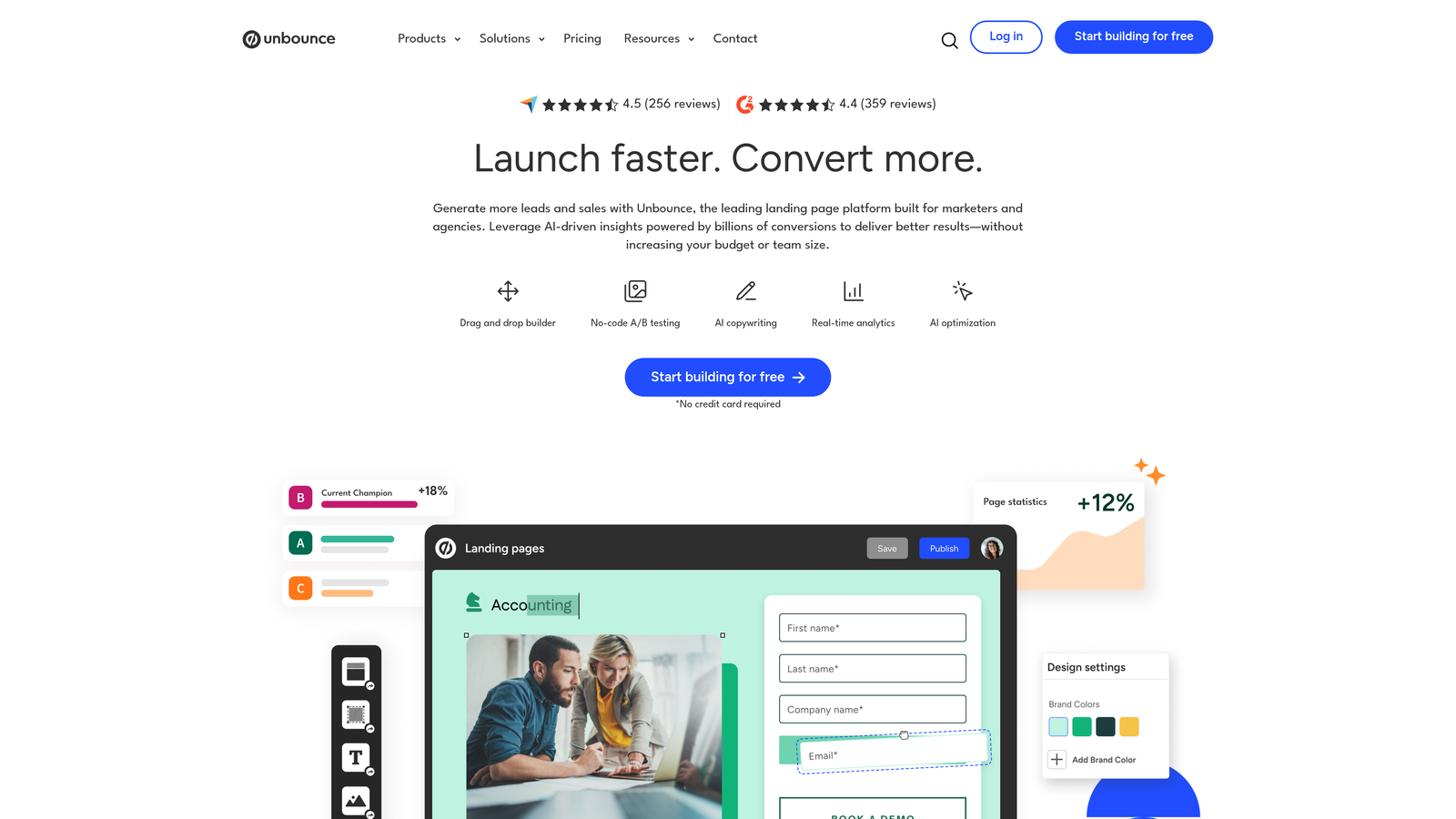
Unbounce is primarily a landing page builder with strong form capabilities, designed specifically for teams running paid traffic campaigns.
Where This Tool Shines
Unbounce solves a problem that standalone form builders can't: the form and the landing page are built and tested together. Smart Traffic, Unbounce's AI routing feature, automatically sends visitors to whichever variant is converting best, without waiting for statistical significance thresholds to be met manually.
For PPC teams managing multiple campaigns, dynamic text replacement is particularly useful. It personalizes landing page and form copy to match ad keywords, which typically improves relevance and quality scores.
Key Features
AI Smart Builder: Suggests landing page layouts and copy based on your campaign goals to accelerate build time.
Smart Traffic: Automatically routes visitors to the highest-converting page variant using AI-driven optimization.
Built-In A/B Testing: Run multivariate tests natively without connecting third-party testing tools.
Dynamic Text Replacement: Personalizes page and form copy to match the search query or ad that brought the visitor.
Ad Platform Integrations: Native connections with Google Ads, Facebook Ads, and major CRMs.
Best For
Performance marketers and paid acquisition teams who want a unified platform for landing pages and forms. The higher price point is justified when you're running significant ad spend and need testing and optimization built in.
Pricing
Paid plans start at approximately $99/month. Verify current pricing at unbounce.com.
5. Jotform
Best for: Businesses that need a versatile, feature-rich form builder with extensive templates and broad integration support across diverse workflows.
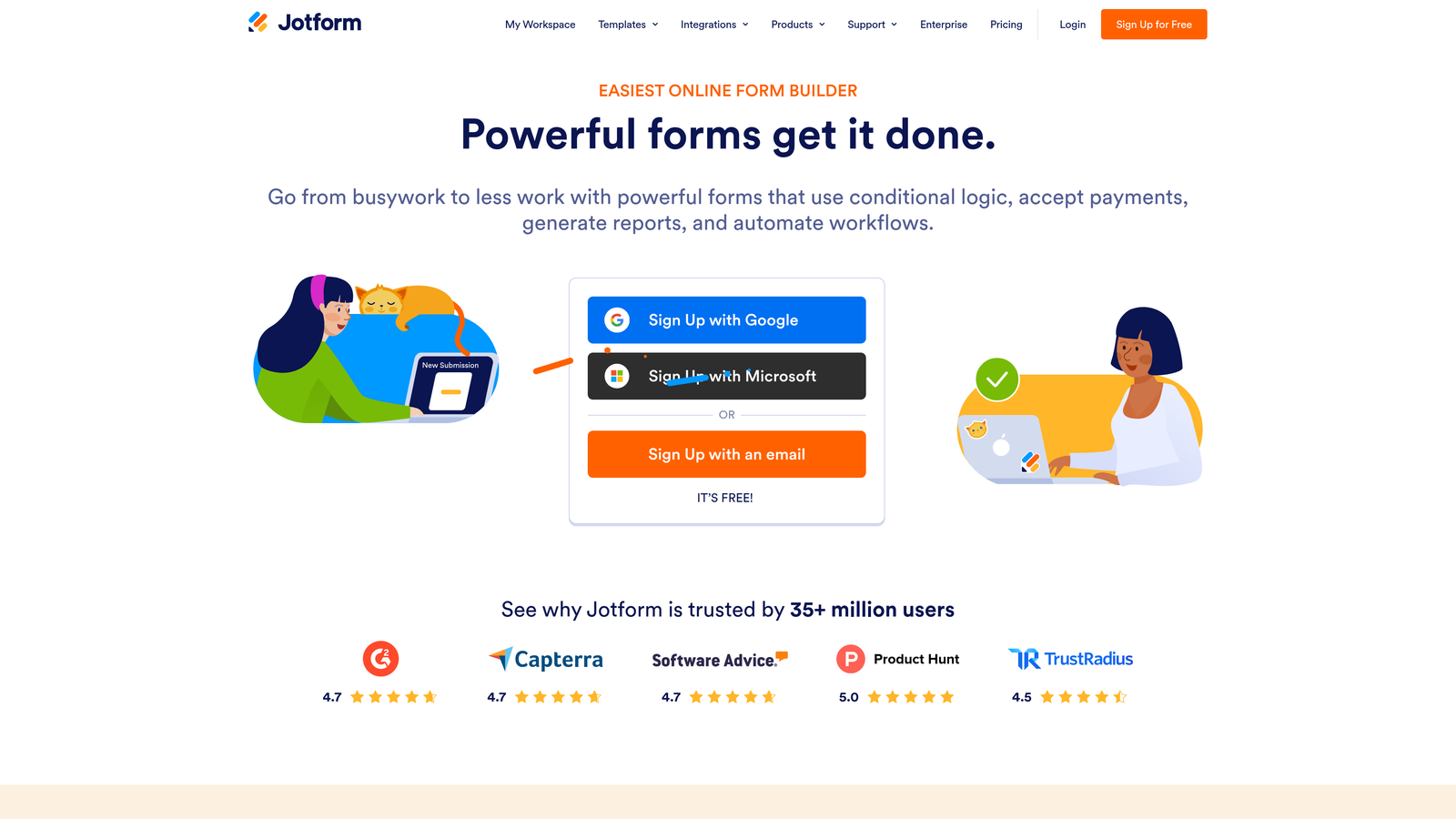
Jotform is one of the most established general-purpose form builders, offering an exceptionally wide range of templates, integrations, and form types.
Where This Tool Shines
Jotform's depth is its defining strength. With over 10,000 templates and 200+ integrations, it covers an unusually broad range of use cases, from payment collection to HIPAA-compliant healthcare forms. If you have a complex workflow requirement, Jotform has likely already built a template for it.
The platform also handles payment forms particularly well, with native support for Stripe, PayPal, and Square. For businesses that need to collect both lead data and payment in a single form flow, this is a practical advantage.
Key Features
Massive Template Library: 10,000+ templates spanning dozens of industries, verticals, and use cases.
200+ Integrations: Connects with payment processors, CRMs, project management tools, and marketing platforms.
Conditional Logic: Complex branching and calculation fields for sophisticated form flows.
Payment Support: Native Stripe, PayPal, and Square integration for selling or collecting fees within forms.
HIPAA Compliance: Dedicated compliant plans for healthcare organizations handling sensitive data.
Best For
Organizations that need a flexible, all-purpose form builder with strong payment capabilities and broad integration coverage. Less specialized for pure conversion rate optimization, but highly capable across a wide range of business form needs.
Pricing
Free tier available. Paid plans start at approximately $34/month. Verify current pricing at jotform.com.
6. Tally
Best for: Startups, developers, and small teams that want a clean, no-frills form builder with a genuinely generous free tier.
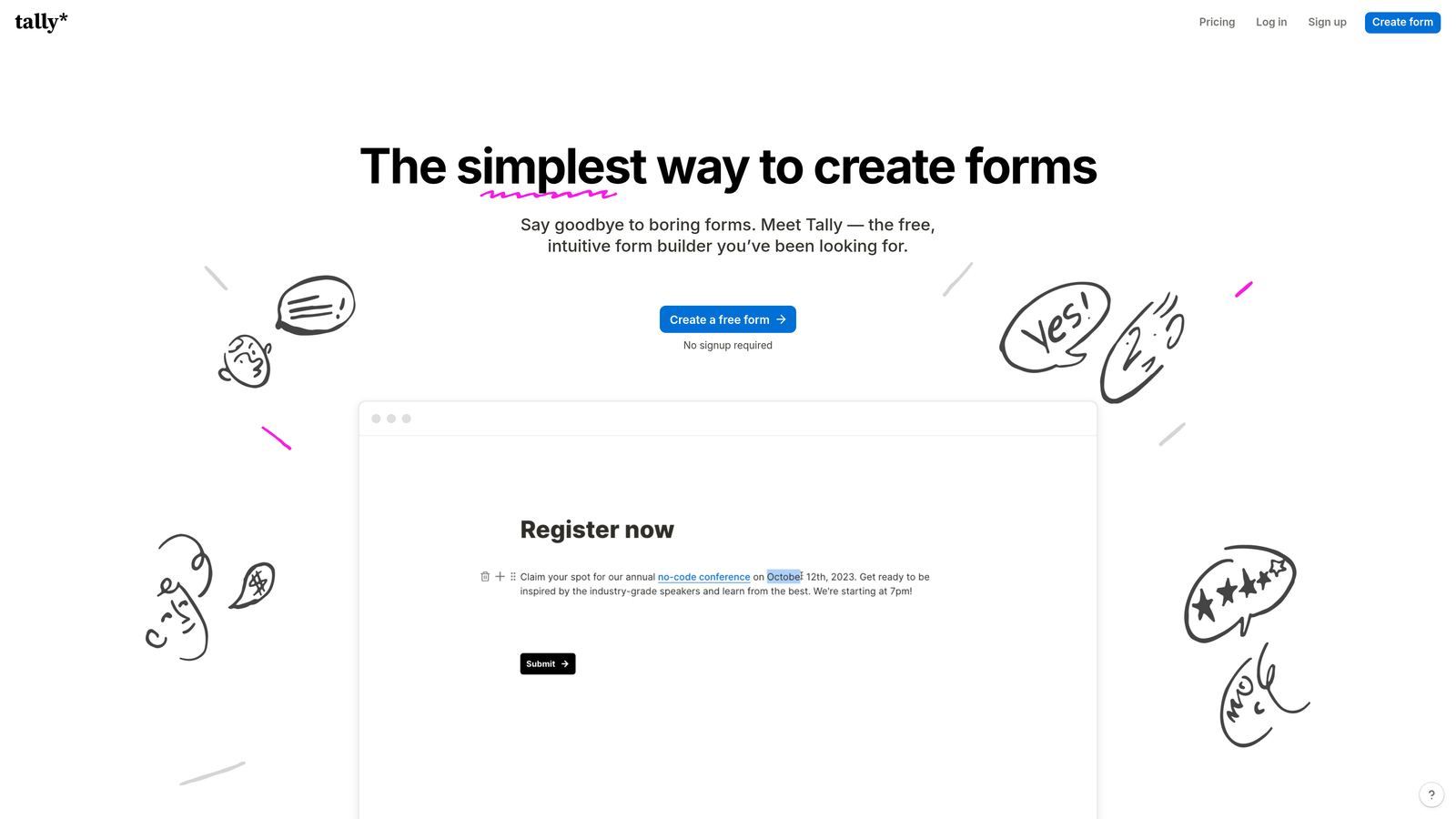
Tally is a Notion-inspired form builder that prioritizes simplicity and speed, with unlimited forms and submissions available on its free plan.
Where This Tool Shines
Tally's free tier is genuinely unusual in this market. Most tools cap submissions or forms at the free level. Tally offers unlimited forms and unlimited submissions for free, with Tally branding on the form. For bootstrapped teams or developers building internal tools, this is a meaningful advantage.
The block-based editor mirrors the Notion experience, which means anyone familiar with that interface can build a form quickly without a learning curve. It's not the most conversion-optimized platform on this list, but it executes simplicity exceptionally well.
Key Features
Unlimited Free Tier: Unlimited forms and submissions on the free plan, with Tally branding included.
Notion-Style Editor: Block-based editing interface that's fast to learn and intuitive to use.
Conditional Logic: Available on both free and paid tiers for branching form paths.
Embeddable Forms: Embed anywhere; paid plan removes Tally branding from embedded forms.
Automation Integrations: Zapier and Make connections for routing responses into broader workflows.
Best For
Early-stage startups, developers, and teams that need a fast, functional form builder without a budget commitment. Not the best choice for high-volume B2B lead gen where conversion optimization features are a priority.
Pricing
Free tier is genuinely unlimited. Pro plan at approximately $29/month. Verify current pricing at tally.so.
7. Paperform
Best for: Service businesses and creators who want forms that double as branded mini landing pages, with built-in payment and booking capabilities.
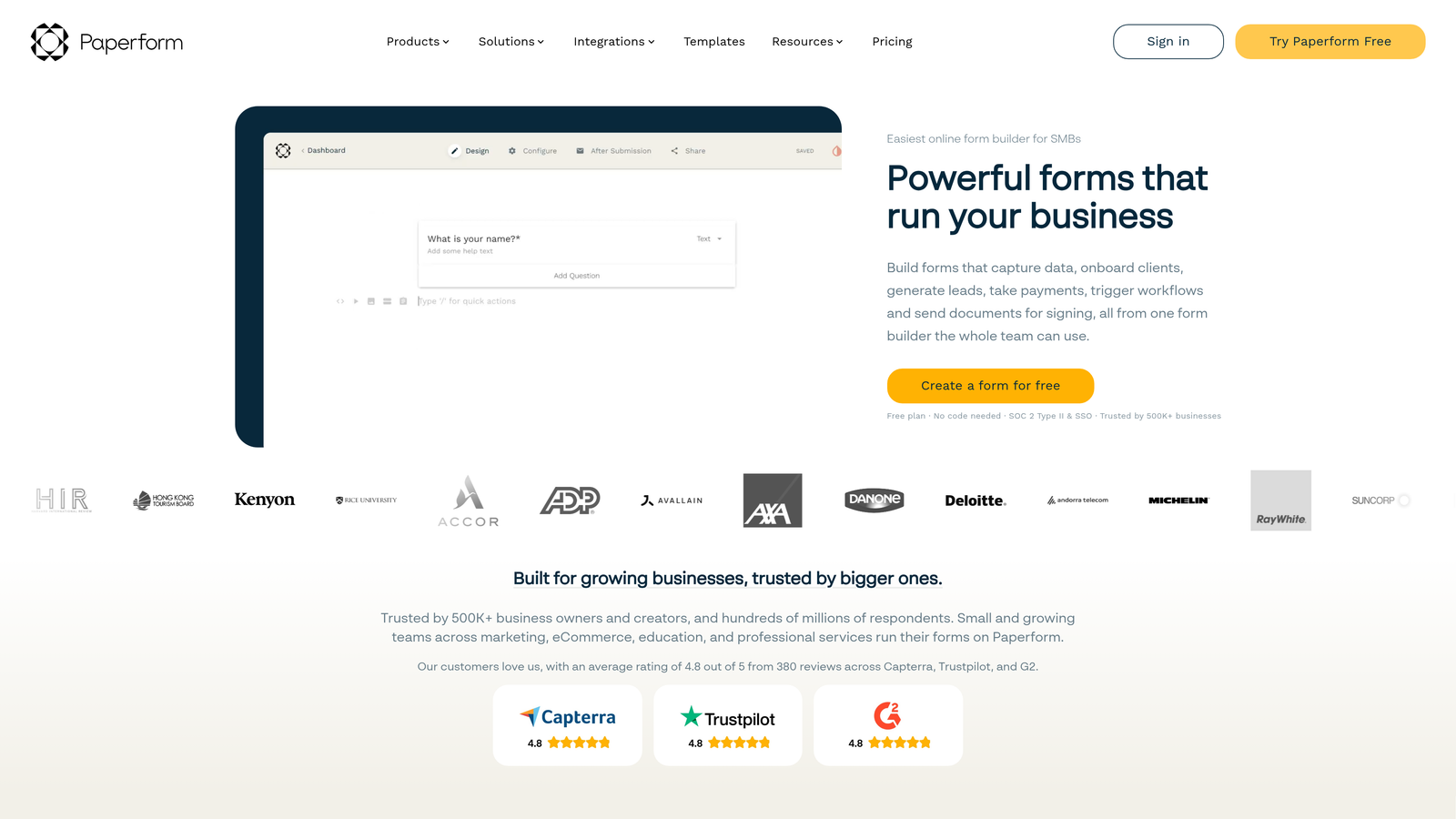
Paperform blends form functionality with lightweight landing page design, making it a strong fit for businesses where the form itself needs to do the selling.
Where This Tool Shines
Paperform treats the form as a content experience rather than a data collection interface. You can embed rich text, images, and video directly into the form flow, which makes it feel more like a branded page than a standard form. For service businesses presenting packages or creators selling digital products, this context-setting capability directly supports conversion.
The built-in payment processing and scheduling integrations also mean you can take a prospect from discovery to booking or purchase within a single form, without redirecting to a separate checkout page.
Key Features
Rich Media Embedding: Add text, images, and video throughout the form to create a branded, content-rich experience.
Built-In Payments: Sell products or services directly within the form without a separate checkout tool.
Conditional Sections: Personalize the form path based on responses for a more relevant experience.
Scheduling Integration: Connect booking and appointment tools directly within the form flow.
Vertical-Specific Templates: Strong template library focused on service-based business use cases.
Best For
Consultants, agencies, coaches, and creators who need forms that present their offer compellingly and convert visitors into paying clients or booked appointments in a single session.
Pricing
Plans start at approximately $24/month. Verify current pricing at paperform.co.
8. Growform
Best for: Lead generation agencies and high-volume performance marketing teams running campaigns in competitive verticals like insurance, legal, and home services.
Growform is a multi-step form builder purpose-built for lead generation, with a specific focus on maximizing completion rates in high-volume acquisition campaigns.
Where This Tool Shines
Growform is one of the few tools on this list built exclusively for lead generation rather than general form use. The multi-step form UX is designed around the principle that breaking a long form into smaller steps reduces perceived effort and keeps respondents moving forward. Progress indicators and step counters reinforce momentum through the form flow.
The white-label functionality is a practical differentiator for agencies. Managing multiple client campaigns under a single platform, with branded form experiences for each client, is a workflow that Growform handles cleanly.
Key Features
Multi-Step Lead Gen UX: Form architecture designed specifically to maximize completion rates in lead generation contexts.
Vertical-Specific Templates: Pre-built templates for high-volume industries including insurance, legal, and home services.
Progress Indicators: Step counters and progress bars that reduce abandonment by showing respondents how far they've come.
CRM and Webhook Integrations: Route leads directly to your CRM or distribution system on submission.
White-Label Options: Agencies can deliver fully branded form experiences across multiple client accounts.
Best For
Performance marketing agencies and in-house teams running high-volume lead gen campaigns where completion rate improvements translate directly to campaign ROI. Less suited for SaaS onboarding or B2B qualification flows that require AI-driven routing logic.
Pricing
Plans start at approximately $49/month. Verify current pricing at growform.co.
9. Google Forms
Best for: Internal surveys, simple data collection, and teams that need a completely free, zero-setup solution within Google Workspace.
Google Forms is Google's free, no-frills form tool, included with any Google account and integrated natively with Google Sheets.
Where This Tool Shines
Google Forms earns its place on this list for one reason: it costs nothing and requires no setup. For internal use cases like employee surveys, event registrations, or quick feedback collection within a team, it covers the basics without any friction or budget consideration.
The Google Sheets integration is genuinely useful for teams already working in the Google ecosystem. Responses populate a spreadsheet automatically, which is often all you need for simple data collection workflows.
Key Features
Completely Free: No submission limits, no paid tiers, no hidden costs.
Google Sheets Integration: Responses sync to a spreadsheet automatically for instant data access.
Basic Conditional Logic: Section branching based on responses for simple flow control.
Zero Setup: Works immediately with any Google account, no onboarding required.
Collaboration: Multiple team members can edit and manage forms simultaneously within Google Workspace.
Best For
Internal surveys, team feedback collection, event sign-ups, and any scenario where simplicity and zero cost matter more than conversion optimization. Not a competitive option for lead generation, B2B qualification, or any context where form design and completion rates are business-critical.
Pricing
Completely free, included with any Google account.
Which Tool Is Right for Your Team?
The right form builder depends heavily on what you're actually trying to accomplish. Here's how to think through the choice quickly.
If you're a SaaS or B2B team focused on lead quality and pipeline efficiency, Orbit AI is the clearest fit. The AI-native qualification logic inside the form flow is a genuine differentiator for teams that are tired of filtering unqualified submissions after the fact. It's built for exactly this use case.
If you're running paid acquisition campaigns and need landing pages and forms tested together, Unbounce gives you the most complete toolkit, including Smart Traffic and built-in A/B testing. For agencies managing high-volume lead gen across competitive verticals, Growform delivers purpose-built multi-step form infrastructure with white-label flexibility.
If you're already on HubSpot, HubSpot Forms is the path of least resistance. If you want a polished conversational experience without heavy setup, Typeform remains the category standard. And if budget is the primary constraint, Tally offers a genuinely capable free tier that outperforms most expectations.
For service businesses and creators who need forms that sell, Paperform is the most natural fit. And for everything else where simplicity is the goal, Google Forms is always there.
High-growth teams consistently outgrow general-purpose form builders. The tools that move the needle on conversion rate aren't just collecting responses, they're qualifying leads, personalizing the experience, and giving you the analytics to improve over time. Start your free trial today and see how intelligent form design can elevate your conversion strategy from the very first submission.


