

If you're collecting payments through forms, whether for deposits, subscriptions, event registrations, or product orders, you need more than a drag-and-drop form builder. You need a tool that handles payments securely, integrates with your preferred gateway, and doesn't introduce friction that kills conversions before someone even reaches the checkout step.
The challenge is that most form builders treat payment support as an afterthought. The result is clunky checkout flows, limited gateway options, and zero visibility into why people abandon mid-form. For high-growth teams, that's a real revenue problem.
This guide covers the best form builders with native payment capabilities in 2026, evaluated on gateway support, checkout UX, conditional logic, and downstream data integration. Whether you're a SaaS team collecting subscription signups, an agency billing clients, or a small business taking event deposits, there's a right tool for your situation.
1. Orbit AI
Best for: High-growth SaaS and B2B teams that want to qualify leads before collecting payment
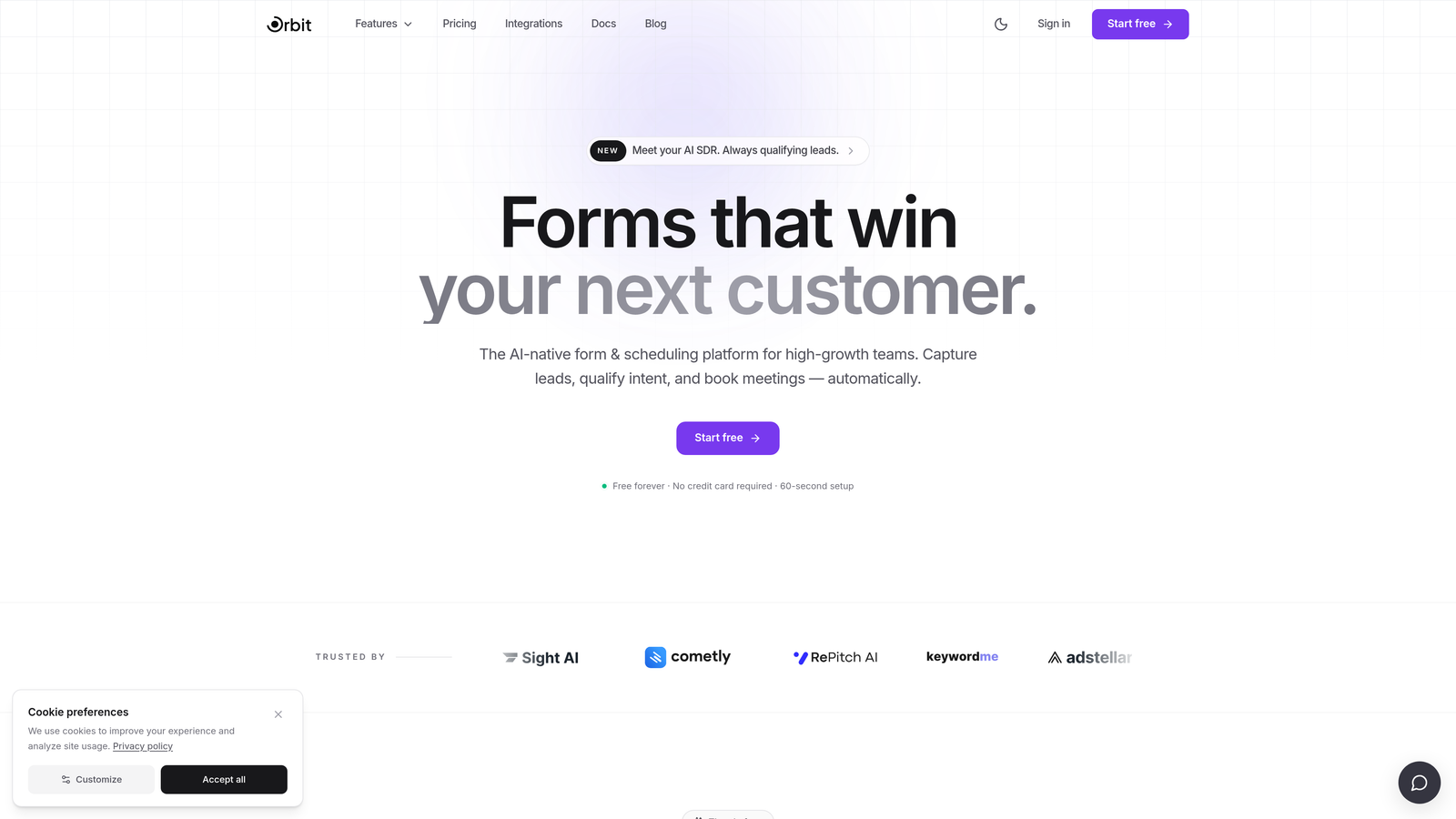
Orbit AI is an AI-powered form builder built for teams that care about both lead quality and conversion rates, not just collecting any payment from anyone who lands on a form.
Where This Tool Shines
What separates Orbit AI from most form builders on this list is the intelligence layer it puts before the payment step. Instead of sending every visitor straight to a checkout field, Orbit's AI-driven qualification logic can assess lead quality based on form answers and only present payment options to prospects who meet your criteria. For SaaS teams selling higher-value plans or B2B businesses collecting deposits from qualified buyers, this reduces wasted processing and improves downstream conversion quality.
The form design itself is built with conversion in mind: clean layouts, high mobile completion rates, and conditional fields that adapt dynamically based on what a user selects. Payment fields can appear, change, or be hidden entirely based on lead scoring or prior answers, making the experience feel personalized rather than generic.
Key Features
AI-Driven Lead Qualification: Intelligent logic evaluates responses before presenting the payment step, filtering for quality over volume.
Conditional Payment Fields: Show, hide, or adjust payment amounts dynamically based on form answers or lead scores.
Conversion-Optimized Templates: Pre-built form designs tailored specifically for SaaS and B2B use cases with strong mobile performance.
CRM and Automation Integrations: Payment and lead data sync together into your CRM or automation stack, giving you a unified view of each contact.
Modern Form Design: Clean, brand-friendly aesthetics that don't look like something built in 2015.
Best For
Orbit AI is the strongest fit for high-growth teams where lead quality matters as much as volume. If you're running a SaaS product with tiered pricing, a B2B service with a qualification step, or any business where you want to gate payment collection behind a smart screening layer, this is built for that workflow.
Pricing
Visit orbitforms.ai for current pricing and plan details. A free option is available to get started.
2. Typeform
Best for: Brands that want a polished, conversational checkout experience with Stripe
Typeform is a conversational form builder that delivers payments through a one-question-at-a-time flow, reducing cognitive load and keeping users engaged through the checkout process.

Where This Tool Shines
Typeform's signature UX is genuinely different from most form builders. By presenting one question at a time, it mimics a conversation rather than a data entry task, which tends to keep completion rates higher on longer forms. When you add a payment step at the end of that flow, it feels like a natural conclusion rather than an abrupt checkout page.
The native Stripe integration handles the payment collection, and logic jumps allow you to adjust what a user sees or pays based on earlier answers. Brand customization is strong, making it a solid choice for companies where visual consistency matters.
Key Features
Conversational Flow: One-question-at-a-time format reduces drop-off on multi-step forms with a payment at the end.
Native Stripe Integration: Secure payment collection directly within the form experience.
Logic Jumps: Route users to different questions or payment amounts based on their earlier responses.
Brand Customization: Full control over colors, fonts, and imagery to match your visual identity.
Embeddable: Embed forms directly in landing pages, websites, or email campaigns.
Best For
Typeform works well for teams that prioritize form UX and brand experience over gateway flexibility. If Stripe is your processor and you want a form that feels premium, it's a strong option. Smaller teams may find the paid tier pricing a barrier to entry.
Pricing
A free plan is available. Paid plans start at approximately $25/month. Verify current pricing at typeform.com.
3. Jotform
Best for: Teams that need the widest possible selection of payment gateway integrations
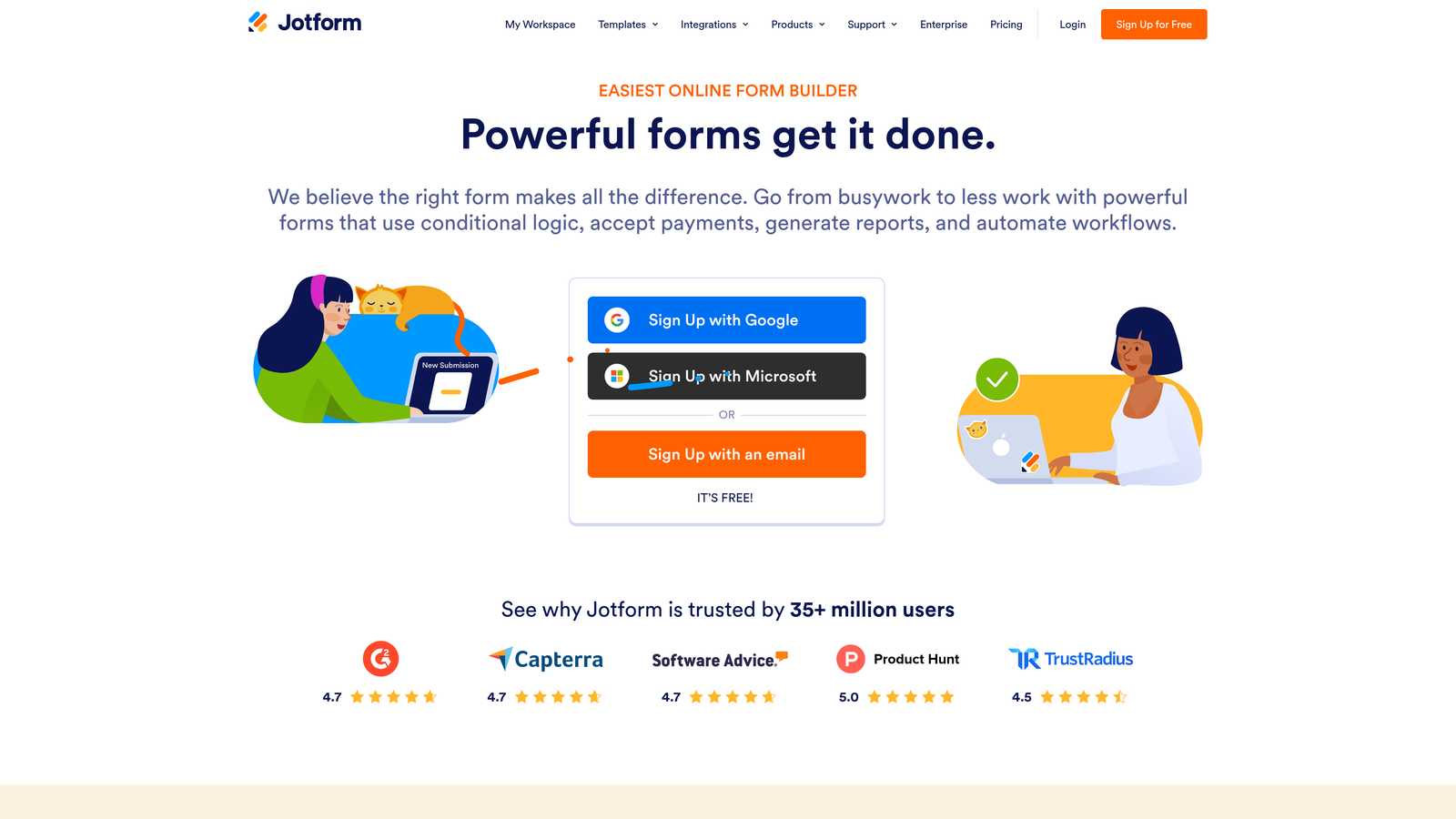
Jotform is a feature-rich form builder that leads the market in sheer breadth of payment gateway support, making it the go-to for businesses with specific or regional processor requirements.
Where This Tool Shines
If your business runs on a payment processor that isn't Stripe or PayPal, Jotform is likely the only form builder that supports it natively. With more than 30 gateway integrations including Square, Authorize.net, Braintree, Mollie, and many others, it covers use cases that most competitors simply can't. That flexibility extends to subscription billing, one-time payments, and even multi-item product catalogs with inventory tracking.
Jotform also supports coupon codes and discounts within forms, which is useful for event organizers and e-commerce adjacent use cases. The HIPAA-compliant plan option makes it one of the few form builders appropriate for healthcare-adjacent payment collection.
Key Features
30+ Payment Gateway Integrations: Stripe, PayPal, Square, Authorize.net, Braintree, and many more regional processors.
Product and Inventory Management: Build product listings with stock tracking directly inside your form.
Coupon and Discount Support: Apply promo codes or percentage discounts at checkout.
Recurring Payment Options: Set up subscription billing alongside one-time payment collection.
HIPAA-Compliant Plans: Available for organizations with healthcare data handling requirements.
Best For
Jotform is ideal for nonprofits, event organizers, and businesses operating in markets where Stripe isn't the dominant processor. It's also a strong pick for anyone who needs product catalog features without building a full e-commerce store.
Pricing
A free plan is available with transaction limits. Paid plans start around $34/month. Verify current pricing at jotform.com.
4. Gravity Forms
Best for: WordPress sites and WooCommerce stores that need deep platform integration
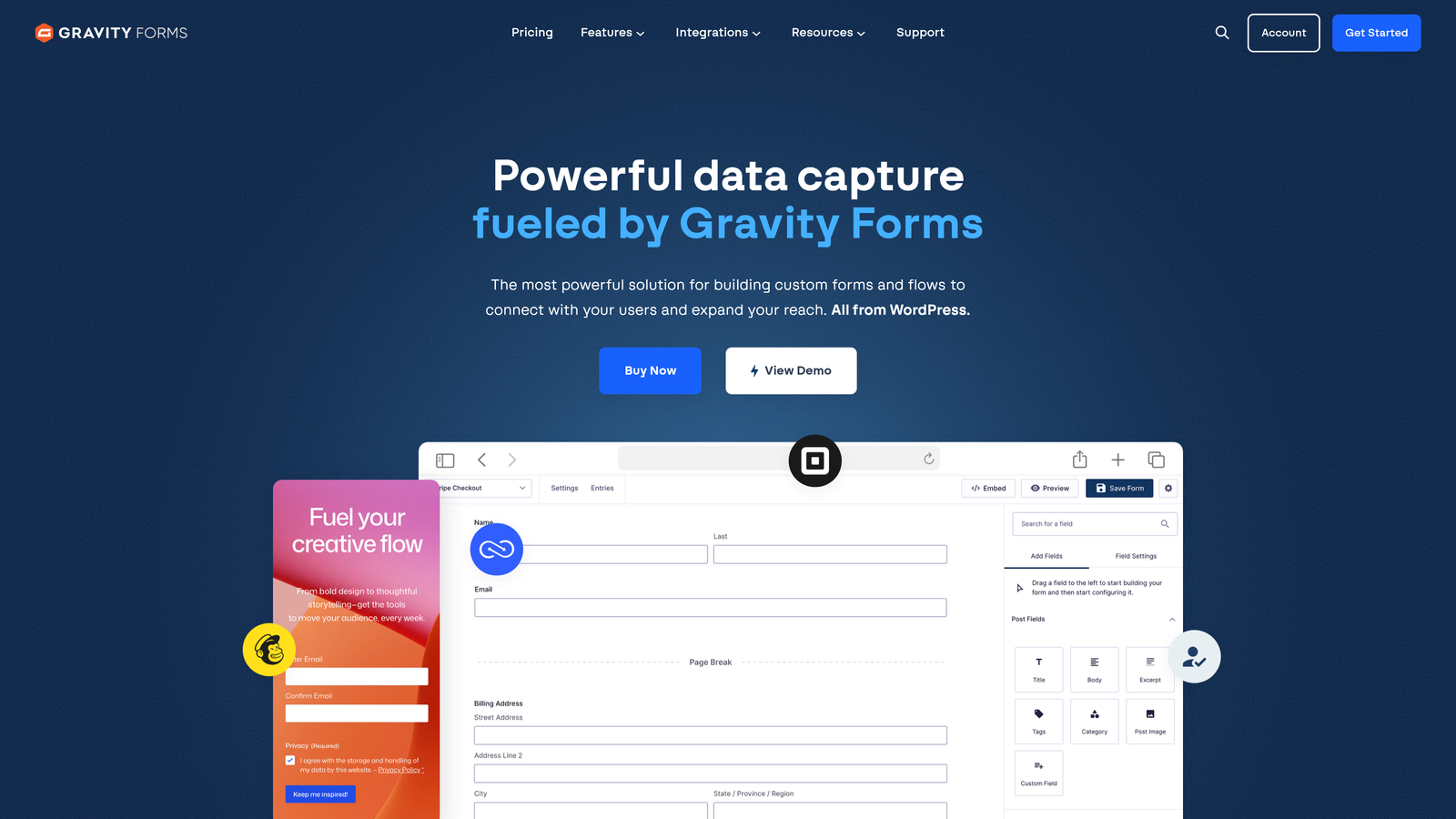
Gravity Forms is the leading WordPress form plugin, offering payment collection through dedicated add-ons for Stripe, PayPal, Square, and other processors, all within the WordPress ecosystem.
Where This Tool Shines
Gravity Forms is not a SaaS product. It's a WordPress plugin, and that distinction matters. For teams already running on WordPress or WooCommerce, the depth of integration it offers is unmatched by any cloud-based form builder. You get full control over your data, your hosting environment, and your form customization through a developer-friendly architecture that has one of the largest third-party add-on ecosystems in the WordPress space.
Conditional logic for dynamic pricing is well-implemented, allowing you to adjust what a user pays based on their selections. For agencies and WordPress developers building client sites, the one-time annual license model is often more cost-effective than per-seat SaaS pricing at scale.
Key Features
Deep WordPress Integration: Native plugin architecture with full WooCommerce compatibility.
Payment Add-Ons: Dedicated integrations for Stripe, PayPal, Square, and additional processors.
Conditional Logic for Pricing: Show different payment fields or amounts based on user selections.
Developer Extensibility: Large community of hooks, filters, and third-party add-ons.
Annual License Model: One-time annual fee rather than a monthly SaaS subscription.
Best For
Gravity Forms is the right call for WordPress-native teams, developers building client sites, and WooCommerce stores that want form-based payment collection tightly integrated with their existing stack. It requires self-hosting and some technical comfort.
Pricing
Annual licenses start around $59/year. Payment add-ons may require higher-tier plans. Verify current pricing at gravityforms.com.
5. Formstack
Best for: Enterprise teams that need approval routing and compliance controls alongside payment collection
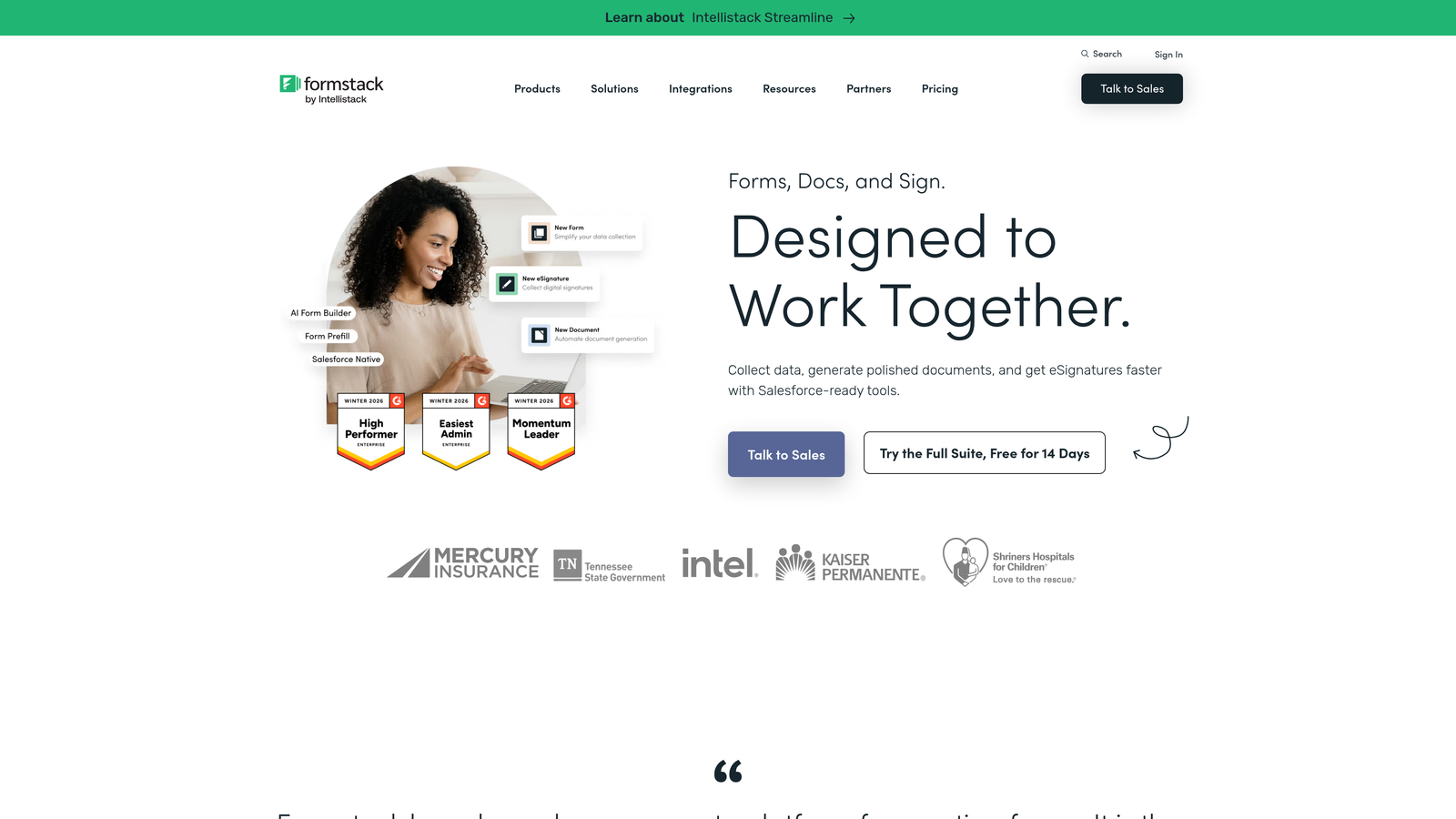
Formstack is an enterprise-grade form and workflow platform that combines multi-step approval routing with payment collection, built for organizations where a form submission triggers a chain of internal processes before money changes hands.
Where This Tool Shines
Most form builders assume that a payment happens immediately when someone submits a form. Formstack is designed for situations where that's not the case. Its approval workflow routing allows organizations to review, approve, or reject a submission before a payment is processed or confirmed. This is particularly valuable for procurement teams, grant applications, or internal expense workflows where a human needs to sign off first.
The compliance features are also enterprise-grade. HIPAA-friendly plans, SSO support, and document generation tied to form submissions make Formstack one of the few form builders that can operate inside heavily regulated environments without requiring custom development.
Key Features
Approval Workflow Routing: Route submissions through internal review chains before payment collection triggers.
Stripe and PayPal Integrations: Standard payment gateway support for one-time and recurring payments.
HIPAA and Compliance Plans: Built for regulated industries with strict data handling requirements.
Document Generation: Automatically generate documents from form submission data.
Enterprise SSO and Admin Controls: Centralized user management for large organizations.
Best For
Formstack is built for enterprise teams in healthcare, finance, education, and government where compliance, approval chains, and internal process integration are non-negotiable. It's significantly overbuilt for small businesses or solo operators.
Pricing
Plans start around $83/month. Enterprise pricing is available on request. Verify current pricing at formstack.com.
6. Cognito Forms
Best for: Nonprofits and small businesses that need payment collection on a tight budget
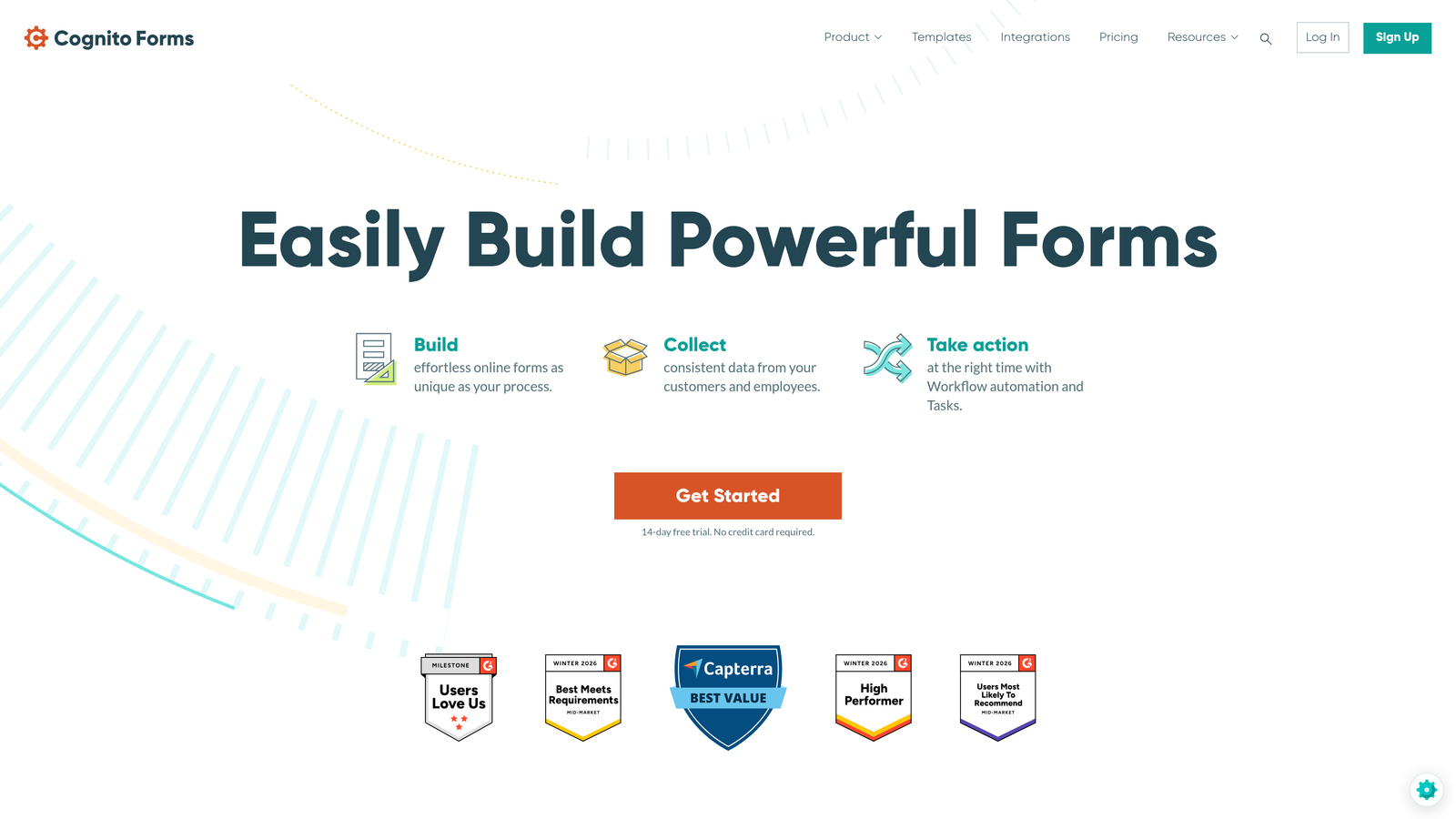
Cognito Forms is a budget-friendly form builder that includes Stripe payment collection even on its free plan, making it one of the most accessible entry points for payment-enabled forms.
Where This Tool Shines
The free plan with Stripe payments is genuinely useful, not just a teaser. Cognito Forms charges a small platform fee on free-plan transactions, but for organizations with low payment volume, the economics still work in their favor. The calculated fields feature allows dynamic pricing based on user inputs, so you can build forms where the total adjusts automatically as someone makes selections.
Repeating sections are another standout feature. Users can add multiple line items to a form, similar to an order form, without you needing to build a full e-commerce integration. It's a practical solution for event registrations, group orders, or service bookings with variable quantities.
Key Features
Free Plan with Stripe Payments: Payment collection available at no monthly cost, with a small platform transaction fee.
Calculated Fields: Automatically compute totals based on user inputs and selections.
Repeating Sections: Allow users to add multiple items or line entries within a single form.
Conditional Logic: Show or hide payment fields based on earlier answers.
GDPR-Friendly Options: Data handling controls for international compliance requirements.
Best For
Cognito Forms is an excellent fit for nonprofits, community organizations, and small businesses that need functional payment collection without a monthly subscription. The UI is less polished than some competitors, but the feature-to-price ratio is hard to beat at the entry level.
Pricing
Free plan available with a platform transaction fee. Paid plans start around $15/month with no platform fee. Verify current pricing at cognitoforms.com.
7. 123FormBuilder
Best for: Businesses operating across multiple countries and currencies
123FormBuilder is a form builder with strong multi-currency support and a broad selection of international payment processors, built for businesses that collect payments across global markets.
Where This Tool Shines
For businesses selling internationally, the biggest pain point with most form builders is currency and gateway limitations. 123FormBuilder addresses this directly with multi-currency payment support and integrations with a range of processors that go beyond the Stripe-and-PayPal default. If your customer base spans multiple regions with different preferred payment methods, that flexibility has real operational value.
The tool also covers the standard form builder feature set well: conditional logic, branching, GDPR and HIPAA compliance options, and integrations with major CRMs and marketing platforms. It's not the flashiest option on this list, but it's a reliable workhorse for international payment workflows.
Key Features
Multi-Currency Support: Collect payments in multiple currencies to serve international customers.
International Payment Processors: Integrations with a wide range of regional and global payment gateways.
Conditional Logic and Branching: Dynamic form paths based on user responses.
GDPR and HIPAA Compliance Options: Available for regulated industries and international data requirements.
CRM and Marketing Integrations: Connect to major platforms for downstream data management.
Best For
123FormBuilder is the right fit for businesses with a genuinely international customer base that need currency flexibility and regional payment processor support. It's a practical choice when global reach is a priority over cutting-edge form UX.
Pricing
A free plan is available. Paid plans start around $32/month. Verify current pricing at 123formbuilder.com.
8. HubSpot Forms + Payments
Best for: Teams already in the HubSpot ecosystem who want payment data in their CRM automatically
HubSpot Payments brings native payment collection into the HubSpot platform, powered by Stripe, so that every transaction flows directly into your CRM contact and deal records without any manual syncing.
Where This Tool Shines
The core value proposition here isn't the form builder itself. It's the data integration. When a contact submits a payment through a HubSpot form, that transaction is immediately reflected on their contact record, associated with the relevant deal, and visible in HubSpot reporting dashboards. For revenue teams that live inside HubSpot, eliminating the gap between payment data and CRM data is a meaningful operational improvement.
Payment links and embeddable checkout forms give you flexibility in how you deploy the payment experience, and subscription billing is supported alongside one-time payments. The trade-off is that this option is most useful if HubSpot is already your CRM of record. Outside of that context, the value diminishes considerably.
Key Features
Native HubSpot CRM Sync: Every payment automatically updates contact records and deal pipelines.
Stripe-Powered Payments: Secure payment processing through Stripe, integrated directly in HubSpot.
Payment Links and Embeddable Forms: Flexible deployment options for different sales and marketing contexts.
Subscription and One-Time Payments: Support for both recurring billing and single transactions.
HubSpot Reporting Integration: Payment data surfaces in your existing HubSpot dashboards and reports.
Best For
HubSpot Payments is a natural fit for revenue teams already running on HubSpot who want to close the loop between form submissions, payment collection, and CRM data. Note that availability may vary by region; verify current eligibility and pricing at hubspot.com.
Pricing
Available on HubSpot paid plans with transaction fees applied. Verify current plan requirements and pricing at hubspot.com.
9. Paperform
Best for: Creators and consultants selling products or services directly through forms
Paperform is a hybrid form builder and mini landing page tool with built-in product catalog features, making it well-suited for individuals and small businesses that want to sell directly through a form without building a separate storefront.
Where This Tool Shines
Paperform occupies an interesting niche between a form builder and a lightweight e-commerce page. You can embed product listings, pricing tables, and images directly into your form, creating an experience that feels more like a sales page than a data collection tool. For creators selling digital products, consultants offering service packages, or small businesses taking orders, this removes the need for a separate landing page tool.
The freeform design editor gives you more layout flexibility than most form builders, and the Stripe and PayPal integrations cover both one-time and subscription payment scenarios. Zapier and native integrations handle the automation side, connecting payment events to your broader tool stack.
Key Features
Product and Pricing Tables: Embed product listings and pricing options directly within the form interface.
Stripe and PayPal Integrations: Support for one-time payments and subscription billing.
Freeform Design Editor: More layout flexibility than traditional form builders for a landing-page-like experience.
Subscription and One-Time Payments: Handle both recurring and single-transaction payment models.
Zapier and Native Integrations: Connect payment events to your CRM, email platform, or automation workflows.
Best For
Paperform is the strongest fit for creators, coaches, consultants, and small business owners who want to sell products or services directly through a beautifully designed form without maintaining a separate website or storefront. It's less suited to high-volume enterprise payment workflows.
Pricing
Plans start around $24/month. Verify current pricing at paperform.co.
Which Form Builder Is Right for Your Use Case?
The right tool depends entirely on what you're optimizing for. Here's a quick-reference breakdown to help you decide.
For high-growth SaaS and B2B teams: Orbit AI is the standout choice. The AI-driven qualification layer before the payment step is genuinely differentiated, and the conversion-optimized design is built for the kind of performance-focused teams that care about more than just collecting any payment from anyone who lands on a form.
For maximum gateway flexibility: Jotform's 30+ integrations make it the default recommendation for businesses that can't or won't use Stripe as their primary processor.
For WordPress-native teams: Gravity Forms remains the most mature and extensible option for teams already running on WordPress or WooCommerce.
For budget-conscious organizations: Cognito Forms offers genuine payment functionality on a free plan, making it the most accessible entry point for nonprofits and small businesses.
For HubSpot-centric revenue teams: HubSpot Payments eliminates the CRM data gap that plagues most form-to-payment workflows, provided you're already invested in the HubSpot ecosystem.
For international businesses: 123FormBuilder's multi-currency and regional processor support addresses a gap that most other tools on this list simply don't fill.
For enterprise workflows with approval chains: Formstack is built for the organizational complexity that smaller tools can't handle.
If your team is focused on lead quality, conversion performance, and building forms that do more than collect data, the intelligence layer that separates Orbit AI from the rest of this list is worth exploring. Start your free trial today and see how AI-powered qualification logic can change what your payment forms actually deliver.


