

Free form builder plans have come a long way. In 2026, the best ones don't just let you collect responses — they help you qualify leads, route submissions, and integrate with your stack without paying a cent upfront. But not all free plans are created equal. Some cap you at 100 responses per month. Others strip out the features that actually matter for conversion.
If you're a high-growth team trying to validate a workflow, test a landing page, or capture leads before committing to a paid tier, picking the right free plan matters. This guide ranks the best form builder free plans based on response limits, feature depth, integrations, AI capabilities, and how well they serve lead generation use cases — not just basic data collection.
1. Orbit AI
Best for: High-growth SaaS and B2B teams that need AI-powered lead qualification on a free plan.
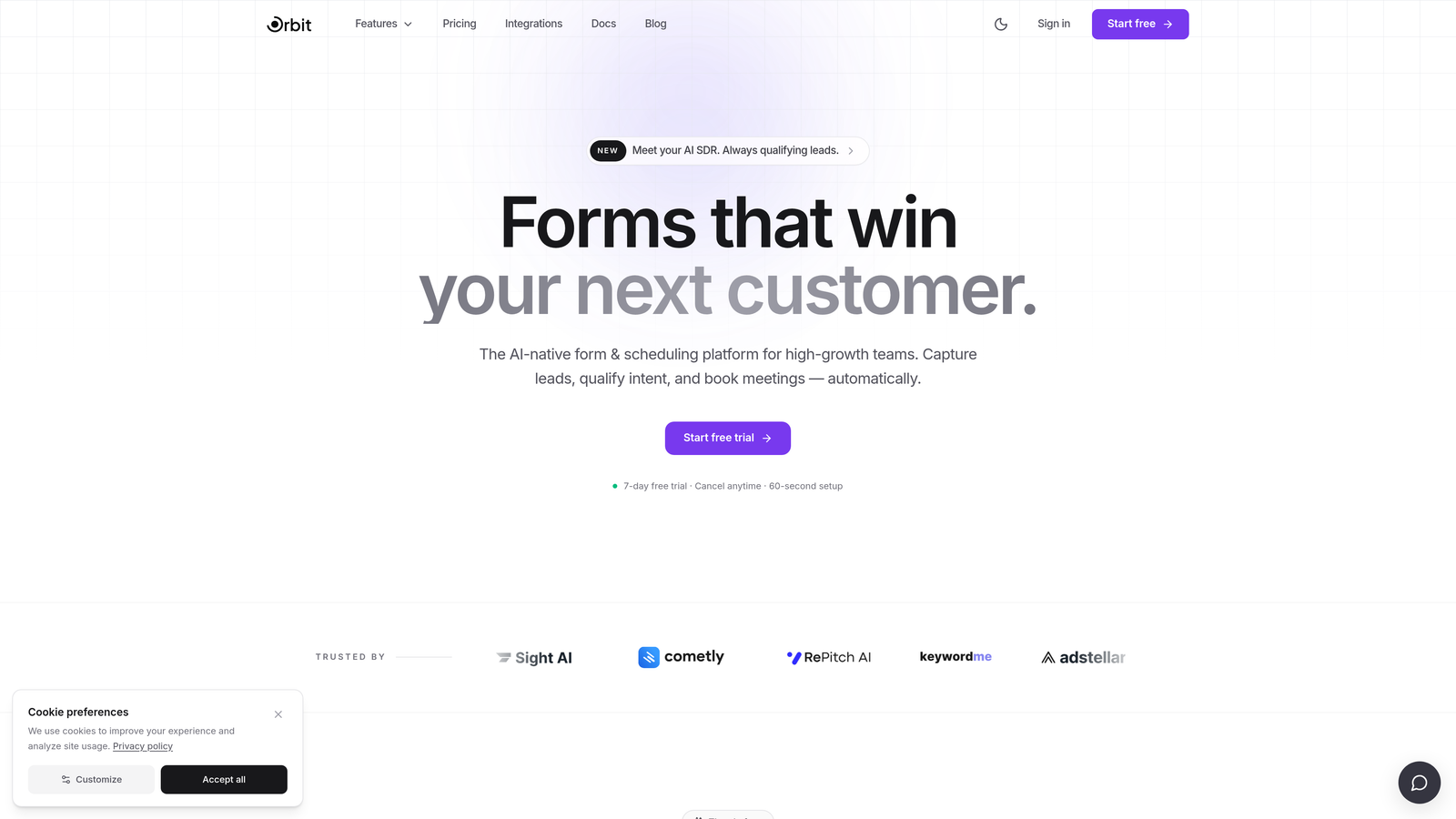
Orbit AI is an AI-powered form builder built specifically for conversion-focused teams who need more than a basic contact form.
Where This Tool Shines
Most free-tier form builders strip out anything sophisticated — conditional logic, lead scoring, smart routing. Orbit AI takes a different approach. The free plan includes AI-powered lead qualification that scores and routes submissions automatically, which is genuinely rare at no cost. For teams running paid acquisition or testing landing pages, this means you can start filtering signal from noise before upgrading.
The design quality also stands out. Templates are built with SaaS and B2B lead gen in mind, so you're not adapting a generic survey layout into something that converts. The interface is clean and modern without the clunky drag-and-drop experience that slows teams down.
Key Features
AI Lead Qualification: Automatically scores and routes leads based on form responses, directly within the form flow.
Conditional Logic on Free Tier: Build branching logic and dynamic form paths without needing a paid plan.
Conversion-Optimized Templates: Pre-built templates designed specifically for SaaS sign-ups, demo requests, and B2B lead capture.
Modern Form Design: Clean, polished UI that reflects well on your brand without custom CSS gymnastics.
Seamless Upgrade Path: Scales naturally as your team grows, with advanced integrations and higher volume available on paid tiers.
Best For
Orbit AI is the strongest choice for growth-focused teams who want to qualify leads at the point of capture rather than sorting through raw submissions later. Particularly well-suited for SaaS companies, demand gen teams, and anyone running lead gen campaigns where quality matters as much as quantity.
Pricing
Free plan available with core features including AI lead qualification and conditional logic. Paid plans unlock advanced integrations and higher submission volumes. Visit orbitforms.ai for current plan details.
2. Typeform
Best for: Teams that prioritize form engagement and completion rates over raw volume.
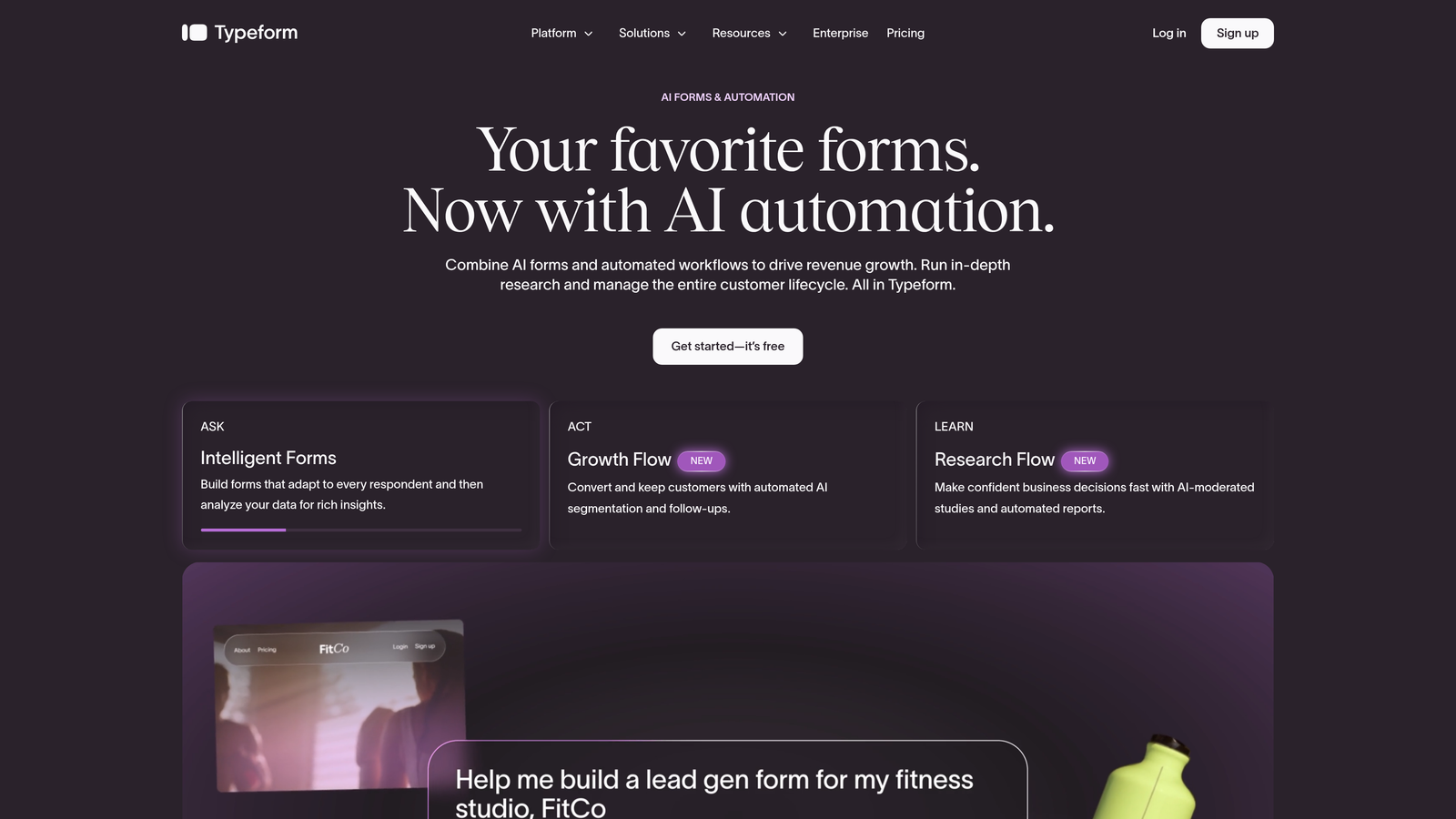
Typeform is a conversational form builder known for its one-question-at-a-time format that consistently drives higher engagement than traditional multi-field layouts.
Where This Tool Shines
Typeform's core strength is the experience it creates for the person filling out the form. By presenting one question at a time, it feels less like a form and more like a conversation — which tends to reduce drop-off on longer surveys and qualification flows. If your form is the first impression of your brand, Typeform delivers.
The free plan is worth knowing clearly: as of recent documentation, it limits monthly responses significantly (verify current limits at typeform.com before publishing). This makes it better suited for low-volume testing or qualitative research than for high-volume lead capture campaigns.
Key Features
Conversational Form Flow: One-question-at-a-time format that improves completion rates on longer forms.
Polished Design Templates: Visually refined out of the box with minimal setup required.
Logic Jumps: Conditional branching available, though more robust features are gated to paid tiers.
Integration Library: Connects with major CRM, email, and marketing tools — some integrations require paid plans.
Best For
Typeform works well for teams focused on brand experience, customer research, or low-volume lead qualification where form aesthetics and completion rate matter more than submission volume.
Pricing
Free plan with limited monthly responses. Paid plans start from approximately $25/month. Verify current response caps and plan pricing at typeform.com before committing.
3. Google Forms
Best for: Internal data collection, simple surveys, and teams already living in Google Workspace.
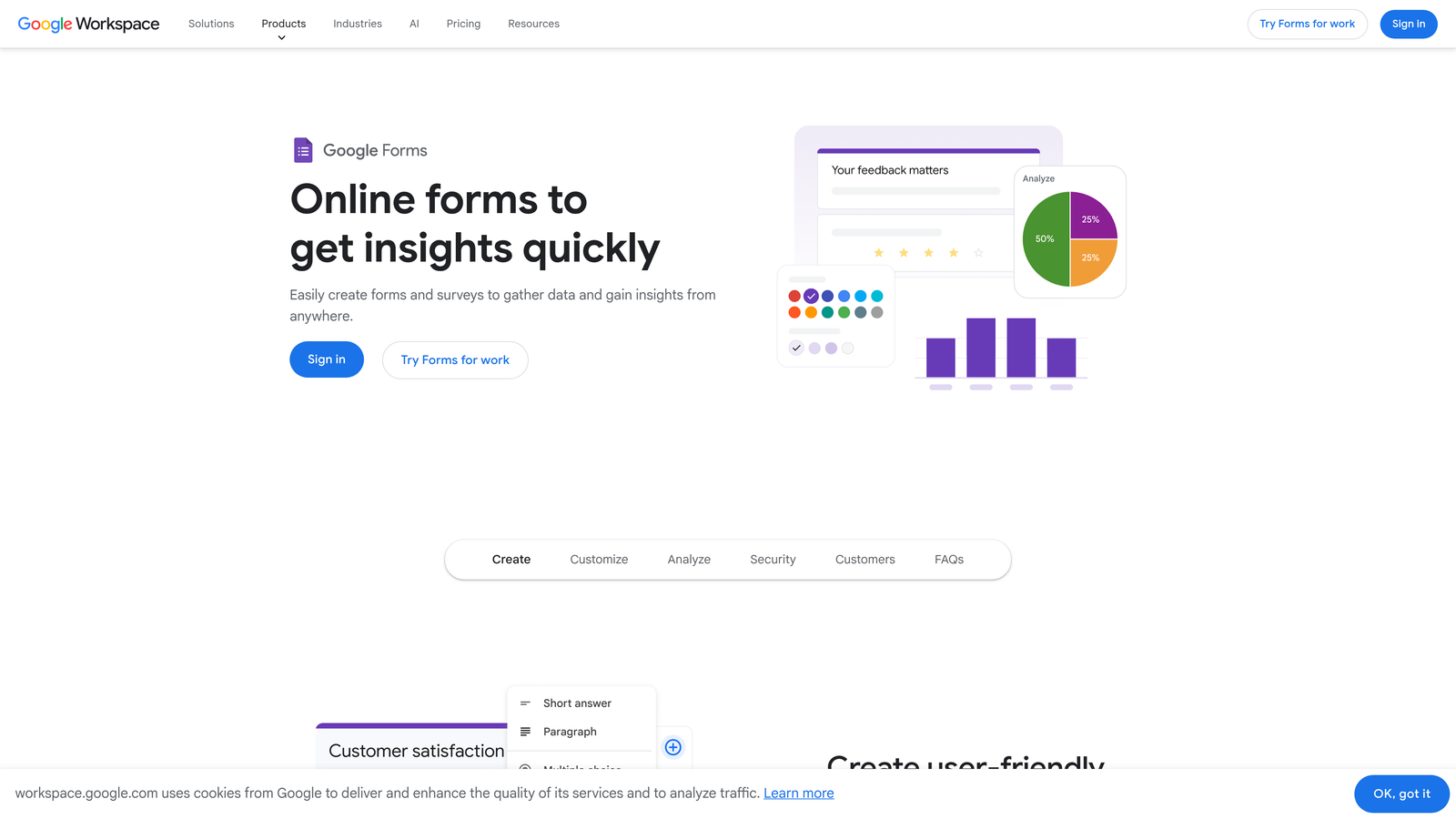
Google Forms is Google's no-frills form builder with genuinely unlimited responses and zero cost attached.
Where This Tool Shines
The biggest advantage Google Forms has over almost every competitor is its complete lack of limits. Unlimited forms, unlimited responses, no storage caps, no branding watermarks. For internal workflows, event registrations, or simple data collection, it's hard to argue with free-and-unlimited.
The native sync to Google Sheets is also a practical strength. Every submission flows directly into a spreadsheet where your team can sort, filter, and analyze without exporting anything. If your team already uses Google Workspace, the zero-friction setup is a real advantage.
Key Features
Truly Unlimited Responses: No monthly caps on forms or submissions, ever.
Google Sheets Sync: Responses populate a connected spreadsheet automatically in real time.
Basic Conditional Logic: Section branching lets you create simple routing based on answers.
No Branding Removal Needed: Google Forms doesn't watermark your forms with promotional branding.
Universal Access: Anyone with a Google account can build and share forms immediately.
Best For
Google Forms is ideal for internal teams, educators, event organizers, and anyone who needs to collect data reliably without any budget. It's not built for conversion optimization or lead scoring — but for straightforward collection at scale, it's unmatched on the free tier.
Pricing
Completely free with any Google account. No paid upgrade path for Forms itself — advanced features come through Google Workspace plans.
4. Tally
Best for: Indie builders, SaaS teams, and anyone who wants an unlimited free plan with a modern editor.
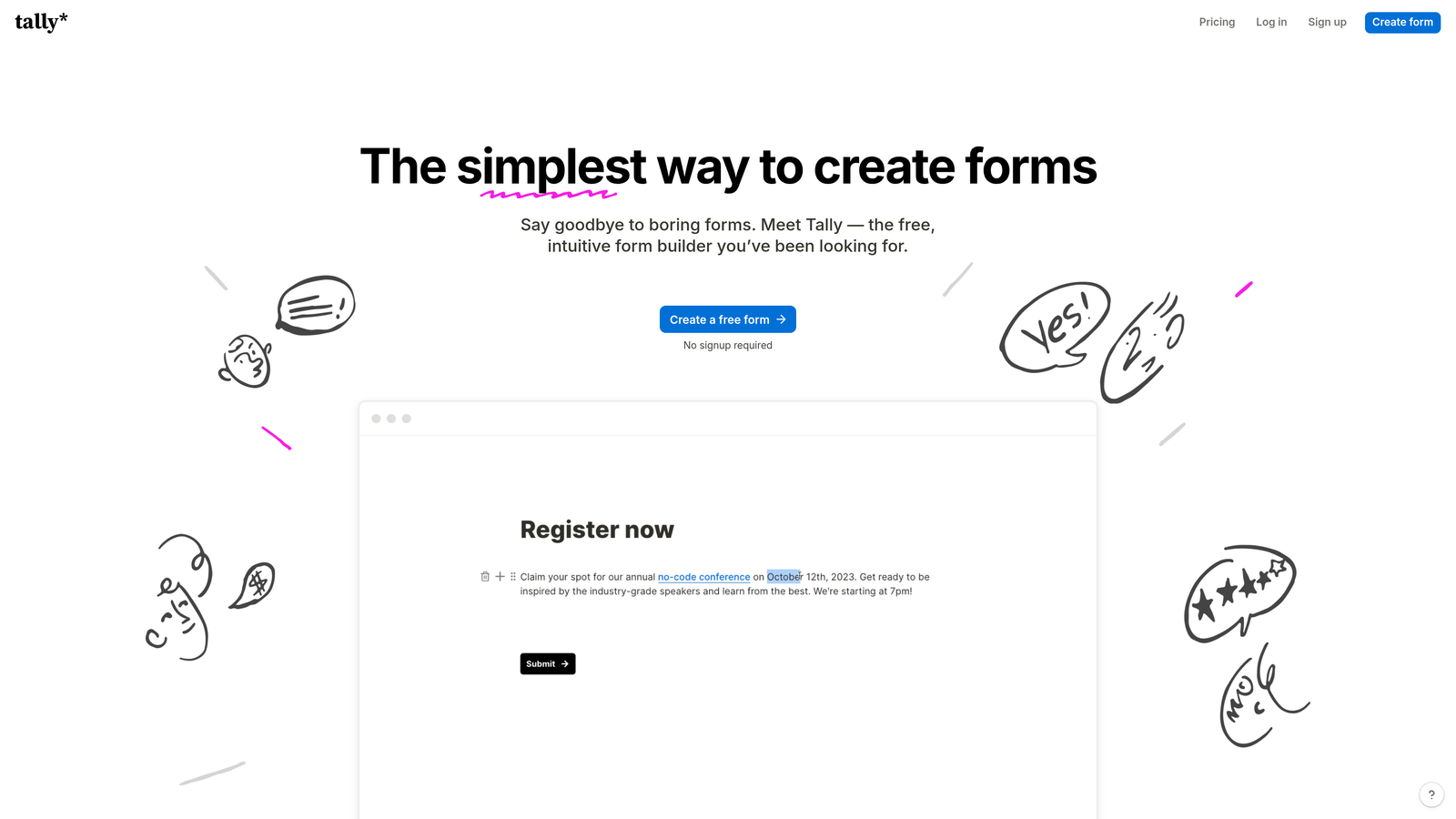
Tally is a Notion-inspired form builder that offers one of the most generous free tiers in the market: unlimited forms and unlimited responses.
Where This Tool Shines
Tally's block-based editor feels immediately familiar to anyone who uses Notion. You build forms by typing and adding blocks rather than dragging components around a canvas, which makes the experience faster and more intuitive for teams used to modern productivity tools.
The unlimited free tier is the headline. Unlike most competitors that cap you at 5 forms or 100 responses, Tally lets you create as many forms as you need and collect as many responses as you get. The trade-off is that Tally branding appears on free forms and some advanced integrations are locked to the Pro plan.
Key Features
Unlimited Forms and Responses (Free): No caps on either — a rare and meaningful differentiator at zero cost.
Notion-Style Block Editor: Intuitive building experience that feels like writing rather than designing.
Conditional Logic on Free Tier: Basic branching logic is available without upgrading.
Flexible Embedding: Embed forms on any website or page with a simple code snippet.
Best For
Tally is an excellent fit for SaaS teams, solo founders, and product teams who need to spin up forms quickly and often. The unlimited free tier makes it particularly strong for teams running multiple experiments or campaigns simultaneously.
Pricing
Free plan with unlimited forms and responses. Tally branding removed on Pro plan, approximately $29/month. Verify current pricing at tally.so.
5. HubSpot Forms
Best for: Teams already using HubSpot CRM who want zero-friction lead capture with automatic contact sync.
HubSpot Forms is a free form builder that plugs directly into HubSpot's CRM, making every submission a CRM contact automatically.
Where This Tool Shines
The integration is the product here. When someone fills out a HubSpot form, they don't just become a spreadsheet row — they become a contact in your CRM with a full activity timeline. For teams running outbound follow-up or email nurture sequences, that context is immediately actionable without any manual data transfer.
HubSpot Forms is free as part of the HubSpot free CRM tier, and there are no response limits. The trade-off is design flexibility: customization options are more limited than dedicated form builders, and advanced automation requires a Marketing Hub subscription.
Key Features
Direct CRM Contact Sync: Every submission creates or updates a HubSpot contact automatically.
No Response Limits: Collect as many submissions as you need on the free tier.
Website and Landing Page Embedding: Embed on any site or within HubSpot pages with minimal setup.
Basic Lead Capture Automation: Trigger follow-up emails and notifications from form submissions.
Best For
HubSpot Forms is the obvious choice for teams already invested in the HubSpot ecosystem. If you're using HubSpot CRM and want forms that feed directly into your pipeline without any integration work, this is the most efficient path.
Pricing
Free as part of HubSpot's free CRM tier. Advanced form features and automation require a Marketing Hub subscription. Check hubspot.com for current plan breakdowns.
6. Jotform
Best for: Teams that need to launch forms fast using a large library of pre-built templates.
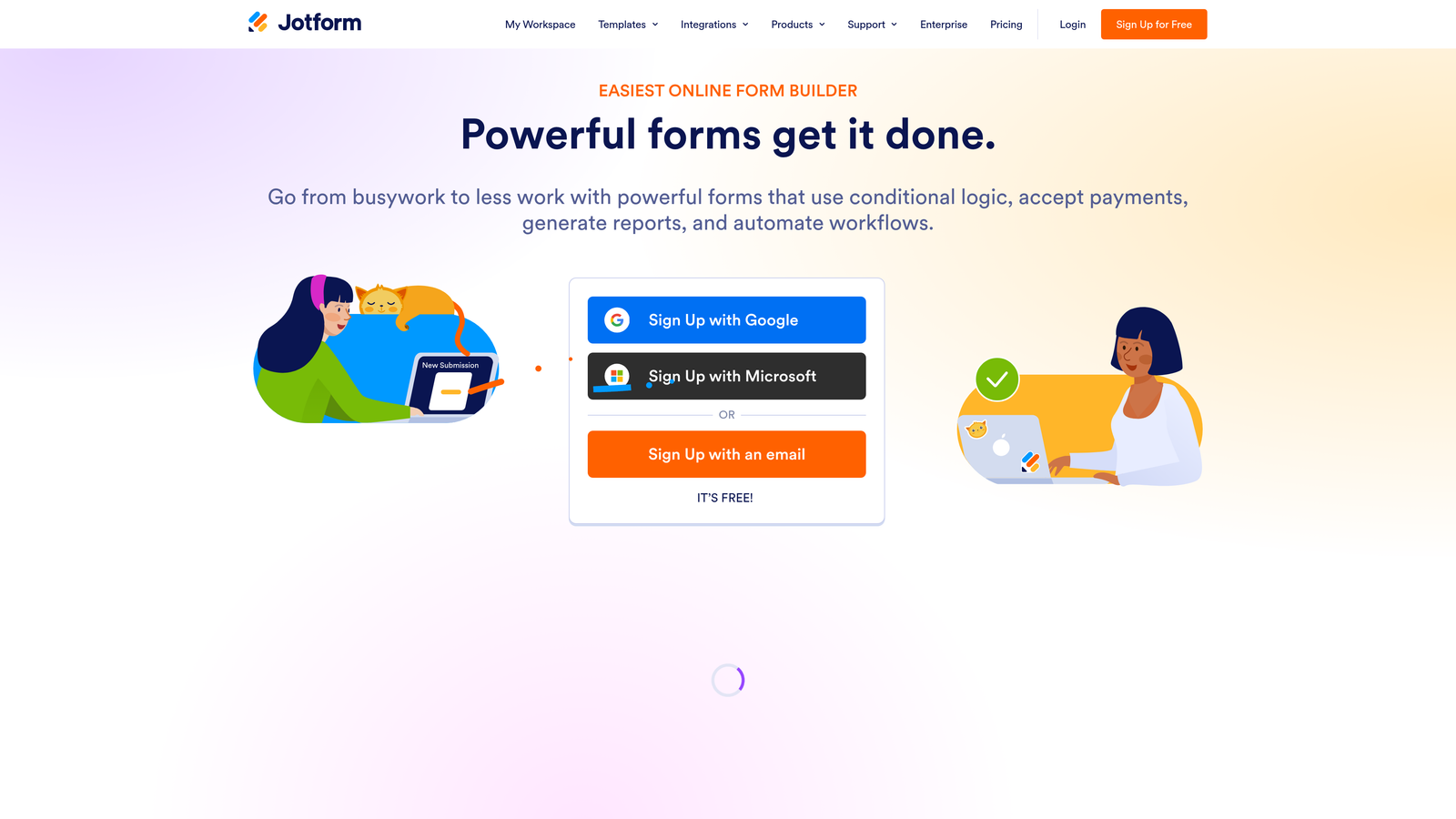
Jotform is a feature-rich form builder with one of the largest template libraries available, covering nearly every use case you can think of.
Where This Tool Shines
If speed of launch matters more than customization depth, Jotform is hard to beat. The template library is enormous — over 10,000 templates spanning industries, use cases, and form types. For teams that need to go from zero to live form in minutes, that breadth removes a lot of friction.
The free plan is more constrained than some competitors, limited to 5 forms and 100 monthly submissions (verify current limits at jotform.com). For teams running high-volume lead capture, those caps will require an upgrade quickly. But for initial validation or low-traffic use cases, the feature depth available on free is solid.
Key Features
10,000+ Templates: Pre-built forms for virtually every industry and use case, ready to customize.
Drag-and-Drop Builder: No coding required to create complex, multi-field forms.
Conditional Logic and Calculations: Build dynamic forms with branching paths and calculated fields.
Wide Integration Library: Connects with popular CRMs, payment processors, and marketing tools.
Payment Integrations: Collect payments within forms, though advanced payment features are gated to paid tiers.
Best For
Jotform suits teams that prioritize template variety and quick deployment over unlimited volume. Strong for agencies managing multiple client forms or teams testing several form concepts simultaneously — within the free tier's form and submission limits.
Pricing
Free plan includes 5 forms and 100 monthly submissions. Paid plans start from approximately $34/month. Verify current limits and pricing at jotform.com before publishing.
7. Paperform
Best for: Teams that want a form-meets-landing-page experience and are willing to start with a trial rather than a perpetual free plan.
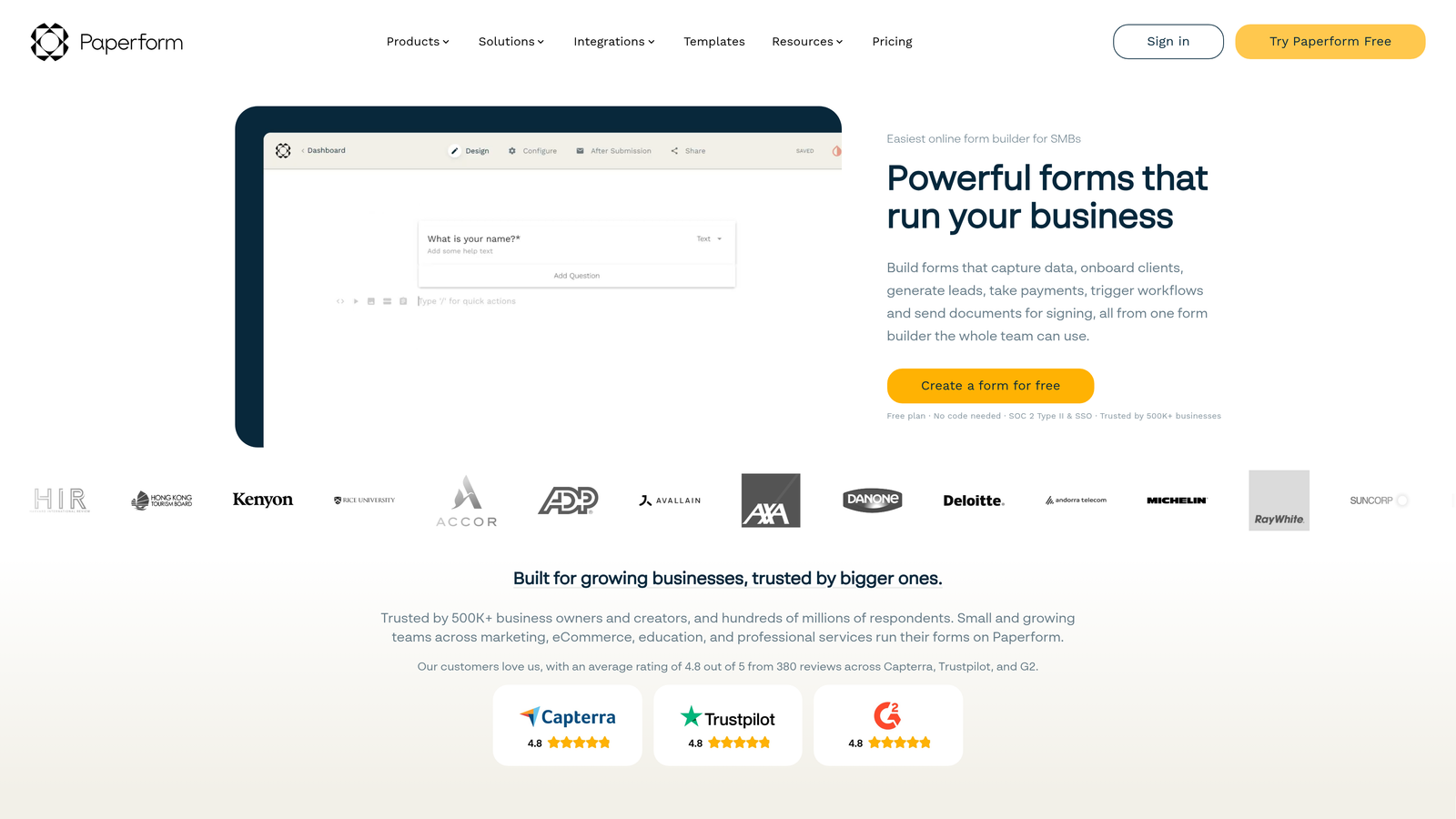
Paperform is a design-forward form builder that blends form functionality with landing page aesthetics in a document-style format.
Where This Tool Shines
Paperform's biggest differentiator is how forms look and feel. Rather than a traditional multi-field layout, forms are built in a document style — more like a page you'd read than a form you'd fill out. This approach works particularly well for forms that need to tell a story or guide someone through a multi-step process.
It's important to note upfront: Paperform does not offer a perpetual free plan. It offers a 14-day free trial. If you need a forever-free option, this isn't it. But if you're evaluating tools before committing to a paid plan, the trial gives you full access to explore its capabilities.
Key Features
Document-Style Form Design: Forms read like landing pages, blending content and input fields naturally.
Payments, Bookings, and Product Listings: Handle transactions and scheduling directly within a single form.
Strong Conditional Logic: Sophisticated branching and calculation support for complex form flows.
Wide Integration Support: Native integrations plus Zapier connections cover most popular tools.
Best For
Paperform is best for teams that want polished, conversion-oriented forms that double as lightweight landing pages. Particularly strong for bookings, product sales, and multi-step qualification flows where design quality directly affects conversion.
Pricing
14-day free trial with no perpetual free plan. Paid plans start from approximately $29/month. Verify current pricing at paperform.co.
8. Cognito Forms
Best for: Teams that need advanced calculation fields and conditional logic without paying for a premium plan.
Cognito Forms is a logic-heavy form builder that stands out for its calculation capabilities, making it particularly useful for quote forms, pricing estimators, and complex data collection.
Where This Tool Shines
Most form builders treat calculation fields as a premium feature. Cognito Forms makes them accessible on lower tiers, which opens up use cases that other tools can't handle without an upgrade. If you need a form that calculates a quote, totals up a custom order, or applies conditional pricing logic, Cognito Forms handles it well.
The free plan does have limits on the number of forms available (verify current Starter tier details at cognitoforms.com), so it's worth checking before building out a multi-form workflow on the free tier.
Key Features
Advanced Calculation Fields: Build forms that calculate totals, pricing, and custom values based on user inputs.
Conditional Logic: Dynamic form paths that adapt based on previous answers.
Repeating Sections: Allow respondents to add multiple entries within a single form submission.
Entries Management: Built-in submission management with filtering and export capabilities.
Best For
Cognito Forms is the strongest option for teams building quote calculators, pricing estimators, custom order forms, or any form where real-time calculation is central to the user experience. Less suited for pure lead gen, but powerful for transactional or consultative workflows.
Pricing
Free plan available with form limits on the Starter tier. Paid plans start from approximately $15/month. Verify current limits and pricing at cognitoforms.com.
9. Microsoft Forms
Best for: Enterprise and education teams embedded in the Microsoft 365 ecosystem.
Microsoft Forms is Microsoft's built-in form tool, free for all Microsoft 365 users, with tight native integration across Teams, Excel, and SharePoint.
Where This Tool Shines
If your organization runs on Microsoft 365, Forms is already available to you. No new account, no new tool to evaluate, no integration to configure. Forms sync natively to Excel for analysis, embed directly into Teams channels for internal surveys, and connect to SharePoint workflows without any additional setup.
The trade-off is design flexibility. Microsoft Forms is functional and reliable, but it's not built for conversion optimization or brand-forward lead capture. The templates are clean but limited, and customization options are minimal compared to dedicated form builders.
Key Features
Free with Microsoft 365: Included at no additional cost for personal, business, and education accounts.
Unlimited Forms and Responses: No caps on what you can create or collect.
Native Excel Sync: Responses flow directly into Excel for immediate analysis.
Teams Embedding: Forms can be embedded directly inside Microsoft Teams channels and tabs.
Basic Branching Logic: Simple conditional routing based on answer selections.
Best For
Microsoft Forms is the right call for enterprise teams, educational institutions, and organizations where Microsoft 365 is already the standard. It's not a lead gen tool — it's an internal workflow tool that happens to be free and deeply integrated with the Microsoft stack.
Pricing
Free with any Microsoft 365 subscription. No standalone free plan for non-Microsoft 365 users. Check microsoft.com for current Microsoft 365 plan pricing.
Which Free Form Builder Is Right for Your Team?
The right choice depends almost entirely on what you're trying to accomplish. Not all free plans serve the same purpose, and the best one for a solo founder testing a landing page is very different from the best one for a growth team running lead qualification at scale.
For lead generation with AI-powered qualification, Orbit AI is the standout. It's the only free plan on this list that includes AI lead scoring and routing — a feature that typically lives behind a paywall elsewhere. If your goal is to capture and qualify leads without paying upfront, it's the most purpose-built option available.
For unlimited volume on a zero-cost plan, Tally and Google Forms are the strongest choices. Tally adds a modern editor and conditional logic; Google Forms adds the reliability of Google infrastructure and seamless Sheets integration.
For teams already inside a specific ecosystem, the answer is obvious: HubSpot Forms if you're in HubSpot, Microsoft Forms if you're in Microsoft 365. Both eliminate integration friction that would otherwise require paid tools or middleware.
For complex logic and calculations, Cognito Forms handles use cases that most free tiers can't touch. And for template-driven speed, Jotform gets you to a live form faster than almost anything else.
If you're a high-growth team focused on lead generation, the free plan that gives you the most leverage isn't the one with the most templates or the prettiest UI — it's the one that helps you qualify leads from the moment they hit submit. Start building free forms today and see how AI-powered qualification can change what your forms actually do for your pipeline.


