

The form on your website isn't just collecting information—it's making split-second decisions about which leads deserve your team's attention and which ones will waste their time. In 2026, the best online form creators do far more than capture data. They qualify prospects, optimize for conversions, and integrate seamlessly into your growth stack. We've tested the leading platforms across ease of use, customization depth, integration capabilities, analytics power, and pricing to identify the tools that actually move the needle for high-growth teams. Here are the top form creators worth your consideration.
1. Orbit AI
Best for: High-growth teams needing AI-powered lead qualification with conversion-optimized form design
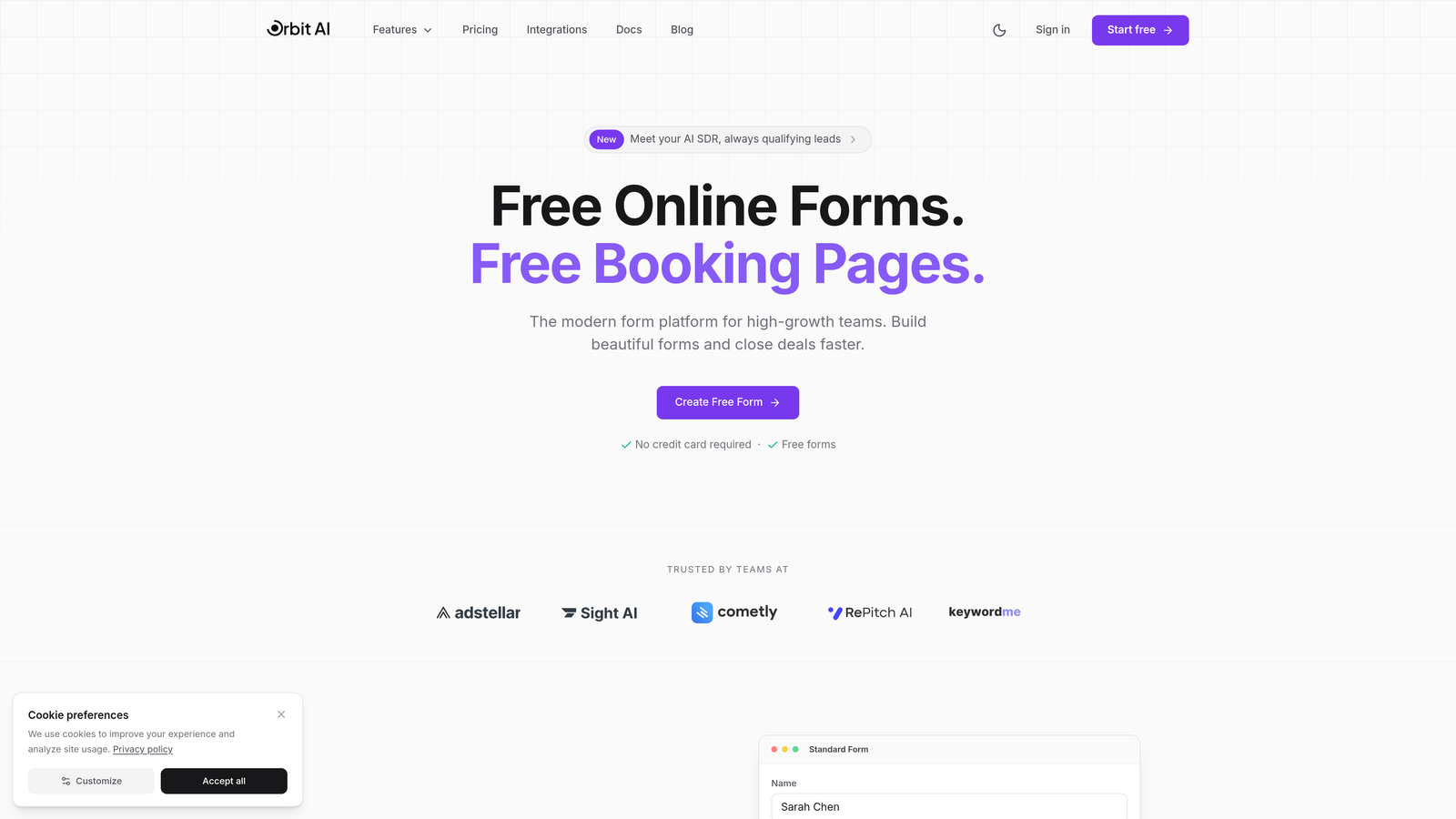
Orbit AI brings artificial intelligence to form building, automatically qualifying leads while they complete your forms and routing high-value prospects to your sales team instantly.
Where This Tool Shines
The AI-powered lead qualification happens in real-time as prospects fill out your forms. The system analyzes responses, assigns lead scores, and triggers workflows based on prospect quality—all without manual intervention.
The conversion-optimized templates are built on behavioral data and A/B testing insights. You're not starting from scratch with a blank canvas. You're building on form designs that have already proven to convert across thousands of implementations.
Key Features
AI-Powered Lead Qualification: Automatically scores and routes leads based on response patterns and predefined criteria.
Conversion-Optimized Templates: Pre-built form designs backed by conversion data and behavioral research.
Advanced Analytics Dashboard: Track form performance, conversion rates, and lead quality metrics in real-time.
Native CRM Integrations: Connect directly to your sales stack without middleware or complex workflows.
Workflow Automation: Trigger actions based on form responses, lead scores, or completion behavior.
Best For
Growth teams and marketing departments that need to qualify leads at scale without adding headcount. Particularly valuable for B2B companies where lead quality matters more than lead quantity, and sales teams need intelligent routing to focus on high-value prospects.
Pricing
Free tier available for teams getting started. Paid plans begin at $29/month with access to AI qualification features and advanced integrations.
2. Typeform
Best for: Creating conversational, engaging form experiences with one-question-at-a-time format
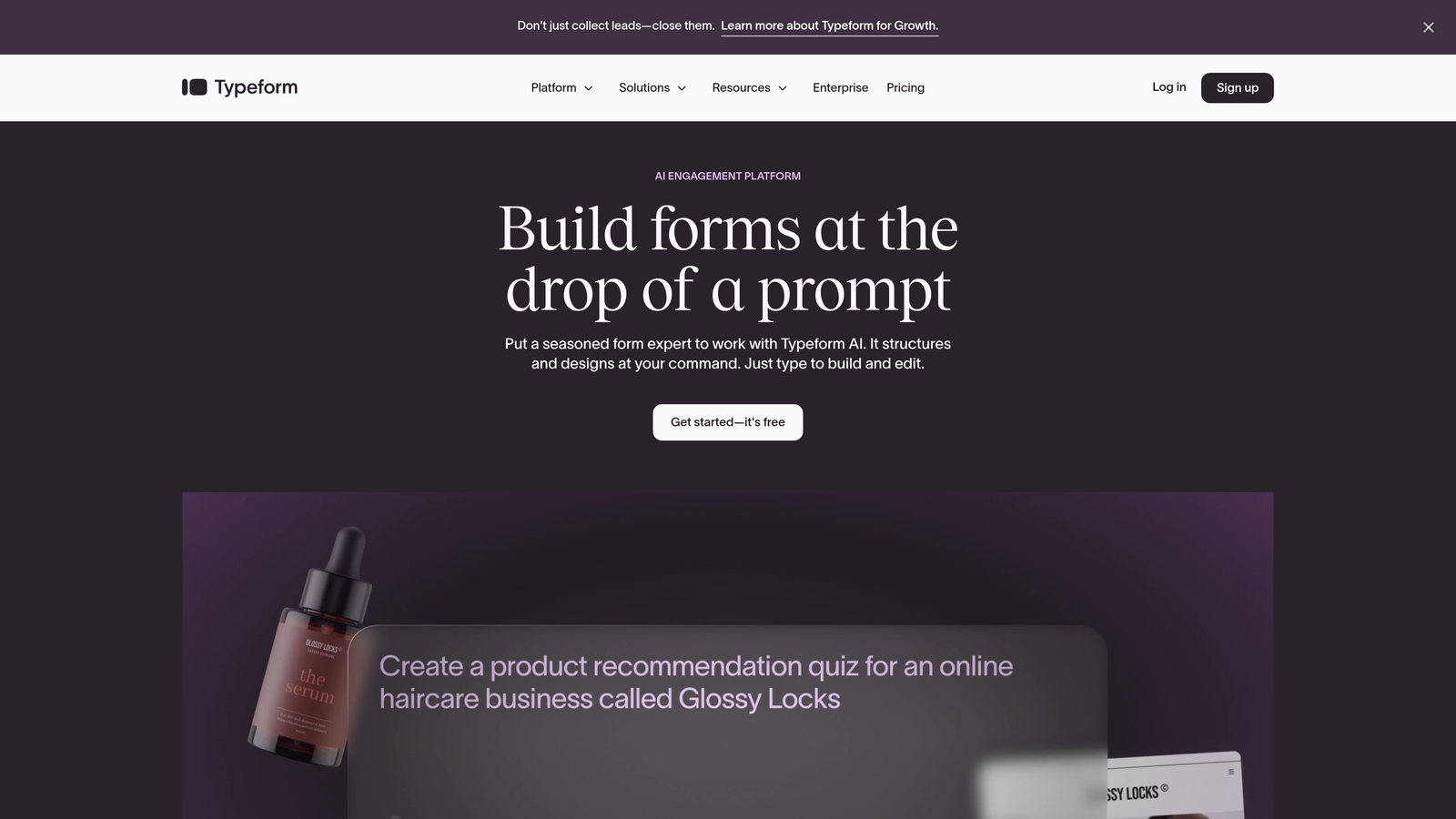
Typeform pioneered the conversational form experience, presenting questions one at a time to reduce cognitive load and increase completion rates.
Where This Tool Shines
The single-question format transforms forms from overwhelming walls of fields into guided conversations. This approach significantly improves completion rates, especially for longer forms that would intimidate users in traditional layouts.
The visual customization goes beyond color schemes. You can embed videos, images, and GIFs directly into questions, creating an engaging experience that feels more like an interactive quiz than a data collection form.
Key Features
Conversational Interface: One-question-at-a-time format reduces form abandonment and improves user experience.
Logic Jumps and Branching: Show different questions based on previous answers to create personalized form paths.
Video and Image Embedding: Add rich media directly into your forms for visual engagement.
Brand Customization: Match forms to your brand with custom colors, fonts, and layouts.
Integration Marketplace: Connect to hundreds of tools through native integrations and Zapier.
Best For
Marketing teams creating surveys, lead magnets, and customer feedback forms where engagement matters. Works particularly well for consumer-facing brands and content creators who prioritize user experience.
Pricing
Free tier available with Typeform branding. Basic plan starts at $25/month, removing branding and adding logic jumps.
3. Jotform
Best for: Teams needing extensive template library and customization options across diverse use cases
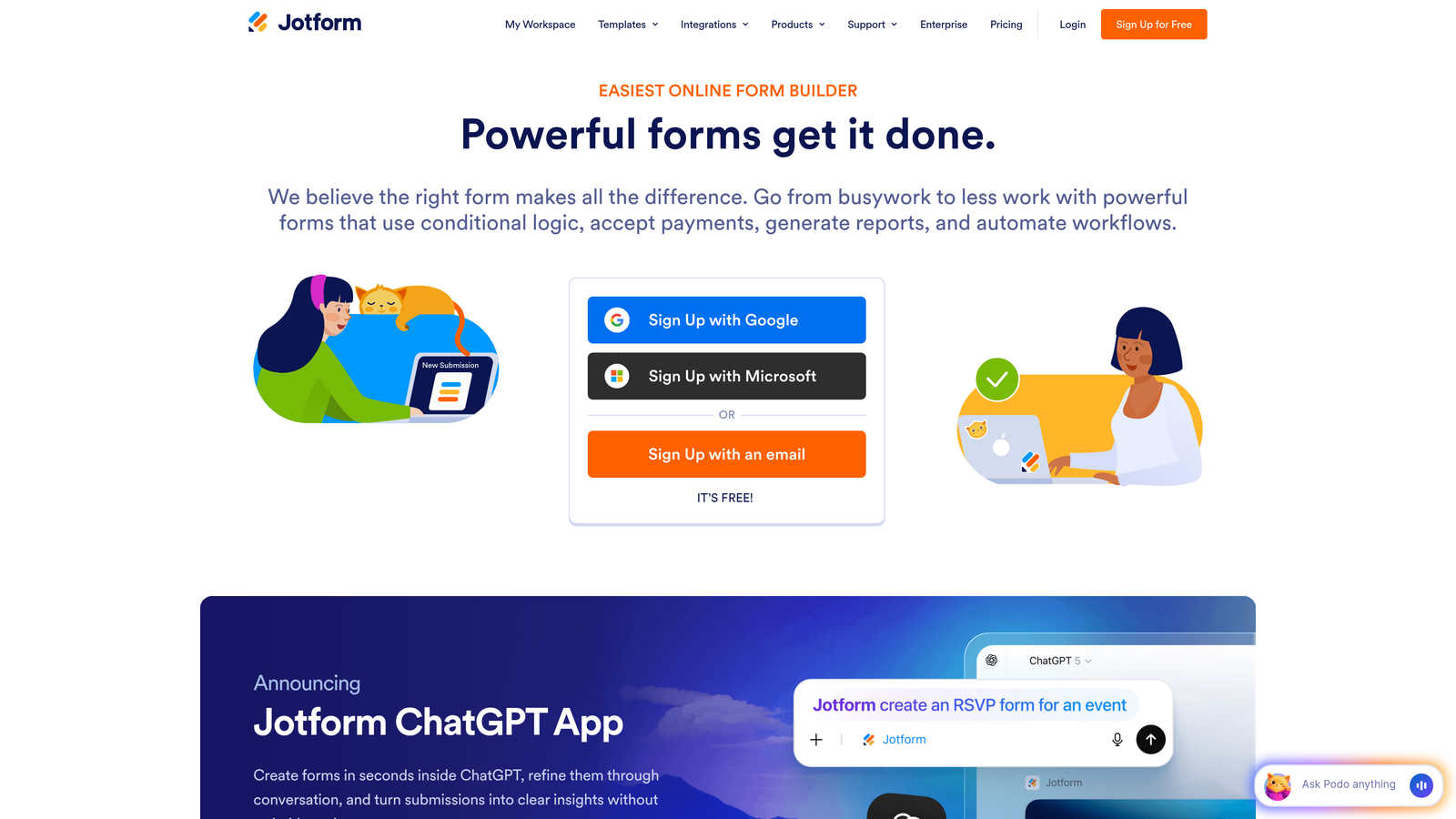
Jotform offers one of the most comprehensive form building platforms with over 10,000 templates covering virtually every industry and use case imaginable.
Where This Tool Shines
The template library is genuinely massive. Whether you need event registration forms, job applications, customer intake forms, or payment collection, there's a pre-built template that gets you 80% of the way there. This dramatically reduces setup time.
The widget library extends functionality beyond standard form fields. You can add appointment schedulers, signature fields, file upload interfaces, and even custom widgets built by the community—all without touching code.
Key Features
10,000+ Templates: Pre-built forms for every industry and use case to jumpstart your form creation.
100+ Widgets: Extend functionality with appointment booking, e-signatures, payment collection, and more.
PDF Form Conversion: Upload existing PDF forms and convert them to fillable online forms automatically.
Mobile Forms App: Collect responses offline through iOS and Android apps, syncing when connection returns.
Approval Workflows: Route form submissions through multi-step approval processes with notifications.
Best For
Organizations with diverse form needs across departments—from HR to customer service to operations. Especially valuable for teams that need offline data collection capabilities or complex approval workflows.
Pricing
Free tier includes 5 forms. Bronze plan starts at $34/month with increased form limits and payment integration.
4. Google Forms
Best for: Simple data collection with zero budget and seamless Google Workspace integration
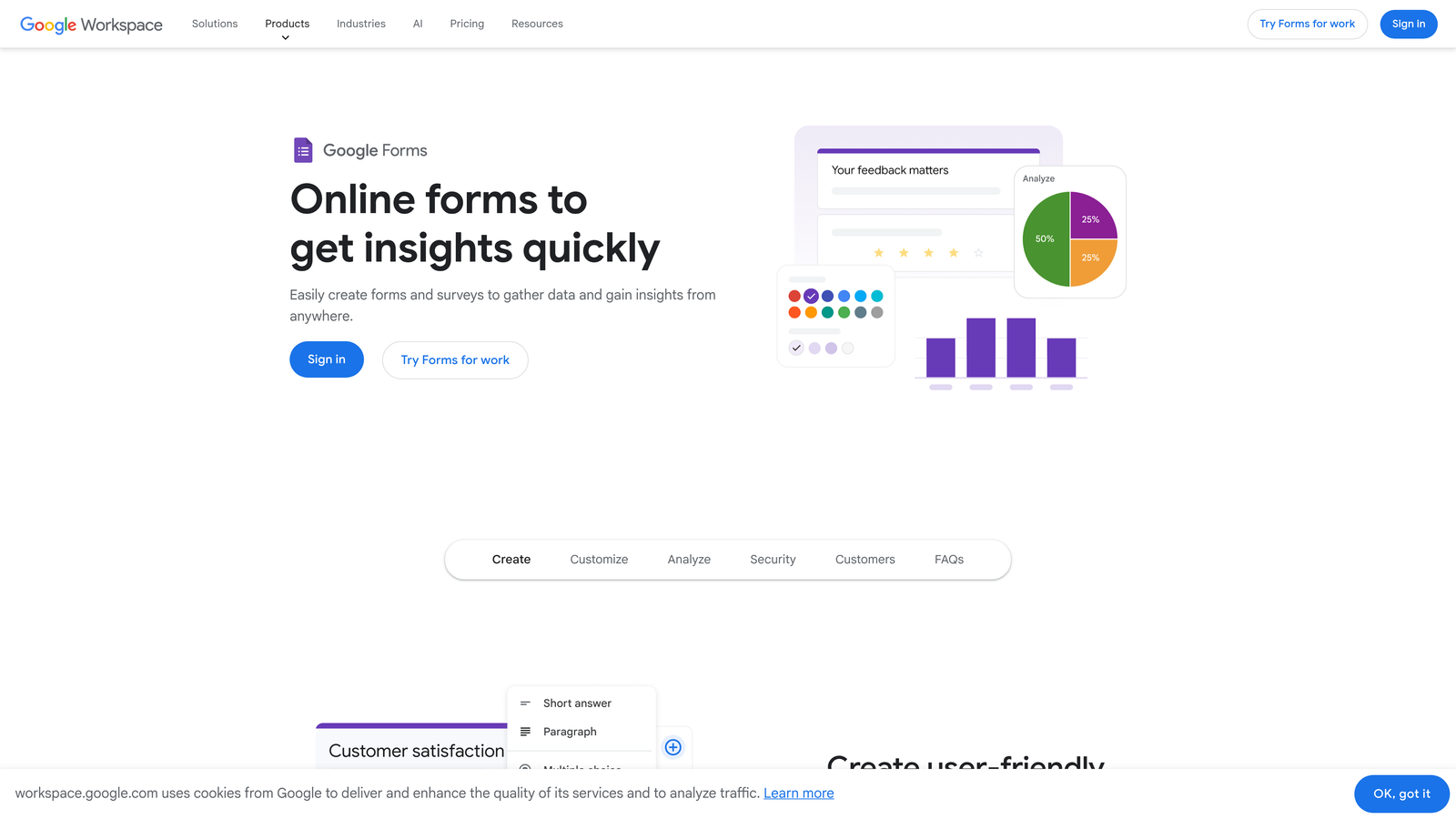
Google Forms provides straightforward form building completely free, with automatic integration into Google Sheets for response management.
Where This Tool Shines
The price point—free, with no hidden costs or upgrade pressure—makes this the default choice for teams on tight budgets or those who need basic data collection without complexity. You get unlimited forms and unlimited responses without paying a cent.
The Google Sheets integration is seamless and powerful. Responses flow directly into spreadsheets where you can analyze data, create pivot tables, or build automated workflows using Google Apps Script.
Key Features
Completely Free: No form limits, response caps, or feature restrictions based on pricing tiers.
Google Sheets Integration: Responses automatically populate spreadsheets for analysis and reporting.
Real-Time Collaboration: Multiple team members can edit forms simultaneously with change tracking.
Quiz Functionality: Create self-grading quizzes with automatic scoring and feedback.
Simple Analytics: View response summaries with charts and graphs directly in the form builder.
Best For
Small teams, nonprofits, educators, and anyone already embedded in the Google ecosystem. Perfect for internal surveys, event registrations, and basic lead capture where advanced features aren't necessary.
Pricing
Completely free with a Google account. No paid tiers or upgrade paths.
5. Tally
Best for: Unlimited free forms with modern, Notion-style editing interface
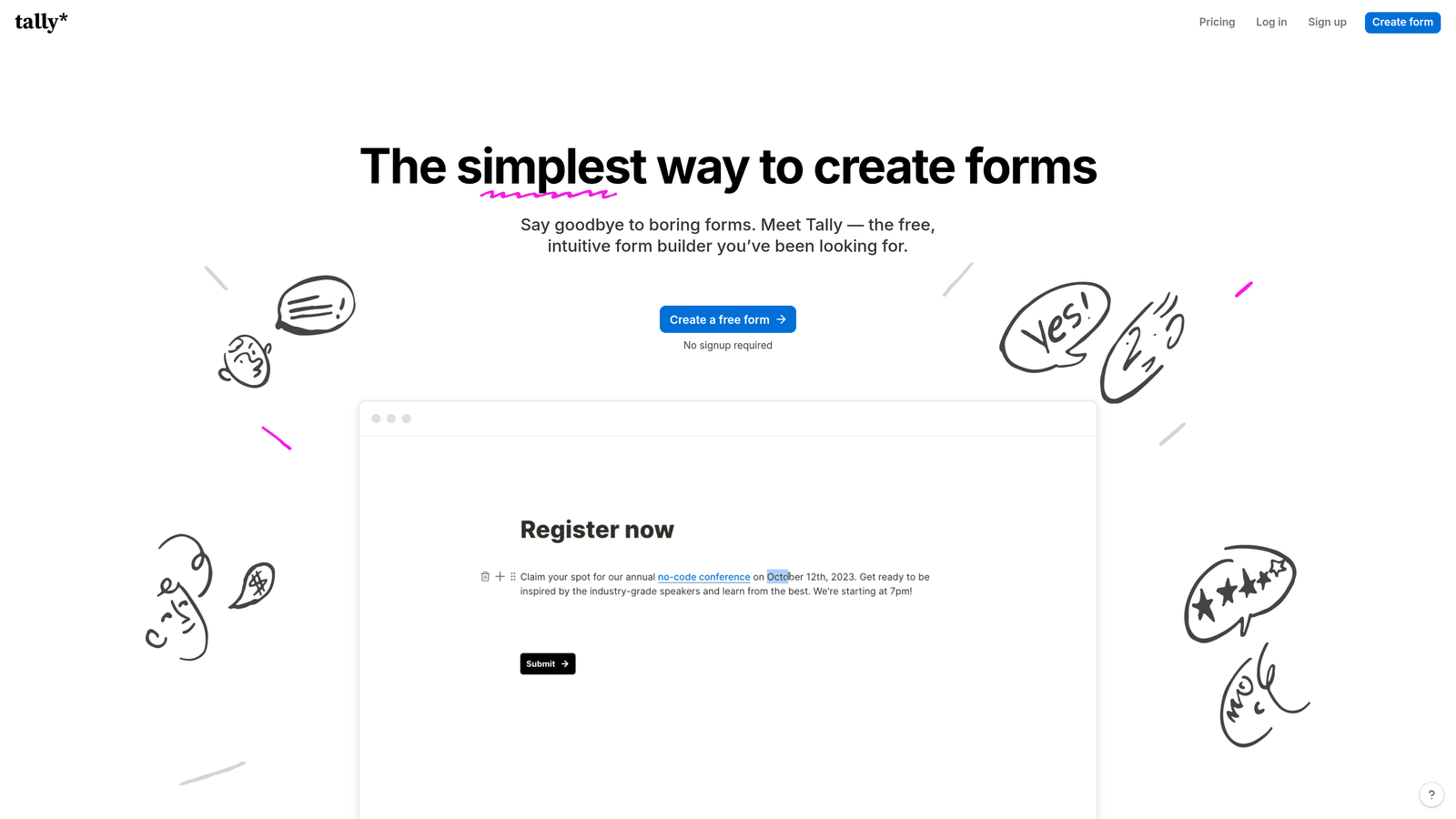
Tally brings Notion's intuitive block-based editing to form building, offering unlimited forms on the free tier with surprisingly robust features.
Where This Tool Shines
The free tier is genuinely generous. Unlimited forms, unlimited responses, and most core features available without payment. This makes Tally ideal for bootstrapped startups or side projects that need professional forms without budget allocation.
The Notion-style editor feels instantly familiar if you've used modern productivity tools. You build forms by adding blocks, dragging to reorder, and typing slash commands—no learning curve required.
Key Features
Unlimited Free Forms: No artificial limits on form creation or response collection on the free plan.
Notion-Style Editor: Block-based interface with slash commands and drag-and-drop organization.
Custom Domains: Connect your own domain even on the free tier for branded form URLs.
File Uploads: Collect documents, images, and other files directly through your forms.
Calculations: Perform mathematical operations on form fields for quotes, estimates, or scoring.
Best For
Startups, freelancers, and small businesses that need professional forms without monthly costs. Particularly appealing to teams already using Notion who want a similar editing experience for forms.
Pricing
Free tier with unlimited forms and responses. Pro plan at $29/month adds advanced integrations and custom branding removal.
6. Paperform
Best for: Creating landing page-style forms with built-in payment processing and e-commerce features
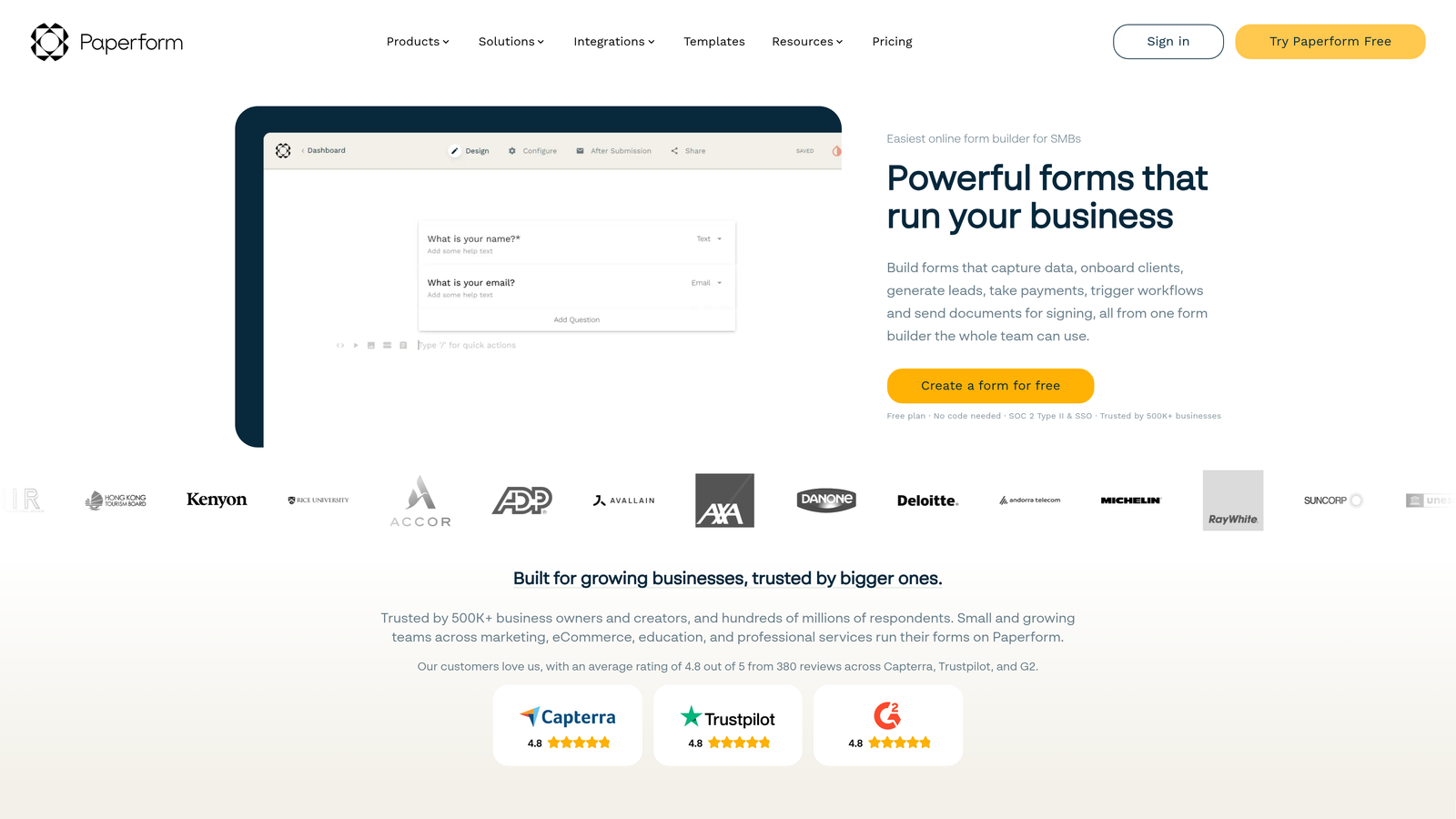
Paperform blurs the line between forms and landing pages, creating beautiful, conversion-focused experiences with native payment collection.
Where This Tool Shines
The landing page approach transforms forms into standalone conversion assets. Instead of embedding a form on a page, you create a complete experience with hero sections, product showcases, and checkout flows—all within the form builder.
The payment integration goes beyond simple donation collection. You can build complete product catalogs, calculate pricing based on selections, apply discount codes, and process transactions through Stripe or PayPal—turning forms into sales tools.
Key Features
Landing Page-Style Forms: Create full-page experiences with rich content blocks and conversion-focused layouts.
E-commerce Integration: Sell products, services, or subscriptions directly through your forms with cart functionality.
Conditional Logic: Show or hide fields, calculate pricing, and personalize experiences based on responses.
Appointment Scheduling: Integrate calendar booking directly into your forms for service-based businesses.
Custom Branding: Remove Paperform branding and apply your own domain, colors, and styling.
Best For
Service businesses, consultants, and e-commerce sellers who need forms that double as sales tools. Excellent for course creators, event organizers, and anyone collecting payments alongside lead information.
Pricing
Essentials plan starts at $24/month with unlimited forms and basic e-commerce features. Higher tiers add advanced calculations and integrations.
7. Cognito Forms
Best for: Complex calculations, payment processing, and advanced conditional logic requirements
Cognito Forms specializes in handling complex form logic, mathematical calculations, and sophisticated workflows that other builders struggle with.
Where This Tool Shines
The calculation engine handles complex mathematical operations that would require custom code in other platforms. You can build quote calculators, pricing estimators, or scoring systems using formulas that reference other fields and perform conditional calculations.
The repeating sections feature lets users add multiple instances of field groups—perfect for applications where you need to collect information about multiple items, family members, or line items in a single submission.
Key Features
Advanced Calculations: Build complex formulas referencing multiple fields with conditional logic and mathematical operations.
Payment Integration: Accept one-time payments, subscriptions, or variable amounts through Stripe, PayPal, or Square.
Repeating Sections: Allow users to add multiple instances of field groups for complex data collection.
Workflow Automation: Trigger emails, webhooks, or integrations based on form submissions and field values.
Data Encryption: Encrypt sensitive form data at rest for compliance with security requirements.
Best For
Organizations building quote forms, application portals, or registration systems with complex pricing logic. Particularly valuable for professional services firms, educational institutions, and businesses with sophisticated data collection needs.
Pricing
Free tier allows 500 entries per month. Pro plan starts at $15/month with unlimited entries and advanced features.
8. Formstack
Best for: Enterprise teams requiring HIPAA compliance, document generation, and advanced security features
Formstack serves enterprise organizations with strict compliance requirements, offering HIPAA-compliant forms, e-signatures, and document automation.
Where This Tool Shines
The HIPAA compliance features make this one of few form builders suitable for healthcare organizations collecting protected health information. You get Business Associate Agreements, encryption, and audit trails that meet regulatory requirements.
The document generation capability transforms form data into formatted PDFs, contracts, or reports automatically. This eliminates manual data entry into templates and ensures consistent document creation across your organization.
Key Features
HIPAA Compliance: Meet healthcare data protection requirements with encrypted storage and BAA agreements.
Document Generation: Automatically create PDF documents, contracts, or reports from form submissions.
E-Signatures: Collect legally binding electronic signatures directly within your forms.
Workflow Automation: Route submissions through approval processes with conditional logic and notifications.
Enterprise Security: SSO, advanced user permissions, and audit logs for compliance and security teams.
Best For
Healthcare organizations, financial services firms, and large enterprises with compliance requirements. Ideal for HR departments managing employee onboarding, legal teams handling contracts, or any organization needing document automation.
Pricing
Forms plan starts at $50/month. Enterprise pricing available for organizations requiring advanced security and compliance features.
9. 123FormBuilder
Best for: Database integration and offline form capabilities for field teams
123FormBuilder excels at connecting forms to external databases and enabling offline data collection for teams working in the field.
Where This Tool Shines
The database integration connects your forms directly to MySQL, PostgreSQL, or Microsoft SQL databases. This allows you to populate dropdown menus from live data sources, validate entries against existing records, or write submissions directly to your database—eliminating middleware.
The offline forms capability enables field teams to collect data without internet connectivity. Responses are stored locally on devices and automatically sync when connection is restored, preventing data loss in remote locations.
Key Features
Database Integration: Connect forms directly to external databases for dynamic population and data writing.
Offline Forms: Collect responses without internet connection through mobile apps with automatic syncing.
GDPR Compliance: Built-in features for consent management, data deletion, and privacy compliance.
Multi-Language Forms: Create forms in multiple languages with automatic translation and language switching.
Payment Collection: Accept payments through PayPal, Stripe, Authorize.net, and other processors.
Best For
Field service teams, inspection companies, and organizations with mobile workforces collecting data in areas with unreliable connectivity. Also valuable for businesses needing tight integration with existing database systems.
Pricing
Free tier available with basic features. Gold plan starts at $24.99/month with database integration and offline capabilities.
10. Wufoo
Best for: Reliable, straightforward form creation with payment support and report building
Wufoo has been a trusted form builder since 2006, offering dependable performance and a no-nonsense approach to data collection.
Where This Tool Shines
The interface prioritizes simplicity over feature bloat. You can create professional forms quickly without navigating complex menus or learning advanced features. This makes onboarding new team members fast and reduces training time.
The report builder transforms form data into visual reports with filtering, sorting, and export capabilities. You can create custom views of your data, share reports with stakeholders, and export to Excel or CSV for further analysis.
Key Features
Simple Interface: Straightforward form builder focused on ease of use without overwhelming feature sets.
Payment Integration: Collect payments through PayPal, Stripe, Authorize.net, or other processors.
File Uploads: Allow users to attach documents, images, or other files to their submissions.
Custom Branding: Apply your logo, colors, and custom CSS for branded form experiences.
Report Builder: Create filtered views of form data with sorting, searching, and export capabilities.
Best For
Small to medium businesses that need reliable forms without complexity. Works well for event registrations, contact forms, and order collection where advanced features aren't necessary.
Pricing
Free tier available with Wufoo branding. Starter plan begins at $14.08/month, removing branding and adding payment integration.
11. HubSpot Forms
Best for: Teams already using HubSpot CRM seeking deep integration and progressive profiling
HubSpot Forms provides free form building with native integration into HubSpot's CRM and marketing automation platform.
Where This Tool Shines
The CRM integration is seamless because forms and CRM are built by the same company. Form submissions automatically create or update contact records, trigger workflows, and populate deal pipelines without configuration headaches.
The progressive profiling feature prevents form fatigue by showing different questions to returning visitors. Instead of asking for information you already have, the form adapts to request new details, gradually building complete contact profiles over multiple interactions.
Key Features
Free CRM Integration: Forms connect natively to HubSpot CRM with automatic contact creation and updates.
Progressive Profiling: Show different questions to returning visitors based on information already collected.
Smart Content: Personalize form fields and messaging based on contact properties or list membership.
Marketing Automation: Trigger email sequences, workflows, and lead scoring based on form submissions.
Lead Scoring: Automatically assign scores to contacts based on form responses and engagement behavior.
Best For
Companies already invested in the HubSpot ecosystem or teams evaluating HubSpot CRM. The forms become significantly more powerful when paired with HubSpot's marketing automation, making this ideal for inbound marketing teams.
Pricing
Free with HubSpot CRM. Advanced features like progressive profiling and smart content require paid Marketing Hub subscriptions starting at $45/month.
Finding Your Perfect Form Builder
The right form creator depends entirely on what you're trying to accomplish. If lead qualification and conversion optimization drive your strategy, Orbit AI's intelligent approach delivers measurable impact on lead quality. Teams prioritizing engagement might find Typeform's conversational format increases completion rates, while budget-conscious organizations can accomplish plenty with Google Forms or Tally's generous free tiers.
For complex workflows requiring calculations or payment processing, Cognito Forms and Paperform offer specialized capabilities that justify their pricing. Enterprise teams with compliance requirements should evaluate Formstack's security features, while HubSpot users benefit from the native integration that eliminates data silos.
The common thread across successful implementations? Choosing a tool that matches your team's technical capabilities and growth stage. A startup doesn't need enterprise features, and an enterprise shouldn't settle for basic data collection when they need sophisticated workflows.
Transform your lead generation with AI-powered forms that qualify prospects automatically while delivering the modern, conversion-optimized experience your high-growth team needs. Start building free forms today and see how intelligent form design can elevate your conversion strategy.


