

Gravity Forms has been a WordPress staple for years, powering millions of forms across countless websites. But if you're reading this, you've likely hit a wall. Maybe you're tired of being locked into WordPress. Perhaps the per-site licensing model no longer makes financial sense as your business scales. Or you're watching competitors leverage AI-powered lead qualification while you're still manually sorting through form submissions.
The truth is, the form builder landscape has transformed dramatically. What worked in 2020 doesn't cut it in 2026. High-growth teams need more than data collection—they need conversion optimization engines that qualify leads automatically, integrate seamlessly across platforms, and deliver experiences that actually move prospects through your funnel.
This guide evaluates seven Gravity Forms alternatives through the lens of what modern teams actually need: ease of implementation, conversion-focused features, native integrations, pricing that scales intelligently, and AI capabilities that turn forms from passive data collectors into active revenue drivers. Whether you're a startup optimizing for rapid growth or an enterprise team demanding compliance and automation, you'll find an option that matches your strategic priorities.
Let's explore the alternatives that are redefining what form builders can accomplish in 2026.
1. Orbit AI: AI-Powered Lead Qualification Built Into Every Form
The Challenge It Solves
Your sales team drowns in unqualified leads while high-intent prospects slip through the cracks. Traditional form builders collect data but leave qualification entirely to humans. You need a system that identifies your best opportunities the moment they submit, routing them intelligently while your team focuses on closing deals rather than sorting spreadsheets.
Gravity Forms requires third-party plugins and complex conditional logic to attempt basic qualification. Orbit AI treats intelligent lead scoring as foundational, not optional. For teams serious about lead scoring platforms, this represents a fundamental shift in approach.
The Strategy Explained
Orbit AI reimagines form building around conversion outcomes rather than just data collection. Built-in AI agents analyze responses in real-time, scoring leads based on your ideal customer profile and automatically triggering personalized follow-up sequences. The platform combines beautiful, conversion-optimized form design with workflows that nurture prospects without manual intervention.
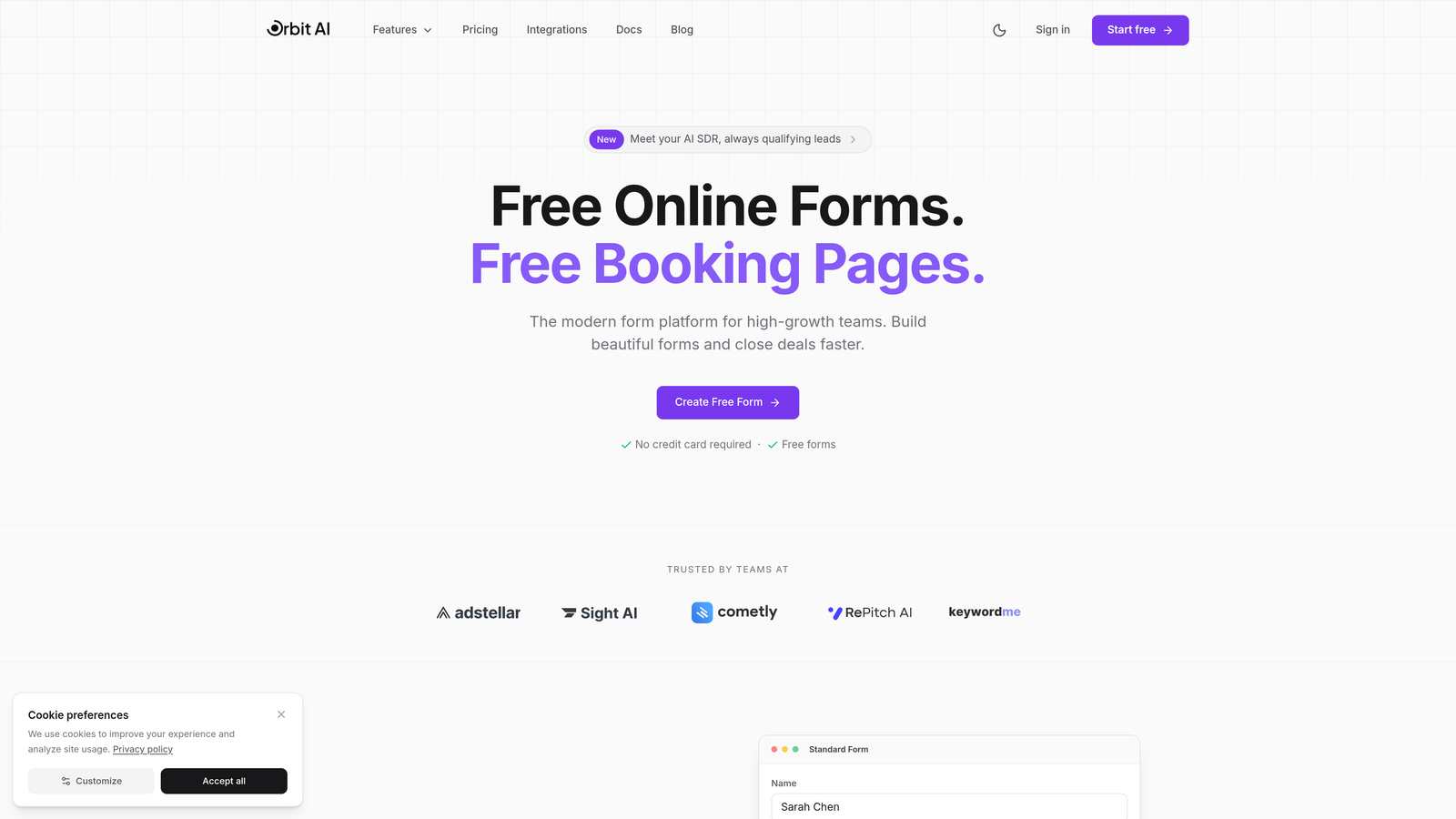
Unlike WordPress-dependent solutions, Orbit AI works everywhere—embed forms on any website, share standalone links, or integrate directly with your existing tech stack. The scheduler feature transforms simple contact forms into booking engines, while analytics provide visibility into which form elements actually drive conversions versus those creating friction.
For high-growth teams, this means your forms become active participants in your revenue strategy rather than passive data endpoints.
Implementation Steps
1. Build your first form using Orbit AI's conversion-focused templates, customizing fields based on the qualification criteria that matter to your sales process.
2. Configure AI agents to score leads automatically, setting thresholds that route high-intent prospects to immediate sales outreach while nurturing others through automated sequences.
3. Connect your CRM and communication tools through native integrations, ensuring qualified leads flow directly into your sales pipeline with context your team needs.
4. Deploy forms across your digital properties—landing pages, website, email campaigns—using embeds or standalone links that work platform-agnostically.
5. Monitor conversion analytics to identify drop-off points and optimize form elements based on actual user behavior data.
Pro Tips
Start with a single high-impact form—typically your demo request or contact page—to prove ROI before rolling out across all lead capture points. Use Orbit AI's workflow builder to create parallel nurture tracks for different lead scores, ensuring even lower-intent prospects receive value while your sales team focuses on qualified opportunities. The scheduler feature works brilliantly for consultative sales processes where booking a call is the primary conversion goal.
2. Typeform: Conversational Experiences That Feel Human
The Challenge It Solves
Traditional forms feel like interrogations. Users face walls of fields that trigger immediate abandonment. You need an approach that guides prospects through questions naturally, maintaining engagement through conversational flow rather than overwhelming them with everything at once.
Gravity Forms presents all fields simultaneously by default. Typeform's one-question-at-a-time methodology transforms data collection into dialogue.
The Strategy Explained
Typeform pioneered the conversational form format, displaying one question per screen with smooth transitions that feel more like chatting than form-filling. Logic jumps create personalized paths based on responses, showing only relevant follow-up questions. The interface prioritizes visual appeal with full-screen layouts, custom images, and branded color schemes.
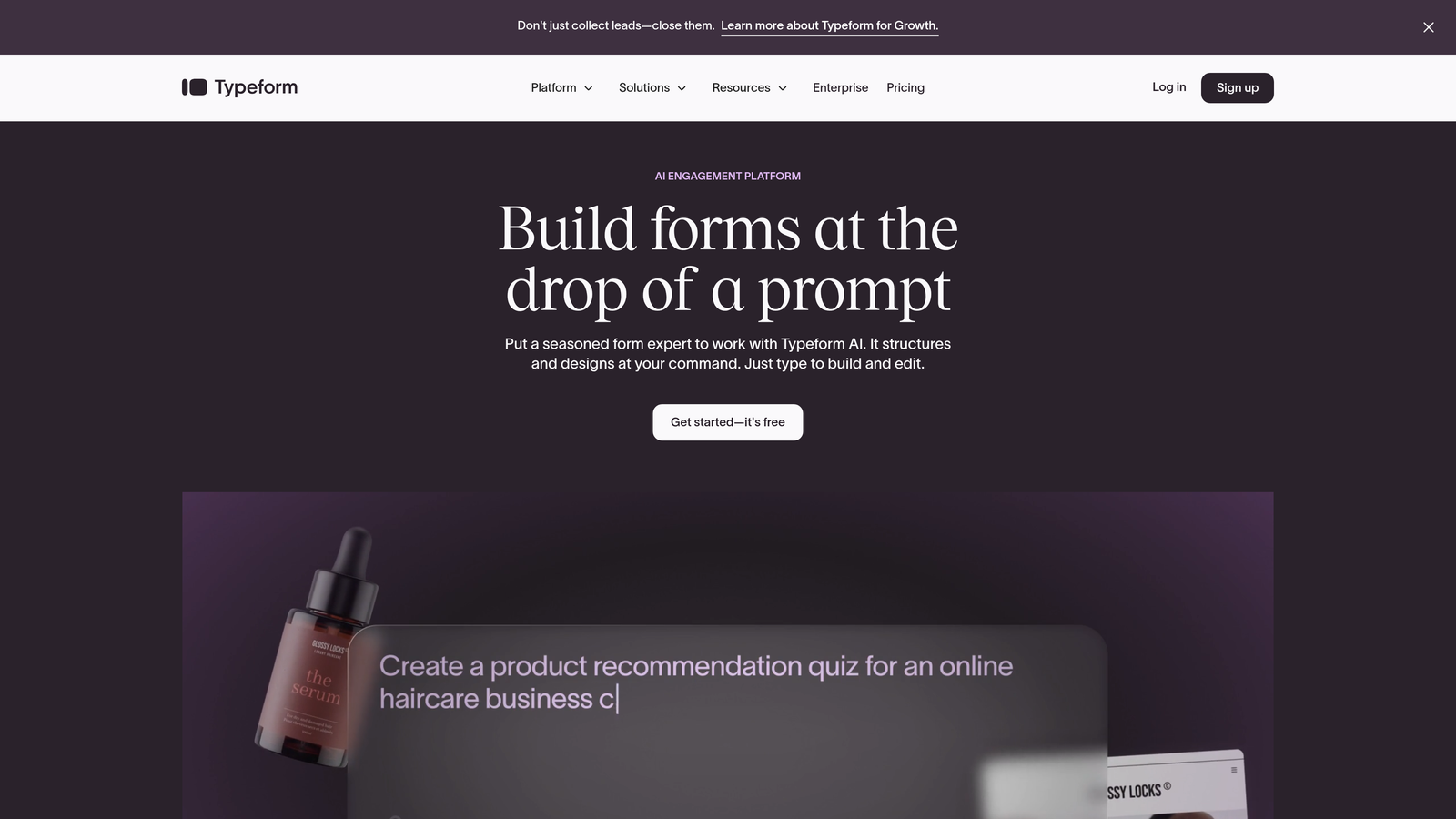
This approach works exceptionally well for surveys, quizzes, and lead qualification scenarios where you're gathering detailed information that would overwhelm in traditional form layouts. The platform includes built-in analytics showing completion rates per question, helping identify exactly where users drop off. For a detailed comparison, explore our analysis of Gravity Forms vs Typeform.
For teams prioritizing user experience and completion rates over raw speed, Typeform's methodology delivers measurably better engagement than conventional forms.
Implementation Steps
1. Select a template matching your use case—lead generation, customer feedback, event registration—and customize the question flow to match your qualification needs.
2. Implement logic jumps to create dynamic paths, ensuring respondents only see questions relevant to their previous answers rather than generic one-size-fits-all sequences.
3. Brand your forms with custom colors, fonts, and imagery that align with your visual identity, creating cohesive experiences across all touchpoints.
4. Integrate with your CRM or marketing automation platform to ensure responses flow directly into your existing workflows without manual data transfer.
5. Analyze completion rates and time-per-question metrics to optimize your form flow, removing friction points that cause abandonment.
Pro Tips
Typeform excels for top-of-funnel engagement where you're building rapport before asking for commitment. Use it for lead magnets, assessments, or qualification surveys where the conversational format justifies slightly longer completion times. However, for simple contact forms where speed matters more than experience, the one-question-at-a-time approach may actually reduce conversions. Match the tool to the context.
3. Jotform: Template Library for Every Conceivable Use Case
The Challenge It Solves
Building forms from scratch wastes time you don't have. You need pre-built templates for common scenarios—registration forms, order forms, surveys, applications—that you can customize quickly rather than designing field layouts repeatedly. Payment collection should be native, not bolted on through complicated integrations.
Gravity Forms offers basic templates but requires extensive customization for specialized use cases. Jotform provides over 10,000 templates covering virtually every industry and form type imaginable.
The Strategy Explained
Jotform positions itself as the Swiss Army knife of form builders, offering extensive templates, widgets, and customization options that handle everything from simple contact forms to complex multi-page applications with payment processing. The platform includes native payment integrations with major processors, making it particularly strong for e-commerce, event registration, and donation collection.
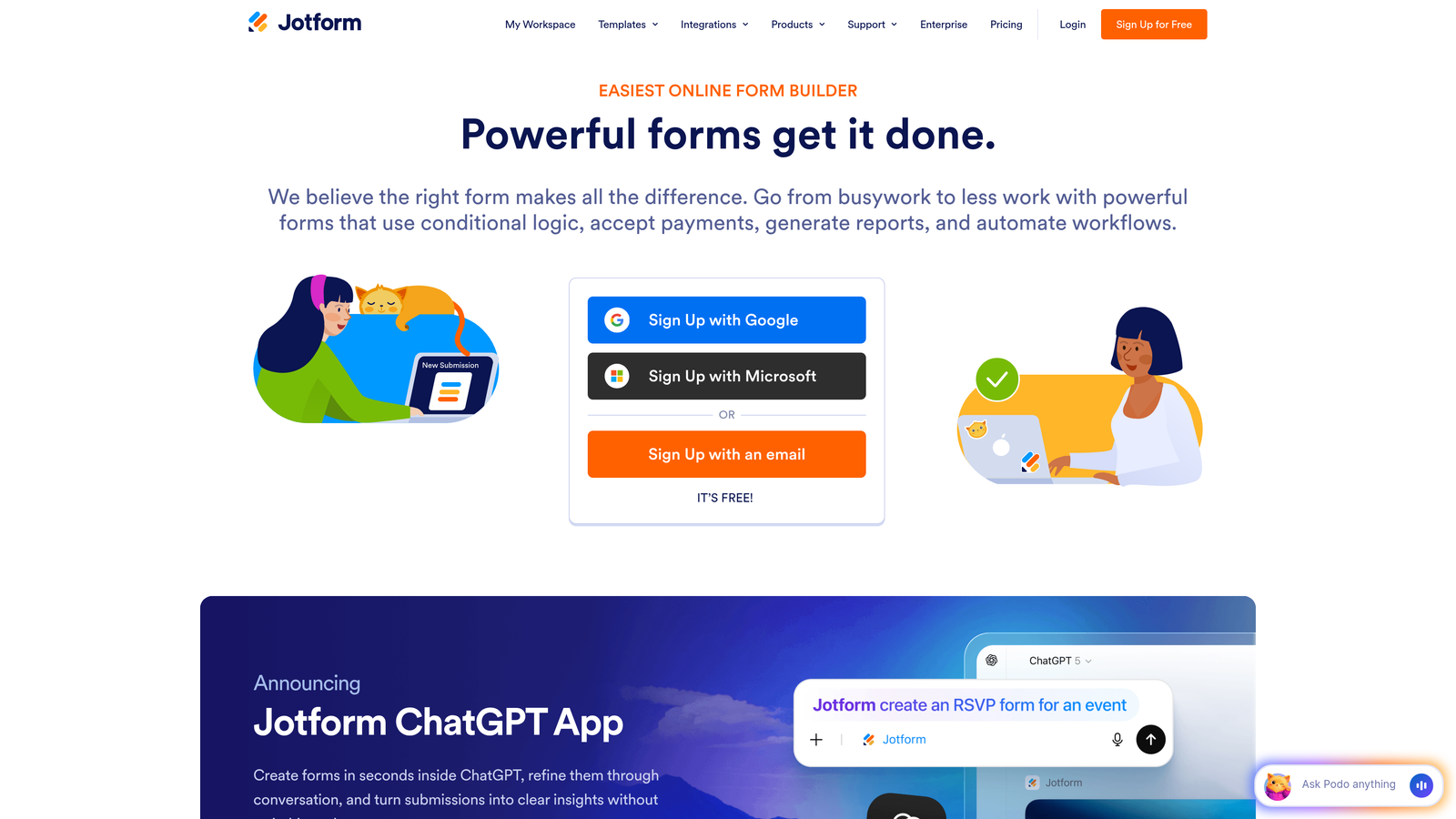
The drag-and-drop builder provides granular control over form elements, with conditional logic, calculations, and validation rules that handle sophisticated requirements. For teams needing forms that do more than collect basic contact information—think order forms with dynamic pricing or registration forms with capacity limits—Jotform's feature depth delivers without requiring developer resources. This makes it a strong contender among online form platforms.
Implementation Steps
1. Browse Jotform's template library filtered by industry and use case, selecting the closest match to your requirements rather than starting from blank canvas.
2. Customize the selected template using the drag-and-drop builder, adding your branding, modifying fields, and configuring conditional logic for dynamic form behavior.
3. Set up payment processing if collecting fees, selecting your preferred payment gateway and configuring pricing rules, discounts, or variable amounts.
4. Configure submission workflows including email notifications, autoresponders, and integrations with your CRM or project management tools.
5. Test your form thoroughly across devices, particularly if using advanced features like calculations or multi-page layouts that can behave differently on mobile.
Pro Tips
Jotform's strength is depth of features rather than simplicity. It's ideal when you have specific, complex requirements—like registration forms with conditional pricing or applications with file uploads and e-signatures. However, this flexibility comes with a steeper learning curve than simpler alternatives. For straightforward lead capture, you may be paying for capabilities you'll never use. Match the tool's complexity to your actual needs.
4. Tally: Notion-Like Simplicity Meets Generous Free Tier
The Challenge It Solves
Budget constraints force you to choose between capable form builders and affordable pricing. Free tiers typically hobble features or brand forms with competitor logos. You need professional functionality without enterprise costs, especially in early growth stages where every dollar matters.
Gravity Forms requires paid licenses from the start. Tally offers unlimited forms and submissions free, with no branding—a game-changer for bootstrapped teams.
The Strategy Explained
Tally brings Notion's minimalist design philosophy to form building, offering a clean, distraction-free interface that prioritizes speed over complexity. The platform's generous free tier includes unlimited forms, unlimited submissions, and no Tally branding—features that competitors reserve for paid plans. Forms integrate seamlessly with tools like Notion, Google Sheets, and Slack.
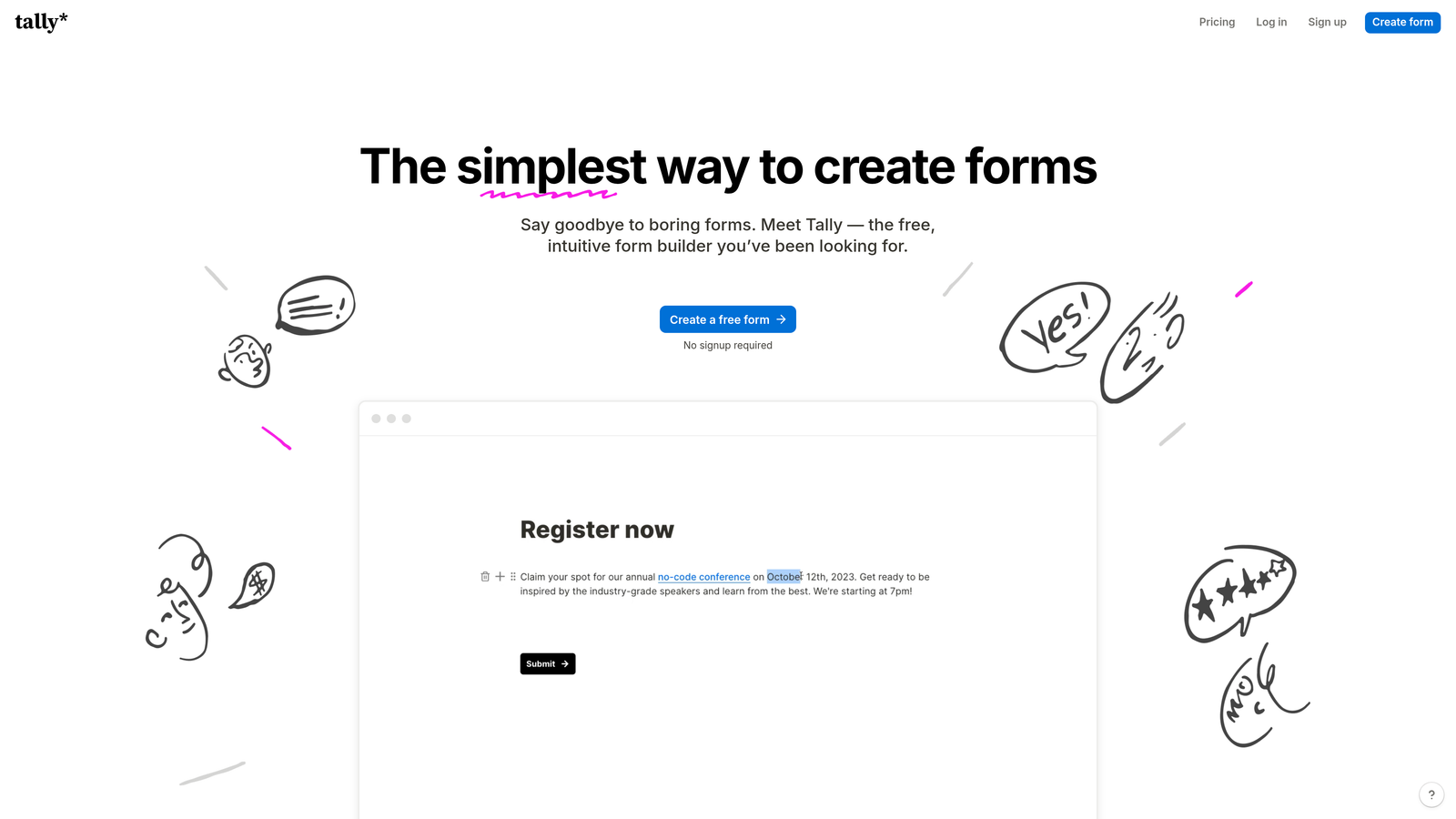
The builder focuses on essential form elements without overwhelming users with advanced features they may never need. For startups, small businesses, or teams running lean operations, Tally delivers professional forms without the recurring costs that eat into tight budgets. Teams exploring Formstack alternatives for startups often find Tally's approach refreshingly straightforward.
Implementation Steps
1. Create your first form using Tally's streamlined builder, adding fields through a simple interface that mirrors Notion's block-based approach.
2. Customize basic styling options including colors and fonts to match your brand, keeping the focus on content rather than extensive design customization.
3. Set up integrations with your core tools—typically Google Sheets for data storage, Slack for notifications, or Notion for centralized information management.
4. Share forms via direct links or embed them on your website using the provided code, with no watermarks or branding to distract from your message.
5. Monitor submissions through Tally's dashboard or your connected tools, using the data to refine your questions and improve completion rates.
Pro Tips
Tally excels as a Gravity Forms alternative for teams who value simplicity and cost-effectiveness over advanced features. It's perfect for internal forms, simple lead capture, or early-stage startups where budget constraints are real. However, if you need sophisticated conditional logic, payment processing, or advanced automation, you'll quickly outgrow what Tally offers. Use it strategically for straightforward use cases while investing in more capable tools for conversion-critical forms.
5. HubSpot Forms: Native Integration for CRM-Centric Teams
The Challenge It Solves
Data fragmentation kills conversion momentum. Leads submitted through standalone form builders require manual transfer or complex integrations to reach your CRM. You lose context, delay follow-up, and create opportunities for data to fall through cracks. Teams already invested in HubSpot need forms that treat CRM integration as foundational, not supplementary.
Gravity Forms requires third-party plugins to connect with HubSpot. HubSpot Forms eliminates integration complexity entirely through native CRM connectivity.
The Strategy Explained
HubSpot Forms exists as part of the broader HubSpot ecosystem rather than a standalone tool, making it the obvious choice for teams already using HubSpot CRM, Marketing Hub, or Sales Hub. Forms automatically create or update contact records, trigger workflows, and populate deal pipelines without configuration headaches. Progressive profiling gradually collects information across multiple interactions rather than overwhelming prospects with lengthy forms upfront.
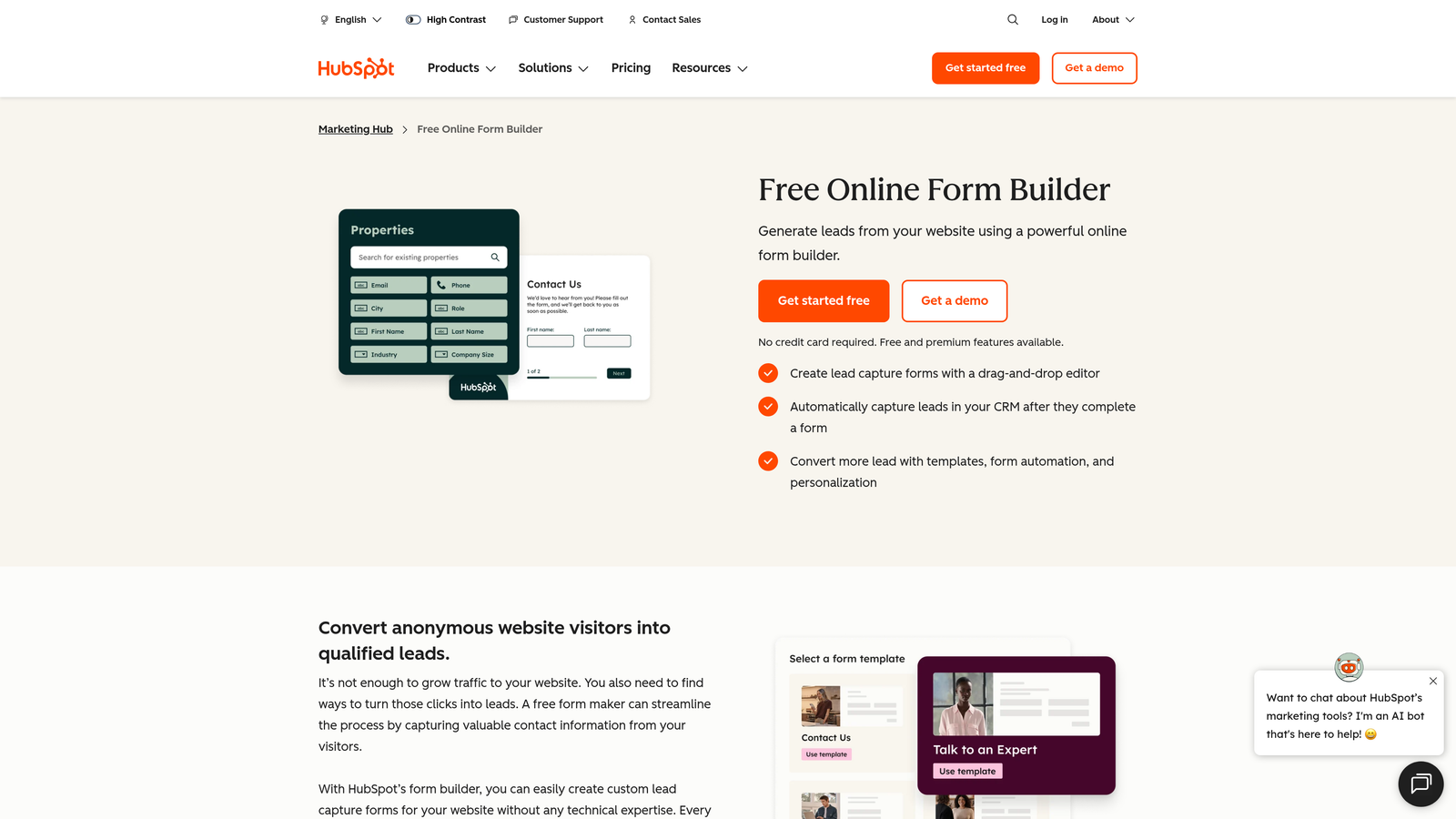
The platform includes smart fields that remember previous submissions, pre-filling known information to reduce friction for returning visitors. Analytics tie form performance directly to revenue outcomes through HubSpot's attribution reporting, showing which forms actually contribute to closed deals rather than just generating submissions. For teams evaluating HubSpot Forms alternative solutions, understanding these native advantages is essential.
Implementation Steps
1. Build forms directly within HubSpot's form builder, selecting fields from your existing contact properties to ensure data consistency across your CRM.
2. Configure progressive profiling to show different questions to known contacts versus new visitors, gradually building complete profiles without form fatigue.
3. Set up automated workflows triggered by form submissions—welcome sequences, lead scoring updates, sales notifications—leveraging HubSpot's native automation capabilities.
4. Embed forms on your website using HubSpot's tracking code, which also enables behavioral tracking and retargeting based on form interactions.
5. Monitor form analytics within HubSpot's reporting dashboard, connecting submission data to downstream metrics like deal creation and revenue attribution.
Pro Tips
HubSpot Forms makes perfect sense if you're already paying for HubSpot—the native integration eliminates data silos and automation complexity. However, if you're not a HubSpot customer, adopting their forms means committing to their ecosystem or accepting limited functionality outside it. The forms themselves are competent but not exceptional; the value lies entirely in CRM integration. Evaluate based on your broader tech stack strategy rather than form features alone.
6. Paperform: When Forms Need to Double as Landing Pages
The Challenge It Solves
Your forms exist in isolation from your broader marketing content. You need landing pages with embedded forms, but managing separate tools for content and data collection creates workflow friction. Video, images, and rich media should enhance forms rather than requiring separate page builders to accommodate.
Gravity Forms focuses purely on form functionality. Paperform merges form building with landing page creation, eliminating the need for separate tools.
The Strategy Explained
Paperform treats forms as content experiences rather than simple data collection instruments. The platform combines form fields with rich text, images, videos, and custom layouts that feel more like landing pages than traditional forms. This approach works brilliantly for product launches, event registrations, or any scenario where context and persuasion matter as much as data capture.
The builder uses a document-style interface where you type to create content and insert form fields inline, making it intuitive for non-technical users. Payment collection, booking capabilities, and e-commerce features are built-in, supporting use cases from course registrations to product sales. For teams who need forms for high-converting landing pages, Paperform's hybrid approach delivers unique value.
Implementation Steps
1. Start with Paperform's document-style editor, creating your content narrative first and inserting form fields where they naturally fit within the flow.
2. Enhance your form-page with media elements—product images, explainer videos, testimonials—that provide context and build trust before asking for information.
3. Configure payment processing if selling products or collecting fees, setting up pricing, discounts, and checkout flows within the same interface.
4. Customize the design using Paperform's theming options, creating branded experiences that match your visual identity without requiring CSS knowledge.
5. Share as standalone pages or embed sections on existing websites, using Paperform's flexible deployment options to meet your distribution needs.
Pro Tips
Paperform shines when your forms need substantial context—think event registrations that require detailed descriptions, product orders that benefit from imagery, or applications where you're selling the opportunity as much as collecting data. However, for simple contact forms or quick lead capture, the landing page capabilities may be overkill. The platform works best when you're replacing both a form builder and a landing page tool, consolidating workflows rather than adding complexity.
7. Formstack: Enterprise-Grade Compliance and Workflow Automation
The Challenge It Solves
Regulatory compliance isn't optional. Healthcare, finance, and government sectors face HIPAA, GDPR, and industry-specific requirements that most form builders ignore. You need enterprise-grade security, audit trails, and workflow automation that meets compliance standards while still delivering usable experiences.
Gravity Forms handles basic security but lacks enterprise compliance certifications and advanced workflow capabilities. Formstack builds compliance and automation into its core architecture.
The Strategy Explained
Formstack positions itself for enterprise organizations and regulated industries, offering HIPAA compliance, advanced encryption, and audit logging that meet stringent security requirements. The platform extends beyond form building into document generation and workflow automation, creating end-to-end processes from data collection through document creation and approval workflows.
Forms integrate with enterprise systems including Salesforce, Microsoft Dynamics, and custom databases through robust APIs. Advanced features like conditional workflows, multi-step approvals, and role-based permissions support complex organizational processes. Teams seeking Formstack alternatives for enterprises should carefully evaluate whether competitors match these compliance capabilities.
Implementation Steps
1. Configure your Formstack workspace with appropriate security settings, user permissions, and compliance features required for your industry regulations.
2. Build forms using Formstack's builder, implementing validation rules, encryption settings, and data handling policies that align with compliance requirements.
3. Set up workflow automation including approval processes, document generation, and routing rules that move submissions through your organizational procedures.
4. Integrate with enterprise systems through Formstack's native connectors or API, ensuring data flows into your core business applications securely.
5. Establish monitoring and audit processes using Formstack's reporting capabilities, maintaining compliance documentation and identifying process bottlenecks. Understanding form analytics platforms helps maximize the value of this data.
Pro Tips
Formstack makes sense primarily for enterprise organizations or regulated industries where compliance and advanced automation justify the premium pricing. Small teams or straightforward use cases will find the platform overly complex and expensive for their needs. However, if you're in healthcare collecting patient information, financial services handling sensitive data, or government agencies with strict security requirements, Formstack's compliance features may be non-negotiable. Evaluate based on regulatory needs first, features second.
Choosing Your Path Forward
The best Gravity Forms alternative depends entirely on your strategic priorities. If AI-powered lead qualification and conversion optimization drive your growth strategy, Orbit AI delivers capabilities that traditional form builders can't match. Teams seeking engaging, conversational experiences will find value in Typeform's one-question-at-a-time methodology. Budget-conscious startups appreciate Tally's generous free tier, while HubSpot users benefit from native CRM integration.
For content-rich form experiences that double as landing pages, Paperform's hybrid approach makes sense. Enterprise teams in regulated industries require Formstack's compliance features. And Jotform serves teams needing extensive templates and payment processing without platform limitations.
The common thread among these alternatives? They all recognize that modern teams need more than data collection. Forms should actively contribute to conversion goals, qualify prospects intelligently, and integrate seamlessly into your broader growth strategy. The WordPress-dependent, plugin-reliant approach that Gravity Forms represents increasingly feels like a constraint rather than a solution.
High-growth teams in 2026 prioritize tools that don't just collect information but actively drive revenue outcomes. Your form builder should qualify leads automatically, trigger intelligent follow-up, and provide visibility into what's working versus what's creating friction. Transform your lead generation with AI-powered forms that qualify prospects automatically while delivering the modern, conversion-optimized experience your high-growth team needs. Start building free forms today and see how intelligent form design can elevate your conversion strategy.


