

Static, one-size-fits-all forms are a conversion killer. When every visitor sees the same questions regardless of their industry, intent, or stage in the buying journey, you lose qualified leads before they ever hit submit. Form personalization platforms solve this by dynamically adapting fields, messaging, and logic based on who's filling out the form, turning a generic data-collection step into a tailored experience that actually converts.
This guide covers the top form personalization platforms available in 2026, evaluated on adaptive logic capabilities, ease of use, integrations, and pricing. Whether you're a SaaS team qualifying inbound leads, an agency building client-facing forms, or a growth marketer optimizing landing page conversions, there's a tool here for your stack. We'll cover what makes each platform stand out and where each one falls short, so you can make a confident, informed choice.
1. Orbit AI
Best for: High-growth SaaS and B2B teams that need AI-powered lead qualification built directly into their forms.
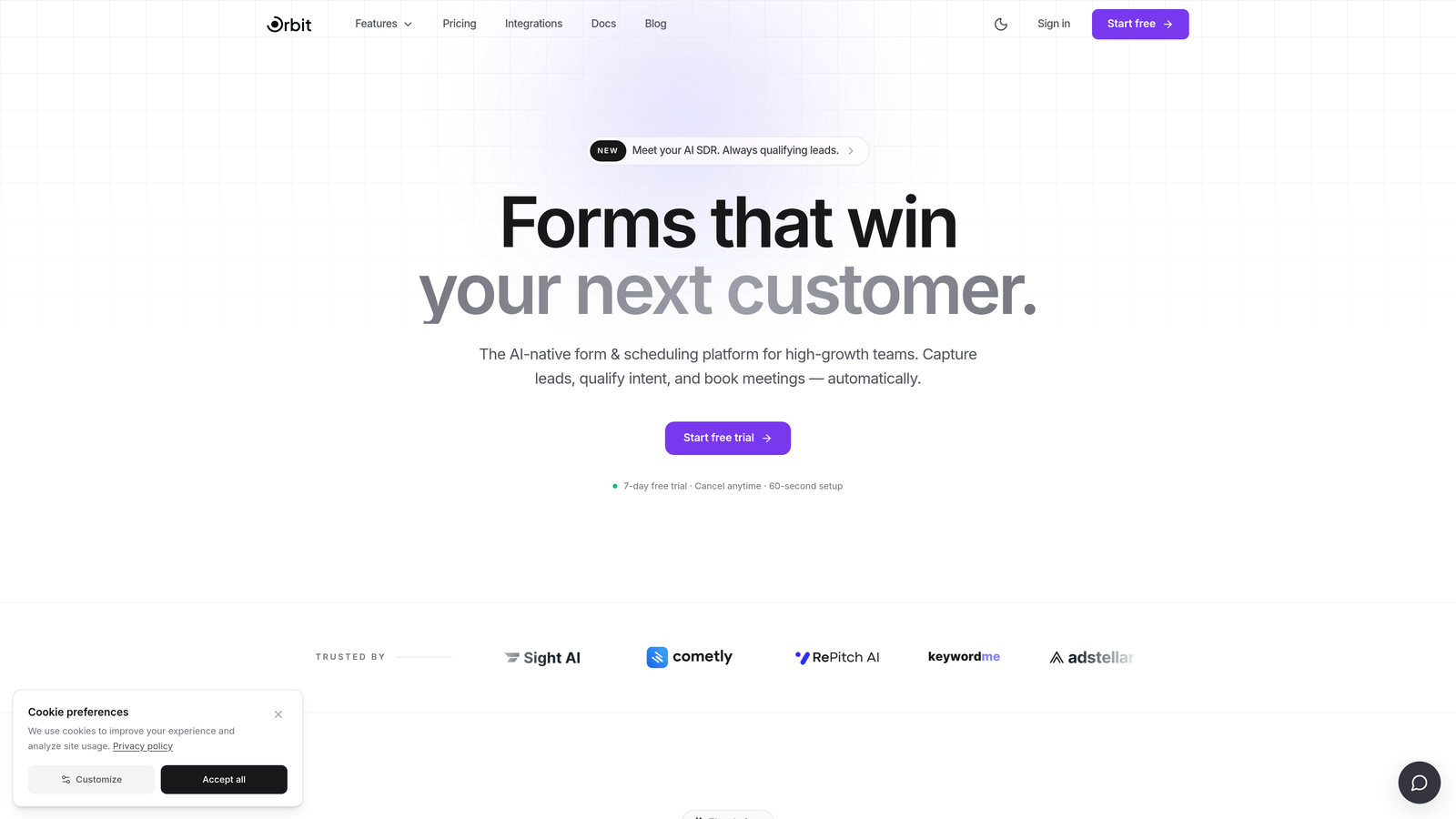
Orbit AI is an AI-powered form builder with native lead qualification capabilities, designed for conversion-focused teams who need more than conditional logic from their forms.
Where This Tool Shines
Most form builders give you the tools to collect data. Orbit AI goes further by interpreting it. The platform's AI qualification layer automatically scores and routes submissions based on respondent answers, which means your sales team receives pre-qualified leads rather than a raw list of form fills to manually sort through.
The form design experience is built with conversion in mind from the start. Templates are modern and customizable without requiring a designer, and the overall UX reflects the kind of polish that high-growth teams expect when they're putting forms in front of prospects on key landing pages.
Key Features
AI-Driven Lead Qualification: Automatically scores and routes submissions based on responses, removing the need to build manual qualification rules.
Conditional Logic and Dynamic Fields: Show or hide fields based on prior answers to keep forms lean and relevant for each respondent.
Conversion-Optimized Templates: Modern, customizable designs built specifically for lead generation rather than generic data collection.
CRM and Marketing Stack Integrations: Connects with your existing tools for seamless lead handoff without manual data transfer.
Analytics Dashboard: Track form performance, completion rates, and qualification metrics in one place to identify where leads drop off.
Best For
Orbit AI is the strongest fit for SaaS and B2B teams running inbound lead generation where lead quality matters as much as volume. If your team is currently spending time manually reviewing and scoring form submissions, the AI qualification layer addresses that problem directly. It's less suited for teams that need offline form functionality or complex document workflows.
Pricing
Visit orbitforms.ai for current plans and pricing. Free building options are available to get started.
2. Typeform
Best for: Teams that prioritize form aesthetics and a conversational, low-friction respondent experience.
Typeform is a conversational form platform built around a one-question-at-a-time UX that reduces visual overwhelm and keeps respondents engaged through the entire form.

Where This Tool Shines
Typeform's greatest strength is the experience it creates for the person filling out the form. The interface feels more like a conversation than a data entry task, which tends to improve completion rates for longer forms. For brand-conscious teams, the design customization options are among the best in the category.
Conditional logic and logic jumps allow you to branch question paths based on prior answers, and hidden fields let you pre-populate form content from URL parameters. This makes it a capable personalization tool even without AI features, as long as you're willing to set up the logic manually.
Key Features
Conversational Interface: One-question-at-a-time flow reduces friction and keeps respondents focused throughout the form.
Logic Jumps and Branching: Route respondents through different question paths based on their answers.
Hidden Fields: Personalize form content using URL parameters like UTM source or campaign data passed through the link.
Brand Customization: Strong visual controls for fonts, colors, backgrounds, and imagery to match your brand identity.
Native Integrations: Connects directly with HubSpot, Salesforce, Slack, Mailchimp, and other common tools in the marketing stack.
Best For
Typeform works well for marketing teams, researchers, and agencies that need polished, on-brand forms for surveys, lead gen, or onboarding flows. It's worth noting that pricing can escalate quickly at higher response volumes, so high-traffic teams should evaluate the cost trajectory carefully before committing.
Pricing
Free plan available with limited responses. Paid plans start at $25 per month billed annually. Pricing scales with response volume and features.
3. HubSpot Forms
Best for: Teams already operating within the HubSpot ecosystem who want CRM-native form personalization.
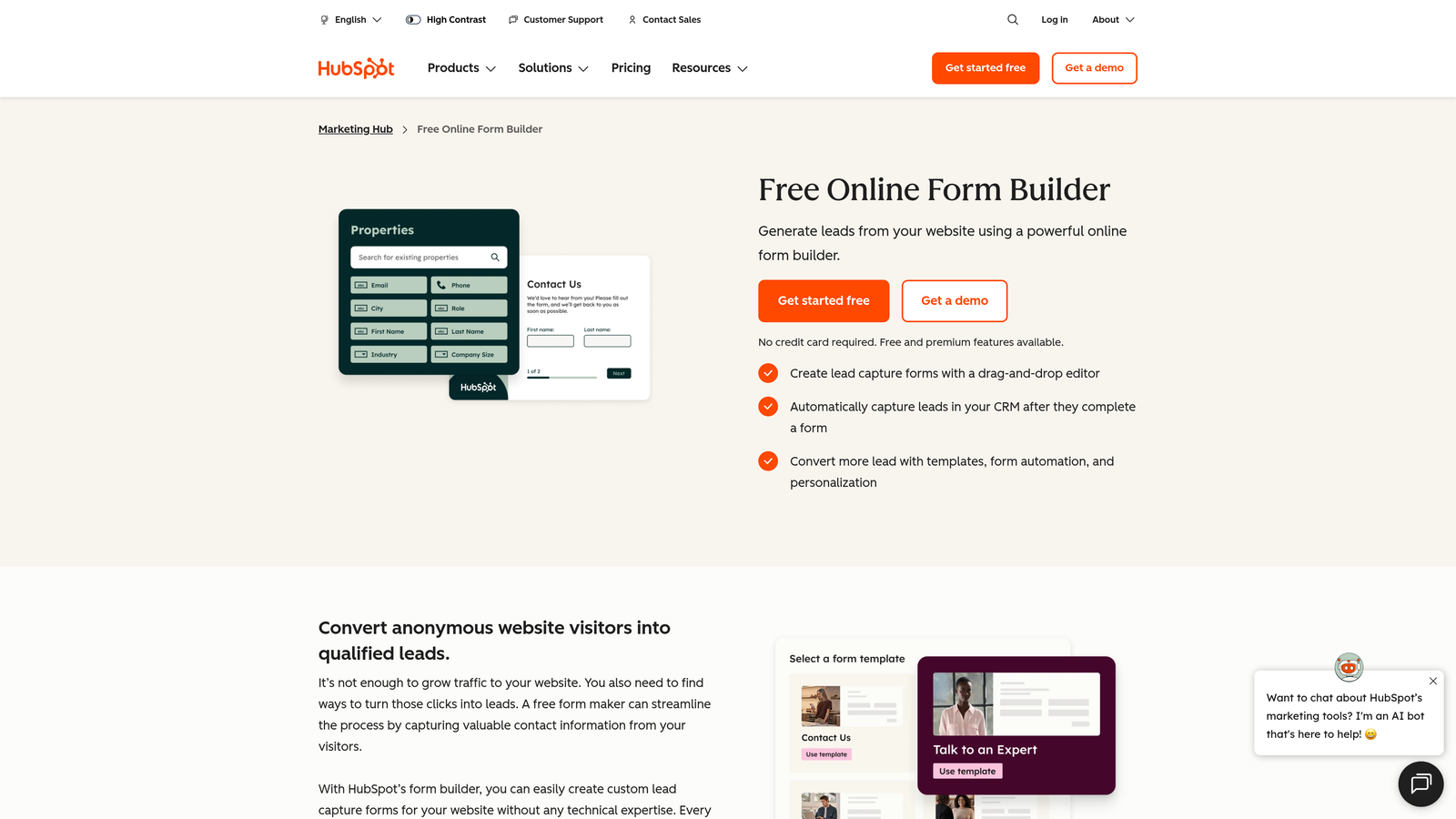
HubSpot Forms is a CRM-native form builder with progressive profiling, deeply integrated with HubSpot's contact database, workflows, and marketing automation tools.
Where This Tool Shines
Progressive profiling is HubSpot Forms' standout personalization feature. When a known contact revisits a form, the tool automatically suppresses fields that are already stored in the CRM and replaces them with new questions. Over time, this builds a richer contact profile without ever asking someone the same thing twice, which is a genuinely useful personalization capability for nurture-focused teams.
Because everything lives natively in HubSpot, form submissions flow directly into contact records, trigger workflows, and update list memberships without any integration setup. For teams already on HubSpot, this is a significant operational advantage.
Key Features
Progressive Profiling: Suppresses fields already known in the CRM and replaces them with new questions to enrich contact data over time.
Smart Fields: Adapt displayed fields based on what's already stored in the contact record.
Native CRM Sync: Submissions update contact records, trigger workflows, and sync to lists automatically.
Dependent Fields: Show or hide fields based on prior answers within the same form session.
Embedded and Pop-Up Options: Deploy forms inline on pages or as pop-ups triggered by behavior.
Best For
HubSpot Forms is the right choice if your team is already committed to the HubSpot platform. Outside of that ecosystem, the personalization features lose much of their value since progressive profiling relies entirely on the CRM data layer. It's not designed as a standalone form personalization tool.
Pricing
Free with HubSpot CRM. Advanced features including smart fields and progressive profiling require Marketing Hub, which starts at $15 per month per seat.
4. Jotform
Best for: Teams that need a flexible, general-purpose form builder with broad integration support and an extensive template library.
Jotform is a drag-and-drop form builder with over 10,000 templates, wide integration support, and conditional logic available across most of its plans.
Where This Tool Shines
Jotform's depth of templates and integrations is difficult to match. Whatever your use case, there's almost certainly a starting point in the template library, and the drag-and-drop builder makes customization accessible without technical skills. For teams managing multiple form types across different departments or clients, the breadth of the platform is a genuine asset.
Conditional logic and calculation fields give Jotform legitimate personalization capabilities, and the addition of payment integrations with Stripe, PayPal, and Square makes it a practical choice for teams that need to handle transactions alongside data collection.
Key Features
10,000+ Templates: Extensive starting point library covering virtually every form use case across industries.
Conditional Logic: Show or hide fields based on respondent answers to keep forms relevant and focused.
Calculation Fields: Build dynamic forms that compute values based on respondent inputs in real time.
Payment Integrations: Accept payments via Stripe, PayPal, and Square directly through form submissions.
Broad Integration Library: Connects with Salesforce, Google Sheets, Zapier, and hundreds of other tools.
Best For
Jotform suits teams that need a reliable, all-purpose form builder rather than a dedicated conversion optimization platform. It's widely used across operations, HR, healthcare, and marketing teams. If your primary goal is B2B lead qualification and conversion rate optimization, more specialized tools will serve that need better.
Pricing
Free plan available with limited submissions. Paid plans start at $34 per month. Pricing scales with submission volume and storage.
5. Formstack
Best for: Enterprise teams that need form-based workflow automation, document generation, and compliance-grade data handling.
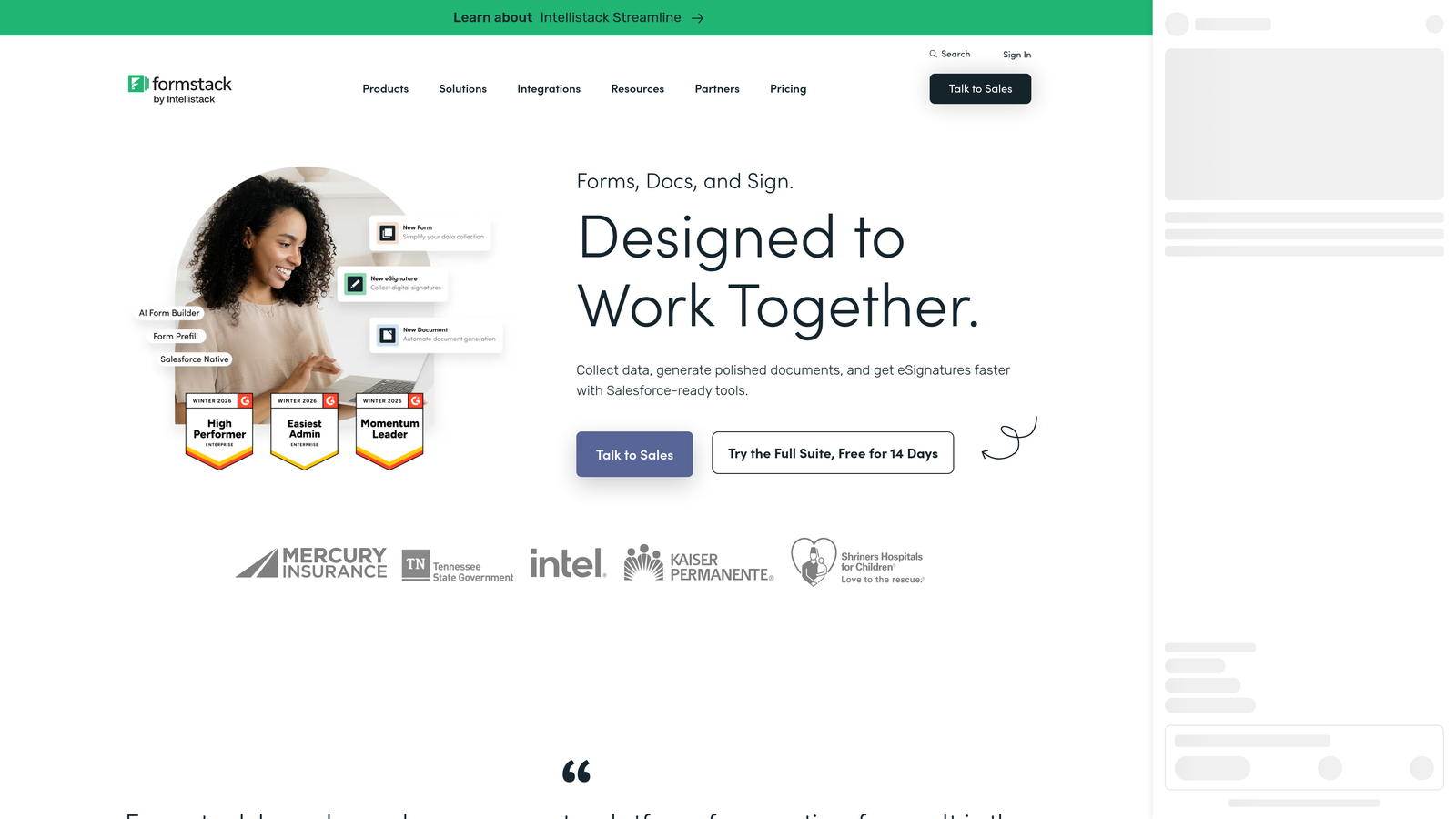
Formstack is an enterprise form and workflow automation platform that extends beyond data collection into document generation, e-signatures, and approval routing.
Where This Tool Shines
Formstack's strength is process automation rather than conversion optimization. Where other tools on this list focus on the front-end experience of filling out a form, Formstack focuses on what happens after submission: routing data through approval chains, generating documents from responses, capturing e-signatures, and managing compliance requirements. For regulated industries or complex internal workflows, this is a meaningful differentiator.
Conditional logic and field branching are available and functional, but they serve the workflow automation use case more than a lead personalization strategy. Teams evaluating Formstack for conversion optimization may find it over-engineered for that purpose.
Key Features
Advanced Conditional Logic: Branch fields and sections based on respondent answers to tailor the form experience.
Workflow Routing: Route submissions through multi-step approval chains with configurable rules.
Document Generation: Automatically produce populated documents from form submission data.
E-Signature Capture: Collect legally binding signatures directly within the form flow.
HIPAA-Compliant Options: Data handling configurations designed for healthcare and regulated industries.
Best For
Formstack is the right fit for enterprise operations, legal, HR, and healthcare teams that need forms as part of a larger process automation system. It's a significant investment for teams whose primary need is lead generation or marketing conversion, where lighter tools will deliver more value at lower cost.
Pricing
Plans start at $83 per month. Enterprise pricing is available on request and typically includes expanded workflow and compliance features.
6. Paperform
Best for: Small teams and creators who want a rich, media-embedded form experience without involving a developer.
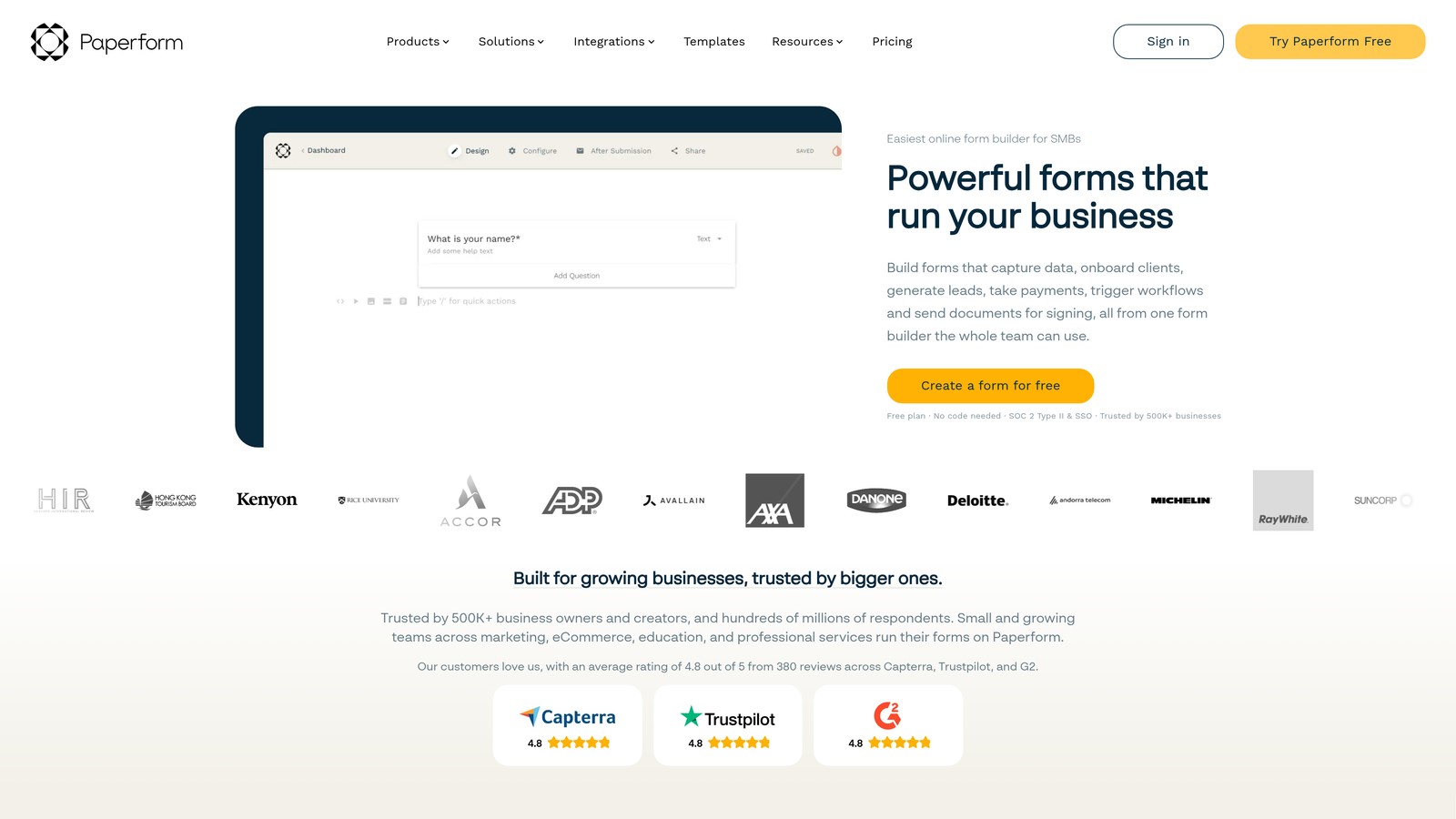
Paperform is a hybrid form and landing page builder that combines rich content editing with form logic, allowing teams to create page-like form experiences without writing code.
Where This Tool Shines
Paperform blurs the line between a form and a landing page. You can embed images, video, rich text, and product fields alongside your form questions, which makes it possible to build a complete lead capture experience in a single tool without needing a separate page builder. For small teams without dedicated design or development resources, this is a practical advantage.
Conditional sections allow you to show or hide entire blocks of content based on prior answers, giving you meaningful personalization capability within a relatively simple interface. Custom success pages and redirect logic also add flexibility to the post-submission experience.
Key Features
Page-Like Form Design: Combine rich text, images, and video with form fields for a complete, media-rich experience.
Conditional Sections: Show or hide entire content blocks based on respondent answers.
Product and Payment Fields: Accept payments and sell products directly through forms without a separate e-commerce setup.
Custom Success Pages: Redirect respondents to tailored pages or messages after submission.
Zapier and Native Integrations: Connect with your existing tools for data routing and automation.
Best For
Paperform works well for small businesses, coaches, consultants, and creators who need a versatile form and page tool in one. It's less optimized for high-volume B2B lead generation or teams that need deep CRM integration and lead scoring capabilities.
Pricing
Plans start at $24 per month billed annually. No free plan, but a free trial is available.
7. Fillout
Best for: No-code teams that need forms with genuine two-way database sync and dynamic pre-fill from Airtable, Notion, or Supabase.
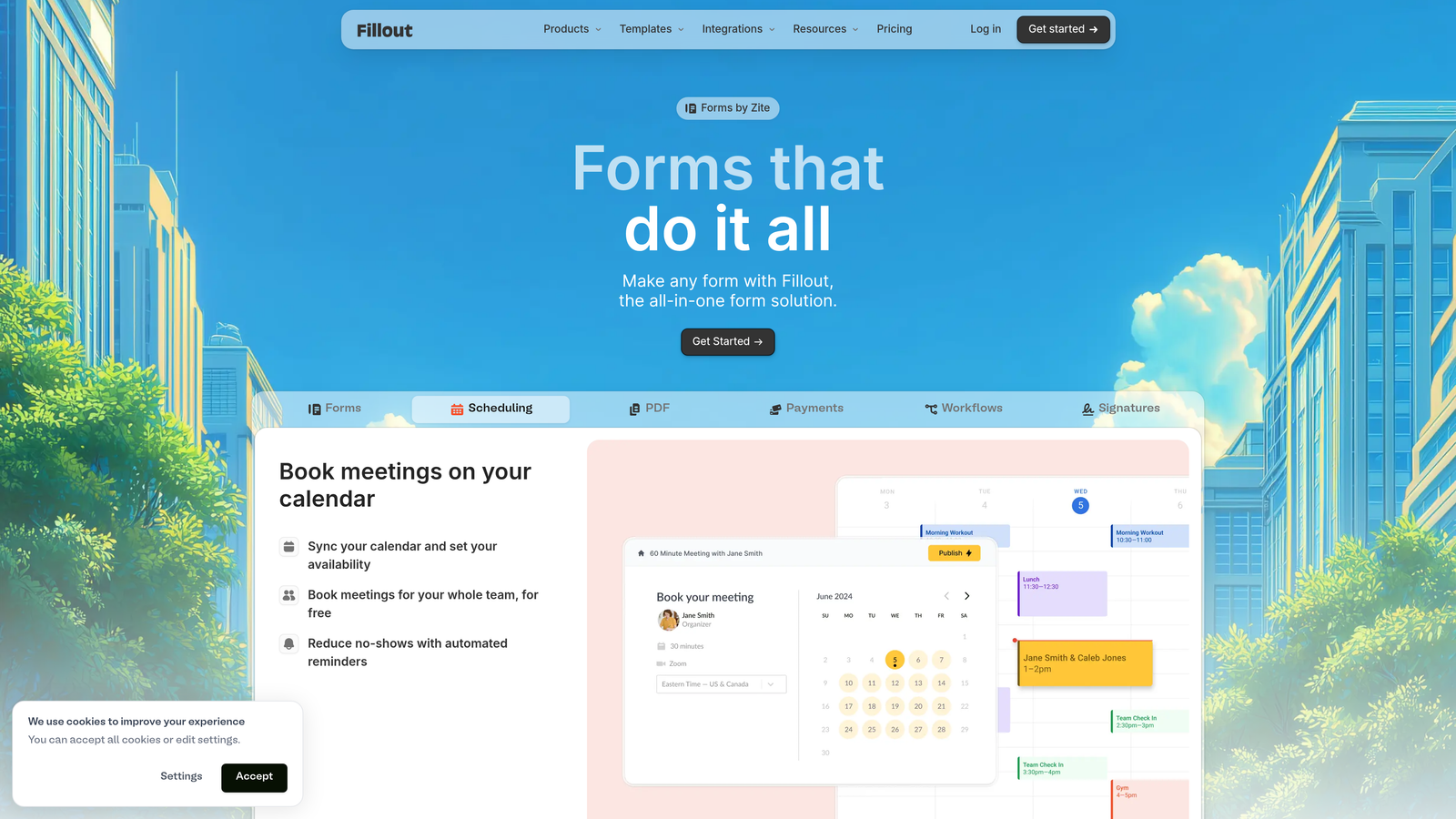
Fillout is a modern form builder with native two-way database connectivity, making it a genuinely dynamic option for teams whose data lives in no-code databases.
Where This Tool Shines
Fillout's differentiation is its database connectivity. While most form builders push data into a spreadsheet or CRM after submission, Fillout connects bidirectionally with Airtable, Notion, and Supabase. This means you can pre-fill form fields from existing database records, update records rather than just creating new ones, and build form experiences that reflect what you already know about the person filling them out.
For teams building internal tools, client portals, or operations workflows on top of no-code databases, this makes Fillout a uniquely capable option. The conditional logic and multi-step form support round out the personalization toolkit without adding unnecessary complexity.
Key Features
Two-Way Database Sync: Read from and write back to Airtable, Notion, and Supabase records directly through form submissions.
Pre-Fill from Database Records: Populate form fields with existing data so respondents never re-enter information you already have.
Conditional Logic: Show or hide fields and sections based on respondent answers or pre-loaded data.
Scheduling and Payment Integrations: Handle bookings and transactions alongside standard form submissions.
Responsive Themes: Customizable design options that work cleanly across devices.
Best For
Fillout is the strongest choice for no-code operators and product teams building on Airtable, Notion, or Supabase who need forms that interact with their database layer rather than just appending to it. It's a growing platform with an active community, though it's newer than some alternatives and the ecosystem is still maturing.
Pricing
Free plan available with core features. Paid plans start at $15 per month, making it one of the more accessible options on this list.
8. involve.me
Best for: Marketing teams that want to qualify and segment leads through interactive quizzes, assessments, and scored outcome funnels.
involve.me is an interactive content platform for building scored quizzes, outcome-based assessments, and calculators that capture and qualify leads simultaneously.
Where This Tool Shines
involve.me approaches form personalization from the angle of interactive content rather than traditional form design. Instead of asking prospects to fill out a contact form, you can build a product recommendation quiz or a readiness assessment that delivers a personalized result page based on their answers. This format tends to generate stronger engagement at the top of the funnel because respondents get something of value in return for their information.
The built-in scoring and outcome logic let you segment leads automatically based on their responses, and the personalized result pages create a tailored experience that static forms simply can't replicate. CRM integration means qualified leads flow directly into your pipeline.
Key Features
Scoring and Outcome Logic: Assign point values to answers and route respondents to different outcomes based on their total score.
Personalized Result Pages: Deliver tailored content, recommendations, or CTAs based on each respondent's answers or score.
Quiz, Assessment, and Calculator Builders: Multiple interactive content formats beyond standard forms.
Lead Capture with CRM Integration: Collect contact details within the interactive experience and sync to your CRM.
Funnel Analytics: Track where respondents drop off within the interactive flow to optimize performance.
Best For
involve.me suits demand generation and content marketing teams that want to replace passive lead capture forms with interactive experiences. It's particularly effective for companies with a product-fit story that benefits from a quiz or assessment format. Teams that need straightforward multi-field forms for direct lead capture may find the platform's interactive focus more than they need.
Pricing
Free plan available. Paid plans start at $29 per month with expanded response limits and branding controls.
9. Growform
Best for: Agencies and performance marketers running paid traffic campaigns who need multi-step forms optimized specifically for lead generation.
Growform is a multi-step form builder purpose-built for lead generation, with a UX and feature set designed around conversion rate optimization for paid campaigns.
Where This Tool Shines
Growform is built with one goal in mind: getting more leads from paid traffic. The multi-step form format it uses is designed to reduce the perceived effort of completing a form by breaking it into small, manageable steps with progress indicators. This approach is particularly effective when you're paying for clicks and need every visitor to convert as efficiently as possible.
The platform is lightweight and embeddable in any landing page or ad destination, which gives agencies and performance marketers the flexibility to deploy forms without rebuilding their entire page setup. Conditional logic and field branching allow for basic personalization within the lead gen flow.
Key Features
Multi-Step Form UX: Break long forms into short steps with progress indicators to reduce abandonment on lead gen campaigns.
Conditional Logic and Branching: Tailor the question path based on earlier answers to keep forms relevant.
Webhook and Zapier Integrations: Route lead data to your CRM, notification tools, or automation workflows immediately on submission.
Embeddable Anywhere: Drop forms into any landing page, ad destination, or website without rebuilding your existing setup.
Mobile-Optimized Layouts: Responsive design built for the mobile traffic that dominates most paid campaigns.
Best For
Growform is a focused tool for agencies and performance marketers who run lead generation campaigns on paid channels. It does that specific job well. Teams looking for broader form personalization capabilities, AI-driven qualification, or deep CRM integration will find it limited outside of the lead gen campaign context.
Pricing
Plans start at $49 per month. No free plan, though a trial period is typically available.
Which Platform Is Right for Your Team?
The right form personalization platform depends on what's actually slowing your conversions down. Here's a quick-reference breakdown to help you choose.
If you're a SaaS or B2B team focused on lead quality and want AI to do the qualification work for you, Orbit AI is built for exactly that use case. The combination of AI-driven scoring, dynamic fields, and conversion-optimized design makes it the strongest fit for high-growth teams who need more than a standard form builder.
If your team is already running on HubSpot and progressive profiling is your primary personalization need, HubSpot Forms is the natural choice. If you need a polished conversational experience with strong brand controls, Typeform delivers that reliably. For no-code teams building on Airtable or Notion, Fillout's database sync capability is genuinely hard to replicate elsewhere.
For agencies running paid campaigns, Growform's focused multi-step UX is purpose-built for that environment. For enterprise teams with compliance and workflow automation requirements, Formstack covers ground that lighter tools don't. And if interactive content like quizzes and assessments fits your top-of-funnel strategy, involve.me offers a differentiated approach to lead qualification.
The common thread across all of these tools is that static, generic forms leave conversion potential on the table. Personalization, whether through conditional logic, AI qualification, progressive profiling, or interactive outcomes, consistently closes that gap.
Transform your lead generation with AI-powered forms that qualify prospects automatically while delivering the modern, conversion-optimized experience your high-growth team needs. Start building free forms today and see how intelligent form design can elevate your conversion strategy.


