

Your demo request form is often the very first real interaction a prospect has with your product. Before they talk to a sales rep, before they see a live demo, before they read a case study — they fill out a form. And if that form is clunky, generic, or asks for too much without giving anything back, you've already lost them.
The best forms for software demos do far more than collect contact information. They qualify leads in real time, route requests to the right rep or calendar automatically, and create a branded experience that signals your product is worth their time. In a market where speed-to-lead and first impressions matter enormously, your demo request form is a revenue-critical touchpoint.
To build this list, we evaluated tools based on ease of use, lead qualification capabilities, CRM integrations, conditional logic, design quality, and pricing. Whether you're a lean startup or a scaling SaaS organization, there's a tool here that fits your stack and your goals.
1. Orbit AI
Best for: SaaS teams that want AI-powered lead qualification and intelligent routing built directly into the form experience.
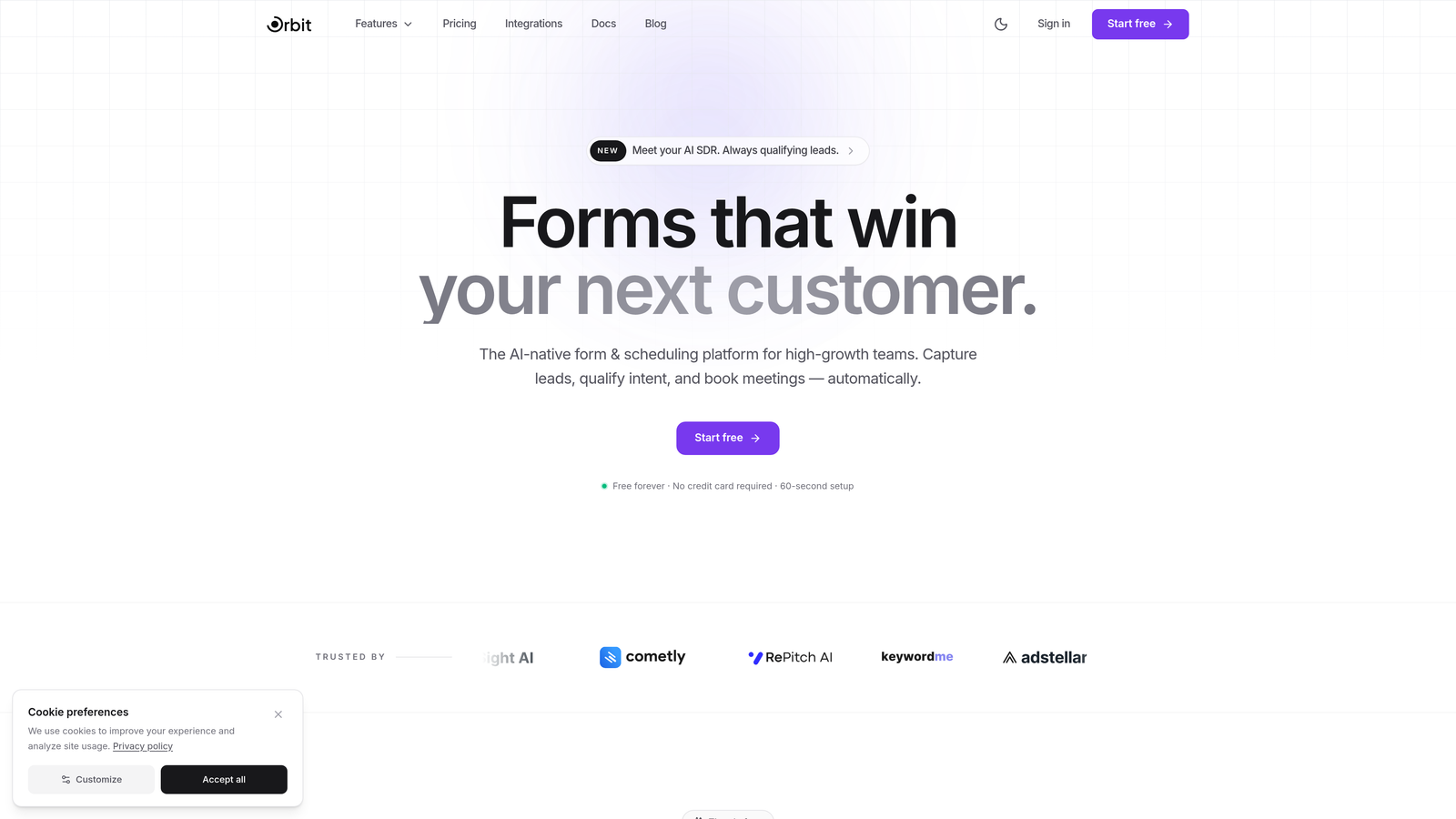
Orbit AI is an AI-powered form builder designed specifically for high-growth teams who need more than a contact form — they need a conversion engine.
Where This Tool Shines
What sets Orbit AI apart from traditional form builders is where the intelligence lives: inside the form itself. Instead of collecting raw lead data and handing it off to a human to qualify, Orbit AI's AI agents assess and score leads in real time as prospects move through the form. By the time someone hits submit, your team already knows whether it's a priority demo request or one that needs nurturing first.
The design-first approach also matters here. Demo request forms are brand touchpoints, and Orbit AI's modern, responsive templates make sure your form looks as polished as the rest of your product experience. This isn't a form builder bolted onto a larger platform — it's purpose-built for conversion.
Key Features
AI Lead Qualification: AI agents score and qualify leads in real time during form completion, so your team receives pre-qualified requests instead of raw submissions.
Smart Routing Workflows: Automatically route demo requests to the right sales rep, territory owner, or booking calendar based on qualification criteria.
Conversion Analytics: Built-in analytics track form conversion rates and identify drop-off points so you can continuously optimize performance.
Design-First Templates: Modern, responsive form templates that create a branded, professional experience aligned with your product's look and feel.
Native CRM Integrations: Connects directly with HubSpot, Close, Attio, and other CRMs to sync lead data without manual exports or middleware workarounds.
Best For
Orbit AI is the strongest fit for SaaS companies and high-growth teams that are serious about lead quality, not just lead volume. If your sales team is spending too much time manually qualifying inbound demo requests, or if your current form has no intelligence layer between submission and outreach, Orbit AI addresses that gap directly.
Pricing
Free plan available. Paid plans with advanced AI features, routing workflows, and integrations are detailed on the Orbit AI pricing page.
2. Typeform
Best for: Teams that want a conversational, high-engagement demo request experience with strong brand customization.
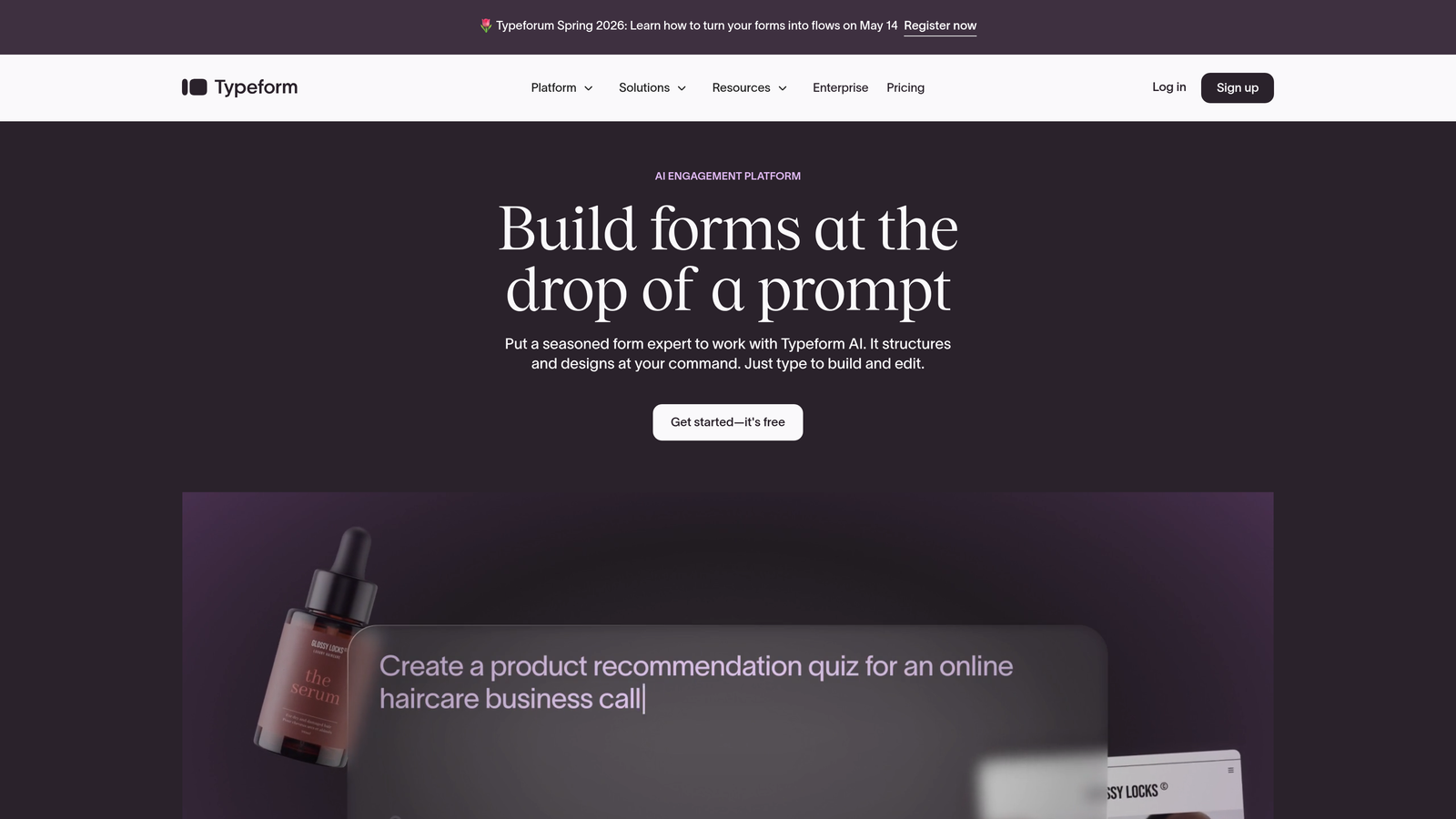
Typeform is a conversational form builder known for its one-question-at-a-time interface that keeps prospects engaged through completion.
Where This Tool Shines
Typeform's signature format turns what could be a tedious intake form into something closer to a conversation. By presenting one question at a time with smooth transitions, it reduces the visual overwhelm that causes prospects to abandon traditional multi-field forms. For demo requests, this can translate to meaningfully better completion rates, especially on mobile.
The customization options are genuinely impressive. You can embed brand colors, fonts, logos, images, and even video within the form itself, making it feel like a native part of your marketing site rather than a third-party embed.
Key Features
Conversational UI: One-question-at-a-time format creates an engaging, low-friction experience for prospects requesting a demo.
Logic Jumps: Conditional branching lets you show different questions based on prior answers, enabling basic lead segmentation within the form.
Integration Ecosystem: Connects with HubSpot, Salesforce, Zapier, and hundreds of other tools for flexible lead routing and CRM sync.
Brand Kit Support: Full design customization with brand colors, fonts, and imagery to keep the experience on-brand.
Media Embedding: Supports embedded video and images within questions, useful for adding context or social proof during the demo request flow.
Best For
Typeform works well for marketing-led SaaS teams that prioritize form UX and brand presentation. It's particularly strong for companies where the demo request form lives on a high-traffic landing page and completion rate is a key metric to optimize.
Pricing
Free plan available with limited responses and features. Paid plans start around $25/month, with higher tiers unlocking more responses, logic features, and integrations.
3. HubSpot Forms
Best for: Teams already using HubSpot CRM who want seamless lead capture, routing, and follow-up automation in one ecosystem.
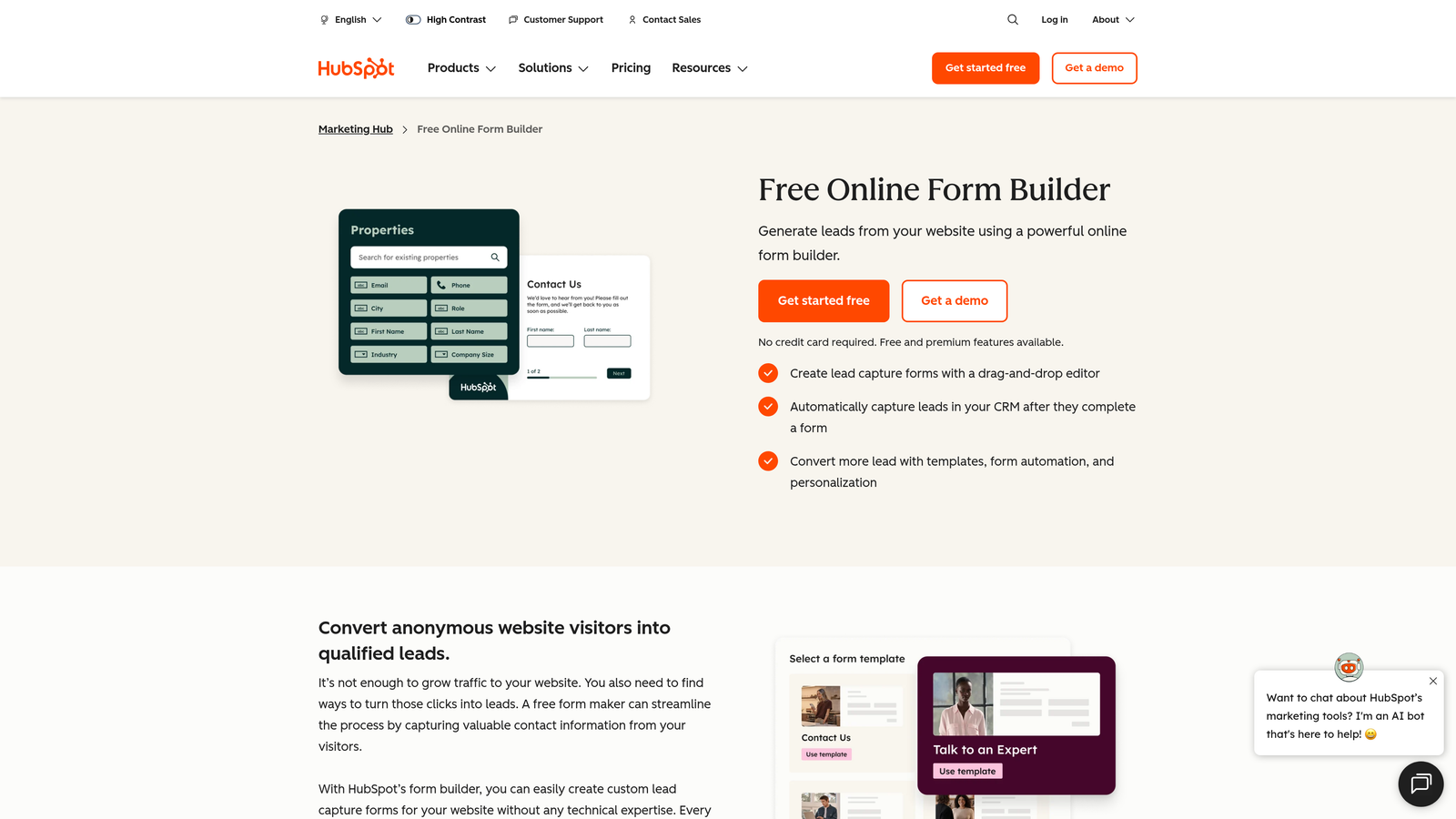
HubSpot Forms is a native form builder that connects demo requests directly to CRM records, workflows, and sales pipelines without any integration overhead.
Where This Tool Shines
For teams living inside HubSpot, this is the path of least resistance. When a prospect submits a demo request, a contact record is created or updated automatically, workflow triggers fire, and the lead can be assigned to a rep within seconds — all without touching a third-party tool. That level of native connectivity is hard to replicate with external form builders.
Progressive profiling is a standout feature for SaaS teams running multiple touchpoints. HubSpot Forms can recognize returning visitors and swap out questions they've already answered, so you collect richer data over time without asking the same prospect to fill out the same fields twice.
Key Features
Automatic CRM Sync: Form submissions create or update contact records in HubSpot CRM instantly, with no manual data transfer required.
Progressive Profiling: Recognizes known contacts and replaces already-answered fields with new questions to enrich data progressively.
Workflow Triggers: Form submissions can automatically trigger lead routing, rep notifications, follow-up emails, and pipeline stage updates.
A/B Testing: Test different form variations to identify which fields, copy, or layouts drive the highest demo request conversion rates.
Free Tier: Full form building capability is available within the free HubSpot CRM, making it accessible without an upfront commitment.
Best For
HubSpot Forms is the obvious choice for teams already invested in the HubSpot ecosystem. If your CRM, email automation, and sales pipeline all live in HubSpot, using their native forms keeps your data clean and your workflows simple.
Pricing
Free with HubSpot CRM. Advanced features like A/B testing and smart forms are available in Marketing Hub Starter, which begins around $20/month.
4. Chilipiper
Best for: Revenue teams focused on converting demo form submissions into instantly booked meetings with the right sales rep.
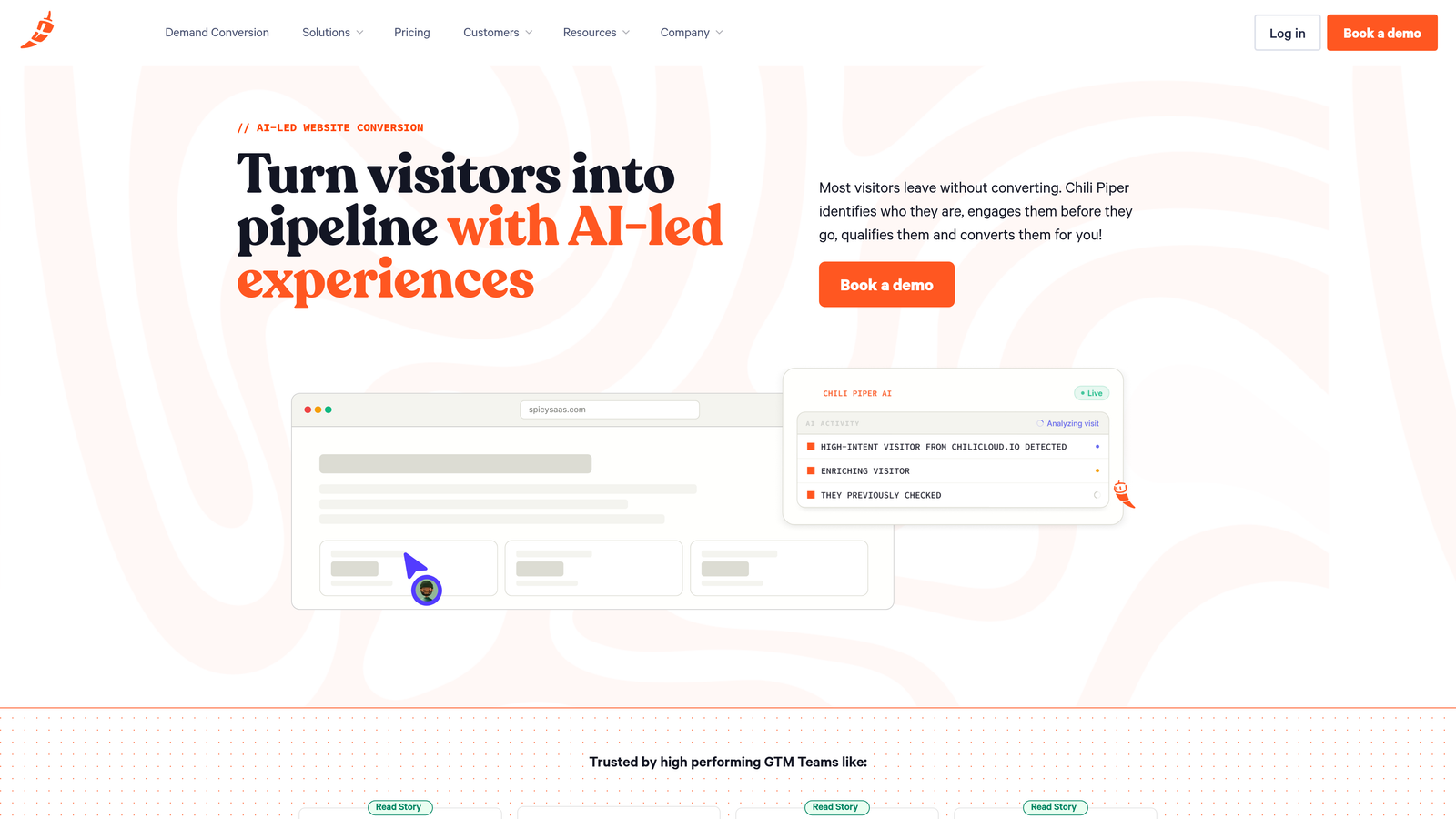
Chilipiper is a demand conversion platform that eliminates the gap between form submission and calendar booking, turning inbound interest into scheduled demos in real time.
Where This Tool Shines
Chilipiper isn't a traditional form builder — it's the layer that sits on top of or alongside your existing form to handle what happens the moment someone submits. Instead of sending a confirmation email and hoping the prospect books a meeting later, Chilipiper surfaces a calendar immediately after submission, letting prospects book while their intent is highest.
The intelligent routing engine is where Chilipiper earns its place in serious revenue stacks. It can route based on territory, company size, round-robin assignment, or custom qualification rules, ensuring the right rep gets the right lead without manual triage.
Key Features
Instant Meeting Booking: Surfaces a calendar booking experience immediately after form submission, capitalizing on peak prospect intent.
Intelligent Lead Routing: Routes demo requests based on territory, company attributes, round-robin rules, or custom qualification logic.
Concierge Widget: Overlays on top of existing forms (including HubSpot or Salesforce forms) without requiring a full form replacement.
CRM Sync: Bidirectional sync with Salesforce and HubSpot keeps meeting data, lead status, and rep assignments updated automatically.
Real-Time Qualification Rules: Applies qualification criteria before showing the calendar, so only qualified leads can book directly.
Best For
Chilipiper is ideal for mid-market and enterprise SaaS companies with defined sales territories and a strong emphasis on speed-to-lead. It works best when paired with an existing CRM and form setup rather than as a standalone solution.
Pricing
Instant Booker plan starts around $30/user/month. Enterprise and full platform pricing is custom, based on team size and features required.
5. Jotform
Best for: Teams that need deep customization, a wide template library, and broad integration support for complex demo intake workflows.
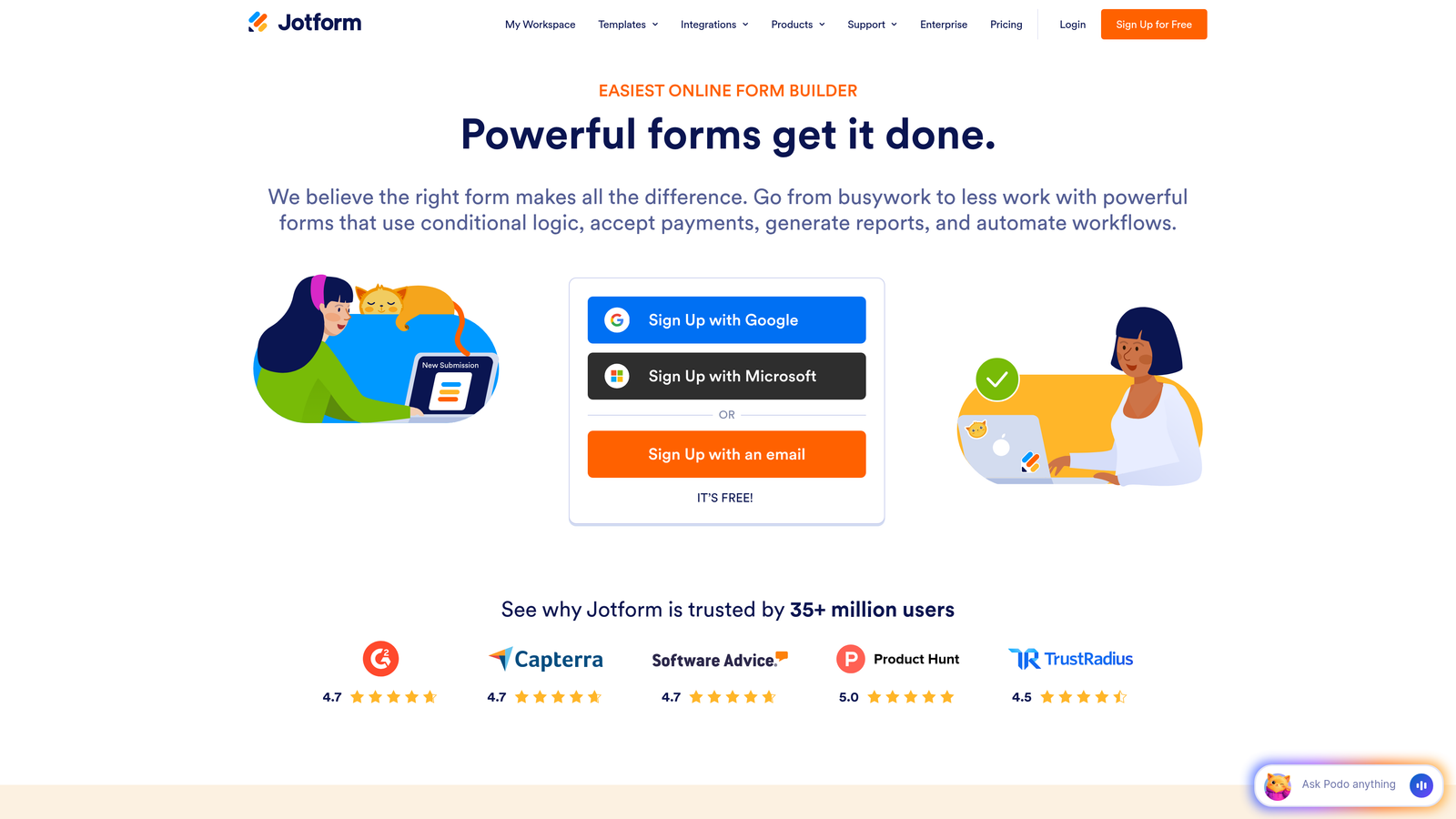
Jotform is a feature-rich form builder offering extensive templates, drag-and-drop customization, and a wide range of third-party integrations for building detailed demo request forms.
Where This Tool Shines
Jotform's sheer breadth is its main advantage. With over 10,000 templates and a highly flexible drag-and-drop builder, you can create a demo request form tailored to almost any workflow without writing a line of code. It's a strong choice for teams that need forms to handle more than basic contact capture — think multi-step intake processes, product-specific request routing, or forms that need to collect supporting documents.
The platform also supports payment collection and e-signatures, which makes it useful for SaaS teams that bundle demo requests with trial agreements or upfront commitments.
Key Features
Template Library: Over 10,000 form templates, including purpose-built demo request and sales inquiry forms ready to customize.
Drag-and-Drop Builder: Intuitive visual builder with conditional logic for creating multi-step, branching demo request flows.
Payment and E-Signature: Supports payment collection and digital signatures within forms, useful for paid demo or trial agreement workflows.
CRM Integrations: Connects with Salesforce, HubSpot, and major productivity tools through native integrations and Zapier.
HIPAA-Compliant Plans: Available for SaaS teams operating in regulated industries that require compliant data handling.
Best For
Jotform suits power users and operations teams that want maximum flexibility and a template to start from. It's particularly useful for SaaS companies serving regulated industries or running complex multi-step demo intake processes.
Pricing
Free plan supports 5 forms and 100 submissions per month. Paid plans start at $34/month with higher submission limits and advanced features.
6. Tally
Best for: Budget-conscious teams and early-stage startups that need clean, functional demo request forms without paying for features they don't need.
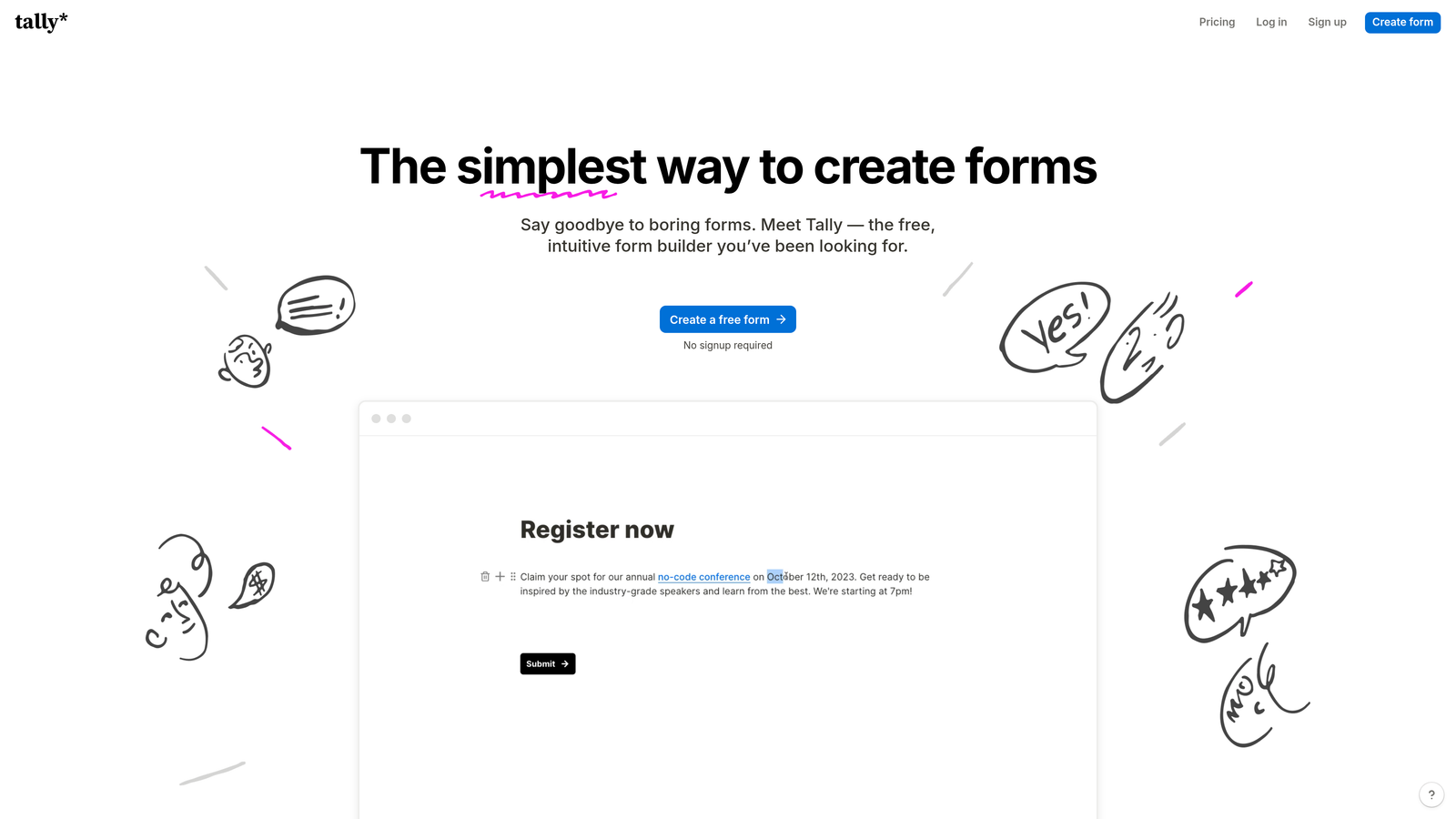
Tally is a minimalist, free-first form builder that lets teams create polished demo request forms quickly using a Notion-like editor that requires almost no learning curve.
Where This Tool Shines
Tally's free plan is genuinely generous: unlimited forms and unlimited submissions, which is rare in this space. For early-stage SaaS teams that need a working demo request form today without committing to a paid tool, Tally gets you there in minutes. The editor feels familiar to anyone who's used Notion, so there's virtually no onboarding friction.
The output is clean and minimal by design. Forms load fast, look professional, and don't carry the visual noise of more feature-heavy builders. For teams where simplicity is a feature, not a limitation, Tally delivers.
Key Features
Unlimited Free Usage: Unlimited forms and submissions on the free plan, making it accessible for teams at any stage without usage anxiety.
Notion-Like Editor: Familiar block-based editing interface that lets you build forms intuitively without any form-builder-specific learning curve.
Conditional Logic: Supports logic branching and hidden fields to create smarter, more targeted demo request flows even on the free tier.
Integration Options: Connects via Zapier, webhooks, and native connectors to route demo requests into your CRM or notification tools.
Custom Branding: Custom domains and full brand customization available on the Tally Pro plan for teams that need a polished, on-brand experience.
Best For
Tally is the go-to for early-stage startups, bootstrapped teams, or anyone who needs a functional, good-looking demo request form without a tool subscription. It's also a solid choice for running quick experiments before committing to a more robust platform.
Pricing
Free for most features with no submission limits. Tally Pro is $29/month and adds custom domains, advanced branding, and deeper integrations.
7. Cognito Forms
Best for: Teams that need advanced conditional logic, multi-page forms, and calculation fields for complex demo intake workflows.
Cognito Forms is a logic-heavy form builder with powerful conditional workflows and calculation capabilities that make it well-suited for sophisticated demo request processes.
Where This Tool Shines
Cognito Forms is often underrated in the form builder conversation, but it earns its place for teams with genuinely complex intake requirements. Its conditional logic supports nested rules, meaning you can build branching paths that respond to multiple variables simultaneously — not just simple if-then logic. For SaaS companies with multiple product lines, pricing tiers, or customer segments, this level of nuance matters.
The calculation fields feature is particularly clever for demo request use cases. You can build basic lead scoring directly into the form itself, assigning values to answers and surfacing a priority score with each submission, without needing a separate scoring tool.
Key Features
Advanced Conditional Logic: Supports nested conditional rules for creating complex, multi-variable branching demo request flows.
Multi-Page Forms: Build long intake forms across multiple pages with save-and-resume capability so prospects don't lose progress.
Calculation Fields: Assign numeric values to responses to create basic lead scoring directly within the form structure.
Repeating Sections: Supports repeating form sections, useful for multi-product demo requests or multi-stakeholder submissions.
Entry Management: Built-in entry management and workflow automation for reviewing, approving, and acting on demo request submissions.
Best For
Cognito Forms is best for operations-minded teams or SaaS companies with complex demo intake needs — multiple products, tiered qualification criteria, or multi-step approval workflows before a demo is confirmed.
Pricing
Free plan available with core features. Paid plans start at $15/month, making it one of the more affordable options for advanced logic capabilities.
8. Paperform
Best for: Teams that want their demo request form to function as a standalone, visually rich branded landing page experience.
Paperform is a form builder that blurs the line between forms and landing pages, enabling teams to create visually immersive, branded demo request experiences with rich media support.
Where This Tool Shines
Paperform gives you the freedom to build a demo request experience that looks and feels like a custom-designed page rather than an embedded form. You can layer in images, video, formatted text, and brand elements throughout the form itself, creating something closer to a guided sales experience than a data collection sheet. For SaaS companies where brand impression matters at every touchpoint, this is a meaningful differentiator.
Custom success pages add another layer of intentionality. Instead of a generic confirmation message, you can direct prospects to a personalized thank-you page with next steps, a video, or a calendar link — keeping momentum going after submission.
Key Features
Landing Page-Style Design: Rich media support lets you embed images, video, and formatted content throughout the form for a fully branded experience.
Conditional Logic: Supports conditional sections and custom success pages to create tailored post-submission experiences based on form answers.
Built-In Analytics: Tracks conversion rates and form performance natively, without needing a separate analytics integration.
3,000+ App Integrations: Direct connections to a wide range of CRMs, scheduling tools, and productivity apps for flexible lead routing.
Custom Branding: Full control over fonts, colors, imagery, and layout to match your product's visual identity precisely.
Best For
Paperform suits design-conscious SaaS teams or product-led companies where the demo request page is also a marketing asset. It's a strong fit when the form itself needs to do some selling before the prospect ever books a meeting.
Pricing
Plans start at $24/month for the Essentials tier. Higher tiers unlock more submissions, users, and advanced features.
9. Formstack
Best for: Enterprise SaaS organizations and regulated industries that need compliance certifications, approval workflows, and deep Salesforce integration.
Formstack is an enterprise-grade form and workflow platform built for organizations where security compliance, approval chains, and document generation are non-negotiable requirements.
Where This Tool Shines
For enterprise SaaS teams operating under strict data governance requirements, Formstack covers ground that lighter form builders simply can't. SOC 2, HIPAA, and GDPR compliance options are built into the platform, making it a viable choice for companies in healthcare tech, fintech, or any sector where data handling is subject to regulatory scrutiny.
The Salesforce-native form builder option is particularly valuable for large organizations where Salesforce is the system of record. Forms built natively in Salesforce mean no integration middleware, no data sync delays, and no field mapping headaches.
Key Features
Compliance Certifications: SOC 2, HIPAA, and GDPR compliance options for organizations operating under regulatory data requirements.
Workflow Automation: Multi-step approval chains and conditional routing workflows for demo requests that require internal sign-off before confirmation.
Document Generation: Automatically generates documents from form submissions, useful for creating demo briefs or pre-meeting summaries.
Salesforce-Native Option: Build forms natively within Salesforce for seamless data capture directly into your CRM without integration overhead.
A/B Testing and Analytics: Conversion testing and analytics tools to optimize demo request form performance over time.
Best For
Formstack is the right choice for enterprise SaaS organizations, particularly those in regulated industries or those running large sales teams on Salesforce who need compliance, workflow depth, and document automation in a single platform.
Pricing
Starter plans begin around $50/month. Enterprise pricing is custom and scales based on team size, features, and compliance requirements.
Which Tool Is the Right Fit for Your Team?
Choosing the right demo request form comes down to where you are in your growth journey and what you need the form to actually do. Here's a quick breakdown to help you decide.
Best overall: Orbit AI. If you want AI-powered lead qualification, intelligent routing, and a modern form experience built specifically for SaaS demo conversion, Orbit AI is the most purpose-built option on this list. It's the only tool that qualifies leads inside the form itself before a human ever gets involved.
Best for conversational UX: Typeform. If brand experience and form completion rate are your primary concerns, Typeform's one-question-at-a-time format consistently outperforms traditional static forms in engagement.
Best for HubSpot teams: HubSpot Forms. If your entire revenue stack already lives in HubSpot, there's no reason to introduce a third-party form tool. The native integration is seamless and the free tier is genuinely useful.
Best for instant scheduling: Chilipiper. If your biggest problem is the gap between form submission and booked meeting, Chilipiper solves that problem directly with instant calendar booking and intelligent rep routing.
Best for budget-conscious teams: Tally. For early-stage teams that need a clean, functional demo request form without a monthly subscription, Tally's free plan is hard to beat.
Best for enterprise: Formstack. For large organizations with compliance requirements, Salesforce-native workflows, and multi-step approval processes, Formstack is the only enterprise-grade option on this list.
One final thought: your demo request form is not a formality. It's a revenue-critical touchpoint that shapes how prospects perceive your product before they've seen a single feature. A form that qualifies, routes, and converts is worth far more than one that simply collects data.
Test two or three options from this list against your current setup and measure the difference in qualified demo volume, not just raw submissions. The right form will do a meaningful share of your SDR's job before they ever send a follow-up email.
Ready to see what an intelligent form experience looks like in practice? Start building free forms today with Orbit AI and put AI-powered lead qualification to work on your next demo request flow.


