

Formstack has served many teams well over the years, but growth has a way of revealing limitations. Whether it's the rigid design constraints that make your forms look like every other form on the internet, the lack of built-in lead qualification, or conversion rates that seem stuck no matter what you try, there comes a point where the tool stops keeping up with your ambitions.
If you're in that position, you're not alone. The good news is that the form builder landscape in 2026 has never been more competitive or more capable.
This list was built around a clear set of criteria: conversion optimization features, ease of use, integration depth, pricing value, and AI capabilities. The result is a genuinely diverse set of tools covering every use case, from AI-powered platforms built specifically for lead qualification to free-first builders and WordPress-native solutions. Whatever your team size or stack, there's a strong option here for you.
1. Orbit AI
Best for: High-growth teams that want forms to actively qualify leads and optimize conversions in real time.
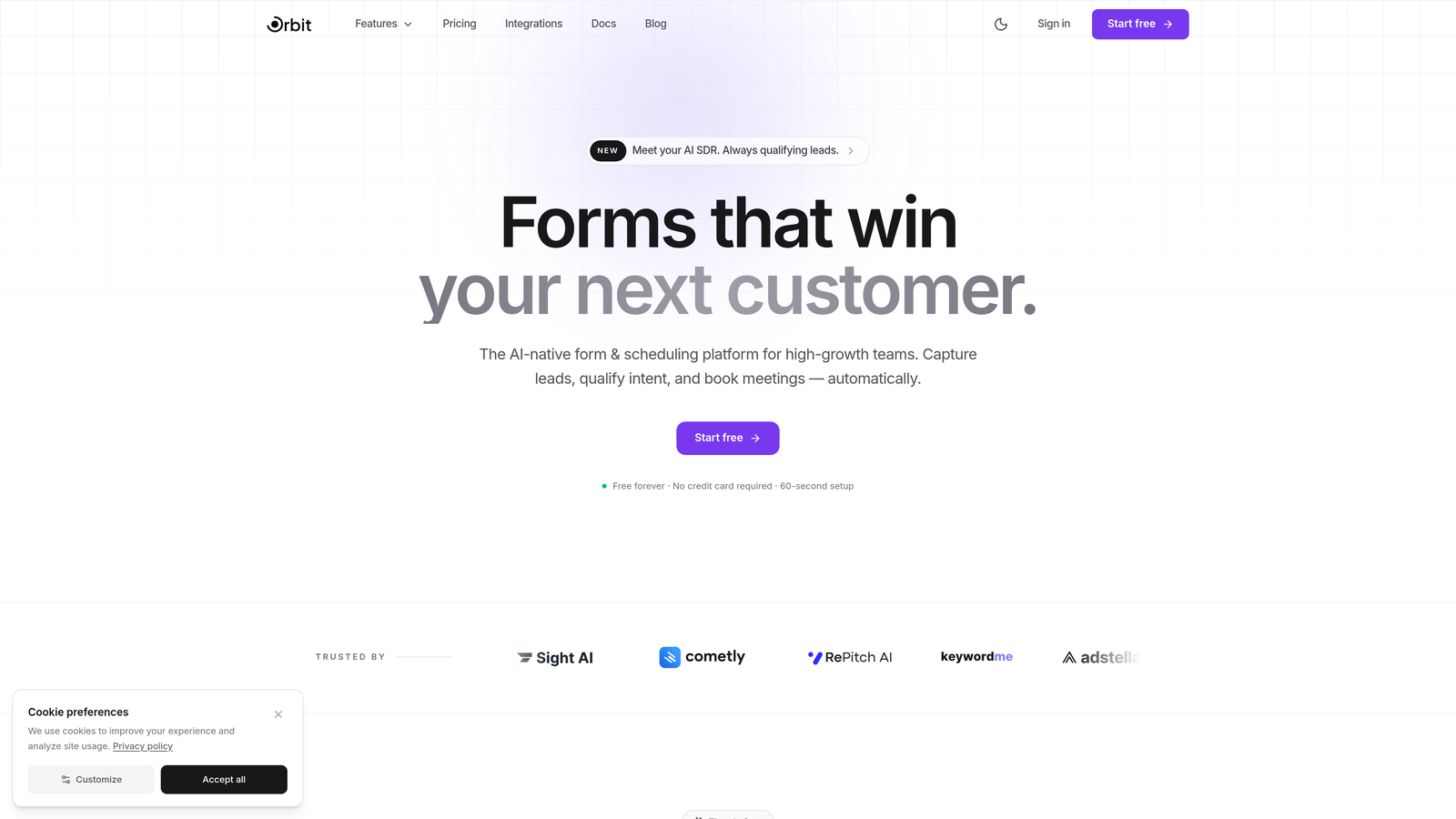
Orbit AI is an AI-powered form builder with built-in lead qualification and scoring designed for teams serious about conversion.
Where This Tool Shines
Most form builders collect data passively. Orbit AI takes a fundamentally different approach by embedding lead qualification directly into the form experience itself. As a prospect moves through a form, the AI scores and qualifies them in real time, so your sales team receives enriched, prioritized leads rather than a raw pile of submissions to sort through manually.
The platform is also built with conversion as a first principle, not an afterthought. Templates are designed with completion rates in mind, conditional logic adapts the experience to each respondent, and the analytics surface actionable insights rather than just vanity metrics. For teams where every lead counts, this level of intelligence built into the form layer is a genuine differentiator.
Key Features
AI-Powered Lead Qualification: Scores and qualifies leads automatically based on responses as the form is completed, eliminating manual triage.
Conversion-Optimized Templates: Pre-built form designs with layouts and defaults engineered to maximize completion rates.
Smart Conditional Logic: Adapts questions dynamically based on previous answers, creating a personalized experience for each respondent.
CRM and Marketing Integrations: Connects seamlessly with the tools your team already uses, routing qualified lead data where it needs to go.
Real-Time Conversion Analytics: Surfaces drop-off points, completion trends, and qualification insights to guide continuous optimization.
Best For
Orbit AI is the right fit for SaaS companies, growth teams, and demand generation marketers who treat their forms as a core part of the revenue funnel. If you need more than data collection and want your forms to actively work as a qualification layer, this platform is built for that job.
Pricing
Visit orbitforms.ai for current pricing plans. A free building option is available to get started.
2. Typeform
Best for: Teams that prioritize engagement and completion rates through a conversational, one-question-at-a-time experience.
Typeform is a conversational form builder widely recognized for its elegant interface and high-engagement format.

Where This Tool Shines
Typeform's core insight is that forms feel less like forms when they present one question at a time in a flowing, conversational sequence. This format consistently drives strong completion rates, particularly for surveys, lead capture, and customer research where respondent experience matters.
The design quality is also genuinely impressive. Brand kits, custom fonts, and rich media embedding give Typeform forms a polished look that most builders simply can't match out of the box. If your forms are customer-facing and brand presentation is a priority, Typeform is hard to beat on aesthetics alone.
Key Features
Conversational Interface: One-question-at-a-time format that reduces cognitive load and keeps respondents engaged throughout the flow.
Brand Kit and Design Customization: Full control over colors, fonts, and visual identity with a level of polish that rivals custom-built experiences.
Logic Jumps and Branching: Routes respondents through personalized paths based on their answers, making long forms feel relevant and concise.
Native Integrations: Connects directly with HubSpot, Salesforce, Mailchimp, Slack, and many other marketing and CRM tools.
Video and Image Embedding: Allows rich media within form flows to add context, personality, or product demonstrations.
Best For
Typeform works well for marketing teams running lead generation campaigns, product teams conducting user research, and any organization where form aesthetics and respondent experience are central priorities. It's less suited for complex data collection workflows or teams needing deep backend logic.
Pricing
Free plan available with limited responses. Paid plans start at around $25/month, with higher tiers unlocking more responses, logic features, and integrations.
3. Jotform
Best for: Teams that need a versatile, template-rich builder with payment processing and approval workflows built in.
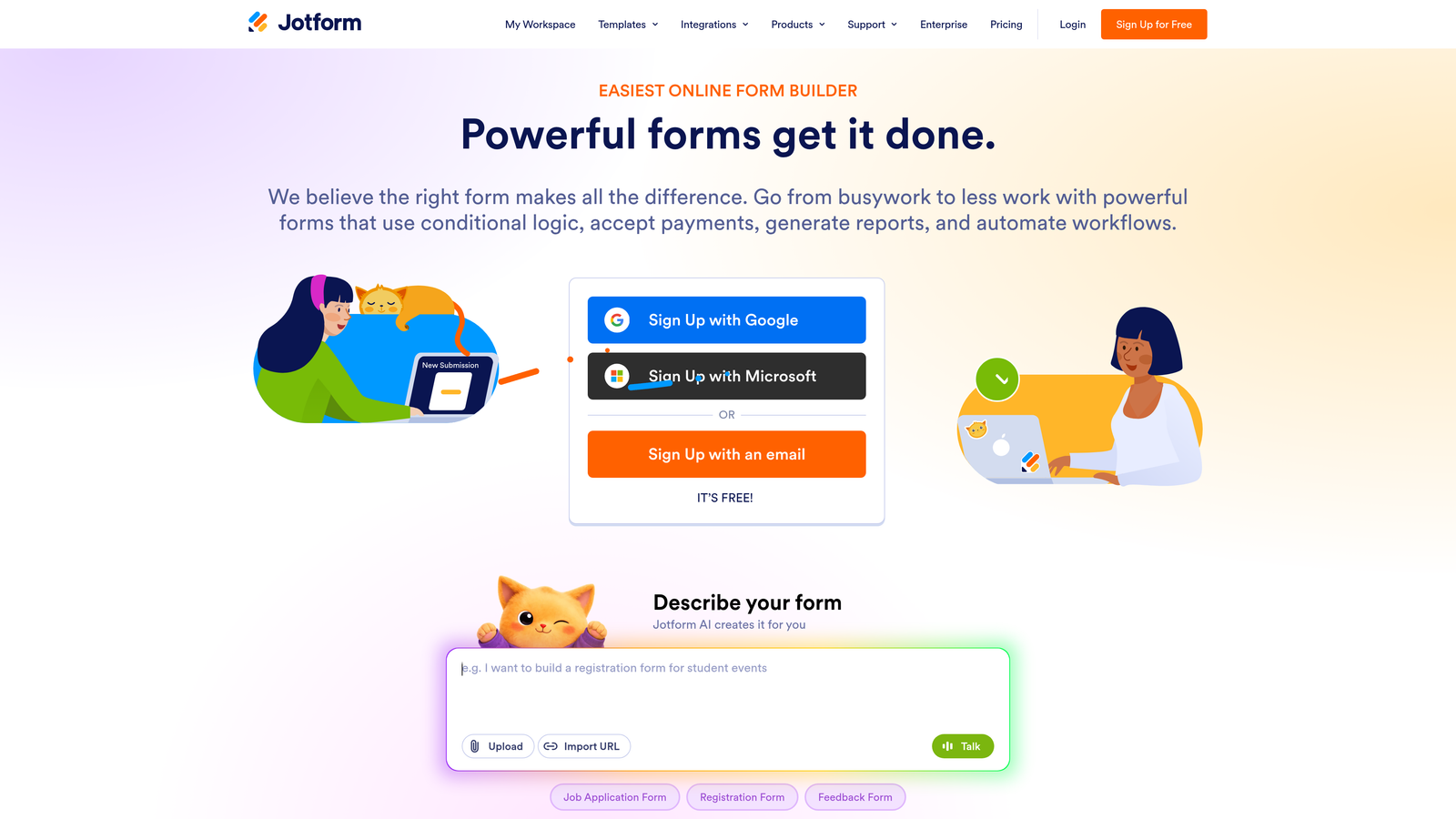
Jotform is a feature-rich form builder offering one of the largest template libraries in the market alongside robust workflow and payment capabilities.
Where This Tool Shines
Jotform's breadth is its strongest card. With over 10,000 templates spanning industries from healthcare to e-commerce, the odds are high that a solid starting point already exists for whatever form you need to build. This makes it particularly valuable for teams managing multiple form types across different departments.
The built-in payment processing and e-signature support also make Jotform one of the more self-contained options on this list. Teams that need to collect payments, gather approvals, and manage submissions without stitching together multiple tools will find a lot of that functionality already present.
Key Features
10,000+ Templates: An extensive library covering virtually every industry and use case, significantly reducing build time.
Payment Processing: Built-in support for multiple payment gateways including Stripe, PayPal, and Square for order and payment forms.
Approval Workflows and E-Signatures: Enables multi-step approval chains and legally binding signature collection within the platform.
Drag-and-Drop Builder with Conditional Logic: Accessible editor with branching logic for creating personalized form experiences.
Jotform Tables: A spreadsheet-style submission management interface for organizing and acting on collected data.
Best For
Jotform suits operations teams, small businesses, and organizations in regulated industries that need versatility across many form types. It's a strong choice when payment collection or document workflows are part of the requirement.
Pricing
Free plan supports up to 5 forms and 100 monthly submissions. Paid plans start at around $34/month with significantly higher submission limits and additional features.
4. HubSpot Forms
Best for: Teams already in the HubSpot ecosystem who want forms that feed directly into CRM workflows without any integration overhead.
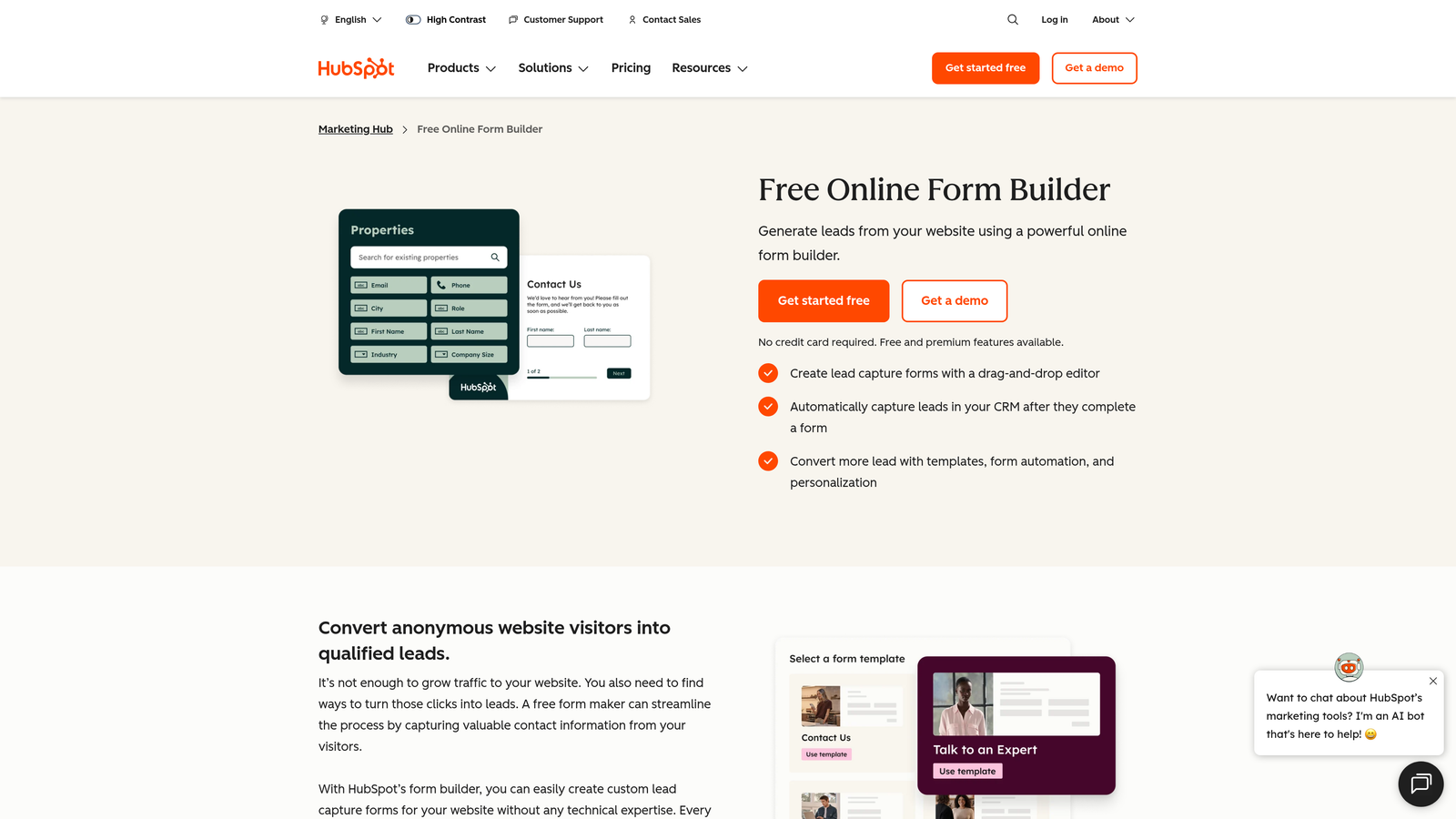
HubSpot Forms is a native form builder within HubSpot that creates and updates CRM contacts automatically on every submission.
Where This Tool Shines
If your team runs on HubSpot, the case for using HubSpot Forms is straightforward: zero integration friction. Every submission automatically creates or updates a contact record, triggers workflows, and feeds into your existing reporting. There's no Zapier layer, no field mapping headaches, and no data lag between form submission and CRM action.
Progressive profiling is another standout capability. Rather than asking the same questions to returning visitors, HubSpot Forms shows only fields you don't already have on record, gradually building richer contact profiles over time without fatiguing your audience with redundant questions.
Key Features
Native CRM Integration: Automatically creates or updates contact records in HubSpot on every form submission with no setup required.
Progressive Profiling: Replaces already-known fields with new questions for returning visitors, enriching contact data incrementally.
Smart Fields: Adapts visible fields based on existing contact properties, reducing friction for known contacts.
A/B Testing: Built-in form variation testing to identify which layouts and copy drive higher conversion rates.
Workflow Triggers: Form submissions can instantly trigger automated email sequences, deal creation, task assignments, and more.
Best For
HubSpot Forms is the natural choice for marketing and sales teams that are already committed to the HubSpot platform. It's less compelling as a standalone tool if you're not using HubSpot CRM, since much of its value comes from that native integration.
Pricing
Available free with HubSpot CRM. Advanced features like A/B testing and smart fields require Marketing Hub, which starts at around $20/month.
5. Paperform
Best for: Teams that want forms to feel like branded landing pages, blending content, media, and form fields in a document-style layout.
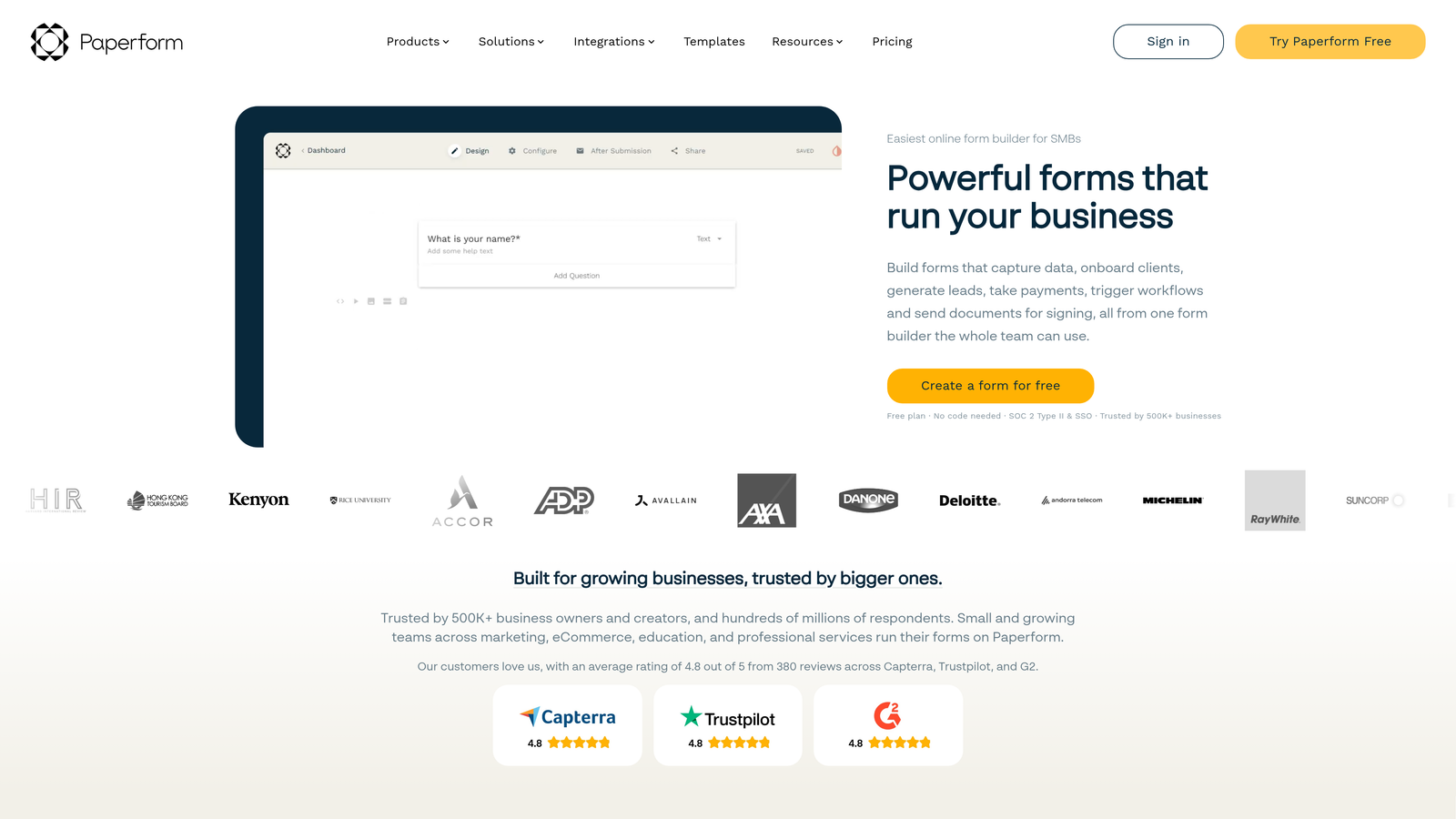
Paperform is a document-style form builder that merges written content, images, and form fields into cohesive, conversion-focused experiences.
Where This Tool Shines
Paperform sits in an interesting space between form builder and landing page creator. Its editor lets you write text, embed images, and place form fields all in the same flow, so the result reads more like a thoughtfully designed page than a sterile data collection form. This format works particularly well for intake forms, onboarding questionnaires, and product order experiences where context and presentation matter.
The built-in payment and booking capabilities also reduce the need for separate tools. Teams running events, selling products, or scheduling consultations can handle the entire transaction within a single Paperform without adding another platform to the stack.
Key Features
Document-Style Editor: Combines free-form text, images, and form fields in one seamless editing experience that produces polished, content-rich forms.
Payment and Booking: Built-in capabilities for collecting payments and scheduling appointments directly within the form.
Conditional Logic and Calculations: Supports complex branching and dynamic calculations for pricing, scoring, and customized outputs.
Custom Branding: Full theme control with custom fonts, colors, and domain options for a fully on-brand experience.
2,000+ Integrations: Connects via direct integrations and Zapier to a wide range of marketing, CRM, and productivity tools.
Best For
Paperform is an excellent fit for consultants, service businesses, and marketing teams who want their forms to communicate value and brand identity, not just collect data. It's particularly strong for intake forms, event registrations, and product order flows.
Pricing
Starts at around $24/month on the Essentials plan. Higher tiers unlock more submissions, custom domains, and advanced features.
6. Tally
Best for: Individuals and small teams that need powerful form functionality without paying for it, thanks to one of the most generous free plans in the market.
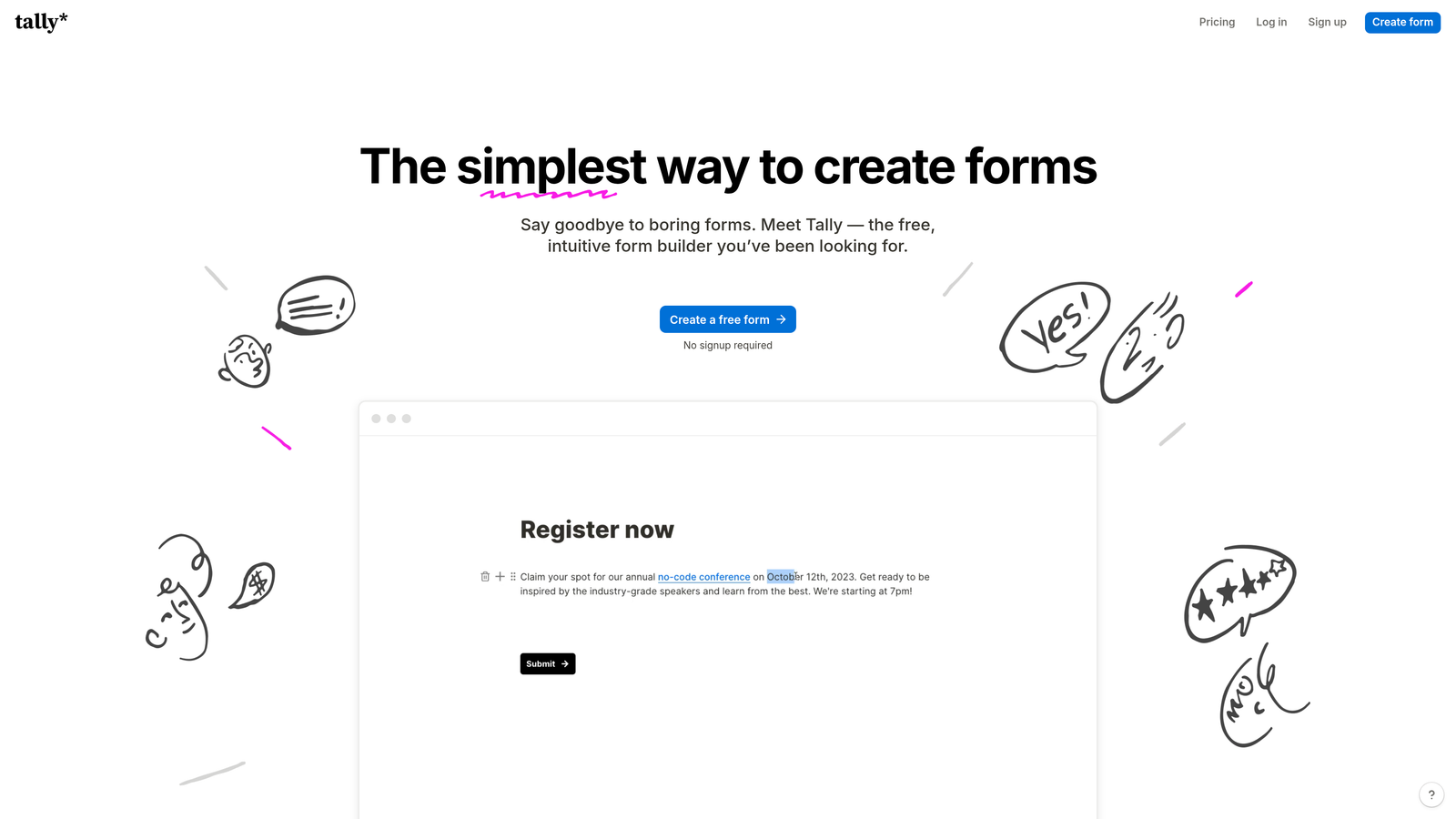
Tally is a free-first form builder with a Notion-inspired block editor and unlimited forms and submissions on its free tier.
Where This Tool Shines
Tally's free plan is genuinely remarkable by industry standards. Unlimited forms, unlimited submissions, conditional logic, file uploads, and payment collection are all available without spending a cent. For bootstrapped teams, early-stage startups, or anyone who finds most form builder pricing hard to justify, this is a compelling starting point.
The editing experience also deserves recognition. The block-based interface feels intuitive for anyone familiar with Notion, making it easy to build clean, functional forms quickly. It may lack the AI-powered intelligence of tools like Orbit AI, but for straightforward data collection needs it delivers a lot at zero cost.
Key Features
Unlimited Free Forms and Submissions: No caps on form count or submission volume on the free plan, which is rare in this category.
Notion-Style Block Editor: Familiar, intuitive editing interface that makes building forms feel natural and fast.
Conditional Logic and Hidden Fields: Supports branching paths and pre-populated fields for more dynamic form experiences.
File Uploads and Payment Collection: Accepts file submissions and processes payments even on the free tier.
Custom Domains and Branding: Available on the Pro plan for teams that need white-labeled, on-brand form experiences.
Best For
Tally is ideal for freelancers, early-stage startups, and lean teams that need reliable form functionality without budget. It's also a solid option for internal tools and simple data collection where advanced conversion features aren't required.
Pricing
Free plan covers most core features with no submission limits. Pro plan is $29/month and adds custom domains, branding removal, and priority support.
7. Gravity Forms
Best for: WordPress sites that need a deeply extensible, developer-friendly form solution with a mature add-on ecosystem.
Gravity Forms is a WordPress-native form plugin with powerful conditional logic, an extensive add-on library, and server-side processing that integrates deeply with the WordPress environment.
Where This Tool Shines
For WordPress-based teams, Gravity Forms has long been the gold standard for a reason. It processes form data server-side within your own WordPress installation, which matters for teams with data privacy requirements or those who prefer not to route submission data through third-party cloud platforms.
The add-on ecosystem is also a genuine strength. Integrations with Stripe, PayPal, Mailchimp, Salesforce, HubSpot, and dozens of other tools are available as first-party add-ons, giving developers a reliable, well-documented extension layer rather than relying solely on Zapier workarounds.
Key Features
Deep WordPress Integration: Runs natively within WordPress with server-side processing and full access to WordPress hooks and filters.
Extensive Add-On Ecosystem: First-party add-ons for payments, CRM, email marketing, and more, with a well-maintained developer API.
Advanced Conditional Logic: Supports complex multi-condition branching across fields, sections, and pages.
Repeater Fields and Multi-Page Forms: Handles complex data collection scenarios including dynamic repeating field sets.
Developer-Friendly Architecture: Rich hooks and filters system that lets developers customize nearly every aspect of form behavior.
Best For
Gravity Forms is the right choice for WordPress developers and agencies building client sites that require robust, extensible form functionality. It's less suited for non-WordPress environments or teams without technical resources to manage a WordPress plugin.
Pricing
Starts at $59/year for the Basic license covering one site. Higher tiers unlock more add-ons and multi-site licensing.
8. Fillout
Best for: Teams that want forms natively connected to databases like Airtable, Notion, or Google Sheets without any middleware.
Fillout is a modern form builder with native integrations for popular database and productivity tools, plus built-in scheduling capabilities.
Where This Tool Shines
Fillout has carved out a distinct niche by treating database connectivity as a first-class feature rather than an integration afterthought. Native connections to Airtable, Notion, Google Sheets, and Smartsheet mean that form submissions update records directly without a Zapier step in the middle. For operations teams and product builders who live in these tools, this removes a significant layer of friction.
The built-in scheduling feature is another differentiator that few form builders offer natively. Embedding calendar booking directly into a form flow, without switching to Calendly or a separate scheduling tool, creates a cleaner experience for both the respondent and the team receiving the booking.
Key Features
Native Database Integrations: Direct connections to Airtable, Notion, Google Sheets, and Smartsheet for real-time record creation and updates.
Built-In Scheduling: Calendar booking embedded natively within form flows, eliminating the need for a separate scheduling tool.
Conditional Logic with Database Lookups: Logic that can reference live database values, enabling dynamic and data-aware form experiences.
Quiz and Assessment Capabilities: Scoring and graded assessment features for knowledge tests, qualification quizzes, and interactive evaluations.
Clean Modern UI: Polished design defaults and custom branding options that produce professional-looking forms quickly.
Best For
Fillout is an excellent fit for operations teams, no-code builders, and product teams who manage their data in Airtable or Notion and want form submissions to flow directly into those systems. It's also a strong pick for anyone who wants to combine intake forms with appointment scheduling in one tool.
Pricing
Free plan available with solid core functionality. Paid plans start at around $19/month, making it one of the more accessible options on this list.
9. Cognito Forms
Best for: Budget-conscious teams that need enterprise-level calculation logic, repeating sections, and complex conditional workflows without the enterprise price tag.
Cognito Forms is a budget-friendly form builder with a powerful calculation engine and advanced logic capabilities that rival far more expensive tools.
Where This Tool Shines
Cognito Forms occupies a genuinely unique position: it offers calculation and logic capabilities that most tools reserve for enterprise tiers, but at pricing that small businesses and nonprofits can comfortably afford. The calculation engine handles complex order forms, dynamic pricing, and quote generators with a level of sophistication that's hard to find at this price point.
Repeating sections are another feature that sets it apart. The ability to dynamically add rows of fields within a single form, think line items in an order form or multiple attendees in an event registration, is a capability that many builders either don't support or handle clumsily. Cognito Forms handles it cleanly.
Key Features
Advanced Calculation Engine: Supports complex mathematical and logical calculations for order forms, pricing tables, and dynamic quote generation.
Repeating Sections: Allows respondents to dynamically add multiple instances of a field group within a single form submission.
Conditional Logic and Multi-Page Forms: Full branching logic with the ability to show, hide, require, or calculate based on any field value.
Payment Processing: Integrates with Stripe, PayPal, and Square for secure payment collection directly within forms.
Workflow Routing and Approvals: Submission routing and approval chains for forms that require internal review before processing.
Best For
Cognito Forms is the right pick for small businesses, nonprofits, and operations teams that need sophisticated form logic, particularly around calculations and repeating data, without paying for a premium platform. It's especially strong for order forms, event registrations, and internal request workflows.
Pricing
Free plan available with one user and basic features. Paid plans start at around $15/month, making it one of the most affordable options for advanced functionality on this list.
Which Tool Is Right for Your Team?
Each tool on this list solves a real problem, and the best choice depends on what's actually holding your conversions back right now.
If your team is building forms as a core part of the revenue funnel and needs lead qualification baked in from the start, Orbit AI is the only tool here built specifically for that job. The AI scoring layer means your sales team receives prioritized, qualified leads rather than a raw inbox of submissions to manually evaluate.
For teams that prioritize respondent experience and completion rates above all else, Typeform remains the benchmark for conversational form design. If you need maximum versatility and a template for every scenario, Jotform delivers breadth that few others match.
Already committed to HubSpot? Their native form builder eliminates integration overhead entirely. Running on WordPress with a developer on staff? Gravity Forms is the mature, extensible choice. Need forms that feel like landing pages? Paperform handles that beautifully. Working from a tight budget? Tally's free plan and Cognito Forms' affordable advanced logic are both worth serious consideration. And if your workflow lives in Airtable or Notion, Fillout's native database connections remove a meaningful layer of friction.
The pattern worth noting across all of these alternatives: the best modern form builders treat forms as active conversion tools, not passive data collectors. That shift in thinking is what separates teams that plateau from teams that grow.
If you're ready to see what that looks like in practice, start building free forms today and experience how intelligent form design can transform your lead generation from the ground up.


