

Your marketing funnel is only as strong as the forms holding it together. A poorly designed, slow, or generic form can kill conversion rates before a visitor even reaches your CTA — while the right marketing form software quietly works in the background, qualifying leads, syncing to your CRM, and turning anonymous visitors into pipeline.
Modern form tools have evolved well beyond basic data collection. Today's best platforms offer AI-powered lead qualification, conversational multi-step flows, field-level analytics, and native integrations with the tools your marketing team already relies on. Choosing the right one depends on your priorities: lead quality, volume, design flexibility, or end-to-end automation.
To build this list, we evaluated tools based on marketing-specific features like lead qualification and conditional logic, conversion optimization capabilities, ease of use for non-technical teams, pricing that scales with growth, and integration ecosystems that connect to popular marketing stacks. Here are the top marketing form software tools worth considering in 2026.
1. Orbit AI
Best for: High-growth teams that want AI-powered lead qualification built directly into their forms.
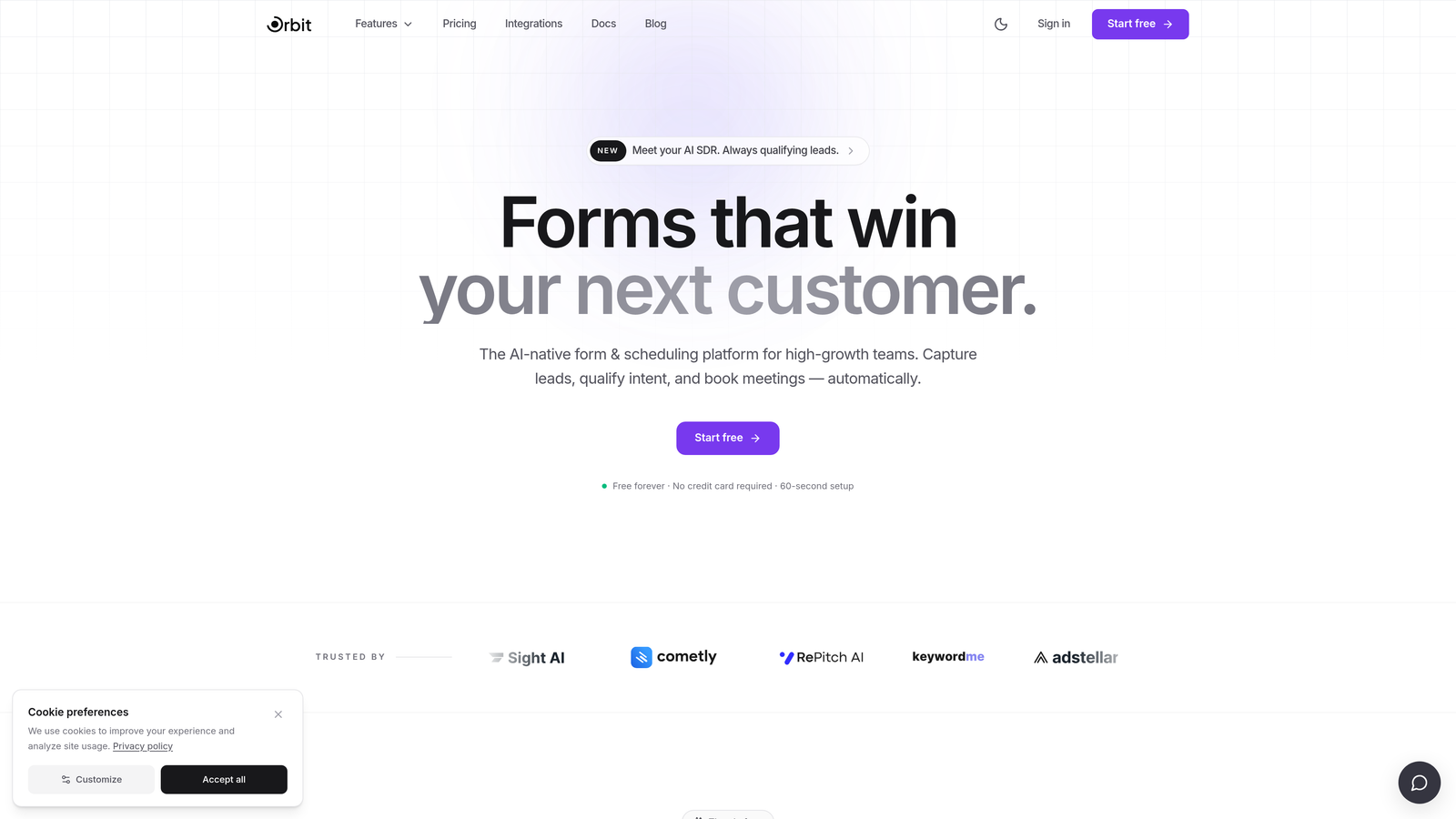
Orbit AI is an AI-powered form builder that combines conversion-optimized design with real-time lead qualification, so your team captures better leads without manual scoring.
Where This Tool Shines
Most form builders hand you a list of submissions and leave the qualification work to your sales team. Orbit AI flips that dynamic by scoring leads as they complete the form itself, giving your team prioritized, actionable data from the moment a prospect hits submit.
The platform is built with high-growth marketing teams in mind: clean, modern templates that are mobile-responsive out of the box, multi-step flows that reduce friction, and conditional logic that adapts the form experience based on what each respondent tells you. It's the kind of tool that feels like it was designed for conversion, not just data collection.
Key Features
AI-Powered Lead Qualification: Scores leads in real time as they complete forms, so your team focuses on the highest-value prospects first.
Conversion-Optimized Templates: Pre-built form designs created specifically for lead generation and high-growth marketing workflows.
Conditional Logic and Multi-Step Flows: Guides respondents through personalized paths based on their answers, reducing drop-off and improving data quality.
CRM and Marketing Automation Integrations: Connects with popular platforms so form submissions flow directly into your existing stack.
Modern Mobile-Responsive Design: Every form looks polished and performs well across devices without any manual adjustments.
Best For
Marketing teams at SaaS companies, agencies, and high-growth B2B businesses that are tired of sorting through low-quality leads manually. Orbit AI is particularly valuable for teams running demand generation programs where lead quality matters as much as volume.
Pricing
Visit orbitforms.ai for current plans and pricing details, including available free options.
2. HubSpot Marketing Hub
Best for: Teams already using or planning to adopt the HubSpot CRM ecosystem.
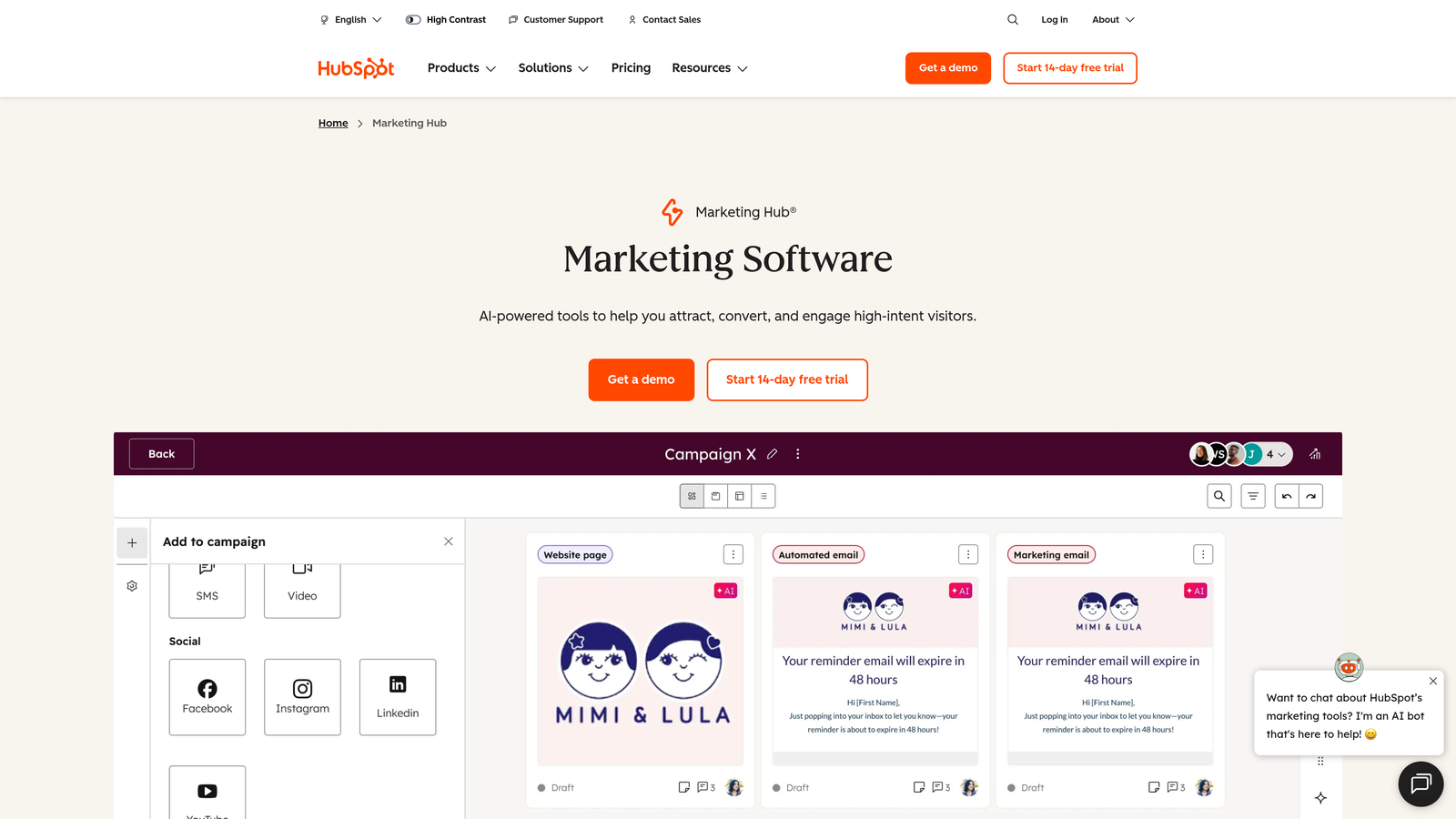
HubSpot Marketing Hub is a full-suite marketing platform with a built-in form builder that feeds directly into HubSpot CRM for seamless lead capture and nurturing.
Where This Tool Shines
The biggest advantage here isn't the form builder itself — it's the zero-friction path from form submission to contact record to automated nurture workflow. Everything lives in one ecosystem, which eliminates the integration headaches that plague teams stitching together multiple tools.
Progressive profiling is a standout feature: HubSpot's smart forms recognize returning visitors and swap out already-answered questions for new ones, gradually building richer contact profiles without overwhelming prospects with lengthy forms on every visit.
Key Features
Native CRM Integration: Form submissions automatically populate and update contact records in HubSpot CRM with no manual syncing required.
Smart Forms with Progressive Profiling: Dynamically replaces already-answered fields so you gather more data over time without repeating questions.
Built-In A/B Testing: Test form variations directly within the platform to identify what converts best.
Automated Workflows: Trigger email sequences, task assignments, or lead scoring updates the moment a form is submitted.
Free Tier Available: Basic form functionality is included in HubSpot's free CRM plan, making it accessible for teams just getting started.
Best For
Marketing teams that want a single platform for forms, CRM, email, and automation. Best suited for companies that are already invested in the HubSpot ecosystem or planning to consolidate their marketing stack.
Pricing
Free tier available with basic features; paid Marketing Hub plans start at $20/month for the Starter tier, scaling up based on contacts and features.
3. Typeform
Best for: Brands that prioritize engagement and want forms to feel like a conversation, not a checklist.
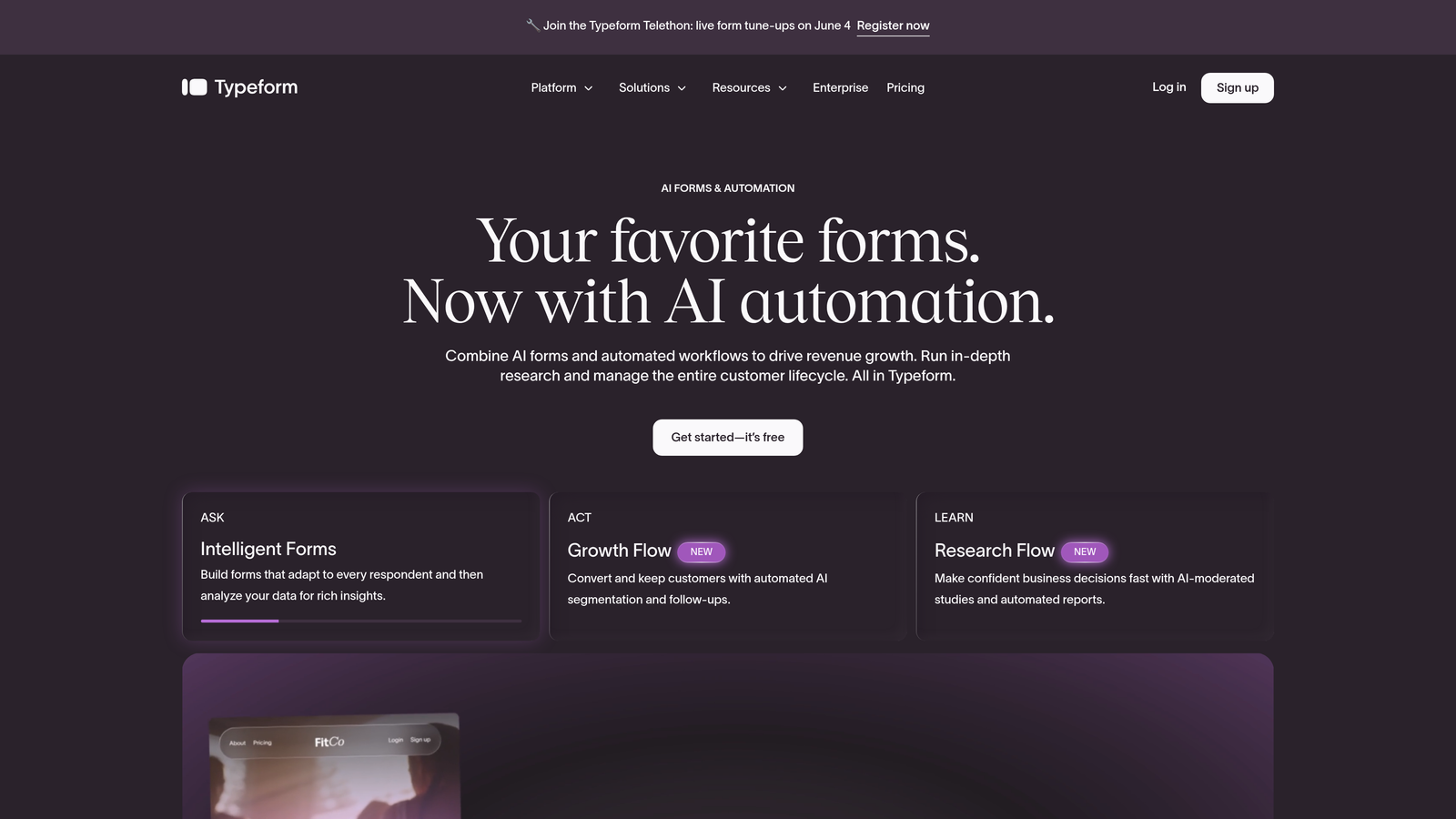
Typeform is a conversational form builder known for its one-question-at-a-time format that creates engaging, design-forward experiences for respondents.
Where This Tool Shines
Typeform's core philosophy is that forms should feel human. By presenting one question at a time, it reduces the cognitive load that causes abandonment on traditional multi-field forms. The result is a more immersive experience that tends to feel less transactional, which can work particularly well for brand-forward campaigns and audience research.
The rich media support sets it apart visually: you can embed images, videos, and GIFs directly within questions, turning a lead capture form into something that actually reflects your brand identity.
Key Features
One-Question-at-a-Time Interface: Presents each field individually to reduce overwhelm and keep respondents moving forward.
Logic Jumps and Conditional Branching: Routes respondents to different questions based on their previous answers.
Rich Media Support: Embed images, videos, and GIFs within form questions for a visually engaging experience.
Extensive Integration Library: Connects with Zapier, HubSpot, Slack, and hundreds of other platforms.
Built-In Analytics Dashboard: Tracks completion rates, drop-off points, and response data in one view.
Best For
Marketing teams focused on brand experience, audience surveys, and top-of-funnel lead capture where engagement rate matters. Less suited for teams that need deep lead qualification or complex workflow automation out of the box.
Pricing
Free plan available with limited responses; paid plans start at $29/month for the Basic tier.
4. Jotform
Best for: Teams that want maximum template variety and no-code flexibility across diverse use cases.
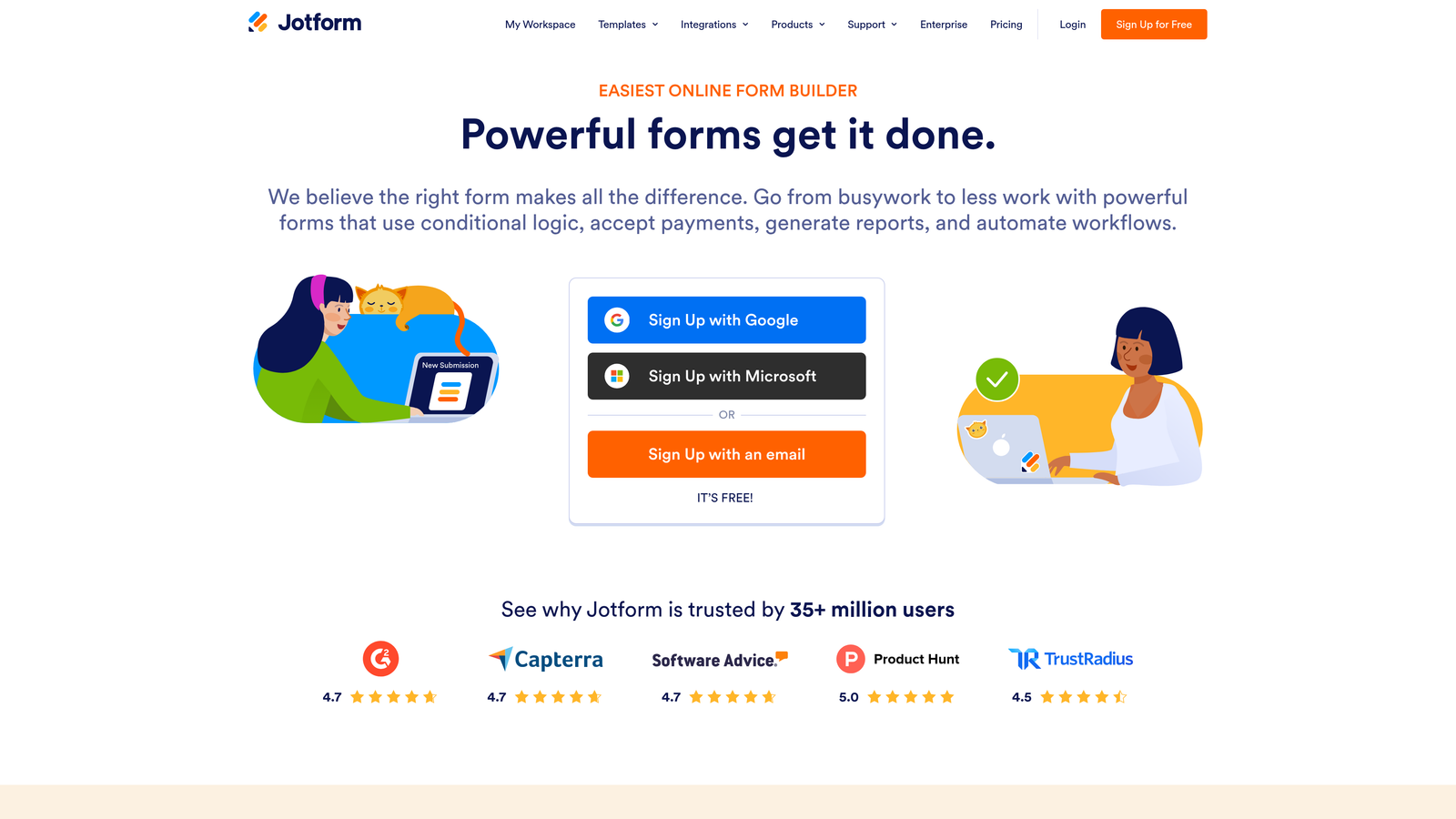
Jotform is a versatile no-code form builder with one of the largest template libraries available, covering everything from lead capture to payment collection.
Where This Tool Shines
Jotform's depth is hard to match. With over 10,000 templates spanning virtually every industry and use case, it's the platform you reach for when you need to build something quickly without starting from scratch. The drag-and-drop builder is genuinely intuitive, and the sheer range of features means most teams won't outgrow it quickly.
For marketing teams in regulated industries, Jotform's HIPAA-compliant form options are a meaningful differentiator. And for teams that collect payments alongside lead data, the native payment integrations with Stripe, PayPal, and Square add real utility.
Key Features
10,000+ Form Templates: One of the largest libraries in the category, covering industries from healthcare to e-commerce to SaaS.
Drag-and-Drop Builder with Conditional Logic: Build complex, branching forms without writing a single line of code.
Payment Integrations: Native support for PayPal, Stripe, and Square to collect payments alongside form submissions.
Jotform Tables: A built-in submission management workspace for organizing and filtering collected data.
HIPAA-Compliant Options: Available for teams in healthcare and other regulated industries that need compliant data handling.
Best For
Small to mid-sized marketing teams, agencies managing multiple clients, and businesses in regulated industries. Jotform's breadth makes it a strong general-purpose choice when flexibility is the priority.
Pricing
Free plan supports 5 forms and 100 submissions per month; paid plans start at $39/month for the Bronze tier.
5. Gravity Forms
Best for: WordPress-based marketing teams that need deep site integration and developer-level customization.
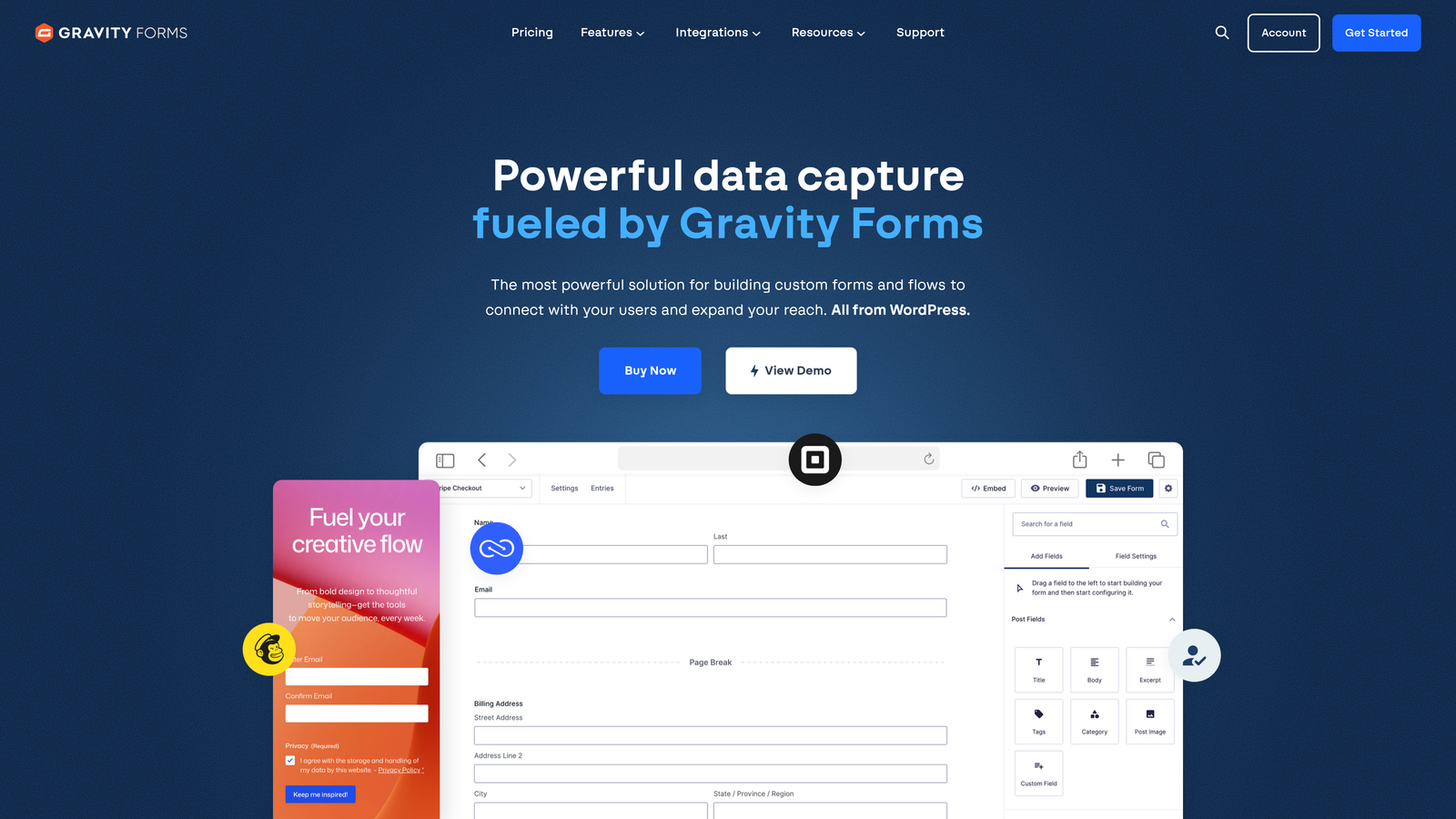
Gravity Forms is a premium WordPress form plugin offering extensive add-ons, conditional logic, and developer-friendly customization for teams building on WordPress.
Where This Tool Shines
If your marketing site runs on WordPress, Gravity Forms is the gold standard for a reason. It integrates natively with the WordPress environment rather than feeling like a bolted-on third-party tool, which means better performance, tighter control, and a seamless experience for site administrators.
The add-on ecosystem is particularly powerful: over 30 official add-ons connect Gravity Forms to CRMs, email marketing platforms, and payment gateways. For developers, the extensive hooks and filters make it one of the most customizable form solutions in the market.
Key Features
Native WordPress Integration: Built exclusively for WordPress, with deep compatibility across themes and page builders.
30+ Official Add-Ons: Extend functionality with connections to CRMs, email platforms, and payment processors.
Conditional Logic and Multi-Page Forms: Create branching, multi-step forms that adapt to user input.
Developer-Friendly Architecture: Extensive hooks, filters, and APIs for custom development and integration work.
Partial Entry Capture: Captures incomplete form submissions so you can follow up with users who abandon before finishing.
Best For
Marketing teams and agencies running WordPress sites who want maximum control and customization. Less relevant for teams on non-WordPress platforms.
Pricing
Starts at $59/year for a Basic license covering one site; higher tiers unlock more add-ons and multi-site support.
6. Unbounce Smart Builder
Best for: Paid campaign teams that need landing pages and lead capture forms working together in one conversion-focused platform.
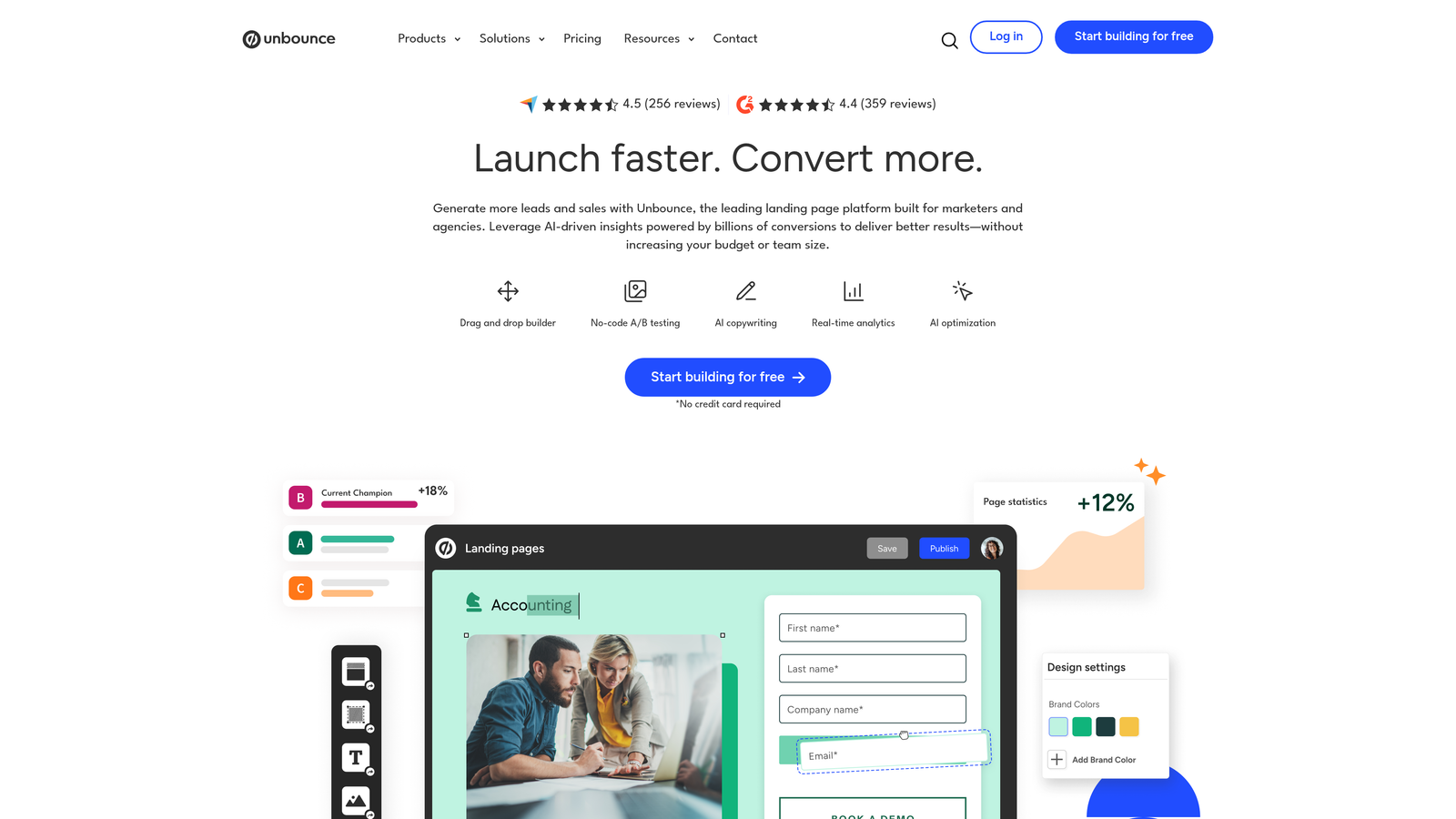
Unbounce Smart Builder is an AI-powered landing page and form builder designed specifically for paid campaign conversion optimization.
Where This Tool Shines
Unbounce occupies a unique position in this category: it's less of a standalone form builder and more of a complete conversion platform where forms are one component of a broader landing page strategy. The Smart Traffic feature uses AI to automatically route visitors to the page variant most likely to convert based on their attributes — a meaningful advantage for teams running paid traffic at scale.
For PPC and paid social teams, the combination of drag-and-drop landing page building, embedded forms, A/B testing, and popups in one platform eliminates the need to stitch together separate tools for each layer of the funnel.
Key Features
AI-Powered Smart Traffic: Automatically routes visitors to the highest-converting page variant based on visitor attributes and behavior.
Drag-and-Drop Landing Page Builder: Build complete landing pages with embedded forms without developer assistance.
Built-In A/B Testing: Test page and form variations natively within the platform.
Popups and Sticky Bars: Additional lead capture touchpoints beyond the main form.
CRM and Email Platform Integrations: Connects with HubSpot, Salesforce, Mailchimp, and other major platforms.
Best For
Performance marketing teams running paid campaigns on Google, Meta, or LinkedIn who need landing pages and forms optimized together. Less suited for teams that only need standalone form functionality.
Pricing
Plans start at $99/month for the Build plan; higher tiers include more conversions, domains, and advanced features.
7. Formstack
Best for: Marketing and operations teams that need forms, document generation, and e-signatures in a single workflow platform.
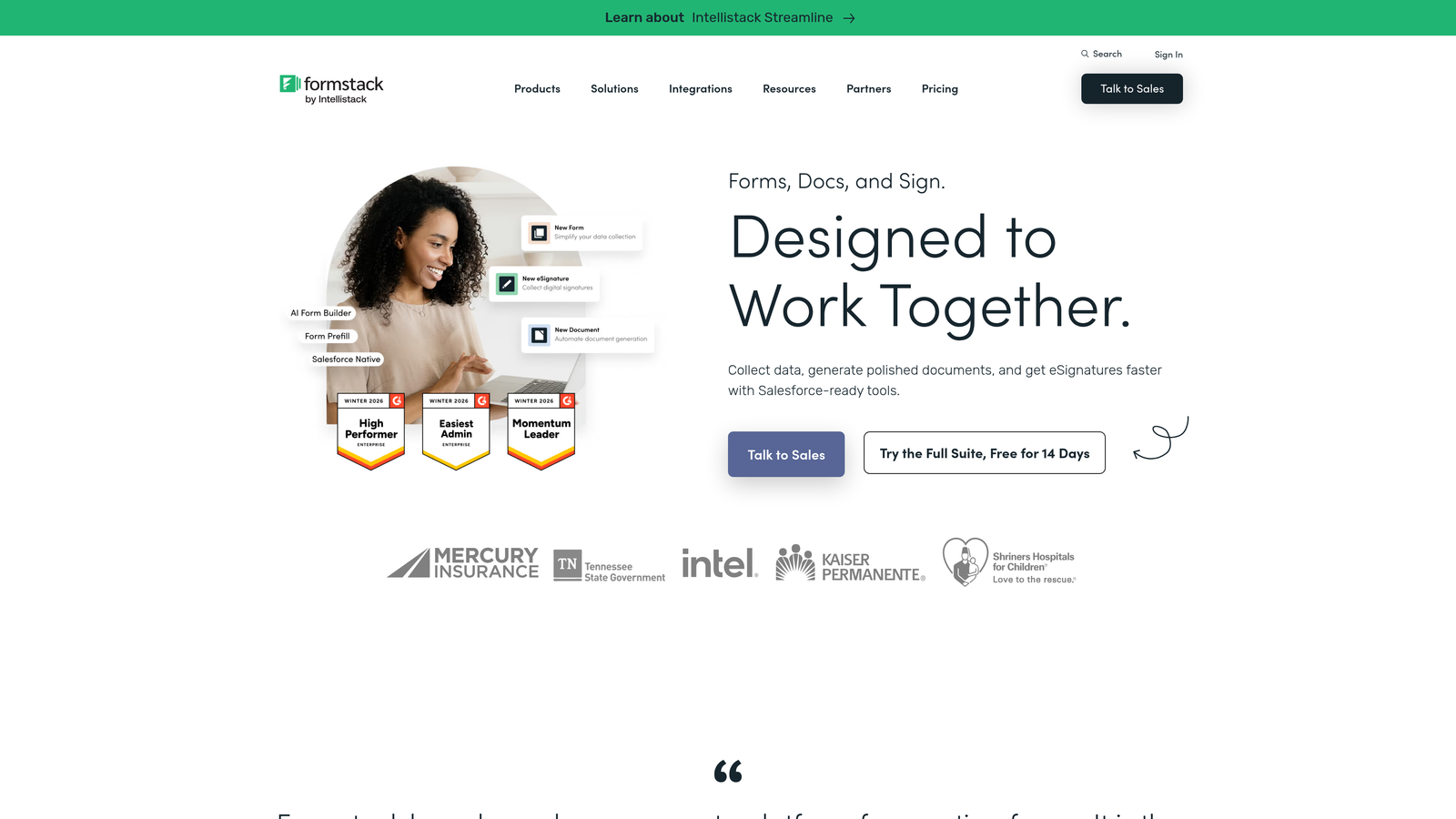
Formstack is a workflow-focused platform that combines form building with document generation and electronic signatures for end-to-end lead capture and processing.
Where This Tool Shines
Formstack goes beyond capturing leads — it handles what happens next. By combining forms, documents, and e-signatures in one platform, it's built for teams where a form submission kicks off a process: a proposal, a contract, an onboarding document. That end-to-end capability is rare in this category and genuinely valuable for teams with complex post-submission workflows.
The Salesforce-native integration option is a significant draw for enterprise marketing teams running their revenue operations on Salesforce, offering tighter data fidelity than most third-party connectors can provide.
Key Features
Forms, Documents, and E-Signatures: A unified platform that handles the entire lead capture and processing workflow without switching tools.
Conditional Logic and Calculation Fields: Build dynamic forms that adapt to input and perform real-time calculations.
Salesforce-Native Integration: Deep, native Salesforce connectivity for enterprise teams that need reliable CRM data sync.
Compliance Options: HIPAA, GDPR, and SOC 2 compliance capabilities for regulated industries and enterprise requirements.
Workflow Automation: Route form submissions to the right team members or trigger downstream processes automatically.
Best For
Mid-market and enterprise marketing teams, particularly those in regulated industries or with complex post-submission workflows that extend beyond simple lead capture.
Pricing
Starts at $50/month for the Starter plan; Salesforce-native pricing varies based on configuration and team size.
8. Leadformly (by Zuko)
Best for: Conversion rate optimization teams that want field-level analytics to understand exactly where forms lose people.
Leadformly by Zuko is an analytics-first form solution designed for CRO practitioners who need granular visibility into form behavior and drop-off patterns.
Where This Tool Shines
Most form builders tell you how many people submitted. Zuko tells you which specific field caused someone to hesitate, return, or abandon entirely. That field-level behavioral data is the kind of insight that lets CRO teams make evidence-based decisions about form redesigns rather than guessing.
For teams running high-traffic campaigns where even small improvements in form completion rate translate to meaningful pipeline gains, this level of analytical granularity is genuinely difficult to replicate with standard form analytics.
Key Features
Field-Level Drop-Off Analytics: Identifies exactly which form fields cause hesitation, returns, or abandonment at a granular level.
Form Completion Funnel Visualization: Maps the full journey through multi-step forms to pinpoint where users fall off.
Conversion-Optimized Templates: Form designs informed by CRO best practices and behavioral data patterns.
A/B Testing Capabilities: Test form variations and measure impact on completion and conversion rates.
Embeddable on Any Website: Works across platforms and landing page builders without requiring a platform migration.
Best For
CRO specialists, growth marketers, and demand generation teams that run high-traffic campaigns and want data-driven form optimization. Best used by teams that already have a baseline form in place and want to improve it systematically.
Pricing
Zuko analytics plans start at around $100/month; check the Zuko website for current Leadformly-specific pricing and plan details.
9. Paperform
Best for: Marketers who want forms that double as branded content experiences with embedded media and rich design.
Paperform is a hybrid form and landing page builder that lets marketers embed rich content — images, videos, and text blocks — between form fields for fully branded experiences.
Where This Tool Shines
Paperform blurs the line between a form and a mini landing page. Instead of a sterile list of fields, you can intersperse your questions with brand copy, product images, explainer videos, or context-setting text. The result is a form experience that feels purposeful and on-brand rather than generic.
The built-in payment processing is a practical bonus for marketing teams running event registrations, product pre-orders, or paid consultations — capturing both lead data and payment in a single, cohesive flow.
Key Features
Inline Content Editor: Embed images, videos, and text blocks between form fields to create rich, branded form experiences.
Built-In Payment Processing: Native support for Stripe, PayPal, and Braintree to collect payments alongside form submissions.
Conditional Logic and Calculation Fields: Dynamic form paths and real-time field calculations for more intelligent forms.
Custom Branding and Theme Control: Full control over colors, fonts, and visual identity to match your brand.
3,000+ Integrations: Connects with tools across your marketing stack via Zapier and native integrations.
Best For
Brand-conscious marketing teams, content marketers, and businesses that want forms to feel like a natural extension of their brand rather than a standard data collection widget. Also strong for teams that combine lead capture with payment collection.
Pricing
Starts at $29/month for the Essentials plan; higher tiers unlock more submissions, additional users, and advanced features.
Which Marketing Form Software Is Right for You?
The best marketing form software isn't the one with the most features — it's the one that aligns with your primary marketing goal. Here's a quick-pick guide to help you cut through the noise.
If lead quality and AI-powered qualification are your priority, Orbit AI is built specifically for that problem. It scores leads in real time so your team can stop manually sorting submissions and start focusing on the prospects most likely to convert.
If you're building on the HubSpot ecosystem, HubSpot Marketing Hub's native CRM integration and smart forms make it the obvious choice for teams that want everything in one place. For engagement-first experiences, Typeform's conversational format is hard to beat for top-of-funnel campaigns where brand impression matters.
Need template variety and no-code flexibility? Jotform's depth covers almost any use case. Running a WordPress site? Gravity Forms is the category standard. Managing paid campaigns where landing pages and forms need to work together? Unbounce Smart Builder is purpose-built for that workflow.
For teams that need end-to-end workflow automation beyond simple capture, Formstack handles forms, documents, and signatures in one platform. If CRO analytics are your focus, Leadformly by Zuko gives you the field-level behavioral data to optimize with evidence. And for branded, content-rich form experiences, Paperform lets you build something that actually reflects your identity.
The common thread across all of these is that modern form tools are no longer passive data collectors — they're active conversion assets. Match your tool to your strategy, and the difference in lead quality and pipeline velocity will be noticeable.
Ready to put AI to work on your lead generation? Start building free forms today with Orbit AI and experience how intelligent form design and real-time lead qualification can transform the quality of leads your team works with every day.


