

Ninja Forms has long been a reliable choice for WordPress users who need flexible form building without touching code. But as teams scale and lead generation demands grow more sophisticated, a WordPress-native plugin often hits its ceiling. Limited AI capabilities, no built-in lead qualification, and integrations that require constant maintenance can slow down high-growth teams that need more from their forms.
The modern SaaS form builder landscape has evolved dramatically. Today's best solutions go beyond drag-and-drop fields to offer conversational flows, AI-powered lead scoring, real-time routing, and analytics that actually inform your pipeline strategy. Whether you're migrating off WordPress entirely, running a multi-platform stack, or simply outgrowing what Ninja Forms can do, the tools below are worth evaluating in 2026.
Each has been selected based on feature depth, ease of use, integration ecosystem, and suitability for high-growth teams focused on conversion optimization.
1. Orbit AI
Best for: High-growth SaaS and B2B teams that need AI-powered lead qualification built directly into their forms.
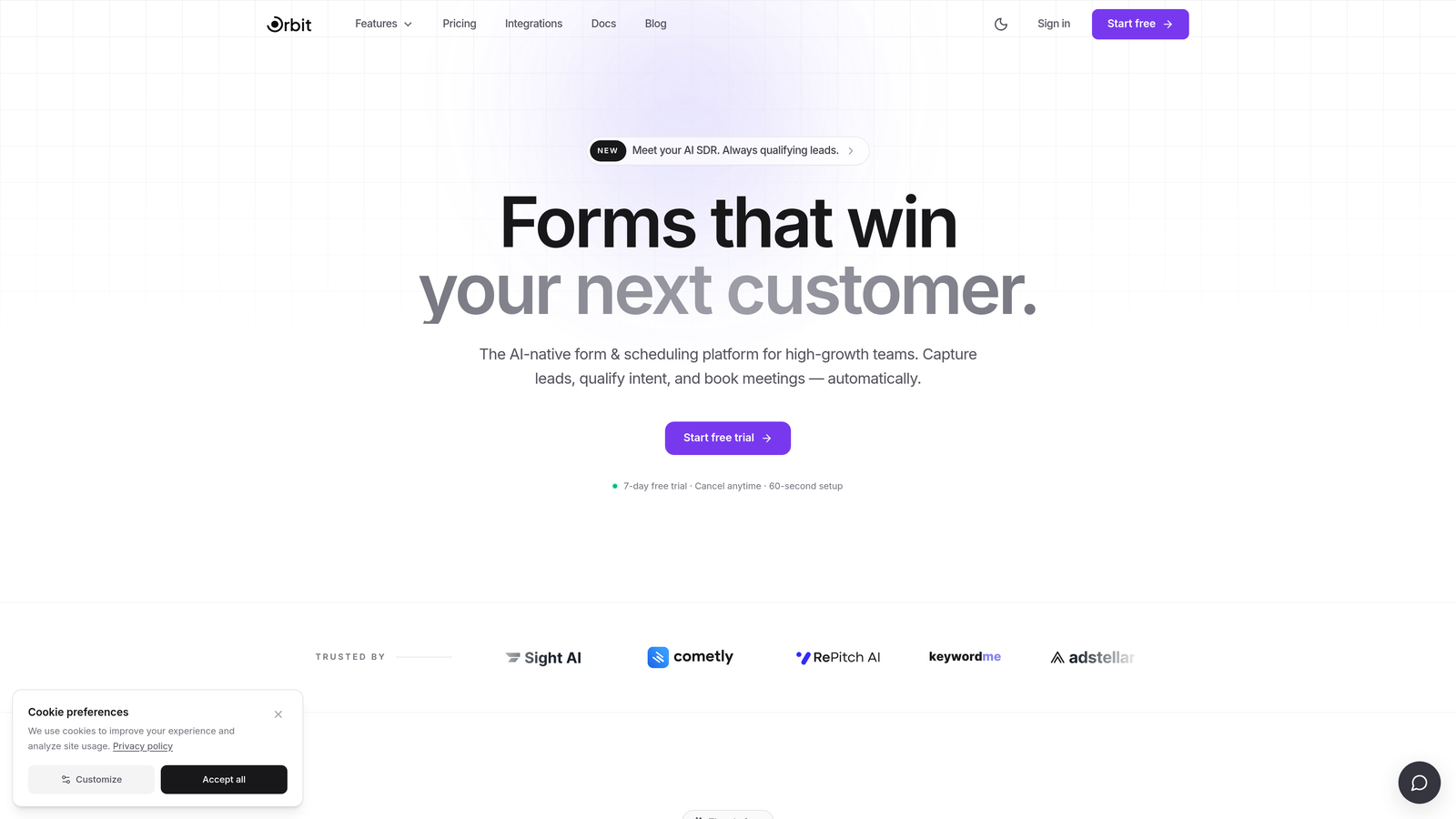
Orbit AI is an AI-powered form builder designed specifically for lead qualification and conversion optimization, not just data collection.
Where This Tool Shines
Most form builders treat qualification as an afterthought, something you bolt on through a CRM workflow after the submission arrives. Orbit AI flips that model by embedding lead scoring and qualification logic directly into the form experience itself. The result is that your sales team receives pre-qualified leads rather than raw submissions that still need to be evaluated.
For teams running demand generation at scale, this distinction matters. Rather than routing every submission into the same nurture sequence, Orbit AI can dynamically respond to lead quality signals in real time, directing high-intent prospects toward faster follow-up paths and filtering out poor fits before they ever reach your pipeline.
Key Features
AI-Powered Lead Qualification: Built-in lead scoring evaluates prospect quality as users complete the form, without requiring a separate CRM workflow.
Conversion-Optimized Templates: Modern, responsive form designs built with completion rates in mind, not just aesthetics.
Conditional Logic and Dynamic Routing: Form paths adapt based on lead quality signals, directing different prospect segments toward tailored follow-up experiences.
Real-Time Analytics Dashboard: Track lead quality, completion rates, and conversion data in one place to inform ongoing optimization.
CRM and Marketing Automation Integrations: Connects with major CRMs and marketing platforms so qualified lead data flows directly into your existing stack.
Best For
Orbit AI is purpose-built for SaaS companies, B2B teams, and growth-focused organizations that treat forms as a core part of their pipeline strategy rather than a utility. If your team is actively measuring lead quality and optimizing conversion at every stage of the funnel, this is the tool designed with that workflow in mind.
Pricing
Current pricing is available at orbitforms.ai. The platform is designed for teams ready to invest in conversion optimization as a growth lever.
2. Typeform
Best for: Teams that want a polished, conversational form experience to boost completion rates on longer forms.
Typeform is a conversational form builder known for its one-question-at-a-time interface that makes filling out forms feel less like a chore.

Where This Tool Shines
Typeform's core insight is that presenting all your questions at once is a completion rate killer. By surfacing one question at a time in a clean, full-screen interface, it creates a more engaging experience that tends to reduce drop-off, particularly for longer forms like surveys, applications, and qualification questionnaires.
The visual design quality is genuinely impressive. Brand customization options give you enough control to make forms feel like a natural extension of your website rather than a generic widget dropped in from a third-party tool.
Key Features
Conversational Form Flow: One-question-at-a-time format creates a more engaging experience than traditional multi-field layouts.
Brand Customization: Fonts, colors, backgrounds, and imagery can be tailored to match your brand identity closely.
Logic Jumps: Conditional branching lets you route respondents through different question paths based on their answers.
Native Integrations: Direct connections to HubSpot, Salesforce, Slack, Mailchimp, and other popular tools.
Rich Media Embedding: Add video and image content within individual questions to provide context or increase engagement.
Best For
Typeform works well for marketing teams running surveys, customer research, or longer lead capture forms where completion rate is a priority. It's also a strong choice for teams that care deeply about the visual quality of their form experience.
Pricing
Free plan available with limited responses. Paid plans start around $25/month, with higher tiers unlocking more responses, logic features, and integrations.
3. HubSpot Forms
Best for: Teams already running HubSpot CRM who want seamless, zero-cost form-to-CRM integration.
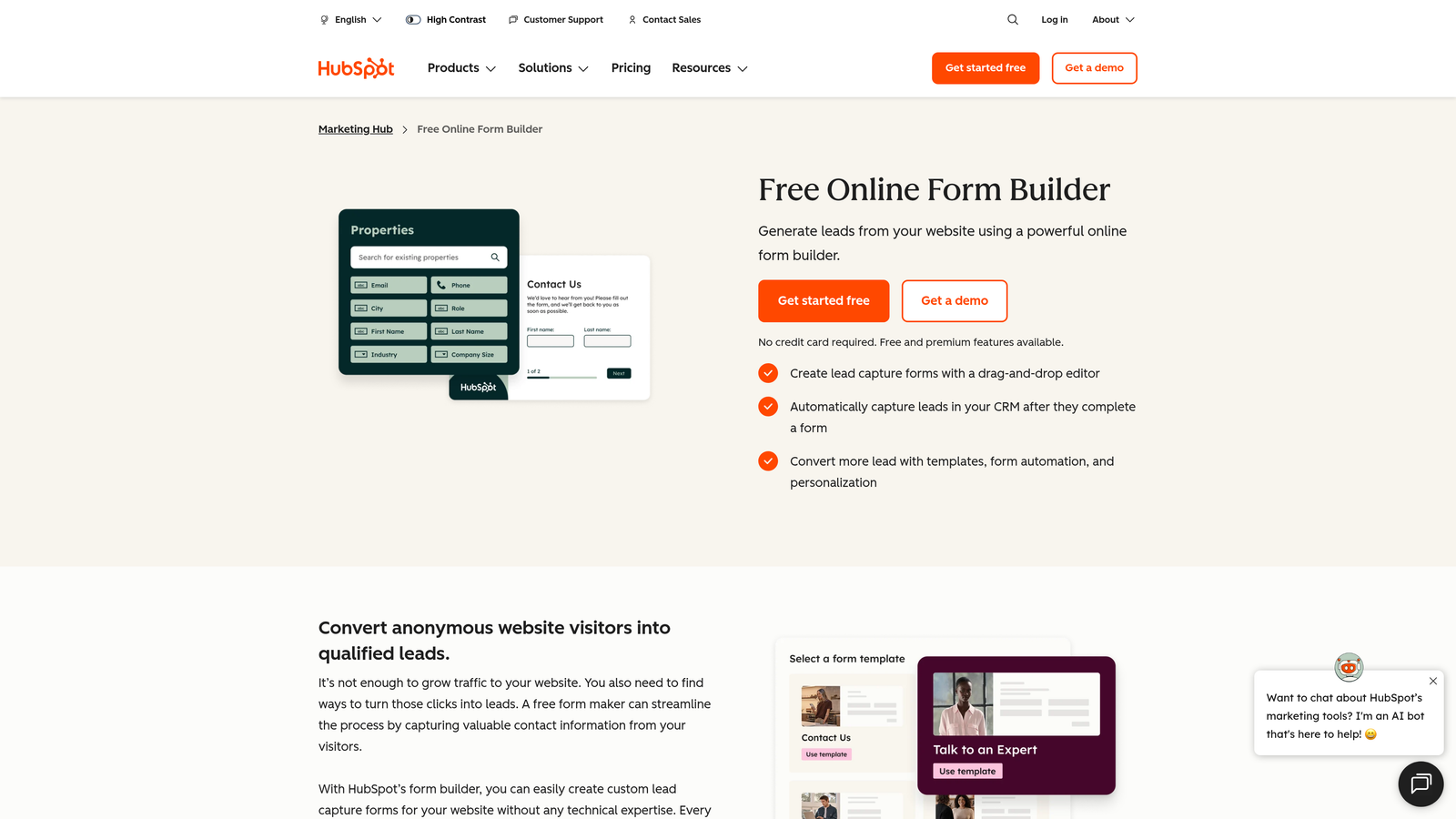
HubSpot Forms is a native form builder within the HubSpot ecosystem, offering direct contact capture and CRM sync with no middleware required.
Where This Tool Shines
If your team lives in HubSpot, this is the path of least resistance for form building. Every submission flows directly into your CRM contact database, triggers can be set immediately, and you're not relying on a third-party Zap or webhook to keep data in sync. That reliability matters when you're managing a high volume of inbound leads.
The smart fields feature is particularly useful for teams with an existing contact database. When a known contact fills out a form, HubSpot can suppress fields it already has data for, reducing friction and improving the experience for returning visitors.
Key Features
Direct CRM Sync: Submissions flow straight into HubSpot contacts with no integration layer needed.
Smart Fields: Auto-populate or hide fields for contacts already in your CRM database.
Form Placement Options: Embed forms on external pages or use standalone HubSpot-hosted landing pages.
Automated Follow-Up: Trigger email sequences, notifications, or workflow actions immediately on form submission.
A/B Testing: Available on higher Marketing Hub tiers for optimizing form performance over time.
Best For
HubSpot Forms is the obvious choice for companies already invested in the HubSpot platform. Its value drops significantly if you're not on HubSpot, since the form builder itself is fairly basic compared to dedicated SaaS alternatives.
Pricing
Free with any HubSpot CRM account. Advanced features like A/B testing require paid Marketing Hub plans, which scale based on contact volume and feature tier.
4. Jotform
Best for: Teams that need a versatile, template-rich form builder covering a wide range of use cases including payments and document collection.
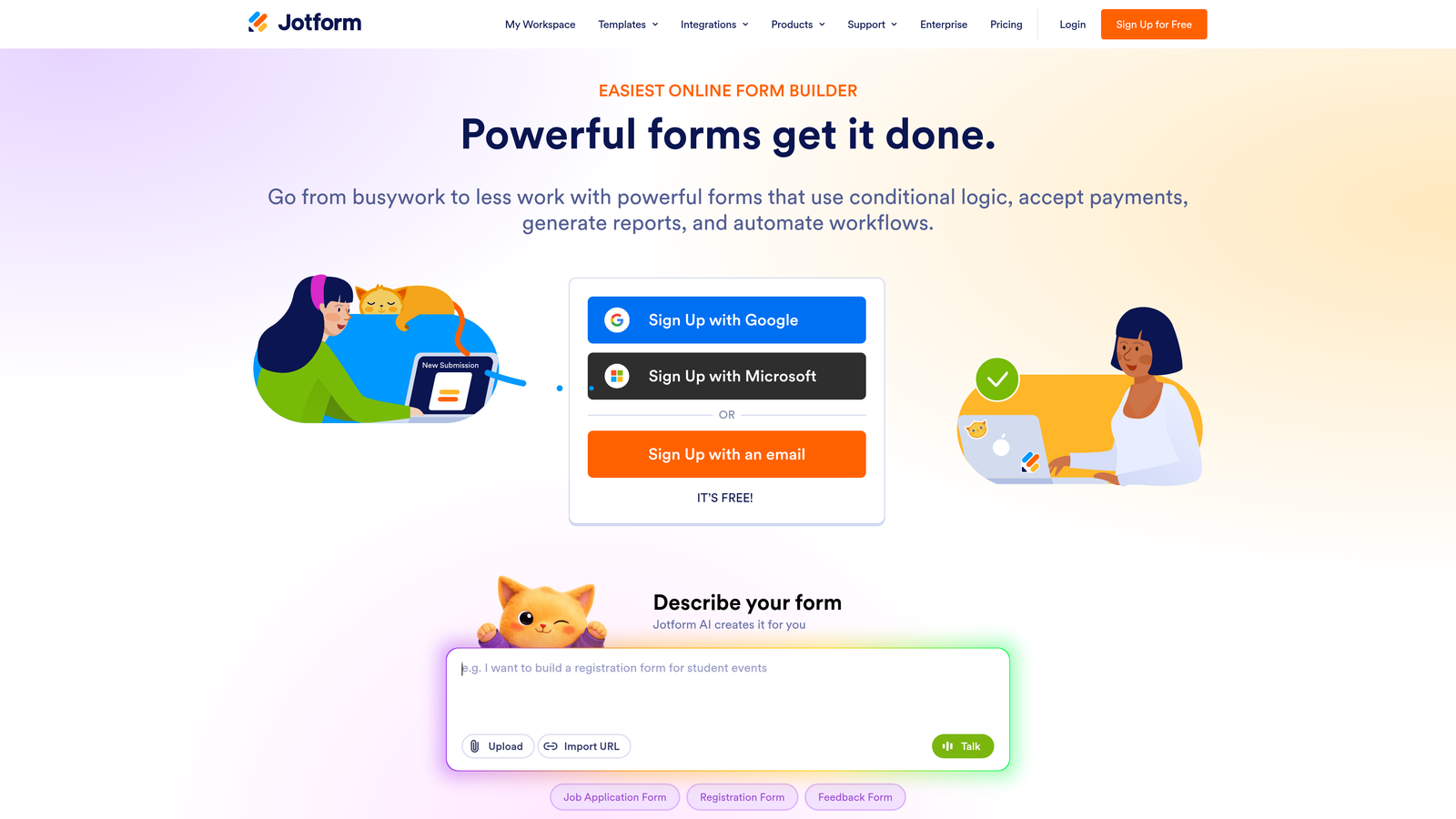
Jotform is one of the most feature-comprehensive form builders available, with a template library and integration ecosystem that covers virtually every industry and workflow.
Where This Tool Shines
Jotform's breadth is its biggest differentiator. Whether you need a simple contact form, a multi-step application, a payment collection form, or a document signing workflow, Jotform has a template and the underlying infrastructure to support it. The 10,000+ template library means most teams can find a starting point that's close to what they need.
The offline form capability via mobile app is a genuine advantage for field teams, events, or any situation where reliable internet access isn't guaranteed. That's a use case most SaaS-native competitors don't address well.
Key Features
Massive Template Library: Over 10,000 templates spanning healthcare, legal, e-commerce, education, and more.
Built-In Payment Processing: Native integrations with Stripe, PayPal, and Square for collecting payments directly through forms.
E-Signature Support: Collect legally binding signatures and documents without a separate tool.
Offline Mobile Forms: Submit form data without an internet connection via the Jotform mobile app.
Extensive Integration Library: Connects with hundreds of third-party apps across CRM, marketing, storage, and productivity categories.
Best For
Jotform suits teams with diverse form needs across multiple departments or use cases. It's particularly strong for organizations that need payment collection, document workflows, or offline data capture alongside standard lead generation forms.
Pricing
Free plan available with limited submissions and storage. Paid plans start around $34/month, scaling based on submission volume and storage needs.
5. Gravity Forms
Best for: WordPress developers and technical teams who need more power and extensibility than Ninja Forms provides within the WordPress environment.
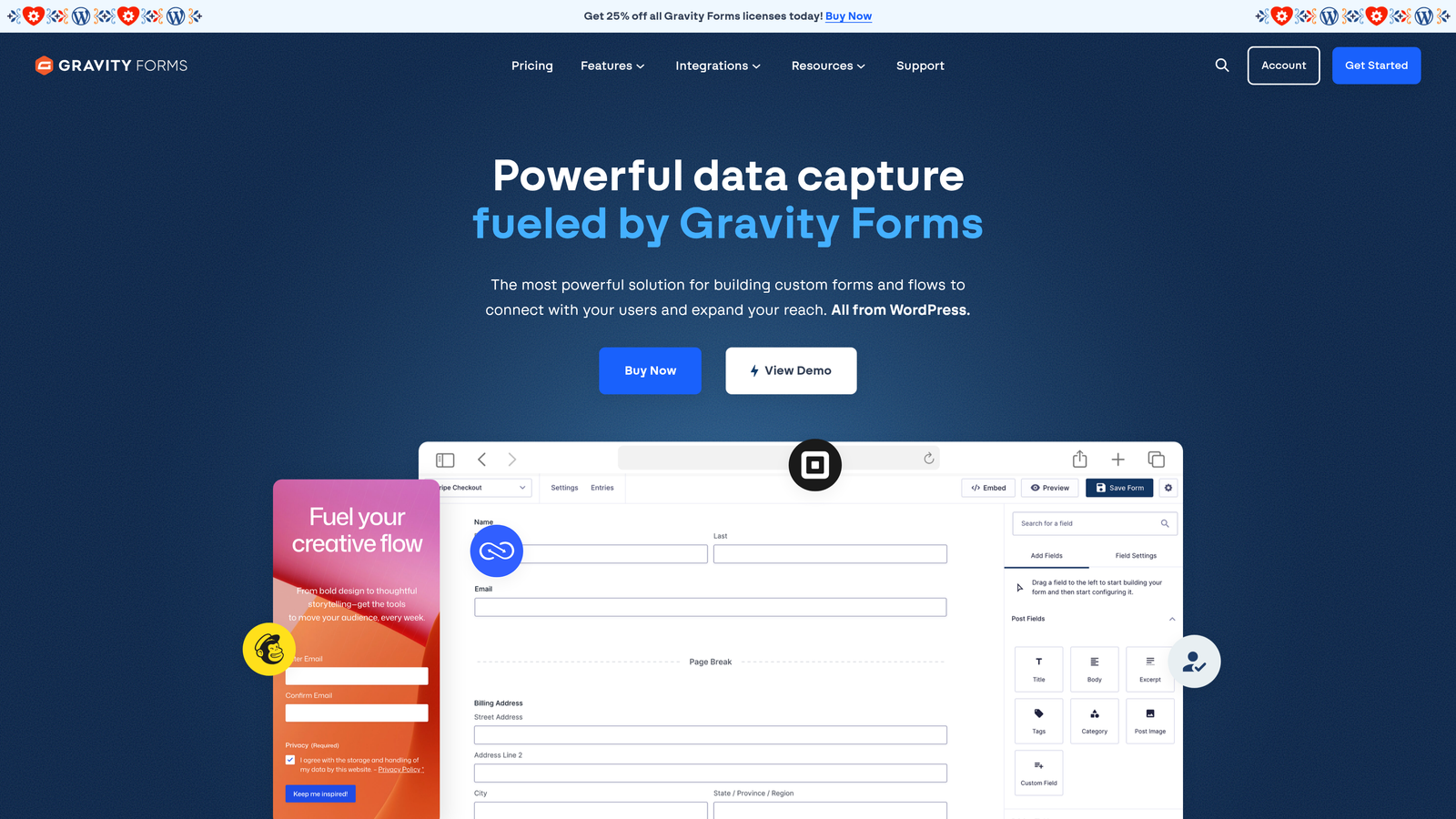
Gravity Forms is a WordPress-native form plugin with deep developer extensibility and a long-standing reputation as the most powerful form builder in the WordPress ecosystem.
Where This Tool Shines
If you're committed to WordPress and need a form builder that developers can truly extend, Gravity Forms is the benchmark. Its hooks, filters, and developer API give technical teams granular control over form behavior, data handling, and integrations in a way that Ninja Forms simply doesn't match.
The add-on ecosystem is extensive, covering payment gateways, CRM integrations, e-signatures, surveys, and more. For WordPress-centric organizations, this approach keeps everything within a familiar infrastructure without requiring a platform migration.
Key Features
Developer-Grade Extensibility: Extensive WordPress hooks and filters for custom form behavior and data handling.
Multi-Page Forms: Support for long forms with save-and-continue functionality to reduce abandonment.
Conditional Logic: Dynamic field visibility and population based on user inputs.
Add-On Ecosystem: Official and community add-ons for payments, CRMs, e-signatures, and specialized workflows.
Strong Community: Long-established plugin with extensive documentation, tutorials, and community support.
Best For
Gravity Forms is the right choice for WordPress-based businesses with technical resources who need maximum flexibility. It's less suitable for teams looking to move beyond WordPress or those who want SaaS-native capabilities like AI lead scoring or platform-agnostic deployment.
Pricing
Annual license model ranging from around $59/year (Basic) to $259/year (Elite), with the higher tiers unlocking priority support and advanced add-ons.
6. Tally
Best for: Startups and small teams that want a capable, free-first SaaS form builder without branding restrictions.
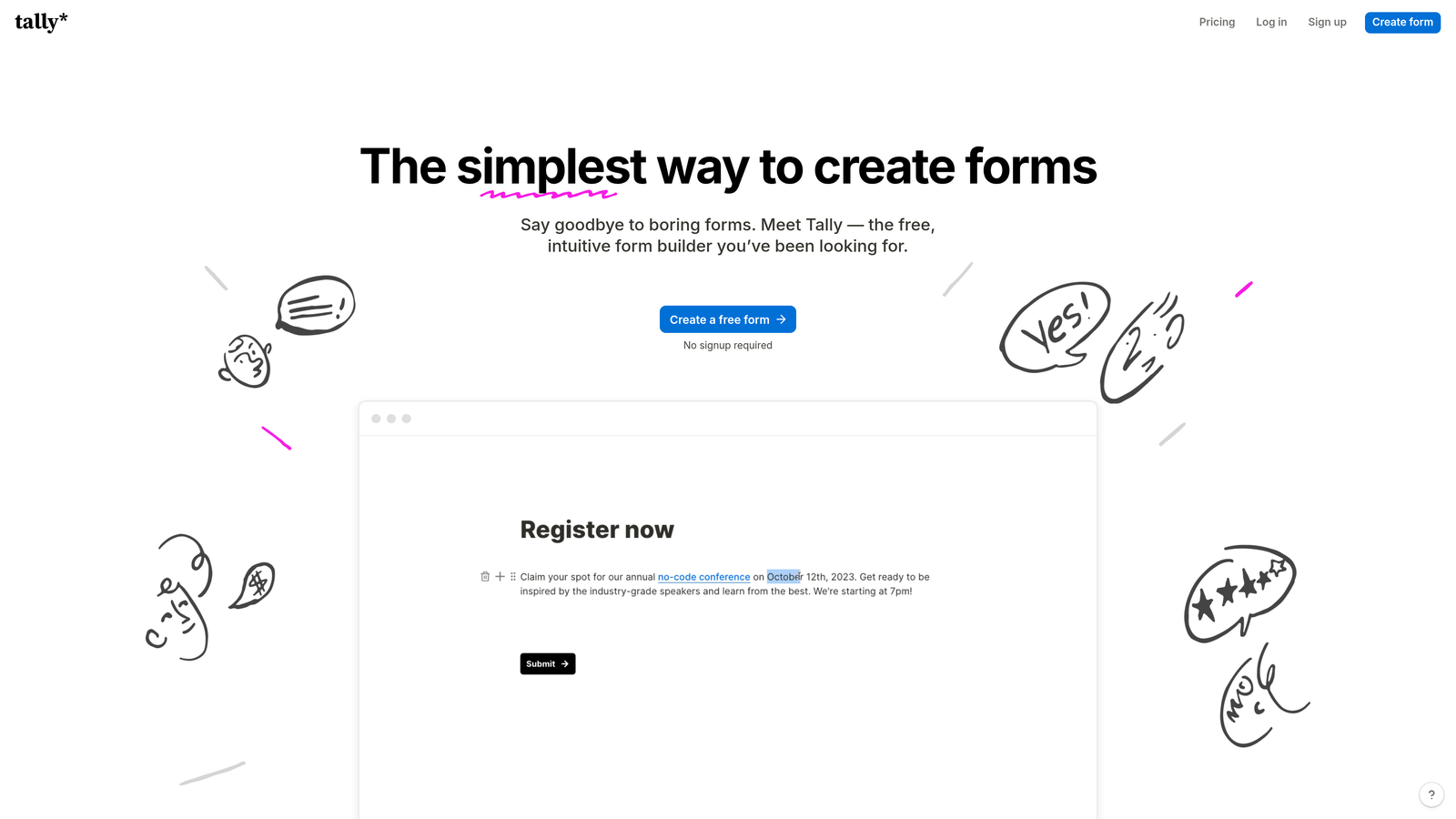
Tally is a free-first SaaS form builder with a Notion-like editing experience and an unusually generous free plan that includes unlimited forms and responses.
Where This Tool Shines
Tally's free plan is genuinely impressive. Unlike most form builders that lock key features or impose low submission limits behind a paywall, Tally lets you build unlimited forms and collect unlimited responses at no cost. The only real limitation on the free tier is Tally branding on your forms.
The block-based editor will feel immediately familiar to anyone who uses Notion. It's intuitive, flexible, and makes building forms feel more like composing a document than configuring a tool. This lowers the learning curve significantly for new users.
Key Features
Unlimited Free Forms and Responses: No artificial submission caps or form limits on the free plan.
Block-Based Editor: Notion-style editing experience that's fast to learn and easy to use.
Conversational Mode: Optional one-question-at-a-time display for a Typeform-like experience.
Conditional Logic: Logic jumps and branching to create personalized form paths.
Automation Integrations: Webhooks and Zapier support for connecting form submissions to your broader stack.
Best For
Tally is an excellent starting point for early-stage startups, indie makers, or small teams with budget constraints. It's less suited for enterprise teams or organizations that need advanced lead qualification, compliance features, or deep CRM integrations.
Pricing
Free plan is highly capable for most basic use cases. The Pro plan runs around $29/month and removes Tally branding while adding features like custom domains and priority support.
7. Formstack
Best for: Enterprise teams in regulated industries that need compliance-grade forms with workflow automation and document generation.
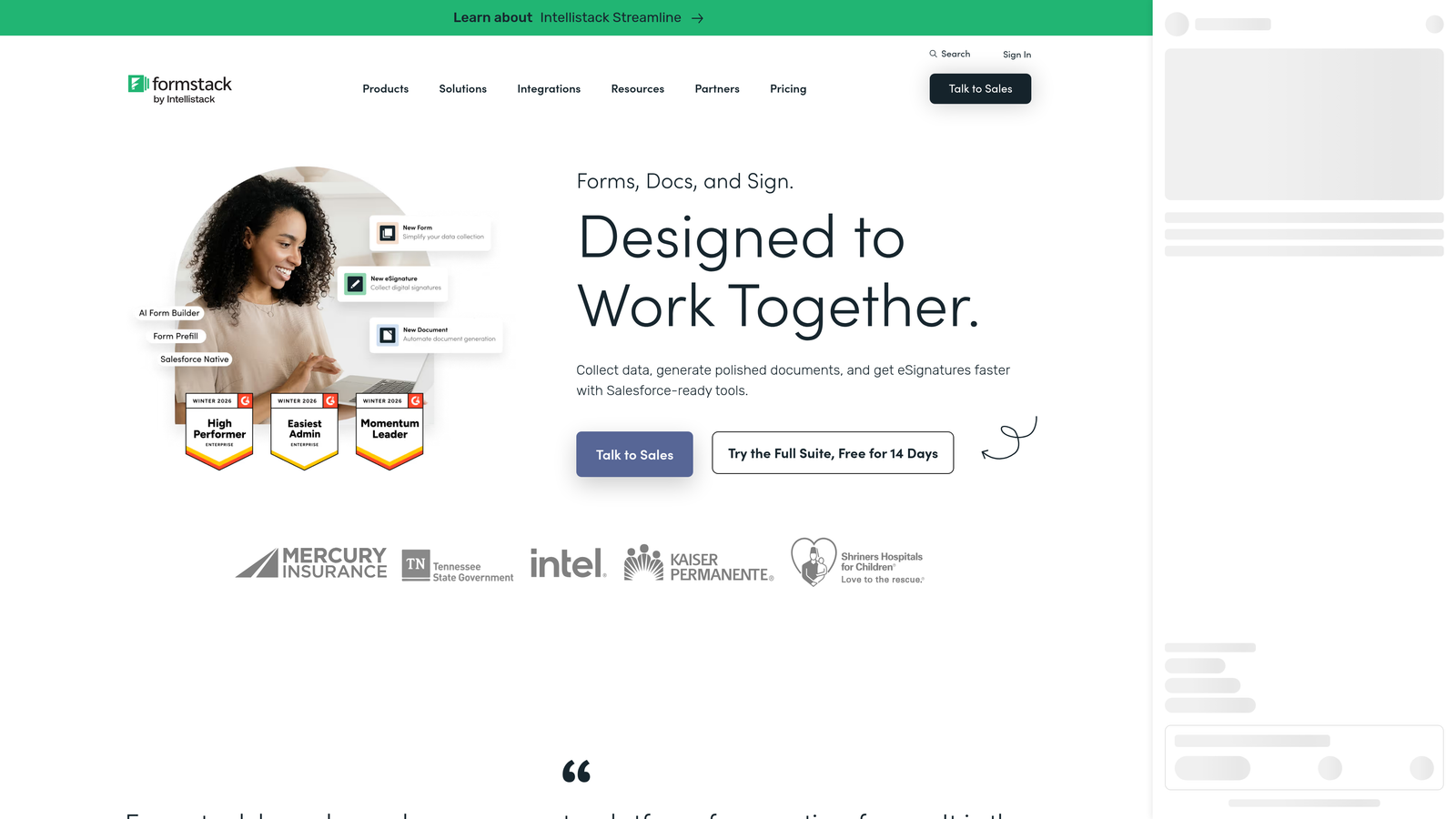
Formstack is an enterprise-grade form and workflow platform built for organizations where compliance, security, and process automation are non-negotiable requirements.
Where This Tool Shines
Formstack occupies a distinct position in the market: it's built for industries where data handling carries real regulatory weight. Healthcare organizations, financial services firms, and other regulated businesses can use Formstack's HIPAA-compliant forms and SOC 2 Type II certified infrastructure without needing to build custom compliance layers on top of a standard form tool.
The document generation and e-signature workflows are genuinely powerful. Rather than just collecting data, Formstack can use form submissions to automatically populate documents, route them for approval, and collect signatures, creating end-to-end process automation within a single platform.
Key Features
HIPAA Compliance: Purpose-built for healthcare and other regulated industries handling sensitive data.
Document Generation: Automatically populate documents from form submission data and trigger signature workflows.
Advanced Routing and Approvals: Multi-step approval workflows for form submissions requiring review before action.
Salesforce Native Integration: Deep, native Salesforce app for teams running enterprise CRM workflows.
SOC 2 Type II Certification: Enterprise-grade data security standards for organizations with strict compliance requirements.
Best For
Formstack is purpose-built for enterprise teams in healthcare, finance, legal, and other regulated sectors. It's overkill for most SaaS startups or growth teams focused purely on lead generation, but it's the right tool when compliance and workflow automation are the primary requirements.
Pricing
Plans typically start around $83/month, with enterprise pricing available for larger organizations. The cost reflects the compliance infrastructure and workflow capabilities included.
8. Paperform
Best for: Teams that want to create polished, standalone form pages that blend rich content with interactive form fields.
Paperform is a hybrid form-and-landing-page builder with a freeform editor that lets you mix text, images, video, and form fields on a single, beautifully designed page.
Where This Tool Shines
Paperform's key differentiator is the freeform editing experience. Unlike traditional form builders that treat the form as a separate widget, Paperform lets you build a full page where form fields are woven naturally into the content. Think of it as a landing page builder and form tool merged into one, which is particularly effective for applications, bookings, or any scenario where context and persuasion matter as much as the form itself.
The built-in payment and booking capabilities make it a practical all-in-one tool for service businesses, consultants, and anyone selling directly through a form page without needing a separate checkout or scheduling tool.
Key Features
Freeform Page Editor: Mix rich content (text, images, video) with form fields on a single, cohesive page.
Payment and Booking: Built-in payment processing and appointment scheduling without third-party tools.
Calculation Fields: Dynamic fields that compute values based on user inputs, useful for quotes and pricing forms.
Custom Domain Support: Host form pages on your own domain for a fully branded experience.
200+ Integrations: Native connectors and Zapier support for connecting to your existing marketing and CRM stack.
Best For
Paperform works well for service businesses, agencies, and teams that need standalone form pages with a high degree of design control. It's particularly strong for intake forms, applications, bookings, and any scenario where the form page needs to do some selling before the submission happens.
Pricing
Plans start around $24/month on the Essentials tier, with higher plans adding more submissions, custom domains, and priority support.
9. WPForms
Best for: Small businesses on WordPress looking for the most beginner-friendly Ninja Forms alternative without leaving the WordPress ecosystem.
WPForms is a WordPress form plugin widely regarded as the easiest-to-use option in the WordPress ecosystem, with an emphasis on simplicity, documentation, and support.
Where This Tool Shines
WPForms has built its reputation on being the form builder that doesn't require a learning curve. The drag-and-drop interface is genuinely intuitive, and the template library covers the most common use cases out of the box. For small business owners managing their own WordPress site without a developer on hand, this matters a lot.
The spam protection is notably strong, with support for hCaptcha, reCAPTCHA, and custom CAPTCHA options built in. For small business sites that deal with form spam, this can save meaningful time and reduce noise in your inbox or CRM.
Key Features
Drag-and-Drop Builder: Intuitive interface with pre-built templates for contact, payment, registration, and survey forms.
Smart Conditional Logic: Show or hide fields based on user selections without writing any code.
Spam Protection: Built-in support for hCaptcha, reCAPTCHA, and custom CAPTCHA to filter bot submissions.
Email Marketing Integrations: Direct connections to Mailchimp, AWeber, Constant Contact, and similar platforms.
Documentation and Support: Extensive knowledge base and responsive customer support, particularly valuable for non-technical users.
Best For
WPForms is the natural Ninja Forms replacement for small business WordPress sites that prioritize ease of use and reliable support over advanced features. It's not designed for high-growth teams needing AI qualification or SaaS-native capabilities, but for its target audience, it delivers exactly what's needed.
Pricing
Basic license starts around $49.50/year; the Pro plan runs around $199.50/year with access to advanced addons and integrations.
Which Tool Is Right for Your Team?
The right choice depends heavily on your infrastructure, team size, and what you actually need forms to do for your business.
If you're still on WordPress and just need a better version of Ninja Forms, Gravity Forms is the power upgrade for technical teams, while WPForms is the easier, more accessible option for small businesses.
For teams that have moved beyond WordPress or are building on a multi-platform stack, the SaaS-native options offer meaningfully more flexibility. Typeform excels when completion rate and conversational UX are the priority. Tally is the best free-first option for budget-conscious teams. Jotform covers the widest range of use cases. Paperform shines for standalone form pages that need to do some convincing before the submit button. HubSpot Forms is the obvious choice if you're already running HubSpot. And Formstack is built for regulated industries where compliance comes first.
But if your team's core goal is lead generation and conversion optimization, and you want AI-powered qualification built into the form itself rather than bolted on afterward, Orbit AI is the tool designed specifically for that problem. It treats your form as a pipeline asset, not just a data collection widget, which is exactly the mindset high-growth teams need in 2026.
Transform your lead generation with AI-powered forms that qualify prospects automatically while delivering the modern, conversion-optimized experience your high-growth team needs. Start building free forms today and see how intelligent form design can elevate your conversion strategy.


