Referral marketing is one of the most powerful channels for generating high-quality leads, yet it's often underutilized. The reason frequently comes down to execution, specifically the point of capture: the referral form. A poorly designed form creates friction, discouraging advocates from submitting valuable contacts and ultimately stalling your growth engine. This guide is built to solve that problem by providing a comprehensive resource on the best referral forms template solutions available. We move beyond generic lists to offer a strategic breakdown of tools that can transform your referral program from a passive idea into an automated lead-generation machine.
This resource is designed for growth marketers, sales leaders, and operations teams who need more than just a template. You need a solution that works. For each platform and template collection listed, we provide clear screenshots, direct links, and practical analysis. We will cover specific use cases, from B2B partner and employee referral programs to B2C customer advocacy campaigns. You will learn not just what the template looks like, but how to optimize it for maximum conversions.
We'll dive into conversion-focused copy tweaks, user experience (UX) enhancements, and crucial implementation tips, such as embedding forms on your site, autofilling known data, and ensuring GDPR compliance. Furthermore, we’ll explore integration possibilities with your existing tech stack, including CRMs and automation platforms, to ensure every referral is tracked and actioned efficiently. This list will equip you with the tools and knowledge needed to find, build, and deploy the perfect referral form for your specific needs.
1. Orbit AI: AI-Powered Templates for High-Converting Referral Flows
Orbit AI stands out as a powerful, comprehensive solution for teams looking to move beyond basic referral forms. It combines an extensive library of professionally designed templates with a sophisticated AI engine, transforming a simple submission into an enriched, qualified, and sales-ready lead. This platform is an excellent choice for businesses that need not only a high-quality referral forms template but also an intelligent system to manage the entire lead lifecycle that follows.
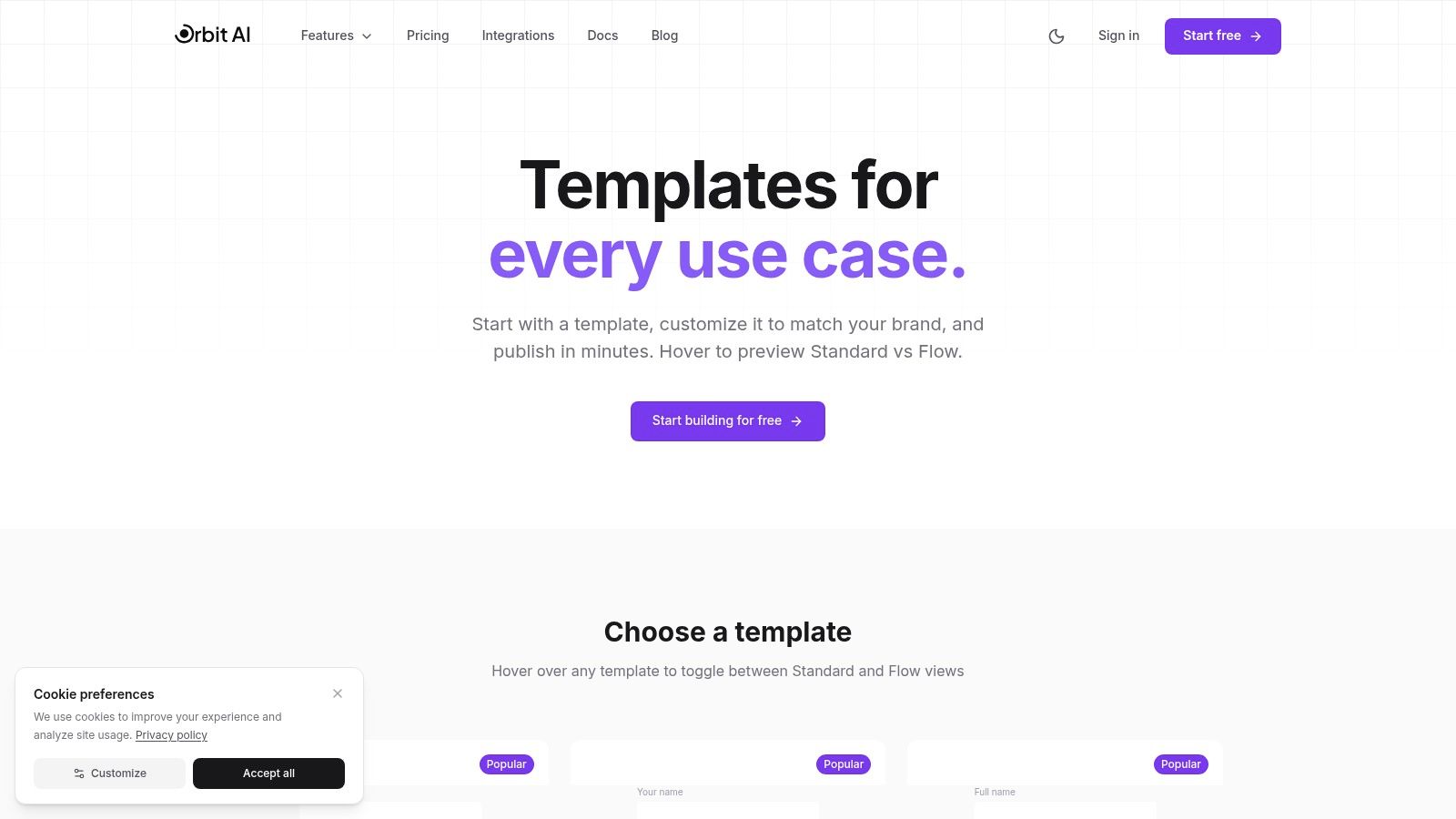
The platform's template gallery is immediately impressive. It’s organized by specific use cases, allowing you to find a relevant starting point quickly. Each template features a hover preview and a one-click option to start customizing in the visual builder, which significantly cuts down on initial setup time. This user-friendly approach empowers marketing and sales teams to launch sophisticated referral programs without requiring developer resources or starting from a blank slate.
Key Features and Strategic Advantages
Orbit AI’s real power lies in what happens after a referral is submitted. The integrated AI SDR automatically enriches each submission with firmographic and contact data, qualifies the lead against your ideal customer profile (ICP), and applies smart scoring to prioritize the most promising opportunities for your sales team. This automation ensures that high-value referrals receive immediate attention, dramatically improving response times and conversion rates.
Furthermore, the platform is built for performance and integration. With real-time analytics, you can monitor drop-off points and optimize your forms for better completion rates. Orbit AI connects with over 50 tools, including major CRMs like Salesforce and HubSpot, enabling seamless lead routing and workflow automation. For teams focused on creating high-performing lead capture systems, understanding these principles is key; you can gain deeper insights by reviewing their guide on web form design best practices.
Use Cases and Implementation
- For Sales Teams: Deploy a partner referral form that automatically scores and routes new leads to the correct account executive based on territory or industry, complete with enriched data in your CRM.
- For Marketing Teams: Create a customer referral campaign form with conditional logic that offers different rewards based on the quality of the referred lead.
- For HR/Operations: Implement an employee referral form that integrates with your applicant tracking system (ATS) to streamline the hiring pipeline.
Pricing and Access
Orbit AI offers a 7-day free trial, so you can start building and testing templates immediately. That makes it a low-risk way to evaluate its core functionalities. More advanced features, such as the AI SDR at scale, deep integrations, and enterprise-grade security controls, are available on paid plans. While complex workflows still require thoughtful configuration, the templates provide an exceptional foundation, making Orbit AI a top-tier choice for any organization serious about optimizing its referral program.
Website: https://orbitforms.ai/templates
2. Typeform
Typeform is a popular form builder celebrated for its conversational, "one question at a time" user experience. It excels at creating engaging, mobile-first forms that feel more like a friendly chat than a tedious questionnaire, a quality that can significantly boost completion rates for your referral program. Their platform offers several pre-built referral forms template options, including specific ones for client and sales referrals, allowing you to launch quickly.
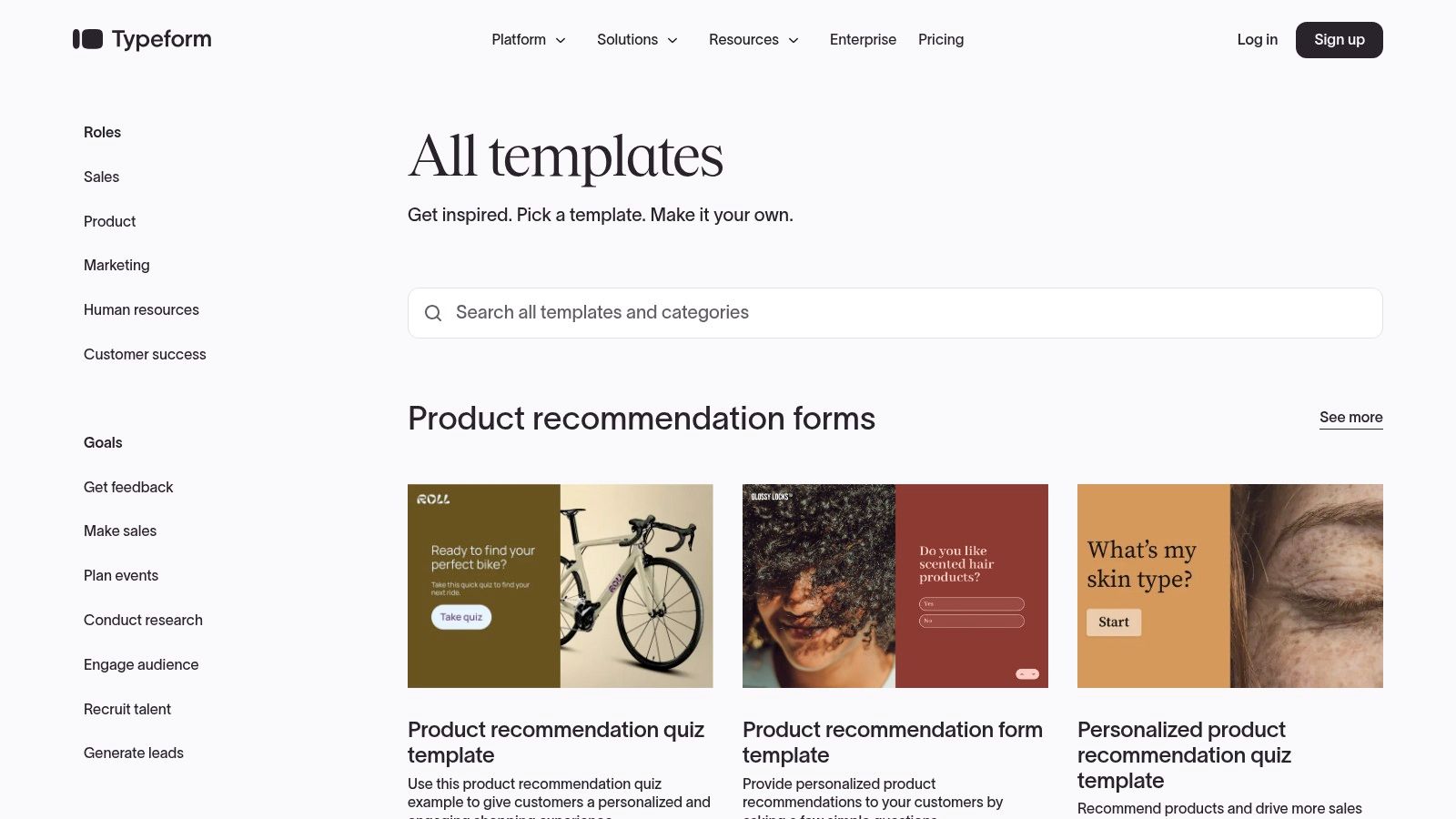
The primary advantage of Typeform is its focus on user experience. The modern, clean interface makes submitting a referral less intimidating, which is crucial for encouraging participation. It stands out with powerful conditional logic, allowing you to personalize the form flow based on a user's answers, creating a more relevant and streamlined process for both the referrer and the referred contact.
Key Features & Use Cases
- Conversational Flow: Ideal for B2C customer referral programs where a friendly, less formal tone improves engagement.
- Conditional Logic ("Logic Jumps"): Customize the form for different referral types. For example, you can ask for different details if the referral is for a specific department versus a general one.
- Extensive Integrations: With over 300 integrations, including HubSpot, Slack, and Zapier, you can automatically route referral data into your CRM, notify sales teams, and trigger follow-up sequences without manual effort.
Implementation Tip: Embed your Typeform directly onto a dedicated referral landing page. Use the "Hidden Fields" feature to pre-fill the referrer's name and email, reducing friction and making it even easier for them to submit a new lead.
While Typeform's free plan is useful for testing, you'll need a paid plan to access advanced features and handle a higher volume of submissions. If you're looking for different features or pricing structures, exploring various Typeform alternatives can help you find the perfect fit for your specific needs.
- Pros: High completion rates due to excellent UX, strong integration ecosystem, beautiful and customizable templates.
- Cons: Advanced features require paid plans, per-response limits on lower tiers can be restrictive for high-growth programs.
Website: https://www.typeform.com/templates/
3. Jotform
Jotform is a versatile form builder known for its extensive template library, which features a vast collection of referral forms template options for nearly any industry. From patient and physician referrals to general B2B lead programs, Jotform's strength lies in providing a ready-to-use foundation that can be customized quickly with its intuitive drag-and-drop editor. This makes it an excellent choice for teams that need to deploy multiple types of referral forms without a steep learning curve.
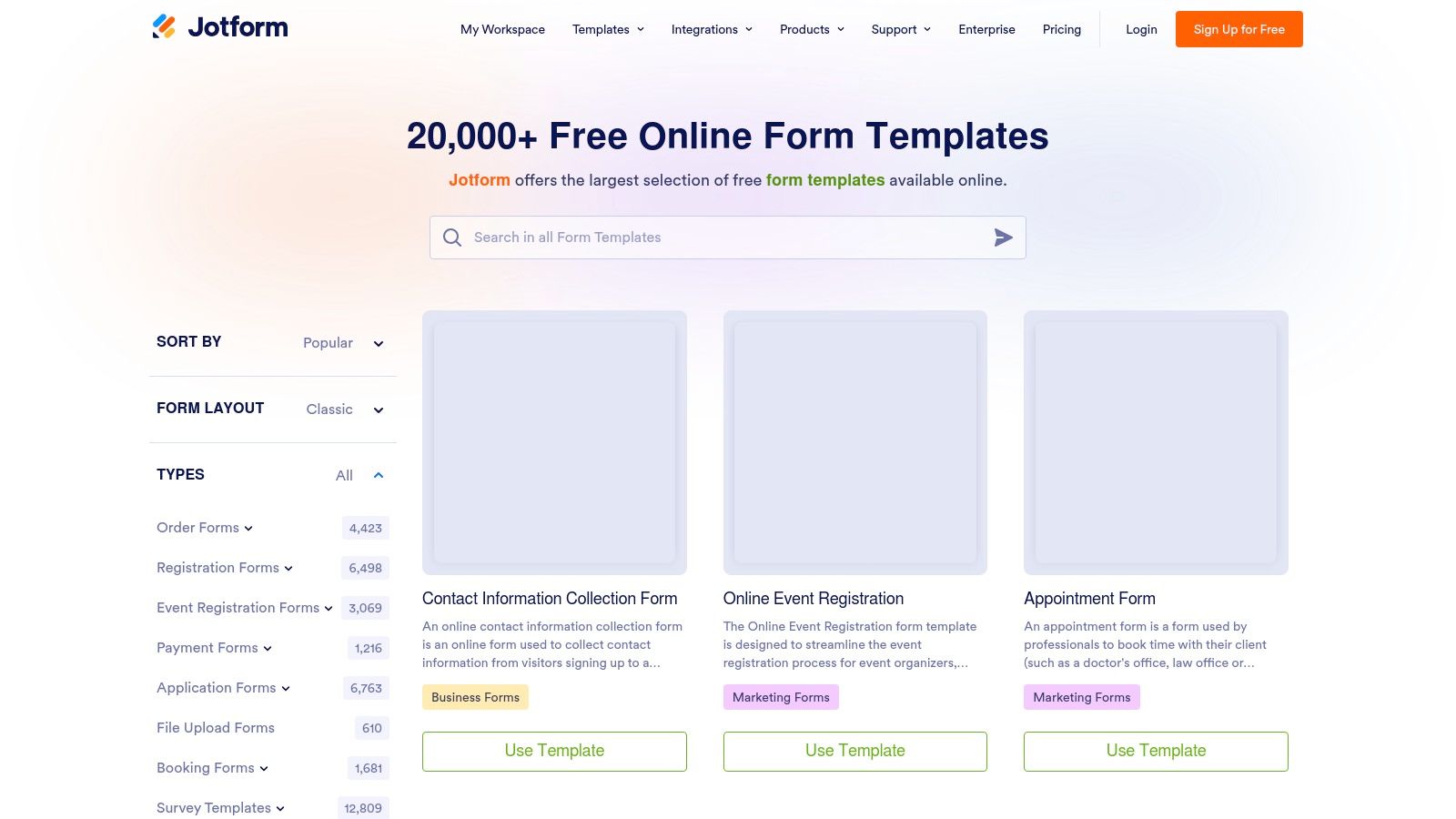
The platform stands out by offering specialized features, such as HIPAA-compliant forms on eligible paid plans, making it a go-to for healthcare, legal, and other regulated sectors. Its robust functionality allows you to not only collect referral data but also manage it effectively through PDF downloads, a dedicated mobile app for submissions on the go, and powerful conditional logic to create dynamic, responsive forms.
Key Features & Use Cases
- Industry-Specific Templates: Ideal for specialized programs, such as patient-to-physician referrals, real estate client referrals, or B2B partner submissions, where specific data fields are required.
- HIPAA Compliance: A critical feature for healthcare organizations needing to manage sensitive patient information securely within their referral intake process.
- Robust Integrations: Connects with over 100 popular tools like Google Sheets, Dropbox, and various CRMs to automatically create records and trigger follow-up actions. For those seeking deeper process automation, exploring a form builder with workflow automation can further streamline your referral management.
Implementation Tip: Use Jotform’s "Assign Form" feature to send a referral form directly to trusted partners or super-advocates. You can track their submissions separately, which is perfect for managing tiered or commission-based partner referral programs.
Jotform offers a generous free plan, but accessing key features like HIPAA compliance and removing branding requires a paid subscription. The sheer number of features in the builder can sometimes feel overwhelming for new users seeking a simpler interface.
- Pros: Massive library of pre-built templates across many niches, strong security features for regulated industries, easy drag-and-drop customization.
- Cons: The interface can be cluttered with options, key features like HIPAA compliance are locked behind higher-priced plans.
Website: https://www.jotform.com/form-templates/
4. Formstack
Formstack is an enterprise-grade form builder that excels in regulated industries, particularly healthcare and finance. It provides a secure and compliant solution for capturing sensitive referral data, offering specialized templates for employee, patient, and client referrals. Its platform is built around robust security, workflow automation, and data routing, making it a top choice for organizations that need to manage protected health information (PHI) or require complex internal approval processes for referrals.
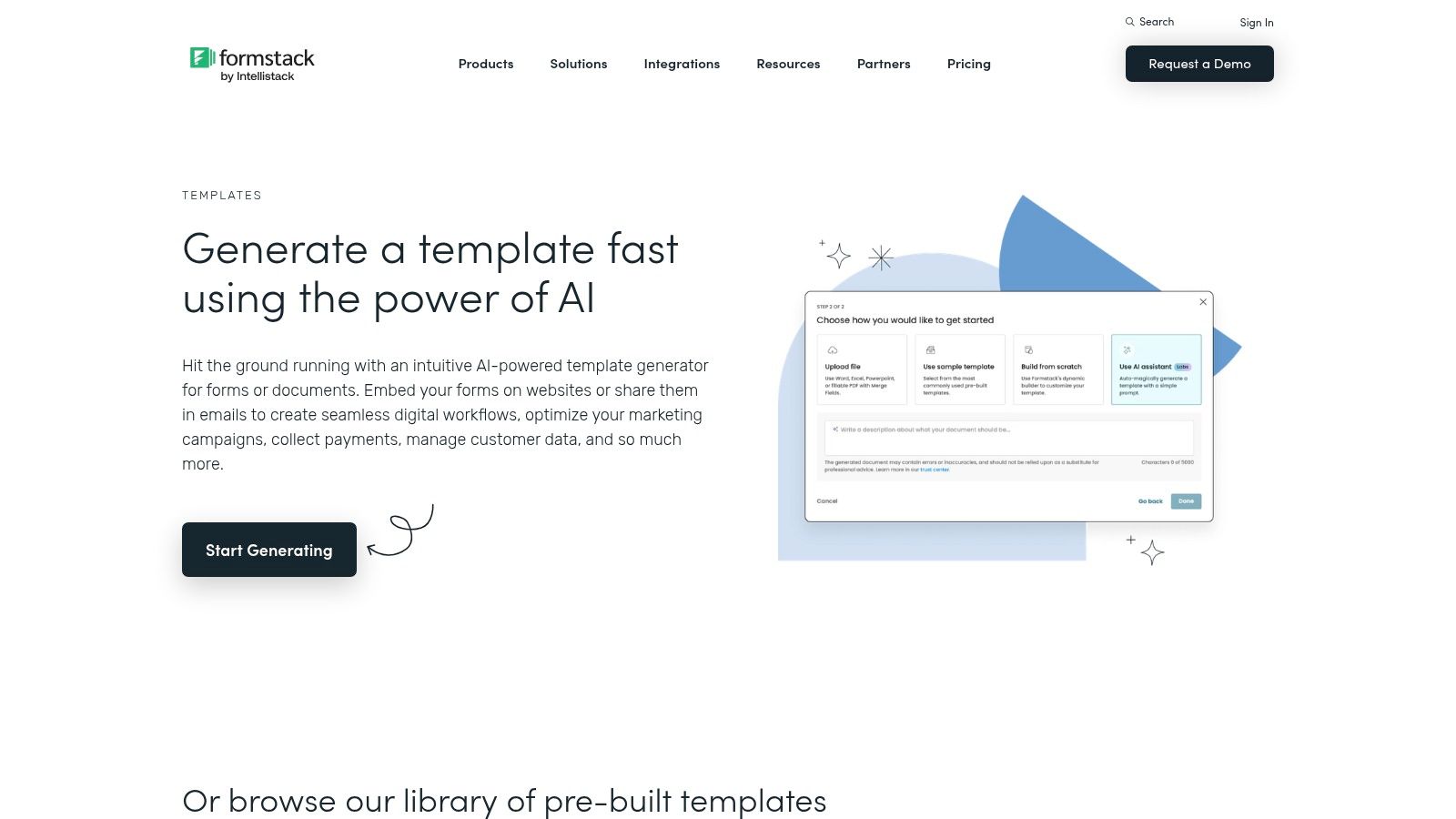
The key differentiator for Formstack is its emphasis on compliance and security. With features like HIPAA-compliant forms and eSignature capabilities, it addresses needs that many other form builders cannot. This makes it an ideal referral forms template provider for medical practices, legal firms, and large corporations where data integrity and audit trails are non-negotiable. The platform’s workflow tools allow referrals to be automatically routed to the correct department or individual for review and approval.
Key Features & Use Cases
- HIPAA-Friendly Options: Essential for healthcare organizations creating patient or doctor referral forms, ensuring all data is encrypted and handled according to strict U.S. health privacy laws.
- eSignature Capture: Perfect for partner or affiliate referral programs where a formal agreement or consent is needed directly within the referral submission form.
- Conditional Logic & Data Routing: Automate complex internal employee referral workflows by routing submissions to different HR managers or department heads based on the job role being referred.
- Secure Data Exports: Connect with EHR/CRM systems or export referral data as secure CSV or PDF files for compliant record-keeping and analysis.
Implementation Tip: Use Formstack’s approval workflows to create a multi-step verification process for high-value B2B sales referrals. You can set up rules so that a referral is first reviewed by a sales manager before it is assigned to a sales representative in your CRM.
While Formstack offers a 14-day trial to test its capabilities, ongoing access requires a paid subscription. Its feature set can be more complex to set up compared to simpler tools, reflecting its enterprise focus.
- Pros: Highly suited to regulated industries, robust workflow and approval features for internal referrals, templates optimized for clinical and PHI workflows.
- Cons: Ongoing use requires a paid plan after a 14-day trial, can be more complex to configure than lightweight form tools.
Website: https://www.formstack.com/templates/
5. 123FormBuilder
123FormBuilder stands out with its extensive, searchable gallery of over 50 distinct referral form templates. The platform caters to a wide range of needs, from standard customer refer-a-friend programs to highly specific use cases like employee referrals for HR, B2B partner submissions, and even healthcare or medical self-referrals. This breadth makes it a practical choice for organizations that need different types of referral forms across multiple departments.
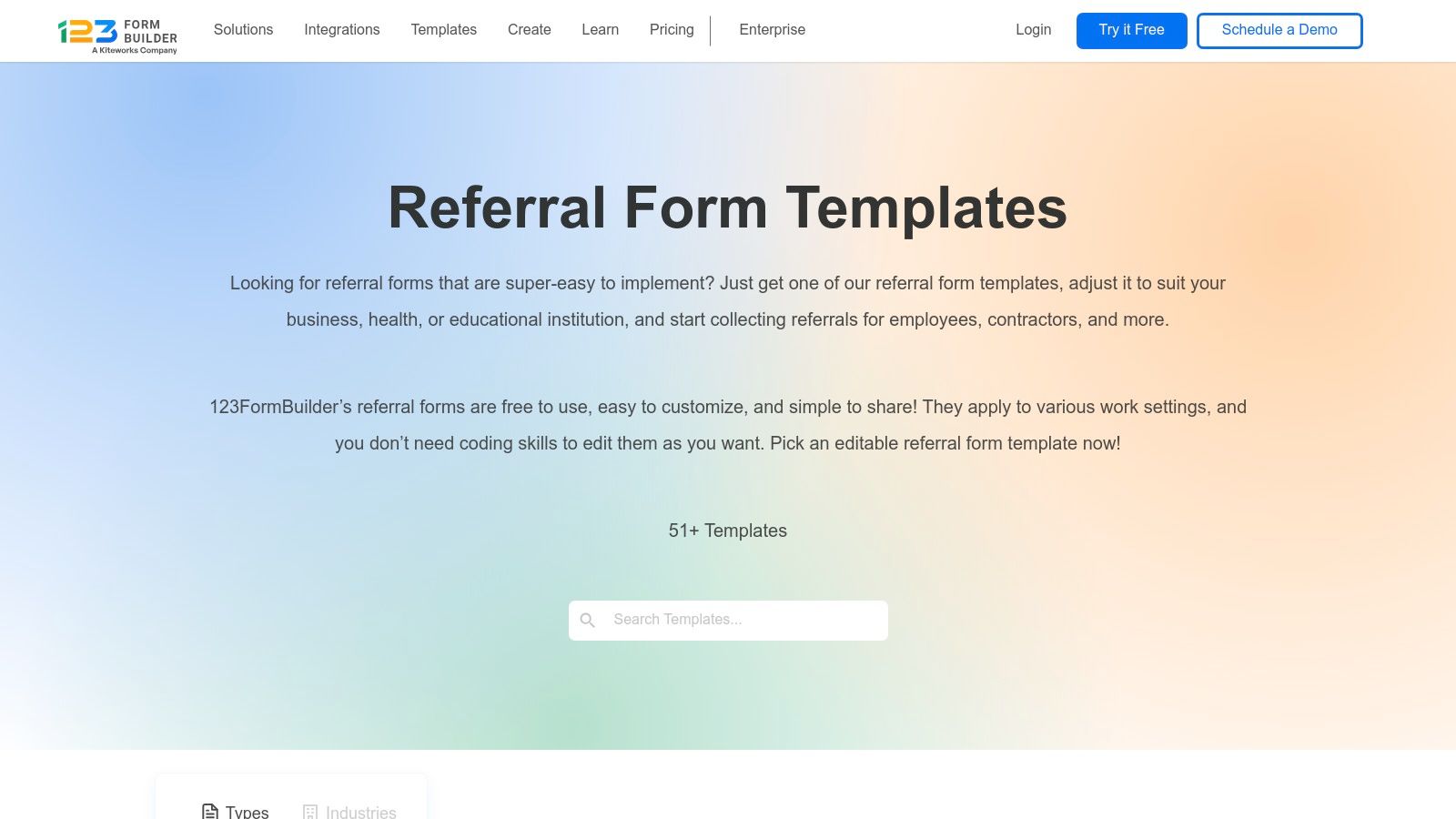
The primary advantage of 123FormBuilder is its straightforward, no-nonsense approach to form creation. Its drag-and-drop editor allows for quick customization of any referral forms template without requiring technical skills. A significant benefit is that many of these templates are usable on the free plan, making it an accessible starting point for small businesses or teams looking to test a referral program before committing to a paid tool.
Key Features & Use Cases
- Extensive Template Gallery: Perfect for businesses needing multiple, department-specific referral forms, such as an HR employee referral form and a separate one for sales partner submissions.
- Drag-and-Drop Customization: Easily add or remove fields, apply custom branding, and adjust the layout to match your website's look and feel.
- Core Integrations: The platform connects with essential tools like Google Drive for data storage and offers other integrations to help automate the initial stages of your referral workflow.
Implementation Tip: Use their specific "Refer a Friend" template as a baseline. Customize the thank you page to provide clear instructions on the next steps and confirm that the referral has been successfully received, which helps manage referrer expectations.
While the free plan is generous, removing 123FormBuilder branding and accessing more advanced features or integrations will require upgrading to a paid plan.
- Pros: Large and diverse, searchable template gallery; many templates are available on the free tier; strong focus on specific verticals like HR and healthcare.
- Cons: Advanced integrations and branding removal are gated behind paid plans; the user interface is more functional than visually polished compared to competitors.
Website: https://www.123formbuilder.com/free-form-templates/gallery-referral-forms/
6. Cognito Forms
Cognito Forms is a powerful form builder that strikes a balance between user-friendliness and advanced functionality. It’s particularly well-suited for businesses that need more than a basic contact form, offering robust features like calculations and repeating sections. Their library includes several pre-built referral form template options, such as client and even niche veterinary referral forms, providing a solid starting point for various industries.
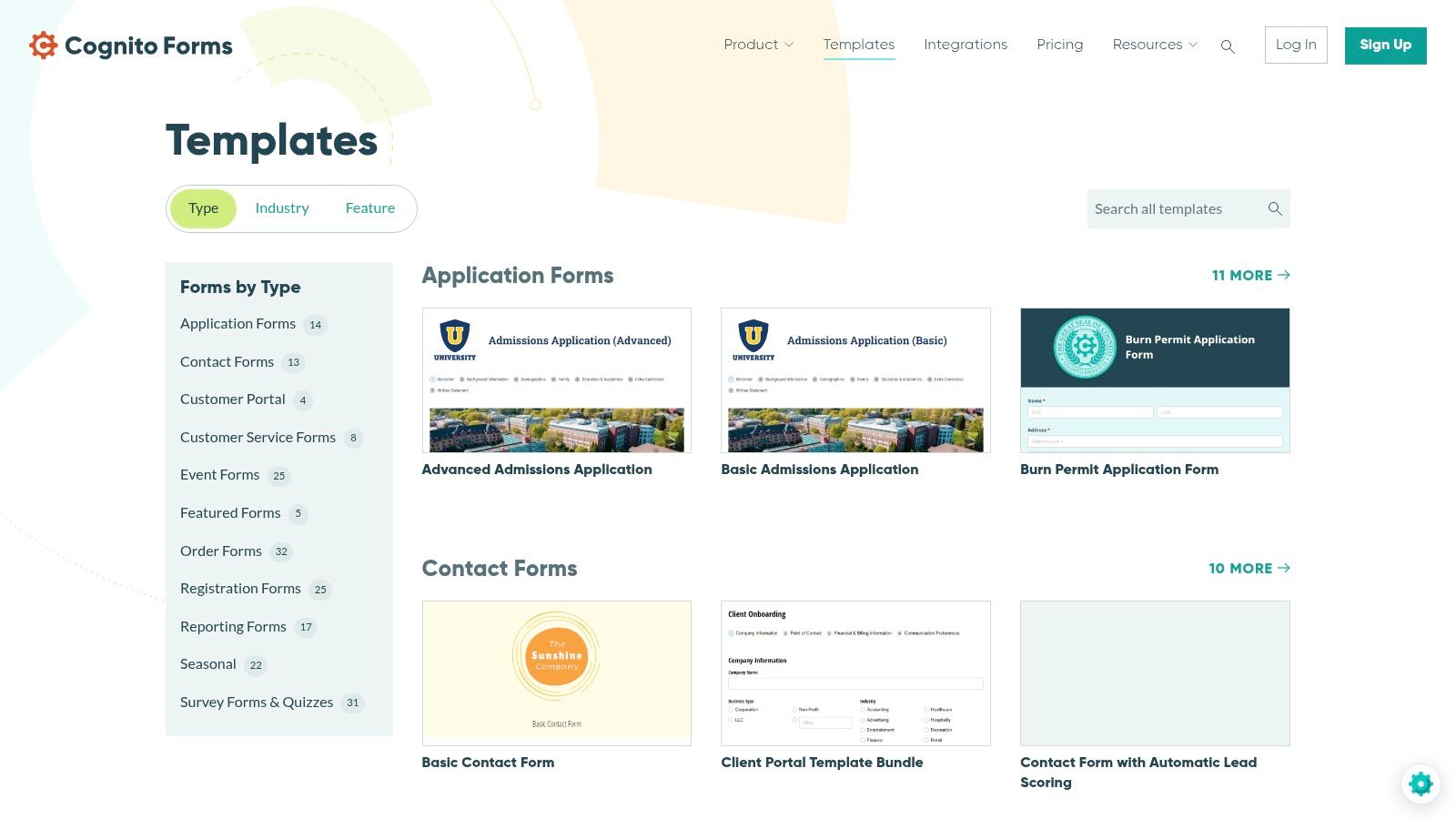
The primary advantage of Cognito Forms lies in its ability to handle complex data collection without requiring coding knowledge. Features like repeating tables are a standout, allowing a single referrer to submit multiple contacts in one go. This is ideal for partner programs or employee referral drives where individuals might have several high-quality leads to share at once. Its conditional logic is also powerful, ensuring the form adapts to show only relevant fields.
Key Features & Use Cases
- Repeating Sections: Perfect for B2B partner referrals or internal employee programs where one person might refer multiple candidates or clients simultaneously.
- Calculations: Automatically calculate potential commissions or referral bonuses directly on the form, adding transparency for the referrer.
- File Uploads: Useful for programs that require supporting documents, such as a resume for an employee referral or a project brief for a client referral.
- Embeddable Forms: Easily integrate your referral form into any page on your website, creating a seamless experience for your audience.
Implementation Tip: Utilize the conditional logic to create a dynamic form. For instance, you can display different fields or instructions based on the type of service the referred person is interested in, helping you pre-qualify leads directly from the submission.
While Cognito Forms offers a generous free tier, removing their branding and accessing more advanced features requires a paid subscription. For businesses focused on optimizing their intake process, it’s a strong contender, and many of its principles align with creating a high-converting lead capture form.
- Pros: Solid free tier for getting started, handles complex data collection easily, excellent for nuanced referral workflows.
- Cons: Branding removal requires a paid plan, fewer native marketing integrations compared to some alternatives.
Website: https://www.cognitoforms.com/templates/
7. Wufoo
Wufoo is one of the original online form builders, known for its straightforward and reliable approach to data collection. It offers a template gallery that includes several useful starting points, such as a Gym Membership Referral Form, which can be easily adapted for other industries. Its classic drag-and-drop builder allows marketing and sales teams to create and deploy a simple referral form template in minutes, making it a dependable choice for straightforward referral capture without a steep learning curve.
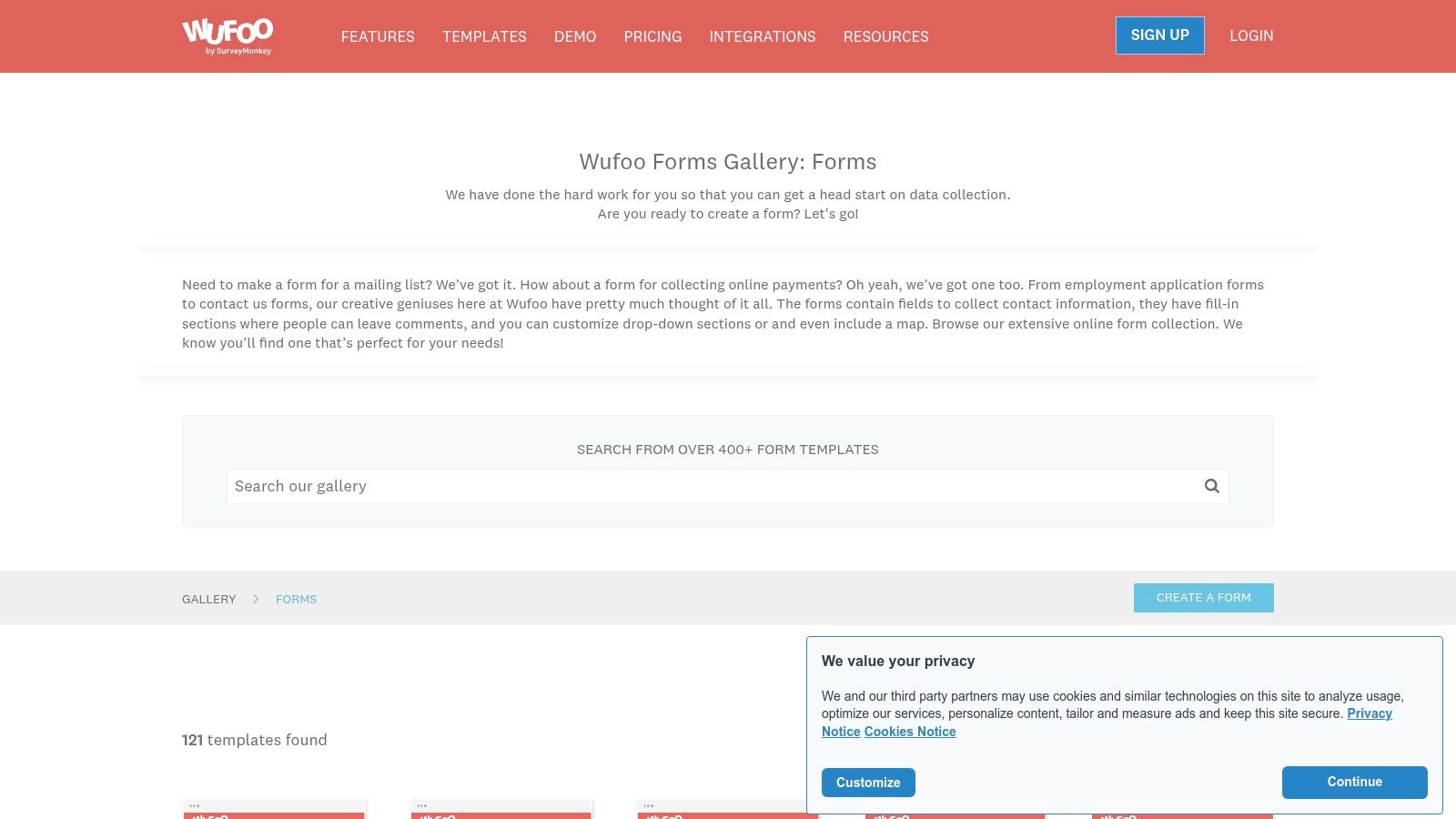
The primary advantage of Wufoo is its speed and simplicity. For businesses that need a functional referral form live quickly without complex logic or aesthetic flourishes, Wufoo delivers. It handles the basics exceptionally well, providing clean data exports and reliable notifications. While it may not have the conversational feel of newer tools, its no-nonsense interface is perfect for internal employee referral programs or B2B partner portals where utility trumps design.
Key Features & Use Cases
- Simple Drag-and-Drop Builder: Ideal for small businesses or teams needing a quick, functional referral form without extensive design or development resources.
- Template Gallery and Themes: Quickly customize the look and feel to match your brand basics, ensuring a consistent user experience on your referral landing page.
- Reports and Data Exports: Easily analyze submission data or export it to a CSV for manual import into your CRM or tracking spreadsheet.
- Payment Fields: A unique advantage for paid referral programs or partnerships where you might need to collect application fees or deposits directly on the form.
Implementation Tip: Leverage Wufoo's integration with tools like ReferralHero to connect your simple form to a more comprehensive referral marketing platform. This allows you to track referral links, manage rewards, and automate payouts without building a custom solution.
Wufoo’s free plan is quite limited, so a paid plan is necessary to remove branding and access more advanced features like field logic. If you require more sophisticated personalization, a modern form builder with conditional logic might be a better fit for creating dynamic referral pathways.
- Pros: Extremely fast and easy setup, long-standing and reliable platform, integrates well with third-party referral software.
- Cons: The user interface and form designs can feel dated, fewer advanced logic options compared to modern competitors, branding removal requires a paid subscription.
Website: https://www.wufoo.com/gallery/templates/forms/
8. Smartsheet
Smartsheet offers a unique approach by providing free, downloadable referral forms template files in familiar formats like Word, Excel, and PDF. This makes it an excellent resource for organizations that need static, printable documents or prefer to manage their referral process offline initially. The templates cover a vast range of applications beyond typical sales, including employee, vendor, medical, and even social services referrals, catering to diverse departmental needs.
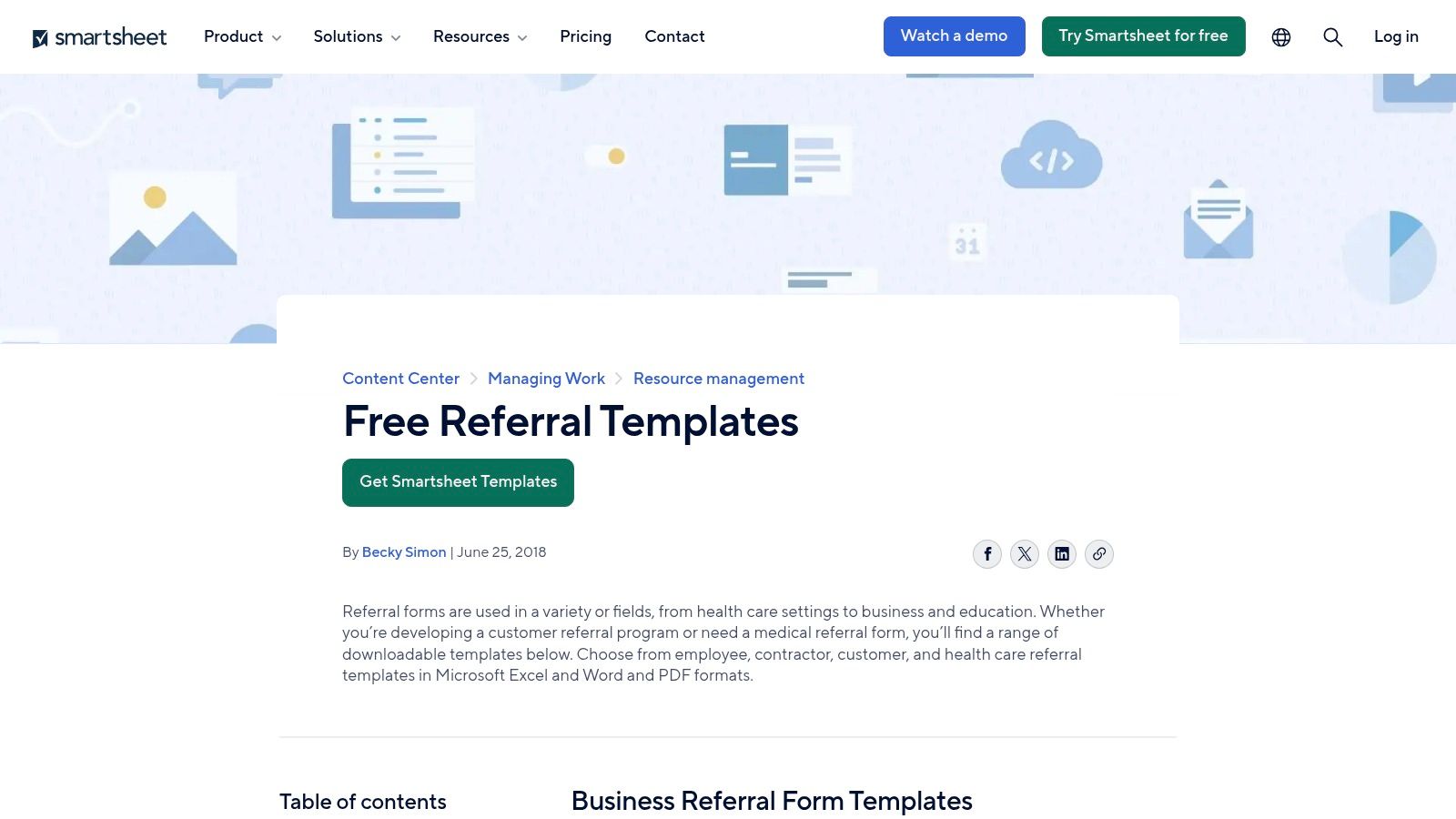
The primary advantage of Smartsheet is its accessibility and versatility for traditional workflows. While these static files require manual data entry, they serve as a perfect blueprint for structuring a referral program. For those seeking automation, these templates can be recreated using Smartsheet's own dynamic form builder, which integrates directly into its powerful project management and workflow automation platform to track referrals from submission to reward.
Key Features & Use Cases
- Downloadable Static Templates: Ideal for industries that rely on paper trails or need offline forms for in-person consultations, such as healthcare or field services.
- Broad Category Coverage: Provides specific templates for HR (employee referrals), procurement (vendor referrals), and specialized professional fields (medical, legal).
- Workflow Automation Potential: Use the static templates as a model to build a live form within the Smartsheet platform, connecting submissions directly to project sheets, assigning owners, and triggering alerts.
Implementation Tip: Download a relevant Word or PDF template to quickly establish the required fields for your program. Use this structure as a guide when building a digital version in a form builder to ensure you capture all necessary information from the start.
Most templates are available for immediate download without requiring a sign-up, offering a frictionless way to get started. While the DIY nature of customization is a drawback for those needing polished, branded forms quickly, the provided structures are exceptionally solid.
- Pros: Most downloads are free without sign-up, excellent variety for different industries and departments, great starting point for offline or printable forms.
- Cons: Static files require manual handling unless integrated with Smartsheet's platform, branding and design customization is entirely manual.
Website: https://www.smartsheet.com/referral-forms-templates
9. Template.net
Template.net is a massive digital library offering a vast catalogue of business documents, including a wide variety of referral form template options. It stands out by providing templates tailored to specific industries like medical, real estate, and HR, making it a go-to resource for businesses needing niche-specific, ready-to-use documents. The platform allows users to download forms in multiple formats, including Word, Google Docs, and PDF, catering to different workflow preferences.
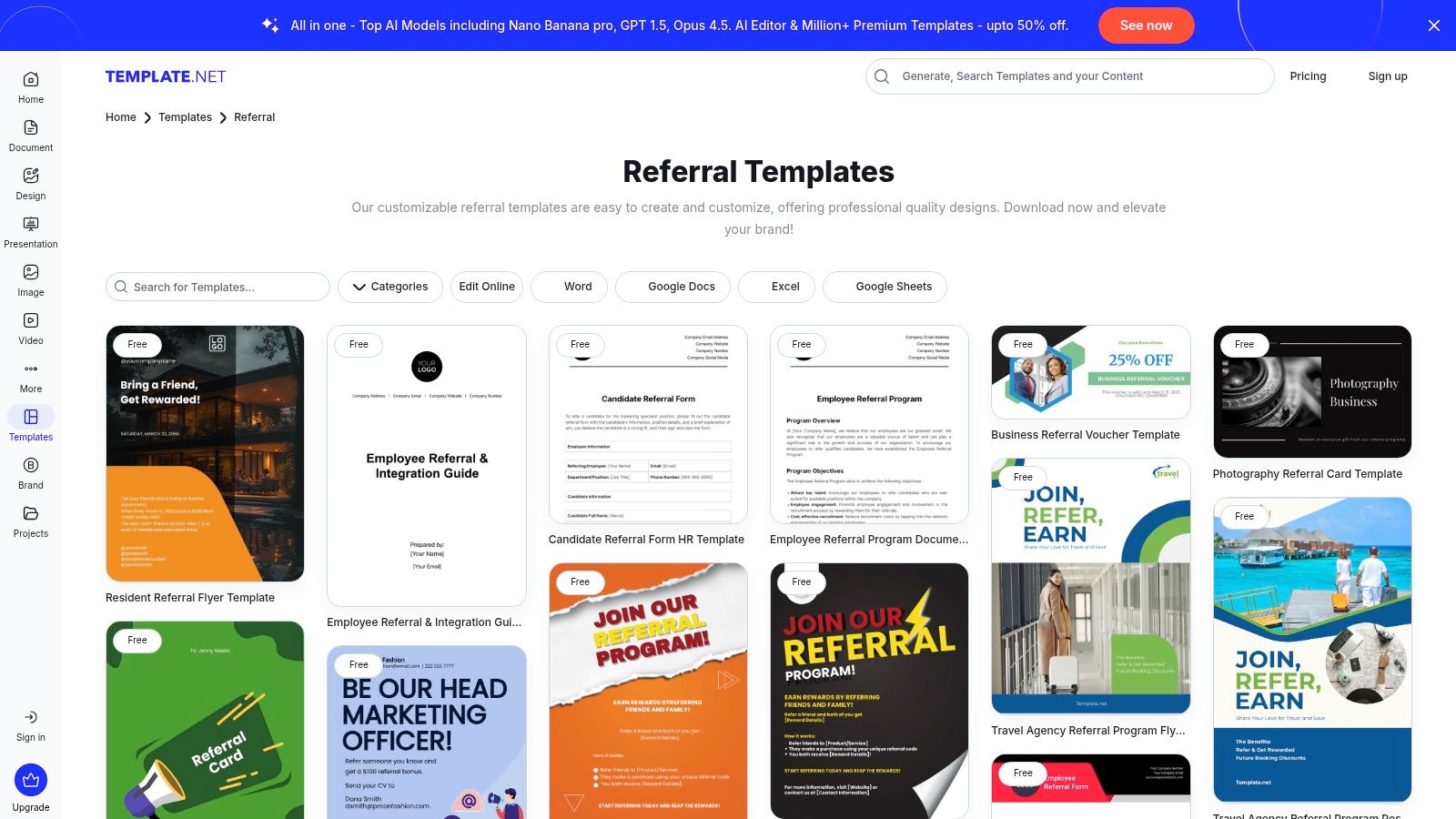
The primary advantage of Template.net is its sheer breadth and accessibility for offline or non-digital referral processes. Unlike interactive form builders, its strength lies in providing printable or digitally signable documents that can be quickly edited and deployed without needing an online form builder. This makes it ideal for internal employee referral programs or client-facing situations where a physical or PDF form is more appropriate.
Key Features & Use Cases
- Multi-Format Downloads: Perfect for organizations that still rely on traditional documentation. Users can download a template in Word to customize it extensively or as a PDF for quick printing.
- Industry-Specific Templates: Offers specialized referral forms for dentists, contractors, job candidates, and more, saving significant time on creating niche-specific fields.
- Online Editor: Provides a simple online editing tool to make minor changes to a template before downloading, eliminating the need for specialized software for quick adjustments.
Implementation Tip: Use Template.net to create a standardized employee referral form. Download it as a Google Doc and share it on your company's internal knowledge base, making it easily accessible for all team members to submit referrals directly to HR.
While many templates are free, access to the full library and more advanced designs requires a Pro subscription. The quality can also vary between templates, so it's wise to review a few options before settling on one.
- Pros: Extremely broad coverage across dozens of niches, multiple download formats for versatile use, quick and easy to find and edit templates.
- Cons: Template quality and complexity can be inconsistent, the best designs are often locked behind a paywall.
Website: https://www.template.net/referral
10. Softr
Softr is a no-code platform that lets you build web apps and portals from your existing data sources like Airtable or Google Sheets. It offers a free referral forms template that goes beyond a simple submission page, allowing you to create entire referral hubs or portals. This makes it a powerful choice for businesses wanting to build a structured, reportable program where partners or employees can log in, submit referrals, and track their status.
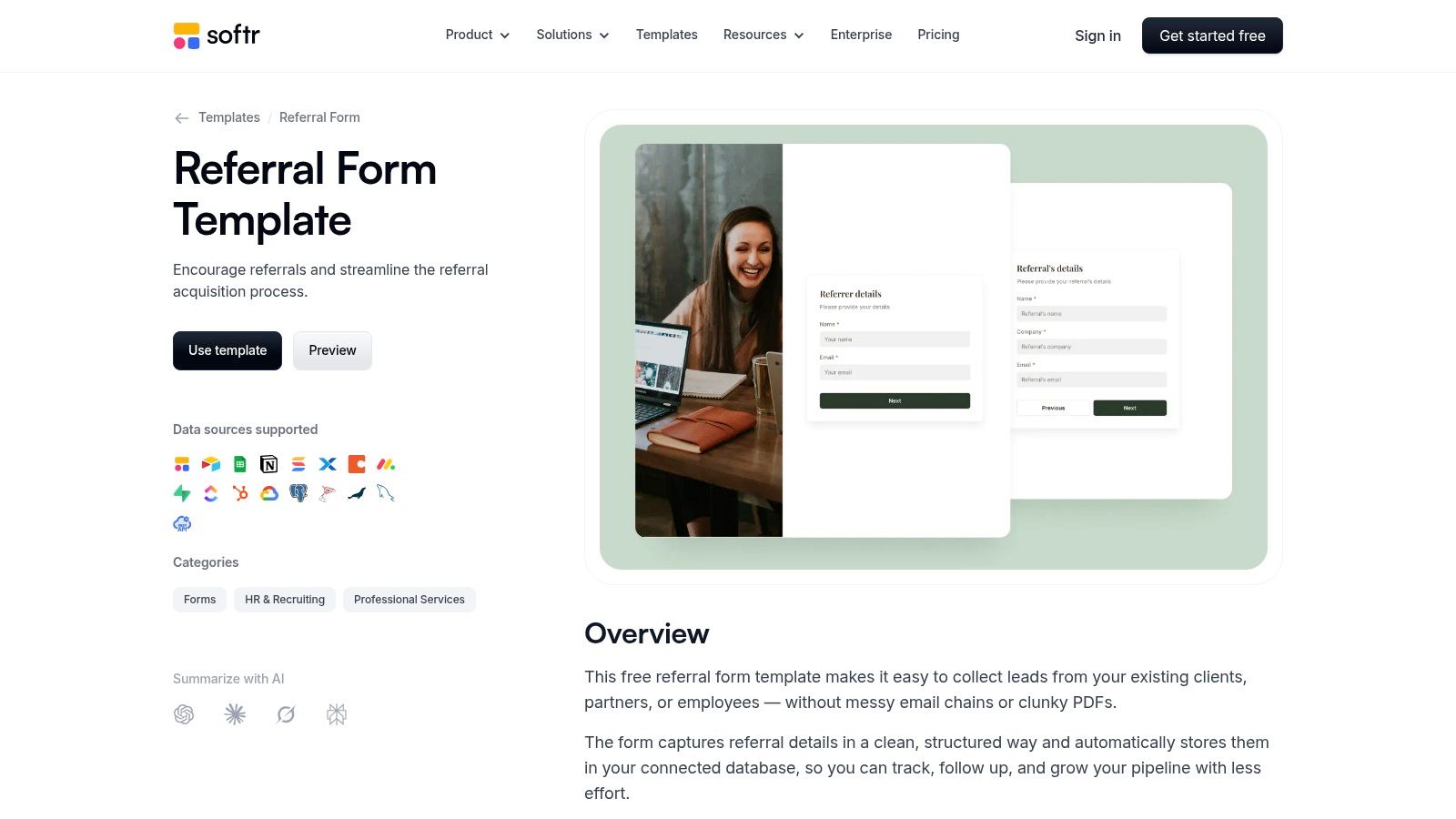
The key differentiator for Softr is its deep integration with databases like Airtable, Google Sheets, and HubSpot. Instead of just collecting form data, Softr treats your database as the back-end, allowing for real-time updates and two-way data sync. This is ideal for managing complex partner or employee referral programs where you need a centralized dashboard to track submissions, update statuses, and calculate rewards, all powered by a familiar spreadsheet or CRM.
Key Features & Use Cases
- Database Connections: Directly connect your form to Airtable, Softr DB, Google Sheets, or HubSpot to manage referral data in a structured, queryable format.
- Roles and Permissions: Excellent for creating secure partner or employee referral portals where users can log in to view and manage only their own submissions.
- Drag-and-Drop Builder: Customize your referral form and the surrounding portal pages with conditional visibility and pre-filled fields without writing any code.
- Quick Publish: Instantly publish your form as a standalone webpage with a shareable URL or embed it within a larger Softr-built application.
Implementation Tip: Use Airtable or Google Sheets as your backend to track referral statuses. You can create different views (e.g., "New," "Contacted," "Closed") and have Softr display these statuses in real-time within your partner portal, giving referrers complete visibility into their pipeline.
Softr’s free plan is quite generous for building basic portals and forms. However, the true value is realized when your data is already organized in a compatible source like Airtable, as it minimizes the learning curve and maximizes data management efficiency.
- Pros: Strong data-sync capabilities for pipeline tracking, good fit for partner or employee referral hubs and portals, usable on Softr’s free plan for basic needs.
- Cons: Best value when your data already lives in Airtable/Sheets, fewer native marketing integrations than dedicated form platforms.
Website: https://www.softr.io/templates/referral-form
11. Formplus
Formplus provides a straightforward and practical solution for businesses needing to quickly deploy referral forms without extensive technical overhead. With a library of over 20 referral form template options tailored for industries like business, HR, education, and healthcare, it's a solid choice for teams that prioritize speed and simplicity. The platform allows you to get a functional form live in minutes, either by embedding it on your site or sharing a direct link.
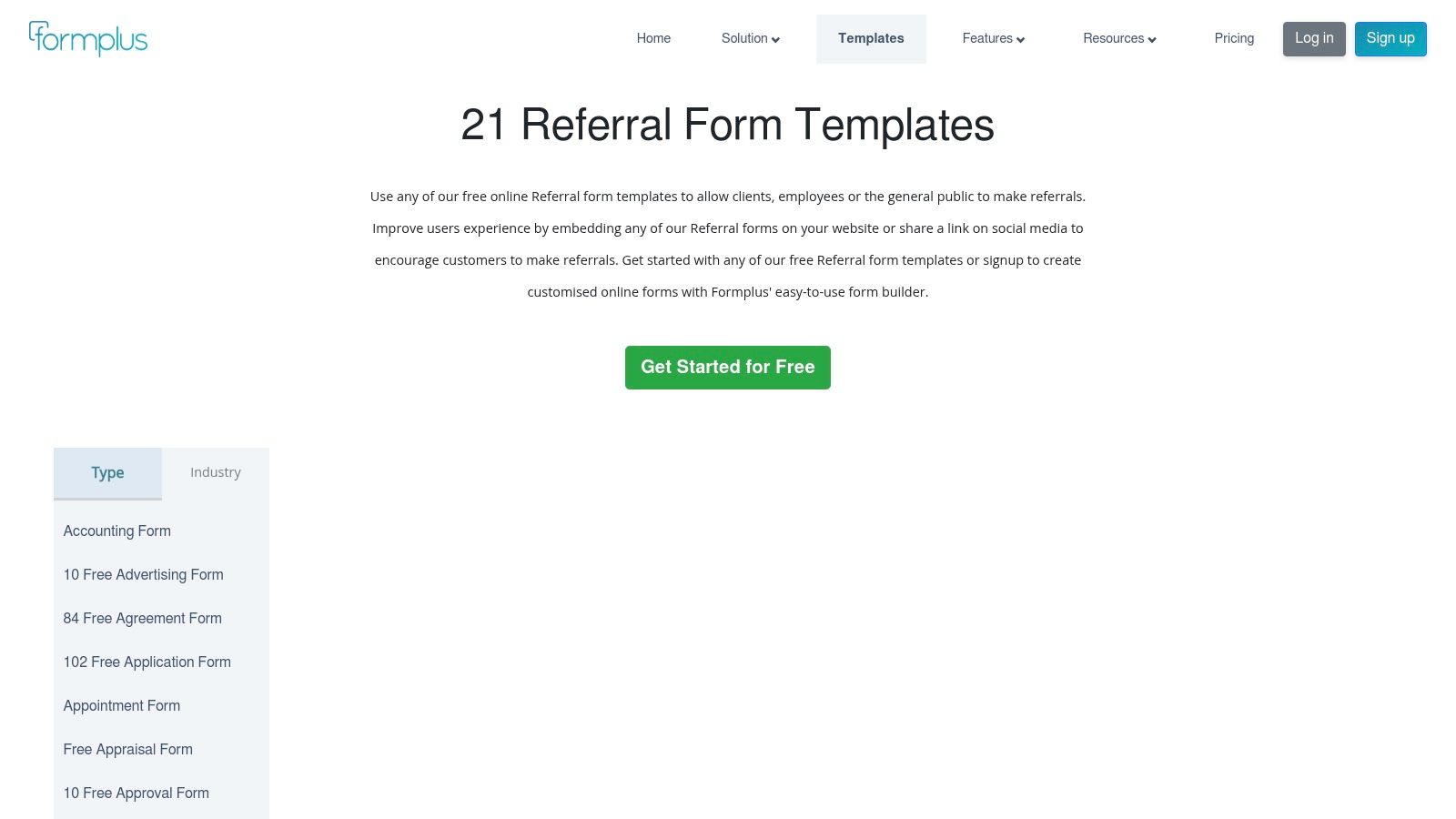
The main advantage of Formplus is its accessibility for small teams or departments that need a no-fuss way to capture referrals online. While it may not have the deep integration ecosystem of larger players, it covers the essentials well, including response storage, data exports, and basic analytics. This makes it an ideal starting point for launching client, employee, or service-based referral programs with minimal setup.
Key Features & Use Cases
- Industry-Specific Templates: Quickly find a relevant starting point with templates designed for HR (employee referrals), business (client referrals), and even healthcare (patient referrals).
- Multiple Sharing Options: Embed forms directly into a landing page or share a unique link via email or social media, offering flexibility in how you promote your program.
- Offline Data Collection: Its forms can capture responses even without an internet connection, syncing the data once connectivity is restored, which is useful for field sales or event-based referrals.
Implementation Tip: Utilize the category filters to narrow down the template options. For an employee referral program, start with the HR-specific template and customize the fields to match your internal roles and departments for clearer submissions.
Formplus offers a free plan to get started, but more advanced features and higher submission volumes are gated behind its paid tiers. It's a great tool for validating a referral program concept before committing to a more complex, integrated solution.
- Pros: Very easy to use with minimal setup, broad range of templates for different referral scenarios, offline mode is a unique benefit.
- Cons: Limited integration catalog compared to market leaders, advanced customization and logic are part of paid plans.
Website: https://www.formpl.us/templates/referral-forms
12. Etsy
For those needing a simple, offline solution, Etsy offers a surprisingly diverse marketplace for downloadable and editable referral form templates. Instead of a SaaS platform, Etsy provides instant digital files (often in MS Word or PDF format) created by independent designers. This approach is perfect for small businesses, clinics, or consultants who prefer a one-time purchase for a printable, locally editable template rather than committing to a recurring subscription service.
The primary advantage of Etsy is its cost-effectiveness and simplicity. You can find professionally designed templates for just a few dollars, download them immediately, and customize them using common software. This makes it an excellent choice for internal employee referral programs or client-facing situations where a physical form is still standard practice. The variety of styles ensures you can find a design that matches your brand's aesthetic.
Key Features & Use Cases
- Instant Digital Downloads: Get immediate access to MS Word, PDF, or Canva templates right after purchase, allowing for quick implementation.
- One-Time Purchase: Ideal for businesses with tight budgets or those who only need a referral form for a one-off event or short-term campaign without ongoing costs.
- Print-Focused Design: Many templates are optimized for printing, making them perfect for physical locations like medical offices, real estate agencies, or local service providers.
Implementation Tip: When selecting a referral forms template on Etsy, carefully read the seller's reviews and confirm the file format is compatible with your software. For professional settings like healthcare, double-check that the form's fields do not inadvertently ask for information that would violate compliance standards like HIPAA.
Etsy's model means you won't get any of the automation or integration benefits of a digital form builder. The process is entirely manual, but for organizations that operate primarily offline, it provides a fast and affordable solution.
- Pros: Very low cost with no subscription, wide variety of design styles, instant access to editable files.
- Cons: Lacks automation and integrations, quality and compliance vary by seller, requires manual data entry and tracking.
Website: https://www.etsy.com/
Top 12 Referral Form Templates Comparison
| Product | Core features | UX / Quality | Value proposition | Best for | Pricing / Notes |
|---|---|---|---|---|---|
| Orbit AI — Form Templates | Use-case organized templates, visual builder, AI SDR (enrich & score), 50+ integrations, real-time analytics | High-converting designs, fast load, built-in collaboration, enterprise security | Turn every form into a qualified conversation with low friction and fast iteration | High-growth marketing & sales teams, enterprises needing lead qualification | Start free; advanced AI/encryption/integrations on paid tiers |
| Typeform | Conversational, mobile-first flow, conditional logic, 300+ integrations | Modern, engaging UX that boosts completion | Conversational forms that increase completion and feed existing stacks | Marketers focused on engagement and mobile-first capture | Free tier; paid for advanced features and higher response limits |
| Jotform | Drag-and-drop builder, HIPAA options, PDF downloads, mobile app, 100+ integrations | Very broad template library; quick to publish but UI can feel heavy | Wide industry coverage with regulated-data options (healthcare-ready) | Teams needing many templates or HIPAA-capable forms | Free tier; HIPAA and advanced features on paid plans |
| Formstack | HIPAA-friendly, eSignatures, conditional logic, workflow routing, EHR/CRM exports | Enterprise-grade, robust but heavier setup | Secure, approval-ready forms for regulated workflows and PHI handling | Regulated healthcare orgs and large enterprises | 14-day trial; paid plans required for ongoing use |
| 123FormBuilder | Drag editor, data export, integrations, template variants | Searchable gallery, many templates usable on free plan | Easy access to varied referral templates across departments | Small teams needing quick, searchable templates | Some free templates; paid to remove branding and unlock integrations |
| Cognito Forms | Conditional logic, repeating tables, calculations, file uploads, embeddable | Powerful yet simple; solid free tier | Customizable intake forms for nuanced workflows without enterprise bloat | SMBs with complex intake needs (e.g., veterinary, client intake) | Strong free tier; paid plans for branding and advanced features |
| Wufoo | Simple drag-and-drop builder, templates, reports, payment fields | Fast setup, reliable, fewer advanced logic options | Quick, no-fuss referral capture with basic integrations | Teams needing simple, fast referral forms | Free limited plan; paid tiers for branding/advanced features |
| Smartsheet | Downloadable Word/Excel/PDF templates, examples across categories, optional Smartsheet Forms | Static, printable templates; pairs with automation for live capture | Ready-to-download documents with workflow automation option when needed | Teams preferring offline/printable forms or Smartsheet automation | Most downloads free; Smartsheet automation requires subscription |
| Template.net | Hundreds of referral assets, multi-format downloads, online editing | Fast edits, immediate downloads; quality varies by item | Wide niche coverage and quick editable files without special tools | Users needing quick, editable templates across industries | Free items plus Pro subscription for premium templates |
| Softr | Airtable/Sheets/HubSpot connections, roles/permissions, drag editor, publish pages | Good for portal-style referral hubs; embeddable pages | Build structured referral portals with data-sync and roles | Teams building partner/employee referral portals and trackers | Free plan available; best value with connected DBs (Airtable/Sheets) |
| Formplus | Free referral templates, embeddable forms, basic analytics, exports | Simple, minimal setup for small teams | Straightforward online referral capture without heavy integrations | Small teams needing basic, fast form deployment | Free basic tier; paid plans for integrations and advanced features |
| Etsy (templates) | Instant digital downloads (Word/PDF), one-time purchase, seller reviews | Static files; design style varies by seller | Low-cost, one-off printable/editable templates without subscription | Clinics or consultants wanting a single editable file | One-time purchase per seller; no subscription, quality varies |
From Template to Transformation: Building Your Referral Engine
We have journeyed through a comprehensive landscape of referral form templates, from the AI-driven intelligence of Orbit AI to the versatile design capabilities of Typeform and the robust data management of Smartsheet. The key takeaway is clear: a referral form is much more than a simple data collection tool. It is the critical first touchpoint in what should be a powerful, automated engine for growth.
Choosing the right referral forms template is the foundational step. Your decision should be guided by your specific operational needs, technical stack, and strategic goals. A simple, embeddable form from Jotform might suffice for a small business collecting its first customer referrals. In contrast, a high-growth B2B SaaS company will gain a significant competitive advantage from Orbit AI’s ability to qualify, route, and engage leads in real-time, effectively turning its referral program into an extension of its sales team.
Your Action Plan: Moving from Selection to Execution
Merely selecting a template is not the end of the journey; it is the beginning. To truly transform your referral process from a manual, ad-hoc activity into a predictable pipeline, consider these essential next steps:
- Customize for Brand and Trust: Your referral form should feel like a natural extension of your brand. Use your company's colors, logo, and tone of voice. This consistency builds trust and reassures both the referrer and the referred lead that they are in the right place.
- Integrate for Efficiency: A standalone form creates administrative bottlenecks. The true power is unlocked when your form is deeply integrated with your core systems. Connect it to your CRM (like Salesforce or HubSpot) to automatically create new contacts, sync it with Slack for instant team notifications, and link it to your email marketing platform to trigger automated follow-up sequences.
- Optimize for Conversion: Do not treat your form as a static asset. Continuously A/B test different elements. Experiment with headlines, call-to-action button copy, the number of form fields, and even the incentive offered. Small tweaks can lead to significant improvements in submission rates over time.
- Prioritize the User Experience: Make the referral process frictionless. Use conditional logic to hide irrelevant questions, pre-fill known information for existing customers, and ensure the form is fully responsive on mobile devices. A seamless experience encourages participation and respects your users' time.
Beyond the Form: Building a Comprehensive Program
A high-performing referral form is a crucial component, but it operates best within a well-structured referral program. This involves clear communication about incentives, a defined process for tracking rewards, and consistent promotion of the program to your customers, partners, and employees. For organizations looking to scale this broader strategy, it's beneficial to explore dedicated systems. To further explore robust solutions for powering your referral initiatives, a review of the best referral marketing software platforms can offer valuable insights. These platforms often provide advanced tracking, reward management, and analytics that complement your form's data capture capabilities.
Ultimately, the goal is to create a self-sustaining ecosystem where delighted advocates feel empowered and rewarded for spreading the word. By starting with the right referral forms template and building upon it with smart integrations, continuous optimization, and a strategic program framework, you are not just collecting leads. You are building relationships, fostering loyalty, and architecting a scalable, cost-effective channel for sustainable growth.
Ready to turn your referral program into an automated lead-generation powerhouse? Orbit AI moves beyond static templates by using an AI Agent to have real-time conversations, qualify leads, and book meetings directly from your form. Transform your best source of leads into your most efficient sales channel by trying Orbit AI today.