

When your business starts scaling, your forms need to keep pace. What worked for 100 submissions a month quickly breaks down at 10,000—and the last thing you want is a bottleneck right where leads enter your pipeline.
A scalable form builder solution handles growing submission volumes, integrates seamlessly with your expanding tech stack, and adapts to increasingly complex workflows without requiring a complete rebuild. This guide evaluates nine form builders specifically designed for teams that refuse to let their growth outpace their tools.
We assessed each platform on submission capacity, integration depth, workflow automation, and pricing flexibility to help you find the right fit for your trajectory.
1. Orbit AI
Best for: High-growth teams prioritizing AI-driven lead qualification and conversion optimization
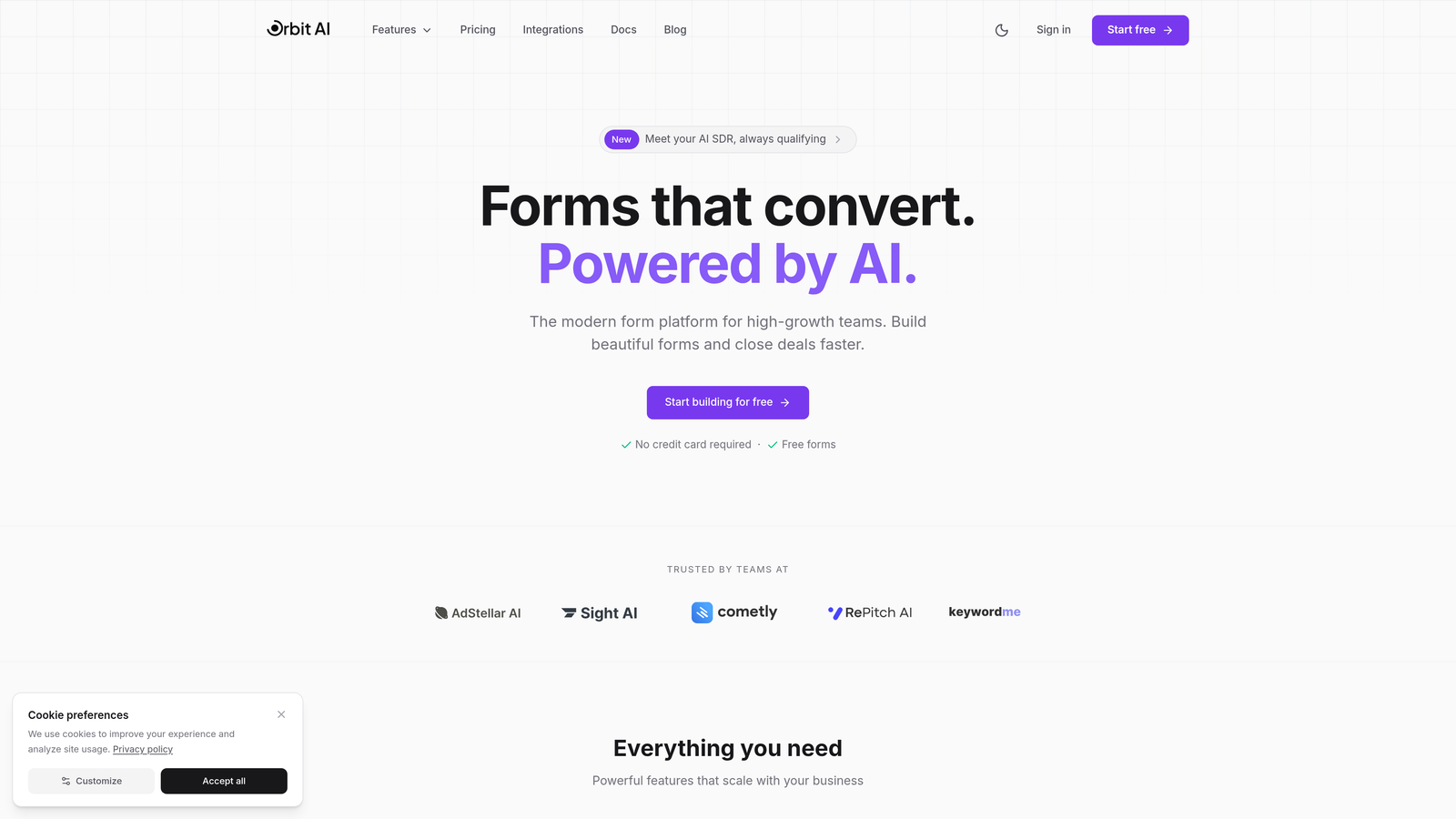
Orbit AI brings artificial intelligence directly into your form-building process, automatically qualifying leads as they submit and routing them to the right team members based on their responses and scoring.
Where This Tool Shines
The platform's AI engine analyzes submission patterns and lead quality in real-time, helping your team focus on high-intent prospects instead of manually sorting through every form entry. This becomes exponentially valuable as submission volume increases—what once took hours of manual qualification happens instantly.
Unlike traditional form builders that simply collect data, Orbit AI actively interprets responses to score lead quality, trigger appropriate workflows, and surface actionable insights. Your sales team receives pre-qualified leads with context, not just raw form data.
Key Features
AI-Driven Lead Scoring: Automatically evaluates submission quality based on response patterns and historical conversion data.
Intelligent Form Routing: Directs qualified leads to the appropriate team members or workflows based on scoring and response criteria.
Native CRM Integrations: Connects directly with major CRMs and marketing platforms to sync qualified leads seamlessly.
Real-Time Analytics: Tracks conversion rates, completion patterns, and lead quality metrics as submissions arrive.
Workflow Automation: Triggers nurture sequences, follow-up tasks, and team notifications based on lead qualification status.
Best For
Growing teams that receive enough leads to benefit from automated qualification—typically 200+ monthly submissions—and want to optimize for conversion quality rather than just collection volume. Particularly valuable for B2B SaaS companies and agencies managing multiple client pipelines.
Pricing
Contact for pricing. Plans scale with team size and submission volume, with pricing structured to grow alongside your business.
2. Typeform
Best for: Brand-focused teams prioritizing completion rates through conversational form experiences
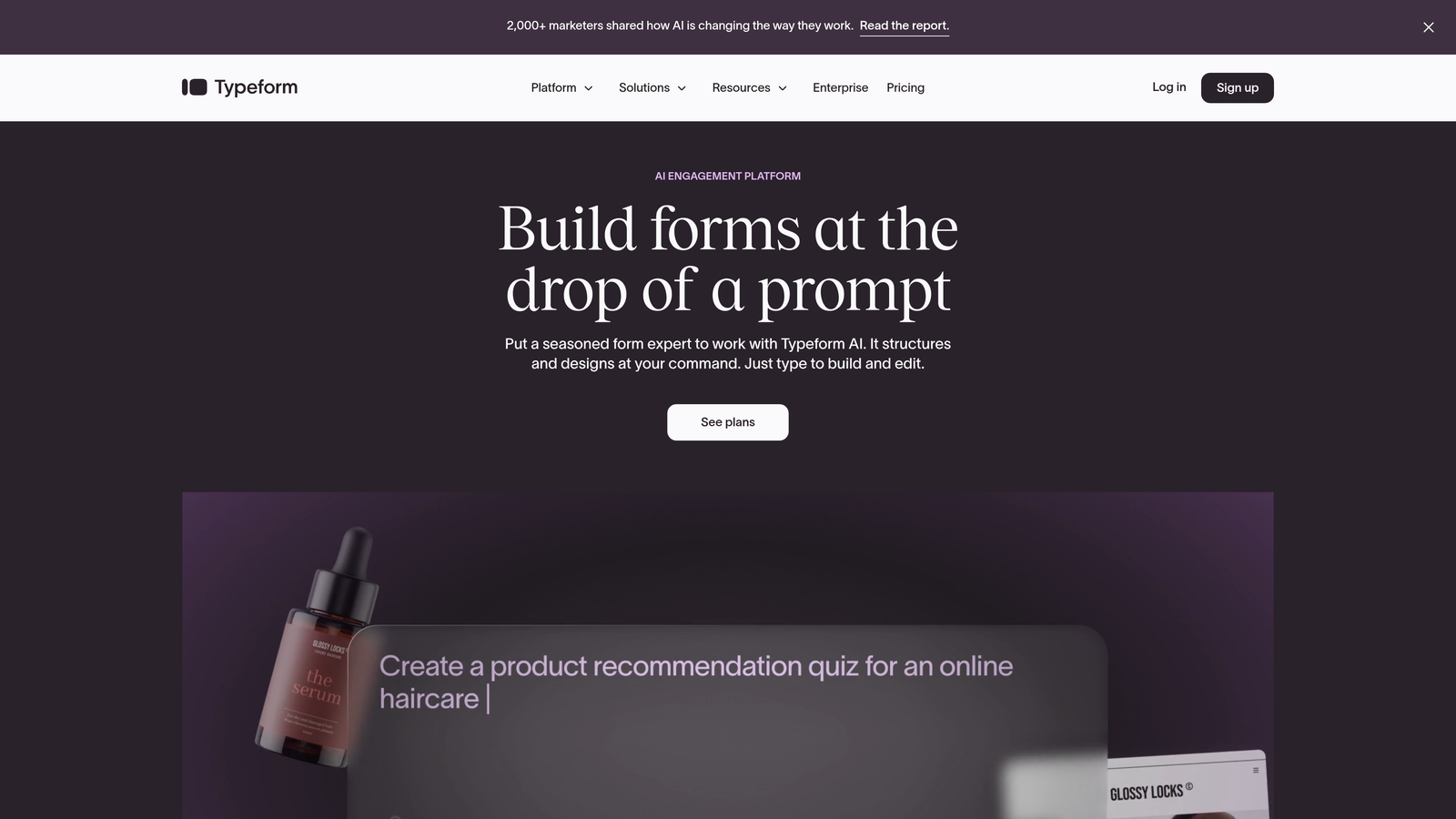
Typeform pioneered the one-question-at-a-time format that dramatically improves completion rates by reducing cognitive load and creating a conversational feel.
Where This Tool Shines
The platform's signature approach presents questions individually rather than overwhelming respondents with long scrolling forms. This seemingly simple change consistently produces higher completion rates—particularly valuable when scaling because each percentage point improvement in completion translates to significant lead volume at scale.
Typeform's design-first philosophy means forms look polished by default, not as an afterthought. Teams can maintain brand consistency across customer touchpoints without needing dedicated design resources for every form iteration.
Key Features
Conversational Format: One-question-at-a-time presentation that guides respondents through a natural progression.
Advanced Logic Jumps: Creates personalized paths through forms based on previous answers, keeping experiences relevant.
Native Integrations: Connects directly with HubSpot, Salesforce, Slack, and other growth tools without middleware.
Rich Media Embedding: Incorporates video, images, and GIFs to create engaging, memorable form experiences.
Recall Information: References previous answers within subsequent questions to create truly personalized flows.
Best For
Marketing and growth teams where form completion rates directly impact pipeline, and where brand presentation matters as much as data collection. Especially effective for customer research, event registration, and lead capture where experience influences perception.
Pricing
Starts at $25/month for basic features. Business plans begin at $83/month with higher submission limits and advanced logic.
3. Jotform
Best for: Enterprise teams handling massive submission volumes with diverse form requirements
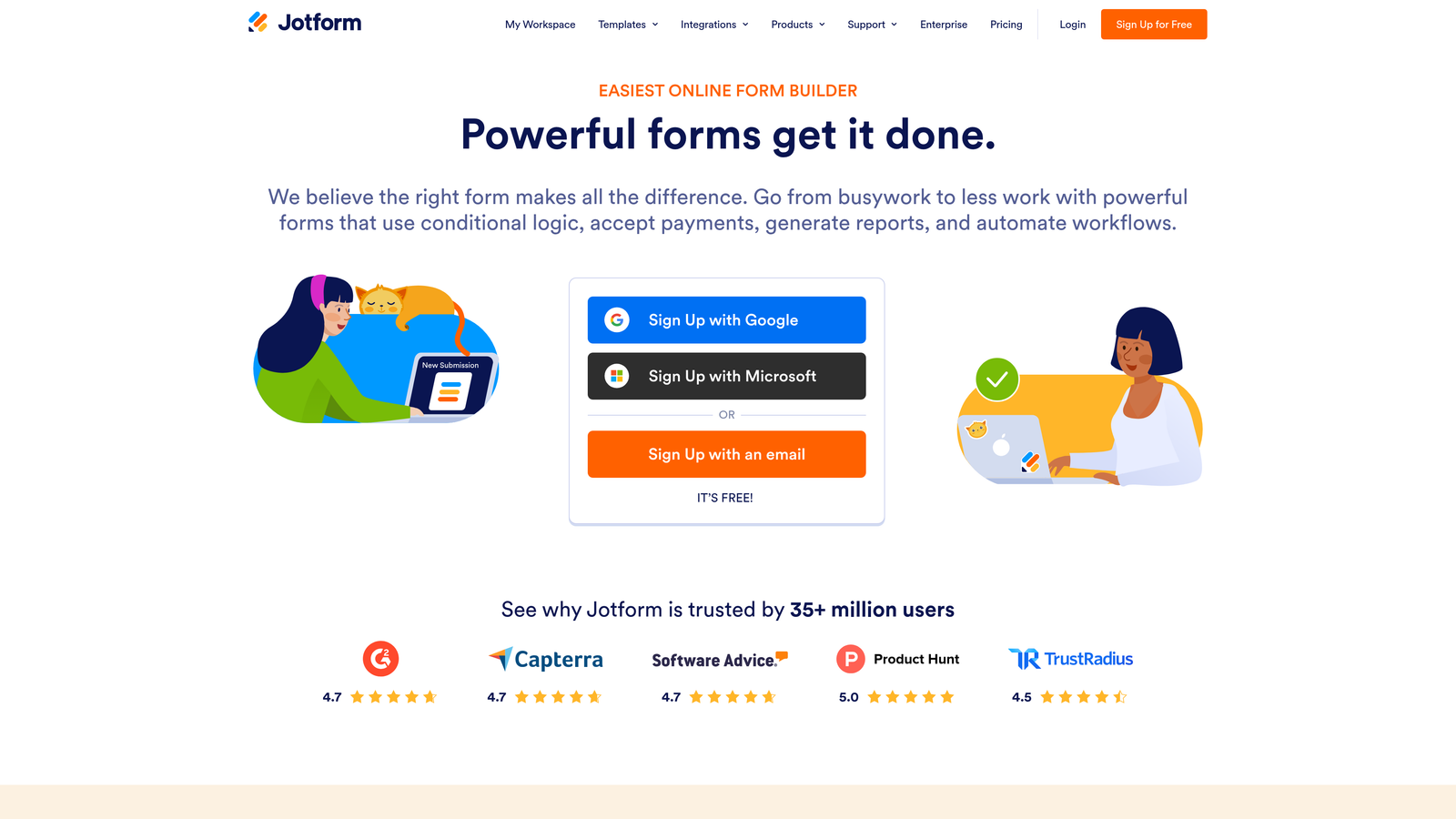
Jotform built its reputation on handling serious scale—the kind where monthly submissions count in tens of thousands and form variety spans everything from simple contact forms to complex multi-page applications.
Where This Tool Shines
The platform's 10,000+ template library means you're rarely building from scratch, accelerating deployment when you need to scale form creation across departments. More importantly, Jotform handles submission volume that would choke smaller platforms—we're talking enterprise-grade infrastructure designed for organizations where forms are mission-critical.
Jotform Tables transforms raw submission data into manageable databases, letting teams view, filter, and act on responses without exporting to spreadsheets. This becomes essential when scaling because manual data management breaks down quickly at volume.
Key Features
Template Library: Over 10,000 pre-built templates covering virtually every use case and industry vertical.
HIPAA Compliance: Available for healthcare organizations and others handling protected information at scale.
Jotform Tables: Converts form submissions into organized databases with filtering, sorting, and team collaboration features.
PDF Generation: Automatically creates formatted PDF reports from submission data for documentation and record-keeping.
Approval Workflows: Routes submissions through multi-step approval processes with assignments and notifications.
Best For
Large organizations with diverse form needs across departments, particularly those in regulated industries requiring compliance certifications. Ideal when you need both volume handling and feature breadth rather than specialization.
Pricing
Free tier available with limited submissions. Bronze starts at $34/month. Enterprise pricing offers unlimited submissions and dedicated support.
4. Formstack
Best for: Teams extending beyond data collection into document automation and e-signature workflows
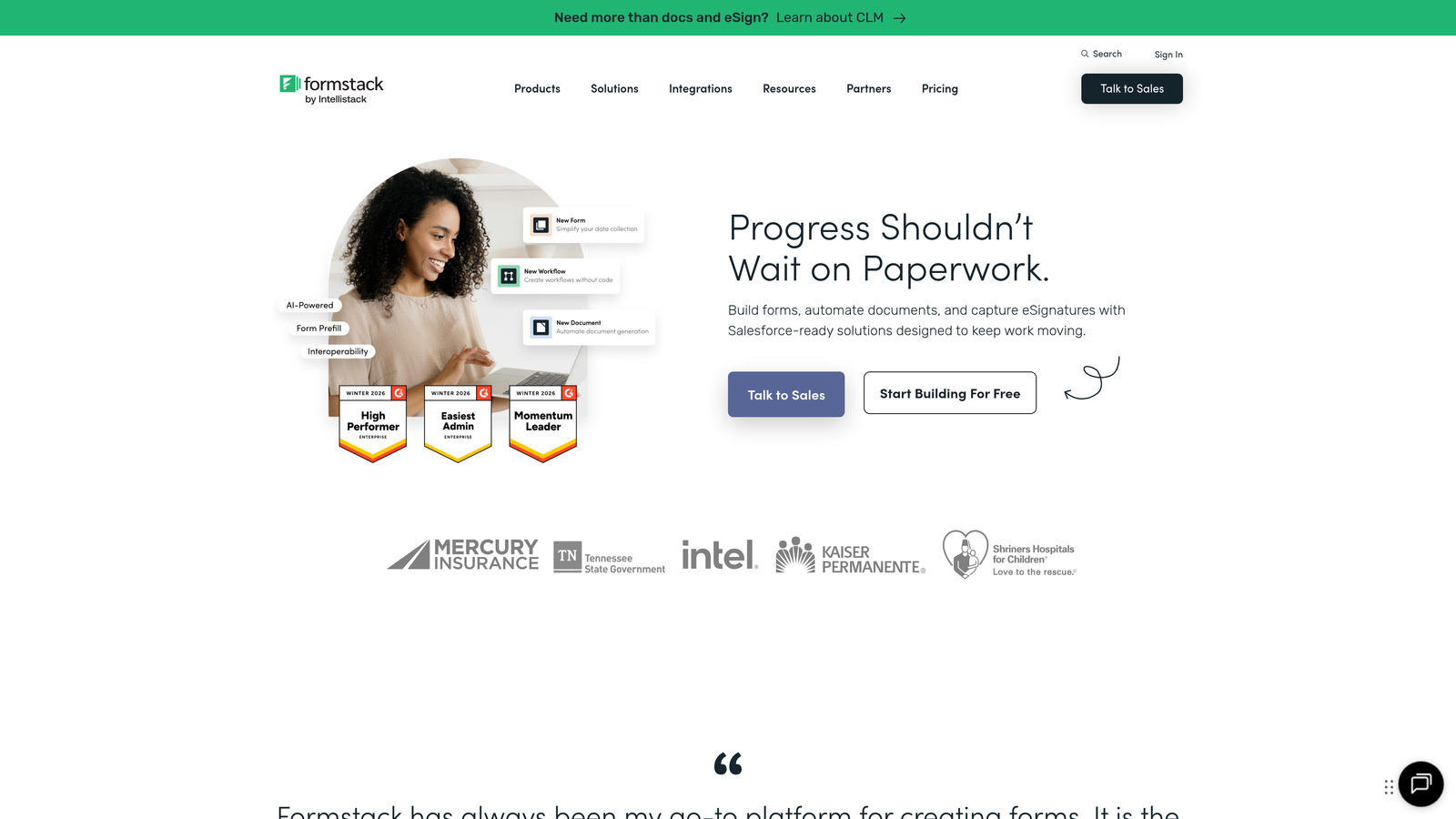
Formstack positions itself as a complete workflow platform where forms are just the entry point to automated document generation, signature collection, and approval routing.
Where This Tool Shines
The platform's real power emerges when you need form data to automatically populate contracts, generate proposals, or trigger approval chains. Formstack Documents takes submission data and creates polished PDFs, Word documents, or presentations without manual copying and pasting—crucial when scaling because manual document creation becomes a bottleneck fast.
The Salesforce-native integration runs deeper than typical connectors, treating Formstack as an extension of your CRM rather than an external tool. This matters at scale because data sync issues compound with volume.
Key Features
Formstack Documents: Automatically generates formatted documents from form data using customizable templates.
Formstack Sign: Built-in e-signature capability eliminates the need for separate DocuSign or Adobe Sign subscriptions.
Advanced Conditional Logic: Creates sophisticated form paths based on complex criteria combinations.
Salesforce-Native Integration: Deep two-way sync that treats Formstack as part of your Salesforce environment.
Workflow Automation: Triggers multi-step approval processes with routing, assignments, and deadline tracking.
Best For
Operations and sales teams where forms feed into broader document workflows—think contract generation, onboarding paperwork, or approval processes. Particularly valuable for Salesforce-heavy organizations wanting tight CRM integration.
Pricing
Starts at $50/month for basic features. Teams plan begins at $83/month. Enterprise pricing available for organizations needing dedicated support and custom limits.
5. Cognito Forms
Best for: Organizations collecting payments through forms with complex calculation requirements
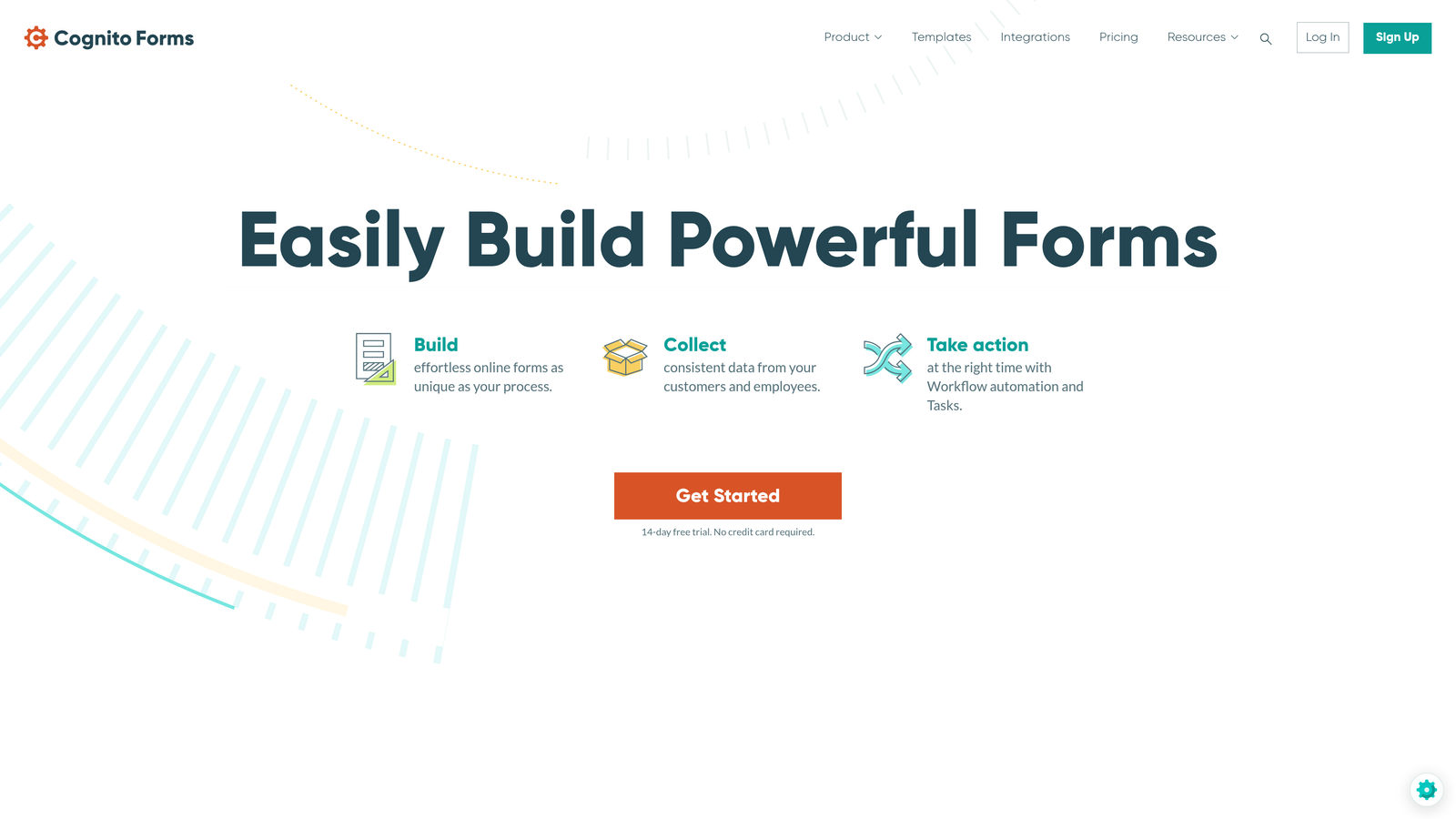
Cognito Forms specializes in payment collection and calculation-heavy forms, offering unlimited forms on all paid plans—a pricing model that scales particularly well for teams deploying forms across multiple products or departments.
Where This Tool Shines
The platform's calculation engine handles sophisticated pricing logic that would require custom coding in other form builders. Need dynamic pricing based on quantity, add-ons, and date ranges? Cognito Forms makes it straightforward. This becomes valuable at scale when you're collecting payments for events, registrations, or product orders with variable pricing.
Unlike platforms that charge per form, Cognito's unlimited form structure means you can deploy as many forms as needed without worrying about per-form costs adding up. This removes a common scaling constraint where form proliferation becomes expensive.
Key Features
Unlimited Forms: Deploy as many forms as needed on any paid plan without per-form charges.
Native Payment Processing: Direct integration with Stripe, PayPal, and Square for seamless transaction handling.
Complex Calculations: Build sophisticated pricing formulas, quantity calculations, and conditional pricing logic.
Repeating Sections: Allow respondents to add multiple entries within a single form submission for dynamic data collection.
Workflow Routing: Direct submissions through approval processes with conditional routing based on form data.
Best For
Teams collecting payments through forms—event registrations, course enrollments, service bookings, or product orders. Especially valuable when pricing involves calculations or when you need many forms without escalating costs.
Pricing
Free tier available with basic features. Pro starts at $15/month. Team plan begins at $35/month for collaboration features and higher limits.
6. Paperform
Best for: Teams blending landing pages, product showcases, and data collection into unified experiences
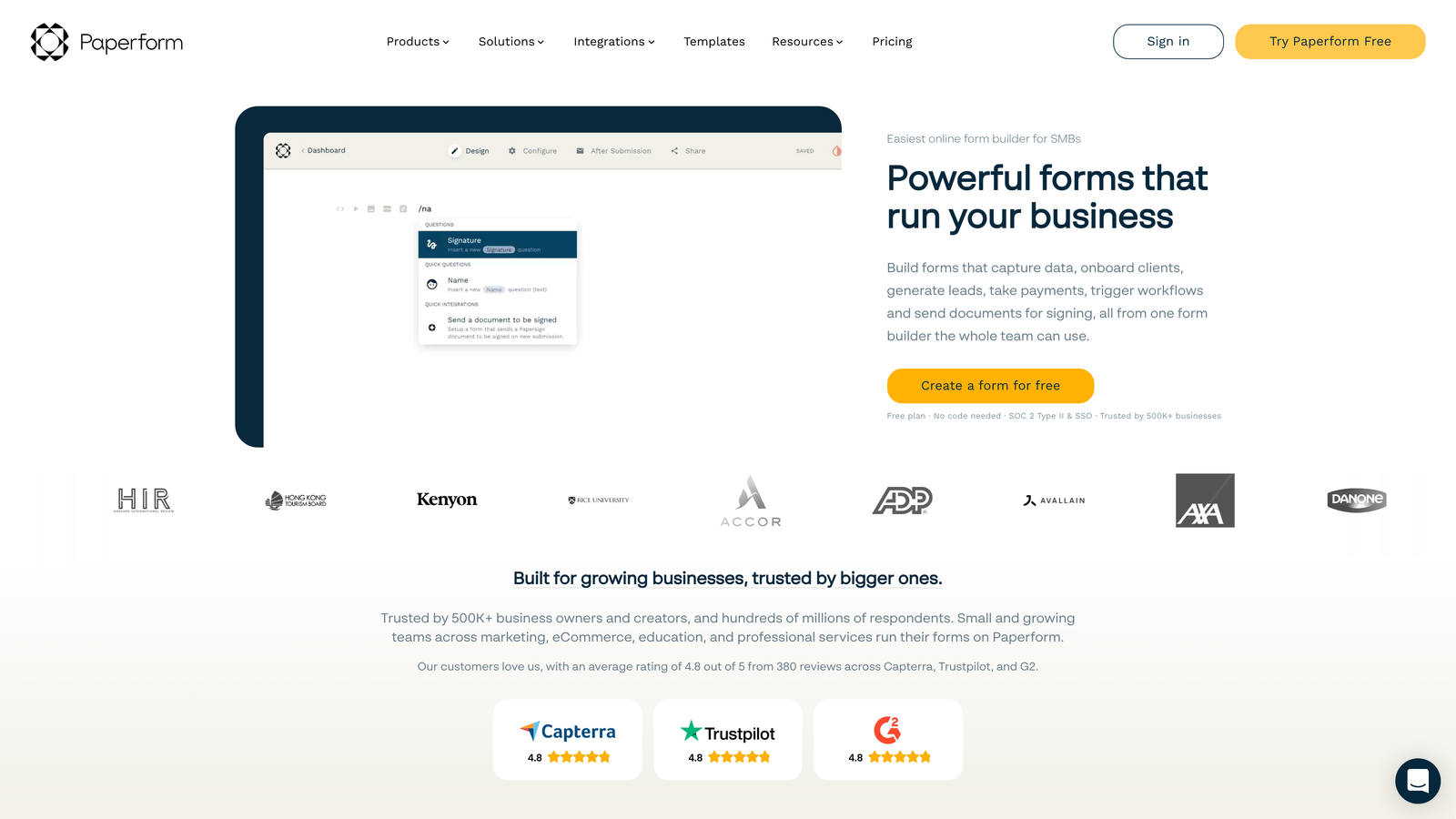
Paperform breaks the traditional form mold by treating forms as content-rich pages rather than simple data collection tools, letting you embed product information, images, and marketing copy alongside form fields.
Where This Tool Shines
The free-form editor lets you build experiences that feel more like landing pages than forms, which matters when scaling because you can consolidate tools—one platform handles lead capture, product showcases, and checkout instead of stitching together separate services. This reduces technical complexity as you grow.
Paperform's built-in checkout and scheduling capabilities mean you're not just collecting information—you're completing transactions and booking appointments within the same interface. This streamlines the customer journey and reduces drop-off points that typically plague multi-tool setups.
Key Features
Free-Form Editor: Build page layouts with rich content blocks, images, and custom styling without template constraints.
Built-In Checkout: Accept payments and display product information within form experiences without external cart systems.
Appointment Scheduling: Integrate calendar availability directly into forms for seamless booking experiences.
Custom Success Pages: Design branded confirmation experiences or redirect to specific URLs based on submission data.
Analytics Dashboard: Track form views, completion rates, and conversion metrics to optimize performance.
Best For
Marketing teams wanting to create conversion-optimized experiences that combine content and data collection, particularly for product launches, event registration, or service bookings where context matters as much as the form itself.
Pricing
Essentials starts at $24/month. Pro begins at $49/month with advanced features. Agency plan at $159/month for teams managing multiple client accounts.
7. Tally
Best for: Fast-scaling startups needing unlimited submissions without immediate budget constraints
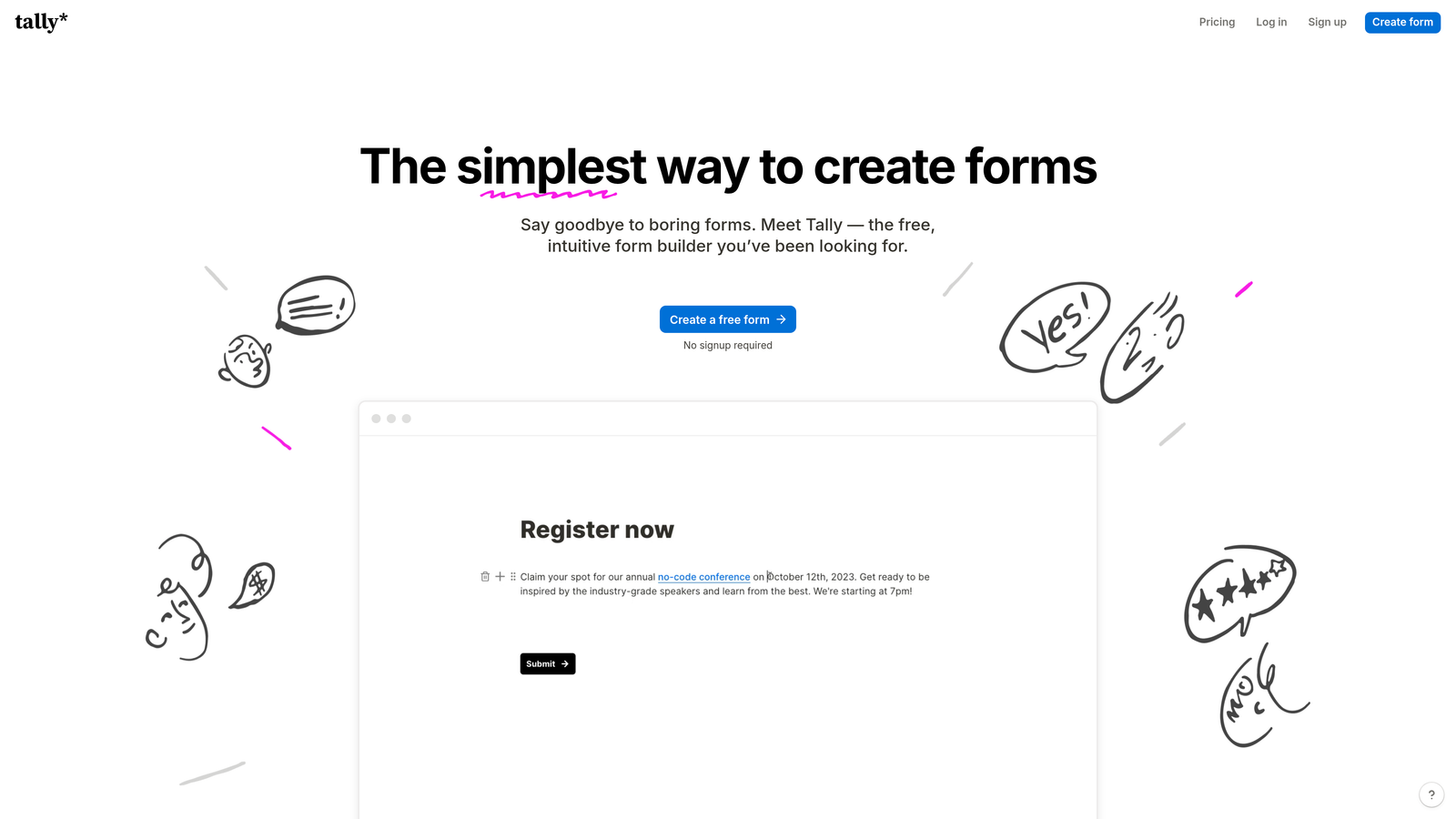
Tally disrupted form builder pricing by offering unlimited forms and submissions on its free tier—a model that removes the most common scaling bottleneck for growing teams.
Where This Tool Shines
The Notion-inspired block-based editor feels immediately familiar to teams already using Notion for documentation and project management. This reduces onboarding friction and lets teams deploy forms quickly without learning yet another interface paradigm.
Tally's generous free tier means early-stage teams can scale submission volume without hitting paywalls, then upgrade only when they need team collaboration features or advanced integrations. This pricing approach aligns perfectly with startup growth patterns where submission volume often scales faster than budget.
Key Features
Unlimited Free Tier: Create unlimited forms and collect unlimited submissions without payment, removing common scaling constraints.
Block-Based Editor: Notion-style interface for building forms using familiar drag-and-drop blocks.
Conditional Logic: Create branching paths and show/hide fields based on previous responses.
File Uploads: Accept document submissions, images, and other file types directly through forms.
Notion Integration: Native connection to Notion databases for teams already using Notion as their data layer.
Best For
Startups and small teams experiencing rapid growth in form submissions but operating on limited budgets. Ideal for Notion-centric teams wanting consistent interface design across their tool stack.
Pricing
Free tier includes core features with unlimited forms and submissions. Pro starts at $29/month for team collaboration and advanced integrations.
8. 123FormBuilder
Best for: Regulated industries requiring GDPR, HIPAA, or PCI DSS compliance certifications
123FormBuilder focuses on compliance-heavy industries where data handling requirements are non-negotiable and scaling means maintaining certifications across growing submission volumes.
Where This Tool Shines
The platform holds HIPAA, GDPR, and PCI DSS certifications—not just claims of compliance but actual audited certifications. This matters tremendously when scaling in healthcare, finance, or any regulated industry because non-compliant data handling creates legal exposure that grows with submission volume.
Role-based access controls let you scale team access without compromising security, assigning appropriate permissions as your organization grows. Offline data collection ensures field teams can capture information without internet connectivity, then sync when connected—crucial for scaling into new environments.
Key Features
Compliance Certifications: Audited HIPAA, GDPR, and PCI DSS compliance for regulated data handling.
Electronic Signatures: Capture legally binding signatures directly within forms for contracts and consent documentation.
Workflow Automation: Route submissions through approval chains with role-based assignments and notifications.
Offline Collection: Capture data without internet connectivity and sync submissions when connection restores.
Access Controls: Granular permission management for teams needing different levels of form and data access.
Best For
Healthcare providers, financial services firms, and other regulated organizations where compliance isn't optional. Essential when scaling means handling increasing volumes of protected information under strict regulatory requirements.
Pricing
Free tier available with basic features. Gold starts at $32/month. Platinum begins at $78/month with compliance features and higher limits.
9. Fillout
Best for: No-code teams building on Airtable, Notion, or Smartsheet as their data foundation
Fillout treats databases as the primary data layer, with forms serving as the interface for creating and updating records—a model that scales naturally for teams already using Airtable or Notion for operations.
Where This Tool Shines
The native database syncing means form submissions don't just create new records—they can update existing ones, pre-fill from current data, or trigger automations within your existing database workflows. This becomes powerful at scale because you're not maintaining separate form data and operational data that need constant reconciliation.
For teams building no-code operations on Airtable or Notion, Fillout removes the friction of connecting external form tools. The integration runs deep enough that forms feel like native database interfaces rather than external collection tools.
Key Features
Native Database Syncing: Direct two-way connection with Airtable, Notion, and Smartsheet databases.
Record Pre-Filling: Populate form fields from existing database records for update workflows.
Update Existing Entries: Use forms to modify current database records rather than only creating new ones.
Scheduling Integration: Built-in appointment booking that syncs with calendar tools and database records.
Multi-Page Forms: Break complex forms into logical sections with progress indicators and conditional page display.
Best For
Operations teams building their infrastructure on Airtable, Notion, or Smartsheet and wanting forms that integrate natively with their existing database layer. Particularly valuable for teams scaling no-code operations.
Pricing
Free tier available with basic features. Starter begins at $15/month. Pro starts at $40/month for advanced integrations and higher limits.
Making the Right Choice
Your ideal scalable form builder depends on where you're scaling and what matters most as you grow.
If lead quality matters more than lead quantity, Orbit AI automatically qualifies submissions so your team focuses on high-intent prospects rather than sorting through every entry. The AI-driven approach becomes exponentially more valuable as submission volume increases—what once required manual review happens instantly at any scale.
For teams where brand experience influences conversion, Typeform consistently delivers higher completion rates through conversational design. When you're scaling paid acquisition, each percentage point improvement in completion translates directly to ROI.
Organizations handling serious volume—think tens of thousands of monthly submissions across diverse use cases—benefit from Jotform's enterprise infrastructure and massive template library. The platform simply handles scale that would overwhelm lighter-weight alternatives.
Budget-conscious startups experiencing rapid growth should evaluate Tally, which removes the most common scaling bottleneck by offering unlimited submissions without payment. You can scale volume first, then upgrade when you need team features.
The common thread across successful scaling? Choose platforms that grow with you rather than requiring migration when you hit arbitrary limits. Evaluate not just your current needs but where you'll be in 12-24 months—because migrating form infrastructure mid-growth is exactly the kind of distraction scaling teams can't afford.
Transform your lead generation with AI-powered forms that qualify prospects automatically while delivering the modern, conversion-optimized experience your high-growth team needs. Start building free forms today and see how intelligent form design can elevate your conversion strategy.


