

When a form isn't accessible, you're not just failing a compliance checklist. You're turning away real people and real leads. Screen reader users depend on properly labeled fields, logical tab order, clear error messages, and keyboard-navigable interfaces to complete forms independently. For high-growth teams, that's not a nice-to-have: it's a conversion and inclusivity imperative.
This guide covers the best form builders that take screen reader accessibility seriously, from ARIA labeling and focus management to WCAG compliance and keyboard-only navigation. Whether you're building lead capture forms, qualification flows, or customer surveys, each tool below has been evaluated on accessibility depth, ease of use, and fit for modern growth teams.
If you're also thinking about how form design affects completion rates overall, our guide on web form design best practices and how to reduce form field friction are worth reading alongside this one.
1. Orbit AI
Best for: High-growth SaaS and marketing teams that need accessible, conversion-optimized forms with built-in lead qualification.
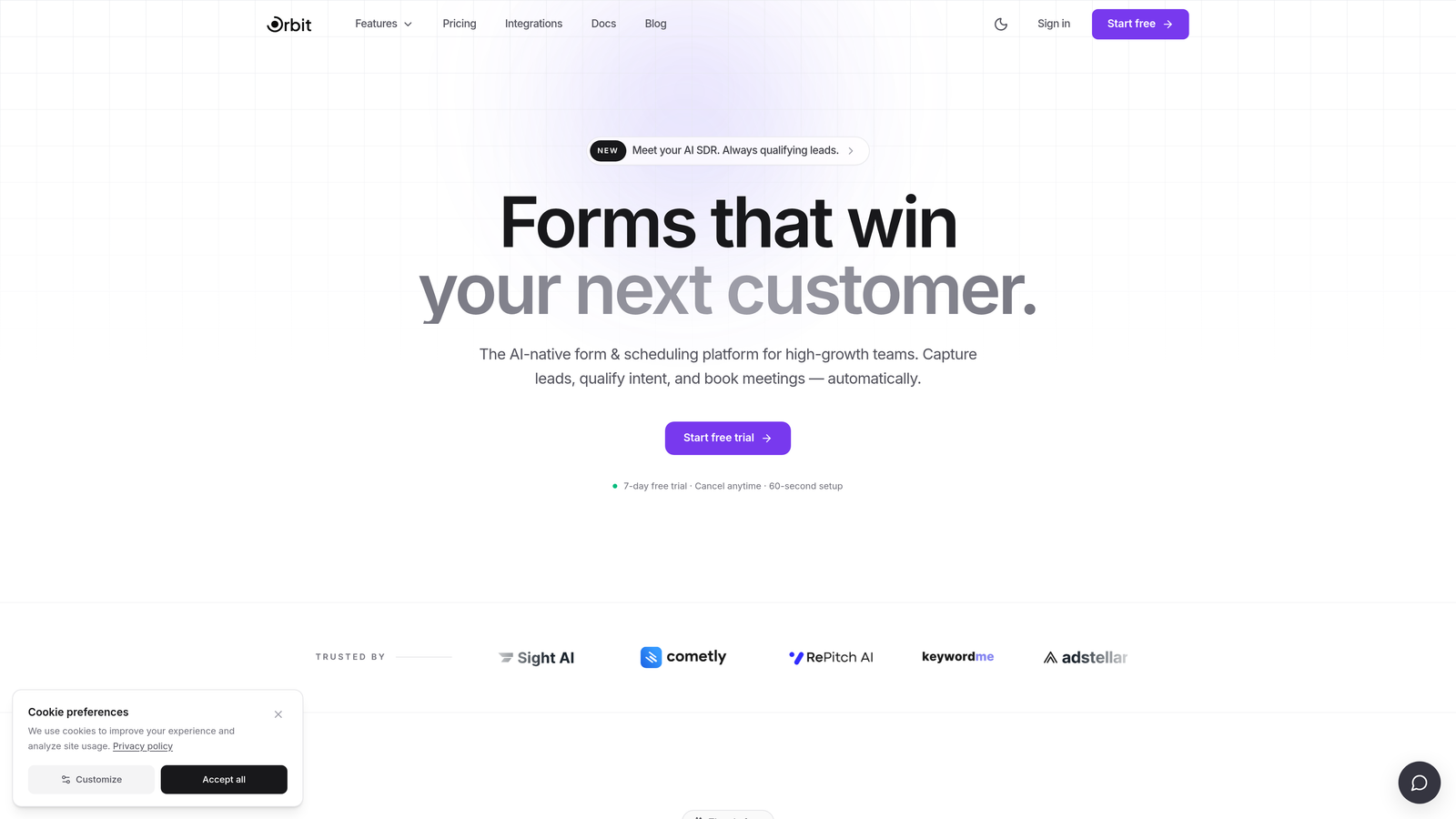
Orbit AI is an AI-powered form builder with lead qualification capabilities, designed for teams that need performance and inclusivity in equal measure.
Where This Tool Shines
Orbit AI's approach to accessibility is rooted in how it generates forms: clean semantic HTML output with proper label associations means screen readers can interpret fields accurately without requiring manual workarounds or complex configuration. The forms are built correctly from the start.
Multi-step form flows, which are often a weak point for accessibility, are handled with managed focus transitions between steps. When a user moves to the next question or stage, focus is directed appropriately so screen reader users always know exactly where they are in the form. This is the kind of detail that separates tools built with accessibility in mind from those where it was bolted on later.
Key Features
Semantic HTML Output: Forms are generated with proper label associations and semantic structure, making them naturally compatible with screen reader software.
Keyboard-Navigable Multi-Step Flows: Focus is managed between steps, so keyboard-only and screen reader users can move through the form without losing context.
AI-Powered Lead Qualification: Embedded scoring and qualification logic works within the form experience, allowing teams to prioritize leads without adding friction to the user journey.
Conversion-Optimized Design: Clear labels, logical flow, and minimal friction are baked into the design system, which naturally aligns with WCAG accessibility principles.
Built for Growth Teams: Designed specifically for SaaS and marketing teams who need both performance metrics and inclusive design without choosing between them.
Best For
Orbit AI is the right fit for SaaS companies, growth marketers, and demand generation teams who want accessible forms that also actively qualify and convert leads. If accessibility and conversion optimization feel like competing priorities at other tools, Orbit AI treats them as the same goal.
Pricing
Visit orbitforms.ai for current pricing and plan details. A free starting option is available.
2. Typeform
Best for: Teams that want a polished, conversational form experience with solid baseline keyboard navigation.
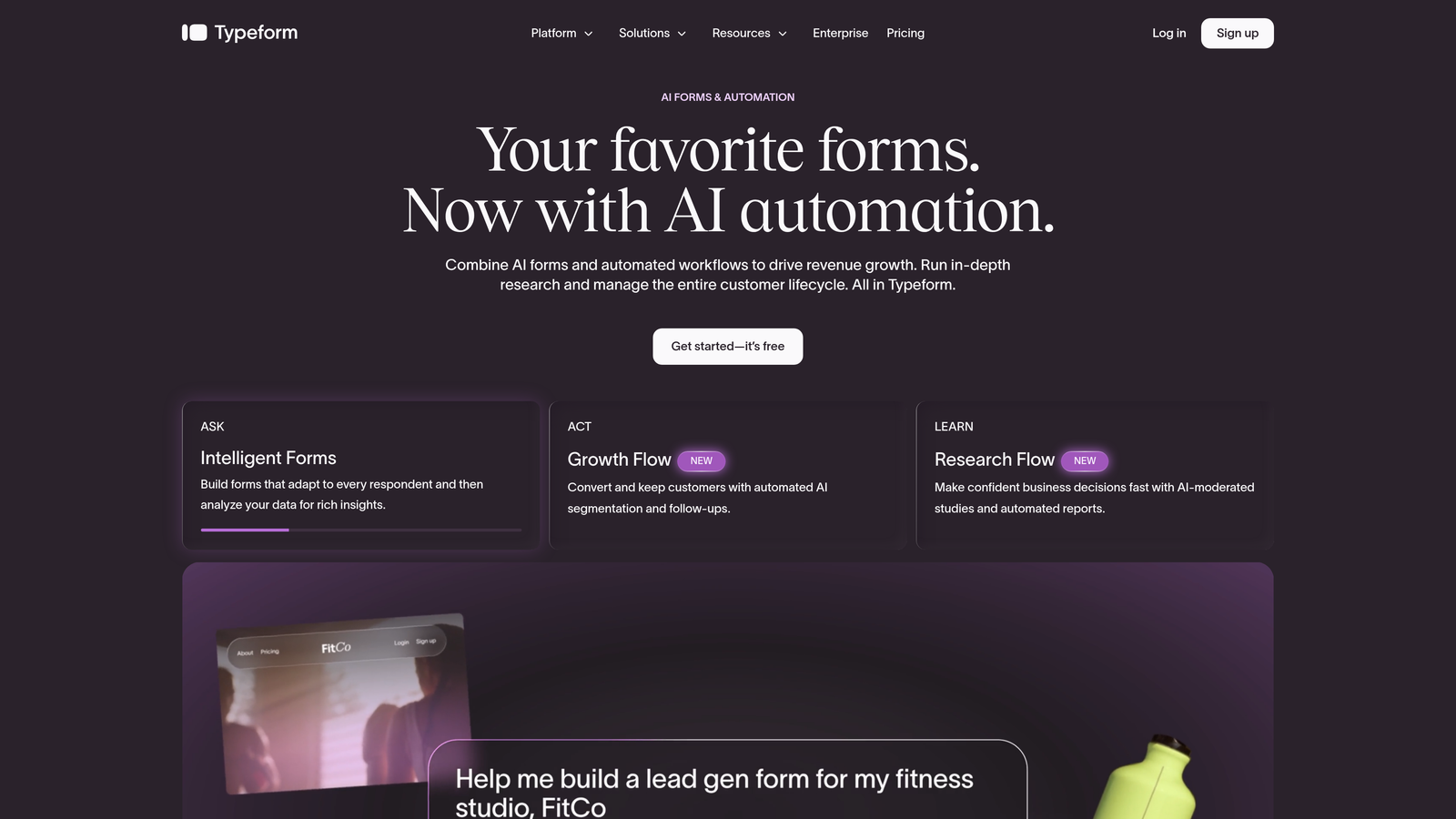
Typeform is a conversational form builder known for its one-question-at-a-time interface, which naturally supports focused screen reader navigation.
Where This Tool Shines
Typeform's biggest accessibility advantage is structural rather than deliberate: showing one question at a time dramatically reduces the cognitive complexity that can overwhelm screen reader users on traditional long-form pages. There's less to parse, less to navigate around, and clearer focus on what's being asked.
Focus management between questions is generally functional, which means keyboard-only users can move through a Typeform without getting lost. That said, Typeform's public-facing WCAG compliance documentation is limited, and the platform has historically received community feedback about inconsistent ARIA implementation. It's a solid choice for standard use cases, but teams with strict compliance requirements should test thoroughly before committing.
Key Features
One-Question-at-a-Time Format: Naturally simplifies screen reader announcement of new content by presenting a single focused interaction at a time.
Focus Management: Keyboard navigation between questions is supported, keeping users oriented throughout the form flow.
Polished Visual Design: Typeform's design quality is a strong point, with clean, uncluttered interfaces that support logical reading order.
Wide Integration Ecosystem: Connects with major CRM and marketing platforms, making it practical for lead generation workflows.
Best For
Typeform suits marketing teams and agencies that prioritize design quality and conversational UX, and whose accessibility needs are standard rather than compliance-critical. It works well for surveys, NPS forms, and lead capture where visual experience matters.
Pricing
Free plan available. Paid plans start at approximately $25/month, with higher tiers for advanced features and higher response volumes.
3. Jotform
Best for: Organizations in regulated or compliance-sensitive industries that need documented WCAG 2.1 AA support.
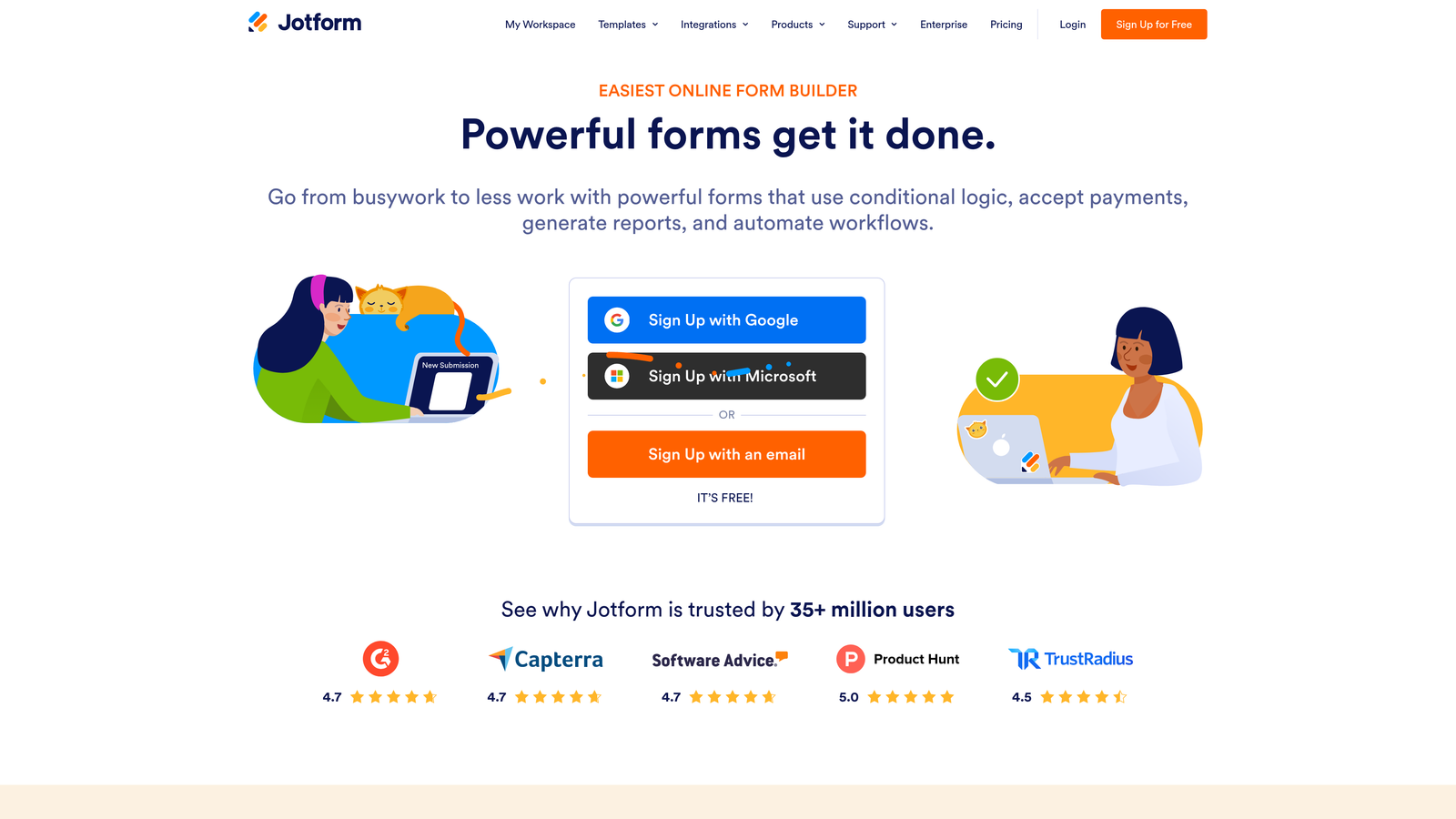
Jotform is a feature-rich form builder with a dedicated accessibility mode and publicly documented WCAG 2.1 AA support, widely used in healthcare, education, and government-adjacent organizations.
Where This Tool Shines
Jotform is one of the few mainstream form builders that has made accessibility an explicit, documented feature rather than an assumed byproduct. The dedicated "Accessible Forms" setting enables enhanced ARIA markup, including proper roles, states, and properties that screen readers rely on to interpret form controls correctly.
The platform also offers a large library of accessible form templates, which gives teams a compliant starting point rather than requiring them to build from scratch and hope the output meets standards. For organizations in sectors where accessibility compliance is audited or legally required, Jotform's documentation and feature set provide meaningful reassurance.
Key Features
Dedicated Accessibility Mode: Enables enhanced ARIA markup and screen reader support with a single setting, rather than requiring manual configuration.
WCAG 2.1 AA Compliance: Documented support when accessibility mode is enabled, covering key success criteria for form interactions.
Keyboard Navigation: Supported across all standard field types, including dropdowns, date pickers, and file uploads.
Accessible Template Library: Pre-built templates designed with accessibility in mind, spanning common use cases across industries.
Sector Adoption: Widely used in healthcare, education, and government-adjacent organizations where compliance is a baseline requirement.
Best For
Jotform is the strongest choice for compliance-driven teams: healthcare providers, educational institutions, nonprofits, and government contractors who need documented WCAG support and accessible templates they can deploy with confidence.
Pricing
Free plan available with generous limits. Paid plans start at approximately $34/month, scaling with submission volume and advanced features.
4. Formstack
Best for: Enterprise teams in regulated industries that need WCAG compliance combined with workflow automation.
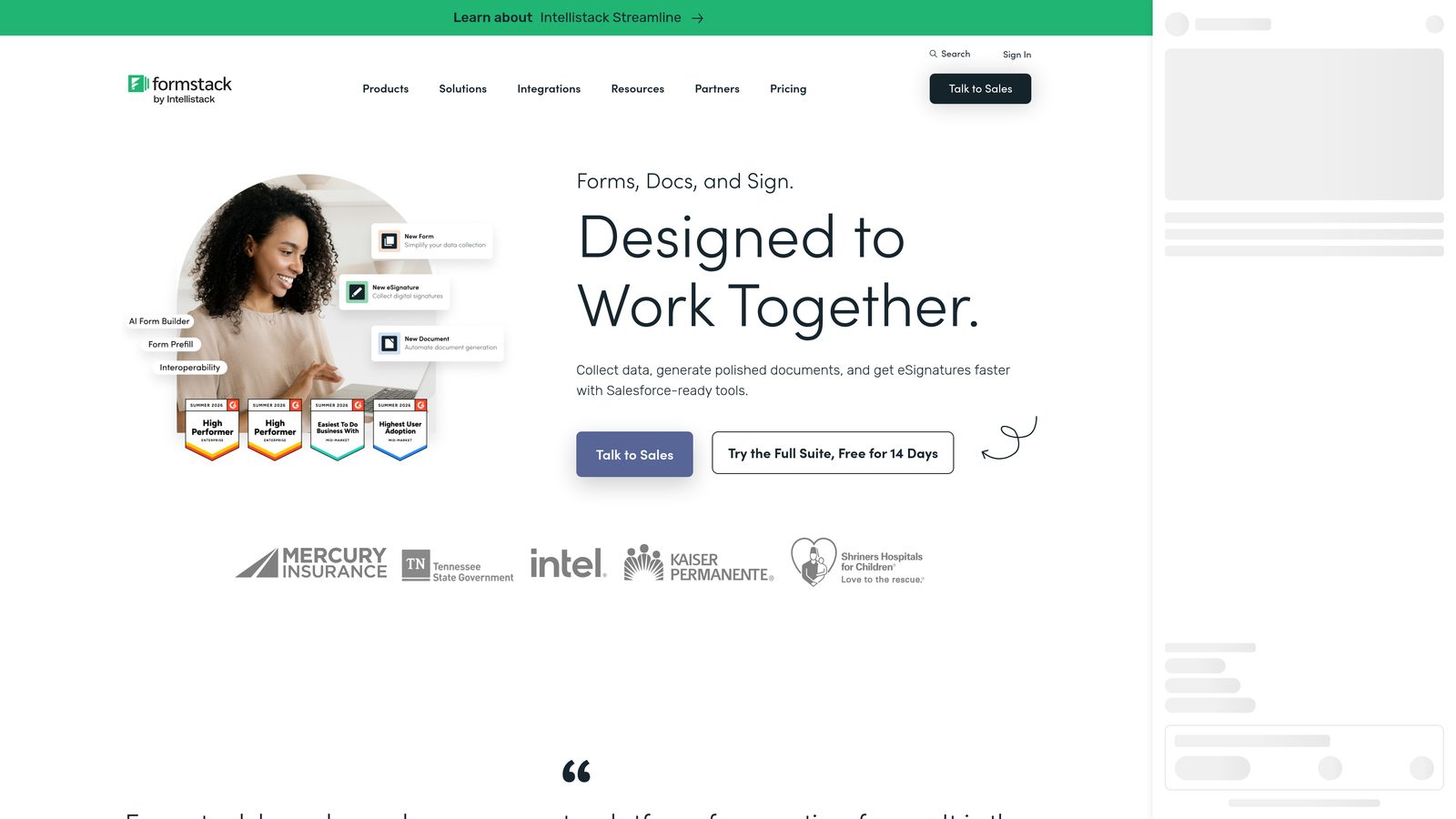
Formstack is an enterprise-grade form builder with a documented WCAG 2.1 AA compliance commitment, accessible themes, and workflow automation designed for regulated industries.
Where This Tool Shines
Formstack positions accessibility as part of its broader compliance and data security narrative, which means it tends to attract organizations where accessibility is an institutional requirement rather than an afterthought. The platform offers field-level ARIA attribute configuration, giving technically minded teams granular control over how their forms communicate with assistive technologies.
What sets Formstack apart from simpler tools is that accessibility is maintained throughout its conditional logic and workflow automation features. Many platforms handle accessible static forms reasonably well but introduce issues when dynamic behavior is added. Formstack's enterprise focus means these scenarios have been considered more carefully.
Key Features
Documented WCAG 2.1 AA Commitment: Publicly stated compliance target with accessible themes built into the platform.
Field-Level ARIA Configuration: Allows teams to set ARIA attributes at the individual field level for precise screen reader control.
Accessible Conditional Logic: Dynamic form behavior and workflow automation maintain accessibility standards throughout the interaction.
Enterprise Workflow Automation: Goes beyond form building to include approval workflows, routing, and data management suited for complex organizations.
Best For
Formstack is best suited for enterprise teams in regulated sectors: legal, financial services, healthcare, and higher education. If your organization has formal accessibility audits or procurement requirements, Formstack's documented compliance posture makes vendor evaluation straightforward.
Pricing
Plans start at approximately $83/month. Enterprise pricing is available for larger organizations with advanced compliance and workflow needs.
5. Tally
Best for: Startups, indie makers, and small teams that want solid baseline accessibility without configuration overhead.
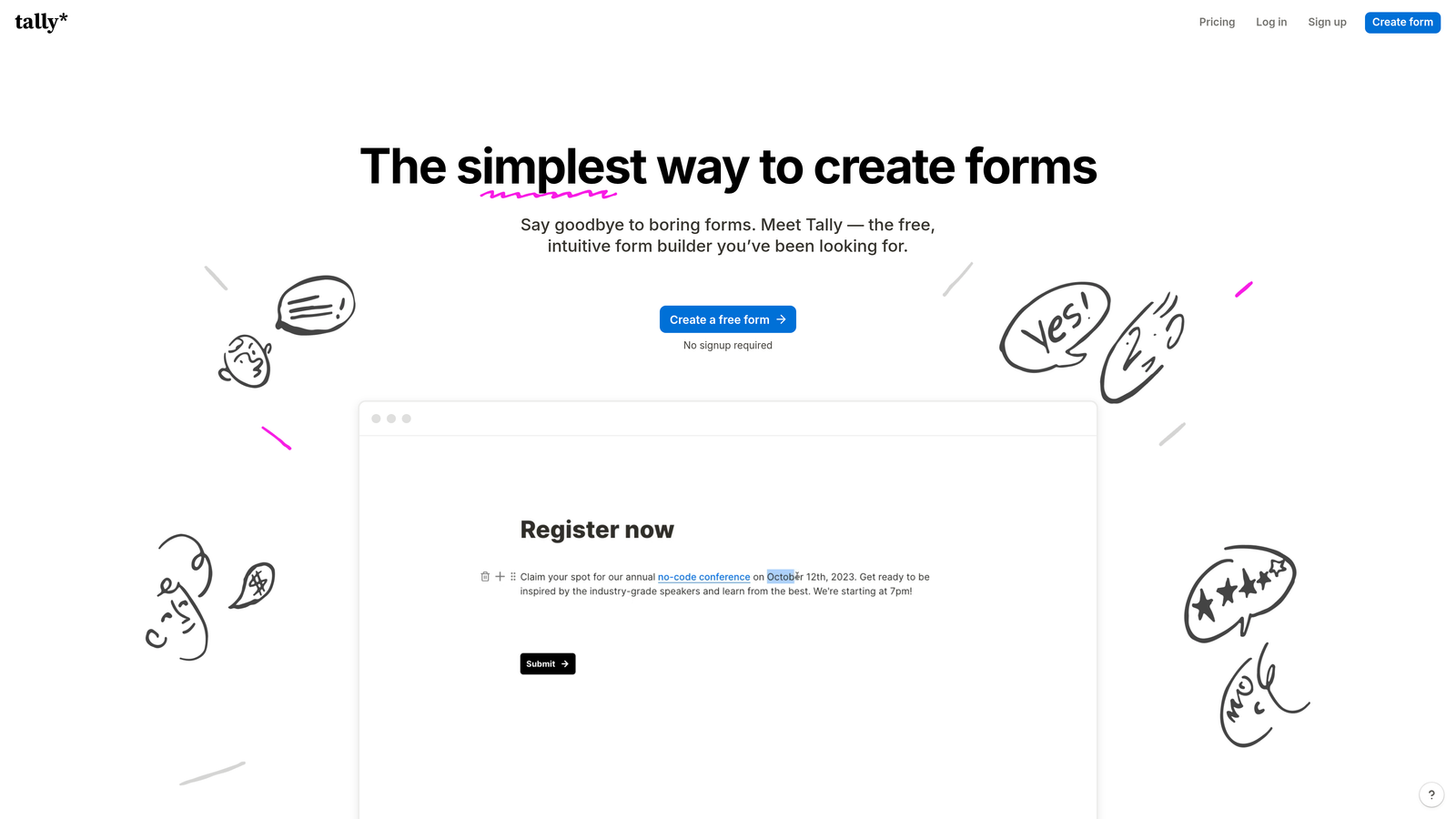
Tally is a minimalist, free-to-start form builder whose clean, lightweight markup naturally produces solid baseline screen reader accessibility without complex setup.
Where This Tool Shines
Tally's accessibility advantage comes from what it doesn't do rather than what it does. The platform's minimalist philosophy means forms are generated with clean semantic HTML and minimal JavaScript interference. Heavy JavaScript can disrupt screen reader operation by creating dynamic content changes that aren't properly announced, and Tally's lightweight approach sidesteps many of these issues by default.
There's no dedicated accessibility settings panel in Tally because, in many cases, you don't need one. The simplicity of the interface supports logical tab order and keyboard navigation without requiring manual intervention. For teams that want accessible forms without becoming accessibility engineers, that's a meaningful benefit.
Key Features
Clean Semantic HTML: Minimal JavaScript interference means screen readers can interpret form structure accurately without configuration.
Natural Tab Order: Simple, uncluttered interface produces logical keyboard navigation by default.
No Configuration Required: Baseline accessibility is delivered through simplicity rather than requiring teams to enable or configure special settings.
Genuinely Functional Free Plan: Unlike many tools where the free tier is heavily restricted, Tally's free plan covers most standard use cases.
Best For
Tally is ideal for small teams, early-stage startups, and individual creators who need straightforward, accessible forms without enterprise complexity or cost. It's less suited for teams that need advanced customization, conditional logic, or compliance documentation.
Pricing
Free plan available with no submission limits. Pro plan at approximately $29/month for advanced features including custom domains and integrations.
6. Paperform
Best for: Teams building content-rich forms, intake pages, and landing pages that need clear labeling and keyboard navigation.
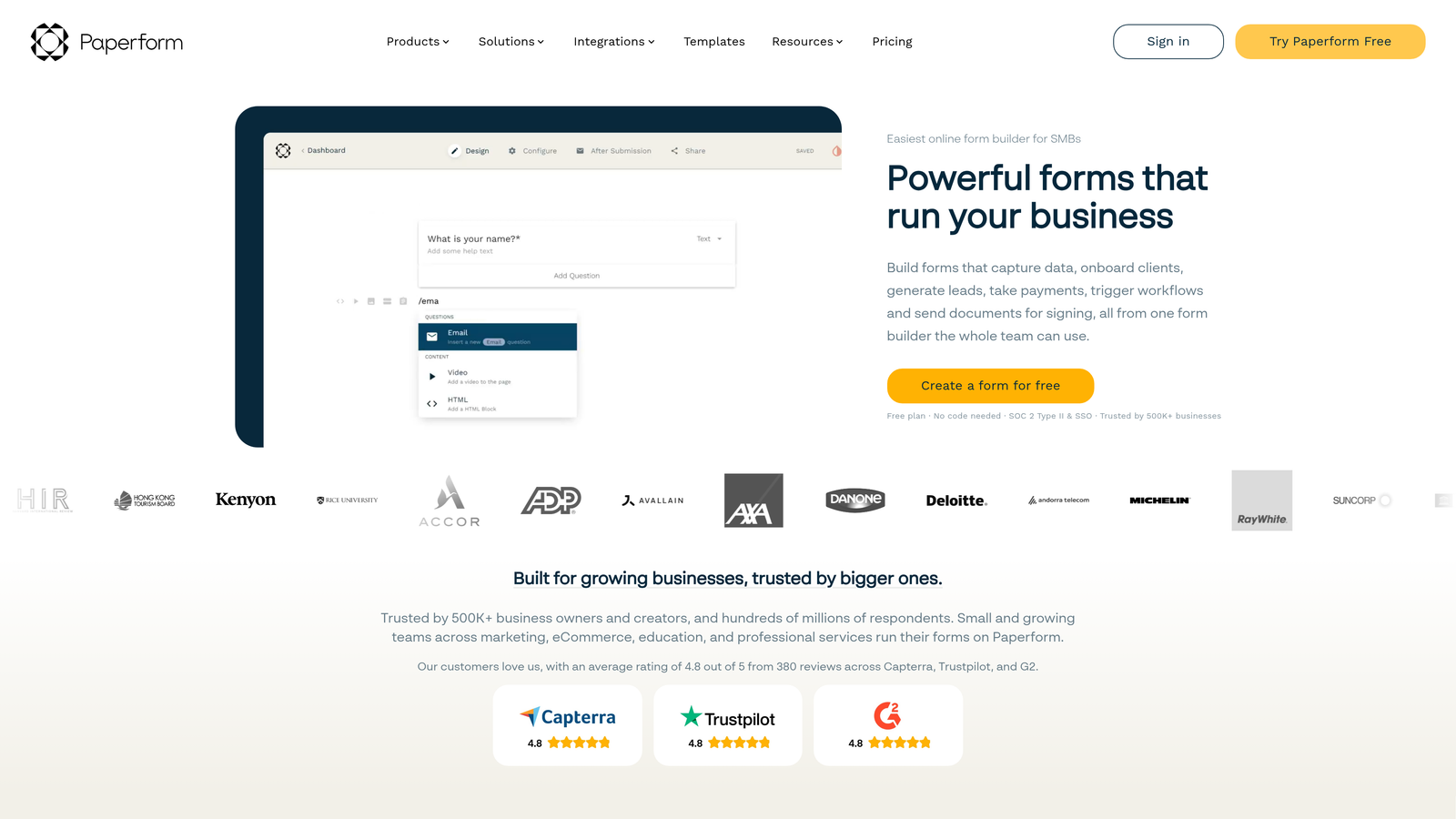
Paperform is a document-style form builder that blends content and fields in a page-like layout, with clear field labeling and keyboard navigation support for core interactions.
Where This Tool Shines
Paperform's document-style layout is its most distinctive characteristic, and it has an indirect accessibility benefit: fields are embedded within readable content, which means labels tend to be visible, descriptive, and contextually positioned. This naturally maps to what screen readers expect, where a label should be clearly associated with and adjacent to its input field.
Paperform isn't primarily marketed as an accessibility-first tool, and it doesn't offer the dedicated compliance documentation that Jotform or Formstack provide. However, its clean layout approach and keyboard navigation support for core interactions make it a reasonable choice for teams building intake forms, creative briefs, or landing pages where design flexibility matters alongside accessibility.
Key Features
Document-Style Layout: Fields embedded within page content create naturally visible, contextual labels that align with screen reader expectations.
Keyboard Navigation: Core form interactions are keyboard-navigable, supporting users who don't rely on a mouse.
Content-Form Hybrid Pages: Suited for intake forms, landing pages, and creative briefs where written context accompanies form fields.
Reasonable Baseline Accessibility: Clean layout approach delivers solid screen reader compatibility without requiring manual ARIA configuration for standard use cases.
Best For
Paperform works well for creative teams, agencies, and service businesses building content-rich forms where design flexibility and readable context matter. It's less suited for high-volume lead capture or compliance-critical environments where documented WCAG support is required.
Pricing
Plans start at approximately $24/month. There is no permanent free plan, though a trial is available.
Choosing the Right Tool for Your Accessibility Needs
The right screen reader friendly form builder depends on your team's specific context: the compliance standards you're held to, the complexity of your forms, and how much configuration you're willing to manage.
Here's a quick orientation by use case:
For high-growth SaaS and marketing teams: Orbit AI combines accessible form architecture with AI-powered lead qualification, making it the strongest fit for teams where conversion and inclusivity are equally important goals.
For compliance-critical organizations: Jotform's dedicated accessibility mode and documented WCAG 2.1 AA support make it the most defensible choice for healthcare, education, and government-adjacent teams. Formstack is the enterprise alternative for organizations that also need workflow automation and formal compliance documentation.
For small teams and startups: Tally's minimalist approach delivers solid baseline accessibility without overhead. Paperform suits teams building content-rich forms where layout and context matter.
For conversational form experiences: Typeform's one-question-at-a-time format naturally reduces screen reader complexity, though teams with strict compliance requirements should validate the output before deploying.
Before committing to any tool, there are a few accessibility criteria worth validating directly. Test with an actual screen reader (NVDA, JAWS, or VoiceOver) rather than relying solely on the platform's compliance claims. Check that error messages are programmatically associated with the relevant field, not just visually positioned nearby. Confirm that focus is managed correctly in multi-step flows, and that conditional logic doesn't create content changes that go unannounced to assistive technology.
Accessible forms aren't just about compliance: they tend to be cleaner, clearer, and easier for everyone to complete. That's a conversion benefit as much as an inclusivity one.
If you're ready to build forms that qualify leads automatically while meeting the accessibility standards your users deserve, start building free forms today with Orbit AI and see how intelligent form design can elevate your conversion strategy.


