

Managing time off requests through scattered emails and outdated spreadsheets creates unnecessary administrative burdens and opens the door to costly errors. A disorganized system leads to scheduling conflicts, payroll mistakes, and a lack of a clear audit trail for compliance purposes. Adopting a standardized process with dedicated time off request forms templates is essential for streamlining operations, ensuring accuracy, and improving the overall employee experience. This shift provides managers and HR teams with a centralized, transparent workflow, drastically reducing manual data entry and follow-ups.
This guide is designed to help you find the perfect solution for your organization's needs. We’ve curated a comprehensive list of the 12 best platforms and resources for digital and downloadable templates. For each option, you'll find a detailed breakdown of its ideal use case, key features, and practical limitations, complete with screenshots and direct links to get you started. We’ll cover everything from simple, printable PDFs to sophisticated digital forms that integrate directly with your CRM and automate approval workflows. Before implementing a new system, it's also crucial to ensure your internal policies are clear, including understanding specifics like holiday entitlement calculations. Let's find the template that will bring efficiency and clarity to your leave management process.
1. Orbit AI
Orbit AI elevates the concept of time off request forms templates by treating them as the starting point for intelligent, automated workflows, not just static documents. Instead of merely offering a downloadable file, the platform provides a powerful no-code builder for creating beautiful, mobile-responsive forms that are deeply integrated with your company's operational ecosystem. This approach is ideal for high-growth companies looking to build a scalable and data-driven HR system.
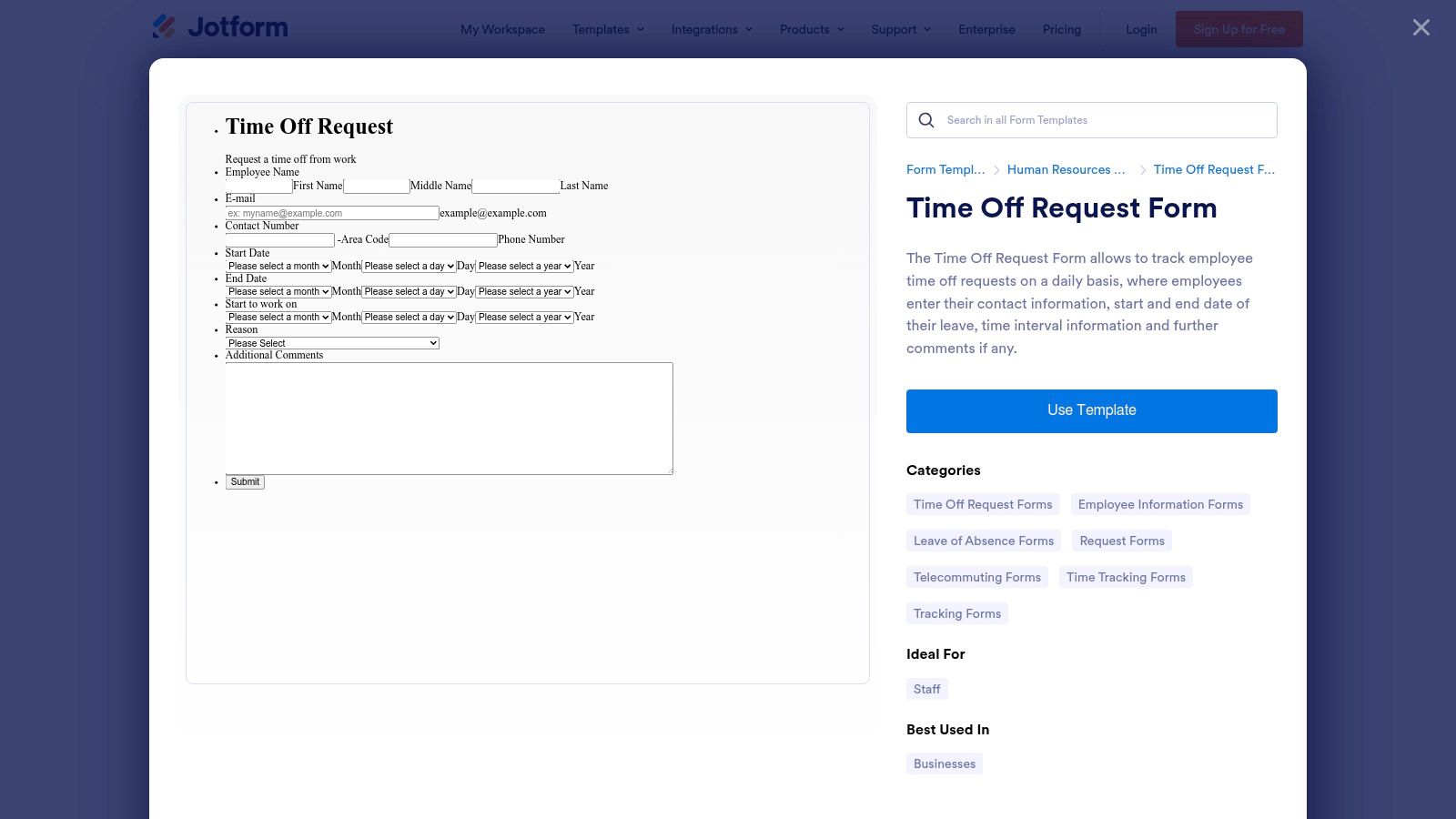
The platform's standout feature is its AI-powered workflow automation. It can qualify requests against company policies (like available PTO balance or team coverage) before routing them to the correct manager. This enriches each submission with crucial context, significantly reducing the manual workload for both HR and managers. The user experience is exceptionally smooth, turning a routine administrative task into a frictionless interaction for employees. You can explore a collection of pre-built, customizable designs by viewing their time off request form templates.
Key Details & Use Cases
- Primary Use: Best for companies wanting to fully automate the leave request process, from submission to approval and data syncing.
- Unique Feature: AI-driven qualification automatically checks requests against preset rules, providing managers with instant context.
- Integrations: Connects directly with HRIS, Google Calendar, and Outlook, ensuring leave is tracked accurately across all systems.
- Analytics: A real-time dashboard provides insights into leave trends, approval times, and departmental patterns.
Pros & Cons
| Pros | Cons |
|---|---|
| Drastically reduces manual HR tasks through AI and automation. | AI features may be overkill for very small teams. |
| Highly customizable to fit complex approval hierarchies and policies. | Full potential requires integration with other systems. |
| Superior employee experience with intuitive, branded forms. |
Access to Orbit AI's platform is available through various subscription tiers, which you can find on their website: https://orbitforms.ai.
2. Typeform
Typeform focuses on the employee experience, transforming standard time off request forms templates into engaging, conversational interactions. Its signature one-question-at-a-time format is designed to feel more like a conversation than a chore, which can significantly improve completion rates. This approach is perfect for companies that prioritize a modern, user-friendly interface for all internal processes and want to embed sleek forms on their intranet or internal portals.
The platform shines with its high degree of visual customization and logical jumps, allowing you to tailor the form's flow based on employee answers, such as the type of leave requested. While it excels as one of the best online form builders for user engagement, its primary strength lies in creating a polished front-end experience. Its vast integration library ensures that the submitted data can be easily sent to tools like Slack, Google Sheets, or your HRIS for processing, though the automation logic itself happens in the connected apps.
Key Details & Use Cases
- Primary Use: Best for businesses focused on providing a superior, branded employee experience for routine administrative tasks.
- Unique Feature: A conversational, one-question-at-a-time interface that makes filling out forms feel less tedious and more intuitive.
- Integrations: Offers over 300 integrations, connecting to popular tools like Slack, Google Sheets, and HubSpot to create custom workflows.
- Customization: Extensive visual design options allow forms to be perfectly aligned with company branding.
Pros & Cons
| Pros | Cons |
|---|---|
| Polished UX can improve submission rates and employee satisfaction. | Response limits are in place on the free tier. |
| Strong integration ecosystem to connect with existing HR tools. | Removing Typeform branding requires a paid plan. |
| Highly embeddable on company intranets and internal sites. |
You can start with a free plan and explore paid options on their website: https://www.typeform.com/templates/time-off-request-form-template?utm_source=openai.
3. SurveyMonkey
SurveyMonkey leverages its powerful survey-building capabilities to offer a straightforward approach to time off request forms templates. Known for its intuitive interface, the platform provides a pre-built, expert-certified template that can be quickly deployed to standardize leave requests. This is an excellent solution for organizations already using SurveyMonkey for other purposes or for teams that need a reliable data collection tool without the complexity of a full HRIS.
The platform's strength lies in its robust data analysis and reporting features. Once employees submit their requests, HR and managers can access dashboards to view trends, filter by date or department, and export data for payroll processing or record-keeping. While it doesn't offer the deep workflow automation of specialized HR tools, its ease of use and powerful analytics make it a practical choice for capturing and analyzing leave data efficiently. You can find their ready-to-use template on their website.
Key Details & Use Cases
- Primary Use: Best for companies seeking a quick-to-implement solution for standardizing leave requests with strong data reporting.
- Unique Feature: Built-in reporting dashboards and export options provide immediate insights into leave patterns without extra setup.
- Integrations: While not its primary focus, some integrations are possible through its platform ecosystem to connect data to other tools.
- Analytics: Powerful analytics allow HR teams to track request volumes, leave types, and departmental trends over time.
Pros & Cons
| Pros | Cons |
|---|---|
| Familiar tool for many organizations with a straightforward setup. | Custom approval workflows are limited compared to dedicated HR tools. |
| Good analytics and reporting for HR operations. | Full features and removal of SurveyMonkey branding require paid plans. |
| Quick to deploy with a pre-certified template. |
Access to the template and basic features is available on their website, with advanced reporting and enterprise features on paid tiers: https://www.surveymonkey.com/templates/time-off-request-form/.
4. 123FormBuilder
123FormBuilder offers a versatile and user-friendly approach to creating time off request forms templates. The platform is known for its intuitive drag-and-drop builder, which allows HR teams to quickly customize forms without needing any code. It provides multiple distinct templates for different leave types, such as general time off, PTO, vacation, and leave of absence, giving users a solid starting point that closely matches their specific internal policies and terminology.
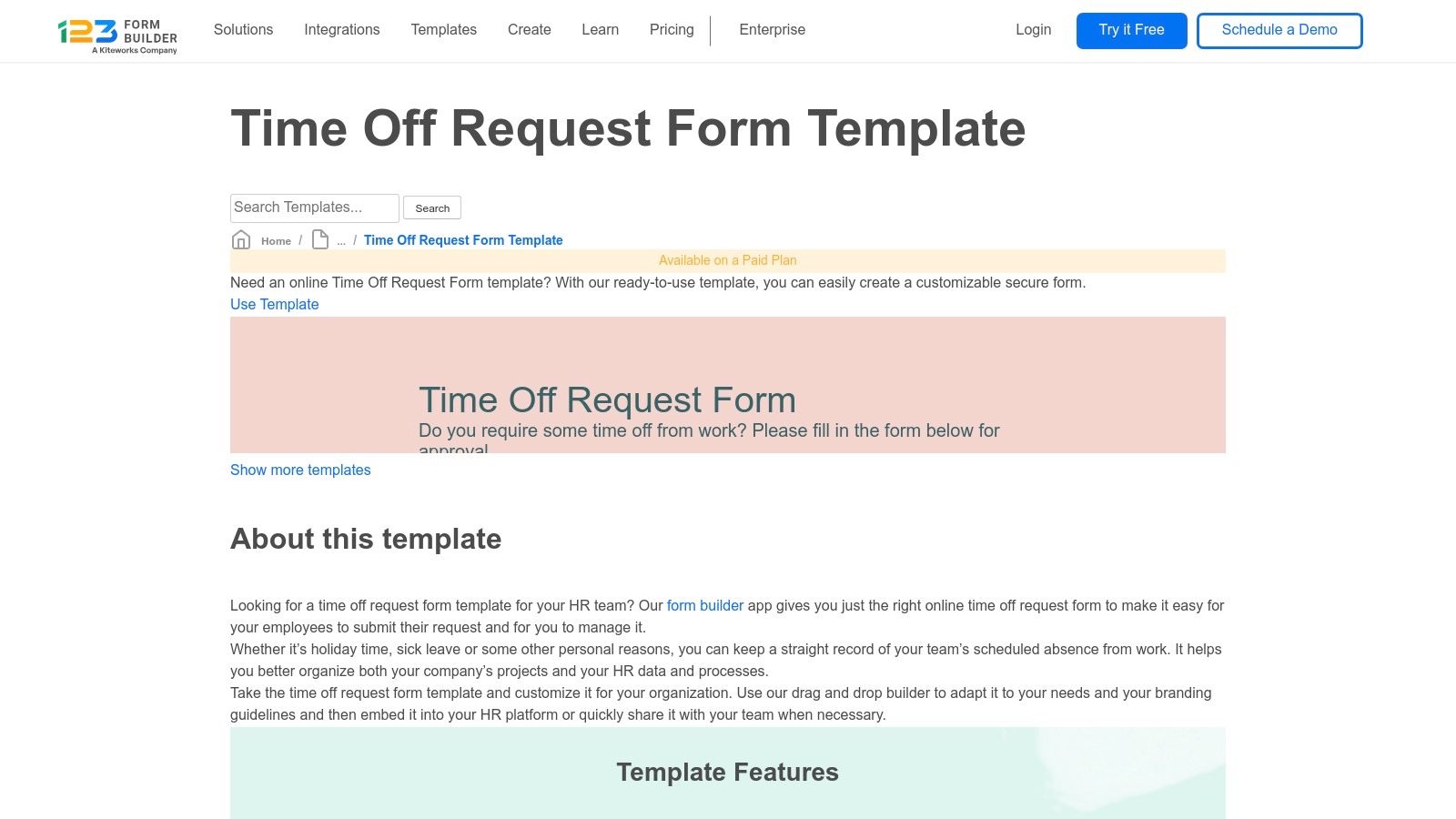
The platform's strength lies in its balance of simplicity and functionality. Users can easily implement conditional logic to show or hide fields based on the type of leave requested, creating a cleaner experience. The system also supports email-based approval workflows, automatically notifying managers and other stakeholders when a request is submitted. While it doesn't have the deep AI automation of other platforms, it’s an excellent choice for businesses needing a straightforward, reliable, and highly customizable intake form template for their leave management process.
Key Details & Use Cases
- Primary Use: Best for small to mid-sized businesses that need a fast, code-free way to create and deploy customized leave request forms.
- Unique Feature: Offers a variety of specific leave templates (PTO, Vacation, etc.), allowing HR to start with a form that’s already tailored to their needs.
- Integrations: Connects with popular office applications and HR tools, allowing for data to be passed to other systems.
- Workflows: Simple email-based approval chains and multi-recipient notifications can be configured directly within the form settings.
Pros & Cons
| Pros | Cons |
|---|---|
| Several distinct templates so HR can pick a close starting point. | Advanced workflows require upgrading to paid tiers. |
| Free plan available and rapid customization with the drag-and-drop editor. | Full integration functionality is gated behind paid plans. |
| Embeddable on any website or intranet for easy employee access. |
You can start building for free or explore paid plans on their website: https://www.123formbuilder.com/free-form-templates/Time-Off-Request-Form-3321827/?utm_source=openai.
5. Zoho Forms
Zoho Forms offers a practical and robust solution for companies already invested in the Zoho ecosystem. Instead of a simple downloadable file, it provides a powerful time off request forms templates builder that integrates deeply with other Zoho applications. This makes it an excellent choice for businesses looking to streamline their HR processes within a unified software environment, ensuring data flows seamlessly from request to record-keeping.
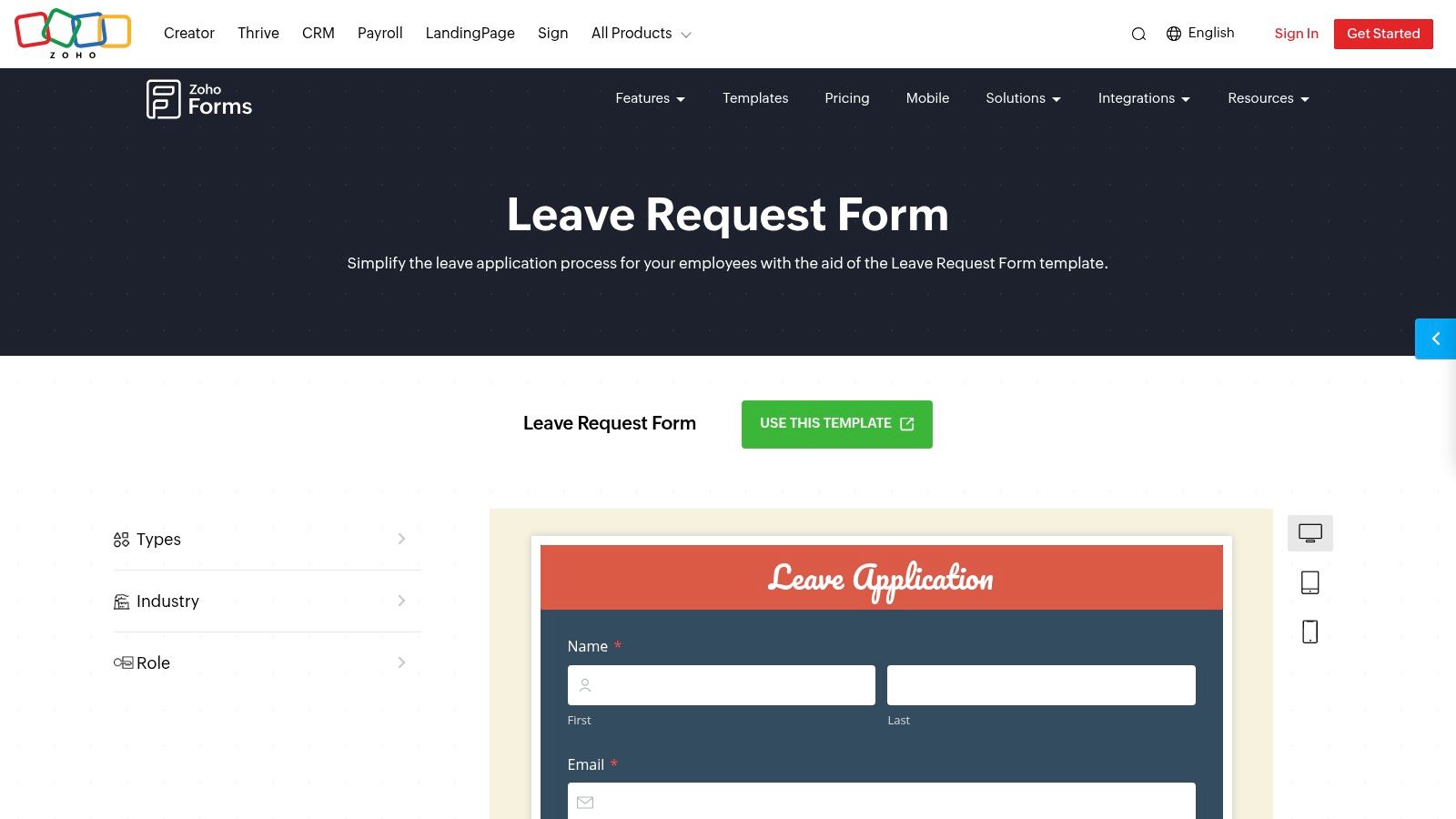
The platform’s key strength lies in its native approval workflows, which eliminate the need for manual email chains. When an employee submits a leave application, the form can automatically route the request to the appropriate manager for approval and update its status in real-time. This level of built-in automation is a significant step up from static templates, and you can explore more about how a form builder with workflow automation can transform internal processes. The forms are mobile-friendly and support file uploads for medical certificates or other documentation.
Key Details & Use Cases
- Primary Use: Best for companies using the Zoho suite (like Zoho People or Zoho CRM) who need an integrated leave management solution.
- Unique Feature: Built-in, multi-step approval flows that provide real-time status tracking for both employees and managers.
- Integrations: Natively connects with Zoho People and Zoho CRM, with options to connect to external tools via webhooks or other integrations.
- Analytics: Basic reporting is available within Zoho Forms to track submissions and approval cycles.
Pros & Cons
| Pros | Cons |
|---|---|
| Strong fit if you already use Zoho apps, creating a unified system. | Advanced workflow features are tied to higher-tier plans. |
| Native approvals reduce manual coordination and email back-and-forth. | Requires a Zoho Forms account to create and manage forms. |
| Mobile-friendly forms with file upload capabilities. |
You can start building with their leave application template by signing up for an account on their website: https://www.zoho.com/forms/templates/request-forms/leave-application.html?utm_source=openai.
6. Formstack
Formstack positions its time off request forms templates as part of a larger, more powerful workflow automation engine. The platform is less about providing a simple document and more about building a comprehensive, end-to-end process for managing leave. Using a drag-and-drop builder, businesses can create branded forms that kick off complex, multi-step approval sequences, making it ideal for organizations with specific HR sign-off requirements or audit needs.
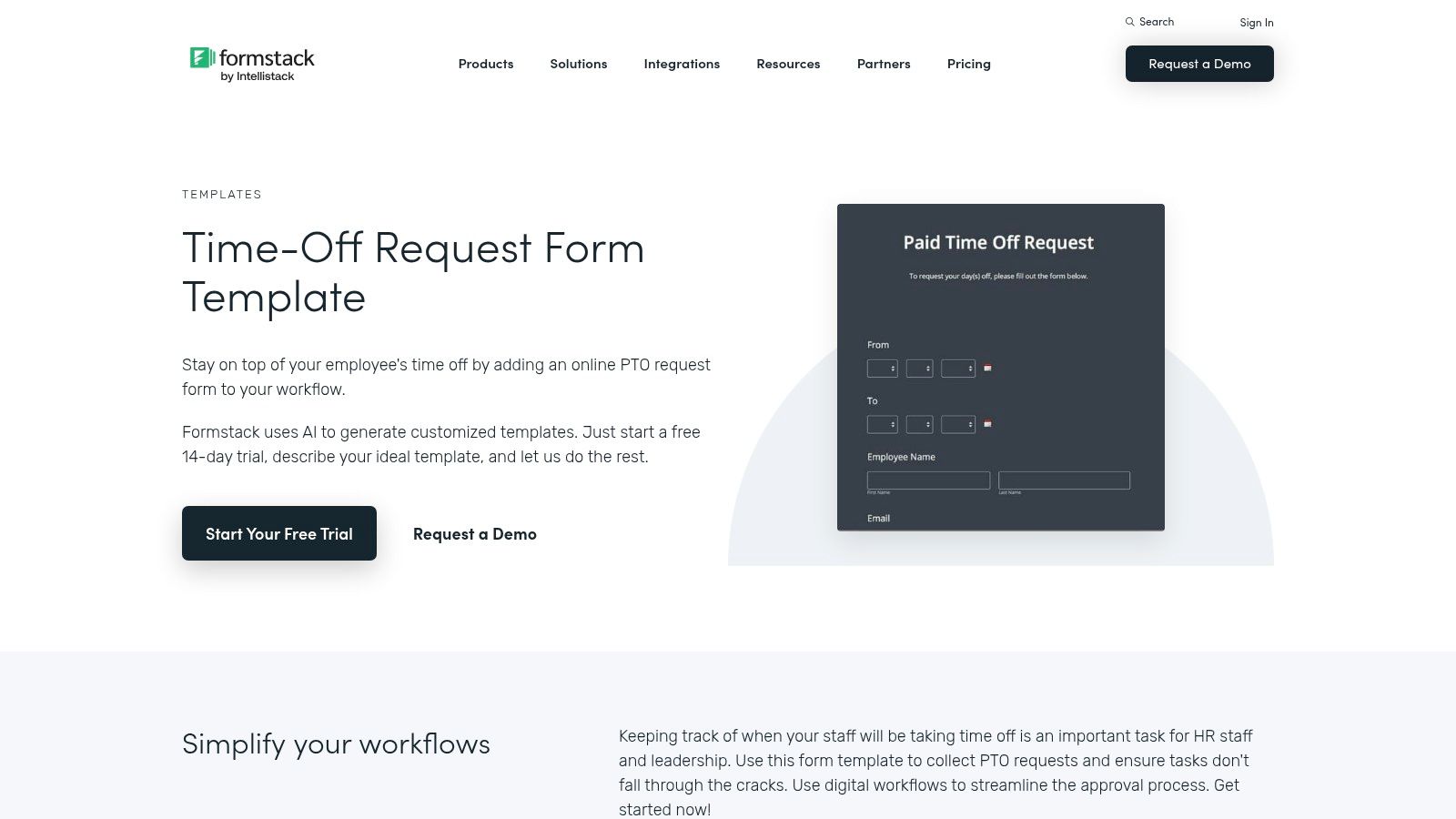
The platform’s strength lies in its configurable workflows. A request can be automatically routed from an employee to their direct manager and then to HR for final approval, with email and SMS notifications at each stage. This creates a clear audit trail for compliance and operational transparency. Formstack is designed for businesses that need enterprise-grade controls over their internal processes, ensuring every request is handled consistently and according to company policy.
Key Details & Use Cases
- Primary Use: Best for companies needing robust, multi-step approval workflows with clear audit trails for compliance.
- Unique Feature: Configurable routing logic allows for complex approval chains involving multiple departments or stakeholders.
- Integrations: Connects with a wide array of business tools, including CRMs, payment gateways, and cloud storage services.
- Analytics: Provides data on form submissions, completion rates, and workflow efficiency to help optimize internal processes.
Pros & Cons
| Pros | Cons |
|---|---|
| Strong workflow and automation capabilities for complex HR sign-offs. | Fully featured workflows typically require paid plans. |
| Enterprise-grade controls and extensive integration options. | Access is generally via a trial or paid subscription. |
| Detailed audit trail for every submission, enhancing compliance. |
You can explore Formstack's template and platform features, which are available through a free trial or various paid plans: https://www.formstack.com/templates/pto-request?utm_source=openai.
7. Cognito Forms
Cognito Forms provides powerful time off request forms templates that stand out by connecting directly to an employee data source. This approach ensures high data integrity by using lookup fields to automatically populate information like an employee's department or manager. Instead of relying on manual entry, the form pulls accurate, up-to-date information, streamlining the submission process and reducing errors from the outset.
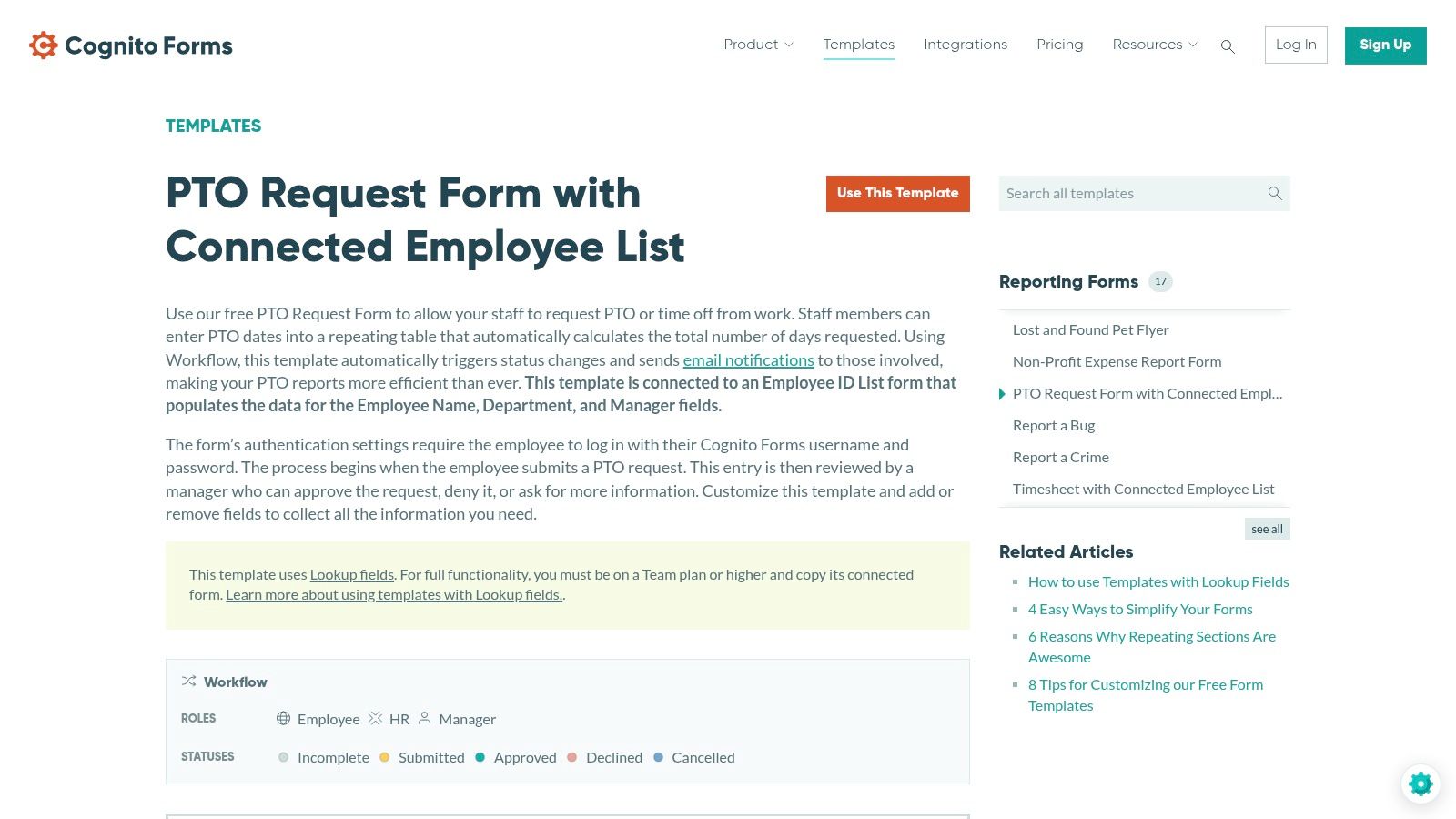
The platform’s strength lies in its workflow automation capabilities, which are built around this connected data. You can set up role-based permissions for employees, managers, and HR, ensuring the request moves through the correct approval stages automatically. Each stage triggers status updates and notifications, keeping everyone informed without manual follow-up. This makes it a great choice for organizations that need a reliable, systemized process for managing leave requests.
Key Details & Use Cases
- Primary Use: Best for companies that need to maintain strict data integrity by linking forms to existing employee lists.
- Unique Feature: Connected data sources and lookup fields that auto-populate form data, minimizing user error.
- Integrations: Connects with Zapier, Make, and Microsoft Power Automate, allowing for extensive workflow possibilities.
- Workflow: Role-based permissions automate the routing of requests from employee to manager to HR.
Pros & Cons
| Pros | Cons |
|---|---|
| Maintains HR data integrity through connected data. | Lookup fields require a Team plan or higher. |
| Clear status stages and automated notifications for all parties. | Advanced workflow features are behind paid tiers. |
| Authentication features ensure secure submissions. |
You can access the Cognito Forms template and explore its features on their website: https://www.cognitoforms.com.
8. PandaDoc
PandaDoc approaches time off request forms templates from a document management perspective, making it an excellent choice for businesses that prioritize formal documentation and e-signatures. Rather than a simple web form, PandaDoc provides a customizable document template that can be filled out, signed electronically, and stored securely. This method is ideal for companies that need a clear, auditable trail for HR records or prefer a more traditional, document-centric workflow for leave requests.
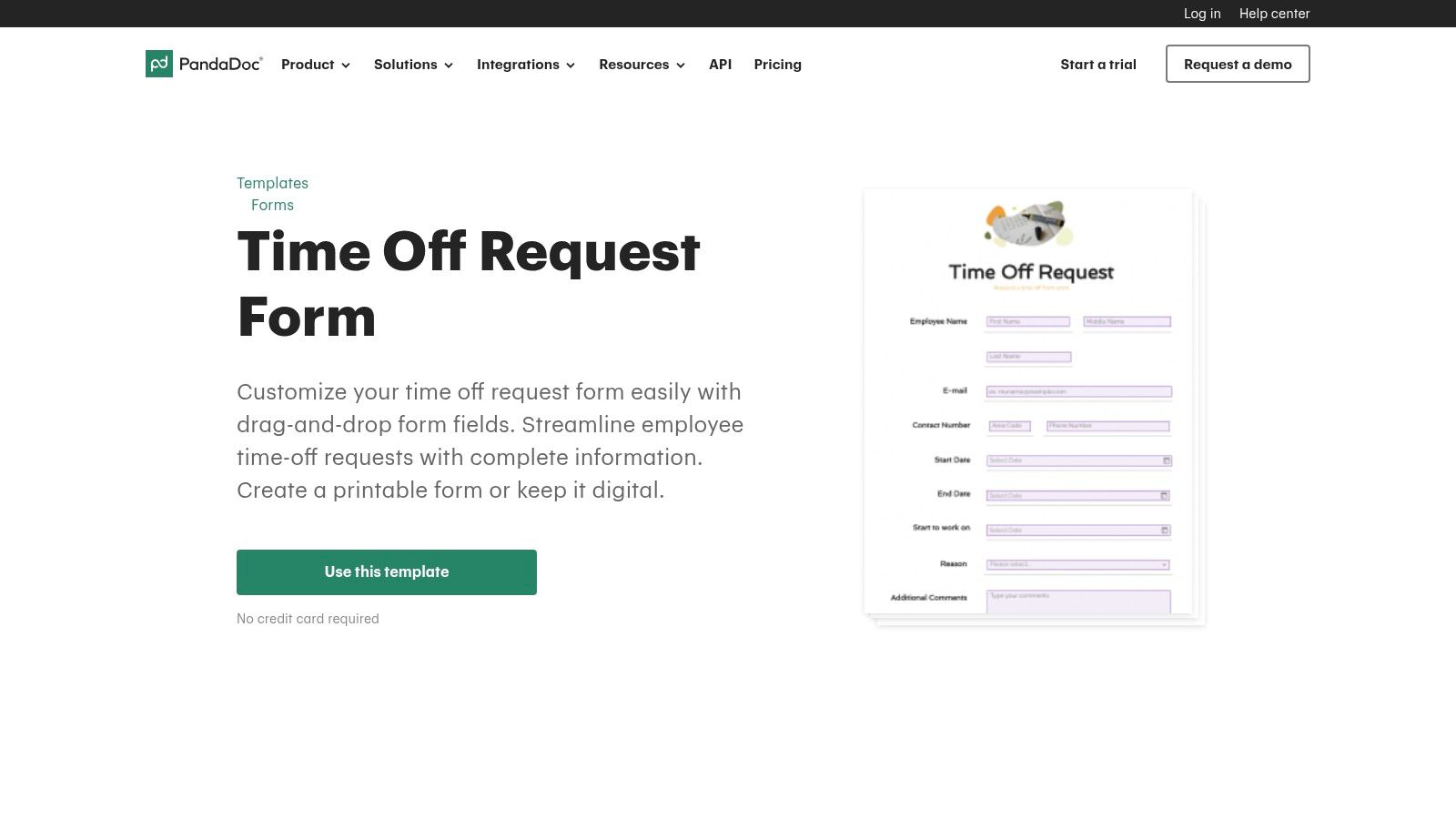
The platform's strength lies in its robust document control features. Users can leverage drag-and-drop fields to customize the form, and its native e-signature capability adds a layer of formal approval. PandaDoc also offers a companion PTO policy template, allowing companies to present and enforce rules alongside the request document. Completed forms are easily versioned, tracked, and exported as PDFs, bridging the gap between digital workflows and the need for printable records.
Key Details & Use Cases
- Primary Use: Best for organizations requiring formal, e-signed documents for HR compliance and record-keeping.
- Unique Feature: Combines a customizable request document with legally binding e-signature capabilities and secure storage.
- Integrations: Connects with various CRMs and storage solutions, though the core process is self-contained within the document.
- Analytics: Provides document tracking, showing when a form has been opened, viewed, and completed by approvers.
Pros & Cons
| Pros | Cons |
|---|---|
| Combines request form and e-signature in a single workflow. | More document-centric than a true form-and-database system. |
| Excellent for creating printable, PDF-friendly records. | Full workflow and e-sign features require a paid plan after the trial. |
| Centralized document storage improves HR organization. |
You can access PandaDoc’s templates and explore their platform features on their website: https://www.pandadoc.com/time-off-request-form/?utm_source=openai.
9. TeamSense
TeamSense offers a refreshingly straightforward approach to time off request forms templates, targeting frontline, hourly, and non-desk workforces. Instead of a complex digital system, it provides a simple, one-page downloadable PDF designed for immediate practical use. This template is perfect for environments like manufacturing plants, retail shops, or field service teams where employees may not have consistent access to a computer or company email, making a paper-based system more reliable.
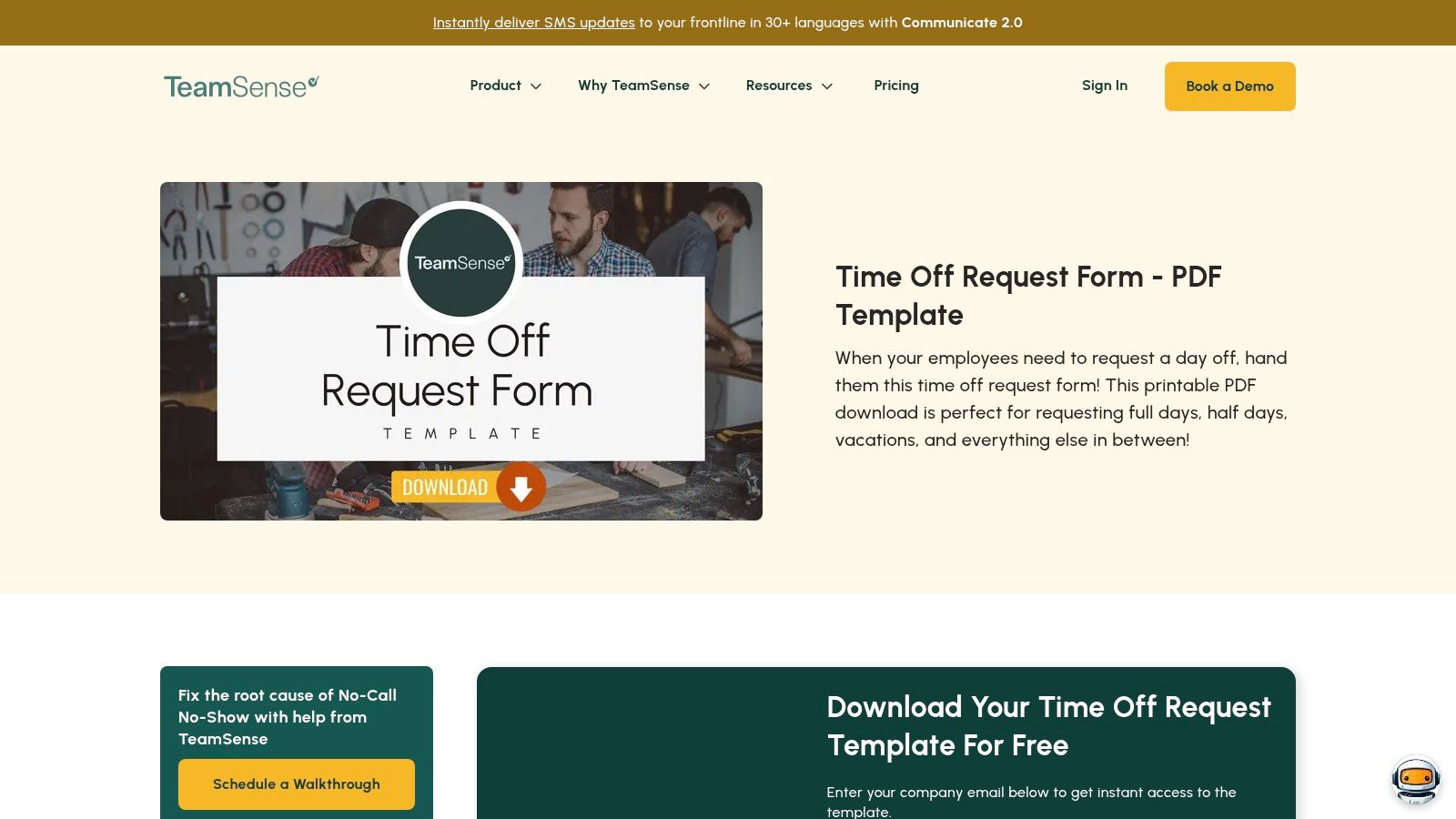
The form is clean, well-organized, and includes all essential fields: employee details, request dates with options for full or half days, and a dedicated manager sign-off section. Its strength lies in its simplicity and accessibility. It eliminates the friction of digital adoption for specific workforces, providing a functional, printable tool that can be implemented instantly. The focus is on clarity and ease of use in a manual or hybrid workflow, bridging the gap between digital HR systems and the realities of on-site operations.
Key Details & Use Cases
- Primary Use: Best for companies needing a printable, paper-based request form for hourly or frontline employees with limited digital access.
- Unique Feature: The design is optimized for non-desk environments, prioritizing a quick, tangible process over a digital one.
- Integrations: None; this is a standalone PDF intended for manual processing, routing, and physical storage.
- Analytics: Not applicable, as it is a static document. Tracking must be done manually by inputting data into a separate system.
Pros & Cons
| Pros | Cons |
|---|---|
| Fast, no-frills option for immediate paper or hybrid adoption. | Not an online workflow; routing and storage must be managed separately. |
| Well-suited for plants, shops, and field teams with limited digital access. | Requires a company email to download the free template. |
| Simple, one-page format is easy for anyone to understand and use. | Lacks automation, tracking, or integration capabilities. |
The free PDF template can be downloaded directly from the TeamSense website: https://www.teamsense.com/templates/time-off-request-form-pdf?utm_source=openai.
10. SHRM (Society for Human Resource Management)
SHRM offers authoritative time off request forms templates specifically designed for HR professionals navigating US employment law. Unlike platforms focused on digital workflows, SHRM provides foundational, compliance-aware documents, including templates for standard PTO, FMLA leave, and unpaid leave. This approach is ideal for HR leaders who need to build their leave policies on a solid, legally sound framework before considering automation.
The platform's key strength lies in its integration of templates with extensive policy guidance and compliance resources. Each form is not just a standalone document but part of a larger toolkit that helps HR managers ensure their processes are fair, consistent, and aligned with federal regulations. This is particularly valuable when managing complex leave scenarios that intersect with FMLA or ADA requirements. While not a digital tool itself, SHRM provides the essential building blocks for a robust time off management system.
Key Details & Use Cases
- Primary Use: Best for US-based HR professionals seeking compliance-focused templates and policy guidance for all leave types.
- Unique Feature: Provides specialized forms for FMLA and other regulated leave, backed by a deep library of HR compliance resources.
- Integrations: Not applicable, as these are downloadable documents intended for manual adaptation into company HRIS or policy manuals.
- Analytics: Does not offer analytics; the focus is on providing compliant source material rather than tracking data.
Pros & Cons
| Pros | Cons |
|---|---|
| Highly trusted US HR authority with compliance-aware templates. | Many downloads and materials require SHRM membership. |
| Useful when coordinating leave with FMLA or policy documents. | Resources are gated and not instantly accessible to non-members. |
| Includes guidance beyond just the form itself. |
Access to many of SHRM's forms and resources requires a membership, available on their website: https://www.shrm.org.
11. pdfFiller
pdfFiller targets organizations that rely on standardized document workflows by offering a variety of time off request forms templates in a fillable PDF format. Instead of building a dynamic web form, the platform provides a robust web-based PDF editor where employees can complete, e-sign, and submit requests. This approach is excellent for teams that need to maintain a consistent paper trail and prefer the familiar structure of a traditional document.
The platform's strength lies in its document management capabilities. Once a form is completed, it can be shared via a link, emailed directly to a manager, or exported to various cloud storage services. The built-in e-signature tool adds a layer of formal approval, making it a practical solution for companies that require signed documentation for their HR records. pdfFiller effectively bridges the gap between paper-based processes and digital convenience.
Key Details & Use Cases
- Primary Use: Best for companies standardizing on PDF documents for official HR requests and requiring electronic signatures.
- Unique Feature: A comprehensive online PDF editor that allows for filling, signing, and sharing without any software installation.
- Integrations: Connects with cloud storage like Google Drive, Dropbox, and OneDrive, and supports exporting or sending via email and fax.
- Template Library: Offers several variations of time off request forms to suit different company needs.
Pros & Cons
| Pros | Cons |
|---|---|
| Ideal for standardized PDF workflows with e-signature needs. | A subscription is required for full editing and sending capabilities. |
| Quick to deploy and easy for employees to use if they are familiar with PDFs. | Lacks the automation and HRIS integration of dedicated leave systems. |
| Centralizes document management with multiple sharing and export options. |
Access to pdfFiller's templates and editing tools requires a subscription, which you can explore on their website: https://www.pdffiller.com/745803067--Time-Off-Request-Form-.
12. Etsy
Etsy provides a unique marketplace for time off request forms templates, offering a vast collection of designs created by independent sellers. Unlike platform-based solutions, Etsy focuses on providing instantly downloadable and editable files in formats like Canva, Word, and PDF. This approach is perfect for small businesses or teams seeking a visually appealing, print-ready form without committing to a software subscription. You get a professionally designed document that can be quickly customized with your company logo and colors.
The primary advantage is the sheer variety and affordability. For a small one-time fee, you can purchase a template that aligns perfectly with your internal branding, from minimalist to more elaborate styles. While these templates are static and lack automation, they serve as an excellent, low-cost starting point for formalizing the leave request process. They are ideal for companies that still rely on manual or paper-based HR workflows but want to elevate their internal documentation's professionalism and aesthetic.
Key Details & Use Cases
- Primary Use: Best for small businesses needing affordable, brandable, and print-ready HR documents without workflow automation.
- Unique Feature: A massive marketplace of designs from various sellers, ensuring a wide selection of aesthetic styles and formats.
- Integrations: None. These are static digital files (Canva, Word, PDF) intended for manual completion and processing.
- Analytics: No analytics are included; tracking must be done manually in a separate system or spreadsheet.
Pros & Cons
| Pros | Cons |
|---|---|
| Very low one-time cost per template and instant delivery. | Quality and consistency vary significantly between sellers. |
| Wide selection of design styles to match internal branding. | No built-in workflows; templates are static files. |
| Highly customizable in common software like Canva and Word. |
You can browse and purchase individual templates directly from various sellers on the Etsy marketplace: https://www.etsy.com/listing/1555206899/employee-time-off-request-template.
Top 12 Time-Off Request Form Templates Comparison
| Product | Core features | UX & quality | Value proposition | Target audience | Price notes |
|---|---|---|---|---|---|
| Jotform | Large template gallery (40+ time-off variants), drag‑and‑drop builder, conditional logic, PDF export, integrations | Fast to implement, mobile/web friendly, easy embed | Quick digital request flows + record keeping | Small–mid HR teams needing rapid deployment | Free tier; advanced automations/HIPAA on paid plans |
| Typeform | Conversational one‑question UX, logic jumps, 300+ integrations, rich visual customization | Polished, high‑completion UX, branded forms | Improve completion and brand experience | Teams prioritizing branded, conversational forms | Free tier with response limits; branding removal paid |
| SurveyMonkey | Ready time‑off template, preview, reporting dashboards, exports, enterprise SSO/gov controls on higher tiers | Familiar interface, solid analytics for HR ops | Standardized requests with built‑in reporting | HR teams wanting quick setup + analytics | Preview/free; full features require paid plans |
| 123FormBuilder | Multiple leave templates, drag‑and‑drop builder, conditional logic, email approvals, integrations | Rapid customization, basic free plan | Pick-close starting templates to match policies | HR teams needing variety and quick edits | Free basic plan; advanced limits/features paid |
| Zoho Forms | Leave template, native approval workflows, real‑time status tracking, file uploads, Zoho app routing | Mobile‑friendly, native approvals reduce email back‑and‑forth | Seamless routing inside Zoho ecosystem | Organizations using Zoho (People/CRM) | Requires Zoho account; advanced features on higher tiers |
| Formstack | Brandable builder, configurable multi‑step workflows, email/SMS notifications, audit trails, enterprise controls | Strong automation and compliance-ready UX | End‑to‑end request→approval automation for enterprises | Enterprise HR with governance/compliance needs | Trial/paid; full workflows on subscription plans |
| Cognito Forms | Connected employee list, lookup fields (dept/manager), workflow automation, role permissions | Improves data integrity, clear status stages and notifications | Connected forms pattern to automate statuses and lookups | Teams needing linked employee data and role-based approvals | Lookup/advanced features require Team plan or higher |
| PandaDoc | Drag‑and‑drop document fields, e‑sign ready templates, versioning, centralized doc storage, PTO policy templates | Document-centric, printable/PDF-friendly with legal controls | Combine request forms with signatures and policy docs | Teams needing signed/legal-ready PTO documents | Trial then subscription for full e‑sign/workflow features |
| TeamSense | One‑page PDF form, manager sign‑off, designed for full/half/multi‑day requests | Simple, printable, quick download for frontline use | Fast paper/hybrid adoption for hourly/frontline teams | Plants, shops, field teams with limited kiosk/digital access | Instant download; requires company email to obtain |
| SHRM | US‑focused PTO/FMLA/unpaid leave templates, policy guidance, compliance resources | Trusted, compliance‑aware HR templates and guidance | Legally aligned templates and HR policy support | HR leaders coordinating US leave/FMLA compliance | Many materials require SHRM membership/login |
| pdfFiller | Web PDF editor, e‑signature capture, template library, cloud export/sharing | Good for standardized fillable PDFs and signatures | Standardize PDF workflows with editing and e‑sign | Teams standardized on PDF/document workflows | Subscription required for ongoing editing/sending |
| Etsy | Instant downloadable templates (Canva/Word/PDF), editable files, multiple design styles | Design-forward options, quality varies by seller | Low-cost, brandable print-ready templates for quick use | Small teams or designers seeking low-cost templates | One‑time purchase per template (varies by seller) |
Choosing the Right Template for a Seamless Workflow
Navigating the landscape of time off request forms templates can seem overwhelming, but as we've explored, the right solution is the one that aligns with your organization's unique operational needs. The journey from basic paper forms to sophisticated, automated systems is a critical step in modernizing HR and operational workflows.
We've covered a wide spectrum of tools, from the straightforward, downloadable PDFs offered by SHRM and TeamSense to the highly customizable and interactive forms from Jotform, Typeform, and Cognito Forms. Each of these options serves a distinct purpose. For instance, a small startup might find a simple PDF from Etsy or a free template from 123FormBuilder perfectly adequate for its initial needs, offering a quick and cost-effective solution.
Making the Right Choice for Your Team
As your organization scales, however, the limitations of static forms become apparent. The manual data entry, the risk of human error, and the lack of integration with other business-critical systems can create significant administrative bottlenecks. This is where dedicated form builders and workflow automation platforms become indispensable.
Consider these key factors when making your decision:
- Existing Tech Stack: Does the solution need to integrate seamlessly with your current CRM, payroll software, or project management tools? Platforms like Zoho Forms and Formstack excel within their respective ecosystems, offering deep, native integrations that streamline data flow.
- Workflow Complexity: Do you require multi-step approval processes, conditional logic that changes based on the request type, or automated notifications for managers and employees? Tools like PandaDoc and Orbit AI are built to handle these complex scenarios, ensuring every request is routed correctly.
- Compliance and Security: Are you operating in a region with strict data privacy laws like GDPR? Ensuring your chosen template and platform are compliant is non-negotiable. Look for solutions that prioritize data security and offer features to support your compliance efforts.
- Employee Experience: A clunky, confusing form can lead to employee frustration. The ideal template is user-friendly, accessible on any device, and provides clear communication throughout the request and approval process.
When evaluating the best fit for your organization, it's beneficial to explore different annual leave request templates, understanding their pros and cons. Ultimately, the goal is to select a time off request forms template that not only captures necessary information but also enhances efficiency and transparency for everyone involved. The right form is more than just a document; it's a cornerstone of a well-oiled, respectful, and productive work environment.
Ready to move beyond static forms and build an intelligent, automated time-off management system? Discover how Orbit AI can transform your request process with AI-powered routing, seamless CRM integration, and a superior user experience. Get started with Orbit AI today and build the seamless workflow your team deserves.


