

Not all form builders are created equal. If you're running a high-growth team, you already know that a clunky form can quietly kill your conversion rate before a prospect even hits submit. Whether you're capturing leads, qualifying prospects, or collecting customer feedback, the right web form builder software can be the difference between a pipeline that hums and one that leaks.
This guide covers the best web form builder tools available in 2026, evaluated on ease of use, customization, integrations, AI capabilities, and conversion performance. We've included options for every use case, from lean startups needing a free solution to enterprise teams demanding advanced logic and lead scoring.
If you want to go deeper on what makes a form actually convert, check out our guide on how to build effective web forms before diving in.
1. Orbit AI
Best for: AI-powered lead qualification and conversion optimization for SaaS and B2B teams
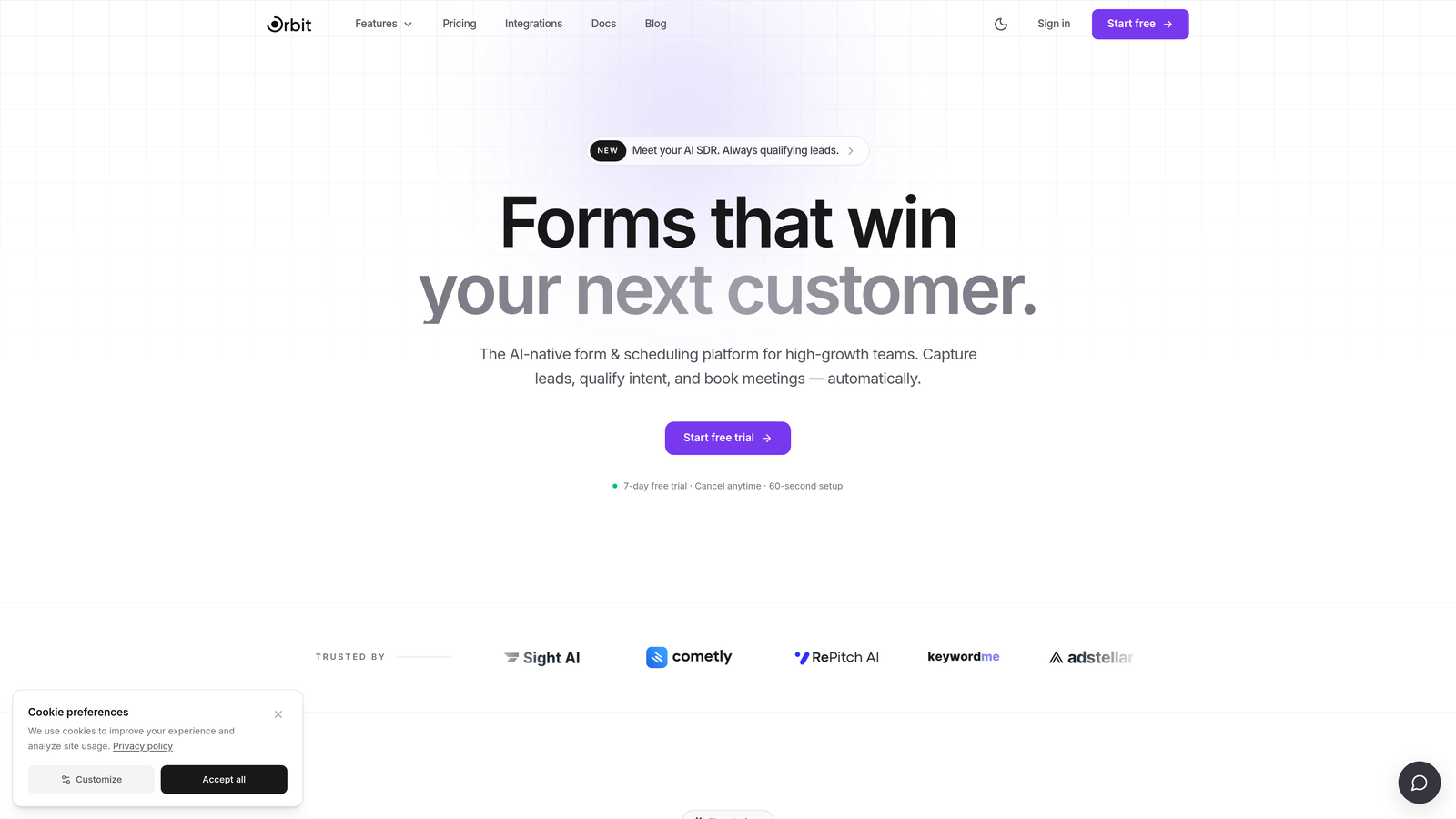
Orbit AI is an AI-powered form builder built specifically for high-growth teams who need forms that don't just collect data but qualify and score leads in real time.
Where This Tool Shines
Most form builders treat qualification as an afterthought, something you handle downstream in your CRM after a lead submits. Orbit AI flips that model entirely. The AI works while your prospect is still filling out the form, dynamically routing questions, scoring responses, and surfacing lead quality signals before the submission even lands in your pipeline.
For B2B and SaaS teams where lead quality matters as much as lead volume, this is a meaningful shift. You stop wasting sales cycles on unqualified contacts and start routing high-intent prospects faster. The design quality is also a genuine differentiator: forms look modern and polished without requiring a designer, which matters when your form is the first real touchpoint in a buyer's journey.
Key Features
Real-Time AI Lead Qualification: Scores and qualifies prospects dynamically as they fill out the form, not just after submission.
Conversion-Optimized Templates: Modern, customizable designs built with completion rates in mind, not just aesthetics.
Lead Scoring and Segmentation: Built directly into the form layer so your CRM receives pre-qualified, segmented data from the start.
CRM and Sales Tool Integrations: Connects seamlessly with major CRMs and sales platforms for clean pipeline handoff.
Conditional Logic and Dynamic Fields: Adjusts the form experience in real time based on user input, keeping forms short and relevant.
Best For
High-growth SaaS and B2B teams that need more than a data collection tool. If your sales team is spending time manually qualifying leads that came through a form, Orbit AI is designed to solve that problem at the source.
Pricing
Visit orbitforms.ai for current pricing details and plan options.
2. Typeform
Best for: Marketing teams that want a conversational, design-forward form experience
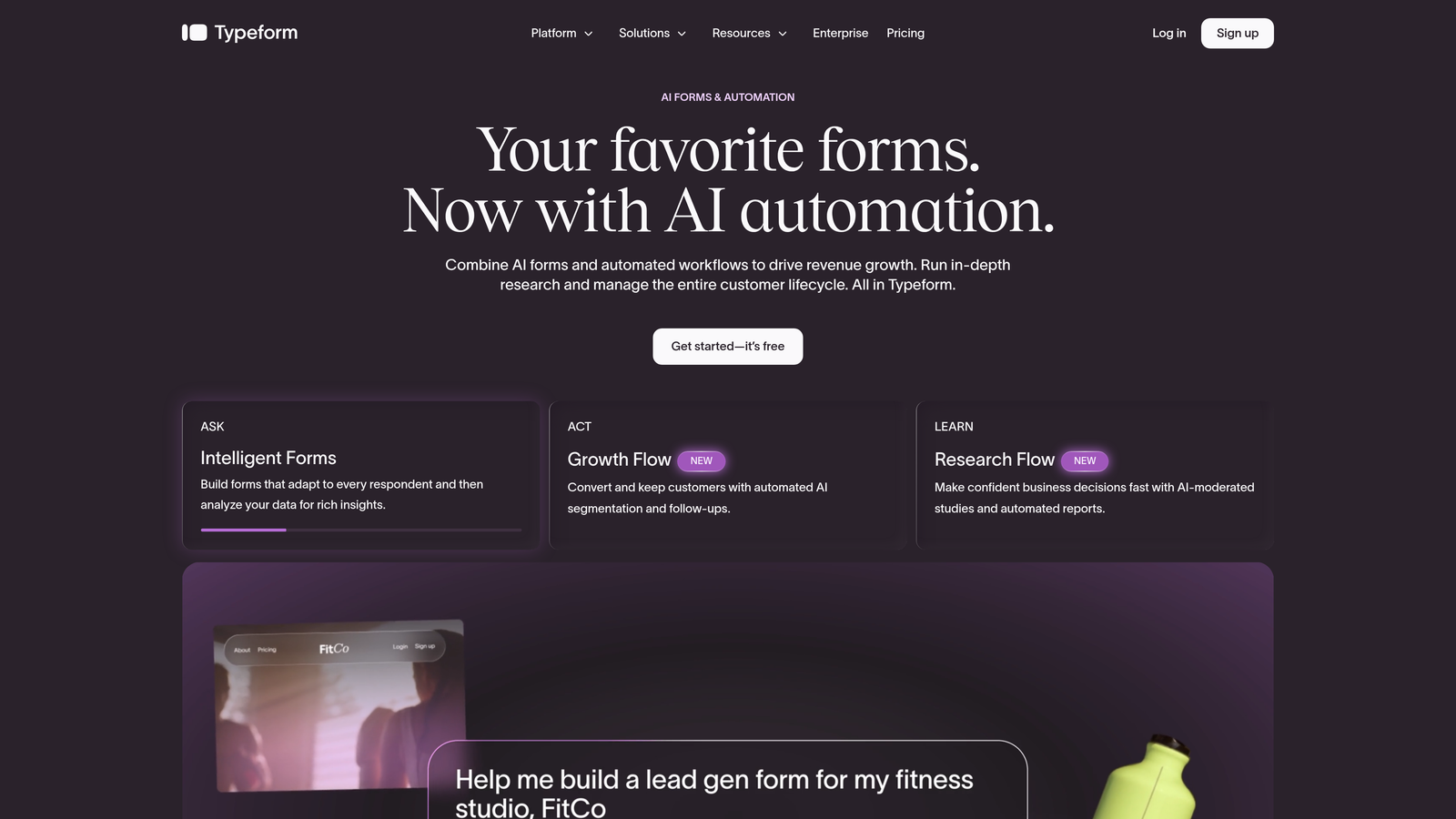
Typeform is a conversational form builder known for its one-question-at-a-time format and strong visual design quality.
Where This Tool Shines
Typeform made its name by making forms feel less like forms. The one-question-at-a-time format reduces cognitive load and tends to produce higher completion rates for longer surveys and lead gen flows. It's particularly well-suited for brand-conscious marketing teams where the form experience needs to match a polished brand identity.
The tradeoff is that Typeform is primarily a UX and design play. It doesn't offer AI-driven lead qualification or native lead scoring, so teams that need intelligent routing based on lead quality will likely need to supplement it with downstream CRM workflows.
Key Features
Conversational UX: One-question-at-a-time format that feels more like a dialogue than a data entry exercise.
Brand Customization: High-quality visual design controls including custom fonts, colors, and backgrounds.
Logic Jumps: Conditional branching that routes respondents based on their answers.
Native Integrations: Connects directly with HubSpot, Salesforce, Slack, and Zapier for workflow automation.
Media Embedding: Supports video and image embeds within forms to enrich the respondent experience.
Best For
Marketing teams running NPS surveys, lead gen campaigns, or customer research where design quality and completion rate are the primary goals. Less suited for teams that need built-in lead scoring or qualification logic.
Pricing
Free plan available. Paid plans start around $25/month. Verify current pricing at typeform.com.
3. HubSpot Forms
Best for: Teams already running their marketing and sales operations inside HubSpot
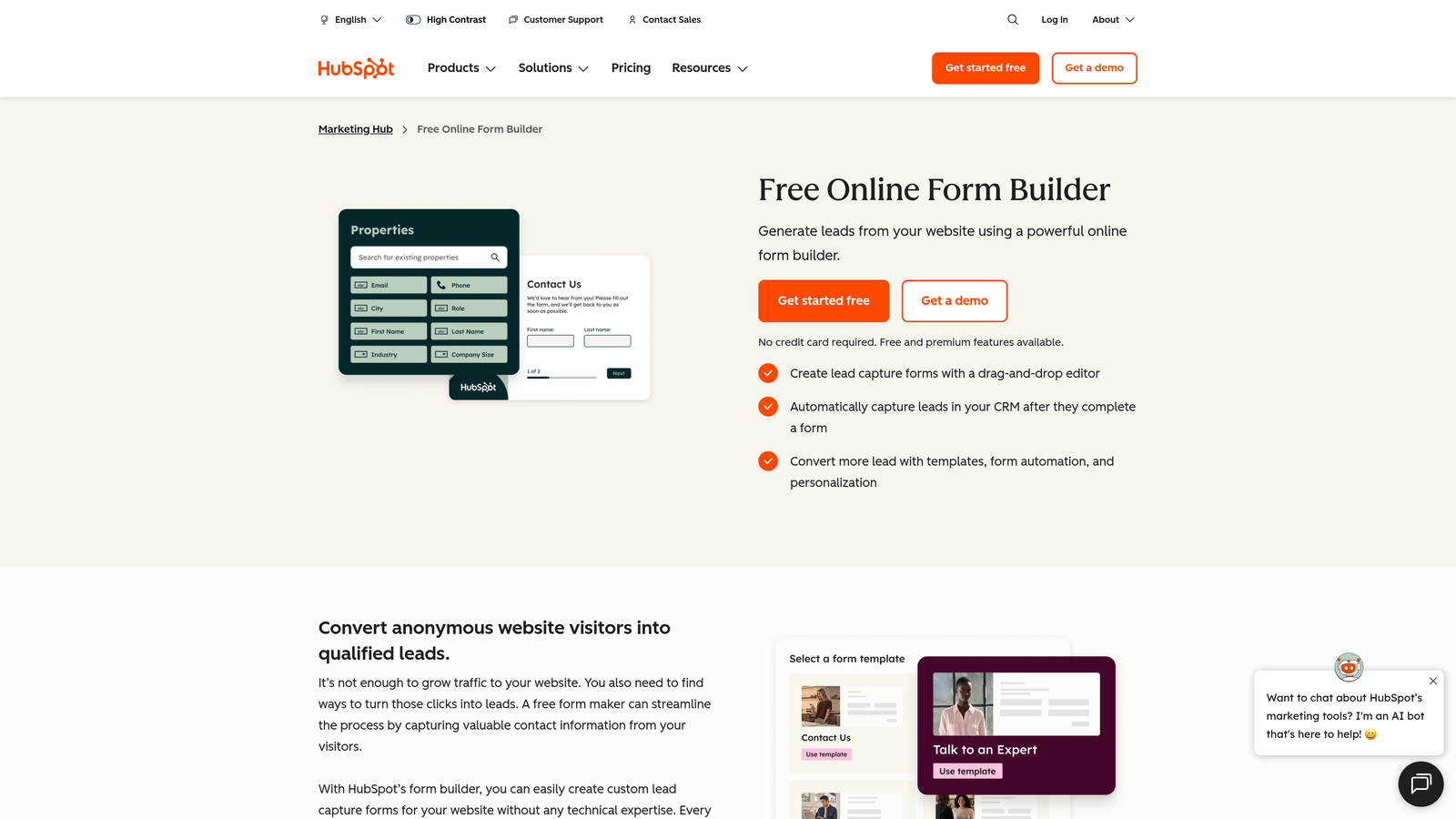
HubSpot Forms is a native form builder embedded within HubSpot's CRM platform, offering seamless contact creation and workflow automation.
Where This Tool Shines
If your team lives in HubSpot, the value of HubSpot Forms is less about the form builder itself and more about the zero-friction integration with everything else. Every submission automatically creates or updates a contact record, triggers workflows, and feeds into your lists and reporting without any manual data moving.
Progressive profiling is a particularly useful feature for B2B teams: returning visitors see different questions based on what HubSpot already knows about them, which keeps forms short while building richer contact profiles over time. The standalone form builder experience is more limited than dedicated tools, but for HubSpot-native teams, that's rarely the point.
Key Features
Automatic CRM Sync: Every form submission instantly creates or updates a HubSpot contact record.
Workflow Triggers: Form fills can directly trigger HubSpot automation sequences, emails, and task assignments.
Progressive Profiling: Dynamically swaps out questions for returning visitors to reduce friction and build richer profiles.
Flexible Embed Options: Supports embedded forms, pop-ups, and standalone form pages.
Free with HubSpot CRM: Available at no additional cost for teams on HubSpot's free tier.
Best For
Marketing and sales teams that are already invested in the HubSpot ecosystem and want native form functionality without managing a separate tool. Not the best choice if you're not using HubSpot as your CRM.
Pricing
Free with HubSpot CRM. Advanced features like progressive profiling require paid Marketing Hub plans. Verify at hubspot.com.
4. Jotform
Best for: Teams that need a versatile form builder with templates, payments, and approval workflows
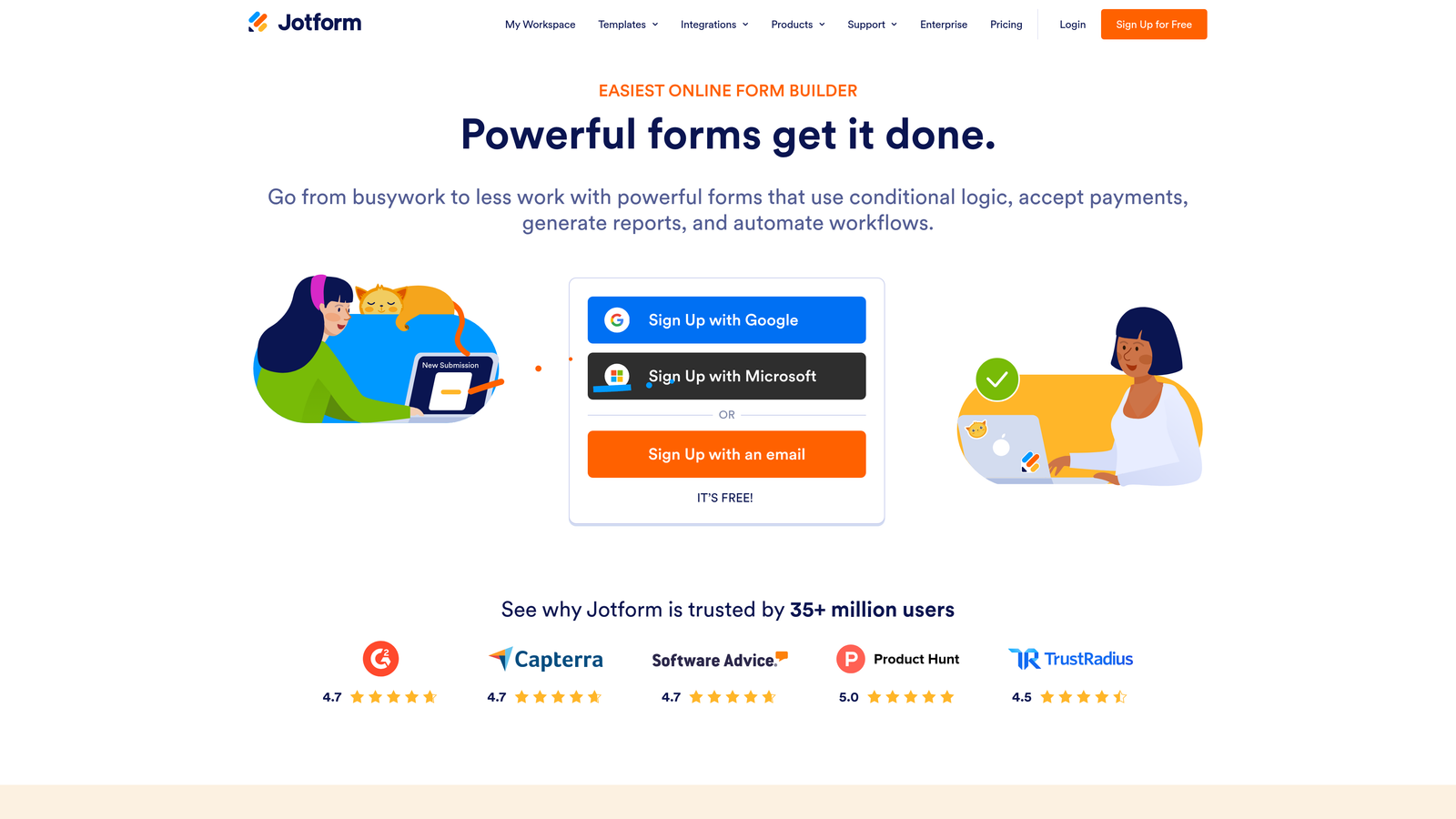
Jotform is a feature-rich form builder with one of the largest template libraries in the category and strong support for payments, file uploads, and multi-step approval routing.
Where This Tool Shines
Jotform's breadth is its biggest selling point. With over 10,000 pre-built templates spanning industries from healthcare to e-commerce, it's one of the fastest ways to get a functional form live without starting from scratch. The built-in approval workflow feature is genuinely useful for ops teams that need forms to route submissions through multiple reviewers before action is taken.
Payment collection is another area where Jotform stands out. Native integrations with Stripe, PayPal, and Square make it a practical choice for small businesses that want to collect orders, registrations, or donations directly through a form without building a separate checkout flow.
Key Features
10,000+ Templates: One of the largest pre-built template libraries in the form builder category, covering a wide range of industries and use cases.
Approval Workflows: Built-in multi-step routing lets you send submissions through review and approval chains.
Payment Collection: Native integrations with Stripe, PayPal, and Square for direct payment within forms.
File Uploads and E-Signatures: Supports document collection and legally binding e-signature capture.
Third-Party Integrations: Connects with hundreds of apps including Google Workspace, Salesforce, and Zapier.
Best For
Small businesses, operations teams, and non-profits that need a versatile form tool for a wide range of use cases including payments, document collection, and multi-step approvals.
Pricing
Free plan available with limited submissions. Paid plans start around $34/month. Verify current pricing at jotform.com.
5. Tally
Best for: Builders and teams who want a genuinely useful free form tool with no response limits
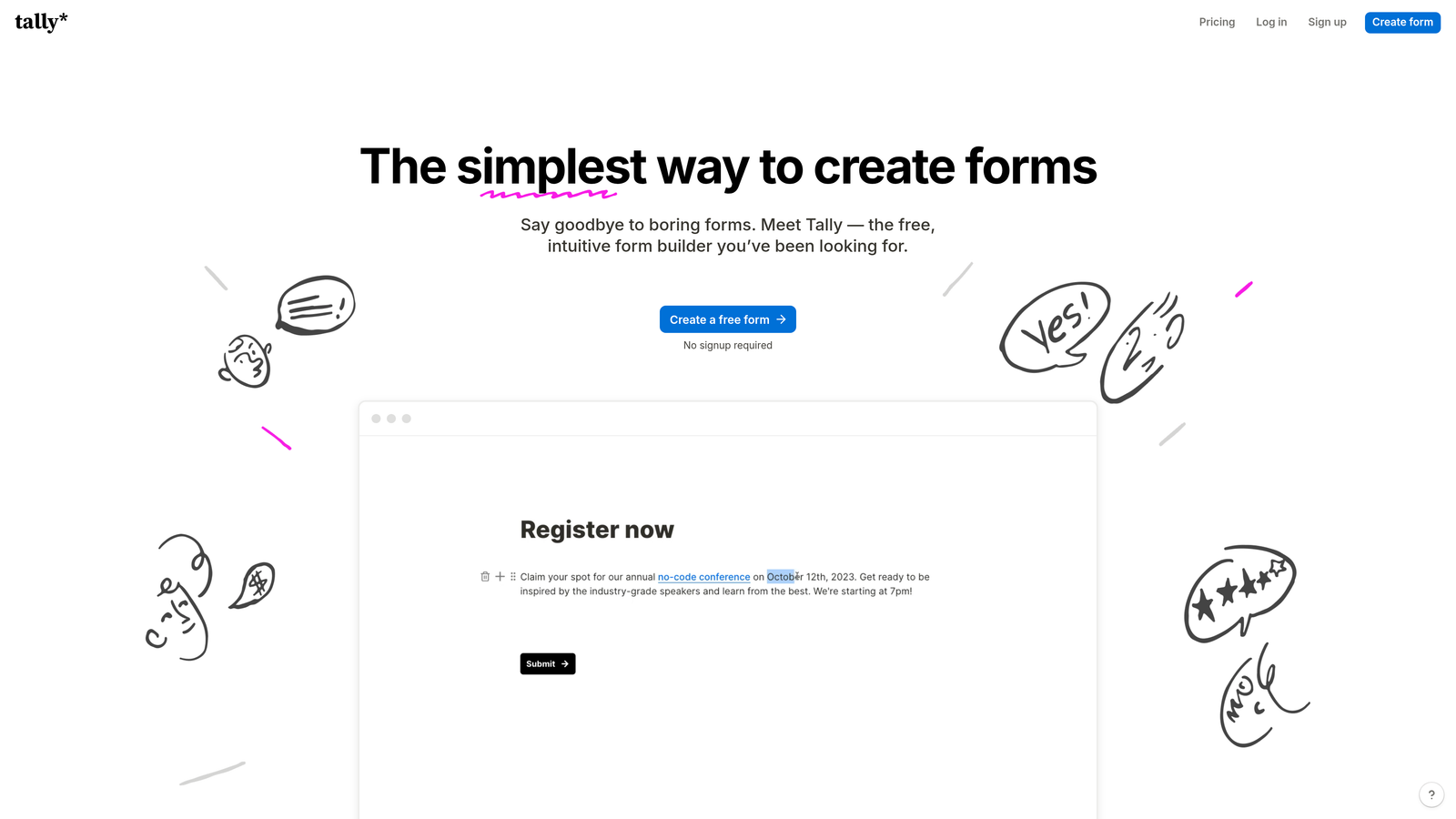
Tally is a Notion-inspired form builder with a block-based editor, clean embeds, and a free tier that doesn't cap your responses.
Where This Tool Shines
Tally's free plan is legitimately generous in a category where most tools lock key features behind paid tiers. No response limits means you can run a high-volume survey or lead gen form without worrying about hitting a ceiling mid-campaign. The Notion-like block editor also makes building forms feel intuitive if you're already comfortable in modern productivity tools.
It's not trying to be an enterprise platform or a conversion optimization engine. What it does, it does cleanly: straightforward forms with solid logic, good embed options, and integrations with the tools most teams already use. For startups and indie builders who need a capable form tool without the monthly spend, it's hard to beat.
Key Features
No Response Limits on Free Plan: Collect unlimited responses without upgrading, a rare differentiator in this category.
Block-Based Editor: Notion-style interface makes building forms feel natural and fast.
Conditional Logic: Logic jumps and conditional fields keep forms relevant based on user responses.
Clean Embeds: Embeds neatly into websites and apps without visual clutter.
Key Integrations: Connects with Notion, Airtable, Google Sheets, and Zapier for data routing.
Best For
Startups, indie makers, and small teams who need a capable, no-frills form builder without a monthly bill. Also a strong option for internal forms, research surveys, or any use case where volume matters and budget is tight.
Pricing
Free plan with no response limits. Pro plan around $29/month. Verify current pricing at tally.so.
6. Gravity Forms
Best for: WordPress power users who need deep conditional logic and developer extensibility
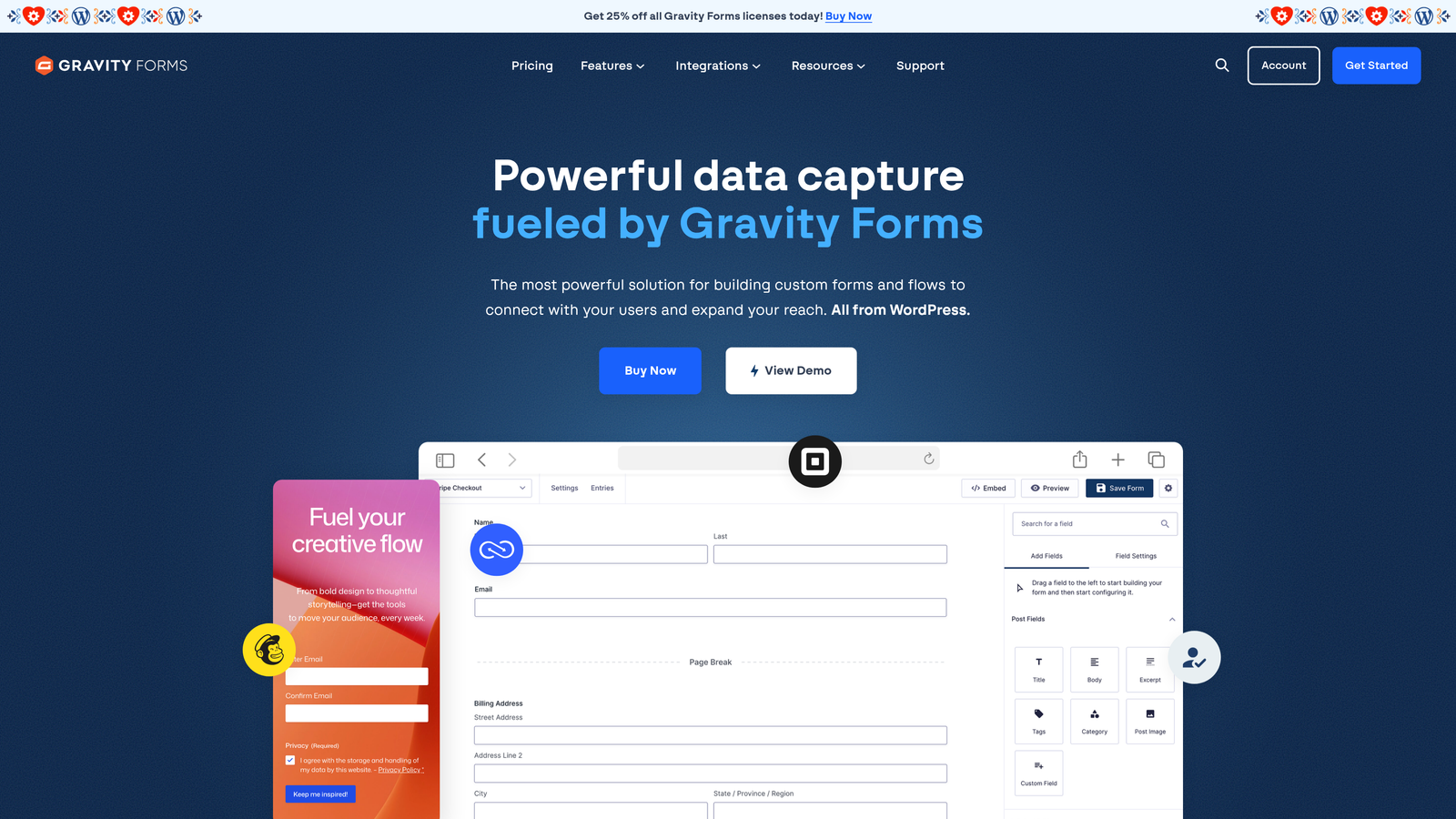
Gravity Forms is the leading form plugin for WordPress, offering advanced conditional logic, payment support, and a large ecosystem of developer-friendly add-ons.
Where This Tool Shines
If your site runs on WordPress and you need a form tool that can handle genuinely complex logic, Gravity Forms has been the category standard for years. The conditional logic engine is robust enough to power multi-step applications, quizzes, and dynamic pricing calculators, not just simple contact forms. Developers especially appreciate the extensive hooks and filters that allow deep customization without hacking the core plugin.
The add-on ecosystem extends functionality significantly, with official integrations for payment processors, CRMs, marketing platforms, and more. The one hard constraint is that Gravity Forms is WordPress-only. If you're not on WordPress, this tool simply isn't available to you.
Key Features
Advanced Conditional Logic: Multi-level conditional rules that can power complex form flows, calculations, and dynamic content.
Payment Integrations: Native support for Stripe, PayPal, and other processors directly within forms.
Developer Hooks and Filters: Extensive API for custom functionality without modifying core plugin files.
Add-On Ecosystem: Large library of official and third-party add-ons for CRMs, email platforms, and more.
Calculations and Quizzes: Built-in support for numeric calculations, surveys, and quiz scoring within a single form.
Best For
WordPress site owners, developers, and digital agencies that need a powerful, extensible form solution with deep logic capabilities. Not applicable for non-WordPress platforms.
Pricing
Annual license starting around $59/year. Verify current pricing at gravityforms.com. WordPress only.
7. Formstack
Best for: Enterprise teams in regulated industries that need compliance, document generation, and e-signatures
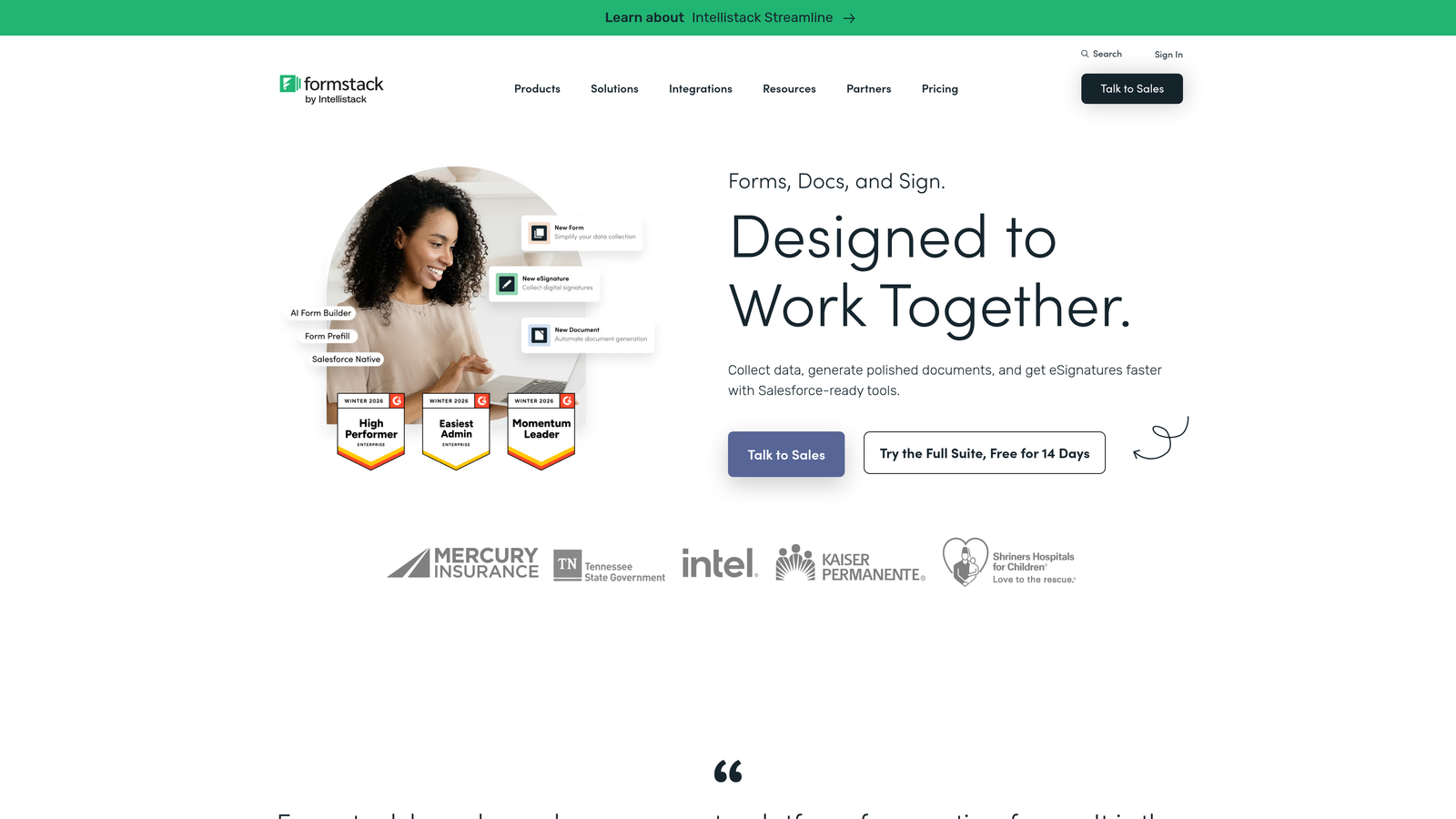
Formstack is an enterprise-grade form and document workflow platform with HIPAA compliance, SOC 2 certification, and built-in e-signature capabilities.
Where This Tool Shines
Formstack is built for organizations where compliance isn't optional. Healthcare providers, financial services firms, and legal teams often need forms that meet strict data handling requirements, and Formstack's HIPAA compliance and SOC 2 certification make it one of the few form builders that can operate in those environments without requiring custom security work.
Beyond compliance, Formstack's document generation capability sets it apart from most form tools. Form submissions can automatically populate branded documents, contracts, and reports through Formstack Documents, which is genuinely useful for teams running complex intake or onboarding processes. It's a more expensive option, but for regulated industries, the compliance infrastructure alone can justify the cost.
Key Features
HIPAA Compliance and SOC 2 Certification: Meets data security requirements for healthcare, finance, and other regulated industries.
Document Generation: Automatically populates documents and contracts from form submission data via Formstack Documents.
Built-In E-Signatures: Collects legally binding signatures directly within the form workflow.
Advanced Conditional Logic: Complex data routing and conditional rules for sophisticated form flows.
Enterprise Admin Controls: SSO, user permissions, and admin management for large teams.
Best For
Enterprise organizations in healthcare, legal, financial services, or any regulated industry where data compliance is a hard requirement alongside form and document workflow needs.
Pricing
Plans typically start around $83/month. Enterprise pricing is available. Verify current pricing at formstack.com.
8. Google Forms
Best for: Internal surveys, quick data collection, and any scenario where free and fast matters most
Google Forms is Google's free, no-frills form tool that integrates directly with Google Sheets for real-time response tracking.
Where This Tool Shines
Google Forms doesn't try to be impressive. It's free, it's fast to set up, and it works reliably for the use cases it's designed for: internal polls, event registrations, quick feedback forms, and basic data collection. If your team already lives in Google Workspace, the zero-friction collaboration and automatic Sheets sync make it a natural default for lightweight needs.
The limitations are equally clear. Design customization is minimal, there's no native lead scoring or advanced logic, and it's not a tool you'd use to make a strong first impression on a prospect. For external-facing lead gen or conversion-focused forms, Google Forms is typically a placeholder until you invest in a purpose-built tool.
Key Features
Completely Free: No cost, no response limits, available with any Google account.
Google Sheets Sync: Responses populate a connected spreadsheet in real time for easy analysis.
Multiple Question Types: Supports grids, dropdowns, file uploads, and linear scales alongside standard question formats.
Basic Branching Logic: Simple section-based conditional routing for straightforward form flows.
Google Workspace Collaboration: Share and co-edit forms with teammates like any other Google doc.
Best For
Internal teams, educators, non-profits, and anyone who needs a fast, free form solution without design requirements or advanced features. Not recommended for customer-facing lead generation.
Pricing
Free.
9. Paperform
Best for: Small businesses that want a single tool for forms, payments, bookings, and landing pages
Paperform is a hybrid form and landing page builder that lets you collect payments, schedule appointments, and generate leads from a single, beautifully designed form page.
Where This Tool Shines
Paperform sits at an interesting intersection: it's more designed than a standard form builder but more functional than a basic landing page tool. The ability to combine rich text, media, product listings, scheduling, and payment collection in a single form page makes it particularly useful for small business owners who want to minimize the number of tools in their stack.
A service provider who needs to collect a booking, take a deposit, and gather client information can do all of that in one Paperform page without stitching together a form tool, a scheduling app, and a payment processor. For that specific use case, the value is clear. It's less suited for high-volume B2B lead gen or teams that need advanced CRM integration and lead scoring.
Key Features
Form and Landing Page Hybrid: Combines form functionality with landing page design in a single, shareable URL.
Native Payment Collection: Accepts payments via Stripe, PayPal, and Square directly within the form.
Scheduling and Booking: Built-in appointment booking eliminates the need for a separate scheduling tool.
Product Listings and Order Forms: Supports product catalogs and order forms for simple e-commerce needs.
Rich Media Embedding: Supports text formatting, images, and video within the form body for a content-rich experience.
Best For
Freelancers, service businesses, and small teams that want to replace multiple tools with one flexible form page for bookings, payments, and lead capture.
Pricing
Plans start around $24/month. Verify current pricing at paperform.co.
Which Tool Is Right for Your Pipeline?
The right web form builder software isn't the one with the most features. It's the one that aligns with how your team actually acquires and qualifies leads. Here's a quick way to think through the decision.
AI-powered lead qualification: Orbit AI is purpose-built for this. If your team is losing time manually qualifying leads that came through a form, it's the only tool on this list that addresses that problem at the form layer itself.
Conversational UX and design quality: Typeform remains the go-to for marketing teams that want forms to feel like a brand experience rather than a data entry task.
CRM-native simplicity: If your team runs on HubSpot, HubSpot Forms is the path of least resistance. The native sync and workflow triggers make it the most efficient option for teams already in that ecosystem.
WordPress power users: Gravity Forms is the clear choice. No other plugin comes close for teams that need deep conditional logic and developer extensibility on a WordPress site.
Enterprise compliance requirements: Formstack is one of the few form platforms built to operate in regulated industries. If HIPAA compliance is a hard requirement, it belongs at the top of your shortlist.
Free and functional: Tally is the best free option for teams that need real capability without a monthly bill. Google Forms is the right call when speed and simplicity are the only requirements.
The broader point is this: form builders are no longer just data collection tools. For high-growth teams, the form is part of the pipeline. How it looks, how it flows, and what it does with a lead's answers all affect conversion rates and lead quality downstream.
If your current form is just collecting submissions and handing them off unqualified, there's a real opportunity to upgrade that experience. Start building free forms today with Orbit AI and see how intelligent form design can transform your lead qualification process from the very first touchpoint.


